Tag Archives: GPS spoofing

Go Fest Anywhere, Anytime with AnyTo! Win Free Global Tickets & SVIP

NEW YORK, N.Y., May 30, 2025 (SEND2PRESS NEWSWIRE) — With Volcanion debuting in Osaka on May 29, Pokémon GO Fest 2025 has officially kicked off. Trainers around the world are joining the fun. For those unable to attend in person, iMyFone AnyTo Location Changer is offering a limited-time Go Fest giveaway and exclusive discounts — join now for a chance to win free SVIP, Global Go Fest tickets, and PokéCoins. With AnyTo, you can explore the Pokémon world and enjoy Go Fest 2025 from anywhere.

iMyFone AnyTo x Go Fest 2025 Giveaway and Deals
Image caption: iMyFone AnyTo x Go Fest 2025 Giveaway and Deals.

EVENT LOCATION & HIGHLIGHTS

Pokémon GO Fest 2025 includes live events in Osaka, Paris, and Jersey City, along with a global online event on June 28-29. Trainers will have the chance to catch Volcanion, Shiny Carbink and Frigibax, complete special research, and more.

HOW TO JOIN GO FEST 2025 REMOTELY

Step 1: Download and launch AnyTo
Visit the official AnyTo Location Changer website, download and install the desktop app, then click “Get Started”

Step 2: Connect your phone
Use Bluetooth, WIFI or USB to connect your phone to your PC. Follow the on-screen instructions.

Step 3: Select destination and teleport
Type in or click on a Go Fest city on the map (e.g., Osaka, Paris), then click “Move”, and you’re there.

Grab AnyTo Go Fest Giveaway & Deals Now

1. 30%-70% OFF – Limited Time:
Enjoy the lowest prices of the year — get a 1-month plan starting at just $13.49.

Share Coordinates to Get SVIP:

2. Submit your favorite coordinates in the “Vote & Win” section.

  • 1 coordinate = 1 day SVIP
  • Max: 7 days SVIP per account

3. Win Go Fest Global Tickets + PokéCoins
Share the official event poster with the hashtag #GoFestAnywhereAnytimewithAnyTo on Twitter, Facebook, or Instagram. Top 1 user on each platform (based on likes + shares):

  • 1x Go Fest Global Ticket
  • 14,500 PokéCoins
  • SVIP Lifetime Plan

ADDITIONAL REWARDS FOR OTHERS USING THE HASHTAG:

  • Follow @AnyTo + 100+ likes/shares = 5,200 PokéCoins + SVIP 1-Year Plan
  • Follow @AnyTo + 60+ likes/shares = 2,500 PokéCoins + SVIP 3-Month Plan
  • Follow @AnyTo + 30+ likes/shares = 1,200 PokéCoins + SVIP 1-Month Plan

TOP SPOOFER FOR POKÉMON GO FEST 2025

AnyTo is a leading location changer for both iOS and Android, with no jailbreak or root needed. During Go Fest 2025, You can easily change your GPS location in seconds and catch rare Pokémon from anywhere in the world.

ANYTO KEY FEATURES:

  1. 1-Click Teleport: Instantly jump to Go Fest city or anywhere you like.
  2. GPS Joystick: Walk naturally in any direction with smooth 360° movement.
  3. Live Map Radar: See nearby Shinies, IV100 Pokémon, Gyms, and G-MAX/D-MAX spawns in real time.
  4. Auto-Catch: The stystem will catch Pokémon for you automatically.

ABOUT IMYFONE ANYTO

iMyFone AnyTo is a safe and easy-to-use GPS location spoofer that supports iOS 18 and Android 15. No jailbreak or root needed. It’s highly recommended by Pokémon GO players worldwide for its smooth performance, stability, and powerful features. With AnyTo, trainers can explore global events, catch rare Pokémon, and enjoy a truly free and flexible gaming experience.

AnyTo x Go Fest Giveaway: https://www.imyfone.com/deals/pokemon-go-fest-giveaway/

AnyTo Location Changer: https://www.imyfone.com/location-changer/

Instagram: https://www.instagram.com/pogoanyto/

X/Twitter: https://x.com/iMyFone_AnyTo

Facebook: https://www.facebook.com/profile.php?id=61555415946526

NEWS SOURCE: iMyFone


This press release was issued on behalf of the news source (iMyFone), who is solely responsible for its accuracy, by Send2Press Newswire. Image, if any, was provided by the news source and not this website or the wire service. Information is believed accurate, as provided by the news source, but is not guaranteed.

To view the original story, visit: https://www.send2press.com/wire/go-fest-anywhere-anytime-with-anyto-win-free-global-tickets-svip/

Copr. © 2025 Send2Press® Newswire, Calif., USA. -- REF: S2P STORY ID: S2P126632 NOREL-3B
 

iToolab AnyGo 50% Off for Easy GPS Spoofing during GO Fest 2025

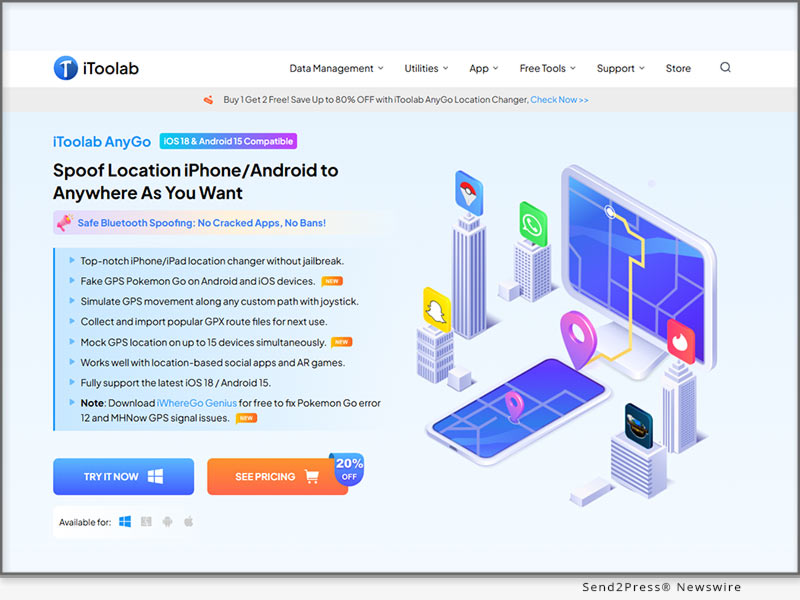
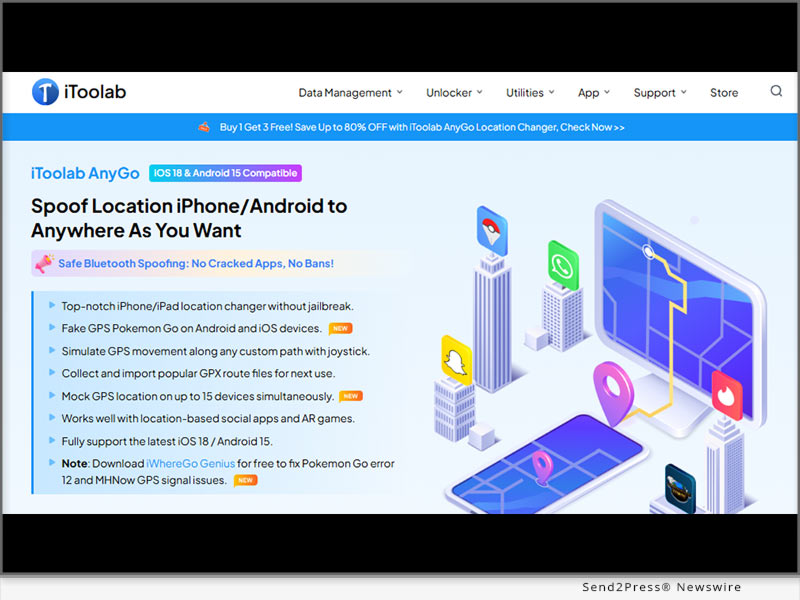
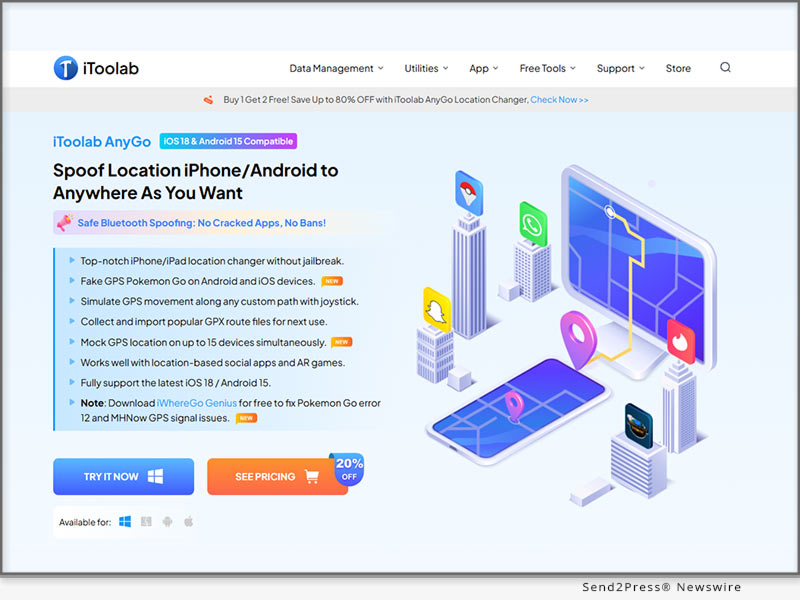
NEW YORK, N.Y., May 29, 2025 (SEND2PRESS NEWSWIRE) — Pokémon GO Fest 2025 features live events in Osaka, Jersey City, and Paris, with a global finale on June 28–29. New Pokémon like Crowned Zacian, Zamazenta, and Volcanion are debuting. Whether you’re attending or playing from home, there’s plenty to catch. To help you explore event hotspots easily, iToolab AnyGo is now 50% off for GO Fest 2025.

iToolab AnyGo: Easy GPS Spoofing
Image caption: iToolab AnyGo: Easy GPS Spoofing.

ITOOLAB ANYGO: SMARTER WAYS TO EXPLORE

iToolab AnyGo – Location Changer is a smart and seamless GPS location changer built with iPhone and Android users in mind, but it does not stop there. With support for both Windows and Mac, this powerful tool provides a clear answer to the long-standing question of how to change iPhone location and Android location. It allows users to jump to any spot on the map in seconds. Whether you are joining a raid across the globe or hunting region-specific Pokémon, AnyGo makes the movement feel natural and effortless.

ITOOLAB ANYGO LIMITED-TIME DEAL JUST FOR TRAINERS

To celebrate Pokémon GO Fest 2025, iToolab AnyGo is making it easier and more affordable to explore the world from anywhere with one of the best Pokémon GO spoofers. Here is what you can get between May 29 and June 29, 2025.

  • Get 50% off with the code
  • Buy 1, Get 2 Free: Grab the iOS app and get the Windows and Mac versions free.

WHY TRAINERS NEED ITOOLAB ANYGO: KEY FEATURES

  • Bluetooth Spoofing
    Say goodbye to messy cables. With Bluetooth support, you can spoof your location wirelessly and safely without the need for jailbreaking.
  • Auto Pokémon Scan
    Quickly scan for nearby Pokémon, raids, or PokéStops without wandering around. It finds what you want, and fast.
  • Multi-Modes
    Easily move to any location in no time using your preferred mode: teleport, two-spot, multi-spot and joystick.
  • Cooldown Timer
    Avoid bans by following in-game cooldown rules. AnyGo keeps track of your actions and alerts you when it’s safe to move again.
  • Custom Routes & Speeds
    Create your own walking, cycling, or driving routes. Adjust the speed to make your movements look real and undetectable.

HOW TO LOCATE NEARBY POKEMON AND SPOOF LOCATION QUICKLY

  • Go to the official website and download iToolab AnyGo.
  • Open the app and tap the Pikachu icon, click the first icon to scan for nearby Pokémon.
  • Tap “Go” to spoof to their locations quickly.

ABOUT ITOOLAB ANYGO:

iToolab AnyGo isn’t just about changing your location—it’s about playing smarter. With wireless control, instant teleportation, and smart Pokémon scanning, it helps you get more done in less time and allows you to perform fake GPS location on iPhone. No jailbreaking and no hassle, just smooth and safe spoofing that feels like magic for your favorite location-based games.

LEARN MORE:

Official Website: https://itoolab.com/

Facebook: https://www.facebook.com/itoolab

X/Twitter: https://twitter.com/IToolab

YouTube: https://www.youtube.com/@iToolab

NEWS SOURCE: iToolab Co Ltd


This press release was issued on behalf of the news source (iToolab Co Ltd), who is solely responsible for its accuracy, by Send2Press Newswire. Image, if any, was provided by the news source and not this website or the wire service. Information is believed accurate, as provided by the news source, but is not guaranteed.

To view the original story, visit: https://www.send2press.com/wire/itoolab-anygo-50-off-for-easy-gps-spoofing-during-go-fest-2025/

Copr. © 2025 Send2Press® Newswire, Calif., USA. -- REF: S2P STORY ID: S2P126588 NOREL-3B
 

AnyGo Android Latest Update: How to Spoof Pokémon GO Location on iPhone with Bluetooth Mode

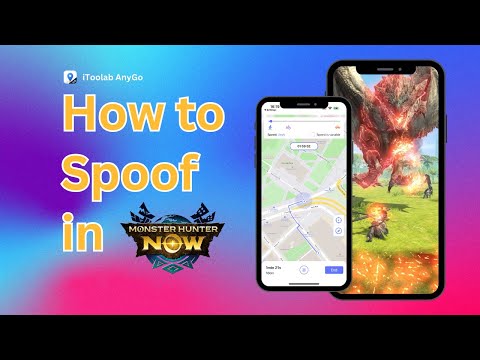
NEW YORK, N.Y., March 24, 2025 (SEND2PRESS NEWSWIRE) — In 2025, Pokémon GO iOS players want to explore the world, but Error 12 often gets in the way. iToolab AnyGo – Location Changer offers a seamless solution for iPhone and Android, letting players catch and battle Pokémon anywhere. Plus, the new AnyGo Android Bluetooth Mode lets you spoof iOS locations easily without jailbreaking.

How to Spoof Pokemon GO Location on iPhone with Bluetooth Mode
Image caption: How to Spoof Location on iPhone with Bluetooth Mode.

MEET ITOOLAB ANYGO

iToolab AnyGo is a Pokémon GO spoofer for game players and anyone who needs to modify their GPS location. It lets you explore different places virtually, without actually being there. If you’re looking to get information about how to change location on iPhone to catch region-exclusive Pokémon or test location-based apps, AnyGo makes it easy. No jailbreak, no root, just seamless location spoofing that keeps your account safe.

WHAT MAKES ANYGO STAND OUT

What’s New in the AnyGo Android App V3.2.2 Update

  • Built-in iOS Bluetooth Mode to fake iPhone location – AnyGo for Android App now supports GPS spoofing on both iOS and Android devices, offering seamless location modification.
  • No Cracked POGO&MHN Version Required: Works with the official game versions, no mods or cracks needed, ensuring safety and compatibility.

CORE FEATURES

  • Instant Teleportation (Fly Mode) – Move to any location instantly by its Pokémon GO walking hack, perfect for fast in-game exploration.
  • Wireless Location Spoofing – Change locations via Bluetooth, eliminating the need for USB connections.
  • Safe & Secure (No Jailbreak/Root Required) – Enjoy risk-free GPS spoofing on both iOS and Android without modifying your device.
  • Error 12 Resolved – Now fully compatible with iWhereGo POGO Genius, a powerful solution that eliminates the Error 12.
  • Expanded Game Compatibility – Now works with Monster Hunter Now (MHN) and other location-based games, such as WhatsApp, Tinder, Snapchat and so on.
  • Built-in Cooldown Timer – Ensures safe teleportation by following Pokémon GO’s cooldown rules.
  • 360-degree Joystick Control – Navigate with ease using a Pokémon GO joystick for precise movement in Pokémon GO.
  • Smart Anti-Ban Protection – Advanced detection avoidance helps minimize the risk of penalties.

HOW TO DOWNLOAD & USE ANYGO ANDROID BLUETOOTH MODE

  1. Download & Install – Grab AnyGo for Android App from the official site and follow the setup steps.
  2. Connect iOS via Android Bluetooth Mode- Open Bluetooth mode to link your iOS device.
  3. Start Spoofing – Pick your location on Android device, and explore freely!

ABOUT ITOOLAB ANYGO

iToolab AnyGo is a trusted GPS location changer with over 2.8 million downloads worldwide and a customer base of 1 million+ satisfied users across 200+ countries and regions. Designed for location-based apps and AR games, AnyGo provides a safe, reliable, and user-friendly experience.

With 24/7 customer support, it allows users to explore new locations, test geo-restricted apps, and enhance gaming experiences like Pokémon GO and Monster Hunter Now (MHN) without risking detection.

LEARN MORE:

Official Website: https://itoolab.com/

Facebook: https://www.facebook.com/itoolab

X/Twitter: https://twitter.com/IToolab

YouTube: https://www.youtube.com/@iToolab

NEWS SOURCE: iToolab Co Ltd


This press release was issued on behalf of the news source (iToolab Co Ltd), who is solely responsible for its accuracy, by Send2Press Newswire. Image, if any, was provided by the news source and not this website or the wire service. Information is believed accurate, as provided by the news source, but is not guaranteed.

To view the original story, visit: https://www.send2press.com/wire/anygo-android-latest-update-how-to-spoof-pokemon-go-location-on-iphone-with-bluetooth-mode/

Copr. © 2025 Send2Press® Newswire, Calif., USA. -- REF: S2P STORY ID: S2P124929 NOREL-3B

 

How To Spoof Pokémon GO Location Without Getting Banned in 2025

NEW YORK, N.Y., Jan 8, 2025 (SEND2PRESS NEWSWIRE) — Many Pokémon GO players face bans for spoofing their location and often resort to unreliable third-party tools, which can put their accounts at risk. “PoGoskill V2.0.0 offers a breakthrough solution to this problem, allowing you to spoof your location safely — no cracked apps or jailbreak required,” says a PoGoskill spokesperson. “Our latest updates ensure a secure and smooth gameplay experience.”

PogoSkill Pokemon GO iOS Hack 2025
Image caption: PogoSkill Pokemon GO iOS Hack 2025.

WHAT’S NEW IN POGOSKILL 2.0.0?

Game Mode: With Bluetooth integration, PoGoskill securely spoofs your location in official games, bypassing Pokémon GO’s GPS systems. This improves stability and ensures a 0-ban experience. Game Mode lets you modify your in-game location without the need for cracked versions.

HOW TO SPOOF POKÉMON GO LOCATION SAFELY WITHOUT GETTING BANNED?

Spoofing your Pokémon GO location can enhance your gaming experience, but doing so incorrectly may lead to a ban. Here’s a guide to help you spoof safely and avoid getting banned.

Common Causes of Soft Bans in Pokémon GO:

  1. Moving too fast in the game.
  2. Sharing accounts with others.
  3. Spoofing using cracked game versions and getting detected.

WHY POGOSKILL IS THE BEST CHOICE FOR SAFE SPOOFING

With PoGoskill, you can spoof your Pokémon GO location safely and easily, without requiring a cracked app. Travel the world virtually and enjoy the game from home, without the risk of getting banned. Here are this tool’s key features:

  • One-Click Location Change: Instantly change your GPS location.
  • Fix Error 12: Resolve the “ Pokémon GO failed to detect location 12” error on iOS/Android.
  • Automatic Movement: Move at a customizable speed.
  • Cooldown Timer: Prevent bans with a distance-based cooldown.
  • Multiple Spot Simulation: Set multiple locations to simulate real routes.
  • GPS Joystick: Easy, intuitive control for smooth spoofing.
  • Wide Compatibility: Supports iOS 18 and Android 15.
  • Save Favorites: Save and quickly access your preferred spots and routes.
  • Custom Routes: Import GPX files and plan your routes.

Follow the steps below to safely spoof without getting banned.

  • Install PoGoskill.
  • Connect your iPhone via Bluetooth.
  • Select Game Mode for location spoofing.

Pricing:

Unlock powerful new features and improvements in the latest update, all at a competitive price.

  • $14.95/1 month
  • $19.95/1 Quarter
  • $39.95/1 Year
  • $65.95/Lifetime

About PoGoskill:

PoGoskill is the best Pokémon GO spoofer for iPhone, offering a secure and undetectable way to spoof your location. It ensures a 0-ban experience, letting you safely explore new areas and catch exclusive Pokémon without the risk. PoGoskill helps you enjoy spoofing Pokémon GO safely without getting banned.

More information: https://www.pogoskill.com/

YouTube: https://www.youtube.com/@PoGoskill

https://www.youtube.com/@PoGoskillJapan

https://www.youtube.com/@Pogoskill-TW

X/Twitter: https://x.com/PoGoskilloffice

Facebook: https://www.facebook.com/PoGoskillOfficial

NEWS SOURCE: PoGoskill


This press release was issued on behalf of the news source (PoGoskill), who is solely responsible for its accuracy, by Send2Press Newswire. Image, if any, was provided by the news source and not this website or the wire service. Information is believed accurate, as provided by the news source, but is not guaranteed.

To view the original story, visit: https://www.send2press.com/wire/how-to-spoof-pokemon-go-location-without-getting-banned-in-2025/

Copr. © 2025 Send2Press® Newswire, Calif., USA. -- REF: S2P STORY ID: S2P123198 NOREL-3B
 

Pokémon GO Spoofing Without Root Android or iPhone [Save 50% Off]

NEW YORK, N.Y., Dec. 19, 2024 (SEND2PRESS NEWSWIRE) — Spoofing Pokémon GO has become a popular option for players who want to enhance their gameplay, but the common requirement of rooting devices brings significant security risks and can void warranties. The best Pokémon GO spoofer, PoGoskill, eliminates these concerns by providing a safe, root-free solution for effortless spoofing.

PoGoskill Location Changer
Image caption: PoGoskill Location Changer.

With PoGoskill, you can enjoy spoofing Pokémon GO without root. Don’t miss the chance to level up your experience—get the best Pokémon GO spoofer today with an exclusive 50% discount for a limited time!

WHAT IS THE ROOT OF POKÉMON GO?

Rooting a device means getting administrative access that will bypass the device’s operating system to spoof location. It is a good approach but it also has some potential drawbacks that are mentioned below:

Security Threats: Rooting a device will cause security threats to your data. One can access your device because you have removed the restriction by rooting your mobile.

Banning from Game: If Pokémon GO has caught you spoofing your location, you will get banned from the game.

HOW TO SPOOF IN POKÉMON GO WITH ROOT SAFELY?

If you are looking for an instant, safe, and easy solution for Pokémon GO spoofing, try using the PoGoskill application.

This application has been launched with the following advanced functions:

  • Broad Compatibility: Compatible with iOS 18, Android 15, and earlier versions.
  • Multiple Spoofing Options: You can either choose a single-spot movement or continuous spoofing with the custom route.
  • Error Removed: It can resolve Pokémon GO Error 12 which has become common in the game.
  • GPX Import/Export: You can import/export data in GPS Exchange Format to add to your map within the game.

For using this app, you only have to follow these simple steps:

  • Install PoGoskill app and launch it.
  • Click the “Start” button and connect your device to the computer using USB cable.
  • Open app on your computer, click anywhere on map to set your location.
  • Your in-game location will update automatically.

PRICING:

Enjoy rich features at a competitive price—plus an exclusive promotional offer on this top-rated GPS spoofing app.

  • $14.95/1 month
  • $19.95/1 Quarter
  • $39.95/1 Year
  • $49.95/Lifetime (50% off)

Copy the code “PG-LTV-50OFF” – grab 50% off the PoGoskill Lifetime Plan – limited time only!

MORE THAN SPOOFING POKÉMON GO LOCATION – POGOSKILL REVIEW

PoGoskill isn’t just a location spoofer; it’s a full-fledged tool for Pokémon GO players. Available on Windows, Mac, Android, and iOS devices, it allows you to quickly search for specific Pokémon and raids, saving you time and effort. You can also create and share routes to catch shiny Pokémon and discover new locations, making it the ultimate spoofing solution.

About PoGoskill:

Modifying your device for Pokémon GO location spoofing can be risky and complicated. With PoGoskill, you can effortlessly fake your location without rooting or dealing with complex setups – offering a safer and simpler solution.

Learn more at: https://www.pogoskill.com/

YouTube: https://www.youtube.com/@PoGoskill

https://www.youtube.com/@PoGoskillJapan

https://www.youtube.com/@Pogoskill-TW

NEWS SOURCE: PoGoskill


This press release was issued on behalf of the news source (PoGoskill), who is solely responsible for its accuracy, by Send2Press Newswire. Image, if any, was provided by the news source and not this website or the wire service. Information is believed accurate, as provided by the news source, but is not guaranteed.

To view the original story, visit: https://www.send2press.com/wire/pokemon-go-spoofing-without-root-android-or-iphone-save-50-off/

Copr. © 2024 Send2Press® Newswire, Calif., USA. -- REF: S2P STORY ID: S2P122973 NOREL-3B
 

How to Spoof Pokemon GO On Android Without Computer and with Android 14 Supported

Effortlessly Fake Your Android Location without a Computer with the iAnyGo Android APP

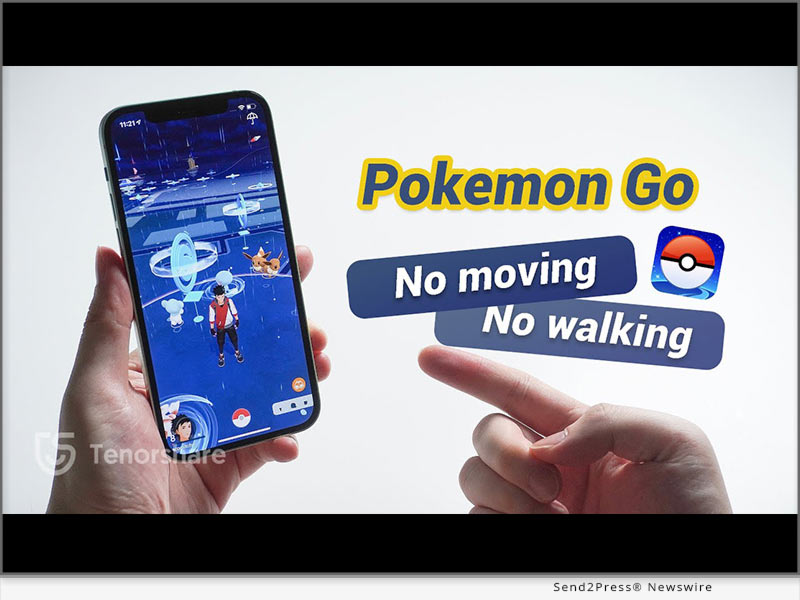
NEW YORK, N.Y., Oct. 10, 2024 (SEND2PRESS NEWSWIRE) — The latest version (2.2.0) of iAnyGo Android APP from Tenorshare is now available on Google Play, offering users a better experience with slight adjustments in functionality – a new message notification bar. Players can participate in activities more comfortably and conveniently, maximizing the efficiency of hatching eggs.

Spoof Pokemon without Moving with Tenorshare
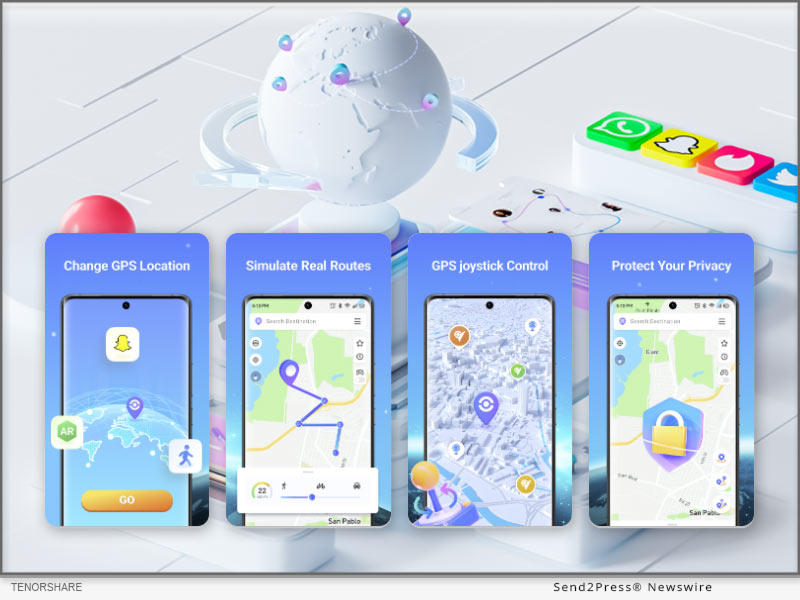
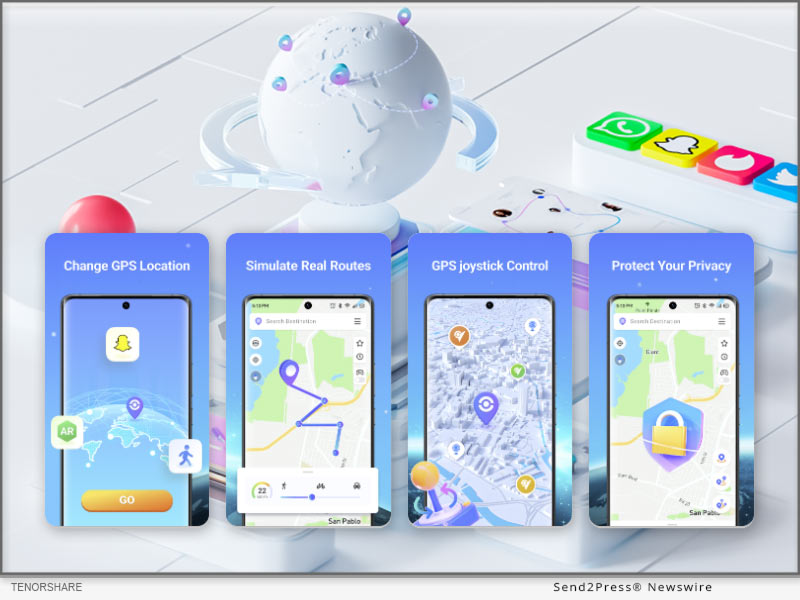
Image caption: How to Spoof Pokemon GO On Android.

WHAT’S NEW IN IANYGO ANDROID APP 2.2.0?

  • Message Notification Bar: Checks the status of iAnyGo and issues an alarm at the end of the simulated Auto Walk.
  • Notification Bar Control Panel: Adjust the status and speed of the simulated Auto Walk at any time

ABOUT IANYGO ANDROID APP

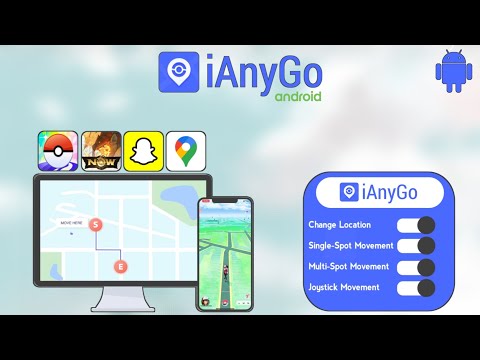
iAnyGo Android APP is a versatile tool that allows users to fake their GPS location on Android phones without needing a computer. Its main functions include joystick movement, changing GPS location, and Multi-Spot movement, providing a comprehensive solution for location spoofing.

KEY FEATURES OF IANYGO ANDROID APP

Game Mode

  1. Delete the game package downloaded before open “Game Mode”.
  2. Turn on the “Game Mode” and install the customized version of the game via the app’s guide . Then you can enjoy the spoofing!

Teleport

  1. Open the iAnyGo App and choose a location on the map or enter an address.
  2. Select the “Target location” icon.
  3. Your GPS location is now successfully modified.

Single or Multi-Point Movement:

  1. Single-Point Routes are automatically planned after selecting a destination. Multi-Point Movements can be manually set up for moving routes.
  2. After setting the route, customize the speed and sport mode.

Joystick Movement

  1. Click on the joystick option.
  2. Drag the center control point in any direction for virtual movement.

OTHER POPULAR APPS IN TENORSHARE

Tenorshare iCareFone iOS App

Tenorshare iCareFone: Phone Transfer & Clean,this App can transfer data between iPhone and PC wirelessly. And smart cleaning, one-tap quick scan of your phone to help quickly clean up your iPhone.

Tenorshare iAnyGo iOS App

Tenorshare iAnyGo iOS App to spoof Pokemon GO on iOS 18 without a computer (iPhone 16 Supports). It’s the same as the iAnyGo Android App, with no jailbreak/root required to change GPS locations!

Tenorshare UltData Android App

Tenorshare UltData Android App is an Android data recovery app that can recover deleted photos, videos, documents, audio, and WhatsApp files from internal and SD card storage. It can conduct deep scans and then provide preview-based data recovery.

About Tenorshare:

Tenorshare is a leading software development company specializing in data recovery, system repair, and mobile solutions. With a commitment to innovation and user satisfaction, Tenorshare delivers high-quality software products designed to meet the evolving needs of its global customer base.

NEWS SOURCE: Tenorshare Co. Ltd.


This press release was issued on behalf of the news source (Tenorshare Co. Ltd.), who is solely responsible for its accuracy, by Send2Press Newswire. Image, if any, was provided by the news source and not this website or the wire service. Information is believed accurate, as provided by the news source, but is not guaranteed.

To view the original story, visit: https://www.send2press.com/wire/how-to-spoof-pokemon-go-on-android-without-computer-and-with-android-14-supported/

Copr. © 2024 Send2Press® Newswire, Calif., USA. -- REF: S2P STORY ID: S2P121400 NOREL-3B


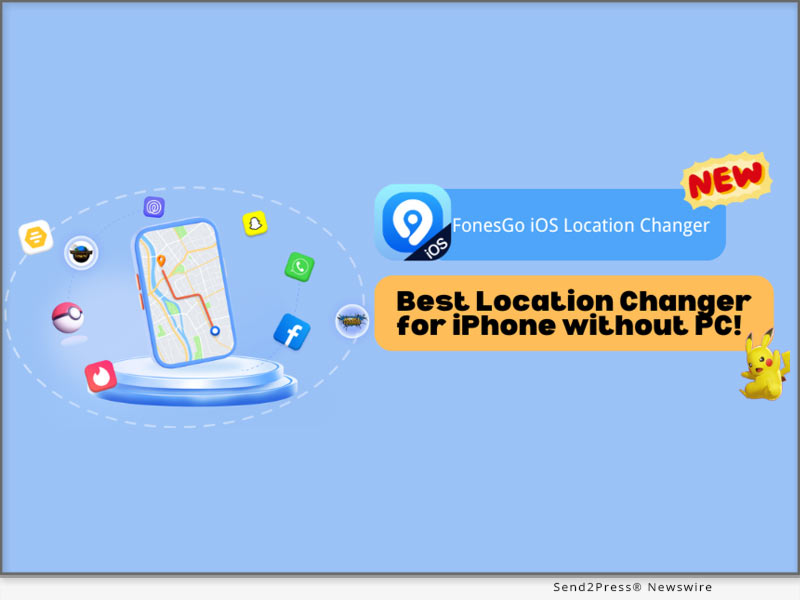
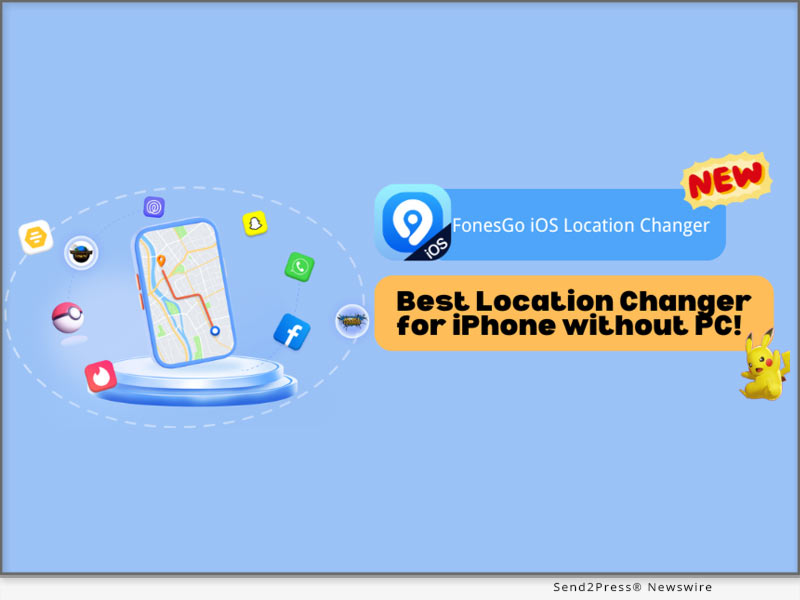
[NEW] Best Location Changer for iPhone without a PC! FonesGo iOS Location Changer

NEW YORK, N.Y. /ScoopCloud/ -- FonesGo Co Ltd announces that FonesGo Location Changer, one of the most popular geo spoofing softwares, is now available as an iOS app. With the release of FonesGo's newest software version, iOS users can effortlessly and safely change the GPS location on their iOS devices without requiring a computer.

"FonesGo iOS Location Changer is set to transform your device experience," states a FonesGo representative. "Now, with the power to modify your GPS location without pc effortlessly, it allows you to jump anywhere in location-based apps and games with only one click." Don't miss this incredible chance to elevate your game and social journey!

BEST IPHONE LOCATION CHANGER FOR GETTING WHERE YOU WANT

With FonesGo iOS Location Changer, you can effortlessly change location from social apps, dating apps, or even games like Pokemon Go, MHN, etc. It also allows you to travel anywhere with a single click.

Moreover, FonesGo iOS Location Changer can fix the "Pokemon Go Error 12: Failed to Detect Location" and "Monster Hunter Now Searching for GPS Signal" issues. Therefore, you can completely enjoy Pokemon Go and Monster Hunter Now without encountering any GPS difficulties, bringing your games to the next level.

Key Features of FonesGo iOS Location Changer:

* Freely change GPS location to anywhere without jailbreak/root.

* GPS joystick to flexibly control the direction of movement in games.

* History Collection for quick access to past locations.

* Speed Justify to mimic natural movement and avoid bans.

HOW TO CHANGE IPHONE LOCATION WITHOUT A COMPUTER?

To utilize the FonesGo iOS Location Changer, simply follow these steps:

1. Once downloaded, install the app on your iPhone device.

2. Type the location or coordinates into the search box.

3. Select the location and click the "Teleport" button on the map.

That is all! Your GPS location will be changed to your chosen destination in a moment.

More info: https://fonesgo.com/guide/how-to-use-location-changer-for-ios/

ENJOY FONESGO LOCATION CHANGER: BUY 1 GET 3 FREE & 20% OFF!

To honor its launch, FonesGo iOS Location Changer is giving a special deal. Users may save 20% on FonesGo by entering the coupon FonesGo20. You may also benefit from the "Buy 1 Get 3 Free" promotion. To take advantage of this limited-time deal, go to the FonesGo Location Changer official website.

About FonesGo:

FonesGo is a leading software development company focusing on mobile phone/computer solutions. We aspire to improve the mobile experience for people all around the world by focusing on innovation and user-friendliness. And provide simple, effective, and professional solutions for Android, iOS, and PC devices.

For more details, please visit:

More information: https://fonesgo.com/iphone-location-changer-app/

Facebook: https://www.facebook.com/fonesgo

YouTube: https://www.youtube.com/@fonesgo

News from FonesGo

FonesGo Co Ltd announces that FonesGo Location Changer, one of the most popular geo spoofing softwares, is now available as an iOS app. With the release of FonesGo's newest software version, iOS users can effortlessly and safely change the GPS location on their iOS devices without requiring a computer.

Related link: https://fonesgo.com/

This version of news story was published on ScoopCloud™ (ScoopCloud.com) - part of and © the Neotrope® News Network - all rights reserved.

[No Computer] Most Advanced Pokemon Go Spoofing Apps on iOS and Android

NEW YORK, N.Y. /ScoopCloud/ -- Tenorshare, a leading software solution provider, is delighted to unveil version 2.9.0 of their popular iAnyGo iOS App. This upgrade introduces key improvements that enhance user experiences. Now users can share routes and coordinates and follow others' favorites!

"With iAnyGo iOS App version 2.9.0, two major updates provide increased flexibility and community interaction. Now, the users can share favorite locations, follow other players' favorite spots, personalize profiles with custom avatars or nicknames, and join our Discord channel, where sharing routes or coordinates could win free licenses!" said Tenorshare's CEO, while introducing the new features.

WHAT'S NEW IN IANYGO 2.9.0?

* Support for Sharing Favorite Locations: Users now have an easier time sharing favorite spots with their fellow players in the Pokemon Go spoofing app - making collaboration and exploring new areas even simpler than before!

* Track Others' Favorite Locations: With this update, users can follow others' favorite spots more closely for an engaging, community-driven experience.

* Custom Avatar and Nickname Creation: Players can now personalize their iAnyGo profiles by setting custom avatars and nicknames - adding more of their personality into their gaming experience!

* Join Our Discord Server and Unlock Exclusive Rewards: join iAnyGo Discord community and share routes and coordinates. If your post gets more than 10 likes, you will get 3-day free license for iAnyGo!

HOW TO SPOOF POKEMON GO ON IPHONE

Using the iAnyGo iOS App is straightforward for newcomers. Follow these three easy steps.

Step 1: Download the iAnyGo iOS App. If you use the app for the first time, you need a computer to install the app. And you can reset the app's validity every seven days. The computer will no longer be needed.

Step 2: Launching the iAnyGo app, selecting "Change Location," inputting desired coordinates, and then using the joystick movement simulation feature allows users to explore various areas without physically moving around in the game world.

Step 3: Launch Pokemon Go on your device and locate your character within its new environment after downloading and installing it. Now, you can catch rare Pokemon, visit nearby PokeStops, and participate in raids without leaving home!

HOW TO SPOOF POKEMON GO ON ANDROID

The iAnyGo also supports Pokemon Go spoofing on Android devices. Here's how you can get started:

Step 1: Download and open the iAnyGo Android app from the Play Store.

Step 2: Use the map or search bar to select the location you want to teleport to, then tap the "change-location" icon to instantly change your GPS location.

About Tenorshare:

Tenorshare specializes in iOS, Android, Windows, and Mac platforms, focusing on core technology research. It is a highly-reputed and leading software provider with millions of users that use its tools and services related to data transfer, data recovery, system repair, unlocking phones, and many more.

More information: https://www.tenorshare.com/

Facebook: https://www.facebook.com/TenorshareOfficial/

X/Twitter: https://x.com/Tenorshare_Inc

YouTube: https://www.youtube.com/user/TenorshareOfficial/videos

TikTok: https://www.tiktok.com/@tenorshare_tech_tips

News from Tenorshare Co. Ltd.

Tenorshare, a leading software solution provider, is delighted to unveil version 2.9.0 of their popular iAnyGo iOS App. This upgrade introduces key improvements that enhance user experiences. Now users can share routes and coordinates and follow others' favorites!

Related link: https://www.tenorshare.com/

This version of news story was published on ScoopCloud™ (ScoopCloud.com) - part of and © the Neotrope® News Network - all rights reserved.

[NEW] Best Way to Find PokéStops Near Me Easily in Pokémon GO without a PC

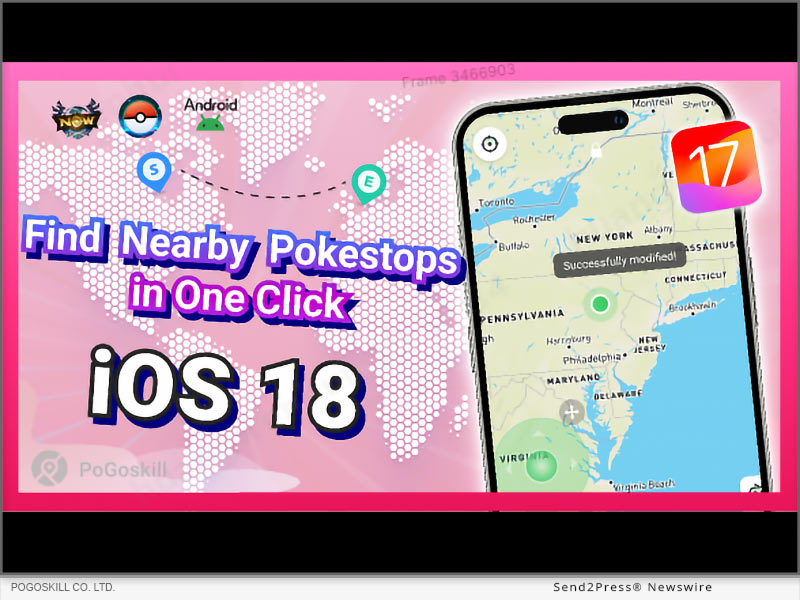
NEW YORK, N.Y. /ScoopCloud/ -- PoGoskill, the leading GPS location spoofer software, has released the iOS App with version 2.8.0. With these new updates, Pokémon GO players can quickly and easily find nearby PokéStops. This feature ensures you can locate the best spots for gathering items, making your gameplay smoother and more enjoyable than ever.

WHAT'S NEW IN POGOSKILL IOS APP 2.8.0?

This latest PoGoskill iOS App 2.8.0 upgrade version includes three significant updates.

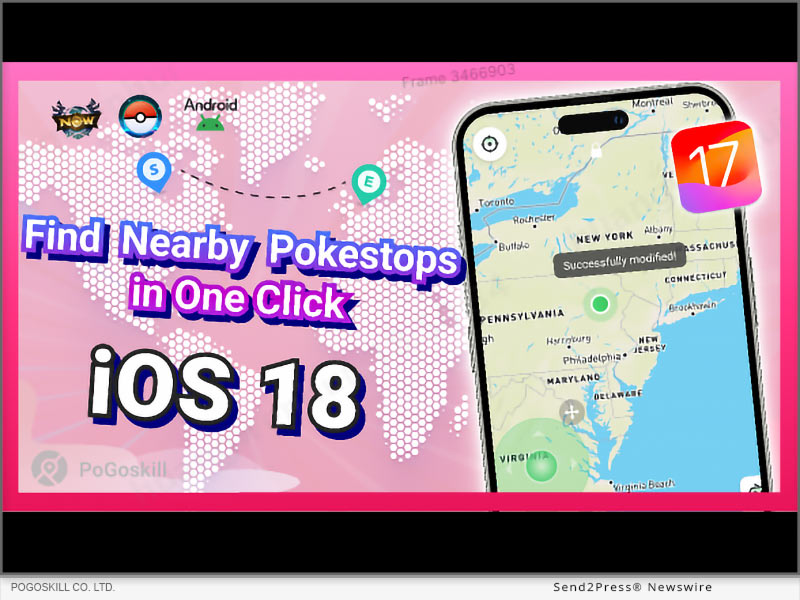
UPDATE 1: GENERATE POKESTOP ROUTES

The new PokéStop mode, which helps players quickly find nearby PokéStops and gather essential items and rewards within minutes.

UPDATE 2: ONE-CLICK POKEMON CAPTURE

The exciting new feature in version 2.8.0 allows one-click capture of Pokémon and raid battle entry. Specifically for the Taiwan map, it enables gamers to quickly engage with Pokémon and join battles, improving their gameplay experience.

UPDATE 3: COMPATIBLE WITH IOS 18 BETA

Fully compatible with iOS 18 beta for seamless location modification.

FEATURE HIGHLIGHTS

* Changing current GPS location instantly with Jump Teleport Mode in Pokemon Go

* Import pre-planned custom route for the character to follow in the game

* Restore your location to real-time position with one click

* Cross-platform availability meets the needs of Windows, Android, Mac, and iOS users

PRICE OF POGOSKILL IOS APP

This GPS location spoofing app is still available at the most competitive rates, even after the latest features and upgrades. Players can choose any of the suitable packages before the next price hike.

* PoGoskill iOS App - 1 Month/1 Device: $14.99

* PoGoskill iOS App - 1 Quarter/1 Device: $39.99

* PoGoskill iOS App - 1 Year/1 Device: $79.99

* PoGoskill iOS App - Lifetime/1 Device: $99.99

About PoGoskill:

Pokemon Go, Monster Hunter Now, and many other games and social media apps use the device's GPS data to unlock and restrict certain features for regions. The PoGoskill iOS App ensures safe and smooth GPS spoofing. Users can now play and move in the Pokemon Go game without walking in real life. This new PoGoskill iOS APP 2.8.0 version is officially available for the public after the release.

More Information:

Website: https://www.pogoskill.com/

YouTube: https://www.youtube.com/@PoGoskill

https://www.youtube.com/@PoGoskillJapan

https://www.youtube.com/@Pogoskill-TW

X/Twitter: https://x.com/PoGoskilloffice

Facebook: https://www.facebook.com/profile.php?id=61557934072895SOURCE

News from PoGoskill

PoGoskill, the leading GPS location spoofer software, has released the iOS App with version 2.8.0. With these new updates, Pokémon GO players can quickly and easily find nearby PokéStops. This feature ensures you can locate the best spots for gathering items, making your gameplay smoother and more enjoyable than ever.

Related link: https://www.pogoskill.com/

This version of news story was published on ScoopCloud™ (ScoopCloud.com) - part of and © the Neotrope® News Network - all rights reserved.

MocPOGO Pokemon GO Hacks Updated: Fixes Failed to Detect Location Error 12

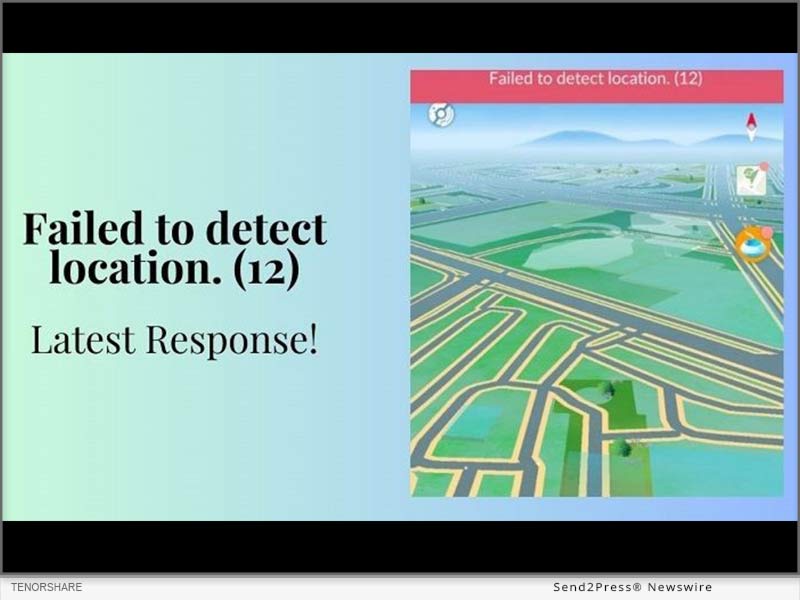
NEW YORK, N.Y. /ScoopCloud/ -- Attention Pokemon GO enthusiasts! Have you tried changing your GPS location but encountered an error saying "failed to detect location 12 Pokemon GO"? The recent June 7th update to version 315.2 is likely the cause. It seems it added advanced location monitoring that could be disrupting Pokemon GO spoofing. Fortunately, a new Pokemon GO hack has emerged! You can now use MocPOGO together with iWhereGO POGO Genius to bypass the Pokemon GO location error 12. This works on Android and iOS without rooting or jailbreaking. But you may ask, how do MocPOGO and iWhereGO POGO Genius work to solve the problem? Let's find out!

MocPOGO Teams Up with iWhereGO POGO Genius to Spoof Pokemon GO Location Easily: The MocPOGO and iWhereGO Genius collaboration is a game-changer in playing and faking Pokemon GO location. It helps to resolve the issue of not detecting the current location 12 signal to ensure smooth gameplay.

However, although iWhereGO POGO Genius supports most flyer software on the market, we recommend you use it in conjunction with MocPOGO for more security. MocPOGO is currently the best Pokemon GO spoofer iOS, making this the safest and most stable combo available.

Learn more: https://mocpogo.com/iphone-location-changer-app/

SIMPLE STEPS TO FIX POKEMON GO ERROR 12 - FAILED TO DETECT LOCATION

Both the MocPOGO Pokemon GO spoofer and iWhereGO POGO Genius are straightforward tools, and any player can use them as follows:

Step 1: Download iWhereGO POGO Genius for free on your computer, log in with your credentials, and connect your device using a USB cable. iWhereGO is safe to install and the onscreen instructions help to complete the installation successfully.

Step 2: Install MocPOGO on your computer and connect your device for instant GPS spoofing on Pokemon GO.

* To teleport your Pokemon GO character, search or click on your new location on the map and click "Go." Your game's location will change instantly, bypassing the "failed to detect location 12 Pokemon GO" error.

* To simulate GPS movement, select the two-spot mode, click on the new destination on the map, and click "Go." Your Pokemon GO game avatar will now walk and follow the set route.

Step 3: Enjoy Pokemon GO using the new location. When you're done, restart your device to restore the GPS location changes to your real-time location.

Level up your Pokemon GO experience with the MocPOGO location spoofer. Check it out today and apply promo code MOCPGPRO to take advantage of the exclusive 20% discount!

About MocPOGO:

MocPOGO is a trusted provider of smartphone solutions for GPS location spoofing. When paired with iWhereGO POGO Genius, iOS and Android users can change their GPS location seamlessly. So, gamers frustrated by the "failed to detect location 12" error in Pokemon GO can now rejoice and enjoy more virtual adventures from the comfort of their home.

Visit the MocPOGO official site: https://mocpogo.com/ and check out iWhereGO.

View More Guides on MocPOGO Youtube Channel https://www.youtube.com/watch?v=52u0Ei1AVWU

News from MocPOGO Studio

Attention Pokemon GO enthusiasts! Have you tried changing your GPS location but encountered an error saying "failed to detect location 12 Pokemon GO"? The recent June 7 update to version 315.2 is likely the cause. You can now use MocPOGO together with iWhereGO POGO Genius to bypass the Pokemon GO location error 12. This works on Android and iOS without rooting or jailbreaking.

Related link: https://mocpogo.com/

This version of news story was published on ScoopCloud™ (ScoopCloud.com) - part of and © the Neotrope® News Network - all rights reserved.

Super Incubator: Hatching Pokémon Eggs without Walking or Moving at the Pokemon GO Fest 2024

NEW YORK, N.Y. /ScoopCloud/ -- PoGoskill, the leading GPS location spoofer software, has released the iOS App with version 2.7.0. The new version features innovative "Round Trip" and "Loops Movement" functionalities, allowing users to hatch Pokémon eggs without walking or moving.

Players can now enjoy a more comfortable and convenient way to engage in the event, maximizing their egg-hatching efficiency. This update especially benefits players during the upcoming Pokemon GO Fest 2024, scheduled for July 13-14.

What's New in PoGoskill iOS App 2.7.0?

* Round Trip and Loops Movement: Set round trip mode or loop route mode during single spot movement. You can customize the speed and use this feature to easily hatch eggs at Pokémon GO Fest 2024 and complete game missions quickly.

* Reset the app without a computer: Sign in to your Apple ID and reset the apps on your device every 7 days. It no longer requires a computer except to install the app.

How to Hatch Pokémon Eggs Without Walking or Moving at Pokemon GO Fest 2024?

Use these PoGoskill features during Pokemon GO Fest 2024:

1. Change GPS Location: With one click to change the location to the event venue, you can easily catch shiny Pokémon without tickets.

2. Round Trip: Use the feature in Single Spot Movement to have your avatar automatically make an unlimited number of round trips between the start and end points on a customized route.

3. Loop Movement: Create loop movement routes, your avatar will loop as you set the number of times. Set customized speeds to speed up completing hatching eggs. Efficiently and easily complete game missions for rewards.

Feature Highlights:

* Jump Teleport: Seamlessly jump between different locations or set up automatic jumps after cooldown periods.

* GPX File Import/Export: Easily import and export GPX files to view and initiate custom routes on a map.

* Restore Real Location: Revert to your real location with a simple tap.

* Cross-Platform Availability: Now available on Windows, Mac, and Android platforms to meet a wide range of user needs.

About PoGoskill:

PoGoskill is a renowned software company providing top-notch GPS spoofing solutions for the iOS and Android platforms. With more than 100 million users, PoGoskill is constantly upgrading its features to ensure an improved user experience, making it a trusted and reliable provider of GPS spoofing software, especially for AR games.

More information: https://www.pogoskill.com/

YouTube: https://www.youtube.com/@PoGoskill

https://www.youtube.com/@PoGoskillJapan

https://www.youtube.com/@Pogoskill-TW

X/Twitter: https://x.com/PoGoskilloffice

Facebook: https://www.facebook.com/profile.php?id=61557934072895

News from PoGoskill

PoGoskill, the leading GPS location spoofer software, has released the iOS App with version 2.7.0. The new version features innovative "Round Trip" and "Loops Movement" functionalities, allowing users to hatch Pokémon eggs without walking or moving.

Related link: https://www.pogoskill.com/

This version of news story was published on ScoopCloud™ (ScoopCloud.com) - part of and © the Neotrope® News Network - all rights reserved.

[Fixed!] Failed to Detect Location 12 on Pokémon GO While Spoofing GPS

NEW YORK, N.Y. /ScoopCloud/ -- On June 7, Pokémon GO updated to version 315.2, likely adding advanced location monitoring that disrupts current location spoofing tools. Many gamers now see a "failed to detect location 12 Pokémon GO" error when trying to change their location. However, iAnyGo team has finally found a resolution for this error. Tenorshare iAnyGo used in conjunction with PoGo Wizard can now bypass location monitoring to spoof location on iOS and Android devices without jailbreaking/rooting.

But how does iAnyGo and PoGo Wizard work to fix "failed to detect location 12" error. Let's find out!

PART 1: IANYGO AND POGO WIZARD PARTNERSHIP PLEDGES TO SOLVE POKÉMON GO LOCATION SPOOFING ERRORS

The combo of Tenorshare iAnyGo and PoGo Wizard now allows you to fix "failed to detect location 12" error for a smooth Pokémon GO gameplay. PoGo Wizard used to have instability issues, causing some Pokémon GO accounts to be locked.

After four improvements, the latest version, PoGo Wizard Beta 4, released on June 21, is much more stable with no reported account bans.

"We're concerned about your account safety and this is currently the most stable and safe solution available in the market," says a Tenorshare spokesperson.

PART 2: FULL GUIDE: FIX FAILED TO DETECT LOCATION 12 BY USING TENORSHARE IANYGO + POGO WIZARD

For iAnyGo to fix "failed to detect location 12" error, you'll need to download it as well as PoGo Wizard on your computer, then follow instructions below:

Step 1: Install iAnyGo on your computer. Then, join PoGo Club Discord group to get PoGo Wizard for free and install it as well.

Step 2: Next, log in with a secondary Apple ID or Google account, and click "Install PoGo" to install Pokemon GO (beta 4) on your device.

Step 3: Next, log in to cracked version of Pokémon GO, open iAnyGo, and change location. You will be able to fix "Pokémon GO error 12" successfully.

Check out full guide to fix "failed to detect location 12 Pokémon GO" error with Tenorshare iAnyGo:

(VIDEO): https://www.youtube.com/watch?v=Coc0a7szWds

Learn more at: https://www.tenorshare.com/products/ianygo-change-gps-location-iphone.html

PART 3: ENJOY TENORSHARE IANYGO GO FEST 2024 GIVEAWAY

You can now fix "failed to detect location 12" error with iAnyGo at a far lower cost than before. Tenorshare has introduced a "Pokémon GO Fest 2024 Giveaway" with discounts for you and your team and deals like buy one, get three free. You also get exclusive chances to win tickets, and learn top tricks and tips for catching more Pokémon. Learn more at: https://www.tenorshare.com/pokemon-go-fest-giveaway.html

About Tenorshare:

The "failed to detect location 12 Pokémon GO" error is the major woe for gamers wishing to play Pokémon GO from comfort of their home. However, Tenorshare iAnyGo and PoGo Wizard offers a lethal solution to fix this error, preventing account ban. With 85,482,249 satisfied customers worldwide, Tenorshare has long established itself as a leading provider of smartphone solutions to address user problems effectively.

More information: https://www.tenorshare.com/

Facebook: https://www.facebook.com/TenorshareOfficial/

X/Twitter: https://twitter.com/Tenorshare_Inc

YouTube: https://www.youtube.com/user/TenorshareOfficial/videos

News from Tenorshare Co. Ltd.

On June 7, Pokémon GO updated to version 315.2, likely adding advanced location monitoring that disrupts current location spoofing tools. Many gamers now see a "failed to detect location 12 Pokémon GO" error when trying to change their location. Tenorshare iAnyGo used in conjunction with PoGo Wizard can now bypass location monitoring to spoof location on iOS and Android devices without jailbreaking/rooting.

Related link: https://www.tenorshare.com/

This version of news story was published on ScoopCloud™ (ScoopCloud.com) - part of and © the Neotrope® News Network - all rights reserved.

Explore Monster Hunter Now GPS Spoofing: MocPOGO Launches an Innovative 2024 Update

NEW YORK, N.Y. /ScoopCloud/ -- Attention all Monster Hunter Now (MHN) fans! Struggling to spoof your location on MHN iOS since the February 22 update? Say goodbye to the frustrating "Searching for GPS signal" error! There is now a groundbreaking solution to bypass these restrictions and take your MHN experience to the next level.

Location spoofing has been a nightmare for all third-party developers and players alike, and no solution has been available. But fret no more! The MocPOGO team have cracked the code with Monster Hunter Now spoofing function that works with MHN Genius to save the day.

Spoofing on Monster Hunter Now on iOS opens a world of possibilities. Tools like MocPOGO let you seamlessly spoof your iOS GPS location. They free you from geographic limitations and maximizing your MHN experience.

PROS AND CONS OF USING MOCPOGO TO SPOOF MONSTER HUNTER NOW

Pros:

* The MocPOGO and MHN Genius combination is the most effective fix to the "Searching for GPS Signal" issue on iOS.

* No jailbreak is needed, which keeps your iOS device protected from potential security risks without voiding its warranty.

* MocPOGO receives regular updates to keep it compatible with the latest Monster Hunter Now and iOS versions, including iOS 17.

* User-friendly controls make MHN location spoofing effortless.

Cons:

* Your internet connection must be stable for optimal performance.

STEPS FOR USING MOCPOGO TO SPOOF MONSTER HUNTER NOW

The first step is downloading the MHN Genius tool to your PC or laptop. It is free and can be used with MocPOGO and other location changer tools. Sign in to MHN Genius with Apple credentials and install it. Install MocPOGO from the official website and follow the steps below:

Change GPS location:

1. Install and launch the MocPOGO app on your computer.

2. Connect your iOS device via Wi-Fi or USB.

3. Click "Teleport" mode.

4. Enter the desired address or coordinates in the search box and click "Teleport".

5. Your iOS device now detects the new location, which applies to all location-based apps, including Monster Hunter Now.

Simulate GPS movement:

1. After you launch the MocPOGO app, choose "Walk" mode.

2. Plan your MHN route. Click the starting and ending points on the map. You can also customize the simulated movement speed.

3. Click "Walk" to begin simulating GPS movement.

4. Click "Pause" or "Stop" as you wish.

Level up your Monster Hunter Now experience with the MocPOGO iOS location spoofer. Use promo code MOCPGPRO to get 20% discount. Take advantage of this limited opportunity and elevate your MHN experience!

Learn more at: https://mocpogo.com/iphone-location-changer-app/

About MocPOGO:

MocPOGO is a prominent company that delivers innovative GPS spoofing solutions for smartphone users globally. It allows changing iPhone's GPS location without physically moving. This can be useful for various purposes, including modifying the location for AR games like Monster Hunter Now.

MocPOGO official site: https://mocpogo.com/

Check out MHN Genius at https://iwherego.com/guide/how-to-use-mhn-genius/

View More Guides on MocPOGO Youtube Channel at: https://www.youtube.com/@MocPOGO

News from MocPOGO Studio

Attention all Monster Hunter Now (MHN) fans! Struggling to spoof your location on MHN iOS since the February 22 update? Say goodbye to the frustrating "Searching for GPS signal" error! There is now a groundbreaking solution to bypass these restrictions and take your MHN experience to the next level.

Related link: https://mocpogo.com/

This version of news story was published on ScoopCloud™ (ScoopCloud.com) - part of and © the Neotrope® News Network - all rights reserved.

The Best Way To Fake Location On Android Without Computer: iAnyGo Android APP

NEW YORK, N.Y. /ScoopCloud/ -- The latest version (2.6.5) of the iAnyGo Android APP by Tenorshare is now available on Google Play, offering users an enhanced experience with minor functional adjustments. This powerful GPS location spoofer is designed to meet various needs, such as using fake GPS for games like Pokémon Go, enhancing privacy on WhatsApp, and more.

Scenarios for Using Fake GPS

Fake GPS can be incredibly useful in numerous scenarios:

* Gaming: Change your location in Pokémon Go to catch region-specific Pokémon.

* Privacy: Use a different location on WhatsApp to protect your real whereabouts.

* Travel Apps: Test location-based apps without physically being there.

* Social Media: Share different locations on social media to protect your privacy or add an element of fun.

About iAnyGo Android APP

iAnyGo Android APP is a versatile tool that allows users to fake their GPS location on Android phones without needing a computer. Its main functions include joystick movement, changing GPS location, and Multi-Spot movement, providing a comprehensive solution for location spoofing.

How to Fake Your Location on Android Without a Computer?

VIDEO: https://www.youtube.com/watch?v=3AJtouuHCUs

iAnyGo Android App Download Guide

1. Go to Google Play and install the iAnyGo app.

2. Open the iAnyGo app and agree to the "Service Agreement and Privacy Policy."

3. Set iAnyGo as a mock location app via the given popup on the screen.

4. Open Settings and enable Developer options. Search for "Select Mock Location App."

5. Choose iAnyGo as the mock location app. Once set, you're ready to explore the advanced features.

Key Features of iAnyGo

Change GPS Location

1. Open the iAnyGo app and choose a location on the map or enter an address.

2. Select the "Target location" icon.

3. Your GPS location is now successfully modified.

Multi-Spot Movement

1. Click the Multi-Spot Movement button at the right.

2. Select or search for coordinates to customize the movement route and click on "Start Moving."

3. Use the undo or reset function to adjust the route as needed.

4. Adjust the speed at any time during movement (1km/h to 30km/h).

5. Notification appears once the destination is reached.

Pokémon GO Game Modes

1. Click on the Pokémon Go game mode.

2. Download the custom mod of the game via the app's redirect.

3. After installation, enjoy spoofing in Pokémon Go.

Joystick Movement

1. Click on the joystick option.

2. Drag the center control point in any direction for virtual movement.

Real-time virtual movement is displayed on the screen, with adjustable joystick control panel size and location. Speed and destination can be changed at any time.

For further information, please download and experience.

Free Download iAnyGo: https://ianygofakegps.onelink.me/sQfH/id91vhat

Facebook: https://www.facebook.com/profile.php?id=61554896956540

Website: https://www.ianygo.com/

News from Tenorshare Co. Ltd.

The latest version (2.6.5) of the iAnyGo Android APP by Tenorshare is now available on Google Play, offering users an enhanced experience with minor functional adjustments. This powerful GPS location spoofer is designed to meet various needs, such as using fake GPS for games like Pokémon Go, enhancing privacy on WhatsApp, and more.

Related link: https://www.tenorshare.com/

This version of news story was published on ScoopCloud™ (ScoopCloud.com) - part of and © the Neotrope® News Network - all rights reserved.

How to Play Pokémon Go Without Moving or Walking: View The 2024 Full Guide

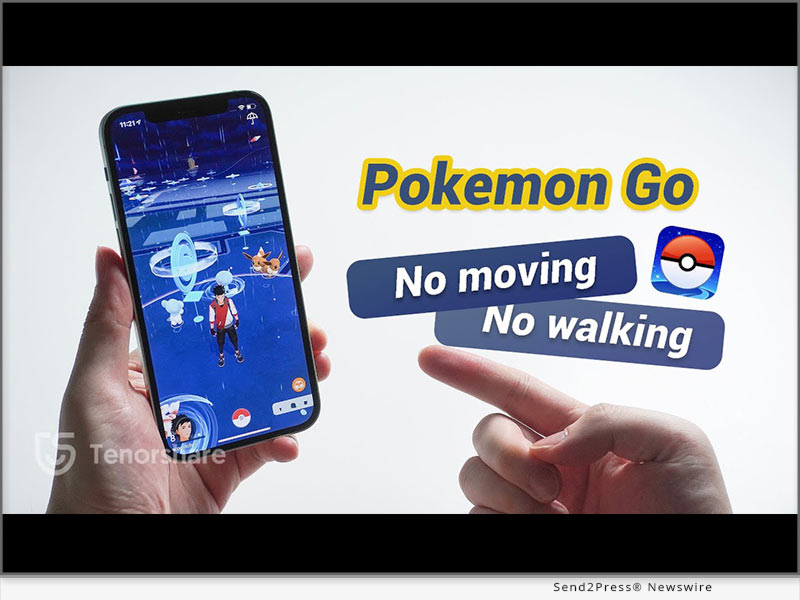
NEW YORK, N.Y. /ScoopCloud/ -- As Pokémon Go continues to captivate players worldwide, not everyone has the time or ability to physically traverse the outdoors to enjoy the game, says Tenorshare. This comprehensive guide explores how to play Pokémon Go without moving, perfect for those with busy schedules, mobility issues, or who simply prefer playing from the comfort of their home.

Can You Play Pokémon Go Without Moving in 2024?

Yes, you can! The solution lies in using location spoofing apps like Tenorshare iAnyGo, which tricks Pokémon Go into believing you're in a different location. This method is ideal for those looking for how to play Pokémon Go without moving.

Steps to Play Pokémon Go Without Moving Using Tenorshare iAnyGo:

1. Download iAnyGo: Visit Tenorshare's official website for a Free Download of the Tenorshare iAnyGo software suitable for your Mac or PC.

2. Connect Your Phone: Use a USB cable to connect your phone to your computer. iAnyGo operates without the need for jailbreaking or rooting.

3. Choose Your Virtual Exploration Method:

- Instant Teleportation: Open iAnyGo, browse the map, select your desired location, and click "Start to modify" to teleport instantly.

- Auto-Movement Routes: Create routes with multiple stops to simulate walking. Choose from single-spot movement for nearby exploration or multi-spot movement for extensive travel without moving.

- GPS Joystick: Use the in-app joystick to control your avatar's movements manually.

These methods allow you to know how to play Pokemom Go without moving, making it easy to catch Pokémon, hatch eggs, and explore different regions virtually.

VIRTUAL MOVEMENT OPTIONS EXPLAINED:

* Instant Teleportation: Quickly teleport to new locations for fresh Pokémon encounters.

* Auto-Movement Routes: Create routes with multiple stops to simulate movement and hatch eggs.

* GPS Joystick: Take full control of your avatar's movements with an intuitive joystick interface.

Special Offer: Enjoy a 20% discount on Tenorshare iAnyGo with the promo code TSWOW20OFF-a limited-time offer!

Why Choose Tenorshare iAnyGo?

Tenorshare iAnyGo stands out as the a virtual location changer for both iOS and Android devices. You can use it if you are looking for how to play Pokémon Go without moving. It offers features like:

Pros and Cons of Using Tenorshare iAnyGo:

* Pros:

- Flexibility in game strategy and increased efficiency.

- Useful for other location-based games like Monster Hunter.

* Cons:

- Risk of violating Pokémon Go's terms of service, which may lead to a ban.

Final Thoughts: Tenorshare iAnyGo provides a reliable and versatile solution of how to play pokemon go from home. It's also effective for other digital needs like data recovery and accessing geo-restricted content.

LEARN MORE: https://www.tenorshare.com/products/ianygo-change-gps-location-iphone.html

Stay Connected:

* Facebook - Tenorshare https://www.facebook.com/TenorshareOfficial/

* Twitter - Tenorshare https://twitter.com/Tenorshare_Inc

* YouTube - Tenorshare https://www.youtube.com/user/TenorshareOfficial/videos

Whether you're a seasoned trainer or new to the world of Pokémon, Tenorshare iAnyGo offers the tools you need to spoof Pokemon Go in new and exciting ways-all from your chosen location. Enjoy your virtual Pokémon adventures with iAnyGo and catch them all without stepping outside!

Note: Always consider the potential risks associated with location spoofing, and play responsibly.

News from Tenorshare Co. Ltd.

As Pokémon Go continues to captivate players worldwide, not everyone has the time or ability to physically traverse the outdoors to enjoy the game, says Tenorshare. This comprehensive guide explores how to play Pokémon Go without moving, perfect for those with busy schedules, mobility issues, or who simply prefer playing from the comfort of their home.

Related link: https://www.tenorshare.com/

This version of news story was published on ScoopCloud™ (ScoopCloud.com) - part of and © the Neotrope® News Network - all rights reserved.

The Best MONSTER HUNTER NOW Spoofing and Joystick Tutorial

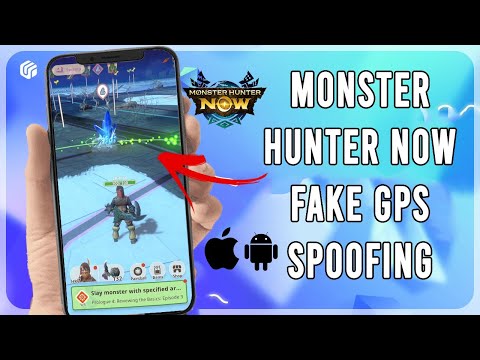
NEW YORK, N.Y. /ScoopCloud/ -- Monster Hunter Now, a relatively new location-based game, was released on Sept. 14, 2023. And, as of Dec. 7, the game is getting its first major update, Fulminations in the Frost! This new update will improve the gameplay, but we are more excited about the 4 new monsters it will bring, says software company UltFone.

Get ready to welcome Radobaan, Banbaro, Barioth, and Zinogre! Other than this, players will get 2 new weapons, Dual Blades and Lances! Sounds fun, right?

While the MH Now players are super excited about the update, there's one major concern: Will Monster Hunter Now spoofing be possible after the update?

Can I Spoof in Monster Hunter Now without Getting Banned Now?

Yes, fortunately, MH Now spoofing is possible without getting banned, even after the update. However, there are certain precautions that you must keep in consideration for Monster Hunter Now GPS spoofing.

For instance:

* Always use a reliable Monster Hunter Now fake GPS app.

* Use the Monster Hunter Now spoofing cooldown timer frequently.

* Use the speed control features.

How to Spoof Monster Hunter Now in iOS & Android with One-click?

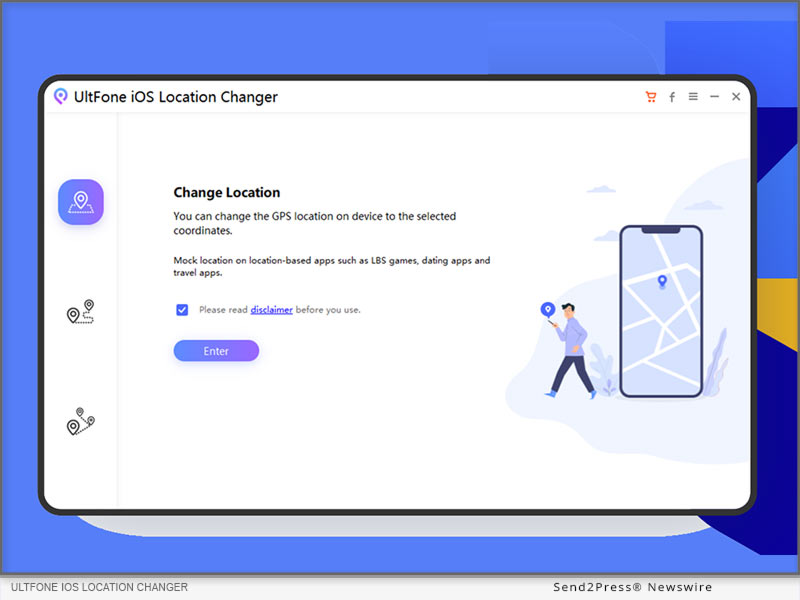
If you want to play MH Now and mock your location without getting detected or banned, we suggest using UltFone Location Changer, one of the best MH Now spoofer apps.

Let's have a look at some of its features:

* Easy to Use: UltFone Location Changer is a Monster Hunter Now spoof app with a user-friendly interface, making it easy to use, even for first-timers.

* Anti-Detection Features: This Monster Hunter Now location spoof app has a built-in cooldown timer and speed control features that enable you to play without getting detected or banned.

* No Jailbreak or Root: It spoofs your location without jailbreaking or rooting your device.

* Free Trial Version: With UltFone Monster Hunter Now spoofing app's free trial version, you can try all its features.

* Monster Hunter Now Joystick Feature: This tool has a Monster Hunter Now hack for walking using the joystick feature. You can teleport to any location easily, without even stepping out of your home.

* Compatibility: It is compatible with Android and iOS devices.

Here is the Monster Hunter Now spoofing tutorial using UltFone Location Changer:

* Download and install UltFone Location Changer on your computer.

* Connect your phone to your PC and click "Next."

* Select the "GPS Change" icon from the menu on the left.

* A map will appear on the screen. Enter the coordinates for your desired location or click on it using your mouse.

* UltFone Location Changer will spoof your device's location to the one you have set.

* Now, launch MH Now and start playing!

Video guide: https://www.youtube.com/watch?v=M6ZmXTTH4ac

About UltFone:

UltFone is a tech company that creates all sorts of tools that solves issues with your iOS or Android devices. Moreover, if you are seeking how to spoof in MH Now, UltFone Location Changer will be helpful.

Learn more: https://www.ultfone.com/ios-location-changer.html

YouTube: https://www.youtube.com/@UltFoneOfficial/videos

Facebook: https://www.facebook.com/ultfone/

News from UltFone

Monster Hunter Now, a relatively new location-based game, was released on Sept. 14, 2023. And, as of Dec. 7, the game is getting its first major update, Fulminations in the Frost! This new update will improve the gameplay, but we are more excited about the 4 new monsters it will bring, says software company UltFone.

Related link: https://www.ultfone.com/

This version of news story was published on ScoopCloud™ (ScoopCloud.com) - part of and © the Neotrope® News Network - all rights reserved.

How to Spoof Location in Monster Hunter Now for iOS? iToolab AnyGo Totally Supports It!

NEW YORK, N.Y. /ScoopCloud/ -- iToolab, a leading software company, has launched the latest version V1.2.0 of its support for the popular AR mobile game Monster Hunter Now. If you want to achieve Monster Hunter Now spoofing, iToolab AnyGo will be the best choice.

As one of the most popular AR games these days, MH Now is sought after by many players. Just like Pokemon GO, this game is based on GPS location. You need to go outside to hunt monsters. However, you may not be able to play outdoors due to various factors such as weather, distance, and so on.

"Many players want to play Monster Hunter Now at home in case of bad weather. Therefore, a change of location is sometimes necessary for players. That's why we update our software to meet the needs of our users," says an iToolab spokesperson.

VIDEO (YouTube): https://www.youtube.com/watch?v=l0CeXN-ePSI&t=5s

Why Do You Use iToolab AnyGo to Change Monster Hunter Now Location?

iToolab AnyGo is a very safe and easy to use location changer, it is known for changing the location in Pokémon GO. Many users recommend using this app to change location as it has never resulted in a blocked account. In addition, powerful features are available for all location changes.

* Change GPS location on location-based apps and games in a click.

* Simulate GPS movements at a customized speed.

* Support changing location on 15 devices at the same time.

How to Change Monster Hunter Now Location iOS with iToolab AnyGo?

With only a few steps you can easily fake Monster Hunter Now GPS on iOS without jailbreak.

Here's how to spoof MHN location on iOS:

* Download and install iToolab AnyGo on your iPhone.

* Launch AnyGo and type the destination in the search box.

* Click on "Go" on the map to change your GPS location to the fake one.

* Hunt monsters around the virtual location.

More info: https://itoolab.com/location/monster-hunter-now-spoofing/

Buy iToolab AnyGo for iOS now and get the Windows, Mac and Android versions for free. One month plan lower than $15.98.

More information: https://itoolab.com/buy/anygo-for-ios

About iToolab:

iToolab is a famous software company in Hong Kong, it has helped more than 100,000 users in 100+ countries. iToolab AnyGo is a stellar product that solves location change problems perfectly. So, when it comes to how to spoof Monster Hunter Now locations on iOS, iToolab AnyGo will always be the first choice. This powerful app helps you fake GPS locations and take full control of your virtual adventure.

For more details, please visit:

Official Website: https://itoolab.com/

Facebook: https://www.facebook.com/itoolab

X/Twitter: https://twitter.com/IToolab

YouTube: https://www.youtube.com/@iToolab

News from IToolab Co Ltd

iToolab, a leading software company, has launched the latest version V1.2.0 of its support for the popular AR mobile game Monster Hunter Now. If you want to achieve Monster Hunter Now spoofing, iToolab AnyGo will be the best choice. As one of the most popular AR games these days, MH Now is sought after by many players.

Related link: https://itoolab.com/

This version of news story was published on ScoopCloud™ (ScoopCloud.com) - part of and © the Neotrope® News Network - all rights reserved.

How to Spoof GPS Location on Apple iPhone? Fake GPS Location with Tenorshare iAnyGo

NEW YORK, N.Y. /ScoopCloud/ -- It is uncanny yet necessary to spoof GPS location on iPhone since neither iOS nor Android has a "fake GPS location" feature, and most apps don't let you spoof your location with a simple option. Therefore, how to spoof GPS location on iPhone without moving has become tricky stuff. When it comes to faking GPS location, several fake GPS location applications offer to fake GPS free but fail to spoof location iPhone, while Tenorshare, a renowned software provider, has the ultimate fake GPS location solution in the form of Tenorshare iAnyGo. It can fake GPS location with no limitations or restrictions.

Video: https://youtu.be/UhYVERWDSMc

"To access location-specific content, or to play location-based games without moving, Tenorshare fake location app can change the GPS location of your iPhone apps in one click without jailbreaking no matter the reason of phone location changer. It also enables you to create customized routes and change the direction of GPS Joystick," says a Tenorshare spokesperson.

How to Fake GPS Location on iPhone Without Moving - Best Way to Spoof GPS Location on iPhone!

If you want to spoof GPS location on iPhone for security or entertainment purposes without moving, Tenorshare iAnyGo can be your best choice.

Follow the steps below process fake GPS location iPhone:

* Open iAnyGo to "Change Location" mode on your computer.

* Connect your iPhone to your PC, and click "Next."

* Choose a location on the map, and press "Start to Modify."

* Finally, you will fake the GPS location on your iPhone or iPad.

Want to Spoof Location on iPhone With 30% Off Discounts?

If you are interested in faking GPS Location on iPhone without moving, don't miss out on the chance to spoof your iPhone location without jailbreak with iAnyGo, and it is available at a 30% discount with the current Tenorshare Spring Sale discount.

https://www.tenorshare.com/products/ianygo-change-gps-location-iphone.html

https://www.tenorshare.com/store.html

https://www.tenorshare.com/iphone-tips/poplular-fake-location-app.html

About Tenorshare:

No matter any privacy reasons to spoof their GPS location, Tenorshare iAnyGo offers a reliable and user-friendly solution for faking GPS without jailbreaking the iDevice. Tenorshare, As a software solution provider, has been a long time to help iPhone users take control of their location data and enjoy more flexibility with location-based services. Besides, With the current Tenorshare Spring Sale discount, you can get iAnyGo and other Tenorshare products at a 30% discount.

More information: https://www.tenorshare.com/

Facebook: https://www.facebook.com/TenorshareOfficial/

Twitter: https://twitter.com/Tenorshare_Inc

YouTube: https://www.youtube.com/user/TenorshareOfficial/videos

News from Tenorshare Co. Ltd.

It is uncanny yet necessary to spoof GPS location on iPhone since neither iOS nor Android has a "fake GPS location" feature, and most apps don't let you spoof your location with a simple option. Tenorshare, a renowned software provider, has the ultimate fake GPS location solution in the form of Tenorshare iAnyGo. It can fake GPS location with no limitations or restrictions. (VIDEO)

Related link: https://www.tenorshare.com/

This version of news story was published on ScoopCloud™ (ScoopCloud.com) - part of and © the Neotrope® News Network - all rights reserved.