Author Archives: Tenorshare Co. Ltd.

Tenorshare Guides: How to Transfer WhatsApp from Android to an iPhone 18 Pro

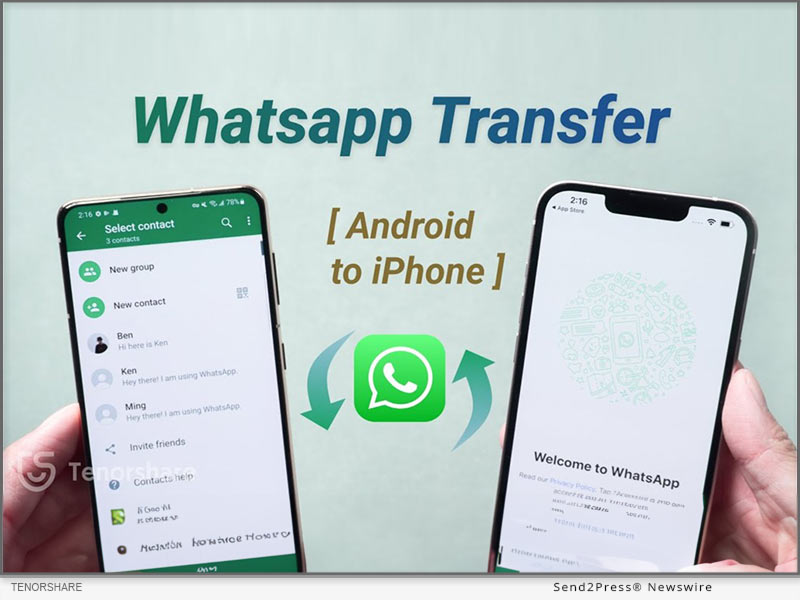
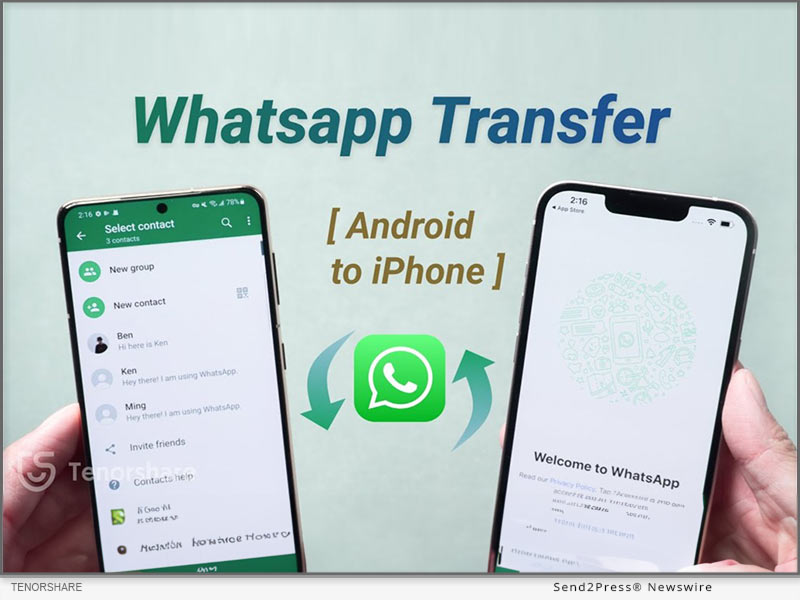
Tenorshare iCareFone Transfer software is for those who want to transfer WhatsApp from Android to iPhone without factory reset

NEW YORK, N.Y., Sept. 18, 2026 (SEND2PRESS NEWSWIRE) — Tenorshare has just put out a detailed new guide that walks you through exactly how to transfer WhatsApp from Android to iPhone 18 Pro. The resource addresses common challenges with cross-platform WhatsApp transfers, including how to preserve chats and media when moving data to an already set up iPhone. It provides practical solutions to help users transfer their important WhatsApp data safely and avoid data loss during an iPhone upgrade.
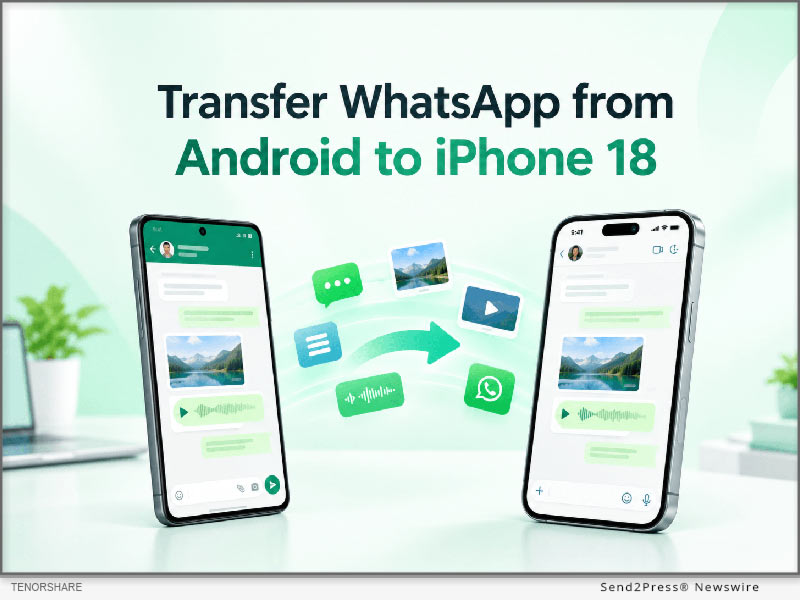
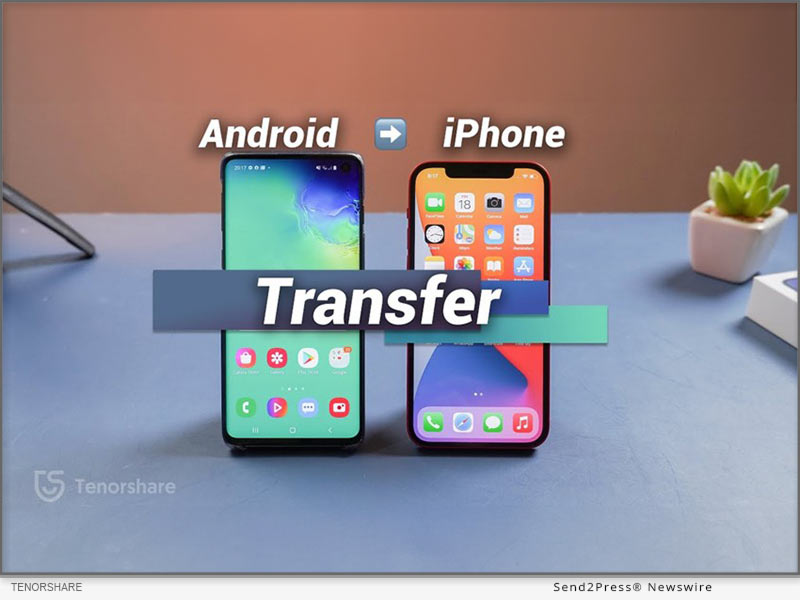
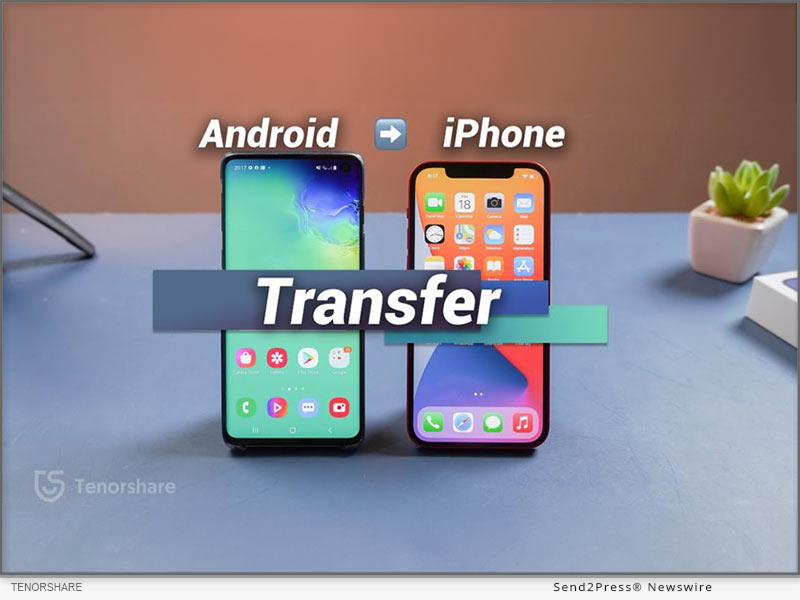
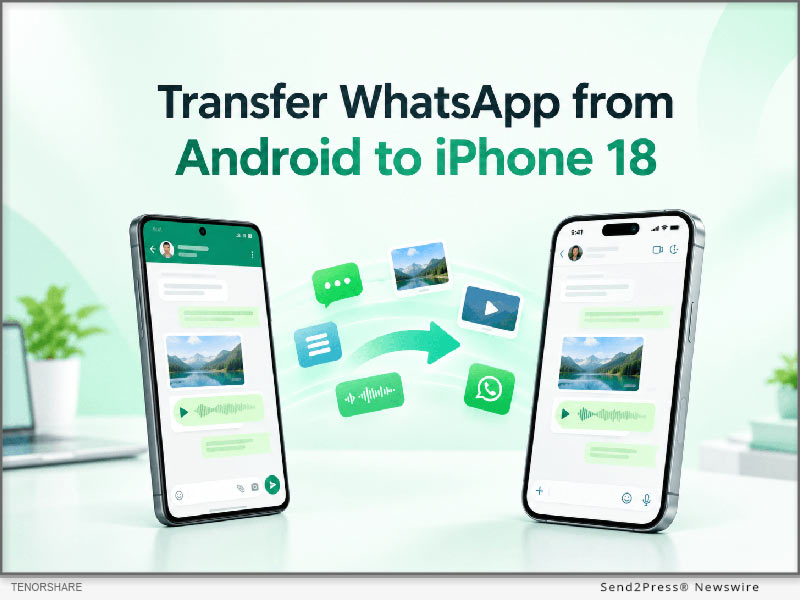
How to Transfer WhatsApp from Android to iPhone Including iPhone 18
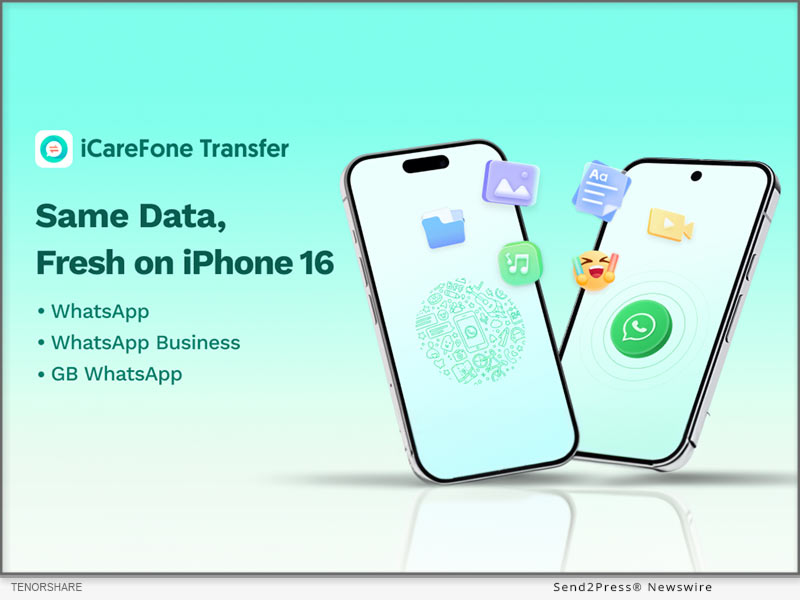
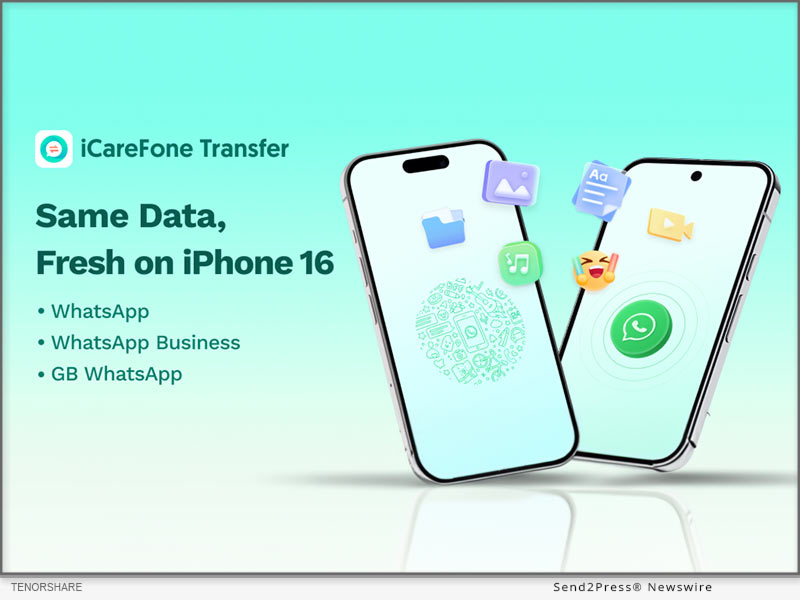
Image caption: How to Transfer WhatsApp from Android to iPhone Including iPhone 18.

“The main purpose of this guide is to offer a clear roadmap for mobile users who want to keep their messaging history intact,” said a Tenorshare spokesperson. “When upgrading to iPhone 18 Pro, our goal is to help users preserve their important WhatsApp data and avoid the data loss issues that can come with device upgrades.”

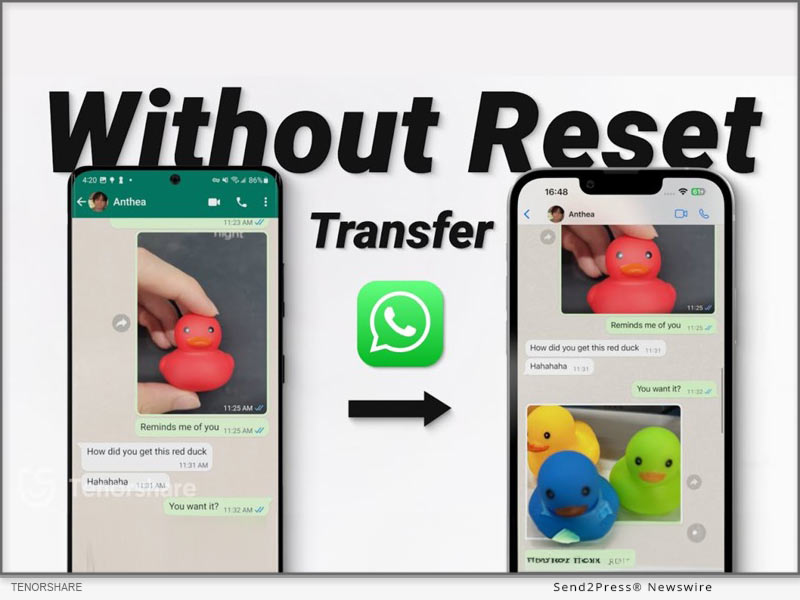
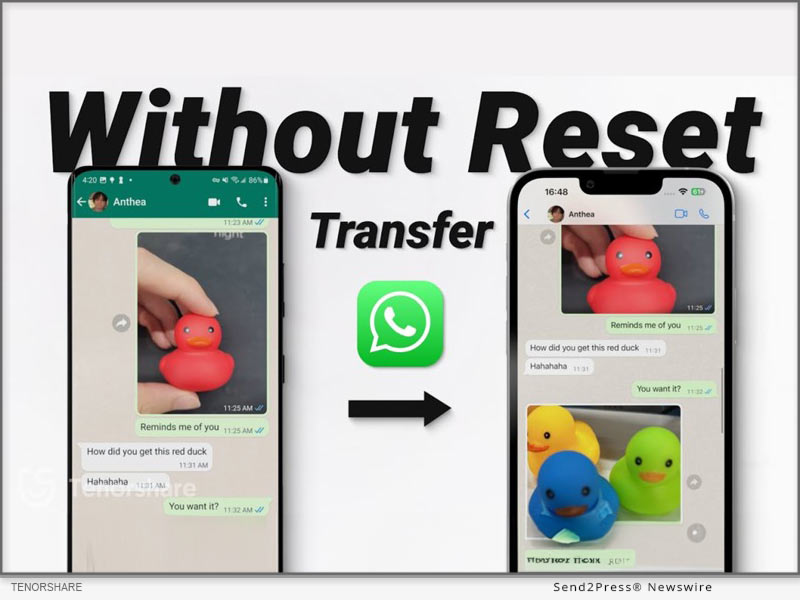
For those users who are looking for a direct software solution to transfer WhatsApp from Android to iPhone, the guide introduces Tenorshare iCareFone Transfer as the main method. This software is for those users who want to transfer WhatsApp from Android to iPhone without factory reset. As the utility is completely compatible with existing iPhone 18 Pro setup, users don’t need to erase the existing iPhone data.

The app is designed to transfer WhatsApp messages from Android to iPhone securely, ensuring that text conversations, media files and attachments make their way across platforms without a hitch. iCareFone Transfer is a great choice for users who want to transfer WhatsApp chats from Android to iPhone in a complete way in a desktop-controlled environment.

The transfer process with the use of this software consists of exactly three steps:

Step 1: Connect Android Phone and iPhone to Computer.

Step 2: Backup WhatsApp data and Confirm Account Information.

Step 3: Directly transfer selected data to iPhone 18 Pro.

The guide references Move to iOS as the default option in passing for users asking how to make this transfer free of charge. But Move to iOS is typically used when you first set up your iPhone, so if your iPhone is already set up, you may need to erase it first.

Consumers can refer to the guide and choose the right way to transfer according to the state of their iPhone, whether it has been set up or still in the original factory state.

To learn more about the recommended tool and read the full guide, users can visit the iCareFone Transfer product page at: https://www.tenorshare.net/ads/icarefone-whatsapp-transfer-backup-restore-2.html or download the app at Play Store.

About Tenorshare

Founded in 2007, Tenorshare is an international software company that specializes in data management, system repair, password recovery and device transfer solutions. The company builds utilities that help smartphone and computer users secure their digital data.

For more information: https://www.tenorshare.com/

Facebook: https://www.facebook.com/TenorshareOfficial/

X/Twitter: https://twitter.com/Tenorshare_Inc

YouTube: https://www.youtube.com/user/TenorshareOfficial/videos

NEWS SOURCE: Tenorshare Co. Ltd.


This press release was issued on behalf of the news source (Tenorshare Co. Ltd.), who is solely responsible for its accuracy, by Send2Press Newswire. Image, if any, was provided by the news source and not this website or the wire service. Information is believed accurate, as provided by the news source, but is not guaranteed.

To view the original story, visit: https://www.send2press.com/wire/tenorshare-guides-how-to-transfer-whatsapp-from-android-to-an-iphone-18-pro/

Copr. © 2026 Send2Press® Newswire, Calif., USA. -- REF: S2P STORY ID: S2P138290 NOREL-3B
 

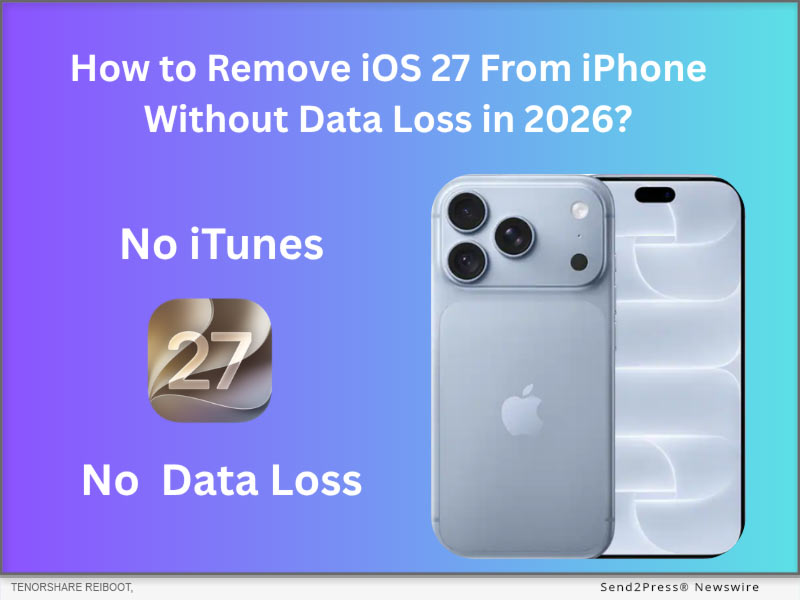
How to Remove iOS 27 from Your iPhone Without Data Loss in 2026

NEW YORK, N.Y., Sept. 16, 2026 (SEND2PRESS NEWSWIRE) — Excited for iOS 27, but some iPhone users asked, “Is there a way to remove iOS 27 from my iPhone?” The answer is yes. To remove iOS 27, it’s common to either use iTunes/Finder in Recovery Mode or a professional iOS downgrade tool like Tenorshare ReiBoot, which supports a 1-click downgrade without data loss.

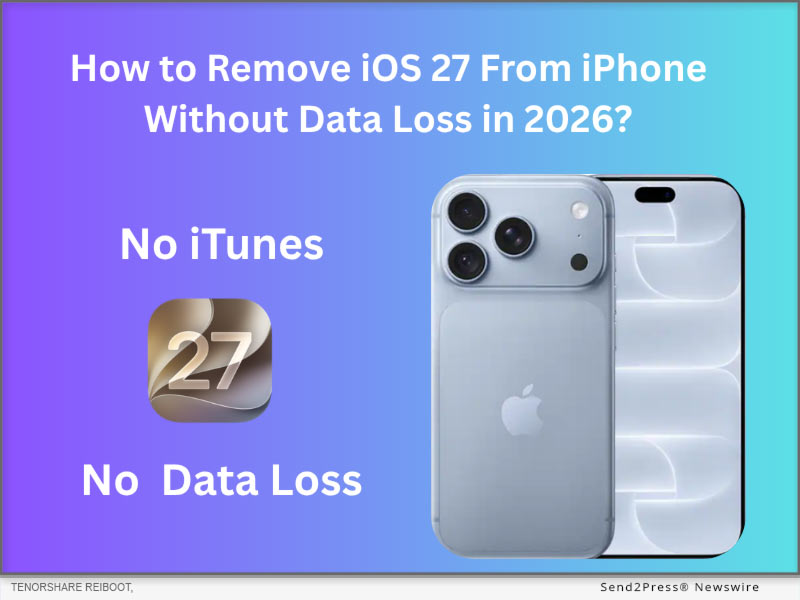
Tenorshare Reiboot: How to Remove iOS 27 From iPhone Without Data Loss
Image caption: Tenorshare Reiboot: How to Remove iOS 27 From iPhone Without Data Loss.

METHOD 1: REMOVE IOS 27 VIA RESTORE IN RECOVERY MODE (OFFICIAL METHOD & DATA LOSS)

Before you start, make sure you have an earlier iOS 26 backup. Restoring iOS 27 is Apple’s official method to remove iOS 27. However, restoring iOS 27 must wipe all data on your iPhone, and you can’t restore an iOS 27 backup to iOS 26.

STEPS TO RESTORE IOS 27 VIA RECOVERY MODE:

Step 1. Turn off Find My iPhone and connect the iPhone to the PC/Mac via cable.

Step 2. Put the iPhone into iOS 27 New Recovery Mode (Press Volume Up -> Volume Down -> Press and hold the Side Button).

Step 3. Open iTunes on Windows or Finder on Mac, click Restore iOS 27.

METHOD 2: REMOVE IOS 27 WITHOUT DATA LOSS VIA TENORSHARE REIBOOT (SIMPLE & WORKABLE)

If you prefer to keep all data while removing iOS 27, using an iOS downgrade tool will be a good choice. Tenorshare ReiBoot, a well‑known iOS system repair utility, enables users to remove iOS 27 and install a stable iOS 26.7 in about 20 minutes, all while preserving personal data.

Why Tenorshare ReiBoot’s approach stands out:

  1. No data loss and 100% protection of the original details.
  2. Resolve over 150 iOS‑related issues, including iPhone battery drain, lag, and stuck “Update Requested” errors.
  3. Simple to use, even if you are a beginner downgrading iOS 27 to26.7.

STEPS TO REMOVE IOS 27 VIA TENORSHARE REIBOOT:

Step 1. Download the official Tenorshare ReiBoot on your PC or Mac, then connect your iPhone.

Step 2. Select iOS Upgrade/Downgrade and choose the Downgrade option.

Step 3. ReiBoot will automatically fetch the latest signed iOS 26.7 firmware package. Click Download.

Step 4. Click Initiate Downgrade. The software will safely replace the iOS 27 system with iOS 26 in under 20 minutes without wiping your personal data.

ALTERNATIVE: HOW TO EXIT IOS 27 BETA WITHOUT A COMPUTER?

It’s impossible to remove iOS 27 without a computer, but we can stop your iOS 27 from receiving unstable iOS beta updates.

First, Navigate to Settings > General > Software Update > Beta Updates. Then, Toggle Beta Updates to OFF. Your iPhone will stop receiving iOS beta updates until the official version is out.

ABOUT TENORSHARE

Founded in 2007, Tenorshare ReiBoot is the best iOS/Android bug repair tool which offering a secure, data‑safe iOS/Android bug-fixing path for users who need to move away from system problems.

More information: https://www.tenorshare.com/

Facebook: https://www.facebook.com/TenorshareOfficial/

X/Twitter: https://twitter.com/Tenorshare_Inc

YouTube: https://www.youtube.com/user/TenorshareOfficial/videos

NEWS SOURCE: Tenorshare Co. Ltd.


This press release was issued on behalf of the news source (Tenorshare Co. Ltd.), who is solely responsible for its accuracy, by Send2Press Newswire. Image, if any, was provided by the news source and not this website or the wire service. Information is believed accurate, as provided by the news source, but is not guaranteed.

To view the original story, visit: https://www.send2press.com/wire/how-to-remove-ios-27-from-your-iphone-without-data-loss-in-2026/

Copr. © 2026 Send2Press® Newswire, Calif., USA. -- REF: S2P STORY ID: S2P138236 NOREL-3B


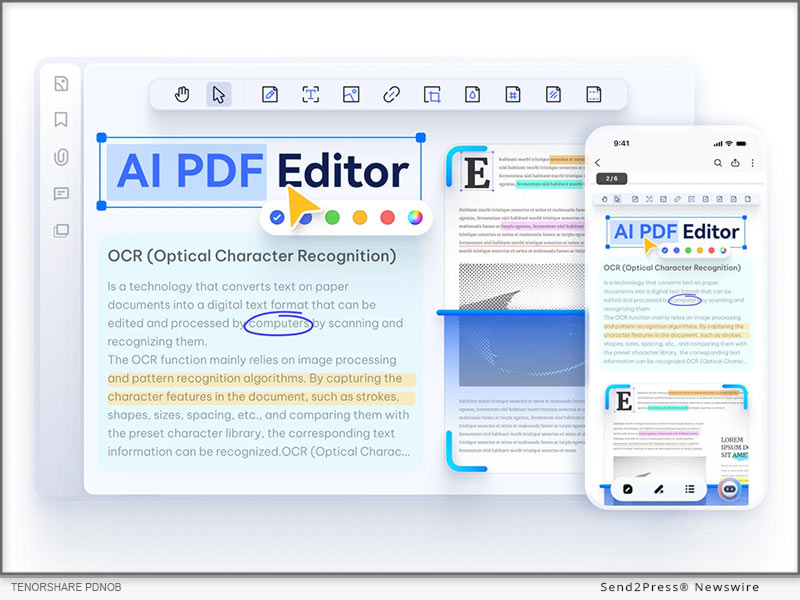
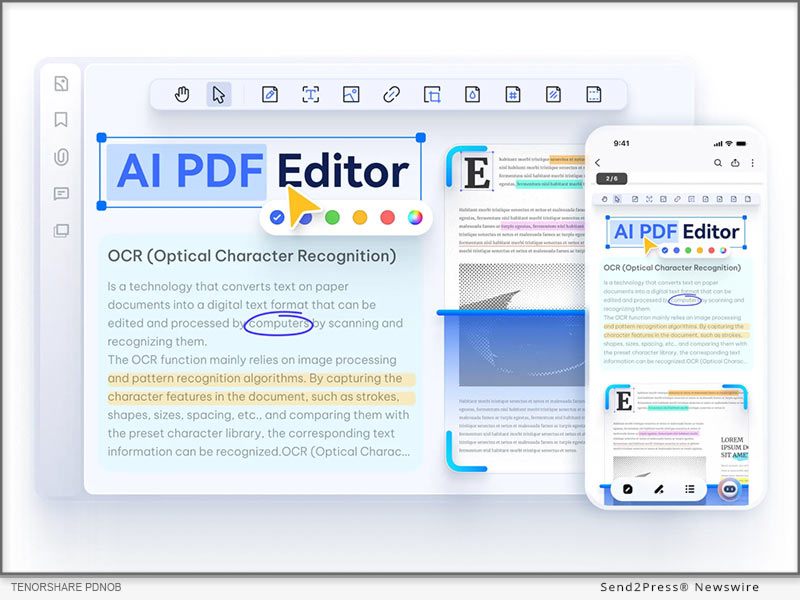
Best PDF OCR Software with High Accuracy from PDNob

NEW YORK, N.Y., April 16, 2026 (SEND2PRESS NEWSWIRE) — Tenorshare PDNob, named the best PDF OCR software for 2026 by many users, has recently received a boost. Its new PDNob 2.0 version offers higher accuracy, a simpler design, and smart AI features, making it a strong alternative for competitive tools. Want to know why the PDNob 2.0 is the best? Find out below!

Best PDF OCR Software featuring High Accuracy from Tenorshare PDNob
Image caption: Tenorshare PDNob, named the best PDF OCR software for 2026 by many users.

KEY CONSIDERATIONS WHEN CHOSING PDF OCR SOFTWARE

When picking the best searchable PDF software, here’s what you should take into account:

  • Good OCR tools should convert scans into text with high accuracy.
  • They should manage many documents at once to save time.
  • Support for multiple languages, including complex text, is important.
  • Features to fix blurry or tilted scans improve results.
  • Advanced tools can read notes and diagrams.
  • Easy editing and ability to export to formats like Word or Excel are important.
  • Features like encryption, redaction, and watermarking protect sensitive data.

BEST PDF OCR SOFTWARE WITH HIGH ACCURACY

Among many PDF editors, Tenorshare PDNob stands prominent as the best OCR for scanned documents. Its 2.0 version now offers higher OCR accuracy with multiple configuration options, a revamped interface, smarter AI tools, and easier editing.

WHO IT’S FOR:

  • Tenorshare PDNob is the best PDF editor with OCR for everyday users, students, academics, researchers, and business and legal professionals. It’s great for those who want a tool that can offer accurate OCR for complex and large PDFs, and editing, management, and summarizing in one place.

KEY FEATURES:

  • High Accuracy: Around 99% accurate OCR with options to adjust pages and improve scan quality.
  • Batch Processing: Converts multiple PDFs at once.
  • Editing Tools: Options to edit text, images, and links, and manage pages.
  • Annotation Features: Tools for highlighting, notes, and comments for collaboration.
  • Multiple Formats: Export files to many formats, like Word, Excel, images, etc.
  • File Compression: Reduces PDF size without losing quality.
  • AI Features: Can summarize PDFs and answer questions based on the content.
  • Strong Security: Uses encryption, redaction, and watermarks to protect files.
  • Dark Mode: Easier on the eyes for long reading or editing sessions.
  • Multiple Languages: Supports OCR in 15+ languages with adjustable settings.

WHAT MAKES IT A TOP PICK:

  • Free to Use: It offers an OCR software free trial version, offering advanced features.
  • Dependable Results: Offers 99% accuracy, even for handwriting and low-quality scans.
  • Auto Fixes: Corrects tilted pages.
  • New Design: Updated interface in version 2.0 for an easier experience.
  • Fast Performance: Processes multiple large PDFs in a few minutes.
  • Easy to Use: Simple interface with no technical skills needed.
  • All-in-One Tool: Combines OCR, editing, AI features, and security in one place.

ABOUT TENORSHARE PDNOB

Tenorshare PDNob has recently received an upgrade. Its 2.0 version is now considered the best PDF OCR software, offering higher OCR accuracy with numerous configuration options. The tool also offers a simpler interface, easier editing, and smarter AI tools, offering a complete solution for users of all levels.

YouTube: https://www.youtube.com/@TenorsharePDNobOfficial

X (Twitter): https://x.com/PDNobOfficial

NEWS SOURCE: Tenorshare Co. Ltd.


This press release was issued on behalf of the news source (Tenorshare Co. Ltd.), who is solely responsible for its accuracy, by Send2Press Newswire. Image, if any, was provided by the news source and not this website or the wire service. Information is believed accurate, as provided by the news source, but is not guaranteed.

To view the original story, visit: https://www.send2press.com/wire/best-pdf-ocr-software-with-high-accuracy-from-pdnob/

Copr. © 2026 Send2Press® Newswire, Calif., USA. -- REF: S2P STORY ID: S2P134647 NOREL-3B


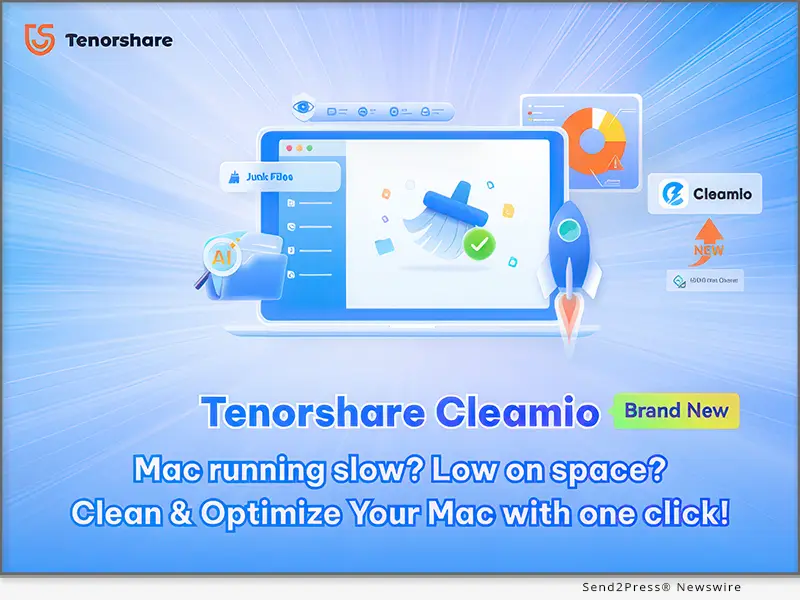
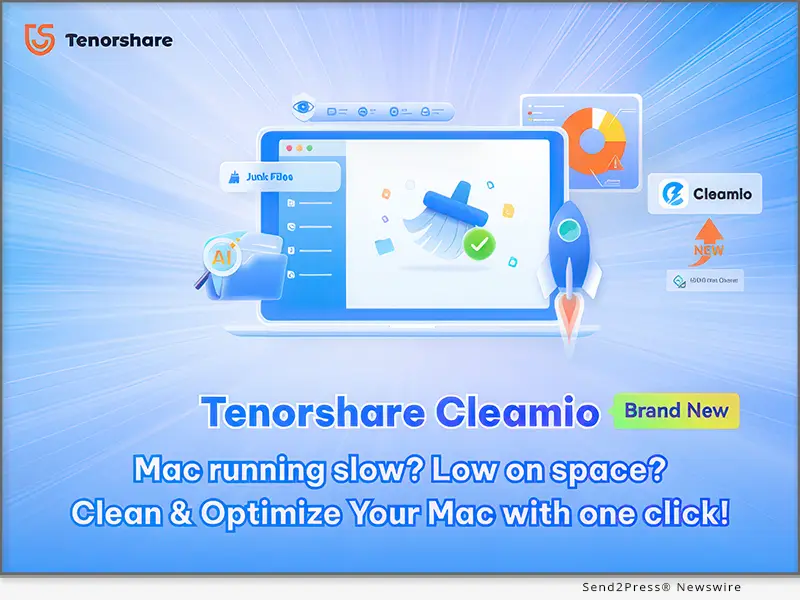
Tenorshare Cleamio 3.3.0 Officially Released: A Smarter, Faster Mac Optimization Solution

NEW YORK and HONG KONG, Dec. 1, 2025 (SEND2PRESS NEWSWIRE) — Tenorshare, a global leader in software solutions, has officially launched Tenorshare Cleamio 3.3.0, the newly upgraded version of its popular Mac cleaning tool previously known as 4DDiG Mac Cleaner. The update introduces a refreshed brand identity, a redesigned interface, and new AI-powered capabilities, bringing users a more modern and intuitive Mac optimization experience.

Tenorshare Cleamio 3.3.0 Officially Released: A Smarter, Faster Mac Optimization Solution
Image caption: Tenorshare Cleamio 3.3.0 Officially Released.

“Cleamio 3.3.0 retains the core functionalities users rely on, but now offers faster performance and a lighter footprint,” said Terrance, Marketing Director at Tenorshare. “It is especially ideal for designers, video editors, developers, students, and anyone who handles large files or multitasking workloads.”

KEY FEATURES OF TENORSHARE CLEAMIO

  • Deep Clean: Removes system caches, log files, app leftovers, download residues, and various types of junk data in a single click.
  • Duplicate File Cleaner: Scans documents, photos, videos, and other file formats with precision to identify and safely delete duplicates.
  • Similar Photos Finder: Uses AI to automatically detect burst shots and visually similar images.
  • Large File Scanner: Quickly scans and removes hidden large files on your Mac.
  • AI Batch File Renamer: Renames multiple files at once based on their content and type.
  • Mac Status Center: Provides real-time insights into CPU and memory usage, checks disk capacity and storage health, monitors network status, and manages startup items and background processes.

HOW TO USE TENORSHARE CLEAMIO?

Optimizing your Mac has never been easier. With Tenorshare Cleamio, you can clean, organize, and enhance performance in just three simple steps. Here’s how:

Step 1: First, launch the program and select the desired feature, such as junk file cleanup.

Step 2: Proceed by choosing the folders or drives you want to scan.

Step 3: After the scan, review the results and let AI recommendations guide you to automatically remove unnecessary files.

Video Tutorial: https://www.youtube.com/watch?v=LAnMO-alePQ

PRICING AND COMPATIBILITY

Tenorshare Cleamio offers flexible pricing starting at $24.95 per month. The good news is that Tenorshare is currently running a Black Friday promotion, offering discounts of up to 30%.

Cleamio 3.3.0 is compatible with all Mac devices running macOS 10.13 and later, ensuring every Mac user can enjoy smoother performance and smarter file management.

ABOUT TENORSHARE

Tenorshare is a global IT company that delivers high-quality software solutions across data recovery, system repair, and data transfer. Its software products, used by millions worldwide, span multiple platforms including Mac, Windows, iOS, and Android. Committed to enhancing efficiency, security, and convenience, Tenorshare continuously develops solutions that address real-world digital challenges, helping users protect, organize, and optimize their data with confidence.

Learn more about Tenorshare Cleamio V3.3.0: https://www.tenorshare.com/products/cleamio.html

Socials:

Facebook: https://www.facebook.com/TenorshareOfficial

X(Twitter): https://x.com/Tenorshare_Inc

YouTube: https://www.youtube.com/@TenorshareOfficial

NEWS SOURCE: Tenorshare Co. Ltd.


This press release was issued on behalf of the news source (Tenorshare Co. Ltd.), who is solely responsible for its accuracy, by Send2Press Newswire. Image, if any, was provided by the news source and not this website or the wire service. Information is believed accurate, as provided by the news source, but is not guaranteed.

To view the original story, visit: https://www.send2press.com/wire/tenorshare-cleamio-3-3-0-officially-released-a-smarter-faster-mac-optimization-solution/

Copr. © 2025 Send2Press® Newswire, Calif., USA. -- REF: S2P STORY ID: S2P131348 NOREL-3B


Diagrimo Officially Launches: Turn Text into Visuals Instantly

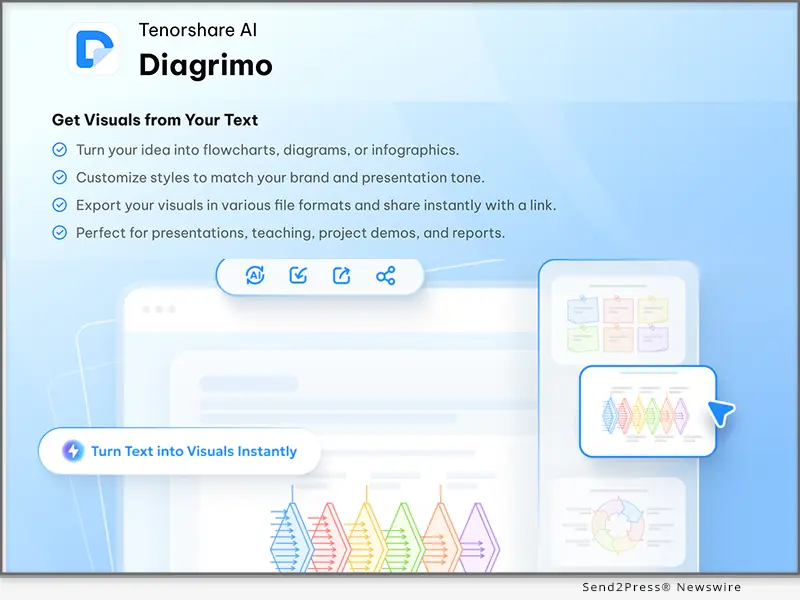
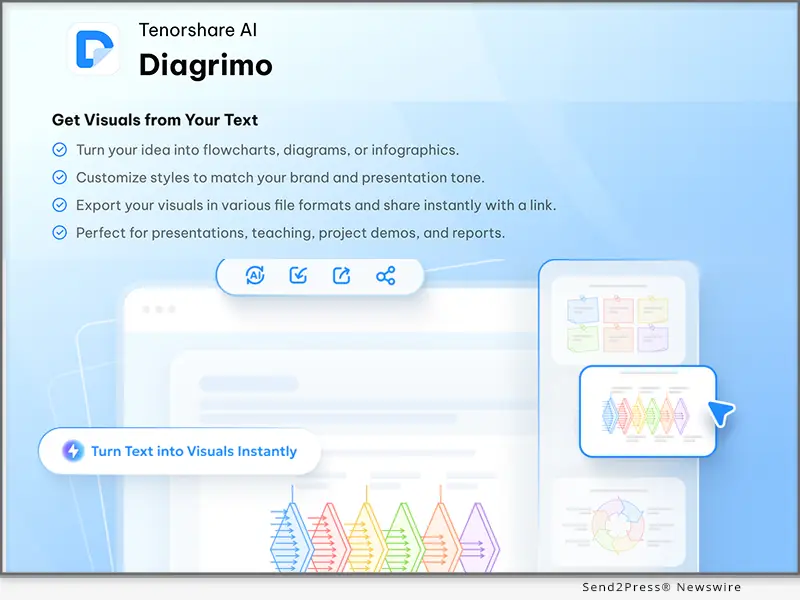
NEW YORK, N.Y., Oct. 30, 2025 (SEND2PRESS NEWSWIRE) — Diagrimo, an AI-powered visualization tool from Tenorshare, has officially launched, enabling users to instantly turn text into clean, structured visual diagrams. Whether organizing thoughts, planning projects, or explaining complex concepts, Diagrimo makes visual thinking effortless and intuitive.

Diagrimo Officially Launched
Image caption: Diagrimo Officially Launched.

WHAT IS DIAGRIMO: REDEFINING VISUAL THINKING WITH AI

“We believe every idea deserves to be seen, not just written,” said the Diagrimo team. “With Diagrimo, everyone can visualize their thoughts and communicate with confidence.”

Diagrimo helps users convert text into structured visual diagrams within seconds. By simply highlighting text, Diagrimo AI detects logical patterns and automatically generates professional visuals such as flowcharts, timelines, mind maps, SWOT diagrams, and pyramid charts.

Built for creators, educators, professionals, and teams, Diagrimo eliminates the barrier between thinking and visualizing. It empowers users to express ideas faster, collaborate more effectively, and boost productivity all without any design skills.

WHY CHOOSE DIAGRIMO?

In a time of information abundance, clarity is power. Diagrimo transforms complex ideas into visual formats that are easy to grasp and share, enabling better collaboration and smarter decisions.

Here’s what makes Diagrimo stand out:

  1. AI Writing Assistant: Diagrimo AI helps you refine, simplify, or expand text in one click to enhance clarity and tone.
  2. Instant Visualization: Turn text into clear diagrams automatically, from SWOT charts and timelines to flowcharts and pyramid structures.
  3. Smart Organization: Create, favorite, and manage documents by topic or project to keep your workspace organized.
  4. Easy Export: Download your work as PDFs or image files for reports, slides, or sharing.

With Diagrimo, anyone can transform thoughts into visuals and communicate with greater precision.

Start visualizing your ideas today: https://www.tenorshare.ai/diagrimo.html

ABOUT DIAGRIMO

Diagrimo is an AI-powered visualization platform that helps individuals and teams turn written ideas into professional diagrams in seconds. By combining advanced language understanding with intelligent design generation, Diagrimo enhances clarity, creativity, and collaboration across all types of work.

Website: https://www.tenorshare.ai/diagrimo.html

X/Twitter: https://x.com/TenorshareAI

YouTube: https://www.youtube.com/@TenorshareAI

TikTok: https://www.tiktok.com/@tenorshareai

Facebook: https://www.facebook.com/TenorshareAI/

Instagram: https://www.instagram.com/tenorshareai/

NEWS SOURCE: Tenorshare Co. Ltd.


This press release was issued on behalf of the news source (Tenorshare Co. Ltd.), who is solely responsible for its accuracy, by Send2Press Newswire. Image, if any, was provided by the news source and not this website or the wire service. Information is believed accurate, as provided by the news source, but is not guaranteed.

To view the original story, visit: https://www.send2press.com/wire/diagrimo-officially-launches-turn-text-into-visuals-instantly/

Copr. © 2025 Send2Press® Newswire, Calif., USA. -- REF: S2P STORY ID: S2P130553 NOREL-3B


Ultimate Ghostface AI Generator Free: Scream with AI Photo Editor PixPretty

NEW YORK, N.Y., Oct. 29, 2025 (SEND2PRESS NEWSWIRE) — Excited for Halloween but tired of generic filters like Google Gemini’s promos? It’s time to unleash your spooky side with the ultimate PixPretty Ghostface AI Generator. This all-in-one AI photo Editor from Tenorshare lets you transform your selfies into horrifyingly realistic ghost face images, perfect for fans of the “Scream” franchise and anyone looking to create viral Halloween content.

Ultimate Ghostface AI Generator! Scream with AI Photo Editor PixPretty
Image caption: Ultimate Ghostface AI Generator! Scream with AI Photo Editor PixPretty.

NO 1. FREE GHOSTFACE AI GENERATOR – PIXPRETTY AI GHOSTFACE GENERATOR ONLINE TOOL

PixPretty is the best AI-Powered Photo editor in 2025. It’s Free Ghostface AI generator captures the terror and thrill of the iconic slasher look. Whether you want to recreate the classic Ghostface mask, design your own ghost face costume, or generate eerie Ghostface pictures, PixPretty makes it effortless.

With just one click, you can turn your photo into a chilling masterpiece—no editing skills or text prompts needed. Unlike traditional tools, PixPretty integrates multiple AI features into a single platform. It offers:

  • AI-powered background remover: Easily remove or Change Backgrounds for Any Image.
  • Professional Batch image editing without losing image detail.
  • Easy AI object removal to erase unwanted distractions.
  • Multiple AI action figure generator (Bandai, LEGO, Barbie, and 7 styles).
  • Free Ghostface AI generator that brings your inner scream to life instantly.

More special photo creation features will be updated in the future.

HERE’S HOW TO CREATE YOUR GHOSTFACE AI SPOOKY IMAGE FOR FREE:

Step 1. Visit the PixPretty Ghostface AI Generator online.

Step 2. Upload your selfie and pick your favorite horror style — choose from Ghostface, Vicious Red-Haired Doll, Striped Nightmare Demon, Hockey Mask Fiend, or Gothic Academy variations (with hands, dark moon, or black cat).

Step 3. In just seconds, your ghost face drawing or ghost face image will appear—ready to share on social media or use as your Halloween avatar.

Join PixPretty Halloween party: PixPretty HALLOWEEN TREAT. Make This Halloween Unforgettably Creative! This Halloween, skip the complicated edits — visit PixPretty, upload your selfie, and let PixPretty’s Ghostface AI Generator scream for you.

NO 2. GEMINI GHOSTFACE AI GENERATOR

Google Gemini is a great choice for making your Ghostface; it is free and powerful. The basic concept is to have AI generate an image of you lying on a bed with a vintage phone, dim glossy room, Ghostface from Scream lurking behind.

Steps to generate Ghostface picture with Gemini:

  1. Open Google Gemini and upload your Photo
  2. Enter a Prompt to create the Ghostface you want
  3. Then Gemini will generate ya realistic Ghostface image.

Note: The prompt needs to be specific and provide context.

ABOUT PIXPRETTY

PixPretty AI Photo Editor Made Easy. PixPretty is an AI-powered photo editing tool, which is designed to help everyone easily edit photos online with AI. We believe AI shouldn’t be just for professionals or tech enthusiasts. It should be a simple, joyful way for everyone to create, explore, experiment, and discover the endless possibilities of visual creation.

Learn More: https://pixpretty.tenorshare.ai/

https://www.facebook.com/PixPrettyAI/

https://x.com/PixPrettyAI

https://www.youtube.com/@PixPretty

NEWS SOURCE: Tenorshare Co. Ltd.


This press release was issued on behalf of the news source (Tenorshare Co. Ltd.), who is solely responsible for its accuracy, by Send2Press Newswire. Image, if any, was provided by the news source and not this website or the wire service. Information is believed accurate, as provided by the news source, but is not guaranteed.

To view the original story, visit: https://www.send2press.com/wire/ultimate-ghostface-ai-generator-free-scream-with-ai-photo-editor-pixpretty/

Copr. © 2025 Send2Press® Newswire, Calif., USA. -- REF: S2P STORY ID: S2P130530 NOREL-3B

 

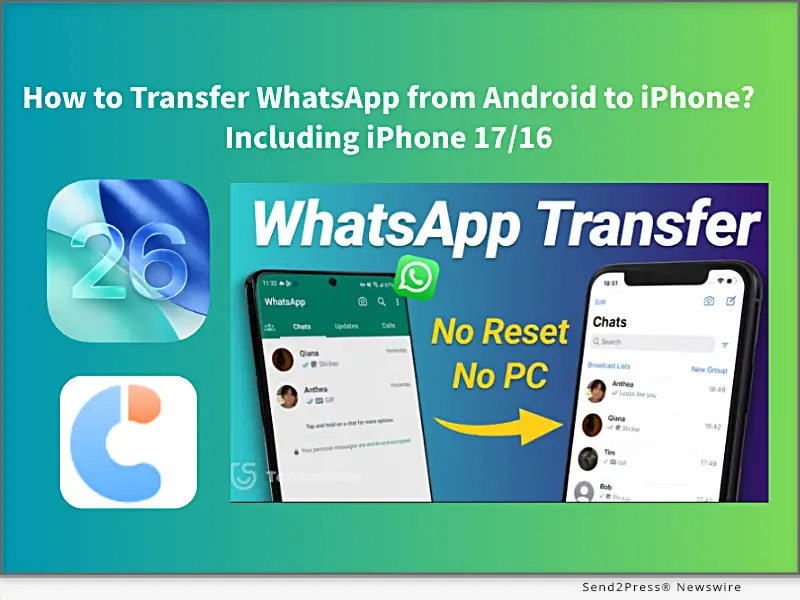
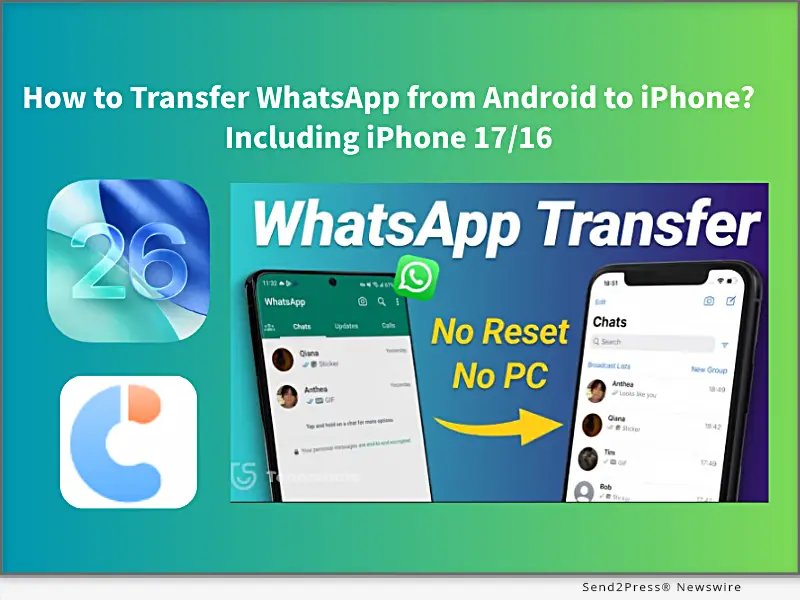
How to Transfer WhatsApp from Android to iPhone? Including iPhone 17/16 [FREE]

NEW YORK, N.Y., Sept. 23, 2025 (SEND2PRESS NEWSWIRE) — iPhone 17 is making people excited, but how to transfer your WhatsApp data to the new one? In this guide from Tenorshare, I’ll walk you through how to transfer your WhatsApp from Android to an iPhone in 5 minutes.

Tenorshare: How to Transfer WhatsApp from Android to iPhone Including iPhone 17/16
Image caption: How to Transfer WhatsApp from Android to iPhone Including iPhone 17/16.

HOW TO MOVE WHATSAPP FROM ANDROID TO AN IPHONE

There are 2 simple, quick, and effective methods to switch your WhatsApp messages, images, and videos to an iPhone. One method requires factory resetting your iPhone, and the other does not. Let’s get started.

METHOD 1: TRANSFER WHATSAPP CHATS TO IPHONE 17 VIA MOVE TO IOS APP [FREE, BUT NEEDS RESET]

Using the Move to iOS app to transfer WhatsApp chats from Android to iPhone is Apple’s official free method and works best if you have a new iPhone 17 initial setup or don’t mind resetting the iPhone to factory settings. However, it requires the same phone number on both devices, and some data will be lost after resetting, or may not transfer completely.

Steps to use the Move to iOS APP:

Step 1. Install the Move to iOS app on Android.

Step 2. Enter the code, select WhatsApp to transfer.

Step 3. Then download WhatsApp on your new iPhone 17, sign in, and restore your chats.

METHOD 2: TRANSFER ALL WHATSAPP DATA FROM ANDROID TO IPHONE VIA TENORSHARE ICAREFONE TRANSFER [100% SUCCESS AND NO RESET]

If you don’t want to lose your iPhone that already has photos, settings, and other data, Tenorshare iCareFone Transfer is the best choice to transfer all WhatsApp data from Android to iPhone without a factory reset.

Unlike the official Move to iOS method, Tenorshare iCareFone Transfer is a professional WhatsApp data transfer tool that works across multiple scenarios, including Android ↔ iPhone, iPhone ↔ iPhone, and Android ↔ Android, to import all WhatsApp data without data loss and keep 100% original details.

  • Fixed iPhone 17 Move to iOS not working and Move to iOS stuck on 1-minute,, issues.
  • Free iOS 26 WhatsApp backup to a computer, and supports transferring data from GB WhatsApp to standard WhatsApp.
  • Transfer fully migrates chats, images, videos, emojis, and attachments, with a 100% success rate.
  • Supports restoring WhatsApp backup from Google Drive to iPhone.
  • Compatible with all iPhone and Android devices.

STEPS TO TRANSFER WHATSAPP USE TENORSHARE ICAREFONE TRANSFER:

Step 1. Download and install Tenorshare iCareFone Transfer on your computer (Windows/Mac).

Step 2. On your Android device, enable USB Debugging: Settings → About phone →Enable Developer options → USB Debugging.

Step 3. On your iPhone, disable Find My iPhone, and connect both the Android and iPhone to the computer.

Step 4. Launch iCareFone Transfer and select “Transfer WhatsApp“ to transfer WhatsApp data in minutes.

ABOUT TENORSHARE

Transferring WhatsApp without resetting will be difficult, but Tenorshare iCareFone Transfer provides a simple way to migrate WhatsApp from Android to iPhone without resetting, with 15 years transferring iOS solution experience.

NEWS SOURCE: Tenorshare Co. Ltd.


This press release was issued on behalf of the news source (Tenorshare Co. Ltd.), who is solely responsible for its accuracy, by Send2Press Newswire. Image, if any, was provided by the news source and not this website or the wire service. Information is believed accurate, as provided by the news source, but is not guaranteed.

To view the original story, visit: https://www.send2press.com/wire/how-to-transfer-whatsapp-from-android-to-iphone-including-iphone-17-16-free/

Copr. © 2025 Send2Press® Newswire, Calif., USA. -- REF: S2P STORY ID: S2P129502 NOREL-3B
 

Guide: How to Remove iOS 26 From My iPhone to a Stable Version? [Free]

NEW YORK, N.Y., Sept. 17, 2025 (SEND2PRESS NEWSWIRE) — Tired of iOS 26 on your iPhone, which makes your iPhone laggy or overheat? You may want to return to a stable version. In this guide from Tenorshare, we explain how to remove iOS 26 from your iPhone and install a stable version without data loss.

Tenorshare Guide: How to Remove iOS 26 From My iPhone to a Stable Version
Image caption: Tenorshare Guide: How to Remove iOS 26 From My iPhone to a Stable Version.

“My iPhone 13 battery is draining fast after updating to iOS 26 beta. How can I remove it and install a stable version?” – iPhone 13 user.

CAN I REMOVE IOS 26 FROM MY IPHONE?

Yes, you can remove iOS 26 from your iPhone, whether you’re running the developer beta or the public beta.

Upgrading to the final official version of iOS 26 is the easiest way to remove the iOS 26 beta. Or use a trusted third-party tool, such as Tenorshare ReiBoot can downgrade from iOS 26 to 18 in just minutes.

Before starting, ensure you back up data to iCloud/iTunes and disable Find My iPhone.

HOW TO REMOVE IOS 26 FROM YOUR IPHONE WITHOUT DATA LOSS?

Method 1. Wireless Update to iOS 26 Stable Version.

Now, upgrading to the iOS 26 stable version is a free method to remove the iOS 26 Beta ithout a computer. Supported models include iPhone 11/12/13/14/15/16/17.

Steps to update the final iOS 26 version:

Step 1. Open Settings > General > Software Update.

Step 2. Turn off Beta Updates

Step 3. Return to the Software Update screen and install the iOS 26.0.

Note: It’s crucial to disable beta updates. It can stop your device may installing future betas (such as iOS 26.1 beta), moving to the stable release.

Method 2: Auto-Delete iOS 26 via Tenorshare ReiBoot (Best Recommended for Everyone, 100% Working)

If you want to remove iOS 26 without updating, let’s try downgrading your iPhone from iOS 26 to iOS 18. Tenorshare ReiBoot is an iOS system repair software that lets you uninstall iOS 26 and auto-install the stable iOS version on your iPhone without any data loss.

Steps to remove iOS 26 with Tenorshare ReiBoot:

Step 1. Free install Tenorshare ReiBoot on your computer and connect your iPhone.

Step 2. Select “Downgrade from iOS 26 to 18” or “Upgrade to Stable iOS 26.” ReiBoot will auto-download the right firmware.

Step 3. Wait while the software completes the process.

WHY REMOVE IOS 26 VIA REIBOOT IS BEST:

  • 100% Protects your iPhone data.
  • Fix 150+ iOS 26 Problems, like iOS 26 overheat,iOS 26 not working.
  • Downgrade iOS 26 to 18 within 20 minutes.

Note: If the iOS 26 update is stuck on ‘Update Requested,’ Tenorshare ReiBoot can also resolve the issue quickly.

ABOUT TENORSHARE:

Removing iOS 26 can be risky and may result in data loss. Tenorshare ReiBoot provides a safe and reliable way without losing any data. Founded in 2007, Tenorshare is a reputable software company known for creating intuitive iOS and Android solutions, earning widespread recognition and multiple industry awards.

NEWS SOURCE: Tenorshare Co. Ltd.


This press release was issued on behalf of the news source (Tenorshare Co. Ltd.), who is solely responsible for its accuracy, by Send2Press Newswire. Image, if any, was provided by the news source and not this website or the wire service. Information is believed accurate, as provided by the news source, but is not guaranteed.

To view the original story, visit: https://www.send2press.com/wire/guide-how-to-remove-ios-26-from-my-iphone-to-a-stable-version-free/

Copr. © 2025 Send2Press® Newswire, Calif., USA. -- REF: S2P STORY ID: S2P129355 NOREL-3B
 

4DDiG Mac Data Recovery 5.7.0 is Your All-in-One Data Recovery and Backup Tool

Installing, reinstalling, upgrading, or downgrading macOS is a common need for Mac users

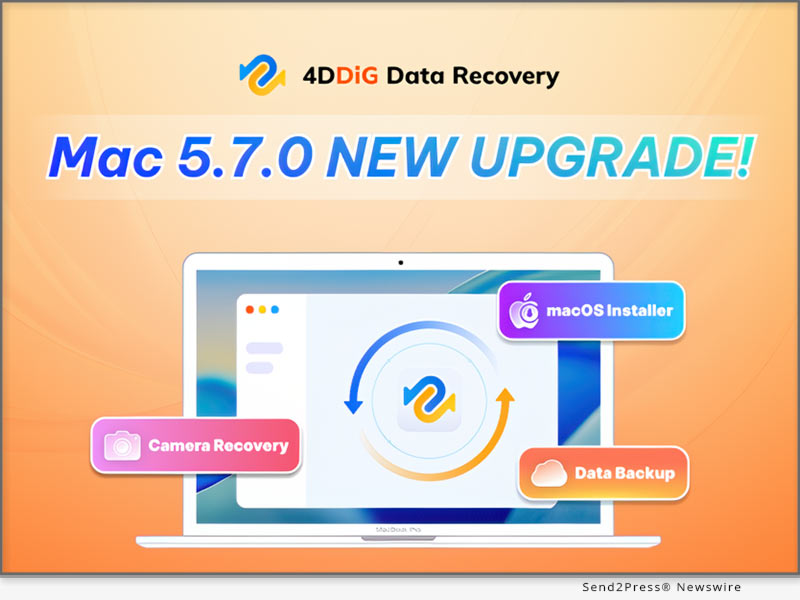
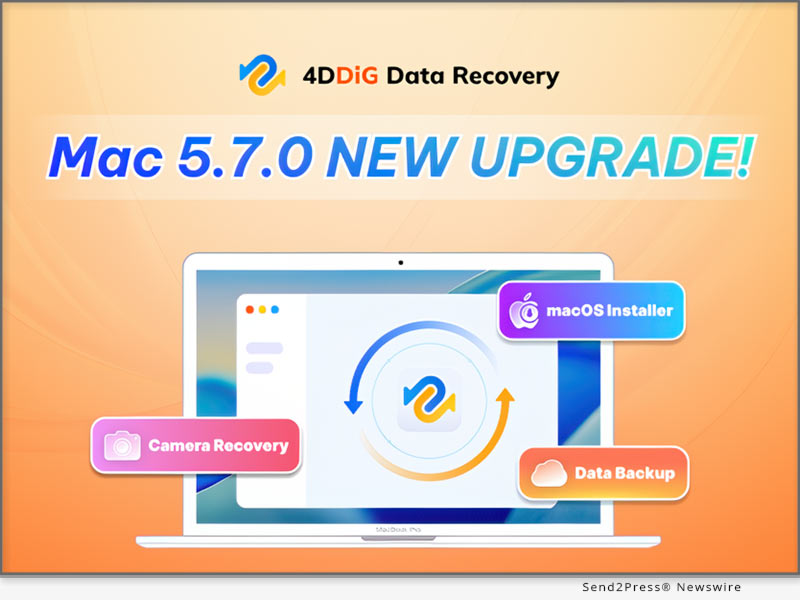
NEW YORK, N.Y. and HONG KONG, Sept. 11, 2025 (SEND2PRESS NEWSWIRE) — Tenorshare 4DDiG, a leading software developer, today unveiled 4DDiG Mac Data Recovery 5.7.0. Featuring three major updates, the software goes beyond reactive recovery, offering Mac users a complete solution for safeguarding and restoring their data.

4DDiG Mac Data Recovery 5.7.0: Your All-in-One Data Recovery and Backup Tool
Image caption: 4DDiG Mac Data Recovery 5.7.0: Your All-in-One Data Recovery and Backup Tool.

“With every new version, the 4DDiG team prioritizes real user needs,” said Terrance, Marketing Director of 4DDiG. “We noticed that many Mac users who experienced data loss were not only looking for recovery solutions but also regretting that they hadn’t backed up their data in time. Version 5.7.0 addresses these concerns by offering both proactive backup tools and reliable recovery options.”

NEW DATA BACKUP FEATURE

The biggest highlight of 4DDiG Mac Data Recovery 5.7.0 is its backup feature, which allows users to quickly create a complete, byte-for-byte copy of any Mac or Mac-based storage device. This feature is especially useful in several critical scenarios:

  • If a hard drive shows signs of physical damage, users can clone the original data to a secure location. Even if recovery fails or the disk is completely damaged, having a backup ensures peace of mind.
  • Users can attempt various recovery methods on the backup disk image without risking additional damage to the original device.
  • Regularly backing up data with this feature greatly reduces the risk of permanent data loss.

VIDEO (YouTube): https://www.youtube.com/watch?v=9DwY-pWe6tk

MACOS BOOTABLE DISK CREATION

Installing, reinstalling, upgrading, or downgrading macOS is a common need for Mac users. Normally, creating a macOS installer requires knowledge of Terminal commands, which can be challenging for those without technical experience. However, with 4DDiG Mac Data Recovery, users can create a bootable macOS disk in just a few clicks.

OPTIMIZED CAMERA DATA RECOVERY

Recovering data from camera memory cards is harder than from hard drives because their file systems often lose fragment info after deletion or formatting. In 4DDiG Mac Data Recovery 5.7.0, scanning speed and recovery success for memory cards have been improved, making it easier for photographers to retrieve lost photos and videos.

COMPATIBILITY & PRICING

4DDiG Mac Data Recovery 5.7.0 is fully compatible with a wide range of macOS versions, including the upcoming macOS Tahoe. In addition, it offers a flexible pricing model with monthly, yearly, and lifetime plans to meet different user needs, and during the back-to-school season, users can enjoy a special 40% discount.

ABOUT 4DDIG

4DDiG is dedicated to delivering reliable, user-friendly software solutions for both Mac and Windows users. Its data recovery software has been praised by well-known media outlets such as Macworld, MakeUseOf, and Cult of Mac. Beyond data recovery, 4DDiG also offers a range of practical tools, including duplicate file cleanup, file repair, AI-powered photo and video enhancement, and disk cloning.

Learn more about 4DDiG Mac Data Recovery V5.7.0: https://4ddig.tenorshare.com/mac-data-recovery.html

Socials:

Facebook: https://www.facebook.com/4DDiG/

X(Twitter): https://x.com/Tenorshare4DDiG

YouTube: https://www.youtube.com/@Tenorshare4DDiGDataRecovery/featured

NEWS SOURCE: Tenorshare Co. Ltd.


This press release was issued on behalf of the news source (Tenorshare Co. Ltd.), who is solely responsible for its accuracy, by Send2Press Newswire. Image, if any, was provided by the news source and not this website or the wire service. Information is believed accurate, as provided by the news source, but is not guaranteed.

To view the original story, visit: https://www.send2press.com/wire/4ddig-mac-data-recovery-5-7-0-is-your-all-in-one-data-recovery-and-backup-tool/

Copr. © 2025 Send2Press® Newswire, Calif., USA. -- REF: S2P STORY ID: S2P129249 NOREL-3B
 

Tenorshare AI’s Back-to-School Sale 2025: Up to 70% Off Subscriptions

NEW YORK, N.Y., Aug. 14, 2025 (SEND2PRESS NEWSWIRE) — Tenorshare AI, a leading provider of innovative software solutions, is excited to announce its Back-to-School Sale, running from August 14 to September 14, 2025. Customers can enjoy up to 70% off on Tenorshare AI Bypass plans during this limited-time promotion.

Tenorshare AI's Back-to-School Sale: Up to 70% Off Subscriptions
Image caption: Tenorshare AI’s Back-to-School Sale: Up to 70% Off Subscriptions.

“We are grateful for the trust and support from our users around the world,” said a Tenorshare AI spokesperson. “This promotion is our way of giving back and helping more people experience the power of AI humanization.”

EXCITING PRIZES AWAIT

Get ready for Tenorshare AI’s Back-to-School Celebration packed with amazing rewards for our lucky participants! Here’s what you can win:

  1. Up to 70% Off Discount: Customers can use the coupon code TSAI-BTS-70 at checkout to enjoy big savings instantly.
  2. $30 Amazon Gift Card: Treat yourself to anything you love from millions of products.
  3. $5 Amazon Gift Card: Perfect for a quick treat or adding to your next shopping spree.
  4. Tenorshare AI Bypass Monthly Unlimited (valued at $39.99): Seven lucky winners will receive free access to the full features of Tenorshare AI Bypass for one month.

HOW TO PARTICIPATE

  • Step 1. Grab Your Discount: Visit our campaign page and purchase any product to enjoy discounts of up to 70% instantly.
  • Step 2. Follow and Retweet: Follow the official Tenorshare AI account on X (@TenorshareAI) and retweet the campaign post to earn a free entry into the prize draw.
  • Step 3. Claim Your Prize: If you are one of the lucky winners, Tenorshare AI will contact you via the official Twitter account in one week after the Back-to-School Sale ends.

OUR STAR PRODUCT: TENORSHARE AI BYPASS

Tenorshare AI Bypass offers a powerful and user-friendly way to create human-like, undetectable AI content. Key features include:

  • Truly Undetectable: Renders text undetectable by advanced AI detectors.
  • High-Quality Rewriting: Produces polished, error-free results.
  • Plagiarism-Free Output: Ensures 100% original content.
  • Built-in Free AI Detector: Verify detectability before publishing.
  • Fast & Easy: No technical expertise needed.
  • Multi-Language Support: Supports over 50 languages, including Spanish.

ABOUT TENORSHARE AI

As a pioneer in AI-driven solutions, Tenorshare AI is dedicated to delivering innovative tools that empower users in their work and personal lives. Don’t miss this Back-to-School Sale to enjoy significant discounts and the chance to win exciting prizes.

Learn more: https://ai.tenorshare.com/

X/Twitter: https://x.com/TenorshareAI

YouTube: https://www.youtube.com/@TenorshareAI

TikTok: https://www.tiktok.com/@tenorshareai

Facebook: https://www.facebook.com/TenorshareAI

Instagram: https://www.instagram.com/tenorshareai/

NEWS SOURCE: Tenorshare Co. Ltd.


This press release was issued on behalf of the news source (Tenorshare Co. Ltd.), who is solely responsible for its accuracy, by Send2Press Newswire. Image, if any, was provided by the news source and not this website or the wire service. Information is believed accurate, as provided by the news source, but is not guaranteed.

To view the original story, visit: https://www.send2press.com/wire/tenorshare-ais-back-to-school-sale-2025-up-to-70-off-subscriptions/

Copr. © 2025 Send2Press® Newswire, Calif., USA. -- REF: S2P STORY ID: S2P128485 NOREL-3B
 

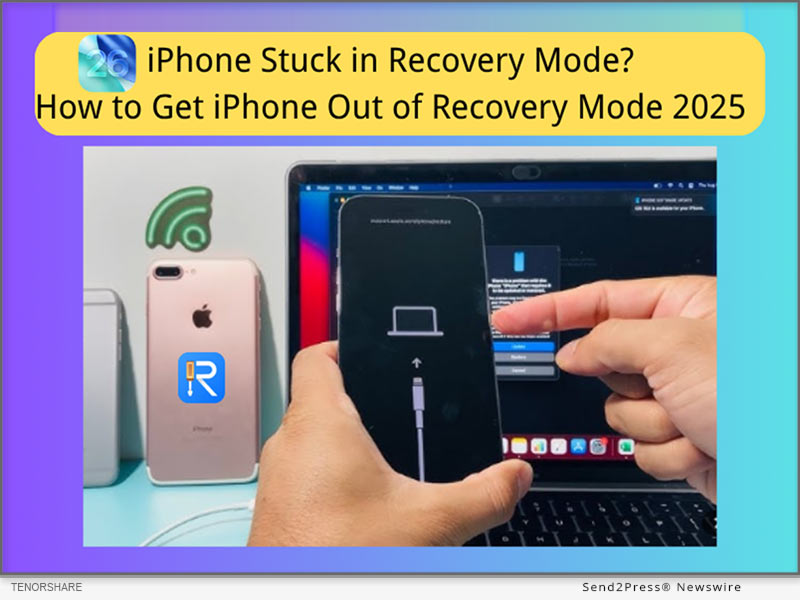
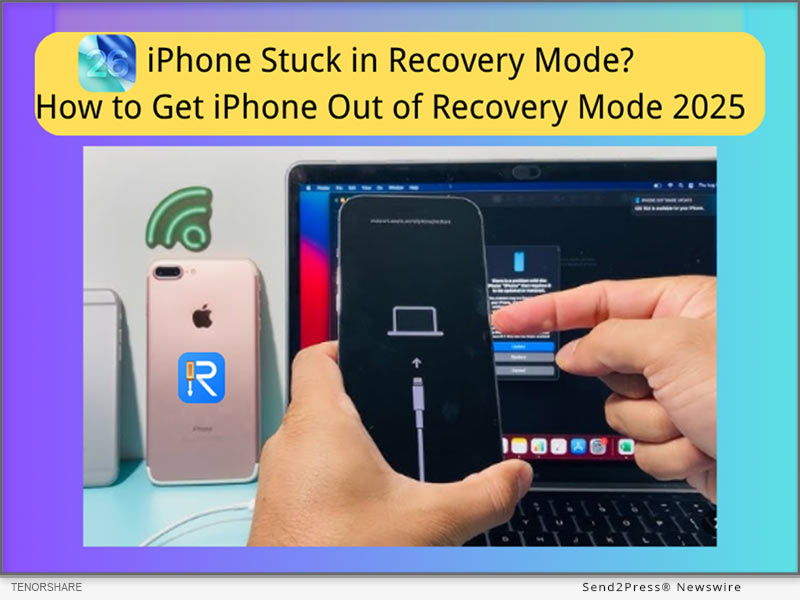
[Free] iPhone Stuck in Recovery Mode? Get Your iPhone Out of Recovery Mode in 2025

NEW YORK, N.Y., July 1, 2025 (SEND2PRESS NEWSWIRE) — “My iPhone 14 is stuck in recovery mode after updating to iOS 26. How can I fix it without losing data?”-Users reported. The reason that your iPhone 14 may get stuck in recovery mode is failed iOS 26 updates, iOS 26 corrupted system files, or an interrupted app process. Thankfully, it can be fixed with Tenorshare ReiBoot (no data loss) or iTunes/DFU Mode (data loss).

iPhone Stuck in Recovery Mode? Get iPhone Out of Recovery Mode 2025
Image caption: iPhone Stuck in Recovery Mode? Get iPhone Out of Recovery Mode 2025 with Tenorshare ReiBoot.

5 ways to fix iphone stuck in recovery mode 2025 – no data loss!

SOLUTION 1: EXIT ‘IPHONE STUCK IN RECOVERY MODE’ WITHOUT ITUNES – TENORSHARE REIBOOT (NO DATA LOSS)

How to exit iPhone’s Recovery Mode without iTunes?

Tenorshare ReiBoot provides a 5-minute resolution to the issue of an iPhone stuck in recovery mode. It can also help with 150+ iOS/iPad/tvOS-related issues, including iOS 26 boot loops, iPhone stuck in Apple Logo, and iPhone frozen screens.

How do you take your iPhone out of Recovery Mode for free with Tenorshare ReiBoot?

Step 1: Free download Tenorshare ReiBoot on your PC.

Step 2: Connect your iPhone to your PC, then launch ReiBoot.

Step 3: One-click the ‘Exit Recovery Mode’ option, and it will get your iPhone out of Recovery Mode without data loss.

SOLUTION 2: FORCE RESTART TO EXIT RECOVERY MODE WITHOUT A COMPUTER (NO DATA LOSS)

How to get an iPhone out of Recovery Mode without a computer?

If your iPhone gets stuck, the simplest solution is to restart your iPhone, which often brings your iPhone back to the home screen without a computer.

For iPhone 8/X/XR/11/12/13/14/15/16 to exit iPhone Stuck in Recovery Mode:

  1. Quickly press Volume Up and Down.
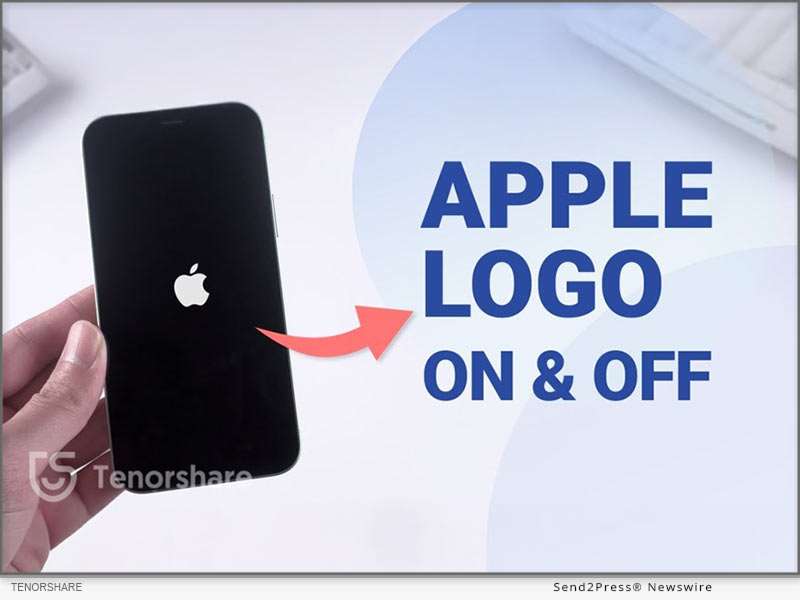
  2. Hold the Side button until you see the Apple logo.

Note: How to put an iPhone into Recovery Mode to fix another problem- iPhone Stuck on Apple Logo, here are the steps for iPhone 8/XR later:

  1. Connect to the computer, press volume up, down.
  2. Hold the side button until the Recovery screen appears.

SOLUTION 3: USE ITUNES OR FINDER TO PUT IPHONE IN RESTORE MODE (MAY CAUSE DATA LOSS)

How long does it take to enter recovery mode?

It usually takes 10–20 minutes. If your iPhone won’t enter Recovery Mode and shows the ‘support.apple.com/iphone/restore on screen, you need to get your iPhone into iTunes or Finder to restore.

How to fix iPhone stuck on support.apple.com/iphone/restore issue?

Step 1: Connect your iPhone to the Computer, Launch Finder (Mac) or iTunes (Windows or macOS Mojave and earlier).

Step 2: Choose ‘Update.’ If it does not exist, select ‘Restore’ (lose data).

Step 3: Then get your iPhone out of restore mode and restore your backup.

TIPS:

  1. Always try “Update” before “Restore” in iTunes/Finder.
  2. Make regular backups using iCloud or iTunes before restoring.
  3. Use Safe Tools if you are tech-novice: Simple Tools like ReiBoot iOS Repair can exit Recovery Mode without erasing data—no iTunes required.

ABOUT TENORSHARE:

Tenorshare is a trusted software company focusing on iOS device repair. ReiBoot is designed for users who prefer a faster, more user-friendly solution than iTunes or Finder, especially when trying to avoid data loss.

More information: https://www.tenorshare.com/

Follow on social:

https://x.com/Tenorshare_Inc

https://www.youtube.com/user/TenorshareOfficial/videos

NEWS SOURCE: Tenorshare Co. Ltd.


This press release was issued on behalf of the news source (Tenorshare Co. Ltd.), who is solely responsible for its accuracy, by Send2Press Newswire. Image, if any, was provided by the news source and not this website or the wire service. Information is believed accurate, as provided by the news source, but is not guaranteed.

To view the original story, visit: https://www.send2press.com/wire/free-iphone-stuck-in-recovery-mode-get-your-iphone-out-of-recovery-mode-in-2025/

Copr. © 2025 Send2Press® Newswire, Calif., USA. -- REF: S2P STORY ID: S2P127335 NOREL-3B
 

4DDiG Mac Cleaner V3.0.0 Launched: Clean and Speed Up Your Mac in One Click

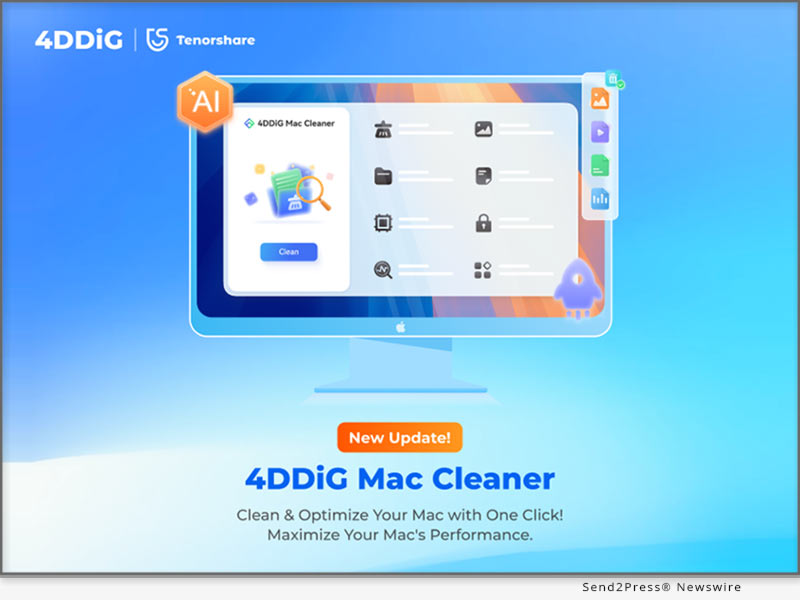
NEW YORK, N.Y., June 27, 2025 (SEND2PRESS NEWSWIRE) — Tenorshare’s flagship brand 4DDiG, a global software leader with over a decade of experience, today announced the official release of 4DDiG Mac Cleaner V3.0.0. Formerly known as 4DDiG Duplicate File Deleter for Mac, this powerful tool comes with a new name, a completely redesigned interface, and way more features. It’s no longer just for deleting duplicate files — it’s now an AI-powered, all-in-one, and user-friendly Mac optimization solution.

4DDiG Mac Cleaner V3.0.0 Launches
Image caption: 4DDiG Mac Cleaner V3.0.0 Launches.

WHAT’S NEW IN 4DDIG MAC CLEANER V3.0.0?

  • New Name, New Look: The fresh interface is cleaner, more modern, and much easier to navigate.
  • More Than Duplicates: The latest version adds a powerful feature, enabling Mac users to remove system caches, app leftovers, installation packages and other junk files in just a few clicks.
  • Improved Features: Existing features like duplicate file removal have all been enhanced for performance and accuracy.
  • Security and Compatibility: 4DDiG Mac Cleaner V3.0.0 is notarized by Apple and is also available on the Mac App Store.

KEY FEATURES OF 4DDIG MAC CLEANER V3.0.0

As an all-in-one Mac optimization toolkit, 4DDiG Mac Cleaner offers a range of valuable features:

  • Duplicate File Removal: Scans and deletes over 50 types of duplicate files across various storage devices.
  • Similar Photo Sorting: Utilizes AI to find and remove burst shots or near-identical images.
  • Large File Detection: Pinpoints and deletes hidden large files to reclaim disk space efficiently.
  • AI Smart Cleanup: Automatically recommends files safe to delete while preserving important content.

“4DDiG Mac Cleaner is built especially for people who often work with large files, including graphic designers, content creators, and students,” said Terrance, Marketing Director at 4DDiG. “It effectively solves common problems like Finder freezing, heavy SSD usage, and slow app launches, so you can get your Mac running smoothly again in no time. Plus, no technical skills are required.”

HOW TO USE 4DDIG MAC CLEANER?

Step 1: Download and install the tool on your Mac. Once launched, select the desired feature in the left panel.

Step 2: Pick the folder or disk you wish to clean.

Step 3: Preview the results and apply AI-recommended actions to safely clean or retain files.

PRICING AND COMPATIBILITY

The software is compatible with a wide range of macOS versions, including the latest macOS Sequoia. Pricing starts at $24.95 USD for a monthly subscription.

To mark the launch, 4DDiG is running a limited-time Summer Sale, during which users can enjoy a 20% discount on any plan by applying the promo code 4D-SUM-20 at checkout.

ABOUT 4DDIG

Since its founding, 4DDiG has been dedicated to developing efficient and user-centric software solutions. Beyond its well-known duplicate file cleaning tool, 4DDiG offers a comprehensive suite of utilities including disk management, data recovery, and file repair. Today, the company is actively exploring how to integrate artificial intelligence into its products.

Learn more about 4DDiG Mac Cleaner V3.0.0: https://4ddig.tenorshare.com/mac-cleaner.html

Socials:

Facebook: https://www.facebook.com/4DDiG/

X(Twitter): https://x.com/Tenorshare4DDiG

YouTube: https://www.youtube.com/@Tenorshare4DDiGDataRecovery/featured

NEWS SOURCE: Tenorshare Co. Ltd.


This press release was issued on behalf of the news source (Tenorshare Co. Ltd.), who is solely responsible for its accuracy, by Send2Press Newswire. Image, if any, was provided by the news source and not this website or the wire service. Information is believed accurate, as provided by the news source, but is not guaranteed.

To view the original story, visit: https://www.send2press.com/wire/4ddig-mac-cleaner-v3-0-0-launched-clean-and-speed-up-your-mac-in-one-click/

Copr. © 2025 Send2Press® Newswire, Calif., USA. -- REF: S2P STORY ID: S2P127259 NOREL-3B
 

TOP Pokémon GO Spoofer Play Go Plus Auto Catch 2025 – Tenorshare iAnyGo

NEW YORK, N.Y., May 9, 2025 (SEND2PRESS NEWSWIRE) — Explore far-off regions and catch rare Pokémon without touching your phone and moving? It’s now possible thanks to Tenorshare’s breakthrough in location spoofing and auto-catching. Tenorshare iAnyGo Auto-Catch latest update brings the advanced Go Plus Auto Catch function, offering an all-new way of cheating in Pokémon Go, which makes teleporting Pokémon effortless, no walking, no screen, just smart play.

Pokemon GO Spoofer Play Go Plus Auto Catch 2025 - Tenorshare iAnyGo
Image caption: Pokémon GO Spoofer Play Go Plus Auto Catch 2025 – Tenorshare iAnyGo.

[UPDATED] TENORSHARE IANYGO LAUNCHES ALL-NEW 2025 POKÉMON GO SPOOFING SOLUTION WITH GO PLUS INTEGRATION: IANYGO AUTO-CATCH

Tenroshare iAnyGo is the top Pokémon Go spoofer and auto catcher in 2025, and their new function, iAnyGo Auto-Catch, is designed to fully support Pokémon GO Plus function through software, by integrating into the ‘Game Mode’ part of iAnyGo, reduces manual input and boosts efficiency, letting players automatically catch Pokémon and spin PokéStops without Open iPhone or Android, ideal for when you are at work or don’t have free time to attend Pokémon Go events. Especially useful during events like Community Day or GO Fest.

WHY TENORSHARE IANYGO IS THE BEST POKÉMON GO SPOOFER?

  1. Anti-ban system and cooldown timer features work alongside device encryption and APP cloaking.
  2. Advanced Bluetooth fake GPS is the latest spoofing technology, providing the safest flying experience without getting banned!
  3. Works with Pokémon Go Plus, automatic catch and spin PokeStop, even if you are at work, you can participate in the event through the original Game.
  4. Free Pokémon Go Joystick and Shiny Pokémon remainder let players navigate the in-game world powerfully.
  5. Supported both iOS 18/17 and Android 15/14 APP versions for Pokémon Go, making it a top choice.

HOW TO SPOOF POKÉMON GO WITHOUT GETTING BANNED?

Step 1: Download and install Tenorshare iAnyGo on your Mac or Windows.

Step 2: Connect Your Phone and Select ‘Game Mode,’ which can bypass ‘Error 12’ in Pokémon Go and keep you cheating Pokémon Go safely.

Step 3: Click the Auto-Catch button, start auto-catching Pokémon, and spinning PokéStops easily.

3 TIPS TO CHEAT IN POKÉMON GO SAFELY IN 2025

  1. Use trusted fake GPS tools like iAnyGo with an anti-ban function to do Pokémon GO cheats in the Game.
  2. Adhere to the Cooldown Timer game time, teleport in Pokémon Go naturally, whether it’s night, bad weather.
  3. Stick to one game account. Using multiple accounts to cheat game will increase your risk of being banned.

ABOUT TENORSHARE

Tenorshare values innovation, creativity, and customer satisfaction. As part of Tenorshare, iAnyGo AutoCatch is the ultimate Pokémon GO auto catcher and spoofer, blending automatic capture with a spoofer, letting you enjoy more fun without walking, freeing your hands while still helping you dominate the gym and supply map. No manual clicking, no looking at the phone, just pure Pokémon GO fun.

More information: https://www.tenorshare.com/

Facebook: https://www.facebook.com/TenorshareOfficial/

X/Twitter: https://x.com/Tenorshare_Inc

YouTube: https://www.youtube.com/user/TenorshareOfficial/videos

NEWS SOURCE: Tenorshare Co. Ltd.


This press release was issued on behalf of the news source (Tenorshare Co. Ltd.), who is solely responsible for its accuracy, by Send2Press Newswire. Image, if any, was provided by the news source and not this website or the wire service. Information is believed accurate, as provided by the news source, but is not guaranteed.

To view the original story, visit: https://www.send2press.com/wire/top-pokemon-go-spoofer-play-go-plus-auto-catch-2025-tenorshare-ianygo/

Copr. © 2025 Send2Press® Newswire, Calif., USA. -- REF: S2P STORY ID: S2P126081 NOREL-3B
 

The TOP Pokémon GO Joystick! Play Pokémon Go Without Moving in 2025

NEW YORK, N.Y., March 18, 2025 (SEND2PRESS NEWSWIRE) — Many Pokémon Go players want an easier way to explore the game world without moving too much. Spoofing is one of the most important Pokémon Go hacks, it helps you move around virtually while staying in one place, but not all are safe. Don’t worry! This guide from Tenorshare will show you the best Pokémon GO joystick and how to Get GPS Joystick in Pokémon GO.

Play Pokemon Go Without Moving in 2025
Image caption: iAnyGo iOS APP is the best Pokémon Go spoofer app.

THE BEST POKÉMON GO JOYSTICKS YOU CAN’T MISS IT 2025

Tenorshare iAnyGo is considered the best Pokémon Go spoofer with a built-in joystick function, which uses exclusively patented Bluetooth spoofing technology for a stable connection, and provides free Pokémon Go joystick trial, Auto-Walking, a built-in cooldown timer, and anti-ban protection etc.

KEY FEATURES:

Fake GPS Pokémon Go: Instantly teleport to any location worldwide and fake your location.

Joystick Mode: Not only is it free, but you can also use the joystick to automatically walk 360 degrees at a custom speed and route.

Shiny Pokémon Map: Built-in official Shiny Pokémon experience route, helps you catch rare Pokemon and participate in official Pokémon Go events globally.

Pros:

  • Safe and reliable fake GPS in Pokémon Go, and easy to use.
  • Game mode can effectively fix Pokémon Go error 12

HOW TO PLAY POKÉMON GO WITHOUT MOVING ON PC?

Let’s Try Tenorshare iAnyGo Pokémon Go Guide.

  1. Free Download and install Tenorshare iAnyGo on your computer.
  2. Connect your iPhone / iPad to your computer using Bluetooth.
  3. Choose ‘Joystick Mode’ then you can teleport anywhere in Pokémon Go with a joystick
  4. Adjust your speed and click iAnyGo Pokemon map to find your desired Pokémon nearby

HOW TO GET POKÉMON GO JOYSTICK WITHOUT A COMPUTER?

iAnyGo iOS APP is the best Pokémon Go spoofer app, which offers a simple way to spoof in Pokémon GO with a joystick and teleport anywhere to find Pokémon, and no computer is needed, you can easily teleport in Pokémon Go without walking.

STEPS TO TELEPORT POKÉMON GO LOCATION SAFELY WITH A JOYSTICK:

  1. Download the iAnyGo iOS assistant on your iPhone.
  2. Log in your Apple account.
  3. Select the Game Mode then use the joystick to teleport world around

WHAT’S NEW OF TENORSHARE IANYGO?

Tenorshare iAnyGo is the first pioneer to get an Exclusive patented Bluetooth spoofing technology breakthrough, a 100% 0 ban account.

Tenorshare’s mission always is to provide users with more convenient and safer tools. Say goodbye to the backward USB spoofing technology, iAnyGo Wireless Bluetooth Tech allows you to play POGO or MHN games with the original version.

About Tenorshare

Tenorshare focuses on iOS, Android, Windows, and Mac platforms, is good at high-core technology development. Their product Tenorshare iAnyGo is the best Pokemon Go Joystick for iPhone, iPad, Mac, and Android players, enhancing your gaming experience without risking bans or needing complex setups.

Learn More:

More information: https://www.tenorshare.com/

Facebook: https://www.facebook.com/TenorshareOfficial/

X/Twitter: https://x.com/Tenorshare_Inc

YouTube: https://www.youtube.com/user/TenorshareOfficial/videos

NEWS SOURCE: Tenorshare Co. Ltd.


This press release was issued on behalf of the news source (Tenorshare Co. Ltd.), who is solely responsible for its accuracy, by Send2Press Newswire. Image, if any, was provided by the news source and not this website or the wire service. Information is believed accurate, as provided by the news source, but is not guaranteed.

To view the original story, visit: https://www.send2press.com/wire/the-top-pokemon-go-joystick-play-pokemon-go-without-moving-in-2025/

Copr. © 2025 Send2Press® Newswire, Calif., USA. -- REF: S2P STORY ID: S2P124806 NOREL-3B
 

An Industry First! Revolutionizes Pokémon GO and Monster Hunter Now Spoofing with Major December Update [NO PC]

Effortlessly Fake Your Android Location without a Computer with the iAnyGo Fake GPS APP

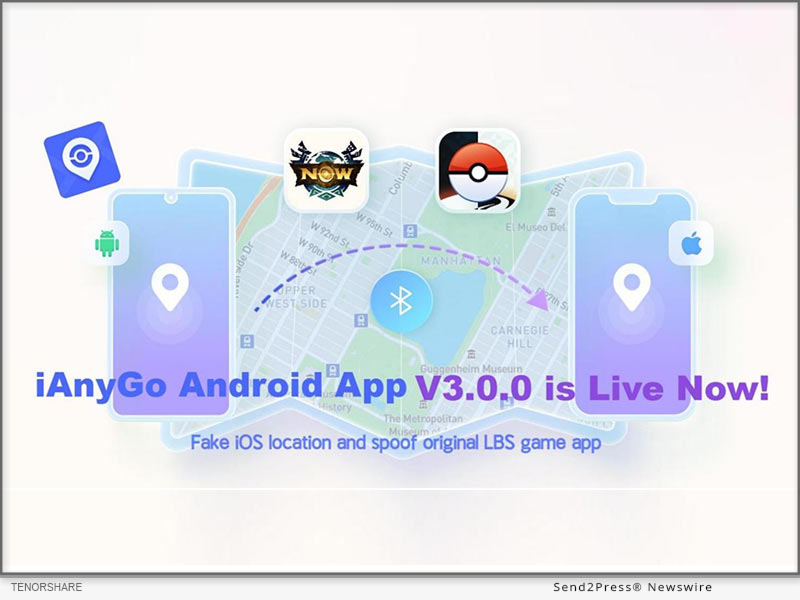
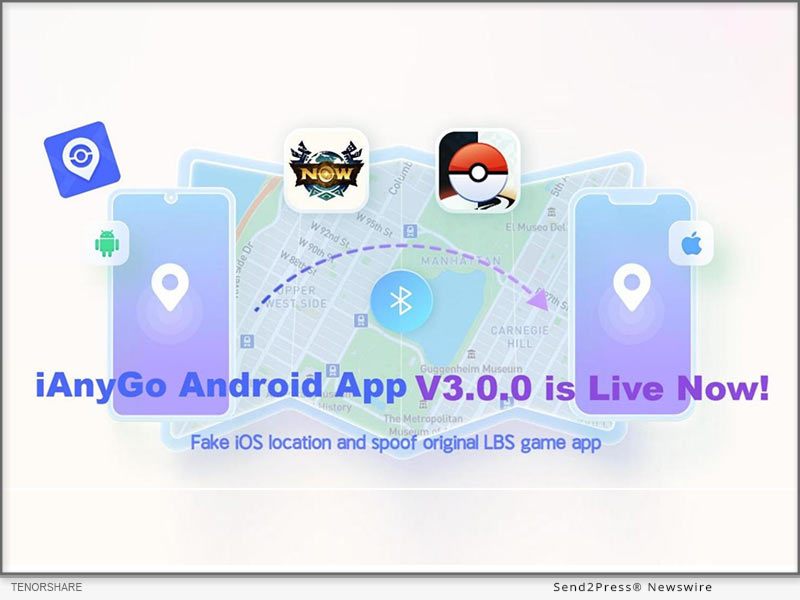
NEW YORK, N.Y., Dec. 20, 2024 (SEND2PRESS NEWSWIRE) — iAnyGo Android App V3.0.0 Update: We are excited to announce the release of Tenorshare iAnyGo Android App V3.0.0, packed with several new features and improvements designed to enhance user experience and functionality.

iAnyGo Android App
Image caption: iAnyGo Android App.

NEW FEATURES:

  • Modify iOS Device Location Introducing the new “iOS Bluetooth Mode.” Now, you can modify the GPS location on iOS devices and enjoy LBS games without the need for cracked apps;
  • UI Optimization The user interface has been optimized to offer a more streamlined and intuitive experience for all users;
  • New Video Tutorials To help users get the most out of the app, we’ve added comprehensive video tutorials, guiding you through the app’s features and functions.

This update promises to improve usability, safety, and the overall user experience. We encourage all users to explore the new features and enjoy an enhanced gaming and spoofing experience.

KEY FEATURES OF IANYGO FAKE GPS APP:

iOS Bluetooth Mode:

  1. Open iOS Bluetooth Mode The first time you use this feature, you’ll be prompted to grant permission.
  2. Connect Bluetooth Devices Pair your Android and iOS devices via Bluetooth.
  3. Modify iOS Location Once connected, through the iAnyGo Android App you can easily fake your GPS location on iOS devices and enjoy authentic LBS game apps without the need for cracked versions.

Android Game Mode:

  1. Prepare Game Mode Delete the previously downloaded game package before opening “Game Mode.”
  2. Install Customized Game Version Activate “Game Mode” and follow the app’s instructions to install a customized version of your game.
  3. Enjoy Spoofing You can enjoy effortless spoofing, perfect for Pokémon GO enthusiasts in Android device!

Teleport:

  1. Launch the App Open the iAnyGo app and select your desired location on the map or enter a specific address.
  2. Spoof GPS Location Click the “Target Location” icon to instantly spoof your GPS location to the selected destination.

Single or Multi-Point Movement:

  1. Single-Point Routes Automatically planned when you select a destination.
  2. Multi-Point Movement Customize your movement route, adjusting the speed and selecting the sport mode that suits your preferences.

Joystick Movement:

  1. Activate Joystick Click on the joystick to enable movement control.
  2. Move in Any Direction Drag the central control point in any direction to simulate virtual movement.

This update significantly enhances both the user interface and functionality of iAnyGo App, making it easier and safer for you to spoof your location and enjoy your favorite games. We invite all users to explore these new features for a smoother, more efficient experience.

About Tenorshare:

Tenorshare is a leading software company focused on data recovery, system repair, and mobile solutions, dedicated to user satisfaction and innovation.

NEWS SOURCE: Tenorshare Co. Ltd.


This press release was issued on behalf of the news source (Tenorshare Co. Ltd.), who is solely responsible for its accuracy, by Send2Press Newswire. Image, if any, was provided by the news source and not this website or the wire service. Information is believed accurate, as provided by the news source, but is not guaranteed.

To view the original story, visit: https://www.send2press.com/wire/an-industry-first-revolutionizes-pokemon-go-and-monster-hunter-now-spoofing-with-major-december-update-no-pc/

Copr. © 2024 Send2Press® Newswire, Calif., USA. -- REF: S2P STORY ID: S2P122997 NOREL-3B
 

4DDiG Christmas Sale 2024: Enjoy Up to 80% Off on Top Software Products

NEW YORK, N.Y., Dec. 17, 2024 (SEND2PRESS NEWSWIRE) — 4DDiG, a leading software solutions provider, and unit of Tenorshare, is spreading holiday cheer with the launch of its exciting 2024 Christmas Sale! Starting December 12, 2024, customers can enjoy discounts of up to 80% on a wide selection of 4DDiG’s top-rated products, including PC and mobile data recovery software, AI-powered photo and video enhancer, disk management tool, and duplicate file remover.

4DDiG Christmas Sale 2024
Image caption: 4DDiG Christmas Sale 2024.

WHAT YOU CAN GET FROM THE 4DDIG CHRISTMAS SALE?

Get Up to 80% Off

This promotion includes all the tools you need, whether you’re looking to recover deleted photos from your SD card or try the latest AI video enhancer.

Take advantage of the best discounts of the year:

  • 4DDiG Data Recovery at $32.16/Month for Windows & $39.16/Month for Mac
  • 4DDiG File Repair at $25.16/Month for Windows & $41.99/Month for Mac
  • 4DDiG Duplicate File Deleter at $17.46/Month for Windows & Mac
  • UltData for iOS at $32.16/Month for Windows & $39.16/Month for Mac
  • UltData for Android at $25.16/Month for Windows & $39.16/Month for Mac
  • UltData for Whatsapp at $25.16/Month for Windows & $32.16/Month for Mac

In 4DDiG Christmas Sale, the most worthwhile product to purchase is 4DDiG Data Recovery, which can recover lost data from over 2,000 types of storage devices. The best part of this software is that, compared to other alternatives, it offers the best data recovery experience at the most affordable price.

Learn more:

https://4ddig.tenorshare.com/special-offers.html

https://4ddig.tenorshare.com/windows-data-recovery.html

START AT $9.90

For a limited time, grab 4DDiG DLL Fixer and 4DDiG Disk Manager for only $9.90 – an offer you won’t find anywhere else this year. This offer is perfect for users who want to clone disks or migrate operating systems at the lowest cost.

BUY 1 GET 1 FREE

Buy 4DDiG Data Recovery and get a 4DDiG Duplicate File Deleter for free, or buy 4DDiG File Repair and receive the same amazing gift! Double the value for your purchase.

WIN AMAZON SHOPPING CARD FOR FREE

Follow 4DDiG on social media for a chance to win amazing prizes, including a $200 Amazon gift card!

Here’s how you can participate:

Step 1: Subscribe to any of 4DDiG’s official social media channels to unlock one entry into the lucky draw. You can earn up to five chances in total.

Step 2: After that, click the “Start” button to spin the wheel and see if you’ve won a prize.

About 4DDiG:

4DDiG is a software company with over ten years of experience, known for its advanced data recovery solutions. The company’s flagship product, 4DDiG Data Recovery, has been highly recognized by authoritative websites such as Make Use Of, PCWorld, and XDA-Developers. 4DDiG is now focusing on the development and application of AI technology. One of the company’s innovative AI-powered tools, 4DDiG File Repair, not only repairs damaged multimedia files but also colorize and enhance them.

For more information about Tenorshare 4DDiG Christmas Sales, visit: https://4ddig.tenorshare.com/special-offers.html

Social sites:

Facebook: https://www.facebook.com/4DDiG/

Instagram: https://www.instagram.com/tenorshare_4ddig/

X/Twitter: https://x.com/Tenorshare4DDiG

YouTube: https://www.youtube.com/@Tenorshare4DDiGDataRecovery/featured

NEWS SOURCE: Tenorshare Co. Ltd.


This press release was issued on behalf of the news source (Tenorshare Co. Ltd.), who is solely responsible for its accuracy, by Send2Press Newswire. Image, if any, was provided by the news source and not this website or the wire service. Information is believed accurate, as provided by the news source, but is not guaranteed.

To view the original story, visit: https://www.send2press.com/wire/4ddig-christmas-sale-2024-enjoy-up-to-80-off-on-top-software-products/

Copr. © 2024 Send2Press® Newswire, Calif., USA. -- REF: S2P STORY ID: S2P122917 NOREL-3B


Elevating Excellence: The All-New Tenorshare Brand Website is Unveiled

Tenorshare boasts 15 years of experience in the smartphone solutions industry

NEW YORK, N.Y., Dec. 12, 2024 (SEND2PRESS NEWSWIRE) — Recently, the Tenorshare website has received a major upgrade that focuses on providing a better user experience. “The upgrade is all about making life easier for our users. Our website now features our newest innovative products to enable users to solve more challenging problems from their daily walk of life,” says a Tenorshare spokesperson. So, what does the new upgrade beholds, let’s find out below!

Elevating Excellence: The All-New Tenorshare Brand Website Unveiled
Image caption: Elevating Excellence: The All-New Tenorshare Brand Website Unveiled.

1. Elevating the Brand Concept to New Heights

Tenorshare boasts 15 years of experience in the smartphone solutions industry, specializing in advanced technology to create simple and easy-to-use products. So far, we’ve achieved 150M+ downloads, 142M+ happy users, and 100M+ views on YouTube.

2. Advancing Our Brand and Business Excellence

Whatever problem you face, Tenorshare has the best software or platform solution for you. We offer repair and data recovery solutions for Android, iOS, macOS, Windows, and all types of internal and external devices. Moreover, we also provide powerful tools like a new PDF editor and reader, DOC summarizer, OCR tools, smarter AI bypass solutions, and an AI Presentation Maker.

3. Tenorshare: Trusted by Experts, Loved by Users

Tenorshare is trusted by major platforms such as TechRadar, Softpedia, pocket-lint, etc, and loved by users worldwide who value the company for its reliable and effective tools. With 13K+ reviews on Trustpilot, Tenorshare has earned an excellent 4.4 out of 5 rating.

TENORSHARE’S CHRISTMAS EVENT: SHOP AND SAVE BIG!

Tenorshare is launching a Christmas shopping event on December 13th, providing you with a huge chance to shop and save big on its products. You can enjoy AI-generated greeting cards for their friends and family, and take advantage of amazing deals like “Buy One, Get One Free” on new PDF products. There’s also a 30% OFF discount code: TS-XMAS24-30 which you can use when purchasing Tenorshare products.

About Tenorshare:

Tenorshare, a top smartphone solutions provider is trusted by 10+ million users worldwide for their innovative and user-friendly products. The company now offers data recovery & repair, and iOS and Android management solutions, OCR Office, and online AI tools under a single banner. With the motto “Better Software, Better Life,” Tenorshare is committed to creating products that boost productivity, creativity, and personalization.

More information: https://www.tenorshare.com/

Facebook: https://www.facebook.com/TenorshareOfficial/

X/Twitter: https://x.com/Tenorshare_Inc

YouTube: https://www.youtube.com/user/TenorshareOfficial/videos

TikTok: https://www.tiktok.com/@tenorshare_tech_tips .

NEWS SOURCE: Tenorshare Co. Ltd.


This press release was issued on behalf of the news source (Tenorshare Co. Ltd.), who is solely responsible for its accuracy, by Send2Press Newswire. Image, if any, was provided by the news source and not this website or the wire service. Information is believed accurate, as provided by the news source, but is not guaranteed.

To view the original story, visit: https://www.send2press.com/wire/elevating-excellence-the-all-new-tenorshare-brand-website-is-unveiled/

Copr. © 2024 Send2Press® Newswire, Calif., USA. -- REF: S2P STORY ID: S2P122802 NOREL-3B


Tenorshare AI Card Launched: New Online Free Christmas Card Maker

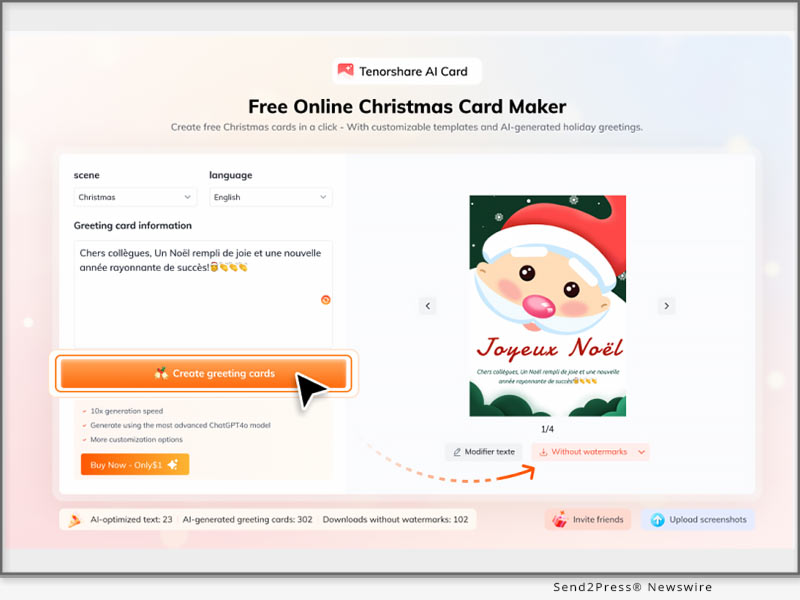
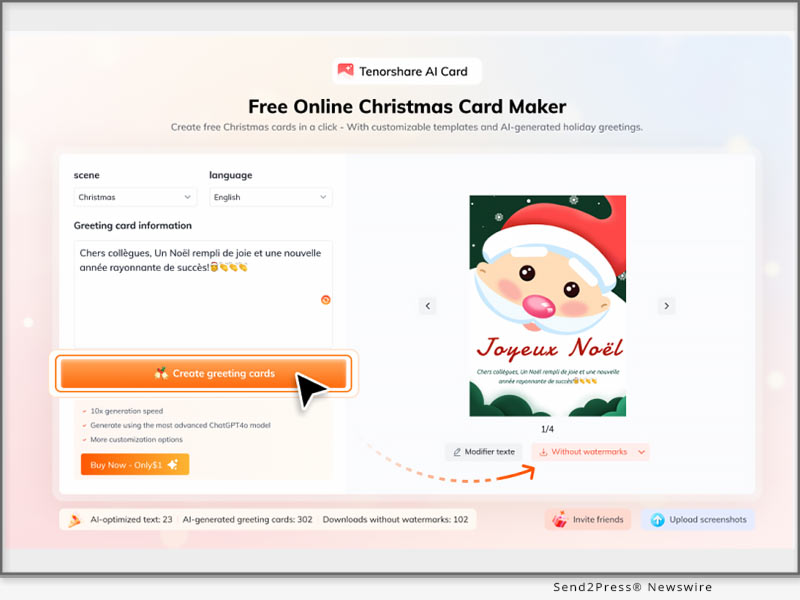
NEW YORK, N.Y., Dec. 12, 2024 (SEND2PRESS NEWSWIRE) — Recently Tenorshare launched an AI Christmas Card Generator. “It’s a new addition to the company’s arsenal of innovative products. With our Christmas Card Creator, users can generate Christmas cards in just one click,” says a Tenorshare spokesperson. So, what are the features of Tenorshare AI Card, its pricing plans, and how to use it to generate short Christmas card messages? Let’s find out!

Tenorshare AI Card Launch: The New Online Free Christmas Card Maker
Image caption: Tenorshare AI Card Launch: The New Online Free Christmas Card Maker.

WHAT MAKES TENORSHARE AI CARD STAND OUT?

Tenorshare AI Card can help you create a variety of festive cards e.g. about Christmas and New Year greetings in minutes with just a few clicks online.

Here are key features of this tool:

  1. AI-Powered Design – Don’t require any technical or designer skills to generate a card.
  2. Wide Variety of Styles – Choose from a Christmas card template or pick other classic, modern, warm, funny, or New Year design templates.
  3. Multi-Language Support – Write New Year resolutions, or Christmas greetings in English, Spanish, Chinese, and more to connect worldwide.
  4. Share Digitally – Easily share on social media or via email for a quick and eco-friendly way to spread holiday cheer.
  5. Accessible Anywhere – Make cards on desktop or mobile, wherever you are.
  6. Download & Print – Create, download, and print beautiful keepsakes for loved ones.

HOW TO USE TENORSHARE AI CARD?

Here’s how to make New Year card with aid of Tenorshare AI Card Generator:

Step 1: First, visit “Tenorshare AI Card” Then, pick an occasion and language.

Step 2: Next, enter your wishes, message, or greeting for Christmas or Happy New Year card making with a name.

Step 3: Customize the card as you want. Then, download it on your device.

Learn more: https://ai.tenorshare.com/products/ai-card

PRICE OF TENORSHARE AI CARD

  • Free Plan: A free version is available with basic features for free.
  • Paid Options: Unlock more features or additional card creation times for just $1.

About Tenorshare AI:

As a pioneer in AI-driven solutions, Tenorshare AI is dedicated to delivering innovative tools that empower users in their work and personal lives. Whether it’s boosting productivity or answering creative challenges like how to make New Year cards, Tenorshare AI Card combines simplicity and efficiency.

For more details, visit Tenorshare AI and discover how Tenorshare AI Card can enhance your productivity and creativity today!

Learn more: https://ai.tenorshare.com/

Youtube: https://www.youtube.com/@TenorshareAI

X/Twitter: https://x.com/TenorshareAI

Tiktok: https://www.tiktok.com/@tenorshareai

Facebook: https://www.facebook.com/profile.php?id=61552296184397

Instagram: https://www.instagram.com/tenorshareai/

NEWS SOURCE: Tenorshare Co. Ltd.


This press release was issued on behalf of the news source (Tenorshare Co. Ltd.), who is solely responsible for its accuracy, by Send2Press Newswire. Image, if any, was provided by the news source and not this website or the wire service. Information is believed accurate, as provided by the news source, but is not guaranteed.

To view the original story, visit: https://www.send2press.com/wire/tenorshare-ai-card-launched-new-online-free-christmas-card-maker/

Copr. © 2024 Send2Press® Newswire, Calif., USA. -- REF: S2P STORY ID: S2P122792 NOREL-3B


Best Image Translator Online Free for PC – Top-Pick from Tenorshare

NEW YORK, N.Y., Dec. 11, 2024 (SEND2PRESS NEWSWIRE) — Translating text from images is essential for tasks like reading signs, menus, social media posts, or product reviews. However, not all AI image translators provide the same accuracy or language support. It’s important to choose one that reliably recognizes and translates text in multiple languages, says Tenorshare.

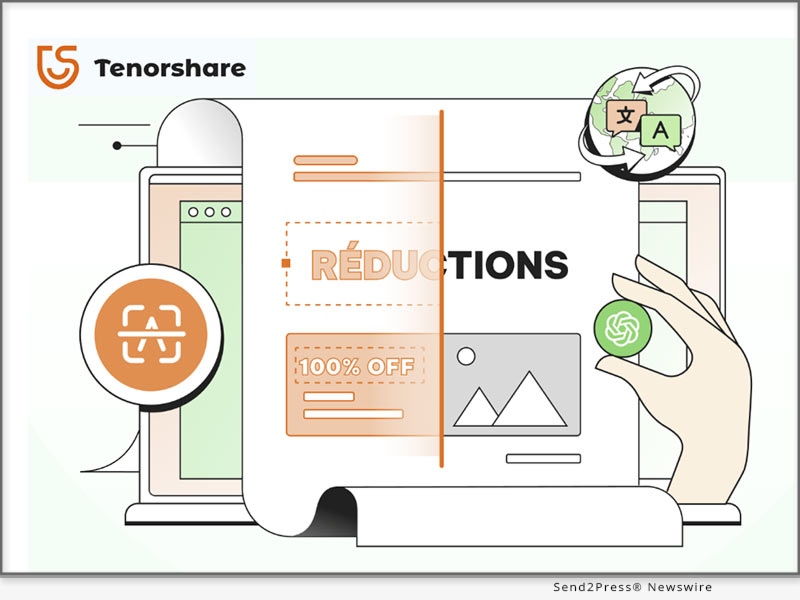
Tenorshare PDnob Image Translator
Image caption: Tenorshare PDnob Image Translator.

So what would be your most suitable option and the best image translator? Let’s explore it and find out how it works.

TOP REASONS TO CHOOSE THE BEST IMAGE TRANSLATOR FOR PC

There are many reasons you might want the best image translator for free for PC, But here are the most common ones:

  • It comes with advanced technology to identify and translate text into images.
  • It offers precision for accurate recognition and translation to access global content, including signs, menus, and research papers.
  • It quickly translates images, PDFs, and scanned files to simplify teamwork with international groups.
  • It enables you to practice language skills and explore cultural content.

BEST AI IMAGE TRANSLATOR ONLINE FREE FOR PC [GPT-4O POWERED]

The Tenorshare PDnob Image Translator is the best photo translator app, better than most best image translator online tools that extract text from images easily.

Here are this tool’s key features:

  • Capture and Translate in Real-Time – It can take screenshots and translate text directly from them in real-time.
  • Edit Text Directly on Your Image – No need to edit separately. You can edit directly on images.
  • Best Adobe Alternative – It’s a great alternative to Adobe’s image-to-text converter tools. This tool can convert unselectable PDF text into editable formats.
  • AI Assistant GPT-4o Powered – Offers a GPT-4o powered AI assistant with OCR intelligence to recognize images and then extract text from them with precision.
  • Support Most OCR – Handle multiple OCR images simultaneously, translating PNG, JPG, JPEG, and TIFF images to TXT, DOC, and DOCX.
  • Supported Languages – Works with languages like English, Spanish, Chinese, Korean, Japanese, and more.
  • Handwriting Conversion – The best image translator to translate handwritten notes into typed text.
  • Cross-Platform – Compatible with Windows (10-11) and macOS (115+).

HOW TO USE THE BEST AI IMAGE TRANSLATOR EASILY?

Here’s how to use the best image translator for PC easily:

Step 1: Download the free AI Image translator from Tenorshare official website on your computer. Then, press “Ctrl+I” to choose “Import Images.” Hold “Ctrl” to select multiple images at once.

Step 2: Choose an image to process. The OCR results will appear on right. Pick a target language for translation if needed.

Learn more: https://www.tenorshare.com/products/free-ai-image-translator.html

About Tenorshare:

Tenorshare is a trusted software company with years of expertise and millions of satisfied users worldwide. Specializing in innovative tools like the Image Translator, featuring advanced OCR technology and powered by GPT-4o, it offers reliable solutions for translating text from images and PDFs, translating global content without a hitch, and enhancing productivity and efficiency.

YouTube: https://www.youtube.com/@TenorshareOfficial/videos

Facebook: https://www.facebook.com/TenorshareOfficial/

NEWS SOURCE: Tenorshare Co. Ltd.


This press release was issued on behalf of the news source (Tenorshare Co. Ltd.), who is solely responsible for its accuracy, by Send2Press Newswire. Image, if any, was provided by the news source and not this website or the wire service. Information is believed accurate, as provided by the news source, but is not guaranteed.

To view the original story, visit: https://www.send2press.com/wire/best-image-translator-online-free-for-pc-top-pick-from-tenorshare/

Copr. © 2024 Send2Press® Newswire, Calif., USA. -- REF: S2P STORY ID: S2P122763 NOREL-3B


Best Free PDF Editor Alternative for Acrobat Top-Rated from Tenorshare

Tenorshare PDnob AI PDF Editor is an excellent replacement for Adobe Acrobat to edit PDF files as well as annotate convert, read, and organize them

NEW YORK, N.Y., Dec. 3, 2024 (SEND2PRESS NEWSWIRE) — Many users are looking for a free PDF editor alternative to Adobe. This is because the sheer number of features Adobe Acrobat holds can overwhelm anyone. Not to mention, it comes with a learning curve and its subscription model is costly if you edit infrequently, says Tenorshare.

Best Free PDF Editor Alternative for Acrobat
Image caption: Best Free PDF Editor Alternative for Acrobat.

Curious about the best free PDF editor alternative to Acrobat – one that’s easier to use and offers a better experience? Keep reading to find out more.

MUST-KNOW TIPS ABOUT BEST FREE PDF EDITOR ALTERNATIVE FOR ACROBAT

Before you use the best Adobe Acrobat alternative, here are some must-know tips:

  • Don’t delete original PDF document unless you’re certain that its edited version is only what you need.
  • Make certain to create a backup of your PDF document on various storage devices.

BEST FREE PDF EDITOR ALTERNATIVE FOR ACROBAT DOWNLOAD WINDOWS & MAC

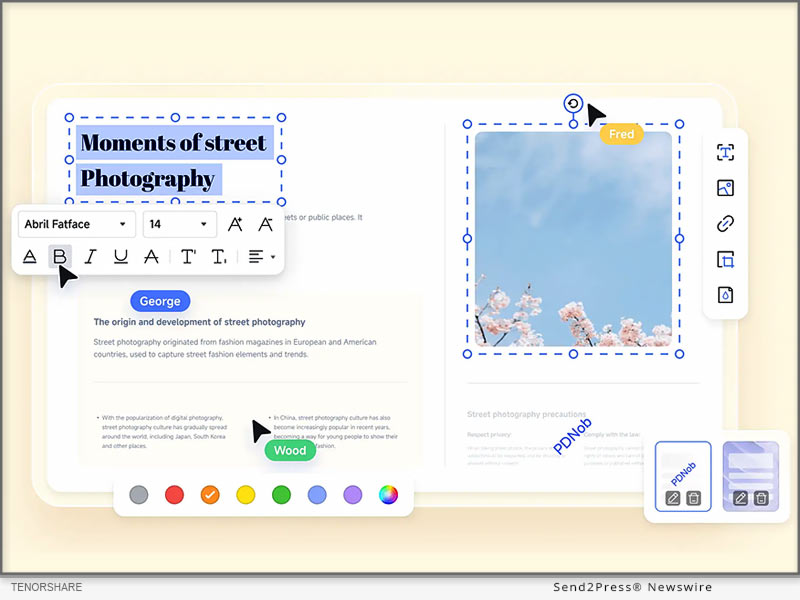
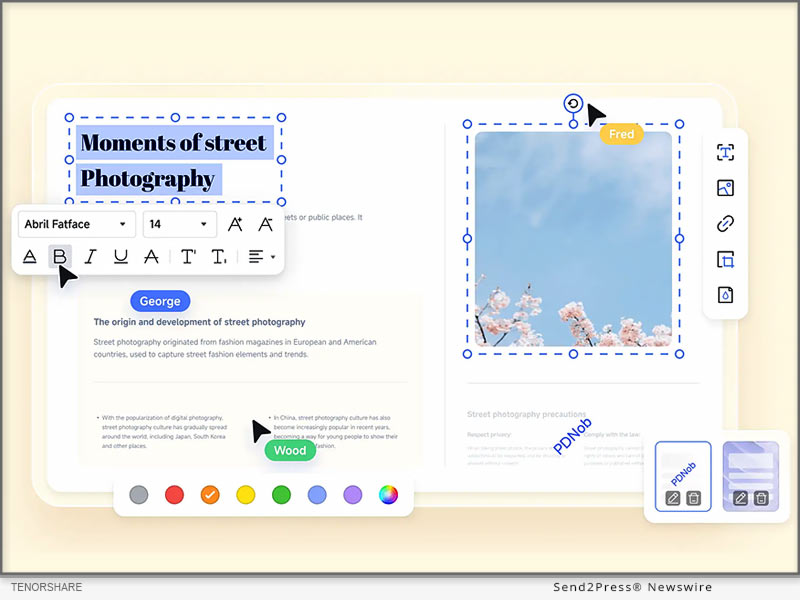
Tenorshare PDnob AI PDF Editor is an excellent replacement for Adobe Acrobat to edit PDF files as well as annotate convert, read, and organize them. It’s also better than most online to PDF editor tools as it offers additional features. Here are this tool’s key features:

  • Best Adobe Alternative – It’s affordable and doesn’t come with a learning curve like Adobe Acrobat.
  • GPT-4o Powered AI Assistant – The best PDF editor software to run on latest GPT-4o for complex PDF editing and to offer suggestions.
  • Comprehensive Features – A PDF software alternative to Adobe Acrobat with signing ability, and various text, font size, and color customization options. Can also merge, compress, and optimize PDFs.
  • Intelligent OCR – An OCR PDF editor to convert scanned PDFs into editable, searchable documents and edit images in PDFs. Can also recognize images and scanned documents with 98% accuracy.
  • PDF Converter – Converts PDFs to and from Word, Excel, PPT, JPG, etc.
  • Add Watermarks & Hyperlinks – Can add images or colors as watermarks to all or specific pages. Also, add, change, or remove hyperlinks from certain PDF pages.

HOW TO USE PDF EDITOR ALTERNATIVE FOR ACROBAT FOR PC EASILY

Follow steps beneath edit a PDF document using Tenorshare PDnob PDF Editor, the best free PDF editor alternative for Acrobat on a computer:

Step 1: First, get this tool from official site. Then, install it and sign in with your credentials.

Step 2: Choose “Tools” on software’s interface. Pick “PDF Edit.”

Step 3: Upload PDF document you wish to edit. Then, edit its text, images, or links as per your requirements. You can also change font style from “Properties.”

About Tenorshare
Tenorshare, a trusted leader in the software industry since 2007, has earned the confidence of millions of users worldwide. One of its standout products, the Tenorshare PDnob PDF Editor – the best PDF Editor software free download, offers features for editing text, images, and links, along with GPT-4o-powered AI and advanced OCR for accurate document handling and conversions.

Learn more: https://www.tenorshare.com/products/pdf-editor-software-free-download.html

YouTube: https://www.youtube.com/@TenorshareOfficial/videos

Facebook: https://www.facebook.com/TenorshareOfficial/

NEWS SOURCE: Tenorshare Co. Ltd.


This press release was issued on behalf of the news source (Tenorshare Co. Ltd.), who is solely responsible for its accuracy, by Send2Press Newswire. Image, if any, was provided by the news source and not this website or the wire service. Information is believed accurate, as provided by the news source, but is not guaranteed.

To view the original story, visit: https://www.send2press.com/wire/best-free-pdf-editor-alternative-for-acrobat-top-rated-from-tenorshare/

Copr. © 2024 Send2Press® Newswire, Calif., USA. -- REF: S2P STORY ID: S2P122618 NOREL-3B


Fix iPhone Keeps Showing Apple Logo and Turning Off Error in 3 Steps

Tenorshare ReiBoot can automatically find why your iPhone is constantly restarting and will repair the issue

NEW YORK, N.Y., Nov. 26, 2024 (SEND2PRESS NEWSWIRE) — “My iPhone keeps showing the apple logo and turning off,” many iPhone users have asked this question. If you’re also harassed by same issue, then it could happen due to a software or hardware glitch caused by some issue. But what issue exactly? “You don’t have to find which iOS issue is causing ‘iPhone keeps turning on and off’ error or try to manually fix it. ReiBoot iOS repair software can automatically find and repair a wide range of iOS malfunctions in 3 clicks,” says a Tenorshare spokesperson.

Fix iPhone Keeps Showing Apple Logo and Turning Off Error in 3 Steps
Image caption: Fix iPhone Keeps Showing Apple Logo and Turning Off Error in 3 Steps.

WHY DOES MY IPHONE KEEP SHOWING THE APPLE LOGO AND TURNING OFF?

If you’re wondering, “Why my iPhone keeps showing the Apple logo and turning off” we’ve already established this could be because of a software or hardware glitch. But this glitch could be caused because of reasons such as:

  • Jailbreaking your iPhone.
  • Incorrect restoration of your iPhone from iTunes.
  • iOS update has bugs.
  • iPhone has physical damage.

HOW TO FIX MY IPHONE KEEPS SHOWING THE APPLE LOGO AND TURNING OFF?

Tenorshare ReiBoot can automatically find why your iPhone is constantly restarting and will repair the issue. The tool can, in fact, repair 150+ iOS issues including iPhone stuck in a boot loop, Recovery Mode, or on Apple logo, etc. Here are this tool’s key features:

  • Fix white or black screen of death and iTunes errors.
  • Upgrade/downgrade iDevices including Betas without jailbreak or iTunes.
  • Reset devices without a passcode, and permanently erase data before selling or trading in your iPhone.
  • Enter and exit Recovery Mode with a single click.

HERE’S HOW TO USE TENORSHARE REIBOOT TO FIX “IPHONE BLINKING APPLE LOGO” ISSUE:

Step 1: Execute ReiBoot on your computer. Then, plug in your iPhone with “iPhone blinking Apple logo” issue to same PC.

Step 2: Hit “Start Repair” on ReiBoot. Then, press “Download” to get latest firmware package.

Step 3: Next, choose “Standard Repair.” Afterward, your iPhone will reboot normally.

Video Guide : https://www.youtube.com/watch?v=iSAASCX9gI8

HOW TO PREVENT IPHONE SHOWING APPLE LOGO THEN TURNING OFF?

After you fix “iPhone flashing Apple logo then turning off” with Tenorshare ReiBoot successfully, you must also take care that this issue doesn’t appear in future. Here’s what you can do:

  • Regularly update your iPhone to prevent bugs that may cause Apple logo issues.
  • Restart your iPhone often to make sure it runs smoothly and avoid glitches.
  • Handle your iPhone carefully to avoid dropping it or from water damage.
  • Only jailbreak if necessary for specific apps, as it can cause instability.

About Tenorshare:

If you’re thinking, “Why does my iPhone keep rebooting,” Tenorshare ReiBoot can repair “iPhone died and now turns on then back off” issue among other iOS problems. The smartphone solutions provider, Tenorshare values innovation, and creativity and aims to create software that helps people and businesses solve iOS & Android issues in their daily lives.

More information: https://www.tenorshare.com/

Learn more: https://www.tenorshare.com/iphone-tips/fix-iphone-keeps-showing-the-apple-logo-and-turning-off.html

Social sites:

https://www.facebook.com/TenorshareOfficial/

https://twitter.com/Tenorshare_Inc

https://www.youtube.com/user/TenorshareOfficial/videos

https://www.tiktok.com/@tenorshare_tech_tips

NEWS SOURCE: Tenorshare Co. Ltd.


This press release was issued on behalf of the news source (Tenorshare Co. Ltd.), who is solely responsible for its accuracy, by Send2Press Newswire. Image, if any, was provided by the news source and not this website or the wire service. Information is believed accurate, as provided by the news source, but is not guaranteed.

To view the original story, visit: https://www.send2press.com/wire/fix-iphone-keeps-showing-apple-logo-and-turning-off-error-in-3-steps/

Copr. © 2024 Send2Press® Newswire, Calif., USA. -- REF: S2P STORY ID: S2P122527 NOREL-3B


Latest Update: Top Way to Spoof Pokémon GO in just 3 Steps

Tenorshare iAnyGo comes with a 0-ban foolproof solution against ‘Error 12'

NEW YORK, N.Y., Nov. 20, 2024 (SEND2PRESS NEWSWIRE) — With Niantic continuously updating its security, Pokémon GO users have a hard time using a Pokémon GO spoofer on iOS. Especially the occurrence of “Error 12” forces them to download a cracked version of a spoof location program for Pokémon, resulting in an account ban. “However, Tenorshare iAnyGo comes with a 0-ban foolproof solution against ‘Error 12.’ It features a Bluetooth hardware tech and a cooldown timer, both aiding in avoiding Pokémon GO account ban and tracking by Niantic,” says a Tenorshare spokesperson.

Top Way to Spoof Pokemon Go in 3 Steps
Image caption: Top Way to Spoof Pokemon Go in 3 Steps.

WHY IANYGO IS THE BEST POKÉMON GO SPOOFER?

Tenorshare iAnyGo is the best Pokémon GO spoofer and with good reason. It uses Bluetooth for safer spoofing on Pokémon GO on iPhone. Also, unlike a free Pokémon GO spoofer crack app which is not safe at all to use, iAnyGo doesn’t require installing a third-party or cracked app. It also comes with a cooldown timer that helps avoid frequent location changes which could lead to account bans.

HOW TO SPOOF IN POKÉMON GO WITHOUT BANNED OR ERROR 12?

iAnyGo Location Spoof offers various features that makes it a safer and reliable option than its competitors.

Here’s what it provides:

  • Safely change GPS location without jailbreak/rooting.
  • Works with all location-based apps: PoGo, MHN, WhatsApp, Facebook, etc.
  • Play original games without errors (e.g., Error 12).
  • Auto-scan 2000+ PokéStops and Gyms in seconds.
  • Enjoy 360° GPS joystick and instant route creation.
  • Compatible with iPhone 16 and iOS 18 devices.
  • Saves route history, and features a cooldown timer.
  • Allows import/export of GPX routes.
  • Can create customized routes or movement.
  • Adjust moving speed, and bookmark favorite routes.
  • Plan better by zooming map in/out.

Learn more: https://www.tenorshare.com/products/ianygo-change-gps-location-iphone.html

HERE’S HOW TO SPOOF POKÉMON GO ON IPHONE WITH TENORSHARE IANYGO AND WITHOUT BAN OR “ERROR 12:”

Step 1: Run iAnyGo on your computer. Then, plug in your iPhone to same PC.

Step 2: Pick “Change Location” on iAnyGo. Choose a location on map to spoof your Pokémon GO game.

Video Guide: https://www.youtube.com/watch?v=byCLfhfQW84

HOW IANYGO ENSURES 0-BAN SECURITY FOR POKÉMON GO SPOOFING. WILL YOU FACE ERROR 12?

Compared to Bluetooth tools like iTools BT, which cost $73 and lack portability, Tenorshare iAnyGo is affordable, and avoids shipping complications. It comes with integrated Bluetooth hardware tech that bypasses Niantic’s anti-cheating system, offering a 0-ban foolproof solution for playing Pokémon GO. iAnyGo also won’t allow you to teleport or change location too often, so you won’t face “Error 12.”

About Tenorshare:

If you want to learn to spoof in Pokémon GO in 2024, Tenorshare iAnyGo offers the safest and easiest way to do that without account bans or “Error 12.” Using Bluetooth technology and a cooldown timer, it’s the best spoofer for Pokémon GO that ascertains smooth gameplay while avoiding Niantic’s tracking. As a trusted brand with 85+ million satisfied customers, Tenorshare provides secure purchases and reliable technical support worldwide.

More Information: https://www.tenorshare.com/

Facebook: https://www.facebook.com/TenorshareOfficial/

X/Twitter: https://x.com/Tenorshare_Inc

YouTube: https://www.youtube.com/user/TenorshareOfficial/videos

TikTok: https://www.tiktok.com/@tenorshare_tech_tips

NEWS SOURCE: Tenorshare Co. Ltd.


This press release was issued on behalf of the news source (Tenorshare Co. Ltd.), who is solely responsible for its accuracy, by Send2Press Newswire. Image, if any, was provided by the news source and not this website or the wire service. Information is believed accurate, as provided by the news source, but is not guaranteed.

To view the original story, visit: https://www.send2press.com/wire/latest-update-top-way-to-spoof-pokemon-go-in-just-3-steps/

Copr. © 2024 Send2Press® Newswire, Calif., USA. -- REF: S2P STORY ID: S2P122383 NOREL-3B


Congratulations to Tenorshare for Winning French Design Award

NEW YORK, N.Y., Nov. 19, 2024 (SEND2PRESS NEWSWIRE) — Tenorshare is proud to share that its brand visual system has won French Design Award, reflecting on its innovation and dedication to great user experiences. “The award reflects our team’s effort to create functional and visually appealing products. As a highly adaptable smartphone solutions brand, Tenorshare has always aimed to provide a ground-breaking experience for users worldwide,” says a Tenorshare spokesperson.

Tenorshare brand visual system has won French Design Award
Image caption: Tenorshare brand visual system has won French Design Award.

The French Design Award Recognition

The French Design Award is a global competition open to designers of all kinds, including companies, freelancers, and students. Organized by the International Award Association (IAA), it is judged by leading design experts and professors. It celebrates global excellence in design, focusing on creativity, aesthetics, and user engagement.

Recently, Tenorshare, the smartphone solutions provider won French Design Award. The company’s user-focused and visually striking brand system impressed the judges of French Design competition, blending cutting-edge technology with modern design. The jury commended Tenorshare for “pushing boundaries and achieving success,” recognizing its industry impact and inspirational influence on smartphone users worldwide.

About Tenorshare

Tenorshare, founded in 2007, is an international software company specializing in smartphone solutions. The company values creativity and customer satisfaction, and has earned “French Design Award” for its highly innovative and strikingly appealing products.

Committed to “Better Software, Better Life,” the Tenorshare focuses on developing innovative, high-quality software to empower users and businesses worldwide. With a strong emphasis on safety, quality, and technological breakthroughs, the company consistently delivers secure and cutting-edge solutions for its users worldwide.

More information: https://www.tenorshare.com/

Facebook: https://www.facebook.com/TenorshareOfficial/

X/Twitter: https://x.com/Tenorshare_Inc

YouTube: https://www.youtube.com/user/TenorshareOfficial/videos

TikTok: https://www.tiktok.com/@tenorshare_tech_tips

NEWS SOURCE: Tenorshare Co. Ltd.


This press release was issued on behalf of the news source (Tenorshare Co. Ltd.), who is solely responsible for its accuracy, by Send2Press Newswire. Image, if any, was provided by the news source and not this website or the wire service. Information is believed accurate, as provided by the news source, but is not guaranteed.

To view the original story, visit: https://www.send2press.com/wire/congratulations-to-tenorshare-for-winning-french-design-award/

Copr. © 2024 Send2Press® Newswire, Calif., USA. -- REF: S2P STORY ID: S2P122366 NOREL-3B


Dynamax Pokémon: Best Pokémon GO Spoofer 2024 for iOS without Computer

NEW YORK, N.Y., Nov. 6, 2024 (SEND2PRESS NEWSWIRE) — Tenorshare has released version 2.10.2 of its iAnyGo iOS App, offering one-click access to Dynamax and Gigantamax Pokémon, enhancing the Pokémon GO experience. Optimized for iOS 18, the update enables users to quickly find shiny Gigantamax Pokémon, and join Max Battles. With Pokémon GO Spoofer iAnyGo, users can easily navigate the game world, copy GPS coordinates, and team up with friends to challenge Dynamax Pokémon, offering an enriched experience for all trainers.

Best Pokemon GO Spoofer 2024 for iOS without Computer
Image caption: Tenorshare has released version 2.10.2 of its iAnyGo iOS App.

“With iAnyGo iOS App version 2.10.2, users can now easily locate Dynamax and Gigantamax Pokémon with a single click and quickly share their locations using longitude and latitude coordinates,” said Tenorshare’s CEO when discussing the new features. “Trainers can quickly join forces for Max Battles, making it easier to catch gargantuan Pokémon and earn Max Particles to boost their skills for future challenges. These updates enhance gameplay, helping users find shiny Gigantamax Pokémon they might not see locally.”

HOW TO INSTALL THE IANYGO IOS APP

For new users, the iAnyGo installation process is simple. Here’s a quick overview of the steps:

  1. Go to the official website to download and install the iAnyGo iOS Assistant on your computer.
  2. Sign in using Apple ID and click “Install iAnyGo iOS App” button. You can extend its validity every seven days by signing in with your Apple ID on iAnyGo App—no computer is needed after the initial setup.

HOW TO GET DYNAMAX AND GIGANTAMAX POKÉMON ON NEW MAX BATTLES

The iAnyGo iOS App enhances your Pokémon experience by allowing you to explore any location virtually. Follow these steps to find and battle Dynamax and Gigantamax Pokémon in the new Max Battles in Pokémon GO.

  1. Open the iAnyGo iOS App and tap the fifth button “D-Max” on the right to view Dynamax and Gigantamax Pokémon. You can view these gargantuan Pokémon by zooming in or out on the screen.
  2. Tap the “Go” button, and you can go over to catch Dynamax and Gigantamax Pokémon. You can also click the “copy” button to copy longitude and latitude coordinates and share them with your friends.

Additionally, with its features like Change Location, PokeStop Mode, and Single-Spot Movement, users can spoof Pokémon GO on iPhone without physically moving. iAnyGo iOS App is a reliable Pokémon GO Spoofer for iOS 18.

PRICING FOR IANYGO IOS APP

The iAnyGo iOS App is available in multiple packages designed to fit users’ needs:

  • 1 Month/1 Device: $14.99
  • 1 Quarter/1 Device: $39.99
  • 1 Year/1 Device: $79.99
  • Lifetime/1 Device: $99.99

For more details on purchasing, please visit iAnyGo iOS App Pricinghttps://www.tenorshare.com/purchase/buy-ianygo-ios-app.html

About Tenorshare:

Tenorshare specializes in iOS, Android, Windows, and Mac platforms, focusing on core technology research. It is a leading software provider with millions of users that use its tools related to data transfer, data recovery, system repair, unlocking phones, and many more.

More information: https://www.tenorshare.com/

Facebook: https://www.facebook.com/TenorshareOfficial/

X/Twitter: https://x.com/Tenorshare_Inc

YouTube: https://www.youtube.com/user/TenorshareOfficial/videos

TikTok: https://www.tiktok.com/@tenorshare_tech_tips

NEWS SOURCE: Tenorshare Co. Ltd.


This press release was issued on behalf of the news source (Tenorshare Co. Ltd.), who is solely responsible for its accuracy, by Send2Press Newswire. Image, if any, was provided by the news source and not this website or the wire service. Information is believed accurate, as provided by the news source, but is not guaranteed.

To view the original story, visit: https://www.send2press.com/wire/dynamax-pokemon-best-pokemon-go-spoofer-2024-for-ios-without-computer/

Copr. © 2024 Send2Press® Newswire, Calif., USA. -- REF: S2P STORY ID: S2P122012 NOREL-3B


iPhone Unavailable Try Again Stuck? Here is the Fix from Tenorshare

NEW YORK, N.Y., Nov. 1, 2024 (SEND2PRESS NEWSWIRE) — The “iPhone unavailable, try again” message often appears on the “Security Lockout” screen after too many incorrect passcode entries, says Tenorshare. A first attempt at five incorrect entries results in a brief lockout, but repeated errors can leave the iPhone permanently stuck on this screen.

iPhone Unavailable Try Again Stuck
Image caption: iPhone Unavailable Try Again Stuck.

For users who can’t recall their passcode, the typical method to unlock their device involves a complete data erase—under limited conditions. However, Tenorshare 4uKey iPhone Unlocker offers an alternative, letting users bypass it swiftly and easily. Read on for more details.

FIX IPHONE UNAVAILABLE TRY AGAIN STUCK WITH EASE

After repeated attempts at entering wrong passcode if your iDevice displays an “iPhone unavailable try again” message, use Tenorshare 4uKey iPhone Unlocker to remove it. Here are its key features:

  • Unlock Instantly Without Password – 4uKey can bypass the “iPhone Unavailable” screen in minutes, even without the passcode.
  • No Technical Skills Needed – The tool is user-friendly, with simple steps that require no technical knowledge.
  • Fast and Reliable – 4uKey is optimized for speed, with proven s
  • Supports the Latest iOS and iPhone Models – It works with iOS 18 and the newest iPhone models, ensuring compatibility.

Here’s how to use 4uKey to remove “iPhone unavailable try again in 15 minutes” screen from your iDevice:

Step 1: Execute Tenorshare 4uKey iPhone Unlocker on your computer. Plug in your iPhone to same PC. Hit “Start.”

Step 2: Save path and download latest firmware. Afterward, your iPhone will be unlocked.

Learn more: https://www.tenorshare.com/products/4ukey-unlocker.html

FIX IPHONE UNAVAILABLE TRY AGAIN STUCK WITHOUT LOSING DATA

When your iDevice is locked on, “iPhone unavailable try again after restore,” you can also erase it remotely via “Find My” feature in iCloud. However, you must have a backup before using this method:

Head to iCloud and sign in with your Apple ID. Open “Find My,” select your iPhone, and choose “Erase iPhone.” Tap “Erase again.” Follow setup instructions on your iPhone and restore its data.

FIX IPHONE UNAVAILABLE TRY AGAIN STUCK WITHOUT COMPUTER

When you’ve exhausted all 10 tries at entering right password, your iDevice won’t display “iPhone unavailable try again in 1 hour” message. But it will be stuck on “Security Lockout” screen for good.

But if your iPhone runs on iOS 15.2 or later, an “Erase iPhone” option will appear at its bottom. Use it to reset your iDevice and restore it later from a backup. You must have an iCloud/iTunes backup and know your Apple ID and password before using this method:

Tap “Erase iPhone” twice > Enter your Apple ID password to sign out > Click “Erase iPhone.” > Once Set up your iPhone and restore from a backup.

Learn more:

https://www.tenorshare.com/unlock-iphone/iphone-is-disabled-try-again-in-1-hour-bypass.html

https://www.tenorshare.com/unlock-iphone/how-to-bypass-iphone-unavailable-screen.html

About Tenorshare:

Tenorshare 4uKey offers simple solutions to fix “iPhone unavailable try again” screen without a passcode or Apple ID. With options to remove various locks and reset devices securely, it empowers users to quickly regain access, simplifying troubleshooting.

YouTube: https://www.youtube.com/@TenorshareOfficial

Facebook: https://www.facebook.com/TenorshareOfficial/

NEWS SOURCE: Tenorshare Co. Ltd.


This press release was issued on behalf of the news source (Tenorshare Co. Ltd.), who is solely responsible for its accuracy, by Send2Press Newswire. Image, if any, was provided by the news source and not this website or the wire service. Information is believed accurate, as provided by the news source, but is not guaranteed.

To view the original story, visit: https://www.send2press.com/wire/iphone-unavailable-try-again-stuck-here-is-the-fix-from-tenorshare/

Copr. © 2024 Send2Press® Newswire, Calif., USA. -- REF: S2P STORY ID: S2P121911 NOREL-3B


Get Pokemon Go Joystick for Fun with 2024 Android 14 Support

Effortlessly Fake Your Android Location without a Computer with the iAnyGo Fake GPS APP

NEW YORK, N.Y., Oct. 29, 2024 (SEND2PRESS NEWSWIRE) — We are thrilled to announce a significant update to our app, designed to elevate user experience and streamline functionality. The latest version (2.3.0) of iAnyGo Fake GPS APP from Tenorshare is now available on Google Play. This update introduces several innovative features to enhance how users interact with the app.

Effortlessly Fake Your Android Location without a Computer with the iAnyGo Fake GPS APP
Image caption: Effortlessly Fake Your Android Location without a Computer with the iAnyGo Fake GPS APP.

WHAT’S NEW IN IANYGO ANDROID APP V2.3.0?

  • Functional Experience Optimization: add newcomer quick guide;
  • Speed Memory Function: to Avoid repeated operation by users;
  • Joystick Setting: Joystick size can be adjusted at will;
  • Joystick Mode Optimization: movement direction locking, convenient for players to operate.

These enhancements will significantly improve user satisfaction and engagement. The update is now live, and we encourage all users to explore the new features and enjoy a more seamless experience.

INTRODUCING IANYGO FAKE GPS APP: THE ULTIMATE POKÉMON GO SPOOFER FOR ANDROID

The iAnyGo Fake GPS App is a versatile tool designed to help users fake their GPS location seamlessly on Android devices without the need for a computer. With features tailored for gamers, including joystick movement, GPS location changes, and Multi-Spot movement, it’s the best spoofing method for Android.

KEY FEATURES OF IANYGO FAKE GPS APP:

Game Mode:

  1. Delete the previously downloaded game package before opening “Game Mode.”
  2. Activate “Game Mode” and follow the app’s instructions to install a customized version of your game. Enjoy effortless spoofing, perfect for Pokémon GO enthusiasts!

Teleport:

  1. Launch the iAnyGo app and choose a location on the map or enter an address.
  2. Select the “Target Location” icon. Then your GPS location is now successfully spoofed.

Single or Multi-Point Movement:

  1. Single-point routes are automatically planned upon selecting a destination, while Multi-Point Movements can be customized.
  2. Adjust the speed and sport mode to suit your needs.

Joystick Movement:

  1. Click on the joystick option.
  2. Drag the central control point in any direction for virtual movement.

OTHER POPULAR APPS FROM TENORSHARE

Tenorshare iCareFone iOS App

This app enables wireless data transfer between your iPhone and PC. Its smart cleaning feature allows for quick scanning and easy removal of unnecessary files, optimizing your iPhone’s performance.

Tenorshare iAnyGo iOS App

Spoof Pokémon GO on iOS 18 without a computer using the Tenorshare iAnyGo iOS App (compatible with iPhone 16). No jailbreak or root access is required to change GPS locations.

Tenorshare iCareFone Transfer to iPhone App

Unlock seamless WhatsApp transfers with this App! Click-based transfer of WhatsApp between Android and iOS without a computer.

About Tenorshare:

Tenorshare is a leading software company focused on data recovery, system repair, and mobile solutions, dedicated to user satisfaction and innovation.

NEWS SOURCE: Tenorshare Co. Ltd.


This press release was issued on behalf of the news source (Tenorshare Co. Ltd.), who is solely responsible for its accuracy, by Send2Press Newswire. Image, if any, was provided by the news source and not this website or the wire service. Information is believed accurate, as provided by the news source, but is not guaranteed.

To view the original story, visit: https://www.send2press.com/wire/get-pokemon-go-joystick-for-fun-with-2024-android-14-support/

Copr. © 2024 Send2Press® Newswire, Calif., USA. -- REF: S2P STORY ID: S2P121840 NOREL-3B


UPDATED: Best Way to Transfer WhatsApp from Android to iPhone 16 Without a Computer

NEW YORK, N.Y., Oct. 23, 2024 (SEND2PRESS NEWSWIRE) — As the iPhone 16 hits the market and sells out quickly, users are eager for a seamless way to move their WhatsApp chats from Android to iPhone. The transition has always been tricky, but Tenorshare is here to simplify it.

Tenorshare iCareFone Transfer
Image caption: Tenorshare iCareFone Transfer.

Best Way To Transfer WhatsApp From Android To iPhone 16

With Tenorshare iCareFone Transfer App, you can effortlessly transfer WhatsApp chats from Android to iPhone 16. Experience a quick migration without resetting your device.

KEY FEATURES OF THIS TOOL:

:: Comprehensive WhatsApp Data Transfer

Transfer WhatsApp data between Android and iPhone effortlessly, without a computer. Just a few clicks to move messages, videos, images, files, audio, and stickers smoothly.

:: Versatile Transfer Methods

Transfer WhatsApp chats conveniently using an OTG cable for Android to iPhone or Wi-Fi for Android to Android transfers.

:: High-Speed Data Transfer

Experience fast transfer speeds of up to 35 MB/s, ensuring efficient data migration without long waits.

:: Cross-Platform Device Compatibility

Transfer data across multiple platforms: Android to iPhone, iPhone to Android, or Android to Android. Compatible with the latest iOS 18 and Android 14, covering most.

How to Transfer WhatsApp with the iCareFone Transfer App?

Here’s a step-by-step guide:

  • Step 1: Launch the iCareFone Transfer app and click “Transfer WhatsApp Data.”
  • Step 2: Allow the app access to your WhatsApp backup folder and choose the most recent backup.
  • Step 3: Select the specific WhatsApp data types you want to transfer (such as messages, images, videos, etc.).
  • Step 4: Connect your devices and trust the connection when prompted. Once everything is set, the transfer process will start immediately.

Other Hot Features in the iCareFone Transfer App

  • Easily download WhatsApp video and photo statuses for free.
  • Chat in WhatsApp without saving contacts – simply enter the number and start chatting.
  • Seamless transfer of WhatsApp Business, and GB WhatsApp.
  • Merge WhatsApp chats from Android to iOS in one click.

Price of iCareFone Transfer App

Though packed with multiple features, this WhatsApp Transfer tool is still priced at an unbeatable rate.

  • iCareFone Transfer App – 1 Month: $16.99
  • iCareFone Transfer App – 1 Quarter: $29.99

About Tenorshare:

Tenorshare’s iCareFone Transfer App is a trusted tool for seamless data transfers between iPhone and Android devices. With millions of global users, it offers secure, fast, and easy WhatsApp migration, perfect for those upgrading to the latest iPhone 16 or switching platforms. Its reliability and user-friendly design make it a go-to solution for hassle-free transfers.

More information: https://www.tenorshare.com/

YouTube: https://www.youtube.com/@TenorshareOfficial

Facebook: https://www.facebook.com/iCareFoneTransfer

NEWS SOURCE: Tenorshare Co. Ltd.


This press release was issued on behalf of the news source (Tenorshare Co. Ltd.), who is solely responsible for its accuracy, by Send2Press Newswire. Image, if any, was provided by the news source and not this website or the wire service. Information is believed accurate, as provided by the news source, but is not guaranteed.

To view the original story, visit: https://www.send2press.com/wire/updated-best-way-to-transfer-whatsapp-from-android-to-iphone-16-without-a-computer/

Copr. © 2024 Send2Press® Newswire, Calif., USA. -- REF: S2P STORY ID: S2P121684 NOREL-3B


How to Spoof Pokémon GO on an iPhone Without a PC? (iOS 18 Supported)

NEW YORK, N.Y., Oct. 11, 2024 (SEND2PRESS NEWSWIRE) — Tenorshare is excited to announce the release of version 2.10.0 of their widely-used iAnyGo iOS app. This update brings significant enhancements designed to improve game user experience, allowing players to spoof Pokémon GO on iOS 18 without a computer.

How to Spoof Pokémon GO on iPhone Without PC? (iOS 18 Supported)
Image caption: How to Spoof Pokémon GO on iPhone Without.

“With iAnyGo iOS App version 2.10.0, these major updates offer a better experience in Pokémon GO. Users can now instantly access Field Research tasks with just one click, easily locate nearby Pokémon GO routes, and customize the number of PokéStops on their routes. Try iAnyGo iOS App, the players can play Pokémon GO without physically moving,” said Tenorshare’s CEO when discussing the new features.

WHAT’S NEW IN IANYGO 2.10.0?

  • A Fresh Look for iAnyGo iOS App
    iAnyGo App 10.0 brings a complete UI overhaul, featuring a sleek and modern design. The newly revamped interface ensures that users can easily navigate the app and enjoy a more streamlined, user-friendly experience.
  • Easily Find Pokémon Go Routes Near Me
    iAnyGo iOS App now offers Pokémon Go Routes Feature. As we all know, the official task routes are pre-existing routes in Pokémon. The users can easily find Pokémon GO routes near them and obtain Zygarde Cells, which are used to upgrade special Pokémon.
  • Customize PokéStops Route Numbers
    In response to user feedback, iAnyGo App 10.0 now supports customized PokéStops route numbers, allowing users to adjust the number of PokéStops on a route. This feature reduces the time it takes to generate a route, giving users greater control over how they explore their environment.
  • Access to Field Research Tasks
    One of the standout new features is the ability to instantly view and accept Field Research task lists. It simplifies the process of identifying nearby tasks, making it easier for users to stay on top of in-game objectives. The data for the Field Research feature is only available in Taiwan.

HOW TO SPOOF POKÉMON GO ON IPHONE WITHOUT PC

Using the iAnyGo iOS app is simple, even for first-time users. Just follow these three steps. Get iAnyGo iOS App now!

Step 1: Download the iAnyGo iOS app. When installing it for the first time, you’ll need a computer. After that, you can reset the app’s validity every seven days. You won’t need a computer after the initial setup.

Step 2: Open the iAnyGo app, choose “Change Location,” enter your desired coordinates, and and simulate movement to easily find nearby Pokémon GO routes, allowing you to spoof Pokémon GO on iPhone without PC.

Learn more: https://www.tenorshare.com/purchase/buy-ianygo-ios-app.html

PRICING FOR IANYGO IOS APP

1 Month/1 Device: $14.99

1 Quarter/1 Device: $39.99

1 Year/1 Device: $79.99

Lifetime/1 Device: $99.99

About Tenorshare:

Tenorshare specializes in iOS, Android, Windows, and Mac platforms, focusing on core technology research. It is a leading software provider with millions of users that use its tools related to data transfer, data recovery, system repair, unlocking phones, and many more.

More information: https://www.tenorshare.com/

https://www.facebook.com/TenorshareOfficial/

https://x.com/Tenorshare_Inc

https://www.youtube.com/user/TenorshareOfficial/videos

https://www.tiktok.com/@tenorshare_tech_tips

NEWS SOURCE: Tenorshare Co. Ltd.


This press release was issued on behalf of the news source (Tenorshare Co. Ltd.), who is solely responsible for its accuracy, by Send2Press Newswire. Image, if any, was provided by the news source and not this website or the wire service. Information is believed accurate, as provided by the news source, but is not guaranteed.

To view the original story, visit: https://www.send2press.com/wire/how-to-spoof-pokemon-go-on-an-iphone-without-a-pc-ios-18-supported/

Copr. © 2024 Send2Press® Newswire, Calif., USA. -- REF: S2P STORY ID: S2P121435 NOREL-3B


How to Spoof Pokemon GO On Android Without Computer and with Android 14 Supported

Effortlessly Fake Your Android Location without a Computer with the iAnyGo Android APP

NEW YORK, N.Y., Oct. 10, 2024 (SEND2PRESS NEWSWIRE) — The latest version (2.2.0) of iAnyGo Android APP from Tenorshare is now available on Google Play, offering users a better experience with slight adjustments in functionality – a new message notification bar. Players can participate in activities more comfortably and conveniently, maximizing the efficiency of hatching eggs.

Spoof Pokemon without Moving with Tenorshare
Image caption: How to Spoof Pokemon GO On Android.

WHAT’S NEW IN IANYGO ANDROID APP 2.2.0?

  • Message Notification Bar: Checks the status of iAnyGo and issues an alarm at the end of the simulated Auto Walk.
  • Notification Bar Control Panel: Adjust the status and speed of the simulated Auto Walk at any time

ABOUT IANYGO ANDROID APP

iAnyGo Android APP is a versatile tool that allows users to fake their GPS location on Android phones without needing a computer. Its main functions include joystick movement, changing GPS location, and Multi-Spot movement, providing a comprehensive solution for location spoofing.

KEY FEATURES OF IANYGO ANDROID APP

Game Mode

  1. Delete the game package downloaded before open “Game Mode”.
  2. Turn on the “Game Mode” and install the customized version of the game via the app’s guide . Then you can enjoy the spoofing!

Teleport

  1. Open the iAnyGo App and choose a location on the map or enter an address.
  2. Select the “Target location” icon.
  3. Your GPS location is now successfully modified.

Single or Multi-Point Movement:

  1. Single-Point Routes are automatically planned after selecting a destination. Multi-Point Movements can be manually set up for moving routes.
  2. After setting the route, customize the speed and sport mode.

Joystick Movement

  1. Click on the joystick option.
  2. Drag the center control point in any direction for virtual movement.

OTHER POPULAR APPS IN TENORSHARE

Tenorshare iCareFone iOS App

Tenorshare iCareFone: Phone Transfer & Clean,this App can transfer data between iPhone and PC wirelessly. And smart cleaning, one-tap quick scan of your phone to help quickly clean up your iPhone.

Tenorshare iAnyGo iOS App

Tenorshare iAnyGo iOS App to spoof Pokemon GO on iOS 18 without a computer (iPhone 16 Supports). It’s the same as the iAnyGo Android App, with no jailbreak/root required to change GPS locations!

Tenorshare UltData Android App

Tenorshare UltData Android App is an Android data recovery app that can recover deleted photos, videos, documents, audio, and WhatsApp files from internal and SD card storage. It can conduct deep scans and then provide preview-based data recovery.

About Tenorshare:

Tenorshare is a leading software development company specializing in data recovery, system repair, and mobile solutions. With a commitment to innovation and user satisfaction, Tenorshare delivers high-quality software products designed to meet the evolving needs of its global customer base.

NEWS SOURCE: Tenorshare Co. Ltd.


This press release was issued on behalf of the news source (Tenorshare Co. Ltd.), who is solely responsible for its accuracy, by Send2Press Newswire. Image, if any, was provided by the news source and not this website or the wire service. Information is believed accurate, as provided by the news source, but is not guaranteed.

To view the original story, visit: https://www.send2press.com/wire/how-to-spoof-pokemon-go-on-android-without-computer-and-with-android-14-supported/

Copr. © 2024 Send2Press® Newswire, Calif., USA. -- REF: S2P STORY ID: S2P121400 NOREL-3B


Tenorshare Leads the Way with All Products Now Supporting iOS 18

NEW YORK, N.Y., Oct. 9, 2024 (SEND2PRESS NEWSWIRE) — Since its release, iOS 18 has excited users around world with a range of new features and improvements like redesigned Photos app and Apple Intelligence. Millions of users have already upgraded to test out latest functionalities. Tenorshare, a top provider of iOS solutions, has quickly adapted to iOS 18.

Tenorshare Leads the Way: All Products Now Support iOS 18
Image caption: Tenorshare Leads the Way: All Products Now Support iOS 18.

All of Tenorshare’s products now fully support the new operating system, allowing users to get the most out of their devices.

According to a Tenorshare spokesperson: “We’re focused on offering advanced solutions that meet changing needs of iOS users. Our support for iOS 18 shows our ongoing commitment to giving users tools they need to make most of their new experience.”

INTRODUCING TENORSHARE’S TOP PRODUCT: UNLEASHING EXCELLENCE

Here are the primary functions of top 5 most popular products from Tenorshare’s line of iOS solutions explained in detail:

  1. Tenorshare ReiBoot It can fix 150+ system issues, reset devices, and erase data securely before selling. Moreover, it can easily upgrade/downgrade between iOS 18 and iOS 17 without jailbreak or iTunes.
  2. Tenorshare 4uKeyIt can unlock iPhone/iPad without a passcode or Face/Touch ID, and remove iCloud activation lock or Apple ID without a password. Moreover, it can bypass MDM lock and access stored passwords like Apple ID and WiFi.
  3. Tenorshare iAnyGoAllows you to change your GPS location without jailbreak and control movement with a joystick in games. Works with all location-based apps and supports Pokémon GO, Monster Hunter Now, and more, resolving location errors.
  4. Tenorshare 4uKey For AndroidIt can unlock Android devices by removing passwords, PINs, patterns, fingerprints, and Face ID. Use it to bypass FRP on major brands like Samsung, Xiaomi, and Huawei without a password. It’s compatible with 6000+ Android devices
  5. Tenorshare iCareFone It can transfer photos, contacts, music, and more between iPhone and PC/Mac. Use it to backup/restore your iPhone, convert Apple Music to MP3, and download region-locked apps like TikTok.

Learn more: https://www.tenorshare.com/products/reiboot.html

EXCITING OFFERS FROM TENORSHARE: IOS 18 & IPHONE 16 DISCOUNTS AWAIT!

Tenorshare, the smartphone solutions provider, is holding a Giveaway Event to celebrate release of iOS 18. Users will earn significant chances at winning an iPhone 16, and various gifts and getting Tenorshare products at up to 70% discount. Pick any tool like ReiBoot to solve software update problems in a few minutes and make your iOS 18 experience enjoyful.

Learn more: https://www.tenorshare.com/ios18-iphone16-giveaway.html?type=4&sid=137

About Tenorshare

As iOS 18 impresses users with new features, Tenorshare leads the way with solutions that completely support iOS. The company is known for creating products that solve software issues, including iOS 18 for improving iPhone users’ experience. With latest Giveaway Event by Tenorshare, users can enter it to win iPhone 16 and enjoy iOS 18 compatible products to help them adapt to new iOS quickly. Learn more: https://www.tenorshare.com/

NEWS SOURCE: Tenorshare Co. Ltd.


This press release was issued on behalf of the news source (Tenorshare Co. Ltd.), who is solely responsible for its accuracy, by Send2Press Newswire. Image, if any, was provided by the news source and not this website or the wire service. Information is believed accurate, as provided by the news source, but is not guaranteed.

To view the original story, visit: https://www.send2press.com/wire/tenorshare-leads-the-way-with-all-products-now-supporting-ios-18/

Copr. © 2024 Send2Press® Newswire, Calif., USA. -- REF: S2P STORY ID: S2P121386 NOREL-3B


How to Restore Whatsapp Backup From Google Drive to iPhone [Easily]

NEW YORK, N.Y., Oct. 2, 2024 (SEND2PRESS NEWSWIRE) — Migrating WhatsApp backups from Google Drive to iPhone can be particularly difficult for Android users. This difficulty arises from the differing encryption protocols and storage systems used by Google Drive and iCloud, which prevents direct transfers, says Tenorshare.

Restore Whatsapp Backup from Google Drive to iPhone
Image caption: Restore Whatsapp Backup from Google Drive to iPhone.

To address these issues, this guide will provide two different methods for effectively WhatsApp restore backup from Google Drive to iPhone.

PART 1: CAN I RESTORE WHATSAPP BACKUP FROM GOOGLE DRIVE TO IPHONE?

Yes. You can restore Google Drive WhatsApp backup to iPhone from Android. But not directly from Google Drive to iPhone. Besides, most methods to move WhatsApp backup from Google Drive to iPhone require you to reset it. However, that’s not the case with Tenorshare iCareFone Transfer.

PART 2: HOW TO RESTORE WHATSAPP BACKUP FROM GOOGLE DRIVE TO IPHONE IN MINUTES? [EASY]

Tenorshare iCareFone Transfer offers to restore WhatsApp backup from Google Drive to iPhone without resetting your iDevice and erasing its data.

Here’s what this tool provides:

  • Fast Transfer Speed – Can transfer WhatsApp with attachments and media to your iPhone within a few minutes.
  • Selective Data Transfer – Allows you to pick what files types to move to your iPhone.
  • Comprehensive Restore – Move WhatsApp files from Google Drive to iPhone and from iCloud to Android.
  • Support for Multiple Devices – Supports latest iOS, iPhone 16 and eariler models.
  • Merge WhatsApp Data – Combine old WhatsApp files with new one on your iPhone.

Follow steps below to download WhatsApp backup from Google Drive to iPhone with Tenorshare iCareFone Transfer:

Step 1: Install and run “iCareFone Transfer” on your computer. Select “Backup” and log into Google Drive.

Step 2: Choose the WhatsApp backup you want to restore, and iCareFone will download it. Verify your WhatsApp account.

Step 3: iCareFone will prepare your selected backup data from Google Drive.

Step 4: Connect your iPhone to the same PC to restore the backup. Log into WhatsApp, verify your account, and skip the iCloud restore.

PART 3: HOW TO RESTORE WHATSAPP BACKUP FROM GOOGLE DRIVE TO IPHONE FREE?

If you want to know how to restore WhatsApp backup from Google Drive to iPhone without PC for free, then use official WhatsApp method. However, you can only move WhatsApp chat minus media to your iPhone with this method. Here’s how to use it:

Download WhatsApp on your Android, sign in, and restore the backup. Then, go to Settings > Chat History, export the chat, and email it to your iPhone.

On your iPhone, open the chat as a text file. It won’t restore in WhatsApp, but you’ll have a record.

About Tenorshare

Tenorshare, a smartphone solutions brand founded since 2007, focuses on software innovations to create adaptable solutions for making life easier for Android and iOS users. With iCareFone Transfer, you can restore WhatsApp backup from Google Drive to iPhone without resetting your iDevice.

Learn more: https://www.tenorshare.com/whatsapp-transfer-backup-restore.html

YouTube: https://www.youtube.com/@TenorshareOfficial

Facebook: https://www.facebook.com/TenorshareOfficial/

NEWS SOURCE: Tenorshare Co. Ltd.


This press release was issued on behalf of the news source (Tenorshare Co. Ltd.), who is solely responsible for its accuracy, by Send2Press Newswire. Image, if any, was provided by the news source and not this website or the wire service. Information is believed accurate, as provided by the news source, but is not guaranteed.

To view the original story, visit: https://www.send2press.com/wire/how-to-restore-whatsapp-backup-from-google-drive-to-iphone-easily/

Copr. © 2024 Send2Press® Newswire, Calif., USA. -- REF: S2P STORY ID: S2P121251 NOREL-3B


How to Transfer Whatsapp Messages from Android to iPhone Free and Easy

NEW YORK, N.Y., Oct. 1, 2024 (SEND2PRESS NEWSWIRE) — As users eagerly await the new iPhone 16, the demand for a easy way to transfer WhatsApp messages from Android to iPhone free has reached a new level. Traditionally, this process has been fraught with challenges due to the differences between the two operating systems, says Tenorshare.

How to Transfer Whatsapp Messages From Android to iPhone Free
Image caption: How to Transfer Whatsapp Messages From Android to iPhone Free.

In this guide, we’ll introduce three effective ways, including how iCareFone Transfer makes this possible.

PART 1: HOW TO TRANSFER WHATSAPP MESSAGES FROM ANDROID TO IPHONE WITH PC? [EASY]

Tenorshare iCareFone Transfer is a powerful tool designed to simplify the migration of WhatsApp messages between devices with ease. You won’t need to reset it for migration purposes.

Here are this tool’s key benefits:

  • High-Speed Transfer – Move entire WhatsApp/GB WhatsApp including media and attachments from Android to iPhone within a few minutes.
  • Secure and Private – Merge old WhatsApp on Android with new WhatsApp on iPhone successfully.
  • Comprehensive Restore – Restore Whatsapp backup from google drive to iphone. You can also choose specific file types for migration.
  • Support Latest iOS & iPhone Models – Compatible with iOS 18 and latest iPhone 16 to former iPhone 9.

Here’s how to transfer WhatsApp messages from Android to new iPhone with help of iCareFone Transfer:

  • Download iCareFone Transfer on a computer, then, connect Android and iPhone to a PC.
  • Next, back up WhatsApp on Android, select data to transfer and log in to restore it on iPhone.

PART 2: HOW TO TRANSFER WHATSAPP MESSAGES FROM ANDROID TO IPHONE FREE WITHOUT PC?

You can transfer WhatsApp messages from Android to iPhone using WhatsApp’s built-in migration feature during the iPhone setup. However, be aware that it transfers all messages without allowing selective transfer and maintain a stable Wi-Fi connection.

Hers is how to use it to WhatsApp transfer from iPhone to Android for free:

Backup on Android: Go to Settings > Chats > Chat Backup and back up to Google Drive.

Prepare iPhone: Reset to factory settings and install WhatsApp.

Initiate Transfer: Start setup on iPhone, select transfer, and scan the QR code.

PART 3: HOW TO TRANSFER WHATSAPP MESSAGES FROM ANDROID TO IPHONE FREE WITHOUT RESET?

If you want to know how to transfer WhatsApp chats from Android to iPhone without cable, then use “Email Chat” feature in WhatsApp. However, this method only moves chat. To transfer WhatsApp chats from Android to iPhone for free, follow steps below:

Open WhatsApp on Android, head to Settings > Chats > Chat History > Email chat. Then, select chats, and send them to your logged-in WhatsApp on your iPhone.

Learn more: https://www.tenorshare.com/whatsapp-transfer-backup-restore.html

About Tenorshare

Tenorshare iCareFone Transfer makes it easy to transfer WhatsApp messages from Android to iPhone without resetting with a PC & mobile app. The smartphone solutions brand, Tenorshare is hosting a iPhone 16 Giveaway where users can win an iPhone 16 and other prizes.

YouTube: https://www.youtube.com/@TenorshareOfficial

Facebook: https://www.facebook.com/TenorshareOfficial/

NEWS SOURCE: Tenorshare Co. Ltd.


This press release was issued on behalf of the news source (Tenorshare Co. Ltd.), who is solely responsible for its accuracy, by Send2Press Newswire. Image, if any, was provided by the news source and not this website or the wire service. Information is believed accurate, as provided by the news source, but is not guaranteed.

To view the original story, visit: https://www.send2press.com/wire/how-to-transfer-whatsapp-messages-from-android-to-iphone-free-and-easy/

Copr. © 2024 Send2Press® Newswire, Calif., USA. -- REF: S2P STORY ID: S2P121224 NOREL-3B


Fix Pokémon GO Fail To Detect Location Error 12 with No Ban or Jailbreak

NEW YORK, N.Y., Sept. 30, 2024 (SEND2PRESS NEWSWIRE) — Lately, many Pokémon GO players are dealing with ‘Pokémon GO failed to detect location 12’ error while using a location changer app. Some are turning to unofficial third-party cracking tools to fix it, but these are unreliable and can put accounts at risk. “However, Tenorshare iAnyGo has made a breakthrough to get rid of ‘Pokémon GO error 12’ for good. It lets you modify your Pokémon GO location without cracked app or requiring jailbreak,” says a Tenorshare spokesperson.

Tenorshare iAnyGo 4.6.2
Image caption: Fix Pokémon GO Fail To Detect Location Error 12.

Why Does Pokemon Go Say Failed to Detect Location 12?

Often, “failed to detect location 12” error in Pokémon GO occurs when using unreliable location-changing apps. These might not be able to mask your GPS location properly or interfere with game’s location services, leading to this issue. Many users have had to resort to third-party tools requiring them to use a cracked version of game as a ‘Pokémon GO error 12’ fix.

However, iAnyGo is the first software on market to offer a solution without cracking or jailbreaking. With its advanced technology, it can resolve ‘Pokémon GO failed to detect location 12’ on iPhone or other devices without compromising security of your game account.

[Sep Update] Fix Pokémon GO Error 12 Without Modified App (Safe and Stable)

You can use Tenorshare iAnyGo to fix ‘Pokémon GO error 12’ without modified app, meaning it doesn’t need a cracked version of game. iAnyGo can help you spoof your location properly so you can play Pokémon GO from anywhere in world without leaving comfort of your home.

Here are this tool’s key features:

  • Fix ‘Pokémon GO failed to detect location 12’ error on iOS/Android devices.
  • Move automatically at a chosen speed.
  • Cooldown timer to prevent ban.
  • Import GPX files to plan custom routes.
  • Zoom in to improve planning.
  • Simulate walking, cycling, or driving speeds.
  • Save your favorite locations for quick access.
  • Halt movement whenever required.
  • Use a GPS joystick for easy control.
  • Follow routes with two or more points.
  • Support iOS 18 and Android 15.
  • Change location on up to 15 devices at a given time.

Learn more: https://www.tenorshare.com/products/ianygo-change-gps-location-iphone.html

FOLLOW STEPS BELOW TO FIX ERROR 12 ON POKÉMON GO WITH IANYGO:

Step 1: Open iAnyGo on your computer. Then, choose “Change Location.”

Step 2: Plug in your iPhone/Android to same PC and start spoofing location on given map.

Video Guide: https://www.youtube.com/watch?v=A6z_QJywoyQ&t=155s

Big Tenorshare Deals on iOS 18 & iPhone 16!

To celebrate iOS 18, Tenorshare is holding a giveaway. Users participating in event will have a chance at landing an iPhone 16 and discounts on Tenorshare products that’ll improve their iOS 18 experience.

About Tenorshare

Tenorshare iAnyGo helps fix ‘Pokémon GO failed to detect location 12’ error without modifying original Pokémon GO app and allows you to spoof your location safely. Smartphone solutions provider, Tenorshare, is always on the hunt to find resolutions for new iOS/Android errors.

More information: https://www.tenorshare.com/

Follow on social:

https://www.facebook.com/TenorshareOfficial/

https://twitter.com/Tenorshare_Inc

https://www.youtube.com/user/TenorshareOfficial/videos

https://www.tiktok.com/@tenorshare_tech_tips

NEWS SOURCE: Tenorshare Co. Ltd.


This press release was issued on behalf of the news source (Tenorshare Co. Ltd.), who is solely responsible for its accuracy, by Send2Press Newswire. Image, if any, was provided by the news source and not this website or the wire service. Information is believed accurate, as provided by the news source, but is not guaranteed.

To view the original story, visit: https://www.send2press.com/wire/fix-pokemon-go-fail-to-detect-location-error-12-with-no-ban-or-jailbreak/

Copr. © 2024 Send2Press® Newswire, Calif., USA. -- REF: S2P STORY ID: S2P121210 NOREL-3B


How to Transfer Data from Android to iPhone 16 [Quickly]

NEW YORK, N.Y. /ScoopCloud/ -- The iPhone 16's launch has generated excitement, with users eager to experience its advanced Apple Intelligence and 48MP Fusion Camera. As more people upgrade, the need to transfer essential data-like contacts, photos, and messages-from Android devices to the iPhone 16 has become increasingly important, says Tenorshare.

In response, this guide presents 3 different methods, providing users with a range of options to easily transfer to new iPhone 16.

PART 1: HOW TO TRANSFER DATA FROM ANDROID TO IPHONE 16 AFTER SETUP?

Transferring data from an Android device to the iPhone 16 after setup is made easy with Tenorshare iCareFone iTransGo. This tool allows users to transfer data without resetting the device or losing any existing settings. Here are some top features:
* Easy to Use and Quick - One-click automatic transfer makes moving data between Android and iPhone fast.
* Safe With No Data Loss - Transfer without resetting your iPhone or overwriting existing data.
* Supports All Types of Data and Selective Transfer - Choose only specific file types to move.
* Wide compatibility - Supports 8,000+ Android devices and all major iPhone models, including latest iOS and Android versions.

Bonus Tips

Like iCareFone iTransGo, Tenorshare also offers a simple iCareFone to selectively backup data to a computer and restore it to your iPhone 16 without resetting. So, that's another choice for iPhone 16 data transfer.

HOW TO TRANSFER DATA FROM ANDROID TO IPHONE USING CABLE VIA ITRANSGO:

Step 1: Launch iCareFone iTransGo on your computer. Then, plug in your Android and iPhone to same PC. Enable necessary permissions and click "Start."

Step 2: Select data, scan, and transfer data to iPhone 16.

PART 2: HOW TO TRANSFER DATA FROM ANDROID TO IPHONE 16 WITHOUT CABLE?

If you want to know how to transfer contacts from Android to iPhone 16 via Bluetooth, meaning without cable, Apple doesn't allow that. However, you can use WiFi for migration. But it's time-consuming and requires resetting iPhone. Here's how to transfer data from Android to iPhone via WiFi:

Step 1: Launch Move to iOS on your Android, and enter code from your iPhone 16.

Step 2: Join a temporary WiFi network on your iPhone. Then, select data on Android, and move it to iPhone 16.

PART 3: HOW TO TRANSFER DATA FROM ANDROID TO IPHONE 16 FOR FREE?

Another way to transfer to iPhone 16 from Android for free is through iCloud. But this method is time-consuming. Here's how to transfer data from Android to iPhone 16 via iCloud:

Step 1: Download files from Android to PC, then from PC to iCloud.com.

Step 2: Next, enable iCloud syncing on your iPhone to access data.

About Tenorshare:

Tenorshare prioritizes innovation, safety, and high-quality software to help users achieve their goals efficiently. With iCareFone iTransGo, you can easily transfer data from an Android device to the iPhone 16 without the need for a reset.

Learn more: https://www.tenorshare.com/products/icarefone-itransgo.html

YouTube: https://www.youtube.com/@TenorshareOfficial

Facebook: https://www.facebook.com/TenorshareOfficial/

News from Tenorshare Co. Ltd.

The iPhone 16's launch has generated excitement, with users eager to experience its advanced Apple Intelligence and 48MP Fusion Camera. As more people upgrade, the need to transfer essential data-like contacts, photos, and messages-from Android devices to the iPhone 16 has become increasingly important, says Tenorshare.

Related link: https://www.tenorshare.com/

This version of news story was published on ScoopCloud™ (ScoopCloud.com) - part of and © the Neotrope® News Network - all rights reserved.

How to Transfer Whatsapp from Android to iPhone without Factory Reset from Tenorshare [iPhone 16 Supported]

NEW YORK, N.Y. /ScoopCloud/ -- For a long time, Android users have found it difficult to transfer their WhatsApp content to old iPhones. This is because Apple doesn't allow you to transfer WhatsApp from Android to iPhone without factory reset, says Tenorshare. However, there are numerous ways to transfer WhatsApp without resetting. We'll share 3 most popular ones with you.

HOW TO TRANSFER WHATSAPP FROM ANDROID TO IPHONE WITHOUT FACTORY RESET IN MINUTES [EASY]

If you're short on time Tenorshare iCareFone Transfer can move WhatsApp from Android to iPhone without factory reset in a few minutes.

Below are key features:

* High-Speed Transfer - Can transfer WhatsApp Business from Android to iPhone without a factory reset, and merge WhatsApp on both devices.

* Secure and Private - Ensures your privacy by securely backing up, restoring, and managing WhatsApp data on your computer.

* Comprehensive Backup & Restore - Lets you back up, restore, and manage data from WhatsApp, WhatsApp Business, GBWhatsApp, Kik, Viber, and Google Drive and export chat history as HTML files.

* Support the latest iOS 18 and iPhone 16/14/13/12 and Earlier Models - Compatible with all iOS versions, including iPhone 16, and Android models from version 2 to 14.

HERE'S HOW TO MOVE WHATSAPP FROM ANDROID TO IPHONE WITHOUT FACTORY RESET WITH TENORSHARE ICAREFONE TRANSFER:

Step 1: Open iCareFone Transfer on computer. Choose "WhatsApp."

Step 2: Then, attach Android and iPhone to PC. Pick "Transfer." Select WhatsApp data and transfer it successfully.

HOW TO TRANSFER WHATSAPP FROM ANDROID TO IPHONE WITHOUT FACTORY RESET FREE?

If you're looking for a free method to transfer WhatsApp chats from Android to iPhone without factory reset, you can try Google Drive Backup and Manual Export. However, this won't fully integrate the chats into WhatsApp on iPhone but gives you a readable backup.

Here is how:

Step 1: Open WhatsApp on your Android device and go to "Settings > Chats > Chat backup." Back up your chats to Google Drive and export the desired chats.

Step 2: Email the exported chats and view them on your iPhone.

HOW TO TRANSFER WHATSAPP FROM ANDROID TO IPHONE WITHOUT FACTORY RESET OR COMPUTER?

"Email Chat" is a good option to move WhatsApp from Android to iPhone without factory reset. But it doesn't allow direct restoration to WhatsApp and can only move chats:

Step 1: Open WhatsApp, choose "Settings" > "Chats" > "Chat History." Tap "Export chat."

Step 2: Select your contact, choose your email address, and send chat. Then, log in to your account to receive it.

About Tenorshare:

Tenorshare iCareFone Transfer offers best solution to migrate WhatsApp from Android to iPhone without factory reset, allowing selective recovery. The smartphone solution provider behind this innovation, Tenorshare is holding a Giveaway Event to celebrate release of iOS 18. Users will get a great chance at winning iPhone 16 by taking part in Tenorshare iOS 18 & iPhone 15 events.

YouTube: https://www.youtube.com/@TenorshareOfficial

Facebook: https://www.facebook.com/TenorshareOfficial/

News from Tenorshare Co. Ltd.

For a long time, Android users have found it difficult to transfer their WhatsApp content to old iPhones. This is because Apple doesn't allow you to transfer WhatsApp from Android to iPhone without factory reset, says Tenorshare. However, there are numerous ways to transfer WhatsApp without resetting. We'll share 3 most popular ones with you.

Related link: https://www.tenorshare.com/

This version of news story was published on ScoopCloud™ (ScoopCloud.com) - part of and © the Neotrope® News Network - all rights reserved.