Tag Archives: iPhone unlock software

iToolab UnlockGo iOS for Windows Updated to version V5.5.0: Bypass iPhone Locked to Owner on iOS 16 Devices

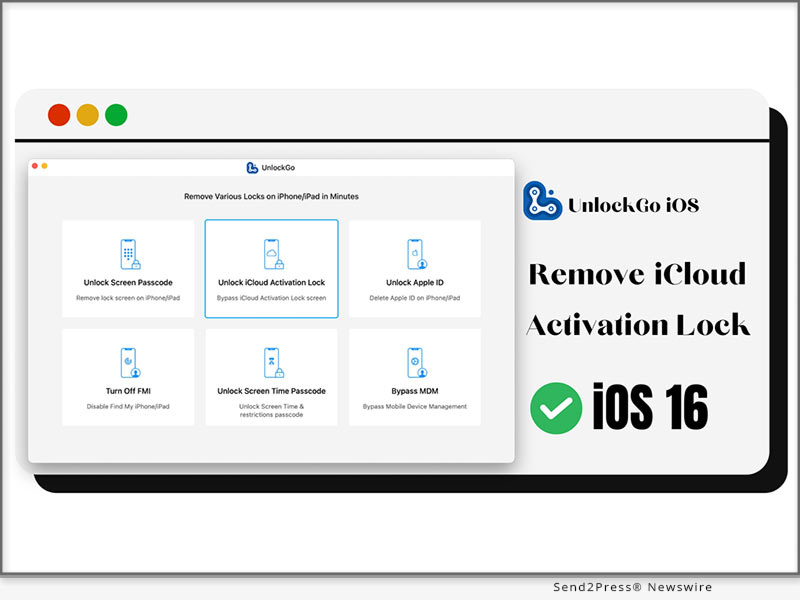
NEW YORK, N.Y. /ScoopCloud/ -- iToolab UnlockGo iOS today released a new version V5.5.0, allowing Apple users to bypass iPhone locked to owner on iOS 16 devices with Windows computer. With this version, iOS users can effortlessly remove iCloud Activation Lock on iPhone / iPad / iPod touch running iOS 12-16.3 with Windows computer.

"If you're a Windows user, you'll spend much time looking for a method to bypass activation lock on iOS 16 devices," said iToolab CEO Mia Garcia. "We deeply understand the frustration that Windows users can't remove iCloud lock on iOS 16 devices and the device becomes useless. That's why we work hard to release a solution for Windows users."

Video: https://www.youtube.com/watch?v=L3XXDZV9AW0

What Are the New Updates?

1 - Bypass iPhone Locked to Owner on iOS 16 devices

This feature allows Windows users to bypass iCloud lock on iPhone 5s-iPhone X, iPod touch 6-7, and some iPad models running iOS 12.0-16.3. Windows users can access their iCloud locked iDevices within several simple steps. You can access your device effortlessly even if you're not tech-savvy.

2 - Optimize the iCloud bypass process for iOS 12.0-14.8 devices

When you search the Internet, you'll find that bypassing iCloud Activation Lock on iOS 12.0-14.8 devices with Windows computers is complicated. Because you need to create a boot disk to jailbreak your iOS device before removing activation lock. With iToolab UnlockGo iOS for Windows V5.5.0, you can easily jailbreak your device and remove activation lock without creating boot disk.

https://itoolab.com/unlock/how-to-remove-icloud-activation-lock-without-password/

How to Bypass iPhone Locked to Owner on iOS 16 with Windows Computer?

Step 1: Free download iToolab UnlockGo iOS from the official website and install it on your Windows computer.

Step 2: Launch the program and select "Unlock iCloud Activation Lock".

Step 3: Connect your iOS 16 device to the computer with a lightning to USB cable.

Step 4: The program will download a firmware package and jailbreak your device.

Step 5: After jailbreaking, UnlockGo starts to remove the activation lock. It will be removed within 1-2 minutes.

Complete guide: https://itoolab.com/guide/how-to-use-unlockgo/

Availability and Price:

The new feature is available on iToolab UnlockGo iOS for Windows V5.5.0. For unregistered users, you can visit the official website of iToolab UnlockGo iOS and download the latest version to try. For registered users, you can enjoy a lifetime free update.

The program is sold with different license plans, including: 1 Month Plan, 1 Year Plan, Lifetime Plan and Business Plan. Pricins is $35.95, $39.95, $49.95, respectively. Get a big discount from the official website right now.

More Information: https://itoolab.com/buy/unlockgo-for-windows/

About iToolab:

iToolab is a Hong Kong-based leading iOS and Android solution provider with a vision to help smartphone users solve various technical issues. The company has helped millions of users fix iOS issues and regain access to their iPhones and iPads. iToolab provides its services in more than 130 countries and has an extensive user base.

MORE INFORMATION:

Official Website: https://itoolab.com/

Facebook: https://www.facebook.com/itoolab

Twitter: https://twitter.com/IToolab

YouTube: https://www.youtube.com/@iToolab
News from IToolab Co Ltd

iToolab UnlockGo iOS today released a new version V5.5.0, allowing Apple users to bypass iPhone locked to owner on iOS 16 devices with Windows computer. With this version, iOS users can effortlessly remove iCloud Activation Lock on iPhone / iPad / iPod touch running iOS 12-16.3 with Windows computer.

Related link: https://itoolab.com/

This version of news story was published on ScoopCloud™ (ScoopCloud.com) - part of and © the Neotrope® News Network - all rights reserved.
iMobie AnyUnlock 2.0 Update Brings a More Complete, Secure, and Instant iPhone Password Unlocker

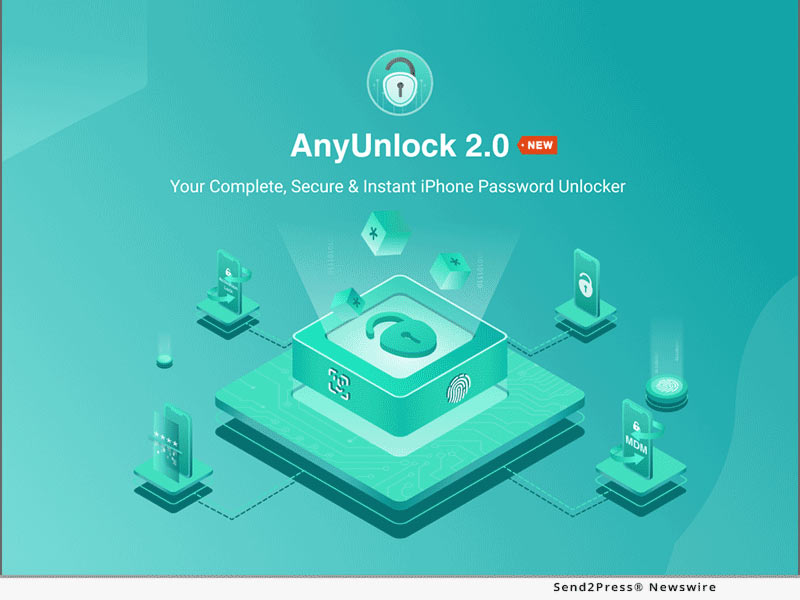
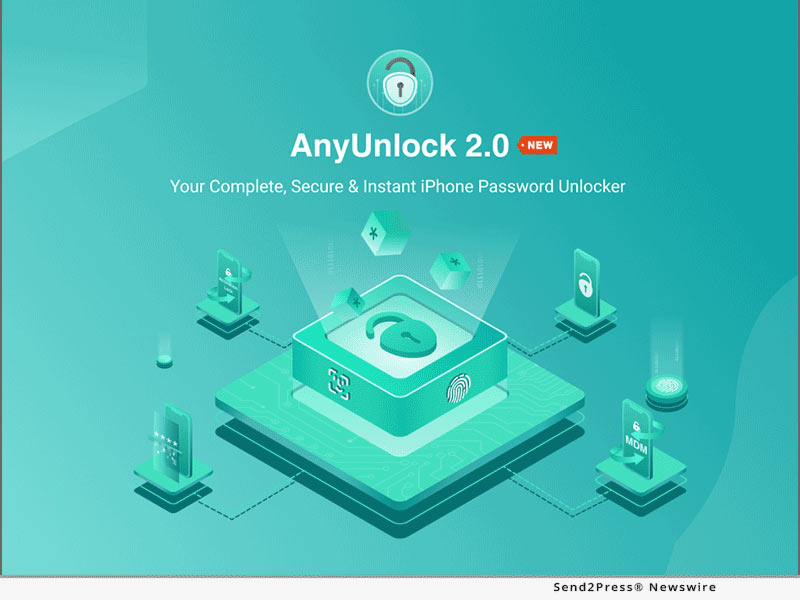
LOS ANGELES, Calif. /ScoopCloud/ -- iMobie Inc, a cutting-edge company focused on iOS software for 10+ years, announces the release of AnyUnlock 2.0, a more complete, secure, and instant iPhone password unlocker. It integrates 12 features for users to solve all iOS password issues, like Unlock Screen Passcode, Bypass MDM, Bypass iCloud Activation, Unlock Apple ID, Remove SIM Lock, etc. No password blocks anymore: with it, users can remove all of them on iPhone, iPad, and iPod touch easily, rapidly, and securely.

"Apple lets users set various passwords to protect their data and privacy. But too many complex passwords can easily be forgotten, even for one device. And there is no solution to fix all password issues in one safe place on the market," said Frank Kong, CEO of iMobie.

He adds, "After several months of development and testing by our professional R&D team, AnyUnlock 2.0 comes! It is designed to remove various locks for all iOS users, like iPhone passcodes, MDM Locks, iCloud Activation, Apple ID, SIM restriction, etcetera. In addition, four more practical tools are added to satisfy more iOS users; like iOS Password Manager, inspection tool for iPhone, and more."

Get the Latest AnyUnlock: https://www.imobie.com/anyunlock/iphone-password-unlocker.htm

WHAT'S NEW IN ANYUNLOCK 2.0?

Comprehensive and Efficient iOS Password Issues Solution

As a complete password unlocker, AnyUnlock offers up to 12 features to help users work out all iOS password issues in one handy place, like being stuck in the Remote Management or Activation Lock screen, forgetting iPhone passcodes, Apple ID or iPhone backup passwords, can't use a SIM card abroad, iOS passwords management and iOS device detection. Within 3 steps, users can securely solve all iOS password issues without hassle.

The Whole-New UI Greatly Improves User Experience

Based on users' feedback, the interface was redesigned, with a more logical layout. Users now can find the functions they need at a glance. Once a feature is selected, users can unlock any password smoothly by following detailed instructions. The whole-new AnyUnlock is practical and aesthetic, greatly enhancing the user experience.

Unlock SIM Restrictions to Enjoy Any Carrier with No Limit

The Remove SIM Lock function has been added to unlock iPhone SIM card blocks easily. Whether users want to switch carriers, or use different SIM cards abroad, after unlocking, they can simply remove the SIM lock by themselves. No need to contact carrier providers, or take risk of sending the phone to unverified stores.

More Update Keypoints

* Apple ID password can be removed on the devices that are running the latest iOS 15 while Find My is turning on.

* To meet more needs of users, Find Apple ID and Turn off Find My features are available on Windows computers.

Price and Availability:

AnyUnlock - iPhone Password Unlocker is available for both Windows and Mac, starting at $15.99:

* https://www.imobie.com/anyunlock/buy-iphone-password-unlocker.htm

* https://www.imobie.com/anyunlock/buy-iphone-password-unlocker-mac.htm

About iMobie:

iMobie Inc. is dedicated to making digital life simpler for all users worldwide. More information at: https://www.imobie.com

News from IMobie Inc.

iMobie Inc, a cutting-edge company focused on iOS software for 10+ years, announces the release of AnyUnlock 2.0, a more complete, secure, and instant iPhone password unlocker. It integrates 12 features for users to solve all iOS password issues, like Unlock Screen Passcode, Bypass MDM, Bypass iCloud Activation, Unlock Apple ID, Remove SIM Lock, etc.

Related link: https://www.imobie.com/

This version of news story was published on ScoopCloud™ (ScoopCloud.com) - part of and © the Neotrope® News Network - all rights reserved.
PassFab iPhone Unlocker and PassFab Activation Unlocker Support New Apple iPhone 13

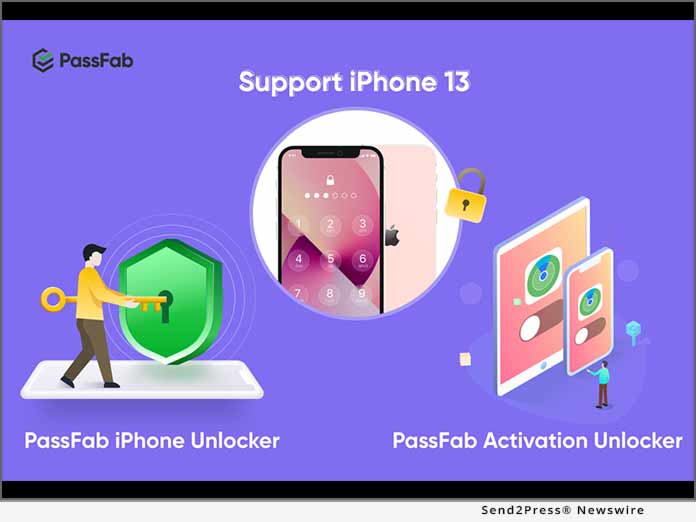
NEW YORK CITY, N.Y. /ScoopCloud/ -- With the worldwide release of Apple's long-awaited iOS 15 and iPhone 13, PassFab has proudly announced the launch of its all-new PassFab iPhone Unlocker and PassFab Activation Unlocker. Both unlocking apps support iOS 15 and are a perfect and handy tool for removing Apple ID or FMI. Moreover, they can be used to unlock iPhone screen passcode, Apple ID, screen time passcode, and MDM lock in minutes, and they can also unlock a locked, disabled, or broken screen iPhone instantly. The company has released these software at the time when Apple announced the historic release of its iPhone 13 and iOS 15.

"If your Apple ID is locked or disabled or if you have forgotten your Apple ID password and can't reset it, our all-new iCloud lock removal helps you remove existing Apple ID and iCloud on activated device in multiple scenarios," said the spokesperson of PassFab, while introducing PassFab. "Since our foundation in 2010, we have emerged as a leading password recovery tool developer at a global level, and we are grateful to our customers/users for their endless support," he added. The digital locksmith has helped many people stuck in unbelievable and helpless situation through its technologically sophisticated password recovery applications.

PassFab iPhone Unlocker

In addition, the all-new PassFab iPhone Unlocker supports iOS 15, and it can also help factory reset iDevices without password or Apple ID. Furthermore, the iPhone 13 unlocking solution by PassFab also removes Apple ID from a device without any password or verification. All the cutting-edge features of these software work perfectly with the all-new iPhone 13, along with all the previous models of Apple iPhones.

PassFab Activation Unlocker

PassFab Activation Unlocker along with its great features and benefits is a great tool for iPhone 13 and it also supports iOS 15. The software can bypass iCloud activation lock without Apple ID, and it can also remove activation lock on iPhone, iPad or iPod touch. PassFab Activation Unlocker can also can also turn off Find My iPhone/iPad without Apple ID password. Remove Apple ID or FMI is now available on iPhone 13, it is compatible with Windows 10/8.1/8/7, MacOS 10.11-11.1.

Learn more: https://www.passfab.com/products/remove-activation-lock.html

About PassFab

PassFab was founded in 2010 as a leading password recovery tool developer, and it has now expanded to a range of software and online tools to make the lives of its users easier worldwide.

For more information regarding these two amazing new solutions by PassFab, please click the links below:

https://www.passfab.com/products/iphone-unlocker.html

https://www.passfab.com/products/remove-activation-lock.html

Facebook: https://www.facebook.com/passfab/

YouTube: https://www.youtube.com/passfab

Instagram: https://www.instagram.com/passfabsoftware/

News from PassFab

With the worldwide release of Apple's long-awaited iOS 15 and iPhone 13, PassFab has proudly announced the launch of its all-new PassFab iPhone Unlocker and PassFab Activation Unlocker. Both unlocking apps support iOS 15 and are a perfect and handy tool for removing Apple ID or FMI. Moreover, they can be used to unlock iPhone screen passcode, Apple ID, screen time passcode, and MDM lock in minutes.

Related link: https://www.passfab.com/

This version of news story was published on ScoopCloud™ (ScoopCloud.com) - part of and © the Neotrope® News Network - all rights reserved.
iSkysoft Toolbox offers Proficient Solutions for iPhone Unlock

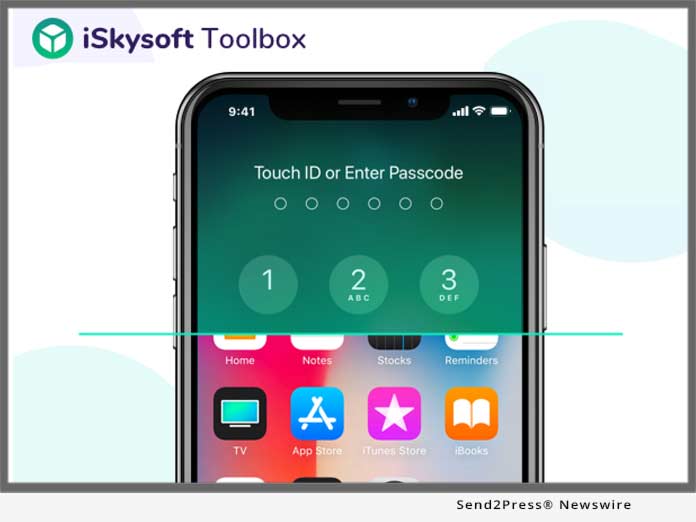
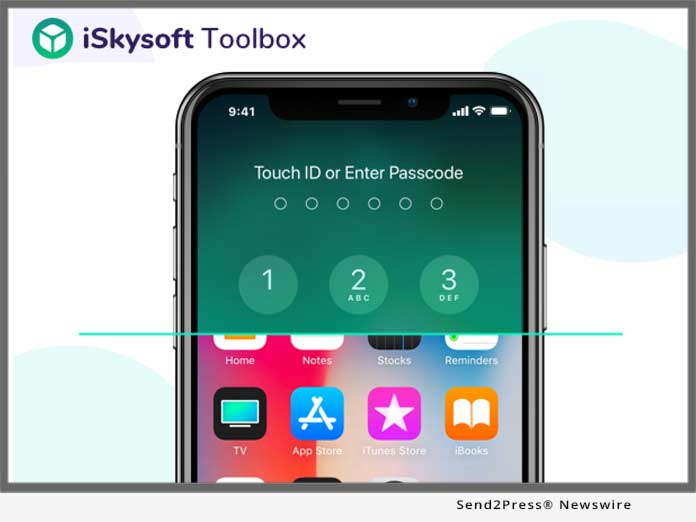
SHENZHEN, China /ScoopCloud/ -- With the latest release of a brand new iSkysoft Toolbox Unlock - the users are allowed to remove the lock screens on their iPhone in an efficient manner. The software can get rid of all sorts of Face IDs, Touch IDs, and Security PINs through a simple stepwise approach.

Here, to make the process easier for the user, the iSkysoft Toolbox has developed dedicated software that is being trusted by several users. The iPhone unlock software is an application that can be used on all kind of device with iOS 12 and iPhone XS/XR. The tool is designed to remove a screen lock on an iPhone or iPad; however, no prior technical knowledge is required to do the same.

Learn more: https://toolbox.iskysoft.com/iphone-lock-screen-removal.html

This application from the house of iSkysoft allows the users to factory reset even when the iPhone is disabled connect to iTunes. The software can easily stand up to the user's expectation, in situations where one has a second-hand iPhone and is locked out of it or the passcode was accidentally changed by a friend or family. However, users can unlock their device without passcode easily.

It is very crucial to note that bypassing the security code means that one might lose data from any device. This software is an excellent tool because it helps and keeps the recovery process simpler. iSkysoft Toolbox is reliable and comes with a complete version of iSkysoft software suit. The software has also been appreciated for its key features like reliability, ease of access and usability.

In addition to this, the users can save their hard-earned greens and time because the process starts and ends in just two simple clicks. The software is specially designed for the consumer who is not a technocrat and looking for a simple yet accessible solution to get the job done.

It can remove locks on iOS devices that include 4-digit, 6-digit Pin, face-IDs and touch IDs flawlessly in various scenarios. The interface of the software is user-friendly and does not require any technical knowledge. Besides removing the lock screen on iPhones and iPads, the software automatically updates the device's firmware on which it has been installed.

Anyone can easily remove the existing lock screen on the iOS device by using the iSkysoft Toolbox by just connecting the locked device to the system, launching the software and adding the set of required details about the phone. One can easily follow the on-screen instructions in order to remove the lock screen on the connected device. At the end of the process, the device would restart with an updated version of firmware and no lock screen- this is how to unlock a disabled iPhone without iTunes proficiently.

Learn more: https://toolbox.iskysoft.com/ios-unlock/unlock-disabled-iphone-without-itunes.html

About iSkysoft:

iSkysoft, as a leading brand of smart software solutions, works aiming for customer satisfaction and loyalty. For over a decade, the company is known to provide multilingual interaction services for users from over 230 countries and regions around the world and continually spread technical updates and enthusiasm to every nook and corner of the world by expanding their vision. iSkysoft also provides more than 100 million solutions to the users along with easy-to-use utility tools and in offering the customers with an ultimate option to better technological experience or digital life. Learn more: https://toolbox.iskysoft.com/

News from iSkysoft

With the latest release of a brand new iSkysoft Toolbox Unlock - the users are allowed to remove the lock screens on their iPhone in an efficient manner. The software can get rid of all sorts of Face IDs, Touch IDs, and Security PINs through a simple stepwise approach.

Related link:

This version of news story was published on ScoopCloud™ (ScoopCloud.com) - part of and © the Neotrope® News Network - all rights reserved.