Tag Archives: Apple Mac and iOS

Tenorshare Guides: How to Transfer WhatsApp from Android to an iPhone 18 Pro

Tenorshare iCareFone Transfer software is for those who want to transfer WhatsApp from Android to iPhone without factory reset

NEW YORK, N.Y., Sept. 18, 2026 (SEND2PRESS NEWSWIRE) — Tenorshare has just put out a detailed new guide that walks you through exactly how to transfer WhatsApp from Android to iPhone 18 Pro. The resource addresses common challenges with cross-platform WhatsApp transfers, including how to preserve chats and media when moving data to an already set up iPhone. It provides practical solutions to help users transfer their important WhatsApp data safely and avoid data loss during an iPhone upgrade.
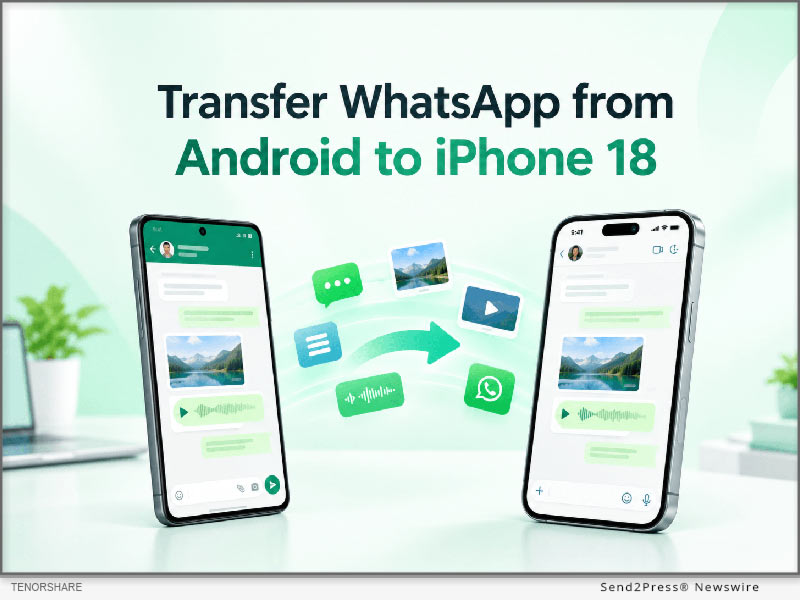
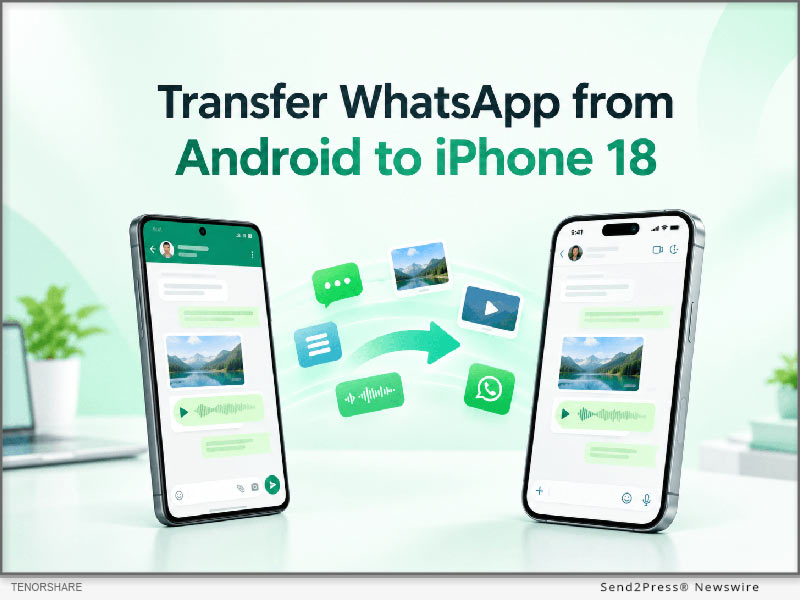
How to Transfer WhatsApp from Android to iPhone Including iPhone 18
Image caption: How to Transfer WhatsApp from Android to iPhone Including iPhone 18.

“The main purpose of this guide is to offer a clear roadmap for mobile users who want to keep their messaging history intact,” said a Tenorshare spokesperson. “When upgrading to iPhone 18 Pro, our goal is to help users preserve their important WhatsApp data and avoid the data loss issues that can come with device upgrades.”

For those users who are looking for a direct software solution to transfer WhatsApp from Android to iPhone, the guide introduces Tenorshare iCareFone Transfer as the main method. This software is for those users who want to transfer WhatsApp from Android to iPhone without factory reset. As the utility is completely compatible with existing iPhone 18 Pro setup, users don’t need to erase the existing iPhone data.

The app is designed to transfer WhatsApp messages from Android to iPhone securely, ensuring that text conversations, media files and attachments make their way across platforms without a hitch. iCareFone Transfer is a great choice for users who want to transfer WhatsApp chats from Android to iPhone in a complete way in a desktop-controlled environment.

The transfer process with the use of this software consists of exactly three steps:

Step 1: Connect Android Phone and iPhone to Computer.

Step 2: Backup WhatsApp data and Confirm Account Information.

Step 3: Directly transfer selected data to iPhone 18 Pro.

The guide references Move to iOS as the default option in passing for users asking how to make this transfer free of charge. But Move to iOS is typically used when you first set up your iPhone, so if your iPhone is already set up, you may need to erase it first.

Consumers can refer to the guide and choose the right way to transfer according to the state of their iPhone, whether it has been set up or still in the original factory state.

To learn more about the recommended tool and read the full guide, users can visit the iCareFone Transfer product page at: https://www.tenorshare.net/ads/icarefone-whatsapp-transfer-backup-restore-2.html or download the app at Play Store.

About Tenorshare

Founded in 2007, Tenorshare is an international software company that specializes in data management, system repair, password recovery and device transfer solutions. The company builds utilities that help smartphone and computer users secure their digital data.

For more information: https://www.tenorshare.com/

Facebook: https://www.facebook.com/TenorshareOfficial/

X/Twitter: https://twitter.com/Tenorshare_Inc

YouTube: https://www.youtube.com/user/TenorshareOfficial/videos

NEWS SOURCE: Tenorshare Co. Ltd.


This press release was issued on behalf of the news source (Tenorshare Co. Ltd.), who is solely responsible for its accuracy, by Send2Press Newswire. Image, if any, was provided by the news source and not this website or the wire service. Information is believed accurate, as provided by the news source, but is not guaranteed.

To view the original story, visit: https://www.send2press.com/wire/tenorshare-guides-how-to-transfer-whatsapp-from-android-to-an-iphone-18-pro/

Copr. © 2026 Send2Press® Newswire, Calif., USA. -- REF: S2P STORY ID: S2P138290 NOREL-3B
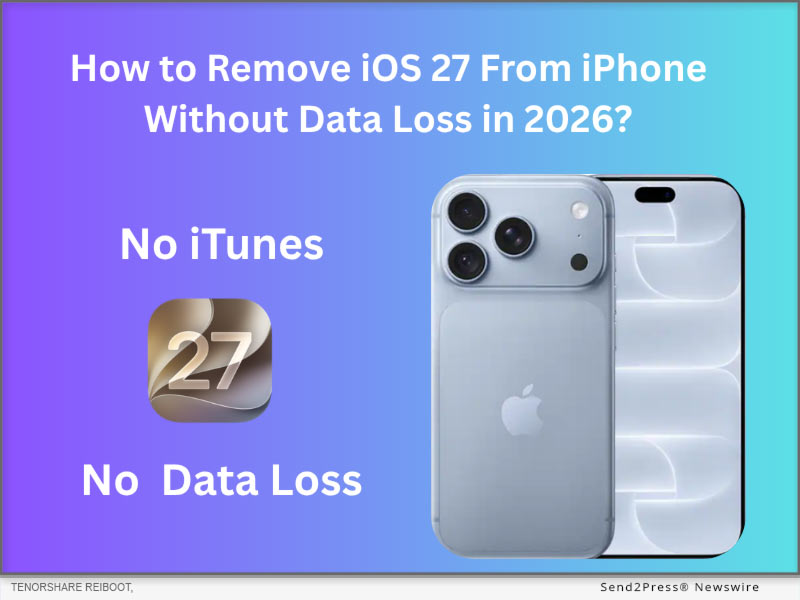
 

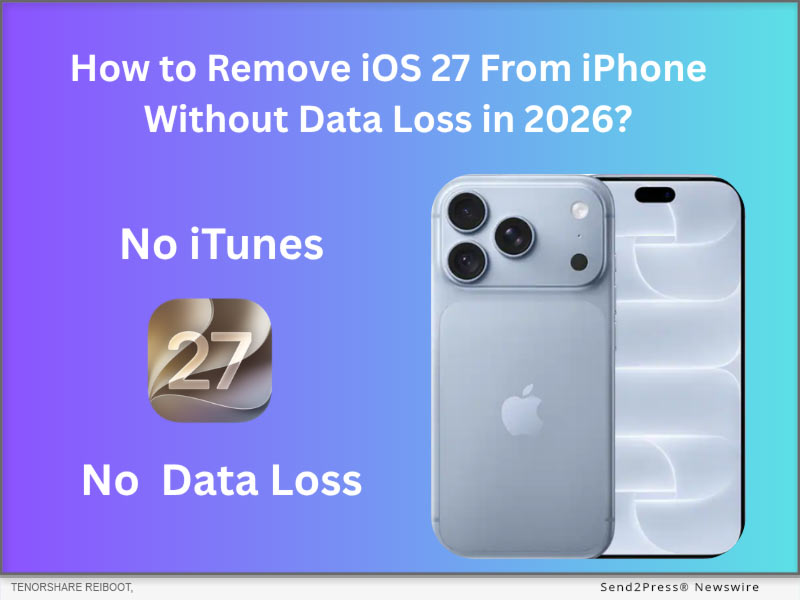
How to Remove iOS 27 from Your iPhone Without Data Loss in 2026

NEW YORK, N.Y., Sept. 16, 2026 (SEND2PRESS NEWSWIRE) — Excited for iOS 27, but some iPhone users asked, “Is there a way to remove iOS 27 from my iPhone?” The answer is yes. To remove iOS 27, it’s common to either use iTunes/Finder in Recovery Mode or a professional iOS downgrade tool like Tenorshare ReiBoot, which supports a 1-click downgrade without data loss.

Tenorshare Reiboot: How to Remove iOS 27 From iPhone Without Data Loss
Image caption: Tenorshare Reiboot: How to Remove iOS 27 From iPhone Without Data Loss.

METHOD 1: REMOVE IOS 27 VIA RESTORE IN RECOVERY MODE (OFFICIAL METHOD & DATA LOSS)

Before you start, make sure you have an earlier iOS 26 backup. Restoring iOS 27 is Apple’s official method to remove iOS 27. However, restoring iOS 27 must wipe all data on your iPhone, and you can’t restore an iOS 27 backup to iOS 26.

STEPS TO RESTORE IOS 27 VIA RECOVERY MODE:

Step 1. Turn off Find My iPhone and connect the iPhone to the PC/Mac via cable.

Step 2. Put the iPhone into iOS 27 New Recovery Mode (Press Volume Up -> Volume Down -> Press and hold the Side Button).

Step 3. Open iTunes on Windows or Finder on Mac, click Restore iOS 27.

METHOD 2: REMOVE IOS 27 WITHOUT DATA LOSS VIA TENORSHARE REIBOOT (SIMPLE & WORKABLE)

If you prefer to keep all data while removing iOS 27, using an iOS downgrade tool will be a good choice. Tenorshare ReiBoot, a well‑known iOS system repair utility, enables users to remove iOS 27 and install a stable iOS 26.7 in about 20 minutes, all while preserving personal data.

Why Tenorshare ReiBoot’s approach stands out:

  1. No data loss and 100% protection of the original details.
  2. Resolve over 150 iOS‑related issues, including iPhone battery drain, lag, and stuck “Update Requested” errors.
  3. Simple to use, even if you are a beginner downgrading iOS 27 to26.7.

STEPS TO REMOVE IOS 27 VIA TENORSHARE REIBOOT:

Step 1. Download the official Tenorshare ReiBoot on your PC or Mac, then connect your iPhone.

Step 2. Select iOS Upgrade/Downgrade and choose the Downgrade option.

Step 3. ReiBoot will automatically fetch the latest signed iOS 26.7 firmware package. Click Download.

Step 4. Click Initiate Downgrade. The software will safely replace the iOS 27 system with iOS 26 in under 20 minutes without wiping your personal data.

ALTERNATIVE: HOW TO EXIT IOS 27 BETA WITHOUT A COMPUTER?

It’s impossible to remove iOS 27 without a computer, but we can stop your iOS 27 from receiving unstable iOS beta updates.

First, Navigate to Settings > General > Software Update > Beta Updates. Then, Toggle Beta Updates to OFF. Your iPhone will stop receiving iOS beta updates until the official version is out.

ABOUT TENORSHARE

Founded in 2007, Tenorshare ReiBoot is the best iOS/Android bug repair tool which offering a secure, data‑safe iOS/Android bug-fixing path for users who need to move away from system problems.

More information: https://www.tenorshare.com/

Facebook: https://www.facebook.com/TenorshareOfficial/

X/Twitter: https://twitter.com/Tenorshare_Inc

YouTube: https://www.youtube.com/user/TenorshareOfficial/videos

NEWS SOURCE: Tenorshare Co. Ltd.


This press release was issued on behalf of the news source (Tenorshare Co. Ltd.), who is solely responsible for its accuracy, by Send2Press Newswire. Image, if any, was provided by the news source and not this website or the wire service. Information is believed accurate, as provided by the news source, but is not guaranteed.

To view the original story, visit: https://www.send2press.com/wire/how-to-remove-ios-27-from-your-iphone-without-data-loss-in-2026/

Copr. © 2026 Send2Press® Newswire, Calif., USA. -- REF: S2P STORY ID: S2P138236 NOREL-3B


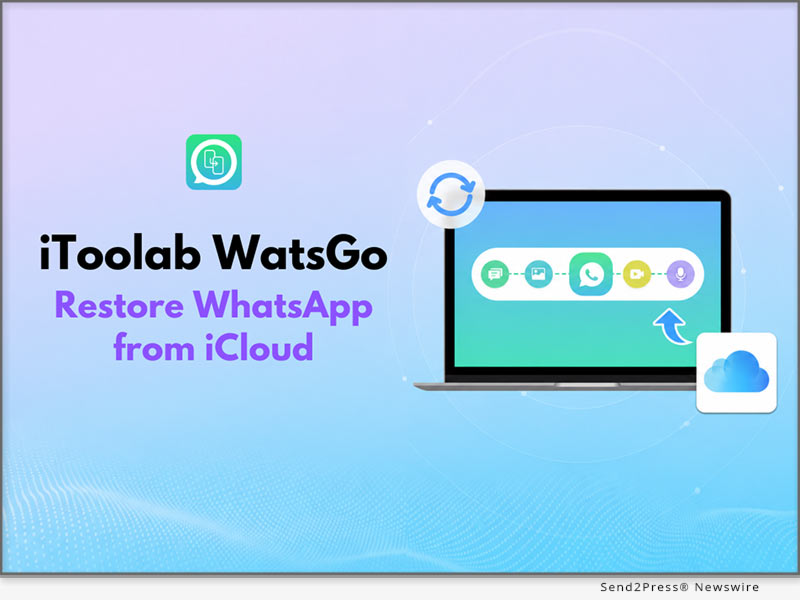
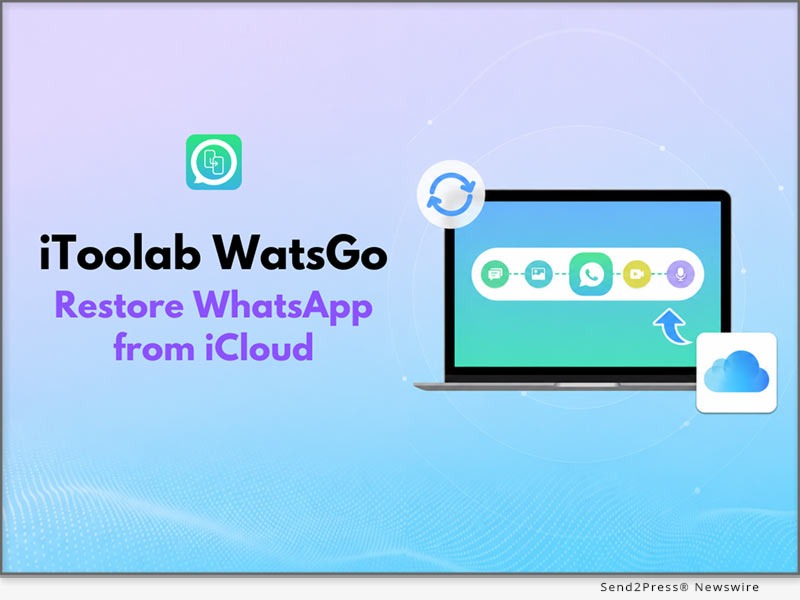
iToolab WatsGo Restores WhatsApp from iCloud without Resetting iPhone

New WatsGo Feature: Restore WhatsApp from iCloud Without Uninstalling

HONG KONG, July 6, 2026 (SEND2PRESS NEWSWIRE) — iToolab WatsGo has introduced a new feature that enables users to restore WhatsApp from iCloud without resetting their iPhone. The update helps users download and check chats, photos, videos, and other WhatsApp data. In addition, users don’t have to deal with complicated recovery procedures. This update makes WhatsApp data restoration from iCloud simpler and gives users an easier way to recover the information that matters most.

iToolab WatsGo: Restore WhatsApp from iCloud without Resetting iPhone
Image caption: iToolab WatsGo: Restore WhatsApp from iCloud without Resetting iPhone.

WHY ITOOLAB WATSGO STANDS OUT?

iToolab WatsGo is a WhatsApp management solution that supports WhatsApp transfer, backup, restore, and export across Android and iPhone. It also helps users restore WhatsApp from iCloud without uninstalling the app.

KEY FEATURES OF ITOOLAB WATSGO – RESTORE WHATSAPP FROM ICLOUD

Here are some of the WatsGo features that make it simple to restore WhatsApp from iCloud without uninstalling the app or dealing with unnecessary complications.

1. RESTORE WHATSAPP FROM ICLOUD WITHOUT UNINSTALLING

Restoring WhatsApp backup from iCloud on iPhone usually requires users to uninstall and reinstall the app before the process. WatsGo removes this hassle by allowing you to restore your WhatsApp backup directly from iCloud. This delivers a faster, more seamless restoration experience with minimal effort.

2. PREVIEW WHATSAPP ICLOUD BACKUPS BEFORE RESTORING

WatsGo lets users preview available WhatsApp backups before restoring them, unlike the official method, which restores the entire backup without preview. Users can then select supported chats and media to export to their computers.

3. ENSURES SECURE, RELIABLE DATA RESTORE

Since iCloud backups are encrypted, WatsGo never downloads or stores users’ data, helping protect user privacy throughout the entire restore process. The tool maintains data transmission integrity throughout the restore process, so no files are corrupted or lost. It also supports a wide diversity of WhatsApp data types, which gives users a complete restore process.

3 SIMPLE STEPS TO RESTORE WHATSAPP FROM ICLOUD USING WATSGO

To explore how to restore deleted messages in WhatsApp, follow these simple steps:

  1. Install and Launch: Download iToolab WatsGo and choose the “Restore WhatsApp from iCloud” option.
  2. Sign in to iCloud: Sign in to iCloud and pick the WhatsApp backup from the list.
  3. Choose to Restore Data: Choose the WhatsApp chat data you want to restore and click on “Export to Computer.”

Video Guide: https://youtu.be/Z2_9tttpS-g

FINAL PRICE AFTER DISCOUNT

  • 1 Month Plan: $16.95
  • 1 Year Plan: $29.95
  • Lifetime Plan: $39.95

DEVICE COMPATIBILITY

  • Windows: Windows 7+
  • Mac: macOS 10.11+

ABOUT ITOOLAB

Founded in 2019, iToolab develops desktop tools for Android and iOS devices, specializing in WhatsApp management. Its solutions support WhatsApp transfer, backup, restore, backup preview, and help users restore WhatsApp from iCloud with greater flexibility and control.

For more details, please visit: https://itoolab.com/

NEWS SOURCE: iToolab Co Ltd


This press release was issued on behalf of the news source (iToolab Co Ltd), who is solely responsible for its accuracy, by Send2Press Newswire. Image, if any, was provided by the news source and not this website or the wire service. Information is believed accurate, as provided by the news source, but is not guaranteed.

To view the original story, visit: https://www.send2press.com/wire/itoolab-watsgo-restores-whatsapp-from-icloud-without-resetting-iphone/

Copr. © 2026 Send2Press® Newswire, Calif., USA. -- REF: S2P STORY ID: S2P136652 NOREL-3B


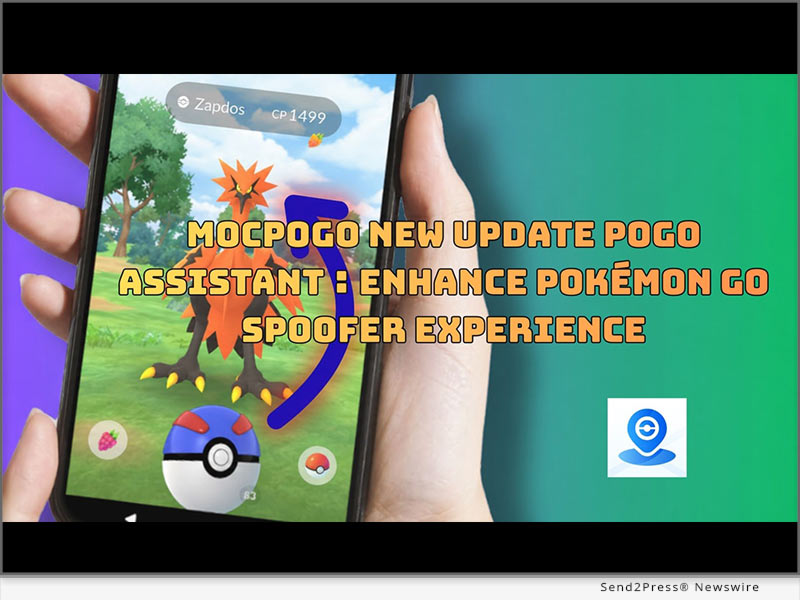
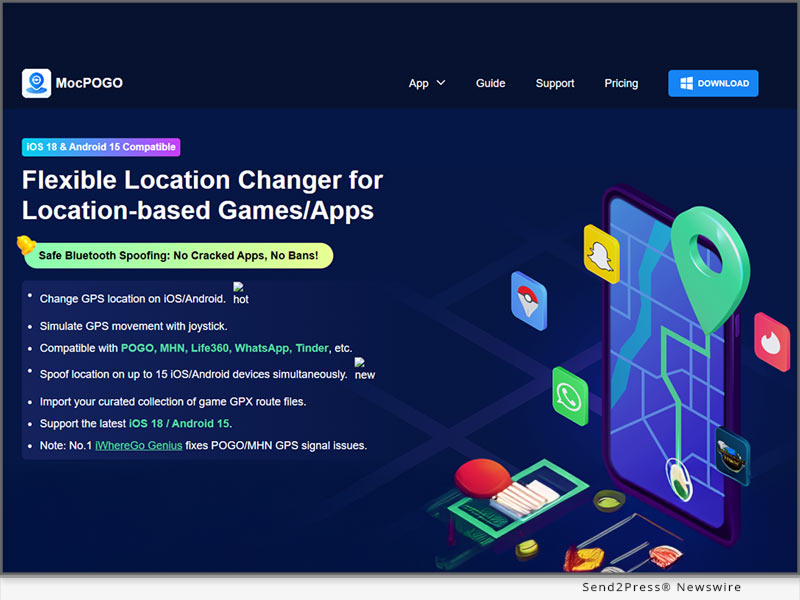
MocPOGO Pokémon GO Spoofer iOS New Update: POGO Assistant Enhance Pokémon GO User Experience

NEW YORK and HONG KONG, April 29, 2026 (SEND2PRESS NEWSWIRE) — MocPOGO released a new iOS update, including an upgraded POGO Assistant, bringing a more intelligent and streamlined experience to Pokémon GO players. As a widely used Pokemon Go spoofer, MocPOGO continues to expand beyond traditional GPS location changes by integrating tools that support faster gameplay decisions and smoother in-game interaction.

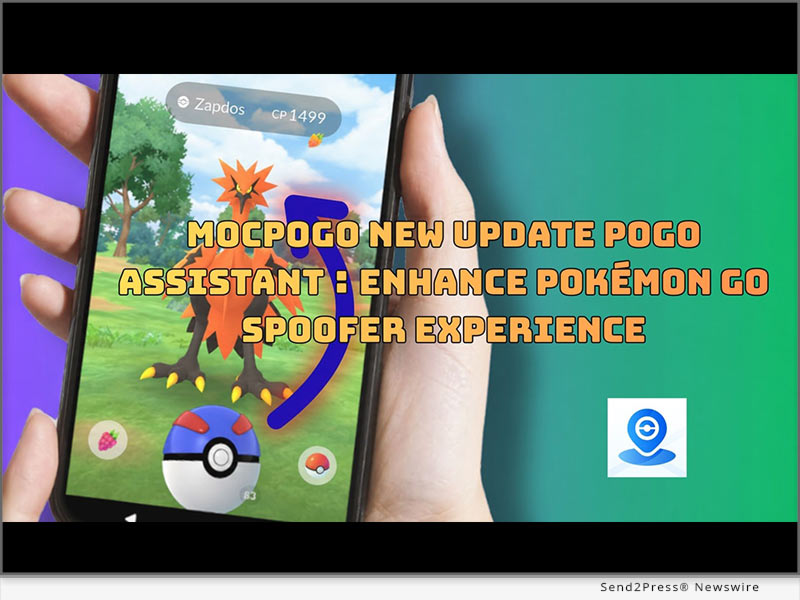
MocPOGO Pokémon GO Spoofer iOS New Update: POGO Assistant Enhance Pokémon GO User Experience
Image caption: MocPOGO Pokémon GO Spoofer iOS New Update: POGO Assistant Enhance Pokémon GO User Experience.

Unlike standard spoofing tools that focus only on movement simulation, this update introduces a more structured gameplay support system. The goal is to reduce friction in daily Pokémon GO activities while helping players interact with the game more efficiently and consistently.

WHAT’S NEW IN MOCPOGO UPDATE POGO ASSISTANT

The latest update Pokémon GO Assistant divided into three main areas, designed to improve the efficiency of Pokémon GO cheaters:

Catch & Throw

  • Show IV – Instantly view Pokémon stats
  • Quick Catch – Faster catch speed and smoother animations
  • Enhanced Throw – Improved accuracy and success rate

Battles & Raids

  • Auto Raid – Automates raid battles
  • Fast Raid – Speeds up raid gameplay
  • Auto Dynamax Battles – Simplify battle controls

Efficiency & Range

  • Extended Radius – Interact with more elements nearby
  • Fast Spin – Collect PokéStops faster
  • Skip Animations – Smoother, faster gameplay
  • Auto Hatch Eggs – Continuously hatch eggs easily

Getting Started with the POGO Assistant

First, download the customized POGO app from iWhereGo Genius to your iPhone and open it.

Then, in MocPOGO, tap the icon on the right (POGO ball) to activate the POGO Assistant.

MOCPOGO KEY POKEMON GO SPOOFING CAPABILITIES

In addition to the upgraded assistant features, MocPOGO continues to deliver its key Pokemon Go spoofing features, including:

  • Instant global location teleportation
  • Joystick movement control
  • Simulates natural walking routes
  • Adjustable movement speed

These features allow players to explore different areas, participate in global events, and have more flexible control over movement in the game.

WHY THIS UPDATE MATTERS

This iOS update is significant for players using Pokémon GO cheats, as it integrates location control and game assistance features into a more unified experience. By reducing repetitive actions and improving in-game responsiveness, the updated Pokémon GO Assistant allows players to spend less time on daily tasks, focusing more on strategy, Pokémon collection, and exploration.

The smarter assistant features, combined with stable GPS spoofing, also make the gaming experience more efficient and fluid. Whether you’re a casual player or seeking advanced game optimization, users can now more easily and flexibly manage in-game actions for a smoother overall Pokémon GO experience.

ABOUT MOCPOGO

MocPOGO is a GPS location changer for iOS and Android devices, requiring no jailbreaking or root access. It features one-click teleportation, joystick control, route simulation, and the newly added POGO Assistant, providing a convenient way for Pokémon GO players and those who need location modification to enjoy a smooth gaming experience.

More information:

Website: https://mocpogo.com/

YouTube: https://www.youtube.com/@MocPOGO/videos

Discord: https://discord.gg/PEn7MpMF3K

NEWS SOURCE: MocPOGO Co., Ltd


This press release was issued on behalf of the news source (MocPOGO Co., Ltd), who is solely responsible for its accuracy, by Send2Press Newswire. Image, if any, was provided by the news source and not this website or the wire service. Information is believed accurate, as provided by the news source, but is not guaranteed.

To view the original story, visit: https://www.send2press.com/wire/mocpogo-pokemon-go-spoofer-ios-new-update-pogo-assistant-enhance-pokemon-go-user-experience/

Copr. © 2026 Send2Press® Newswire, Calif., USA. -- REF: S2P STORY ID: S2P134967 NOREL-3B


iToolab AnyGo iOS Update: New POGO Assistant Features for Pokémon GO Spoofer Users

NEW YORK and HONG KONG, April 27, 2026 (SEND2PRESS NEWSWIRE) — iToolab recently launched an iOS update for AnyGo, featuring an upgrade of its POGO Assistant feature for Pokemon GO players. As this game remains focused around exploration, collection, and battle strategies, more users are seeking out reliable Pokemon GO spoofers that not only provide simple GPS location services but also deliver a more efficient gaming experience.

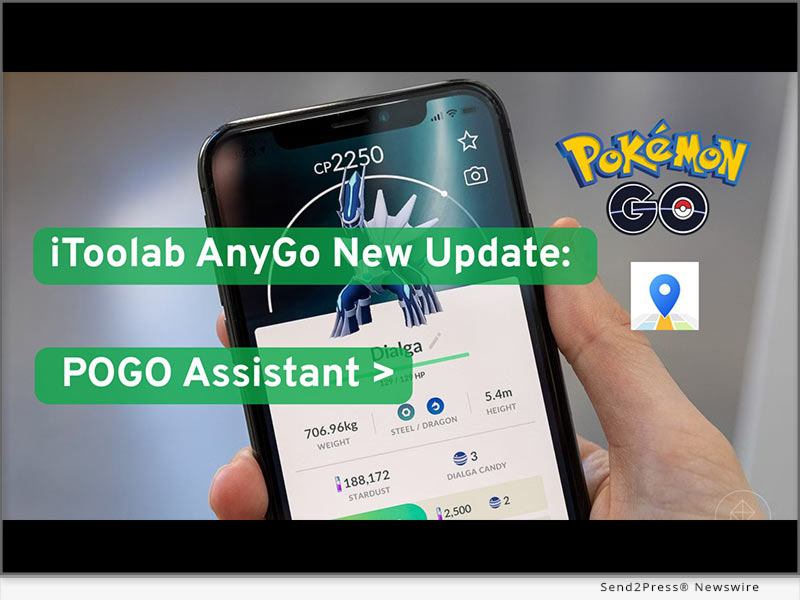
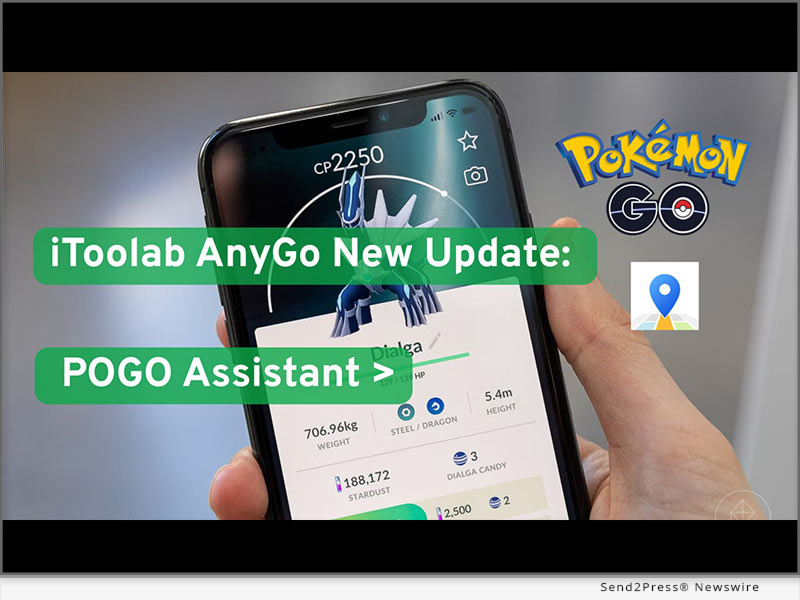
iToolab AnyGo iOS Update: New POGO Assistant Features for Pokémon GO Spoofer Users
Image caption: iToolab AnyGo iOS Update: New POGO Assistant Features for Pokémon GO Spoofer Users.

The latest update brings optimized accessibility features, optimizing game speed, decision making, and interactions within Pokemon GO. No longer solely focused on location changes; rather it helps players reduce repetitive actions quickly access key Pokemon data more controllably while keeping a flexible gameplay style for a better and smoother Pokemon GO experience.

WHAT’S NEW IN THE POGO ASSISTANT UPDATE

The new iOS update for iToolab AnyGo brings a series of improved POGO assistant features, significantly enhancing how players interact with Pokémon GO when using Pokémon GO cheat.

Key improvements in this update include:

  • IV Display Upgrade

Instantaneously view Pokemon IV data to quickly assess whether caught Pokemon are worth keeping or training.

  • Fast Capture Optimization

Simplifying capture process, decreasing animation time and speeding up overall game pace

  • Enhanced Throwing Assistance

Improved throwing accuracy with reduced manual adjustments and increased capture efficiency.

  • Enhanced Auto-Battle

Smarter team battle automation helps players handle battle scenarios more easily.

  • Quick Interaction Tools

Faster PokéStop rotation speed and animation skipping for a smoother, more continuous gameplay experience.

  • Expanded Interaction Range

A wider in-game interaction radius allows players to access more game elements without frequent repositioning.

  • Auto-Progress Function

Background support for operations such as egg hatching, maintaining game progress even during non-event periods.

HOW TO USE THE UPDATED POGO ASSISTANT ON IOS

Enabling Pokémon GO Assistant is a simple process, requiring only a few steps and making it easy even for first-time Pokémon GO cheat users:

First, download and install iToolab AnyGo iOS. Then, you can use the teleport function on the map.

Next, to use Pokémon GO Assistant, download the customized version of Pokémon GO from iWhereGo Genius to your iPhone and launch it.

Next, locate the icon (Pokémon GO Ball) on the right side of the AnyGo interface to activate the Pokémon GO Assistant control panel. All available tools and functions can be centrally activated and managed here.

Here, users can easily enable assistant tools such as Individual Value (IV) viewing and quick catching, while also utilizing AnyGo’s location simulation function.

WHY THIS UPDATE MATTERS FOR POKÉMON GO PLAYERS

For many Pokémon GO players, routine actions such as catching Pokémon, evaluating IVs, and managing battles can quickly become time-consuming. With the introduction of the new Pokémon GO Assistant feature, these tasks will be simplified through faster execution and smarter in-game support, helping players reduce repetitive steps and focus more on strategy, collection progress, and exploration.

This update also improves the gaming experience for different types of players. Casual players can enjoy a simplified interaction method and less manual operation, while experienced players can optimize their gameplay by taking advantage of faster data access speeds and more efficient control options.

ABOUT ITOOLAB ANYGO

iToolab AnyGo is a GPS location changer for iOS and Android. It supports joystick control, route simulation, and instant location teleportation, allowing flexible virtual movement without jailbreak or root. Combined with the new POGO Assistant upgrade, it offers a more complete solution for Pokémon GO players to boost efficiency and gameplay control.

Learn more

Website: https://itoolab.com/gps-location-changer/

YouTube: https://www.youtube.com/@iToolab/videos

NEWS SOURCE: iToolab Co Ltd


This press release was issued on behalf of the news source (iToolab Co Ltd), who is solely responsible for its accuracy, by Send2Press Newswire. Image, if any, was provided by the news source and not this website or the wire service. Information is believed accurate, as provided by the news source, but is not guaranteed.

To view the original story, visit: https://www.send2press.com/wire/itoolab-anygo-ios-update-new-pogo-assistant-features-for-pokemon-go-spoofer-users/

Copr. © 2026 Send2Press® Newswire, Calif., USA. -- REF: S2P STORY ID: S2P134834 NOREL-3B


iPhone 17 – XR Locked to the Prior Owner? Unlock it with iToolab UnlockGo iOS

How to Remove iCloud Activation Lock on iPhone 17 - XR with iToolab UnlockGo iOS

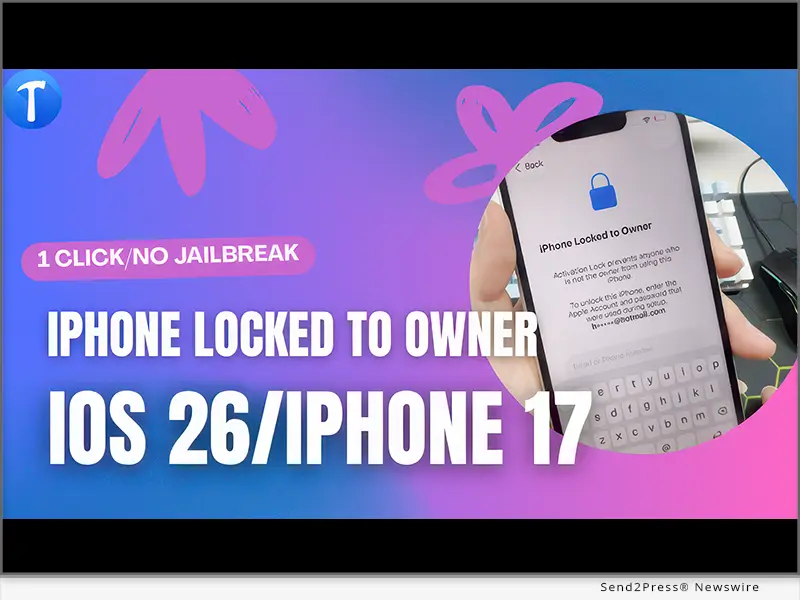
HONG KONG, Feb. 10, 2026 (SEND2PRESS NEWSWIRE) — “My iPhone 17 has been locked to prior owner and I can’t use it.” If you bought a second-hand iPhone 17, or you factory reset the device but forgot the password and email, the iPhone locked to owner screen will appear. What to do when you can’t reach to the previous owner or Apple support can’t turn off the activation lock? Thankfully, it can be unlocked with iToolab UnlockGo iOS V6.3.1.

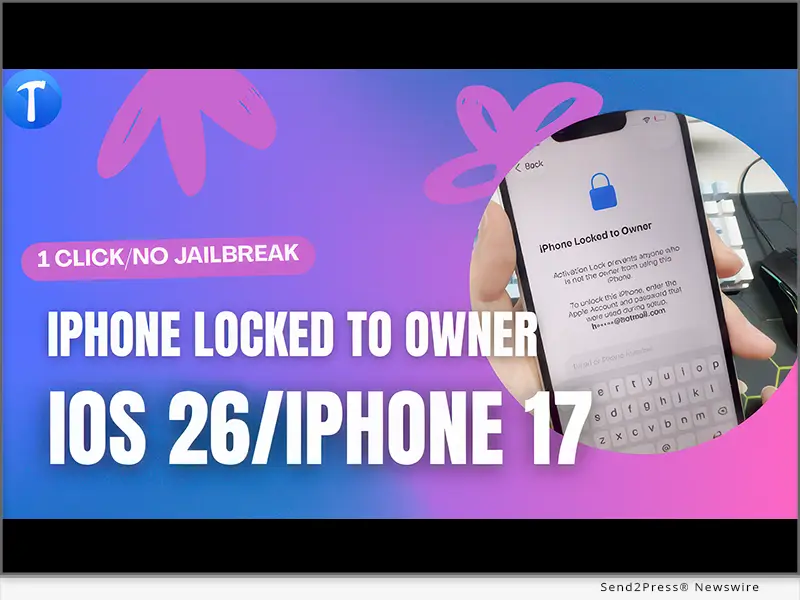
How to bypass iPhone locked to owner with iToolab UnlockGo
Image caption: How to bypass iPhone locked to owner with iToolab UnlockGo.

iToolab UnlockGo iOS is an all-in-one tool that can help Apple users remove various locks, including screen locks, activation lock, MDM lock, Screen Time passcode, and more. It’s compatible with iPhone, iPad, and iPod touch models.

KEY FEATURES OF ITOOLAB UNLOCKGO IOS V6.3.1

  1. Support bypassing iPhone locked to owner on new iOS models, like iPhone 17/16/15/14/13/12/11/XR. And the latest iOS 26 is supported.
  2. Allow you to remove iCloud activation lock without password without jailbreak.
  3. After removal, you can restart or reset the device. And the device won’t be locked again.
  4. You can log into a new Apple ID to download apps and music from App Store and iTunes.
  5. Based on the advanced algorithm, it guarantees a high success rate up to 99%.

HOW TO BYPASS IPHONE LOCKED TO OWNER ON IPHONE 17 IOS 26?

Step 1: Free download and install iToolab UnlockGo iOS on your computer. Then launch it and choose “Unlock iCloud Activation Lock” on the interface.

Step 2: Connect your iCloud locked iPhone 17 to the computer with a cable. Then click the “Start” button to continue.

Step 3: Your iPhone 17 will be unlocked within minutes.

Video guide: https://www.youtube.com/watch?v=FKrsiP15GMw

AVAILABILITY AND PRICE

  • The new feature is available on iToolab UnlockGo iOS for Windows V6.3.1. It will be available on Mac version soon. For unregistered users, you can visit the official website of iToolab UnlockGo iOS and download the latest version to try. For registered users, you can enjoy a lifetime free update.
  • The program is sold with different license plans, including 1 Device Plan, 1 Month Plan, 1 Year Plan, Lifetime Plan and Business Plan. The prices are $19.95, $35.95, $39.95, $49.95, respectively. You can get a big discount from the official website right now.

For more information, please visit:

https://itoolab.com/tech-specs/unlockgo/

https://itoolab.com/buy/unlockgo-for-windows/

ABOUT ITOOLAB

iToolab is a Hong Kong-based leading iOS and Android solution provider with a vision to help smartphone users solve various technical issues. Over the years, the company has helped millions of users fix iOS issues and regain access to their iPhones and iPads. Currently, iToolab provides its services in more than 130 countries and has an extensive user base. The creative approach of the developers is the main reason for the high success rate of all iToolab products.

Learn more: https://itoolab.com/

Follow on social:

https://www.facebook.com/itoolab

https://x.com/IToolab

https://www.youtube.com/@iToolab

NEWS SOURCE: iToolab Co Ltd


This press release was issued on behalf of the news source (iToolab Co Ltd), who is solely responsible for its accuracy, by Send2Press Newswire. Image, if any, was provided by the news source and not this website or the wire service. Information is believed accurate, as provided by the news source, but is not guaranteed.

To view the original story, visit: https://www.send2press.com/wire/iphone-17-xr-locked-to-the-prior-owner-unlock-it-with-itoolab-unlockgo-ios/

Copr. © 2026 Send2Press® Newswire, Calif., USA. -- REF: S2P STORY ID: S2P133020 NOREL-3B

 

Tenorshare Cleamio 3.3.0 Officially Released: A Smarter, Faster Mac Optimization Solution

NEW YORK and HONG KONG, Dec. 1, 2025 (SEND2PRESS NEWSWIRE) — Tenorshare, a global leader in software solutions, has officially launched Tenorshare Cleamio 3.3.0, the newly upgraded version of its popular Mac cleaning tool previously known as 4DDiG Mac Cleaner. The update introduces a refreshed brand identity, a redesigned interface, and new AI-powered capabilities, bringing users a more modern and intuitive Mac optimization experience.

Tenorshare Cleamio 3.3.0 Officially Released: A Smarter, Faster Mac Optimization Solution
Image caption: Tenorshare Cleamio 3.3.0 Officially Released.

“Cleamio 3.3.0 retains the core functionalities users rely on, but now offers faster performance and a lighter footprint,” said Terrance, Marketing Director at Tenorshare. “It is especially ideal for designers, video editors, developers, students, and anyone who handles large files or multitasking workloads.”

KEY FEATURES OF TENORSHARE CLEAMIO

  • Deep Clean: Removes system caches, log files, app leftovers, download residues, and various types of junk data in a single click.
  • Duplicate File Cleaner: Scans documents, photos, videos, and other file formats with precision to identify and safely delete duplicates.
  • Similar Photos Finder: Uses AI to automatically detect burst shots and visually similar images.
  • Large File Scanner: Quickly scans and removes hidden large files on your Mac.
  • AI Batch File Renamer: Renames multiple files at once based on their content and type.
  • Mac Status Center: Provides real-time insights into CPU and memory usage, checks disk capacity and storage health, monitors network status, and manages startup items and background processes.

HOW TO USE TENORSHARE CLEAMIO?

Optimizing your Mac has never been easier. With Tenorshare Cleamio, you can clean, organize, and enhance performance in just three simple steps. Here’s how:

Step 1: First, launch the program and select the desired feature, such as junk file cleanup.

Step 2: Proceed by choosing the folders or drives you want to scan.

Step 3: After the scan, review the results and let AI recommendations guide you to automatically remove unnecessary files.

Video Tutorial: https://www.youtube.com/watch?v=LAnMO-alePQ

PRICING AND COMPATIBILITY

Tenorshare Cleamio offers flexible pricing starting at $24.95 per month. The good news is that Tenorshare is currently running a Black Friday promotion, offering discounts of up to 30%.

Cleamio 3.3.0 is compatible with all Mac devices running macOS 10.13 and later, ensuring every Mac user can enjoy smoother performance and smarter file management.

ABOUT TENORSHARE

Tenorshare is a global IT company that delivers high-quality software solutions across data recovery, system repair, and data transfer. Its software products, used by millions worldwide, span multiple platforms including Mac, Windows, iOS, and Android. Committed to enhancing efficiency, security, and convenience, Tenorshare continuously develops solutions that address real-world digital challenges, helping users protect, organize, and optimize their data with confidence.

Learn more about Tenorshare Cleamio V3.3.0: https://www.tenorshare.com/products/cleamio.html

Socials:

Facebook: https://www.facebook.com/TenorshareOfficial

X(Twitter): https://x.com/Tenorshare_Inc

YouTube: https://www.youtube.com/@TenorshareOfficial

NEWS SOURCE: Tenorshare Co. Ltd.


This press release was issued on behalf of the news source (Tenorshare Co. Ltd.), who is solely responsible for its accuracy, by Send2Press Newswire. Image, if any, was provided by the news source and not this website or the wire service. Information is believed accurate, as provided by the news source, but is not guaranteed.

To view the original story, visit: https://www.send2press.com/wire/tenorshare-cleamio-3-3-0-officially-released-a-smarter-faster-mac-optimization-solution/

Copr. © 2025 Send2Press® Newswire, Calif., USA. -- REF: S2P STORY ID: S2P131348 NOREL-3B

 

How to Transfer WhatsApp from Android to iPhone? Including iPhone 17/16 [FREE]

NEW YORK, N.Y., Sept. 23, 2025 (SEND2PRESS NEWSWIRE) — iPhone 17 is making people excited, but how to transfer your WhatsApp data to the new one? In this guide from Tenorshare, I’ll walk you through how to transfer your WhatsApp from Android to an iPhone in 5 minutes.

Tenorshare: How to Transfer WhatsApp from Android to iPhone Including iPhone 17/16
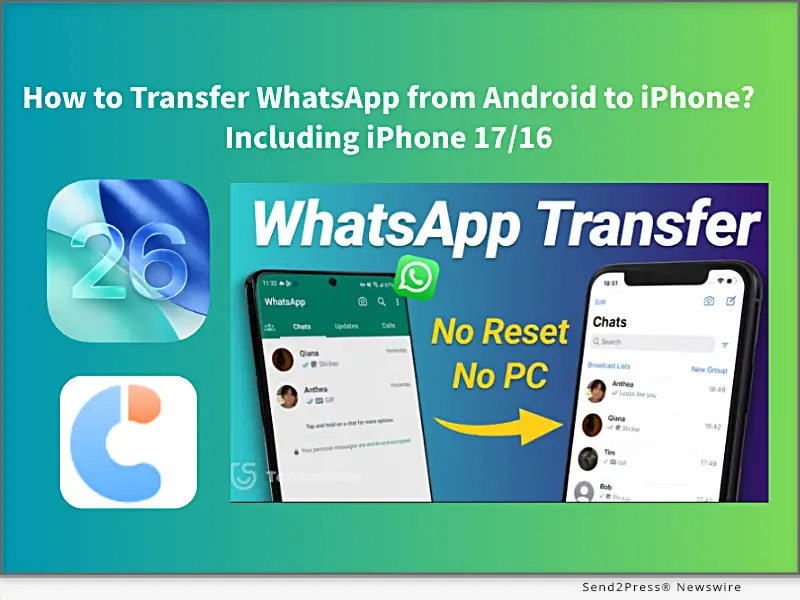
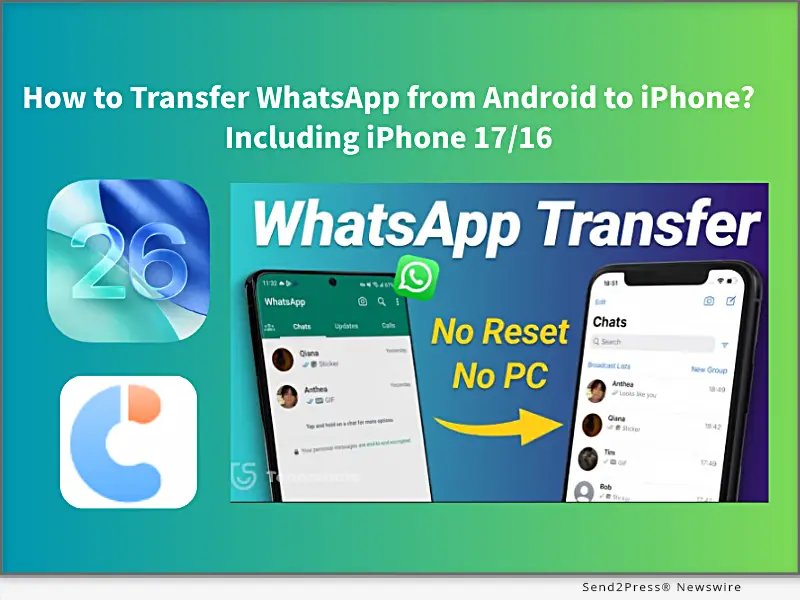
Image caption: How to Transfer WhatsApp from Android to iPhone Including iPhone 17/16.

HOW TO MOVE WHATSAPP FROM ANDROID TO AN IPHONE?

There are 2 simple, quick, and effective methods to switch your WhatsApp messages, images, and videos to an iPhone. One method requires factory resetting your iPhone, and the other does not. Let’s get started.

METHOD 1: TRANSFER WHATSAPP CHATS TO IPHONE 17 VIA MOVE TO IOS APP [FREE, BUT NEEDS RESET]

Using the Move to iOS app to transfer WhatsApp chats from Android to iPhone is Apple’s official free method and works best if you have a new iPhone 17 initial setup or don’t mind resetting the iPhone to factory settings. However, it requires the same phone number on both devices, and some data will be lost after resetting, or may not transfer completely.

Steps to use the Move to iOS APP:

Step 1. Install the Move to iOS app on Android.

Step 2. Enter the code, select WhatsApp to transfer.

Step 3. Then download WhatsApp on your new iPhone 17, sign in, and restore your chats.

METHOD 2: TRANSFER ALL WHATSAPP DATA FROM ANDROID TO IPHONE VIA TENORSHARE ICAREFONE TRANSFER [100% SUCCESS AND NO RESET]

If you don’t want to lose your iPhone that already has photos, settings, and other data, Tenorshare iCareFone Transfer is the best choice to transfer all WhatsApp data from Android to iPhone without a factory reset.

Unlike the official Move to iOS method, Tenorshare iCareFone Transfer is a professional WhatsApp data transfer tool that works across multiple scenarios, including Android ↔ iPhone, iPhone ↔ iPhone, and Android ↔ Android, to import all WhatsApp data without data loss and keep 100% original details.

  • Fixed iPhone 17 Move to iOS not working and Move to iOS stuck on 1-minute,, issues.
  • Free iOS 26 WhatsApp backup to a computer, and supports transferring data from GB WhatsApp to standard WhatsApp.
  • Transfer fully migrates chats, images, videos, emojis, and attachments, with a 100% success rate.
  • Supports restoring WhatsApp backup from Google Drive to iPhone.
  • Compatible with all iPhone and Android devices.

STEPS TO TRANSFER WHATSAPP USE TENORSHARE ICAREFONE TRANSFER:

Step 1. Download and install Tenorshare iCareFone Transfer on your computer (Windows/Mac).

Step 2. On your Android device, enable USB Debugging: Settings → About phone →Enable Developer options → USB Debugging.

Step 3. On your iPhone, disable Find My iPhone, and connect both the Android and iPhone to the computer.

Step 4. Launch iCareFone Transfer and select “Transfer WhatsApp“ to transfer WhatsApp data in minutes.

ABOUT TENORSHARE

Transferring WhatsApp without resetting will be difficult, but Tenorshare iCareFone Transfer provides a simple way to migrate WhatsApp from Android to iPhone without resetting, with 15 years transferring iOS solution experience.

NEWS SOURCE: Tenorshare Co. Ltd.


This press release was issued on behalf of the news source (Tenorshare Co. Ltd.), who is solely responsible for its accuracy, by Send2Press Newswire. Image, if any, was provided by the news source and not this website or the wire service. Information is believed accurate, as provided by the news source, but is not guaranteed.

To view the original story, visit: https://www.send2press.com/wire/how-to-transfer-whatsapp-from-android-to-iphone-including-iphone-17-16-free/

Copr. © 2025 Send2Press® Newswire, Calif., USA. -- REF: S2P STORY ID: S2P129502 NOREL-3B

 

MocPOGO Now Fully Supports iPhone 17: Smarter Location Changer for iOS

NEW YORK, N.Y., Sept. 22, 2025 (SEND2PRESS NEWSWIRE) — MocPOGO, a leading mobile location changer solution, has officially announced full compatibility with Apple’s latest iPhone 17 series. This update ensures users can enjoy a safe, powerful, and seamless way to change GPS location on iPhone for apps and services that rely on geolocation.

MocPOGO Now Fully Supports iPhone 17
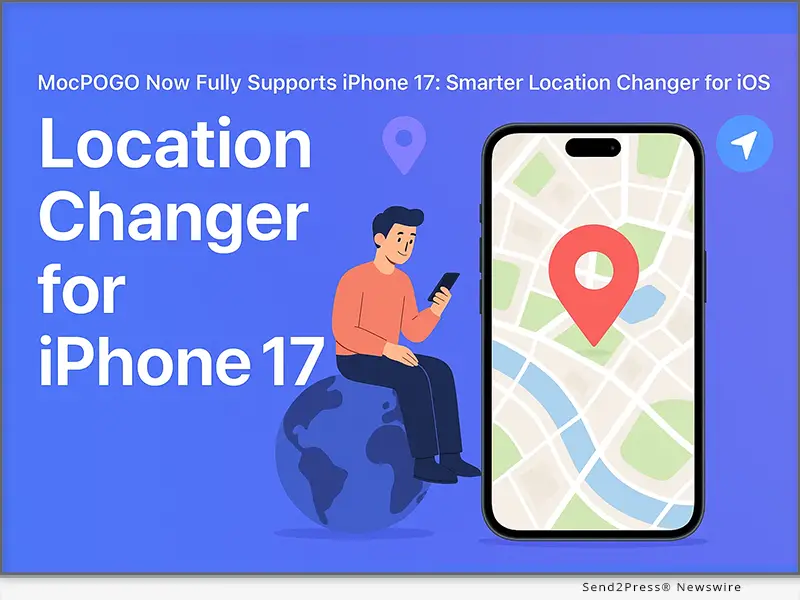
Image caption: MocPOGO Now Fully Supports iPhone 17.

With the growing demand for reliable tools that don’t require complicated setups, MocPOGO stands out by offering a computer-free, jailbreak-free experience designed specifically for iOS. iPhone 17 users can now enjoy effortless installation and get started in just a few taps.

KEY FEATURES OF MOCPOGO ON IPHONE 17

  • One-Click Teleportation – Instantly change your device’s location to anywhere in the world.
  • On-Screen Joystick – Move virtually with precision and flexibility.
  • Smart Walking Simulation – Simulate realistic movement for location-based apps.
  • Anti-Detection Security – Built-in safety features to protect your account and device.
  • No Jailbreak, No PC Required – 100% mobile-friendly design.
  • Latest iOS Support – Fully compatible with iPhone 17 and iOS 26, while also supporting older iPhone models and Android devices.

Unlike many tools that rely on risky downloads or unstable methods, MocPOGO is officially optimized for iOS devices and regularly updated to maintain stability and security.

HOW TO DOWNLOAD MOCPOGO ON IPHONE

Getting started with MocPOGO is quick and simple:

  1. Visit the Official MocPOGO Website – Open Safari on your iPhone and head to the official MocPOGO site.
  2. Download the App – Tap the iOS download option and follow the on-screen instructions.
  3. Install on iPhone – Allow installation when prompted in your device settings.
  4. Launch MocPOGO – Open the app and grant necessary permissions.
  5. Start Exploring – Use teleportation, joystick controls, or walking simulation instantly.

ABOUT MOCPOGO

MocPOGO is a cutting-edge iOS location changer built for iOS and Android users who want more flexibility and control over how they experience location-based apps. With features like global teleportation, smart walking simulation, and joystick movement, MocPOGO delivers a simple, mobile-first experience. The app is regularly updated to ensure compatibility with the latest iOS versions while providing a safe way to change GPS location on iPhone.

Learn more:

Official Website: https://mocpogo.com/

YouTube: https://www.youtube.com/@MocPOGO/videos

Discord: https://discord.com/invite/PEn7MpMF3K

NEWS SOURCE: MocPOGO Co., Ltd


This press release was issued on behalf of the news source (MocPOGO Co., Ltd), who is solely responsible for its accuracy, by Send2Press Newswire. Image, if any, was provided by the news source and not this website or the wire service. Information is believed accurate, as provided by the news source, but is not guaranteed.

To view the original story, visit: https://www.send2press.com/wire/mocpogo-now-fully-supports-iphone-17-smarter-location-changer-for-ios/

Copr. © 2025 Send2Press® Newswire, Calif., USA. -- REF: S2P STORY ID: S2P129487 NOREL-3B
 

Guide: How to Remove iOS 26 From My iPhone to a Stable Version? [Free]

NEW YORK, N.Y., Sept. 17, 2025 (SEND2PRESS NEWSWIRE) — Tired of iOS 26 on your iPhone, which makes your iPhone laggy or overheat? You may want to return to a stable version. In this guide from Tenorshare, we explain how to remove iOS 26 from your iPhone and install a stable version without data loss.

Tenorshare Guide: How to Remove iOS 26 From My iPhone to a Stable Version
Image caption: Tenorshare Guide: How to Remove iOS 26 From My iPhone to a Stable Version.

“My iPhone 13 battery is draining fast after updating to iOS 26 beta. How can I remove it and install a stable version?” – iPhone 13 user.

CAN I REMOVE IOS 26 FROM MY IPHONE?

Yes, you can remove iOS 26 from your iPhone, whether you’re running the developer beta or the public beta.

Upgrading to the final official version of iOS 26 is the easiest way to remove the iOS 26 beta. Or use a trusted third-party tool, such as Tenorshare ReiBoot can downgrade from iOS 26 to 18 in just minutes.

Before starting, ensure you back up data to iCloud/iTunes and disable Find My iPhone.

HOW TO REMOVE IOS 26 FROM YOUR IPHONE WITHOUT DATA LOSS?

Method 1. Wireless Update to iOS 26 Stable Version.

Now, upgrading to the iOS 26 stable version is a free method to remove the iOS 26 Beta ithout a computer. Supported models include iPhone 11/12/13/14/15/16/17.

Steps to update the final iOS 26 version:

Step 1. Open Settings > General > Software Update.

Step 2. Turn off Beta Updates

Step 3. Return to the Software Update screen and install the iOS 26.0.

Note: It’s crucial to disable beta updates. It can stop your device may installing future betas (such as iOS 26.1 beta), moving to the stable release.

Method 2: Auto-Delete iOS 26 via Tenorshare ReiBoot (Best Recommended for Everyone, 100% Working)

If you want to remove iOS 26 without updating, let’s try downgrading your iPhone from iOS 26 to iOS 18. Tenorshare ReiBoot is an iOS system repair software that lets you uninstall iOS 26 and auto-install the stable iOS version on your iPhone without any data loss.

Steps to remove iOS 26 with Tenorshare ReiBoot:

Step 1. Free install Tenorshare ReiBoot on your computer and connect your iPhone.

Step 2. Select “Downgrade from iOS 26 to 18” or “Upgrade to Stable iOS 26.” ReiBoot will auto-download the right firmware.

Step 3. Wait while the software completes the process.

WHY REMOVE IOS 26 VIA REIBOOT IS BEST:

  • 100% Protects your iPhone data.
  • Fix 150+ iOS 26 Problems, like iOS 26 overheat,iOS 26 not working.
  • Downgrade iOS 26 to 18 within 20 minutes.

Note: If the iOS 26 update is stuck on ‘Update Requested,’ Tenorshare ReiBoot can also resolve the issue quickly.

ABOUT TENORSHARE:

Removing iOS 26 can be risky and may result in data loss. Tenorshare ReiBoot provides a safe and reliable way without losing any data. Founded in 2007, Tenorshare is a reputable software company known for creating intuitive iOS and Android solutions, earning widespread recognition and multiple industry awards.

NEWS SOURCE: Tenorshare Co. Ltd.


This press release was issued on behalf of the news source (Tenorshare Co. Ltd.), who is solely responsible for its accuracy, by Send2Press Newswire. Image, if any, was provided by the news source and not this website or the wire service. Information is believed accurate, as provided by the news source, but is not guaranteed.

To view the original story, visit: https://www.send2press.com/wire/guide-how-to-remove-ios-26-from-my-iphone-to-a-stable-version-free/

Copr. © 2025 Send2Press® Newswire, Calif., USA. -- REF: S2P STORY ID: S2P129355 NOREL-3B
 

New iToolab WatsGo App Release: Fast Data Transfer to iPhone 17

iToolab WatsGo App Debuts: Quick Data Transfer to iPhone 17

NEW YORK, N.Y., and HONG KONG, Sept. 11, 2025 (SEND2PRESS NEWSWIRE) — iToolab, a trusted name in mobile utility software, has officially introduced its WatsGo Phone Transfer App. This dedicated app is a top choice for transferring data from Android to iPhone without needing a factory reset, Wi-Fi, or Bluetooth. Being more intuitive and efficient than the old methods, it simplifies the whole procedures involved in technical issues.

New iToolab WatsGo App Released! Fast Data Transfer to iPhone 17
Image caption: iToolab WatsGo App Debuts: Quick Data Transfer to iPhone 17.

WHAT IS WATSGO – PHONE TRANSFER?

WatsGo, developed by iToolab, lets users seamlessly transfer WhatsApp, media, contacts, and other essential data between iOS and Android. Unlike manual methods, it provides a direct, efficient solution with zero data loss—no cloud backups or computers required.

KEY FEATURES OF WATSGO – PHONE TRANSFER APP

  1. Cross-Platform & OS Support: Smooth, efficient transfers between Android and iOS devices, covering both old and new systems.
  2. WhatsApp Transfer: Move WhatsApp and WhatsApp Business chats and media without any data loss issues.
  3. No Reset: Transfers data without requiring a factory reset on the target iPhone device.
  4. Fast & Reliable: Average speed of 35MB/sec ensures quick transfers while maintaining full data integrity.
  5. Comprehensive Data Support: Transfer images, videos, audio, documents, SMS, and call logs seamlessly with flawless compatibility.
  6. Global Access: Multilingual support in 16 languages for worldwide users.
  7. Secure Transfer: Moves data locally, as there is no internet use, and privacy and security are guaranteed.

HOW TO USE WATSGO – PHONE TRANSFER APP

Download the WatsGo App – Get WatsGo app for Android from the Google Play.

Install & Launch – Open WatsGo app and select the “Phone to Phone” option on Android.

Set Transfer Direction – Choose “Android to iPhone” from the pop-up menu to specify transfer direction.

Allow Permissions – Grant required access permissions for files, location, Wi-Fi, and nearby devices on Android.

Connect Devices – On iPhone, download WatsGo via TestFlight and scan the QR code to pair both phones.

Start Transfer – Select data types to transfer and tap “Transfer” to begin moving files securely.

Monitor Process – Watch transfer progress on both devices; avoid closing the app until completion.

Complete Transfer – Tap “Completed” after the process finishes to safely end and verify data on iPhone.

Get started: https://play.google.com/store/apps/details?id=com.luckydog.chatsgo

FINAL PRICE AFTER DISOUNT:

1-Month Plan: original $19.95, now $9.95

1-Year Plan: original $49.95, now $29.95

Lifetime Plan: original $79.95, now $39.95

More info: https://itoolab.com/buy/chatsgo-for-android

DEVICE COMPATIBILITY:

iOS: iOS 13-26: iPhone 6 Plus and above

Android: Android 9-16: Xiaomi, Samsung, Samsung Tablet, Redmi Note, Huawei, OPPO, vivo, OnePlus, Motorola, Sony, LG, Realme, Micromax, ZTE, Google Pixel

ABOUT WATSGO APP

iToolab WatsGo – Phone Transfer is made to be a unique product for any user who is upgrading devices or platforms. With its fast speed and broad compatibility, it ensures an effortless data migration experience. Supported with almost all forms of Tier-1 data, such as WhatsApp, contacts, media, SMS, and call logs, the app remains 100% accurate. Trusted by users worldwide, it reflects iToolab’s commitment to delivering innovative mobile tools.

Official website: https://itoolab.com/phone-transfer-app/

YouTube: https://www.youtube.com/@iToolab/videos

Facebook: https://www.facebook.com/iToolab

NEWS SOURCE: iToolab Co Ltd


This press release was issued on behalf of the news source (iToolab Co Ltd), who is solely responsible for its accuracy, by Send2Press Newswire. Image, if any, was provided by the news source and not this website or the wire service. Information is believed accurate, as provided by the news source, but is not guaranteed.

To view the original story, visit: https://www.send2press.com/wire/new-itoolab-watsgo-app-release-fast-data-transfer-to-iphone-17/

Copr. © 2025 Send2Press® Newswire, Calif., USA. -- REF: S2P STORY ID: S2P129263 NOREL-3B
 

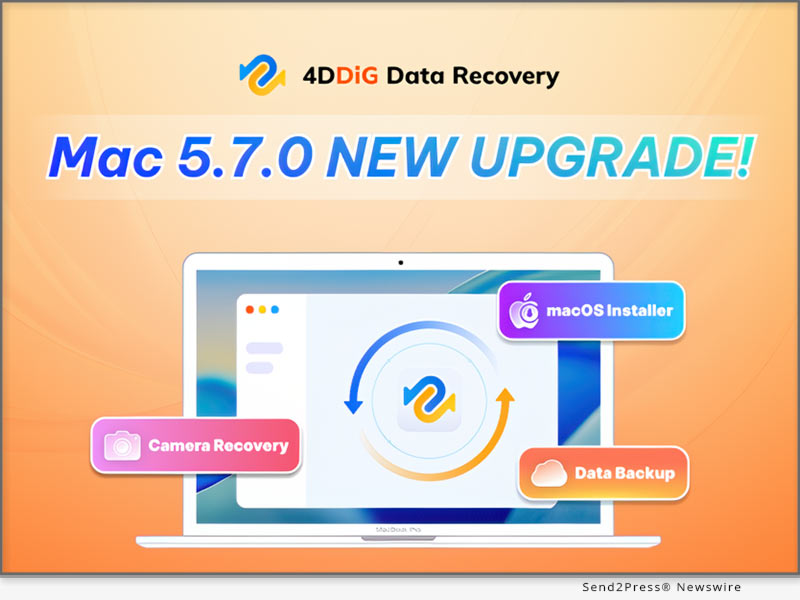
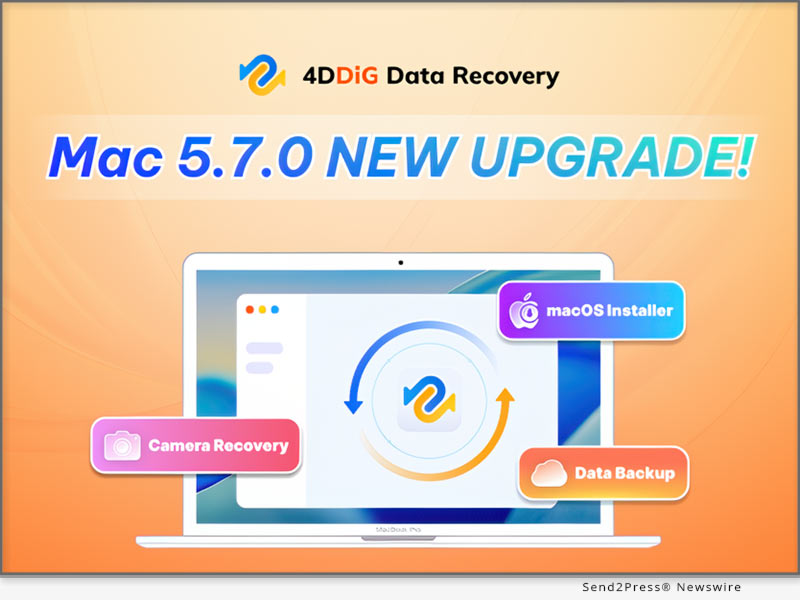
4DDiG Mac Data Recovery 5.7.0 is Your All-in-One Data Recovery and Backup Tool

Installing, reinstalling, upgrading, or downgrading macOS is a common need for Mac users

NEW YORK, N.Y. and HONG KONG, Sept. 11, 2025 (SEND2PRESS NEWSWIRE) — Tenorshare 4DDiG, a leading software developer, today unveiled 4DDiG Mac Data Recovery 5.7.0. Featuring three major updates, the software goes beyond reactive recovery, offering Mac users a complete solution for safeguarding and restoring their data.

4DDiG Mac Data Recovery 5.7.0: Your All-in-One Data Recovery and Backup Tool
Image caption: 4DDiG Mac Data Recovery 5.7.0: Your All-in-One Data Recovery and Backup Tool.

“With every new version, the 4DDiG team prioritizes real user needs,” said Terrance, Marketing Director of 4DDiG. “We noticed that many Mac users who experienced data loss were not only looking for recovery solutions but also regretting that they hadn’t backed up their data in time. Version 5.7.0 addresses these concerns by offering both proactive backup tools and reliable recovery options.”

NEW DATA BACKUP FEATURE

The biggest highlight of 4DDiG Mac Data Recovery 5.7.0 is its backup feature, which allows users to quickly create a complete, byte-for-byte copy of any Mac or Mac-based storage device. This feature is especially useful in several critical scenarios:

  • If a hard drive shows signs of physical damage, users can clone the original data to a secure location. Even if recovery fails or the disk is completely damaged, having a backup ensures peace of mind.
  • Users can attempt various recovery methods on the backup disk image without risking additional damage to the original device.
  • Regularly backing up data with this feature greatly reduces the risk of permanent data loss.

VIDEO (YouTube): https://www.youtube.com/watch?v=9DwY-pWe6tk

MACOS BOOTABLE DISK CREATION

Installing, reinstalling, upgrading, or downgrading macOS is a common need for Mac users. Normally, creating a macOS installer requires knowledge of Terminal commands, which can be challenging for those without technical experience. However, with 4DDiG Mac Data Recovery, users can create a bootable macOS disk in just a few clicks.

OPTIMIZED CAMERA DATA RECOVERY

Recovering data from camera memory cards is harder than from hard drives because their file systems often lose fragment info after deletion or formatting. In 4DDiG Mac Data Recovery 5.7.0, scanning speed and recovery success for memory cards have been improved, making it easier for photographers to retrieve lost photos and videos.

COMPATIBILITY & PRICING

4DDiG Mac Data Recovery 5.7.0 is fully compatible with a wide range of macOS versions, including the upcoming macOS Tahoe. In addition, it offers a flexible pricing model with monthly, yearly, and lifetime plans to meet different user needs, and during the back-to-school season, users can enjoy a special 40% discount.

ABOUT 4DDIG

4DDiG is dedicated to delivering reliable, user-friendly software solutions for both Mac and Windows users. Its data recovery software has been praised by well-known media outlets such as Macworld, MakeUseOf, and Cult of Mac. Beyond data recovery, 4DDiG also offers a range of practical tools, including duplicate file cleanup, file repair, AI-powered photo and video enhancement, and disk cloning.

Learn more about 4DDiG Mac Data Recovery V5.7.0: https://4ddig.tenorshare.com/mac-data-recovery.html

Socials:

Facebook: https://www.facebook.com/4DDiG/

X(Twitter): https://x.com/Tenorshare4DDiG

YouTube: https://www.youtube.com/@Tenorshare4DDiGDataRecovery/featured

NEWS SOURCE: Tenorshare Co. Ltd.


This press release was issued on behalf of the news source (Tenorshare Co. Ltd.), who is solely responsible for its accuracy, by Send2Press Newswire. Image, if any, was provided by the news source and not this website or the wire service. Information is believed accurate, as provided by the news source, but is not guaranteed.

To view the original story, visit: https://www.send2press.com/wire/4ddig-mac-data-recovery-5-7-0-is-your-all-in-one-data-recovery-and-backup-tool/

Copr. © 2025 Send2Press® Newswire, Calif., USA. -- REF: S2P STORY ID: S2P129249 NOREL-3B
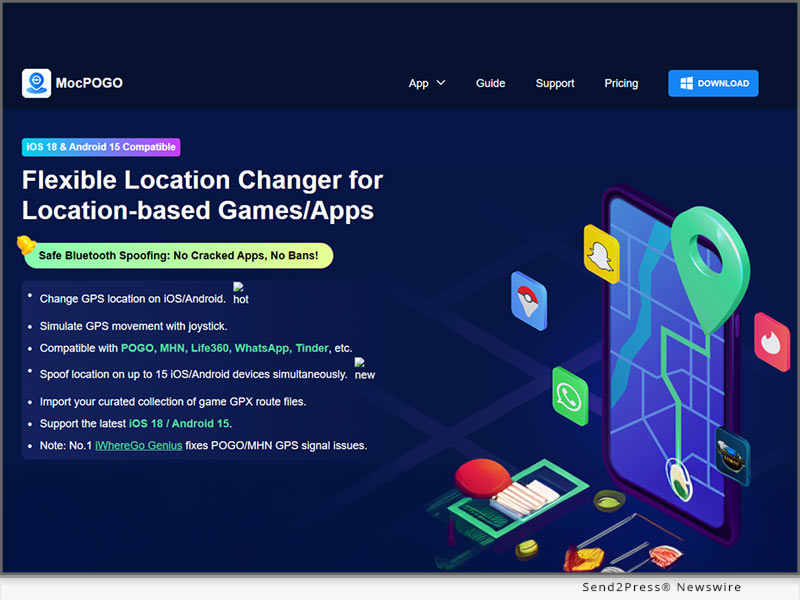
 

2025 MocPOGO Pokémon GO Spoofer Update: Location Spoofing on iPhone Without a Computer

NEW YORK, N.Y., Aug. 26, 2025 (SEND2PRESS NEWSWIRE) — MocPOGO, a pioneer in mobile location simulation technology, has announced the launch of its Pokémon GO Spoofer iOS solution that lets users spoof location on iPhone without computer. This breakthrough makes it easier than ever for Pokémon GO trainers to explore the world virtually, catch rare Pokémon, and join global raids — all from the palm of their hand.

2025 MocPOGO Pokemon GO Spoofer Update
Image caption: MocPOGO Pokémon GO Spoofer Update for 2025: Location Spoofing on iPhone Without a Computer.

WHAT IS MOCPOGO?

MocPOGO is a powerful Pokémon GO Fake GPS app for iOS and Android that allows players to change their in-game location instantly, simulate natural walking routes, and move freely using a joystick — all without a computer, jailbreak, or root. Unlike traditional spoofing methods that require a PC connection or risky jailbreaks, MocPOGO provides a safe, computer-free solution. With it, trainers can travel anywhere in the world virtually, catch region-exclusive Pokémon, hatch eggs faster, and join remote raids without leaving home.

KEY FEATURES OF MOCPOGO POKÉMON GO FAKE GPS (NO COMPUTER NEEDED):

  • Direct iPhone Spoofing: Instantly change GPS location without connecting to a computer.
  • Cross-Platform Support: Works seamlessly on both iOS and Android.
  • No Jailbreak Required: Maintain device security and warranty while spoofing safely.
  • One-Tap Teleportation: Travel anywhere in the world to catch region-exclusive Pokémon.
  • Joystick & Route Simulation: Move naturally within the game to reduce ban risks.
  • Cooldown Protection: Built-in cooldown timer prevents suspicious activity.
  • Privacy First: Hide or change your real location from apps that track your movements.

HOW TO SPOOF LOCATION ON IPHONE WITHOUT A COMPUTER USING MOCPOGO

Download MocPOGO App – Get the MocPOGO iOS app from the official website.

Install & Launch– Launch the app directly on your iPhone (no PC connection required).

Set Your Location – Choose your desired destination on the built-in map.

Teleport or Simulate Movement – Use one-tap teleportation, set routes, or move with the joystick.

Start Playing Pokémon GO – Open the game and enjoy catching Pokémon anywhere in the world.

ABOUT MOCPOGO

MocPOGO is a leading mobile location simulation tool trusted by millions of iOS and Android users worldwide. It enables users to change GPS locations, simulate natural movement, and safeguard personal privacy — all without requiring jailbreak or root. Featuring one-tap teleportation, multi-stop routes, joystick control, Bluetooth mode, and built-in cooldown protection, MocPOGO delivers a seamless, safe, and flexible experience for both casual users and gaming enthusiasts alike.

Learn more:

Official Website: https://mocpogo.com/

YouTube: https://www.youtube.com/@MocPOGO/videos

Discord: https://discord.com/invite/PEn7MpMF3K

NEWS SOURCE: MocPOGO Co., Ltd


This press release was issued on behalf of the news source (MocPOGO Co., Ltd), who is solely responsible for its accuracy, by Send2Press Newswire. Image, if any, was provided by the news source and not this website or the wire service. Information is believed accurate, as provided by the news source, but is not guaranteed.

To view the original story, visit: https://www.send2press.com/wire/2025-mocpogo-pokemon-go-spoofer-update-location-spoofing-on-iphone-without-a-computer/

Copr. © 2025 Send2Press® Newswire, Calif., USA. -- REF: S2P STORY ID: S2P128838 NOREL-3B
 

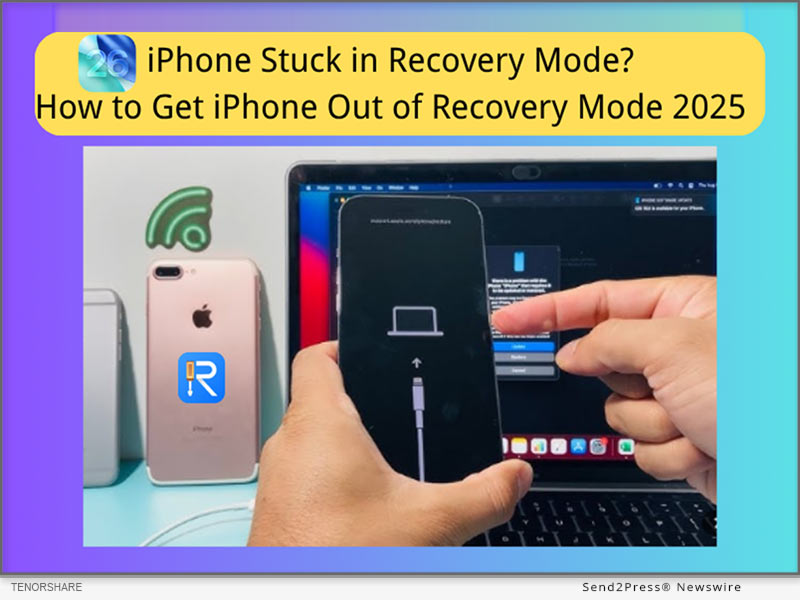
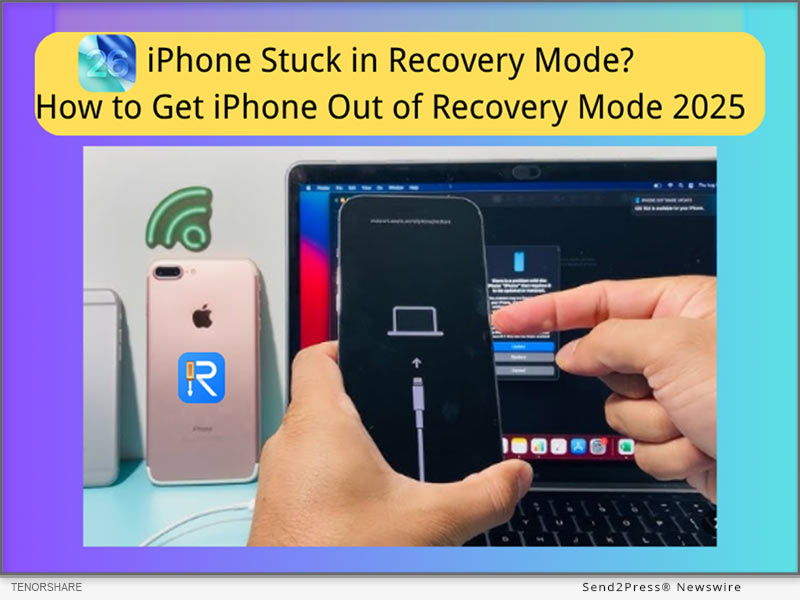
[Free] iPhone Stuck in Recovery Mode? Get Your iPhone Out of Recovery Mode in 2025

NEW YORK, N.Y., July 1, 2025 (SEND2PRESS NEWSWIRE) — “My iPhone 14 is stuck in recovery mode after updating to iOS 26. How can I fix it without losing data?”-Users reported. The reason that your iPhone 14 may get stuck in recovery mode is failed iOS 26 updates, iOS 26 corrupted system files, or an interrupted app process. Thankfully, it can be fixed with Tenorshare ReiBoot (no data loss) or iTunes/DFU Mode (data loss).

iPhone Stuck in Recovery Mode? Get iPhone Out of Recovery Mode 2025
Image caption: iPhone Stuck in Recovery Mode? Get iPhone Out of Recovery Mode 2025 with Tenorshare ReiBoot.

5 ways to fix iphone stuck in recovery mode 2025 – no data loss!

SOLUTION 1: EXIT ‘IPHONE STUCK IN RECOVERY MODE’ WITHOUT ITUNES – TENORSHARE REIBOOT (NO DATA LOSS)

How to exit iPhone’s Recovery Mode without iTunes?

Tenorshare ReiBoot provides a 5-minute resolution to the issue of an iPhone stuck in recovery mode. It can also help with 150+ iOS/iPad/tvOS-related issues, including iOS 26 boot loops, iPhone stuck in Apple Logo, and iPhone frozen screens.

How do you take your iPhone out of Recovery Mode for free with Tenorshare ReiBoot?

Step 1: Free download Tenorshare ReiBoot on your PC.

Step 2: Connect your iPhone to your PC, then launch ReiBoot.

Step 3: One-click the ‘Exit Recovery Mode’ option, and it will get your iPhone out of Recovery Mode without data loss.

SOLUTION 2: FORCE RESTART TO EXIT RECOVERY MODE WITHOUT A COMPUTER (NO DATA LOSS)

How to get an iPhone out of Recovery Mode without a computer?

If your iPhone gets stuck, the simplest solution is to restart your iPhone, which often brings your iPhone back to the home screen without a computer.

For iPhone 8/X/XR/11/12/13/14/15/16 to exit iPhone Stuck in Recovery Mode:

  1. Quickly press Volume Up and Down.
  2. Hold the Side button until you see the Apple logo.

Note: How to put an iPhone into Recovery Mode to fix another problem- iPhone Stuck on Apple Logo, here are the steps for iPhone 8/XR later:

  1. Connect to the computer, press volume up, down.
  2. Hold the side button until the Recovery screen appears.

SOLUTION 3: USE ITUNES OR FINDER TO PUT IPHONE IN RESTORE MODE (MAY CAUSE DATA LOSS)

How long does it take to enter recovery mode?

It usually takes 10–20 minutes. If your iPhone won’t enter Recovery Mode and shows the ‘support.apple.com/iphone/restore’ on screen, you need to get your iPhone into iTunes or Finder to restore.

How to fix iPhone stuck on support.apple.com/iphone/restore issue?

Step 1: Connect your iPhone to the Computer, Launch Finder (Mac) or iTunes (Windows or macOS Mojave and earlier).

Step 2: Choose ‘Update.’ If it does not exist, select ‘Restore’ (lose data).

Step 3: Then get your iPhone out of restore mode and restore your backup.

TIPS:

  1. Always try “Update” before “Restore” in iTunes/Finder.
  2. Make regular backups using iCloud or iTunes before restoring.
  3. Use Safe Tools if you are tech-novice: Simple Tools like ReiBoot iOS Repair can exit Recovery Mode without erasing data—no iTunes required.

ABOUT TENORSHARE:

Tenorshare is a trusted software company focusing on iOS device repair. ReiBoot is designed for users who prefer a faster, more user-friendly solution than iTunes or Finder, especially when trying to avoid data loss.

More information: https://www.tenorshare.com/

Follow on social:

https://x.com/Tenorshare_Inc

https://www.youtube.com/user/TenorshareOfficial/videos

NEWS SOURCE: Tenorshare Co. Ltd.


This press release was issued on behalf of the news source (Tenorshare Co. Ltd.), who is solely responsible for its accuracy, by Send2Press Newswire. Image, if any, was provided by the news source and not this website or the wire service. Information is believed accurate, as provided by the news source, but is not guaranteed.

To view the original story, visit: https://www.send2press.com/wire/free-iphone-stuck-in-recovery-mode-get-your-iphone-out-of-recovery-mode-in-2025/

Copr. © 2025 Send2Press® Newswire, Calif., USA. -- REF: S2P STORY ID: S2P127335 NOREL-3B
 

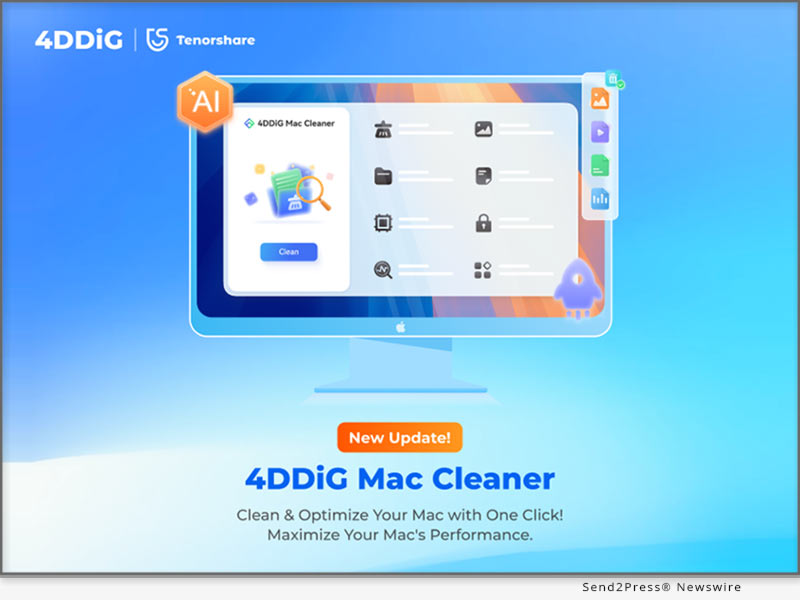
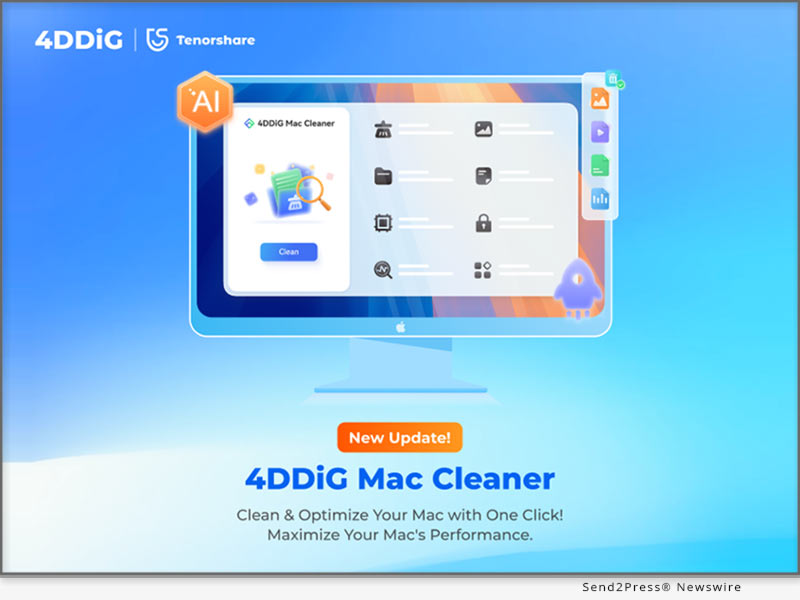
4DDiG Mac Cleaner V3.0.0 Launched: Clean and Speed Up Your Mac in One Click

NEW YORK, N.Y., June 27, 2025 (SEND2PRESS NEWSWIRE) — Tenorshare’s flagship brand 4DDiG, a global software leader with over a decade of experience, today announced the official release of 4DDiG Mac Cleaner V3.0.0. Formerly known as 4DDiG Duplicate File Deleter for Mac, this powerful tool comes with a new name, a completely redesigned interface, and way more features. It’s no longer just for deleting duplicate files — it’s now an AI-powered, all-in-one, and user-friendly Mac optimization solution.

4DDiG Mac Cleaner V3.0.0 Launches
Image caption: 4DDiG Mac Cleaner V3.0.0 Launches.

WHAT’S NEW IN 4DDIG MAC CLEANER V3.0.0?

  • New Name, New Look: The fresh interface is cleaner, more modern, and much easier to navigate.
  • More Than Duplicates: The latest version adds a powerful feature, enabling Mac users to remove system caches, app leftovers, installation packages and other junk files in just a few clicks.
  • Improved Features: Existing features like duplicate file removal have all been enhanced for performance and accuracy.
  • Security and Compatibility: 4DDiG Mac Cleaner V3.0.0 is notarized by Apple and is also available on the Mac App Store.

KEY FEATURES OF 4DDIG MAC CLEANER V3.0.0

As an all-in-one Mac optimization toolkit, 4DDiG Mac Cleaner offers a range of valuable features:

  • Duplicate File Removal: Scans and deletes over 50 types of duplicate files across various storage devices.
  • Similar Photo Sorting: Utilizes AI to find and remove burst shots or near-identical images.
  • Large File Detection: Pinpoints and deletes hidden large files to reclaim disk space efficiently.
  • AI Smart Cleanup: Automatically recommends files safe to delete while preserving important content.

“4DDiG Mac Cleaner is built especially for people who often work with large files, including graphic designers, content creators, and students,” said Terrance, Marketing Director at 4DDiG. “It effectively solves common problems like Finder freezing, heavy SSD usage, and slow app launches, so you can get your Mac running smoothly again in no time. Plus, no technical skills are required.”

HOW TO USE 4DDIG MAC CLEANER?

Step 1: Download and install the tool on your Mac. Once launched, select the desired feature in the left panel.

Step 2: Pick the folder or disk you wish to clean.

Step 3: Preview the results and apply AI-recommended actions to safely clean or retain files.

PRICING AND COMPATIBILITY

The software is compatible with a wide range of macOS versions, including the latest macOS Sequoia. Pricing starts at $24.95 USD for a monthly subscription.

To mark the launch, 4DDiG is running a limited-time Summer Sale, during which users can enjoy a 20% discount on any plan by applying the promo code 4D-SUM-20 at checkout.

ABOUT 4DDIG

Since its founding, 4DDiG has been dedicated to developing efficient and user-centric software solutions. Beyond its well-known duplicate file cleaning tool, 4DDiG offers a comprehensive suite of utilities including disk management, data recovery, and file repair. Today, the company is actively exploring how to integrate artificial intelligence into its products.

Learn more about 4DDiG Mac Cleaner V3.0.0: https://4ddig.tenorshare.com/mac-cleaner.html

Socials:

Facebook: https://www.facebook.com/4DDiG/

X(Twitter): https://x.com/Tenorshare4DDiG

YouTube: https://www.youtube.com/@Tenorshare4DDiGDataRecovery/featured

NEWS SOURCE: Tenorshare Co. Ltd.


This press release was issued on behalf of the news source (Tenorshare Co. Ltd.), who is solely responsible for its accuracy, by Send2Press Newswire. Image, if any, was provided by the news source and not this website or the wire service. Information is believed accurate, as provided by the news source, but is not guaranteed.

To view the original story, visit: https://www.send2press.com/wire/4ddig-mac-cleaner-v3-0-0-launched-clean-and-speed-up-your-mac-in-one-click/

Copr. © 2025 Send2Press® Newswire, Calif., USA. -- REF: S2P STORY ID: S2P127259 NOREL-3B
 

HitPaw Edimakor Mac V4.0: AI Bilingual Subtitles and Background Remover Elevates Video Creation

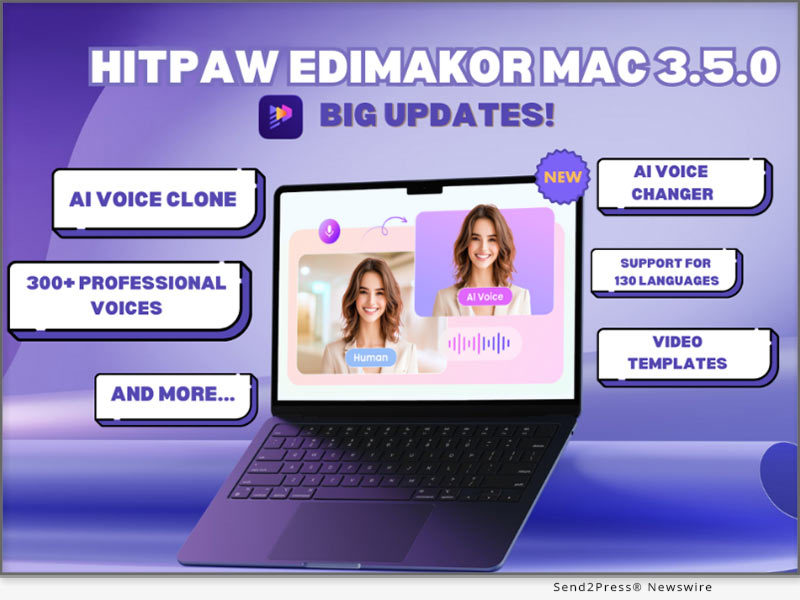
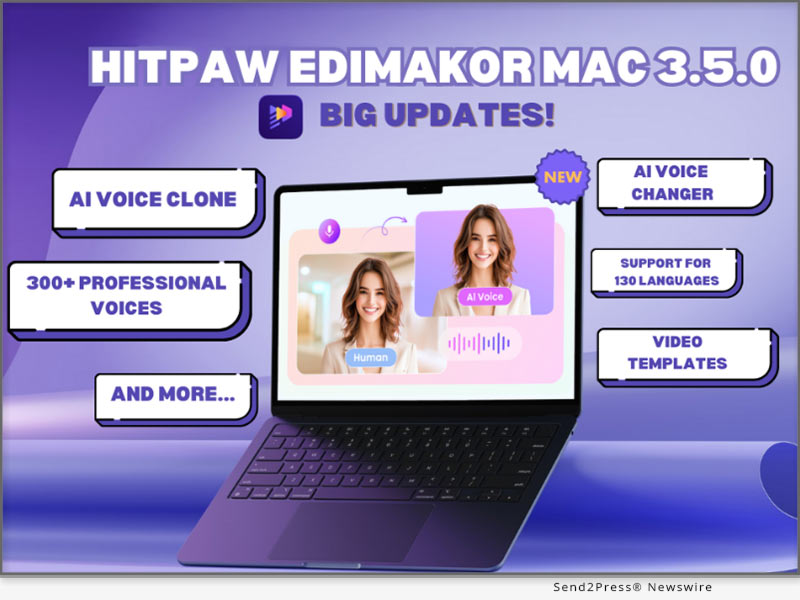
NEW YORK, N.Y., May 30, 2025 (SEND2PRESS NEWSWIRE) — HitPaw Edimakor, a creative software brand known for practical innovation, today announced the launch of Edimakor Mac V4.0, the latest version of its all-in-one video editing tool. This major update introduces AI Bilingual Subtitle Generator and Advanced Video Background Remover, adding to a growing suite of features designed to help creators produce better content with fewer steps.

HitPaw Edimakor Mac V4.0
Image caption: HitPaw Edimakor Mac V4.0.

EDIMAKOR V4.0 FOR MAC – NEW FEATURES IN DETAIL

AI Bilingual Subtitle Generator
This tool supports automatic subtitle creation with several built-in adjustments. Users can now set subtitle length, apply bilingual styles, and choose from various templates with two-tone dynamic subtitles. The position of each subtitle can also be fine-tuned instantly. These upgrades support users producing multilingual content for online education, social videos, or international audiences.

AI Background Remover
Users can now remove backgrounds from both images and video clips. For images, edge feathering and scaling are available to smooth out transitions. For video, Edimakor offers Quick Mode for rapid processing or Advanced Mode for greater control. Both modes support refined edge treatment, giving users the flexibility to fit clips into any environment without green screens.

AI Image-to-Video Generator
With over 80 built-in templates, creators can turn images into short, animated videos for a variety of purposes from slideshows and product demos to short-form social posts. Tools for resolution control, and mode settings help fine-tune results.

AI Text-to-Video Tool
Users can type text prompts and instantly generate short video clips in one of five distinct styles: Anime, 3D Animation, Comic, Cyberpunk, and Claymation. These can be exported in multiple durations (5s or 8s) and screen ratios (16:9, 9:16, 4:3, 3:4, 1:1), making it easier to match platform-specific formats.

AI Singing Avatar
This feature allows users to upload any image whether a cartoon, real photo, or 3D rendering and animate it to sing in multiple languages and vocal styles. Supported appearance types include characters, animals, realistic portraits, cartoons, and children. The tool opens creative options for fun projects, custom messages, or niche online content.

A TOOL THAT GROWS WITH ITS USERS

Edimakor continues to shape its tools around how real people create. With each version, the focus stays the same: remove the friction that slows down video production while still offering the depth that experienced users expect. The Mac V4.0 update strengthens that foundation by offering tools that are easy to learn, yet flexible enough to support more advanced workflows. Whether someone is editing a class presentation, building content for a growing online channel, producing ads for a small business, or assembling a personal video project, Edimakor adapts to fit the task.

More information: https://edimakor.hitpaw.com

Follow HitPaw Edimakor:

X/Twitter: https://x.com/HitpawEdimakor

YouTube: https://www.youtube.com/@HitPawEdimakorOfficial

Instagram: https://www.instagram.com/edimakor_official

NEWS SOURCE: HitPaw Edimakor


This press release was issued on behalf of the news source (HitPaw Edimakor), who is solely responsible for its accuracy, by Send2Press Newswire. Image, if any, was provided by the news source and not this website or the wire service. Information is believed accurate, as provided by the news source, but is not guaranteed.

To view the original story, visit: https://www.send2press.com/wire/hitpaw-edimakor-mac-v4-0-ai-bilingual-subtitles-and-background-remover-elevates-video-creation/

Copr. © 2025 Send2Press® Newswire, Calif., USA. -- REF: S2P STORY ID: S2P126626 NOREL-3B


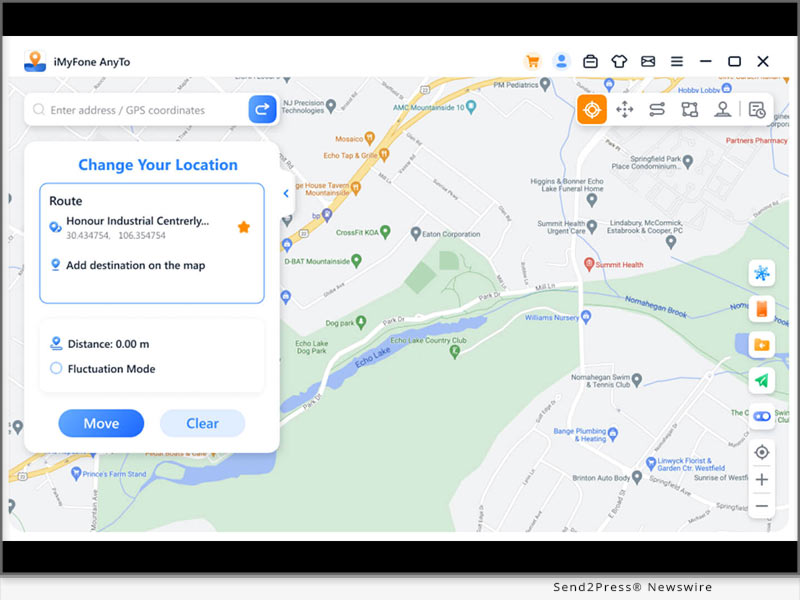
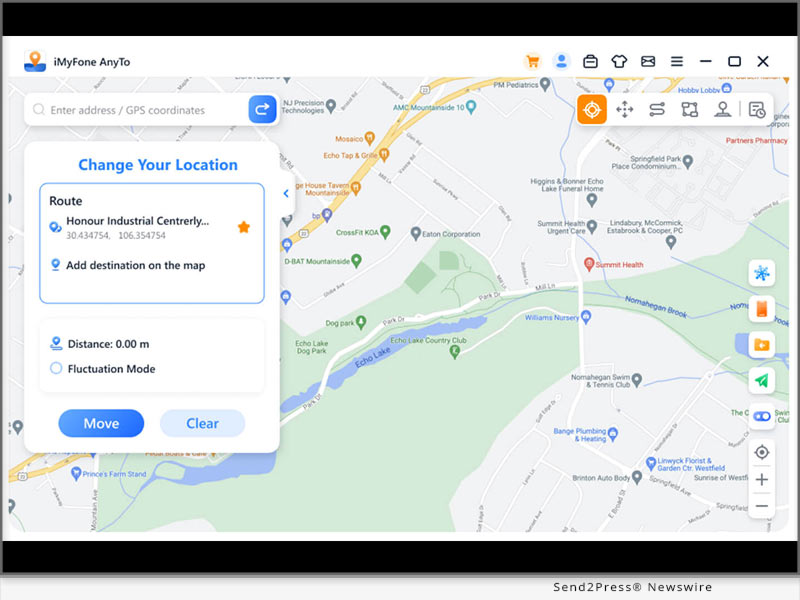
2025 Best Pokémon Go Spoofer for iPhone [100% Safe]

NEW YORK, N.Y., April 10, 2025 (SEND2PRESS NEWSWIRE) — The annual global Pokémon Go Fest is almost here, Trainers all over the world are getting ready for this exciting event. If you’re an iPhone player wondering how to catch rare Pokémon and complete event tasks faster during the event, iMyFone AnyTo Pokémon Go spoofer has the perfect solution. It lets you safely fake your GPS location on your iPhone, so you can play Pokémon Go without moving and no worries about getting banned.

2025 Best Pokemon Go Spoofer for iPhone - 100% Safe
Image caption: 2025 Best Pokémon Go Spoofer for iPhone [100% Safe].

BEST CHOICE FOR SAFE SPOOFING IN POKÉMON GO

iMyFone AnyTo is now widely recognized as the best Pokémon Go spoofing tool for iPhone players. It includes an on-screen 360-degree joystick for easy control, allowing you to adjust your walking speed, teleport, uese auto-walk feature and cooldown timer. It’s a complete package for anyone looking to spoof their location in Pokémon Go.

KEY FEATURES OF IMYFONE ANYTO LOCATION CHANGER

  • Safely Fake GPS in Pokémon Go: Instantly teleport to any location in Pokémon Go with just a few clicks.
  • Joystick Control: Move Freely on the map just like in real life.
  • Realistic Movement Simulation: Walk or drive at adjustable speeds to lower the chance of being detected by Niantic.
  • Advanced features: Includes Quick Catch Pokemon, Raid finder, Pokémon GO Maps and more.
  • Free trial: Try it out for free before deciding to buy.

PROS:

STEP-BY-STEP TO CHEAT IN POKÉMON GO ON IPHONE

  • Free download and install iMyFone AnyTo from the official website on your computer.
  • Connect your iPhone to your computer via Bluetooth and follow the on-screen instructions to set up location access.
  • Choose a location or enter coordinates, select your mode, then click “Move” to spoof your location.

Tips: You can also use iMyFone’s App to change location without using a PC. It supports cheating in Pokemon GO on iPhone directly.

SAFETY TIPS FOR POKEMON GO SPOOFING

1. Use a Reliable Spoofer
Always choose a trusted spoofing tool like iMyFone AnyTo. It’s built with safety features that help avoid bans.

2. Follow the Cooldown Time
After teleporting, wait a reasonable amount of time before taking more actions in-game. This makes your movements seem more natural. The built-in “cooldown timer” in AnyTo helps with this.

3. Move Like a Real Player
Use joystick controls or route simulation to move naturally. Sudden or unrealistic movements are easy to detect. AnyTo’s features make your gameplay smooth and believable.

WHAT’S NEW IN IMYFONE ANYTO?

Atlas: This new feature shows nearby Pokémon, Raids, Mega Evolutions, Routes, PokéStops, and Gyms. Just tap the corresponding icon. You can instantly create routes or teleport to these points.

Pokémon IV Calculator: iMyFone AnyTo has now launched a free online Pokemon GO IV calculator. Simply enter the required information, and you can check your Pokemon’s IV value with one click to strengthen your team.

About iMyFone AnyTo

For players who want to enjoy Pokémon Go without leaving their comfort zone, iMyFone AnyTo will be the ultimate solution. It ensures 0 ban risk and comes with the best Pokémon GO joystick, providing a superior gaming experience.

More information: https://www.imyfone.com/location-changer/

YouTube: https://www.youtube.com/@locationchanger1450/videos

X/Twitter: https://x.com/iMyFone_AnyTo

Facebook: https://www.facebook.com/profile.php?id=61555415946526

NEWS SOURCE: iMyFone


This press release was issued on behalf of the news source (iMyFone), who is solely responsible for its accuracy, by Send2Press Newswire. Image, if any, was provided by the news source and not this website or the wire service. Information is believed accurate, as provided by the news source, but is not guaranteed.

To view the original story, visit: https://www.send2press.com/wire/2025-best-pokemon-go-spoofer-for-iphone-100-safe/

Copr. © 2025 Send2Press® Newswire, Calif., USA. -- REF: S2P STORY ID: S2P125460 NOREL-3B


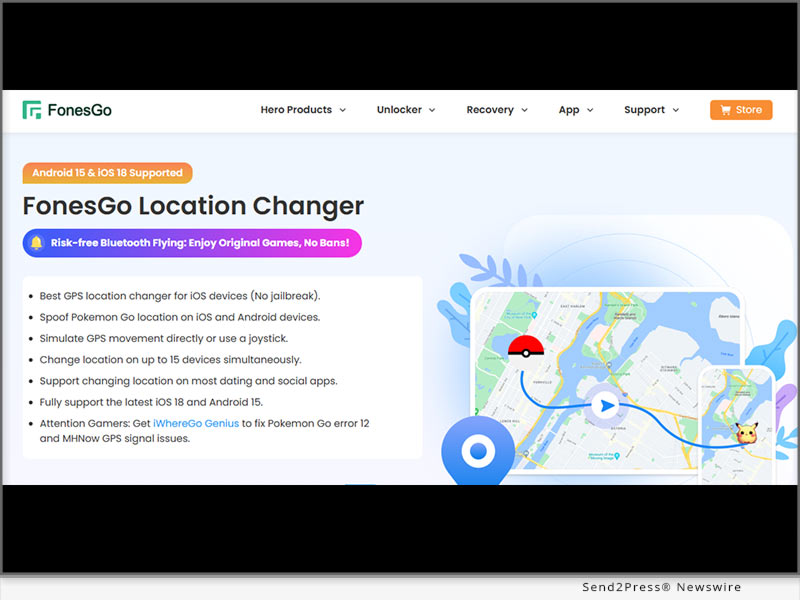
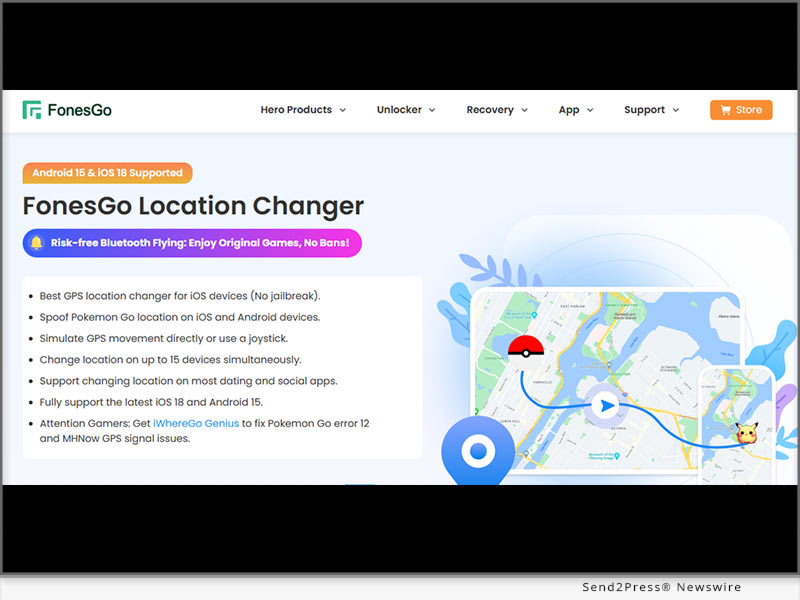
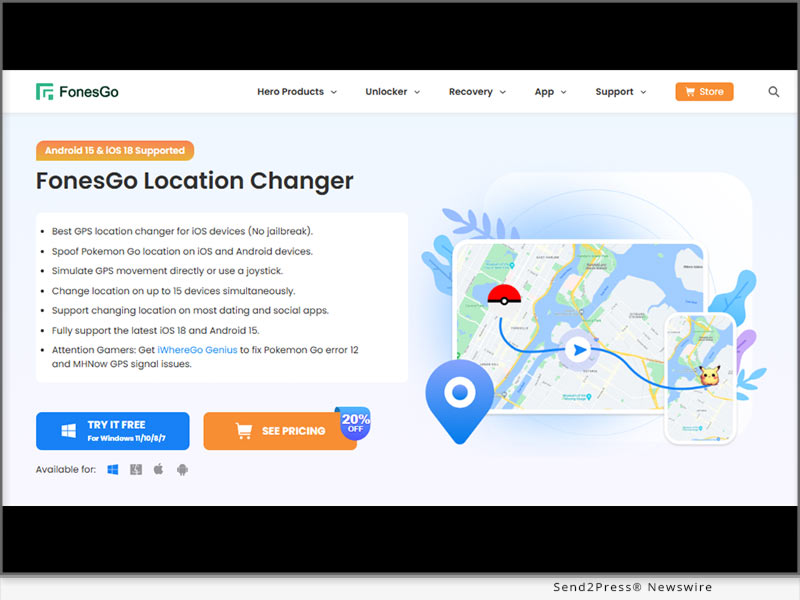
[2025] FonesGo Location Changer Updated: How to Spoof on Pokemon GO for iOS via Android with Bluetooth Connectivity

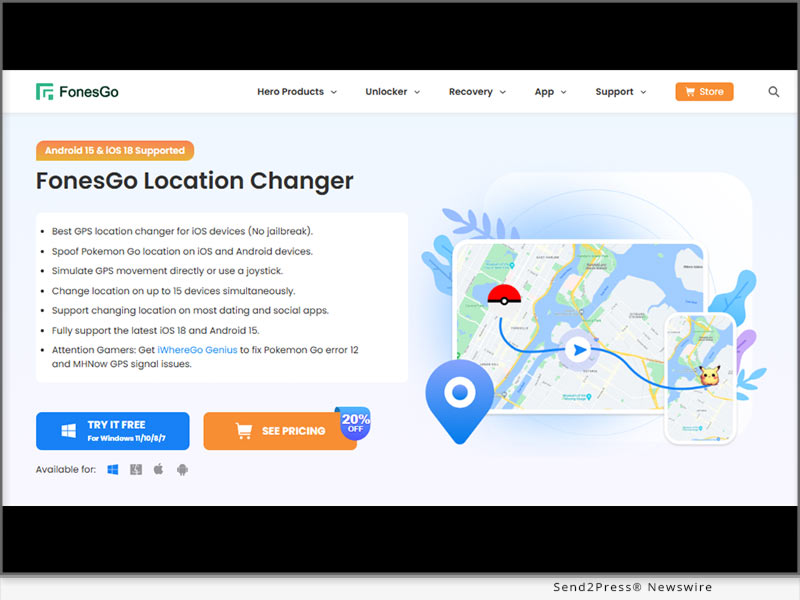
NEW YORK, N.Y., March 26, 2025 (SEND2PRESS NEWSWIRE) — Getting the “Location Failed (Error 12)” message in Pokémon GO can be frustrating, stopping you from playing and exploring freely. This happens due to GPS restrictions or detection issues. A location changer helps bypass these errors, letting you enjoy the game without limits. FonesGo Location Changer is a game-changer for Pokémon GO players who want to explore the world without leaving home.

FonesGo Location Changer Update
Image caption: FonesGo Location Changer Update.

INTRODUCTION

It does not matter whether you’re after rare Pokémon or joining global raids, this Pokémon GO walking hack lets you move naturally with a joystick, avoid bans, and teleport anywhere—all without risky jailbreaks or roots.

WHY YOU SHOULD CHOOSE FONESGO LOCATION CHANGER

New Feature of FonesGo Android Location Changer App 2025:

  • Change iOS location via Android Bluetooth Connection – Change GPS locations on iOS devices using a single Android app, making spoofing more convenient and accessible.
  • Fly Anywhere with 0-ban Accounts – No cracked packages needed on iOS devices, enjoy the official game version safely.

WHY STAND OUT:

  • Wireless Bluetooth Spoofing – Modify your GPS location effortlessly via Bluetooth, ensuring a stable and secure connection without cables.
  • Advanced Route Planning with GPX – Import GPX files to create realistic movement paths, allowing your character to travel naturally along custom routes.
  • Bypass Error 12: Compatible with iWhereGo POGO Genius to fix Error 12 for a smooth experience.
  • No Jailbreak or Root Needed – Change locations without altering your device’s system, keeping security and functionality intact.
  • Fly Mode for Instant Teleportation – Instantly jump between locations in Pokémon GO without any physical movement.
  • Minimized Ban Risk – Stay undetected with smart cooldown timers and realistic movement simulations, reducing potential flags from game security systems.
  • Compatible with Major AR Games – Works seamlessly with Pokémon GO, MHN, and other location-based applications, offering a safe and smooth experience.

HOW TO DOWNLOAD AND SET UP FONESGO LOCATION CHANGER

  • Download the software – Visit the official website and download FonesGo Android Location Changer App.
  • Pair iOS with Android Bluetooth Mode – Activate Bluetooth to effortlessly connect your iOS device.
  • Start faking location – Use the joystick or teleport mode to change your location instantly and fly anywhere!

ABOUT FONESGO LOCATION CHANGER

FonesGo Location Changer is an easy-to-use GPS spoofing tool that works on iOS 18 and Android 15 without needing jailbreak or root. It lets you teleport anywhere, use joystick controls, and simulate real movement, making it a perfect Pokémon GO hack for iOS players to use safely without detection.

With Wi-Fi and USB connectivity, setup is quick and hassle-free. You can change locations on up to 15 devices at once and use features like cooldown timers, favorite routes, and movement history to avoid bans. It’s a must-have for anyone wanting to explore Pokémon GO freely without limits.

LEARN MORE:

Official Website: https://fonesgo.com/

YouTube: https://www.youtube.com/@fonesgo

NEWS SOURCE: FonesGo


This press release was issued on behalf of the news source (FonesGo), who is solely responsible for its accuracy, by Send2Press Newswire. Image, if any, was provided by the news source and not this website or the wire service. Information is believed accurate, as provided by the news source, but is not guaranteed.

To view the original story, visit: https://www.send2press.com/wire/2025-fonesgo-location-changer-updated-how-to-spoof-on-pokemon-go-for-ios-via-android-with-bluetooth-connectivity/

Copr. © 2025 Send2Press® Newswire, Calif., USA. -- REF: S2P STORY ID: S2P124994 NOREL-3B


New in MocPOGO Android for 2025: Now Spoof Pokémon GO on iOS using Bluetooth Technology

NEW YORK, N.Y., March 25, 2025 (SEND2PRESS NEWSWIRE) — Pokémon GO players looking for a reliable and safe way to change their in-game location can now enjoy the latest advancements from MocPOGO. The MocPOGO 2025 is the ultimate Pokémon GO spoofer for iOS and Android, offering top-tier GPS spoofing with no jailbreak or root required. Packed with cutting-edge features, it ensures a low-risk, ban-free gaming experience.

Now Spoof Pokemon GO on iOS using Bluetooth Technology
Image caption: Now Spoof location on iOS using Bluetooth Technology.

WHAT IS MOCPOGO

MocPOGO is a GPS location changer for Pokémon GO and other location-based apps, allowing users to spoof location on iPhone and explore freely without traveling. It features a GPS joystick, anti-ban protection, and multi-device support, working on iOS 18 and Android 15 without jailbreak or root.

KEY FEATURES OF MOCPOGO

MocPOGO Android App 3.2.2 Latest Update Highlights:

  • Change iOS GPS location with Bluetooth Mode – Use MocPOGO Android App to change GPS locations on iPhone via bluetooth connection, making spoofing easier and more convenient than ever.
  • Enjoy Original POGO&MHN Apps on iPhone – Works seamlessly with the official game versions without mods or hacks needed.

EXISTING FEATURES:

  • Fly on Pokémon GO – Change locations instantly without physically moving in real life.
  • Bluetooth Integration – Securely spoof locations with improved stability using Bluetooth connectivity.
  • No Jailbreak or Root Needed – Works smoothly without modifying your phone’s system.
  • Lower Ban Risk – Advanced detection prevention ensures safer gameplay without account suspensions.
  • Realistic GPS Movement – Simulate walking, driving, or cycling at adjustable speeds for a natural experience.
  • Cooldown Timer – Prevent bans by following safe movement rules and cooldown periods.
  • Supports More Games – Now compatible with Monster Hunter Now and other location-based apps, such as WhatsApp, Tinder, Snapchat and so on.
  • GPS Joystick – Navigate freely in-game using an easy-to-control on-screen joystick.

STEP-BY-STEP GUIDE TO DOWNLOAD AND USE MOCPOGO ANDROID BLUETOOTH MODE

  1. Download & Install – Get this epic Pokemon GO fake GPS location app from the official website and set it up on your Phone.
  2. Connect iOS with Android Bluetooth Mode – Enable Bluetooth to pair your iOS device.
  3. Select Location & Play Anywhere – Use the map to pick a new location on your Android device, and tap “Go” to teleport.

ABOUT MOCPOGO

If you love playing Pokémon GO but don’t want to travel just to catch rare Pokémon, MocPOGO makes it easy. This simple yet powerful tool lets you change your GPS location with just a tap, so you can explore different places in the game without moving an inch.

MocPOGO Location Changer works smoothly on iOS 18 and Android 15, bringing a hassle-free experience without the need for jailbreaking or rooting your device. In addition, this powerful tool can also perfectly solve “Error 12” when used with iWhereGo Genius. It comes with useful features like GPX file import, historical location records, and even Wi-Fi-based and Bluetooth spoofing for a wireless setup.

Learn More:

https://mocpogo.com/

https://mocpogo.com/iphone-location-changer-app/

https://mocpogo.com/android-gps-spoof-app/

https://www.youtube.com/@MocPOGO/videos

NEWS SOURCE: MocPOGO Co., Ltd


This press release was issued on behalf of the news source (MocPOGO Co., Ltd), who is solely responsible for its accuracy, by Send2Press Newswire. Image, if any, was provided by the news source and not this website or the wire service. Information is believed accurate, as provided by the news source, but is not guaranteed.

To view the original story, visit: https://www.send2press.com/wire/new-in-mocpogo-android-for-2025-now-spoof-pokemon-go-on-ios-using-bluetooth-technology/

Copr. © 2025 Send2Press® Newswire, Calif., USA. -- REF: S2P STORY ID: S2P124962 NOREL-3B


The TOP Pokémon GO Joystick! Play Pokémon Go Without Moving in 2025

NEW YORK, N.Y., March 18, 2025 (SEND2PRESS NEWSWIRE) — Many Pokémon Go players want an easier way to explore the game world without moving too much. Spoofing is one of the most important Pokémon Go hacks, it helps you move around virtually while staying in one place, but not all are safe. Don’t worry! This guide from Tenorshare will show you the best Pokémon GO joystick and how to Get GPS Joystick in Pokémon GO.

Play Pokemon Go Without Moving in 2025
Image caption: iAnyGo iOS APP is the best Pokémon Go spoofer app.

THE BEST POKÉMON GO JOYSTICKS YOU CAN’T MISS IT 2025

Tenorshare iAnyGo is considered the best Pokémon Go spoofer with a built-in joystick function, which uses exclusively patented Bluetooth spoofing technology for a stable connection, and provides free Pokémon Go joystick trial, Auto-Walking, a built-in cooldown timer, and anti-ban protection etc.

KEY FEATURES:

Fake GPS Pokémon Go: Instantly teleport to any location worldwide and fake your location.

Joystick Mode: Not only is it free, but you can also use the joystick to automatically walk 360 degrees at a custom speed and route.

Shiny Pokémon Map: Built-in official Shiny Pokémon experience route, helps you catch rare Pokemon and participate in official Pokémon Go events globally.

Pros:

  • Safe and reliable fake GPS in Pokémon Go, and easy to use.
  • Game mode can effectively fix Pokémon Go error 12

HOW TO PLAY POKÉMON GO WITHOUT MOVING ON PC?

Let’s Try Tenorshare iAnyGo Pokémon Go Guide.

  1. Free Download and install Tenorshare iAnyGo on your computer.
  2. Connect your iPhone / iPad to your computer using Bluetooth.
  3. Choose ‘Joystick Mode’ then you can teleport anywhere in Pokémon Go with a joystick
  4. Adjust your speed and click iAnyGo Pokemon map to find your desired Pokémon nearby

HOW TO GET POKÉMON GO JOYSTICK WITHOUT A COMPUTER?

iAnyGo iOS APP is the best Pokémon Go spoofer app, which offers a simple way to spoof in Pokémon GO with a joystick and teleport anywhere to find Pokémon, and no computer is needed, you can easily teleport in Pokémon Go without walking.

STEPS TO TELEPORT POKÉMON GO LOCATION SAFELY WITH A JOYSTICK:

  1. Download the iAnyGo iOS assistant on your iPhone.
  2. Log in your Apple account.
  3. Select the Game Mode then use the joystick to teleport world around

WHAT’S NEW OF TENORSHARE IANYGO?

Tenorshare iAnyGo is the first pioneer to get an Exclusive patented Bluetooth spoofing technology breakthrough, a 100% 0 ban account.

Tenorshare’s mission always is to provide users with more convenient and safer tools. Say goodbye to the backward USB spoofing technology, iAnyGo Wireless Bluetooth Tech allows you to play POGO or MHN games with the original version.

About Tenorshare

Tenorshare focuses on iOS, Android, Windows, and Mac platforms, is good at high-core technology development. Their product Tenorshare iAnyGo is the best Pokemon Go Joystick for iPhone, iPad, Mac, and Android players, enhancing your gaming experience without risking bans or needing complex setups.

Learn More:

More information: https://www.tenorshare.com/

Facebook: https://www.facebook.com/TenorshareOfficial/

X/Twitter: https://x.com/Tenorshare_Inc

YouTube: https://www.youtube.com/user/TenorshareOfficial/videos

NEWS SOURCE: Tenorshare Co. Ltd.


This press release was issued on behalf of the news source (Tenorshare Co. Ltd.), who is solely responsible for its accuracy, by Send2Press Newswire. Image, if any, was provided by the news source and not this website or the wire service. Information is believed accurate, as provided by the news source, but is not guaranteed.

To view the original story, visit: https://www.send2press.com/wire/the-top-pokemon-go-joystick-play-pokemon-go-without-moving-in-2025/

Copr. © 2025 Send2Press® Newswire, Calif., USA. -- REF: S2P STORY ID: S2P124806 NOREL-3B


[2025 Latest] Bluetooth Tech to Spoof Pokémon GO on iOS with FonesGo Location Changer

NEW YORK, N.Y., March 7, 2025 (SEND2PRESS NEWSWIRE) — Pokémon GO players seeking a seamless way to explore different locations can now use FonesGo Location Changer, a powerful GPS spoofing tool designed for iOS and Android. With advanced features like Multi-Modes, and Bluetooth-based location spoofing, FonesGo ensures a smooth, secure, and ban-resistant Pokémon GO experience – no jailbreak or root required. The latest version 7.9.0 introduces a breakthrough Bluetooth mode that allows users to safely spoof their location without relying on cracked versions.

Bluetooth Tech to Spoof Pokemon GO on iOS with FonesGo Location Changer
Image caption: Bluetooth Tech to Spoof Pokémon GO on iOS with FonesGo Location Changer.

INTRODUCTION

With Pokémon GO continuously updating its location detection system, players often struggle to change their GPS position without getting flagged. FonesGo Location Changer offers a safe and reliable way to do Pokemon GO walking hack in different regions, catch rare Pokémon, and participate in remote raids—all while maintaining a low risk of detection.

WHY FONESGO STANDS OUT: KEY FEATURES FOR 2025

  • Bluetooth Spoofing (iOS 17 and above) – Offers a wireless, stable, and secure spoofing method via Bluetooth, reducing detection risks while eliminating the need for a direct USB connection.
    • Wirelessly control your iPhone
    • Play POGO and MHN with original version
    • Enjoy a ban-free account
  • Fix Error 12 & iWhereGo POGO Genius Support – Resolve the “Failed to Detect Location 12” issue in Pokémon GO effortlessly. This also integrates with iWhereGo POGO Genius, a powerful tool designed to fix Error 12.
  • No Jailbreak & No Root Required – Ensures your device’s security remains intact, allowing you to change locations without modifying system files or risking system instability.
  • Smart Cooldown System – Built-in cooldown timers and realistic movement settings help prevent detection by mimicking real-world travel speeds and avoiding sudden location jumps.
  • Supports Multiple Games and Social Apps – Compatible with Pokémon GO, MHN, Ingress, and social apps like Snapchat and WhatsApp, offering broader usability.

GETTING STARTED WITH FONESGO LOCATION CHANGER IN BLUETOOTH MODE

Setting up this epic Pokemon GO hack for iOS quick. Just follow these steps to start exploring new locations instantly:

  1. Download & Install – Head to the FonesGo website and grab the version for Windows or Mac.
  2. Connect Your Device with Bluetooth – Link your iPhone to your computer using a Bluetooth connection for added convenience.
  3. Choose Your Preferred location – Select teleport mode to jump to any location you want instantly.

ABOUT FONESGO LOCATION CHANGER 

FonesGo iOS Location Changer isn’t just for gaming – it’s also perfect for social and dating apps, allowing you to share a virtual location while keeping your real one private. With support for up to 15 devices simultaneously, it offers a realistic movement mode that mimics natural walking speeds and enables custom route planning via GPX file import. The latest update also introduces Bluetooth connectivity with iOS 17 and above, making wireless spoofing smoother and more convenient than ever.

LEARN MORE:

Official Website: https://fonesgo.com/

YouTube: https://www.youtube.com/@fonesgo

NEWS SOURCE: FonesGo


This press release was issued on behalf of the news source (FonesGo), who is solely responsible for its accuracy, by Send2Press Newswire. Image, if any, was provided by the news source and not this website or the wire service. Information is believed accurate, as provided by the news source, but is not guaranteed.

To view the original story, visit: https://www.send2press.com/wire/2025-latest-bluetooth-tech-to-spoof-pokemon-go-on-ios-with-fonesgo-location-changer/

Copr. © 2025 Send2Press® Newswire, Calif., USA. -- REF: S2P STORY ID: S2P124570 NOREL-3B


MocPOGO Win 7.9.0 Released! Spoof Your Location in Pokemon GO on iOS without Cracking

NEW YORK, N.Y., March 6, 2025 (SEND2PRESS NEWSWIRE) — Exploring new Pokémon GO locations without leaving your home has never been easier. MocPOGO, the ultimate location-changing tool, lets players move freely in-game without any physical effort. The latest 2025 update – V7.9.0 brings cutting-edge features, including Bluetooth connectivity,enhanced support for original POGO and MHN, improved anti-ban protection, and multi-device support, making it the go-to solution for iOS and Android users.

MocPOGO Win 7.9.0 Released
Image caption: MocPOGO Win 7.9.0 Released.

WHAT IS MOCPOGO

MocPOGO is an advanced GPS location spoofer designed for Pokémon GO players who want to explore new regions without moving via spoof location on iPhone. It supports iOS and Android with real-time teleportation, customizable paths, and Bluetooth mode for iOS 17 and above devices. With multi-device support, joystick navigation, and anti-ban protection, it ensures a seamless experience with no jailbreak or root required.

WHY CHOOSE MOCPOGO FOR LOCATION SPOOFING

With MocPOGO, changing your Pokémon GO location is effortless. This fake location app lets you teleport anywhere instantly, making it easier to catch rare Pokémon and explore new regions. More than just a location spoofer, MocPOGO is the ultimate Pokémon GO iOS spoofer, ensuring a seamless, realistic, and safe gaming experience without detection.

WHAT’S NEW IN THE LATEST UPDATE OF MOCPOGO 2025?

  • Bluetooth Mode (iOS 17 and above) – Wireless location spoofing for added stability and convenience.
  • No Cracked Version, Lower Ban Risk – Support original POGO and MHN and improve anti-detection technology, keeping your account safer than ever.
  • Expanded Game Support – Not only for Pokemon GO, Monster Hunter Now, but also for other location-based apps.

HERE’S WHAT MAKES IT STAND OUT:

  • Fix “Failed to Detect Location 12” Error – Overcome the common Error 12 in Pokémon GO for smooth, uninterrupted gameplay. MocPOGO pairs with iWhereGo POGO Genius to fix this error and enhance location spoofing stability.
  • Support Multi-Modes for flying – Move anywhere in seconds with teleport mode, two-spot mode and multi-spot mode.
  • Cooldown Timer for Safety – Stay undetected by following Pokémon GO’s cooldown rules.
  • Joystick Navigation – Take full control of your in-game movement with an intuitive on-screen joystick.
  • Multi-Device Compatibility – Spoof locations on up to 15 devices simultaneously.

[NO CRACKING] SPOOF YOUR POKÉMON GO LOCATION IN JUST 3 SIMPLE STEPS

  1. Install MocPOGO – Download the app from the official website and install it.
  2. Establish a Connection via Bluetooth Mode – Link your phone to your computer via Bluetooth, USB or Wi-Fi for a stable connection.
  3. Set Your Location and Teleport – Enter a destination in the map, tap ‘Teleport,’ and start playing from anywhere in the world.

ABOUT MOCPOGO

MocPOGO location changer is the ultimate tool for changing your GPS location on iOS and Android without jailbreak or root access. Whether you’re playing Pokémon GO, Monster Hunter Now, or using social apps. The latest update adds bluetooth support, multi-device spoofing, and a cooldown timer for safer gameplay.

LEARN MORE:

Official Website: https://mocpogo.com/

YouTube: https://www.youtube.com/@MocPOGO/videos

NEWS SOURCE: MocPOGO Co., Ltd


This press release was issued on behalf of the news source (MocPOGO Co., Ltd), who is solely responsible for its accuracy, by Send2Press Newswire. Image, if any, was provided by the news source and not this website or the wire service. Information is believed accurate, as provided by the news source, but is not guaranteed.

To view the original story, visit: https://www.send2press.com/wire/mocpogo-win-7-9-0-released-spoof-your-location-in-pokemon-go-on-ios-without-cracking/

Copr. © 2025 Send2Press® Newswire, Calif., USA. -- REF: S2P STORY ID: S2P124541 NOREL-3B


[No Crack 2025] Spoof Pokémon GO Location on an iPhone Safely with iToolab AnyGo

NEW YORK, N.Y., March 5, 2025 (SEND2PRESS NEWSWIRE) — Pokémon GO players looking for a reliable way to change location on iPhone. So now they can change their in-game location perfectly with newly released iToolab AnyGo Win V7.9.0. The latest 2025 update introduces Bluetooth Mode for iOS 17 and above, making location spoofing without a cracked version, safer and more convenient than ever.

Spoof Pokemon GO Location on iPhone Safely with iToolab AnyGo
Image caption: Spoof Pokémon GO Location on an iPhone Safely with iToolab AnyGo.

WHAT IS ITOOLAB ANYGO

iToolab AnyGo is a powerful location spoofing tool for iPhone users, enabling seamless exploration in Pokémon GO and other location-based games. Unlike traditional GPS spoofers, it offers a secure, user-friendly experience with no jailbreak required. Its latest Pokémon GO walking hack introduces Bluetooth Mode, eliminating the need for wired connections.

ITOOLAB ANYGO: KEY FEATURES FOR SEAMLESS LOCATION SPOOFING

This powerful tool offers a hassle-free experience—no jailbreak or complicated setup required. The following are the latest updated features and key features of AnyGo:

WHAT’S NEW IN ANYGO WIN V7.9.0:

  • Wireless Bluetooth Spoofing for iOS 17 and above :Easily change your location with Bluetooth mode using iToolab AnyGo Location Changer. Experience seamless and convenient spoofing for iOS 17 and above devices.
  • Support Original Pokemon GO and MHN: Enjoy hassle-free spoofing without modifying or cracking the app, ensuring a smooth and secure experience.
  • Experience an Account with Zero Bans: Advanced anti-ban tech keeps your account safe while you teleport and catch rare Pokémon.

KEY FEATURES OF ANYGO:

  • Multi – Modes for Instant Teleportation – Fly to any location worldwide without walking via teleport mode, two-spot mode and multi-spot mode.
  • Error 12 Fixed – It also works seamlessly with iWhereGo POGO Genius, a powerful tool that fixes the Error 12 issue, ensuring a smooth and hassle-free gaming experience.
  • Cooldown Timer for Ban Prevention – Built-in cooldown system helps you follow Pokémon GO’s rules to minimize detection risks.
  • Joystick Control for Precise Movement – Navigate freely in any direction with the Pokemon GO joystick hack for a smoother Pokémon GO experience.
  • Cross-Platform & Secure Spoofing – Spoof GPS on iOS & Android safely, no jailbreak or root required.
  • Custom GPX Route Import – Plan and follow custom paths for natural in-game movement.

HOW TO SPOOF POKEMON GO LOCATION ON IPHONE WITH BLUETOOTH TECH

  • Download & Open AnyGo – Install the iToolab AnyGo and launch it.
  • Pair Bluetooth devices – Wirelessly link your iPhone via Bluetooth Mode.
  • Choose Your Location – Enter a specific address in the search bar.
  • Teleport Instantly – Tap “Go,” and your iPhone’s GPS location will update in seconds.

ABOUT ITOOLAB ANYGO:

iToolab AnyGo is a leading location-changing software trusted by gamers worldwide. Designed specifically for iOS and Android users. With continuous updates and security improvements, it ensures a smooth and risk-free spoofing experience. The newly introduced Bluetooth Mode makes it even more convenient for iOS users to change their GPS location with ease.

LEARN MORE:

Official Website: https://itoolab.com/

Facebook: https://www.facebook.com/itoolab

X/Twitter: https://twitter.com/IToolab

YouTube: https://www.youtube.com/@iToolab

NEWS SOURCE: iToolab Co Ltd


This press release was issued on behalf of the news source (iToolab Co Ltd), who is solely responsible for its accuracy, by Send2Press Newswire. Image, if any, was provided by the news source and not this website or the wire service. Information is believed accurate, as provided by the news source, but is not guaranteed.

To view the original story, visit: https://www.send2press.com/wire/no-crack-2025-spoof-pokemon-go-location-on-an-iphone-safely-with-itoolab-anygo/

Copr. © 2025 Send2Press® Newswire, Calif., USA. -- REF: S2P STORY ID: S2P124491 NOREL-3B


2025 How to Spoof Location on iPhone? [With No Jailbreak]

NEW YORK, N.Y., Feb. 24, 2025 (SEND2PRESS NEWSWIRE) — Your iPhone always knows your location. Sometimes, this can be a problem, especially when you want privacy from family and friends, enjoy location-based apps, or play GPS-based games like Pokemon Go. If you want to learn how to spoof your location on iPhone, we’ve got the best solution for you in 2025. With tools like iMyFone AnyTo, you can safely and discreetly manipulate your iPhone’s GPS location without jailbreaking, enjoying more freedom with ease.

2025 How to Spoof Location on iPhone?
Image caption: Best Free Location Changer for iPhone – AnyTo.

Smith Marius, Product Director of AnyTo says “In 2025, we rolled out a series of major updates to ensure every user gets the safest and smoothest experience.”

[LATEST] HOW TO FAKE A GPS LOCATION ON YOUR IPHONE WITHOUT JAILBREAKING?

  • Step 1: Download iMyFone AnyTo for free on your computer and open it, then connect your iPhone to the computer via USB cable. (After the initial successful connection, you’ll be able to change your GPS location directly on your iPhone without needing a computer next time.)
  • Step 2: Open AnyTo and follow the instructions within the software to complete the basic setup before changing your iPhone’s location\
  • Step 3: Choose or enter the location or coordinates you want to spoof, for example, Vancouver. After selecting the destination, a pop-up window will show information about the location, including the place name, coordinates, and distance. Click the “Move.”
  • Step 4: Your location will immediately change to the chosen location or coordinates, like Vancouver. All location-based apps on your iPhone will be changed to the new location as well.

WHY CHOOSE IMYFONE ANYTO?

iMyFone AnyTo is widely regarded as the best iPhone location spoofer for its ease of use, security, and discretion. It works without jailbreaking, offers precise location control, and supports both iOS and Android devices. Additional advantages include:

  1. One-click Location Change: Instantly teleport your iPhone’s location to any desired point.
  2. Simulate Movement: Simulate walking or driving along a set route for more realistic location changes.
  3. App Compatibility: Works with all location-based apps, including Life360, Find My, Snapchat, Pokémon GO, and more.
  4. Free Trial Available: Test out the software before purchasing.

About iMyFone:

As a pioneer in mobile solutions, iMyFone is dedicated to making technology smarter and easier to use. With a strong technical team, they continually provide innovative and reliable software, ranging from data management and privacy protection to location changes. Each product has earned the trust of million users.

Learn More:

Official Website: https://www.imyfone.com/

Facebook: https://www.facebook.com/imyfone

X/Twitter: https://x.com/imyfone_

YouTube: https://www.youtube.com/@imyfone

### UPDATED 8:30AM PST 2.25.25 to fix an indavertent error in a linked URL.

NEWS SOURCE: iMyFone


This press release was issued on behalf of the news source (iMyFone), who is solely responsible for its accuracy, by Send2Press Newswire. Image, if any, was provided by the news source and not this website or the wire service. Information is believed accurate, as provided by the news source, but is not guaranteed.

To view the original story, visit: https://www.send2press.com/wire/2025-how-to-spoof-location-on-iphone-with-no-jailbreak/

Copr. © 2025 Send2Press® Newswire, Calif., USA. -- REF: S2P STORY ID: S2P124239 NOREL-3B


Big Update! HitPaw Edimakor Mac 3.5.0 Introduces New Features including AI Voice Clone, Voice Changer, and More

NEW YORK, N.Y., Feb. 19, 2025 (SEND2PRESS NEWSWIRE) — HitPaw Edimakor, a leading AI-powered video editing software, has unleashed its highly-anticipated Mac update version 3.5.0 which is bringing a set of cutting-edge AI-based features. The update will redefine the content creation of videos, allowing people to unlock advanced audio editing, video editing, and productivity features. From AI-based Voice Cloning to advanced subtitle features, version 3.5.0 of Edimakor is making pro-level content creation easy and within your means like never before.

HitPaw Edimakor Mac 3.5.0
Image caption: HitPaw Edimakor Mac 3.5.0.

NEW FEATURES

• AI Voice Changing

Edimakor 3.5.0 is supported by over 50 voice-changing effects, allowing voices to be easily converted into cute voices, humorous voices, or business voices. Whether making comedy podcasts or corporate videos, voices can easily be changed to your specifications.

• AI Voice Cloning

New Voice Cloning feature is extremely customizable. Clone your authentic, lifelike voice using only 10 seconds of audio. The feature is free to clone unlimited times, i.e., clone voices to use on any project or custom voiceovers that are tailored to your specifications.

• Video Templates

The update contains over 60 free video template collections, significantly boosting productivity levels. The free video templates ensure that content producers can make use of top-level visuals without much of an effort, saving valuable time while boosting overall video aesthetics.

WHAT’S MORE IN MAC 3.5.0

Optimization of Performance and Video Production Process

AI-generated videos streamline the process from idea to creation, enhance AI resource matching, and enable one-click high-quality production. Search function allows quick access to numerous resources. Text customization and 20+ new effects add rich visual enhancements.

Enhanced Subtitle, Text, and Translation Functions

Edimakor now offers text editing, auto ratio adjustment, and word-level subtitle styling with STT-based sentence splitting for trend-friendly subtitles. Supporting 130 languages, its upgraded translation ensures accurate, high-quality global reach.

AI Voice and Sound Effect Function Upgrade

The Text-to-Speech feature is now supported by over 40 languages and 300+ professional voices. The update enables better expression of emotional content, making it perfect to use on diverse applications, including adverts, educational videos, and courses.

Pricing & Availability

Edimakor 3.5.0 is supported by Windows and Mac operating systems. It is priced at $19.95 monthly, with a reduction of that price on extended plans.

Summary

The latest edition of HitPaw Edimakor Mac is full of AI-based features that will cater to beginner content creators right up to experienced professionals. From AI-based Voice Change and Voice Cloning features to advanced subtitles and translations, this edition of Edimakor is far better suited to elevate productivity levels and overall content quality.

About Edimakor

In addition to its new features of video and voice, Edimakor also boasts a range of AI features including AI Video Translation, AI Subtitle Generator, and AI Avatar.

Whether editing videos, creating voiceovers, or adding subtitles, version 3.5.0 of Edimakor has everything that is required to make great content.

Learn more about HitPaw Edimakor Mac 3.5.0: https://edimakor.hitpaw.com/

Follow on social:

https://x.com/HitpawEdimakor

https://www.youtube.com/@HitPawEdimakorOfficial

https://www.instagram.com/edimakor_official/

NEWS SOURCE: HitPaw


This press release was issued on behalf of the news source (HitPaw), who is solely responsible for its accuracy, by Send2Press Newswire. Image, if any, was provided by the news source and not this website or the wire service. Information is believed accurate, as provided by the news source, but is not guaranteed.

To view the original story, visit: https://www.send2press.com/wire/big-update-hitpaw-edimakor-mac-3-5-0-introduces-new-features-including-ai-voice-clone-voice-changer-and-more/

Copr. © 2025 Send2Press® Newswire, Calif., USA. -- REF: S2P STORY ID: S2P124168 NOREL-3B


2025 Top Pokemon GO Spoofer for iOS and Android: iToolab AnyGo Guide

NEW YORK, N.Y., Feb. 3, 2025 (SEND2PRESS NEWSWIRE) — Pokémon GO has captured the hearts of millions, encouraging players to get outside, explore, and hunt for rare Pokémon. But not everyone has the time or means to travel far and wide to catch region-exclusive Pokémon or join special global events. That’s where iToolab AnyGo steps in — a smart and simple solution for iOS users in 2025. With iToolab AnyGo, you can enjoy the thrill of exploring new locations without ever leaving your home.

iToolab AnyGo for iOS
Image caption: iToolab AnyGo: a smart and simple solution for iOS users in 2025.

WHY SPOOF YOUR LOCATION IN POKÉMON GO?

In Pokémon GO, some Pokémon and events are location-specific, limiting players who can’t travel. This Pokémon GO iOS spoofer lets you explore distant locations, catch rare Pokémon, and join events virtually. With tools like iToolab AnyGo, you can enhance your gameplay effortlessly.

KEY FEATURES OF ITOOLAB ANYGO

iToolab AnyGo is packed with powerful features that make GPS location spoofing smooth and safe. Here’s what sets it apart:

  • Fixed “failed to detect location error 12”: Resolves Pokémon GO’s Error 12 having a smooth and uninterrupted location spoofing.
  • No Jailbreak or Root Required: Works smoothly on iOS and Android without modifying your device.
  • Multi-Mode with Customized Speed: Teleport, Two-Spot, and Multi-Spot modes let you change locations and simulate movement with ease.
  • Import GPX Routes: Do you already have a specific path in mind? Import a GPX file and let this Pokemon GO spoofer follow it seamlessly.
  • Multi-Device Support: Mock GPS location on up to 15 devices simultaneously.
  • Favorites and History: Save frequently visited locations and keep track of past movements for quick access.
  • Cooldown Timer: Avoid detection by following smart cooldown guidelines that prevent sudden, unrealistic location changes.

HOW TO USE ITOOLAB ANYGO FOR POKÉMON GO SPOOFING ON IOS

Getting started with the Pokemon GO joystick hack is quick and straightforward. Here’s how you can begin your Pokémon GO adventures with it:

  1. Download and Install: Head to the iToolab website and download AnyGo for iOS. Follow the simple instructions to set up the program on your computer.
  2. Connect Your Device: Plug your iPhone into the computer using a USB cable. Open AnyGo and click “Start” to begin.
  3. Choose a Location: Use the map interface to enter the location you want to explore. Click “Go,” and your device’s GPS will instantly update.
  4. Simulate Movement: To move naturally, choose the “Two-Spot Route” or “Multi-Spot Route” modes, select your start and end points, and adjust the speed.

About iToolab:

iToolab is a leader in creating mobile solutions that simplify life for users. Their tools are designed to enhance everyday experiences, making technology more accessible and user-friendly. With iToolab AnyGo for iOS app, they continue to deliver reliable and innovative software that helps players unlock the full potential of Pokémon GO and other location-based applications.

Learn More:

Official Website: https://itoolab.com/

Facebook: https://www.facebook.com/itoolab

X/Twitter: https://x.com/IToolab

YouTube: https://www.youtube.com/@iToolab

NEWS SOURCE: iToolab Co Ltd


This press release was issued on behalf of the news source (iToolab Co Ltd), who is solely responsible for its accuracy, by Send2Press Newswire. Image, if any, was provided by the news source and not this website or the wire service. Information is believed accurate, as provided by the news source, but is not guaranteed.

To view the original story, visit: https://www.send2press.com/wire/2025-top-pokemon-go-spoofer-for-ios-and-android-itoolab-anygo-guide/

Copr. © 2025 Send2Press® Newswire, Calif., USA. -- REF: S2P STORY ID: S2P123752 NOREL-3B


MocPOGO Pokémon GO Spoofer 2025 – The Ultimate Guide to Spoof Location on iPhone

NEW YORK, N.Y., Jan. 31, 2025 (SEND2PRESS NEWSWIRE) — In the world of Pokémon GO, players are always looking for ways to level up their gaming experience. One popular method is location spoofing, which lets players explore new regions without leaving their homes. For iPhone users, MocPOGO iOS spoofing app has become a top choice in 2025. Here’s everything you need to know about this tool.

MocPOGO for iOS App
Image caption: MocPOGO for iOS App.

INTRODUCTION TO MOCPOGO

MocPOGO is the best-ever app designed for iPhones that lets you change your GPS location virtually. It’s perfect for Pokémon GO players who want to discover new Pokémon, participate in events, or hatch eggs without physically traveling while spoofing locations on iphone. The best part? It works with the latest iOS 18 version and doesn’t require jailbreaking, so your device stays safe.

KEY FEATURES OF MOCPOGO

  • Avoid Error 12: MocPOGO will instantly fix your error 12 location failed problem.
  • Multiple LBS-Apps Compatibility: MocPOGO doesn’t only work with Pokémon GO but also with other Games like MHN, Life360 and social media apps like WhatsApp, Snapchat, and many more.
  • Joystick for Easy Navigation: This fake location app has a built-in joystick that gives you real-time control, allowing smooth in-game movement without stepping out.
  • Various modes to change location: MocPOGO offers multiple location-changing modes, including teleport mode, two-spot mode, multi-spot mode, jump teleport mode and joystick mode.
  • Cooldown Timer: This feature ensures you don’t switch locations too quickly, helping you avoid bans or flags in the game.
  • Multi-Device Support: MocPOGO support to spoof location on up to 15 iOS/Android devices simultaneously. If you have multiple accounts or devices, you can control them all at the same time.

STEP-BY-STEP GUIDE TO SPOOF POKÉMON GO LOCATION ON IPHONE

Step 1: Download and Install MocPOGO

Start by downloading MocPOGO from its official website. Follow the installation steps to set it up on your iPhone.

Step 2: Connect Your iPhone

Once the app is installed, connect your iPhone to a computer using a USB cable. The app will automatically recognize your device.

Step 3: Enable Developer Mode

Go to your iPhone settings, find the Privacy & Security section, and enable Developer Mode. This step is crucial for MocPOGO to work.

Step 4: Pick Your Location

Use the app’s map to select a location where you want to “teleport.” Enter an address or coordinates, and hit “Go.” Your GPS will now reflect this new spot. Now you can easily perform Pokemon GO cheats.

ABOUT MOCPOGO POKÉMON GO SPOOFING APP

MocPOGO provides reliable tools for changing GPS locations on smartphones. It is designed to make teleporting and simulating movement in Pokémon GO smooth and easy.

Fully compatible with iOS 18 and Android 15, it offers advanced features like GPX file import, route collection, historical location records, and Wi-Fi wireless connection, ensuring seamless exploration without leaving home.

Learn More:

https://mocpogo.com/

https://mocpogo.com/iphone-location-changer-app/

https://www.youtube.com/@MocPOGO/videos

NEWS SOURCE: MocPOGO Co., Ltd


This press release was issued on behalf of the news source (MocPOGO Co., Ltd), who is solely responsible for its accuracy, by Send2Press Newswire. Image, if any, was provided by the news source and not this website or the wire service. Information is believed accurate, as provided by the news source, but is not guaranteed.

To view the original story, visit: https://www.send2press.com/wire/mocpogo-pokemon-go-spoofer-2025-the-ultimate-guide-to-spoof-location-on-iphone/

Copr. © 2025 Send2Press® Newswire, Calif., USA. -- REF: S2P STORY ID: S2P123738 NOREL-3B


In 2025 How to Cheat in Pokémon GO without Moving or Getting Banned

NEW YORK, N.Y., Jan. 22, 2025 (SEND2PRESS NEWSWIRE) — Pokémon GO has captivated players worldwide, encouraging exploration and adventure. However, many players turn to location spoofing on iPhone and Android devices to access rare Pokémon or participate in exclusive events far from home. While exciting, location spoofing risks account bans if done carelessly. With tools like MocPOGO iOS location changer, you can safely spoof and enjoy the game without worry.

2025 How to Cheat in Pokemon GO without Moving or Getting Banned
Image Caption: 2025 How to Cheat in Pokemon GO without Moving or Getting Banned.

WHY CHEATING CAN GET YOU BANNED

Niantic enforces strict fair play policies in Pokémon GO, actively monitoring and penalizing players for using unauthorized methods.

Common violations include:

  • Changing Locations Too Frequently: Jumping between far-off locations in a short time is a clear sign of cheating.
  • Using Bots: Automated systems that play on your behalf are easy for Niantic to detect.
  • Abusing Glitches: Exploiting in-game bugs for an advantage can lead to penalties.

The consequences of these actions range from temporary restrictions to permanent bans, where you lose access to your account forever. But don’t worry because you’ll be having MocPOGO which will 100% prevent you from getting banned.

WHY MOCPOGO IS THE BEST CHEAT TOOL

MocPOGO is a trusted tool for safely changing your GPS location and doing Pokemon GO cheats. It’s designed to help players enjoy the game without worrying about bans.

Here’s what makes it special:

  • Safe Teleportation: Instantly change your location to anywhere in the world, making it easy to catch region-specific Pokémon.
  • Movement Simulation: You can mimic walking, cycling, or driving at adjustable speeds, perfect for hatching eggs or exploring new areas.
  • Joystick Control: Navigate the map easily with an on-screen joystick, giving you full control over your avatar’s movement.
  • Built-in Anti-Ban Features: The feature of cooldown timer helps prevent suspicious activity that could trigger a ban.
  • No Jailbreaking and Root Required: Unlike many apps, MocPOGO works seamlessly and you don’t have to do jailbreaking or rooting your device, this makes it safer to use.
  • Stable and Crash-Free: Enjoy the best ever spoofing experience without any interruption or unexpected sudden crashes.

HOW TO SAFELY CHEAT IN POKÉMON GO WITH MOCPOGO

Using the method of fake location app like MocPOGO is simple and safe if you follow these steps:

  1. Download the software: Start by downloading MocPOGO directly to your device.
  2. Connect Your Device: Use a USB cable to link your smartphone to your computer and open the software
  3. Choose a Location: Select the destination you want to teleport to using the app’s interactive map.
  4. Follow Cooldown Guidelines: Avoid frequent iPhone location spoofing and follow MocPOGO’s cooldown guidelines to protect your account.

About MocPOGO:

MocPOGO, trusted by 20,000+ users, lets players explore Pokémon GO with smooth GPS spoofing without Moving or Getting Banned. Enjoy a 30% discount on the iOS 1 Quarter Plan, plus Buy 1 Get 3 Free, valid until February 10th. Don’t miss out! Grab the deal now.

FIND OUT MORE:

https://mocpogo.com/

https://mocpogo.com/iphone-location-changer-app/

https://www.youtube.com/@MocPOGO/videos

### Update 9:25 a.m. PST 1.22.25

NEWS SOURCE: MocPOGO Co., Ltd


This press release was issued on behalf of the news source (MocPOGO Co., Ltd), who is solely responsible for its accuracy, by Send2Press Newswire. Image, if any, was provided by the news source and not this website or the wire service. Information is believed accurate, as provided by the news source, but is not guaranteed.

To view the original story, visit: https://www.send2press.com/wire/in-2025-how-to-cheat-in-pokemon-go-without-moving-or-getting-banned/

Copr. © 2025 Send2Press® Newswire, Calif., USA. -- REF: S2P STORY ID: S2P123548 NOREL-3B


ScoopCloud Newswire

Best Pokémon GO Joystick iOS 18 and Android 2025 [0 Ban Risks]

NEW YORK, N.Y., Jan. 15, 2025 (SEND2PRESS NEWSWIRE) — As the hunt for Shiny Pokémon becomes even more challenging in Pokémon GO, PoGoskill Android App V1.1.0 provides the perfect solution for safely spoofing your location without a computer. With the best Pokémon GO GPS joystick, you can easily explore the map, ensuring smooth gameplay without the risk of bans.

PoGoskill Big Update
Image caption: PoGoskill Big Update.

WHAT’S NEW IN POGOSKILL ANDROID APP V1.1.0?

Bluetooth Mode: With Bluetooth integration, iOS trainers can effortlessly pair with an Android device to safely spoof their location in official Pokémon GO. No cracked versions are required!

Game Mode: Supports Android users to safely spoof Pokémon GO/Monster Hunter Now without a PC.

Fake GPS Joystick: Freely control avatar movement with 360-degree rotation and smooth navigation in locked directions.

HOW TO SPOOF POKÉMON GO LOCATION SAFELY WITH JOYSTICK?

To safely spoof your Pokémon GO location using a joystick, you can use a reliable spoofer like PoGoskill. This tool allows you to easily simulate your location on both Android and iOS devices without the risk of getting banned.

Here’s how it works:

  • Instantly change your GPS location without a computer.
  • Fix the “Pokémon GO failed to detect location 12” error on iOS/Android.
  • Adjust your movement speed and set multiple locations to simulate realistic routes.
  • Prevent bans with a distance-based cooldown timer.
  • Fully compatible with all Android and iOS versions, including iOS 18 and Android 15.

Steps to Spoof Pokémon GO Location Safely with a Joystick:

  1. Download and install PoGoskill from Google Play.
  2. Select either Game Mode or Bluetooth Mode.
  3. Activate Joystick Mode to start spoofing your location smoothly.

POGOSKILL NEW YEAR SALE 2025 – SAVE UP TO 87%!

From January 15 to February 10, enjoy incredible savings of up to 87% OFF on PoGoskill! Enhance your Pokémon GO adventure with the best joystick and safe location spoofing. Click here for more details and to grab the deal before it ends!

About PoGoskill:

PoGoskill is the best Pokémon GO spoofer for both Android and iPhone, allowing you to spoof your location securely without a PC. With the best Pokémon GO joystick, it provides smooth navigation and precise control, ensuring a ban-free experience while you explore new areas and catch exclusive Pokémon.

More information: https://www.pogoskill.com/

YouTube: https://www.youtube.com/@PoGoskill

https://www.youtube.com/@PoGoskillJapan

https://www.youtube.com/@Pogoskill-TW

X/Twitter: https://x.com/PoGoskilloffice

NEWS SOURCE: PoGoskill


This press release was issued on behalf of the news source (PoGoskill), who is solely responsible for its accuracy, by Send2Press Newswire. Image, if any, was provided by the news source and not this website or the wire service. Information is believed accurate, as provided by the news source, but is not guaranteed.

To view the original story, visit: https://www.send2press.com/wire/best-pokemon-go-joystick-ios-18-and-android-2025-0-ban-risks/

Copr. © 2025 Send2Press® Newswire, Calif., USA. -- REF: S2P STORY ID: S2P123413 NOREL-3B


Fix iPhone Keeps Showing Apple Logo and Turning Off Error in 3 Steps

Tenorshare ReiBoot can automatically find why your iPhone is constantly restarting and will repair the issue

NEW YORK, N.Y., Nov. 26, 2024 (SEND2PRESS NEWSWIRE) — “My iPhone keeps showing the apple logo and turning off,” many iPhone users have asked this question. If you’re also harassed by same issue, then it could happen due to a software or hardware glitch caused by some issue. But what issue exactly? “You don’t have to find which iOS issue is causing ‘iPhone keeps turning on and off’ error or try to manually fix it. ReiBoot iOS repair software can automatically find and repair a wide range of iOS malfunctions in 3 clicks,” says a Tenorshare spokesperson.

Fix iPhone Keeps Showing Apple Logo and Turning Off Error in 3 Steps
Image caption: Fix iPhone Keeps Showing Apple Logo and Turning Off Error in 3 Steps.

WHY DOES MY IPHONE KEEP SHOWING THE APPLE LOGO AND TURNING OFF?

If you’re wondering, “Why my iPhone keeps showing the Apple logo and turning off” we’ve already established this could be because of a software or hardware glitch. But this glitch could be caused because of reasons such as:

  • Jailbreaking your iPhone.
  • Incorrect restoration of your iPhone from iTunes.
  • iOS update has bugs.
  • iPhone has physical damage.

HOW TO FIX MY IPHONE KEEPS SHOWING THE APPLE LOGO AND TURNING OFF?

Tenorshare ReiBoot can automatically find why your iPhone is constantly restarting and will repair the issue. The tool can, in fact, repair 150+ iOS issues including iPhone stuck in a boot loop, Recovery Mode, or on Apple logo, etc. Here are this tool’s key features:

  • Fix white or black screen of death and iTunes errors.
  • Upgrade/downgrade iDevices including Betas without jailbreak or iTunes.
  • Reset devices without a passcode, and permanently erase data before selling or trading in your iPhone.
  • Enter and exit Recovery Mode with a single click.

HERE’S HOW TO USE TENORSHARE REIBOOT TO FIX “IPHONE BLINKING APPLE LOGO” ISSUE:

Step 1: Execute ReiBoot on your computer. Then, plug in your iPhone with “iPhone blinking Apple logo” issue to same PC.

Step 2: Hit “Start Repair” on ReiBoot. Then, press “Download” to get latest firmware package.

Step 3: Next, choose “Standard Repair.” Afterward, your iPhone will reboot normally.

Video Guide : https://www.youtube.com/watch?v=iSAASCX9gI8

HOW TO PREVENT IPHONE SHOWING APPLE LOGO THEN TURNING OFF?

After you fix “iPhone flashing Apple logo then turning off” with Tenorshare ReiBoot successfully, you must also take care that this issue doesn’t appear in future. Here’s what you can do:

  • Regularly update your iPhone to prevent bugs that may cause Apple logo issues.
  • Restart your iPhone often to make sure it runs smoothly and avoid glitches.
  • Handle your iPhone carefully to avoid dropping it or from water damage.
  • Only jailbreak if necessary for specific apps, as it can cause instability.

About Tenorshare:

If you’re thinking, “Why does my iPhone keep rebooting,” Tenorshare ReiBoot can repair “iPhone died and now turns on then back off” issue among other iOS problems. The smartphone solutions provider, Tenorshare values innovation, and creativity and aims to create software that helps people and businesses solve iOS & Android issues in their daily lives.

More information: https://www.tenorshare.com/

Learn more: https://www.tenorshare.com/iphone-tips/fix-iphone-keeps-showing-the-apple-logo-and-turning-off.html

Social sites:

https://www.facebook.com/TenorshareOfficial/

https://twitter.com/Tenorshare_Inc

https://www.youtube.com/user/TenorshareOfficial/videos

https://www.tiktok.com/@tenorshare_tech_tips

NEWS SOURCE: Tenorshare Co. Ltd.


This press release was issued on behalf of the news source (Tenorshare Co. Ltd.), who is solely responsible for its accuracy, by Send2Press Newswire. Image, if any, was provided by the news source and not this website or the wire service. Information is believed accurate, as provided by the news source, but is not guaranteed.

To view the original story, visit: https://www.send2press.com/wire/fix-iphone-keeps-showing-apple-logo-and-turning-off-error-in-3-steps/

Copr. © 2024 Send2Press® Newswire, Calif., USA. -- REF: S2P STORY ID: S2P122527 NOREL-3B


Unable to Change Location on iPhone or Android? Try MagFone Location Changer!

MagFone announces the launch of Location Changer for iPhone and Android, helping users to change the location on iPhone and Android devices without jailbreak or root

KOWLOON, HONG KONG, CHINA, Nov. 18, 2024 (SEND2PRESS NEWSWIRE) — MagFone, a leading provider of software solutions for iOS and Android users, is excited to announce the release of MagFone Location Changer. This tool is designed to help users change their location on both iOS and Android devices without jailbreak or root. With this tool, users can open up new possibilities, whether for accessing location-specific content, navigating in a different area, or simply exploring virtual locations.

Unable to Change Location on iPhone or Android? Try MagFone Location Changer!
Image caption: Unable to Change Location on iPhone or Android? Try MagFone Location Changer!

Promotion Video: https://youtu.be/ho38NQyovMU?si=yNeTplm8srjNTimi

Changing your location on an iPhone or Android phone can be useful for various reasons, from accessing region-specific content to protecting privacy while browsing. But in fact, it is not as easy as you think to change your location on your iPhone or Android phone. In this case, a great location changing tool like MagFone Location Changer can let you do it with ease. With the help of MagFone Location Changer, you can change your location on your iPhone or Android phone to anywhere swiftly or easily. Read on for more details.

CHANGE YOUR IPHONE LOCATION OR LOCATION ON VARIOUS ANDROID DEVICES EASILY

Location services are a built-in feature on smartphones that use GPS, WiFi, and mobile networks to determine your position. Using MagFone Location Changer can mock your location on your iPhone or Android phone. The following are the main features of MagFone Location Changer.

1. Change iPhone/Android Location with Ease

Without jailbreak or root, MagFone Location Changer can help you change your iPhone location or mock your location on other Android devices in one click.

2. Simulate GPS Movement Based on Your Demand

When you have a demand of simulating GPS movement, MagFone Location Change is a good choice as it can simulate walking, cycling, or driving at a uniform or variable speed.

3. Get Flexible GPS Movement in Several Modes

By offering several modes, MagFone Location Changer enables you to simulate GPS movement along with your customized routes and movement speed on your mobile device.

4. Work with Most Location-Based Apps like Pokemon

Whether to mock location on location apps like Tinder or play geo-based games anywhere like Pokemon Go, MagFone Location Changer can help you do it with ease.

5. No Technical Skills Needed and 100% Secure

Designed with a user-friendly interface, this tool doesn’t require any technical knowledge. Even though you are a newbie, you can quickly use this tool to change your location.

6. Support the Latest iOS and Android Devices

Compatible with the latest iOS and Android version, MagFone Location Changer helps you change your location on any kind of iPhone or Android device.

HERE’S HOW TO CHANGE YOUR IPHONE LOCATION BY USING MAGFONE LOCATION CHANGER

Have a free trial, without any loss.

Step 1. Run MagFone Location Changer on your computer, then connect your iPhone or Android phone to the computer through a USB cable or WiFi connection.

Step 2. Enable Developer Mode on your mobile device and select the Change Location option on the main interface of MagFone software.

Step 3. Select a location on the map you want to teleport or enter the address in the search bar to find your target location.

Step 4. Click the Start Modifying button, then your location on your mobile device will be changed to your required location.

Learn More:

How to Change Location on iPhone without VPN

How to Change Location on Android Device with Ease

About MagFone:

MagFone Location Changer strives to help users who want to change iPhone location or mock location on Android devices without jailbreak or root. With several different modes to simulate GPS movement, it empowers users to get flexible GPS movement easily and quickly.

YouTube: https://www.youtube.com/@magfone

Facebook: https://www.facebook.com/magfone/

X: https://x.com/magfone

NEWS SOURCE: MagFone


This press release was issued on behalf of the news source (MagFone), who is solely responsible for its accuracy, by Send2Press Newswire. Image, if any, was provided by the news source and not this website or the wire service. Information is believed accurate, as provided by the news source, but is not guaranteed.

To view the original story, visit: https://www.send2press.com/wire/unable-to-change-location-on-iphone-or-android-try-magfone-location-changer/

Copr. © 2024 Send2Press® Newswire, Calif., USA. -- REF: S2P STORY ID: S2P122339 NOREL-3B


(NO PC) How to Spoof Pokémon GO location to Catch Dynamax Pokémon on iOS 18?

NEW YORK, N.Y., Nov. 7, 2024 (SEND2PRESS NEWSWIRE) — As the Dynamax Pokémon event takes Pokémon GO by storm, Trainers worldwide are eagerly hunting for these rare and powerful creatures. To meet this demand, the PoGoskill iOS app has launched version 2.10.2 with its much-anticipated Dmax feature, streamlining the way players locate Dynamax Pokémon on the map.

How to Spoof Pokemon GO location to Catch Dynamax Pokemon on iOS 18
Image caption: PoGoskill iOS app has launched version 2.10.2 with its much-anticipated Dmax feature.

Timed perfectly for this high-demand event, the Dmax feature allows players to instantly pinpoint all nearby Dynamax Pokémon, maximizing efficiency. Designed to enrich the Pokémon GO experience, Dmax enables players to approach and capture these valuable Pokémon quickly, enhancing both collections and battle readiness.

WHAT’S NEW IN POGOSKILL IOS APP 2.10.2?

Dmax Mode

With the Dmax feature, you can view all nearby Gigantamax and Dynamax Pokémon and instantly adjust your GPS location to catch your desired Pokémon. You can also copy and share the coordinates of these rare Pokémon with friends for team battles.

Feature Overview

  • GPS location spoofing for Pokémon GO now available on iOS 18.
  • Simulate real navigation routes with adjustable speed.
  • Use the GPS joystick to control your movement and direction in-game.
  • Supports Windows, Android, Mac, and iOS for smooth cross-platform play.

How to Spoof Location to Catch Dynamax Pokémon?

  • Launch the PoGoskill iOS App and choose the Dmax mode.
  • All nearby Dynamax Pokémon appear on the map. Tap any Pokémon icon to see its capture availability, then click “GO” to instantly teleport and start catching.

Price of PoGoskill iOS App

Though packed with new features, this GPS spoofing app is still priced at an unbeatable rate.

  • PoGoskill iOS App – 1 Month/1 Device: $14.99
  • PoGoskill iOS App – 1 Quarter/1 Device: $39.99
  • PoGoskill iOS App – 1 Year/1 Device: $79.99
  • PoGoskill iOS App – Lifetime/1 Device: $99

About PoGoskill

PoGoskill delivers trusted, professional-grade GPS spoofing solutions for iOS and Android. Designed with secure, user-friendly technology, PoGoskill empowers users with precise location control, enhancing AR gaming and location-based experiences. With millions of users and a commitment to quality, PoGoskill stands as a leader in GPS spoofing innovation, offering the reliability and expertise users can trust.

More information: https://www.pogoskill.com/

YouTube: https://www.youtube.com/@PoGoskill

https://www.youtube.com/@PoGoskillJapan

https://www.youtube.com/@Pogoskill-TW

X/Twitter: https://x.com/PoGoskill_Inc

NEWS SOURCE: PoGoskill


This press release was issued on behalf of the news source (PoGoskill), who is solely responsible for its accuracy, by Send2Press Newswire. Image, if any, was provided by the news source and not this website or the wire service. Information is believed accurate, as provided by the news source, but is not guaranteed.

To view the original story, visit: https://www.send2press.com/wire/no-pc-how-to-spoof-pokemon-go-location-to-catch-dynamax-pokemon-on-ios-18/

Copr. © 2024 Send2Press® Newswire, Calif., USA. -- REF: S2P STORY ID: S2P122047 NOREL-3B


Dynamax Pokémon: Best Pokémon GO Spoofer 2024 for iOS without Computer

NEW YORK, N.Y., Nov. 6, 2024 (SEND2PRESS NEWSWIRE) — Tenorshare has released version 2.10.2 of its iAnyGo iOS App, offering one-click access to Dynamax and Gigantamax Pokémon, enhancing the Pokémon GO experience. Optimized for iOS 18, the update enables users to quickly find shiny Gigantamax Pokémon, and join Max Battles. With Pokémon GO Spoofer iAnyGo, users can easily navigate the game world, copy GPS coordinates, and team up with friends to challenge Dynamax Pokémon, offering an enriched experience for all trainers.

Best Pokemon GO Spoofer 2024 for iOS without Computer
Image caption: Tenorshare has released version 2.10.2 of its iAnyGo iOS App.

“With iAnyGo iOS App version 2.10.2, users can now easily locate Dynamax and Gigantamax Pokémon with a single click and quickly share their locations using longitude and latitude coordinates,” said Tenorshare’s CEO when discussing the new features. “Trainers can quickly join forces for Max Battles, making it easier to catch gargantuan Pokémon and earn Max Particles to boost their skills for future challenges. These updates enhance gameplay, helping users find shiny Gigantamax Pokémon they might not see locally.”

HOW TO INSTALL THE IANYGO IOS APP

For new users, the iAnyGo installation process is simple. Here’s a quick overview of the steps:

  1. Go to the official website to download and install the iAnyGo iOS Assistant on your computer.
  2. Sign in using Apple ID and click “Install iAnyGo iOS App” button. You can extend its validity every seven days by signing in with your Apple ID on iAnyGo App—no computer is needed after the initial setup.

HOW TO GET DYNAMAX AND GIGANTAMAX POKÉMON ON NEW MAX BATTLES

The iAnyGo iOS App enhances your Pokémon experience by allowing you to explore any location virtually. Follow these steps to find and battle Dynamax and Gigantamax Pokémon in the new Max Battles in Pokémon GO.

  1. Open the iAnyGo iOS App and tap the fifth button “D-Max” on the right to view Dynamax and Gigantamax Pokémon. You can view these gargantuan Pokémon by zooming in or out on the screen.
  2. Tap the “Go” button, and you can go over to catch Dynamax and Gigantamax Pokémon. You can also click the “copy” button to copy longitude and latitude coordinates and share them with your friends.

Additionally, with its features like Change Location, PokeStop Mode, and Single-Spot Movement, users can spoof Pokémon GO on iPhone without physically moving. iAnyGo iOS App is a reliable Pokémon GO Spoofer for iOS 18.

PRICING FOR IANYGO IOS APP

The iAnyGo iOS App is available in multiple packages designed to fit users’ needs:

  • 1 Month/1 Device: $14.99
  • 1 Quarter/1 Device: $39.99
  • 1 Year/1 Device: $79.99
  • Lifetime/1 Device: $99.99

For more details on purchasing, please visit iAnyGo iOS App Pricing – https://www.tenorshare.com/purchase/buy-ianygo-ios-app.html

About Tenorshare:

Tenorshare specializes in iOS, Android, Windows, and Mac platforms, focusing on core technology research. It is a leading software provider with millions of users that use its tools related to data transfer, data recovery, system repair, unlocking phones, and many more.

More information: https://www.tenorshare.com/

Facebook: https://www.facebook.com/TenorshareOfficial/

X/Twitter: https://x.com/Tenorshare_Inc

YouTube: https://www.youtube.com/user/TenorshareOfficial/videos

TikTok: https://www.tiktok.com/@tenorshare_tech_tips

NEWS SOURCE: Tenorshare Co. Ltd.


This press release was issued on behalf of the news source (Tenorshare Co. Ltd.), who is solely responsible for its accuracy, by Send2Press Newswire. Image, if any, was provided by the news source and not this website or the wire service. Information is believed accurate, as provided by the news source, but is not guaranteed.

To view the original story, visit: https://www.send2press.com/wire/dynamax-pokemon-best-pokemon-go-spoofer-2024-for-ios-without-computer/

Copr. © 2024 Send2Press® Newswire, Calif., USA. -- REF: S2P STORY ID: S2P122012 NOREL-3B


iPhone Unavailable Try Again Stuck? Here is the Fix from Tenorshare

NEW YORK, N.Y., Nov. 1, 2024 (SEND2PRESS NEWSWIRE) — The “iPhone unavailable, try again” message often appears on the “Security Lockout” screen after too many incorrect passcode entries, says Tenorshare. A first attempt at five incorrect entries results in a brief lockout, but repeated errors can leave the iPhone permanently stuck on this screen.

iPhone Unavailable Try Again Stuck
Image caption: iPhone Unavailable Try Again Stuck.

For users who can’t recall their passcode, the typical method to unlock their device involves a complete data erase—under limited conditions. However, Tenorshare 4uKey iPhone Unlocker offers an alternative, letting users bypass it swiftly and easily. Read on for more details.

FIX IPHONE UNAVAILABLE TRY AGAIN STUCK WITH EASE

After repeated attempts at entering wrong passcode if your iDevice displays an “iPhone unavailable try again” message, use Tenorshare 4uKey iPhone Unlocker to remove it. Here are its key features:

  • Unlock Instantly Without Password – 4uKey can bypass the “iPhone Unavailable” screen in minutes, even without the passcode.
  • No Technical Skills Needed – The tool is user-friendly, with simple steps that require no technical knowledge.
  • Fast and Reliable – 4uKey is optimized for speed, with proven s
  • Supports the Latest iOS and iPhone Models – It works with iOS 18 and the newest iPhone models, ensuring compatibility.

Here’s how to use 4uKey to remove “iPhone unavailable try again in 15 minutes” screen from your iDevice:

Step 1: Execute Tenorshare 4uKey iPhone Unlocker on your computer. Plug in your iPhone to same PC. Hit “Start.”

Step 2: Save path and download latest firmware. Afterward, your iPhone will be unlocked.

Learn more: https://www.tenorshare.com/products/4ukey-unlocker.html

FIX IPHONE UNAVAILABLE TRY AGAIN STUCK WITHOUT LOSING DATA

When your iDevice is locked on, “iPhone unavailable try again after restore,” you can also erase it remotely via “Find My” feature in iCloud. However, you must have a backup before using this method:

Head to iCloud and sign in with your Apple ID. Open “Find My,” select your iPhone, and choose “Erase iPhone.” Tap “Erase again.” Follow setup instructions on your iPhone and restore its data.

FIX IPHONE UNAVAILABLE TRY AGAIN STUCK WITHOUT COMPUTER

When you’ve exhausted all 10 tries at entering right password, your iDevice won’t display “iPhone unavailable try again in 1 hour” message. But it will be stuck on “Security Lockout” screen for good.

But if your iPhone runs on iOS 15.2 or later, an “Erase iPhone” option will appear at its bottom. Use it to reset your iDevice and restore it later from a backup. You must have an iCloud/iTunes backup and know your Apple ID and password before using this method:

Tap “Erase iPhone” twice > Enter your Apple ID password to sign out > Click “Erase iPhone.” > Once Set up your iPhone and restore from a backup.

Learn more:

https://www.tenorshare.com/unlock-iphone/iphone-is-disabled-try-again-in-1-hour-bypass.html

https://www.tenorshare.com/unlock-iphone/how-to-bypass-iphone-unavailable-screen.html

About Tenorshare:

Tenorshare 4uKey offers simple solutions to fix “iPhone unavailable try again” screen without a passcode or Apple ID. With options to remove various locks and reset devices securely, it empowers users to quickly regain access, simplifying troubleshooting.

YouTube: https://www.youtube.com/@TenorshareOfficial

Facebook: https://www.facebook.com/TenorshareOfficial/

NEWS SOURCE: Tenorshare Co. Ltd.


This press release was issued on behalf of the news source (Tenorshare Co. Ltd.), who is solely responsible for its accuracy, by Send2Press Newswire. Image, if any, was provided by the news source and not this website or the wire service. Information is believed accurate, as provided by the news source, but is not guaranteed.

To view the original story, visit: https://www.send2press.com/wire/iphone-unavailable-try-again-stuck-here-is-the-fix-from-tenorshare/

Copr. © 2024 Send2Press® Newswire, Calif., USA. -- REF: S2P STORY ID: S2P121911 NOREL-3B


[MocPOGO Updated] The Best Pokemon GO Spoofer for iOS 18 and Android 15 in 2024

NEW YORK, N.Y., Oct. 29, 2024 (SEND2PRESS NEWSWIRE) — With the 2024 iOS 18 and Android 15 update, MocPOGO wants to announce new features to optimize spoofing Pokemon GO. MocPOGO, a leading spoofing app, has been diligently working to ensure excellent stability and seamless compatibility with the newly released operating systems.

Best Pokemon GO Spoofer for iOS 18 and Android 15 in 2024
Image caption: Best Pokemon GO Spoofer for iOS 18 and Android 15 in 2024.

It brings a host of exciting enhancements for a smooth experience and more realistic gameplay. Players can now explore, catch rare Pokemon, and battle in Gyms across various cities, thanks to the advanced Pokemon GO spoofer for iOS and Android solution. No more legwork to move from point A to B!

WHAT’S NEW ON MOCPOGO POKEMON GO SPOOFER FOR IOS 18 AND ANDROID 15?

  • Compatibility with the recently released iOS 18 and Android 15 operating systems. It also works with other previous iOS and Android versions.
  • No jailbreaking is required for iOS or rooting for Android devices.
  • A permanent fix for the “failed to detect location (Pokemon GO Error 12).”
  • Supports 100+ location-based games (Pokemon GO, MHN, etc.) and GPS apps like Instagram, Tinder, Maps, Life360, etc.
  • A built-in timer display to track spoofing activities and avoid triggering cooldowns, which can lead to detection.
  • In-app GPS joystick control to better manage the avatar’s movements in all directions, 360 degrees.
  • Speed control between 3.6-108 km/h to make movement simulations like walking or cycling appear more natural.
  • Players can import Pokemon GPX route files from friends for collaborative game exploration and help them earn more in-game rewards.

HOW TO SPOOF POKEMON GO WITH MOCPOGO SPOOFER ON IOS 18 AND ANDROID 15

Pokemon GO fans can spoof location with the dedicated MocPOGO iOS app, the MocPOGO Android APK, or the MocPOGO for PC tool. Here are the steps to spoof Pokemon GO locations on iOS 18 and Android 15 on PC:

Step 1: Download and install MocPOGO

First, install the MocPOGO spoofing software program on a laptop or desktop. It is free to download from the MocPOGO official product page.

Step 2: Spoof Pokemon GO on iOS 18 or Android 15

  1. Connect the iOS 18 or Android 15 device to the computer via Wi-Fi or cable.
  2. Enter the details (name or coordinates) of any location in mind.
  3. Change the location of the iOS 18 or Android 15 device easily and quickly.
  4. Play Pokemon GO using the new destination. This includes catching Pokemon, accessing Pokestops and Gyms, joining far-distant raids, and so much more.

Remember to practice responsible spoofing by adhering to cooldowns and avoiding excessive location jumps.

LEARN MORE:

https://mocpogo.com/iphone-location-changer-app/

https://mocpogo.com/android-gps-spoof-app/

About MocPOGO Pokemon GO Spoofing App:

MocPOGO is a trusted developer/provider of advanced solutions for changing locations on smartphones. It provides a stable environment for seamless teleporting and GPS movement simulations on Pokemon GO. Players can enjoy the game on the latest iOS 18 and Android 15 with more virtual adventures at their convenience.

LEARN MORE: https://mocpogo.com/

View More Guides on MocPOGO YouTube Channel: https://www.youtube.com/@MocPOGO

NEWS SOURCE: MocPOGO Studio


This press release was issued on behalf of the news source (MocPOGO Studio), who is solely responsible for its accuracy, by Send2Press Newswire. Image, if any, was provided by the news source and not this website or the wire service. Information is believed accurate, as provided by the news source, but is not guaranteed.

To view the original story, visit: https://www.send2press.com/wire/mocpogo-updated-the-best-pokemon-go-spoofer-for-ios-18-and-android-15-in-2024/

Copr. © 2024 Send2Press® Newswire, Calif., USA. -- REF: S2P STORY ID: S2P121835 NOREL-3B