Tag Archives: video enhancer software

HitPaw Video Enhancer V1.8.0 Released: Major Update Provided! The Ultimate Solution for Video Enhancing

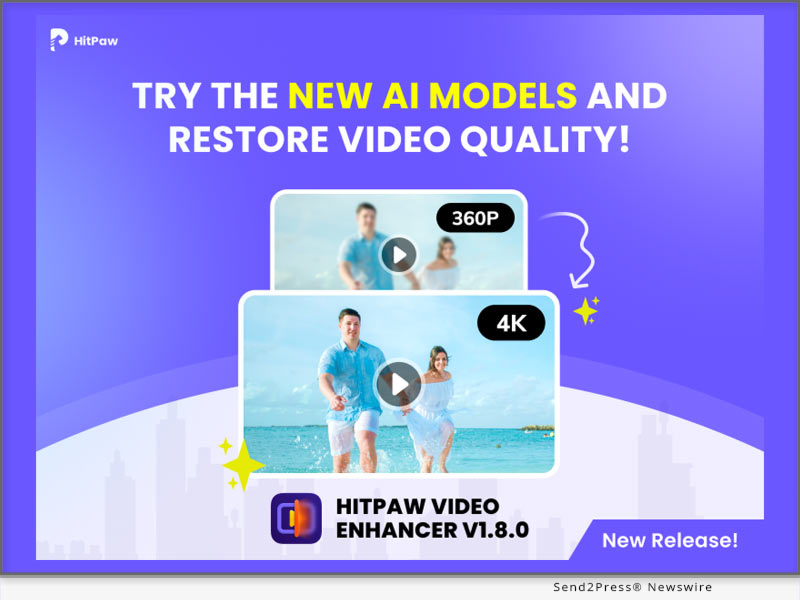
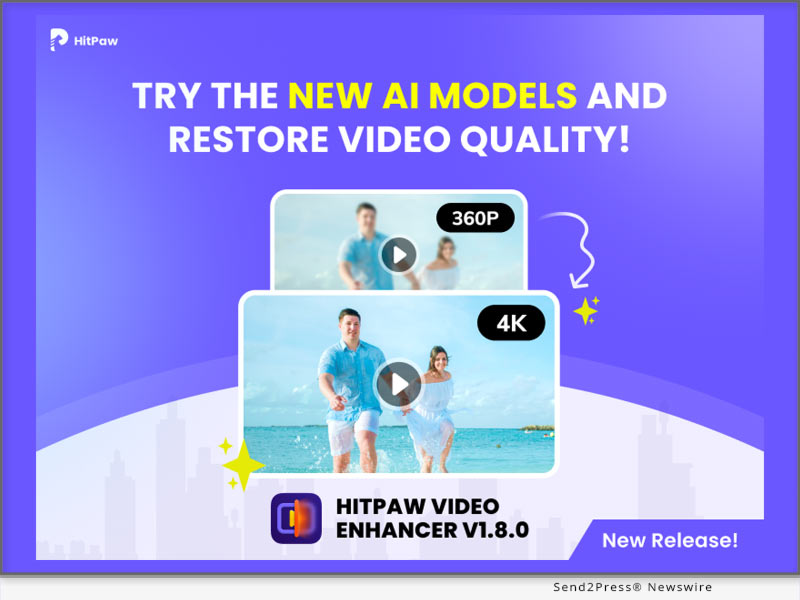
NEW YORK, N.Y. /ScoopCloud/ -- HitPaw, a leading software company, has announced the release of HitPaw Video Enhancer V1.8.0, and has provided major updates! This new version comes with advanced features that will enable you to create professional-looking videos with ease, make your videos more vibrant and appealing!

LET'S CHECK OUT THE NEW FEATURES:

* Model Download

One of the most exciting additions to the new version is the model download function. You can choose to download the video enhancement model you want. This greatly reduces the memory size of the product, making it faster when downloading and installing the product. This means users can now access more templates and effects to make their videos more engaging and visually appealing.

* Preview Duration

The latest version has upgraded the preview duration from 45 frames (about 3 seconds) to up to 75 frames(5 seconds)! This will make your preview experience better for viewing the enhanced video effect even you are using the free version.

* Frame Interpolation Model

Another impressive feature in the new version is the Frame Interpolation Model. This feature helps you to add extra frames between existing frames, making motion blur videos smoother.

* Video Stabilize Model

The Video Stabilize Model is another exciting addition to HitPaw Video Enhancer V1.8.0. This feature helps you to stabilize shaky footage, making it smoother and more professional-looking. With this feature, you do not need to worry about shaky footage shot in any situation.

Compatibility and Price

HitPaw Video Enhancer is compatible with both Windows 11/10 64-bit and MacOS 10.15 or later, making it accessible to a wide range of users.

HitPaw Video Enhancer V1.8.0 is easy to use, even for those who are new to video upscaling. You can also try out the new features for free during the trial period before deciding to purchase the software. With its advanced features and ease of use, HitPaw Video Enhancer V1.8.0 is the ultimate solution for blurry videos.

For more information, you can visit:

https://www.hitpaw.com/hitpaw-video-enhancer.html

https://www.hitpaw.com/purchase/buy-hitpaw-video-enhancer.html

https://www.hitpaw.com/purchase/buy-hitpaw-video-enhancer-mac.html

https://www.hitpaw.com/event/anniversary.html

About HitPaw

HitPaw is an emerging software company specialized in multi-media solutions such as video/photo editing, video/photo enhancing, voice changing, screen recording, watermark removing, etc. We help users turn their inspiration into reality so that we can generate more ideas to make the world be full of more creativity.

To know more about HitPaw, you could visit:

https://www.hitpaw.com/

https://www.hitpaw.com/about.html

Our Social Media

YouTube: https://www.youtube.com/channel/UCQwRggaotgiMcPbiCOsJeBA

TikTok: https://www.tiktok.com/@hitpaw

Facebook: https://www.facebook.com/HitPawofficial

X(Twitter): https://twitter.com/HitPawofficial

Instagram: https://www.instagram.com/HitPawofficial/

Pinterest: https://www.pinterest.com/HitPawofficialwebsite/
News from HitPaw

HitPaw, a leading software company, has announced the release of HitPaw Video Enhancer V1.8.0, and has provided major updates! This new version comes with advanced features that will enable you to create professional-looking videos with ease, make your videos more vibrant and appealing!

Related link: https://www.hitpaw.com/

This version of news story was published on ScoopCloud™ (ScoopCloud.com) - part of and © the Neotrope® News Network - all rights reserved.
HitPaw Video Enhancer V1.5.0 Update Released: Enhance Video More Efficiently

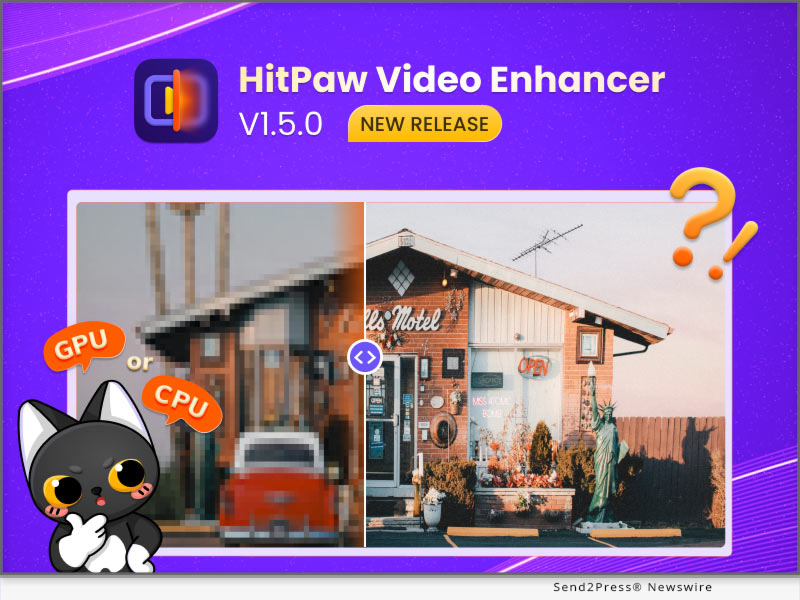
NEW YORK, N.Y. /ScoopCloud/ -- HitPaw recently released HitPaw Video Enhancer V1.5.0. The latest version of HitPaw Video Enhancer will make the process of enhancing videos smoother. One of the new features is that once the program accidentally crashes, you can continue the process directly after restarting the program. It is also worth mentioning that after this update, you can save the preview record when you using the program.

In addition to the above, the latest version also fixes some known issues. So this latest version will definitely amaze you.

Let's find out the exciting features of the Update for HitPaw Video Enhancer:

* Automatically Recover Progress

No matter what software we use, we always encounter such problems, the program may crash whether it is because of network fluctuation or hardware problems. We can't avoid such problems, but we can provide the best experience when you try our AI video enhancer tool. HitPaw Video Enhancer supports restoring your original video enhancement process after the program crashes so that you can continue enhancing directly from where you left off.

* Choose Actions After The Video Enhancement

Sometimes you will need the enhancement task finished automatically by HitPaw Video Enhancer and you have other things to be busy at. Don't want to waste any more electricity? Here's the solution, the latest version of HitPaw Video Enhancer enables you to choose actions. After your video-enhancing task is automatically completed, we provide the below options for you to choose from: shut down the computer, hibernate the computer, exit the program, or do nothing.

* Freely Choose CPU & GPU

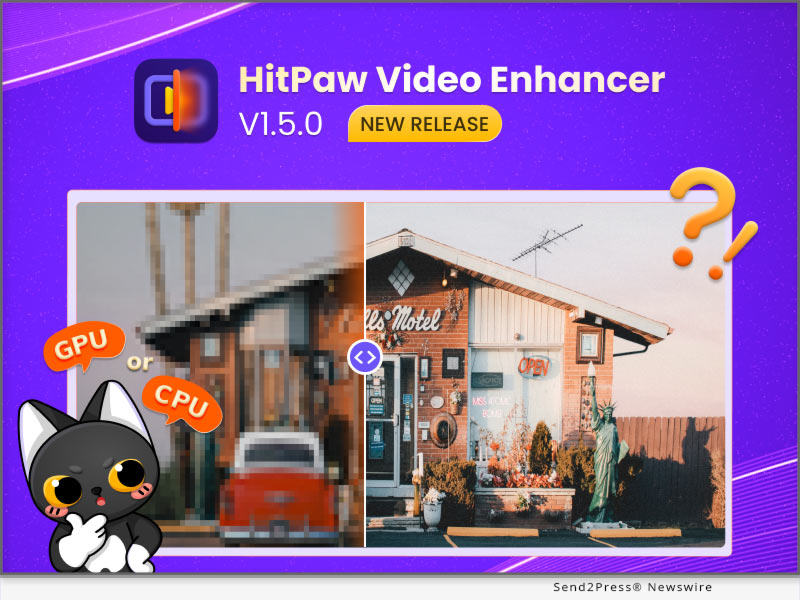
If your computer has equipped with multiple graphics cards, the previous versions of HitPaw Video Enhancer will select the most suitable one to run the video enhancing task automatically. With the release of this new version, you can now choose whether to run the task with CPU or GPU to get the most effective results your wish.

Compatibility and Price

HitPaw Video Enhancer is now compatible with Windows for 11/10 64-bit and MacOS Monterey. The Windows Version pricing starts from $42.99 per month, $99.99 per year, and $349.99 for the lifetime.

For more information checking, you can visit:

https://www.hitpaw.com/hitpaw-video-enhancer.html

https://www.hitpaw.com/purchase/buy-hitpaw-video-enhancer.html

About HitPaw

HitPaw is an emerging software company specialized in files compressing, video editing, screen recording, watermark removing, image editing, photo enhancing, etc. We help users turn their inspiration into reality so that we can generate more ideas to make the world be full of more creativity.

To know more, you may visit:

https://www.hitpaw.com/about.html

https://www.hitpaw.com/

Our Social Media

YouTube: https://www.youtube.com/channel/UCQwRggaotgiMcPbiCOsJeBA

Facebook: https://www.facebook.com/hitpawofficial

Twitter: https://twitter.com/HitPawofficial

Instagram: https://www.instagram.com/hitpawofficial/

Pinterest: https://www.pinterest.com/HitPawofficialwebsite/

News from HitPaw

HitPaw recently released HitPaw Video Enhancer V1.5.0. The latest version of HitPaw Video Enhancer will make the process of enhancing videos smoother. One of the new features is that once the program accidentally crashes, you can continue the process directly after restarting the program. It is also worth mentioning that after this update, you can save the preview record when you using the program.

Related link: https://www.hitpaw.com/

This version of news story was published on ScoopCloud™ (ScoopCloud.com) - part of and © the Neotrope® News Network - all rights reserved.
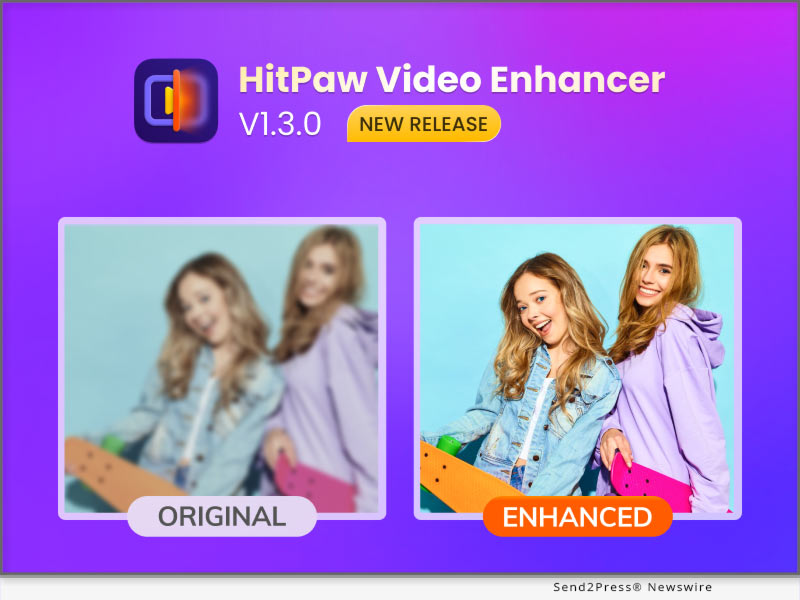
HitPaw Video Enhancer V1.3.0 Release: Enhance Video Smoothly with Virtual Memory

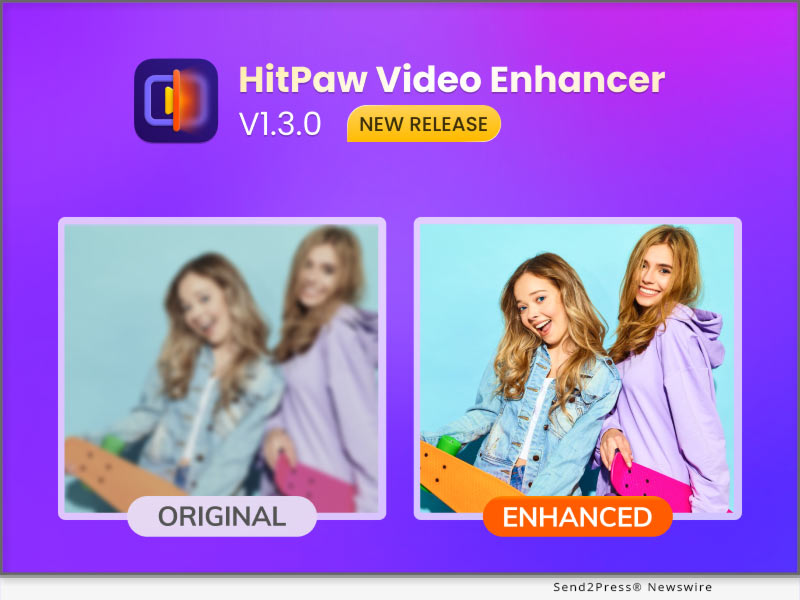
NEW YORK, N.Y. /ScoopCloud/ -- HitPaw recently released HitPaw Video Enhancer V1.3.0. The latest version of HitPaw Video Enhancer will support automatically enabling virtual memory, in order to make the process of enhancing videos smoother. And once the program accidentally crashes, you can continue the process directly after restarting the program. It is also worth mentioning that after this update, you can save the operation record when you close the program.

In addition to the above, the latest version also fixes some known issues. So this latest version will definitely amaze you.

Let's find out the wonderful features of the Update for HitPaw Video Enhancer:

-- Automatically Enable Virtual Memory

For many people, perhaps not enough computer configuration prevents them from using an AI video upscaler. You will be very distressed by the slow progress due to insufficient configuration. So HitPaw Video Enhancer will automatically enable the computer's virtual memory when you need it, which means your computer will have more RAM to improve the low-quality video and make the process easier.

-- Continue Process after the Program Crashing

No matter what software we use, we always encounter such problems, whether it is because of network problems or hardware problems that cause the program to crash. We can't avoid such problems, but we can provide the best experience when you try our video enhancer AI tool. HitPaw Video Enhancer supports restoring your original video enhancement process after the program crashes so that you can continue enhancing directly from where you left off.

-- Save Operation Records when Closed

The starting point of this feature is the same as the previous one. Sometimes when we close and reopen the program, we want to see the last operation record instead of re-enhancement from scratch. So HitPaw Video Enhancer supports saving the operation record when the program is closed so that you can continue to enhance the video next time.

Compatibility and Price

HitPaw Video Enhancer is now compatible with Windows for 11/10 64-bit and macOS Monterey. The Windows Version pricing starts from $42.99 per month, $99.99 per year, and $349.99 for the lifetime.

For more information checking, you can visit: https://www.hitpaw.com/purchase/buy-hitpaw-video-enhancer.html

About HitPaw

HitPaw is an emerging software company specialized in files compressing, video editing, screen recording, watermark removing, image editing, photo enhancing, etc. We help users turn their inspiration into reality so that we can generate more ideas to make the world be full of more creativity.

To know more, you may visit : https://www.hitpaw.com/about.html and https://www.hitpaw.com/

Our Social Media

YouTube: https://www.youtube.com/channel/UCQwRggaotgiMcPbiCOsJeBA

Facebook: https://www.facebook.com/hitpawofficial

Twitter: https://twitter.com/HitPawofficial

Instagram: https://www.instagram.com/hitpawofficial/

Pinterest: https://www.pinterest.com/hitpawcom/

News from HitPaw

HitPaw recently released HitPaw Video Enhancer V1.3.0. The latest version of HitPaw Video Enhancer will support automatically enabling virtual memory, in order to make the process of enhancing videos smoother. And once the program accidentally crashes, you can continue the process directly after restarting the program. It is also worth mentioning that after this update, you can save the operation record when you close the program.

Related link: https://www.hitpaw.com/

This version of news story was published on ScoopCloud™ (ScoopCloud.com) - part of and © the Neotrope® News Network - all rights reserved.