Tag Archives: Image Translator

How to Translate Images with the Best AI Image Translator in 2025

Transmonkey delivers powerful image translation that converts embedded text across 130+ languages while maintaining design integrity

LONDON, U.K., May 16, 2025 (SEND2PRESS NEWSWIRE) — In 2025, artificial intelligence is making it easier than ever to translate images across different languages. According to Transmonkey, its latest image translator update now allows users to quickly and accurately translate text in images into more than 130 languages, all while perfectly preserving the original layout. This makes sharing and localizing visual content simple for everyone—from businesses and educators to travelers and creators.
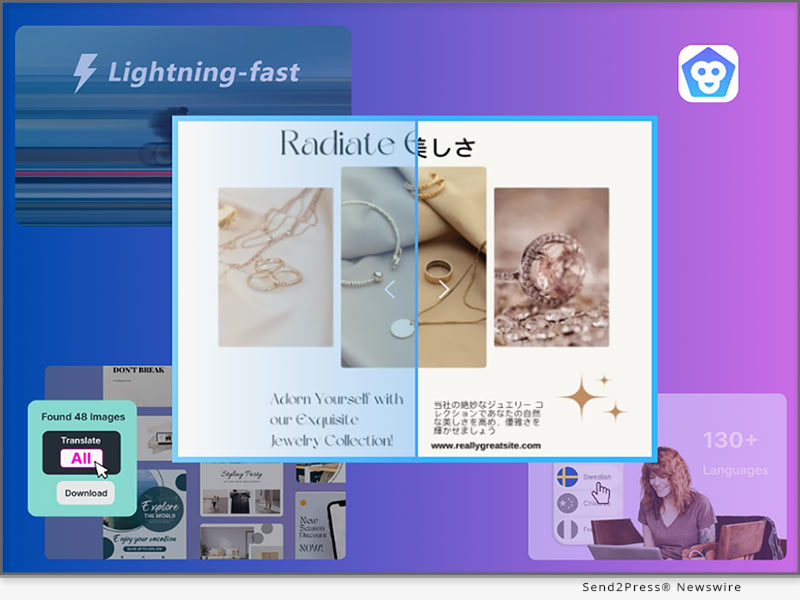
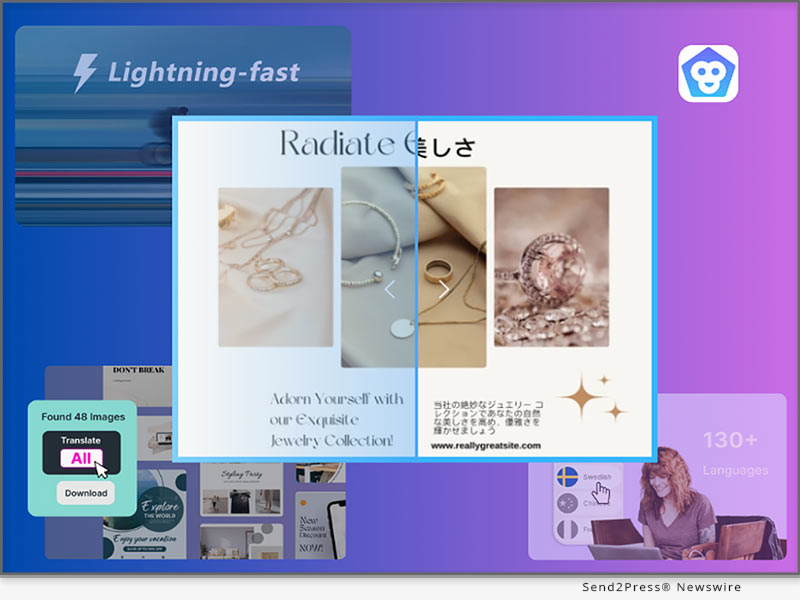
Image Generator - Professional translation images, suitable for various scenarios
Image caption: Image Generator – Professional translation images, suitable for various scenarios.

WHAT IS TRANSMONKEY?

Transmonkey delivers powerful image translation that converts embedded text across 130+ languages while maintaining design integrity. Using advanced OCR technology and contextual AI algorithms, this browser-based platform achieves 98% accuracy for diverse content—from documents and handwritten notes to comics and spreadsheets—with no installation required.

With over 100,000 users worldwide, Transmonkey has become one of 2025’s most versatile image translation solutions, making multilingual content accessible to all.

HOW TO TRANSLATE IMAGES WITH TRANSMONKEY

Translating images with Transmonkey is easy. Here’s how you can do it:

  1. Visit the platform: Go to the Transmonkey Image Translator in your browser. There’s no need to download anything.
  2. Upload your image: Click the upload button and choose the image you want to translate. You can use JPG, PNG, PDF, and other common formats.
  3. Choose languages: Select the original language, or let AI detect it for you. Then, choose the language you want the image translated into.
  4. Review and download: Get your translated image with preserved layout in seconds.

Tip:If you have a lot of images, you can upload and translate them all together. This is great for businesses or anyone who works with lots of pictures.

Our platform offers batch processing for multiple images, ideal for businesses and content creators targeting international audiences.

WHY TRANSMONKEY LEADS 2025’S IMAGE TRANSLATION MARKET

Transmonkey stands out with several key advantages in image translation:

  • Extensive Language Support: 130+ languages, exceeding most competitors
  • Design Preservation: Unique ability to maintain original layouts during translation
  • Contextual Intelligence: Advanced AI that considers visual context for accuracy
  • Format Flexibility: Support for multiple file formats including JPG, PNG, PDF
  • Efficient Batch Processing: Translate multiple images simultaneously

PRACTICAL APPLICATIONS TRANSFORMING INDUSTRIES

Transmonkey’s technology creates value across multiple sectors:

  • Travel: Instantly translate foreign menus, signs, and directions
  • Education: Convert foreign language materials into accessible study resources
  • Entertainment: Enjoy global visual content such as comics, movies, and images in your native
  • Business: Localize marketing materials for international markets without redesign

“AI-powered image translators are democratizing visual information across languages. For accuracy, speed, and visual fidelity, Transmonkey stands among 2025’s premier solutions,” said a company spokesperson.

ABOUT TRANSMONKEY:

Transmonkey instantaneously translates text in photographs into over 130 languages while maintaining the beauty and integrity of your images, hence overcoming linguistic boundaries. Transmonkey enables multilingual picture communication simple and imaginative, whether you’re educating, sharing memories, or reaching audiences throughout the world.

Ready to experience seamless image translation? Start your free trial at https://www.transmonkey.ai/ or contact our team for business solutions.

NEWS SOURCE: Transmonkey


This press release was issued on behalf of the news source (Transmonkey), who is solely responsible for its accuracy, by Send2Press Newswire. Image, if any, was provided by the news source and not this website or the wire service. Information is believed accurate, as provided by the news source, but is not guaranteed.

To view the original story, visit: https://www.send2press.com/wire/how-to-translate-images-with-the-best-ai-image-translator-in-2025/

Copr. © 2025 Send2Press® Newswire, Calif., USA. -- REF: S2P STORY ID: S2P126243 NOREL-3B
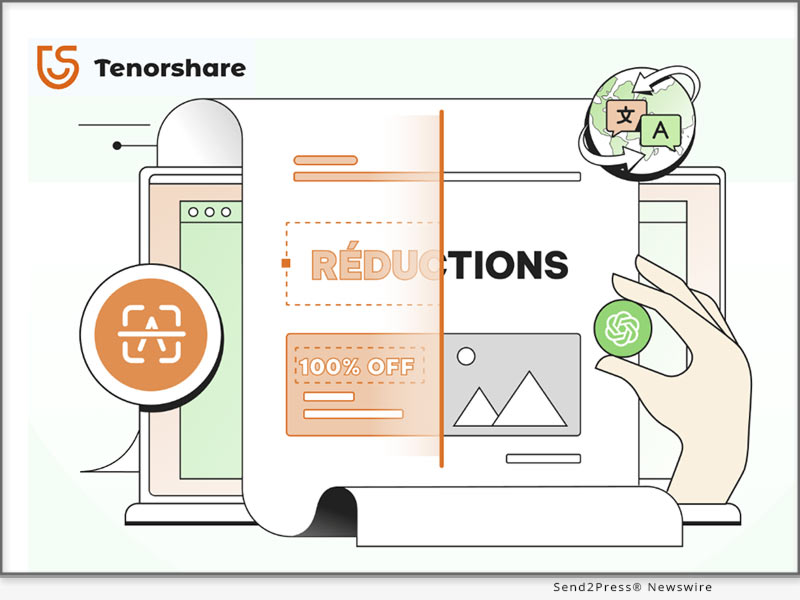
 

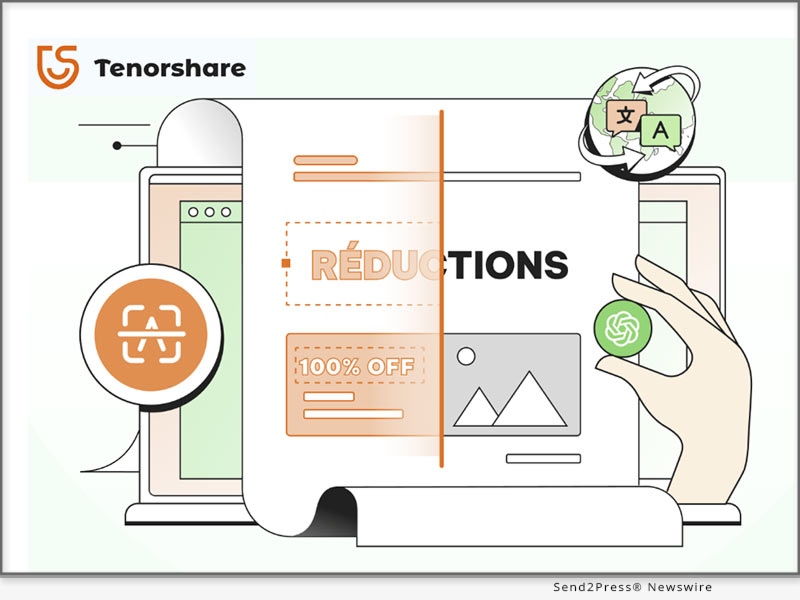
Best Image Translator Online Free for PC – Top-Pick from Tenorshare

NEW YORK, N.Y., Dec. 11, 2024 (SEND2PRESS NEWSWIRE) — Translating text from images is essential for tasks like reading signs, menus, social media posts, or product reviews. However, not all AI image translators provide the same accuracy or language support. It’s important to choose one that reliably recognizes and translates text in multiple languages, says Tenorshare.

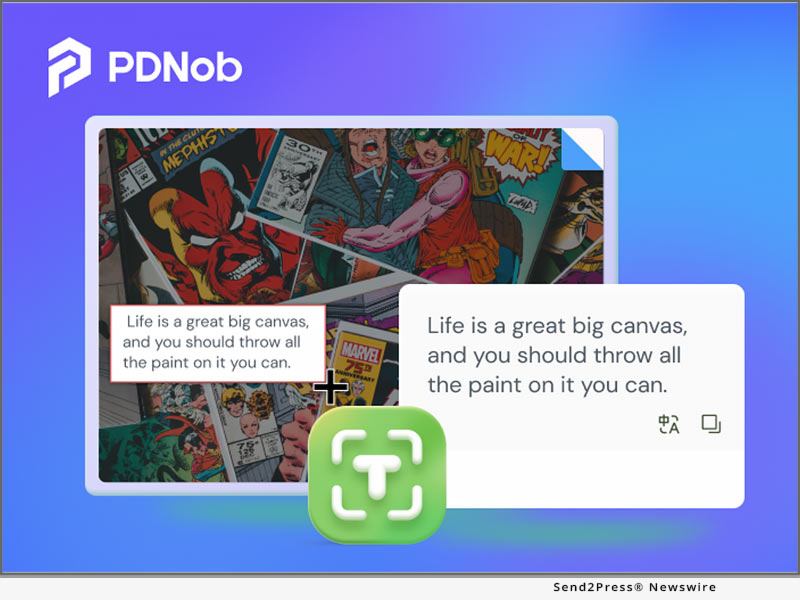
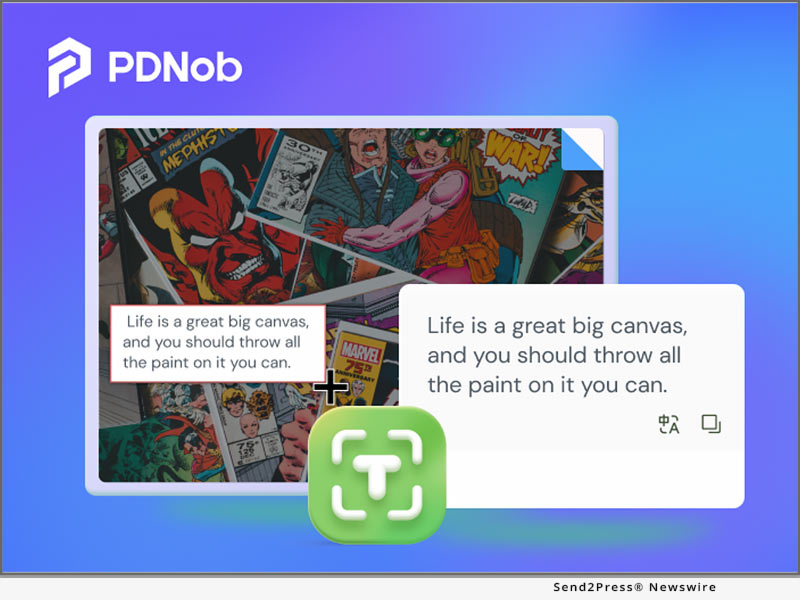
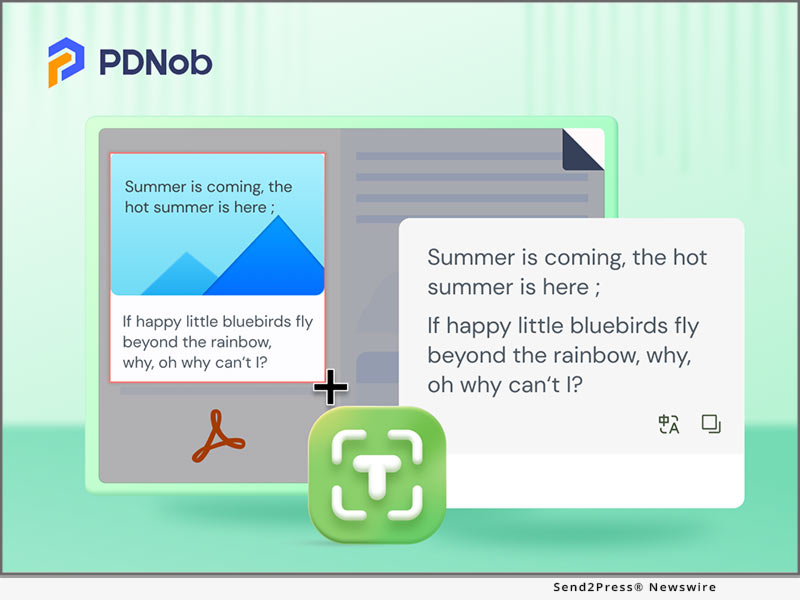
Tenorshare PDnob Image Translator
Image caption: Tenorshare PDnob Image Translator.

So what would be your most suitable option and the best image translator? Let’s explore it and find out how it works.

TOP REASONS TO CHOOSE THE BEST IMAGE TRANSLATOR FOR PC

There are many reasons you might want the best image translator for free for PC, But here are the most common ones:

  • It comes with advanced technology to identify and translate text into images.
  • It offers precision for accurate recognition and translation to access global content, including signs, menus, and research papers.
  • It quickly translates images, PDFs, and scanned files to simplify teamwork with international groups.
  • It enables you to practice language skills and explore cultural content.

BEST AI IMAGE TRANSLATOR ONLINE FREE FOR PC [GPT-4O POWERED]

The Tenorshare PDnob Image Translator is the best photo translator app, better than most best image translator online tools that extract text from images easily.

Here are this tool’s key features:

  • Capture and Translate in Real-Time – It can take screenshots and translate text directly from them in real-time.
  • Edit Text Directly on Your Image – No need to edit separately. You can edit directly on images.
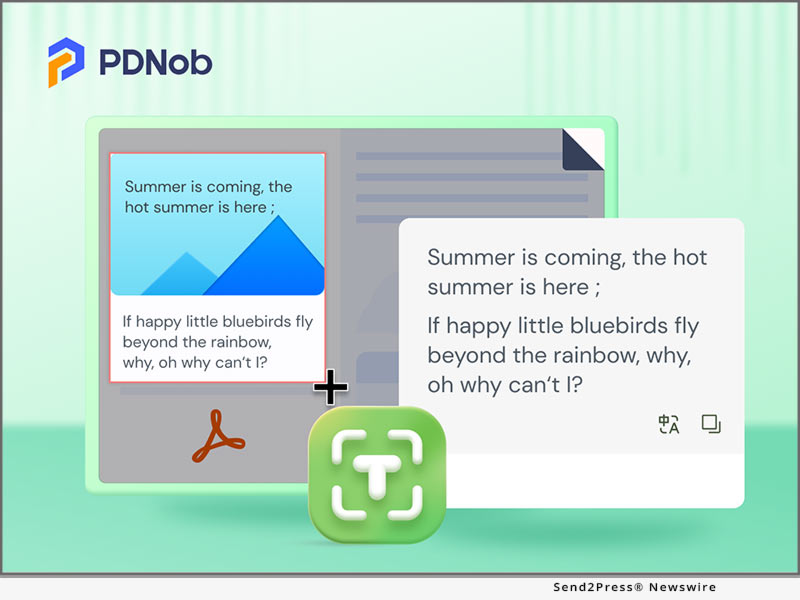
  • Best Adobe Alternative – It’s a great alternative to Adobe’s image-to-text converter tools. This tool can convert unselectable PDF text into editable formats.
  • AI Assistant GPT-4o Powered – Offers a GPT-4o powered AI assistant with OCR intelligence to recognize images and then extract text from them with precision.
  • Support Most OCR – Handle multiple OCR images simultaneously, translating PNG, JPG, JPEG, and TIFF images to TXT, DOC, and DOCX.
  • Supported Languages – Works with languages like English, Spanish, Chinese, Korean, Japanese, and more.
  • Handwriting Conversion – The best image translator to translate handwritten notes into typed text.
  • Cross-Platform – Compatible with Windows (10-11) and macOS (115+).

HOW TO USE THE BEST AI IMAGE TRANSLATOR EASILY?

Here’s how to use the best image translator for PC easily:

Step 1: Download the free AI Image translator from Tenorshare official website on your computer. Then, press “Ctrl+I” to choose “Import Images.” Hold “Ctrl” to select multiple images at once.

Step 2: Choose an image to process. The OCR results will appear on right. Pick a target language for translation if needed.

Learn more: https://www.tenorshare.com/products/free-ai-image-translator.html

About Tenorshare:

Tenorshare is a trusted software company with years of expertise and millions of satisfied users worldwide. Specializing in innovative tools like the Image Translator, featuring advanced OCR technology and powered by GPT-4o, it offers reliable solutions for translating text from images and PDFs, translating global content without a hitch, and enhancing productivity and efficiency.

YouTube: https://www.youtube.com/@TenorshareOfficial/videos

Facebook: https://www.facebook.com/TenorshareOfficial/

NEWS SOURCE: Tenorshare Co. Ltd.


This press release was issued on behalf of the news source (Tenorshare Co. Ltd.), who is solely responsible for its accuracy, by Send2Press Newswire. Image, if any, was provided by the news source and not this website or the wire service. Information is believed accurate, as provided by the news source, but is not guaranteed.

To view the original story, visit: https://www.send2press.com/wire/best-image-translator-online-free-for-pc-top-pick-from-tenorshare/

Copr. © 2024 Send2Press® Newswire, Calif., USA. -- REF: S2P STORY ID: S2P122763 NOREL-3B


New PDNob Manga Translator Accurately Translates Multiple Pages of Your Foreign Comics to Native Language On the Go

ROCHESTER, Minn. /ScoopCloud/ -- If you're a comic fanatic, you must agree the artistic illustrations in Manga, are not only enticing but also exciting. This experience is, however, short-lived especially if you can't read the foreign text in the speech bubbles. The good news is, PDNob Inc. has upgraded its flagship translation software; PDNob Manga Translator to allow readers to perform batch OCR on multiple Manga pages as well as save time with automatic translation to your native language, tackling the problem on how to translate manga.

"Manga comics are known for their incredibly rich stories in fantasy adventures, superheroes, and monsters, but most people just cut themselves off from the wonderful world of these foreign comics because they aren't equipped with manga translator app thus don't know how to translate manga," says CEO of PDNob Inc. "With our newer version of PDNob Manga Translator 2.0.0, you don't have to know foreign languages to read. You can have all pages of your favorite Manga automatically translated to your native language and enjoy the experience. We hope this app will be your go to Manga and anime comic translator app. Happy reading."

See What's new in PDNob Manga Translator 2.0.0:

WHAT'S NEW?

1 - Enhanced batch screen translator for manga function

You can now take multiple screenshots of your favorite Manga or import image files, and have the best manga translator app automatically perform a batch screen OCR on each page consecutively - and convert them to .txt, .doc, and docx.

2 - Automatic translation when OCR is active

Once batch OCR is complete, you can choose your preferred native language and have the text translated in seconds, depending on the number of pages you have scanned.

3 - Result editor and export function of the Comic translator is added

In the editor, or simply the result viewer, you can edit batch OCR text and export it to other editors in txt., doc., or docx. file formats.

"PDNob has always been on an amazing mission to connect Manga & anime fans across the globe through our Manga translator v2.0.0," added CEO of PDNob Inc.

Learn more: https://www.pdnob.com/products/pdnob-image-translator.html

Availability of PDNob Manga Translator:

PDNob Image Translator is available for installation in Mac OS version 12.0 and newer, and Windows version 7 to 11.

About PDNob Inc.:

PDNob Inc. is a leading software developer of highly functional, ergonomic, and user-friendly software aimed to help users maximize their efficiency, productivity, comfort/enjoyment and bring life to any content displayed on a computer, mobile, or tablet - in any language. Learn more: https://www.pdnob.com/

Follow or contact us via:

Facebook: https://www.facebook.com/pdnobofficial/

YouTube: https://www.youtube.com/channel/UCh-2UkwRqv505_-w-ZY225A

Reddit: https://www.reddit.com/user/PDNob

News from PDNob

If you're a comic fanatic, you must agree the artistic illustrations in Manga, are not only enticing but also exciting. This experience is, however, short-lived especially if you can't read the foreign text in the speech bubbles. The good news is, PDNob Inc. has upgraded its flagship translation software; PDNob Manga Translator.

Related link: https://www.pdnob.com/

This version of news story was published on ScoopCloud™ (ScoopCloud.com) - part of and © the Neotrope® News Network - all rights reserved.

Screenshot Translator Allows You to One-Click Translate Image On Screen: PDNob Image Translator

NEW YORK, N.Y. /ScoopCloud/ -- Users found the latest version of PDNob Image Translator extremely useful, especially with its ability to translate image on screen. It is expected that more people who use their computers for work, research, and other activities will welcome the screen translator. It effectively negates frustration when users are faced with foreign languages images that need to be translated.

The continuous pledge to keep upgrading the product is reflected in the very words of the product director: "We're excited to unveil PDNob Image Translator 1.0.1, which help you translate image on screen more easily. Whether you need to use it for your work, study, or life, our ultimate goal is to bring you a better user experience," said Rachel Jones. "We'll keep on developing this useful tool until it satisfies most of our users' needs."

See What PDNob Image Translator 1.0.1 covers:

PDNob Image Translator 1.0.1 has added new and exciting features to the current version of the screen translator. These new features will further enhance real-time screen translation that allows users to translate image on screen, saving time and stress by boycotting and eliminating the need to type words out first. This screen translator PC can easily extract font from image and PDF by using screenshots and the optical character recognition (OCR) technique. Users can peruse the company's website to learn how to use the PDNob image translator effectively.

Here is a rundown of the features of PDNob Image Translator:

1 - Supports recognition of up to 8 languages, and can translate over 100 languages.

2 - The screenshot translator uses Screenshot & OCR technique to extract text from image and PDF.

3 - Support copying and editing the captured or translated text.

4 - Allows users to customize hotkeys making the capture-OCR process more convenient.

5 - UI optimization: Users will find this version easy to use and enjoyable, as the engineers have improved the user interface.

6 - Path optimization: The software Algorithm has been improved to reduce unnecessary motions.

Price and availability:

The PDNob 1.0.1 is readily available and offers a free trial period to users. It works with any personal computer with macOS or Windows OS.

Learn more at: https://www.pdnob.com/products/pdnob-image-translator.html

About PDNob:

PDNob is a team of 100 professional engineers who use their leading expertise to create unique solutions to improve work performance. It takes pride in producing high-quality products that help users increase productivity, such as PDNob Image Translator, PDNob Mind Map and PDNob Shortcuts. Their products and services have over 25 million users and 60 million downloads worldwide.

Facebook: https://www.facebook.com/pdnobofficial/

YouTube: https://www.youtube.com/channel/UCh-2UkwRqv505_-w-ZY225A

Reddit: https://www.reddit.com/user/PDNob

News from PDNob

Users found the latest version of PDNob Image Translator extremely useful, especially with its ability to translate image on screen. It is expected that more people who use their computers for work, research, and other activities will welcome the screen translator. It effectively negates frustration when users are faced with foreign languages images that need to be translated.

Related link: https://www.pdnob.com/

This version of news story was published on ScoopCloud™ (ScoopCloud.com) - part of and © the Neotrope® News Network - all rights reserved.