Tag Archives: iOS MDM Unlocker

How to Bypass Remote Management Lock on an iPhone or iPad

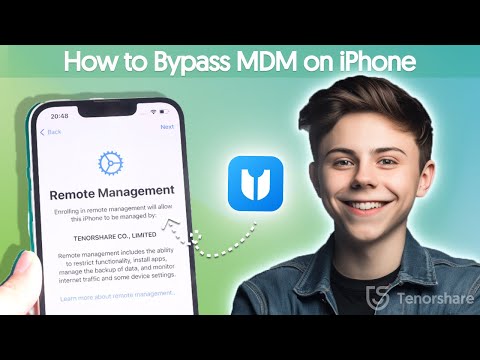
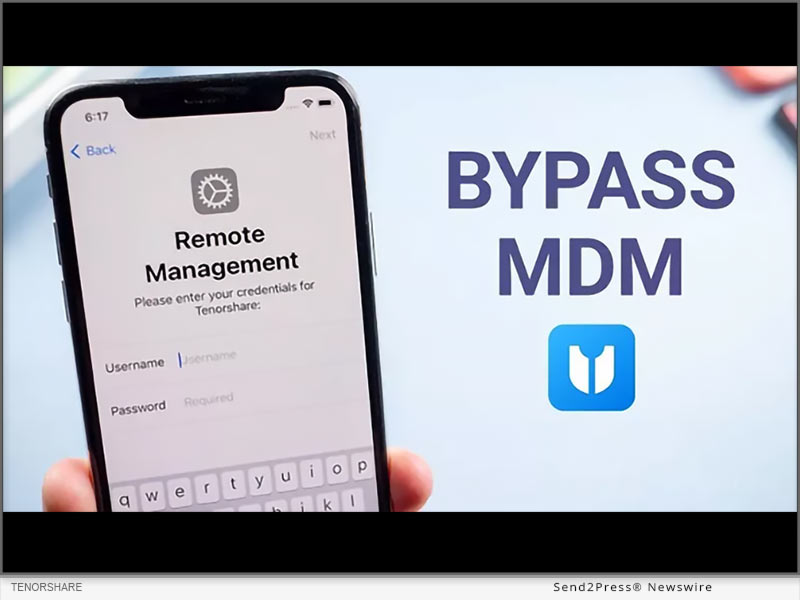
NEW YORK, N.Y. /ScoopCloud/ -- Have you ever encountered a situation where your iPhone or iPad is locked by a remote management iPhone? "A user of an iPhone/iPad can remove MDM from their device via the Settings menu, without requiring a computer. The problem is that many people buy second-hand devices or forget their MDM passwords," says a Tenorshare spokesperson.

But fear not! We have the solution to your problem. Tenorshare's 4uKey is here to unlock your device's true potential, and we'll show you how to bypass remote management on iPhone.

VIDEO (YouTube): https://www.youtube.com/watch?v=zv9CsTDp50Q

What is Remote Management Lock on iPhone/iPad?

Remote Management Lock, or Mobile Device Management (MDM), is a security feature commonly used by organizations to control and protect their devices. However, there are times when you may need to bypass it, like when you forget your MDM password or purchase a second-hand device with restrictions in place. In these situations, 4uKey iOS unlocker by Tenorshare comes to your rescue.

How to remove remote management from iPhone/iPad without password

1. Dedicated features of 4ukey

* Let users turn off Screen Time restrictions without losing any data.

* Remove MDM restrictions on iOS devices, so users can use them without logging in.

* Unlock Any iPhone/iPad without needing a passcode.

* Works perfectly with the latest iOS 17 and iPhone 15.

* It is compatible with Mac and Windows.

2. Steps to remove remote management iPad/iPhone

Step 1: Download 4uKey and open it on your computer. Click "Bypass MDM" on the main screen to start.

Step 2: Connect your iOS device to your computer with a USB cable and ensure that you trust the computer.

Step 3: After 4uKey recognizes your device, click "Start." Remember to turn off Find My iPhone before proceeding.

Step 4: In just seconds, 4uKey will successfully remove the MDM lock, and your device will restart. The best part? You won't lose any data.

More Than Bypass MDM - 4uKey Review

In addition to MDM bypass, 4uKey offers a range of powerful functions to enhance your iOS device experience:

Unlock iPhone: Remove iDevice password, whether it's a 4 or 6-digit PIN, Touch ID, or Face ID.

Factory Reset iPhone: 4uKey allows you to factory reset your iPhone without any data loss.

Bypass Screen Time Passcode: Easily remove the Screen Time passcode, regaining full control of your device.

Learn more: https://www.tenorshare.com/iphone-tips/how-to-bypass-remote-management-iphone-lock.html

About Tenorshare:

Tenorshare, the visionary behind 4uKey, is dedicated to delivering efficient and reliable smartphone solutions for both iOS and Android users. When in search of how to bypass MDM on iPhone/iPad, Tenorshare 4uKey emerges as the ultimate solution. With its robust features and user-friendly interface, it secures its position as the premier choice for MDM bypass, ensuring data security.

More information: https://www.tenorshare.com/

Facebook: https://www.facebook.com/TenorshareOfficial/

X/Twitter: https://twitter.com/Tenorshare_Inc

YouTube: https://www.youtube.com/user/TenorshareOfficial/videos

TikTok: https://www.tiktok.com/@tenorshare_tech_tips
News from Tenorshare Co. Ltd.

Have you ever encountered a situation where your iPhone or iPad is locked by a remote management iPhone? "A user of an iPhone/iPad can remove MDM from their device via the Settings menu, without requiring a computer. The problem is that many people buy second-hand devices or forget their MDM passwords," says a Tenorshare spokesperson.

Related link: https://www.tenorshare.com/

This version of news story was published on ScoopCloud™ (ScoopCloud.com) - part of and © the Neotrope® News Network - all rights reserved.
How to Remove MDM From Apple iPhone and iPad in 2023

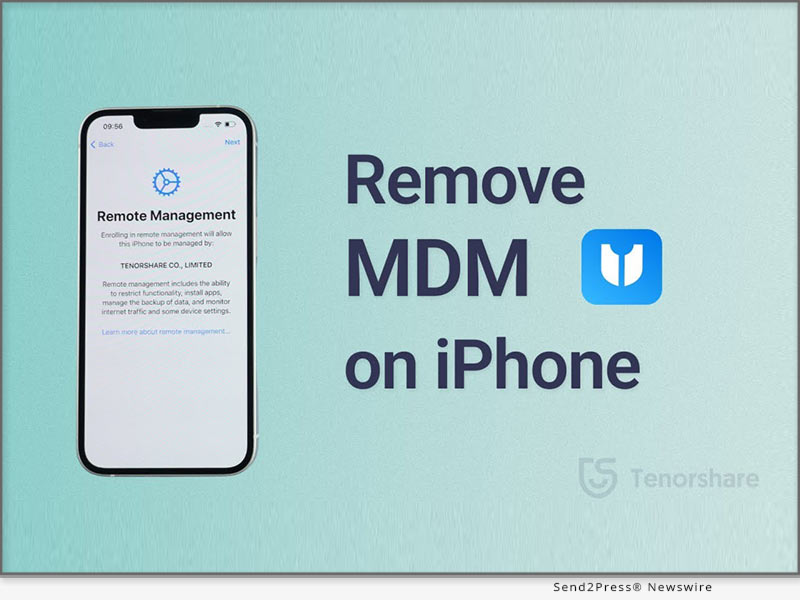
NEW YORK, N.Y. /ScoopCloud/ -- Have you been stuck on the "Remote Management" login screen and been anxious about how to remove MDM Profile from iPhone/iPad without a password? To remove MDM from iPhone/iPad, users will have to enter their security credentials. The trouble arises when they forget the password. If you find yourself in a similar situation, there is no need to worry. Tenorshare brings you a quick way to remove MDM from iPad without password with the help of its MDM Unlocker - 4uKey.

Check out below to know how to remove MDM from iPhone/iPad using this tool.

VIDEO: https://youtu.be/0KjWJ53DJR0

How to Remove MDM from iPad or iPhone Via Settings?

A Mobile Device Management (MDM) profile helps organizations or institutes monitor iOS devices and their activities, which can erase or lock devices or install apps when required. Unfortunately, you cannot bypass MDM on iPad or iPhone without knowing password. However, if you have the administrator rights or know the passcode, here's how to Remove MDM from iPhone or iPad via Settings:

Choose Settings > General > VPN & Device Management> MDM Profile and Remove Management. You won't find these settings if your MDM profile is not installed.

"It is possible for iPhone/iPad users to remove MDM from their Device via Settings without requiring a computer. But many times, they are unable to do so since they bought a second-hand Device or forgot the passcode to the MDM profile," says a Tenorshare spokesperson. "Hopefully, Tenorshare MDM solution has your back without passcode."

Can We Get Rid Of MDM from iPhone/iPad without Password? [iOS 16 Supported]

Of course, you can. If you forgot the passcode to MDM or bought a second-hand device, you cannot remove MDM via Settings. But Tenorshare iPhone Unlocker can bypass MDM profile from iPad without passcodes.

Quickly follow the below guide for iPhone/ iPad MDM Lock Removal with Tenorshare 4uKey:

* Open 4uKey and choose "Bypass MDM."

* Connect your iPhone or iPad to your computer, press "Trust This Computer."

* Then click "Start." And wait for minutes until the MDM profile will be removed.

https://www.tenorshare.com/products/4ukey-unlocker.html

https://www.tenorshare.com/iphone-tips/how-to-remove-mdm-from-iphone-ipad.html

https://www.tenorshare.com/unlock-iphone/apple-mdm-solution.html

In addition to removing MDM profile from iPhone/iPad within seconds, 4uKey as Tenorshare iPhone Password Manager also has fabulous features.

* Remove 4-6 digit passwords from iOS devices.

* Bypass Face and Touch ID and Screen Time password.

* Unlock inaccessible iOS devices without iTunes or iCloud backup.

* Supports current iOS 14, 15, and 16 devices.

About Tenorshare

It's common for iPhone and iPad users to forget or unknown the passcode to their MDM profile. However, Tenorshare iPhone/iPad MDM Lock Removal offers a quick solution to bypass MDM from iPhone/iPad without a passcode. Tenorshare 4uKey is also compatible with iOS 16 on iPhone 14 models. It is the best evidence of Tenorshare's reliability, professionalism, and servitude in developing innovative smartphone solutions to help iOS users worldwide.

More information: https://www.tenorshare.com/

Facebook: https://www.facebook.com/TenorshareOfficial/

Twitter: https://twitter.com/Tenorshare_Inc

YouTube: https://www.youtube.com/user/TenorshareOfficial/videos

News from Tenorshare Co. Ltd.

Have you been stuck on the "Remote Management" login screen and been anxious about how to remove MDM Profile from iPhone/iPad without a password? To remove MDM from iPhone/iPad, users will have to enter their security credentials. The trouble arises when they forget the password. If you find yourself in a similar situation, there is no need to worry. Tenorshare brings you a quick way to remove MDM from iPad without password with the help of its MDM Unlocker - 4uKey.

Related link: https://www.tenorshare.com/

This version of news story was published on ScoopCloud™ (ScoopCloud.com) - part of and © the Neotrope® News Network - all rights reserved.