Tag Archives: mobile data transfer

How to Transfer Whatsapp from Android to iPhone without Factory Reset from Tenorshare [iPhone 16 Supported]

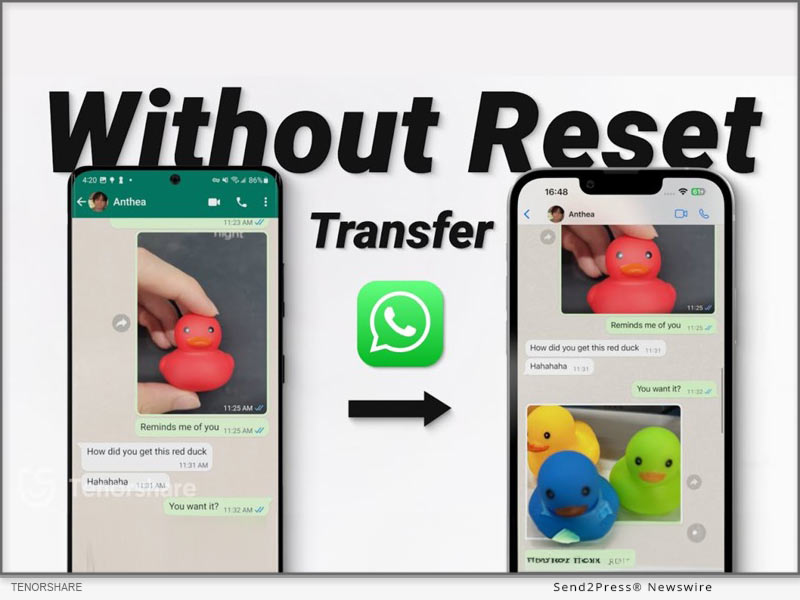
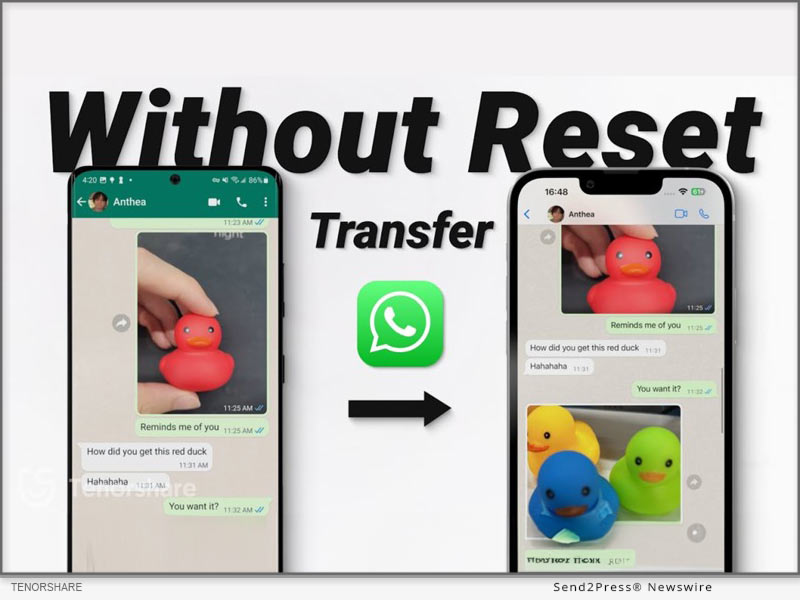
NEW YORK, N.Y. /ScoopCloud/ -- For a long time, Android users have found it difficult to transfer their WhatsApp content to old iPhones. This is because Apple doesn't allow you to transfer WhatsApp from Android to iPhone without factory reset, says Tenorshare. However, there are numerous ways to transfer WhatsApp without resetting. We'll share 3 most popular ones with you.

HOW TO TRANSFER WHATSAPP FROM ANDROID TO IPHONE WITHOUT FACTORY RESET IN MINUTES [EASY]

If you're short on time Tenorshare iCareFone Transfer can move WhatsApp from Android to iPhone without factory reset in a few minutes.

Below are key features:

* High-Speed Transfer - Can transfer WhatsApp Business from Android to iPhone without a factory reset, and merge WhatsApp on both devices.

* Secure and Private - Ensures your privacy by securely backing up, restoring, and managing WhatsApp data on your computer.

* Comprehensive Backup & Restore - Lets you back up, restore, and manage data from WhatsApp, WhatsApp Business, GBWhatsApp, Kik, Viber, and Google Drive and export chat history as HTML files.

* Support the latest iOS 18 and iPhone 16/14/13/12 and Earlier Models - Compatible with all iOS versions, including iPhone 16, and Android models from version 2 to 14.

HERE'S HOW TO MOVE WHATSAPP FROM ANDROID TO IPHONE WITHOUT FACTORY RESET WITH TENORSHARE ICAREFONE TRANSFER:

Step 1: Open iCareFone Transfer on computer. Choose "WhatsApp."

Step 2: Then, attach Android and iPhone to PC. Pick "Transfer." Select WhatsApp data and transfer it successfully.

HOW TO TRANSFER WHATSAPP FROM ANDROID TO IPHONE WITHOUT FACTORY RESET FREE?

If you're looking for a free method to transfer WhatsApp chats from Android to iPhone without factory reset, you can try Google Drive Backup and Manual Export. However, this won't fully integrate the chats into WhatsApp on iPhone but gives you a readable backup.

Here is how:

Step 1: Open WhatsApp on your Android device and go to "Settings > Chats > Chat backup." Back up your chats to Google Drive and export the desired chats.

Step 2: Email the exported chats and view them on your iPhone.

HOW TO TRANSFER WHATSAPP FROM ANDROID TO IPHONE WITHOUT FACTORY RESET OR COMPUTER?

"Email Chat" is a good option to move WhatsApp from Android to iPhone without factory reset. But it doesn't allow direct restoration to WhatsApp and can only move chats:

Step 1: Open WhatsApp, choose "Settings" > "Chats" > "Chat History." Tap "Export chat."

Step 2: Select your contact, choose your email address, and send chat. Then, log in to your account to receive it.

About Tenorshare:

Tenorshare iCareFone Transfer offers best solution to migrate WhatsApp from Android to iPhone without factory reset, allowing selective recovery. The smartphone solution provider behind this innovation, Tenorshare is holding a Giveaway Event to celebrate release of iOS 18. Users will get a great chance at winning iPhone 16 by taking part in Tenorshare iOS 18 & iPhone 15 events.

YouTube: https://www.youtube.com/@TenorshareOfficial

Facebook: https://www.facebook.com/TenorshareOfficial/
News from Tenorshare Co. Ltd.

For a long time, Android users have found it difficult to transfer their WhatsApp content to old iPhones. This is because Apple doesn't allow you to transfer WhatsApp from Android to iPhone without factory reset, says Tenorshare. However, there are numerous ways to transfer WhatsApp without resetting. We'll share 3 most popular ones with you.

Related link: https://www.tenorshare.com/

This version of news story was published on ScoopCloud™ (ScoopCloud.com) - part of and © the Neotrope® News Network - all rights reserved.
How to Transfer Data From Android to iPhone After Setup? Tenorshare iCareFone iTransGo is Launched

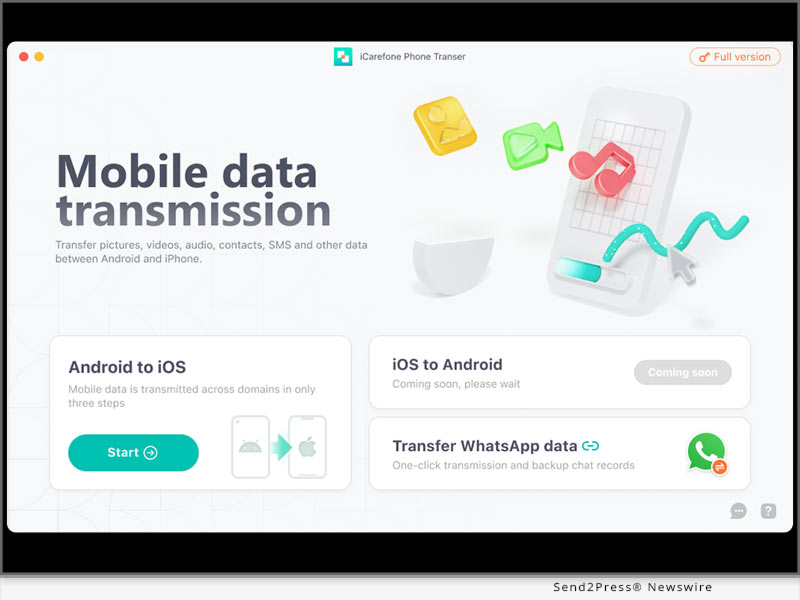
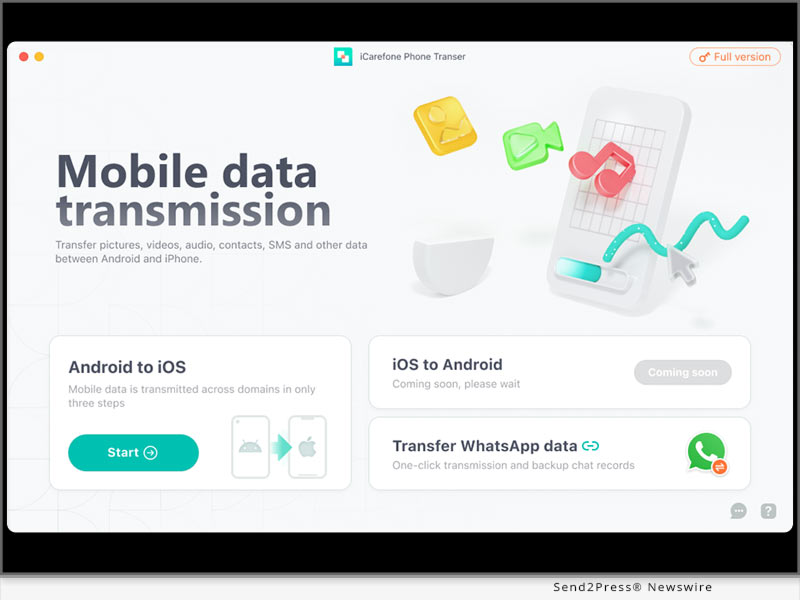
NEW YORK, N.Y. /ScoopCloud/ -- Have you switched Android to iPhone and wondered how to transfer data from Android to iPhone after setup? As a leading data transfer solutions provider, Tenorshare has a newly perfect innovation to transfer data from Android to iPhone after setup: Tenorshare iCareFone iTransGo.

"It is challenging to transfer data from Android to iOS as making the switch to iOS comes with countless limitations. However, Tenorshare has launched 'Move to iOS Alternative', bringing a seamless data transfer experience without any limitations," says a Tenorshare spokesperson.

Will Move to iOS fail to transfer Android data to iPhone?

To some extent, "Move to iOS" would fail to transfer data from Android to iOS. It may show errors like the "move to iOS transfer interrupted" if the Wi-Fi is unstable or the "move to iOS not connecting" if stuck at data transfer. And a factory reset is required if your iPhone is already set up. Furthermore, you cannot choose the data type to transfer so it takes 7-8 hours to transfer.

However, iCareFone iTransGo offers a 99% success rate in transferring data without errors. You can selectively transfer data type and volume and move data from Android to iOS in minutes without factory reset. In addition, it is 100% privacy protected.

How to Transfer Data From Android to iPhone After Setup?

Let's dive in to know how to transfer data from Android to iPhone using iCareFone iTransGo:

* Download and install iTransGo on your PC.

* Launch the tool and connect your devices to it.

* Choose to transfer data from Android to iPhone using PC.

* Finally, it will be transferred successfully.

KEY FEATURES OF TENORSHARE ICAREFONE ITRANSGO

* No Reset Required to Transfer Data From Android to iPhone After Setup

iCareFone iTransGo nearly supports all types of data to move from Android to iPhone without resetting, including contacts, photographs, videos, audio, etc.

* Selectively Transfer the Data You Need Instead of a Full Restore

It supports the unlimited transfer of different file formats and can move calendars and contacts to your new iPhone without data loss. You can choose the data you wish to transfer while leaving what you don't want to.

* High Compatibility to Switch Android to iPhone

It supports over 8000 kinds of Android to transfer data to the latest Android 13 and iOS 16 devices. You'll be surprised to learn that you can transfer data from Android to iOS at a 30% discount from Tenorshare Spring Sale.

About Tenorshare:

Although how to transfer data from Android to iPhone after setup often is pondered, transferring data from Android to iOS is a breeze without restrictions with Tenorshare iCareFone iTransGo. As a trusted smartphone solutions provider with 16 years of experience, Tenorshare will be releasing more awesome features for iTransGo. So stay tuned!

More information: https://www.tenorshare.com/

Facebook: https://www.facebook.com/TenorshareOfficial/

Twitter: https://twitter.com/Tenorshare_Inc

YouTube: https://www.youtube.com/user/TenorshareOfficial/videos

News from Tenorshare Co. Ltd.

Have you switched Android to iPhone and wondered how to transfer data from Android to iPhone after setup? As a leading data transfer solutions provider, Tenorshare has a newly perfect innovation to transfer data from Android to iPhone after setup: Tenorshare iCareFone iTransGo.

Related link: https://www.tenorshare.com/

This version of news story was published on ScoopCloud™ (ScoopCloud.com) - part of and © the Neotrope® News Network - all rights reserved.
iMobie Releases AppTrans – World’s First Free Solution to Transfer WhatsApp and Other App Data between iPhones or Android Phones

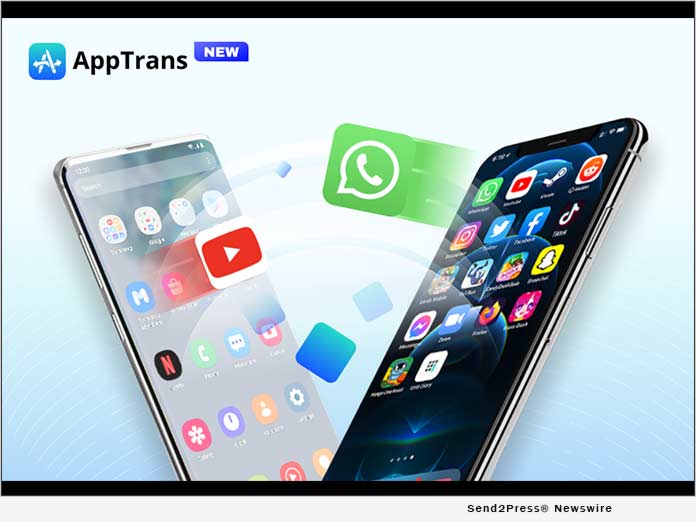
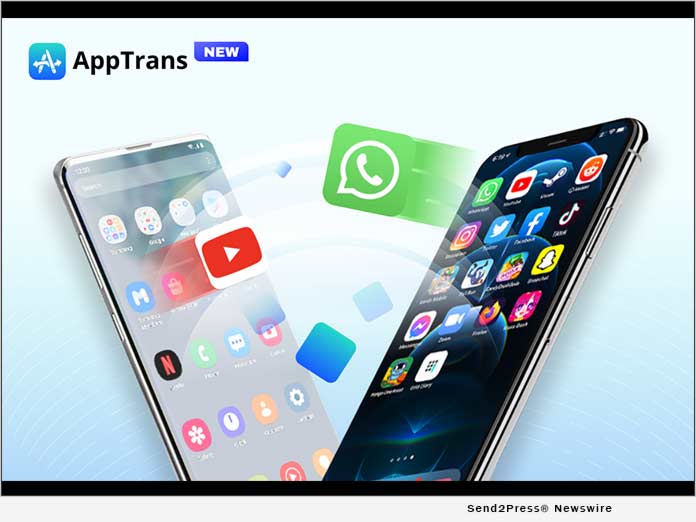
LOS ANGELES, Calif. /ScoopCloud/ -- iMobie Inc., a software developer with 10-year experience in data transfer, today proudly released AppTrans - the world's FIRST FREE solution for app data transfer. This program is specially designed to transfer apps and app data, including WhatsApp chats, between iPhones or Android phones of all brands. Apart from that, AppTrans also makes it easy as one click to back up, restore, export, and install apps with app data.

"We know apps are essential for everyone in everyday life. And we noticed there's no software to specially help users move often-used apps and app data to new phones. So, we want to offer one effortless solution," said Frank Kong, CEO of iMobie. "When designing the program, we think why not take one step further to meet more needs of users, like merge WhatsApp chats of old and new accounts, or selectively back up or restore apps that users want. Then here comes AppTrans."

HAVE AN IN-DEPTH LOOK AT HIGHLIGHT FEATURES:

Transfer Apps & App Data from Phone to Phone

AppTrans moves apps and app data directly between phones, whether from iPhone 8 to iPhone 12 or Motorola to Samsung. It also enables users to choose what to transfer: all apps or several ones wanted, apps and app data, or just the data. Besides, it can merge WhatsApp chats of two phones, even two accounts. So users always keep a complete chat history.

Back Up Apps and App Data to Stay Safe

AppTrans also helps back up apps to prevent data loss. Users can decide what to back up - may it be a complete backup of all apps with data, or just several important ones, or even app data only, like WhatsApp chats.

Preview and Restore Apps as Needed

AppTrans supports both iTunes backups and backups created with AppTrans to ensure users a higher chance to retrieve lost data. Users can preview backups, and restore data as needed. All other content on the phone will be kept intact, like photos, contacts, messages, etc. No risk of data loss.

Install IPA or APK Files in One Click

AppTrans can directly install IPA, APK, or XAPK files on the phone with a click, in case the apps are not available in the app store. Also, it could export apps from iOS/Android devices to computer. So, users can easily install them on other phones/tablets. Or, go back to the older version if they don't like the latest update.

Price and Availability:

AppTrans is completely FREE to use. Download it here: https://www.imobie.com/apptrans/app-transfer-free.htm

For users who want to transfer WhatsApp chats or other app data from an Android phone to iPhone or vice versa, go get AppTrans Pro: https://www.imobie.com/apptrans/

About iMobie:

iMobie Inc. is dedicated to making digital life simpler for all users worldwide. Information: https://www.imobie.com

News from iMobie Inc.

iMobie Inc., a software developer with 10-year experience in data transfer, today proudly released AppTrans - the world's FIRST FREE solution for app data transfer. This program is specially designed to transfer apps and app data,

Related link: https://www.imobie.com/

This version of news story was published on ScoopCloud™ (ScoopCloud.com) - part of and © the Neotrope® News Network - all rights reserved.
Backuptrans Updated to Transfer WhatsApp from Android to iPhone 12

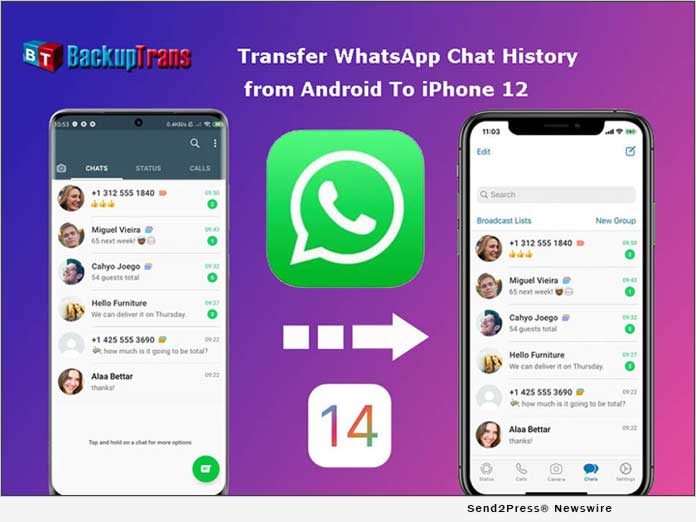
NEW YORK, N.Y. /ScoopCloud/ -- Backuptrans, a leading mobile software development company, has updated Android WhatsApp to iPhone Transfer to support iPhone 12. The new version can help you easily transfer WhatsApp chat history from Android to iPhone 12/iPhone 12 Mini/iPhone 12 Pro/iPhone 12 Pro Max. There is no official method to transfer WhatsApp between Android and iOS. Luckily, Backuptrans WhatsApp Transfer software makes it possible.

With Backuptrans Android WhatsApp to iPhone Transfer, mobile phone users can transfer WhatsApp chats from Android to iPhone in a few simple clicks.

"Many smartphone users wish to migrate the WhatsApp chat history when they switch phones. That is why we create and update the software," said Eric Ng, the CEO of Backuptrans. "We create simple & innovative solutions for life."

Step by step tutorial: https://www.backuptrans.com/tutorial/transfer-whatsapp-messages-from-android-to-iphone.html

What are the new updates?

1 Transfer, Backup & Restore WhatsApp Data (Support iOS and Android): It supports to transfer WhatsApp chat messages, including videos, images, audios attached files between iOS and Android.

2 Fully compatible with the latest iPhone 12, iPhone 12 Mini, iPhone 12 Pro, and iPhone 12 Pro Max: It not only supports iPhone 6 to iPhone 12, but also supports various models of iPad and iPod from iOS 9 to the latest iOS 14.

3 Export WhatsApp messages and links to PDF: You can use Backuptrans WhatsApp Transfer to export WhatsApp messages as a file for viewing. The messages and links can be exported as PDF, HTML, WORD, and TXT.

Other features have been updated including:

1 Multi-directional Transfer WhatsApp between iOS and Android Device: Backuptrans's advanced technology and rich experience of data processing and transmission can ensure a high success rate for WhatsApp transferring.

2 Backup WhatsApp Chats to Computer Freely & Easily: It is better to use than the official solution to back up WhatsApp chats from Android/iPhone to computer by one-click. The chats will be merged perfectly in the previous backup.

3 Print WhatsApp Messages on Computer: Backuptrans provides a direct way to print out WhatsApp chat messages on computer. You can choose to print all chat messages or a single conversation.

Price and Availability:

For personal 3 mobile devices, it is available at $19.95. You also can buy the Family edition that $29.95 for 8 mobile devices.

Learn More: https://www.backuptrans.com/android-whatsapp-to-iphone-transfer.html

About Backuptrans:

Backuptrans Studio is a leading software development company providing mobile device software solutions. Founded in 2012, Backuptrans has been an award-winning developer especially in the mobile data transferring software and mobile device management field. More information: https://www.backuptrans.com

Facebook: https://www.facebook.com/backuptrans

Twitter: https://twitter.com/backuptrans/

VIDEO (YouTube): https://youtu.be/YZQ0gfow11Y

News from Backuptrans Studio

Backuptrans, a leading mobile software development company, has updated Android WhatsApp to iPhone Transfer to support iPhone 12. The new version can help you easily transfer WhatsApp chat history from Android to iPhone 12/iPhone 12 Mini/iPhone 12 Pro/iPhone 12 Pro Max. There is no official method to transfer WhatsApp between Android and iOS. Luckily, Backuptrans WhatsApp Transfer software makes it possible.

Related link: https://www.backuptrans.com/

This version of news story was published on ScoopCloud™ (ScoopCloud.com) - part of and © the Neotrope® News Network - all rights reserved.