Tag Archives: AI video tools

UniFab Introduces Advanced AI Video Stabilization and Upscaler Technology Enhancements

HONG KONG, Dec. 19, 2024 (SEND2PRESS NEWSWIRE) — UniFab, a leading provider of AI-powered video and audio enhancement solutions, unveils its latest innovation, Video Stabilizer AI, a software designed to eliminate video shakes through advanced artificial intelligence. Moreover, UniFab has optimized its AI Video Enhancer, delivering enhanced video detail restoration and superior magnification.

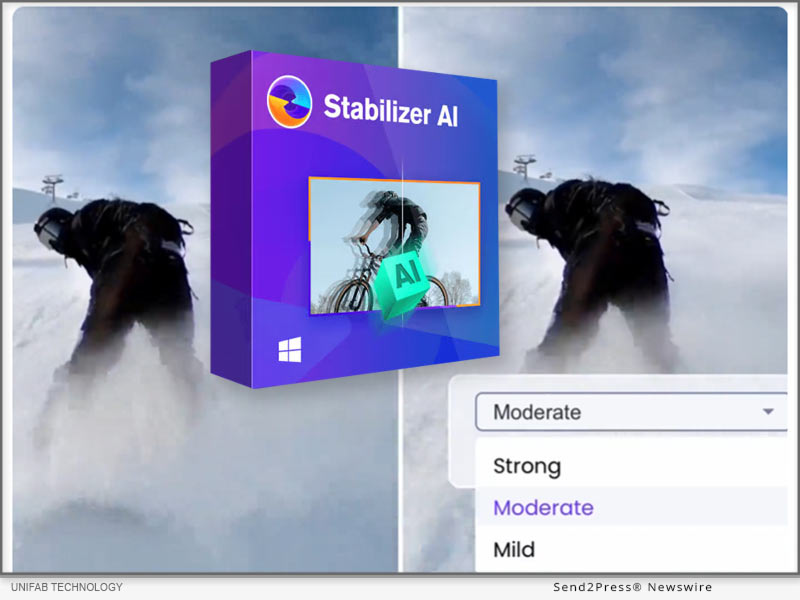
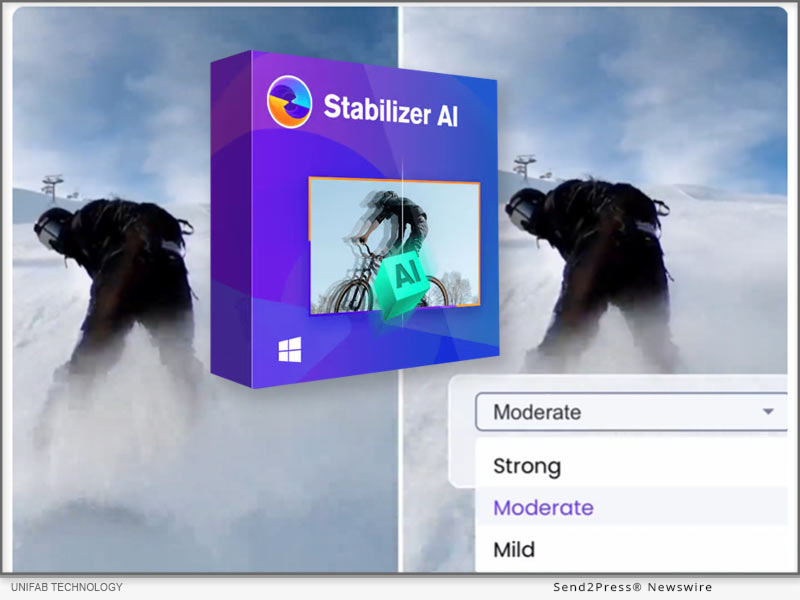
UniFab Video Stabilizer AI
Image caption: UniFab Video Stabilizer AI.

KEY FEATURES:

  • Advanced AI: Leverages sophisticated AI algorithms for video stabilization.
  • Camera Shake Elimination: Reduces tremors for a more professional-looking video.
  • High-Quality Retention: Maintains video clarity and detail while smoothing out shakes.
  • Format Flexibility: Compatible with various video formats including MP4, MKV, AVI, and WMV.

Optional Stabilization Modes:

  • Mild: Ideal for minor shakes in handheld videos.
  • Moderate: Suited for videos with noticeable movement.
  • Strong: Equipped to handle significant shaking, such as during action scenes.

Learn more: https://unifab.ai/ai-video-stabilizer.htm

ABOUT UNIFAB:

UniFab provides a lot of tools for video and audio editing, ensuring high-quality enhancements across the board.

Video Enhancer AI: Upscale video to 4K/8K resolution with AI-powered software

HDR Upconverter AI: Convert videos from SDR to HDR10/Dolby Vision. Support both DCI-P3 and Rec.2020 color spaces.

Smoother AI: Boost frame rates to 120fps for smooth, natural movement.

Deinterlace AI: Eliminate flicker and distortion to enhance video clarity and quality.

Denoise AI: Remove noise and grain from videos while keeping details, offering a clean video.

Visit UniFab’s official website to learn more about these softwares designed for video creation and editing.

CONTACT INFORMATION:

Company: UniFab

Official Website: https://unifab.ai

JP: https://ja.unifab.ai/

FR: https://fr.unifab.ai/

DE: https://de.unifab.ai/

ZH: https://zh.unifab.ai/

NEWS SOURCE: UniFab


This press release was issued on behalf of the news source (UniFab), who is solely responsible for its accuracy, by Send2Press Newswire. Image, if any, was provided by the news source and not this website or the wire service. Information is believed accurate, as provided by the news source, but is not guaranteed.

To view the original story, visit: https://www.send2press.com/wire/unifab-introduces-advanced-ai-video-stabilization-and-upscaler-technology-enhancements/

Copr. © 2024 Send2Press® Newswire, Calif., USA. -- REF: S2P STORY ID: S2P122978 NOREL-3B


HitPaw Video Enhancer Rebrands as HitPaw VikPea: Major Update for Your Ultimate Video Enhancer Solution

NEW YORK, N.Y., Oct. 31, 2024 (SEND2PRESS NEWSWIRE) — HitPaw, a leading software company, is excited to announce the rebranding of HitPaw Video Enhancer to HitPaw VikPea! This major update introduces advanced features that will empower you to create professional-looking videos with ease. Whether you’re new to video upscaling or an experienced creator, HitPaw VikPea is your ultimate solution for transforming blurry videos!
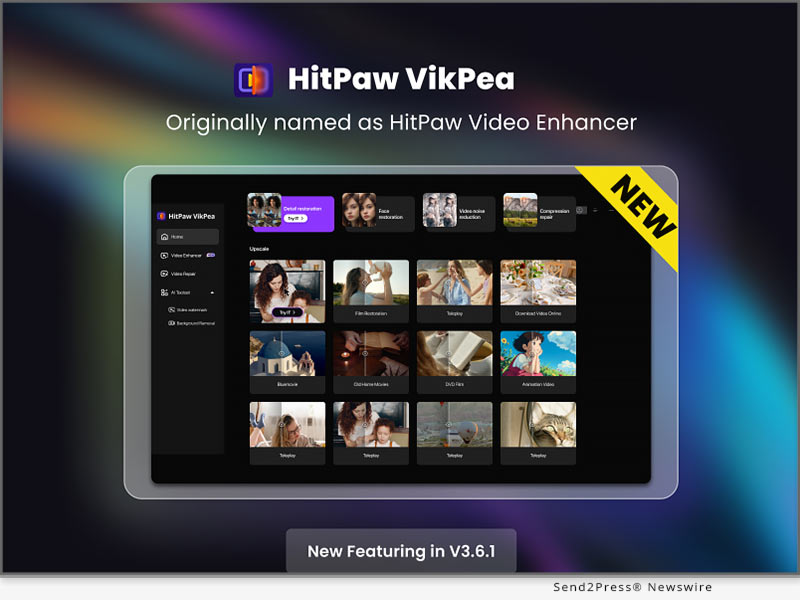
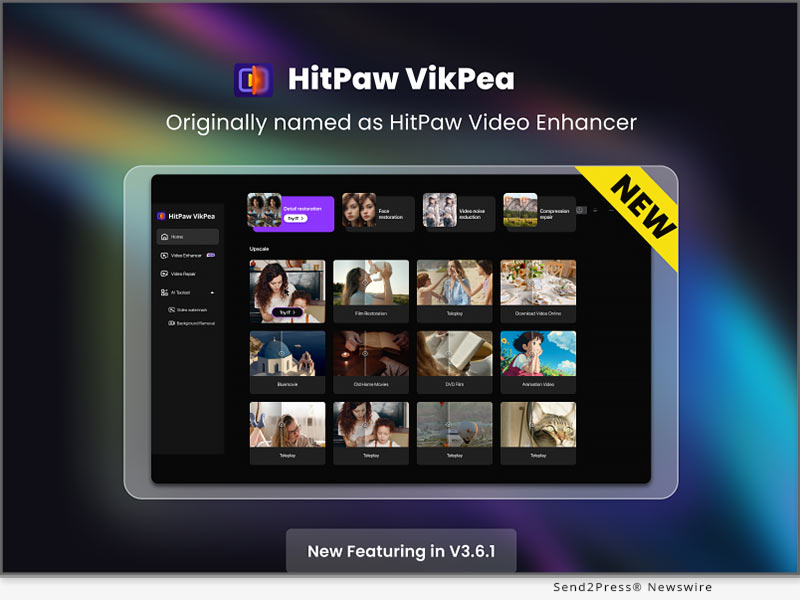
HitPaw VikPea V3.6.1 New Release
Image caption: HitPaw VikPea V3.6.1 New Release.

WHAT’S NEW!

Video Quality Repair Model

The new video enhancement model efficiently removes noise, balances clarity, reproduces details, and restores high-definition images, perfectly enhancing low-quality videos to achieve rapid and superior image quality improvement.

Cloud Preview for Lower-End Computers

This version introduces a cloud preview feature, allowing users with less powerful computers to preview their videos more quickly and efficiently.

Optimized Cloud Acceleration

Cloud processing has been significantly accelerated in this version, supporting more models and ensuring faster performance.

WHAT’S IMPORTANT!

Video Enhancer

HitPaw VikPea not only offers the latest video detail enhancement features but also includes several specialized enhancement models, such as Video Quality Repair Model, Face Model, General Denoise Model, Animation Model, Colorize Model, Color Enhancement Model, Frame Rate Enhancement Model, Stabilize Model, and Low-light Enhancement Model. Each model provides targeted optimization effects to meet various video enhancement needs, delivering a comprehensive solution for achieving perfect video quality.

AI Background Removal

The AI Background Removal feature simplifies the process of removing cluttered backgrounds from videos with a single click, preserving clear images of subjects. This tool is especially useful for e-commerce, as it removes distracting backgrounds to maintain a clean and professional appearance of products. It also supports background blurring and canvas color changes, ensuring that the focus remains on the item being showcased. With just a simple click, you can quickly replace or remove video backgrounds, making your product listings stand out and look more appealing to potential customers.

Watermark Removal

The Watermark Removal feature is designed specifically for removing static watermarks from videos. Users simply need to draw a box around the watermark area, and the system will automatically process and remove the watermark with just one click, offering a simple and efficient solution.

Video Repair

HitPaw VikPea also includes a Video Repair function. This function allows users to repair videos that have been damaged or corrupted due to various reasons, such as file transfer errors or faulty USB cable.

More Formats Supported

With this new version, HitPaw VikPea now supports exporting in more formats, including MP4, AVI, MOV, MKV, M4V, and GIF, catering to a wider range of user needs.

Compatibility and Price

HitPaw VikPea is compatible with both Windows 11/10 64-bit and MacOS 10.15 and available on iOS and Android. Users can try out the new features by downloading the free trial version, or purchase the full package starts from $42.99/month.

For more information, you can visit:

[Official] HitPaw Video Enhancer – Superb AI Video Quality Enhancer

The Most Delicate Mac Video Enhancer

Purchase HitPaw Video Enhancer for Windows

Purchase HitPaw Video Enhancer for Mac

https://www.hitpaw.com/purchase/buy-hitpaw-vikpea-ms.html

About HitPaw:

HitPaw is a cutting-edge company that enters the AI editing field with innovation, creativity, efficiency, and simplicity as its core characteristics. It offers professional video, image, and audio editing and enhancement services for diverse users, catering to both everyday and specialized needs. HitPaw provides emerging and powerful features for creative video production.

Information:

[OFFICIAL] HitPaw: Powerful Video, Audio, and Image Solutions Provider

About HitPaw – All Things About HitPaw

Our Social Media:

YouTube: https://www.youtube.com/@hitpaw

TikTok: https://www.tiktok.com/@hitpaw

X(Twitter): https://x.com/HitPawofficial

Instagram: https://www.instagram.com/HitPawofficial/

Pinterest: https://www.pinterest.com/HitPawofficialwebsite/

NEWS SOURCE: HitPaw


This press release was issued on behalf of the news source (HitPaw), who is solely responsible for its accuracy, by Send2Press Newswire. Image, if any, was provided by the news source and not this website or the wire service. Information is believed accurate, as provided by the news source, but is not guaranteed.

To view the original story, visit: https://www.send2press.com/wire/hitpaw-video-enhancer-rebrands-as-hitpaw-vikpea-major-update-for-your-ultimate-video-enhancer-solution/

Copr. © 2024 Send2Press® Newswire, Calif., USA. -- REF: S2P STORY ID: S2P121900 NOREL-3B
 

HitPaw Edimakor Mac 3.2.4 Released with Updates for Advanced AI Avatar and AI Vocal Remover

NEW YORK, N.Y., Sept. 26, 2024 (SEND2PRESS NEWSWIRE) — HitPaw Edimakor Mac 3.2.4 is a powerful update, including exciting features such as AI Avatar with talking photo lip-sync and AI Vocal Remover. The new version further extends its video editing possibilities to enable users to create professional-looking videos with less effort. Whether one is a content creator, marketer, or educator, the array of new features opens creative freedom and will make creating stunning videos easy as never before.

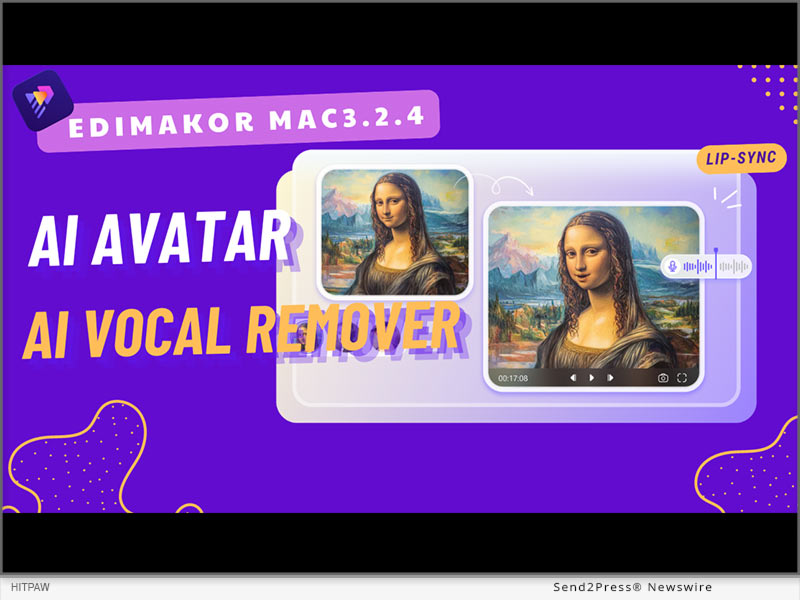
HitPaw Edimakor Mac 3.2.4 Released
Image caption: HitPaw Edimakor Mac 3.2.4 Released.

AI AVATAR

AI Avatar helps users create and shape up talking non-static images. It animates people’s photos by synchronizing the lip motions with the spoken text. This tool applies especially to social media content, tutorial videos, and marketing videos, which usually require more and more engagement.

AI VOCAL REMOVER

AI Vocal Remover provides the ability to extract vocals from anything in audio or video format and, therefore, makes the isolation of voiceovers or the removal of unwanted background music quite easier.

The precision with which AI Vocal Remover does this offers quality retention of the remaining audio, something that is really useful both for professionals and hobbyists.

WHAT’S MORE IN THE NEW VERSION?

The HitPaw Edimakor Mac 3.2.4 update isn’t just about AI Avatars and Vocal Remover; it comes packed with several additional features:

  • AI Video Cutout Function: Automatically detects and removes backgrounds from videos. It is highly useful for scene changes or chroma keying.
  • AI Beat Detection: Analyzes the music track and syncs it to video clips in order to simplify creating rhythm-based videos.
  • Optimized AI Audio Noise Reduction: Reduces background noise effectively and gives a clearer, more professional rendition of audio.
  • Enhanced Cropping: Crop directly in the player, making editing tasks easier.
  • Expanded Special Effects: Includes stroke effects, background glow, and portrait segmentation, allowing for more creative editing.
  • Stretchable Shapes: Basic shapes such as circles, rectangles, triangles, and hearts, with color stroke, and stretch capability.
  • Custom Text and Subtitle Presets: Customize your own text styles and save them for future reuse so that editing subtitles can be speedier and more efficient.

These additional features make the software an extensive solution in video editing to meet a wide range of creative needs.

PRICING & AVAILABILITY

HitPaw Edimakor Mac 3.2.4 is available on the official website; meanwhile, there are different pricing plans corresponding to user needs.

  • 1 Month ($19.95)
  • 1 Year ($49.95)
  • Perpetual ($69.95)

SUMMARY

The HitPaw Edimakor Mac 3.2.4 update brings a sea change in video editing with its advanced features such as AI Avatar and Vocal Remover, along with a host of other enhancements to make the learning curve as flat as possible. This update makes video creation accessible and efficient, whether you’re a beginner or a professional.

About Edimakor

HitPaw Edimakor is a state-of-the-art video treatment facility that uses AI to lighten the creative process. Among its many features, you can find an AI Subtitle Translator that automatically translates the subtitles of a video into multiple languages, a Text-to-Speech function that creates realistic voiceovers for one’s videos, and an AI Video Background Remover to change video backgrounds as quickly and easily as desired.

If you want professional-quality videos without having to invest much in terms of editing skills or resources, this platform actuates perfection.

For more information about HitPaw Edimakor Mac3.2.4 and its features, visit https://edimakor.hitpaw.com/

Follow on social:

Facebook: https://www.facebook.com/EdimakorOfficial

X/Twitter: https://x.com/HitpawEdimakor

YouTube: https://www.youtube.com/@HitPawEdimakorOfficial

VIDEO (YouTube): https://youtu.be/kvsWzGFlV9o?si=5t7fivrAa433l37s

NEWS SOURCE: HitPaw


This press release was issued on behalf of the news source (HitPaw), who is solely responsible for its accuracy, by Send2Press Newswire. Image, if any, was provided by the news source and not this website or the wire service. Information is believed accurate, as provided by the news source, but is not guaranteed.

To view the original story, visit: https://www.send2press.com/wire/hitpaw-edimakor-mac-3-2-4-released-with-updates-for-advanced-ai-avatar-and-ai-vocal-remover/

Copr. © 2024 Send2Press® Newswire, Calif., USA. -- REF: S2P STORY ID: S2P121193 NOREL-3B

 

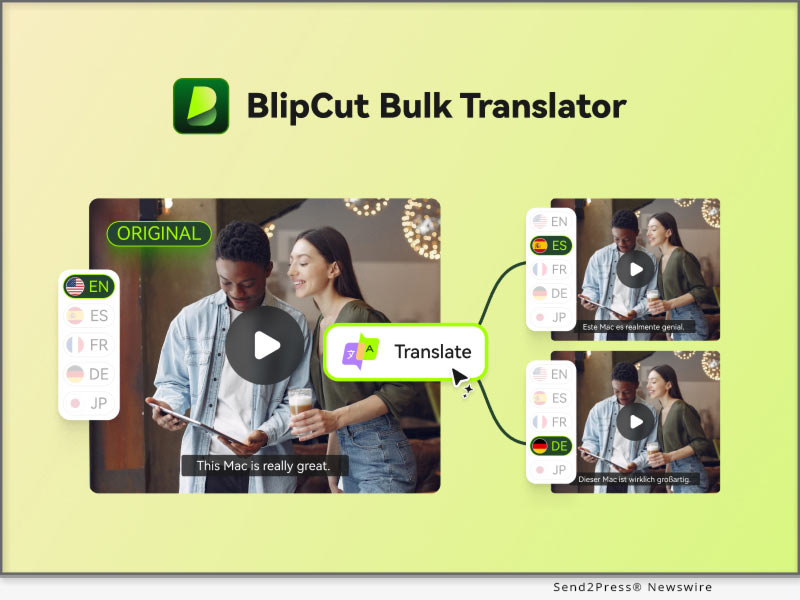
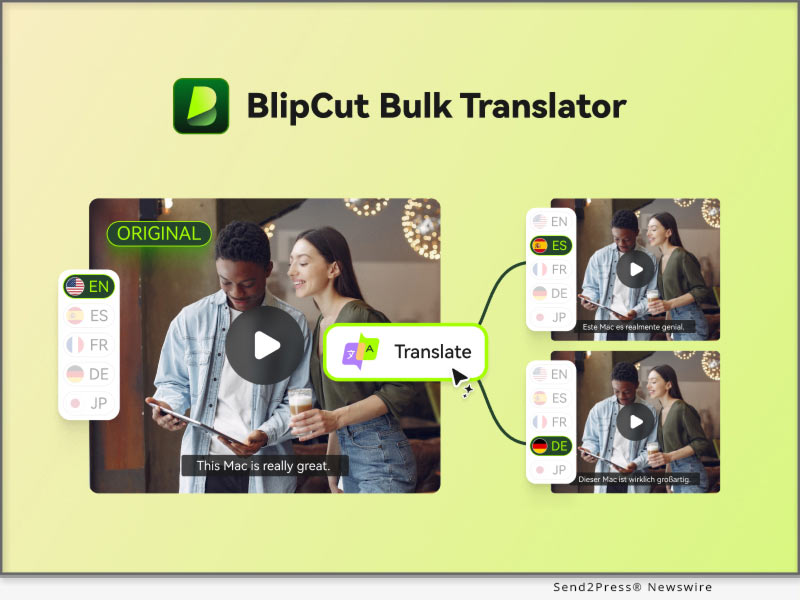
BlipCut V2.14.0 Introduces Batch Video Translation to Boost Efficiency

NEW YORK, N.Y. /ScoopCloud/ -- BlipCut, the leading AI-powered video translation platform, is excited to announce the release of its V2.14.0 update, bringing new features, language support, and a special campaign designed to empower educators and content creators worldwide.

WHAT'S NEW IN BLIPCUT:

1. New Feature: Batch Video Translation

With the growing demand for faster and more efficient content translation, BlipCut is proud to launch its highly anticipated Batch Video Translation feature. Users can now translate multiple videos simultaneously, streamlining the process for creators, educators, and businesses with large volumes of content. This new functionality supports 95+ languages and ensures top-tier accuracy, voice cloning, and speed-making global content distribution more accessible than ever before.

2. Added 13 New Languages

BlipCut is further enhancing its global reach by adding support for 13 new languages, enabling users to communicate with a broader audience. The new languages are: Nepali, Persian, Serbian, Sinhala, Slovenian, Somali, Swahili, Telugu, Urdu, Welsh, Odia, Punjabi, Assamese.

With these additions, BlipCut now supports over 100 languages, making it one of the most comprehensive video translation tools on the market.

3. BlipCut Back-to-School Campaign

To celebrate the new update and support educators, BlipCut is launching a Back-to-School campaign from September 3 to September 20, 2024.

The campaign includes a variety of exciting activities, such as:

* A 100% winning lottery where participants choose their role (such as student, teacher, or parent) and stand a chance to win exclusive rewards.

* A Buy-One-Get-Three Deal with an additional 60% discount on all purchases.

* A social media contest, where users can share their translated videos and the top three participants with the most engagement will win a free annual BlipCut plan.

BlipCut has always been committed to helping content creators and educators expand their reach and effortlessly engage global audiences.

About BlipCut:

BlipCut is an industry-leading AI video translation platform that allows users to break language barriers with ease. With features like batch translator, subtitle translation, AI voiceover, and support for 100+ languages, BlipCut is the go-to solution for content creators, educators, and businesses worldwide.

To know more, you may visit: https://videotranslator.blipcut.com/

Our Social Media:

YouTube: https://www.youtube.com/@BlipCut_Online

X/Twitter: https://x.com/BlipCutofficial

Facebook: https://www.facebook.com/blipcut

Instagram: https://www.instagram.com/blipcutofficial

Discord: https://discord.gg/vk4Z2YWGsG

News from BlipCut

BlipCut, the leading AI-powered video translation platform, is excited to announce the release of its V2.14.0 update, bringing new features, language support, and a special campaign designed to empower educators and content creators worldwide.

Related link: https://videotranslator.blipcut.com/

This version of news story was published on ScoopCloud™ (ScoopCloud.com) - part of and © the Neotrope® News Network - all rights reserved.

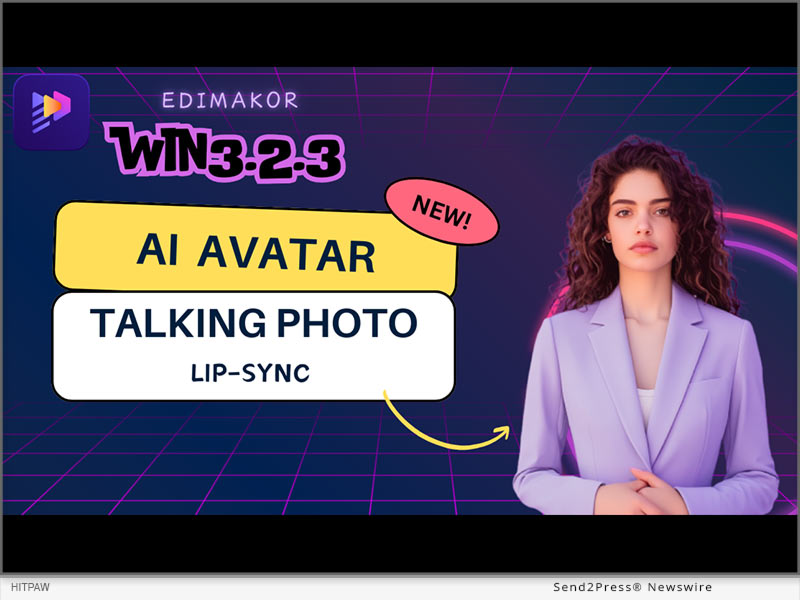
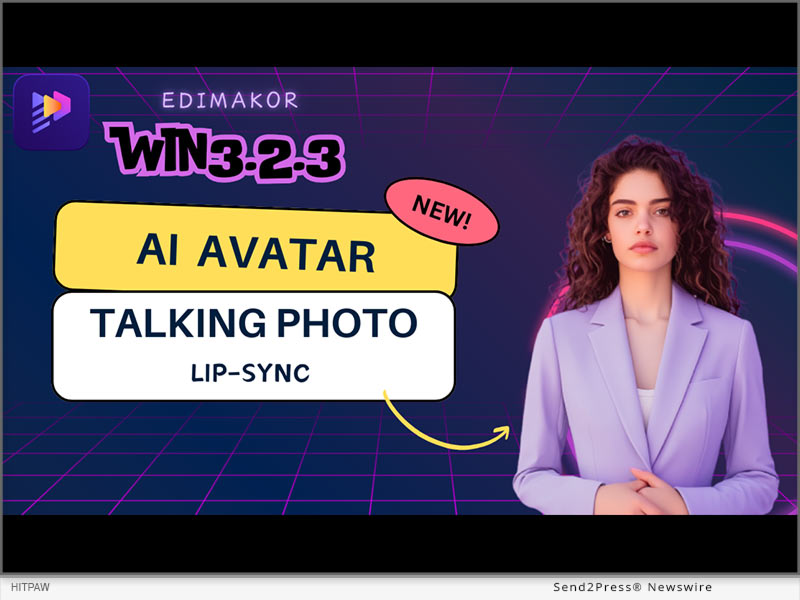
HitPaw Edimakor Win v3.2.3 Unveils Exciting New AI Avatar and Talking Photo Features with Lip Sync

NEW YORK, N.Y. /ScoopCloud/ -- The latest HitPaw Edimakor release, v3.2.3, presents two features: AI Avatar and Talking Photo with Lip Sync. These features showcase state-of-the-art AI in an effort to take the level at which users interact with it even a notch higher, thus making digital communication more entertaining and realistic. The update positions HitPaw as a leading company in the field of multimedia content creation, offering solutions for personal and professional needs.

KEY FEATURES OF HITPAW EDIMAKOR V3.2.3

1: AI Avatar

AI Avatar creates human-like virtual representations, customizable for various purposes. This technology boosts engagement by offering personalized interactions in fields like marketing and education.It can express emotions, making content more engaging. Customizable to individual or brand personas, they enhance communication and audience engagement.

2: Talking Photo with Lip Sync

The idea is taken a step further with the Talking Photo with Lip Sync feature, where static images are animated to render a dynamic talking experience. This new technology helps make it look like the photo is talking.

All you have to do is import your image file into the "Photo Talking" option of HitPaw and watch our AI do the magic!

With this feature, users can bring their memories back to life by telling stories, creating educational content, or leaving personal messages. The lip-sync functionality ensures that interaction is smooth and engaging, leading to higher viewer retention.

3: What's More in the New Version

Along with all these cool features, HitPaw Edimakor also introduces some new template styles for subtitles and text presets. These templates cover a wide range of themes and styles, allowing you to maintain brand consistency while introducing fresh and innovative elements to your content.

4: Pricing & Availability

HitPaw Edimakor offers three pricing plans: 1 Month ($19.95), 1 Year ($49.95), and Perpetual ($69.95). All plans include core features like watermark-free exports, 4K video support, and access to creative assets. Business plans offer additional features and pricing tiers. For this reason, it gives both casual users and professionals the full capability of not having to bear an unreasonably expensive subscription, making it attractive to any type of content creator.

5: Summary

In a nutshell, the AI Avatar and Talking Photo with Lip Sync features added in HitPaw Edimakor 3.2.3 bumps up user experiences with creative tools for unique but easy content creation. Along with the new subtitle templates and text presets, these features set up HitPaw as an all-in-one package for every multimedia need.

6: About Edimakor

HitPaw Edimakor is way more than just AI Avatars and Talking Photos, as an AI Subtitle Translator was added, which helps translate video content into all different languages, and a TTS that gives it a natural voice over. The AI Video Background Remover makes it easier for users to remove unwanted backgrounds from their videos. Edimakor's tools and features simplify high-quality content creation, making it a valuable asset for digital content creators.

Learn more: https://edimakor.hitpaw.com/

Follow on social:

Facebook: https://www.facebook.com/EdimakorOfficial

X/Twitter: https://x.com/HitpawEdimakor

YouTube: https://www.youtube.com/@HitPawEdimakorOfficial

News from HitPaw

The latest HitPaw Edimakor release, v3.2.3, presents two features: AI Avatar and Talking Photo with Lip Sync. These features showcase state-of-the-art AI in an effort to take the level at which users interact with it even a notch higher, thus making digital communication more entertaining and realistic. The update positions HitPaw as a leading company in the field of multimedia content creation, offering solutions for personal and professional needs.

Related link: https://www.hitpaw.com/

This version of news story was published on ScoopCloud™ (ScoopCloud.com) - part of and © the Neotrope® News Network - all rights reserved.

BlipCut Back to School Event 2024: Fun and Savings for Everyone

NEW YORK, N.Y. /ScoopCloud/ -- BlipCut, the leading AI-powered video translation platform, is excited to announce its special back-to-school campaign, "School's In, Fun Begins!" This campaign features three exciting activities, designed to add a dash of fun and incredible value for new and existing users.

Discover the Exciting Details:

From guaranteed wins to exclusive offers and creative contests, there's something for everyone to celebrate the new school year with BlipCut.

Event access: https://videotranslator.blipcut.com/sales-promotion.html

1. Lottery: Choose Who You Are and Win!

Participants can join a 100% winning lottery simply by selecting a role that represents them-whether student, teacher, or parent. Every participant is guaranteed to win a prize, making this an engaging and rewarding way to kick off the new school year. Exciting prizes await, including an iPad Pro, PayPal cards, and more!

2. Buy One, Get Three + 60% OFF

BlipCut is offering an unbeatable deal: buy one get three for free, plus an extra 60% OFF! This limited-time offer enables users to get top-notch video translation services at a fraction of the cost.

3. Social Media Contest: Share & Win

To celebrate the creativity of our users, BlipCut invites everyone to share their translated videos on social media. The top three posts with the most likes, comments, and interactions will win a free BlipCut annual plan. This contest is a great opportunity for users to showcase their work and win big!

The campaign runs from September 3 to September 20, 2024. Don't miss out on these incredible opportunities to enhance your video translation experience with BlipCut.

About BlipCut:

BlipCut is an industry-leading AI video translation platform that allows users to break language barriers with ease. With features like subtitle translation, AI voiceover, and support for 95 languages, BlipCut is the go-to solution for content creators, educators, and businesses worldwide.

To know more, you may visit: https://videotranslator.blipcut.com/

Our Social Media:

YouTube: https://www.youtube.com/@BlipCut_Online

X/Twitter: https://x.com/BlipCutofficial

Facebook: https://www.facebook.com/blipcut

Instagram: https://www.instagram.com/blipcutofficial

Discord: https://discord.gg/vk4Z2YWGsG

News from BlipCut

BlipCut, the leading AI-powered video translation platform, is excited to announce its special back-to-school campaign, "School's In, Fun Begins!" This campaign features three exciting activities, designed to add a dash of fun and incredible value for new and existing users.

Related link: https://videotranslator.blipcut.com/

This version of news story was published on ScoopCloud™ (ScoopCloud.com) - part of and © the Neotrope® News Network - all rights reserved.

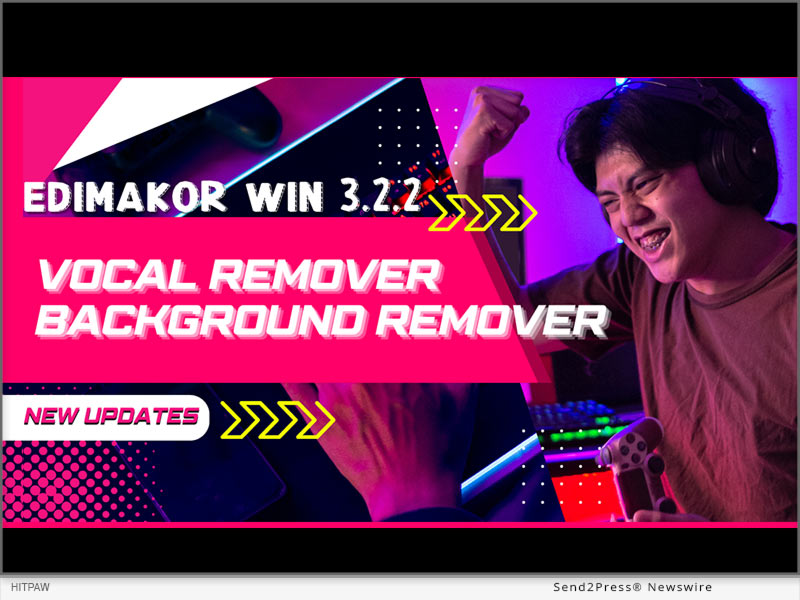
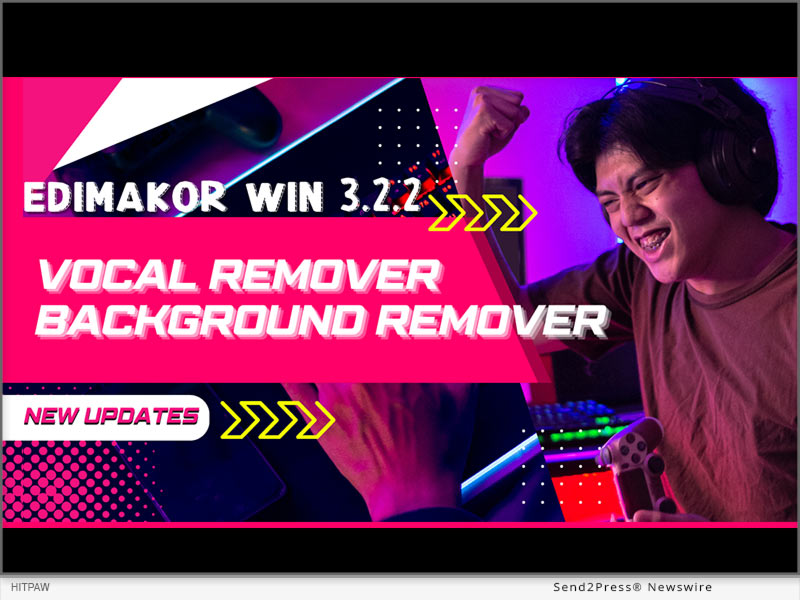
HitPaw Edimakor Win 3.2.2 Released with New AI Vocal and Background Remover!

NEW YORK, N.Y. /ScoopCloud/ -- HitPaw has launched Edimakor Win 3.2.2 with powerful AI features that simplify video editing more than ever before. With the update, users can now take advantage of AI Vocal Remover, AI Background Remover, and AI Beat Marker to easily make their videos look better.

The HitPaw spokesperson stated,"We are very excited to launch Edimakor 3.2.2 that we are able to provide Edimakor users with high-tech tools supported by artificial intelligence that simplify complicated processes in editing. With these intuitive functions, both beginners and professionals can smartly refine their videos without special expertise or training necessary."

AI BACKGROUND REMOVER

New AI Background Remover provides simple way to replace, remove, or blur video backgrounds:

1. Download and install the latest version of Edimakor.

2. Click "Remove Background" on the home page or go to "Toolbox."

3. Import the video from which you want to remove the background.

4. Right click on the video in the timeline and select "Remove Background."

5. It will remove the background from your video. Now you can export your video.

The AI precisely identifies foreground subjects like people and objects while removing everything else. This allows users to easily replace backgrounds or creatively blur them without meticulous masking or keying.

AI VOCAL REMOVER

The new AI Vocal Remover makes removing vocals from songs and recordings incredibly easy:

1. Click "Vocal Remover" on the home page or go to "Toolbox" .

2. Import the video from which you want to remove the vocal.

3. Right click on the video in the timeline and select "Vocal Remover".

4. You will have 2 options: keep the human voice or keep the background sound. Once done, download your video.

This groundbreaking tool isolates and extracts vocals with precision that far surpasses traditional filters. Users can effortlessly remove or keep vocals to create karaoke tracks, acapella mixes, and more.

AI BEAT MARKER

The AI Beat Marker takes the hassle out of syncing visuals to music:

1. Click "Beat Marker" or go to "Toolbox".

2. Import the audio and right click on the audio from the timeline.

3. Now, select the "Marker" option and the location on the audio.

4. Once done, export your audio file.

By automatically detecting beats in music, this tool makes it effortless to sync cuts, effects, and motion to the rhythm. Users can save hours of tedious manual beat matching.

Pricing

Subscription plans start at $19.95/month. Perpetual license $69.95, including free lifetime upgrades.

About Edimakor

Edimakor offers AI features and tools for editing videos: Al background remover,Al subtitle generator Al script generator,Al screen recorder,Al video Translator and more. With its unbeatable AI capabilities, novices can now edit like professionals with ease while enabling experts to hasten their workflow.

Learn more about HitPaw Edimakor Win 3.2.2: https://edimakor.hitpaw.com/

Follow on social:

* https://www.facebook.com/EdimakorOfficial

* https://twitter.com/HitpawEdimakor

* https://www.youtube.com/@HitPawEdimakorOfficial

* https://www.instagram.com/edimakor2024/

News from HitPaw

HitPaw has launched Edimakor Win 3.2.2 with powerful AI features that simplify video editing more than ever before. With the update, users can now take advantage of AI Vocal Remover, AI Background Remover, and AI Beat Marker to easily make their videos look better.

Related link: https://www.hitpaw.com/

This version of news story was published on ScoopCloud™ (ScoopCloud.com) - part of and © the Neotrope® News Network - all rights reserved.

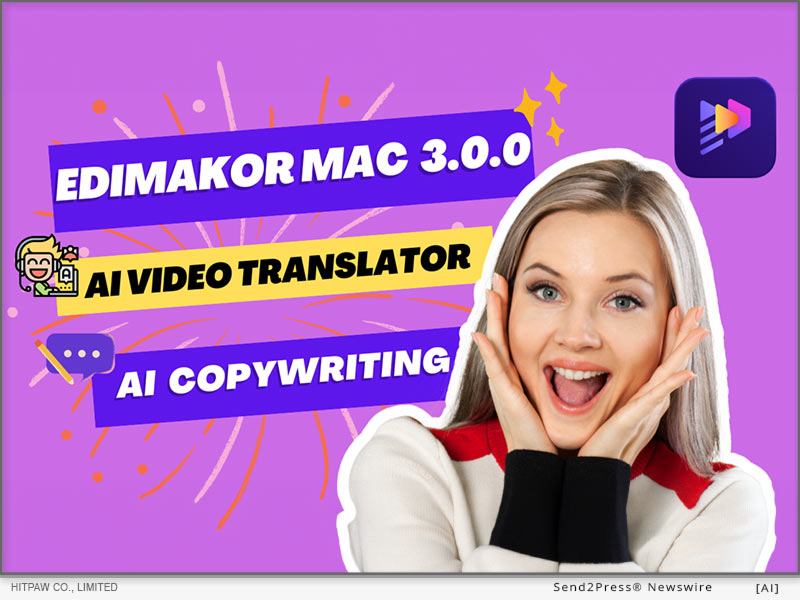
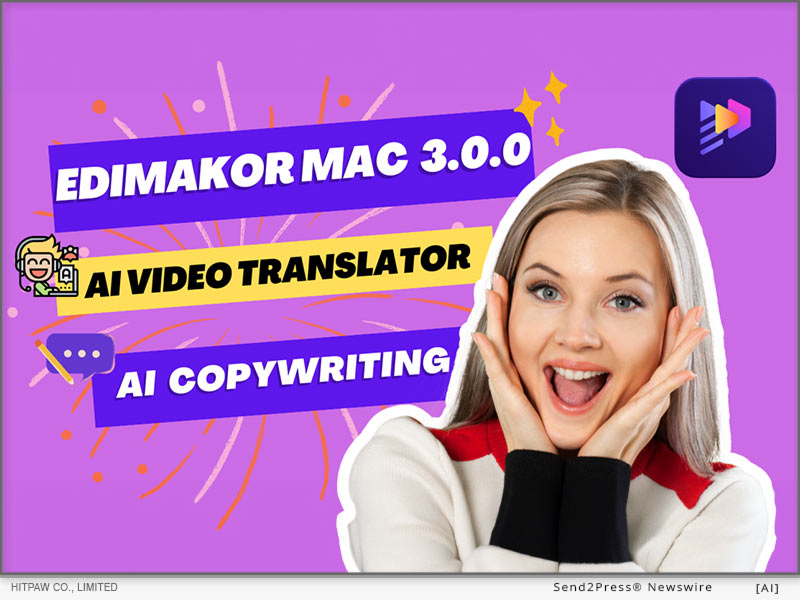
HitPaw Edimakor for Mac 3.0.0 Released with AI Video Translator and AI Copywriting!

NEW YORK, N.Y. /ScoopCloud/ -- HitPaw, a leading innovator in video editing and multimedia software, announces the launch of HitPaw Edimakor for Mac V3.0.0. This major release incorporates groundbreaking AI technology, including automatic video translation and AI-powered copywriting tools, that will revolutionize video creation workflows. With HitPaw Edimakor 3.0.0, video editors and social media producers can create localized, optimized, engaging video content faster than ever before.

:: AI Video Translator

The AI video translator in HitPaw Edimakor 3.0.0 enables users to automatically translate and add subtitles to their videos with just a few clicks. This creates opportunities for localized marketing videos, global distribution of video content and the ability to watch videos in any native language around the world.

It has very accurate AI translations that preserve the original context and feelings in dialogues or narrations. All that is required from a user is importing a video, choosing the source and target languages then leaving everything else to HitPaw.

How to Use:

1. Add your video files to a new project timeline

2. Use the "subtitle" tool to automatically convert speech into subtitles

3. Translate the subtitles to the target language

4. Customize the AI-generated text as needed

5. Export your final video with subtitles and copy

:: AI Copywriting Assistant

The new AI copywriting capabilities in HitPaw Edimakor 3.0.0 are a gamechanger for crafting compelling video scripts, titles, descriptions, and more. Simply describe your video concept and target audience, and the AI will generate on-brand copy tailored to your needs.

The AI copywriter creates original text that is engaging, persuasive, and optimized for search engines. Whether you need a catchy video title, powerful opening hook, or full video script, the AI can handle it with just a few prompts.

How to Use:

1. Open Edimakor and Click "AI copywriting"

2. Select the video scene you want

3. Describe the video theme and related information

4. Generate the script

:: Pricing and Availability

HitPaw Edimakor 3.0.0 is available now for Mac and can be downloaded from the official HitPaw website. Subscription plans start at just $19.95 per month, while a perpetual license is $69.95 with free lifetime upgrades.

Considering the immense value added by the new AI tools, HitPaw Edimakor remains an extremely cost-effective option for video creators and social media marketers. The software pays for itself in time savings and higher quality results.

:: Summary

In video post-production, HitPaw Edimakor 3.0.0 has been enhanced with AI-powered features that have brought in advanced automation. This launch facilitates quicker production of stunning videos by creators through AI-created captions and copywriting and improved editing functions.

About Edimakor

HitPaw Edimakor 3.0.0 is video editing software packed with cutting-edge AI tools. It can automatically generate scripts, subtitles, and optimized copy using advanced AI. Key features include AI video generator, subtitle generator, text-to-speech, speech-to-text, copywriting and more, revolutionizing the video creation workflow.

LEARN MORE:: https://edimakor.hitpaw.com/

Social Media:

* Facebook: https://www.facebook.com/EdimakorOfficial

* X/Twitter: https://x.com/HitpawEdimakor

* YouTube: https://www.youtube.com/@HitPawEdimakorOfficial

News from HitPaw

HitPaw, a leading innovator in video editing and multimedia software, announces the launch of HitPaw Edimakor for Mac V3.0.0. This major release incorporates groundbreaking AI technology, including automatic video translation and AI-powered copywriting tools, that will revolutionize video creation workflows. With HitPaw Edimakor 3.0.0, video editors and social media producers can create localized, optimized, engaging video content faster than ever before.

Related link: https://www.hitpaw.com/

This version of news story was published on ScoopCloud™ (ScoopCloud.com) - part of and © the Neotrope® News Network - all rights reserved.

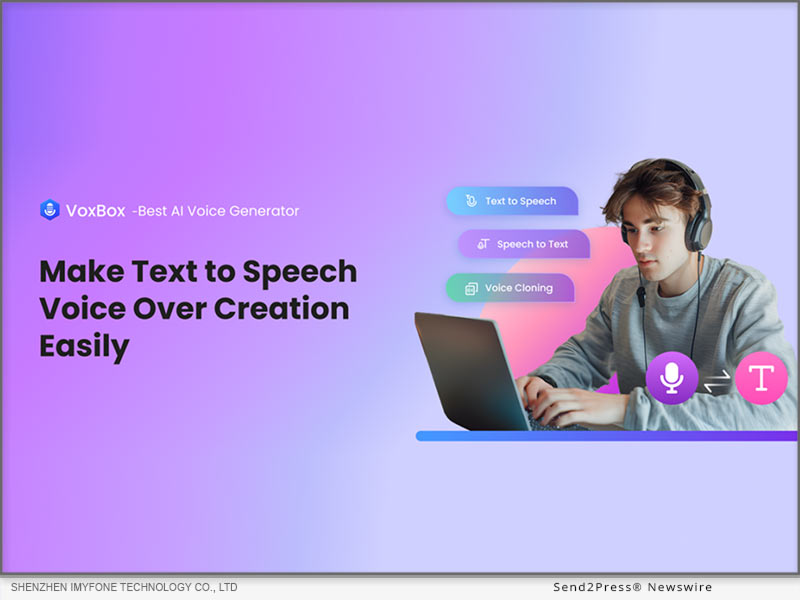
iMyFone VoxBox TTS Voice AI Launches Video Dubbing Feature

NEW YORK, N.Y. /ScoopCloud/ -- iMyFone VoxBox, a leading text to speech voice generator in voice AI technology, is thrilled to announce the launch of its highly anticipated video dubbing feature. This new addition empowers users to effortlessly add high-quality voiceovers to their videos, revolutionizing the way content is created and consumed.

With the new video dubbing feature, VoxBox AI Voice Generator aims to simplify the process of adding text to speech voiceovers to video content. Whether you're a content creator, marketer, educator, or business professional, VoxBox provides the tools you need to enhance your videos with professional-grade audio.

Co-founder of iMyFone, James says: "VOXBOX introduces its new video dubbing feature to enhance content creation with seamless, high-quality human and anime text to speech. Driven by our vision to simplify video production, this feature empowers users to effortlessly integrate professional-grade audio, making it easier to connect with global audiences and elevate content to new heights."

:: VoxBox AI Voice Generator Full Features:

Realistic text to speech: Offering more than 3500 AI voices, from narrations and tutorials to advertisements and entertainment, VoxBox delivers crystal-clear audio that elevates your production quality.

Advanced voice cloning: Customize your voice within seconds by using its advanced AI voice cloning technology. It allows you to replicate specific voices to create unique voice experiences.

Multi-Language Support: Reach a global audience with multi-language support. It enables you to add TTS in various languages to access a wider audience.

Customization Options: Various customization options, including pitch, speed, tone and emotion adjustments to ensures that your audio perfectly aligns with your video's content.

Video Dub: This feature simplifies adding professional-grade, multilingual voiceovers and personalized voice cloning to your videos.

:: Use Case for Text to Speech with iMyFone VoxBox:

1. Add realistic, dramatic or humorous AI text to audio to social media content, making content stand out.

2. Reach a global audience by dubbing videos in multiple languages with native-like accuracy.

3. Enhancing gaming experience with immersive voiceovers to game trailers and walkthroughs.

4. Bring stories to life with expressive AI voice for audiobooks and storytelling videos.

5. Provide clear dubbing for e-learning courses, PPT and PDF.

6. Text to song with AI rapper voices, let your lyrics sing!

:: 3 Steps to Create Video Dub with VoxBox Voice Maker:

1. Download and install iMyFone VoxBox and launch it.

2. Choose text to speech voice and type your text.

3. Upload your video and add TTS voiceover, then export it.

You can now try iMyFone VoxBox for free or enjoy more features less than $0.54/day!

Want to know more details? Please visit: https://filme.imyfone.com/voice-recorder/

About iMyFone:

iMyFone is a leading software company that focus on mobile data recovery, iOS system repair, location changer, voice generation, video editor and more than 50+ software. More than 3 million users from 200+ countries trusted iMyFone in past 9 years. So, iMyFone VoxBox AI voice generator will offer you the best experience!

Social Media:

X/Twitter: https://twitter.com/voicetechfilme/

YouTube: https://www.youtube.com/@iMyFoneFilmeVideoEditor/videos

Discord: https://discord.com/invite/G9hZWrGNnY

Instagram: https://www.instagram.com/iMyFoneFilme/

VIDEO (YouTube): https://youtu.be/F6u5EfGdPaA?si=gSwCsIFOXpexntt2

RELATED LINKS:

https://filme.imyfone.com/voice-recorder/ai-voice/

https://filme.imyfone.com/voice-changer/

https://filme.imyfone.com/rapper-deep-voice/

https://filme.imyfone.com/voice-cloning/

News from IMyFone

iMyFone VoxBox, a leading text to speech voice generator in voice AI technology, is thrilled to announce the launch of its highly anticipated video dubbing feature. This new addition empowers users to effortlessly add high-quality voiceovers to their videos, revolutionizing the way content is created and consumed.

Related link: https://www.imyfone.com/

This version of news story was published on ScoopCloud™ (ScoopCloud.com) - part of and © the Neotrope® News Network - all rights reserved.

4DDiG Video Enhancer Release: AI Enhance, Upscale, Sharpen Video All in One Place

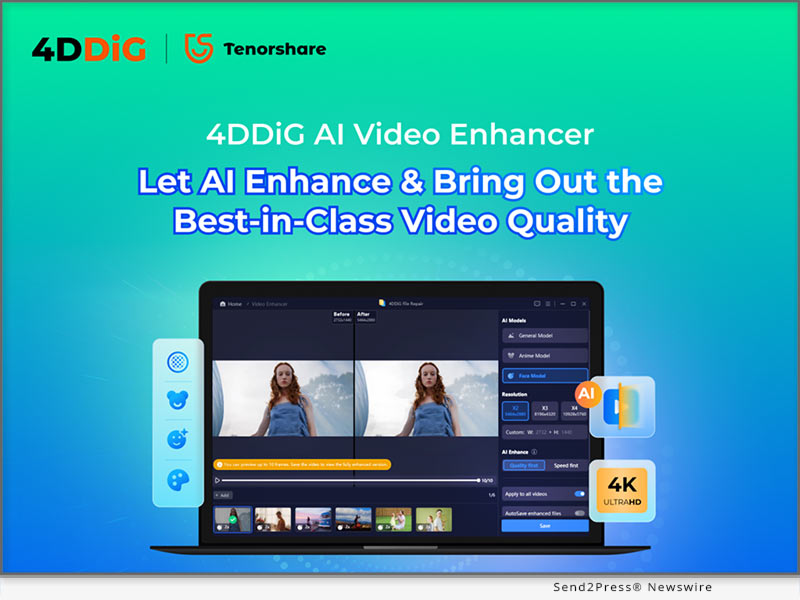
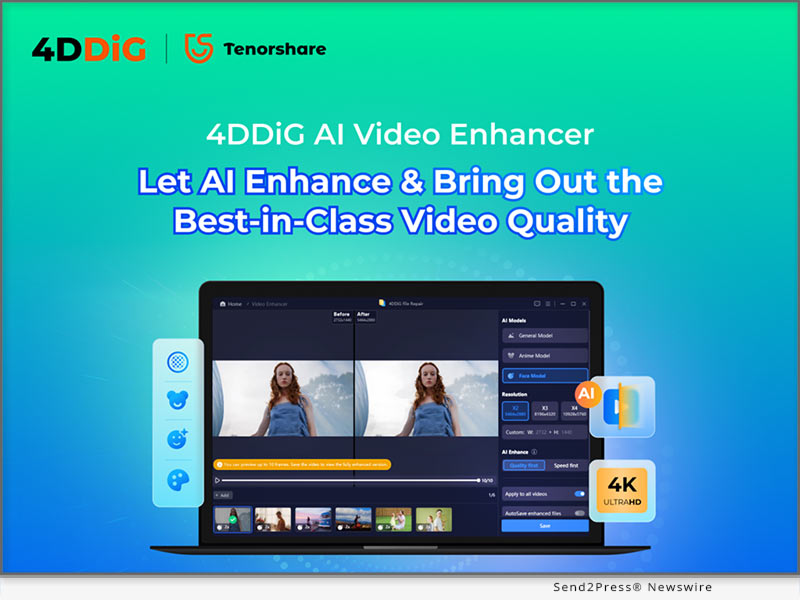
NEW YORK, N.Y. /ScoopCloud/ -- Tenorshare 4DDiG is excited to announce its latest AI-powered video enhancer tool that will enhance, upscale as well as sharpen videos, all in one place. Harnessing the features of the user-friendly software, convert your videos into professional-looking exceptional pieces in no time.

4DDiG Video Enhancer is different from all others in the market. It is a top-notch multi-tasker - AI video Enhancer, AI Video Upscaler, AI Video Sharpener, AI video Restorer, and AI Video Colorizer.

What Can 4DDiG Video Enhancer Do For You

4DDiG Video Enhancer can assist in enhancing your video quality under 3AI models: General Model, Anime Mode, and Face Model.

General Model: Under this model, the overall quality of videos like animal, landscape, events, travel, and others can be improved. The model works to reduce the noise and improve the overall clarity.

Face Model: This model is apt for videos having faces like interviews, vlogs, and similar others. The facial details, skin texture, and others are taken care of to make videos clearer and more detailed.

Anime Model: This model especially works for videos featuring anime and cartoon characters. Under this model, the anime looks bright, smooth, and vibrant by enhancing colors and sharpening lines.

Using the 4DDiG Video Enhancer the videos are automatically enhanced based on the model selected. The software allows you to choose the resolution of the output file and also select if you want to improve based on Quality First or Speed First. Multiple videos can be selected and enhanced at the same time. There is also an option for auto-saving the enhanced files. Before you save the processed files, you can also preview the changes and compare them with the original ones.

Why Choose 4DDiG Video Enhancer?

There are several reasons to choose 4DDiG Video Enhancer over other available similar tools in the market.

* The software works seamlessly on all your popular and latest Windows and Mac systems.

* The interface is user-friendly and self-explanatory.

* Batch processing supported

* Pocket friendly pricing available in monthly, yearly, and lifetime license plans.

About 4DdiG:

Tenorshare 4DDiG is among the top and the best-rated companies when it comes to file repair and enhancement tools. Working relentlessly in the field for years, the company believes in studying and coming out with the most innovative and latest technologies that offer the best to its customers. Meeting your demands with better experiences is the agenda of 4DDiG. The company is trusted by its loyal users and has received accolades from trusted and popular media across the globe including big names like MakeUseOf, AppleInsider, Pocketlint, and more.

For more information, visit: https://4ddig.tenorshare.com/video-enhancer.html

Follow on Social:

Official Website: https://4ddig.tenorshare.com/

Facebook: https://www.facebook.com/4DDiG/

X/Twitter: https://x.com/Tenorshare4DDiG

YouTube: https://www.youtube.com/@Tenorshare4DDiGDataRecovery/featured

News from Tenorshare Co. Ltd.

Tenorshare 4DDiG is excited to announce its latest AI-powered video enhancer tool that will enhance, upscale as well as sharpen videos, all in one place. Harnessing the features of the user-friendly software, convert your videos into professional-looking exceptional pieces in no time.

Related link: https://www.tenorshare.com/

This version of news story was published on ScoopCloud™ (ScoopCloud.com) - part of and © the Neotrope® News Network - all rights reserved.

HitPaw Edimakor Win V3.1.0 Update Released with AI Video Translator and AI Writer

NEW YORK, N.Y. /ScoopCloud/ -- There is a significant update in the new version of HitPaw Edimakor; a video editing tool that recently upgraded to their new Win V3.1.0. The new version not only increases the function of AI Video translation but also brings an AI writing assistant which will be very useful for your video post-production.

AI Video Translator

With HitPaw Edimakor Win V3.1.0's new AI Video translation feature, users can now watch foreign films and swiftly produce localized marketing videos. This great tool can help simplify your task of making your videos more accessible. This helps people watch videos and understand them without much effort. Now it's just the matter of a few clicks to change.

To use the AI video translation feature in HitPaw Edimakor Win V3.1.0, follow the two methods and steps.

METHOD ONE:

1. Open HitPaw Edimakor and click on "Translate Subtitles".

2. Choose your file from your file explorer and hit "Open".

3. Choose your target language, desired speaker and translate your subtitles by clicking "Start Translate"!

METHOD TWO:

1. Launch the software and open the video you want to edit.

2. Select the Subtitle Option.Click on the "Auto Subtitling" button to initiate the subtitle recognition process.

3. Click the "Translate" button on the upper right corner of the screen.

4. From the popup interface, choose the target language and speaker, then click "Start Translate" button.

AI Writer

The AI writer in HitPaw Edimakor Win V3.1.0 is made to help users create engaging video scripts easily. This smart tool uses the latest AI algorithms to analyze the content of your video and generate a script that matches all of your needs.

To use the AI writer, follow these steps:

1. Launch HitPaw Edimakor and click "AI Writer" from the window.

2. Choose your language, word count and directly generate text for your video. You can also choose an assistant that matches your topic. This way you can ensure that the text you generate will be suitable for your niche!

Pricing & Availability

HitPaw Edimakor Win V3.1.0 is available to download at the official website. It also has a trial version that one can use to experience the functionalities of the software before buying the full version.

Summary

HitPaw Edimakor Win V3.1.0 is a AI-powered video editing software that has received the AI video translator and AI writer update.It also includes many other advanced AI editing technologies, such as AI subtitle generator, AI cutout, AI audio editor,speech-to-text,text-to-speech. These technologies can increase the outreach of your content and also ease the process of video editing.

About Edimakor

HitPaw Edimakor is a professional video editing software with plenty of features, it is suitable for both, beginners and advanced users in the field of video editing.

For more information about HitPaw Edimakor Win 3.1.0 and its features, visit https://www.hitpaw.com/video-editor.html.

Follow on social media:

* Facebook: https://www.facebook.com/EdimakorOfficial

* X/Twitter: https://twitter.com/HitpawEdimakor

* YouTube: https://www.youtube.com/@HitPawEdimakorOfficial

News from HitPaw

There is a significant update in the new version of HitPaw Edimakor; a video editing tool that recently upgraded to their new Win V3.1.0. The new version not only increases the function of AI Video translation but also brings an AI writing assistant which will be very useful for your video post-production.

Related link: https://www.hitpaw.com/

This version of news story was published on ScoopCloud™ (ScoopCloud.com) - part of and © the Neotrope® News Network - all rights reserved.

Gemoo Launches CapUp to Make Viral Videos for Tiktok, Instagram, and YouTube easily and Instantly

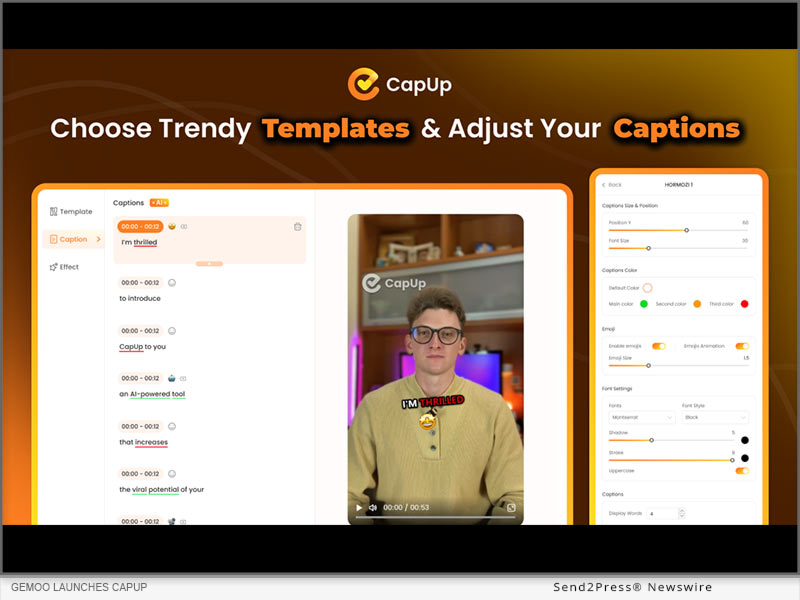
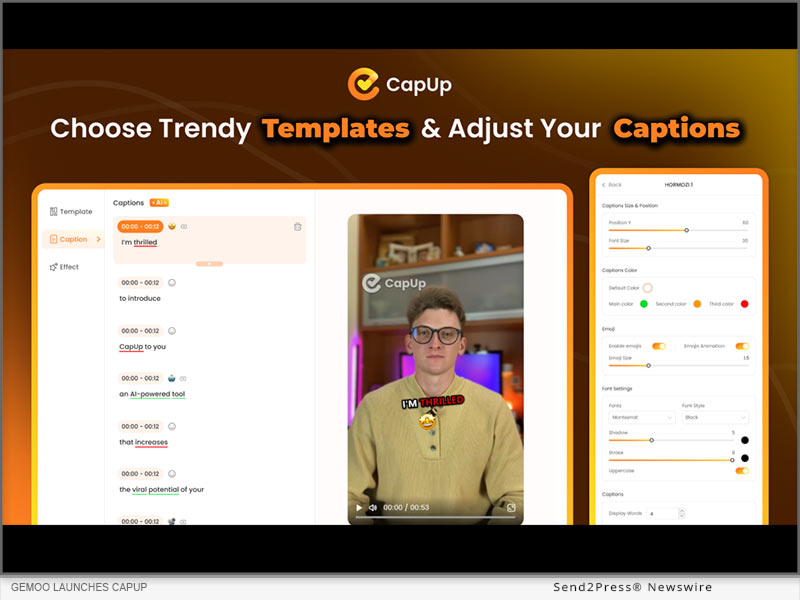
LOS ANGELES, Calif. /ScoopCloud/ -- Gemoo Inc., the developer of FocuSee, proudly announces the launch of CapUp, an innovative AI caption generator designed to save editing time and effort for content creators, and help them easily create viral shorts like top content creators to boost their TikTok, Instagram, and YouTube growth and monetization 10x faster.

Bridging the gap between professional editing and the viral potential of social media, CapUp offers dynamic captions, sophisticated zoom effects, an array of emojis, and tailored sound and visual effects. The application's intelligent automation processes ensure creators' outputs are not only captivating but also aligned with the latest trends, effortlessly.

"We understand how disappointing it could be when pouring hearts and time into creating a video, but it doesn't go viral as expected," said Chloé Yang, co-founder of Gemoo. "CapUp was built to help content creators turn short videos into viral ones within minutes. With dynamic captions and effects, CapUp aims to empower content creators to make a strong impact."

Feature Highlights of CapUp:

1. AI-Powered Captions: CapUp generates accurate dynamic captions with emojis in a flash using advanced AI. Now it supports 12 languages.

2. Trendy Influencer-Style Templates: Users can select from trendy templates and apply it to their own videos in a click. It's also easy to customize caption fonts, highlight colors, emojis, and effects to better fit different styles.

3. Auto Zoom for Highlights: CapUp's AI analyzes the captions and adds magic zoom effects to highlight key points. Amplify the visual impact and increase view duration.

4. Eye-Catching Intro Effect: CapUp automatically adds the same attention-grabbing zoom and sound effect used by the top creator. Help users hook more audience in the first 3 seconds.

5. Popular Sound & Visual Effects: CapUp takes videos to the next level with popular sound and visual effects.

6. Various Interesting Emojis: Spice up the video a bit more with interesting emojis. The perfect emojis will match the captions automatically, and users can add a specific emoji as they prefer.

7. Custom Video Covers: CapUp allows users to choose the most striking moments from the video or upload stunning photos as the thumbnail. Make videos stand out with eye-catching video covers.

Learn more about CapUp or give it a try now: https://gemoo.com/capup/

Compatibility and Price:

CapUp is a web app that works on both Windows and macOS, and is free to generate 10 videos per month. Premium plans start from $12.99/month. Check more pricing plans at: https://gemoo.com/capup/pricing.htm

About Gemoo:

Gemoo is an innovative team on a mission to let everyone enjoy a fun, creative, and limitless experience of video creating, editing, and sharing. For more information: https://gemoo.com/

News from Gemoo

Gemoo Inc., the developer of FocuSee, proudly announces the launch of CapUp, an innovative AI caption generator designed to save editing time and effort for content creators, and help them easily create viral shorts like top content creators to boost their TikTok, Instagram, and YouTube growth and monetization 10x faster.

Related link: https://gemoo.com/

This version of news story was published on ScoopCloud™ (ScoopCloud.com) - part of and © the Neotrope® News Network - all rights reserved.

How to Remove Background from Image on Mac with Edimakor AI

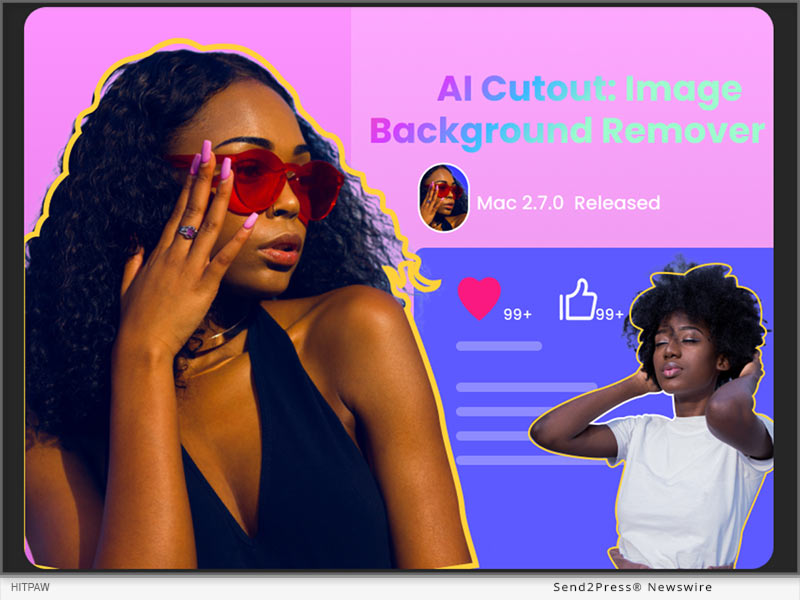
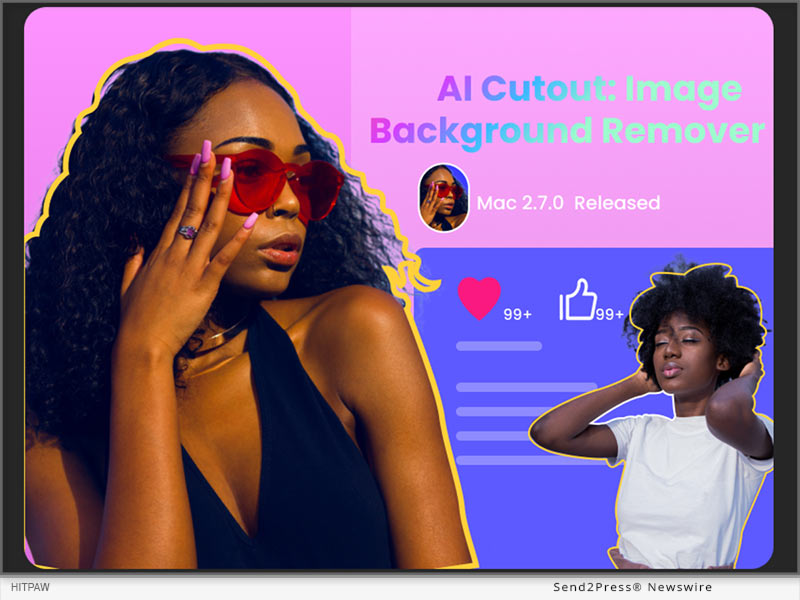
NEW YORK, N.Y. /ScoopCloud/ -- HitPaw, a leading software developer specializing in multimedia editing solutions, proudly announces the launch of Edimakor Mac version 2.7.0. This latest update introduces a suite of AI-driven tools, such as the highly anticipated AI cutout feature, revolutionizing the editing landscape for Mac users.

According to a spokesperson for HitPaw Edimakor, the release of Mac version 2.7.0 underscores the company's commitment to innovation and user-centric design. "AI cutout represents just one of the many enhancements we've made to HitPaw Edimakor," said a spokesperson of HitPaw. "The Edimakor team is continually dedicated to refining its products, aiming to unleash users' creativity and streamline their editing workflows."

What is AI Cutout?

Gone are the days of tedious manual selection and masking. With the new AI Cutout tool, Mac users can effortlessly remove backgrounds from images with unparalleled precision and efficiency. Whether editing portraits, product photos, or any other image, this feature empowers users to achieve professional-quality results in a fraction of the time.

Other AI Tools in HitPaw Edimakor

In addition to AI Cutout, HitPaw Edimakor Mac V2.7.0 brings forth a set of other AI-driven functionalities designed to elevate the editing experience. These include:

* STT and TTS Features: HitPaw Edimakor, like other video editing software, offers powerful Speech-to-Text (STT) and Text-to-Speech (TTS) tools. STT converts dialogue in videos to editable text for easy subtitle creation, while TTS allows you to add audio to your videos when needed.

* AI-Generated Script Templates: HitPaw Edimakor Mac V2.7.0 introduces AI-generated script templates, empowering users with intelligent video copywriting recommendations.

* Text-to-Subtitle Conversion: Simply paste your text into HitPaw Edimakor, and it will automatically split it into subtitle strips, saving you time and effort in the subtitle creation process.

These AI and enhanced features, coupled with optimizations to the Timeline interface and fixes to the downloader, reinforce HitPaw Edimakor's position as a leading provider of cutting-edge editing solutions.

How to Use AI Cutout on Mac by HitPaw Edimakor?

Whether you're a seasoned professional or a novice enthusiast, HitPaw Edimakor makes AI background removal accessible to everyone. Here is a step-by-step guide to use AI coutout on Mac:

Step 1: Begin with upload your image to Edimakor by clicking 'Import Files.' Then, add the image to the timeline by clicking the '+' icon or dragging it there manually.

Step 2: Navigate to 'AI Tools' under 'Image' in the right column, and toggle the 'AI Cutout' feature to remove the background from your image with a single click.

Step 3: Once the background is removed, you can further edit and enhance the image, such as changing the background, adding special effects, etc. Finally, click 'export' to save your edited image.

For more information about HitPaw Edimakor Mac 2.7.0 and its features, visit https://www.hitpaw.com/video-editor.html

Follow on social:

Facebook: https://www.facebook.com/profile.php?id=100091217221227

X/Twitter: https://twitter.com/HitpawEdimakor

YouTube: https://www.youtube.com/@HitPawEdimakorOfficial

News from HitPaw

HitPaw, a leading software developer specializing in multimedia editing solutions, proudly announces the launch of Edimakor Mac version 2.7.0. This latest update introduces a suite of AI-driven tools, such as the highly anticipated AI cutout feature, revolutionizing the editing landscape for Mac users.

Related link: https://www.hitpaw.com/

This version of news story was published on ScoopCloud™ (ScoopCloud.com) - part of and © the Neotrope® News Network - all rights reserved.

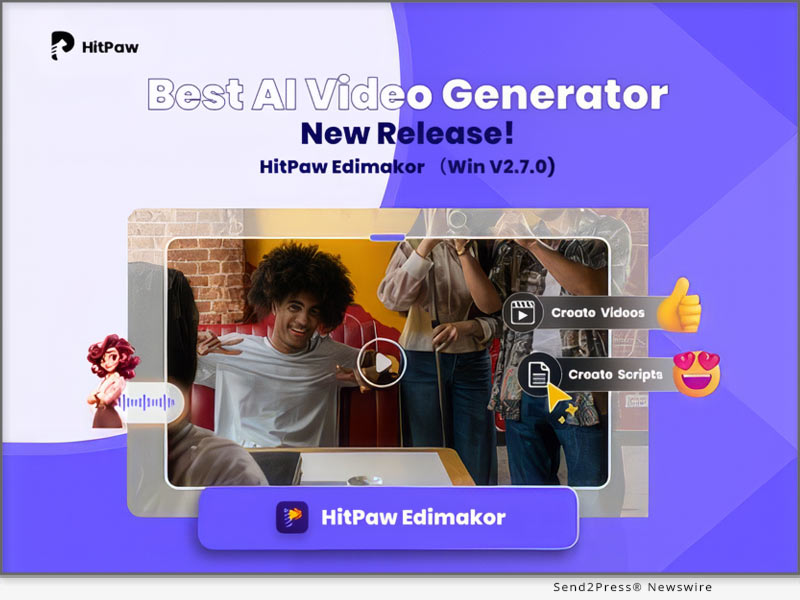
HitPaw Edimakor Win V2.7.0 Released with AI-Powered Features and an Enhanced Video Editing Experience

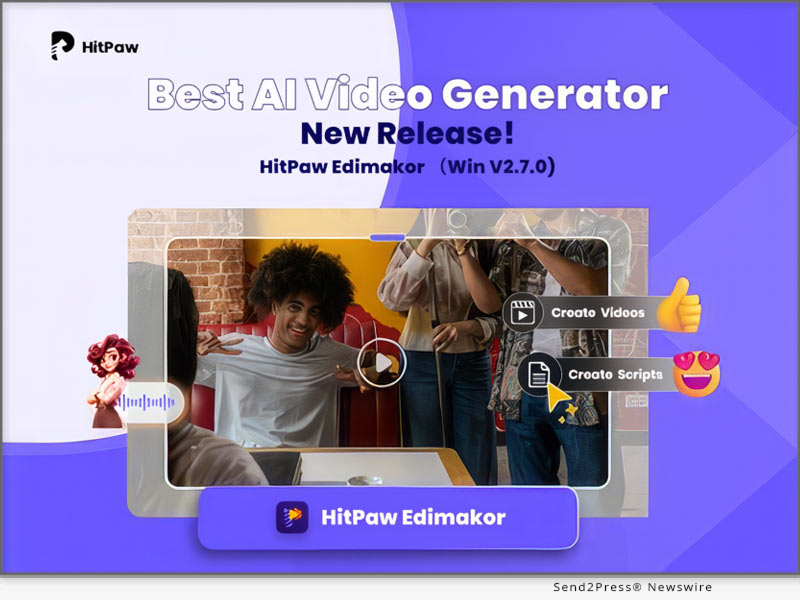
NEW YORK, N.Y. /ScoopCloud/ -- HitPaw Edimakor, a robust video editing software, has recently undergone a significant update with the release of Win V2.7.0. The upgraded version not only enhances existing features but introduces groundbreaking AI-powered tools, offering users an unparalleled creative experience.

"Whether you're a seasoned professional or just starting your creative journey, HitPaw Edimakor Win V2.7.0 is the go-to choice," says a spokesperson from HitPaw. "Artificial intelligence will fundamentally change the way video editing is done, making the creative process more efficient and enjoyable."

NEW AI-DRIVEN TOOLS

Let's take a look at what powerful artificial intelligence tools have been added to this video editing suite:

* AI-Generated Script Templates: Powered by artificial intelligence, this innovative feature can automatically generate video scripts, streamlining users' content creation process. Beyond efficiency, it delivers compelling video copywriting that quickly captivates the audience's interest within a short timeframe.

* AI Smart Cutout: With the Image AI Cutout feature, HitPaw edimakor Win V2.7.0 allows users to separate people or objects from the background. Now, you can easily change the background or inject other elements into your edits.

ENHANCED EXISTING FEATURES

This update is aim to provide users with a more fluid, efficient, and enjoyable editing experience. To achieve this, the following features have been further optimized:

* Expanded Material Library: The update also expands the pool of trending image and video materials from the internet, helping users incorporate more fashionable and appealing elements into their videos.

* Text-to-Subtitle Conversion: Say goodbye to time-consuming subtitle creation. With the new Text to Subtitle conversion feature, users can improve workflow efficiency and focus more on storytelling. Just paste your text and it automatically splits text into dynamic subtitle strips.

* Enhanced Screen Recording: Experience an upgraded screen recording function with the addition of a recording camera, allowing for more dynamic and personalized recordings.

* Timeline Refinement: Your editing experience is now smoother than ever with optimized details related to the timeline. Enjoy enhanced precision and control over your creative process.

PRICING & AVAILABILITY

HitPaw Edimakor offers a range of subscription plans tailored to meet your unique needs. Users can take advantage of the ongoing Spring sale, available until early April, where the discounted price is now an exclusive. This limited-time offer makes HitPaw Edimakor Win V2.7.0 even more accessible to creators, ensuring cutting-edge video editing tools are within reach for all.

ABOUT EDIMAKOR

At Edimakor, they are dedicated to transforming inspiration into reality, fostering a world filled with boundless creativity. As a leading video editor software provider, Edimakor also offers a range of multimedia solutions for creators, including screen recording, photo enhancement, voice changing, AI video generation, among others.

For more information, you may visit: https://www.hitpaw.com/video-editor.html

Follow on social:

Facebook: https://www.facebook.com/profile.php?id=100091217221227

X/Twitter: https://twitter.com/HitpawEdimakor

YouTube: https://www.youtube.com/@HitPawEdimakorOfficial

News from HitPaw

HitPaw Edimakor, a robust video editing software, has recently undergone a significant update with the release of Win V2.7.0. The upgraded version not only enhances existing features but introduces groundbreaking AI-powered tools, offering users an unparalleled creative experience.

Related link: https://www.hitpaw.com/

This version of news story was published on ScoopCloud™ (ScoopCloud.com) - part of and © the Neotrope® News Network - all rights reserved.

HitPaw Edimakor for Mac V2.6.0: AI Video Generator, STT, TTS Included

NEW YORK, N.Y. /ScoopCloud/ -- HitPaw, a leading provider of multimedia solutions, proudly announces the release of HitPaw Edimakor for Mac V2.6.0, a powerful and user-friendly video editing software. The latest version brings an array of exciting features and fresh resources, solidifying its position as the preferred toolkit among content creators.

What's New about HitPaw Edimakor?

Here's a closer look at the key highlights:

* AI Script Generator: One exciting feature in this update is the integration of the ChatGPT interface. Simply put, users can now use the latest AI to easily create video scripts. Or, you can also create engaging video content by selecting suitable resource templates.

* Video Download and Audio Extraction: HitPaw Edimakor now supports pasting any website link to download corresponding audio and video resources, further enriching your creative experience. Additionally, if you are unsatisfied, you are able to directly extract the desired audio from video clips.

* Screenshot Function: The brand-new screenshot feature allows users to capture moments from videos and save them as static images, making it easy to share and showcase creative highlights.

* Rich resources: In this update, the HitPaw team has introduced a wide range of creative elements. Now, users have access to over 300 new fonts, over 80 diverse text styles, a collection of 50 commercially licensed music tracks, and an selection of over 30 new special effects.

* Simplified creative workflow: With HitPaw Edimakor, Mac users can not only enjoy great freedom but also further simplify the video editing process. For example, when the timeline is empty, you can directly add materials. On the other hand, the newly added switch on the timeline enables users to unbind the material from the main axis.

* STT and TTS: Like other video editing software, HitPaw Edimakor is equipped with powerful Speech-to-Text (STT) and Text-to-Speech (TTS) functionalities. Speech-to-Text can be used to convert dialogues in videos into editable text, facilitating the creation of subtitles. Meanwhile, Text-to-Speech allows you to add audio to your videos when needed.

Compatibility and Price

HitPaw Edimakor is not only fully compatible with MacOS 10.15 or higher, but also offers a Windows version. Users can now purchase the software and enjoy a fantastic 20% discount. Compared to competitors, it is more suitable for budget-conscious Mac users.

For more price checking, please visit:
https://www.hitpaw.com/purchase/buy-hitpaw-video-editor-mac.html

About Edimakor

Edimakor has always been committed to unleashing individual creative potential. Over the years, the Edimakor team has assisted numerous users worldwide in turning their imagination into reality. Apart from video editing, Edimakor also provides various innovative solutions, including screen recording, photo enhancement, voice changing, AI video generation, and more.

For more information, visit: https://www.hitpaw.com/video-editor.html

Follow on social:

YouTube: https://www.youtube.com/@HitPawEdimakorOfficial

Facebook: https://www.facebook.com/profile.php?id=100091217221227

X/Twitter: https://twitter.com/HitpawEdimakor

News from HitPaw

NEW YORK, N.Y., Feb. 2, 2024 (SEND2PRESS NEWSWIRE) -- HitPaw, a leading provider of multimedia solutions, proudly announces the release of HitPaw Edimakor for Mac V2.6.0, a powerful and user-friendly video editing software. The latest version brings an array of exciting features and fresh resources, solidifying its position as the preferred toolkit among content creators.

Related link: https://www.hitpaw.com/

This version of news story was published on ScoopCloud™ (ScoopCloud.com) - part of and © the Neotrope® News Network - all rights reserved.

BlipCut Introduces AI Video Translator: Its Brand-New AI Tool

NEW YORK, N.Y. /ScoopCloud/ -- BlipCut, a fresh face in the tech scene, is thrilled to unveil its latest creation: BlipCut AI Video Translator. This online tool is set to transform the way content is created and shared, opening up new possibilities for users of all levels.

AI Features:

BlipCut AI Video Translator comes equipped with a range of user-friendly features that breathe life into multimedia projects:

* Voice Cloning: Powered by ElevenLabs, it uses AI to clone your voice with precision when video translating.

* Voice Changer: It provides several human-like AI voices for expressive storytelling.

* Video Dubbing: Break language barriers with effortless video dubbing in various languages.

* Auto Caption Generator: You're allowed to generate the translated subtitles automatically and change the style of subtitles.

* AI Audio Translator: Translate audios or videos instantly in BlipCut, no queuing!

Designed for Everyone:

BlipCut prioritizes simplicity, ensuring that both newcomers and seasoned creators can easily integrate these features into their projects. The aim is to empower users to explore the full potential of AI in multimedia creation.

User Stories:

Early users are already sharing their excitement about the AI Video Translator:

"BlipCut AI Video Translator has become an integral part of my life. I made some learning videos which speaks in English, but I wanted to make them known to all. So I chose to translate to English. BlipCut can translate Korean to English accurately." - Anne Gerta

Availability and Ongoing Development:

The AI Video Translator is available now, and BlipCut is actively seeking user feedback for future enhancements. The company is open to collaborations and partnerships that align with its commitment to innovation.

About BlipCut:

BlipCut is a rising tech brand focused on shaping the future of multimedia creation through innovative AI solutions. The AI Video Translator is the latest addition to its suite of tools aimed at empowering creators worldwide.

To know more, you may visit: https://videotranslator.blipcut.com/

Our Social Media:

YouTube: https://www.youtube.com/channel/UCw1bFhL3EBEfKwZEhVgCm3g

X/Twitter: https://twitter.com/BlipCutofficial

Instagram: https://www.instagram.com/blipcutofficial

Discord: https://discord.com/invite/J6suWhfr

News from BlipCut

BlipCut, a fresh face in the tech scene, is thrilled to unveil its latest creation: BlipCut AI Video Translator. This online tool is set to transform the way content is created and shared, opening up new possibilities for users of all levels.

Related link: https://videotranslator.blipcut.com/

This version of news story was published on ScoopCloud™ (ScoopCloud.com) - part of and © the Neotrope® News Network - all rights reserved.

Visla’s Visionary Gabe Moronta, Announced as Speaker for AImpact 2023

NEW YORK CITY, N.Y. /ScoopCloud/ -- How does a father's dreams for his daughters influence his technology career toward the pursuit of AI excellence? Why do inclusivity and democratization matter now more than ever, and how can we ensure a fairer future for all? Gabe Moronta announced as featured speaker for the upcoming AImpact 2023 virtual conference on November 7-9, 2023.

Beyond AI is a Father's vision for a fairer future...

Visla's Vision

The end of 2020 marked a significant shift in the tech world. The founding engineer and chief scientist of Zoom, Huipin Zhang, left to form his own startup, Visla. A year later, fellow Zoom stalwart, Gabe Moronta, followed suit to join him.

Their shared vision? To simplify the production of professional quality video at scale. Personally, they wanted to rekindle the thrill of being part of an early-stage startup that changes the world. Both believe that business can be about more than a monetary pursuit; it's an example of your beliefs in action.

Leveling the Playing Fields: A Personal Mission

For Gabe, the promise of AI isn't just about technological prowess or business success; it's about creating a world where his daughters can thrive without facing the same barriers women before them did. A world where the playing field is truly leveled for everyone, irrespective of their gender, background, or circumstance.

Gabe's perspective on AI and its potential is deeply intertwined with his personal experience. "Despite my wife's relentless dedication and hard work, she's had to work tenfold harder than her male counterparts, only to earn significantly less. I don't want that to be my daughter's future. Hopefully, with AI, we can change the playing field for everyone."

Democratizing Creative Choice

Visla's unique proposition lies in its ability to give control back to the user. Whether it's extracting the essence of a video call, personalizing your video library prompt, or getting AI to conceptualize and generate your video based on a simple prompt, Visla ensures that the end product is a reflection of the user's vision. Learn more: https://www.visla.us/

It's about democratizing creative choice to ensure that the next generation, and every generation after, step into a world that values merit over bias, potential over prejudice, and dreams over disparities.

Championing Change: Gabe's Quest for Inclusivity in the AI Realm

Inclusivity and equality aren't just about creating tools, but about contributing to spaces where every voice is heard and valued. It was this shared vision that led him to cross paths with the effervescent Hailey Wilson.

They met at a virtual event, and then in real life at MAICON 2022 - but both felt like they'd known each other for years. Gabe was compelled by Hailey's "How can I help you?" approach and her desire to bridge the gap between AI novices, experts, and everyone in between.

Hailey was creating the type of inclusive space for the fearful and the futurists that was exactly what Gabe had been looking for. Within the AImpact community, Gabe found not just professional alignments but confluences of shared ideals and hope for an empowered future for everyone. Their conversations culminated in his involvement with AImpact 2023 as a speaker.

"True progress is made when we champion not just our dreams, but the dreams of those around us," says Moronta.

Like Visla and AImpact, Gabe's commitment to democratizing creativity is intrinsically tied to fostering communities that empower and uplift women.

AI Enthusiasts Unite!

AImpact 2023 is geared towards ground-breaking insight, real-world applications, and promoting responsible AI practices. With a diverse mix of industry experts, technologists, authors, and enthusiasts, the conference is also set to create a unique crowdsourced AI white paper - by all the attendees as contributors.

In his AImpact 2023 talk, "Generative AI: Fact vs Fiction, The Journey Ahead, Not The Final Destination," Gabe emphasizes that the path of AI is unknown and constantly changing. And that's the beauty of it!

The full spectrum of possibilities hasn't even occurred to us yet; Gabe believes it's going to be better than we can even imagine.

AI in all its facets: with products like Visla, pioneers like Gabe, and people like Hailey Wilson with her AImpact community, is a call to the brave.

It's an invitation to those willing to embark on a wild ride with a destination that changes before our very eyes, supported by an unwavering belief that together, we get to rewrite a fairer future for all.

VIDEO (YouTube): Visla Video Storytelling Platform Feature Introduction - https://www.youtube.com/watch?v=pnfDeQvwZmQ

AIMPACT 2023 EVENT INFORMATION:

Learn more: https://www.aimpactevent.com/

Speakers: https://www.aimpactevent.com/speakers

News from AImpact

How does a father's dreams for his daughters influence his technology career toward the pursuit of AI excellence? Why do inclusivity and democratization matter now more than ever, and how can we ensure a fairer future for all? Gabe Moronta announced as featured speaker for the upcoming AImpact 2023 virtual conference on November 7-9.

Related link: https://www.aimpactevent.com/

This version of news story was published on ScoopCloud™ (ScoopCloud.com) - part of and © the Neotrope® News Network - all rights reserved.

HitPaw Video Object Remover V2.0.0 announced: A Revolutionary Upgrade for Seamless Video Editing

NEW YORK, N.Y. /ScoopCloud/ -- HitPaw is thrilled to announce the release of HitPaw Video Object Remover (Win) V2.0.0, a game-changing update that elevates the world of video editing to new heights. These updates are designed to enhance the user experience, making HitPaw Video Object Remover (Win) V2.0.0 the ultimate tool for video editors of all levels.

WHAT'S NEW:

* Enhanced AI Model

We've supercharged our AI model for object removal, delivering even more precise and impressive results. Say goodbye to unwanted elements in your videos effortlessly.

* Improved Tracking and Removal

We've fine-tuned our tracking and removal capabilities to ensure a smoother and more effective editing process. Your videos will look flawless and professional.

* Custom Background Upload

The star feature of this update is the ability to upload your own images for background replacement. Now, you have the freedom to replace video backgrounds with your favorite pictures, unleashing your creativity.

* Generic Picture Background

In addition to custom uploads, we provide a selection of generic picture backgrounds for replacement. It's never been easier to give your videos a fresh look.

Learn more: https://www.hitpaw.com/hitpaw-object-remover.html

Compatibility and Price:

HitPaw Video Object Remover is now compatible with Windows 11/10 64-bit and macOS 10.15 and above. The pricing starts from $39.99 USD for a month plan.

For more price checking and information, you can visit https://www.hitpaw.com/purchase/buy-hitpaw-object-remover.html

About HitPaw:

HitPaw is a leading software provider dedicated to simplifying the world of multimedia editing. Our innovative tools empower creators to bring their ideas to life, whether through video editing, photo enhancement, or more. With user-friendly interfaces and cutting-edge technology, HitPaw software is designed for both beginners and professionals.

To know more, you may visit https://www.hitpaw.com/

Our Social Media

YouTube: https://www.youtube.com/channel/UCQwRggaotgiMcPbiCOsJeBA

Facebook: https://www.facebook.com/hitpawofficial

X/Twitter: https://twitter.com/HitPawofficial

Instagram: https://www.instagram.com/hitpawofficial/

Pinterest: https://www.pinterest.com/HitPawofficialwebsite/

News from HitPaw

HitPaw is thrilled to announce the release of HitPaw Video Object Remover (Win) V2.0.0, a game-changing update that elevates the world of video editing to new heights. These updates are designed to enhance the user experience, making HitPaw Video Object Remover (Win) V2.0.0 the ultimate tool for video editors of all levels.

Related link: https://www.hitpaw.com/

This version of news story was published on ScoopCloud™ (ScoopCloud.com) - part of and © the Neotrope® News Network - all rights reserved.