Tag Archives: AI video tools

HitPaw Launches VikPea V5.4.0 With New AI Video Stylization, Face Tracking Beauty and Smart Import

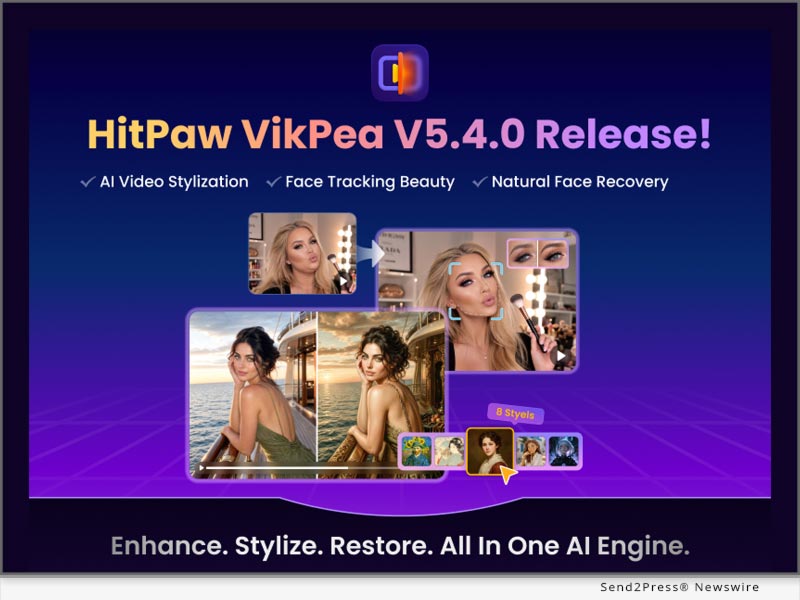
NEW YORK, N.Y., July 2, 2026 (SEND2PRESS NEWSWIRE) — HitPaw, a leading innovator in AI-powered multimedia solutions, today announced the release of HitPaw VikPea V5.4.0, the latest upgrade to its AI video enhancement and creation platform. This version introduces an all-new AI Video Stylization feature, smarter Face Tracking Beauty, expanded video import capabilities, and several core AI model improvements, making professional-quality video enhancement and creation faster, easier, and more accessible than ever.
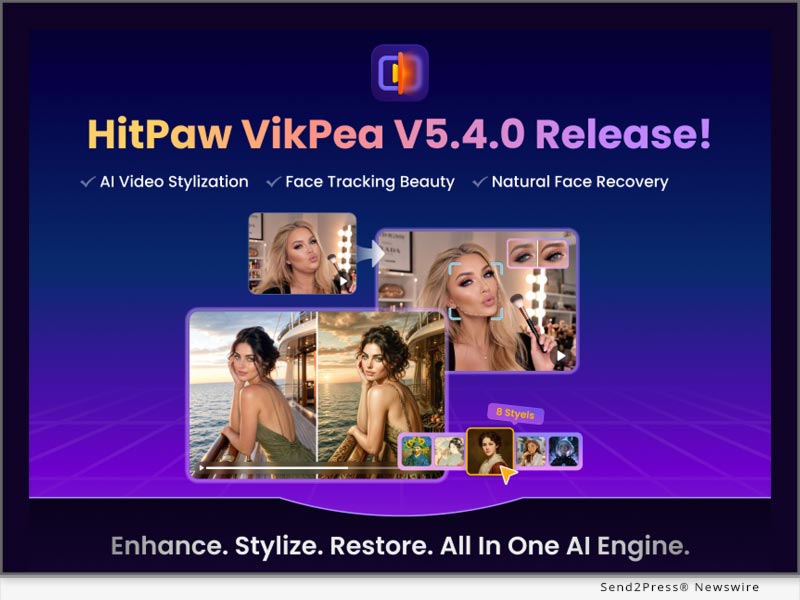
HitPaw VikPea V5.4.0 Is Now Live
Image caption: HitPaw VikPea V5.4.0 Is Now Live.

WHAT’S NEW IN HITPAW VIKPEA V5.4.0?

1. AI Video Stylization

VikPea introduces AI Video Stylization, enabling users to transform standard footage into stylized videos with preset or prompt-based controls while preserving motion consistency.

Key benefit: quickly generates cinematic-style videos such as Cyberpunk, Ghibli-inspired, and Van Gogh-style visuals from existing footage.

2. Face Tracking Video Beauty Upgrade

The upgraded Video Beauty module adds Face Tracking technology that locks enhancement effects onto a selected face, maintaining consistency even in multi-person or moving scenes.

Key benefit: prevents beauty effects from shifting or flickering in vlogs, interviews, and livestream content.

3. Smart Video Import (Link & DVD Support)

Users can now import videos via YouTube or TikTok URLs for automatic detection, as well as from DVD or Blu-ray sources, for quick access and further enhancement.

Key benefit: simplifies content ingestion from online sources and physical media into a single workflow.

4. AI Generative Model with Text Enhancement

The AI Generative Model now improves text clarity during enhancement, reducing blur and distortion of subtitles, captions, and on-screen text.

Key benefit: ensures readable text in tutorials, presentations, and archived footage.

5. Faster Portrait Restoration & Improved Video Stabilization

VikPea V5.4.0 delivers up to 20% faster export speeds in portrait restoration and improved stabilization for smoother results in handheld and high-motion videos.

COMPATIBILITY AND PRICING

HitPaw VikPea V5.4.0 supports both Windows and macOS, making it easy for all creators to get started. Download the latest version and subscribe from just $43.19/month.

Save more with exclusive discounts on Yearly and Perpetual plans:

ABOUT HITPAW

HitPaw is a leading innovator in AI-powered multimedia solutions. Its intuitive software helps creators enhance videos, edit photos, transform audio, and generate AI-powered content with ease. Trusted by millions of users worldwide, HitPaw continues to make professional creative technology accessible to everyone.

Learn more at: About HitPaw – All Things About HitPaw

Follow Us

NEWS SOURCE: HitPaw Co Ltd


This press release was issued on behalf of the news source (HitPaw Co Ltd), who is solely responsible for its accuracy, by Send2Press Newswire. Image, if any, was provided by the news source and not this website or the wire service. Information is believed accurate, as provided by the news source, but is not guaranteed.

To view the original story, visit: https://www.send2press.com/wire/hitpaw-launches-vikpea-v5-4-0-with-new-ai-video-stylization-face-tracking-beauty-and-smart-import/

Copr. © 2026 Send2Press® Newswire, Calif., USA. -- REF: S2P STORY ID: S2P136632 NOREL-3B

 

LumeFlow AI Launches Major Platform Update with Seedance 2.0 Mini, 4K Video Generation, and Marketing Studio

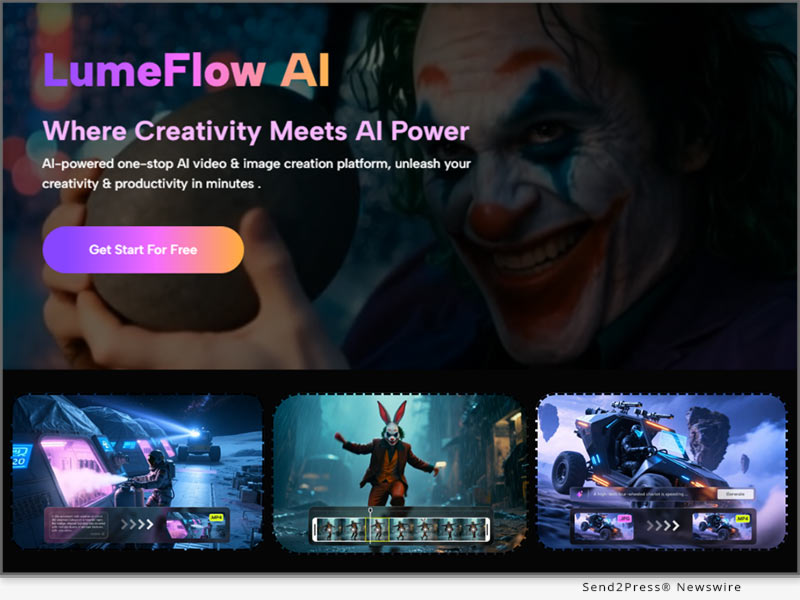
SHENZHEN, China, June 27, 2026 (SEND2PRESS NEWSWIRE) — LumeFlow AI has officially announced a major platform update designed to empower creators with faster AI video generation, professional-quality visual production, and streamlined marketing workflows. The latest release introduces ByteDance’s newest Seedance 2.0 Mini model, native 4K support for Seedance 2.0, and the all-new Marketing Studio, further strengthening LumeFlow AI as an all-in-one AI content creation platform for creators, marketers, and brands.

LumeFlow AI Launches Major Platform Update With Seedance 2.0 Mini, 4K Video Generation, and Marketing Studio
Image caption: LumeFlow AI Releases Major Update To Accelerate AI Video Creation and Marketing Workflows.

As demand for AI-generated content continues to grow across TikTok, Instagram Reels, YouTube Shorts, and digital advertising, creators need more than individual AI models—they need efficient production workflows. This update enables users to move seamlessly from content ideation to professional marketing videos within a single platform.

SEEDANCE 2.0 MINI DELIVERS FASTER AI VIDEO GENERATION

One of the biggest highlights of this release is the integration of Seedance 2.0 Mini, ByteDance’s latest AI video generation model built for high-frequency content production.

Supporting both text-to-video and image-to-video generation, Seedance 2.0 Mini significantly improves generation speed while maintaining impressive visual quality. The model also delivers stronger consistency in character appearance, smoother camera movement, and more stable performance across complex scenes.

For creators producing short-form videos, advertising creatives, and daily social media content, Seedance 2.0 Mini provides a faster workflow without sacrificing creative quality, making it ideal for rapid content iteration.

SEEDANCE 2.0 4K UNLOCKS PROFESSIONAL AI VIDEO PRODUCTION

LumeFlow AI now also supports native 4K generation for Seedance 2.0, bringing professional-grade AI video creation to commercial production workflows.

The upgraded model supports multimodal inputs—including text, images, audio, and video—to generate high-resolution AI videos with remarkable detail and visual consistency.

Key advantages include:

  • Native 4K output with cinematic 10-bit color for richer color grading and smoother lighting transitions.
  • Enhanced preservation of fine visual details such as hair, clothing textures, and lighting reflections, making it suitable for commercial advertising and professional filmmaking.
  • Flexible post-production workflows, allowing creators to crop 4K footage into vertical 9:16 formats for TikTok, Instagram Reels, and YouTube Shorts without compromising image quality.
  • Advanced multimodal generation supporting up to nine reference images, three video clips, and three audio files within a single generation task.

These capabilities provide creators, agencies, and production studios with greater creative flexibility while significantly reducing the complexity of professional AI video generation.

MARKETING STUDIO BRINGS END-TO-END AI MARKETING VIDEO CREATION

The update also introduces Marketing Studio, a new workflow solution that helps creators and businesses produce marketing videos more efficiently.

Marketing Studio supports three dedicated creative modes designed for different advertising scenarios:

  • UGC Video

Built for influencer marketing, product recommendations, and talking-head videos, creators can choose an existing avatar, create a custom avatar, or allow the AI to generate a virtual presenter automatically. This enables rapid production of engaging social commerce content.

  • Ad Video

Designed for product-focused advertising, users can upload product images or simply provide a product webpage URL. Marketing Studio automatically analyzes product information and generates visually compelling promotional videos that highlight product features and selling points.

  • AI Commercial

For brands seeking more cinematic advertising content, AI Commercial supports structured inputs including brand names, product descriptions, target audiences, key selling points, and campaign tags. The result is professional-quality commercial videos suitable for brand campaigns and TVC-style productions.

In addition, Marketing Studio allows products to be stored as reusable creative assets, making future editing and campaign production significantly more efficient. The feature currently supports advertising workflows powered by Seedance 2.0 and PixVerse, with additional AI models planned for future updates.

BUILDING A SMARTER AI CONTENT CREATION WORKFLOW

Rather than introducing individual AI features, this update reflects LumeFlow AI’s continued focus on building a complete AI content creation workflow.

From faster AI video generation with Seedance 2.0 Mini, to professional 4K production capabilities, and finally to automated marketing video creation with Marketing Studio, creators can now complete the entire production pipeline—from concept to commercial-ready content—inside one platform.

As AI-powered content production continues to evolve, LumeFlow AI remains committed to providing creators with the latest AI models, integrated creative workflows, and production tools that improve efficiency without increasing complexity.

ABOUT LUMEFLOW AI

LumeFlow AI is an all-in-one AI content creation platform built for creators, marketers, storytellers, and businesses. By combining advanced AI video generation, AI image creation, creative effects, and workflow automation into a unified ecosystem, LumeFlow AI empowers users to produce engaging visual content faster and more efficiently.

With continuous integration of the latest AI models and creator-focused workflows, LumeFlow AI is redefining how AI-powered content is created for social media, marketing, and professional production.

Learn more about LumeFlow AI at: https://www.lumeflow.ai/

NEWS SOURCE: LumeFlow AI


This press release was issued on behalf of the news source (LumeFlow AI), who is solely responsible for its accuracy, by Send2Press Newswire. Image, if any, was provided by the news source and not this website or the wire service. Information is believed accurate, as provided by the news source, but is not guaranteed.

To view the original story, visit: https://www.send2press.com/wire/lumeflow-ai-launches-major-platform-update-with-seedance-2-0-mini-4k-video-generation-and-marketing-studio/

Copr. © 2026 Send2Press® Newswire, Calif., USA. -- REF: S2P STORY ID: S2P136524 NOREL-3B


Edimakor V5.0.0 Revolutionizes AI Video Creation with Reference to Video and AI Ads Features

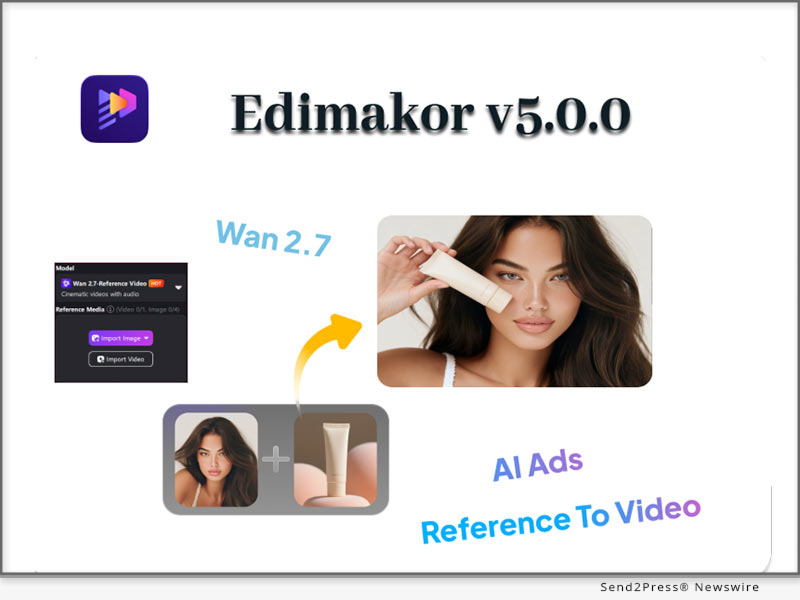
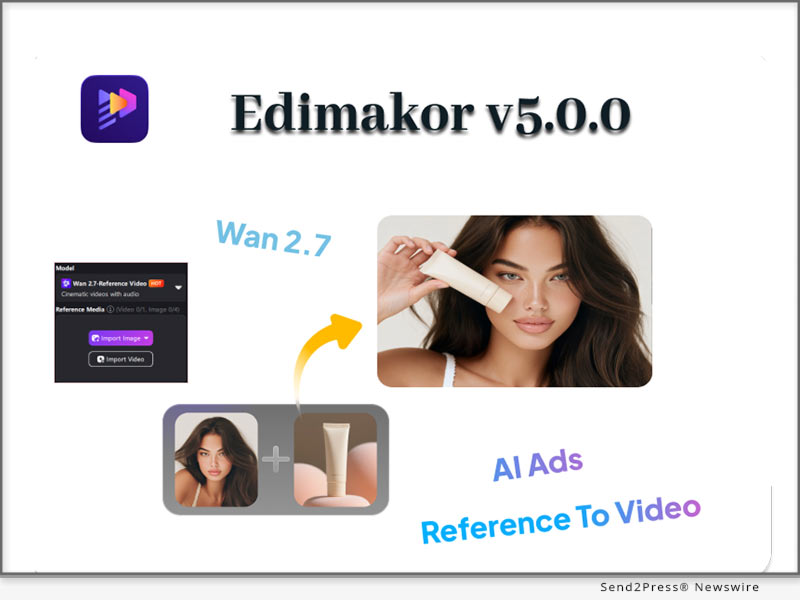
NEW YORK, N.Y., June 3, 2026 (SEND2PRESS NEWSWIRE) — Video production using AI has completely evolved since the early days when users created random video clips based only on a text prompt. Nowadays, users are calling for consistent quality, improved control, and fast turnaround times, making these types of previously available tools irrelevant. The HitPaw Edimakor new version 5.0.0 addresses this demand by providing comprehensive solutions (new features) that make video content creation easy for creators by integrating Reference to Video, Ability to Create AI ads, ability to do video clones (i.e., create a copy of anyone). This update moves video production from a traditional model to a more intelligent Procedure.

Edimakor V5.0.0 Revolutionizes AI Video Creation with Reference to Video and AI Ads Features
Image caption: Edimakor V5.0.0 Revolutionizes AI Video Creation.

REFERENCE TO VIDEO POWERED BY WAN 2.7

Edimakor V5.0.0 completely redefines the AI Video landscape, where many AI Video tools start anew every time an AI is executed. Incorporate your own images, video, or audio as reference material with a text prompt, and Edimakor will produce an engaging video that has the same visual output from beginning to end. The integration of the newly incorporated Wan 2.7 model powers this process, delivering the level of quality and consistency that generic generation cannot provide. Your style is still your style.

AI IMAGE EDITING CLEAN, FAST, PROFESSIONAL

Two major enhancements In Edimakor AI Image Editing:

  • Remove or replace the background of an image to produce an entire series of professional photos with different backgrounds for various marketing scenes.
  • Take out unwanted objects, remove blemishes, change the colour of items, and add or replace items in large areas of photos easily using simple selections.

AI ADS ONE CLICK TO A PROFESSIONAL AD CAMPAIGN

Edimakor V5.0.0 offers you an entire ad generation suite that will allow you to generate high-quality video or image-based ads for e-commerce or brand marketing, in one click!

Main features:

  • Unified product and brand management with AI customized characters that represent your brand.
  • Creative advertisements, use of consumer-generated content, product showcase advertisements, and promotional advertisements.
  • AI background swap, virtual try-on, and model hand-holding product shot feature.

VIDEO CLONING CAPTURE WHAT WORKS

Using Video Cloning function, you can upload your reference clip or photograph(s), and Edimakor will produce for you a fully-functioning video marketing piece using the same style, camera angles, lighting, and action as your reference material. This one tool alone can save hundreds of hours of video production work each week.

CONCLUSION

With Edimakor V5.0.0, you will have a full creative video production studio all contained in one tool, which includes reference-based generation of viral content, cloning of other successful advertisements, professional-grade advertisement production, and the ability to produce emotional-sounding voiceovers.

FOLLOW EDIMAKOR FOR THE LATEST UPDATES:

Official Website: https://edimakor.hitpaw.com/

X/Twitter: https://x.com/HitpawEdimakor

YouTube: https://www.youtube.com/@HitPawEdimakorOfficial

Instagram: https://www.instagram.com/edimakor_official

NEWS SOURCE: HitPaw Edimakor


This press release was issued on behalf of the news source (HitPaw Edimakor), who is solely responsible for its accuracy, by Send2Press Newswire. Image, if any, was provided by the news source and not this website or the wire service. Information is believed accurate, as provided by the news source, but is not guaranteed.

To view the original story, visit: https://www.send2press.com/wire/edimakor-v5-0-0-revolutionizes-ai-video-creation-with-reference-to-video-and-ai-ads-features/

Copr. © 2026 Send2Press® Newswire, Calif., USA. -- REF: S2P STORY ID: S2P135935 NOREL-3B


LumeFlow AI Revolutionizes Video Production Pipeline with GPT Image 2 and AI Agent Skill

SHENZHEN, China, May 29, 2026 (SEND2PRESS NEWSWIRE) — LumeFlow AI, a pioneer in next-generation generative AI platforms, today announced a massive architecture upgrade aimed at solving the industry’s biggest bottleneck: consistency and automation in the AI video production pipeline. By integrating GPT Image 2 into its AI storyboard tool and launching autonomous AI Agent workflows, LumeFlow AI is transitioning from a standalone creative tool into an enterprise-grade AI production studio.

Workflow of LumeFlow AI Skill Simplifies AI Content Creation.
Image caption: Workflow of LumeFlow AI Skill Simplifies AI Content Creation.

This major milestone aligns with a massive surge in platform adoption, capped by the highly successful conclusion of the Seedance 2.0 Creators Challenge on May 27, and the upcoming launch of the heavily anticipated LumeFlow AI Film Challenge this June.

GPT IMAGE 2 INTEGRATION FOR AI STORYBOARD WORKFLOWS

For AI filmmakers and digital studios, maintaining consistent AI characters across multiple cinematic frames has long been a technical hurdle. Traditional generative workflows often suffer from “style drift” and facial inconsistency between shots.

LumeFlow AI solves this systemic pain point by integrating GPT Image 2. Its enhanced storyboard generation ability, combined with Seedance 2.0 Omni Reference, delivers:

  • Frame-to-Frame Temporal Consistency: Advanced context-retention algorithms ensure that character features, clothing, and environmental assets remain pixel-perfect across the entire generation lifecycle.
  • Granular Cinematic Control: Directors can now parameterize camera angles, lighting conditions, and aspect ratios without altering the underlying character model, shrinking pre-production timelines by up to 70%.

LUMEFLOW’S API LEVERAGES AI AGENTS FOR BATCH CONTENT AUTOMATION

As the industry pivots toward autonomous systems, LumeFlow AI is introducing its Skill (API), a new feature designed to enable AI agents such as Claude Code to automate large-scale image and video production workflows.

Rather than requiring creators to manually prompt every single asset, LumeFlow AI Skill enables multi-agent orchestration:

  1. Script-to-Asset Ingestion: The AI Agent analyzes complex text scripts and automatically breaks them down into individual prompt sequences.
  2. Autonomous Batch Generation: Operating natively within the AI video production pipeline, the agent manages parallel rendering queues, troubleshoots stylistic anomalies, and automates asset exporting.
  3. API-Driven Extensibility: Technical directors can deploy customized LumeFlow Skills via standard developer APIs to sync seamlessly with existing VFX and rendering pipelines.

SCALING THE CREATOR ECOSYSTEM: FROM SEEDANCE 2.0 SUCCESS TO JUNE’S AI FILM CHALLENGE

The robustness of LumeFlow AI’s new infrastructure was fully validated during the Seedance 2.0 Challenge, which successfully concluded on May 27. The competition drew hundreds of global AI creators to utilize the platform’s expanding ecosystem to produce cinematic-grade short films.

Building on this momentum, the company has officially announced the upcoming AI Film Challenge, scheduled to launch this June.

With growing interest in AI-generated filmmaking, the challenge aims to encourage creators worldwide to experiment with AI film production using LumeFlow AI’s expanding ecosystem of image and video generation tools, and AI workflow automation capabilities.

The upcoming challenge reflects the increasing demand for creator-focused AI production platforms capable of supporting both short-form content and longer cinematic storytelling formats.

ABOUT LUMEFLOW AI 

LumeFlow AI is an all-in-one AI content creation platform built for creators, storytellers, marketers, and digital studios. By combining advanced AI video generation, AI image creation, creative effects, and workflow automation into one unified ecosystem, LumeFlow AI helps users transform ideas into engaging visual content with greater speed and efficiency.

From AI short videos and cinematic storytelling to AI-powered production workflows, LumeFlow AI continues expanding its platform to meet the evolving needs of modern digital creators.

Learn more about LumeFlow AI or explore the LumeFlow AI Skills.

NEWS SOURCE: LumeFlow AI


This press release was issued on behalf of the news source (LumeFlow AI), who is solely responsible for its accuracy, by Send2Press Newswire. Image, if any, was provided by the news source and not this website or the wire service. Information is believed accurate, as provided by the news source, but is not guaranteed.

To view the original story, visit: https://www.send2press.com/wire/lumeflow-ai-revolutionizes-video-production-pipeline-with-gpt-image-2-and-ai-agent-skill/

Copr. © 2026 Send2Press® Newswire, Calif., USA. -- REF: S2P STORY ID: S2P135825 NOREL-3B


Edimakor V4.9.0 Introduces New GPT Image 2 and Character Library for Consistent, Cinematic AI Creation

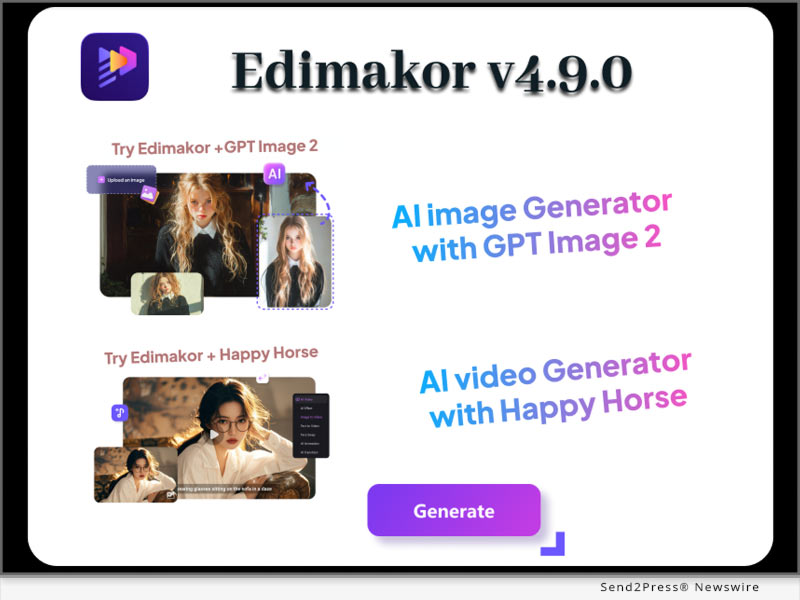
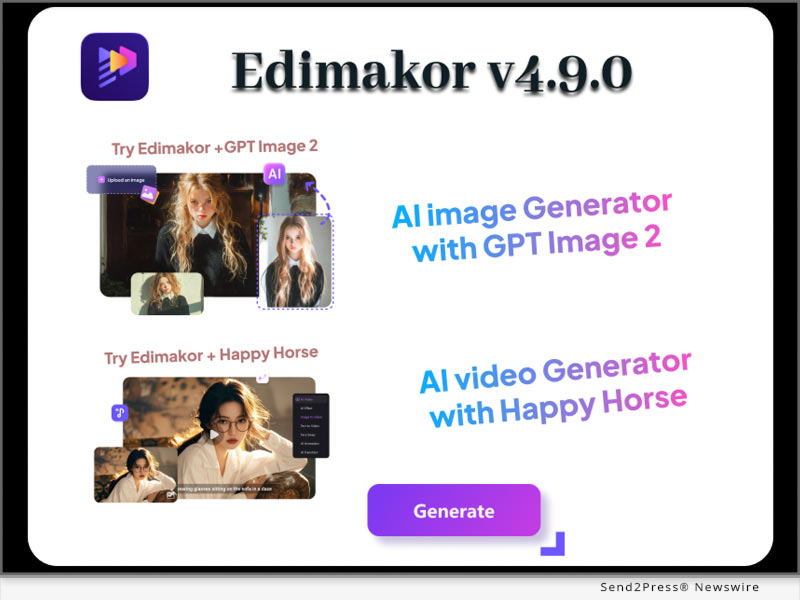
NEW YORK, N.Y., April 29, 2026 (SEND2PRESS NEWSWIRE) — The demand for smarter and more precise AI creative tools is growing fast. Creators today don’t just want beautiful images — they want consistency, storytelling, and control across every project. To meet this need, HitPaw Edimakor announces the release of Edimakor V4.9.0, a major upgrade that brings two powerful features: GPT Image 2 and an enhanced Character Library.

Edimakor V4.9.0 Introduces GPT Image 2 and Character Library for Consistent, Cinematic AI Creation
Image caption: Edimakor V4.9.0 Introduces GPT Image 2 and Character Library for Consistent, Cinematic AI Creation.

This update is designed to help creators produce not only high-quality visuals, but also complete and consistent stories — from a single image to full video series.

SMARTER IMAGE CREATION WITH GPT IMAGE 2

Precision and Detail

GPT Image 2 takes image generation to the next level. It understands complex prompts and creates visuals with strong accuracy and fine detail… Whether it’s textures, lighting, or composition — the results feel polished and realistic.

Multi-Language Support

The model supports multiple languages, including Japanese, Korean, Chinese, Hindi, and Bengali… This allows creators around the world to generate images with natural and readable text — making content more global and accessible.

Cinematic Quality

Images generated with GPT Image 2 are not just visually appealing — they are consistent in style. Lighting, color, and overall design stay stable — helping creators achieve a true cinematic look.

BUILD STORIES WITH THE UPGRADED CHARACTER LIBRARY

Creating consistent characters across different scenes can be difficult. Edimakor solves this with its upgraded Character Library.

Users can create a character once and reuse it across multiple videos or projects. There is no need to rewrite descriptions or adjust styles every time. The system keeps the character’s look and identity consistent.

This is especially useful for:

  • Video series
  • Tutorials
  • Branded content
  • Storytelling projects

With this feature, creators can focus more on ideas and less on repetition.

A NEW LEVEL OF CREATIVE CONTROL

Edimakor V4.9.0 connects high-quality image creation with long-form storytelling. GPT Image 2 ensures every visual looks sharp and accurate, while the Character Library keeps everything consistent across scenes.

Together, these features help creators build stronger, more engaging content — faster and more efficiently. Whether you are working on short videos or full creative series – Edimakor gives you the tools to bring your ideas to life with clarity and consistency.

Follow Edimakor to stay updated with the latest creative tools and offers:

Official Website: https://edimakor.hitpaw.com/

X/Twitter: https://x.com/HitpawEdimakor

YouTube: https://www.youtube.com/@HitPawEdimakorOfficial

Instagram: https://www.instagram.com/edimakor_official

NEWS SOURCE: HitPaw Edimakor


This press release was issued on behalf of the news source (HitPaw Edimakor), who is solely responsible for its accuracy, by Send2Press Newswire. Image, if any, was provided by the news source and not this website or the wire service. Information is believed accurate, as provided by the news source, but is not guaranteed.

To view the original story, visit: https://www.send2press.com/wire/edimakor-v4-9-0-introduces-new-gpt-image-2-and-character-library-for-consistent-cinematic-ai-creation/

Copr. © 2026 Send2Press® Newswire, Calif., USA. -- REF: S2P STORY ID: S2P134977 NOREL-3B


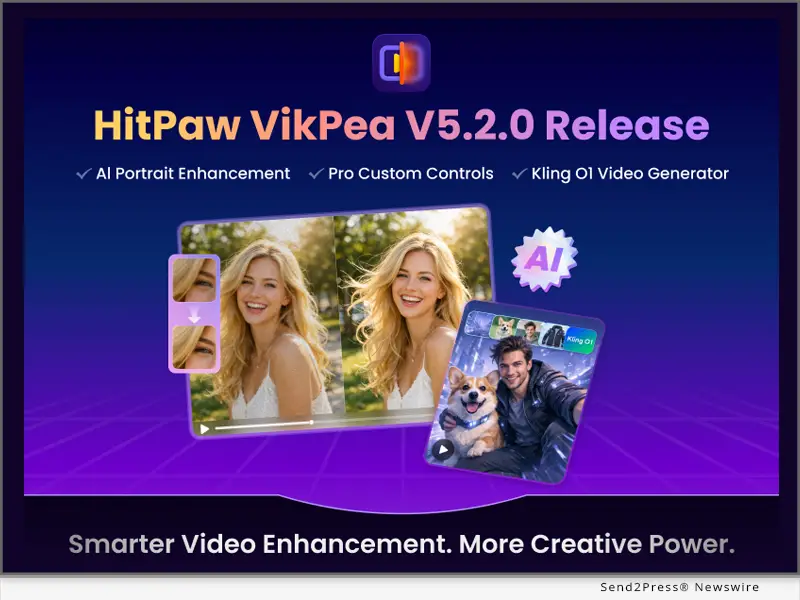
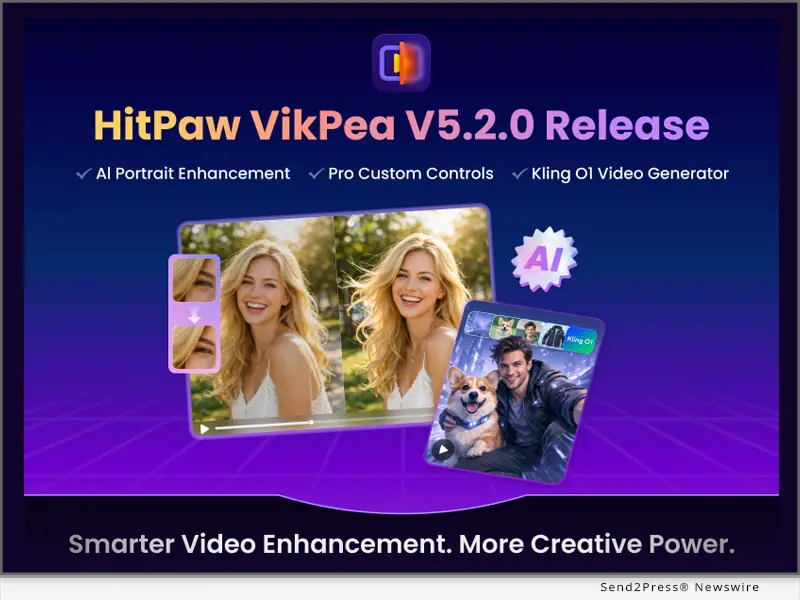
HitPaw VikPea Releases V5.2.0 with Revolutionary AI Portrait Models and Multimodal Video Generation

NEW YORK, N.Y., Feb. 9, 2026 (SEND2PRESS NEWSWIRE) — HitPaw, a leading innovator in multimedia software solutions, today announced the release of VikPea V5.2.0, the latest update to its all-in-one AI-powered video enhancement platform. This version delivers a major upgrade with the introduction of specialized AI portrait generation and restoration models, professional-grade manual parameter controls, and the integration of the Kling O1 multimodal engine. These improvements aim to bring cinema-standard video restoration and high-end AI generation capabilities to both creative professionals and digital content enthusiasts.

HitPaw VikPea Releases V5.2.0
Image caption: HitPaw VikPea Releases V5.2.0.

WHAT’S NEW IN HITPAW VIKPEA V5.2.0

1 — New AI Generation (Portrait) Model for Ultra-Low-Resolution Video

HitPaw VikPea 5.2.0 introduces a new AI Generation (Portrait) model specifically optimized for restoring ultra-low-resolution videos below 720P, delivering significantly better facial reconstruction results than general restoration or standard portrait models. It is particularly effective for legacy media such as old films, VHS recordings, and heavily compressed archival footage.

2 — New Portrait Restoration (Detail) Model for High-Definition Facial Videos

The newly added Portrait Restoration (Detail) model is designed for close-up and mid-shot facial enhancement in 1080P and higher-resolution videos. It excels at restoring fine texture details and facial clarity, making it ideal for refining AI-generated face videos and high-definition portrait content.

3 — Advanced Parameter Controls for Professional Restoration Models

To meet the needs of advanced users, HitPaw VikPea now offers customizable parameter settings for its UHD Restoration and General Restoration models. Users can fine-tune enhancement results with professional controls including Detail, Sharpen, Denoise, Decompress, and Dehalo.

4 — Cloud Export Support for Professional Models

Professional models in HitPaw VikPea 5.2.0 now support cloud-based processing and export, allowing users to generate high-quality results efficiently without consuming local system resources.

5 — Kling O1 Multimodal AI Video Generation Now Available

HitPaw VikPea integrates the powerful Kling O1 model, which unifies multiple video creation tasks into a single instruction-driven workflow. It supports text-to-video, image-to-video, first-and-last-frame video generation, content addition or removal, video modification, style re-rendering, and shot extension, making it a versatile solution for creators, marketers, and social media professionals.

6 — Expanded AI Video Generation Model Library

The AI video generation library has been further expanded with the addition of Kling 2.6, Pixverse 5.5, and Seedance Pro 1.0 Fast, providing users with more creative options and performance-focused models to suit a wide range of content creation scenarios.

COMPATIBILITY AND PRICE

HitPaw VikPea is compatible with both Windows and macOS, ensuring accessibility for creators worldwide. Users can try the new features via a free trial, or purchase the full package starting from $43.19/month.

For more information: [OFFICIAL] HitPaw Video Enhancer – AI Video Enhancer

ABOUT HITPAW

HitPaw is a cutting-edge company redefining the AI editing field with innovation, creativity, efficiency, and simplicity as its core values. The company empowers millions of users worldwide with AI-powered tools for video, image, and audio editing, enhancing, and conversion. HitPaw’s flagship products are trusted by content creators, marketers, and educators for their simplicity and cutting-edge technology.

To know more, visit: https://www.hitpaw.com/about.html and https://www.hitpaw.com/

Our Socials:

YouTube: https://www.youtube.com/channel/UCQwRggaotgiMcPbiCOsJeBA

X/Twitter: https://x.com/HitPawofficial

Instagram: https://www.instagram.com/hitpawofficial/

Pinterest: https://www.pinterest.com/hitpawcom/

NEWS SOURCE: HitPaw


This press release was issued on behalf of the news source (HitPaw), who is solely responsible for its accuracy, by Send2Press Newswire. Image, if any, was provided by the news source and not this website or the wire service. Information is believed accurate, as provided by the news source, but is not guaranteed.

To view the original story, visit: https://www.send2press.com/wire/hitpaw-vikpea-releases-v5-2-0-with-revolutionary-ai-portrait-models-and-multimodal-video-generation/

Copr. © 2026 Send2Press® Newswire, Calif., USA. -- REF: S2P STORY ID: S2P132964 NOREL-3B


HitPaw API is Integrated by Comfy for Professional AI Image and Video Enhancement to Global Creators

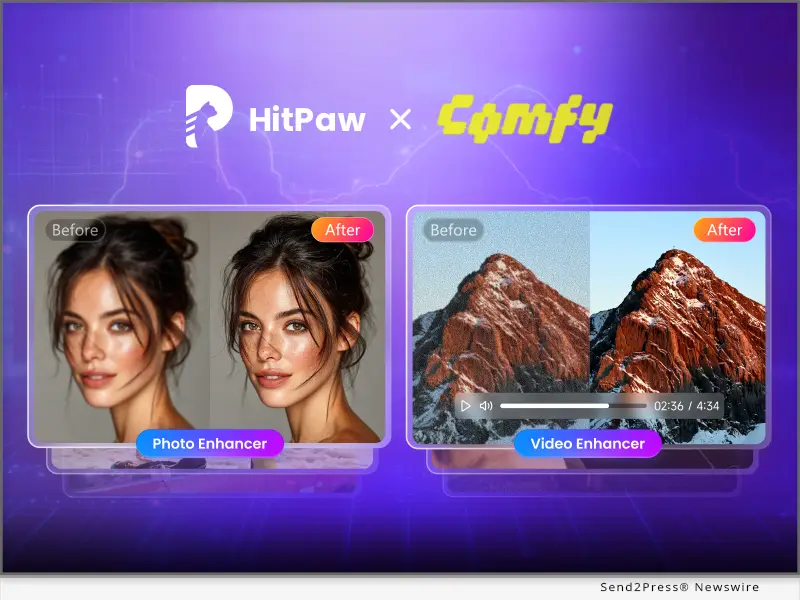
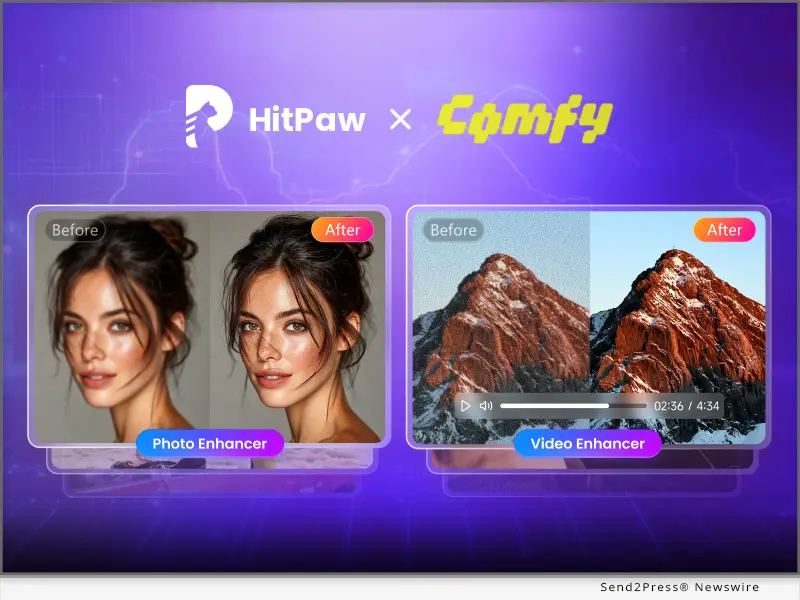
SAN FRANCISCO, Calif., Feb. 7, 2026 (SEND2PRESS NEWSWIRE) — HitPaw, a leader in AI-powered visual enhancement solutions, announced Comfy, a global content creation platform, is integrating its image and video enhancement API. The HitPaw and Comfy integration embeds HitPaw API into Comfy’s workflow, letting creators achieve pro-level visual enhancement in-platform. Blending HitPaw’s AI visual processing expertise with Comfy’s creator ecosystem, the partnership streamlines workflows and meets rising demand for high-quality digital visuals across digital platforms.

Comfy Integrates HitPaw API
Image caption: Comfy Integrates HitPaw API.

HITPAW IMAGE ENHANCER

Comfy integrates HitPaw Image Enhancer providing AI-powered photo enhancement, super-resolution, denoising, and generative restoration. It turns low-quality images into publish-ready visuals while preserving natural facial identity and textures.

Key Features

  • One-click portrait and scene enhancement inside Comfy
  • Dual-model face and background pipelines for natural results
  • 2x and 4x super-resolution options
  • High-fidelity enhancement for already sharp images
  • Diffusion-based generative models for extreme recovery
  • Batch processing and API access for platform workflows

HitPaw Image Enhancer Models

  • Face Clear Model 2x and 4x: Dual-model portrait upscaling with softened facial style and sharpened background details
  • Face Natural Model 2x and 4x: Texture-preserving portrait enhancement with realistic skin detail
  • General Enhance Model 2x and 4x: Super-resolution for animals, plants, architecture, and everyday scenes
  • High Fidelity Model 2x and 4x: Premium upscaling for DSLR photos, posters, and AIGC images
  • Sharp Denoise and Detail Denoise Models: 1x denoising for mobile and camera images
  • Generative Portrait and Generative Enhance Models: Diffusion-based 1x to 4x restoration for heavily compressed images

HITPAW VIDEO ENHANCER

Comfy integrates HitPaw Video Enhancer delivering frame-aware restoration and ultra HD upscaling. It supports single and multi-frame processing to enhance facial clarity, reduce artifacts, and maintain natural textures over time.

Key Features

  • Multi-frame face restoration for temporal consistency
  • Face-first pipelines that preserve identity and skin texture
  • GAN and diffusion models for defect repair and reconstruction
  • Ultra HD upscaling from HD to ultra HD
  • API support for automated and large-scale workflows

HitPaw Video Enhance Models

  • Face Soft Model: Face-optimized noise and blur reduction while retaining identity.
  • Portrait Restore Model: Multi-frame fusion to enhance facial detail with smooth frame transitions.
  • General Restore Model: GAN-based restoration for broad video scenarios.
  • Ultra HD Model: Premium upscaling that generates natural textures.
  • Generative Model: Diffusion-driven repair for low-resolution video reconstruction.

ABOUT HITPAW

HitPaw is a leading innovator in the AI-powered multimedia solutions sector. Known for its cutting-edge video, image, and audio editing tools, HitPaw is dedicated to providing simplicity, efficiency, and creativity in every product. Millions of creators worldwide rely on HitPaw’s technology to produce top-tier content with ease, making it the go-to platform for both professional and amateur content creators.

Learn more at: [OFFICIAL] HitPaw – AI Video, Photo & Audio Enhancer Solutions

Follow Us

YouTube: https://www.youtube.com/@hitpaw

X (Twitter): https://x.com/HitPawofficial

Instagram: https://www.instagram.com/hitpawofficial/

Pinterest: https://www.pinterest.com/HitPawofficialwebsite

NEWS SOURCE: HitPaw


This press release was issued on behalf of the news source (HitPaw), who is solely responsible for its accuracy, by Send2Press Newswire. Image, if any, was provided by the news source and not this website or the wire service. Information is believed accurate, as provided by the news source, but is not guaranteed.

To view the original story, visit: https://www.send2press.com/wire/hitpaw-api-is-integrated-by-comfy-for-professional-ai-image-and-video-enhancement-to-global-creators/

Copr. © 2026 Send2Press® Newswire, Calif., USA. -- REF: S2P STORY ID: S2P132928 NOREL-3B


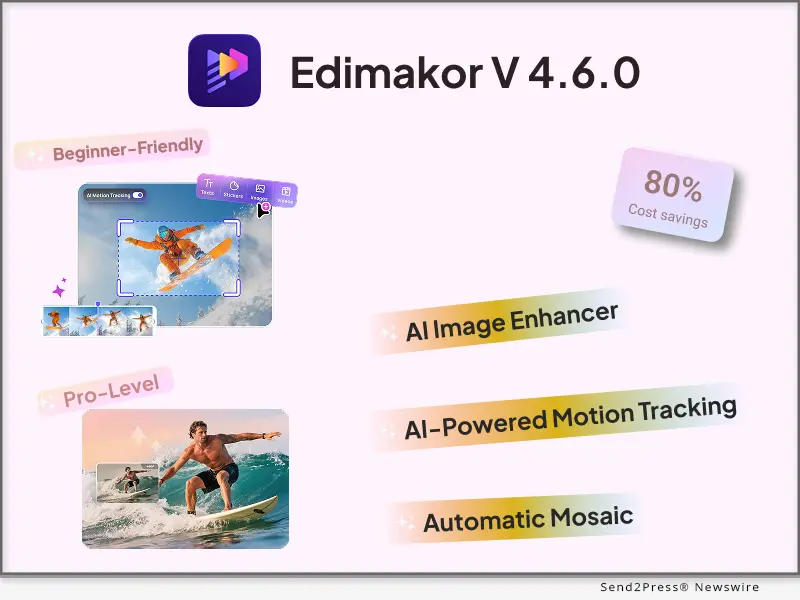
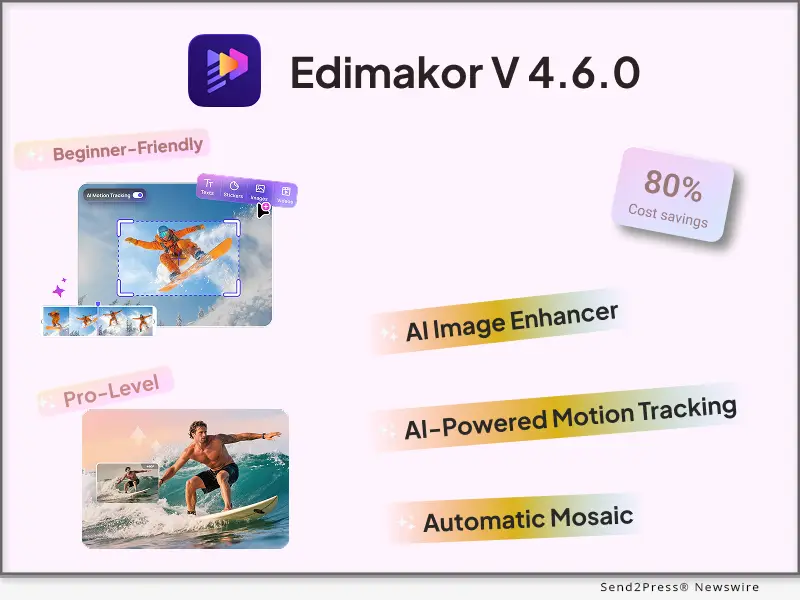
Edimakor V4.6.0 Boosts Creativity Through AI Motion Tracking and Image Enhancer

Edimakor’s new AI Motion Tracking feature introduces a smarter way to add text to videos

NEW YORK, N.Y., Feb. 2, 2026 (SEND2PRESS NEWSWIRE) — HitPaw Edimakor officially releases version 4.6.0 — bringing powerful new AI-driven upgrades to video and image editing. This major update focuses on smarter automation, smoother workflows, and higher-quality results — helping content creators, businesses, and everyday users produce professional visuals with far less effort.

Edimakor V4.6.0 Boosts Creativity Through AI Motion Tracking and Image Enhancer
Image caption: Edimakor V4.6.0 Boosts Creativity Through AI Motion Tracking and Image Enhancer.

At the core of this release are AI Motion Tracking, Automatic Mosaic, and a newly enhanced AI Image Enhancer — all designed to solve common creative challenges while boosting efficiency and visual impact.

AI MOTION TRACKING

Edimakor’s new AI Motion Tracking feature introduces a smarter way to add text to videos. Instead of static captions — text can now intelligently follow camera movement and on-screen motion.

Whether the video includes a smooth pan across scenery, a moving subject, or a close-up product shot, added titles, labels, and annotations stay naturally aligned with the scene… The result is a cinematic and professional look that feels embedded in the video itself. This makes it easier than ever to create polished vlogs, travel videos, product showcases, and educational content – without complex motion editing.

AUTOMATIC MOSAIC

With Automatic Mosaic, Edimakor uses AI to detect and track sensitive elements in videos automatically. Faces, license plates, chat screenshots, brand logos, and unwanted watermarks can be masked smoothly and consistently throughout the clip.

For vloggers and on-camera creators — this means stable, accurate masking that protects privacy and copyright while keeping videos clean and professional. The AI ensures the mosaic stays locked on the target – even as the subject moves.

AI IMAGE ENHANCER — ONE-CLICK VISUAL RESTORATION

Edimakor v4.6.0 also introduces a powerful AI Image Enhancer designed to upgrade low-quality images with a single click.

This smart tool can:

  • Sharpen blurry or low-resolution images, making text and visuals clear and readable
  • Reduce noise and blur from low-light or night photos
  • Restore old photos by colorizing black-and-white images, fixing scratches, and enhancing details
  • Improve product images by boosting clarity, color accuracy, and detail for e-commerce and ads

All enhancements are applied while preserving the original composition – with no manual adjustments required.

A SMARTER FUTURE FOR CREATIVE EDITING

Edimakor v4.6.0 marks a new step toward intelligent, user-friendly content creation. By lowering technical barriers and automating complex tasks — this update empowers more creators to bring their ideas to life with confidence and quality — pushing the visual content ecosystem toward a more creative and refined future.

Follow Edimakor to explore the latest AI-powered creative tools and updates.

Official Website: https://edimakor.hitpaw.com/

X/Twitter: https://x.com/HitpawEdimakor

YouTube: https://www.youtube.com/@HitPawEdimakorOfficial

Instagram: https://www.instagram.com/edimakor_official

NEWS SOURCE: HitPaw Edimakor


This press release was issued on behalf of the news source (HitPaw Edimakor), who is solely responsible for its accuracy, by Send2Press Newswire. Image, if any, was provided by the news source and not this website or the wire service. Information is believed accurate, as provided by the news source, but is not guaranteed.

To view the original story, visit: https://www.send2press.com/wire/edimakor-v4-6-0-boosts-creativity-through-ai-motion-tracking-and-image-enhancer/

Copr. © 2026 Send2Press® Newswire, Calif., USA. -- REF: S2P STORY ID: S2P132713 NOREL-3B


Fineshare Launches Vora AI – Now Instantly Upgrade Sora Videos to 4K with Clean Visuals

LOS ANGELES, Calif., Dec. 18, 2025 (SEND2PRESS NEWSWIRE) — Fineshare, a leading AI audio and video software company, today officially announced the launch of Vora AI, an AI-powered video generation and enhancement tool purpose-built to elevate Sora videos. With Vora, users can instantly upgrade videos to 4K ultra-high definition and generate clean, pro-grade videos, while also accessing a continuous stream of creative ideas to produce more compelling, high‑impact videos that drive visibility and audience engagement.

Fineshare Launches Vora AI - Instantly Upgrade Sora Videos to 4K with Clean Visuals
Image caption: Fineshare Launches Vora AI – Instantly Upgrade Sora Videos to 4K with Clean Visuals.

Against the backdrop of rapid advances in AI video, creators continue to face persistent challenges: professional-grade tools often come with prohibitive costs, while entry-level solutions impose strict visual restrictions, usage limitations, insufficient output quality, a lack of actionable insights into viral trends, and low production efficiency.

Vora AI addresses these pain points with a comprehensive solution, enabling creators to generate high-quality, visually refined 4K videos at a significantly faster speed and with substantially reduced costs, while markedly improving overall production efficiency.

Beyond high-definition 4K video generation and distraction-free visual presentation, Vora enables rapid analysis of trending content across platforms such as TikTok and YouTube, equipping creators with critical insights into emerging trends and competitive dynamics. In addition, complemented by efficient content creation and replication capabilities, Vora significantly reduces production time, helping creators capture traffic more effectively and strengthen their overall content competitiveness.

“Content creation should be driven by ideas, not constrained by tools,” said Jared, CEO of Fineshare. “With the launch of Vora AI, creators worldwide can produce professional-grade Sora videos at a lower cost and with greater efficiency, while responding quickly to emerging platform trends.”

Availability

Vora AI is now available globally, allowing users to access high-quality, clean, professional‑grade video generation and downloading services directly through their web browsers. For more information, please visit: https://www.fineshare.com/ai-video.

About Fineshare

Fineshare is a dynamic and innovative software company dedicated to building intelligent, efficient, and user-friendly content creation tools that empower digital creators worldwide. With a suite of products focused on audio and video creation, Fineshare is committed to making professional-grade content production accessible, efficient, and inspiring for everyone from hobbyists to seasoned professionals.

NEWS SOURCE: Fineshare Co. Ltd.


This press release was issued on behalf of the news source (Fineshare Co. Ltd.), who is solely responsible for its accuracy, by Send2Press Newswire. Image, if any, was provided by the news source and not this website or the wire service. Information is believed accurate, as provided by the news source, but is not guaranteed.

To view the original story, visit: https://www.send2press.com/wire/fineshare-launches-vora-ai-now-instantly-upgrade-sora-videos-to-4k-with-clean-visuals/

Copr. © 2025 Send2Press® Newswire, Calif., USA. -- REF: S2P STORY ID: S2P131849 NOREL-3B


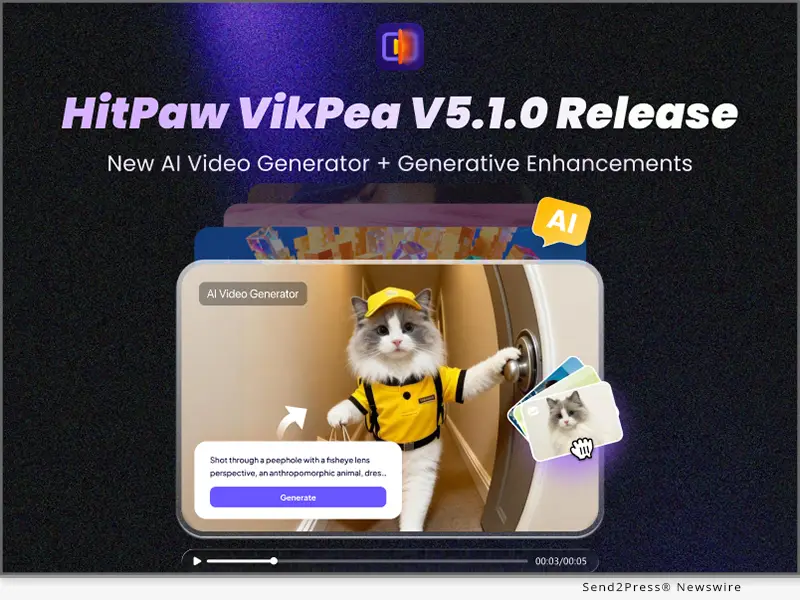
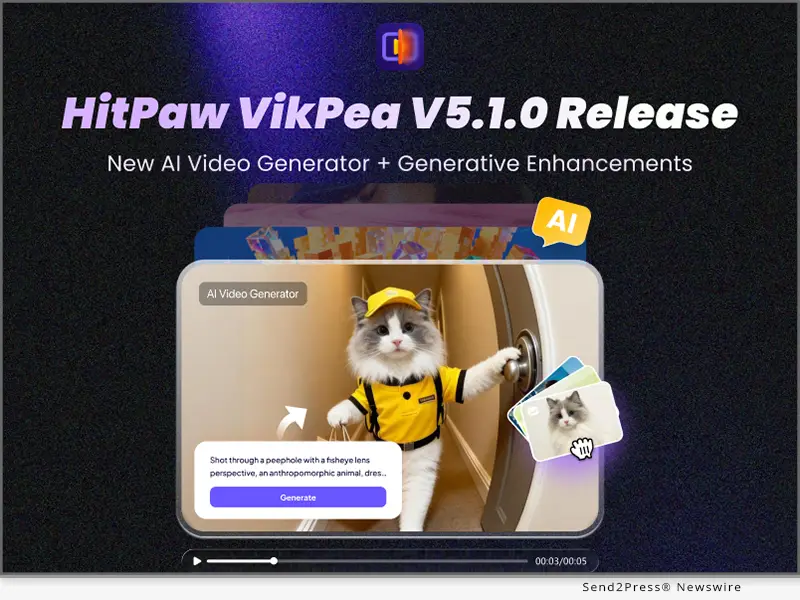
HitPaw VikPea V5.1.0 Launched: Unveiling AI Video Generator, AI Generative Model, and Enhanced Frame Interpolation for Next-Level Video Creation

NEW YORK, N.Y., Dec. 10, 2025 (SEND2PRESS NEWSWIRE) — HitPaw, a leader in AI-powered multimedia solutions, announces the launch of HitPaw VikPea V5.1.0. This release introduces groundbreaking features including the highly anticipated AI Video Generator, AI Generative Model and enhanced Frame Interpolation Model, all designed to elevate video enhancement and creative workflows.

HitPaw VikPea v5.1.0 new release
Image caption: HitPaw VikPea v5.1.0 new release.

WHAT’S NEW IN HITPAW VIKPEA V5.1.0?

1. AI Video Generator

The AI Video Generator combines multiple creative models into one platform, enabling users to generate videos from text, images, or existing media. The tool continuously updates its video material library, unlocking new creative possibilities. The image-to-video feature also supports first and last-frame input for added flexibility, making it easy to produce high-quality videos with creative effects.

Key Benefits

  • Access to a range of models, including Kling AI, VEO3, Hailuo, PixVerse, and Seedance
  • Customizable input for text-to-video, image-to-video, and creative video effects
  • Simple user interface for effortless content creation

Best For

  • Content creators, influencers, and marketers looking to generate engaging videos
  • Businesses seeking quick-turnaround promotional videos
  • Anyone exploring AI-driven video production with minimal editing skills

2. AI Generative Model

The AI Generative Model has been specifically designed to tackle ultra-low-resolution footage, especially videos below 720P. Ideal for restoring older content, such as VHS tapes and old films, this model offers improved resolution and restores fine details in videos that were once deemed irreparable.

Key Benefits

  • Enhanced pixel restoration and noise reduction for low-res videos
  • Improved handling of film and VHS sources

Best For

  • Film restorers, archivists, and content creators working with old footage
  • Users seeking to restore and enhance vintage or low-res video sources
  • Cloud-only deployment ensures top-tier performance (free preview for first-time users)

3. Frame Interpolation Model Upgrade

The Frame Interpolation Model provides a significant upgrade for creating smoother, more natural motion in high-action videos, such as sports broadcasts, gaming videos, or fast-paced transitions. This update focuses on increasing the frame rate to minimize motion blur, stuttering, and ghosting effects, providing a seamless viewing experience.

Key Benefits

  • Smoother motion with increased frame rate
  • Enhanced performance in fast-moving scenes

Best For

  • Sports videographers, live streamers, and gamers
  • Creators working with high-motion footage, requiring smooth transitions
  • Ideal for creating action-packed content with continuous motion

OTHER KEY FEATURES IN VIKPEA V5.1.0

  • Interface Optimization: Streamlined access to AI video generator for new and returning users.

COMPATIBILITY AND PRICING

HitPaw VikPea V5.1.0 is compatible with both Windows and MacOS, making it accessible for a wide variety of creators. Users can try out the latest features by downloading the newest version, or subscribe starting at $43.19/month.

Take advantage of exclusive discounts on Yearly and Perpetual plans. Don’t miss out on this special offer!

ABOUT HITPAW

HitPaw is a leading innovator in the AI-powered multimedia solutions sector. Known for its cutting-edge video, image, and audio editing tools, HitPaw is dedicated to providing simplicity, efficiency, and creativity in every product. Millions of creators worldwide rely on HitPaw’s technology to produce top-tier content with ease, making it the go-to platform for both professional and amateur content creators.

Learn more at: About HitPaw – All Things About HitPaw

Follow Us

YouTube: https://www.youtube.com/@hitpaw

X (Twitter): https://x.com/HitPawofficial

Instagram: https://www.instagram.com/hitpawofficial/

Pinterest: https://www.pinterest.com/HitPawofficialwebsite

NEWS SOURCE: HitPaw


This press release was issued on behalf of the news source (HitPaw), who is solely responsible for its accuracy, by Send2Press Newswire. Image, if any, was provided by the news source and not this website or the wire service. Information is believed accurate, as provided by the news source, but is not guaranteed.

To view the original story, visit: https://www.send2press.com/wire/hitpaw-vikpea-v5-1-0-launched-unveiling-ai-video-generator-ai-generative-model-and-enhanced-frame-interpolation-for-next-level-video-creation/

Copr. © 2025 Send2Press® Newswire, Calif., USA. -- REF: S2P STORY ID: S2P131591 NOREL-3B


LumeFlow AI Launches AI Story Generation Tool for Consistent Long Video Creation

NEW YORK and HONG KONG, Nov. 7, 2025 (SEND2PRESS NEWSWIRE) — LumeFlow AI, the one-stop AI video generation platform, has announced the launch of its new feature: AI Story Generation. Built for social media creators seeking to produce longer, cohesive videos, this innovation transforms a simple idea into a complete, visually consistent, and engaging AI-generated story — up to five minutes in length. Early adopters have responded enthusiastically to this leap forward in long-form AI video creation.

LumeFlow AI Story Generator Creates Long AI Videos with Consistent Characters
Image caption: LumeFlow AI Story Generator Creates Long AI Videos with Consistent Characters.

WHAT IS LUMEFLOW AI STORY GENERATOR?

The AI Story Generator simplifies the once-complex process of creating long videos. Instead of stitching together short, unrelated clips, users can now input a basic concept — and the AI will automatically craft a complete story.

It writes the script based on a simple idea, organizes it into logical video segments, and generates a full-length video with seamless visual flow across scenes. With this, LumeFlow AI moves beyond short-form content, empowering creators to produce monetizable, story-driven videos ideal for platforms like YouTube.

WHY USE LUMEFLOW AI FOR AI STORY GENERATION?

LumeFlow AI Story Generator offers a streamlined, all-in-one production workflow — perfect for creators who value both creativity and efficiency:

  • End-to-End Workflow: From scriptwriting and voiceover to subtitles, music, and video generation — everything happens within one platform.
  • Instant Inspiration: Access a library of trending examples or simply type in your idea — the AI will build out the full story structure automatically.
  • Extended Duration: Create videos up to five minutes long, suitable for storytelling and documentary-style content.
  • Global & Versatile: Support for multiple languages and visual styles — from Pixar 3D animation to anime, suspense, or cat-themed videos.
  • Creative Flexibility: Fine-tune any element post-generation — edit visuals, adjust audio, or tweak captions — ensuring the final video aligns perfectly with your vision.

HOW TO CREATE A STORY VIDEO WITH LUMEFLOW AI

Producing a professional, long-form AI video takes just minutes by 5 steps:

Step 1: Open LumeFlow AI Story – Access the new feature on the platform.

Step 2: Add Your Idea – Enter a concept or paste a pre-written story.

Step 3: Set Your Parameters – Choose duration, language, voiceover, visual style, and video format.

Step 4: Generate – Click “Create” and watch the AI bring your story to life — scene by scene.

Step 5: Finalize & Download – Add background music, adjust fonts, review the final cut, and download your completed video.

TRY AI CREATION BY STORY & TEXT TO VIDEO IN SECONDS

By solving the challenges of long-form content creation and offering a comprehensive workflow, LumeFlow AI has become an essential tool for creators building monetizable, story-rich video content. With advanced 3D animation and anime-style video generation now at everyone’s fingertips, creators can focus on storytelling — while LumeFlow AI handles the rest.

Ready to create your next YouTube hit? Try the LumeFlow AI Story Generator today: https://www.lumeflow.ai/

NEWS SOURCE: LumeFlow AI


This press release was issued on behalf of the news source (LumeFlow AI), who is solely responsible for its accuracy, by Send2Press Newswire. Image, if any, was provided by the news source and not this website or the wire service. Information is believed accurate, as provided by the news source, but is not guaranteed.

To view the original story, visit: https://www.send2press.com/wire/lumeflow-ai-launches-ai-story-generation-tool-for-consistent-long-video-creation/

Copr. © 2025 Send2Press® Newswire, Calif., USA. -- REF: S2P STORY ID: S2P130844 NOREL-3B


LumeFlow AI Launches New Features to Enhance AI Video Creation – Sora 2 Accessible!

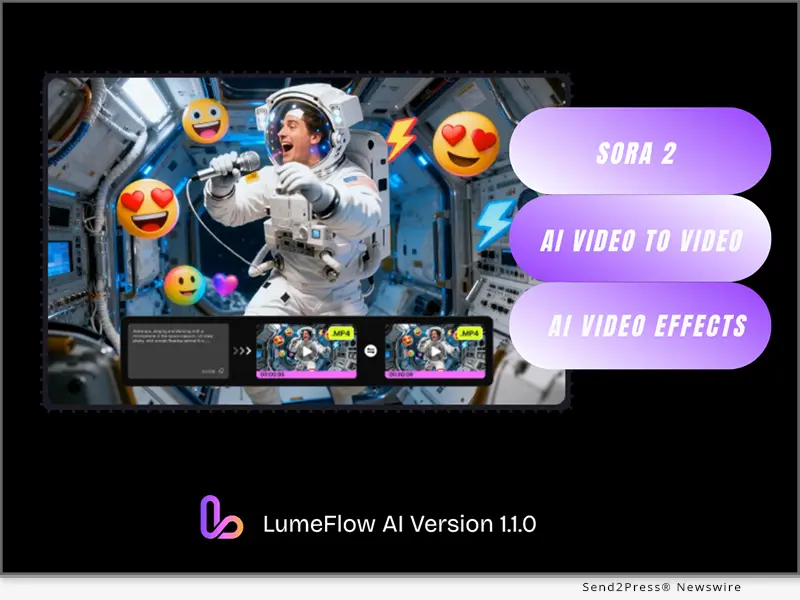
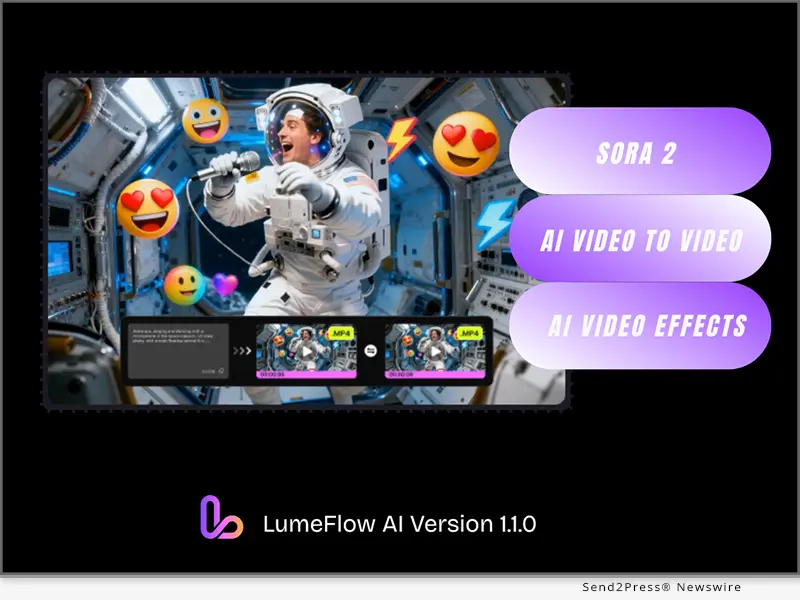
NEW YORK and HONG KONG, Oct. 17, 2025 (SEND2PRESS NEWSWIRE) — LumeFlow AI has officially released Version 1.1.0 on October 15, 2025, along with new model integration and new video-generating features, the latest update brings Sora 2 model integration and aims to make professional video creation more approachable, imaginative, and enjoyable for users.

LumeFlow AI Version 1.1.0 has launched with new model integration and new features.
Image caption: LumeFlow AI Version 1.1.0 has launched with new model integration and new features.

ADVANCED MODELS ACCESSIBLE: SORA 2 & VEO 3

In this latest update, LumeFlow AI significantly broadens its suite of high-performance AI video generation models by integrating both Open AI Sora 2.

While Sora 2 has previously been restricted to users and is only accessible via invitation in certain regions, LumeFlow AI breaks down these barriers by making it available to creators worldwide.

In addition to Sora 2, LumeFlow AI gives users access to a comprehensive lineup of premium AI video generation models, including VEO 3, Kling AI, Pixverse, and Vidu AI. By bringing these models together on a single platform, creators no longer need to juggle multiple tools or subscriptions.

AI VIDEO-TO-VIDEO GENERATION: THE NEXT STEP IN AI VIDEO GENERATING

LumeFlow AI V1.1.0 introduces the “Video-to-Video” feature for extended AI video generation.

What To Do with Video-to-Video?

  • Change Video Style: Effortlessly transform real-world footage into unique visual styles such as animation, 3D, painting, or cartoon aesthetics.
  • Extend Video Length: Seamlessly expand your video’s duration while maintaining consistent motion, lighting, and artistic direction.

This AI video-to-video generator is built for filmmakers, marketers, and digital creators who want to refresh or enhance their content without re-shooting or heavy editing—turning imagination directly into motion.

AI VIDEO EFFECTS: SECRET AI TOOL FOR VIRAL SHORT VIDEO CREATION

LumeFlow AI also launches AI Video Effects in this update, a feature that transforms photos into vivid, AI-powered videos with just one click.

The update includes access to popular viral effects like AI Hug, AI Kiss, and AI Dance, enabling users to craft attention-grabbing short videos perfect for TikTok, Instagram Reels, and YouTube Shorts.

These AI video effects make it possible for anyone—regardless of editing skills—to create expressive, funny, engaging content that resonates with audiences worldwide.

ABOUT LUMEFLOW AI

LumeFlow AI is an entertainment-focused AI video generation platform that turns simple prompts and static images into vivid, high-quality videos instantly. Built for creators, storytellers, and brands, LumeFlow AI makes it easy to produce viral clips, animated stories, or engaging product videos without any complex software or editing skills.

For anyone looking for a comprehensive AI video generation tool that combines power and simplicity, LumeFlow AI can be the perfect solution: https://www.lumeflow.ai/

NEWS SOURCE: LumeFlow AI


This press release was issued on behalf of the news source (LumeFlow AI), who is solely responsible for its accuracy, by Send2Press Newswire. Image, if any, was provided by the news source and not this website or the wire service. Information is believed accurate, as provided by the news source, but is not guaranteed.

To view the original story, visit: https://www.send2press.com/wire/lumeflow-ai-launches-new-features-to-enhance-ai-video-creation-sora-2-accessible/

Copr. © 2025 Send2Press® Newswire, Calif., USA. -- REF: S2P STORY ID: S2P130282 NOREL-3B
 

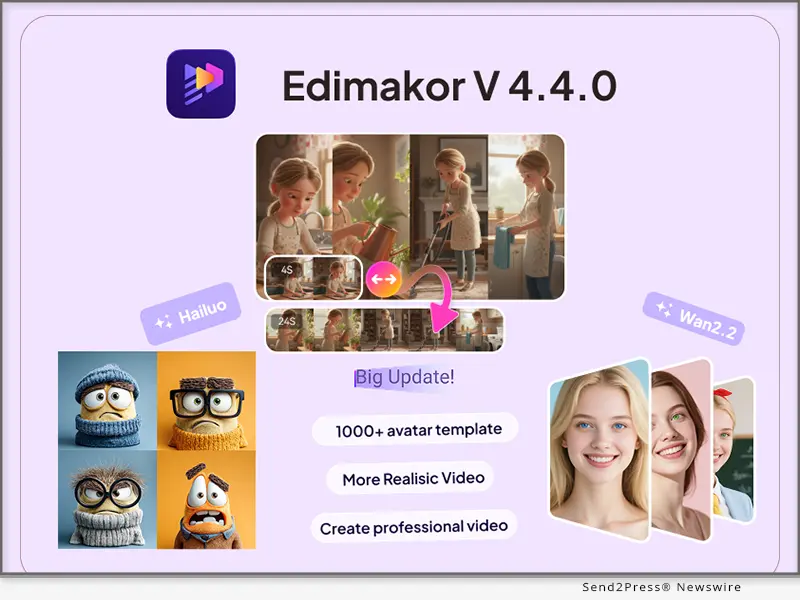
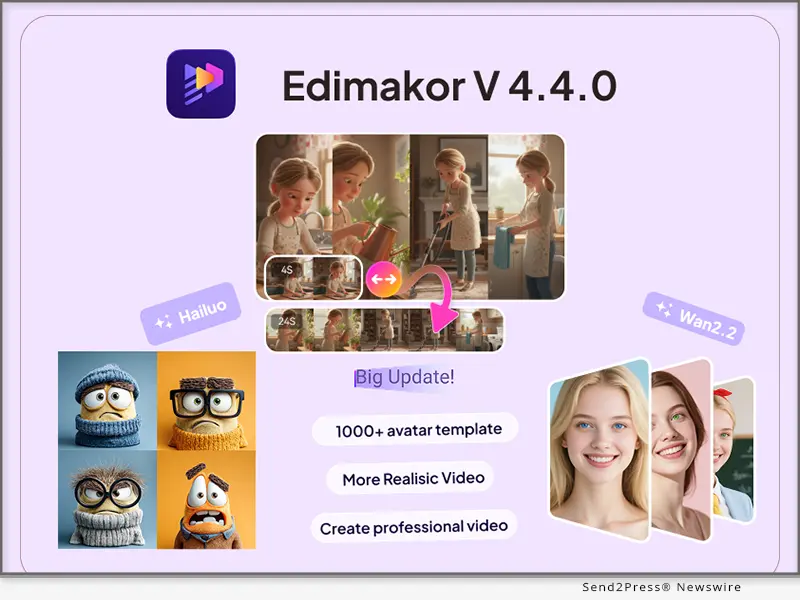
Big Update: Edimakor V4.4.0 Integrates Wan2.2 and Hailuo Models to Redefine AI Video Boundaries

With the addition of the Wan2.2 model, Edimakor V4.4.0 expands its support for text-to-video and image-to-video generation

NEW YORK, N.Y., Sept. 30, 2025 (SEND2PRESS NEWSWIRE) — HitPaw Edimakor, the AI-powered creative software trusted by a global community of creators, has announced the release of Edimakor V4.4.0, a major upgrade that brings together two advanced models — Wan2.2 and MiniMax-Hailuo-02. This update delivers smoother, more versatile video generation and introduces over 1,000 new full-body avatar templates, giving creators unmatched flexibility and power for professional and personal projects.

HitPaw Edimakor v 4.4.0
Image caption: HitPaw Edimakor v 4.4.0.

ACCESSING THE WAN2.2 MODEL

With the addition of the Wan2.2 model, Edimakor V4.4.0 expands its support for text-to-video and image-to-video generation, making it a valuable tool for advertising, film production, interactive entertainment, and multi-angle cinematography.

KEY FEATURES INCLUDE:

  • Cost Efficiency: Creators can generate a 5-second 480p video for just 50 points, or a 5-second 1080p video for only 200 points, lowering production costs dramatically.
  • Consistency Preservation:2 ensures precise alignment of text, portraits, and products across all frames for professional-grade accuracy.
  • Camera Control: Achieve smooth, stable, and complex camera movements with ease, perfect for cinematic storytelling.
  • Cinematographic Visuals: Apply professional descriptions for lighting, color grading, and composition to create polished results.
  • Smart Prompt Rewriting: Even without technical prompting knowledge, users can generate accurate, high-quality videos thanks to AI-assisted input optimization.

INTEGRATION WITH MINIMAX-HAILUO-02 MODEL

The new MiniMax-Hailuo-02 model sets a new standard in complex motion video generation, enabling highly realistic scenes of activities like gymnastics, diving, or acrobatics.

Highlights include:

  • Native 1080p resolution for crisp, clear visuals.
  • State-of-the-art command tracking, ensuring fluid and precise motion.
  • Emotion-rich output, capturing nuanced human expressions and gestures.
  • Extreme physics capability, making it the only model in the world able to realistically simulate advanced physical movements and dynamic scenarios.

This makes Hailuo an essential tool for creators who need content that goes beyond simple animations — from sports marketing to entertainment and training simulations.

AI AVATARS: 1,000+ NEW TEMPLATES ADDED

In addition to new models, Edimakor has expanded its AI Avatar library with over 1,000 new modules, covering scenarios from real people (face, torso, full body) to cartoons and animals.

With Heygen integration, Edimakor’s new avatars are tailored for UGC content, e-commerce, and brand storytelling, with all models cleared for commercial use. Covering categories from office and fitness to home life, outdoor, and professional settings, the library ensures a fit for every creative project.

ABOUT EDIMAKOR

Edimakor is an all-in-one creative AI software built to make video and image editing simple, fast, and powerful. From AI video generation and avatars to sound design, subtitles, translation, and image tools — Edimakor helps both beginners and professionals achieve cinematic-quality results with ease. Trusted by creators worldwide, Edimakor continues to push the boundaries of digital creativity.

Stay connected with Edimakor:

Official Website: https://edimakor.hitpaw.com/

X/Twitter: https://x.com/HitpawEdimakor

YouTube: https://www.youtube.com/@HitPawEdimakorOfficial

Instagram: https://www.instagram.com/edimakor_official

NEWS SOURCE: HitPaw Edimakor


This press release was issued on behalf of the news source (HitPaw Edimakor), who is solely responsible for its accuracy, by Send2Press Newswire. Image, if any, was provided by the news source and not this website or the wire service. Information is believed accurate, as provided by the news source, but is not guaranteed.

To view the original story, visit: https://www.send2press.com/wire/big-update-edimakor-v4-4-0-integrates-wan2-2-and-hailuo-models-to-redefine-ai-video-boundaries/

Copr. © 2025 Send2Press® Newswire, Calif., USA. -- REF: S2P STORY ID: S2P129758 NOREL-3B
 

How New AI Technology Helps Long-Distance Relationships Thrive

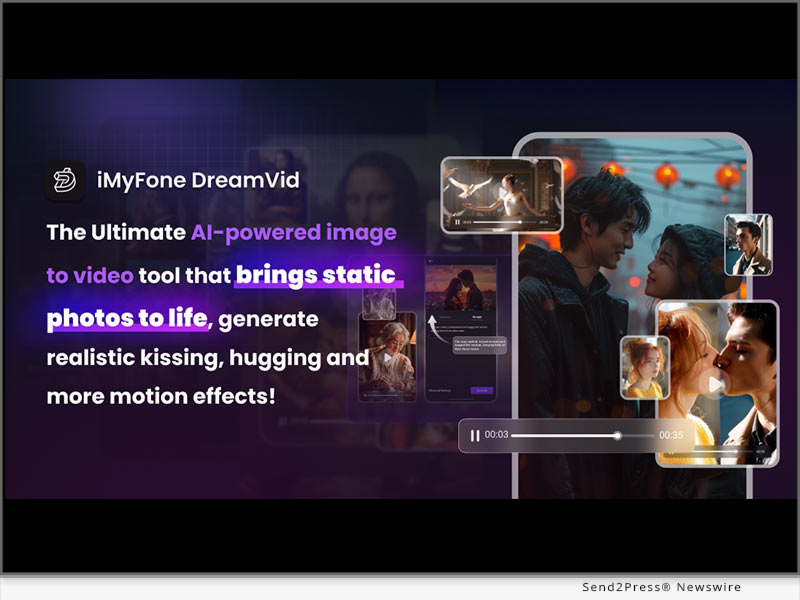
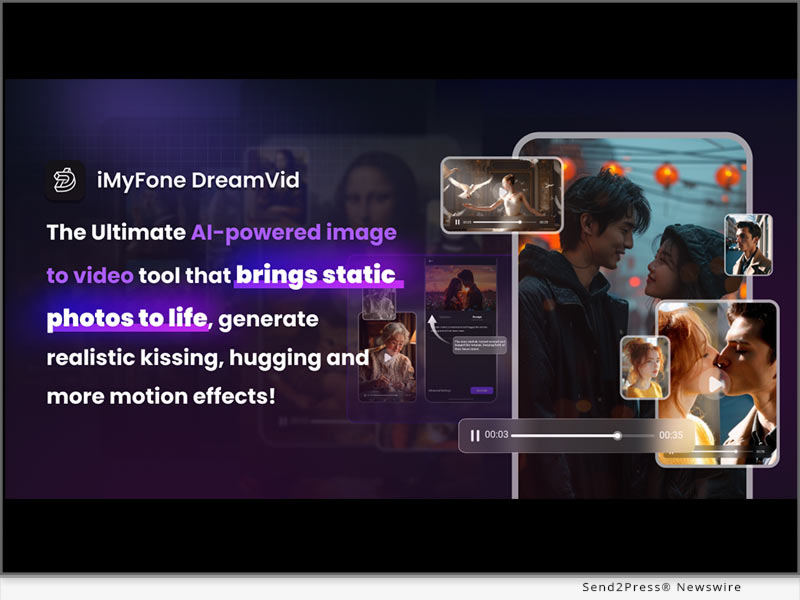
NEW YORK, N.Y., and GUANGDONG, China, Sept. 30, 2025 (SEND2PRESS NEWSWIRE) — One of the biggest challenges in a long-distance relationship is keeping things fresh. Calls and video chats are great, but they can’t replace a hug or a kiss. As a leader in AI video generation, iMyFone DreamVid – AI Image to Video Generator offers long-distance couples a whole new, fun way to connect.

Free AI Video Generator – DreamVid
Image caption: Free AI Video Generator – DreamVid.

DreamVid’s pioneering AI Hug & Kiss feature has quickly become a trend on TikTok and Instagram. By simply uploading two photos, the AI can turn them into a realistic video of a realistic hug or kiss. Since its launch, this feature has been loved by millions of couples worldwide.

“My girlfriend and I often use each other’s photos to generate AI kiss videos as a way to show our love,” said Luis Bieber, a student at Northeastern University. “We study in different cities, and this feature really brings us more romance vibes.”

DreamVid – The New “Therapist” for Long-Distance Couples

Unlike other AI video platforms, DreamVid focuses on emotional connection. It’s not just a tool, but more like a “digital partner” that, with its gentle and delicate AI effects, helps long-distance couples rediscover comfort and happiness of physical closeness.

Especially noteworthy is its core feature: AI Kissing. Users are no longer limited to just a simple hug or light pecks. Couples can customize their videos to match any mood: from a French kiss to a gentle forehead kiss, from passionate kisses under fireworks to romantic moments surrounded by balloons or flower fields. Each video is a unique expression of love, making distance feel much closer.

Core Features of DreamVid and What’s New

To give couples and creators a more fun, realistic, and personalized way to interact, DreamVid keeps rolling out new features and pushing bold innovations in AI video generation:

  • AI Hug & Kiss: Create romantic, intimate moments with multiple poses and scene options.
  • AI Old Photos Come to Life: Bring past memories to life by animating old photos.
  • AI Dance: Upload a photo and instantly generate a dance video. From trending TikTok moves to custom couple dances, it’s all just a click.
  • AI Outfit Swap: Instantly change outfits, from wedding dresses and suits to trendy fashion styles.
  • Veo3 (New): Powered by the latest Gemini Veo3 model, generate short videos with audio using simple prompts.
  • Nano Banana Series (New): Includes trending AI Polaroid, 3D Model effects and more.

About DreamVid

iMyFone DreamVid is a global leader in AI video generation, dedicated to creating more creative and emotionally meaningful digital experiences. Since its launch, DreamVid has attracted tens of millions of active users across North America, Europe, and Asia, continuously driving content trends on platforms like TikTok and Instagram.

Download DreamVid App for Android: https://play.google.com/store/apps/details?id=com.imyfone.ultrarepairandroid

Download DreamVid App for iPhone: https://apps.apple.com/us/app/ai-hug-video-maker-dreamvid/id6670192679

Try DreamVid Online: https://www.imyfone.com/ai-photo-to-video/online

NEWS SOURCE: iMyFone


This press release was issued on behalf of the news source (iMyFone), who is solely responsible for its accuracy, by Send2Press Newswire. Image, if any, was provided by the news source and not this website or the wire service. Information is believed accurate, as provided by the news source, but is not guaranteed.

To view the original story, visit: https://www.send2press.com/wire/how-new-ai-technology-helps-long-distance-relationships-thrive/

Copr. © 2025 Send2Press® Newswire, Calif., USA. -- REF: S2P STORY ID: S2P129750 NOREL-3B
 

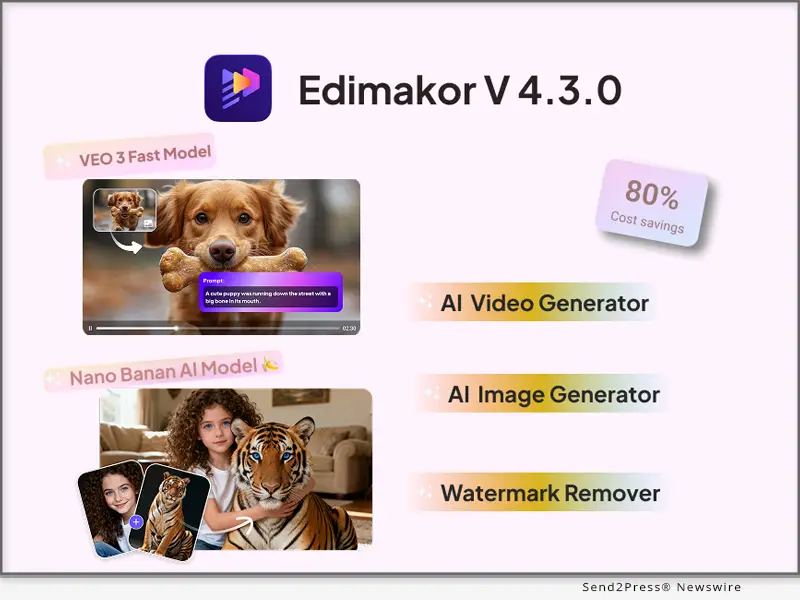
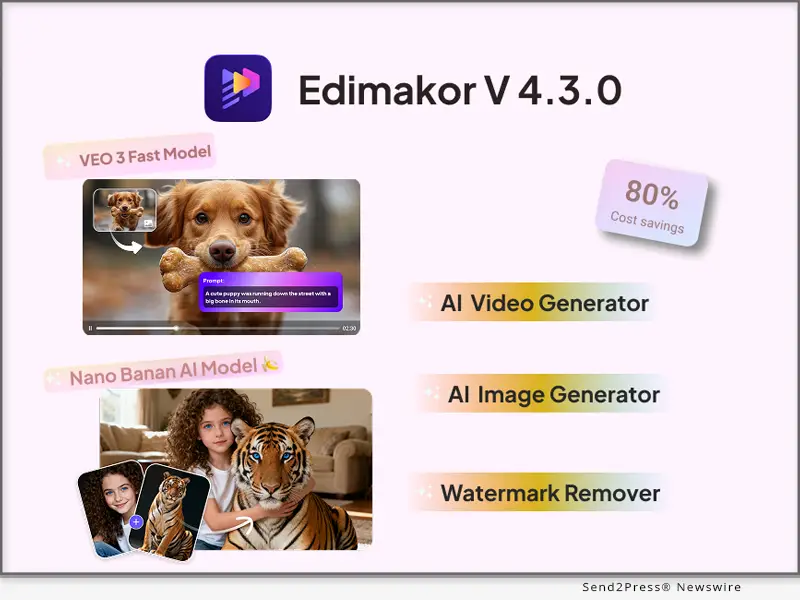
Edimakor V4.3.0 Unveils AI Video and Enhanced Image Creation with Veo 3 and Nano Banana

Update also integrates the Pixverse video extension tool, enabling creators to extend imported videos 5-8 seconds using descriptive prompts

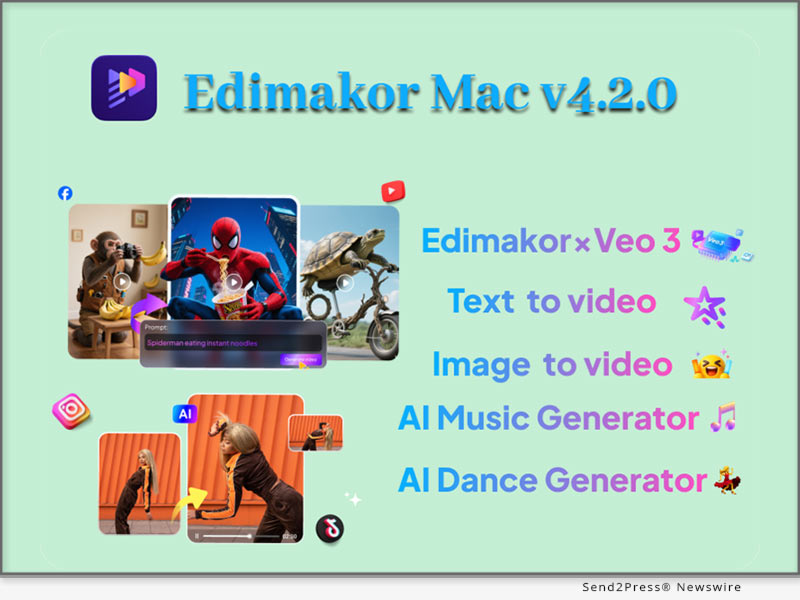
NEW YORK, N.Y., Sept. 19, 2025 (SEND2PRESS NEWSWIRE) — HitPaw Edimakor, the AI-powered creative software trusted by content creators worldwide, has launched Edimakor V4.3.0, a powerful update that takes video and image generation to the next level. This update combines Google Veo 3 Fast, the Vidu video model, Pixverse video extension, and Nano Banana, giving users faster performance, cinematic-quality results, and exciting new ways to bring their ideas to life.

Edimakor V4.3.0 Unveils AI Video and Enhanced Image Creation
Image caption: Edimakor V4.3.0 Unveils AI Video and Enhanced Image Creation.

VEO 3 FAST: SMARTER, FASTER, MORE AFFORDABLE

Edimakor V4.3.0 introduces the Google Veo 3 Fast video generation model, supporting both text-to-video and image-to-video creation with synchronized audio. Compared with the previous Veo 3 — this upgrade is designed for speed, efficiency, and quality.

  • Twice the speed: An 8-second video can now be generated in just 1 minute 30 seconds.
  • Cinematic quality: Produces up to 1080p video with greater realism and detail.
  • 50% lower cost: Significant reduction in generation expenses—making high-end content creation more affordable.

VIDU MODEL: REALISM MEETS CONSISTENCY

Another highlight of this update is the integration of the Vidu video model. Known for realism and dynamic content, Vidu brings next-level capabilities:

  • Realistic human motion: Generates natural expressions, blinking, and head movements that mirror live-action.
  • Smooth transitions: Converts still images into fluid videos with higher visual quality.
  • Consistency across scenes: Users can upload up to seven reference images—characters, props, or scenes—into a subject library, ensuring people, objects, and styles stay consistent throughout longer videos.

PIXVERSE VIDEO EXTENSION: EXPANDING STORYTELLING

The update also integrates the Pixverse video extension tool, enabling creators to extend imported videos 5–8 seconds using descriptive prompts.

  • Fast generation: Produces extended clips in 30–60 seconds.
  • Style variety: Offers 11 unique styles including The Simpsons, Van Gogh, Ghibli, Clay, Barbie, and more, with customizable prompts for tailored results.
  • Precision control: Provides detailed control over camera movements and visual flow within frames.

NANO BANANA: EVERYDAY PROMPTS TO ADVANCED IMAGES

For creators working with still images, Edimakor V4.3.0 introduces Nano Banana, a tool that transforms text prompts into complete images without requiring 3D modeling skills.

Use cases include:

  • Turning flat photos into 3D figurines.
  • Virtual try-on and e-commerce product visuals.
  • Vintage photo restoration and colorization.
  • Home décor previews, UI design, food infographics.
  • Character creation, pose variations, and 3D cartoon models.

Edimakor x Nano Banana makes it easy for anyone to generate professional-grade imagery with just a few words.

A NEW ERA OF CREATIVITY WITH EDIMAKOR

With V4.3.0, Edimakor brings together powerful models and tools to accelerate the creative process. From fast, cinematic-quality videos to imaginative 3D-style images — this update is designed to help creators tell better stories at lower cost and with less effort. Trusted by creators worldwide, Edimakor is redefining what’s possible in digital storytelling by combining advanced AI with user-friendly design.

Stay connected with Edimakor:

Official Website: https://edimakor.hitpaw.com/

X/Twitter: https://x.com/HitpawEdimakor

YouTube: https://www.youtube.com/@HitPawEdimakorOfficial

Instagram: https://www.instagram.com/edimakor_official

NEWS SOURCE: HitPaw Edimakor


This press release was issued on behalf of the news source (HitPaw Edimakor), who is solely responsible for its accuracy, by Send2Press Newswire. Image, if any, was provided by the news source and not this website or the wire service. Information is believed accurate, as provided by the news source, but is not guaranteed.

To view the original story, visit: https://www.send2press.com/wire/edimakor-v4-3-0-unveils-ai-video-and-enhanced-image-creation-with-veo-3-and-nano-banana/

Copr. © 2025 Send2Press® Newswire, Calif., USA. -- REF: S2P STORY ID: S2P129433 NOREL-3B
 

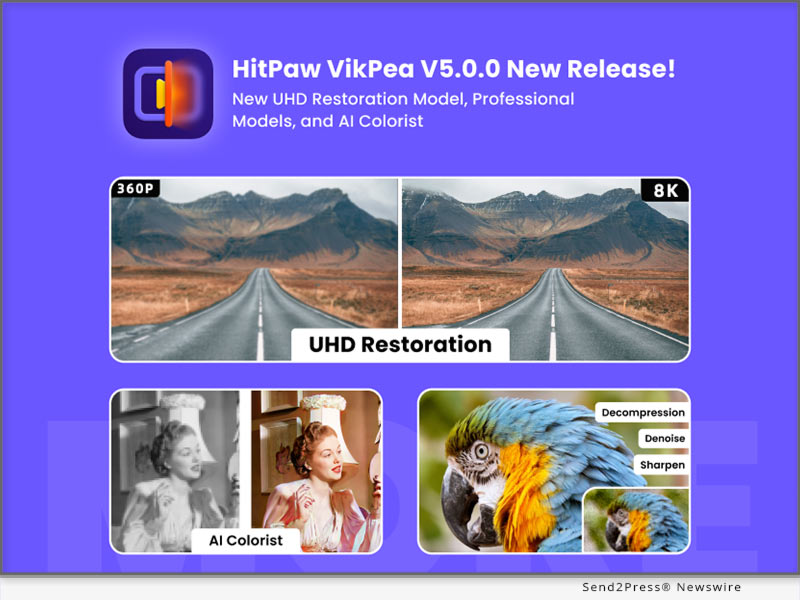
HitPaw VikPea V5.0.0 Release brings UHD Restoration Model, Professional Models, and AI Colorist

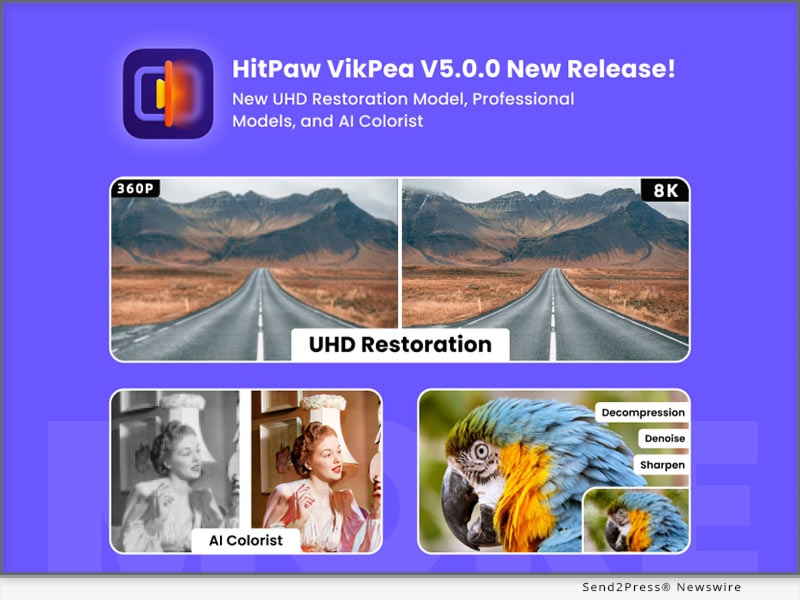
NEW YORK, N.Y., Sept. 12, 2025 (SEND2PRESS NEWSWIRE) — HitPaw, a leading innovator in multimedia software solutions, today announced the release of HitPaw VikPea V5.0.0, the latest update to its all-in-one AI-powered video enhancement platform (formerly named HitPaw Video Enhancer). This version delivers a major upgrade with the introduction of new UHD restoration and professional models, an advanced AI Colorist Model, and enhanced watermark removal powered by full cloud-based export.

HitPaw VikPea v5.0.0 new release
Image caption: HitPaw VikPea v5.0.0 new release.

These improvements aim to bring professional-grade video restoration and editing capabilities to both enthusiasts and creative professionals.

WHAT’S NEW IN VIKPEA V5.0.0

1. New UHD Restoration Model
Specially designed for enhancing higher-resolution videos (720P and above). Outperforms the existing General Repair and Quality Repair Models in detail restoration, decompression, and facial repair. Delivers naturally sharpened and refined visuals.

It Is best for video creators, professional photographers, and anyone striving for the ultimate in video clarity.

2. New Professional Models Category
HitPaw introduces a dedicated professional models section for users who require targeted enhancements with precision control. Ideal for professional photographers, content creators, and social media enthusiasts.

  • Denoise Model: Remove grain and noise from footage shot in low-light or nighttime conditions.
  • Decompression Model: Repair quality loss caused by repeated online transmission (e.g., social media sharing), eliminating mosaic blocks and compression artifacts.
  • Sharpen Model: Enhance clarity at edges and fine details, making subjects stand out prominently.

3. New AI Colorist Model
Powered by AI-driven frame analysis, this model colorizes videos with region-level precision, ensuring smooth continuity between frames. It not only adds realistic colors but also stabilizes hues across moving objects and backgrounds. Perfect for colorizing documentaries, black-and-white films, family footage, VHS tapes, and 8mm films.

WHAT’S IMPORTANT!

Enhanced Watermark Removal Module

New Point-Select Mode: Users can now click directly on video regions to auto-detect coordinates, generating a precise mask for watermark removal.

Improved Effectiveness: Delivers better results when handling subtitles, semi-transparent watermarks, and logos.

Cloud Export Upgrades

Both the Watermark Removal feature and the new AI Colorist Model now support 100% cloud-based export. This eliminates reliance on hybrid local resources, dramatically reduces local hardware load, and speeds up rendering for smoother workflows.

Compatibility and Price

HitPaw VikPea is compatible with both Windows and macOS, ensuring accessibility for creators worldwide. Users can try the new features via a free trial, or purchase the full package starting from $43.19/month.

For more information: https://www.hitpaw.com/vikpea-video-enhancer.html

About HitPaw

HitPaw is a cutting-edge company redefining the AI editing field with innovation, creativity, efficiency, and simplicity as its core values. The company empowers millions of users worldwide with AI-powered tools for video, image, and audio editing, enhancing, and conversion. HitPaw’s flagship products are trusted by content creators, marketers, and educators for their simplicity and cutting-edge technology.

To know more, visit: https://www.hitpaw.com/about.html

and https://www.hitpaw.com/

Our Social Media

YouTube: https://www.youtube.com/channel/UCQwRggaotgiMcPbiCOsJeBA

X/Twitter: https://x.com/HitPawofficial

Instagram: https://www.instagram.com/hitpawofficial/

Pinterest: https://www.pinterest.com/hitpawcom/

NEWS SOURCE: HitPaw


This press release was issued on behalf of the news source (HitPaw), who is solely responsible for its accuracy, by Send2Press Newswire. Image, if any, was provided by the news source and not this website or the wire service. Information is believed accurate, as provided by the news source, but is not guaranteed.

To view the original story, visit: https://www.send2press.com/wire/hitpaw-vikpea-v5-0-0-release-brings-uhd-restoration-model-professional-models-and-ai-colorist/

Copr. © 2025 Send2Press® Newswire, Calif., USA. -- REF: S2P STORY ID: S2P129293 NOREL-3B
 

LumeFlow AI: The Secret AI Video Generator for Viral Social Media Content

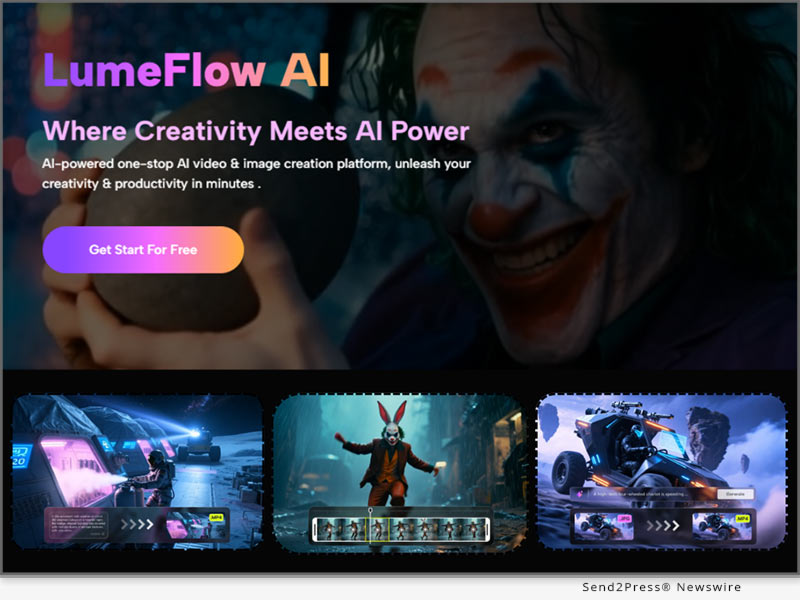
NEW YORK, N.Y. and HONG KONG, Sept. 9, 2025 (SEND2PRESS NEWSWIRE) — A revolutionary AI video generation platform, LumeFlow AI, is here to transform how creators produce content. Built for the era of viral social media AI video, LumeFlow AI quickly turns static images and text into dynamic, high-quality videos in seconds with just a few clicks. It’s the ultimate tool for anyone who wants to create viral clips, animated stories, or professional product videos without needing complex editing skills.

LumeFlow AI - The Best AI Video Generator For Viral Social Media Content
Image caption: LumeFlow AI – The Best AI Video Generator For Viral Social Media Content.

WHAT MAKES LUMEFLOW AI STAND OUT

LumeFlow AI is more than just an AI video generator – it’s a creative powerhouse. What truly sets it apart is its unique focus on entertainment and viral content. The platform gives users instant access to the latest trends and popular videos from social media and film, so users can make content that truly resonates with audiences.

With LumeFlow AI, users get a full-suite platform that combines the best of AI video generation with a library of viral trends.

  • AI Video Remix: Recreate viral videos with ease. Simply select original clips and AI effect on LumeFlow AI and let the AI remix them into your own unique version.
  • AI Video Generator: Create a video from scratch. LumeFlow AI provides a powerful suite of AI models, including VEO 3, Kling AI, PixVerse, Hailuo AI, and Vidu AI. Whether you’re turning text to video AI or transforming images to video AI, you have the flexibility to create exactly what you want.

WHY SOCIAL MEDIA CREATORS LOVE LUMEFLOW AI

Social media moves fast—and so do trends. LumeFlow AI empowers creators to stay ahead of the curve by combining a library of viral video content with trending AI effects like AI kiss, AI Hug, AI Dance.

  • Access to Viral Trends – No need to hunt for effects or film clips. LumeFlow AI gives you direct access to trending contents on this platform, so you can re-create videos that are ready to go viral.
  • High Quality Delivery – Professional-quality AI content generation is accessible to everyone. Whatever text to video or image to video, LumeFlow AI has a full package of AI styles including anime, 3D animation, comic, cyberpunk and clay to make sophisticated contents.

Whether you’re a solo creator, a brand looking to promote products, or a storyteller wanting to animate ideas, LumeFlow AI brings text to video AI editing and AI video production software together in a way that saves time while unlocking creative freedom.

TRY LUMEFLOW AI VIDEO GENERATOR FOR YOURSELF

If viral video content and engaging storytelling are your goals, LumeFlow AI is here to deliver. Its powerful AI video remix, text to video AI editing, and image animation capabilities open doors to infinite creative possibilities. With LumeFlow AI, creating captivating videos from text, images, or existing footage has never been easier or more exciting.

Ready to see how fast you can create your next viral video? Discover this AI-powered video remixing tool now: https://www.lumeflow.ai/.

NEWS SOURCE: LumeFlow AI


This press release was issued on behalf of the news source (LumeFlow AI), who is solely responsible for its accuracy, by Send2Press Newswire. Image, if any, was provided by the news source and not this website or the wire service. Information is believed accurate, as provided by the news source, but is not guaranteed.

To view the original story, visit: https://www.send2press.com/wire/lumeflow-ai-the-secret-ai-video-generator-for-viral-social-media-content/

Copr. © 2025 Send2Press® Newswire, Calif., USA. -- REF: S2P STORY ID: S2P129182 NOREL-3B
 

Vmake Rolls Out Auto-Captioning Feature to Expand Global Audience Reach for Creators

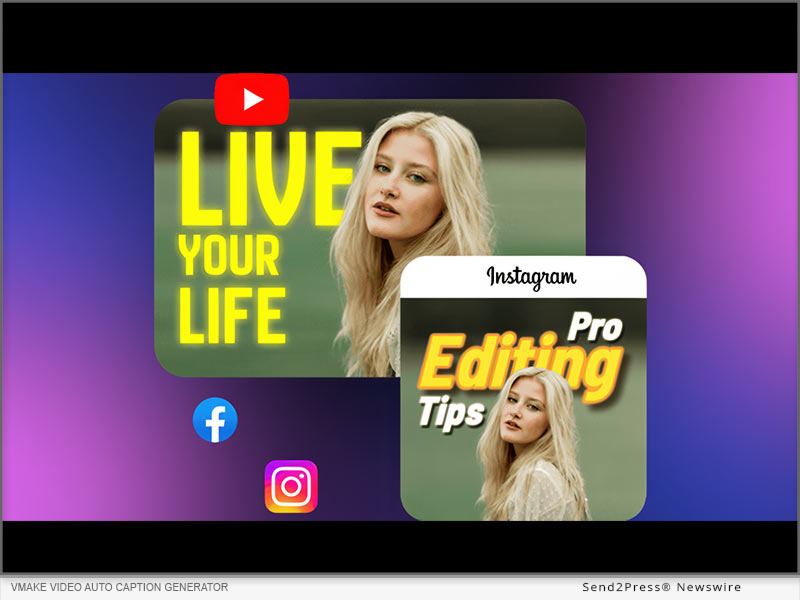
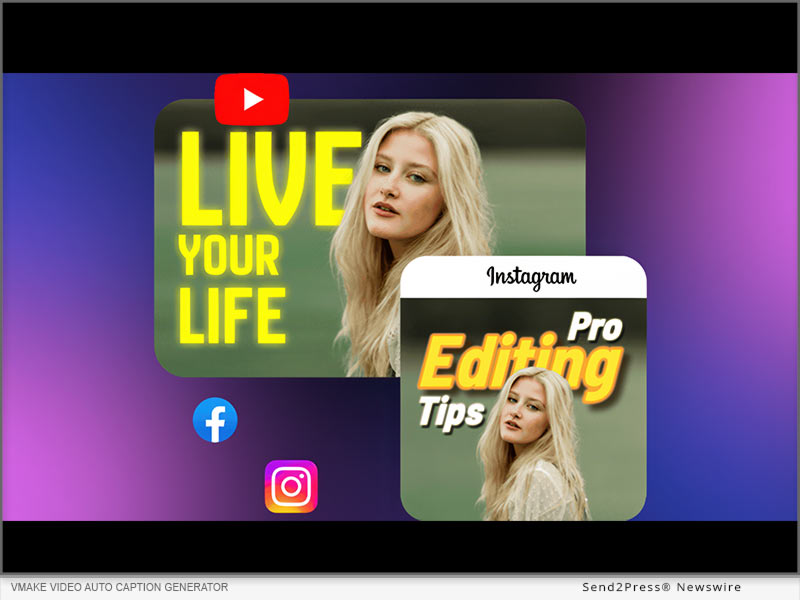
NEW YORK, N.Y., Sept. 4, 2025 (SEND2PRESS NEWSWIRE) — Vmake, a leading AI Talking video editor, introduced a new tool, “Auto Generated Captions,” designed to integrate real-time captions, and it is worth the hype. Powered by AI, it helps businesses and creators to add and customize subtitles for videos in a few clicks. The tool is web-based and can help you add auto-generated captions in any language.

Vmake video auto caption generator
Image caption: Vmake video auto caption generator.

SOLVING THE VIDEO CAPTIONING BIG HEADACHES

Videos have a lasting impact on viewers. Because it is one of the best ways to reach your target audience, it has to be perfect before you release it. Businesses are under constant pressure to deliver quality videos that are accessible to the audience. Traditional methods of manually adding captions were time-consuming and failed to capture the accuracy that viewers needed. The auto-generated caption tool at Vmake solved all these challenges and removed the big pain point for the creators.

“Our auto-caption tool makes videos clear and accessible, helping creators, educators, marketers, and teams engage audiences without manual effort,” said the product lead at Vmake.

COMMON CHALLENGES WHILE ADDING SUBTITLES TO VIDEOS

  • Manual Editing: Manual editing takes a lot of time, slows down the production workflow, and messes up the entire publishing schedule.
  • Recurring Expenses: When creators have to outsource video editing, scaling seems difficult because of the costs.
  • Audio-Video Sync: Synchronizing the audio with the video captions is one of the biggest challenges. When they don’t match, the video feels off.
  • Language Support: Many tools don’t have multilingual options, so non-native speakers can’t follow along.

DESIGNED FOR EVERY TYPE OF CREATORS: VMAKE’S TEAM

As per Vmake’s team, the new auto-caption feature is specifically designed to support creators across the board. For influencers, it saves time by generating captions instantly, so they can post multiple updates daily without skipping essential text. Moving forward, the team stated that businesses can also take advantage of this feature. For instance, marketers can maintain clarity in campaigns, ensuring messages drive conversions.

Even corporate teams with global audiences can communicate seamlessly, with captions bridging language gaps. By addressing these diverse needs, the tool makes content creation universally impactful.”

KEY FEATURES OF VMAKE AUTO-GENERATED CAPTION TOOL 

Here are the key features that make Vmake’s auto-generated caption tool stand out:

AI-Powered Captions in Seconds

Vmake’s auto-caption tool transforms video content effortlessly. Users simply upload their videos, and the advanced AI transcribes speech into precise captions with accurate timing. Supporting multiple formats like MP4, which eliminates the need for manual editing. Plus, it reduces post-production time.

Precise Synchronization with Advanced AI

The tool understands speech patterns, pauses, and cadence to ensure captions sync perfectly with lip movements. Even low-quality or noisy videos maintain accurate, organized subtitles, while different speakers are automatically identified to preserve clarity.

Customizable Subtitles to Reflect Your Brand

Beyond accessibility, captions can be tailored to match a brand’s identity. This tool allows you to tweak fonts easily. Plus, global users can use pre-designed templates to ensure subtitles align with the creator’s visual voice.

Browser-Based Convenience

Vmake works entirely in the browser. Creators can drag and drop videos, process multiple files simultaneously, and get fully captioned, polished content in minutes. You get all of these benefits without installing additional software.

THE STORY BEHIND OUR TOOL

“The tool was built to solve the most frustrating problem, and that is making video captioning faster, easier, and accessible for everyone. Rather than wasting time on syncing text with video, we wanted to give creators the freedom to focus on storytelling and content creation,” said the product team lead at Vmake.

ABOUT VMAKE AI

Vmake AI is a leading creative technology company focused on developing AI-powered tools for businesses. Dedicated to making design and content creation faster and more accessible, Vmake.ai helps users transform ideas into striking visuals effortlessly. Among its innovative offerings, the Auto Caption Generator stands out, alongside the AI Thumbnail Generator, AI talking video editor, video text remover, video enhancer, and more, enabling creators to produce professional-quality videos and images.

Learn more: https://vmake.ai/auto-generated-captions

Vmake on YouTube: https://www.youtube.com/@Vmake_ai

Vmake on TikTok: https://www.tiktok.com/@vmake.ai

Vmake on X: https://x.com/VmakeAI

NEWS SOURCE: Vmake


This press release was issued on behalf of the news source (Vmake), who is solely responsible for its accuracy, by Send2Press Newswire. Image, if any, was provided by the news source and not this website or the wire service. Information is believed accurate, as provided by the news source, but is not guaranteed.

To view the original story, visit: https://www.send2press.com/wire/vmake-rolls-out-auto-captioning-feature-to-expand-global-audience-reach-for-creators/

Copr. © 2025 Send2Press® Newswire, Calif., USA. -- REF: S2P STORY ID: S2P129099 NOREL-3B
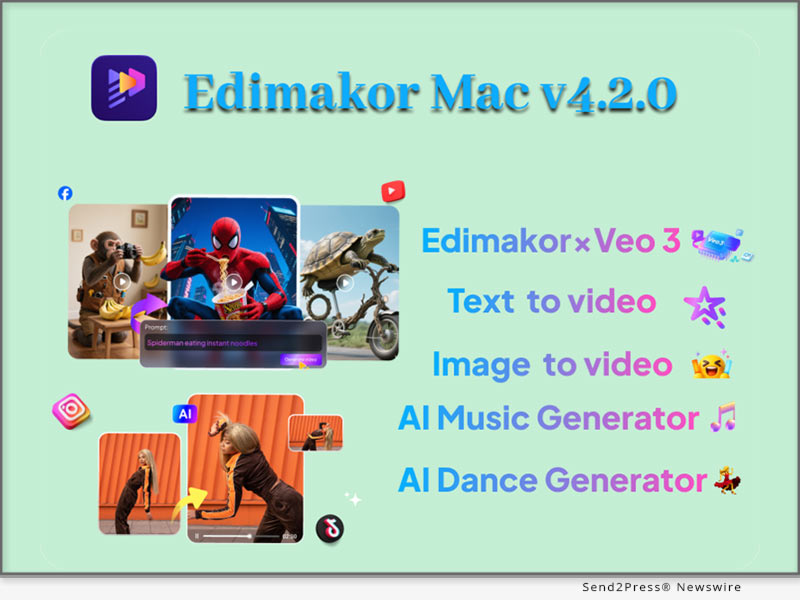
 

Edimakor V4.2.0 Ignites New Era of AI Video Creation Powered by Google Veo 3

NEW YORK, N.Y., Aug. 1, 2025 (SEND2PRESS NEWSWIRE) — HitPaw Edimakor, the trusted AI-powered video editing platform for creators around the world, has officially launched Version 4.2.0, bringing a major leap forward in immersive content creation. This exciting update integrates Google Veo 3, allowing users to generate video, ambient sound, sound effects, character dialogue, and subtitles—all in one seamless process.

Edimakor V4.2.0 Ignites a New Era of AI Video Creation
Image caption: Edimakor V4.2.0 Ignites a New Era of AI Video Creation.

AI VIDEO SOUND EFFECTS – SMARTER AND MORE REALISTIC

With the new AI Video Automatic Sound Effect feature, Edimakor now detects video scenes and automatically generates perfectly timed sound effects to match the visuals. Whether it’s explosive action, peaceful natural settings, or a lively city street, users get scene-aware audio that makes videos more engaging and lifelike.

Even better, users can customize sounds with simple text commands—such as “quiet garden with birdsong” or “engine revving” – and the AI instantly generates video and matching audio. This gives creators full control while saving hours of manual sound editing.

Edimakor’s smart sound design fits perfectly into various creative scenarios including:

  • Stand-up comedy performances
  • ASMR and immersive audio content
  • Music performance recordings
  • Marketing and promotional videos
  • Educational video creation

AI IMAGE TO VIDEO – GROUNDBREAKING CREATIVITY

The most exciting highlight of Edimakor V4.2.0 is its seamless integration with Google Veo 3, the next-generation video model that unlocks a new level of AI creativity. But that’s not all — the newly added Image to Video feature is another game-changer.

With this upgrade, users can now upload up to three images as references, and Edimakor will blend them into visually consistent, richly styled video scenes using advanced fusion mode.

The update introduces:

  • Professional Lens Control: Edimakor introduces more than 20 movie-grade camera movement options such as panning, zooming, push/pull effects, and dynamic transitions. Users can control these elements simply through cue words, making it easy to produce cinematic-quality footage without technical skills.
  • Ultra-Fast Rendering: Videos can be generated in 720p or 1080p resolution within just 30 seconds, offering high-quality results with realistic textures and detail.

Combined with Google Veo 3’s native capabilities, creators can also:

  • Generate synchronized sound, ambient effects, and realistic character dialogue directly in their videos.
  • Use natural language input to describe scenes and have the AI bring them to life.
  • Ensure visual consistency by uploading style references or design templates.
  • Control cinematic motion and stylistic tone with simple text prompts.

With this update, Edimakor gives creators access to tools that rival professional studios—no experience required.

MAKING HIGH-LEVEL CREATION MORE ACCESSIBLE THAN EVER

Edimakor V4.2.0 represents a major leap in user empowerment. With powerful AI features, user-friendly design, and seamless audio-visual generation, this version continues Edimakor’s mission to democratize professional-grade video editing.

Connect with Edimakor:

Official Website: https://edimakor.hitpaw.com/

X/Twitter: https://x.com/HitpawEdimakor

YouTube: https://www.youtube.com/@HitPawEdimakorOfficial

Instagram: https://www.instagram.com/edimakor_official

NEWS SOURCE: HitPaw Edimakor


This press release was issued on behalf of the news source (HitPaw Edimakor), who is solely responsible for its accuracy, by Send2Press Newswire. Image, if any, was provided by the news source and not this website or the wire service. Information is believed accurate, as provided by the news source, but is not guaranteed.

To view the original story, visit: https://www.send2press.com/wire/edimakor-v4-2-0-ignites-new-era-of-ai-video-creation-powered-by-google-veo-3/

Copr. © 2025 Send2Press® Newswire, Calif., USA. -- REF: S2P STORY ID: S2P128174 NOREL-3B
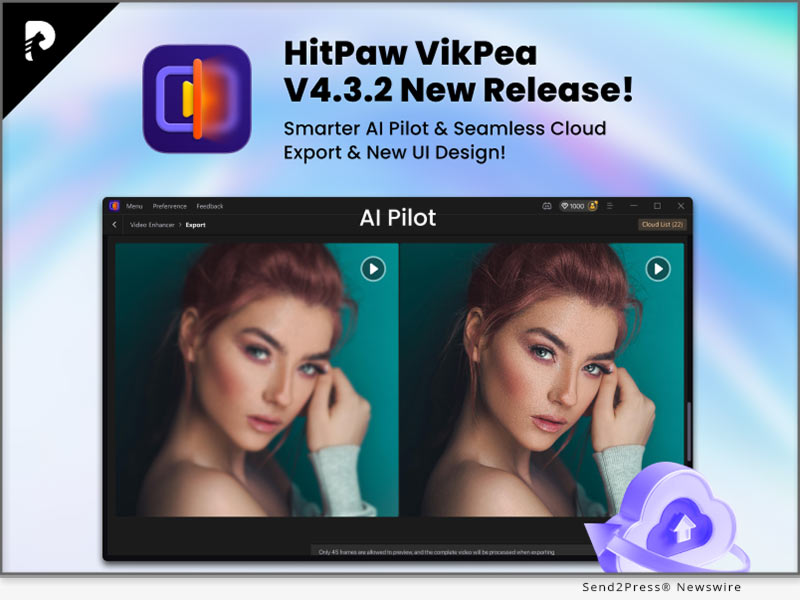
 

HitPaw VikPea Releases V4.3.2 Featuring Intuitive UI Optimization, New AI Pilot Model and Full Cloud Acceleration

NEW YORK, N.Y., July 16, 2025 (SEND2PRESS NEWSWIRE) — HitPaw, a global leader in AI-powered creative software, today announced the release of a new version 4.3.2 of HitPaw VikPea. This major upgrade introduces major improvements in user interface design, AI model architecture, new AI Pilot model and full cloud-based export acceleration, offering users a smoother, smarter, and significantly faster video enhancement experience.

HitPaw VikPea V4.3.2 New Release
Image caption: HitPaw VikPea V4.3.2 New Release.

WHAT IS NEW IN VIKPEA V4.3.2

1. INTUITIVE INTERFACE UPGRADE

VikPea 4.3.2 introduces a smarter and more user-friendly interface with a new default full-screen layout, improved model categorization, and a visual preview system that makes selecting and applying AI enhancements faster and more intuitive.

2. OPTIMIZED AI MODEL STRUCTURE

The core enhancement engine has been fully reorganized for better usability and scalability.

OPTIMIZED VIDEO ENHANCER MODULE

THE VIDEO ENHANCER MODULE IS CATEGORIZED INTO THREE MAJOR SECTIONS:

  • General Model contains five models: General Restoration Model, Video Quality Repair Model, HD Sharpen Model, Fast Sharpen Model, and Animation Model. Moreover, the Video Restoration Model supports full cloud acceleration from this version on.
  • AI Pilot Model (New) is an intelligent model that automatically analyzes your video and recommends the most suitable enhancement option based on content and issues.
  • Portrait Model now includes Portrait Restoration Model – for realistic face detail recovery, and Portrait Generation Model – for AI-enhanced facial synthesis and beautification.

AI COLOR MODULE – REFINED FOR VISUAL PRECISION

The AI Color module in VikPea 4.3.2 is designed to intelligently enhance video colors, whether for dynamic range improvement, color restoration, or visibility in low-light scenes. It includes four specialized models — SDR to HDR, Colorize, Color Enhancement, and Low-Light Enhancement.

AI TOOLBOX

The updated AI Toobox section includes four powerful video tools: Watermark Remover, Background Remover, Video Frame Interpolation and Video Stabilization.

3. FULL CLOUD-BASED EXPORT ACCELERATION

VikPea 4.3.2 takes cloud processing to the next level. Previously reliant on hybrid cloud & local resources, the new version supports 100% cloud-based export, significantly reducing the load on local systems.

COMPATIBILITY AND PRICE

HitPaw VikPea is compatible with both Windows and MacOS, making it accessible to a wide range of users. Now you can try out the new features by downloading the free trial version, or purchase the full package starts from $43.19/month.

For more Information: HitPaw Video Enhancer – AI Video Enhancer

ABOUT HITPAW

HitPaw is a cutting-edge company that enters the AI editing field with innovation, creativity, efficiency, and simplicity as its core characteristics. It empowers millions of users worldwide with AI-powered tools for video, image, audio editing, enhancing, and conversion. Its flagship products are trusted by content creators, marketers, and educators for their simplicity and cutting-edge technology.

To know more, you may visit: About HitPaw – All Things About HitPaw and [OFFICIAL] HitPaw: Powerful Video, Audio, and Image Solutions Provider

Our Social Media

YouTube: https://www.youtube.com/channel/UCQwRggaotgiMcPbiCOsJeBA

Twitter: https://twitter.com/HitPawofficial

Instagram: https://www.instagram.com/hitpawofficial/

Pinterest: https://www.pinterest.com/hitpawcom/

NEWS SOURCE: HitPaw


This press release was issued on behalf of the news source (HitPaw), who is solely responsible for its accuracy, by Send2Press Newswire. Image, if any, was provided by the news source and not this website or the wire service. Information is believed accurate, as provided by the news source, but is not guaranteed.

To view the original story, visit: https://www.send2press.com/wire/hitpaw-vikpea-releases-v4-3-2-featuring-intuitive-ui-optimization-new-ai-pilot-model-and-full-cloud-acceleration/

Copr. © 2025 Send2Press® Newswire, Calif., USA. -- REF: S2P STORY ID: S2P127774 NOREL-3B
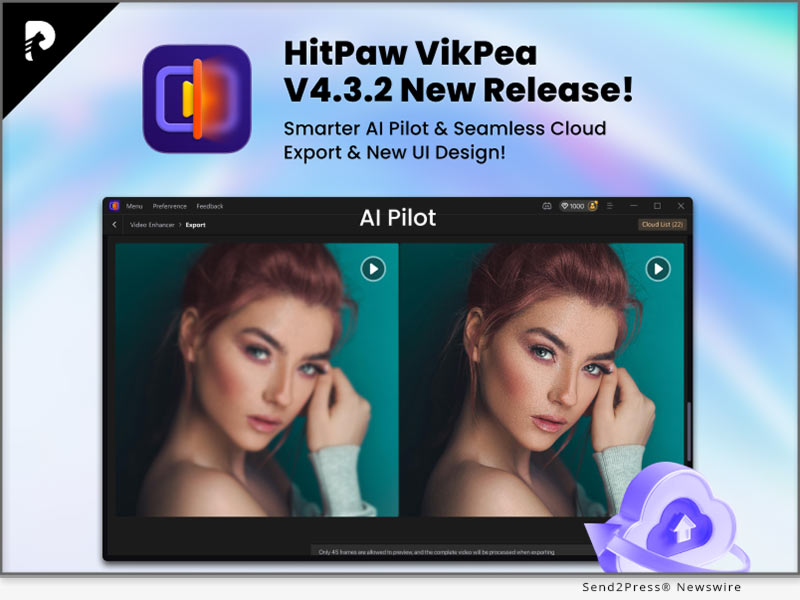
 

Edimakor V4.0.1 Revolutionizes Digital Creation with Powerful AI Image and Video Generation Tools

SHENZHEN, China, June 25, 2025 (SEND2PRESS NEWSWIRE) — Edimakor, leading creative software brand under HitPaw, released Edimakor V4.0.1 for public deployment. The new version marks a major breakthrough in the field of digital content creation. The software introduces creation of powerful AI-generated image and video, and artists and creators are now capable of generating extremely detailed and accurate visual content at extraordinary speed. Edimakor V4.0.1 streamlines professional-grade visual content creation to a simpler and more accessible task through a significant reduction in effort.

Edimakor V4.1.0 AI Image and Video Generator
Image caption: Edimakor V4.1.0 AI Image and Video Generator.

TEXT-TO-IMAGE: TURN WORDS INTO STUNNING VISUALS

With enhanced Text-to-Image feature, users can now make customized images within few clicks. Just write a description prompt, select one of 24 unique styles, select your desired resolution (Standard or 2K HD), choose one of seven available aspect ratios, and generate up to four images at a time.

This tool is more than a novelty—it’s built for quality. It delivers realistic portraits, supports precise text rendering (including font size, weight, and type), and produces high-resolution outputs ready for professional use.

REFERENCE-BASED IMAGE GENERATION: AI THAT UNDERSTANDS CONTEXT

Edimakor V4.0.1 also introduces a robust Reference-Based Image Generation feature. By uploading a reference image, the user can command the AI to generate new images that reflect significant characteristics that are present in the original.

Whether you are working towards smart reference adaptation or character trait preservation, the system makes sure that there is consistency in appearance, expressions, and facial details. This is perfect for comic artists, animators, and brand storytellers who need visual continuity.

IMAGE STYLIZATION: REDEFINE YOUR ART WITH AI

Want to create a new artistic look for your images? Edimakor’s Image Stylization lets you upload your image, choose one of 24 visual styles, and make up to four stylized versions in a matter of seconds. Ideal for posters, thumbnails, digital paintings, and striking social media updates.

AI VIDEO GENERATOR: A UNIFIED AIGC EXPERIENCE

A major highlight of V4.0.1 is the integration of AIGC into Edimakor’s AI Video Generator (AIVG), creating a single, unified system for video creation. As users shift away from traditional storyboard-based editing tools, Edimakor adapts to market trends by offering Sora-style video generation — where AI helps build video scenes intelligently based on prompts and creative direction.

New upgrades include:

  • Video duration and size selection options
  • Cost for using “Local Media” reduced to zero points, encouraging more freedom in personal media integration

This makes AI-powered video creation more versatile, efficient, and budget-friendly…

EDIMAKOR: EMPOWERING CREATORS WORLDWIDE

With Edimakor V4.0.1, HitPaw continuously demonstrates its commitment to smarter, faster, and more intuitive digital creation. From image to video, from text prompt to incredible output, Edimakor is a reliable assistant to creators in all industries.

Whether you’re crafting content for fun, for business, or for storytelling — Edimakor puts powerful tools at your fingertips without the steep learning curve.

MORE INFORMATION:

Official website: https://edimakor.hitpaw.com/

X/Twitter: https://x.com/HitpawEdimakor

YouTube: https://www.youtube.com/@HitPawEdimakorOfficial

Instagram: https://www.instagram.com/edimakor_official

NEWS SOURCE: HitPaw Edimakor


This press release was issued on behalf of the news source (HitPaw Edimakor), who is solely responsible for its accuracy, by Send2Press Newswire. Image, if any, was provided by the news source and not this website or the wire service. Information is believed accurate, as provided by the news source, but is not guaranteed.

To view the original story, visit: https://www.send2press.com/wire/edimakor-v4-0-1-revolutionizes-digital-creation-with-powerful-ai-image-and-video-generation-tools/

Copr. © 2025 Send2Press® Newswire, Calif., USA. -- REF: S2P STORY ID: S2P127197 NOREL-3B

 

HitPaw Edimakor Mac V4.0: AI Bilingual Subtitles and Background Remover Elevates Video Creation

NEW YORK, N.Y., May 30, 2025 (SEND2PRESS NEWSWIRE) — HitPaw Edimakor, a creative software brand known for practical innovation, today announced the launch of Edimakor Mac V4.0, the latest version of its all-in-one video editing tool. This major update introduces AI Bilingual Subtitle Generator and Advanced Video Background Remover, adding to a growing suite of features designed to help creators produce better content with fewer steps.

HitPaw Edimakor Mac V4.0
Image caption: HitPaw Edimakor Mac V4.0.

EDIMAKOR V4.0 FOR MAC – NEW FEATURES IN DETAIL

AI Bilingual Subtitle Generator
This tool supports automatic subtitle creation with several built-in adjustments. Users can now set subtitle length, apply bilingual styles, and choose from various templates with two-tone dynamic subtitles. The position of each subtitle can also be fine-tuned instantly. These upgrades support users producing multilingual content for online education, social videos, or international audiences.

AI Background Remover
Users can now remove backgrounds from both images and video clips. For images, edge feathering and scaling are available to smooth out transitions. For video, Edimakor offers Quick Mode for rapid processing or Advanced Mode for greater control. Both modes support refined edge treatment, giving users the flexibility to fit clips into any environment without green screens.

AI Image-to-Video Generator
With over 80 built-in templates, creators can turn images into short, animated videos for a variety of purposes from slideshows and product demos to short-form social posts. Tools for resolution control, and mode settings help fine-tune results.

AI Text-to-Video Tool
Users can type text prompts and instantly generate short video clips in one of five distinct styles: Anime, 3D Animation, Comic, Cyberpunk, and Claymation. These can be exported in multiple durations (5s or 8s) and screen ratios (16:9, 9:16, 4:3, 3:4, 1:1), making it easier to match platform-specific formats.

AI Singing Avatar
This feature allows users to upload any image whether a cartoon, real photo, or 3D rendering and animate it to sing in multiple languages and vocal styles. Supported appearance types include characters, animals, realistic portraits, cartoons, and children. The tool opens creative options for fun projects, custom messages, or niche online content.

A TOOL THAT GROWS WITH ITS USERS

Edimakor continues to shape its tools around how real people create. With each version, the focus stays the same: remove the friction that slows down video production while still offering the depth that experienced users expect. The Mac V4.0 update strengthens that foundation by offering tools that are easy to learn, yet flexible enough to support more advanced workflows. Whether someone is editing a class presentation, building content for a growing online channel, producing ads for a small business, or assembling a personal video project, Edimakor adapts to fit the task.

More information: https://edimakor.hitpaw.com

Follow HitPaw Edimakor:

X/Twitter: https://x.com/HitpawEdimakor

YouTube: https://www.youtube.com/@HitPawEdimakorOfficial

Instagram: https://www.instagram.com/edimakor_official

NEWS SOURCE: HitPaw Edimakor


This press release was issued on behalf of the news source (HitPaw Edimakor), who is solely responsible for its accuracy, by Send2Press Newswire. Image, if any, was provided by the news source and not this website or the wire service. Information is believed accurate, as provided by the news source, but is not guaranteed.

To view the original story, visit: https://www.send2press.com/wire/hitpaw-edimakor-mac-v4-0-ai-bilingual-subtitles-and-background-remover-elevates-video-creation/

Copr. © 2025 Send2Press® Newswire, Calif., USA. -- REF: S2P STORY ID: S2P126626 NOREL-3B


Edimakor V4.0.0 Launches with AI Singing Photos and AI Animation

These updates are designed to give users more flexibility and options when building creative content from images, text, and audio

NEW YORK CITY, N.Y., May 24, 2025 (SEND2PRESS NEWSWIRE) — HitPaw Edimakor, known for its work in smart video editing tools, has announced the official launch of Edimakor V4.0.0. This new version introduces a fresh set of features, including a singing avatar tool, expanded image-to-video templates, upgraded text-to-video capabilities, and more control over background removal. These updates are designed to give users more flexibility and options when building creative content from images, text, and audio.

HitPaw Edimakor V4.0.0
Image caption: HitPaw Edimakor V4.0.0.

EDIMAKOR V4.0.0 KEY IMPROVEMENTS

AI Singing photo

Upload any image whether it’s a real person, cartoon, animal, or character, and turn it into a singing avatar. The tool supports upload audio, making it suitable for fun projects, education, or creative content.

Image-to-Video Templates

Choose from 80+ ready-made templates designed for different themes and situations.

  • Update two AI models: model 1 has faster generation speed as well as more stable output; model 2 takes longer to generate and is suitable for complex scenes.
  • Open correlations, modes, resolutions, and reverse cues to allow the user to change control over the quality of the generated video;

AI Animation

Convert written content into video with five visual styles:

  • Anime
  • 3D Animation
  • Comic
  • Cyberpunk
  • Clay

Background Removal (Image & Video)

  • For images: After removing the background, users can apply edge feathering and zooming for a cleaner look.
  • For video: Two modes are available, Quick Mode for fast edits, and Advanced Mode for more precision. Both modes allow edge feathering and edge scaling.

Subtitle Generator

  • Adjust subtitle length based on preference.
  • Apply bilingual subtitle templates with one click.
  • Choose two-color dynamic subtitle styles.
  • Set subtitle position anywhere on the screen easily.

CONTINUED COMMITMENT TO PRACTICAL TOOLS

Edimakor V4.0.0 reflects a clear effort to build features that respond directly to how people create and edit videos today. Instead of adding tools for the sake of it, each update is designed to solve specific problems, whether it’s making editing faster, improving visual quality, or giving users more control. The goal remains simple: make content creation more accessible, efficient, and adaptable for anyone working with video.

For more information: https://edimakor.hitpaw.com

Follow Edimakor on social media:

X/Twitter: https://x.com/HitpawEdimakor

YouTube: https://www.youtube.com/@HitPawEdimakorOfficial

Instagram: https://www.instagram.com/edimakor_official

NEWS SOURCE: HitPaw


This press release was issued on behalf of the news source (HitPaw), who is solely responsible for its accuracy, by Send2Press Newswire. Image, if any, was provided by the news source and not this website or the wire service. Information is believed accurate, as provided by the news source, but is not guaranteed.

To view the original story, visit: https://www.send2press.com/wire/edimakor-v4-0-0-launches-with-ai-singing-photos-and-ai-animation/

Copr. © 2025 Send2Press® Newswire, Calif., USA. -- REF: S2P STORY ID: S2P126433 NOREL-3B


How to Make Free AI Animated Videos from Text in 2025 with the Best AI Video Generator

NEW YORK, N.Y., May 14, 2025 (SEND2PRESS NEWSWIRE) — In 2025, AI is revolutionizing content creation—especially when it comes to turning text into animated videos. Whether you’re a content creator, educator, or marketer, making free AI animated videos from text is now easier than ever. With tools like iMyFone Novi AI, a free AI animated video generator, users can easily create engaging videos from plain text—no prior editing experience required.

iMyFone Novi AI - Free AI Animated Video Generator from Text
Image caption: iMyFone Novi AI – Free AI Animated Video Generator from Text.

WHAT IS NOVI AI?

Novi AI is a powerful text-to-video generator that allows users to easily convert written content into high-quality AI animated videos. Supporting over 60 languages, 800+ voiceovers, and more than 10 animation styles, this AI cartoon video generator is perfect for creating educational content, social media clips, explainer videos, or short entertainment stories.

Whether you’re building a personal brand or running a content channel, Novi AI is one of the best AI text to video tools in 2025—easy to use, highly customizable, and designed to give creators complete control over their video content.

HOW TO MAKE A FREE AI ANIMATED VIDEO WITH NOVI AI (STEP BY STEP)

  1. Creating your first AI-generated video with Novi AI is quick and simple. Here’s how it works:
  2. Download the software: Begin by downloading Novi AI to your device. It’s available for Windows, Android, and iOS.
  3. Enter the story: Type or paste your script. You can also use the AI-powered story builder to generate ideas instantly.
  4. Adjust video settings: Choose video size, art style, and other visuals to fit your narrative.
  5. Preview and edit: Novi AI automatically generates a full video with voiceovers, images, and subtitles. Easily tweak voices, music, visuals, and pacing.
  6. Export the video: Click “Export” and save your high-quality AI video—with no watermark or ads.

The entire process takes just a few minutes and requires no technical expertise—just your creativity.

WHY NOVI AI IS THE BEST AI VIDEO GENERATOR IN 2025

Novi AI is widely recognized as the best free AI video generator with no sign-up required in 2025, helping users create studio-quality videos from just text input—anytime, anywhere.

Here’s why it stands out:

  • Free to Use: Users can generate high-quality videos without paying for a subscription.
  • Long-Form Text Support: Convert up to 4,000 characters into rich, animated videos with ease.
  • Multi-Style Animation: Choose from popular visual styles like Ghibli, realism, and anime—with consistent scene quality.
  • AI-Powered Story Creation: Built on ChatGPT + DeepSeek engines for smart story writing and automatic scene scripting.
  • Advanced Video Output: Generate high-quality videos over 5 minutes long—no watermarks, no ads.
  • Creative Control: Personalize voiceovers, soundtracks, visuals, and transitions. Upload your own images or use Novi AI’s vast library.

Bonus Tip: Pair ChatGPT with Novi AI for Smarter Video Creation

Looking for inspiration? Try writing your script in ChatGPT, then paste it into Novi AI to bring it to life. This combo lets you ideate and animate in one smooth workflow—perfect for creators who want to generate engaging content quickly and consistently.

ABOUT IMYFONE NOVI AI

iMyFone Novi AI is an all-in-one AI video creation platform that helps users turn written content into stunning animated videos. With multilingual voiceovers, rich visual styles (like Ghibli and anime), and full customization, Novi AI empowers anyone—from beginners to professionals—to create studio-quality videos anytime, anywhere.

NEWS SOURCE: iMyFone


This press release was issued on behalf of the news source (iMyFone), who is solely responsible for its accuracy, by Send2Press Newswire. Image, if any, was provided by the news source and not this website or the wire service. Information is believed accurate, as provided by the news source, but is not guaranteed.

To view the original story, visit: https://www.send2press.com/wire/how-to-make-free-ai-animated-videos-from-text-in-2025-with-the-best-ai-video-generator/

Copr. © 2025 Send2Press® Newswire, Calif., USA. -- REF: S2P STORY ID: S2P126180 NOREL-3B


Big Update in DreamVid V1.2.0: New AI Tech Makes Anyone a Co-Star in Your Video

NEW YORK, N.Y., May 9, 2025 (SEND2PRESS NEWSWIRE) — The well-known AI visual creation platform iMyFone DreamVid is proud to introduce its latest breakthrough feature, “Come to Life.” This innovative technology allows users to bring any character from a photo—whether it’s a lost loved one, a favorite anime character, or a celebrity crush—into a real video for lifelike interaction. What once existed only in dreams is now a reality.

Free AI Video Generator Online - iMyFone DreamVid
Image caption: Free AI Video Generator Online – iMyFone DreamVid.

With just a single photo and a short video, “Come to Life” uses advanced facial recognition and motion synthesis technology to animate static characters and seamlessly integrate them into video footage. It opens up new possibilities for reliving treasured memories or fulfilling long-held fantasies.

“DreamVid’s mission has always been to bridge the gap between imagination and reality,” said DreamVid developer Rusty.

REDEFINING AI IMAGE-TO-VIDEO: MEET “COME TO LIFE”

This revolutionary feature lets you easily insert a person from a static image into your video and generate stunning animated interactions. No editing skills required. Just follow three simple steps:

  1. Access DreamVid: Visit DreamVid AI Video Generator, or download the DreamVid App (available on iOS and Android). Sign up for free and get started instantly.
  2. Choose a Template: Browse from a wide range of popular templates and select “Come to Life.”
  3. Upload and Generate: Upload one photo and one video clip, then click “Create.” Your AI-generated video will be ready in about one minute.

WHAT’S NEW IN DREAMVID V1.2.0?

DreamVid is an all-in-one AI content creation platform that combines text-to-image and image-to-video technology. With the new V1.2.0 update, you can now enjoy even more creative features alongside “Come to Life,” including:

  • AI Kiss – Make two characters from the same or two different photos kiss naturally, creating romantic Ai kissing video.
  • AI Hug – Animate two characters from one photo or separate photos hugging each other warmly, creating an emotional Ai hugging video.
  • Ghibli-Style Animation – Turn your images into popular Studio Ghibli style.
  • Animate Old Photos – Restore and bring motion to old pictures, reawakening precious memories.
  • AI Clothes Changer – Change any character’s clothing and animate the character with custom poses.
  • Hairstyle Changer – Offers a variety of AI hairstyle filters like curls, twin-tails, and straight hair, allowing you to try out different trendy looks without actually cutting your hair. Dynamic previews are also available.

WHY CHOOSE DREAMVID?

DreamVid is known for its high-quality results and ease of use. You don’t need AI experience or editing background, just upload and create. Key benefits include:

  1. All-in-One AI Platform – Enjoy both text-to-image and image-to-video tools in one place, no app-switching required.
  2. Hyper-Realistic Animation – Powered by diffusion-transformer model, DreamVid AI predicts and refines motion frame by frame to deliver ultra-smooth, lifelike animation.
  3. Constantly Updated Templates – Stay ahead of trends with 100+ new AI effects, styles, and filters added weekly.
  4. Cross-Platform Access – Use DreamVid anytime, anywhere, with both an online web version and mobile apps available for iOS and Android.

ABOUT IMYFONE

iMyFone is a pioneer in the field of AI visual content creation. It has always been committed to providing powerful and easy-to-use creative tools, applying AI technology to visual storytelling, and helping users create compelling content in the simplest way possible.

Learn More: https://www.imyfone.com/

NEWS SOURCE: iMyFone


This press release was issued on behalf of the news source (iMyFone), who is solely responsible for its accuracy, by Send2Press Newswire. Image, if any, was provided by the news source and not this website or the wire service. Information is believed accurate, as provided by the news source, but is not guaranteed.

To view the original story, visit: https://www.send2press.com/wire/big-update-in-dreamvid-v1-2-0-new-ai-tech-makes-anyone-a-co-star-in-your-video/

Copr. © 2025 Send2Press® Newswire, Calif., USA. -- REF: S2P STORY ID: S2P126087 NOREL-3B


Novi AI Introduces Ghibli-Style Video Generator – Turn Long-Form Stories into Emotional Animated Masterpieces

With Text to Video, you can easily turn your stories into cinematic animated masterpieces in just minutes

NEW YORK, N.Y., April 18, 2025 (SEND2PRESS NEWSWIRE) — In recent months, a wave of AI-generated content mimicking Studio Ghibli’s iconic style has taken over TikTok and Instagram, turning everyday photos into whimsical, anime-inspired visuals. Riding this trend, iMyFone Novi AI, a free AI video generator from text, has launched a new Ghibli-style video generator. This new feature allows users to transform long-form narratives into emotionally rich, animated videos, capturing the enchanting storytelling magic of Ghibli classics like “Spirited Away” and “My Neighbor Totoro” – similar to how Studio Ghibli ChatGPT brings Studio Ghibli-style animation storytelling to life through AI.

Free AI Video Generator from Text – Novi AI
Image caption: Free AI Video Generator from Text – Novi AI.

With Text to Video, you can easily turn your stories into cinematic animated masterpieces in just minutes.

“Ghibli-style visuals are more than just an aesthetic — they’re a storytelling language,” said the Product Manager at Novi AI.

HOW IT WORKS – CREATE YOUR OWN GHIBLI-STYLE ANIMATION IN MINUTES

With Novi AI, storytelling becomes effortless:

1. Download Novi AI for free – Start by downloading the Novi AI app to your device (available on iOS, Android, and Windows) and sign up for free to get started.

2. Upload or Paste Your Story–Users can either input or paste their own story text in any format. Alternatively, you can use Novi AI’s Story Creation feature to automatically generate a narrative for you.

3. Choose the Ghibli Style – Novi AI offers a variety of popular visual styles, including Ghibli-style, realistic, and Japanese anime aesthetics. Simply select the Ghibli-style template to begin crafting your animated video in the dreamlike, whimsical tone of Studio Ghibli animation style.

4. Generate & Customize – Novi AI automatically generates an animated video based on your story. Users can further personalize their videos with over 800 AI-generated voiceovers, subtitles available in 60+ languages, and a curated library of 20+ background music tracks.

5. Export Video – Export your final video with one click and instantly share it across your favorite social media platforms.

WHY CHOOSE NOVI AI?

Novi AI stands out as a next-generation storytelling tool that transforms long-form text into stunning, emotionally resonant animations—without any design or editing skills required.

Here are some of its advantages:

  • All-in-One Creation – Generate storylines with AI (ChatGPT + DeepSeek), access rich visual templates and music, and complete cinematic videos with just one click —no editing skills needed.
  • Long-Form Support – Input up to 4,000 characters to bring rich, layered stories to life.
  • Trending Visual Styles – Choose from Studio Ghibli art style, realistic scenes, Japanese anime, and other trending Ghibli-inspired visuals to stay on trend and visually captivating.
  • Scene Consistency – Advanced AI keeps visuals coherent and storytelling smooth.

ABOUT IMYFONE

iMyFone is renowned for building cutting-edge AI tools that make content creation smarter and faster. Its latest product, Novi AI, transforms long-form text into cinematic animated videos in minutes—no editing skills required. With AI story generation trending templates like Studio Ghibli-style art, it’s the easiest way to create emotionally powerful content. Learn more: https://www.imyfone.com/.

NEWS SOURCE: iMyFone


This press release was issued on behalf of the news source (iMyFone), who is solely responsible for its accuracy, by Send2Press Newswire. Image, if any, was provided by the news source and not this website or the wire service. Information is believed accurate, as provided by the news source, but is not guaranteed.

To view the original story, visit: https://www.send2press.com/wire/novi-ai-introduces-ghibli-style-video-generator-turn-long-form-stories-into-emotional-animated-masterpieces/

Copr. © 2025 Send2Press® Newswire, Calif., USA. -- REF: S2P STORY ID: S2P125596 NOREL-3B


HitPaw Online Launches its AI Video Generator for Effortless Creation

Powered by advanced AI models, the tool intelligently interprets user input to generate high-quality, dynamic videos that suit a variety of needs

NEW YORK, N.Y., April 18, 2025 (SEND2PRESSS NEWSWIRE) — HitPaw, a leading software brand known for its creative and intuitive multimedia tools, proudly announced the launch of its brand-new AI Video Generator on HitPaw Online. The HitPaw Online AI Video Generator provides two intuitive pathways: Text to Video and Image to Video, making it easier than ever to bring ideas to life.

HitPaw Online AI Video Generator features
Image caption: HitPaw Online AI Video Generator features.

WHAT’S NEW IN HITPAW ONLINE – AI VIDEO GENERATOR

Powered by advanced AI models, the tool intelligently interprets user input to generate high-quality, dynamic videos that suit a variety of needs, from storytelling and tutorials to product showcases and social media content.

TEXT TO VIDEO: JUST TYPE, AND WATCH IT COME TO LIFE

The Text to Video feature allows you to create fully videos by simply entering a detailed text prompt. From landscapes to abstract concepts, AI interprets your input to bring your vision to life.

You can tailor the result through several intuitive options:

  • Prompt Input: Describe the scene, characters, or actions. The more detailed your prompt, the better the visual output.
  • Model Selection: Choose between Standard for faster generation or Professional for higher-quality visuals.
  • Duration Setting: Define how long your video should be—ideal for everything from short social media clips to longer storytelling segments.
  • Aspect Ratio Options: Select the format (1:1, 16:9, 9:16, etc.).
  • Negative Prompts: Specify elements you don’t want to appear, helping the AI avoid unwanted styles.

IMAGE TO VIDEO: BRING STILL IMAGES TO LIFE WITH AI

The Image to Video feature gives static images new meaning through motion. Whether you’re working with a single image or a pair of keyframes, AI handles the animation with artistic finesse.

It includes two creative modes:

Frame Mode
Perfect for simulating motion between images:

  • Upload 1 or 2 Keyframes: Start with a single image or define both the start and end frames for more controlled motion.
  • Prompt (Optional): Add descriptive text to guide the video’s style, ambiance, or action.
  • Model Choice: Choose either Standard or Professional.
  • Duration Control: Set how long the animation should last.
  • Negative Prompts (Optional): Eliminate unwanted elements by telling the AI what not to include.

Effect Mode
Add eye-catching, stylized effects to any photo:

  • Photo to Animation: Upload a single image and apply fun AI effects like AI HUG, Kungfu Club, Ghibli Live, and more.
  • 5-Second Video Output: Perfect for social media posts, profile animations, or digital art expressions.

For more information checking, you may visit: https://online.hitpaw.com/online-ai-video-generator.html

About HitPaw Online

HitPaw Online is an all-in-one platform offering powerful online tools for video editing, image enhancement, audio processing, and now, AI-powered creativity. With a mission to make digital content creation accessible to everyone, HitPaw Online provides intuitive, browser-based tools that require no downloads or professional experience.

To know more, you may visit: https://online.hitpaw.com/.

To explore more creative tools, you may visit: https://www.hitpaw.com/.

Our Social Media:

YouTube: https://www.youtube.com/@hitpaw

X (Twitter): https://x.com/HitPawofficial

Instagram: https://www.instagram.com/hitpawofficial/

Pinterest: https://www.pinterest.com/HitPawofficialwebsite

NEWS SOURCE: HitPaw


This press release was issued on behalf of the news source (HitPaw), who is solely responsible for its accuracy, by Send2Press Newswire. Image, if any, was provided by the news source and not this website or the wire service. Information is believed accurate, as provided by the news source, but is not guaranteed.

To view the original story, visit: https://www.send2press.com/wire/hitpaw-online-launches-its-ai-video-generator-for-effortless-creation/

Copr. © 2025 Send2Press® Newswire, Calif., USA. -- REF: S2P STORY ID: S2P125589 NOREL-3B


HitPaw Edimakor V3.7.0: AI Text-to-Video and AI Face Swap Redefine Creation

NEW YORK CITY, N.Y., April 10, 2025 (SEND2PRESS NEWSWIRE) — HitPaw Edimakor, a globally recognized multimedia software brand, has launched the most awaited tool Edimakor V3.7.0. This latest update centers around AI innovation and improved workflow control, with five standout features. These features include AI Face Swap and Text-Based Editing with various upgrades. The new Edimakor helps users produce smarter and more engaging content in less time.

HitPaw Edimakor V3.7.0: AI Text-to-Video and AI Face Swap Redefine Creation
Image caption: HitPaw Edimakor V3.7.0: AI Text-to-Video and AI Face Swap Redefine Creation.

FRESH FEATURES AT A GLANCE

HitPaw Edimakor V3.7.0 brings a set of tools that make the video creation process very smooth. Each new feature reflects the company’s commitment to providing flexible, easy-to-use tools that support creativity:

AI Face Swap: This tool replaces faces in photos or videos with just a few clicks. Whether for memes, skits, or e-commerce showcases, users can create entertaining or eye-catching results with minimal effort.

Text-Based Editing: This smart feature removes unnecessary parts of a video based on subtitle analysis.

Silence Detection: Pauses and awkward silences? Gone. With one-click removal, creators can maintain viewer attention and keep their videos sharp and flowing.

AI Text-to-Video: Simply type your idea, and Edimakor will generate a unique video for you.

Mask Effects: Users can now add a creative touch with multiple mask options for transitions and layered effects.

GETTING STARTED WITH EDIMAKOR V3.7.0

Using Edimakor is very simple for beginners. The new features are neatly integrated into the main editing interface:

To use AI Face Swap: Import your video or photo, click the “Face Swap” tab, and upload the replacement face. Adjust and preview in real-time.

For Text-Based Editing: Upload your video and click subtitle analysis. The editor will highlight clips with off-topic or repetitive content. One click removes them.

To generate videos with AI Text-to-Video: Go to the “AI Tools” menu, select “Text-to-Video,” enter your script, choose a theme, and click “Generate.”

To apply Mask Effects: Drag a mask shape from the effects panel onto your video clip, then adjust size and placement.

PRICING & AVAILABILITY

HitPaw Edimakor V3.7.0 is now available for Windows and macOS. For those looking for the full experience, subscription plans are as follows:

  • Monthly Plan: $19.95
  • Annual Plan: $49.95
  • Perpetual License: $69.95 (one-time payment)

Each plan includes access to all updates, including future AI tools and effects, during the subscription period.

About HitPaw Edimakor

HitPaw Edimakor continues to be at the forefront of creative software. V3.7.0 offers more than just features; it provides an environment where creators, marketers, and video hobbyists can build polished content without getting bogged down in complicated steps.

Whether you’re swapping faces for a laugh, trimming footage for a product reel, or turning written ideas into motion, Edimakor V3.7.0 is built to make the process easier.

Learn More: https://edimakor.hitpaw.com/

Follow HitPaw Edimakor on social media:

X/Twitter: https://x.com/HitpawEdimakor

YouTube: https://www.youtube.com/@HitPawEdimakorOfficial

Instagram: https://www.instagram.com/edimakor_official

NEWS SOURCE: HitPaw


This press release was issued on behalf of the news source (HitPaw), who is solely responsible for its accuracy, by Send2Press Newswire. Image, if any, was provided by the news source and not this website or the wire service. Information is believed accurate, as provided by the news source, but is not guaranteed.

To view the original story, visit: https://www.send2press.com/wire/hitpaw-edimakor-v3-7-0-ai-text-to-video-and-ai-face-swap-redefine-creation/

Copr. © 2025 Send2Press® Newswire, Calif., USA. -- REF: S2P STORY ID: S2P125451 NOREL-3B


New in 2025: How to Make Free AI Kissing Videos Online with the Best AI Kissing Generator

NEW YORK, N.Y., April 7, 2025 (SEND2PRESS NEWSWIRE) — Have you ever dreamed of sharing a “sweet kiss” with your favorite celebrity or anime character? It may sound like a fantasy, but now relay on cutting-edge AI technology, this dream can now become a reality. With iMyFone DreamVid – AI Kissing Video Generator, you can create incredibly realistic kissing scenes, even if the two individuals have never actually met. This AI tool uses advanced recognition algorithms to analyze facial features and apply kissing actions, creating a smooth and realistic video effect.

iMyFone DreamVid – Free AI Kissing Video Generator Online
Image caption: iMyFone DreamVid – Free AI Kissing Video Generator Online.

WHAT IS IMYFONE DREAMVID

iMyFone DreamVid is an AI tool designed to transform static images into dynamic videos. Users simply upload a photo, select a template, and let the AI animate it in the chosen style. The platform includes a variety of fun templates such as AI Kiss, AI Hug, AI Kungfu, AI Dance, and Animate Old Photos. It’s available both online and as a mobile app, enabling users to create stunning content anytime, anywhere.

STEP-BY-STEP GUIDE TO CREATE AN AI KISS

  1. Visit iMyFone DreamVid – Free AI Kissing Video Generator Online.
  2. Click the “AI Video” option in sidebar to open AI Kiss creation page.
  3. Upload photos of the people you want to make kiss each other.
  4. Click “Create” and let the AI process the images.
  5. Go to the “Created” page to download/share your kissing video.

FEATURES OF IMYFONE DREAMVID AND WHY STAND OUT

  1. Ultra-fast Processing: Generates a Kissing video in under 10 seconds.
  2. Easy to Use: Beginner-friendly interface, no editing or AI skills needed.
  3. Diverse Templates: A vast library of templates, including romantic, action, and animated styles, updated daily to keep content fresh.
  4. Hyper-realistic AI Rendering: Uses advanced algorithms to create natural facial expressions and smooth motion.
  5. Multi-Device Support: Compatible with web, iOS, and Android devices.
  6. Free Trial with No Watermark: Try all AI features for free and export high-quality videos without any watermark.

CREATIVE USES FOR AI KISSING VIDEOS

  • Social Media Content: Create romantic or humorous kissing videos for Instagram, TikTok, or YouTube Shorts to engage followers and gain massive likes.
  • Long-Distance Love Moments: Surprise your partner with a virtual kiss to feel closer no matter the miles between you.
  • Fun with Friends: Generate hilarious kissing scene featuring your friends and enjoy their reactions.
  • Romantic Marketing Campaigns: Use AI kissing generator for Valentine’s Day promotions, wedding advertisements, or branding campaigns for jewelry and dating apps.
  • Romance Novel Covers: Design eye-catching book covers or illustrations for love stories, enhancing their appeal to readers.

About iMyFone

Since 2015, iMyFone has always been a creative hub offering user-friendly tools to bring your imagination to life. With AI-powered image-to-video technology, your creations become more vivid and engaging. We believe creativity should be accessible to everyone, not just professionals. Try iMyFone DreamVid today: turn your dreams into reality!

LEARN MORE:

Explore Online

Download the DreamVid App

Visit iMyFone

NEWS SOURCE: iMyFone


This press release was issued on behalf of the news source (iMyFone), who is solely responsible for its accuracy, by Send2Press Newswire. Image, if any, was provided by the news source and not this website or the wire service. Information is believed accurate, as provided by the news source, but is not guaranteed.

To view the original story, visit: https://www.send2press.com/wire/new-in-2025-how-to-make-free-ai-kissing-videos-online-with-the-best-ai-kissing-generator/

Copr. © 2025 Send2Press® Newswire, Calif., USA. -- REF: S2P STORY ID: S2P125344 NOREL-3B


FocuSee Surges in Popularity After Elon Musk Shares Grok Video Made with This AI-powered Screen Recording Tool

LOS ANGELES, Calif., March 28, 2025 (SEND2PRESS NEWSWIRE) — FocuSee, an AI-powered screen recorder with auto-editing, has taken center stage after Elon Musk shared a video recorded with it on X (formerly Twitter). The viral post has amassed millions of views and sparked widespread discussions, positioning FocuSee as an essential tool for creators looking to effortlessly create demo or tutorial videos that stand out.

FocuSee: Make recordings from ordinary to extraordinary
Image caption: FocuSee – Make recordings from ordinary to extraordinary.

FocuSee Gains Global Attention Following Elon Musk’s Share

The buzz began when X user @cb_doge posted a video showcasing how to use Grok for image editing. The video was recorded and refined entirely with FocuSee. Musk’s share catapulted the post to viral status, generating millions of views, thousands of retweets, and intense discussions about the role of AI in content creation. This moment underscores FocuSee’s value for designers, developers, and creators who want to craft demo and tutorial videos that capture attention and drive engagement with minimal effort.

“We are thrilled to see FocuSee gaining recognition within the AI creator community,” said Frank Kong, CEO of FocuSee. “Our mission is to make video editing effortless, allowing users to focus on creativity rather than complexity. With FocuSee’s seamless screen recording capabilities and intelligent auto-editing features, anyone can create professional-quality content in minutes. I’m so delighted to see our commitment now being proven true.”

HOW FOCUSEE CAN BOOST VIDEO CREATION

Automatic Post-Production: Users do recording as usual, and FocuSee takes care of the editing process immediately afterward. It automatically tracks cursor movement, applies dynamic zoom effects, adds appealing backgrounds, and even incorporates motion blur – resulting in a polished, professional video without manual editing.

Simultaneous Multi-Track Recording: Record the screen, capture a selfie video, and record voiceover simultaneously. This lets users create engaging tutorials and demos that combine their on-screen actions with personal narration.

Pre-Designed Layouts & Custom Presets: Choose from pre-designed screen-and-selfie layouts, or customize it with settings for zoom, cursor, backgrounds, and more. This helps maintain a consistent style across all the user’s videos.

Automatic Captioning: Generate captions instantly and edit them for accuracy—ideal for creating accessible tutorial videos.

Multiple Export & Sharing Options: Export the final product as a high-definition video (up to 4K) or as a GIF. FocuSee also offers preset aspect ratios for various social media platforms, ensuring videos look great wherever they’re posted.

Time & Cost Efficiency: By automating the editing process and offering an all-in-one solution, FocuSee significantly reduces the time, effort, and cost of producing high-quality demo or tutorial videos.

Learn more: https://focusee.imobie.com/

Join the #GrokWithFocuSee Challenge

To celebrate the viral success, FocuSee is launching the #GrokWithFocuSee challenge on X, inviting users worldwide to share their Grok videos recorded with FocuSee. Participants have the chance to win FocuSee licenses and SuperGrok access.

Join Now: https://x.com/FocuSeeHQ/status/1905106908274425873

About FocuSee

FocuSee is an innovative screen recorder powered by AI. With automated post-production, it enables creators to produce high-quality videos with ease.

NEWS SOURCE: FocuSee


This press release was issued on behalf of the news source (FocuSee), who is solely responsible for its accuracy, by Send2Press Newswire. Image, if any, was provided by the news source and not this website or the wire service. Information is believed accurate, as provided by the news source, but is not guaranteed.

To view the original story, visit: https://www.send2press.com/wire/focusee-surges-in-popularity-after-elon-musk-shares-grok-video-made-with-this-ai-powered-screen-recording-tool/

Copr. © 2025 Send2Press® Newswire, Calif., USA. -- REF: S2P STORY ID: S2P125045 NOREL-3B


DreamVid: AI Kissing & Hugging Video Generator Taking Over Social Media, loved by over 10 Millions of Users

NEW YORK, N.Y., March 11, 2025 (SEND2PRESS NEWSWIRE) — If you’ve been scrolling through TikTok lately, you might have noticed a new interesting trend – AI Kiss and Hug. Many creators are sharing videos of themselves kissing their idols, favorite anime characters, or hugging their childhood selves and lost loved ones. These content has quickly gone viral across social media, gained massive engagement and millions of likes. This trend was kicked off by iMyFone DreamVid, a powerful AI image-to-video tool and free AI kissing & hugging video generator. In just a few months, DreamVid has attracted tens of millions of loyal users, becoming a global phenomenon AI creative tool.

Free AI Kissing and Hugging Video Generator - DreamVid
Image caption: Free AI Kissing & Hugging Video Generator – DreamVid

“In today’s fast-paced digital world, emotional expression is often overlooked,” says DreamVid’s Creative Director. “We’re glad that DreamVid gives pepole a new and unique way to express their emotions and preserve meaningful moments.”

HOW TO CREATE AI KISSING & HUGGING VIDEOS FOR FREE

  1. Download DreamVid (Available on iOS, Android, and Web)
  2. Choose the ‘AI Kiss’ or ‘AI Hug’ feature
  3. Upload two solo photos or one photo of two people together
  4. Tap ‘Generate’ to instantly create your AI kiss or hug video

POPULAR AI KISSING & HUGGING IDEAS

  1. Kiss or hug your idol or favorite anime character: Create a dream moment with celebrity or interact across dimensions with a fiction character.
  2. Time travel conversation: Hug your past self and relive cherished memories.
  3. Express longing: Hug your loved ones who have passed away.
  4. Long-distance love: Kiss and hug your girl(boy) friend, no matter the distance, feel each other’s warmth.
  5. Sweet fantasies of a crush: Create an intimate video with your crush.
  6. Hug your pet: Relive memories with a lost pet.

WHY HAS DREAMVID BECOME SO SUCCESSFUL?

DreamVid has quickly gained popularity, not only because it accurately captures the emotional needs of its users but also rely on its powerful AI technology. Now, It has become the best AI kiss and hug generator. DreamVid also offers the following unique advantages:

  • Easy to use, no learning curve: With rich preset templates, anyone can create content with just one click, no professional knowledge required.
  • Accurate recognition, natural and real: DreamVid uses advanced facial recognition technology to deliver smooth, realistic AI effects. Unlike other products that may cause issues like “distorted facial features” or “skin tone changes,” DreamVid is dedinitely your superior choice.
  • Multi-device support: Available on iOS, Android, and web platforms, DreamVid allows users to unleash their creativity anytime, anywhere.

About iMyFone

iMyFone is committed to developing innovative AI tools that empower creativity. DreamVid as its flagship AI image-to-video product, has helped millions of users turn photos into expressive, emotionally rich videos. Whether for entertainment, nostalgia, or exploring the limitless potential of AI, DreamVid is your ultimate creative companion.

Try DreamVid Now and Bring Your Emotions to Life with AI!

Web Version

Download for iOS

Download for Android

Visit iMyFone

MEDIA ONLY CONTACT
Luis Mendiate
collaboration@imyfone.org

NEWS SOURCE: iMyFone


This press release was issued on behalf of the news source (iMyFone), who is solely responsible for its accuracy, by Send2Press Newswire. Image, if any, was provided by the news source and not this website or the wire service. Information is believed accurate, as provided by the news source, but is not guaranteed.

To view the original story, visit: https://www.send2press.com/wire/dreamvid-ai-kissing-hugging-video-generator-taking-over-social-media-loved-by-over-10-millions-of-users/

Copr. © 2025 Send2Press® Newswire, Calif., USA. -- REF: S2P STORY ID: S2P124673 NOREL-3B


Big Update! HitPaw Edimakor Mac 3.5.0 Introduces New Features including AI Voice Clone, Voice Changer, and More

NEW YORK, N.Y., Feb. 19, 2025 (SEND2PRESS NEWSWIRE) — HitPaw Edimakor, a leading AI-powered video editing software, has unleashed its highly-anticipated Mac update version 3.5.0 which is bringing a set of cutting-edge AI-based features. The update will redefine the content creation of videos, allowing people to unlock advanced audio editing, video editing, and productivity features. From AI-based Voice Cloning to advanced subtitle features, version 3.5.0 of Edimakor is making pro-level content creation easy and within your means like never before.

HitPaw Edimakor Mac 3.5.0
Image caption: HitPaw Edimakor Mac 3.5.0.

NEW FEATURES

• AI Voice Changing

Edimakor 3.5.0 is supported by over 50 voice-changing effects, allowing voices to be easily converted into cute voices, humorous voices, or business voices. Whether making comedy podcasts or corporate videos, voices can easily be changed to your specifications.

• AI Voice Cloning

New Voice Cloning feature is extremely customizable. Clone your authentic, lifelike voice using only 10 seconds of audio. The feature is free to clone unlimited times, i.e., clone voices to use on any project or custom voiceovers that are tailored to your specifications.

• Video Templates

The update contains over 60 free video template collections, significantly boosting productivity levels. The free video templates ensure that content producers can make use of top-level visuals without much of an effort, saving valuable time while boosting overall video aesthetics.

WHAT’S MORE IN MAC 3.5.0

Optimization of Performance and Video Production Process

AI-generated videos streamline the process from idea to creation, enhance AI resource matching, and enable one-click high-quality production. Search function allows quick access to numerous resources. Text customization and 20+ new effects add rich visual enhancements.

Enhanced Subtitle, Text, and Translation Functions

Edimakor now offers text editing, auto ratio adjustment, and word-level subtitle styling with STT-based sentence splitting for trend-friendly subtitles. Supporting 130 languages, its upgraded translation ensures accurate, high-quality global reach.

AI Voice and Sound Effect Function Upgrade

The Text-to-Speech feature is now supported by over 40 languages and 300+ professional voices. The update enables better expression of emotional content, making it perfect to use on diverse applications, including adverts, educational videos, and courses.

Pricing & Availability

Edimakor 3.5.0 is supported by Windows and Mac operating systems. It is priced at $19.95 monthly, with a reduction of that price on extended plans.

Summary

The latest edition of HitPaw Edimakor Mac is full of AI-based features that will cater to beginner content creators right up to experienced professionals. From AI-based Voice Change and Voice Cloning features to advanced subtitles and translations, this edition of Edimakor is far better suited to elevate productivity levels and overall content quality.

About Edimakor

In addition to its new features of video and voice, Edimakor also boasts a range of AI features including AI Video Translation, AI Subtitle Generator, and AI Avatar.

Whether editing videos, creating voiceovers, or adding subtitles, version 3.5.0 of Edimakor has everything that is required to make great content.

Learn more about HitPaw Edimakor Mac 3.5.0: https://edimakor.hitpaw.com/

Follow on social:

https://x.com/HitpawEdimakor

https://www.youtube.com/@HitPawEdimakorOfficial

https://www.instagram.com/edimakor_official/

NEWS SOURCE: HitPaw


This press release was issued on behalf of the news source (HitPaw), who is solely responsible for its accuracy, by Send2Press Newswire. Image, if any, was provided by the news source and not this website or the wire service. Information is believed accurate, as provided by the news source, but is not guaranteed.

To view the original story, visit: https://www.send2press.com/wire/big-update-hitpaw-edimakor-mac-3-5-0-introduces-new-features-including-ai-voice-clone-voice-changer-and-more/

Copr. © 2025 Send2Press® Newswire, Calif., USA. -- REF: S2P STORY ID: S2P124168 NOREL-3B


HitPaw Edimakor V3.5.0 Revolutionizes Creativity with AI Voice Clone and Video Templates

NEW YORK, N.Y., Jan. 16, 2025 (SEND2PRESS NEWSWIRE) — HitPaw Edimakor, a cutting-edge AI-powered video editing software, has officially launched its latest version, V3.5.0, introducing an exciting array of creative and innovative tools. Among the standout features are the AI Voice Clone and Video Templates, designed to simplify and elevate the process of video creation, enabling users to achieve professional-quality results with greater ease and efficiency.

HitPaw Edimakor V3.5.0 Revolutionizes Creativity with AI Voice Clone and Video Templates
Image caption: HitPaw Edimakor V3.5.0.

“We’re thrilled to introduce the latest innovative features in Edimakor V3.5.0,” says the spokesperson of HitPaw. “These cutting-edge tools empower creators to effortlessly transform their ideas into reality while achieving a remarkable level of professionalism and creativity.”

WHAT’S NEW OF V3.5.0

AI Voice Clone

The most exciting feature in this update is the AI Voice Clone tool, which enables users to clone voices in incredible detail. It allows unlimited cloning of voices with only 10 seconds of audio input and is absolutely free.This opens a world of creative possibilities for content creators by making it easier for them to create personalized voiceovers, unique narrations, and multilingual projects that enhance versatility and innovation in their work.

Key Benefits:

  1. Voiceovers: Professional voiceovers with no complicated equipment.
  2. Personalized Narration: Providing voiceovers in voices unique to the person or brand at hand.
  3. Multilingual Support: Expand your global reach with the ability to clone voices in various languages.

Applications:

  1. Tutorials: Adding voiceovers to tutorials in engaging, customized voices.
  2. Branded Videos: Create various projects with the use of one continued brand voice.
  3. Storytelling: Crafting immersive narratives with distinctive character voices.

Library of Video Templates

This update also includes a library of more than 60 free video templates, thoughtfully designed to make creating professional-grade videos simpler and easier.These templates come with a variety of customizable designs, making it easier than ever to produce polished and visually appealing content for different themes and purposes.

Key Features:

  1. Fully prepared templates for different themes and events.
  2. Customizable designs to create personalized, high-quality video content.

Target Users:

  1. Beginners: Simplifies video editing for beginners or those with little to no experience.
  2. Marketers: Facilitates the rapid production of promotional content.
  3. Professional Editors: It avails time-saving solutions without compromising quality.

Additional Enhancements

While Speech To Text functionality has been hugely upgraded to now support translations for more than 100 minority languages, this enhancement will ensure refined and highly accurate text outputs, thus making the feature more accessible and reliable for users from around the world.

This update further cements its global usability by bridging gaps in linguistics, enabling creators with much ease and precision to reach diverse audiences.

Compatibility and Price:

HitPaw Edimakor is now compatible with Windows and macOS. The pricing starts from $19.95 USD for a month plan.

For more price checking and information, you can visit: https://edimakor.hitpaw.com/buy-video-editor.html

Conclusion

HitPaw Edimakor V3.5.0 introduces AI Voice Clone and a large library of video templates, which is going to completely change how creators approach video editing. This update will ensure that users can produce high-quality, personalized content with greater ease and efficiency.

About Edimakor

HitPaw Edimakor represents one of the most advanced Artificial Intelligence video editors, offering creators at all levels a suite of innovative tools to elevate their work. From AI-driven features like Video translator and Subtitle generator to customizable AI Avatar, it simplifies the creative process while maintaining exceptional quality.

For more information about HitPaw Edimakor V3.5.0 , visit https://edimakor.hitpaw.com/

Follow on social:

X/Twitter: https://x.com/HitpawEdimakor

YouTube: https://www.youtube.com/@HitPawEdimakorOfficial

Instagram: https://www.instagram.com/edimakor_official/

NEWS SOURCE: HitPaw


This press release was issued on behalf of the news source (HitPaw), who is solely responsible for its accuracy, by Send2Press Newswire. Image, if any, was provided by the news source and not this website or the wire service. Information is believed accurate, as provided by the news source, but is not guaranteed.

To view the original story, visit: https://www.send2press.com/wire/hitpaw-edimakor-v3-5-0-revolutionizes-creativity-with-ai-voice-clone-and-video-templates/

Copr. © 2025 Send2Press® Newswire, Calif., USA. -- REF: S2P STORY ID: S2P123429 NOREL-3B


UniFab V3.0 is Launched with a Simpler, Faster, and Better Experience

NEW YORK, N.Y., Jan. 13, 2025 (SEND2PRESS NEWSWIRE) — UniFab, an AI video and audio quality improvement software, launched UniFab All-In-One V3.0 on January 6, 2025. The latest version of UniFab has a new design by relocating the initial function menu to a more central spot for simpler workflow. Additionally, the features have been consolidated to streamline the workflow and boost efficiency.

UniFab 3 Released
Image caption: UniFab 3 Released.

NEW FEATURES

  • New Design: The new version of UniFab features a new UI&UX design and a more user-friendly interface. Navigation has been greatly improved, allowing users to operate the software with ease and efficiency.
  • Efficient Workflow: The various features of UniFab now work together seamlessly to achieve multi-enhancements for a new workflow. This enables users to accomplish tasks more quickly and with fewer steps.
  • AI Autopilot: UniFab’s AI Autopilot intelligently recommends AI functions that are specifically tailored to the uploaded video. It automatically analyzes video content and suggests the most suitable enhancements, saving you time and effort in manual selection.
  • Skin Selection: Users have the option to choose between dark and light modes for the interface. This allows you to customize the appearance of UniFab according to your personal preference.

About UniFab:

UniFab provides many video and audio editing tools, ensuring high-quality enhancements across the board.

Video Enhancer AI: Upscale video to 4K/8K resolution with AI-powered software

HDR Upconverter AI: Convert videos from SDR to HDR10/Dolby Vision. Support both DCI-P3 and Rec.2020 color spaces.

Smoother AI: Boost frame rates to 120fps for smooth and natural movement.

Deinterlace AI: Eliminate flicker and distortion to enhance video clarity and quality.

Denoise AI: Remove noise and grain from videos while keeping details, offering a clean video.

Visit UniFab’s official website to learn more about this software, which is designed for video creation and editing.

Contact Information:

Company: UniFab

Official Website: https://unifab.ai

JP: https://ja.unifab.ai/

FR: https://fr.unifab.ai/

DE: https://de.unifab.ai/

ZH: https://zh.unifab.ai/

NEWS SOURCE: UniFab


This press release was issued on behalf of the news source (UniFab), who is solely responsible for its accuracy, by Send2Press Newswire. Image, if any, was provided by the news source and not this website or the wire service. Information is believed accurate, as provided by the news source, but is not guaranteed.

To view the original story, visit: https://www.send2press.com/wire/unifab-v3-0-is-launched-with-a-simpler-faster-and-better-experience/

Copr. © 2025 Send2Press® Newswire, Calif., USA. -- REF: S2P STORY ID: S2P123312 NOREL-3B


Big Updates! HitPaw Edimakor V3.4.0 Released with AI Voice Changer and Enhanced AI Features

With over 50 popular voice-changing options you can easily make your voice sound funny, cute, or professional

NEW YORK, N.Y., Dec. 30, 2024 (SEND2PRESS NEWSWIRE) — HitPaw Edimakor, a powerful video editor known for its AI-driven tools, has released version 3.4.0. This major update introduces a new AI voice changer that allows users to easily modify voice pitch, tone, and apply various effects to add a creative edge to their videos. It also enhances user-friendly features and a range of AI-driven features that redefine the content creation process.

HitPaw Edimakor V3.4.0
Image caption: HitPaw Edimakor V3.4.0 released.

WHAT’S NEW IN HITPAW EDIMAKOR V3.4.0

New AI Voice Changer

Edimakor introduces its exciting new AI Voice Changer, enabling users to effortlessly transform voice tones and explore creative effects. With over 50 popular voice-changing options, including Santa Claus, ET, Mario, Barbie, and Sheldon, you can easily make your voice sound funny, cute, or professional. This feature enhances creativity, making content creation more engaging and offering the freedom to express your ideas in any way you desire.

The AI Voice Changer is versatile and suitable for a range of scenarios, including:

  • Entertainment Content: Add a fun twist to your videos or audio projects.
  • Teaching Videos: Enhance engagement with customized voice effects.
  • Business Presentations: Achieve a polished, professional tone.
  • Storytelling: Bring characters to life with unique voice transformations.
  • Gaming: Add personality to streams or in-game communication.

OTHER ENHANCED AI FEATURES

Edimakor also enhances its popular AI features, enhancing functionality and performance to provide even more powerful tools for seamless video editing and content creation.

AI SUBTITLE GENERATOR

Introducing word-by-word subtitle styles, support for 40+ languages, including Tamil, Urdu, Malay, and more, along with automatic script-to-subtitle splitting, enhancing subtitle display, global video localization, and production efficiency. https://edimakor.hitpaw.com/features/ai-subtitle-generator.html

TEXT-TO-SPEECH

Supporting over 40 languages and more than 300 professional voice tones, makes it exceptionally well-suited for advertisements, video production, and various other scenarios, guaranteeing accurate emotional expression and seamless delivery.

AI VIDEO GENERATOR

By expanding the AI automatic resource matching library, users only need to operate simply to create high-quality works with one click. It not only saves time and energy, but also improves creative efficiency, allowing more people to easily realize their creative dreams.

Pricing & Availability

HitPaw Edimakor V3.4.0 is available with flexible licensing options, and monthly, yearly, and lifetime subscriptions are available with the software. It is also more affordable for budgets of all kinds, thanks to discounts and Christmas offers of up to 30% off. https://edimakor.hitpaw.com/sales-promotion.html

About HitPaw Edimakor

HitPaw Edimakor V3.4.0 seamlessly blends powerful features with cutting-edge AI innovations, making it easy for professionals and amateurs to edit videos. Whether you’re producing social media content or making professional-grade videos, this update provides a smooth and efficient experience. With more advanced AI tools such as AI Avatar, AI Background Remover, Screen Recorder, and AI Audio Remover, Edimakor elevates your video creation process, making it easy and efficient for users of all skill levels to create high-quality videos.

For more information about HitPaw Edimakor V3.4.0, visit https://edimakor.hitpaw.com/

Follow on social:

X/Twitter: https://x.com/HitpawEdimakor

YouTube: https://www.youtube.com/@HitPawEdimakorOfficial

Instagram: https://www.instagram.com/edimakor2024/

NEWS SOURCE: HitPaw


This press release was issued on behalf of the news source (HitPaw), who is solely responsible for its accuracy, by Send2Press Newswire. Image, if any, was provided by the news source and not this website or the wire service. Information is believed accurate, as provided by the news source, but is not guaranteed.

To view the original story, visit: https://www.send2press.com/wire/big-updates-hitpaw-edimakor-v3-4-0-released-with-ai-voice-changer-and-enhanced-ai-features/

Copr. © 2024 Send2Press® Newswire, Calif., USA. -- REF: S2P STORY ID: S2P123078 NOREL-3B