Tag Archives: change GPS location

MocPOGO Now Fully Supports iPhone 17: Smarter Location Changer for iOS

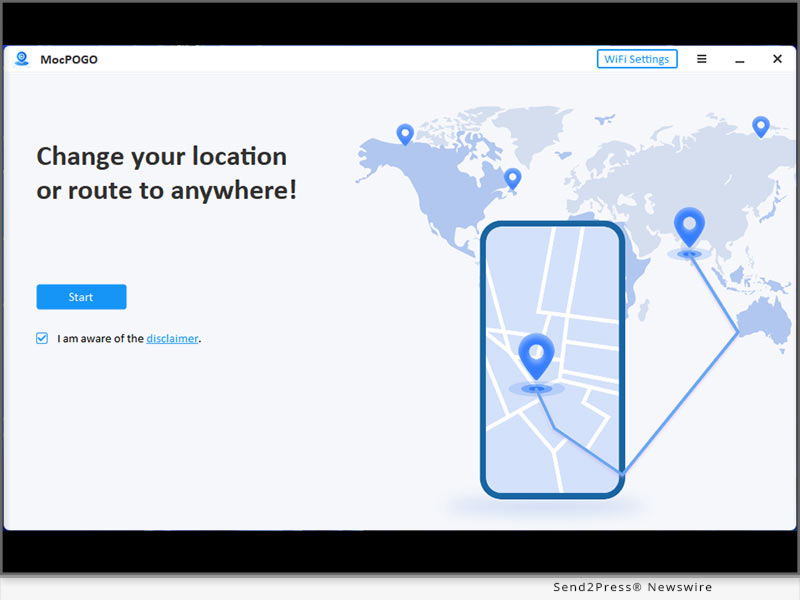
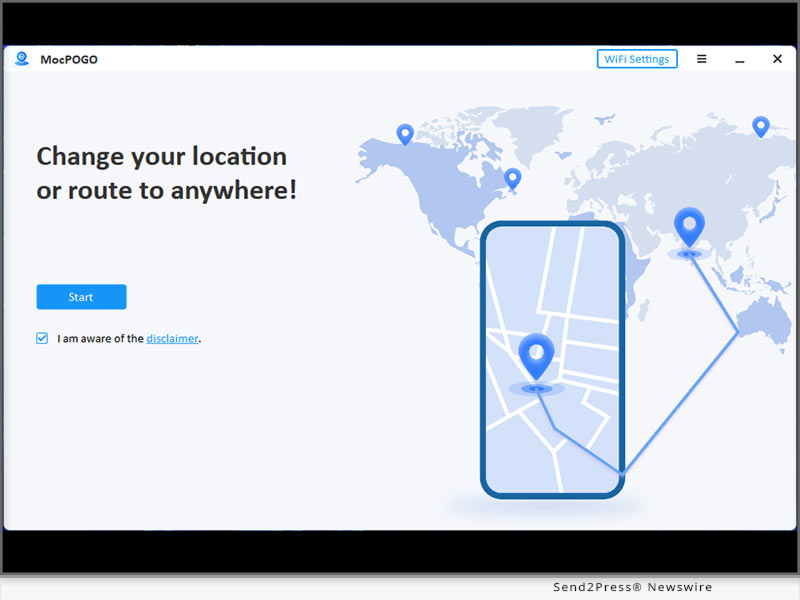
NEW YORK, N.Y., Sept. 22, 2025 (SEND2PRESS NEWSWIRE) — MocPOGO, a leading mobile location changer solution, has officially announced full compatibility with Apple’s latest iPhone 17 series. This update ensures users can enjoy a safe, powerful, and seamless way to change GPS location on iPhone for apps and services that rely on geolocation.
MocPOGO Now Fully Supports iPhone 17
Image caption: MocPOGO Now Fully Supports iPhone 17.

With the growing demand for reliable tools that don’t require complicated setups, MocPOGO stands out by offering a computer-free, jailbreak-free experience designed specifically for iOS. iPhone 17 users can now enjoy effortless installation and get started in just a few taps.

KEY FEATURES OF MOCPOGO ON IPHONE 17

  • One-Click Teleportation – Instantly change your device’s location to anywhere in the world.
  • On-Screen Joystick – Move virtually with precision and flexibility.
  • Smart Walking Simulation – Simulate realistic movement for location-based apps.
  • Anti-Detection Security – Built-in safety features to protect your account and device.
  • No Jailbreak, No PC Required – 100% mobile-friendly design.
  • Latest iOS Support – Fully compatible with iPhone 17 and iOS 26, while also supporting older iPhone models and Android devices.

Unlike many tools that rely on risky downloads or unstable methods, MocPOGO is officially optimized for iOS devices and regularly updated to maintain stability and security.

HOW TO DOWNLOAD MOCPOGO ON IPHONE

Getting started with MocPOGO is quick and simple:

  1. Visit the Official MocPOGO Website – Open Safari on your iPhone and head to the official MocPOGO site.
  2. Download the App – Tap the iOS download option and follow the on-screen instructions.
  3. Install on iPhone – Allow installation when prompted in your device settings.
  4. Launch MocPOGO – Open the app and grant necessary permissions.
  5. Start Exploring – Use teleportation, joystick controls, or walking simulation instantly.

ABOUT MOCPOGO

MocPOGO is a cutting-edge iOS location changer built for iOS and Android users who want more flexibility and control over how they experience location-based apps. With features like global teleportation, smart walking simulation, and joystick movement, MocPOGO delivers a simple, mobile-first experience. The app is regularly updated to ensure compatibility with the latest iOS versions while providing a safe way to change GPS location on iPhone.

Learn more:

Official Website: https://mocpogo.com/

YouTube: https://www.youtube.com/@MocPOGO/videos

Discord: https://discord.com/invite/PEn7MpMF3K

NEWS SOURCE: MocPOGO Co., Ltd


This press release was issued on behalf of the news source (MocPOGO Co., Ltd), who is solely responsible for its accuracy, by Send2Press Newswire. Image, if any, was provided by the news source and not this website or the wire service. Information is believed accurate, as provided by the news source, but is not guaranteed.

To view the original story, visit: https://www.send2press.com/wire/mocpogo-now-fully-supports-iphone-17-smarter-location-changer-for-ios/

Copr. © 2025 Send2Press® Newswire, Calif., USA. -- REF: S2P STORY ID: S2P129487 NOREL-3B
 

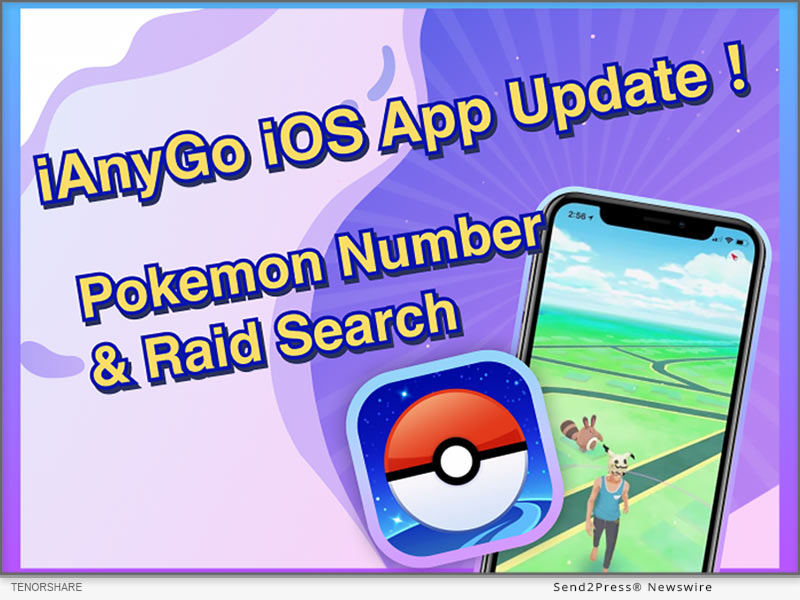
How to Play Pokemon Go without Moving? Try the iAnyGo iOS App

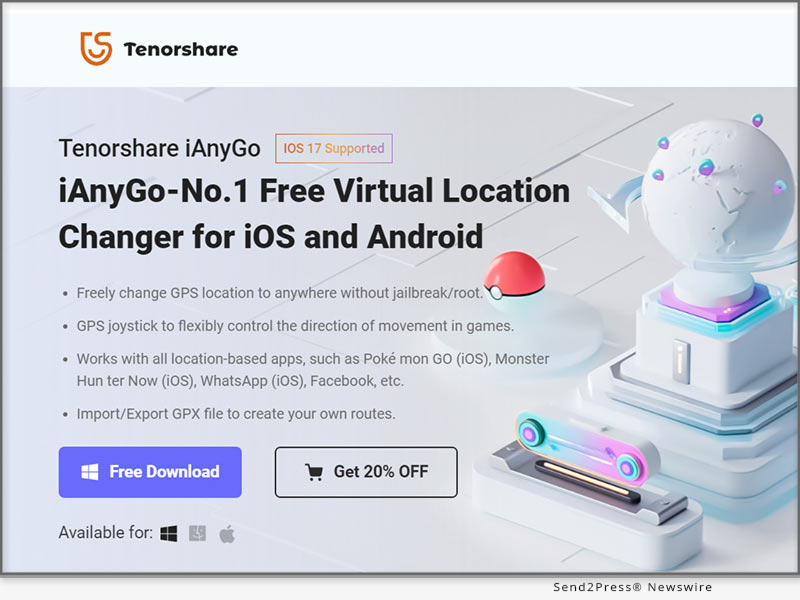
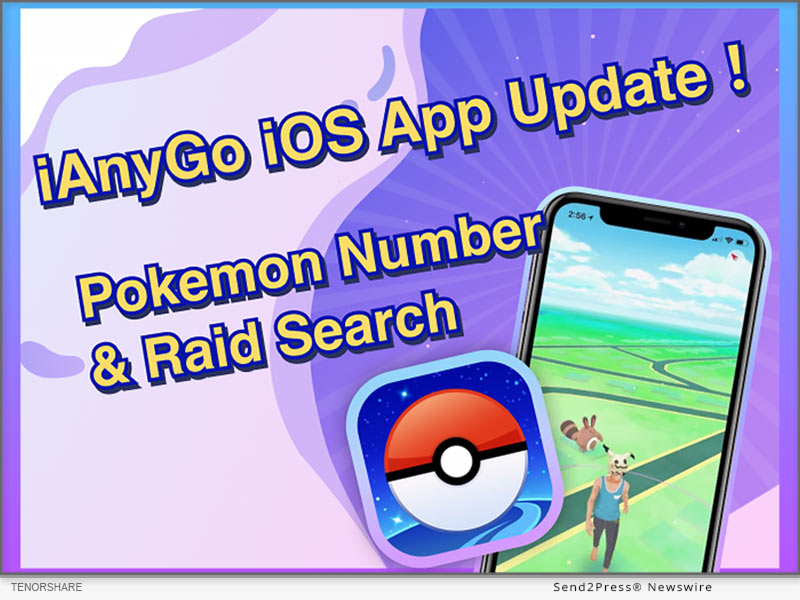
NEW YORK, N.Y. /ScoopCloud/ -- Are you wandering aimlessly, hoping to chance upon that elusive Pokemon in Pokemon GO? Exciting news for all fans! The iAnyGo iOS App from Tenorshare has undergone a major update, enabling players to effortlessly locate any Pokemon or raid without the need to move. With the iAnyGo iOS App, you can play Pokemon Go without physically moving.

"After the release of the new features in the iAnyGo iOS App, Pokemon GO fans can effortlessly pinpoint any Pokemon and raid in-game with unparalleled ease and convenience. Catching Pokemon has never been easier! The users can effortlessly play Pokemon Go without moving," said Tenorshare's CEO, while introducing the new features.

HOW TO PLAY POKEMON GO WITHOUT MOVING?

Installing iAnyGo iOS App only takes a few minutes:

Step 1: Install the iAnyGo iOS assistant on your computer.

Step 2: Open the iAnyGo iOS assistant, log in with your Apple account, and click the "Install iAnyGo iOS app" button.

Step 3: Wait a few minutes, and you'll find the iAnyGo iOS app installed on your iPhone.

Here are the simple steps to search for Pokemon and raids using the iAnyGo iOS app:

Searching for Pokemon

Step 1: Open the iAnyGo iOS App on your iPhone and tap on the "Poke Raid" option in the upper right corner.

Step 2: Enter the name or number of the Pokemon you want to find. Click the Pokemon information and click the "Go" button. It will switch to the iAnyGo iOS App main interface. Just tap on the first button at the bottom right labeled "Change Location". Your location will be successfully modified, allowing you to swiftly catch the Pokemon.

Searching for Raids

Step 1: Open iAnyGo iOS App and select the "Poke Raid" feature. Tap on "Raid Battle."

Step 2: Choose any raid from the list to view its location. Then, proceed to the specific location to join the raid using the iAnyGo iOS app feature "Change Location."

That's it! The iAnyGo iOS App offers a simple and efficient method to play Pokemon Go without physically moving.

Learn more: https://www.tenorshare.com/products/ianygo-change-gps-location-iphone.html

Pricing and Availability

Pricing for iAnyGo iOS App starts at just $14.99.

* 1 Month/1 Device: $14.99

* 1 Quarter/1 Device: $39.99

* 1 Year/1 Device: $79.99

* Lifetime/1 Device: $99.99

About Tenorshare

Tenorshare specializes in iOS, Android, Windows, and Mac platforms, focusing on core technology research. It is a highly-reputed and leading software provider with millions of users that use its tools and services related to data transfer, data recovery, system repair, unlocking phones, and many more.

More information: https://www.tenorshare.com/

Facebook: https://www.facebook.com/TenorshareOfficial/

X/Twitter: https://twitter.com/Tenorshare_Inc

YouTube: https://www.youtube.com/user/TenorshareOfficial/videos

TikTok: https://www.tiktok.com/@tenorshare_tech_tips

News from Tenorshare Co. Ltd.

Are you wandering aimlessly, hoping to chance upon that elusive Pokemon in Pokemon GO? Exciting news for all fans! The iAnyGo iOS App from Tenorshare has undergone a major update, enabling players to effortlessly locate any Pokemon or raid without the need to move. With the iAnyGo iOS App, you can play Pokemon Go without physically moving.

Related link: https://www.tenorshare.com/

This version of news story was published on ScoopCloud™ (ScoopCloud.com) - part of and © the Neotrope® News Network - all rights reserved.

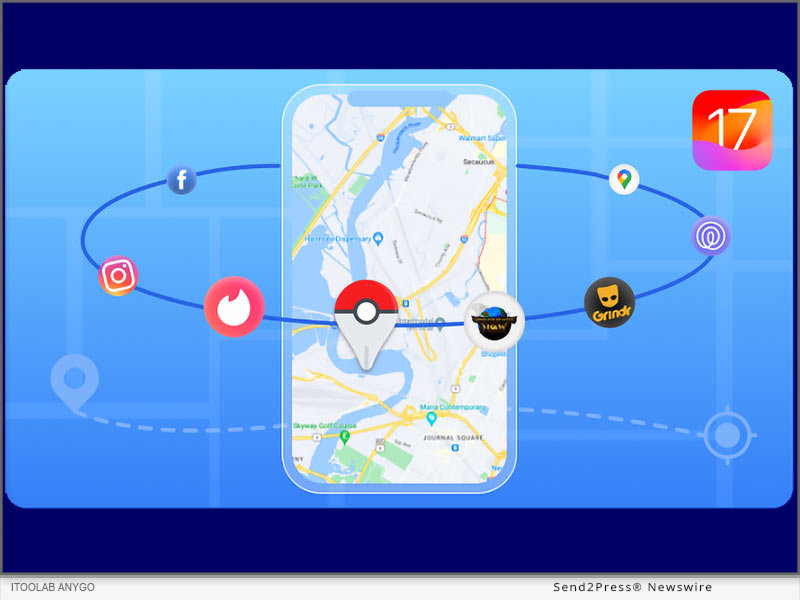
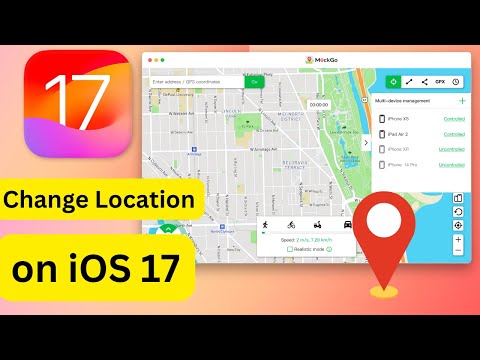
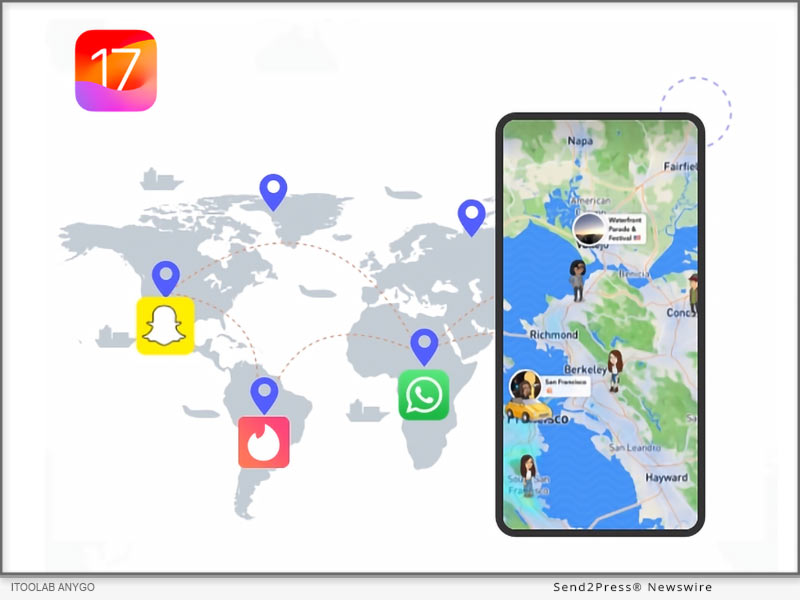
iToolab AnyGo – The Best GPS Location Changer App for iOS 17

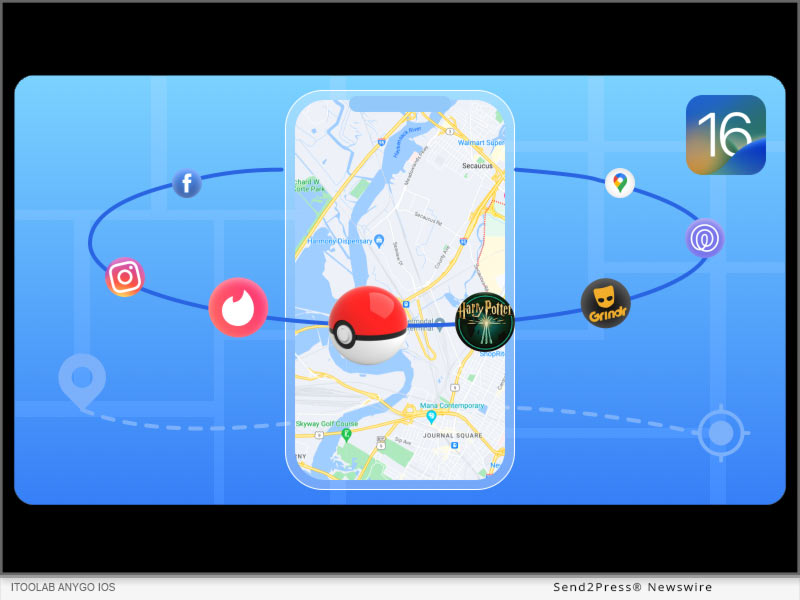
NEW YORK, N.Y. /ScoopCloud/ -- Many iOS 17 users are facing the problem that there is no working iOS location changer app that compatible with iOS 17! You must use a computer, but not directly on your iPhone. The good news is that iToolab AnyGo launched the latest version of the app today! It allows you to change your location at any time on your iOS phone without the need for a computer!

"A lot of time has been put into overcoming this technical challenge over the past few months! We always put the needs of our users first and are always on the road to innovation. In order to help users to solve the problem," says the iToolab spokesperson.

Why You Need A iPhone Location Changer App

In many cases you may need to change iPhone location to protect your privacy. Especially when you want to fake location on social apps. So, a good iOS location changer app is all you need. With iToolab AnyGo for iOS App, you can fake GPS location on iPhone anywhere or anytime without limitation.

Outstanding features of iToolab AnyGo for iOS

* No Jailbreak Requires: Without jailbreaking your iPhone, it changes iOS GPS location in an effortless manner.

* One-Click to Change GPS Location: With only 3 steps you can easily change iPhone location whenever you need it.

* Customized Route & Speed: Using this iOS location changer app, you can customize your routes, speed just like you are walking.

* Wide Compatibility: It is compatible with iOS 13 to iOS 17.

* Free Trial Version: You can try the iToolab AnyGo for iOS for free at the first time. Buy or not, depending on how you feel about using it.

You can now buy AnyGo for iOS with 20% OFF, here is more details:
https://itoolab.com/buy/anygo-for-ios/

How to Change iPhone Location without Computer [iOS 17 Supported]

iToolab AnyGo for iOS is the best location changer for iPhone user, it supports the latest iOS 17 and there is no jailbreak required or complicated steps.

* Install AnyGo for iOS app on your iOS device, and launch the app.

* Select the location on the map or search the location in the search box.

* Tap the "Go" option on the map and your iPhone GPS location will change to the specified location.

About iToolab:

iToolab is a famous software company in Hong Kong, it has helped more than 100,000 users in 100+ countries. iToolab AnyGo is a stellar product that solves location change problems perfectly. For now, the app version of iToolab AnyGo has become one of the most popular location change apps for iOS and supported by hundreds of thousands of users. iToolab AnyGo for iOS will always be the first choice! Don't miss this amazing iOS 17 location changer app and try it today!

For more details, please visit:

Official Website: https://itoolab.com/

Facebook: https://www.facebook.com/itoolab

X/Twitter: https://twitter.com/IToolab

YouTube: https://www.youtube.com/@iToolab

News from IToolab Co Ltd

Many iOS 17 users are facing the problem that there is no working iOS location changer app that compatible with iOS 17! You must use a computer, but not directly on your iPhone. The good news is that iToolab AnyGo launched the latest version of the app today! It allows you to change your location at any time on your iOS phone without the need for a computer!

Related link: https://itoolab.com/

This version of news story was published on ScoopCloud™ (ScoopCloud.com) - part of and © the Neotrope® News Network - all rights reserved.

Updated Monster Hunter Now Spoofing Method from Tenorshare iAnyGo for 2024

NEW YORK, N.Y. /ScoopCloud/ -- Attention Monster Hunter Now enthusiasts! The recent challenges in Monster Hunter Now spoofing have been a thorn in the side of many gamers. But worry no more, as Tenorshare iAnyGo has unveiled a revolutionary solution to bypass these obstacles and elevate your gaming experience to new heights.

VIDEO: https://www.youtube.com/watch?v=RstG-YiKdts

Since February 22nd, a significant update in Monster Hunter Now (MHN) has left all third-party software grappling with 'Searching for GPS signal' issue when trying to modify location on MHN iOS. To date, no resolution has been seen... until now. The iAnygo team, after burning the midnight oil for over a month, has finally cracked the code! Get ready to experience the unmatched solution with our MHN Wizard. Stay tuned for an easy-to-follow guide!" says a Tenorshare spokesperson.

Monster Hunter Now spoofing can be a game-changer. That's where Tenorshare iAnyGo comes in as the premier solution for 2024. This innovative tool empowers you to seamlessly use a Monster Hunter Now spoof, no longer confining you in your location and opening up a world of possibilities in your gaming experience.

Pros & Cons:

* Pros:

- No jailbreak or root required, preserving the security and integrity of your device.

- Effectively resolves the 'Searching for GPS Signal' issue, ensuring uninterrupted gameplay.

- Frequent updates to keep pace with the latest game and iOS updates.

* Cons:

- Requires a stable internet connection for optimal performance.

- Limited to iOS devices, not available for Android users.

STEPS: Here is a detailed guide with step-by-step instructions for Tenorshare iAnyGo:

Change GPS Location:

1. Launch Tenorshare iAnyGo on your computer.

2. Connect your iPhone/Android to the computer via USB or Wi-Fi.

3. Select "Change Location" mode in iAnyGo.

4. Enter the desired location in the search box and click "Start to Modify."

5. Your location is now changed in all location-based apps on your device.

Simulate GPS Movement:

1. Choose "Single-Spot" or "Multi-Spot Movement" mode in iAnyGo.

2. Plan your route on the map, setting the starting point, destination(s), and movement speed.

3. Click "Start to Move" to begin the simulated movement.

Unlock the full potential of Tenorshare iAnyGo Spoofer with an exclusive 20% discount! Use the promo code TSWOW20OFF at checkout to avail this special offer. Don't miss out on this limited-time opportunity to enhance your Monster Hunter Now adventure. Claim your discount of iAnyGo 20% off.

Learn more: https://www.tenorshare.com/products/ianygo-change-gps-location-iphone.html

About Tenorshare:

Tenorshare is a renowned software company committed to delivering innovative solutions for smartphone users across the globe. From recovering lost data to repairing system issues and spoofing locations, Tenorshare provides a wide range of tools to meet your needs. Notably, Tenorshare iAnyGo is recognized as the best Monster Hunter Now spoofer, offering gamers an unparalleled experience in location-based gaming.

More information: Tenorshare Official Website - https://www.tenorshare.com/

Connect with us on Social Media:

* Facebook - https://www.facebook.com/TenorshareOfficial/

* X/Twitter - https://twitter.com/Tenorshare_Inc

* YouTube - https://www.youtube.com/user/TenorshareOfficial/videos

News from Tenorshare Co. Ltd.

Attention Monster Hunter Now enthusiasts! The recent challenges in Monster Hunter Now spoofing have been a thorn in the side of many gamers. But worry no more, as Tenorshare iAnyGo has unveiled a revolutionary solution to bypass these obstacles and elevate your gaming experience to new heights.

Related link: https://www.tenorshare.com/

This version of news story was published on ScoopCloud™ (ScoopCloud.com) - part of and © the Neotrope® News Network - all rights reserved.

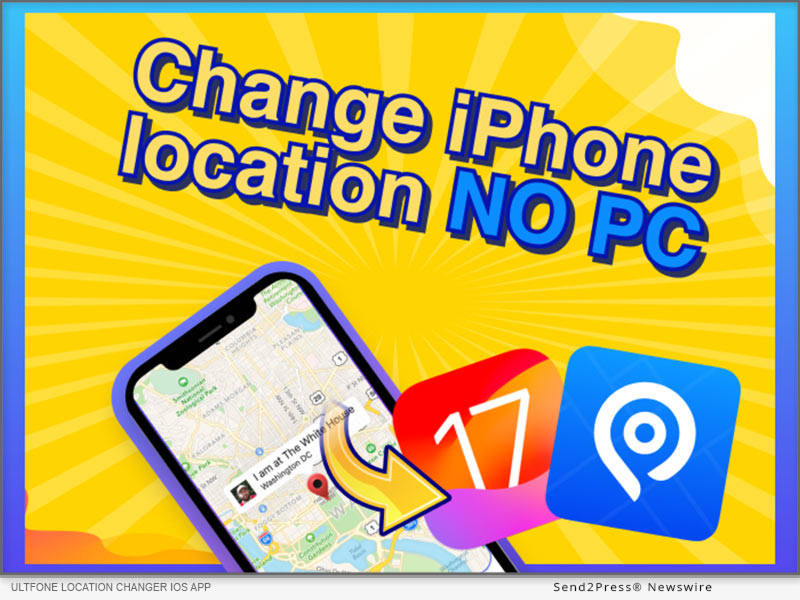
How to Change Location on an iPhone without a Computer (iOS 17 Supported)

NEW YORK, N.Y. /ScoopCloud/ -- For iOS 17 users, are you looking for a reliable way to change iPhone location without a computer? The good news is that UltFone released UltFone location changer iOS App recently! No computer is required after you install the app. So excited!

"To enhance users' experience, we launched UltFone location changer iOS App on 3rd April. The iOS 17 users can easily change location on iPhone without a computer," says the UltFone spokesperson.

So, how to fake location on iPhone with UltFone location changer iOS App? Let's dive in!

The recently launched UltFone Location Changer iOS App ensures a better experience and features, including:

* Change GPS location instantly with one click

* Single-spot movement

* Multi-spot movement for a guided route

* GPS joystick control to change direction at any time

* Collect some favorited routes

* Location HistoryHistorical records

* Styled Map Selection

How to Install UltFone Location Changer iOS App:

Step 1: Please download UltFone iOS Assistant on your computer first. Connect your iPhone to the computer, launch UltFone iOS Assistant, and sign in to your Apple account.

Step 2: Click the "Install UltFone Location Changer" button. Wait for the app installation.

Step 3: You need to configure the VPN using the IP Finder App

How to Change Location on iPhone without Computer:

The recently launched iOS app requires no computer or Mac to use the location spoofing features. Users can use different features of the app. Here is how to use it.

Step 1: Open the UltFone Location Changer iOS App on your iPhone and enter the destination coordinates or drop the pin on the map. And click the first button on the right - Change Location, your location is instantly changed!

Step 2: Use different movement options or joystick movement options for more flexible movement control.

Learn more: https://www.ultfone.com/ios-location-changer.html

Price of UltFone Location Changer iOS App:

UltFone offers licenses for 1 device and 5 devices. You can choose the license you need by clicking here - https://www.ultfone.com/buy/buy-ios-location-changer-app.html

* 1 Month/1 Device: $14.99

* 1 Quarter/1 Device: $39.99

* 1 Year/1 Device: $79.99

* Lifetime/1 Device: $99.99

About UltFone

Changing the location on your iPhone without a PC has never been so easy. UltFone Location Changer iOS App is exclusively developed to support 17.2 and later. UltFone is an industry-leading software developer of PC utility technologies and applications, offering fully integrated solutions for iOS data recovery, Android data recovery, data transfer, iOS system repair, etc.

More information: https://www.ultfone.com/

Facebook: https://www.facebook.com/ultfone/

YouTube: https://www.youtube.com/@UltFoneOfficial/videos

News from UltFone

For iOS 17 users, are you looking for a reliable way to change iPhone location without a computer? The good news is that UltFone released UltFone location changer iOS App recently! No computer is required after you install the app. So excited!

Related link: https://www.ultfone.com/

This version of news story was published on ScoopCloud™ (ScoopCloud.com) - part of and © the Neotrope® News Network - all rights reserved.

The Best Pokemon Go PC Spoofer Download for iOS 17 and Android

NEW YORK, N.Y. /ScoopCloud/ -- Pokemon Go is one of the most famous location-based games, with over 82 million players worldwide. This game involves players walking around in search of different Pokemon. However, says UltFone, many Pokemon Go players on Reddit mentioned that they love playing the game but don't like walking around all the time.

"Is there a Pokemon Go GPS spoof?" they ask.

So, worry not! We have a Pokemon Go PC spoofer for you to change your location from the comfort of your home.

Can I Spoof Pokemon Go on PC without Getting Banned?

Yes, it is possible to spoof your location on Pokemon Go without getting banned by using any of the Pokemon Go spoofer PC apps available online. However, if you want to play it safe, we suggest taking care of a few things.

For instance, always use a cooldown timer when mocking your location to avoid the risk of getting detected or banned. Secondly, never use a modified spoofing app, as it may pose security risks. And lastly, use a tool that doesn't jailbreak or root your device.

How to Spoof Pokemon Go on PC?

If you are looking for a Pokemon Go spoofing PC app, we hands-down recommend using UltFone Location Changer.

It is a Pokemon Go spoofer PC free tool that changes your location in just a few clicks.

Here are some notable features of UltFone Location Changer:

* Built-In Anti-Detection Feature: This Pokemon Go PC spoofer app comes with a built-in cooldown timer that minimizes the risk of getting detected and banned.

* Doesn't Jailbreak or Root Your Device: It seamlessly changes your location without rooting or jailbreaking your device.

* Free Trial Version: It has a free trial version, to try all the features before purchasing the premium version.

* Joystick Feature: It comes in handy to teleport to the best place in just one click.

* Customized Route & Speed: Using this Pokemon Go spoofer for PC, you can customize your routes, speed and import/export the GPX file when required.

* Wide Compatibility: It is compatible with iOS, Android, Windows and Mac.

To realize Pokemon Go spoofing using PC, follow these simple steps:

* The first step requires Pokemon Go spoofer PC download from the official website.

* Launch UltFone Location Changer and select the "GPS Change" icon from the options on the left.

* Connect your device to your PC and click "Next."

* On the map displayed on the screen, move your mouse to the desired location or enter the location manually.

* Your device's location will change to the location you entered.

About UltFone

UltFone is a software company that deals in data management and system repair tools for iOS or Android devices. It also offers a Pokemon Go Spoofer PC to help play the game without walking. It is also safe and reliable for Pokemon Go Spoofing iOS and Android.

Learn more: https://www.ultfone.com/virtual-location/pokemon-go-spoofer-on-pc.html

YouTube: https://www.youtube.com/@UltFoneOfficial/videos

Facebook: https://www.facebook.com/ultfone/

News from UltFone

Pokemon Go is one of the most famous location-based games, with over 82 million players worldwide. This game involves players walking around in search of different Pokemon. However, says UltFone, many Pokemon Go players on Reddit mentioned that they love playing the game but don't like walking around all the time.

Related link: https://www.ultfone.com/

This version of news story was published on ScoopCloud™ (ScoopCloud.com) - part of and © the Neotrope® News Network - all rights reserved.

iAnyGo iOS App Upgraded: Now iOS 17 Supported

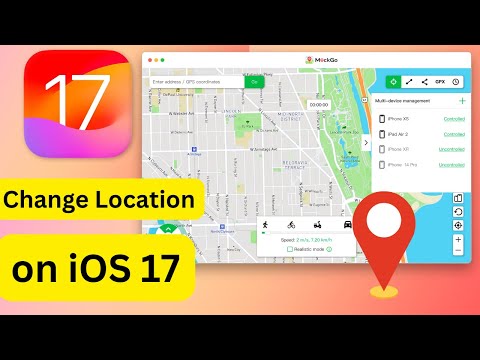
NEW YORK, N.Y. /ScoopCloud/ -- Do you want to know how to change location on iOS 17 to play location-based games? The exciting news is that Tenorshare iAnyGo App just got a major update and now fully supports iOS 17.

"Besides the latest iAnyGo update, Tenorshare also launched the iAnyGo iOS App on January 2, 2024. The iOS 17 users will now be able to easily switch locations from their iPhones without their computer," says a Tenorshare spokesperson. So, how can the Tenorshare iAny Go iOS app fake GPS on iOS 17 without a computer? Let's find out!

VIDEO (YouTube): https://www.youtube.com/watch?v=v0I-CJDwZM0

Must Do Things Before Change Location

Before you use the Tenorshare iAnyGo app to iOS 17 spoof location, make sure to prep quickly. Without these preparations, you won't be able to change your location. Here's what you need to do:

1. CONFIGURE VPN

Step 1: Connect to the internet and launch the iAnyGo app.

Step 2: Press any location button on the map and tap the location modification button.

Step 3: Tap "One-click configuration." Hit "Start."

2. INSTALL RESOURCES

Step 1: Install iAnyGo desktop on your PC, launch it, and connect your iPhone to your computer.

Step 2: Press the toolbox icon in the upper-right corner and choose "Install Resources." Hit "Yes."

3. INSTALL IOS COMPONENTS

Launch the iAnyGo app on your iPhone, and let it download and install iOS components automatically.

How to Install iAnyGo iOS App?

To install the Tenorshare iAnyGo app on your iOS17 iPhone, follow the instructions below:

Step 1: Tap the download button on your iPhone or use the camera to scan the QR code.

Step 2: Follow the link/QR code to "Apple TestFlight" and click "View in App Store" to install "TestFlight."

Step 3: Press "Start Testing" to install iAnyGo and launch it.

How to Use iAnyGo iOS App to Change Location Without Computer?

Here's how to use the Location Changer app to change location on your iOS 17 device:

Step 1: Open iAnyGo on your iPhone, pick a spot on the map, or use the search bar to find where you want to go.

Step 2: Tap "Change Location" at the bottom, and your location will be changed successfully.

Price of Tenorshare iAnyGo iOS App

* 1 Quarter License: $39.99/Quarter, $0.44/ Day.

* 1 Month License: $14.99/Month, $0.50/Day.

* 1 Year License: $79.99/Year, $0.22/Day.

About Tenorshare:

If you're looking for a way to explore how to change location on iOS 17, the Tenorshare iAnyGo iOS app now supports this iOS version. There's no need for a computer. Simply change your location without jailbreak/root. With a superior track record since 2007, Tenorshare, serving ten million+ users worldwide, focuses on crafting repair, transfer, and recovery tools for various platforms.

More information: https://www.tenorshare.com/

Facebook: https://www.facebook.com/TenorshareOfficial/

X/Twitter: https://twitter.com/Tenorshare_Inc

YouTube: https://www.youtube.com/user/TenorshareOfficial/videos

TikTok: https://www.tiktok.com/@tenorshare_tech_tips

News from Tenorshare Co. Ltd.

Do you want to know how to change location on iOS 17 to play location-based games? The exciting news is that Tenorshare iAnyGo App just got a major update and now fully supports iOS 17.

Related link: https://www.tenorshare.com/

This version of news story was published on ScoopCloud™ (ScoopCloud.com) - part of and © the Neotrope® News Network - all rights reserved.

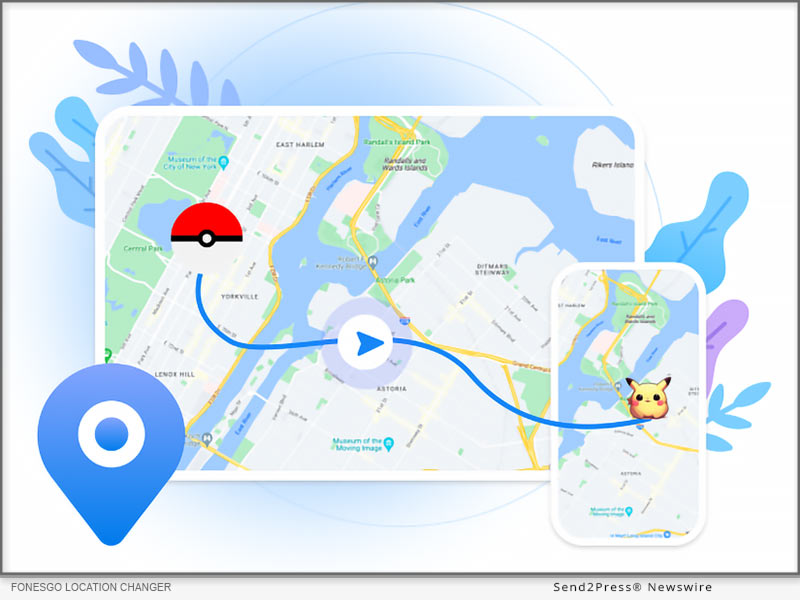
FonesGo Location Changer Available! How to Change Location on iPhone and Android

NEW YORK, N.Y. /ScoopCloud/ -- We are pleased to announce the introduction of FonesGo Location Changer, the ideal option for anyone who wants to easily mock GPS location. This tool provides a simple and user-friendly way to spoof location on iPhone and Android.

Youtube video: https://youtu.be/L1j8cgilKnA?si=5wRn1_PyrDtOU-VM

"FonesGo Location Changer is here to revolutionize the way you interact with your devices," says a FonesGo spokesperson. "With the ability to alter your GPS Location at your fingertips, you can now explore new vistas, and make the most of location-based apps." Don't pass up this fantastic opportunity to improve your mobile experience.

WHAT FEATURES DOES FONESGO LOCATION CHANGER HAVE?

1. Spoof Location to Anywhere

With FonesGo Location Changer, you may set your GPS location to any place in the globe. This tool allows you to teleport your device to any location you like. It is the best GPS location changer for iOS devices without jailbreak.

2. Explore Location-Based Apps

Many apps provide location-specific features. You can unlock these functionalities with FonesGo Location Changer, giving you access to a whole new world of possibilities. It can spoof Pokemon Go locations and fake Pokemon Go walking on iOS and Android devices. Also supports changing location on most dating and social apps.

3. Protect Your Privacy

Privacy is more vital than ever before, and FonesGo Location Changer will help you protect it. It may be used to prevent apps from tracking your true location, ensuring your location remains private.

How to Spoof Location on iPhone & Android?

It's as simple as 1-2-3 to use the FonesGo Location Changer:

1. Install the app on your computer after downloading it.

2. Connect your Android or iPhone to your PC.

3. Choose your preferred location and click to adjust.

That's all! Your GPS Location will be transmitted to your selected destination in a moment.

More info: https://fonesgo.com/guide/how-to-use-location-changer/

Pricing and Compatibility:

FonesGo Location Changer is the most affordable location spoofing solution for Android and iOS users. It has attributes that make it valuable.

Pricing:

1-Month plan: $9.95 per month

1-Quarter plan: $19.95

1-Year plan: $39.95

Lifetime Plan: $79.95

Compatibility:

Windows: Win 11/10/8.1/8/7

Mac: 13 (macOS Ventura), 12 (macOS Monterey), 11 (macOS Big Sur), 10.15 (macOS Catalina), 10.14 (macOS Mojave), Mac OS X 10.13 (High Sierra), 10.12 (macOS Sierra)

iOS: ios 7.0- ios 17

Android: Android 7.0-Android 14 (All Android devices)

About FonesGo:

FonesGo is a leading software development company focusing on mobile phone/computer solutions. We aspire to improve the mobile experience for people all around the world by focusing on innovation and user-friendliness. And provide simple, effective, and professional solutions for Android, iOS, and PC devices.

For more details, please visit:

More information: https://fonesgo.com/location-changer/

Facebook: https://www.facebook.com/fonesgo

YouTube: https://www.youtube.com/@fonesgo

News from FonesGo

We are pleased to announce the introduction of FonesGo Location Changer, the ideal option for anyone who wants to easily mock GPS location. This tool provides a simple and user-friendly way to spoof location on iPhone and Android.

Related link: https://fonesgo.com/

This version of news story was published on ScoopCloud™ (ScoopCloud.com) - part of and © the Neotrope® News Network - all rights reserved.

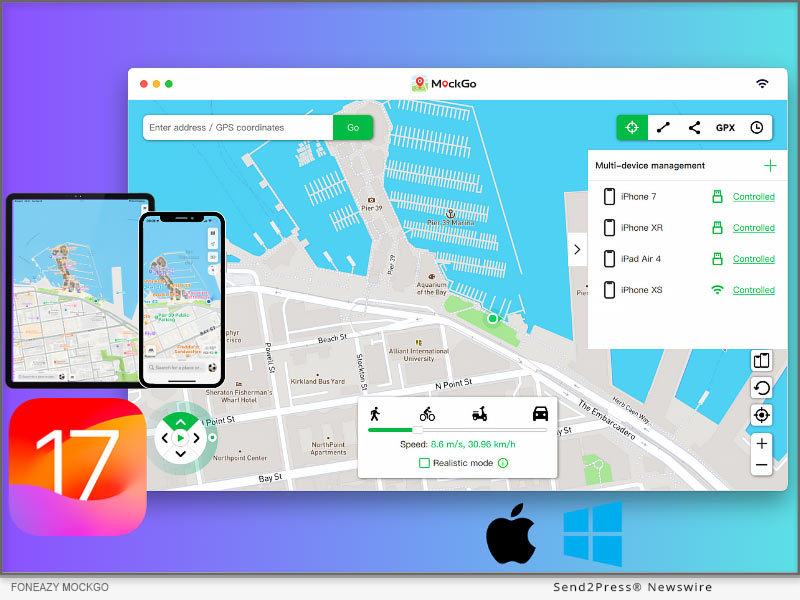
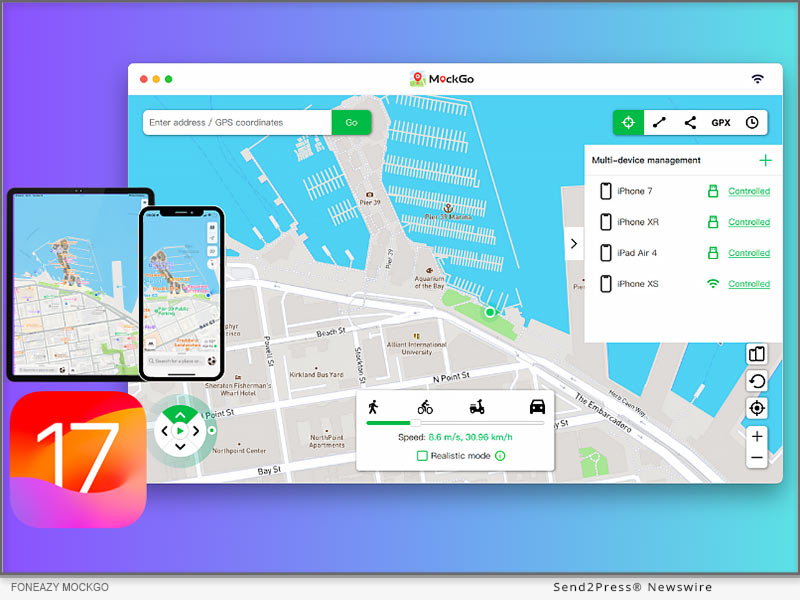
Foneazy MockGo Now Fully Supports Changing Apple iPhone GPS Location on iOS 17

NEW YORK, N.Y. /ScoopCloud/ -- Foneazy, a leading software company that provides practical and easy-to-use solutions for mobile users, has announced that its popular iOS location spoofer, MockGo, now fully supports changing iPhone GPS location on iOS 17 for both Windows and Mac versions.

"We are very excited to announce that MockGo now fully supports iOS 17. We always strive to provide the best user experience and quality products for our customers. Changing iPhone location on iOS 17 requires a different approach than previous versions," said Carter Land, the CEO of Foneazy.

"We've spent months researching and testing various methods to ensure that Foneazy MockGo can work smoothly and safely on iOS 17 devices. Now that we have made it, users who have upgraded their devices to iOS 17 or bought new iPhone 15 models can still use MockGo to change their GPS location without any issues."

Foneazy MockGo is a powerful tool that allows users to change their iPhone location to anywhere in the world with just one click. Users can also simulate GPS movement along a customized route, or pause and resume the movement at any time. This feature is especially useful for playing location-based games like Pokemon Go, Monster Hunter Now, Harry Potter: Wizards Unite, and Ingress.

How to Change Location on iOS 17 with Foneazy MockGo:

* Download and install Foneazy MockGo from the official website of Foneazy.

* Launch MockGo and connect the iOS device to the computer via a USB cable or Wi-Fi connection.

* Start teleporting or simulating GPS movement on your iOS devices.

VIDEO TUTORIAL: https://youtu.be/F1eyNL64GGM?si=TMh7-kDgjjW79vCv

MAIN FEATURES OF FONEAZY MOCKGO:

* Change your location to anywhere in the world with a single tap.

* Fake your movement along a custom route with three different speed options.

* Use a virtual joystick to control your game character easily.

* Work with 100+ apps, including social, dating and gaming ones.

* Simultaneous GPS spoofing on 5 devices.

* Wireless connectivity.

* Compatible with the newest iOS 17.

Learn more: https://www.foneazy.com/mockgo-iphone-gps-changer/

Availability and Price:

MockGo works on Mac 10.12 and later, and Windows 7/8/8.1/10/11. It is compatible with all iPhone/iPad/iPod with the latest iOS 17.2 version.

Moreover, MockGo is a budget-friendly option compared to its competitors, and you can also get exclusive discounts on the tool.

Here is a detailed overview of the prices of MockGo:

* Month plan: $9.95

* 1-Quarter plan: $19.95

* 1-Year plan: $39.95

* Lifetime Plan: $59.95

Visit this link to get the latest MockGo Coupon Codes: https://www.foneazy.com/tips/foneazy-mockgo-coupon-code/

About Foneazy:

Foneazy is a leading software company that specializes in developing innovative solutions for mobile devices. Founded in 2019, Foneazy has launched several successful products, such as Unlockit iPhone, a tool to bypass MDM lock and screen passcode, and Unlockit iCloud Remover, a tool to bypass activation lock.

Learn more: https://www.foneazy.com/

Facebook: https://www.facebook.com/foneazy/

YouTube: https://www.youtube.com/@foneazy

RELATED LINKS:

https://www.foneazy.com/iphone/how-to-change-iphone-location-without-jailbreak/

News from Foneazy Studio

Foneazy, a leading software company that provides practical and easy-to-use solutions for mobile users, has announced that its popular iOS location spoofer, MockGo, now fully supports changing iPhone GPS location on iOS 17 for both Windows and Mac versions.

Related link: https://www.foneazy.com/

This version of news story was published on ScoopCloud™ (ScoopCloud.com) - part of and © the Neotrope® News Network - all rights reserved.

iAnyGo New Update: Now Supports WiFi Connection on iOS 17

NEW YORK, N.Y. /ScoopCloud/ -- Tenorshare iAnyGo just dropped a fresh update. It now supports WiFi connection on iOS 17 devices. "Now iOS 17 users can quickly jump into location-based gaming with iAnyGo by connecting their devices through WiFi. They can take advantage of this tool more swiftly than ever before," says a Tenorshare spokesperson.

But that's not all. Tenorshare iAnyGo offers a multitude of functions, all designed specifically to make gaming more enjoyable for iOS 17 users. So, what are those functions, and how does this tool work? Want to find out? Check out below!

WHAT FEATURES DOES TENORSHARE IANYGO HAVE?

1. Change GPS Location

Tenorshare iAnyGo is perfect for fun or security reasons if you're into spoofing locations on your mobile. You can easily fake your GPS location on iOS 17 with just one click. Moreover, if you've got a GPX file with a pre-planned route, bring it into iAnyGo, and you're good to go. This tool can spot various paths in your imported GPX file. Plus, if you have a favorite route, export it as a GPX file for quick and easy reuse later.

2. Multi-Spot Movement

If you are unsatisfied with the single-spot mode, iAnyGo location changer also offers a multi-spot mode. You can pick multiple spots on the map, tweak the speed, and decide how many laps you want to make. It's all in your hands.

3. Joystick Movement

iAnyGo has also rolled out a Joystick feature for total GPS control. Spin your direction 360 degrees while on the move - whether walking, cycling, or driving. Need for speed? You can adjust the speed to go as fast as 72 km/h.

How Does iAnyGo Work?

Here's how Tenorshare iAnyGo works to spoof the location:

1. Launch Tenorshare iAnyGo on your computer. Link up your iOS 17 device and computer through Wi-Fi.

2. Tap "Trust" on your iDevice if it asks to trust this computer.

3. Now, type in the address or GPS coordinates of your desired location, hit "Start to Modify," and you've changed the location successfully.

Price of Tenorshare iAnyGo

Tenorshare iAnyGo offers three pricing options. Here's the lowdown:

1. Monthly Plan - Just $9.95, snag it for five mobile devices or one PC.

2. Quarterly Plan - Priced at $19.95, get the goods for five devices or one PC.

3. Yearly Plan - For $39.95, it's yours to use on five mobile devices or 1 PC.

Moreover, purchase iAnyGo now and enter the discount code "ianygo20off" to enjoy a 20% discount.

About Tenorshare

Tenorshare iAnyGo has expanded its support to encompass WiFi connection on iOS 17 devices for seamless gaming. The credit goes to Tenorshare for consistently delivering top-notch smartphone tools. So, if you're not on the Tenorshare bandwagon yet, you're missing out on a better digital life!

More information: https://www.tenorshare.com/

Facebook: https://www.facebook.com/TenorshareOfficial/

Twitter: https://twitter.com/Tenorshare_Inc

YouTube: https://www.youtube.com/user/TenorshareOfficial/videos

TikTok: https://www.tiktok.com/@tenorshare_tech_tips

News from Tenorshare Co. Ltd.

Tenorshare iAnyGo just dropped a fresh update. It now supports WiFi connection on iOS 17 devices. "Now iOS 17 users can quickly jump into location-based gaming with iAnyGo by connecting their devices through WiFi. They can take advantage of this tool more swiftly than ever before," says a Tenorshare spokesperson.

Related link: https://www.tenorshare.com/

This version of news story was published on ScoopCloud™ (ScoopCloud.com) - part of and © the Neotrope® News Network - all rights reserved.

How to Spoof MONSTER HUNTER NOW for New Weapons in Latest December 2023 Update

NEW YORK, N.Y. /ScoopCloud/ -- Niantic has scheduled its Monster Hunter Now December update. The game updates at midnight and is packed with awesome features. "But are you wondering about playing Monster Hunter Now and how to get new weapons without moving? Just turn to PoGoskill. It can spoof the game and Monster Hunter new weapons unlock from the new December update with zero downtime," says a PoGoskill spokesperson.

So, what's new in the December update, and how do you spoof Monster Hunter Now without moving with PoGoskill? Let's find out!

What's New in Monster Hunter Now December Update?

1. Monster Hunter Now December Event Release Date

The Monster Hunter Now release date is midnight on December 7, 2023. That's when all the new weapons, monsters, and other cool updates drop, so mark your calendars.

2. Monster Hunter Now Update Monster Roster In December Update

The latest Monster Hunter update offers a particular quest featuring all monsters in Monster Hunter Now: Zinogre (Thunder), Barioth (Ice), Banbaro (Ice), and Radobaan (Sleep). The December update also introduces a fresh way to face Zinogre.

3. Monster Hunter Now Update Armor Sets in December Update

In the Monster Hunter Now update for December, besides Zinogre armor, you can snag some sweet Barioth, Banbaro, and Radobaan armor.

4. Monster Hunter Now Update Weapons In December Update

The December Monster Hunter Now weapons update includes two cool weapons. Dual Blades come with a special move called "Heavenly Blade Dance-a deadly sky-high attack. While Lance offers a Killer Dash Attack for the win.

How to Spoof Monster Hunter Now for New Monsters/Weapons Without Moving?

Want to enjoy the new monsters and weapons of Monster Hunter Now without moving? Grab PoGoskill - a reliable and secure app for legit spoofing without jailbreak/rooting. Here's the lowdown on what PoGoskill can pull off:

* Has a cooldown timer for smart GPS changes.
* Easily import/export GPX files for custom routes and auto-walk.
* Use a joystick for flexible virtual GPS movement.
* Simulate different speeds for realistic gameplay.
* Save your favorite spots for quick re-selection.
* Change locations on 15 devices simultaneously.
* Works on both iOS & Android.

Here's how to use PoGoskill to spoof the location for Monster Hunter Now:

1. Install and open the tool on your PC and connect your phone to your computer.
2. Head to the top right corner and choose "Joystick Mode."
3. Slide the speed bar to your liking.
4. Drag the middle button to the circle and release it so the GPS will start moving on its own at your set speed.

Learn more: https://www.pogoskill.com/pokemon-android/how-to-play-pokemon-go-without-moving.html

About PoGoskill

Gear up for the Monster Hunter Now update event in December, which brings new weapons, armor, and much more. If you want to score them without moving, then a reliable spoofer like PoGoskill can be of advantage. It can spoof GPS location without needing jailbreak/rooting. Moreover, take advantage of a fantastic offer by entering the coupon code "pogoskill20off" to enjoy an incredible 20% discount right away. Learn more: https://www.pogoskill.com/

News from PoGoskill

Niantic has scheduled its Monster Hunter Now December update. The game updates at midnight and is packed with awesome features. "But are you wondering about playing Monster Hunter Now and how to get new weapons without moving? Just turn to PoGoskill. It can spoof the game and Monster Hunter new weapons unlock from the new December update with zero downtime," says a PoGoskill spokesperson.

Related link: https://www.pogoskill.com/

This version of news story was published on ScoopCloud™ (ScoopCloud.com) - part of and © the Neotrope® News Network - all rights reserved.

Simply Click to Change Your Location in Pokémon GO

NEW YORK, N.Y. /ScoopCloud/ -- Wondering how to change location in Pokémon GO, as this game relies on location to enable you to catch Pokémon in the actual world? If you want to play it from the comfort of your home without stepping outside then how to change location? "With unreliable GPS-changing methods, your Pokémon GO account can get a ban. However, switching up your location is actually a cakewalk with a Pokémon GO GPS hack called Tenorshare iAnyGo. With just one tap, you can fake your GPS on your iPhone and move wherever you want without taking a step," says a Tenorshare spokesperson.

But how to GPS hack Pokémon GO with this tool? Let's find out!

Can You Change Location in Pokémon GO?

Yes, you can. Even though we're all about the outdoor Pokemon adventure, we get it - life happens. Maybe it's snowing outside, and you don't want to leave your cozy couch or need to snag Pokemon from another city.

The good news is you can still play Pokémon GO without stepping out. Just spoof your location with a Pokémon GO location spoofer like Tenorshare iAnyGo. This app is trusted by more than a million users worldwide.

Super Easy Way to Spoof Pokemon Go Location

* Lots of Pokemon GO spoofer apps make you jailbreak your device and risk getting banned. But with Tenorshare iAnyGo, you can Pokémon GO spoof worry-free. No jailbreak, no account ban fears. Here are the highlights from iAnyGo:

* Change GPS location freely, no need for jailbreak/root.

* Use a GPS joystick for real-time control in games.

* Offer three virtual movement types with 360-degree direction flexibility.

* Display cooldown timer post-location spoofing to avoid account issues.

* Compatible with apps like Pokémon GO on iOS.

* Set GPS movement speed up to 108km/h.

* Import/Export GPX files for personalized routes.

* Automatic recording of searched addresses and times.

* Zoom in/out on the map for route planning.

* Manage the location of up to 15 devices.

* Supports iOS 17, Android 14 and older versions.

Here's how to spoof Pokémon GO iPhone with Tenorshare iAnyGo:

1. Install and open iAnyGo on your computer, and connect your iPhone to your PC.

2. Pick "Joystick movement" (it's the 4th option) on the main screen.

3. Adjust your speed by sliding the speed bar to your liking. You can pick walking, cycling, or driving speed.

4. Now, drag the middle button in a circle and let go. You're on the move at your chosen speed.

5. While on the go, spin the direction freely in 360 degrees as you please. That's how to spoof Pokémon GO.

About Tenorshare iAnyGo:

If you want to know how to change location in Pokémon GO, Tenorshare iAnyGo is your best bet. It can fake the GPS location without jailbreak, rooting, or the risk of an account ban. Join the millions who trust Tenorshare's products worldwide, enhancing digital lives on countless computers. Explore Pokémon GO without boundaries - Tenorshare makes it happen.

Learn more at: https://www.tenorshare.com/products/ianygo-change-gps-location-iphone.html

News from Tenorshare Co. Ltd.

Wondering how to change location in Pokémon GO, as this game relies on location to enable you to catch Pokémon in the actual world? If you want to play it from the comfort of your home without stepping outside then how to change location? With unreliable GPS-changing methods, your Pokémon GO account can get a ban. However, switching up your location is actually a cakewalk with a Pokémon GO GPS hack called Tenorshare iAnyGo.

Related link: https://www.tenorshare.com/

This version of news story was published on ScoopCloud™ (ScoopCloud.com) - part of and © the Neotrope® News Network - all rights reserved.

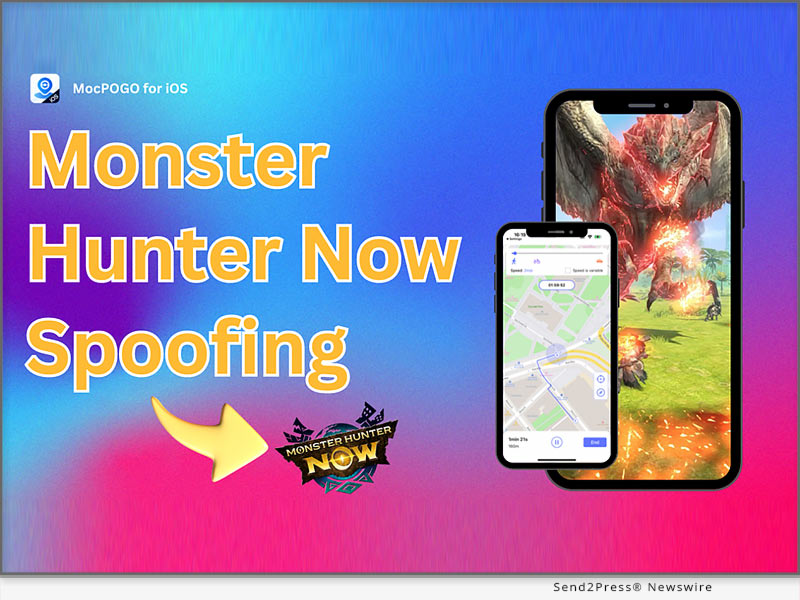
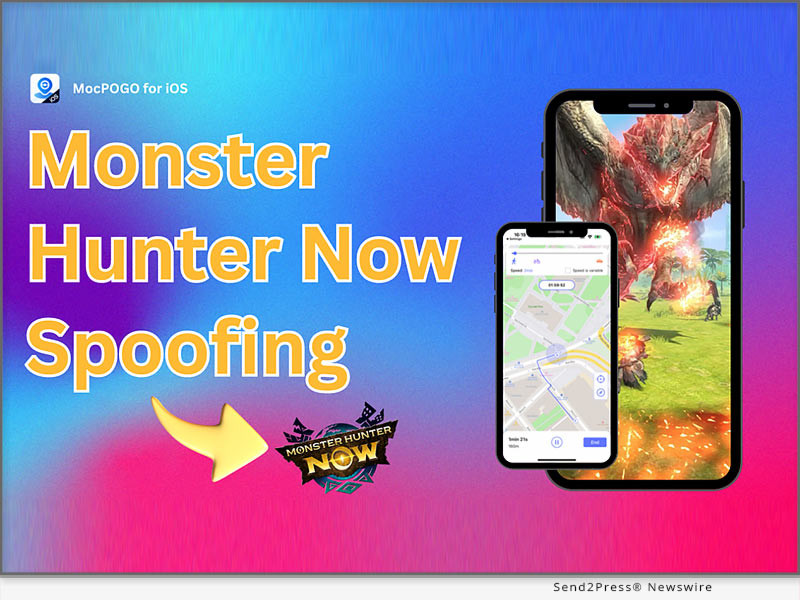
MocPOGO – A GPS Location Changer for Monster Hunter Now

NEW YORK, N.Y. /ScoopCloud/ -- MocPOGO, a high-tech software company now supports the popular location-based game, Monster Hunter Now. Players can use MocPOGO to change GPS location on MH Now to hunt more monsters even at home. It supports the latest iOS.

Monster Hunter Now is an AR game that fights over Geo-location, so if you can't get out of the house because of the weather or other reasons. Then to play this game at home, changing the location is a must. But there are many programs that may cause your account to be banned.

"In order to help players who are unable to play outdoors for various reasons, MocPOGO can help them change their location and simulate routes in the game. This reduces the risk of going out in bad weather," says a MocPOGO spokesperson.

How to Change Monster Hunter Now Location with MocPOGO Easily?

Talking about spoofing Monster Hunter Now location, many Pokémon GO users are no strangers to this. As a new game from NIANTIC, it was a hit with most users upon its release. Just like Pokemon GO, if you want to change Monster Hunter Now GPS location you need a location changer.

And MocPOGO is the best choice for you. Here are all the features of MocPOGO:

* Change GPS location on location-based apps and games in a click.

* Simulate GPS movements at a customized speed.

* Fully support the latest iOS and iPhone models.

* Support changing location on 15 devices at the same time.

Let's see how to use MocPOGO to achieve Monster Hunter Now location spoofing:

* Download MocPOGO app on your iOS device.

* Launch the app, select the destination on the map.

* Click on "Go" on the map and your MH Now location will be changed.

* Finally, enjoy hunting monsters.

More info: https://mocpogo.com/change-location/monster-hunter-now-spoofing/

For one month license, 1-5 devices it only takes $15.98. The lifetime version is the best value price: $95.98. Now, you can buy MocPOGO for iOS to get Windows, Mac and Android versions for free.

More information: https://mocpogo.com/buy/mocpogo-for-ios/

About MocPOGO:

MocPOGO is a software company specializing in location change, created this powerful location changer after an in-depth study of users' location change needs. MocPOGO has helped more than 100,000 users in 100+ countries. If you are wondering how to spoof Monster Hunter Now location on iOS, MocPOGO for iOS has got your back. This powerful app helps you spoof GPS location and take full control of your virtual adventure.

For more details, please visit:

Website: https://mocpogo.com/

News from MocPOGO Studio

MocPOGO, a high-tech software company now supports the popular location-based game, Monster Hunter Now. Players can use MocPOGO to change GPS location on MH Now to hunt more monsters even at home. It supports the latest iOS.

Related link: https://mocpogo.com/

This version of news story was published on ScoopCloud™ (ScoopCloud.com) - part of and © the Neotrope® News Network - all rights reserved.

Foneazy MockGo Brings Location Spoofing to Apple’s iOS 17 Devices

NEW YORK, N.Y. /ScoopCloud/ -- Foneazy is thrilled to announce that MockGo for Mac is fully compatible with the latest iOS 17 update. Foneazy MockGo is a powerful iPhone location changer app that is trusted by millions of users worldwide. To keep up with the latest user needs for changing location on iOS 17, Foneazy delivers the most up-to-date solution in a timely manner.

"Our company prioritizes the needs of our customers and acts swiftly to meet all new demands. Foneazy MockGo for Windows and Mac satisfies all location change needs. For users who value their privacy, it is very risky to reveal their personal location to social networks. We can change location whenever we need to," said Carter Land, the CEO of Foneazy.

How to Change Location on iOS 17 with Foneazy MockGo (Mac)?

With Foneazy MockGo, you can change your iPhone's GPS location on iOS without jailbreaking. MockGo is designed to help users access geo-restricted content, protect their privacy, and have more fun with location-based apps. It works with all popular apps that use location services, such as Pokémon GO, WhatsApp, Tinder, Snapchat, Life360, and more.

Users can now enjoy all the benefits of MockGo on their iOS 17 devices, such as spoofing their location to anywhere in the world, simulating natural movement along real roads and paths, creating custom stickers from their own photos, and changing the location of up to five devices simultaneously.

1 - Download MockGo on your Mac and finish the installation.

2 - Connect your iPhone to your computer via a USB cable or Wi-Fi network.

3 - Launch MockGo and choose the "Teleport Mode" option on the top right corner of the interface.

4 - Enter address or c ordinates to change location with a single click.

VIDEO TUTORIAL:

https://youtu.be/F1eyNL64GGM?si=TMh7-kDgjjW79vCv

Highlight Features of Foneazy MockGo

1 - Spoof your GPS location in one click.

2 - Create realistic GPS movement with three different walking modes.

3 - MockGo GPS with Joystick control.

4 - Display cooldown timer for specific games.

5 - Change the location of up to five devices simultaneously.

6 - Spoof GPS location over a Wi-Fi connection.

7 - Compatible with the latest iOS 17 and iPadOS 17.

Availability and Price:

MockGo is available for Windows and Mac computers and supports all iOS versions and devices, including the latest iOS 17 and iPhone 15 models. Windows version will supports iOS 17 soon. Users can download MockGo for free from here - https://www.foneazy.com/mockgo-iphone-gps-changer/

The Premium version is available starting from $9.95. The lifetime version is the best value price: $59.95. Select Foneazy MockGo plan here: https://www.foneazy.com/pricing/mockgo-iphone-gps-spoofer/

About Foneazy:

Foneazy is a professional software company that provides innovative solutions for iOS. Foneazy aims to help iOS users solve various problems and enhance their digital life with ease and efficiency.

For more information, please visit https://www.foneazy.com/.

Support/Contact email: support@foneazy.com

Facebook: https://www.facebook.com/foneazy/

X/Twitter: https://twitter.com/foneazy

YouTube: https://www.youtube.com/@foneazy

News from Foneazy Studio

Foneazy is thrilled to announce that MockGo for Mac is fully compatible with the latest iOS 17 update. Foneazy MockGo is a powerful iPhone location changer app that is trusted by millions of users worldwide. To keep up with the latest user needs for changing location on iOS 17, Foneazy delivers the most up-to-date solution in a timely manner.

Related link: https://www.foneazy.com/

This version of news story was published on ScoopCloud™ (ScoopCloud.com) - part of and © the Neotrope® News Network - all rights reserved.

How to Change iPhone Location on iOS 17? Using iToolab AnyGo Location Changer Solution!

NEW YORK, N.Y. /ScoopCloud/ -- iToolab has announced that AnyGo - Location Changer Mac version is now available for the latest iOS 17. iToolab AnyGo is a powerful iPhone location changer app that is supported by millions of users worldwide. In order to fulfill the latest needs of users to change location on iOS 17, iToolab provides the latest solution as fast as possible.

Mia Garcia, the CEO of iToolab stated, "As a company that puts the needs of our customers first, we respond to all new demands as quickly as possible. iToolab AnyGo for Mac meets all location change needs. Especially for users concerned about their privacy, exposing your personal location to social networks is a very unsafe thing to do. We need to change location if it's necessary."

HOW TO CHANGE LOCATION ON IOS 17 WITH ITOOLAB ANYGO FOR MAC?

With iToolab AnyGo for Mac, you can easily change GPS location on iOS devices. You don't have to jailbreak the device and there are no complex steps. You can change GPS location on Pokemon Go, Tinder, Facebook, WhatsApp, Snapchat, Instagram, and other apps.

* Download iToolab AnyGo on your Mac and finish the installation.

* Connect your device to your Mac via a USB cable and change location in a click.

Video Guide: https://www.youtube.com/watch?v=6HMaEAYa3t4

HIGHLIGHT FEATURES OF ITOOLAB ANYGO

1 - Change GPS location with one click.

2 - Simulate GPS movement with 3 walking modes.

3 - Support joystick mode to control the game character better.

4 - Support importing GPX files.

5 - Display cooldown timer for specific games.

6 - Support more than 100+ apps, including social, dating and games.

7 - Available for the latest iOS 17.

More info: https://itoolab.com/gps-location-changer/

Price: https://itoolab.com/buy/anygo-for-mac

IOS 17 TIPS AND TRICKS

If you want to know more about iOS 17 news, such as how to upgrade to iOS 17 or some solutions to iOS 17 bugs, here are the tips and solutions for you. Also, iToolab has software that applies to iOS system issues, which is iToolab FixGo - iOS System Repair.

Learn more: https://itoolab.com/ios-update/

About iToolab:

iToolab is a Hong Kong-based leading iOS and Android solution provider with a vision to help smartphone users solve various technical issues. Over the years, the company has helped millions of users fix iOS issues and regain access to their iPhones and iPads. Currently, iToolab provides its services in more than 130 countries and has an extensive user base. The creative approach of the developers is the main reason for the high success rate of all iToolab products.

For more details, please visit:

Official Website: https://itoolab.com/

Facebook: https://www.facebook.com/itoolab

X/Twitter: https://twitter.com/IToolab

YouTube: https://www.youtube.com/@iToolab

News from IToolab Co Ltd

iToolab has announced that AnyGo - Location Changer Mac version is now available for the latest iOS 17. iToolab AnyGo is a powerful iPhone location changer app that is supported by millions of users worldwide. In order to fulfill the latest needs of users to change location on iOS 17, iToolab provides the latest solution as fast as possible.

Related link: https://itoolab.com/

This version of news story was published on ScoopCloud™ (ScoopCloud.com) - part of and © the Neotrope® News Network - all rights reserved.

Effective Way to Change Apple iPhone Location with iToolab AnyGo for iOS App

NEW YORK, N.Y. /ScoopCloud/ -- iToolab has launched a location changer app that is designed for iOS users. iToolab AnyGo for iOS V1.0.0 helps users to change iOS GPS location without jailbreak, which is important to keep your privacy from being tracked. This is more convenient than the desktop version!

"Social software nowadays basically requires access to your location, which poses a great threat to our privacy and security. Changing your location is necessary to better protect your address or real-time location. It is for this reason that we decided to release this iOS location changer app," says an iToolab spokesperson. Let's see how this amazing app to help you change iPhone location!

How Does iToolab AnyGo for iOS Change GPS Location?

1 - Download and Install iToolab AnyGo for iOS.

2 - Register the app and enter the virtual coordinates in the search box.

3 - Hit the Teleport button to complete the location change.

ALL FEATURES OF ITOOLAB ANYGO FOR IOS

* One-Click Change GPS location on iOS device

This iPhone location changer app doesn't require jailbreak iOS to virtual GPS location, you can easily fake your GPS location in seconds without any trouble.

* Simulate GPS Movements

Two-spot mode helps users to simulate GPS movements just like you are walking outside. No one will know your current location. You can also customize the walking speed at any time.

* Display Cooldown Timer on the Map

This is a specific feature for Pokemon GO players. This can be effective in avoiding some of the threats after a change in positioning.

Visit the official product page here:

https://itoolab.com/iphone-location-changer-app/

* Supported Games and Apps by iToolab AnyGo for iOS

Social Apps: Facebook, Instagram, Snapchat, X (Twitter), WhatsApp, etc.

Dating Apps: Tinder, Grinder, Bumble, Hinge, Hily, Yik Yak, etc.

Games: Pokemon GO, Ingress Prime, Jurassic World Alive, etc.

Family Tracking: Life360, Find My, etc.

Navigation: Google Map, Apple Map, Gaode Map, etc.

PRICE:

$19.99 for 3-month

$59.99 for a year

Get more information: https://itoolab.com/buy/anygo-for-ios

About iToolab:

iToolab is a Hong Kong-based leading iOS and Android solution provider with a vision to help smartphone users solve various technical issues. Over the years, the company has helped millions of users fix iOS issues and regain access to their iPhones and iPads. Currently, iToolab provides its services in more than 130 countries and has an extensive user base. The creative approach of the developers is the main reason for the high success rate of all iToolab products.

For more details, please visit:

Official Website: https://itoolab.com/

Facebook: https://www.facebook.com/itoolab

Twitter: https://twitter.com/IToolab

YouTube: https://www.youtube.com/@iToolab

News from IToolab Co Ltd

iToolab has launched a location changer app that is designed for iOS users. iToolab AnyGo for iOS V1.0.0 helps users to change iOS GPS location without jailbreak, which is important to keep your privacy from being tracked. This is more convenient than the desktop version!

Related link: https://itoolab.com/

This version of news story was published on ScoopCloud™ (ScoopCloud.com) - part of and © the Neotrope® News Network - all rights reserved.

MocPOGO – The Highly Anticipated Location Changer for Games and Apps Is Released!

NEW YORK, N.Y. /ScoopCloud/ -- MocPOGO Studio, a software company focused on location changer, now releases the most powerful location spoofer for location-based games, social apps and dating apps. With MocPOGO V6.1.2, users can easily change GPS location on iOS or Android devices. For those who are keen on location-based games, MocPOGO is the best ever choice for changing locations. It supports teleport location in a click, simulates movement at a customized speed, supports GPS joystick and more practical functions. This will greatly enhance the fun of the game.

"For gamers, the changes are sure to enhance the gaming experience. For those who use social apps and dating apps, changing the location is sometimes a way to better protect their privacy and security. Our original intention in releasing MocPOGO was also to prevent our own location from being tracked," says a MocPOGO spokesperson.

FULL FEATURES OF MOCPOGO V6.1.2

* Change GPS location to anywhere in the world

No matter what location you want to teleport to, all you need to do is enter the place name or coordinates and you can teleport with one click.

* Simulate GPS movement with 3 modes

If you are a Pokémon player, this feature can definitely help you to have more fun to a great extent. Customized routes and walking speeds are more realistic to catch rare Pokémon without walking.

Two-Spot Mode: Move location from A to B at a customized speed.

Multi-Spot Mode: Set multiple locations to walk along the customized speed.

Jump Teleport Mode: Jump from A to B instantly and show you the cooldown timer.

* Support GPS Joystick

For more natural and efficient management of GPS movement directions, MocPOGO supports the use of GPS joysticks to control the character in Pokémon GO.

* Spoof location on multiple devices

If you want to change the positioning of multiple devices at the same time, MocPOGO can easily help you to do so.

* Other features

In addition to the features mentioned above, MocPOGO has more useful little features, such as showing cooldown timer to avoid game risks, importing GPX files, Wi-Fi connection, saving locations or routes, automatic backup of history, no jailbreak and root required.

* Easy to Use MocPOGO in 3 Steps

With just a few simple steps you can quickly change GPS location on Pokémon GO as well as on some other games and social software.

1 - Open MocPOGO and select your device system.

2 - Connect your device to the computer via Wi-Fi or USB cable.

3 - Choose a location on the map and click on "GO."

PRICING:

One month license, 1-5 devices it only takes $9.95.

Lifetime version is the best value: $69.95.

Information: https://mocpogo.com/buy/mocpogo-for-windows/

ABOUT MOCPOGO:

MocPOGO is a software company specializing in location change, created this powerful location changer after an in-depth study of users' location change needs. MocPOGO has helped more than 100,000 users in 100+ countries.

LEARN MORE: https://mocpogo.com/

News from MocPOGO Studio

MocPOGO Studio, a software company focused on location changer, now releases the most powerful location spoofer for location-based games, social apps and dating apps. With MocPOGO V6.1.2, users can easily change GPS location on iOS or Android devices.

Related link: https://mocpogo.com/

This version of news story was published on ScoopCloud™ (ScoopCloud.com) - part of and © the Neotrope® News Network - all rights reserved.

How to Change iPhone/iPad GPS Location without Jailbreak

NEW YORK, N.Y. /ScoopCloud/ -- You never know the potential dangers that exposing your real location online could put you in. Even though changing location is so important, many users still don't know how to implement location changes. We are going to show you how to change iOS location in clicks with iToolab AnyGo, which is a powerful location changer software supported by many users.

Video: https://youtu.be/6HMaEAYa3t4

Does Change GPS Location on iOS Devices Requires Jailbreak?

There are many iOS users who worry that GPS location changer will require them to jailbreak the device, which will void the phone's warranty and may cause some issues. Besides, many location changers are not as simple as they advertise and may not be possible to change the position.

"Our purpose is to prevent others from tracking our location via iOS devices or social apps," says iToolab spokesperson, "iToolab AnyGo is the best software to change the location easily and efficiently on iPhone and iPad."

How to Change GPS Location on iOS Devices on Computer?

The advanced technology allows AnyGo to change iOS device location with one click and supports all iPhone and iPad models. This satisfies all Apple users who want to change the location. Following steps will show you how to use iToolab AnyGo to spoof iPhone or iPad location without jailbreak in minutes.

* Download and install iToolab AnyGo on your Windows or Mac.

* Select your device operating system and connect your device.

* Enter a fake location in the search box to change the current location

In addition to changing the positioning of iOS devices, iToolab AnyGo GPS location spoofer can also supports the following features:

* Spoof Pokemon Go location on Android and iOS devices.

* Mock GPS location on multiple simultaneously.

* Simulate GPS movement with joystick.

* Customize the speed for walking, running, biking or driving.

* Collect or import the specific GPX file for using.

https://itoolab.com/gps-location-changer/

https://itoolab.com/location/how-to-change-iphone-location-without-jailbreak/

https://www.makeuseof.com/spoof-iphone-gps-location-itoolab-anygo/

Pricing

* 1-Month plan, 1-5 devices: $9.95

* 1-Quarter plan, 1-5 devices: $19.95

* 1-Year plan, 1-5 devices: $39.95

* Lifetime plan, 1-5 devices: $69.95

About iToolab

iToolab, a professional software company aims to solve iOS and Android system issues since 2008. The popular software iToolab AnyGo has been supported by millions of users all over the world. Although changing location is not as simple as it sounds, but you can always trust iToolab AnyGo to hide your location.

For more details, please visit:

Website: https://itoolab.com/

YouTube: https://www.youtube.com/c/itoolab

Facebook: https://www.facebook.com/itoolab

Twitter: https://twitter.com/IToolab

News from IToolab Co Ltd

You never know the potential dangers that exposing your real location online could put you in. Even though changing location is so important, many users still don't know how to implement location changes. We are going to show you how to change iOS location in clicks with iToolab AnyGo, which is a powerful location changer software supported by many users.

Related link: https://itoolab.com/

This version of news story was published on ScoopCloud™ (ScoopCloud.com) - part of and © the Neotrope® News Network - all rights reserved.

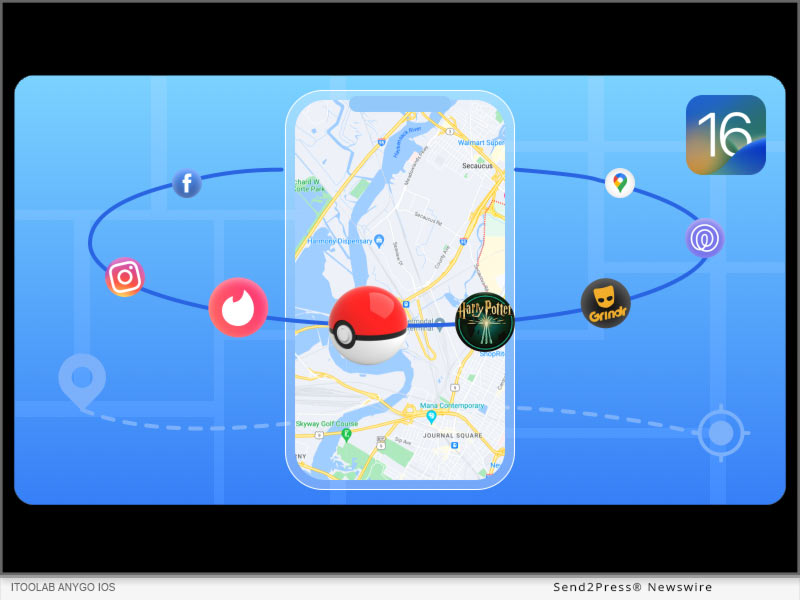
iToolab AnyGo Fully Supports Changing iPhone GPS Location on iOS 16 Now

NEW YORK, N.Y. /ScoopCloud/ -- iToolab Co Ltd announces iToolab AnyGo, one of the most popular Geo spoofing tools for iOS, now supports the latest iOS 16. With Apple releasing its latest software update, the engineers at iToolab have again put on their coding caps and released the latest version of AnyGo that's compatible with iOS 16.

It means if you have already updated your iDevices to the latest version or are planning to buy one of the iPhone 14 models, you'll be able to spoof your geolocation and access geo-restricted content without any hassle.

For readers who don't know, iToolab is a Hong Kong-based software development company that primarily designs high-quality iOS tools to help users tackle different technical scenarios in their daily life. Over the past few years, the team has released dozens of iOS apps that make it easier for people to deal with different issues and enjoy a seamless user experience.

AnyGo is one of the most reputed iOS applications designed by iToolab. It's a professional geo-spoofing tool that allows users to fake their GPS movement to access geo-restricted content and play games like Pokémon Go to enjoy uninterrupted gaming sessions. With iToolab AnyGo, players can change GPS location on iPhone and virtually control their movement on the map using a Joystick to catch more Pokémon and increase their Experience Points in the game. The best part is that AnyGo lets users change their location to anywhere in the world, which means you can even collect some of the rarest Pokémon as well.

Another key feature of AnyGo is its GPS simulation. Users have the liberty to select a virtual route on the map and simulate their movement on this route. You can even customize the moving speed to avoid getting caught.

ENABLE DEVELOPER MODE TO SUPPORT IOS 16

Now, coming to the real deal - with the latest iToolab AnyGo V 5.9.0, you can now fake GPS location on your latest iOS 16 devices. However, the feature will be only available after you've enabled the "Developer Mode". To do this, go to "Settings>Privacy & Security>Developer Mode" and toggle the switch on to enable the Developer Mode.

Once the Developer Mode is enabled, you'll be able to easily manipulate your device's GPS signals and even fake GPS movement on the latest iOS 16.

MAJOR FEATURES OF ITOOLAB ANYGO

Even with the latest version of iToolab AnyGo, you'll find all the features to manipulate GPS movement easily. These features include

1. GPS Teleportation

With AnyGo, you can teleport your GPS location in the world with a single click. AnyGo even allows users to select a GPS location using specific GPS coordinates.

2. Simulate GPS Movement Along Any Route

You can manually draw a route on the map using the two-spot and multi-spot modes and use AnyGo to stimulate the GPS movement on the particular route. During this simulation, you can also control your character's movement speed.

3. Mock GPS Movement with Joystick

AnyGo also supports the GPS Joystick feature that lets users control their GPS movement on the map using the arrow keys on their keyboard. This is an ideal feature for users who want to play Location-Based games and have full control over their movement.

4. Play Location-Based Games Without Going Outside

Finally, the biggest advantage of a tool like iToolab AnyGo is its ability to manipulate GPS location in games like Pokemon Go. You can also use the tool to play other location-based games and control your GPS movement virtually without going outside whatsoever.

Pricing

Unlike its competitors, iToolab AnyGo is available at a pocket-friendly price and you can also grab exclusive discounts on the tool. Here's a detailed price overview of iToolab AnyGo.

WINDOWS:

1-Month plan: $9.95 per month

1-Quarter plan: $19.95

1-Year plan: $39.95

Lifetime Plan: $69.95

MAC:

1-Month plan: $12.95 per month

1-Quarter plan: $19.95

1-Year plan: $49.95

Lifetime Plan: $79.95

Check this link to get the latest iToolab AnyGo Coupon Codes: https://itoolab.com/location/itoolab-AnyGo-coupon/

Compatibility

As far as compatibility is concerned, AnyGo is available for Mac 10.11 and later, and Windows 7/8/8.1/10/11. It supports all iPhone/iPad/iPod with latest iOS 16 versions. Being a cross-platform geo spoofer, you can install iToolab AnyGo on both Windows and macOS and enjoy its functionality without any hassle.

About iToolab

iToolab is a Hong Kong-based software development team designing high-performance iOS to tackle a variety of iOS apps that helps users tackle different iOS issues in their daily life. The team has been building feature-packed iOS tools for more than 10 years. Over the years, iToolab has acquired a customer base of 55,000 users from different corners of the world. In addition to AnyGo, the company has released several other tools such as UnlockGo and FixGo - two of the most popular iOS apps in the world.

Website: https://itoolab.com/

Facebook: https://www.facebook.com/itoolab

YouTube: https://www.youtube.com/c/iToolab/videos

Twitter: https://twitter.com/IToolab

News from IToolab Co Ltd

iToolab Co Ltd announces iToolab AnyGo, one of the most popular Geo spoofing tools for iOS, now supports the latest iOS 16. With Apple releasing its latest software update, the engineers at iToolab have again put on their coding caps and released the latest version of AnyGo that's compatible with iOS 16.

Related link: https://itoolab.com/

This version of news story was published on ScoopCloud™ (ScoopCloud.com) - part of and © the Neotrope® News Network - all rights reserved.

Tenorshare iAnyGo Updated to Change GPS Location on Different iOS Devices at the Same Time

NEW YORK, N.Y. /ScoopCloud/ -- Tenorshare, a leading software company, has updated iAnyGo to V3.0.0. The new version can help you change GPS location on different iOS devices at the same time. With Tenorshare iAnyGo 3.0.0, iPhone users can easily change multiple iPhone locations at the same time. You can change GPS location of up to 15 different iOS devices at the same time.

Many iPhone users wish to change multiple iPhone locations when there are multiple gamers. Some users have over one iPhone and wish to change multiple iPhone locations when they play Pokemon Go. That is why we update the software. What we do is to meet users' need," said Tenorshare's CEO, while introducing the new feature.

MAJOR FEATURES OF TENORSHARE IANYGO:

1 - One Click to change GPS location to anywhere on iPhone/iPad/iPod without jailbreak

2 - Simulate GPS movement along the paths you draw

3 - Using GPS joystick or keyboard to change the direction of movement

4 - Set the moving speed from 1m/s to 20m/s and times for your route

5 - Import GPX file to start a designed route

6 - The added cooldown timer can effectively prevent soft ban in Pokemon Go

Price and Availability:

Tenorshare iAnyGo is available for Mac 10.13 and later, and Windows 7/8/8.1/10/11. It supports all iPhone/iPad/iPod with latest iOS versions. For Windows users, the price is $19.95 for a multi-device plan of 1-month license now.

Click here to see the detailed information: https://www.tenorshare.com/products/ianygo-change-gps-location-iphone.html

About Tenorshare

Tenorshare's focus is on the iOS, Android, Windows, and Mac platforms and core technology study. Tenorshare provides users with solutions for data management, data recovery, password recovery, system repair and other practical mobile phone and computer essentials. Today, Tenorshare's products and services are trusted by more than 10 million users worldwide. More information: https://www.tenorshare.com/

Facebook: https://www.facebook.com/TenorshareOfficial/

Twitter: https://twitter.com/Tenorshare

YouTube: https://www.youtube.com/user/TenorshareOfficial/videos

News from Tenorshare Co. Ltd.

Tenorshare, a leading software company, has updated iAnyGo to V3.0.0. The new version can help you change GPS location on different iOS devices at the same time. With Tenorshare iAnyGo 3.0.0, iPhone users can easily change multiple iPhone locations at the same time.

Related link: https://www.tenorshare.com/

This version of news story was published on ScoopCloud™ (ScoopCloud.com) - part of and © the Neotrope® News Network - all rights reserved.

Tenorshare Announces Revamped iAnyGo V2.2.0 with a Better User Experience

NEW YORK, N.Y. /ScoopCloud/ -- Tenorshare has proudly announced that it has launched iAnyGo V2.2.0 with a new feature and a more fun experience. Users can import GPX file to start an already arranged route.

Tenorshare's focus is on the iOS, Android, Windows, and Mac platforms and core technology study. They provide users with solutions for device content management, data recovery, password recovery, system repair, and other practical mobile phone and computer essentials.

Tenorshare iAnyGo is a software that aims at helping users change their location easily, it has made many important improvements in its function this year, such as adding the GPS Joystick and Cooldown Timer. This time Tenorshare iAnyGo V2.2.0 also adds a new funny feature, uses can import GPX files to start an already arranged route. This feature makes it easier to change the location. Users can explore anywhere they like, and save them as GPX files, and then they can use iAnyGo, import the GPX file of single and review the beautiful scenery with a single click.

MAJOR FEATURES OF TENORSHARE IANYGO:

* One Click to change GPS location to anywhere on iPhone/iPad/iPod

* Simulate GPS movement along the paths you draw

* Using GPS joystick or keyboard to change the direction of movement

* Set the moving speed from 1m/s to 70 km/h and times for your route

* The added Cooldown timer can effectively prevent soft ban in Pokemon Go

PRICE AND AVAILABILITY:

Tenorshare iAnyGo is available for Mac 10.13 and later, and Windows 7/8/10/11. It supports all iPhone/iPad/iPod with latest iOS versions. The price is $9.95 for a month, and $39.95 for a 1-year license now. Click here to see the detailed information.

Information: https://www.tenorshare.com/purchase/buy-ianygo.html

About Tenorshare

Tenorshare is an international software company founded in 2007 and is known for its award-winning and highly rated software products. More information: https://www.tenorshare.com/

Facebook: https://www.facebook.com/TenorshareOfficial/

Twitter: https://twitter.com/Tenorshare

YouTube: https://www.youtube.com/user/TenorshareOfficial/videos

MULTIMEDIA:

VIDEO (YouTube): https://www.youtube.com/watch?v=qLbxwEml0eI

News from Tenorshare Co. Ltd.

Tenorshare has proudly announced that it has launched iAnyGo V2.2.0 with a new feature and a more fun experience. Users can import GPX file to start an already arranged route.

Related link: https://www.tenorshare.com/

This version of news story was published on ScoopCloud™ (ScoopCloud.com) - part of and © the Neotrope® News Network - all rights reserved.