Tag Archives: google drive backup

How to Restore Whatsapp Backup From Google Drive to iPhone [Easily]

NEW YORK, N.Y., Oct. 2, 2024 (SEND2PRESS NEWSWIRE) — Migrating WhatsApp backups from Google Drive to iPhone can be particularly difficult for Android users. This difficulty arises from the differing encryption protocols and storage systems used by Google Drive and iCloud, which prevents direct transfers, says Tenorshare.
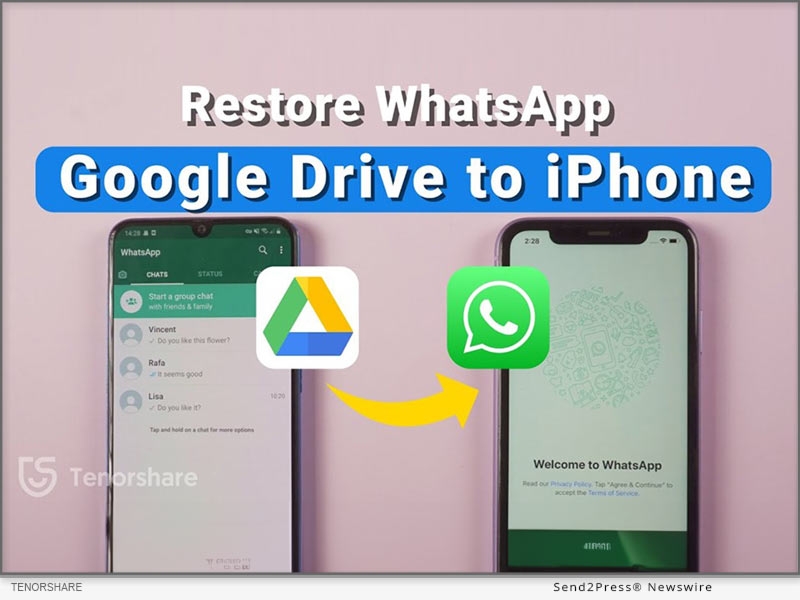
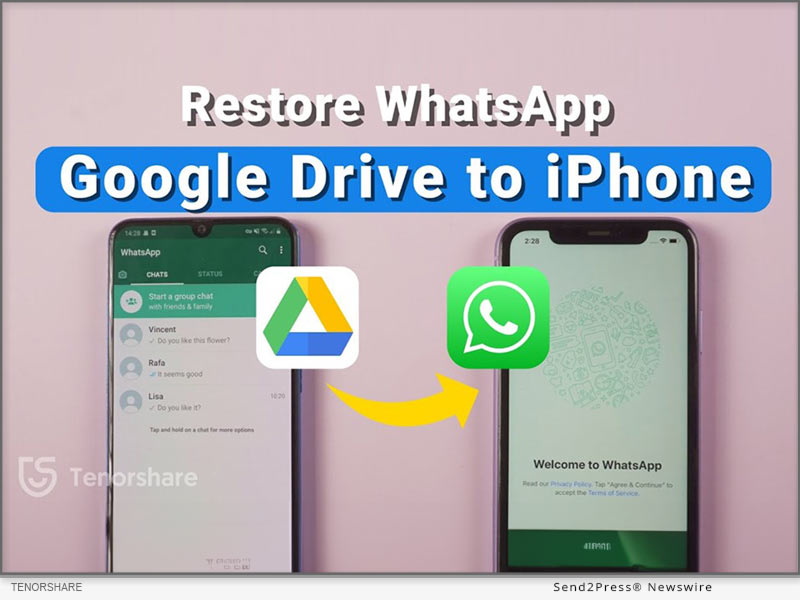
Restore Whatsapp Backup from Google Drive to iPhone
Image caption: Restore Whatsapp Backup from Google Drive to iPhone.

To address these issues, this guide will provide two different methods for effectively WhatsApp restore backup from Google Drive to iPhone.

PART 1: CAN I RESTORE WHATSAPP BACKUP FROM GOOGLE DRIVE TO IPHONE?

Yes. You can restore Google Drive WhatsApp backup to iPhone from Android. But not directly from Google Drive to iPhone. Besides, most methods to move WhatsApp backup from Google Drive to iPhone require you to reset it. However, that’s not the case with Tenorshare iCareFone Transfer.

PART 2: HOW TO RESTORE WHATSAPP BACKUP FROM GOOGLE DRIVE TO IPHONE IN MINUTES? [EASY]

Tenorshare iCareFone Transfer offers to restore WhatsApp backup from Google Drive to iPhone without resetting your iDevice and erasing its data.

Here’s what this tool provides:

  • Fast Transfer Speed – Can transfer WhatsApp with attachments and media to your iPhone within a few minutes.
  • Selective Data Transfer – Allows you to pick what files types to move to your iPhone.
  • Comprehensive Restore – Move WhatsApp files from Google Drive to iPhone and from iCloud to Android.
  • Support for Multiple Devices – Supports latest iOS, iPhone 16 and eariler models.
  • Merge WhatsApp Data – Combine old WhatsApp files with new one on your iPhone.

Follow steps below to download WhatsApp backup from Google Drive to iPhone with Tenorshare iCareFone Transfer:

Step 1: Install and run “iCareFone Transfer” on your computer. Select “Backup” and log into Google Drive.

Step 2: Choose the WhatsApp backup you want to restore, and iCareFone will download it. Verify your WhatsApp account.

Step 3: iCareFone will prepare your selected backup data from Google Drive.

Step 4: Connect your iPhone to the same PC to restore the backup. Log into WhatsApp, verify your account, and skip the iCloud restore.

PART 3: HOW TO RESTORE WHATSAPP BACKUP FROM GOOGLE DRIVE TO IPHONE FREE?

If you want to know how to restore WhatsApp backup from Google Drive to iPhone without PC for free, then use official WhatsApp method. However, you can only move WhatsApp chat minus media to your iPhone with this method. Here’s how to use it:

Download WhatsApp on your Android, sign in, and restore the backup. Then, go to Settings > Chat History, export the chat, and email it to your iPhone.

On your iPhone, open the chat as a text file. It won’t restore in WhatsApp, but you’ll have a record.

About Tenorshare

Tenorshare, a smartphone solutions brand founded since 2007, focuses on software innovations to create adaptable solutions for making life easier for Android and iOS users. With iCareFone Transfer, you can restore WhatsApp backup from Google Drive to iPhone without resetting your iDevice.

Learn more: https://www.tenorshare.com/whatsapp-transfer-backup-restore.html

YouTube: https://www.youtube.com/@TenorshareOfficial

Facebook: https://www.facebook.com/TenorshareOfficial/

NEWS SOURCE: Tenorshare Co. Ltd.


This press release was issued on behalf of the news source (Tenorshare Co. Ltd.), who is solely responsible for its accuracy, by Send2Press Newswire. Image, if any, was provided by the news source and not this website or the wire service. Information is believed accurate, as provided by the news source, but is not guaranteed.

To view the original story, visit: https://www.send2press.com/wire/how-to-restore-whatsapp-backup-from-google-drive-to-iphone-easily/

Copr. © 2024 Send2Press® Newswire, Calif., USA. -- REF: S2P STORY ID: S2P121251 NOREL-3B
 

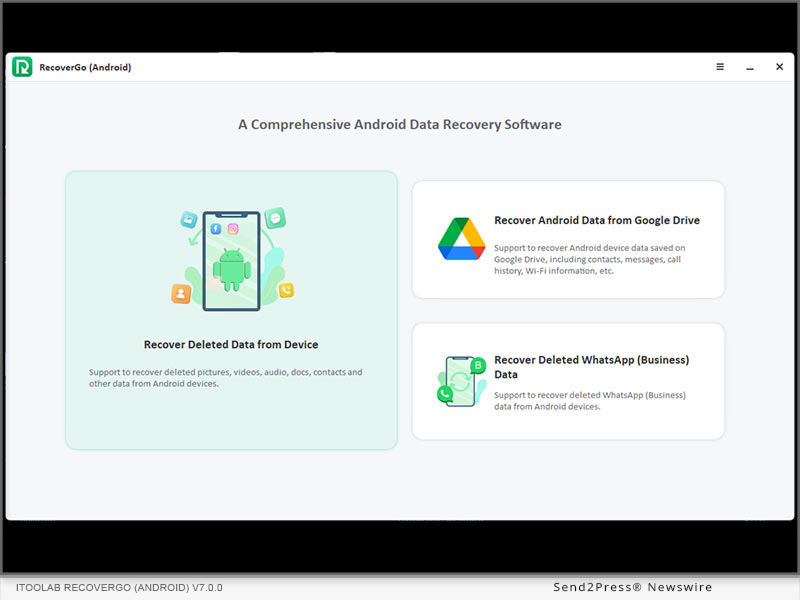
iToolab RecoverGo (Android) V7.0.0 Version Now Supports View and Download Backup from Google Drive

NEW YORK, N.Y. /ScoopCloud/ -- iToolab Co Ltd. (iToolab), a software development company, has come up with a new solution - RecoverGo (Android) that's designed to extract Android backup data from Google Drive. With iToolab RecoverGo (Android), you can easily preview, selectively recover data from Google Drive backup. Whats' more, users will never worry about factory resetting Android to restore backup from Google Drive.

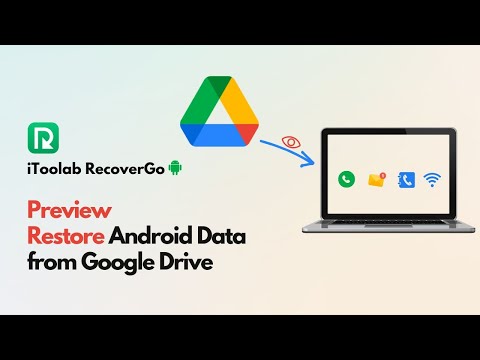
VIDEO (YouTube) - https://www.youtube.com/watch?v=w_mYxp8ICnM

According to Mia Garcia, CEO of iToolab, "We have received many suggestions from our customers to add a feature that would help them access and check Google Drive backup and directly download it to the computer. We are always paying attention to customers' voices, so this latest version is out there in a short time."

:: WHAT'S NEW

Preview Google Drive Backup with Details

You can preview details, search for certain files, recover certain files and download backups to your computer to avoid backups expiring in Google Drive and being automatically deleted.

Fast to Download Backup from Google Drive

RecoverGo (Android) is designed with a user-friendly interface and the restore process is super easy. After logging into your Google account, RecoverGo will start scanning the backup and present all the details, you can choose certain files to recover and download.

Here are main file types RecoverGo (Android) supports download from Google Drive:

* Message

* Contacts

* Call Logs

* Wi-Fi

Keep History Backup and Recover Anytime

RecoverGo (Android) can help you recover data from Google backup in many scenarios, such as accidentally deleted important data, lost your Android phone or device damaged! With RecoverGo (Android), you can easily download backups from Google Drive and keep the history to preview and recover at any time.

:: MAJOR FEATURES OF ITOOLAB RECOVERGO (ANDROID)

Recover Lost Data from Android Devices with Highest Success Rate

RecoverGo (Android) is a 100% safe software, which has the highest data recovery success rate and supported rate in the industry.

Use RecoverGo (Android) with 3 easy steps: Connect your Android device, scan the deleted data and select to recover. You can get the deleted data back in minutes!

Recover Deleted WhatsApp Data and WhatsApp Business Data without Backup/Root

RecoverGo (Android) supports recover WhatsApp data from both personal account and business account without backup. Make it easy to recover the old and deleted WhatsApp files, preview and selectively restore the message or attachment you need.

Recover and Export Deleted Data to HTML or PDF Files

Compare to other tools, RecoverGo (Android) supports to recover WhatsApp (Business) data without rooting your Android device. Besides, it supports restore WhatsApp (Business) data from iTunes backup, back up or view WhatsApp data, all the restored data can be exported as HTML files or PDF format.

Supported WhatsApp & WhatsApp Business Data:

* Messages (Singal/Group/Brocast)

* Call History

* Contacts

* Stickers

* Images

* Status

* Audios, Videos

* Voice Notes

* Documents, Links

* Quick Replies (Business only)

Supported Brands & Android OS

In terms of supported devices, iToolab RecoverGo (Android) is a complete package. The tool is compatible with all the popular Android manufacturers including Samsung, Google, Oppo, Xiaomi, etc. In addition to these tech giants, the iToolab RecoverGo is also compatible with 6,000+ Android models that run on different Android versions, ranging from Android 2.0 to Android 11.

:: PRICE AND AVAILABILITY

In terms of pricing, RecoverGo Android is a relatively affordable data recovery solution than other available options. Users can grab the latest version of RecoverGo Android for as low as $35.95 per month. Considering an extensive list of features, the tool is completely worth its price.

Price:

1 Month Plan - $35.95 per month

1 Year Plan - $39.95 per month

Lifetime Plan - $49.95 (One-Time fee)

Check here to see more details: https://itoolab.com/buy/recovergo-android-for-windows/

About iToolab:

iToolab is a software development company with a team of experienced developers who are constantly building mobile solutions to help users tackle different types of technical issues in their day-to-day life. The firm has already developed dozens of mobile solutions for both Android and iOS and has acquired more than 55,000 customers from across the globe. Some of the popular software built by iToolab include RecoverGo, FixGo, UnlockGo, WatsGo and AnyGo.

All these tools are devised to resolve a specific purpose. For instance, RecoverGo - Android data recovery is a software that allows users to retrieve their lost data from their smartphones. On the other hand, AnyGo is a tool for changing locations that gives users the liberty to change GPS location with one click. After serving the tech industry for a decade, iToolab is still working with the same vision to give users innovative software solutions that they can use to resolve different technical errors on their own.

For more details, please visit:

Website: https://itoolab.com/

YouTube: https://www.youtube.com/c/itoolab

Facebook: https://www.facebook.com/itoolab

Twitter: https://twitter.com/IToolab

News from IToolab Co Ltd

iToolab Co Ltd. (iToolab), a software development company, has come up with a new solution - RecoverGo (Android) that's designed to extract Android backup data from Google Drive. With iToolab RecoverGo (Android), you can easily preview, selectively recover data from Google Drive backup. Whats' more, users will never worry about factory resetting Android to restore backup from Google Drive.

Related link: https://itoolab.com/

This version of news story was published on ScoopCloud™ (ScoopCloud.com) - part of and © the Neotrope® News Network - all rights reserved.