Tag Archives: iPhone Data Recovery

[Free] iPhone Stuck in Recovery Mode? Get Your iPhone Out of Recovery Mode in 2025

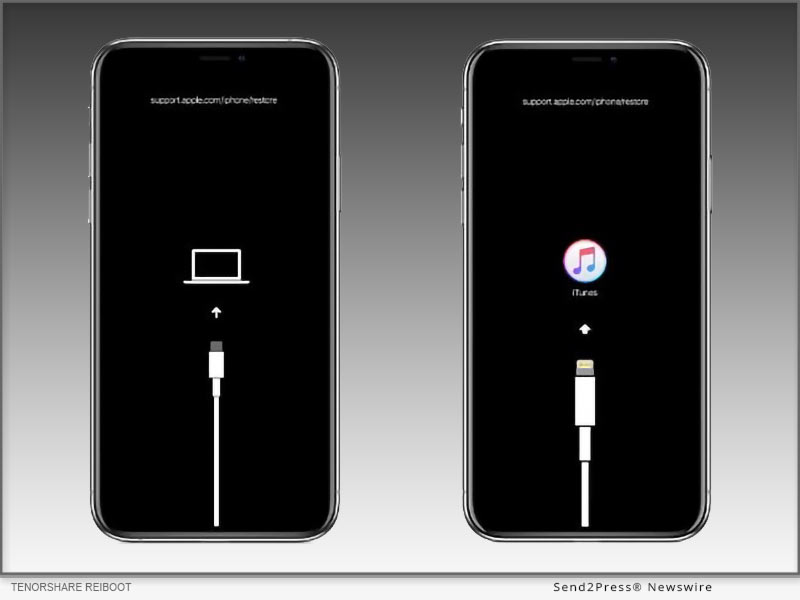
NEW YORK, N.Y., July 1, 2025 (SEND2PRESS NEWSWIRE) — “My iPhone 14 is stuck in recovery mode after updating to iOS 26. How can I fix it without losing data?”-Users reported. The reason that your iPhone 14 may get stuck in recovery mode is failed iOS 26 updates, iOS 26 corrupted system files, or an interrupted app process. Thankfully, it can be fixed with Tenorshare ReiBoot (no data loss) or iTunes/DFU Mode (data loss).
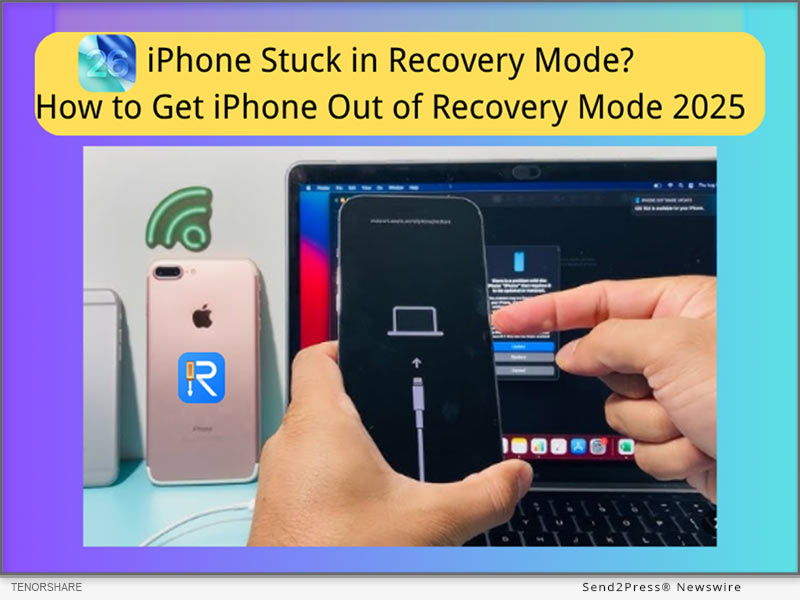
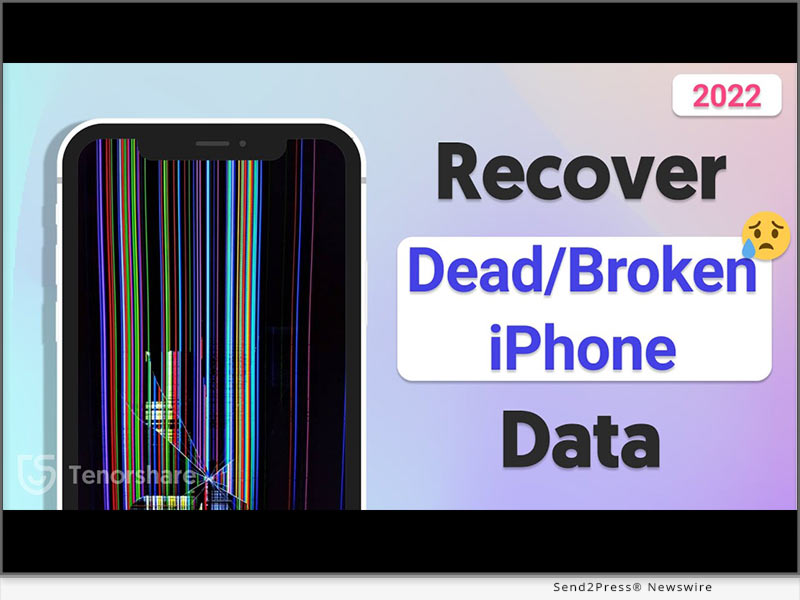
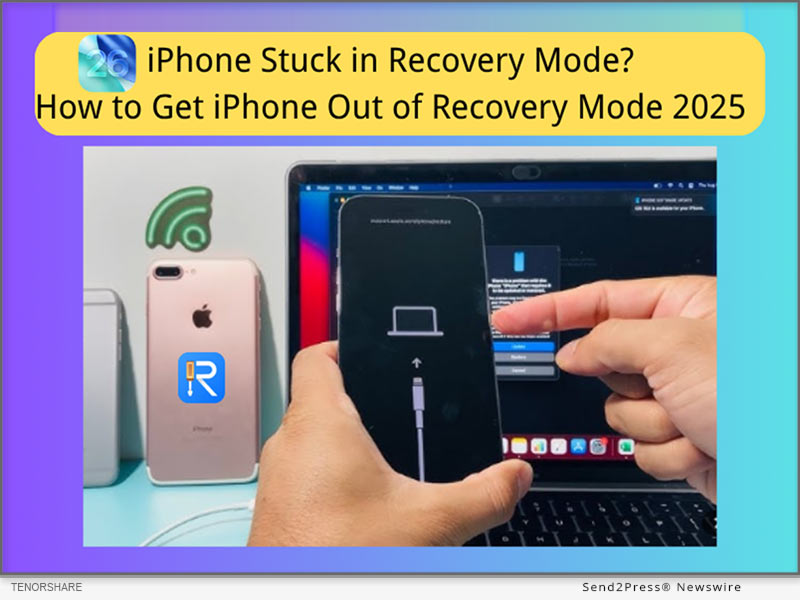
iPhone Stuck in Recovery Mode? Get iPhone Out of Recovery Mode 2025
Image caption: iPhone Stuck in Recovery Mode? Get iPhone Out of Recovery Mode 2025 with Tenorshare ReiBoot.

5 ways to fix iphone stuck in recovery mode 2025 – no data loss!

SOLUTION 1: EXIT ‘IPHONE STUCK IN RECOVERY MODE’ WITHOUT ITUNES – TENORSHARE REIBOOT (NO DATA LOSS)

How to exit iPhone’s Recovery Mode without iTunes?

Tenorshare ReiBoot provides a 5-minute resolution to the issue of an iPhone stuck in recovery mode. It can also help with 150+ iOS/iPad/tvOS-related issues, including iOS 26 boot loops, iPhone stuck in Apple Logo, and iPhone frozen screens.

How do you take your iPhone out of Recovery Mode for free with Tenorshare ReiBoot?

Step 1: Free download Tenorshare ReiBoot on your PC.

Step 2: Connect your iPhone to your PC, then launch ReiBoot.

Step 3: One-click the ‘Exit Recovery Mode’ option, and it will get your iPhone out of Recovery Mode without data loss.

SOLUTION 2: FORCE RESTART TO EXIT RECOVERY MODE WITHOUT A COMPUTER (NO DATA LOSS)

How to get an iPhone out of Recovery Mode without a computer?

If your iPhone gets stuck, the simplest solution is to restart your iPhone, which often brings your iPhone back to the home screen without a computer.

For iPhone 8/X/XR/11/12/13/14/15/16 to exit iPhone Stuck in Recovery Mode:

  1. Quickly press Volume Up and Down.
  2. Hold the Side button until you see the Apple logo.

Note: How to put an iPhone into Recovery Mode to fix another problem- iPhone Stuck on Apple Logo, here are the steps for iPhone 8/XR later:

  1. Connect to the computer, press volume up, down.
  2. Hold the side button until the Recovery screen appears.

SOLUTION 3: USE ITUNES OR FINDER TO PUT IPHONE IN RESTORE MODE (MAY CAUSE DATA LOSS)

How long does it take to enter recovery mode?

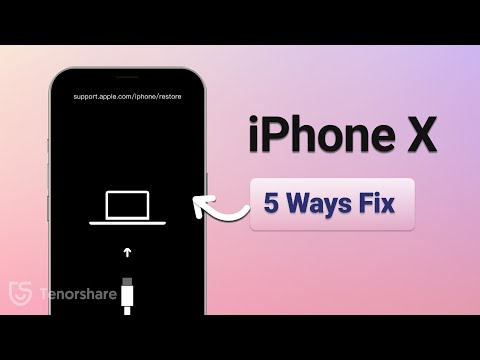
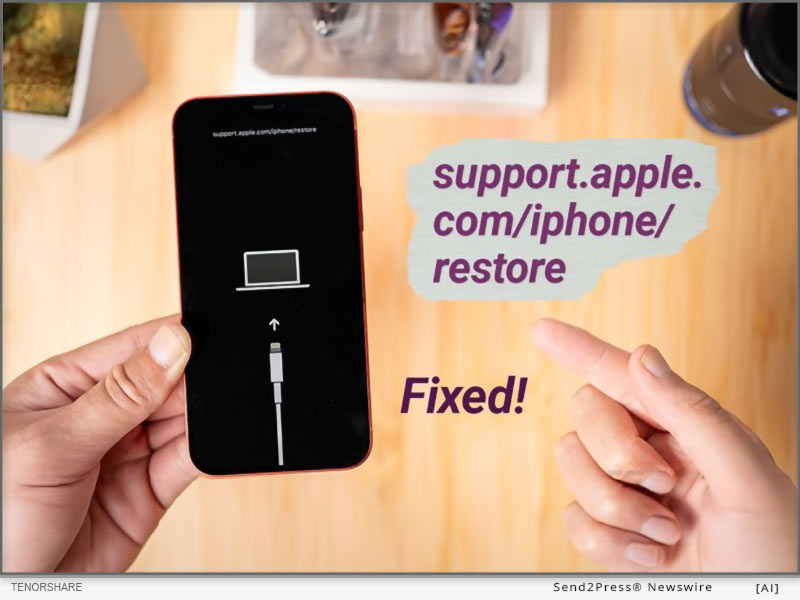
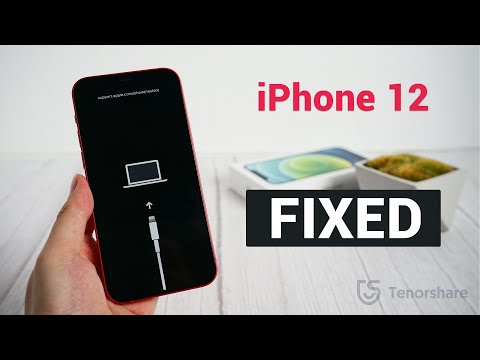
It usually takes 10–20 minutes. If your iPhone won’t enter Recovery Mode and shows the ‘support.apple.com/iphone/restore’ on screen, you need to get your iPhone into iTunes or Finder to restore.

How to fix iPhone stuck on support.apple.com/iphone/restore issue?

Step 1: Connect your iPhone to the Computer, Launch Finder (Mac) or iTunes (Windows or macOS Mojave and earlier).

Step 2: Choose ‘Update.’ If it does not exist, select ‘Restore’ (lose data).

Step 3: Then get your iPhone out of restore mode and restore your backup.

TIPS:

  1. Always try “Update” before “Restore” in iTunes/Finder.
  2. Make regular backups using iCloud or iTunes before restoring.
  3. Use Safe Tools if you are tech-novice: Simple Tools like ReiBoot iOS Repair can exit Recovery Mode without erasing data—no iTunes required.

ABOUT TENORSHARE:

Tenorshare is a trusted software company focusing on iOS device repair. ReiBoot is designed for users who prefer a faster, more user-friendly solution than iTunes or Finder, especially when trying to avoid data loss.

More information: https://www.tenorshare.com/

Follow on social:

https://x.com/Tenorshare_Inc

https://www.youtube.com/user/TenorshareOfficial/videos

NEWS SOURCE: Tenorshare Co. Ltd.


This press release was issued on behalf of the news source (Tenorshare Co. Ltd.), who is solely responsible for its accuracy, by Send2Press Newswire. Image, if any, was provided by the news source and not this website or the wire service. Information is believed accurate, as provided by the news source, but is not guaranteed.

To view the original story, visit: https://www.send2press.com/wire/free-iphone-stuck-in-recovery-mode-get-your-iphone-out-of-recovery-mode-in-2025/

Copr. © 2025 Send2Press® Newswire, Calif., USA. -- REF: S2P STORY ID: S2P127335 NOREL-3B
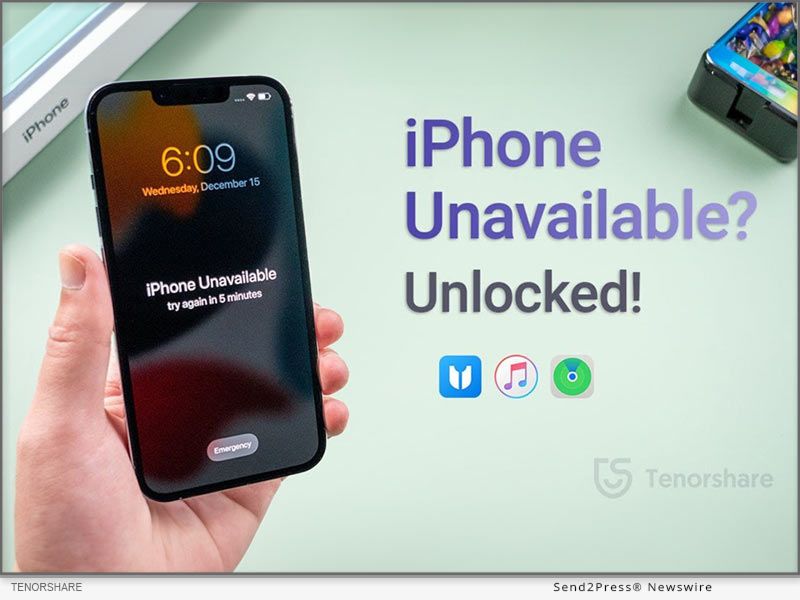
 

iPhone Unavailable Try Again Stuck? Here is the Fix from Tenorshare

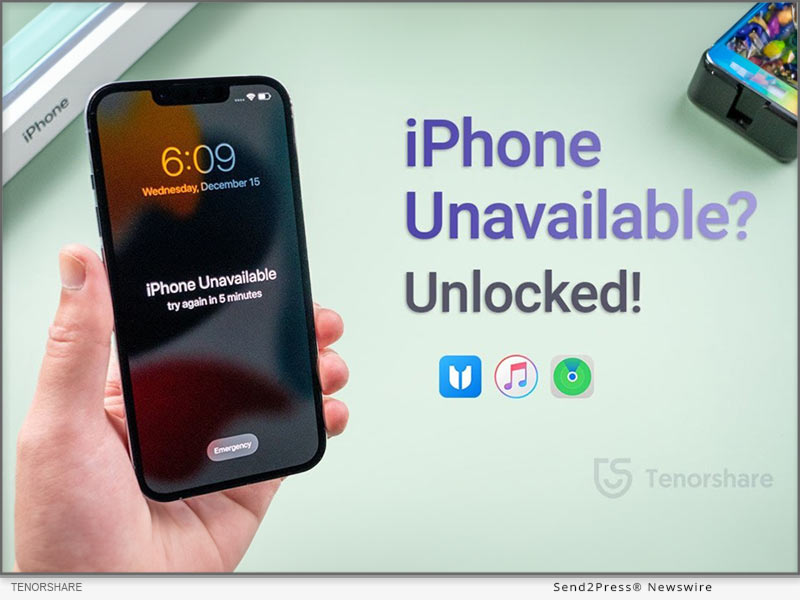
NEW YORK, N.Y., Nov. 1, 2024 (SEND2PRESS NEWSWIRE) — The “iPhone unavailable, try again” message often appears on the “Security Lockout” screen after too many incorrect passcode entries, says Tenorshare. A first attempt at five incorrect entries results in a brief lockout, but repeated errors can leave the iPhone permanently stuck on this screen.

iPhone Unavailable Try Again Stuck
Image caption: iPhone Unavailable Try Again Stuck.

For users who can’t recall their passcode, the typical method to unlock their device involves a complete data erase—under limited conditions. However, Tenorshare 4uKey iPhone Unlocker offers an alternative, letting users bypass it swiftly and easily. Read on for more details.

FIX IPHONE UNAVAILABLE TRY AGAIN STUCK WITH EASE

After repeated attempts at entering wrong passcode if your iDevice displays an “iPhone unavailable try again” message, use Tenorshare 4uKey iPhone Unlocker to remove it. Here are its key features:

  • Unlock Instantly Without Password – 4uKey can bypass the “iPhone Unavailable” screen in minutes, even without the passcode.
  • No Technical Skills Needed – The tool is user-friendly, with simple steps that require no technical knowledge.
  • Fast and Reliable – 4uKey is optimized for speed, with proven s
  • Supports the Latest iOS and iPhone Models – It works with iOS 18 and the newest iPhone models, ensuring compatibility.

Here’s how to use 4uKey to remove “iPhone unavailable try again in 15 minutes” screen from your iDevice:

Step 1: Execute Tenorshare 4uKey iPhone Unlocker on your computer. Plug in your iPhone to same PC. Hit “Start.”

Step 2: Save path and download latest firmware. Afterward, your iPhone will be unlocked.

Learn more: https://www.tenorshare.com/products/4ukey-unlocker.html

FIX IPHONE UNAVAILABLE TRY AGAIN STUCK WITHOUT LOSING DATA

When your iDevice is locked on, “iPhone unavailable try again after restore,” you can also erase it remotely via “Find My” feature in iCloud. However, you must have a backup before using this method:

Head to iCloud and sign in with your Apple ID. Open “Find My,” select your iPhone, and choose “Erase iPhone.” Tap “Erase again.” Follow setup instructions on your iPhone and restore its data.

FIX IPHONE UNAVAILABLE TRY AGAIN STUCK WITHOUT COMPUTER

When you’ve exhausted all 10 tries at entering right password, your iDevice won’t display “iPhone unavailable try again in 1 hour” message. But it will be stuck on “Security Lockout” screen for good.

But if your iPhone runs on iOS 15.2 or later, an “Erase iPhone” option will appear at its bottom. Use it to reset your iDevice and restore it later from a backup. You must have an iCloud/iTunes backup and know your Apple ID and password before using this method:

Tap “Erase iPhone” twice > Enter your Apple ID password to sign out > Click “Erase iPhone.” > Once Set up your iPhone and restore from a backup.

Learn more:

https://www.tenorshare.com/unlock-iphone/iphone-is-disabled-try-again-in-1-hour-bypass.html

https://www.tenorshare.com/unlock-iphone/how-to-bypass-iphone-unavailable-screen.html

About Tenorshare:

Tenorshare 4uKey offers simple solutions to fix “iPhone unavailable try again” screen without a passcode or Apple ID. With options to remove various locks and reset devices securely, it empowers users to quickly regain access, simplifying troubleshooting.

YouTube: https://www.youtube.com/@TenorshareOfficial

Facebook: https://www.facebook.com/TenorshareOfficial/

NEWS SOURCE: Tenorshare Co. Ltd.


This press release was issued on behalf of the news source (Tenorshare Co. Ltd.), who is solely responsible for its accuracy, by Send2Press Newswire. Image, if any, was provided by the news source and not this website or the wire service. Information is believed accurate, as provided by the news source, but is not guaranteed.

To view the original story, visit: https://www.send2press.com/wire/iphone-unavailable-try-again-stuck-here-is-the-fix-from-tenorshare/

Copr. © 2024 Send2Press® Newswire, Calif., USA. -- REF: S2P STORY ID: S2P121911 NOREL-3B

 

Fix Support Apple Com/iPhone/Restore in 5 Minutes – iOS 18 Supported

NEW YORK, N.Y. /ScoopCloud/ -- If a "support.apple.com/iphone/restore" message pops up on your iPhone, you'll need to restore your device using a computer. While restarting or doing a hard reset, sometimes, might fix this issue, they don't guarantee success if problem is complex. So, you're left with no alternative except to restore your iOS via iTunes, which can lead to data loss. "However, an iOS repair and management tool like Tenorshare ReiBoot provides a safe and effective way to fix an iPhone stuck on 'support.apple.com/iphone/restore' screen in less time than any other method. Besides, it can do this without data loss, and manual steps," says a Tenorshare spokesperson.

VIDEO (YouTube): https://www.youtube.com/watch?v=SfnIbJBCvhU&t=6s

Why Does My iPhone Say Support.Apple.Com/iPhone/Restore?

If you're speculating about "Why does my iPhone say support.apple.com/iphone/restore," it's because it's in Recovery Mode due to software issues. But the real problem arises when your iPhone gets stuck in Recovery Mode. This can happen because of failed updates, software bugs, a failed iOS upgrade/ downgrade, improper actions like attempting to jailbreak, or, rarely, hardware damage.

How to Fix Support.Apple.Com/iPhone/Restore in 5 Minutes?

ReiBoot iOS Repair tool is a professional tool for repairing iOS issues including your iPhone stuck on "support.apple.com/iphone/restore" screen in 5 minutes. It can fix 150+ iOS issues without jailbreak, iTunes, and data loss.

Here are this tool's main functionalities:

* Repair System Issues - Fix a wide range of iOS problems like being stuck on Apple logo or black screen, or unresponsive or frozen iOS devices without losing data.

* Safe Downgrade/Upgrade - It doesn't require jailbreak or iTunes to upgrade or downgrade iOS.

* Easy Recovery Mode Management - You can enter and exit Recovery Mode with one click.

* iOS 18 Beta Support - It supports all current iOS versions including iOS 17 and iOS 18 Beta.

* Device Reset - Reset iOS devices without a passcode, iTunes, or Finder.

* Data Erasure - Wipes data permanently before selling or gifting your iOS device.

* Fix Errors - Resolve common iTunes errors like 4013 and 1110 easily.

To repair your iPhone stuck on 'support.apple.com/iphone/restore" screen with assistance of Tenorshare Reiboot, follow instructions below:

Step 1: Launch ReiBoot on your computer and connect your iPhone to same PC. Hit "Start Repair."

Step 2: Pick "Standard Repair." Next, press "Download" to get latest firmware package.

Step 3: Then, choose "Standard Repair" again and allow ReiBoot to fix your iPhone stuck on Apple restore screen. Afterward, it will reboot normally.

Learn more: https://www.tenorshare.com/products/reiboot.html

About Tenorshare:

When your iPhone gets stuck on "support.apple.com/iphone/restore" screen this is often because of software issues and fixing them might result in data loss. However, Tenorshare ReiBoot offers a quick solution to repair this problem without jailbreak and data loss in just 5 minutes. Trusted by 142+ million users, Tenorshare, an innovative smartphone solutions provider focuses on safety and quality of its solutions for an improved user experience.

Learn more: https://www.tenorshare.com/

News from Tenorshare Co. Ltd.

If a "support.apple.com/iphone/restore" message pops up on your iPhone, you'll need to restore your device using a computer. "However, an iOS repair and management tool like Tenorshare ReiBoot provides a safe and effective way to fix an iPhone stuck on 'support.apple.com/iphone/restore' screen in less time than any other method. Besides, it can do this without data loss, and manual steps," says a Tenorshare spokesperson.

Related link: https://www.tenorshare.com/

This version of news story was published on ScoopCloud™ (ScoopCloud.com) - part of and © the Neotrope® News Network - all rights reserved.

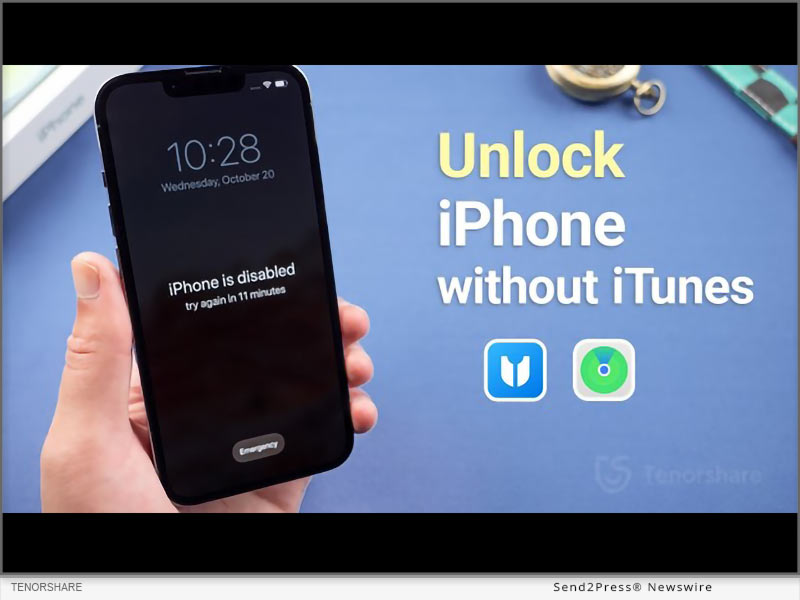
How to Unlock a Disabled iPhone without iTunes? Easy Tips from Tenorshare

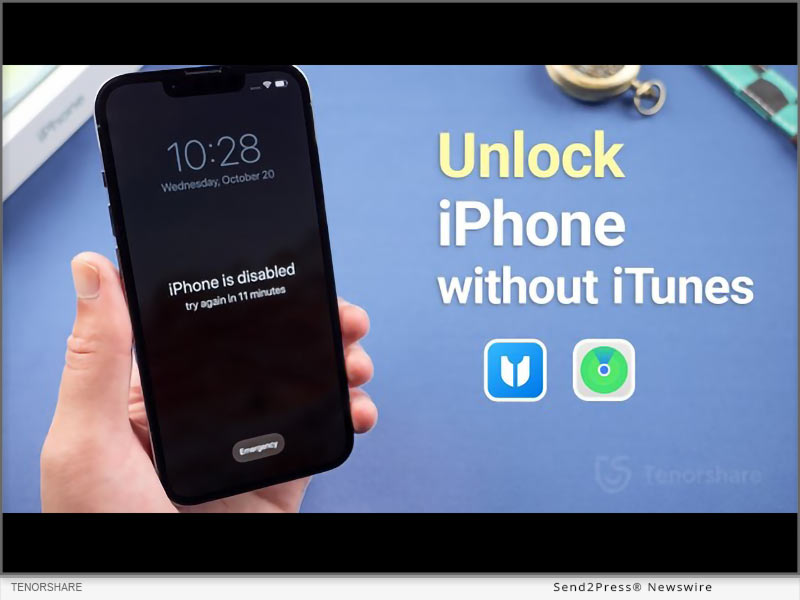
NEW YORK, N.Y. /ScoopCloud/ -- "An iPhone becomes disabled when the wrong passcode is entered multiple times in a row," explains Tenorshare. "This security feature helps protect your data, but it can also lock you out of your own device." In this guide we will provide a comprehensive how-to on how to unlock a disabled iPhone without using iTunes or iCloud.

This is crucial for users who forget their passcode, have children who enter the wrong code repeatedly, inherit a locked device, etc.

How to Unlock a Disabled iPhone without iTunes or Wi-Fi?

If you don't have access to the internet, you can unlock a disabled iPhone without Wi-Fi via Tenorshare 4uKey.

It is an iOS unlocker tool that helps you bypass screen locks, Apple IDs, MDM locks, and iCloud Activation locks.

Features of Tenorshare 4uKey

* Unlocks All Types of Screen Locks: Whether you have a passcode, face ID, or fingerprint ID, 4uKey can unlock all.

* 100% Success Rate: It unlocks your device with guaranteed success. Typically faster than iCloud's erase.

* No Experience Required: You can unlock your device with no prior experience.

* Wide Compatibility: 4uKey works on all iPhone models.

Here are the steps on how to unlock iPhone is disabled without iTunes via 4uKey:

* Download and launch 4uKey.Connect your iPhone to your PC.

* Click "Start" in the "Unlock iOS Screen" tab, after which 4uKey will download the required firmware.

* Click "Start to Remove" to unlock disabled iPhone without restoring it.

How to Unlock a Disabled iPhone Without iTunes or Computer?

Another way to reset passcode on iPhone without iTunes is via iCloud. For this, you need to use another iPhone or iPad to sign into iCloud and erase your device remotely.

However, this method erases all data and settings from your device. To mitigate this, ensure you have backed up your data before proceeding.

Here is how to unlock disabled iPhone without iTunes free via iCloud:

* Use another device to log in to iCloud using your Apple ID and password.

* Click "Find iPhone," and when your disabled iPhone shows up, click "Erase Device."

How to Unlock a Disabled iPhone without iTunes or iCloud or Computer?

If you don't have access to iTunes, iCloud, or a PC, you can use the "Erase iPhone" option directly on your device, provided you remember your Apple ID and password.

This method will reset your device to factory settings, erasing all data, and allows for immediate reset without needing another device.

* On your disabled iPhone, tap "Erase iPhone" at bottom of the screen.

* Enter your Apple ID and password to confirm selection.

About Tenorshare:

Tenorshare is a tech company that offers tools for addressing all issues related to iOS, Android, Windows, and Mac devices.

If your iPhone is disabled, and you're wondering how to unlock a disabled iPhone without iTunes, Tenorshare 4uKey is here to help.

YouTube: https://www.youtube.com/@TenorshareOfficial

Facebook: https://www.facebook.com/TenorshareOfficial/

News from Tenorshare Co. Ltd.

"An iPhone becomes disabled when the wrong passcode is entered multiple times in a row," explains Tenorshare. "This security feature helps protect your data, but it can also lock you out of your own device." In this guide we will provide comprehensive tips on how to unlock a disabled iPhone without using iTunes or iCloud.

Related link: https://www.tenorshare.com/

This version of news story was published on ScoopCloud™ (ScoopCloud.com) - part of and © the Neotrope® News Network - all rights reserved.

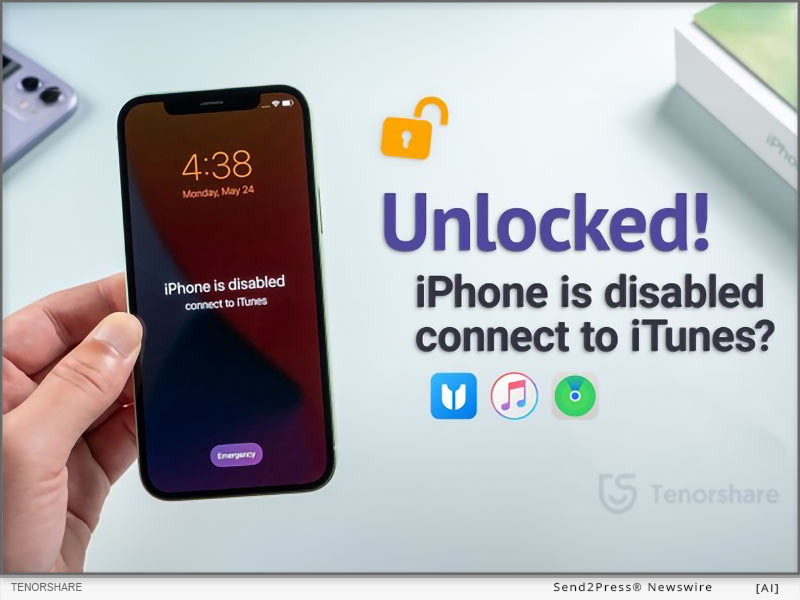
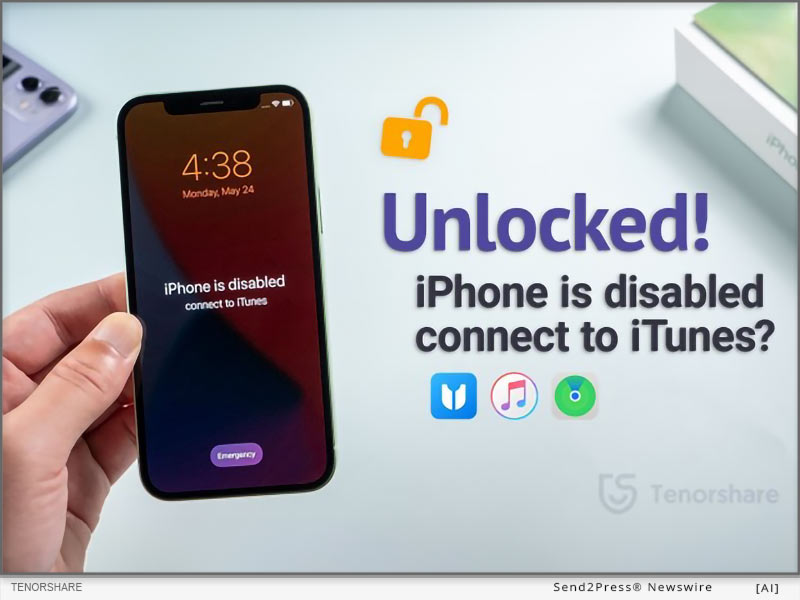
iPhone is Disabled Connect to iTunes Error – How to Unlock? Here is the Fix!

NEW YORK, N.Y. /ScoopCloud/ -- "If you get the 'iPhone is disabled connect to iTunes' message, it indicates that your device has been locked for security reasons," says Tenorshare. But don't worry, there are several ways to resolve this issue. In this guide, we have discussed 3 ways to do so.

Why My iPhone Says Disabled Connect to iTunes?

Before diving into the solutions, it's important to understand why this issue occurs.

When you see the "iPhone deactivated connect to iTunes" message, it is usually when you enter the incorrect passcode too many times on your iPhone. This Apple security feature helps prevent unauthorized access to device.

iPhone is Disabled Connect to iTunes How to Unlock in Seconds?

If you're looking for a safe and reliable iPhone disabled connect to iTunes fix, we recommend using a third-party iOS unlocker tool, Tenorshare 4uKey. It unlocks iPhone/iPad screen locks, and bypasses Apple IDs and MDM locks.

Key features of Tenorshare 4uKey:

* Unlocks Screen Locks: It is great for unlocking iPhone passcodes, face IDs, and fingerprint IDs.

* Easy Steps with Guaranteed Success: You can unlock your iPhone with a 100% success rate in just a few steps.

* No Technical Skills Required: You can use it without any experience or tech skills.

* Compatibility: It is compatible with all iPhone models and iOS versions.

iPhone is Disabled Connect to iTunes How to Unlock with Tenorshare 4uKey:

* Launch 4uKey and click the "Start" button in "Unlock iOS Screen" tab.

* Connect iPhone to the PC, then the tool will download required firmware.

* Click "Start to Remove" to remove the lock screen. And you will resolve the "iPhone locked connect to iTunes" issue

How to Fix iPhone is Disabled Connect to iTunes without Losing Data?

Another way for iPhone is disabled how to unlock it quickly is to use iTunes backup. This method only works if you have a recent backup of your device.

Here's how it works:

* Connect your iPhone to your PC and launch iTunes.

* You will see a message saying "Update" or "Restore" your iPhone.

* Click on "Restore" to restore the last working backup.

How to Fix iPhone is Disabled Connect to iTunes without Computer?

If you're wondering why my iPhone is disabled and won't connect to iTunes, you can fix the issue without a PC, using iCloud. However, this may erase all data from your device and requires stable internet connection.

Here's how:

* When your iPhone says disabled connect to iTunes, use another device to log in to iCloud using your Apple ID and password.

* Click "Find iPhone," and when your locked device shows up, click "Erase Device."

Learn more: https://www.tenorshare.com/products/4ukey-unlocker.html

About Tenorshare

Tenorshare offers data recovery and system repair software for iPhones, Androids, Windows, and Macs. If you're facing the iPhone disabled connect to iTunes not working issue, 4uKey can help you unlock it.

Learn more: https://www.tenorshare.com/iphone-tips/fix-iphone-is-disabled-connect-to-itunes.html

YouTube: https://www.youtube.com/@TenorshareOfficial

Facebook: https://www.facebook.com/TenorshareOfficial/

News from Tenorshare Co. Ltd.

"If you get the 'iPhone is disabled connect to iTunes' message, it indicates that your device has been locked for security reasons," says Tenorshare. But don't worry, there are several ways to resolve this issue. In this guide, we have discussed 3 ways to do so. If you're looking for a safe and reliable iPhone disabled connect to iTunes fix, we recommend using a third-party iOS unlocker tool, Tenorshare 4uKey.

Related link: https://www.tenorshare.com/

This version of news story was published on ScoopCloud™ (ScoopCloud.com) - part of and © the Neotrope® News Network - all rights reserved.

How to Fix an iPhone Stuck in Recovery Mode 2024

NEW YORK, N.Y. /ScoopCloud/ -- NEW YORK, N.Y., April 29, 2024 (SEND2PRESS NEWSWIRE) -- How to get my iPhone out of Recovery Mode? Many iPhone users often ask this question. Often, this situation arises when users try to revert their iPhone to a previous iOS version and the iOS 17 update doesn't work. But there could be other reasons as well. "The real issue is that most solutions to fix 'iPhone won't restore in Recovery Mode' problem could result in losing your data. However, Tenorshare ReiBoot is different. It's a tool designed specifically to fix iOS issues, without causing any data loss," says a Tenorshare spokesperson.

So, how to fix iPhone Recovery Mode not working with Tenorshare ReiBoot? Find out below!

WHY IS MY IPHONE STUCK IN RECOVERY MODE WITHOUT RESTORE?

When iPhone gets stuck in Recovery Mode and won't restore it could be because of following reasons:

1. There's an issue after updating iOS or your battery dies during update.

2. Something goes wrong during a factory reset.

3. Incorrect steps during jailbreaking, or a failed jailbreak attempt.

HOW TO FIX IPHONE STUCK IN RECOVERY MODE WITHOUT DATA LOSS?

Unlike other solutions, Tenorshare ReiBoot can fix iPhone stuck in Recovery Mode without data loss. It is designed to repair 150+ iOS issues and can enter/exit Recovery Mode with one click. But that's not all and here's what this tool can do:

1. Repair iOS problems including black screen of death, iPhone stuck on Apple logo etc.

2. Fix iPhone and iTunes errors and upgrade or downgrade iOS including Betas.

3. Reset iOS devices without Finder, iTunes, iCloud ,and passcode.

4. Erase data permanently before selling or giving away iOS devices.

HERE'S HOW TO FIX IPHONE STUCK IN RESTORE MODE WITH REIBOOT IOS REPAIR TOOL:

Step 1: Download and install Tenorshare ReiBoot on your computer, launch it and connect your iPhone to your PC.

Step 2: The tool will detect your device in Recovery Mode. Click "Exit" on interface and your iPhone will reboot to normal within a minute.

https://www.youtube.com/watch?v=5jBL_ab1yHE

WHAT TO DO IF IPHONE IS STUCK ON RECOVERING DATA?

If your iPhone is Stuck on Recovering Data, besides utilizing ReiBoot, there are a few alternative methods that you can attempt. Nevertheless, it is important to note that their success rates are relatively low.

1. Force Restart - Hold down power button and either volume up or down button based on your iPhone's model until you see Apple logo.

2. Use iTunes or Finder - Connect to your computer, open iTunes or Finder, and update or restore your iPhone.

3. Restore from iCloud Backup - If you have a backup, erase your iPhone and restore it from iCloud during setup.

About Tenorshare:

Many users can't access their iDevice after their iPhone gets stuck in Recovery Mode, often after updates or resets. Tenorshare ReiBoot offers the best fix for this problem as it can safely exit Recovery Mode without data loss. The brains behind this tool, Tenorshare is committed to improving smartphone users' lives with their effective solutions.

More information: https://www.tenorshare.com/

Facebook: https://www.facebook.com/TenorshareOfficial/

X/Twitter: https://twitter.com/Tenorshare_Inc

YouTube: https://www.youtube.com/user/TenorshareOfficial/videos

TikTok: https://www.tiktok.com/@tenorshare_tech_tips

News from Tenorshare Co. Ltd.

How to get my iPhone out of Recovery Mode? Many iPhone users often ask this question. Often, this situation arises when users try to revert their iPhone to a previous iOS version and the iOS 17 update doesn't work. The real issue is that most solutions to fix 'iPhone won't restore in Recovery Mode' problem could result in losing your data. However, Tenorshare ReiBoot is different.

Related link: https://www.tenorshare.com/

This version of news story was published on ScoopCloud™ (ScoopCloud.com) - part of and © the Neotrope® News Network - all rights reserved.

[2024] How to Fix an Apple iPhone Stuck in SOS Mode

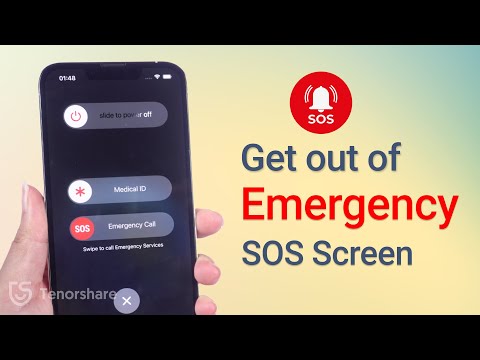
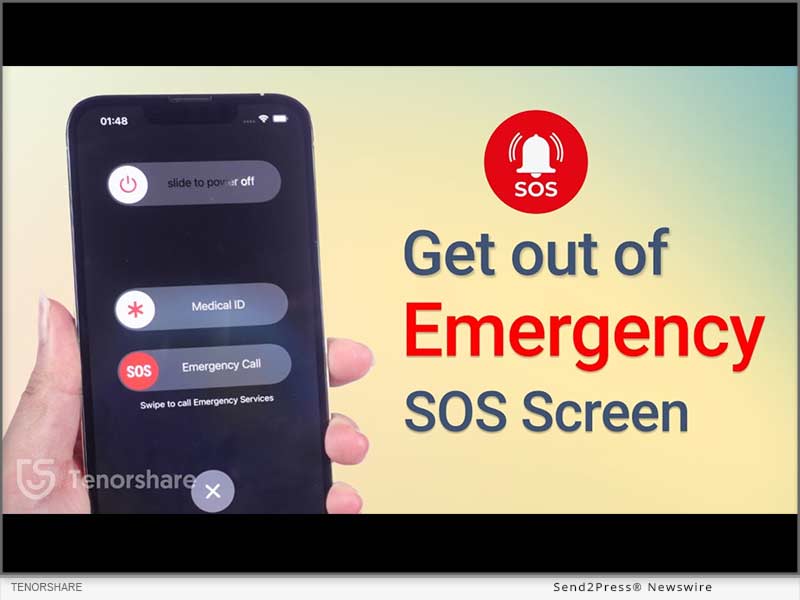
NEW YORK, N.Y. /ScoopCloud/ -- Why does my iPhone keep going into SOS mode? How to get out of it? The Emergency SOS mode on iPhones is quite useful for emergencies.. It can quickly call your emergency contacts and share your exact location. But the same mode can become a pain in the neck, leaving the iPhone stuck in SOS mode which prevents many users from accessing their phones, says Tenorshare.

"There are some fixes out there, that teach you how to get iPhone out of SOS mode. But most of them might make you lose your data. However, that's not the case with Tenorshare ReiBoot. First of all, it's automatic, so you don't have to do manual tweaking. Secondly, it can fix your iPhone stuck on SOS mode without wiping out your data," says a Tenorshare spokesperson.

So, how to turn off SOS on iPhone with Tenorshare ReiBoot? Let's find out!

Why Does My iPhone Say SOS Only?

There are many reasons why you are left with an iPhone stuck on Emergency SOS such as following:

1. You may have pressed wrong key combination while pressing Volume up, down, and power buttons.

2. Rooting or freshening the iPhone can sometimes cause this issue.

3. There's a glitch in your iPhone's system. https://www.youtube.com/watch?v=Jhm37Qy6dXU&t=6s

Full Guide to Fix iPhone Stuck on Emergency SOS Mode Without Data Loss

Whatever the reason might be behind your iPhone getting stuck in Emergency mode, ReiBoot iOS Repair tool can fix it. It's a powerful tool designed specifically to repair iOS issues. But there's more to this tool. Check out its bombastic key features:

* Fix 150+ iOS issues like black screen of death, stuck on SOS mode, recovery mode, Apple logo, or boot loop, etc without data loss.
* Fix error codes like 4013, 2008, 4000, 4005, 3014,2009.
* It can upgrade and downgrade iOS.
* Enables you to enter/exit Recovery or DFU mode with one click.
* Reset iPhone without passcode, iTunes, Apple ID, or iCloud.
* Compatible with older and latest iOS 17.

Here's how to get iPhone out of SOS mode with Tenorshare ReiBoot:

Step 1: Download, install, and open ReiBoot on your computer.

Step 2: Plug your iPhone into your computer, and hit "Start Repair" on the tool's interface.

Step 3: Download the firmware package and click "Standard Repair." Once it's finished fixing, your iPhone will reboot automatically without data loss.

Learn more at: https://www.tenorshare.com/products/reiboot.html

About Tenorshare

If you want to know how to fix SOS on iPhone without data loss, Tenorshare ReiBoot can help. It's a powerful system repair tool that can fix 150+ iOS issues including bailing you out of Emergency screen without wiping your data clean.

Moreover, Tenorshare isn't like other tech companies. They're pioneers in fixing smartphone problems and always coming up with new ideas. The company cares about customer satisfaction and making sure their products work well for their users. So, if you're stuck with a phone problem, you know whose solutions you need to use! Learn more at: https://www.tenorshare.com/

News from Tenorshare Co. Ltd.

Why does my iPhone keep going into SOS mode? How to get out of it? The Emergency SOS mode on iPhones is quite useful for emergencies.. It can quickly call your emergency contacts and share your exact location. But the same mode can become a pain in the neck, leaving the iPhone stuck in SOS mode which prevents many users from accessing their phones, says Tenorshare.

Related link: https://www.tenorshare.com/

This version of news story was published on ScoopCloud™ (ScoopCloud.com) - part of and © the Neotrope® News Network - all rights reserved.

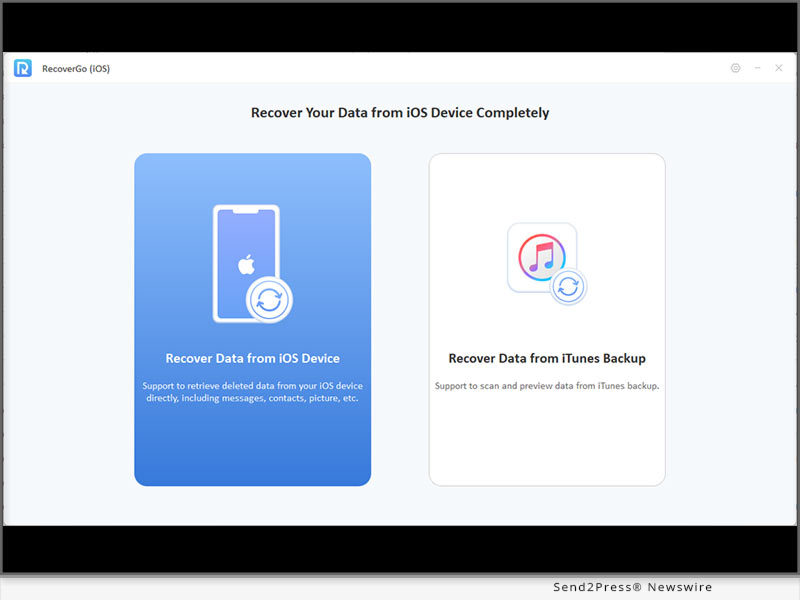
Best iPhone Data Recovery Killer App for 2023: iToolab RecoverGo iOS

NEW YORK, N.Y. /ScoopCloud/ -- Still looking for iPhone deleted photos recovery software? It goes without saying that the newly released iToolab RecoverGo iOS software is the best choice for you. It's a powerful tool for iPhone data recovery that features an easy-to-use interface and fast scanning speed. iToolab Co Ltd (iToolab) is an emerging technology leader in the industry that aims to solve the problems of smartphones.

"We've greatly improved the success rate of iPhone data recovery, compared to other tools. Please be assured that you won't lose your deleted iPhone files again. You can recover lost data without backup or from iTunes backup if available," said Mia Garcia, CEO at iToolab.

KEY FEATURES OF ITOOLAB RECOVERGO IOS V5.0.0:
1 - 90% Success Rate of iPhone Data Recovery

iToolab RecoverGo iOS makes you more productive when trying to find exactly what you lost even after 30 days. Because it is capable of scanning what data has left on the device effortlessly, in just a few minutes. Up to 90% chance of recovery. No need to bother searching for other alternatives.

2 - Recover Deleted Data from iPhone/iPad/iPod touch without Backup

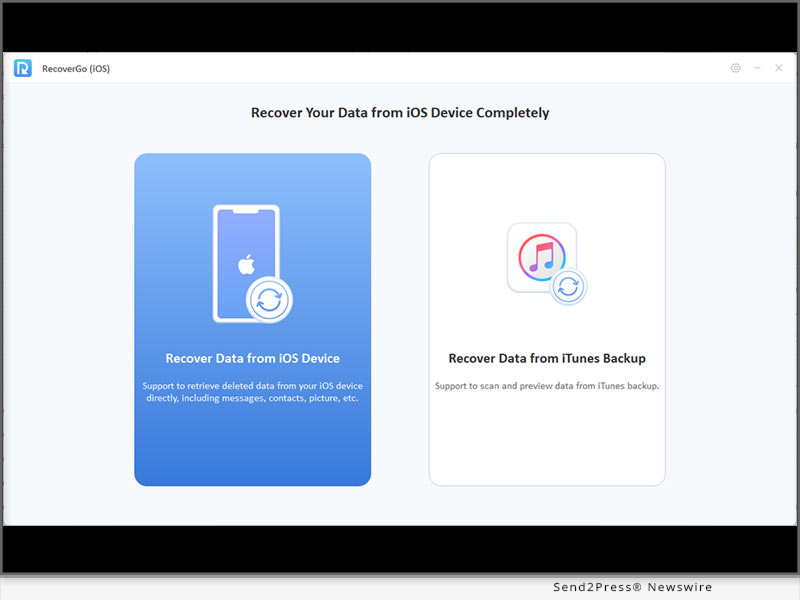
This would be exciting for many of you who have been having trouble with accidentally deleted photos or videos. Even if you don't have a backup. iToolab RecoverGo iOS recovers data from your device directly.

3 - Best iTunes Backup Extractor and Restore from iTunes Backup

iToolab RecoverGo iOS will extract iTunes backup from your computer. This allows you to view your iTunes backup with details, going far beyond traditional iTunes backup recovery. And you can select the one you need to recover.

4 - A Wide Range Data Type of iPhone/iPad/iPod touch

* Photos
* Voice Memos
* Calendars
* Messages
* Videos
* Reminders
* Contacts
* Safari Bookmarks
* FaceTime
* Call History
* Safari History
* Third-party data
* Voice Mails
* Notes

PRICE:

1-Month Plan: $35.95

1-Year Plan: $39.95

Lifetime Plan: $49.95

10% OFF Coupon Code: ITOOLABINST10

More info: https://itoolab.com/buy/recovergo-ios-for-windows/

Device Compatibility:

Windows: Win 11/10/8.1/8/7

iPhone/iPad/iPod touch: All models

About iToolab:

iToolab is a Hong Kong-based leading iOS and Android solution provider with a vision to help smartphone users solve various technical issues. Over the years, the company has helped millions of users fix iOS issues and regain access to their iPhones and iPads. Currently, iToolab provides its services in more than 130 countries and has an extensive user base. The creative approach of the developers is the main reason for the high success rate of all iToolab products.

For more details, please visit:

Official Website:https://itoolab.com/

Facebook: https://www.facebook.com/itoolab

Twitter: https://twitter.com/IToolab

YouTube: https://www.youtube.com/@iToolab

News from IToolab Co Ltd

Still looking for iPhone deleted photos recovery software? It goes without saying that the newly released iToolab RecoverGo iOS software is the best choice for you. It's a powerful tool for iPhone data recovery that features an easy-to-use interface and fast scanning speed. iToolab Co Ltd (iToolab) is an emerging technology leader in the industry that aims to solve the problems of smartphones.

Related link: https://itoolab.com/

This version of news story was published on ScoopCloud™ (ScoopCloud.com) - part of and © the Neotrope® News Network - all rights reserved.

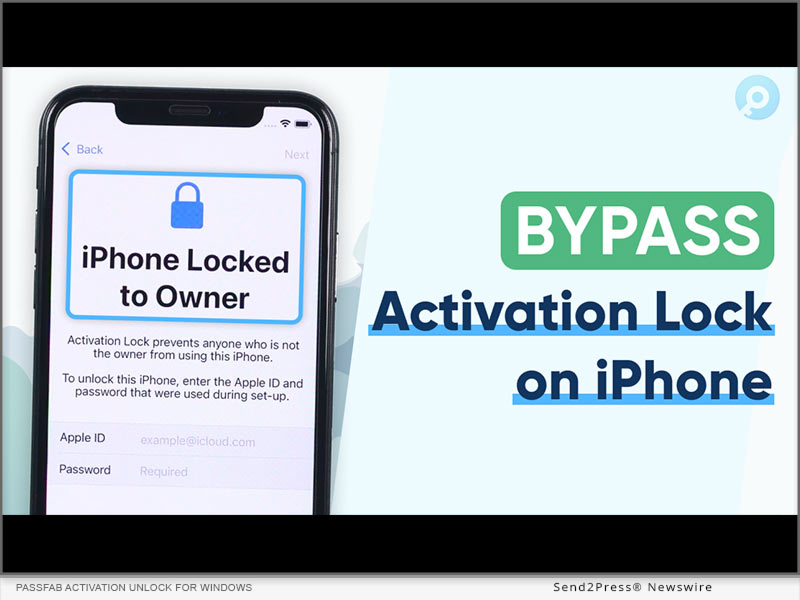
iPhone or iPad Locked to Owner Bypass? PassFab Activation Unlock for Windows Updated for iOS 16.3.1

NEW YORK, N.Y. /ScoopCloud/ -- PassFab, a leading software company, announced today that its well-known PassFab Activation Unlock software for Windows has been upgraded to support the latest iOS version 16.3.1, allowing users to bypass activation lock on iPhone or iPad.

VIDEO: https://www.youtube.com/embed/MaN7OT-cgrk

The Activation Unlock tool is designed to help users who have forgotten their Apple ID or passcode and are unable to access their devices. With this software, users can easily unlock their iPhone or iPad and regain access to their device without having to enter their Apple ID and password.

"We are thrilled to announce the update of our Activation Unlock tool to support the latest iOS version," said Mr. James, CEO of PassFab. "Our team has worked tirelessly to ensure that our software is compatible with the latest technology, and this update is a testament to that effort."

"PassFab is committed to providing the best user experience possible," said Mr. James. "Our Activation Unlock tool is trusted by millions of users worldwide, and we will continue to innovate and improve our software to ensure that our customers have access to the latest features and technologies."

KEY FEATURES OF PassFab Activation Unlock V4.2.0:

:: 1 - REMOVE ICLOUD ACTIVATION LOCK ON IPHONE OR IPAD, IOS 16.3.1 Supported

PassFab's Activation Unlock tool is compatible with all versions of Windows, including Windows 10, 8, 7, and XP. The software is available for download on the company's official website.

:: 2 - OTHER AVAILABLE PASSFAB ACTIVATION UNLOCK FEATURES

a. Unlock iCloud Activation Lock or turn off Find My iPhone/iPad without a password

b. Turn off the camera sound on iOS devices

c. Bypass activation lock on iPhone, iPad, or iPod touch

d. Compatible with Windows 11/10/8.1/8/7, MacOS 10.11-13

:: 3 - FOUR EASY STEPS TO REMOVE ICLOUD ACTIVATION LOCK ON IOS 16.3.1

Step 1: Download PassFab Activation Unlock and choose Remove iCloud Activation Lock.

Step 2: Connect your iDevice that has been locked by iCloud activation lock with a USB cable, and the software will detect it immediately.

Step 3: After connecting, the software will automatically download the jailbreak tool for you.

Step 4: After successfully jailbreaking the phone, select Start, and the software will remove the iCloud activation lock from your device.

:: 4 - PRICE AND AVAILABILITY:

1-Month Plan: $29.95

1-Year Plan: $39.95

Lifetime Plan: $49.95

More info: https://www.passfab.com/purchase/buy-activation-unlocker.html

How to Participate:

For more information on the PassFab Activation Unlock tool, visit the company's website: https://www.passfab.com/

About PassFab:

PassFab, which was founded in 2010, has been delivering top-of-the-line password recovery and management tools to its users all over the world for over a decade. With over ten years of industry expertise, the business has assisted millions of people worldwide in regaining access to their devices and accounts. Individuals, corporations, and agencies all across the world rely on PassFab's software.

Facebook: https://www.facebook.com/passfab/

Twitter: https://twitter.com/passfab

YouTube: https://www.youtube.com/passfab

Instagram: https://www.instagram.com/passfabsoftware/

News from PassFab

PassFab, a leading software company, announced today that its well-known PassFab Activation Unlock software for Windows has been upgraded to support the latest iOS version 16.3.1, allowing users to bypass activation lock on iPhone or iPad.

Related link: https://www.passfab.com/

This version of news story was published on ScoopCloud™ (ScoopCloud.com) - part of and © the Neotrope® News Network - all rights reserved.

How to Recover Data from Apple iPhone That Won’t Turn On with Tenorshare UltData

NEW YORK, N.Y. /ScoopCloud/ -- "Is it possible to recover data from iPhone that won't turn on?" This is the most common issue that many iPhone users face when their iPhone gets disabled entirely, and they are unable to back up from iTunes. Luckily, there is an effective solution like Tenorshare UltData to recover data from iPhone that won't turn on.

Tenorshare, the mega software company behind the iPhone data recovery solution, is hosting a Hot Christmas Sale to warm up this snowy December. So, don't forget to get your hands on special discounts!

Video Tutorial: https://www.youtube.com/watch?v=KOMxREL7Fd0

Is It Feasible to Recover Data From iPhone That Won't Turn On?

If the iPhone gets damaged, what the users need to do first is try their best to retrieve data from iPhone that won't turn on. "No can guarantee to be able to retrieve photos from a disabled iPhone in the future," said Tenorshare spokesman, "Tenorshare UltData is a reliable alternative to iTunes and iCloud and can recover data from iPhone that won't turn on safely."

[100% Work] How Do I Recover Data From Disable iPhone?

Your iPhone is laden with apps such as WhatsApp, Contacts, LINE, WeChat, KIK, FaceTime, photos, etc. Losing all of the data from a disabled iPhone is so disheartening. Even if you keep an iCloud or iTunes backup, sometimes these programs cannot recognize your iPhone. When the common ways fail to recover data, Tenorshare UltData can retrieve it without needing iTunes or iCloud. Besides, due to its advanced tech and high recovery rate, it is a popular tool among consumers.

You just need to follow the steps below to retrieve data from a disabled iPhone:

* Open UltData and connect your disabled iPhone with the PC/Mac.

* Choose "Recover from iOS device" and press "Start Scan."

* "Preview" and "Recover" lost data from your disabled iPhone.

What will you get via Tenorshare UltData?

As the ideal alternative to iTunes and iCloud, UltData also has remarkable features:

* Support recovery of WhatsApp, LINE, Viber, WeChat, Kik, and Backup & Restore.

* Retrieve photos from iPhone that won't turn on, have a broken screen, or is stuck.

* Retrieve 35+ file types with four recovery modes.

* Allow you to preview files before data recovery and restore data selectively.

* Retrieve data directly from iOS devices, iTunes, and iCloud backup.

* Support the current iPhone 14 and iOS/iPad 16.

LEARN MORE:

https://www.tenorshare.com/products/iphone-data-recovery.html

https://www.tenorshare.com/sales-promotion.html

https://www.tenorshare.com/iphone-recovery/recover-data-from-iphone-that-wont-turn-on.html

https://www.youtube.com/watch?v=KOMxREL7Fd0

About Tenorshare:

As a global software brand founded in 2007, Tenorshare has created high-lever tools, apart from retrieving photos from iPhone that won't turn on with UltData's excellent iTunes alternative.

Since it is time for Christmas day, Tenorshare is offering a chance to win gifts by playing Tenorshare Treasure Hunt game before Jan 4, 2023. So, win special discounts before time runs out!

More information: https://www.tenorshare.com/

Facebook: https://www.facebook.com/TenorshareOfficial/

Twitter: https://twitter.com/Tenorshare_Inc

YouTube: https://www.youtube.com/user/TenorshareOfficial/videos

News from Tenorshare Co. Ltd.

"Is it possible to recover data from iPhone that won't turn on?" This is the most common issue that many iPhone users face when their iPhone gets disabled entirely, and they are unable to back up from iTunes. Luckily, there is an effective solution like Tenorshare UltData to recover data from iPhone that won't turn on.

Related link: https://www.tenorshare.com/

This version of news story was published on ScoopCloud™ (ScoopCloud.com) - part of and © the Neotrope® News Network - all rights reserved.

Tenorshare Software Now Compatible with Apple iOS 16

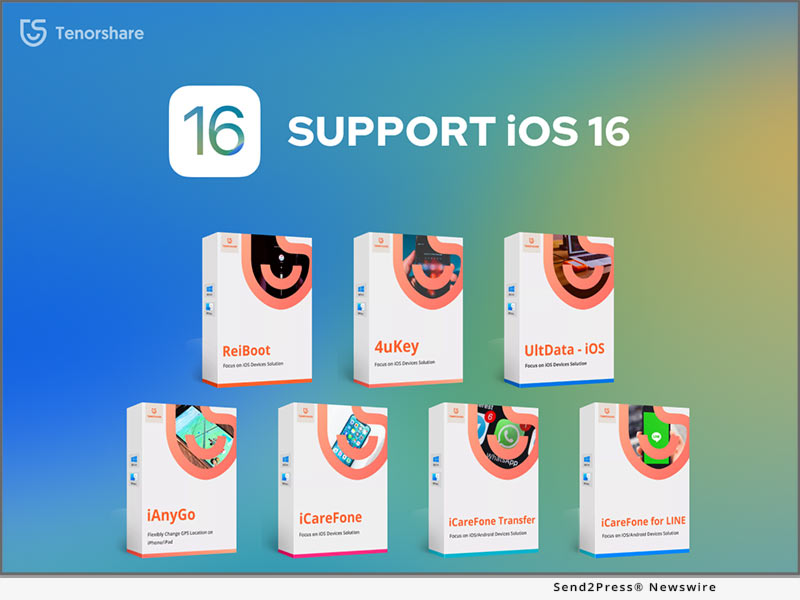
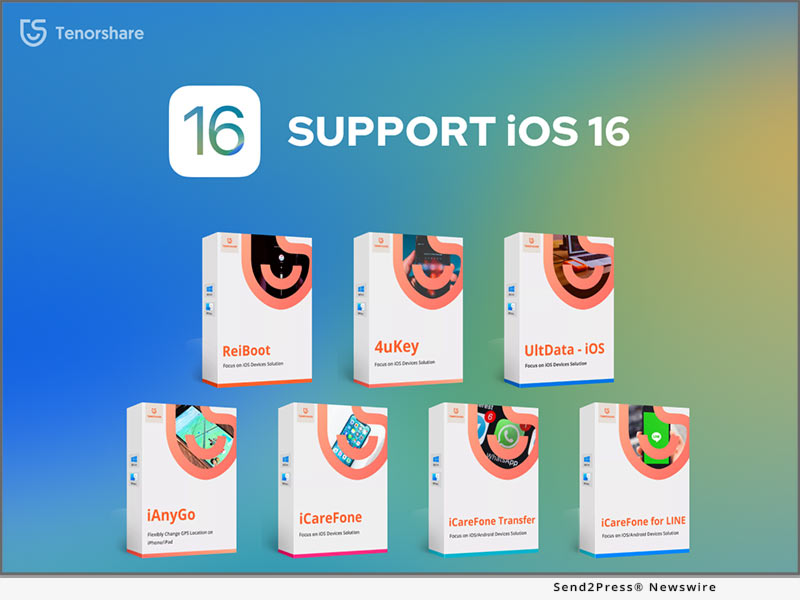
NEW YORK, N.Y. /ScoopCloud/ -- Tenorshare, the leading provider of software solutions for iOS system repairs and data management, has updated all of its software solutions to become fully compatible with iOS 16. So, with the launch of Apple's new iOS 16, iOS users can still have a seamless premium experience of Tenorshare offerings without facing any system incompatibility.

"Every September, we always update Tenorshare software to meet users' needs. Tenorshare offers users the most cutting-edge software options to help them in repairing the most of system issues and offers excellent data management solutions. All the core Tenorshare software solutions that are now compatible with Apple's iOS 16 are as follows," said Tenorshare's CEO, while introducing the software update.

Tenorshare ReiBoot - Your Reliable iOS 16 System Repair Tool

ReiBoot iOS System Recovery can repair 150+ iOS system problems, such as stuck on Apple logo, recovery mode loop, screen won't turn on, and many more. It offers a simple click-based interface for instant repair with zero hassle.

Tenorshare 4uKey

4uKey is an iPhone unlocker for fixing disabled iPhones, such as removing 4-digit/6-digit passcode, Face ID, Touch ID, screen time passcode and Apple ID, etc.

Tenorshare UltData

UltData is a dedicated iPhone data recovery software that can recover deleted/lost data directly from iOS devices and supports 35+ data types recovery.

Tenorshare iAnyGo

iAnyGo offers a 1-click instant change of iPhone location to anywhere to help create a customized route, play geo-blocked games, and share virtual location on all location-based apps.

Tenorshare iCareFone

iCareFone helps to manage & transfer iOS devices' data easily, such as making data backups to computer, exporting photos to PC/Mac, transferring media files, restoring iOS backup data, and many more.

Tenorshare iCareFone Transfer

iCareFone Transfer offers a 1-click solution to transfer WhatsApp between Android and iOS without erasing data. It also supports backing up and restoring WhatsApp/WhatsApp Business data.

Tenorshare iCareFone for LINE

iCareFone for LINE is the dedicated LINE transfer software that transfers LINE between Android and iPhone and can also backup and restore LINE.

Tenorshare 4uKey - Password Manager

4uKey - Password Manager is an iOS password manager that makes it straightforward to manage, view, export, recover, and find all of your passwords securely on iPhone and iPad.

Tenorshare 4uKey - iTunes Backup

4uKey iTunes Backup helps to recover forgotten iTunes backup password safely. It can also disable iTunes backup encryption and remote screen time passcode.

About Tenorshare:

Tenorshare is an award-winning, highly-reputed, and widely-used software company known for developing best-in-class software solutions for iOS, Android, Windows, and Mac platforms. Some of the leading solutions offered by Tenorshare include data recovery, system repair, password recovery, data transfer, and similar others. Overall, Tenorshare offers the most advanced and feature-rich software solutions that have served millions of users around the globe.

More information: https://www.tenorshare.com/

Facebook: https://www.facebook.com/TenorshareOfficial/

Twitter: https://twitter.com/Tenorshare_Inc

YouTube: https://www.youtube.com/user/TenorshareOfficial/videos

News from Tenorshare Co. Ltd.

Tenorshare, the leading provider of software solutions for iOS system repairs and data management, has updated all of its software solutions to become fully compatible with iOS 16. So, with the launch of Apple's new iOS 16, iOS users can still have a seamless premium experience of Tenorshare offerings without facing any system incompatibility.

Related link: https://www.tenorshare.com/

This version of news story was published on ScoopCloud™ (ScoopCloud.com) - part of and © the Neotrope® News Network - all rights reserved.

How to Unlock an iPad Passcode without a Restore: PassFab iPhone Unlocker

NEW YORK, N.Y. /ScoopCloud/ -- Millions of iOS users from around the world often get locked out of their own device, which is not only annoying but also a huge waste of time. Despite looking up on the internet and trying to find a solution, there is no official way to fix a disabled iPhone without restoring it. How to unlock iPad passcode without restore is a question everyone asks in such situations, and we have the answer to this question in form of a remarkable new software called PassFab iPhone Unlocker.

Anyone can forget their passcode and sometimes even the Face ID doesn't especially when the device has sustained any damage due to a fall. Years of precious memories, settings, messages, and everything gone in a matter of seconds, and nobody wants that. We are overjoyed to tell you that there is a solution to get access to your locked out iPhone without losing your data and it is called PassFab iPhone Unlocker. This amazing new solution also works perfectly to unlock iPad passcode without restore as it is not limited to the iPhones.

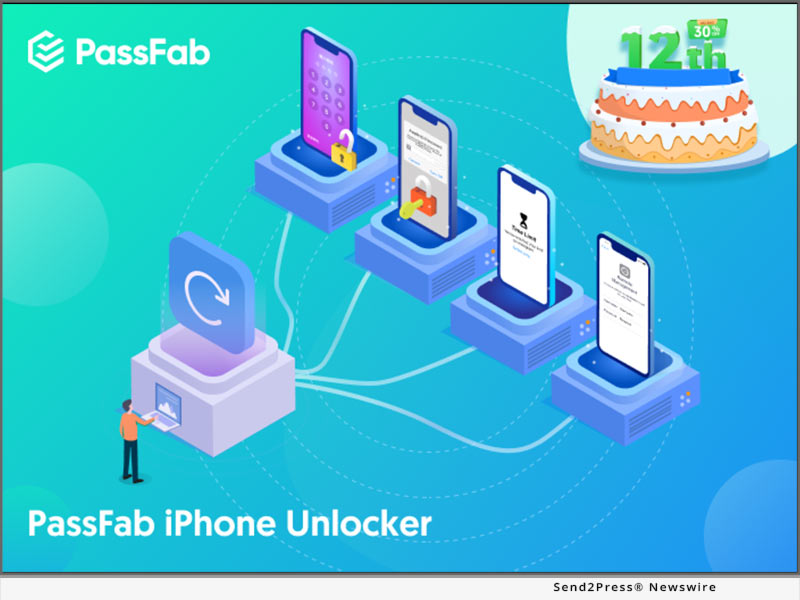
When you are stuck helpless and are trying to look up how to unlock iPad when forgot passcode, all you need to do is get the PassFab iPhone Unlocker installed. The most amazing feature of this software is that it can bypass all iPhone passwords situations and it has many amazing features and benefits. Not only can it unlock a locked, disabled or broken screen iPhone/iPad/iPod Touch, but it can also help you factory reset your iDevices without password or Apple ID. Moreover, it lets you remove Apple ID without ANY password or verification and enables you to turn off screen time without passcode in minutes. Furthermore, it can also bypass Remote Management to get rid of other's supervision and it is fully compatible with latest iOS/iPadOS 15, iPhone 13 and more. So the next time you are trying to unlock iPad passcode without restore, just install this software on your computer and it will take care of the rest.

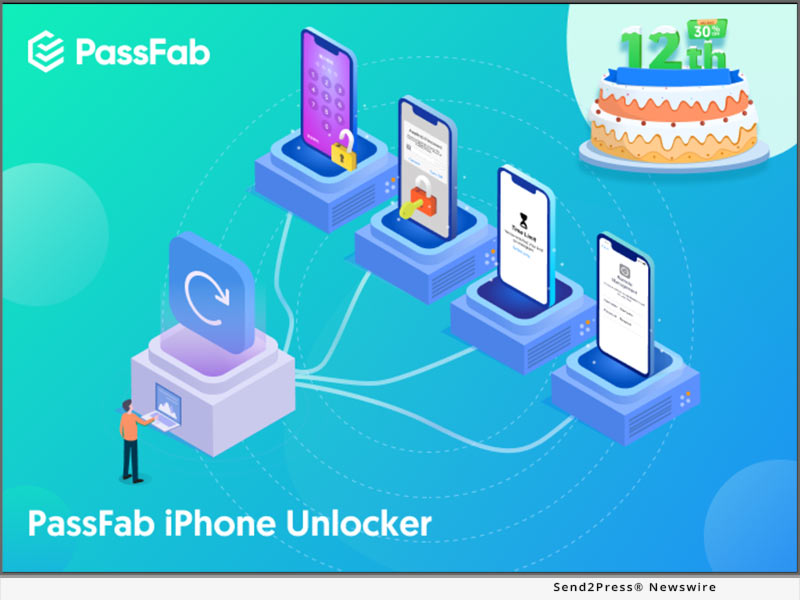
In addition, PassFab has recently announced its 12th Anniversary promotion, in which you can get PassFab iPhone Unlocker at 30% off discount. So if you forgot your iPad passcode and want to know how to unlock without restore, you can do that at a discounted price. PassFab can Unlock iPad Passcode without Restore, and it also unlocks iPhones without restore. Using the software is also easy and you can simply install it on your computer and follow the steps. The PassFab iPhone Unlocker works perfectly fine for all kinds of screen locks.

Get the PassFab iPhone Unlocker with 30% discount: https://www.passfab.com/sales-promotion.html

About PassFab:

PassFab was founded in 2010 as a leading password recovery tool developer, and it has now expanded to a range of software and online tools to make the lives of its users easier worldwide.

Facebook: https://www.facebook.com/passfab/

Twitter: https://twitter.com/passfab

YouTube: https://www.youtube.com/passfab

Instagram: https://www.instagram.com/passfabsoftware/

News from PassFab

Millions of iOS users from around the world often get locked out of their own device, which is not only annoying but also a huge waste of time. How to unlock iPad passcode without restore is a question everyone asks in such situations, and we have the answer to this question in form of a remarkable new software called PassFab iPhone Unlocker.

Related link: https://www.passfab.com/

This version of news story was published on ScoopCloud™ (ScoopCloud.com) - part of and © the Neotrope® News Network - all rights reserved.

All UltFone Software is Now Compatible with iPhone 13

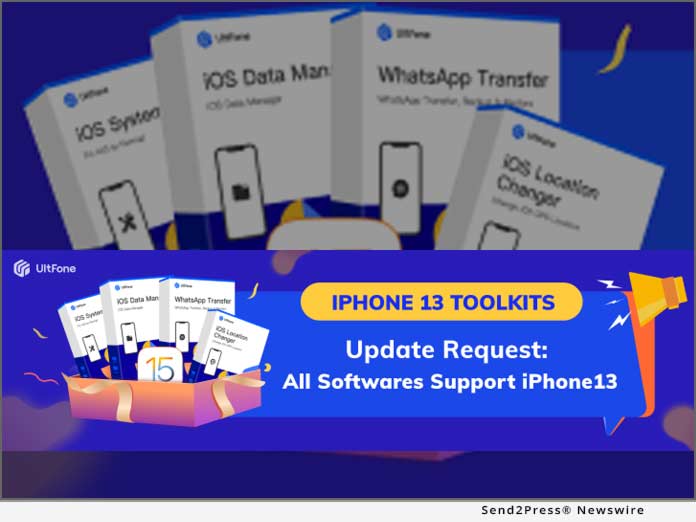
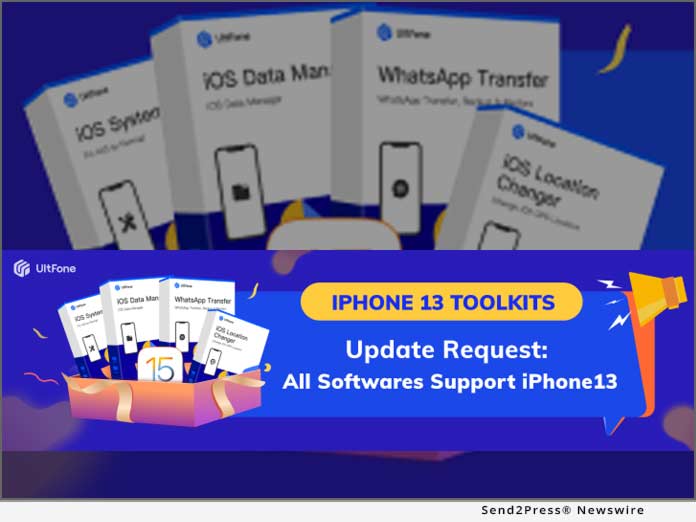
NEW YORK, N.Y. /ScoopCloud/ -- On September 14, Apple announced the awaited iPhone 13 series, and it arrived in the market September 23. The latest iPhone runs on iOS 15, and as the OS system is new, few applications complement its use. Nevertheless, UltFone - an emerging global software provider - announced that all their applications are compatible with iPhone 13 series. The applications include the iOS system repair, iOS data manager, iOS location Changer, and WhatsApp transfer.

Following the announcement, Mike Lee, CEO of UltFone, said, "It is a delight to hear about the launch of iPhone 13, and we don't want the customers to think twice before buying it. At UltFone, we have always ensured that all products are a perfect fit for the customer's needs. All our applications are programmed using the latest firmware; hence, they are equally good for iOS 15."

The official website of UltFone contains comprehensive details about all these software that include the download method, features, guide, risks involved, and FAQs, so the user is familiar with processing's of the application.

UltFone iOS data manager

UltFone iOS data manager is one of the best-selling products of the company and has helped tons of users keep their data protected. The salient features of the software include one-click photos import, smooth iOS data management, and easy backup and restore. The features of the software makes it a must-have for all users, and it's fortunate that iPhone 13 users can enjoy it too.

UltFone iOS System Repair

UltFone iOS System Repair is technologically advanced software with powerful features to resolve iOS system issues. It lets you fix 150+ iOS system issues, such as iPhone stuck on the Apple logo, black screen, recovery mode, and so on. Moreover, you are not required to have technical skills to use this tool as it is a very user-friendly software that gives quick and effective results.

UltFone WhatsApp Transfer

UltFone WhatsApp Transfer allows you to transfer WhatsApp data directly from iPhone to iPhone, iOS to Android, and Android to Android. With UltFone WhatsApp Transfer, your WhatsApp chats, contacts, and WhatsApp call history will be transferred to your new iPhone within a couple of minutes. The wonderful news is that the software is fully compatible with the latest iPhone 13 series.

UltFone iOS Location Changer

UltFone iOS Location Changer allows you to easily and quickly change the GPS location on your iOS device. The 1-click to change location feature lets you spoof your device location to anywhere within seconds.

How to Participate

You can simply participate in the giveaway by visiting: https://www.UltFone.com/ios-15-release-celebration.html

About UltFone:

UltFone is a professional software provider offering fully integrated solutions for iOS system repair, iOS data recovery, Android data recovery, data transfer, etc. The company is trusted by famous websites, including PCWorld, Macworld, TechRadar, Tech Advisor, and many more.

For more information, visit the official website of UltFone: https://www.UltFone.com/

Facebook: https://www.facebook.com/UltFone/

Twitter: https://twitter.com/UltFone

YouTube: https://www.youtube.com/c/UltFoneOfficial

News from UltFone

On September 14, Apple announced the awaited iPhone 13 series, and it arrived in the market September 23. The latest iPhone runs on iOS 15, and as the OS system is new, few applications complement its use. Nevertheless, UltFone - an emerging global software provider - announced that all their applications are compatible with iPhone 13 series. The applications include the iOS system repair, iOS data manager, iOS location Changer, and WhatsApp transfer.

Related link: https://www.ultfone.com/

This version of news story was published on ScoopCloud™ (ScoopCloud.com) - part of and © the Neotrope® News Network - all rights reserved.

All Tenorshare Software is now Compatible with Apple iPhone 13

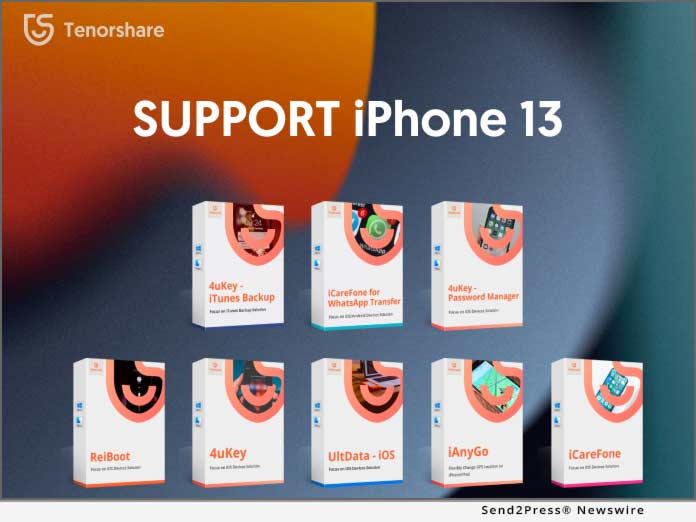
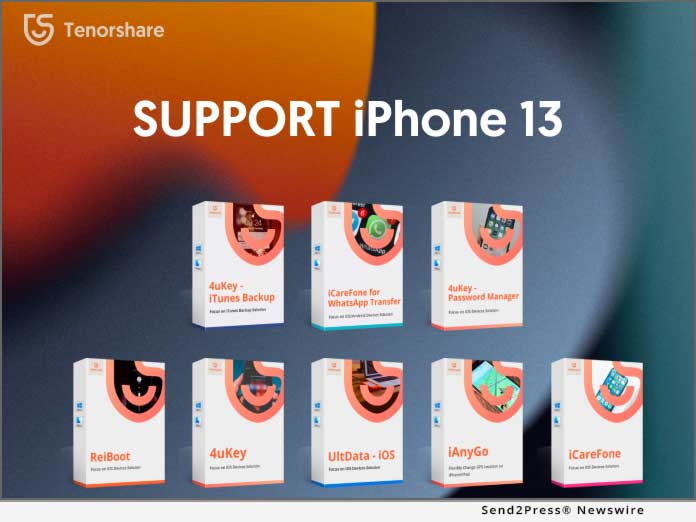
NEW YORK, N.Y. /ScoopCloud/ -- As a pioneer and excellent software for repairing and managing iOS systems and data, Tenorshare has updated all its software to be fully compatible with the latest launched iPhone 13, including UltData, ReiBoot, 4uKey, iCareFone, WhatsApp Transfer, iAnyGo, 4uKey iTunes Backup, and 4uKey Password Manager.

Mike Lee, CEO of Tenorshare, said: "We will always adapt to changes in technology and the market and update our software in time to meet more users' needs. Every time the iOS system is upgraded and a new iPhone is released, Tenorshare will conduct a long and comprehensive test on all software."

ReiBoot - Your Reliable iOS 15 System Repair Tool

ReiBoot enables you to fix various iOS 15 system issues without losing a single byte, like iPhone recovery mode, white Apple logo, black screen, looping on start. etc.

4uKey - Your Key to Unlock iPhone 13 and MDM

4uKey is dedicated to repairing disabled iPhones, including deleting Apple ID, remove screen time passcode, Touch ID and Face ID, etc.

UltData - Best iPhone Data Recovery Software Worldwide So Far

UltData is able to directly restore all data lost from iPhone/iPad without backing up.

iAnyGo - Best iPhone Data Recovery Software Worldwide So Far

iAnyGo is a useful tool that can change uses' GPS location easily, it's easy to simulate GPS movement at customized speed.

iCareFone for WhatsApp Transfer - The Best Way To Transfer WhatsApp from Android to iPhone 13

Tenorshare iCareFone for WhatsApp Transfer can easily transfer WhatsApp chats between Android and iPhone including videos, images, and files.

iCareFone - Make Your iOS 15 Backup Easier Than Ever

Tenorshare iCareFone focuses on iOS data backup solutions, users can import, export, delete large files in one click.

4uKey-Password Manager - Manage Your iPhone Password Like A Pro

Tenorshare 4uKey - Password Manager makes it easy to find, recover, view, export, and manage all your passwords on iPhone and iPad.

4uKey-iTunes Backup - Unlock Encrypted iTunes/iPhone Backup Right Away

Tenorshare 4uKey iTunes Backup can retrieve iTunes Backup Password, remove Backup Encryption Settings and remove Screen Time Passcode.

About Tenorshare

Tenorshare is an international software company founded in 2007 and is known for its award-winning and highly rated software products. More information: https://www.tenorshare.com/

Facebook: https://www.facebook.com/TenorshareOfficial/

Twitter: https://twitter.com/Tenorshare_Inc

YouTube: https://www.youtube.com/user/TenorshareOfficial/videos

News from Tenorshare Co. Ltd.

As a pioneer and excellent software for repairing and managing iOS systems and data, Tenorshare has updated all its software to be fully compatible with the latest launched iPhone 13, including UltData, ReiBoot, 4uKey, iCareFone, WhatsApp Transfer, iAnyGo, 4uKey iTunes Backup, and 4uKey Password Manager.

Related link: https://www.tenorshare.com/

This version of news story was published on ScoopCloud™ (ScoopCloud.com) - part of and © the Neotrope® News Network - all rights reserved.

UltFone Releases COVID-19 Campaign 2021 – Spin to Win Free Phone Repair Software

NEW YORK, N.Y. /ScoopCloud/ -- UltFone, an emerging global software provider, launched its marketing campaign #WinFreeSoftware, to help people fix all common iOS/Android system problems at home without going outside during COVID-19.

Says Sophie, Marketing Manager at UltFone: "During the COVID-19 outbreak, what should people do when they find their phone is stuck in recovery mode, restart loop or unresponsive to touch? Especially people who live in zones with severe epidemics. We are greatly concerned about the ones who encountered phone system issues during COVID-19. They are left wondering whether they should risk going outside to repair shop or fix the problem at home with an online repair software."

Stirred by customers seeking assistance for their phone problems in the epidemic zones, UltFone has collected and compiled a comprehensive mobile phone problem repair guide to illustrate all possible methods to fix phone problems indoors or outside. Based on several key aspects, including supported scenarios, repair time, supported devices, potential risks, ease of use, and preparations, they tend to suggest that users choose to fix the iPhone problems at home with software.

100% Win Your Lucky Draw - Free Software & Big Discounts

UltFone's #WinFreeSoftware campaign provides a 100% chance of winning. You will have a chance to win one of the following rewards:

Win UltFone Android System Repair for free;

40% OFF to buy UltFone iOS System Repair;

30% OFF Storewide;

Buy One Get One Free: Buy iOS Data Manager get iOS System Repair for free

About UltFone System Repair Tool for iOS and Android

UltFone iOS System Repair - A best-selling product at UltFone, and recently this software has a major upgrade with a revamped interface, better user experience, and enhanced features. This iOS system recovery software integrates a comprehensive solution for iPhone/iPad/iPod touch and Apple TV problems, including entering and exiting the recovery mode (free function), solving more than 150 system issues like black screen, Apple logo, iTunes error, update stuck, and providing two ways to reset iOS device.

UltFone Android System Repair - A newly released product by UltFone which aims to better help Android users to solve common system problems with Android devices. It offers the easiest solution to enter and exit fastboot mode, Android recovery mode, and download mode, fix 150+ Android issues without data loss, and one click to clear system cache.

About UltFone Software

UltFone is a leading software development company committed to helping smartphone and PC/Mac users to enjoy digital life with no hassle. It provides users with solutions for data recovery, system repair, and device content management. UltFone does not only strive to bolster the quality of products it has to offer and the user experience but also leveraging advanced technology to develop new solutions and cater to the unique needs of users.

For more information or take part in the event, visit https://www.ultfone.com/how-to-repair-iphone-during-covid.html

Facebook: https://www.facebook.com/ultfone/

Twitter: https://twitter.com/ultfone

YouTube: https://www.youtube.com/c/UltFoneOfficial

News from UltFone

UltFone, an emerging global software provider, launched its marketing campaign #WinFreeSoftware, to help people fix all common iOS/Android system problems at home without going outside during COVID-19.

Related link: https://www.ultfone.com/

This version of news story was published on ScoopCloud™ (ScoopCloud.com) - part of and © the Neotrope® News Network - all rights reserved.

All Tenorshare Software is now Compatible with iPhone 12 and 12 Pro

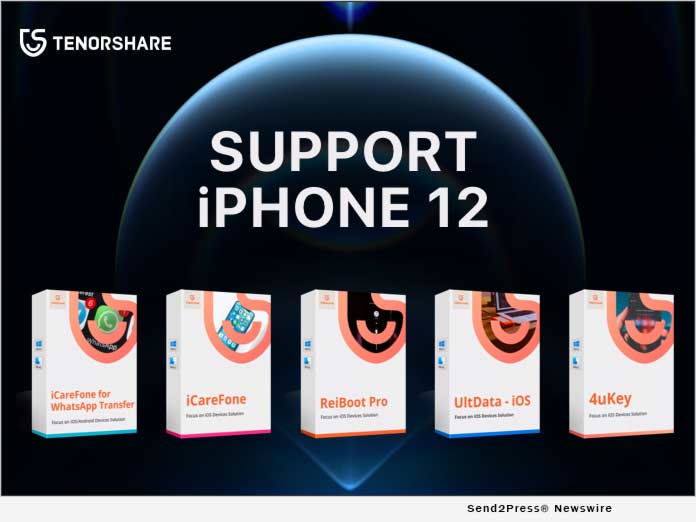
NEW YORK, N.Y. /ScoopCloud/ -- Apple recently launched the latest iPhone 12. As a pioneer and excellent software for repairing and managing iOS system and data, Tenorshare has updated all its software to be fully compatible with iPhone 12/12 Pro, including UltData, ReiBoot, 4uKey, iCareFone for WhatsApp Transfer, iAnyGo, 4uKey iTunes Backup and iCareFone.

Mike Lee, CEO of Tenorshare, said: "We will always adapt to changes in technology and the market and update our software in time to meet more users' needs. Every time the iOS system is upgraded and a new iPhone is released, Tenorshare will conduct a long and comprehensive test on all software."

ReiBoot - Fix iPhone 12 Stuck after Transferring

ReiBoot can fix iPhone/iPad stuck issues without losing any data. When users upgrade their old iPhone to iPhone12, stuck issues may happen. ReiBoot can fix iPhone 12 stuck issues, such as Apple logo, Recovery/DFU mode and frozen screen, stuck on set up, etc.

4uKey - Unlock iPhone 12 / 12 Pro Unable to Activate

4uKey is dedicated to repair disabled iPhone, including deleting Apple ID, screen passcode, Touch ID and Face ID, etc. Forgot iPhone 12 /12 Pro passcode, or iPhone 12 is disabled not to connect iTunes. However, 4uKey iPhone Unlocker can regain your iPhone.

UltData - Recover Lost Data from iPhone 12 / 12 Pro

UltData is able to directly restore all data lost from iPhone 12/iPad without backing up. In addition, it also allows you to preview and selectively restore data from iTunes and iCloud backup files.

iCareFone - Make Your iPhone 12 / 12 Pro Backup Easier Than Ever

iCareFone is the best free iPhone backup tool. When replacing the iPhone, it allows users to selectively free back up valuable emails, contacts, photos, etc. Now with iCareFone, users can easily take control of the important data.

iCareFone for WhatsApp Transfer - Transfer WhatsApp Data from Old Phone to iPhone 12 / 12 Pro

iCareFone for WhatsApp Transfer can easily transfer WhatsApp chats between old Phone and iPhone 12 including videos, images, and files. Only one-click, WhatsApp and WhatsApp Business chat will be transferred to your new phone.

About Tenorshare

Tenorshare is an international software company founded in 2007 and is known for its highly rated software products.

More information: https://www.tenorshare.com/

Facebook: https://www.facebook.com/TenorshareOfficial/

Twitter: https://twitter.com/Tenorshare

YouTube: https://www.youtube.com/user/TenorshareOfficial/videos

MULTIMEDIA:

*VIDEO (YouTube): https://youtu.be/ewG4cOic1gQ

*IMAGE link for media: https://www.Send2Press.com/300dpi/20-1026s2p-tenorshare-ip12-300dpi.jpg

News from Tenorshare Co. Ltd.

Apple recently launched the latest iPhone 12. As a pioneer and excellent software for repairing and managing iOS system and data, Tenorshare has updated all its software to be fully compatible with iPhone 12/12 Pro, including UltData, ReiBoot, 4uKey, iCareFone for WhatsApp Transfer, iAnyGo, 4uKey iTunes Backup and iCareFone.

Related link: https://www.tenorshare.com/

This version of news story was published on ScoopCloud™ (ScoopCloud.com) - part of and © the Neotrope® News Network - all rights reserved.

iBeesoft Updates iBeesoft iPhone Data Recovery, Making It a Comprehensive Tool

SAN FRANCISCO, Calif. /ScoopCloud/ -- iBeesoft, a professional software developer has announced a big update of iBeesoft iPhone Data Recovery to 2.2.0, adding many great features, making it a comprehensive tool to recover all kinds of files lost on iPhone.

iBeesoft iPhone Data Recovery is updated with the new key features as:
* Fully compatible with the latest iTunes 12.10 and the latest iOS version 13.6. Even the latest beta iOS 14.0 is supported as well.

* New update makes it more stable and efficient to recover files from iOS device, iTunes, and iCloud backup, boosting the scanning process to a new level.

* Expanded the data recovery range, letting it easy for people to recover photos from photos stream, photo library and App photos, & all kinds of file types, including notes, messages, contacts, videos, WhatsApp messages, app documents and more.

* Recover files no matter how the data is lost or trapped, including file deletion, forgotten iPhone password, iPhone broken, iPhone crashed, iPhone smashed, iPhone lost, iOS upgrade failure, factory resetting, jailbreak failure, etc.

* Extract all data from iTunes and iCloud backup, letting people recover files selectively.

Price and Availability:

There is a free trial available for iBeesoft iPhone Data Recovery. Users can download it for free, scanning iPhone to check out what they can recover from iPhone/iPad/iPod touch.

For Windows: https://www.ibeesoft.com/download/iBeesoft-iPhone-Data-Recovery.exe

For Mac: https://www.ibeesoft.com/download/iBeesoft-iPhone-Data-Recovery-Mac.dmg

iBeesoft has worked hard, continuing to provide users the best data recovery solutions. In the past 5 years, iBeesoft has developed data recovery software for users to recover files lost on Windows PC and Mac, USB flash drive, cameras, iPhone, iPad, Android devices, SD card and other external hard drive. It's still not the end yet. iBeesoft officially admits it's going to release major update for iBeesoft Data Recovery, the very first product for the company.

The update targets at boosting the features in serious corrupt files recovery and solving the opening issues for recovered videos, increasing the success rate of data recovery.

Data loss is a disaster for users and it happens so frequently, like accidental deletion, formatting devices, hard drive failure, OS crash, virus or malware attack, hardware failure, system errors, partition deletion, etc. iBeesoft Data Recovery product line has helped thousands of people retrieve lost data. It officially has great ambitions to help more people prevent data loss in the next five years as a small but pragmatic goal.

Currently, the data recovery product line comprises Data Recovery for Windows PC, Data Recovery for Mac, iPhone Data Recovery for Windows, and iPhone Data Recovery for Mac.

Besides providing users utilities to solve data loss issues, iBeesoft also devotes itself in producing data security and management software, helping protect users' privacy and data security, as well as manage files on computer with easy clicks. iBeesoft has announced new product lines: Data Cleanup & Data Backup.
* For Data Cleanup, iBeesoft has launched File Eraser for Windows PC, iClear for Mac and Duplicate File Finder for PC. On the contrary of recovering files, many people want some confidential files disappear permanently, protecting privacy fully. That's why the iBeesoft File Shredder is developed. It ensures the deleted files 100% gone forever. And to free people from being bothered by trash and junk files, even duplicate files on computer and device, iBeesoft released iClear for Mac and Duplicate File Finder for PC.

* For Data Backup, iBeesoft produced iBeesoft Dbackup, letting users back up operating system, folder/files, as well as clone drives with simple clicks, making it a plain process to back up important files and hard drive. No jargon and computer technique required to complete the whole process. To prevent forgetting do the backup, you can even schedule the software to do it.

About iBeesoft

Established in 2015, iBeesoft has helped thousands of users over 120 countries and regions in the past 5 years. iBeesoft is dedicated to produce high-quality utility software for computer users, including data recovery software for PC, Mac, and iOS devices, data cleanup tools for PC and Mac, as well data backup software for PC. iBeesoft has established itself as a fast-growing international company with a group of young passionate talents who wants to provide users better products and services.

For more information, please visit https://www.ibeesoft.com/ or send email to support@ibeesoft.com

News from iBeesoft

iBeesoft, a professional software developer has announced a big update of iBeesoft iPhone Data Recovery to 2.2.0, adding many great features, making it a comprehensive tool to recover all kinds of files lost on iPhone.

Related link: https://www.ibeesoft.com/

This version of news story was published on ScoopCloud™ (ScoopCloud.com) - part of and © the Neotrope® News Network - all rights reserved.

TunesKit Introduces New iPhone Data Recovery Which Can Rescue Any Lost iOS Data for You

GUANGDONG, China /ScoopCloud/ -- TunesKit Software just officially launched its new product line with the flagship iPhone Data Recovery, aiming to help iOS users to easily and quickly recover any lost or deleted data on iPhone, iPad or iPod touch, including the latest iOS 12 beta and iOS 11.4.

As one of the top-leading multimedia software providers in the world, TunesKit is now trying to expand its product line by unveiling a new iOS utility app, namely TunesKit iPhone Data Recovery that is specialized in rescuing over 20 types of lost data from almost all models of iPhone/iPad/iPod touch efficiently.

To be specific, TunesKit iPhone Data Recovery is able to recover photos, videos, messages, WhatsApp chats, Viber, Kik attachments, notes, contacts, reminders, Safari history, call history due to any data loss scenarios, such as accidental deletion, iOS upgrade error, jailbreak failure, virus attack, device stolen or damage, password lock, and more. No matter how you lost the data on iOS devices, TunesKit iPhone Data Recovery can bring them back for you in an easy way.

In order to guarantee the highest recovery rate, TunesKit Data Recovery for iPhone provides 3 smart recovery modes for you, including "Recover from iDevice," "Recover from iTunes Backup," and "Recover from iCloud Backup."

You can choose the proper recovery method according to different data loss situations. And by recovering lost files on iPhone/iPad/iPod from iTunes or iCloud backup with TunesKit, you can selectively recover the specific files you want, instead of extracting the whole backup file which may cost much time especially when you have a large amount of files on iDevice.

Retrieving lost files from iOS devices with TunesKit iPhone Data Recovery only takes a few clicks thanks to its simple design. The whole recovery process could be completed in 3 easy steps: choose the recovery mode, select and scan the lost data type you need to recover, and then recover them back to computer. Even beginners can operate this app well without referring to user manual.

Additionally, TunesKit iPhone Data Recovery promises 100 percent secure recovery which won't record any of your account info or leak it anywhere else while recovering the missing files on your iPhone, iPad or iPod touch.

TunesKit iPhone Data Recovery Key Features:
* Support more than 20 lost file types on iOS devices
* Recover deleted data from iDevice, iTunes backup and iCloud backup
* Recover lost data due to different data loss cases
* Provide preview feature before recovery
* Fully compatible with the latest iOS and all iOS models
* Easy to use, 100 percent secure and fast.

Price and Availability:
TunesKit iPhone Data Recovery is available for all popular Mac and Windows platforms, including the latest macOS 10.13 and Windows 10. It's provided with free trial version so that you can test the data recovery performance before buying. But trial version only supports to preview the lost files. To recover them back, you should get the full version which costs from $49.95 to $359.95 based on different types of license. For more details, you can download the free trial version here to test it out.

About TunesKit:
TunesKit is a multimedia software developer and provider that focused on developing leading-edge media editing and converting software. They offer quick, easy solutions to editing and converting iTunes movies, Spotify songs, Apple Music, Audible audiobooks for years and they have over 5 million satisfied users all over the world. Learn more at: https://www.tuneskit.com/.

VIDEO (YouTube):
https://youtu.be/DouqHOLBKmo

News from TunesKit Software

TunesKit Software just officially launched its new product line with the flagship iPhone Data Recovery, aiming to help iOS users to easily and quickly recover any lost or deleted data on iPhone, iPad or iPod touch, including the latest iOS 12 beta and iOS 11.4.

Related link:

This version of news story was published on ScoopCloud™ (ScoopCloud.com) - part of and © the Neotrope® News Network - all rights reserved.

Enigma Recovery introduces new software UI offering smoother iPhone data recovery process for users

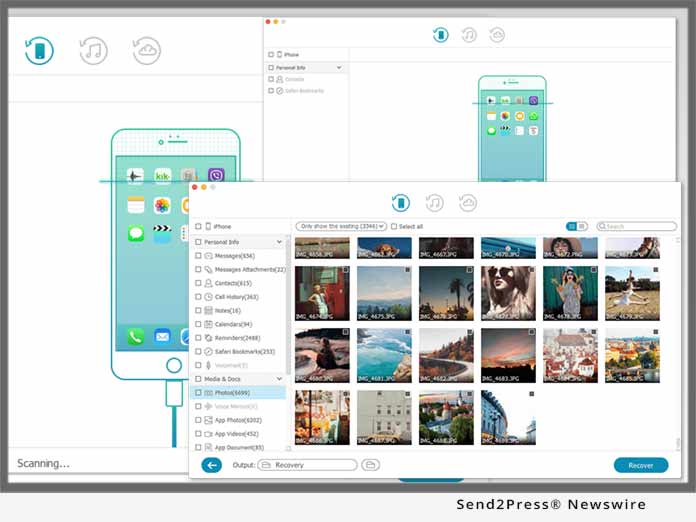
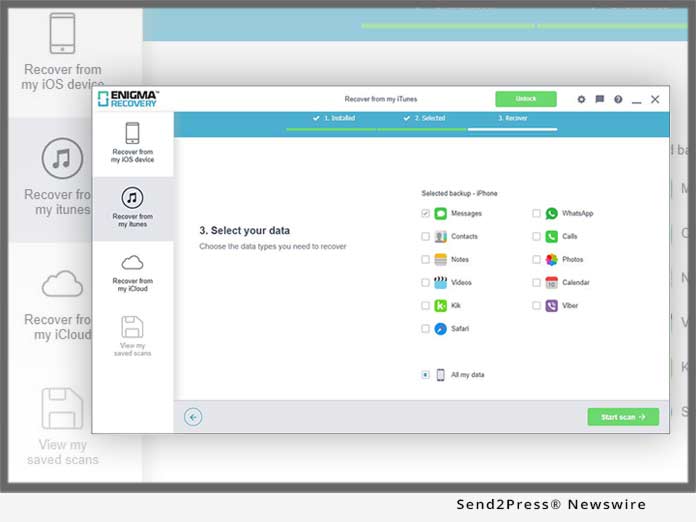
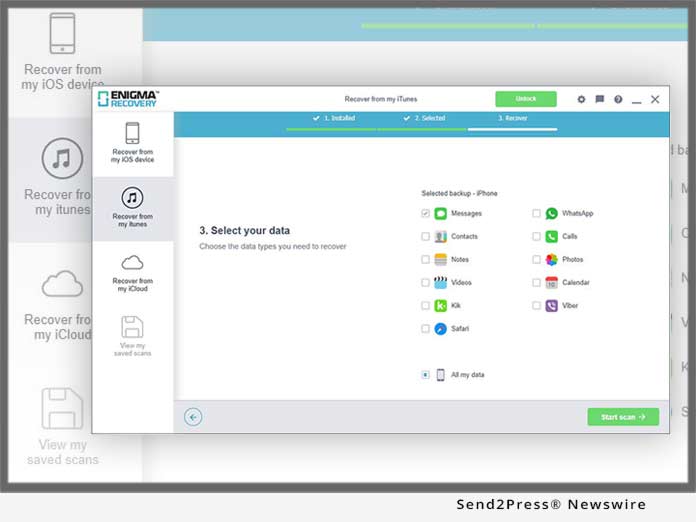
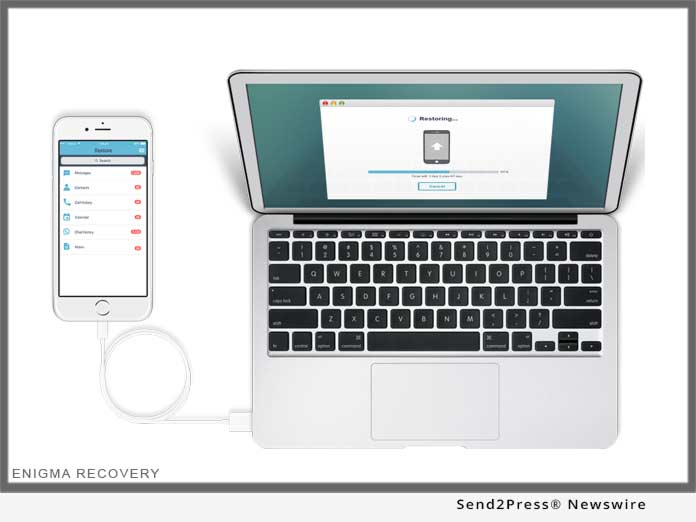
BIRMINGHAM, U.K. /ScoopCloud/ -- Today Enigma Digital, operating out of Birmingham in the U.K., introduced the newly designed iPhone data recovery system, Enigma Recovery. On a mission to deliver the highest performing data recovery tools for iOS device owners, Enigma have released their newest, advanced, interactive interface. The latest version offers the user a smoother process of recovering deleted iPhone data.

Whether using an iPhone, iPad or recovering from a backup file the recovery system now operates at top speeds performing scans up to three times faster since January 2018. Enigma Recovery is built for all users; from the most technically advantageous to the wary technophobe. The new UI offers a much sharper look, greater visibility of data, and an overall greater understanding of the functionality. The new tool tips section that appears during the software scan, gives users more information about how to use the software, and how to get in-touch with the Support Team.

"Throughout the testing period of version 2.1.3 of Enigma Recovery, we saw instant improvements in time taken for users to move through the recovery process. The new designs are incredibly sharp, inviting and offer the user a greater experience with the software," said Lee Parry, CEO.

Enigma Recovery is an iPhone data recovery tool, capable of recovering deleted data from iPhones, iPads and iPod touch devices. Through a scan of the iOS device, iTunes backup or iCloud backup, users can recover deleted: Text messages, iMessages, Call history, Notes, Contacts, Calendar events, Notes, Viber messages and Kik messages. Users can also retrieve lost Internet history, Photos and Videos.

About Enigma Digital:

Enigma Digital, formerly named Infinity Wireless, was founded in 2012. With a strong focus on smart device data recovery, the company aims to be the best worldwide providers of fast, affordable, easy-to-use, data recovery products. After more than 1bn data items recovered for more than 500,000 users in more than 150 countries, Enigma Digital is well on its way to being the global leaders in iPhone data recovery software.

Recover deleted iPhone messages: https://www.enigma-recovery.com/ios/iphone/sms-text-messages/

Learn more about iPhone data recovery: https://www.enigma-recovery.com/ios/iphone/

News from Enigma Digital

Today Enigma Digital introduced the newly designed iPhone data recovery system, Enigma Recovery. On a mission to deliver the highest performing data recovery tools for iOS device owners, Enigma have released their newest, advanced, interactive interface. The latest version offers the user a smoother process of recovering deleted iPhone data.

Related link:

This version of news story was published on ScoopCloud™ (ScoopCloud.com) - part of and © the Neotrope® News Network - all rights reserved.

Tenorshare Releases 4uKey to Unlock Disabled iPhone without iTunes

NEW YORK, N.Y. /ScoopCloud/ -- Tenorshare launches 4uKey, a new product that is specially designed to bypass iPhone passcode when you forget it, when your iPhone is disabled, or when you bought a second-hand iPhone with passcode. Just as the product name implies: 4uKey means "for your key."

No matter if it is a simple 4-digit passcode, 6-digit passcode or more complex custom numeric code and alphanumeric passcode, 4uKey offers the ability to remove an iPhone screen lock passcode quickly without the need for specialist skills.

Designed with a neat interface, all you need to do is connect your locked/disabled iPhone and click Start button, the software will download the IPSW file and use it to unlock iPhone by removing the passcode. The whole procedure completes within 5 minutes, much easier and faster than using iTunes. Now you no longer have to get into the complex operation of iTunes and bear its unexpected errors/failure in order to unlock your iPhone.

Features of Tenorshare 4uKey:
* Remove all kinds of iPhone passcodes: 4-digit passcode, 6-digit passcode, custom numeric code, alphanumeric passcode, Touch ID, or Face ID.

* Reset disabled iPhone without iTunes.

* Unlock iPhone with broken or unresponsive screen.

* Reset a second-hand, passcode-locked iPhone.

* Factory reset locked iPhone without iTunes or passcode.

* Permanently erase iPhone without passcode. This is of vital importance when you decide to sell or give away your device.

* Restore iPhone by downloading up to date IPSW file. No iTunes needed, no error occurs.

* Intuitive interface and simple operating steps make it easy for everyone.

* Fully compatible with all iOS devices, including iPhone X/8/8 Plus/7/7 Plus/SE/6s/6s Plus/6/6 Plus/5S/5c/5, iPad and iPod touch.

* Support all iOS versions, including the latest iOS 11.3, 11.2, 11.1, 11.0.

Price and Availability:

Free trial version and paid version are available now on the Tenorshare official website: https://www.tenorshare.com/products/4ukey-unlocker.html

To enjoy all features, pay just $49.95.

About Tenorshare:

Founded in 2007, Tenorshare is a global leader in the iOS data transferring and iOS system repairing field. It provides Windows and Mac based software, including iPhone data recovery, iPhone data transfer, system repair, system optimization, and more. For more information, visit: https://www.tenorshare.com/

VIDEO (YouTube):
https://youtu.be/y1YgAUus3Zs

News from Tenorshare Co. Ltd.

Tenorshare launches 4uKey, a new product that is specially designed to bypass iPhone passcode when you forget it, when your iPhone is disabled, or when you bought a second-hand iPhone with passcode. Just as the product name implies: 4uKey means "for your key."

Related link:

This version of news story was published on ScoopCloud™ (ScoopCloud.com) - part of and © the Neotrope® News Network - all rights reserved.

Enigma iPhone Data Recovery Reaches Revolutionary Speeds

BIRMINGHAM, U.K. /ScoopCloud/ -- One of the leading global data recovery brands specializing in iOS data recovery today announced the new software update that has tripled recovery speeds. Enigma Recovery continues to push the boundaries of iOS data recovery, through innovative new algorithms and vast improvements to user interaction. The software that has now enabled a 3 times faster iPhone recovery speed, expertly refining the experience for customers worldwide.

Enigma Recovery can recover deleted messages, contacts, calls, notes and calendar items from iPhone, iPad and iPod Touch devices. First released in January 2013, the recovery algorithms have gone from strength to strength allowing data recovery, data transfer and data backup functions. The recovery tool has the ability to extract data dating years back, from the internal database of any iOS device.

A team of highly advanced software developers sit at the helm of the software's improvement journey with each release. The new Enigma Recovery release has reached remarkable speeds and will be available to download from the main website from today.

"The team spent a good amount of time optimising the performance. We were able to come up with a number of implementations that have completely transformed the data scan speeds. The outcome is better than we had hoped for, greatly enhancing the user experience like never before," said Brice Grenard, Senior Software developer, Enigma.

With online acknowledgements and recommendations from Macworld, Tech Advisor, Cult of Mac and CNET, Enigma Recovery is fast becoming the user's first choice for expert iPhone data recovery. The software is also the first of its kind offering two-factor iCloud recovery authentication, providing the safest third-party iCloud data download available.

About Enigma Recovery:

Enigma Recovery is an iPhone Data Recovery tool that allows users to recover deleted data from iPhones, iPads, iPod Touch devices, iTunes backup files and iCloud backup files. It is the only UK smartphone data recovery solution offering users a free trial download, with preview options. Upon purchase users go on to view all data found and restore previously deleted items back to their device through the free Enigma Restore app.

With Enigma Recovery, users can recover deleted messages, contacts, notes, calendar events and calls. Learn more: https://www.enigma-recovery.com/ios/iphone/sms-text-messages/.

More about iPhone Data Recovery: https://www.enigma-recovery.com/ios/iphone/.

More about Enigma Recovery: https://www.enigma-recovery.com/.

News from Enigma Digital

One of the leading global data recovery brands specializing in iOS data recovery today announced the new software update that has tripled recovery speeds. Enigma Recovery continues to push the boundaries of iOS data recovery, through innovative new algorithms and vast improvements to user interaction. The software that has now enabled a 3 times faster iPhone recovery speed, expertly refining the experience for customers worldwide.

Related link:

This version of news story was published on ScoopCloud™ (ScoopCloud.com) - part of and © the Neotrope® News Network - all rights reserved.

ScoopCloud Newswire

iPhone Data Recovery Updates with iOS System Recovery Function

BEIJING, China /ScoopCloud/ -- iDR Studio updates their iPhone Data Recovery software with iOS System Recovery function. The latest version of iPhone Data Recovery can detect your iPhone's iOS problems and fix them easily without losing any data on your iPhone, iPad and iPod touch.

According to the feedback from our users, iDR studio works on iOS system recovery function for a long time. Finally, it comes out. Now iPhone users don't need to worry about iOS system problems on their iPhone, such as iPhone stuck in recovery mode, iPhone stuck on Apple logo, iPhone stuck in DFU mode, etc. Learn more about iPhone Data Recovery here: http://www.iphoneipadrecovery.com/.

What's New:
Fix iPhone stuck in recovery mode, Apple logo, DFU mode, blue screen, headphone mode, frozen, iPhone disable, loop restart and other iOS system problems.

More Features of iDR Studio iPhone Data Recovery:
1. Recover deleted iMessages, text messages, photos, contacts, videos, call history, notes, reminders, calendars, voice memos, Whatsapp messages/photos, voicemail, safari bookmarks and other deleted or lost data from iOS devices.
2. Download and scan iCloud backup file to extract data. It can restore photos, videos, contacts, messages, notes, reminders, calendars, voice memos, Whatsapp messages, safari bookmarks and other data from iCloud Backup file
3. Find and scan iTunes backup file on your computer and extract photos, videos, contacts, text messages, iMessages, Whatsapp messages/photos, notes, reminders, calendars, voice memos, voicemail, safari bookmarks and other data from iTunes backup file.
4. Support iPhone 7, iPhone 7 Plus, iPhone 6s, iPhone 6s plus, iPhone 6, iPhone 6 plus and other iPhone, iPad and iPod touch running iOS system. Support the latest iOS 10 perfectly.

Download and Price:

Users can download iDR iPhone Data Recovery freely and enjoy the 15-day trial version to experience the functions of recovering data from iOS devices before making a purchase.

Free download for Windows:
http://www.iphoneipadrecovery.com/download/iphone-data-recovery.exe

Free download for Mac:
http://www.iphoneipadrecovery.com/download/mac-iphone-data-recovery.dmg

iDR iPhone Data Recovery is available for $79.95 for Windows version and $89.95 for Mac version. The license is for lifetime, free upgrade and free tech-support.

System Requirements:

For Windows:
* Processor: 1GHz Intel/AMD CPU or above.
* RAM: 1G RAM or more.
* iOS Version: iOS 5 and above, iOS 10 included.
* iTunes Version: iTunes 10.7 or above. The latest version is recommended.

For Mac:
* Supported OS: Mac OS X 10.6 or above.
* Processor: Intel(r) processor.
* RAM: 512MB RAM, Super VGA (800×600) resolution, 16-bit graphics card or higher.
* iTunes Version: iTunes 11.4 or above. The latest version is recommended.

About iDR Studio:
iDR Studio is short for iPhone iPad Data Recovery. We provide the best iPhone Data Recovery, iPhone Transfer, Phone to Phone Transfer and iPhone Data Eraser software. We aim to help mobile users especially iPhone and iPad users to solve their mobile data problem, including recovering data from iOS devices, delete specific and all data on iOS devices and transfer data between iOS devices and Android devices.

For more info, please visit: http://www.iphoneipadrecovery.com/.

iDR Studio updates their iPhone Data Recovery software with iOS System Recovery function. The latest version of iPhone Data Recovery can detect your iPhone's iOS problems and fix them easily without losing any data on your iPhone, iPad and iPod touch.

This version of news story was published on ScoopCloud™ (ScoopCloud.com) - part of the Neotrope® News Network - all rights reserved.

ScoopCloud Newswire

PrimoSync Unveils Primo iPhone Data Recovery – iOS Data Recovery Software Specially for the Latest iOS 10 and iPhone 7/7 Plus

LOS ANGELES, Calif. /ScoopCloud/ -- PrimoSync Inc., a leading provider of iOS utility software, today released its new iOS data recovery software: Primo iPhone Data Recovery. Specially designed for the latest iOS 10 and iPhone 7/7 Plus users, it helps retrieve up to 25 types of mis-deleted, damaged or lost data from your iPhone, iPad and iPod touch. It also offers 3 reliable ways to ensure a maximum recovery rate: Recover from iOS Device, iTunes Backup and iCloud Backup. Now you are able to restore all of your important personal data directly to your iPhone for instant use.

Get the latest information here: https://www.primosync.com/iphone-data-recovery

"As an iPhone data recovery expert, we are dedicated to offering the best solution for users to achieve the highest recovery rates. Therefore, we are thrilled to bring the brand new and reliable software this year: Primo iPhone Data Recovery, aiming to recover mis-deleted messages, important contacts and beautiful photos," said Davis Harry, CEO, PrimoSync. "The sooner users perform the recovery, the higher chances they can regain their missing data with our software."

Download Primo iPhone Data Recovery here (for Windows and MacOS):
https://www.primosync.com/iphone-data-recovery/download.htm

Newest & Highlighted Features of Primo iPhone Data Recovery:

1. Get Back the Lost iPhone Data & Files Up to 25 Types:
Photos, messages, contacts, notes, app data, etc., are important for users, and now Primo iPhone Data Recovery recovers 25 types of data and files on iPhone, iPad and iPod touch. You can also choose the most suitable format like PDF, TEXT, CSV, VCF or HTML for data recovery.

2. Retrieve Personal Data Directly Back to iPhone Easily:
It scans and recovers most of your valued personal data like contacts, messages, notes, etc., directly back to your iPhone, iPad and iPod touch for instant use. No matter if mistakenly deleted or accidentally damaged, all can be recovered to your iPhone again.

3. Three Reliable Recovery Ways for Highest Recovery Rate:
To achieve the highest recovery rate, it offers 3 convenient & reliable ways: Recover from iOS Device, iTunes Backup, and iCloud Backup. Now, any piece of data inside could be effortlessly extracted, and you'll never worry about overwriting your existing data on iPhone.

4. Integrate iOS System Repair Tool:
System errors like stuck on white Apple logo, black screen, and continuous reboot loop from the failed upgrade or jailbreak collapse, are now easily returned back to normal status with one click.

For more info, please visit: https://www.primosync.com/iphone-data-recovery

Pricing and Availability:
Users can download Primo iPhone Data Recovery to perform a scan from https://www.primosync.com/iphone-data-recovery/download.htm and buy a license from https://www.primosync.com/iphone-data-recovery/buy.htm at $39.99.

About PrimoSync:
PrimoSync Inc. was established in 2016 in Los Angeles, California. The "P" in PrimoSync stands for "Passion, Persistence, Profession & More." Learn more: https://www.primosync.com/.

*IMAGE: Send2Press.com/mediaboom/17-0216-primosync-300dpi.jpg

PrimoSync Inc., a leading provider of iOS utility software, today released its new iOS data recovery software: Primo iPhone Data Recovery. Specially designed for the latest iOS 10 and iPhone 7/7 Plus users, it helps retrieve up to 25 types of mis-deleted, damaged or lost data from your iPhone, iPad and iPod touch.

This version of news story was published on ScoopCloud™ (ScoopCloud.com) - part of the Neotrope® News Network - all rights reserved.