Tag Archives: Pokemon Go

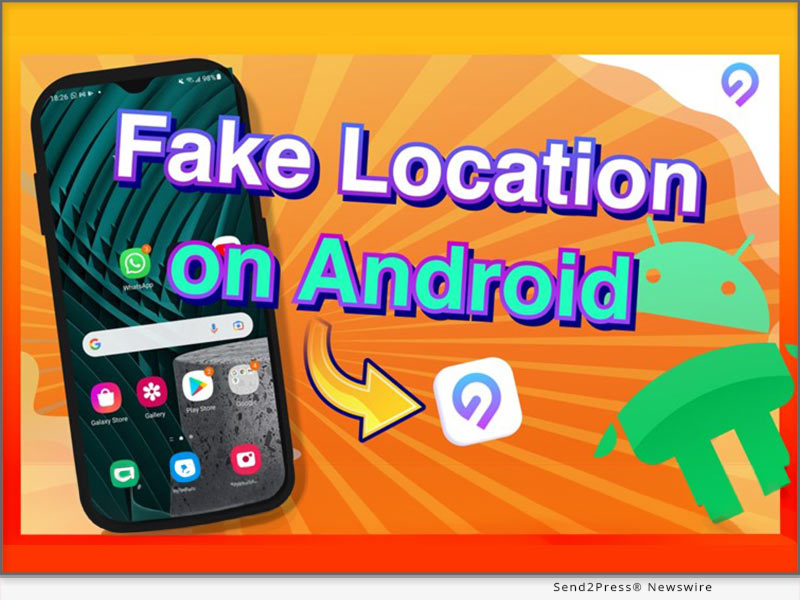
How to Spoof Pokemon GO On Android Without Computer and with Android 14 Supported

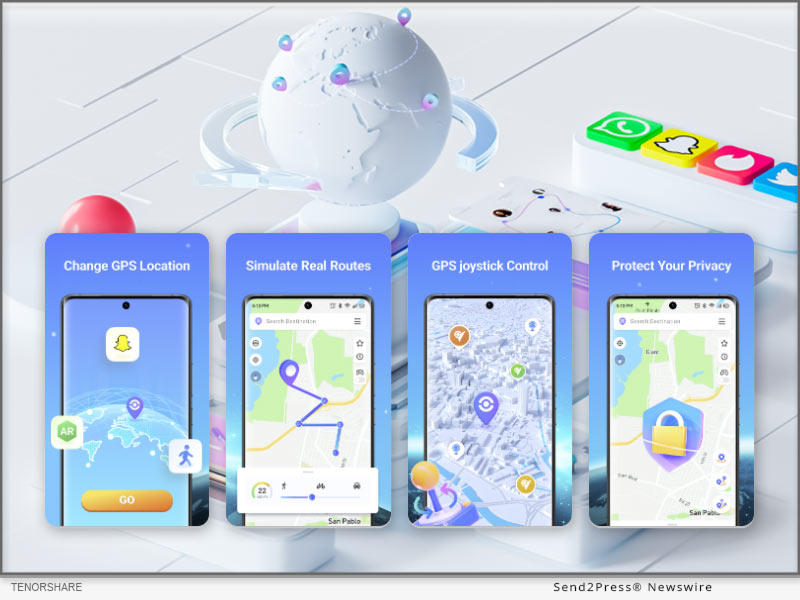
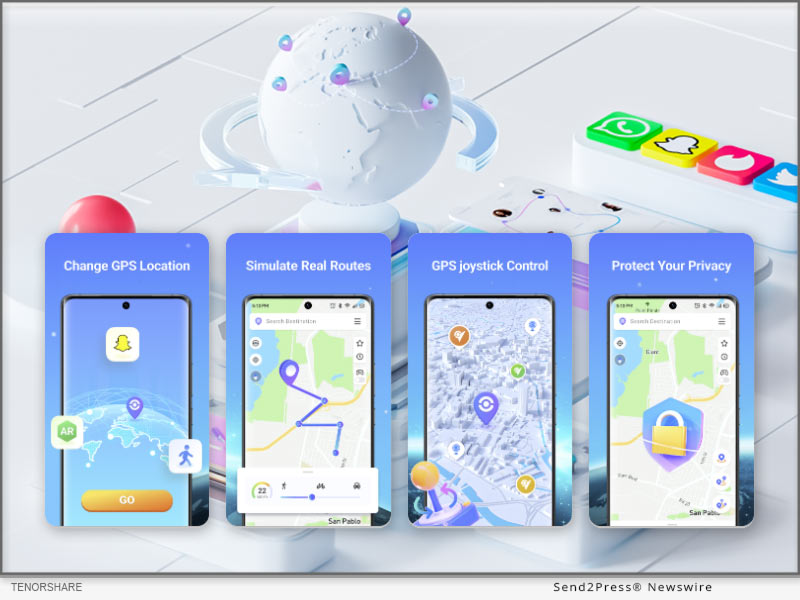
Effortlessly Fake Your Android Location without a Computer with the iAnyGo Android APP

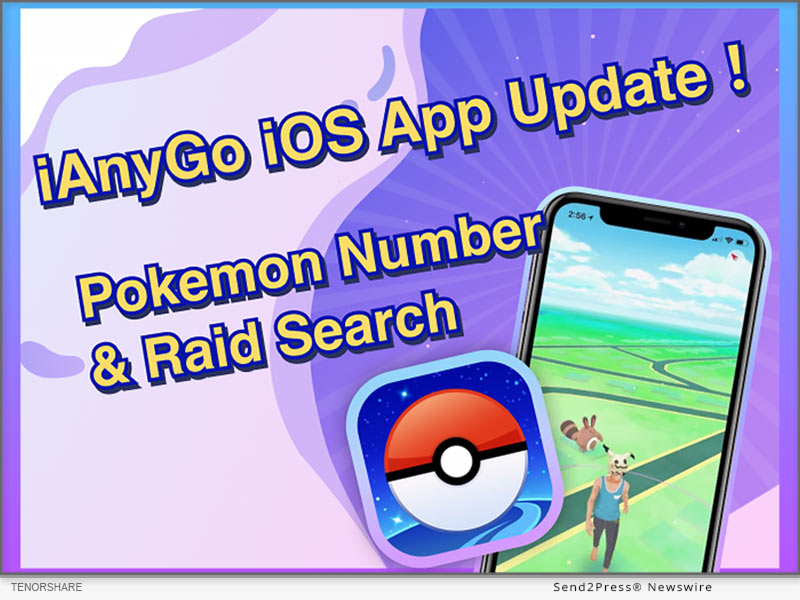
NEW YORK, N.Y., Oct. 10, 2024 (SEND2PRESS NEWSWIRE) — The latest version (2.2.0) of iAnyGo Android APP from Tenorshare is now available on Google Play, offering users a better experience with slight adjustments in functionality – a new message notification bar. Players can participate in activities more comfortably and conveniently, maximizing the efficiency of hatching eggs.

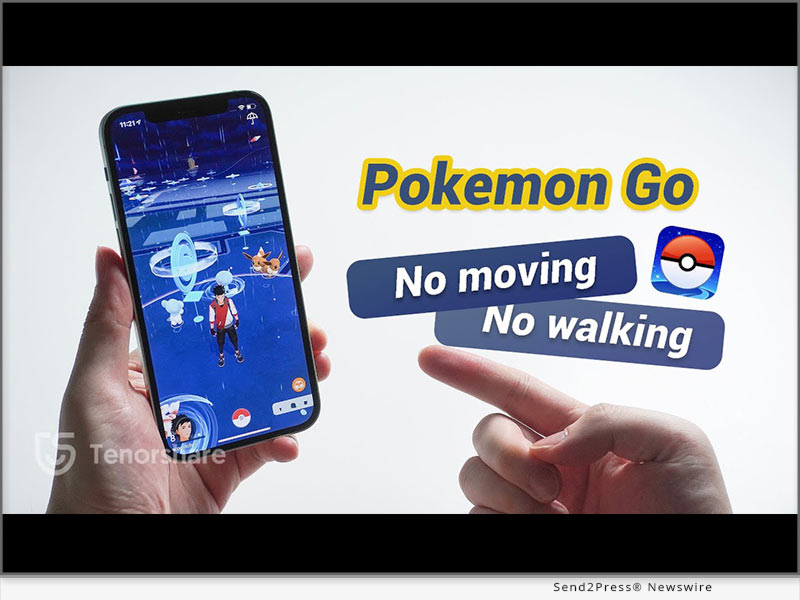
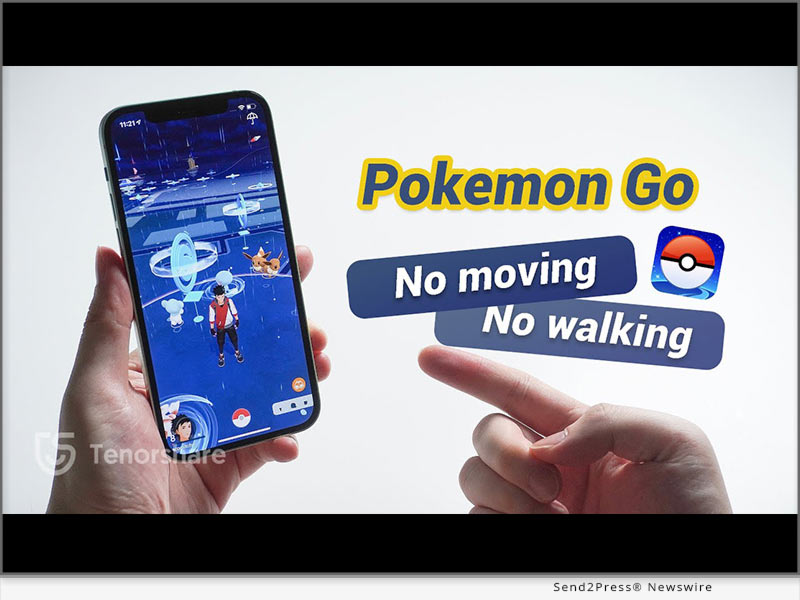
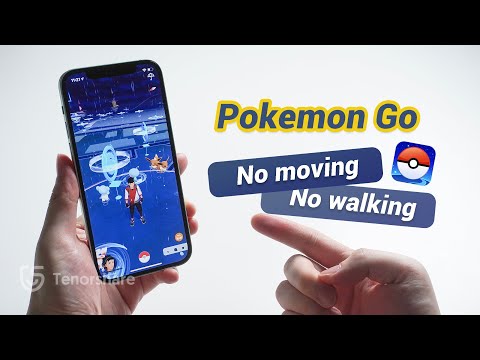
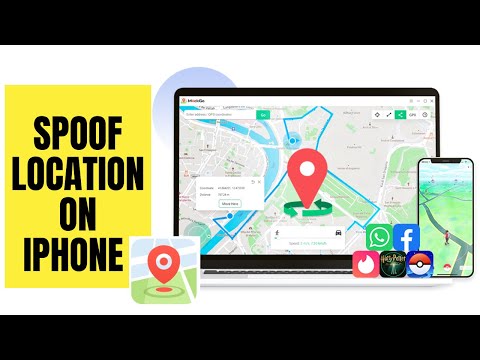
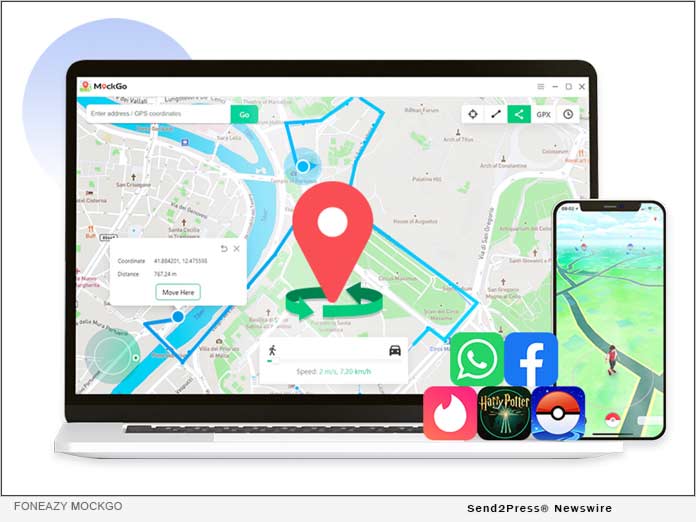
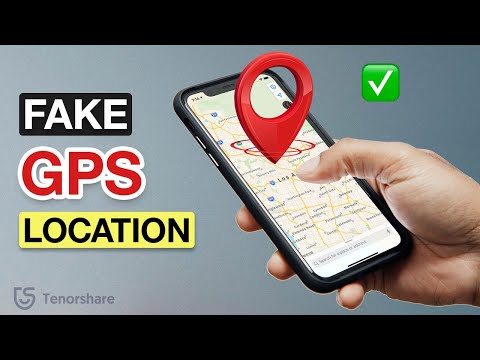
Spoof Pokemon without Moving with Tenorshare
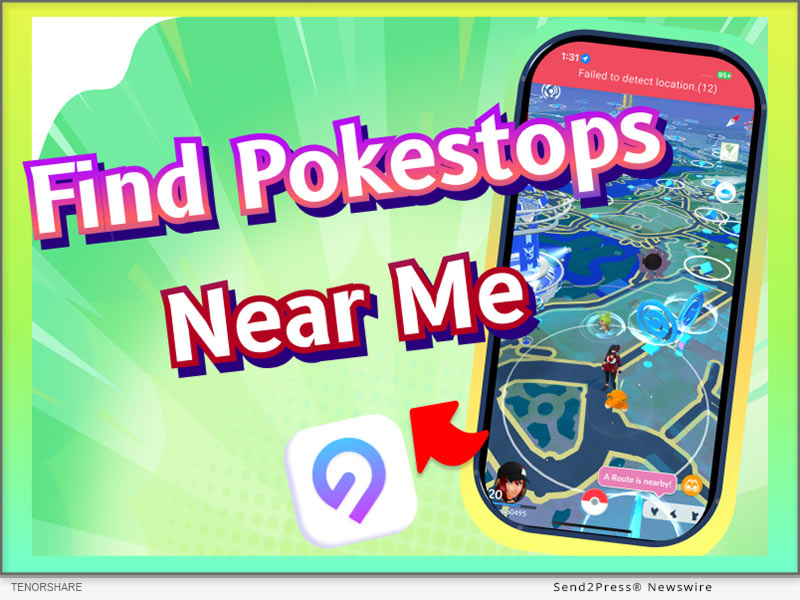
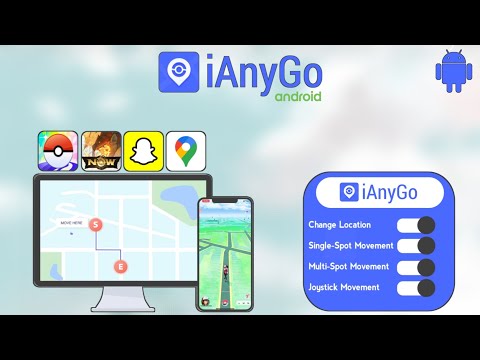
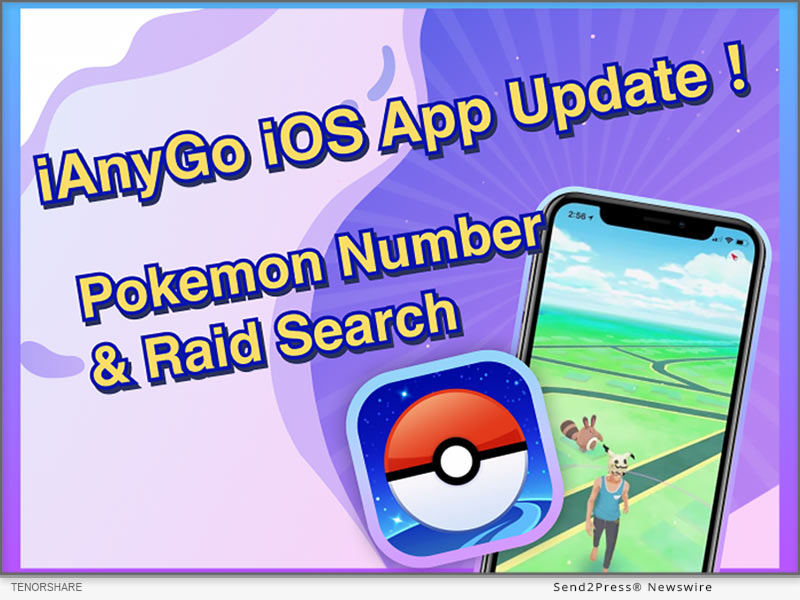
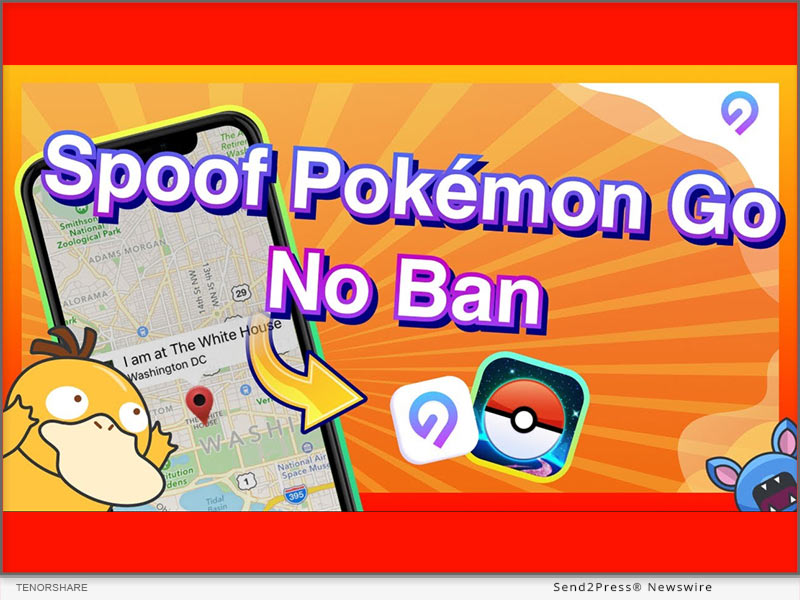
Image caption: How to Spoof Pokemon GO On Android.

WHAT’S NEW IN IANYGO ANDROID APP 2.2.0?

  • Message Notification Bar: Checks the status of iAnyGo and issues an alarm at the end of the simulated Auto Walk.
  • Notification Bar Control Panel: Adjust the status and speed of the simulated Auto Walk at any time

ABOUT IANYGO ANDROID APP

iAnyGo Android APP is a versatile tool that allows users to fake their GPS location on Android phones without needing a computer. Its main functions include joystick movement, changing GPS location, and Multi-Spot movement, providing a comprehensive solution for location spoofing.

KEY FEATURES OF IANYGO ANDROID APP

Game Mode

  1. Delete the game package downloaded before open “Game Mode”.
  2. Turn on the “Game Mode” and install the customized version of the game via the app’s guide . Then you can enjoy the spoofing!

Teleport

  1. Open the iAnyGo App and choose a location on the map or enter an address.
  2. Select the “Target location” icon.
  3. Your GPS location is now successfully modified.

Single or Multi-Point Movement:

  1. Single-Point Routes are automatically planned after selecting a destination. Multi-Point Movements can be manually set up for moving routes.
  2. After setting the route, customize the speed and sport mode.

Joystick Movement

  1. Click on the joystick option.
  2. Drag the center control point in any direction for virtual movement.

OTHER POPULAR APPS IN TENORSHARE

Tenorshare iCareFone iOS App

Tenorshare iCareFone: Phone Transfer & Clean,this App can transfer data between iPhone and PC wirelessly. And smart cleaning, one-tap quick scan of your phone to help quickly clean up your iPhone.

Tenorshare iAnyGo iOS App

Tenorshare iAnyGo iOS App to spoof Pokemon GO on iOS 18 without a computer (iPhone 16 Supports). It’s the same as the iAnyGo Android App, with no jailbreak/root required to change GPS locations!

Tenorshare UltData Android App

Tenorshare UltData Android App is an Android data recovery app that can recover deleted photos, videos, documents, audio, and WhatsApp files from internal and SD card storage. It can conduct deep scans and then provide preview-based data recovery.

About Tenorshare:

Tenorshare is a leading software development company specializing in data recovery, system repair, and mobile solutions. With a commitment to innovation and user satisfaction, Tenorshare delivers high-quality software products designed to meet the evolving needs of its global customer base.

NEWS SOURCE: Tenorshare Co. Ltd.


This press release was issued on behalf of the news source (Tenorshare Co. Ltd.), who is solely responsible for its accuracy, by Send2Press Newswire. Image, if any, was provided by the news source and not this website or the wire service. Information is believed accurate, as provided by the news source, but is not guaranteed.

To view the original story, visit: https://www.send2press.com/wire/how-to-spoof-pokemon-go-on-android-without-computer-and-with-android-14-supported/

Copr. © 2024 Send2Press® Newswire, Calif., USA. -- REF: S2P STORY ID: S2P121400 NOREL-3B

 

Fix Pokémon GO Fail To Detect Location Error 12 with No Ban or Jailbreak

NEW YORK, N.Y., Sept. 30, 2024 (SEND2PRESS NEWSWIRE) — Lately, many Pokémon GO players are dealing with ‘Pokémon GO failed to detect location 12’ error while using a location changer app. Some are turning to unofficial third-party cracking tools to fix it, but these are unreliable and can put accounts at risk. “However, Tenorshare iAnyGo has made a breakthrough to get rid of ‘Pokémon GO error 12’ for good. It lets you modify your Pokémon GO location without cracked app or requiring jailbreak,” says a Tenorshare spokesperson.

Tenorshare iAnyGo 4.6.2
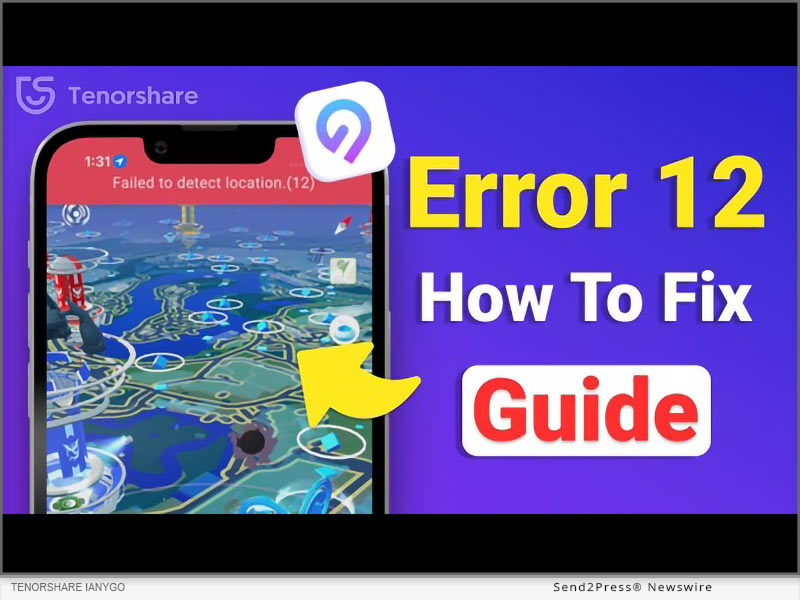
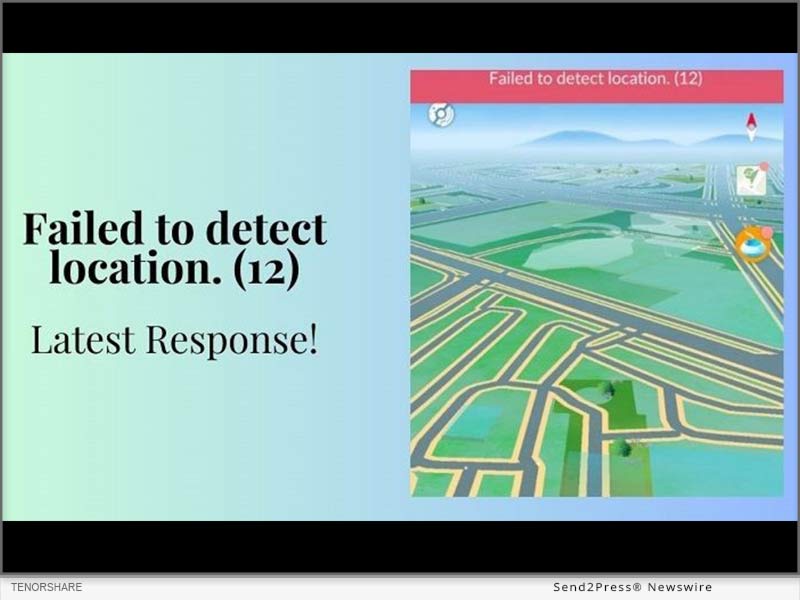
Image caption: Fix Pokémon GO Fail To Detect Location Error 12.

Why Does Pokemon Go Say Failed to Detect Location 12?

Often, “failed to detect location 12” error in Pokémon GO occurs when using unreliable location-changing apps. These might not be able to mask your GPS location properly or interfere with game’s location services, leading to this issue. Many users have had to resort to third-party tools requiring them to use a cracked version of game as a ‘Pokémon GO error 12’ fix.

However, iAnyGo is the first software on market to offer a solution without cracking or jailbreaking. With its advanced technology, it can resolve ‘Pokémon GO failed to detect location 12’ on iPhone or other devices without compromising security of your game account.

[Sep Update] Fix Pokémon GO Error 12 Without Modified App (Safe and Stable)

You can use Tenorshare iAnyGo to fix ‘Pokémon GO error 12’ without modified app, meaning it doesn’t need a cracked version of game. iAnyGo can help you spoof your location properly so you can play Pokémon GO from anywhere in world without leaving comfort of your home.

Here are this tool’s key features:

  • Fix ‘Pokémon GO failed to detect location 12’ error on iOS/Android devices.
  • Move automatically at a chosen speed.
  • Cooldown timer to prevent ban.
  • Import GPX files to plan custom routes.
  • Zoom in to improve planning.
  • Simulate walking, cycling, or driving speeds.
  • Save your favorite locations for quick access.
  • Halt movement whenever required.
  • Use a GPS joystick for easy control.
  • Follow routes with two or more points.
  • Support iOS 18 and Android 15.
  • Change location on up to 15 devices at a given time.

Learn more: https://www.tenorshare.com/products/ianygo-change-gps-location-iphone.html

FOLLOW STEPS BELOW TO FIX ERROR 12 ON POKÉMON GO WITH IANYGO:

Step 1: Open iAnyGo on your computer. Then, choose “Change Location.”

Step 2: Plug in your iPhone/Android to same PC and start spoofing location on given map.

Video Guide: https://www.youtube.com/watch?v=A6z_QJywoyQ&t=155s

Big Tenorshare Deals on iOS 18 & iPhone 16!

To celebrate iOS 18, Tenorshare is holding a giveaway. Users participating in event will have a chance at landing an iPhone 16 and discounts on Tenorshare products that’ll improve their iOS 18 experience.

About Tenorshare

Tenorshare iAnyGo helps fix ‘Pokémon GO failed to detect location 12’ error without modifying original Pokémon GO app and allows you to spoof your location safely. Smartphone solutions provider, Tenorshare, is always on the hunt to find resolutions for new iOS/Android errors.

More information: https://www.tenorshare.com/

Follow on social:

https://www.facebook.com/TenorshareOfficial/

https://twitter.com/Tenorshare_Inc

https://www.youtube.com/user/TenorshareOfficial/videos

https://www.tiktok.com/@tenorshare_tech_tips

NEWS SOURCE: Tenorshare Co. Ltd.


This press release was issued on behalf of the news source (Tenorshare Co. Ltd.), who is solely responsible for its accuracy, by Send2Press Newswire. Image, if any, was provided by the news source and not this website or the wire service. Information is believed accurate, as provided by the news source, but is not guaranteed.

To view the original story, visit: https://www.send2press.com/wire/fix-pokemon-go-fail-to-detect-location-error-12-with-no-ban-or-jailbreak/

Copr. © 2024 Send2Press® Newswire, Calif., USA. -- REF: S2P STORY ID: S2P121210 NOREL-3B

 

How to Play Pokemon GO without Moving? Try iWhereGo iOS 18 Pokemon GO Spoofer

NEW YORK, N.Y. /ScoopCloud/ -- To all Pokémon Go fans, the thrill of playing should not be limited by mobility or busy schedules. Recognizing this, iWhereGo Genius introduces the ultimate Pokemon GO spoofer for iOS 18, making the entire Pokémon world accessible at your fingertips. You can explore, catch, and battle without ever leaving your seat!

CAN YOU PLAY POKEMON GO ON IPHONE IOS 18 WITHOUT MOVING?

Absolutely! The answer lies in using iWhereGo POGO Genius, a tool specifically designed for PoGo games. It fixes all location issues in Pokemon GO, including Error 12, and works with all location-changing apps by tricking the game into recording a fake virtual location. This lets fans access PokéStops, Gyms, and rare Pokémon without walking.

How to Teleport in Pokemon GO Without Walking

Step 1: Download iWhereGo POGO Genius

Visit iWhereGo's official website and download POGO Genius for free on your PC or Mac.

Step 2: Install POGO

Link your iPhone running iOS 18 to the computer with a USB connection. Uninstall the existing Pokémon Go game and click the POGO option to obtain the modified version.
Step 3: Spoof your Pokémon Go location

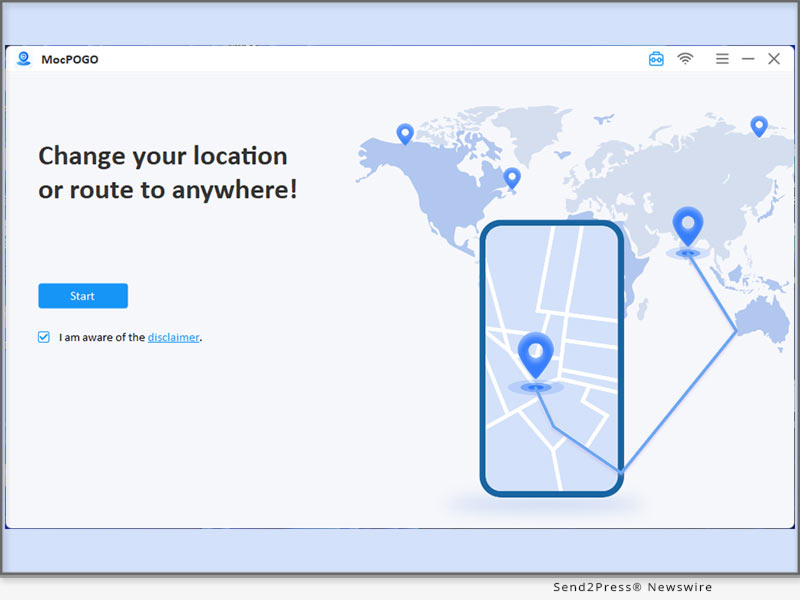
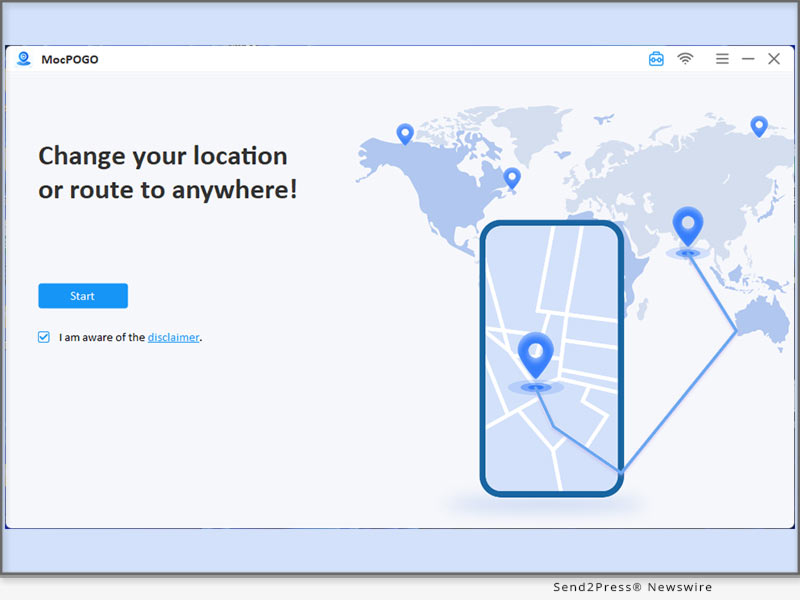
You can now use your preferred Pokémon Go spoofing app to modify your location. Below are the steps for using MocPOGO:

1. Download MocPOGO on your computer.

2. After launching it, click iOS as the operating system of the device you are using.

3. Select a spoofing Mode, Teleport, Two-spot/Multi-spot, or Jump teleport.

4. Enter your new destination's details.

5. Teleport or simulate movement on the mocked location.

Special Offer: Buy MocPOGO for iOS and get iWhereGo for Free! Also, with one purchase of MocPOGO you get up to 5 devices free and an extra 20% OFF coupon if you use the promo code iWhereGo20!

WHY CHOOSE IWHEREGO POGO GENIUS?

iWhereGo POGO Genius stands out for its reliability and performance when spoofing Pokemon GO.

BENEFITS

* It is free for partner paid users of MocPOGO, iToolab AnyGo, and FonesGo.

* It is compatible with iOS 18 and works for all location-based games.

* A cooldown timer guides you for fair play.

* An in-app GPS joystick helps to control your avatar intuitively.

* Players can import GPX route files to assist in their gaming.

LIMITATIONS

* Irresponsible spoofing may risk detection or an account ban.

About iWhereGo:

iWhereGo is dedicated to providing simple, effective, and professional solutions for gamers. Our mission is to enhance your gaming experience with innovative tools that make gameplay seamless and enjoyable. From effortless location spoofing to advanced features, iWhereGo ensures you get the most out of every adventure. Elevate your gaming with our cutting-edge solutions today.

For more information, visit the official site of iWhereGo:

iWhereGo POGO Genius: https://iwherego.com/pogo-genius/

iWhereGo MHN Genius: https://iwherego.com/mhn-genius/

News from IWhereGo

To all Pokémon Go fans, the thrill of playing should not be limited by mobility or busy schedules. Recognizing this, iWhereGo Genius introduces the ultimate Pokemon GO spoofer for iOS 18, making the entire Pokémon world accessible at your fingertips. You can explore, catch, and battle without ever leaving your seat!

Related link: https://iwherego.com/

This version of news story was published on ScoopCloud™ (ScoopCloud.com) - part of and © the Neotrope® News Network - all rights reserved.

[No Computer] Most Advanced Pokemon Go Spoofing Apps on iOS and Android

NEW YORK, N.Y. /ScoopCloud/ -- Tenorshare, a leading software solution provider, is delighted to unveil version 2.9.0 of their popular iAnyGo iOS App. This upgrade introduces key improvements that enhance user experiences. Now users can share routes and coordinates and follow others' favorites!

"With iAnyGo iOS App version 2.9.0, two major updates provide increased flexibility and community interaction. Now, the users can share favorite locations, follow other players' favorite spots, personalize profiles with custom avatars or nicknames, and join our Discord channel, where sharing routes or coordinates could win free licenses!" said Tenorshare's CEO, while introducing the new features.

WHAT'S NEW IN IANYGO 2.9.0?

* Support for Sharing Favorite Locations: Users now have an easier time sharing favorite spots with their fellow players in the Pokemon Go spoofing app - making collaboration and exploring new areas even simpler than before!

* Track Others' Favorite Locations: With this update, users can follow others' favorite spots more closely for an engaging, community-driven experience.

* Custom Avatar and Nickname Creation: Players can now personalize their iAnyGo profiles by setting custom avatars and nicknames - adding more of their personality into their gaming experience!

* Join Our Discord Server and Unlock Exclusive Rewards: join iAnyGo Discord community and share routes and coordinates. If your post gets more than 10 likes, you will get 3-day free license for iAnyGo!

HOW TO SPOOF POKEMON GO ON IPHONE

Using the iAnyGo iOS App is straightforward for newcomers. Follow these three easy steps.

Step 1: Download the iAnyGo iOS App. If you use the app for the first time, you need a computer to install the app. And you can reset the app's validity every seven days. The computer will no longer be needed.

Step 2: Launching the iAnyGo app, selecting "Change Location," inputting desired coordinates, and then using the joystick movement simulation feature allows users to explore various areas without physically moving around in the game world.

Step 3: Launch Pokemon Go on your device and locate your character within its new environment after downloading and installing it. Now, you can catch rare Pokemon, visit nearby PokeStops, and participate in raids without leaving home!

HOW TO SPOOF POKEMON GO ON ANDROID

The iAnyGo also supports Pokemon Go spoofing on Android devices. Here's how you can get started:

Step 1: Download and open the iAnyGo Android app from the Play Store.

Step 2: Use the map or search bar to select the location you want to teleport to, then tap the "change-location" icon to instantly change your GPS location.

About Tenorshare:

Tenorshare specializes in iOS, Android, Windows, and Mac platforms, focusing on core technology research. It is a highly-reputed and leading software provider with millions of users that use its tools and services related to data transfer, data recovery, system repair, unlocking phones, and many more.

More information: https://www.tenorshare.com/

Facebook: https://www.facebook.com/TenorshareOfficial/

X/Twitter: https://x.com/Tenorshare_Inc

YouTube: https://www.youtube.com/user/TenorshareOfficial/videos

TikTok: https://www.tiktok.com/@tenorshare_tech_tips

News from Tenorshare Co. Ltd.

Tenorshare, a leading software solution provider, is delighted to unveil version 2.9.0 of their popular iAnyGo iOS App. This upgrade introduces key improvements that enhance user experiences. Now users can share routes and coordinates and follow others' favorites!

Related link: https://www.tenorshare.com/

This version of news story was published on ScoopCloud™ (ScoopCloud.com) - part of and © the Neotrope® News Network - all rights reserved.

[NEW] Best Way to Find PokéStops Near Me Easily in Pokémon GO without a PC

NEW YORK, N.Y. /ScoopCloud/ -- PoGoskill, the leading GPS location spoofer software, has released the iOS App with version 2.8.0. With these new updates, Pokémon GO players can quickly and easily find nearby PokéStops. This feature ensures you can locate the best spots for gathering items, making your gameplay smoother and more enjoyable than ever.

WHAT'S NEW IN POGOSKILL IOS APP 2.8.0?

This latest PoGoskill iOS App 2.8.0 upgrade version includes three significant updates.

UPDATE 1: GENERATE POKESTOP ROUTES

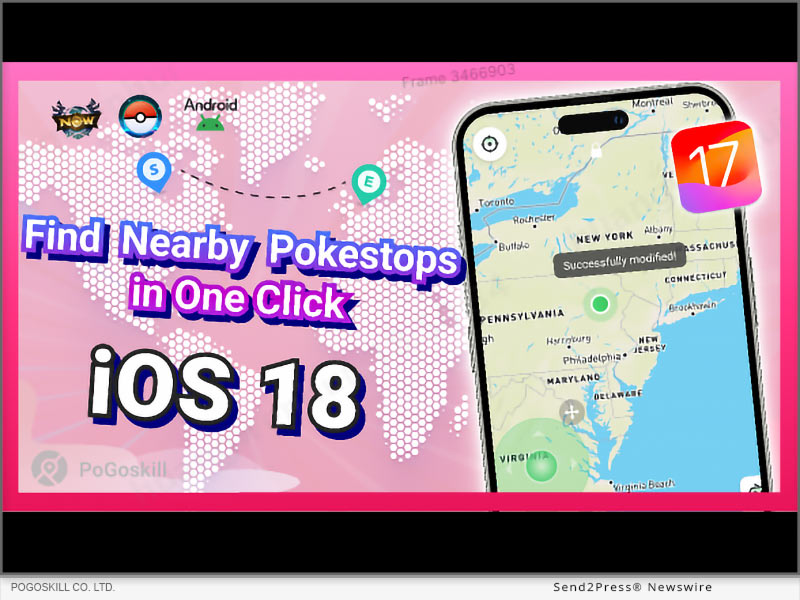
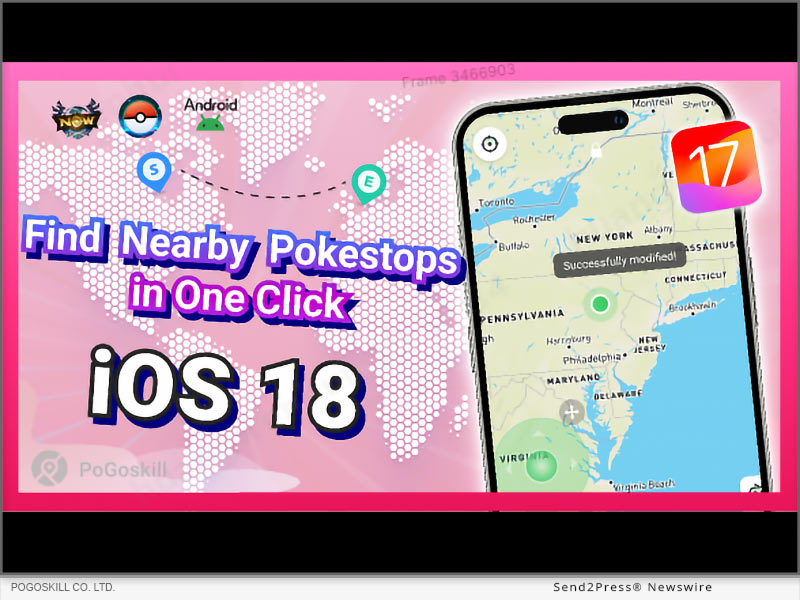
The new PokéStop mode, which helps players quickly find nearby PokéStops and gather essential items and rewards within minutes.

UPDATE 2: ONE-CLICK POKEMON CAPTURE

The exciting new feature in version 2.8.0 allows one-click capture of Pokémon and raid battle entry. Specifically for the Taiwan map, it enables gamers to quickly engage with Pokémon and join battles, improving their gameplay experience.

UPDATE 3: COMPATIBLE WITH IOS 18 BETA

Fully compatible with iOS 18 beta for seamless location modification.

FEATURE HIGHLIGHTS

* Changing current GPS location instantly with Jump Teleport Mode in Pokemon Go

* Import pre-planned custom route for the character to follow in the game

* Restore your location to real-time position with one click

* Cross-platform availability meets the needs of Windows, Android, Mac, and iOS users

PRICE OF POGOSKILL IOS APP

This GPS location spoofing app is still available at the most competitive rates, even after the latest features and upgrades. Players can choose any of the suitable packages before the next price hike.

* PoGoskill iOS App - 1 Month/1 Device: $14.99

* PoGoskill iOS App - 1 Quarter/1 Device: $39.99

* PoGoskill iOS App - 1 Year/1 Device: $79.99

* PoGoskill iOS App - Lifetime/1 Device: $99.99

About PoGoskill:

Pokemon Go, Monster Hunter Now, and many other games and social media apps use the device's GPS data to unlock and restrict certain features for regions. The PoGoskill iOS App ensures safe and smooth GPS spoofing. Users can now play and move in the Pokemon Go game without walking in real life. This new PoGoskill iOS APP 2.8.0 version is officially available for the public after the release.

More Information:

Website: https://www.pogoskill.com/

YouTube: https://www.youtube.com/@PoGoskill

https://www.youtube.com/@PoGoskillJapan

https://www.youtube.com/@Pogoskill-TW

X/Twitter: https://x.com/PoGoskilloffice

Facebook: https://www.facebook.com/profile.php?id=61557934072895SOURCE

News from PoGoskill

PoGoskill, the leading GPS location spoofer software, has released the iOS App with version 2.8.0. With these new updates, Pokémon GO players can quickly and easily find nearby PokéStops. This feature ensures you can locate the best spots for gathering items, making your gameplay smoother and more enjoyable than ever.

Related link: https://www.pogoskill.com/

This version of news story was published on ScoopCloud™ (ScoopCloud.com) - part of and © the Neotrope® News Network - all rights reserved.

[No Computer] How to Easily Find PokéStops Near Me in Minutes

NEW YORK, N.Y. /ScoopCloud/ -- The iAnyGo iOS App 2.8.0 has been released, and Tenorshare, a top software provider, is excited to offer this news. One-click Pokémon capture and a PokéStop mode are just two of the exciting new features.

"After the release of the new features in the iAnyGo iOS App, Pokémon GO fans can easily find PokéStops near them in minutes. Whether you're wondering how to find PokéStops or seeking the best PokéStops near you, this feature has you covered, making your Pokémon GO adventures smoother and more enjoyable," said Tenorshare's CEO, while introducing the new features.

WHAT'S NEW IN IANYGO IOS APP 2.8.0?

Now that version 2.8.0 has been released, iAnyGo has extended the possibilities available to Pokémon GO gamers. Here is a closer look at the new features:

ONE-CLICK TO CAPTURE POKÉMON AND JOIN RAID BATTLES

One of the most anticipated updates in version 2.8.0 is the ability to capture Pokémon and join raid battles with just one click. This feature is specifically available to display Pokémon and raids on the Taiwan map. Gamers can now engage with Pokémon more efficiently and participate in battles, enhancing their overall gameplay experience.

POKÉSTOP MODE: FIND POKÉSTOPS NEAR ME IN MINUTES

Another significant addition is the new PokéStop mode, which allows players to easily find PokéStops near them in just a few minutes. This mode is perfect for gamers looking to locate PokéStops and quickly gather essential items and rewards.

SUPPORT FOR MODIFYING LOCATION ON IOS 18 BETA

The iAnyGo iOS App now supports modifying location on iOS 18 beta to keep up with the latest technology.

HOW TO INSTALL IANYGO IOS APP?

Installing the iAnyGo iOS App is simple. Here's a quick guide to get you started:

* Download and install iAnyGo iOS Assistant on your computer.

* Launch iAnyGo iOS Assistant and install the iAnyGo iOS App.

* Once the installation is done, open the iAnyGo iOS App and start exploring its features.

Learn more: https://www.tenorshare.com/products/ianygo-change-gps-location-iphone.html

HOW TO EASILY FIND POKÉSTOPS NEAR ME IN MINUTES?

Using the new PokéStop mode to find PokéStops near me is straightforward:

1. Open the iAnyGo iOS App and click the PokéStop mode.

2. Choose fast mode or full mode. Then a route will be generated. You can set your speed and start moving to collect items and rewards efficiently.

PRICING

iAnyGo iOS App is available at competitive prices:

* 1 Month/1 Device: $14.99

* 1 Quarter/1 Device: $39.99

* 1 Year/1 Device: $79.99

* Lifetime/1 Device: $99.99

For more information on purchasing the iAnyGo iOS App, please visit our purchase page - https://www.tenorshare.com/purchase/buy-ianygo-ios-app.html

About Tenorshare:

Tenorshare specializes in iOS, Android, Windows, and Mac platforms, focusing on core technology research. It is a highly-reputed and leading software provider with millions of users that use its tools and services related to data transfer, data recovery, system repair, unlocking phones, and many more.

More information: https://www.tenorshare.com/

Facebook: https://www.facebook.com/TenorshareOfficial/

X/Twitter: https://x.com/Tenorshare_Inc

YouTube: https://www.youtube.com/user/TenorshareOfficial/videos

TikTok: https://www.tiktok.com/@tenorshare_tech_tips

News from Tenorshare Co. Ltd.

The iAnyGo iOS App 2.8.0 has been released, and Tenorshare, a top software provider, is excited to offer this news. One-click Pokémon capture and a PokéStop mode are just two of the exciting new features. Now that version 2.8.0 has been released, iAnyGo has extended the possibilities available to Pokémon GO gamers.

Related link: https://www.tenorshare.com/

This version of news story was published on ScoopCloud™ (ScoopCloud.com) - part of and © the Neotrope® News Network - all rights reserved.

[NEW] The 2024 Best Pokémon GO Spoofer for iPhone and Android | Tenorshare iAnyGo

NEW YORK, N.Y. /ScoopCloud/ -- Tenorshare is excited to announce the launch of the 2024 edition of iAnyGo, acclaimed as the best Pokémon GO spoofer for both iPhone and Android users. This latest update ensures that iAnyGo remains at the forefront of location spoofing technology, providing users with a safe, reliable, and effective app for enjoying Pokémon GO without geographical limitations. So, if you're looking for a Pokémon GO spoofer, here it is!

According to a Tenorshare spokesperson, "iAnyGo continues to be the safest and most dependable Pokémon GO spoofer available, offering a 100% success rate for all users."

This highlighted the tool's cutting-edge features, which set it apart from competitors in the market. With its user-friendly interface and strong security measures, iAnyGo ensures that users can enjoy their Pokémon GO experience without any risk of bans or technical issues. The positive feedback from users reinforces iAnyGo's position as the leading choice for location spoofing.

FULL GUIDE TO SPOOF IN POKÉMON GO WITH TENORSHARE IANYGO

iAnyGo's new features are designed to improve user experience and ensure smooth gameplay. The Pokémon GO spoofer allows users to change their location effortlessly, making it easier to catch region-specific Pokémon, access gyms, and participate in events that would otherwise be out of reach.

Tenorshare has provided a comprehensive guide to help users get started with iAnyGo. This step-by-step guide guarantees that even those new to spoofing can easily manage the process. Just look at how you can work this Pokémon GO spoofer free.

Step-by-Step Guide:

1. Download and install iAnyGo on your device.

2. Open the application and connect your device.

3. Choose your desired location on the map.

4. Confirm the location change and start playing Pokémon GO with your new coordinates.

Key features include:

1. Navigation and Straight Modes for realistic or precise movements.

2. Speed Justify to mimic natural movement and avoid bans.

3. History Collection for quick access to past locations.

4. Keyboard Control Direction for enhanced gaming control.

Try the infinite trial for 60 minutes for Pokemon Go spoofer iOS, Mac and Windows. Perfect for exploring iAnyGo's capabilities and improving your experience by being the best Pokémon GO spoofer.

For a visual demonstration, watch the tutorial video here - https://www.youtube.com/watch?v=Coc0a7szWds

Enjoy Tenorshare iAnyGo Spoofer 20% Off!

To celebrate the launch, Tenorshare iAnyGo is offering a special promotion. With the code TSWOW20OFF, users can enjoy a 20% discount on iAnyGo. Visit the official Tenorshare website to take advantage of this limited-time offer.

Learn more: https://www.tenorshare.com/products/ianygo-change-gps-location-iphone.html

About Tenorshare:

Tenorshare iAnyGo is a leading software provider dedicated to developing high-quality utility software. Focusing on data recovery, system repair, and iOS/Android solutions, Tenorshare continues to deliver innovative products that simplify and enhance digital life for users worldwide.

For more information about Tenorshare and their range of products, visit: https://www.tenorshare.com/

Stay connected with Tenorshare on social media for more Pokémon GO spoofer news:

Facebook: Tenorshare Official - https://www.facebook.com/TenorshareOfficial/

X/Twitter: @Tenorshare_Inc - https://x.com/Tenorshare_Inc

YouTube: Tenorshare Official YouTube Channel - https://www.youtube.com/user/TenorshareOfficial/videos

News from Tenorshare Co. Ltd.

Tenorshare is excited to announce the launch of the 2024 edition of iAnyGo, acclaimed as the best Pokémon GO spoofer for both iPhone and Android users. This latest update ensures that iAnyGo remains at the forefront of location spoofing technology, providing users with a safe, reliable, and effective app for enjoying Pokémon GO without geographical limitations. So, if you're looking for a Pokémon GO spoofer, here it is!

Related link: https://www.tenorshare.com/

This version of news story was published on ScoopCloud™ (ScoopCloud.com) - part of and © the Neotrope® News Network - all rights reserved.

[Updated!] Pokemon GO Failed to Detect Location 12 Fixed by using Tenorshare iAnyGo

NEW YORK, N.Y. /ScoopCloud/ -- Early on June 7, Pokemon GO released an update to version 315.2, which led to widespread location detection issues, notably Error 12. Many users encountered a 'failed to detect location 12 Pokemon GO' error when attempting to spoof their location. The good news is that the iAnyGo team at Tenorshare has actively developed a solution that effectively resolves this problem!

"iAnyGo and PoGoSkill were the first to fix failed to detect location 12. We made 4 Betas in a week. The newest one, Beta 4, works perfectly for changing locations in the game, and no one has been banned from using it," says a Tenorshare spokesperson.

EASY TUTORIAL: FIX FAILED TO DETECT LOCATION 12 BY USING TENORSHARE IANYGO + POGO WIZARD

You're also the one facing the "failed to detect location 12 Pokémon GO" error when trying to change your location. Fortunately, the iAnyGo team has found a solution. Tenorshare iAnyGo, combined with PoGo Wizard, can bypass location monitoring and spoof your location on iOS and Android devices without the need for jailbreaking or rooting.

First, the necessary tools are:

* Tenorshare iAnyGo

* PoGo Wizard

Let's see How iAnyGo and PoGo Wizard work together to fix the failed to detect location 12 error

Step 1: On your computer, download and install iAnyGo.

Step 2: Install PoGo Wizard on your PC - Log in using your Apple ID (you can use a different ID if you don't want to use the one that's currently associated with your device) - After selecting "Install PoGo," your device will install Pokemon GO (beta 1). Hold off until the installation is finished.

Step 3: Next, sign in to your device's cracked copy of Pokémon. Launch iAnyGo on your PC. Now that problem 12 has been resolved, you can properly switch the Pokémon GO location.

Video Tutorial:https://www.youtube.com/watch?v=aFaYZ3GeVqA

Get started at: https://www.tenorshare.com/products/ianygo-change-gps-location-iphone.html

Part 3: What is PoGo Wizard?

PoGo Wizard has evolved into a more stable tool after several updates. With the release of PoGo Wizard Beta 4 on June 21, users can enjoy a secure and reliable location spoofing experience without the risk of account bans. They are making PoGo Wizard better and more stable with future updates to fix failed to detect location 12.

About Tenorshare:

Tenorshare is a trusted provider of iOS and Android software solutions. They are dedicated to creating new and improved software that makes its customers around the world happy. They focus on making sure their products are top-notch and keep up with what their users need. They help fix issues like ianygo failed to detect location 12. With Tenorshare iAnyGo, iOS users can easily change their GPS location. This means gamers can now enjoy Pokemon Go without the annoying location error.

More information: https://www.tenorshare.com/

Facebook: https://www.facebook.com/TenorshareOfficial/

X/Twitter: https://x.com/Tenorshare_Inc

YouTube: https://www.youtube.com/user/TenorshareOfficial/videos

News from Tenorshare Co. Ltd.

arly on June 7, Pokemon GO released an update to version 315.2, which led to widespread location detection issues, notably Error 12. Many users encountered a 'failed to detect location 12 Pokemon GO' error when attempting to spoof their location. The good news is that the iAnyGo team at Tenorshare has actively developed a solution that effectively resolves this problem!

Related link: https://www.tenorshare.com/

This version of news story was published on ScoopCloud™ (ScoopCloud.com) - part of and © the Neotrope® News Network - all rights reserved.

MocPOGO Pokemon GO Hacks Updated: Fixes Failed to Detect Location Error 12

NEW YORK, N.Y. /ScoopCloud/ -- Attention Pokemon GO enthusiasts! Have you tried changing your GPS location but encountered an error saying "failed to detect location 12 Pokemon GO"? The recent June 7th update to version 315.2 is likely the cause. It seems it added advanced location monitoring that could be disrupting Pokemon GO spoofing. Fortunately, a new Pokemon GO hack has emerged! You can now use MocPOGO together with iWhereGO POGO Genius to bypass the Pokemon GO location error 12. This works on Android and iOS without rooting or jailbreaking. But you may ask, how do MocPOGO and iWhereGO POGO Genius work to solve the problem? Let's find out!

MocPOGO Teams Up with iWhereGO POGO Genius to Spoof Pokemon GO Location Easily: The MocPOGO and iWhereGO Genius collaboration is a game-changer in playing and faking Pokemon GO location. It helps to resolve the issue of not detecting the current location 12 signal to ensure smooth gameplay.

However, although iWhereGO POGO Genius supports most flyer software on the market, we recommend you use it in conjunction with MocPOGO for more security. MocPOGO is currently the best Pokemon GO spoofer iOS, making this the safest and most stable combo available.

Learn more: https://mocpogo.com/iphone-location-changer-app/

SIMPLE STEPS TO FIX POKEMON GO ERROR 12 - FAILED TO DETECT LOCATION

Both the MocPOGO Pokemon GO spoofer and iWhereGO POGO Genius are straightforward tools, and any player can use them as follows:

Step 1: Download iWhereGO POGO Genius for free on your computer, log in with your credentials, and connect your device using a USB cable. iWhereGO is safe to install and the onscreen instructions help to complete the installation successfully.

Step 2: Install MocPOGO on your computer and connect your device for instant GPS spoofing on Pokemon GO.

* To teleport your Pokemon GO character, search or click on your new location on the map and click "Go." Your game's location will change instantly, bypassing the "failed to detect location 12 Pokemon GO" error.

* To simulate GPS movement, select the two-spot mode, click on the new destination on the map, and click "Go." Your Pokemon GO game avatar will now walk and follow the set route.

Step 3: Enjoy Pokemon GO using the new location. When you're done, restart your device to restore the GPS location changes to your real-time location.

Level up your Pokemon GO experience with the MocPOGO location spoofer. Check it out today and apply promo code MOCPGPRO to take advantage of the exclusive 20% discount!

About MocPOGO:

MocPOGO is a trusted provider of smartphone solutions for GPS location spoofing. When paired with iWhereGO POGO Genius, iOS and Android users can change their GPS location seamlessly. So, gamers frustrated by the "failed to detect location 12" error in Pokemon GO can now rejoice and enjoy more virtual adventures from the comfort of their home.

Visit the MocPOGO official site: https://mocpogo.com/ and check out iWhereGO.

View More Guides on MocPOGO Youtube Channel https://www.youtube.com/watch?v=52u0Ei1AVWU

News from MocPOGO Studio

Attention Pokemon GO enthusiasts! Have you tried changing your GPS location but encountered an error saying "failed to detect location 12 Pokemon GO"? The recent June 7 update to version 315.2 is likely the cause. You can now use MocPOGO together with iWhereGO POGO Genius to bypass the Pokemon GO location error 12. This works on Android and iOS without rooting or jailbreaking.

Related link: https://mocpogo.com/

This version of news story was published on ScoopCloud™ (ScoopCloud.com) - part of and © the Neotrope® News Network - all rights reserved.

[Not Banned] Failed to Detect Location 12 Error Fixed by iToolab AnyGo Pokémon GO Spoofing App

NEW YORK, N.Y. /ScoopCloud/ -- Pokémon GO enthusiasts, rejoice! If you've been facing the frustrating "Failed to Detect Location 12" error while trying to spoof your GPS location, we have great news. The latest updates in June 2024 have introduced advanced location monitoring, making it difficult to spoof locations. However, with the powerful combination of iToolab AnyGo and iWhereGo Genius, you can now bypass this error seamlessly on both Android and iOS devices, without the need for rooting or jailbreaking.

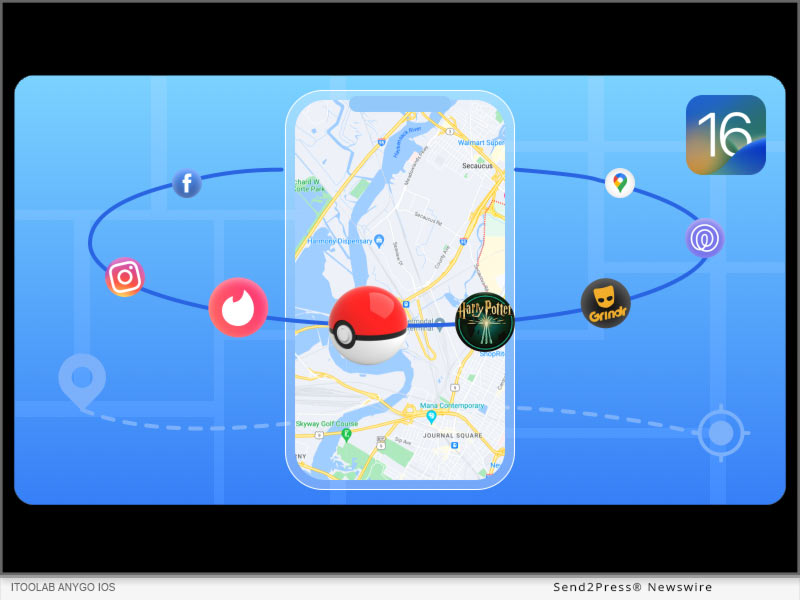
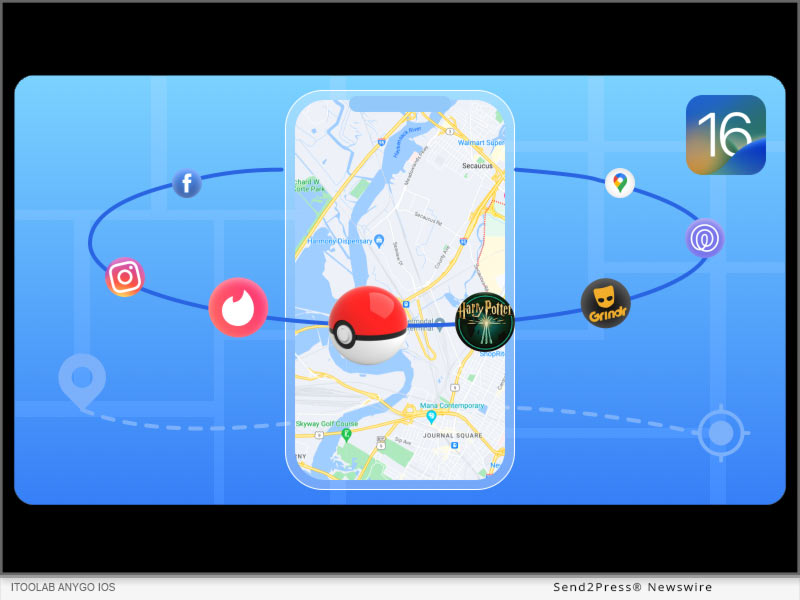
iToolab AnyGo and iWhereGo Genius: The Ultimate Duo for Pokémon GO Spoofing: The collaboration between iToolab AnyGo and iWhereGo Genius is dedicated to resolving the "Failed to Detect Location 12" error, ensuring a smooth and enjoyable Pokémon GO experience.

These tools are especially designed to help players spoof their GPS location on iPhone effectively, enabling them to explore new territories and catch rare Pokémon from the comfort of their homes. iWhereGo Genius is also free and safe.

HOW TO FIX "FAILED TO DETECT LOCATION 12" IN POKÉMON GO

Here's a step-by-step guide on how to use iToolab AnyGo and iWhereGo Genius to fix the location error and enjoy uninterrupted Pokémon GO gameplay:

Step 1: Install iToolab AnyGo and iWhereGo Genius

First, log in to your Apple account and install both iToolab AnyGo and iWhereGo Genius on your iOS device. Follow the onscreen instructions to set your iPhone to developer mode. This setup is crucial for enabling the advanced spoofing features.

Step 2: Connect Your Device

Open iToolab AnyGo on your computer and connect your iOS or Android device using a USB cable. The software will detect your device and prepare it for location spoofing.

Step 3: Teleport to a New Location with iWhereGo Genius

Launch iWhereGo Genius and enter the desired location or coordinates in the search box. This will allow you to teleport to the new location instantly. Click "Go" to change your location within Pokémon GO, effectively bypassing the "Failed to Detect Location 12" error.

Step 4: Simulate GPS Movement

Use iToolab AnyGo to simulate GPS movement at custom speeds. You can use the two-spot mode for basic location changes or the multi-spot mode for more complex routes. This feature is perfect for exploring different areas in Pokémon GO without moving from your location.

Step 5: Enjoy Your Game

With your location set, enjoy exploring new areas and catching Pokémon in Pokémon GO. When you're done, simply restart your device to revert to your real-time location.

Learn more: https://itoolab.com/gps-location-changer/ and https://iwherego.com/pogo-genius/

ENHANCE YOUR POKÉMON GO GAMEPLAY

iToolab AnyGo and iWhereGo Genius offer a range of features that make spoofing your GPS location in Pokémon GO easy and effective. These include:

* Instant teleportation to any location

* Simulation of GPS movement with custom speeds

* Multi-spot routes for comprehensive exploration

* Joystick control for better in-game navigation

About iToolab AnyGo:

iToolab AnyGo is a leading provider of GPS location spoofing solutions for smartphones. It allows both iOS and Android users to change their GPS location effortlessly, making it easier to explore new areas in location-based games like Pokémon GO. Combined with iWhereGo Genius, players can say goodbye to the "Failed to Detect Location 12" error and enjoy more virtual adventures.

For more details, visit the iToolab official website: https://itoolab.com/ and Youtube Guide https://youtu.be/BFMwXO0ozT4?si=T9x2w3GSNLjbc4Ds

News from IToolab Co Ltd

Pokémon GO enthusiasts, rejoice! If you've been facing the frustrating "Failed to Detect Location 12" error while trying to spoof your GPS location, we have great news. The latest updates in June 2024 have introduced advanced location monitoring, making it difficult to spoof locations. However, with the powerful combination of iToolab AnyGo and iWhereGo Genius, you can now bypass this error seamlessly on both Android and iOS devices, without the need for rooting or jailbreaking.

Related link: https://itoolab.com/

This version of news story was published on ScoopCloud™ (ScoopCloud.com) - part of and © the Neotrope® News Network - all rights reserved.

Super Incubator: Hatching Pokémon Eggs without Walking or Moving at the Pokemon GO Fest 2024

NEW YORK, N.Y. /ScoopCloud/ -- PoGoskill, the leading GPS location spoofer software, has released the iOS App with version 2.7.0. The new version features innovative "Round Trip" and "Loops Movement" functionalities, allowing users to hatch Pokémon eggs without walking or moving.

Players can now enjoy a more comfortable and convenient way to engage in the event, maximizing their egg-hatching efficiency. This update especially benefits players during the upcoming Pokemon GO Fest 2024, scheduled for July 13-14.

What's New in PoGoskill iOS App 2.7.0?

* Round Trip and Loops Movement: Set round trip mode or loop route mode during single spot movement. You can customize the speed and use this feature to easily hatch eggs at Pokémon GO Fest 2024 and complete game missions quickly.

* Reset the app without a computer: Sign in to your Apple ID and reset the apps on your device every 7 days. It no longer requires a computer except to install the app.

How to Hatch Pokémon Eggs Without Walking or Moving at Pokemon GO Fest 2024?

Use these PoGoskill features during Pokemon GO Fest 2024:

1. Change GPS Location: With one click to change the location to the event venue, you can easily catch shiny Pokémon without tickets.

2. Round Trip: Use the feature in Single Spot Movement to have your avatar automatically make an unlimited number of round trips between the start and end points on a customized route.

3. Loop Movement: Create loop movement routes, your avatar will loop as you set the number of times. Set customized speeds to speed up completing hatching eggs. Efficiently and easily complete game missions for rewards.

Feature Highlights:

* Jump Teleport: Seamlessly jump between different locations or set up automatic jumps after cooldown periods.

* GPX File Import/Export: Easily import and export GPX files to view and initiate custom routes on a map.

* Restore Real Location: Revert to your real location with a simple tap.

* Cross-Platform Availability: Now available on Windows, Mac, and Android platforms to meet a wide range of user needs.

About PoGoskill:

PoGoskill is a renowned software company providing top-notch GPS spoofing solutions for the iOS and Android platforms. With more than 100 million users, PoGoskill is constantly upgrading its features to ensure an improved user experience, making it a trusted and reliable provider of GPS spoofing software, especially for AR games.

More information: https://www.pogoskill.com/

YouTube: https://www.youtube.com/@PoGoskill

https://www.youtube.com/@PoGoskillJapan

https://www.youtube.com/@Pogoskill-TW

X/Twitter: https://x.com/PoGoskilloffice

Facebook: https://www.facebook.com/profile.php?id=61557934072895

News from PoGoskill

PoGoskill, the leading GPS location spoofer software, has released the iOS App with version 2.7.0. The new version features innovative "Round Trip" and "Loops Movement" functionalities, allowing users to hatch Pokémon eggs without walking or moving.

Related link: https://www.pogoskill.com/

This version of news story was published on ScoopCloud™ (ScoopCloud.com) - part of and © the Neotrope® News Network - all rights reserved.

[Fixed!] Failed to Detect Location 12 on Pokémon GO While Spoofing GPS

NEW YORK, N.Y. /ScoopCloud/ -- On June 7, Pokémon GO updated to version 315.2, likely adding advanced location monitoring that disrupts current location spoofing tools. Many gamers now see a "failed to detect location 12 Pokémon GO" error when trying to change their location. However, iAnyGo team has finally found a resolution for this error. Tenorshare iAnyGo used in conjunction with PoGo Wizard can now bypass location monitoring to spoof location on iOS and Android devices without jailbreaking/rooting.

But how does iAnyGo and PoGo Wizard work to fix "failed to detect location 12" error. Let's find out!

PART 1: IANYGO AND POGO WIZARD PARTNERSHIP PLEDGES TO SOLVE POKÉMON GO LOCATION SPOOFING ERRORS

The combo of Tenorshare iAnyGo and PoGo Wizard now allows you to fix "failed to detect location 12" error for a smooth Pokémon GO gameplay. PoGo Wizard used to have instability issues, causing some Pokémon GO accounts to be locked.

After four improvements, the latest version, PoGo Wizard Beta 4, released on June 21, is much more stable with no reported account bans.

"We're concerned about your account safety and this is currently the most stable and safe solution available in the market," says a Tenorshare spokesperson.

PART 2: FULL GUIDE: FIX FAILED TO DETECT LOCATION 12 BY USING TENORSHARE IANYGO + POGO WIZARD

For iAnyGo to fix "failed to detect location 12" error, you'll need to download it as well as PoGo Wizard on your computer, then follow instructions below:

Step 1: Install iAnyGo on your computer. Then, join PoGo Club Discord group to get PoGo Wizard for free and install it as well.

Step 2: Next, log in with a secondary Apple ID or Google account, and click "Install PoGo" to install Pokemon GO (beta 4) on your device.

Step 3: Next, log in to cracked version of Pokémon GO, open iAnyGo, and change location. You will be able to fix "Pokémon GO error 12" successfully.

Check out full guide to fix "failed to detect location 12 Pokémon GO" error with Tenorshare iAnyGo:

(VIDEO): https://www.youtube.com/watch?v=Coc0a7szWds

Learn more at: https://www.tenorshare.com/products/ianygo-change-gps-location-iphone.html

PART 3: ENJOY TENORSHARE IANYGO GO FEST 2024 GIVEAWAY

You can now fix "failed to detect location 12" error with iAnyGo at a far lower cost than before. Tenorshare has introduced a "Pokémon GO Fest 2024 Giveaway" with discounts for you and your team and deals like buy one, get three free. You also get exclusive chances to win tickets, and learn top tricks and tips for catching more Pokémon. Learn more at: https://www.tenorshare.com/pokemon-go-fest-giveaway.html

About Tenorshare:

The "failed to detect location 12 Pokémon GO" error is the major woe for gamers wishing to play Pokémon GO from comfort of their home. However, Tenorshare iAnyGo and PoGo Wizard offers a lethal solution to fix this error, preventing account ban. With 85,482,249 satisfied customers worldwide, Tenorshare has long established itself as a leading provider of smartphone solutions to address user problems effectively.

More information: https://www.tenorshare.com/

Facebook: https://www.facebook.com/TenorshareOfficial/

X/Twitter: https://twitter.com/Tenorshare_Inc

YouTube: https://www.youtube.com/user/TenorshareOfficial/videos

News from Tenorshare Co. Ltd.

On June 7, Pokémon GO updated to version 315.2, likely adding advanced location monitoring that disrupts current location spoofing tools. Many gamers now see a "failed to detect location 12 Pokémon GO" error when trying to change their location. Tenorshare iAnyGo used in conjunction with PoGo Wizard can now bypass location monitoring to spoof location on iOS and Android devices without jailbreaking/rooting.

Related link: https://www.tenorshare.com/

This version of news story was published on ScoopCloud™ (ScoopCloud.com) - part of and © the Neotrope® News Network - all rights reserved.

The Best Way To Fake Location On Android Without Computer: iAnyGo Android APP

NEW YORK, N.Y. /ScoopCloud/ -- The latest version (2.6.5) of the iAnyGo Android APP by Tenorshare is now available on Google Play, offering users an enhanced experience with minor functional adjustments. This powerful GPS location spoofer is designed to meet various needs, such as using fake GPS for games like Pokémon Go, enhancing privacy on WhatsApp, and more.

Scenarios for Using Fake GPS

Fake GPS can be incredibly useful in numerous scenarios:

* Gaming: Change your location in Pokémon Go to catch region-specific Pokémon.

* Privacy: Use a different location on WhatsApp to protect your real whereabouts.

* Travel Apps: Test location-based apps without physically being there.

* Social Media: Share different locations on social media to protect your privacy or add an element of fun.

About iAnyGo Android APP

iAnyGo Android APP is a versatile tool that allows users to fake their GPS location on Android phones without needing a computer. Its main functions include joystick movement, changing GPS location, and Multi-Spot movement, providing a comprehensive solution for location spoofing.

How to Fake Your Location on Android Without a Computer?

VIDEO: https://www.youtube.com/watch?v=3AJtouuHCUs

iAnyGo Android App Download Guide

1. Go to Google Play and install the iAnyGo app.

2. Open the iAnyGo app and agree to the "Service Agreement and Privacy Policy."

3. Set iAnyGo as a mock location app via the given popup on the screen.

4. Open Settings and enable Developer options. Search for "Select Mock Location App."

5. Choose iAnyGo as the mock location app. Once set, you're ready to explore the advanced features.

Key Features of iAnyGo

Change GPS Location

1. Open the iAnyGo app and choose a location on the map or enter an address.

2. Select the "Target location" icon.

3. Your GPS location is now successfully modified.

Multi-Spot Movement

1. Click the Multi-Spot Movement button at the right.

2. Select or search for coordinates to customize the movement route and click on "Start Moving."

3. Use the undo or reset function to adjust the route as needed.

4. Adjust the speed at any time during movement (1km/h to 30km/h).

5. Notification appears once the destination is reached.

Pokémon GO Game Modes

1. Click on the Pokémon Go game mode.

2. Download the custom mod of the game via the app's redirect.

3. After installation, enjoy spoofing in Pokémon Go.

Joystick Movement

1. Click on the joystick option.

2. Drag the center control point in any direction for virtual movement.

Real-time virtual movement is displayed on the screen, with adjustable joystick control panel size and location. Speed and destination can be changed at any time.

For further information, please download and experience.

Free Download iAnyGo: https://ianygofakegps.onelink.me/sQfH/id91vhat

Facebook: https://www.facebook.com/profile.php?id=61554896956540

Website: https://www.ianygo.com/

News from Tenorshare Co. Ltd.

The latest version (2.6.5) of the iAnyGo Android APP by Tenorshare is now available on Google Play, offering users an enhanced experience with minor functional adjustments. This powerful GPS location spoofer is designed to meet various needs, such as using fake GPS for games like Pokémon Go, enhancing privacy on WhatsApp, and more.

Related link: https://www.tenorshare.com/

This version of news story was published on ScoopCloud™ (ScoopCloud.com) - part of and © the Neotrope® News Network - all rights reserved.

How to Play Pokémon Go Without Moving or Walking: View The 2024 Full Guide

NEW YORK, N.Y. /ScoopCloud/ -- As Pokémon Go continues to captivate players worldwide, not everyone has the time or ability to physically traverse the outdoors to enjoy the game, says Tenorshare. This comprehensive guide explores how to play Pokémon Go without moving, perfect for those with busy schedules, mobility issues, or who simply prefer playing from the comfort of their home.

Can You Play Pokémon Go Without Moving in 2024?

Yes, you can! The solution lies in using location spoofing apps like Tenorshare iAnyGo, which tricks Pokémon Go into believing you're in a different location. This method is ideal for those looking for how to play Pokémon Go without moving.

Steps to Play Pokémon Go Without Moving Using Tenorshare iAnyGo:

1. Download iAnyGo: Visit Tenorshare's official website for a Free Download of the Tenorshare iAnyGo software suitable for your Mac or PC.

2. Connect Your Phone: Use a USB cable to connect your phone to your computer. iAnyGo operates without the need for jailbreaking or rooting.

3. Choose Your Virtual Exploration Method:

- Instant Teleportation: Open iAnyGo, browse the map, select your desired location, and click "Start to modify" to teleport instantly.

- Auto-Movement Routes: Create routes with multiple stops to simulate walking. Choose from single-spot movement for nearby exploration or multi-spot movement for extensive travel without moving.

- GPS Joystick: Use the in-app joystick to control your avatar's movements manually.

These methods allow you to know how to play Pokemom Go without moving, making it easy to catch Pokémon, hatch eggs, and explore different regions virtually.

VIRTUAL MOVEMENT OPTIONS EXPLAINED:

* Instant Teleportation: Quickly teleport to new locations for fresh Pokémon encounters.

* Auto-Movement Routes: Create routes with multiple stops to simulate movement and hatch eggs.

* GPS Joystick: Take full control of your avatar's movements with an intuitive joystick interface.

Special Offer: Enjoy a 20% discount on Tenorshare iAnyGo with the promo code TSWOW20OFF-a limited-time offer!

Why Choose Tenorshare iAnyGo?

Tenorshare iAnyGo stands out as the a virtual location changer for both iOS and Android devices. You can use it if you are looking for how to play Pokémon Go without moving. It offers features like:

Pros and Cons of Using Tenorshare iAnyGo:

* Pros:

- Flexibility in game strategy and increased efficiency.

- Useful for other location-based games like Monster Hunter.

* Cons:

- Risk of violating Pokémon Go's terms of service, which may lead to a ban.

Final Thoughts: Tenorshare iAnyGo provides a reliable and versatile solution of how to play pokemon go from home. It's also effective for other digital needs like data recovery and accessing geo-restricted content.

LEARN MORE: https://www.tenorshare.com/products/ianygo-change-gps-location-iphone.html

Stay Connected:

* Facebook - Tenorshare https://www.facebook.com/TenorshareOfficial/

* Twitter - Tenorshare https://twitter.com/Tenorshare_Inc

* YouTube - Tenorshare https://www.youtube.com/user/TenorshareOfficial/videos

Whether you're a seasoned trainer or new to the world of Pokémon, Tenorshare iAnyGo offers the tools you need to spoof Pokemon Go in new and exciting ways-all from your chosen location. Enjoy your virtual Pokémon adventures with iAnyGo and catch them all without stepping outside!

Note: Always consider the potential risks associated with location spoofing, and play responsibly.

News from Tenorshare Co. Ltd.

As Pokémon Go continues to captivate players worldwide, not everyone has the time or ability to physically traverse the outdoors to enjoy the game, says Tenorshare. This comprehensive guide explores how to play Pokémon Go without moving, perfect for those with busy schedules, mobility issues, or who simply prefer playing from the comfort of their home.

Related link: https://www.tenorshare.com/

This version of news story was published on ScoopCloud™ (ScoopCloud.com) - part of and © the Neotrope® News Network - all rights reserved.

How to Play Pokemon Go without Moving? Try the iAnyGo iOS App

NEW YORK, N.Y. /ScoopCloud/ -- Are you wandering aimlessly, hoping to chance upon that elusive Pokemon in Pokemon GO? Exciting news for all fans! The iAnyGo iOS App from Tenorshare has undergone a major update, enabling players to effortlessly locate any Pokemon or raid without the need to move. With the iAnyGo iOS App, you can play Pokemon Go without physically moving.

"After the release of the new features in the iAnyGo iOS App, Pokemon GO fans can effortlessly pinpoint any Pokemon and raid in-game with unparalleled ease and convenience. Catching Pokemon has never been easier! The users can effortlessly play Pokemon Go without moving," said Tenorshare's CEO, while introducing the new features.

HOW TO PLAY POKEMON GO WITHOUT MOVING?

Installing iAnyGo iOS App only takes a few minutes:

Step 1: Install the iAnyGo iOS assistant on your computer.

Step 2: Open the iAnyGo iOS assistant, log in with your Apple account, and click the "Install iAnyGo iOS app" button.

Step 3: Wait a few minutes, and you'll find the iAnyGo iOS app installed on your iPhone.

Here are the simple steps to search for Pokemon and raids using the iAnyGo iOS app:

Searching for Pokemon

Step 1: Open the iAnyGo iOS App on your iPhone and tap on the "Poke Raid" option in the upper right corner.

Step 2: Enter the name or number of the Pokemon you want to find. Click the Pokemon information and click the "Go" button. It will switch to the iAnyGo iOS App main interface. Just tap on the first button at the bottom right labeled "Change Location". Your location will be successfully modified, allowing you to swiftly catch the Pokemon.

Searching for Raids

Step 1: Open iAnyGo iOS App and select the "Poke Raid" feature. Tap on "Raid Battle."

Step 2: Choose any raid from the list to view its location. Then, proceed to the specific location to join the raid using the iAnyGo iOS app feature "Change Location."

That's it! The iAnyGo iOS App offers a simple and efficient method to play Pokemon Go without physically moving.

Learn more: https://www.tenorshare.com/products/ianygo-change-gps-location-iphone.html

Pricing and Availability

Pricing for iAnyGo iOS App starts at just $14.99.

* 1 Month/1 Device: $14.99

* 1 Quarter/1 Device: $39.99

* 1 Year/1 Device: $79.99

* Lifetime/1 Device: $99.99

About Tenorshare

Tenorshare specializes in iOS, Android, Windows, and Mac platforms, focusing on core technology research. It is a highly-reputed and leading software provider with millions of users that use its tools and services related to data transfer, data recovery, system repair, unlocking phones, and many more.

More information: https://www.tenorshare.com/

Facebook: https://www.facebook.com/TenorshareOfficial/

X/Twitter: https://twitter.com/Tenorshare_Inc

YouTube: https://www.youtube.com/user/TenorshareOfficial/videos

TikTok: https://www.tiktok.com/@tenorshare_tech_tips

News from Tenorshare Co. Ltd.

Are you wandering aimlessly, hoping to chance upon that elusive Pokemon in Pokemon GO? Exciting news for all fans! The iAnyGo iOS App from Tenorshare has undergone a major update, enabling players to effortlessly locate any Pokemon or raid without the need to move. With the iAnyGo iOS App, you can play Pokemon Go without physically moving.

Related link: https://www.tenorshare.com/

This version of news story was published on ScoopCloud™ (ScoopCloud.com) - part of and © the Neotrope® News Network - all rights reserved.

2024 The Best Pokemon Go Spoofer for iOS 17

NEW YORK, N.Y. /ScoopCloud/ -- MocPOGO for iOS now supports iOS 17! This means you no longer need to use a computer to change your location on your iPhone or inside an AR game, such as Pokemon Go and Monster Hunter Now. As one of the first apps to support iOS 17, MocPOGO is always innovating!

Supporting iOS 17 was not an easy task, and the MocPOGO team spent an extraordinary amount of time researching it. And finally brought a brand new version." We put our users' needs first, and after months of research and development we finally brought them satisfaction. But it was all worth it!" says a MocPOGO spokesperson.

Pokemon Go as the most popular AR game in the world, there are many players are facing a problem which is there are many situations that can prevent players from getting out and playing Pokemon. That's where MocPOGO comes in. This amazing Pokemon Go spoofing app allows you to change location in seconds. You can catch more rare Pokemon at home!

Best Pokemon Go Spoofing App for iOS 17

MocPOGO for iOS is the best choice when you need to change location in Pokemon Go. Here are the full features you can use:

1. Change GPS location: Teleport to anywhere with just one click, no jailbreak and no complicated steps.
2. Simulate GPS Movement: Fake GPS movements like a real man, you can also customize the walking speed.
3. Display Cooldown Timer: After each teleport, MocPOGO gives you a cooldown corresponding to the distance you teleported to avoid breaking the cooldown rules.
4. GPS Joystick: By using the GPS Joystick, you can accurately capture the rare Pokemon.

3 Steps to Use MocPOGO for iOS

No complicated steps, only a few steps you can effortlessly spoof Pokemon Go on iOS 17.

1. Download and install MocPOGO for iOS on your iOS device, and launch it.
2. Select the location on the map or search the destination, then confirm it.
3. Now, you will see the "Go" option on the map, click on it and your location will be teleported to this place.


Get MocPOGO for iOS with 20% OFF! To give back to new and existing customers, as well as to celebrate the release of the new version. Buy MocPOGO for iOS now and enjoy 20% OFF! Don't miss the best Pokemon Go Spoofer for iOS 17!

Learn More about MocPOGO for iOS: https://mocpogo.com/iphone-location-changer-app/

About MocPOGO:

MocPOGO is a software company specializing in location change, created this powerful location changer after an in-depth study of users' location change needs. You can always trust MocPOGO for iOS to spoof Pokemon Go without any hassle! Also, MocPOGO has helped more than 100,000 users in 100+ countries.

For more details: https://mocpogo.com/

News from MocPOGO Studio

MocPOGO for iOS now supports iOS 17! This means you no longer need to use a computer to change your location on your iPhone or inside an AR game, such as Pokemon Go and Monster Hunter Now. As one of the first apps to support iOS 17, MocPOGO is always innovating! Supporting iOS 17 was not an easy task, and the MocPOGO team spent an extraordinary amount of time researching it.

Related link: https://mocpogo.com/

This version of news story was published on ScoopCloud™ (ScoopCloud.com) - part of and © the Neotrope® News Network - all rights reserved.

How to Spoof Location on Pokemon Go in 2024 with Tenorshare iAnyGo – No Jailbreak

NEW YORK, N.Y. /ScoopCloud/ -- In the ever-evolving world of Pokemon Go, the desire to discover new regions and participate in activities knows no bounds. However, for a lot of players, geographical and physical limits can make it difficult for them to engage themselves in the game to the fullest. Thanks to the introduction of Tenorshare iAnyGo, people can now revel in the pleasure of changing their vicinity while not having to jailbreak their gadgets.

"With iAnyGo, we aim to enhance the gaming experience by eliminating geographical limitations," says a Tenorshare spokesperson, highlighting the transformative capabilities of the iAnyGo spoofer to revolutionize gameplay.

VIDEO: https://www.youtube.com/watch?v=Ygh9a8-iEM8

Best way to spoof location on Pokemon Go in 2024

With Tenorshare iAnyGo, players can easily manipulate their GPS location to explore new territories and encounter diverse Pokemon, all from the comfort of their own homes.

Features of iAnyGo:

1. Instant Teleportation: Seamlessly transport yourself to any location worldwide with just one click, effortlessly capturing region-exclusive Pokémon.

2. Singular Point Movement: Enhance your gameplay by simulating movement at variable speeds, adding depth to your Pokémon hunting experience.

3. Multi-Point Movement: Plan intricate routes across diverse locales, crafting exhilarating journeys to track down Pokémon.

4. Joystick Navigation: Utilize a joystick for precise maneuvering, enabling you to capture elusive Pokémon with accuracy.

Pros and cons of iAnyGo:

Pros:

* Compatibility with iOS 17: iAnyGo spoofer ensures seamless operation on the latest iOS 17.

* No Jailbreak, No Rooting Required: Unlike many other fake GPS solutions, iAnyGo doesn't necessitate jailbreaking for iOS devices or rooting for Android, guaranteeing a secure and straightforward experience.

Cons:

* Risk of Terms of Service Violation: While iAnyGo aims for compliance with app policies, there's a potential risk of breaking Pokemon Go's terms of service.

Using iAnyGo is straightforward, let us look at a step-by-step guide on how to use it seamlessly.

1. Launch iAnyGo and Connect Your Device: Begin by connecting your iOS device to your computer.

2. Select Location: Simply choose your desired location, and iAnyGo will adjust the GPS coordinates accordingly.

3. Start Spoofing: With the location set, iAnyGo will simulate your device's GPS location to match the selected location. This means any apps or websites that rely on GPS will believe you're at the new location.

Enjoy Tenorshare iAnyGo Spoofer 20% Off! To make the most of your Pokemon Go Unlock the full potential of your Pokemon Go adventures with Tenorshare's groundbreaking technology, Best Pokemon Go Spoofer. For a limited time, Tenorshare is delighted to offer an exclusive iAnyGo 20% off, the Best Pokemon Go Spoofer ios in the market. Don't miss out on this opportunity!

Learn more: https://www.tenorshare.com/products/ianygo-change-gps-location-iphone.html

About Tenorshare:

Tenorshare stands at the forefront of the software industry, offering innovative solutions designed to tackle digital hurdles and redefine digital experiences continually. Our commitment to customer satisfaction and cutting-edge technology drives us to excel.

Contact Information: For more information about Tenorshare iAnyGo, please visit Tenorshare's official website - https://www.tenorshare.com/.

You can also connect with us on the following social media platforms:

* Facebook - https://www.facebook.com/TenorshareOfficial/

* X/Twitter - https://twitter.com/Tenorshare_Inc

* YouTube - https://www.youtube.com/user/TenorshareOfficial/videos

News from Tenorshare Co. Ltd.

In the ever-evolving world of Pokemon Go, the desire to discover new regions and participate in activities knows no bounds. However, for a lot of players, geographical and physical limits can make it difficult for them to engage themselves in the game to the fullest. Thanks to the introduction of Tenorshare iAnyGo, people can now revel in the pleasure of changing their vicinity while not having to jailbreak their gadgets.

Related link: https://www.tenorshare.com/

This version of news story was published on ScoopCloud™ (ScoopCloud.com) - part of and © the Neotrope® News Network - all rights reserved.

The Best Pokemon Go PC Spoofer Download for iOS 17 and Android

NEW YORK, N.Y. /ScoopCloud/ -- Pokemon Go is one of the most famous location-based games, with over 82 million players worldwide. This game involves players walking around in search of different Pokemon. However, says UltFone, many Pokemon Go players on Reddit mentioned that they love playing the game but don't like walking around all the time.

"Is there a Pokemon Go GPS spoof?" they ask.

So, worry not! We have a Pokemon Go PC spoofer for you to change your location from the comfort of your home.

Can I Spoof Pokemon Go on PC without Getting Banned?

Yes, it is possible to spoof your location on Pokemon Go without getting banned by using any of the Pokemon Go spoofer PC apps available online. However, if you want to play it safe, we suggest taking care of a few things.

For instance, always use a cooldown timer when mocking your location to avoid the risk of getting detected or banned. Secondly, never use a modified spoofing app, as it may pose security risks. And lastly, use a tool that doesn't jailbreak or root your device.

How to Spoof Pokemon Go on PC?

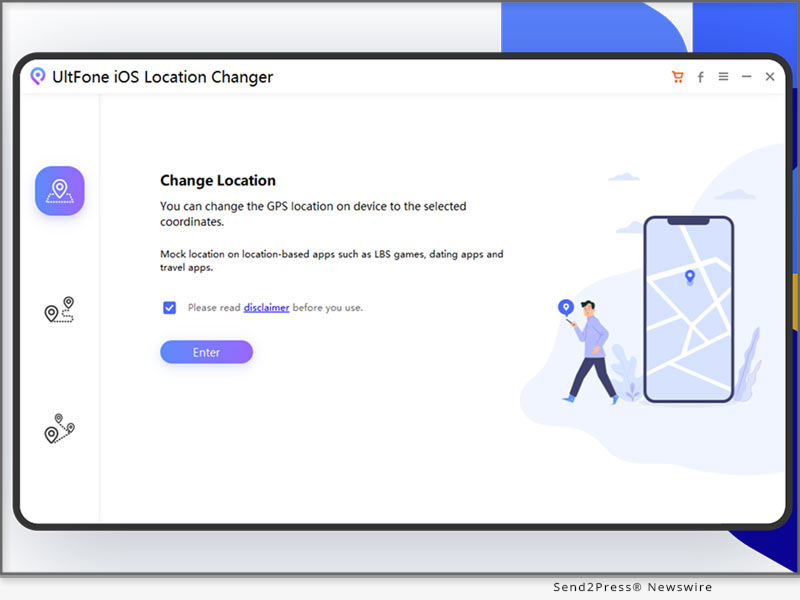
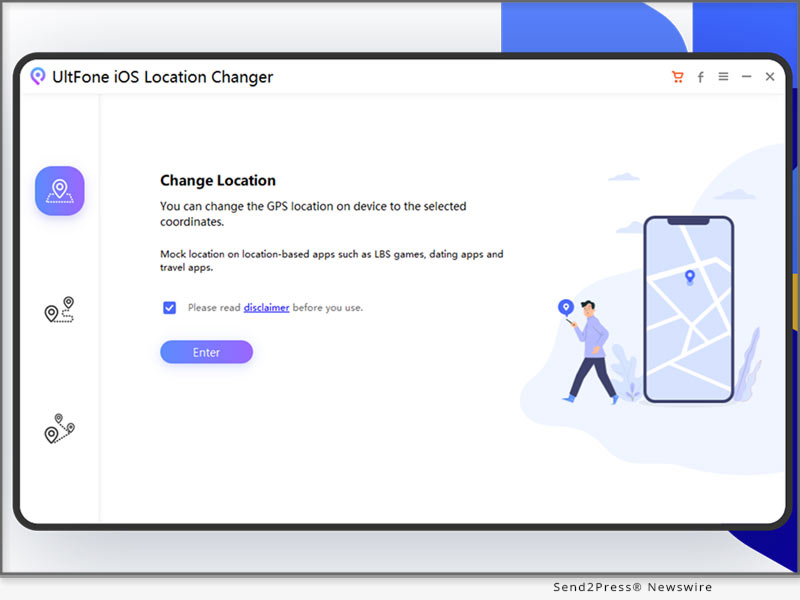
If you are looking for a Pokemon Go spoofing PC app, we hands-down recommend using UltFone Location Changer.

It is a Pokemon Go spoofer PC free tool that changes your location in just a few clicks.

Here are some notable features of UltFone Location Changer:

* Built-In Anti-Detection Feature: This Pokemon Go PC spoofer app comes with a built-in cooldown timer that minimizes the risk of getting detected and banned.

* Doesn't Jailbreak or Root Your Device: It seamlessly changes your location without rooting or jailbreaking your device.

* Free Trial Version: It has a free trial version, to try all the features before purchasing the premium version.

* Joystick Feature: It comes in handy to teleport to the best place in just one click.

* Customized Route & Speed: Using this Pokemon Go spoofer for PC, you can customize your routes, speed and import/export the GPX file when required.

* Wide Compatibility: It is compatible with iOS, Android, Windows and Mac.

To realize Pokemon Go spoofing using PC, follow these simple steps:

* The first step requires Pokemon Go spoofer PC download from the official website.

* Launch UltFone Location Changer and select the "GPS Change" icon from the options on the left.

* Connect your device to your PC and click "Next."

* On the map displayed on the screen, move your mouse to the desired location or enter the location manually.

* Your device's location will change to the location you entered.

About UltFone

UltFone is a software company that deals in data management and system repair tools for iOS or Android devices. It also offers a Pokemon Go Spoofer PC to help play the game without walking. It is also safe and reliable for Pokemon Go Spoofing iOS and Android.

Learn more: https://www.ultfone.com/virtual-location/pokemon-go-spoofer-on-pc.html

YouTube: https://www.youtube.com/@UltFoneOfficial/videos

Facebook: https://www.facebook.com/ultfone/

News from UltFone

Pokemon Go is one of the most famous location-based games, with over 82 million players worldwide. This game involves players walking around in search of different Pokemon. However, says UltFone, many Pokemon Go players on Reddit mentioned that they love playing the game but don't like walking around all the time.

Related link: https://www.ultfone.com/

This version of news story was published on ScoopCloud™ (ScoopCloud.com) - part of and © the Neotrope® News Network - all rights reserved.

An Ultimate Way to Fake GPS Location in Pokemon Go with MocPOGO

NEW YORK, N.Y. /ScoopCloud/ -- There are a bunch of Pokemon Go fake GPS apps in Google Play but almost none in Apple Store. Well, MocPOGO - a professional software company has a popular Pokemon Go fake GPS app that works on iOS and Android perfectly.

Video: https://www.youtube.com/watch?v=coAyFNOBv2A

"In fact, there are many users who are unable to access regional Pokemon if they don't go to a specific city or participate in an event. Also, catching Pokemon on the street can be a dangerous thing to do. That's why MocPOGO was launched, to help users enjoy the game with no limitations," says a MocPOGO spokesperson.

All the Surprising Features of MocPOGO:

1. Fake Pokemon Go location on iOS and Android.

2. Simulate GPS movement at customized speeds.

3. GPS joystick mode for all AR games.

4. Change location on up to 15 devices at the same time.

5. Display a cooldown timer to avoid breaking the rules.

6. Import GPX file to win rewards easily.

7. Automatically saves the locations and routes.

8. Favorite routes and locations.

9. No jailbreak and root required.

10. Supports the latest iOS 17 and Android 14.

How to Use the Best Pokemon Go Fake GPS App - MocPOGO?

Pokemon Go is a location-based game, so if you want to fake Pokemon Go location you have to fake your device's GPS location. MocPOGO - the best Pokemon Go fake GPS app enables you to change iPhone or Android location in clicks.

Let's know the details:

1. Download and install MocPOGO on your computer.

2. Connect your device to the computer via WiFi or a USB cable.

3. Select a location on the map or enter the fake location.

4. Hit "Teleport" and MocPOGO will fake GPS in a second.

Learn More: https://mocpogo.com/

Why MocPOGO Not Others?

It's hard to find a fake GPS app that supports iOS and Android both. Also, most fake GPS apps have a high risk of causing your account to be banned. Because they like game cheats, such as auto hunting Pokemon, etc. MocPOGO only focus on the location changes and it's much safer. Besides, the cooldown timer feature will display on the map to remind you when you can process the next action.

Get MocPOGO at the Cheapest Price This Christmas!

So, if you are interested in this Pokemon Go fake GPS app, you should grab this chance to get it! Now, you can get MocPOGO all versions for the price of one. Also, you will get extra 20% OFF! Don't miss the Christmas discount!

Learn More: https://mocpogo.com/buy/mocpogo-for-windows/

About MocPOGO:

MocPOGO is a software company specializing in location change, created this powerful location changer after an in-depth study of users' location change needs. MocPOGO has helped more than 100,000 users in 100+ countries. If you are wondering how to fake GPS in Pokemon Go, MocPOGO is the best choice.

For more details: https://mocpogo.com/

News from MocPOGO Studio

There are a bunch of Pokemon Go fake GPS apps in Google Play but almost none in Apple Store. Well, MocPOGO - a professional software company has a popular Pokemon Go fake GPS app that works on iOS and Android perfectly.

Related link: https://mocpogo.com/

This version of news story was published on ScoopCloud™ (ScoopCloud.com) - part of and © the Neotrope® News Network - all rights reserved.

iOS 17 Support: How to Play Pokemon GO Without Walking

NEW YORK, N.Y. /ScoopCloud/ -- Are you wondering how can I play Pokémon GO without walking, as you don't want to leave your couch? The game relies on your phone's GPS to find Pokémon and landmarks, but can you move in Pokémon GO without walking? "Yes, you can play Pokémon GO with a Pokémon GO walking hack like Tenorshare iAnyGo without moving a muscle. It's the number one location changer app that lets you create and customize routes, move around, and switch GPS locations without jailbreak or rooting," shared a spokesperson from Tenorshare.

So, how to Play Pokémon GO without walking with Tenorshare iAnyGo? Let's find out!

VIDEO (YouTube): https://www.youtube.com/watch?v=GwrqVLpzkFk&t=1s

Can You Play Pokémon GO Without Moving?

Is it possible to play Pokémon GO at home? If you want to know how to play Pokémon GO from home without moving, simply use a Pokémon Go spoofer . It can trick the game into believing you're on the move.

How to Play Pokémon GO Without Moving on iPhone [iOS 17 Support]?

If you're using an iPhone to play Pokémon GO, Tenorshare iAnyGo offers the following features to help you play the Pokémon GO without walking on iPhone:

* Swap GPS location for up to 15 devices easily without jailbreaking or rooting.

* Automatically save the address and time you've searched.

* Use a GPS joystick to control movement direction in games.

* Compatible with various location-based apps like Pokémon GO, Monster Hunter Now, etc.

Here's how to move in Pokémon GO without walking on iPhone with the help of Tenorshare iAnyGo:

1. Install the tool on your PC and connect your iPhone to your computer.

2. Choose "Joystick Movement" and press "Enter."

3. Set the moving speed, start the movement on the map, and change the direction with the right and left keys. Press pause to stop.

How to Play Pokémon GO Without Moving on Android?

So, how to play in Pokémon GO without walking on Android? You can use PoGoskill for Android to set virtual routes, auto-walk effortlessly, and fake your GPS without jailbreaking or rooting.

Moreover, its joystick feature allows for simulated GPS movement. PoGoskill is a reliable and safe GPS spoofer that works seamlessly with location-based games and other apps. Here's how to walk in Pokémon GO without leaving your couch with the help of PoGoskill:

1. Install and launch the app on your PC and connect your Android phone to your computer.

2. Open Pokémon GO, login, and tap "Logged in" to quickly activate the fake GPS or try other modes like joystick mode to enhance your game experience.

About Tenorshare:

If you want to know how to play Pokémon GO without walking, Tenorshare iAnyGo can help you. It lets you switch GPS locations, create custom routes, and control movement direction with a joystick - all without jailbreaking or rooting.

The Tenorshare brand focuses on "Better Software, Better Life," offering convenient device management and data recovery solutions to improve your life.

Learn more at: https://www.tenorshare.com/

Facebook: https://www.facebook.com/TenorshareOfficial/

X/Twitter: https://twitter.com/Tenorshare_Inc

YouTube: https://www.youtube.com/user/TenorshareOfficial/videos

TikTok: https://www.tiktok.com/@tenorshare_tech_tips

RELATED LINKS:

https://www.tenorshare.com/iphone-tips/how-to-play-pokemon-go-without-moving.html

https://www.tenorshare.com/products/ianygo-change-gps-location-iphone.html

https://www.pogoskill.com/

News from Tenorshare Co. Ltd.

Are you wondering how can I play Pokémon GO without walking, as you don't want to leave your couch? The game relies on your phone's GPS to find Pokémon and landmarks, but can you move in Pokémon GO without walking? Yes, you can play Pokémon GO with a Pokémon GO walking hack like Tenorshare iAnyGo without moving a muscle.

Related link: https://www.tenorshare.com/

This version of news story was published on ScoopCloud™ (ScoopCloud.com) - part of and © the Neotrope® News Network - all rights reserved.

3 Steps to Play Pokémon GO Location without Walking with MocPOGO

NEW YORK, N.Y. /ScoopCloud/ -- Pokémon GO is holding the biggest event: Pokémon GO Fest 2023. There were many saddened users who were unable to travel to specific cities for the event. Also, this event also saw the release of new Pokémon which is very attractive to players. There are many restrictions for the players, says software developer MocPOGO.

Pokémon GO always inspires players to go outside to experience nature and the hundreds of Pokémon gives a great desire to explore, that's why this AR game is popular in the young group. However, this game is also affected by many factors such as weather and regional reasons. Many players are unable to go out or reach the designated areas to catch Pokémon. So, is it possible to play Pokémon GO at home?

Well, you can play Pokémon GO without moving by changing location in the game. And MocPOGO - Location Changer will be the best solution.

Can You Play Pokémon GO without Walking?

While we still support players playing Pokémon outdoors, there will always be special circumstances. Such as if you have to go to another city to catch the region's Pokémon or can't go out in bad weather. Luckily, you can play Pokémon GO without walking at home.

By spoofing Pokémon GO location through the location changer app you can easily achieve that. Have no idea which one is the safest one? Let's show you the Pokémon GO spoofing app trusted by tens of thousands of players.

An Easy Way to Play Pokémon GO without Walking on iOS and Android

Many Pokémon GO spoofer apps are required to jailbreak your device and may cause the account ban. With MocPOGO - Location Changer you will never worry about these problems. You can spoof location in Pokémon GO in a click without any hassle.

Featured Highlights

* Spoofing Pokémon GO Location on iOS and Android without jailbreaking in clicks.

* Display cooldown timer after spoofing location to avoid account blocking.

* Hatch eggs without walking by using the two-spot feature to simulate GPS movement.

* Join remote raiding for free, no remote raiding pass required.

* Collect or import GPX files to walk the specific route.

* Support iOS 16 and Android 13

* Support up to 15 devices at the same time.

Steps to use MocPOGO - Location Changer to play Pokémon GO without moving

1 - Download and install MocPOGO app or apk on your device.

2 - On the main interface, you can enter the virtual location to change location.

3 - Your Pokémon GO location will be teleported to that place immediately.

With only a few steps you can spoof Pokémon GO locations without any trouble.

LEARN MORE: https://mocpogo.com/change-location/pokemon-go-spoofer-ios/

About MocPOGO

MocPOGO is a software company specializing in location change, created this powerful location changer after an in-depth study of users' location change needs. MocPOGO has helped more than 100,000 users in 100+ countries.

Learn more: https://mocpogo.com/

News from MocPOGO Studio

Pokémon GO is holding the biggest event: Pokémon GO Fest 2023. There were many saddened users who were unable to travel to specific cities for the event. Also, this event also saw the release of new Pokémon which is very attractive to players. There are many restrictions for the players, says software developer MocPOGO.

Related link: https://mocpogo.com/

This version of news story was published on ScoopCloud™ (ScoopCloud.com) - part of and © the Neotrope® News Network - all rights reserved.

Effective Way to Change Apple iPhone Location with iToolab AnyGo for iOS App

NEW YORK, N.Y. /ScoopCloud/ -- iToolab has launched a location changer app that is designed for iOS users. iToolab AnyGo for iOS V1.0.0 helps users to change iOS GPS location without jailbreak, which is important to keep your privacy from being tracked. This is more convenient than the desktop version!

"Social software nowadays basically requires access to your location, which poses a great threat to our privacy and security. Changing your location is necessary to better protect your address or real-time location. It is for this reason that we decided to release this iOS location changer app," says an iToolab spokesperson. Let's see how this amazing app to help you change iPhone location!

How Does iToolab AnyGo for iOS Change GPS Location?

1 - Download and Install iToolab AnyGo for iOS.

2 - Register the app and enter the virtual coordinates in the search box.

3 - Hit the Teleport button to complete the location change.

ALL FEATURES OF ITOOLAB ANYGO FOR IOS

* One-Click Change GPS location on iOS device

This iPhone location changer app doesn't require jailbreak iOS to virtual GPS location, you can easily fake your GPS location in seconds without any trouble.

* Simulate GPS Movements

Two-spot mode helps users to simulate GPS movements just like you are walking outside. No one will know your current location. You can also customize the walking speed at any time.

* Display Cooldown Timer on the Map

This is a specific feature for Pokemon GO players. This can be effective in avoiding some of the threats after a change in positioning.

Visit the official product page here:

https://itoolab.com/iphone-location-changer-app/

* Supported Games and Apps by iToolab AnyGo for iOS

Social Apps: Facebook, Instagram, Snapchat, X (Twitter), WhatsApp, etc.

Dating Apps: Tinder, Grinder, Bumble, Hinge, Hily, Yik Yak, etc.

Games: Pokemon GO, Ingress Prime, Jurassic World Alive, etc.

Family Tracking: Life360, Find My, etc.

Navigation: Google Map, Apple Map, Gaode Map, etc.

PRICE:

$19.99 for 3-month

$59.99 for a year

Get more information: https://itoolab.com/buy/anygo-for-ios

About iToolab:

iToolab is a Hong Kong-based leading iOS and Android solution provider with a vision to help smartphone users solve various technical issues. Over the years, the company has helped millions of users fix iOS issues and regain access to their iPhones and iPads. Currently, iToolab provides its services in more than 130 countries and has an extensive user base. The creative approach of the developers is the main reason for the high success rate of all iToolab products.

For more details, please visit:

Official Website: https://itoolab.com/

Facebook: https://www.facebook.com/itoolab

Twitter: https://twitter.com/IToolab

YouTube: https://www.youtube.com/@iToolab

News from IToolab Co Ltd

iToolab has launched a location changer app that is designed for iOS users. iToolab AnyGo for iOS V1.0.0 helps users to change iOS GPS location without jailbreak, which is important to keep your privacy from being tracked. This is more convenient than the desktop version!

Related link: https://itoolab.com/

This version of news story was published on ScoopCloud™ (ScoopCloud.com) - part of and © the Neotrope® News Network - all rights reserved.

How to Spoof in Pokemon Go on an iPhone for Free without Jailbreak

NEW YORK, N.Y. /ScoopCloud/ -- August is here, and so is the Pokemon Go Fest! And with all the discussion about how to spoof in Pokemon Go 2023 Reddit, many players wonder if it is possible to spoof the game without getting banned, says software developer UltFone. Pokemon Go is a famous AR mobile game by Niantic that involves players walking around the real world, using smartphones to find, catch, and train virtual Pokemon. However, not all players can go out and move around the city whenever they play the game.

Therefore, the only way to stay ahead in the game is by changing location, such as using UltFone Location Changer.

Is it Possible to Spoof in Pokemon Go without Getting Banned Now?

The Answer is Yes! The purpose of Pokemon Go is to walk around in search of Pokestops and gyms to be able to find different Pokemon. However, you can only find them in specific locations.

If you are wondering how to spoof on Pokemon Go without getting banned, you can change your GPS location via the pokemon go spoofing app.

But how to realize it, Let's find out!

How to Spoof in Pokemon Go iPhone & Android? [No Getting Banned]

When we talk about changing the location in Pokemon Go, the main concern is how to spoof without getting banned. This is where UltFone Location Changer enters the picture, which can one click to teleport to the desired location safely without Jailbreak and Root.

Here is what you get with UltFone Location Changer:

* Built-in cooldown timer that avoids being flagged when you spoof Pokemon Go.

* Try all features by Pokemon Go Spoofer download free version before going premium.

* Hatch eggs quickly with Single-Spot Movement and Multi-Spot Movement.

* Join remote raids free without remotes raids passes

* Participate in Pokémon Go Fest remotely without ticket

* Customize route by importing/exporting GPX files.

* Support up to 15 devices.

UltFone Location Changer is one of the best Pokemon Go spoofer out there.

Here are the steps of how to spoof in Pokemon Go without a VPN and without getting banned:

* Download and launch the free trial version of UltFone Location Changer on your PC.

* Connect your Phone to the PC, and select the "GPS Change" option from menu on the left.

* A world map will appear on the PC screen, using which you can select your desired location.

* Now launch Pokemon Go on smartphone, and play the game on the location you want with this Pokemon Go Location Spoofer.

And that's how to spoof in Pokemon Go iPhone free. It also supports Android.

About UltFone:

UltFone is a software developer of utility technologies and applications offering viable solutions for iOS and Android data recovery, data transfer between devices, iOS system repair, etc. Furthermore, if you are looking for an easy way how to spoof in Pokemon Go, UltFone Location Changer can help you.

YouTube: https://www.youtube.com/@UltFoneOfficial/videos

Facebook: https://www.facebook.com/ultfone/

MORE INFORMATION:

https://www.ultfone.com/ios-location-changer.html

RELATED LINKS:

https://www.ultfone.com/virtual-location/best-coordinates-for-pokemon-go.html

News from UltFone

August is here, and so is the Pokemon Go Fest! And with all the discussion about how to spoof in Pokemon Go 2023 Reddit, many players wonder if it is possible to spoof the game without getting banned, says software developer UltFone. Pokemon Go is a famous AR mobile game by Niantic that involves players walking around the real world, using smartphones to find, catch, and train virtual Pokemon.

Related link: https://www.ultfone.com/

This version of news story was published on ScoopCloud™ (ScoopCloud.com) - part of and © the Neotrope® News Network - all rights reserved.

How to Spoof Pokémon GO on Android in 2023? Use Tenorshare Pokémon GO Spoofer Android Solution

NEW YORK, N.Y. /ScoopCloud/ -- Are you looking for a Pokémon GO spoofer Android that actually works? Pokémon GO is a trendy location-based game where players explore the real world to catch and hatch virtual Pokémon. However, they can tire of dragging their feet all day in pursuing virtual Pokémon, says Tenorshare.

VIDEO: https://www.youtube.com/watch?v=Ygh9a8-iEM8

Is It Possible to Perform Pokémon Go Spoofing Android 2023?

A player's GPS location plays a crucial role in the functioning of Pokémon GO. However, here's the catch using fake GPS without a mock location: messing around with GPS can land the players in hot water, resulting in a ban on their account.

"To address this issue, Tenorshare iAnyGo offers a Pokémon GO Android spoofing solution to make it possible, which allows players to capture legendary Pokémon without the fear of being banned," says a Tenorshare spokesperson. "So, let's find out how to spoof Pokémon GO Android with Tenorshare iAnyGo."

How to Spoof Pokémon Go On Android 2023 With Tenorshare Pokemon Go Spoofer for Android?

When it comes to a Pokémon GO spoof Android, the crème de la crème is none other than Tenorshare iAnyGo. This powerful fake GPS app for Android offers a plethora of features:

* It provides spoofing Pokémon GO Android with just a single click.

* It also provides a fake GPS joystick apk, allowing you to have complete control over the direction of your movement in the virtual world.

* You can import or export GPX files and customize your own routes.

* It's fully compatible with the latest iOS 16.5 and Android 13.

* It allows you to change up to 15 Android devices' locations.

* It offers a handy cooldown timer to avoid the Pokémon GO ban.

Now, let's move on to how Tenorshare Android GPS Pokémon GO spoofer works:

* Connect your Android phone to your PC.

* Select the "Change Location" mode in Tenorshare iAnyGO.

* Choose your desired location, and confirm when you'll be able to access the map feature.

* Finally, you can enjoy Pokémon GO freely.

https://www.tenorshare.com/products/ianygo-change-gps-location-iphone.html

https://www.tenorshare.com/change-location/

https://www.youtube.com/watch?v=Ygh9a8-iEM8

https://www.tenorshare.com/change-location/how-to-spoof-pokemon-go.html

About Tenorshare:

Tenorshare, a company dedicated to making lives easier for smartphone users, is here to provide top-notch solutions for Android and iOS devices. If you're having trouble finding a reliable Pokémon GO spoofer Android in 2023, Tenorshare iAnyGo has got your back. This incredible tool helps you modify your GPS location and gives you complete control over your virtual adventures.

More information: https://www.tenorshare.com/

Facebook: https://www.facebook.com/TenorshareOfficial/

Twitter: https://twitter.com/Tenorshare_Inc

YouTube: https://www.youtube.com/user/TenorshareOfficial/videos

TikTok: https://www.tiktok.com/@tenorshare_tech_tips

News from Tenorshare Co. Ltd.

Are you looking for a Pokémon GO spoofer Android that actually works? Pokémon GO is a trendy location-based game where players explore the real world to catch and hatch virtual Pokémon. However, they can tire of dragging their feet all day in pursuing virtual Pokémon, says Tenorshare.

Related link: https://www.tenorshare.com/

This version of news story was published on ScoopCloud™ (ScoopCloud.com) - part of and © the Neotrope® News Network - all rights reserved.

iToolab AnyGo Now Supports Changing Location on Android

NEW YORK, N.Y. /ScoopCloud/ -- iToolab is a software development company that works with the aim of solving various issues of smartphone users in just a go. iToolab AnyGo is an innovative product of iToolab aimed to make smartphone users change locations easily. The users are sometimes not able to access different apps or certain features of phones while traveling or sitting at different locations.

Now the new version of iToolab AnyGo V6.0.0 available for Android users too, to make their gaming experience better. The tool enables users to change their location effortlessly. Pokemon Go users playing with Android phones can change their device's location effortlessly.

iToolab AnyGo V6.0.0 Freshly Updated

Change Pokemon Go Location on Android Devices

iToolab AnyGo is freshly updated and made available for Android users too. Now, it will be very easy to change Pokemon Go locations with this tool for Android phone users along with iOS users. This handy application allows users to move around the virtual world of Pokemon Go without actually having to physically leave their homes. It will be especially beneficial for those who do not have access to areas with rare or different Pokemons and who are unable to go outside for different reasons.

Words from Mia Garcia, iToolab CEO, "Innovation is our driving force. We are committed to creating the highest quality software products that exceed our customers' expectations and inspire us as developers to push the boundaries of what's possible."

Key Features of iToolab AnyGo

1. Change location on iOS devices

The tool allows users to quickly and easily switch locations between different cities and countries, giving them access to more content and experiences. iToolab AnyGo also ensures all location data is secure, so users don't have to worry about any personal information being compromised.

2. Enable easy access to location-based games and apps

iToolab AnyGo enables easy access to location-based games and apps. With it, you can easily find places from anywhere, discover new content, and interact with other players. With the help of its controlling the GPS and other wonderful features, AnyGo users are able to enjoy an immersive gaming experience, no matter the location.

3. Support Joystick on games

Users can easily use the joystick to control movement in the game, which makes it more fun for them to play the game. You can also change GPS with joystick on Pokemon Go with iToolab AnyGo.

4. Support Multiple iOS Devices

Allow multiple iOS devices to change location at the same time, you don't have to change them one-by-one. In just clicks, all your iOS device's location will be changed immediately.

Pricing and Compatibility:

AnyGo is the most affordable location spoofing solution that is now available for both Android and iOS users. It has features that make it worth every penny. Get the latest version of AnyGo and you can rest assured knowing your data is safe and secure.

Pricing:

1-Month plan: $9.95 per month

1-Quarter plan: $19.95

1-Year plan: $39.95

Lifetime Plan: $69.95

Compatibility:

Windows: Win 11/10/8.1/8/7

Mac: 13(macOS Ventura), 12(macOS Monterey), 11(macOS Big Sur), 10.15 (macOS Catalina), 10.14 (macOS Mojave), Mac OS X 10.13 (High Sierra), 10.12(macOS Sierra)

iOS: iOS 7.0 and later

Android: Android 7.0 - 13

Check here to see more details: https://itoolab.com/buy/anygo-for-windows/

About iToolab:

At iToolab, we are dedicated to providing our customers with the highest-quality software products. Our innovative software solutions are designed to be both easy to use and cost-effective, allowing us to meet the needs of our clients no matter what type of device they use. We offer a variety of repair, recovery, unlocking, and other services for iOS and Android devices that help our customers take full advantage of their smart devices.

For more details, please visit:

Website: https://itoolab.com/

YouTube: https://www.youtube.com/c/itoolab

Facebook: https://www.facebook.com/itoolab

Twitter: https://twitter.com/IToolab

News from IToolab Co Ltd

iToolab is a software development company that works with the aim of solving various issues of smartphone users in just a go. iToolab AnyGo is an innovative product of iToolab aimed to make smartphone users change locations easily. The users are sometimes not able to access different apps or certain features of phones while traveling or sitting at different locations.

Related link: https://itoolab.com/

This version of news story was published on ScoopCloud™ (ScoopCloud.com) - part of and © the Neotrope® News Network - all rights reserved.

How to Play Pokemon Go without Moving? Try Out Tenorshare iAnyGo, Now

NEW YORK, N.Y. /ScoopCloud/ -- Have you found it difficult to play Pokemon Go without moving? There are many limitations for every Pokemon Go trainer to walk around to capture Pokemon. Fortunately, Tenorshare iAnyGo has trick to change GPS location. To thank its clients on thanksgiving day, anyone can get an outstanding discount from Tenorshare Sale Promotion before Dec. 9, 2022.

Video: https://youtu.be/GwrqVLpzkFk

Could we Play Pokemon Go without Moving?

While Pokemon Go attracts more fans, its restrictions in Pokemon Go's guidelines stop users from playing."You must be eager to learn more about how to walk in Pokemon Go without walking." Said Tenorshare spokesperson, "To create a better gaming experience, Tenorshare just launched a fantastic solution for changing location, called Tenorshare iAnyGo, and it has been used to play Pokemon Go without restrictions during the COVID-19 pandemic.

How can I play Pokemon Go without moving on iOS?

Pokemon Go is a game that requires a lot of movements. How to walk in Pokemon Go without walking is a common question among gamers. Tenorshare iAnyGo is a fantastic software for changing location, which offers you an ideal way to effortlessly change your location if you don't want to go outside but need to change your location.

Just open iAnyGo by connecting your iPhone to your computer, and next choose "Change Location." Then locate the place you want to go by tapping "Modify Location." And drag the speed bar to set the number of movements and modify the movement speed.

Why do we recommend Tenorshare iAnyGo change GPS Location?

Available on both Android and iOS users - With "Fake GPS Location Spoofer," it is possible to play Pokemon Go while staying at home for Android users.

1-Click to change current location on iPhone - With a single click, you can change the location of Pokemon Go without walking, and all location-based applications on your iPhone will be updated to the fake location as well.

GPS joystick to control the direction - Tenorshare iAnyGo is capable of location simulation. To more naturally and effectively manage GPS movement direction, use a GPS joystick or keyboard.

Import GPX files to create your routes - It is possible to examine and begin a planned route on the map by importing GPX files of single and multiple pathways.

LEARN MORE:

https://www.tenorshare.com/products/ianygo-change-gps-location-iphone.html

https://www.tenorshare.com/sales-promotion.html

https://www.tenorshare.com/iphone-tips/how-to-play-pokemon-go-without-moving.html

https://www.youtube.com/watch?v=wpJsk3KwZIM

https://play.google.com/store/apps/details?id=com.incorporateapps.fakegps.fre&hl=en_GB

https://www.youtube.com/@ianygolocationchanger

About Tenorshare:

In addition to playing Pokemon Go walk without moving, Tenorshare as a leading international software brand has studied software-related problems deeply and is always providing high-quality support and professional solutions. Since excellent results from 2007, Tenorshare has gained the trust of over 10 million users. Hence, Tenorshare has launched Big Sale Promotion to thank your support and trust! Don't miss out to receive great discounts from Tenorshare!

More information: https://www.tenorshare.com/

Facebook: https://www.facebook.com/TenorshareOfficial/

Twitter: https://twitter.com/Tenorshare_Inc

YouTube: https://www.youtube.com/user/TenorshareOfficial/videos

News from Tenorshare Co. Ltd.

Have you found it difficult to play Pokemon Go without moving? There are many limitations for every Pokemon Go trainer to walk around to capture Pokemon. Fortunately, Tenorshare iAnyGo has trick to change GPS location. To thank its clients on thanksgiving day, anyone can get an outstanding discount from Tenorshare Sale Promotion before Dec. 9, 2022.

Related link: https://www.tenorshare.com/

This version of news story was published on ScoopCloud™ (ScoopCloud.com) - part of and © the Neotrope® News Network - all rights reserved.

Foneazy Releases MockGo: A Jailbreak-Free iPhone GPS Location Spoofer

HONG KONG, China /ScoopCloud/ -- Do you want to access Geo-restricted apps and games without the location restriction? Or would you like to change the geographic location to fool your friends into thinking you are somewhere else? Well, try using MockGo from Foneazy Studio to transport your GPS location to anywhere in the world without having to jailbreak the device. It works with all location-based apps, such as Pokemon Go, Ingress, Life360, Fitness app, Facebook, etc.

MockGo Key Features:

1. Simulate GPS Movement Along a Specified Route and at a Specified Speed

You can choose to drive, walk or cycle virtually. This type of specific GPS movement comes in handy for games like Pokémon Go because it is more convincing and may even give you more chances to capture more Pokémon on the route you have chosen.

2. Two-Spot Mode

Choose an icon on the map, select your start and end locations and set the speed as desired. You then choose how many times you want to move between the selected location and you'll be able to see the movement in real-time.

3. Multi-Spot Mode

This feature allows you to select multiple stops along a specified route. This is the right mode to choose if you want to cover long distances.

4. Joystick for Precision

Because simply dropping a pin on a map will not give you the perfect location, MockGo has incorporated the Joystick mode to further refine the location. With the joystick, you can easily move forward, reverse, left or right using the arrows on the screen or the W, A, S and D keys on the keyboard.

5. GPX File Support

GPX files store GPS data including the longitude, latitude, routes, tracks, geocaches and waypoints. They are often used in fitness devices and application designed to track a biking or running route.

With MockGo, you can easily import a GPX file into the program and follow a real-time route virtually, ideal for playing location-based games like Pokémon Go.

Pricing and Availability

There are four pricing plans with MockGo and all four include up to 5 iOS devices and one PC or Mac. A monthly license costs $9.95, a quarterly license costs $19.95, an annual license costs $39.95. Lifetime license comes as best value: $59.95.

For more information, please visit: https://www.foneazy.com/pricing/mockgo-iphone-gps-spoofer/

About Foneazy

Foneazy is focusing on the development of handy and effective tools to save your digital life and make using your phone as a doddle! With these tools, you can easily change the iOS GPS location, unlock the iPhone and solve so much more troubles when using your mobile device!

Learn more at: https://www.foneazy.com/

Facebook: https://www.facebook.com/Foneazy-100220315641096

YouTube: https://www.youtube.com/channel/UCzxPACAtIsvp5HZx8Hdg-Gw

*VIDEO: https://youtu.be/XRzAFZLhjf4

Media Contact: Aria, at marketing@foneazy.com

News from Foneazy Studio

Do you want to access Geo-restricted apps and games without the location restriction? Or would you like to change the geographic location to fool your friends into thinking you are somewhere else? Well, try using MockGo from Foneazy Studio to transport your GPS location to anywhere in the world without having to jailbreak the device. It works with all location-based apps, such as Pokemon Go, Ingress, Life360, Fitness app, Facebook, etc.

Related link: https://www.foneazy.com/

This version of news story was published on ScoopCloud™ (ScoopCloud.com) - part of and © the Neotrope® News Network - all rights reserved.

Tenorshare iAnyGo Now Available – Easily Change GPS Location without Jailbreak

NEW YORK, N.Y. /ScoopCloud/ -- Tenorshare announces the release of its latest iOS Location Changer software, iAnyGo, that can change location to anywhere.

While there's certainly no shortage of GPS simulation apps on the market, iAnyGo differentiates itself through its seamless user interface and high customizability. Users can plan custom multipoint routes, simulate various movement speeds, and load historical location to fake GPS location. What's more, this software works with all location-based apps, such as Pokemon Go, Ingress, Fitness app, Facebook, etc.

Main Features

1. Ease of use

iAnyGo allows users to interact with an easy-to-use graphical interface, allowing users to see and plan routes on a live map. This feature alone opens up GPS simulation to many less tech-savvy users, allowing more straightforward navigation, and better user experience.

2. 1-Click location change

iAnyGo allows users to change locations with the click of a button. This software supports two different routes to change location. One is "Two-point route," it lets users plan a route between two points. The other is "Multipoint route," you can select multiple locations on the map freely. The feature requires users to be in a particular place, allowing them seamlessly moving to their desired location, and quickly revert if needed.

3. Spoof iPhone Location, All Apps Supported

Since iAnyGo works with all location-based apps, such as Pokemon Go, Ingress, Fitness apps, and Dating apps. Users can deploy their favorite routes for catching Pokemon, win their office fitness competition, or match with prospective dating partners across cities, all from the comfort of their living room!

4. Other Features

Use this software can save and load feature to redeploy favorite routes quickly. iAnyGo allows users to save custom location to redeploy with ease.

Besides that, iAnyGo provides more useful functions for you such as set the moving speed and times for your route, pause anytime and zoom map in/out, etc.

Pricing and Availability

All three plans include up to five devices plus 1 PC, the Monthly plan is $6.95, Quarterly $19.95, and the annual plan, offering the biggest savings, $39.95.

For more information, visit: https://www.tenorshare.com/products/ianygo-change-gps-location-iphone.html

About Tenorshare Software

Tenorshare is an international software company founded in 2007 and is known for its award-winning and highly rated software products. Learn more at: https://www.tenorshare.com/

Facebook: https://www.facebook.com/TenorshareOfficial/
Twitter: https://twitter.com/Tenorshare
YouTube: https://www.youtube.com/user/TenorshareOfficial/videos

*Video: https://youtu.be/UhYVERWDSMc

*IMAGE: https://www.Send2Press.com/300dpi/20-0908s2p-tenorshare-ianygo-300dpi.jpg

News from Tenorshare Co. Ltd.

Tenorshare announces the release of its latest iOS Location Changer software, iAnyGo, that can change location to anywhere. While there's certainly no shortage of GPS simulation apps on the market, iAnyGo differentiates itself through its seamless user interface and high customizability.

Related link: https://www.tenorshare.com/

This version of news story was published on ScoopCloud™ (ScoopCloud.com) - part of and © the Neotrope® News Network - all rights reserved.