Tag Archives: ios data recovery

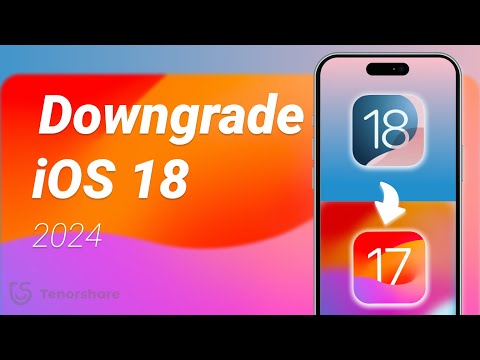
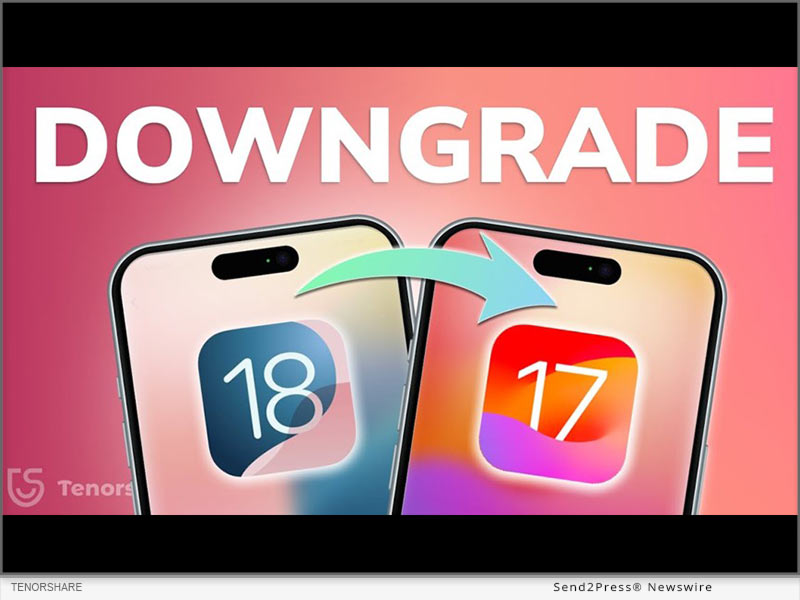
How to Downgrade from iOS 18 to iOS 17? Full Guide 2024

NEW YORK, N.Y. /ScoopCloud/ -- After the initial release of iOS 18, upgrading has been received with a mix of excitement and exasperation. Many iOS users face issues like battery drain and software glitches like stuck on Recovery Mode while updating. Those unhappy with iOS 18, are now asking, "How to downgrade from iOS 18 to 17." "First of all it's no easy feat; secondly it can risk losing data. Rather than taking risks, Tenorshare ReiBoot can help you safely downgrade iOS 18 to iOS 17 without losing your valuable data," says a Tenorshare spokesperson.

CAN YOU DOWNGRADE IOS 18 TO IOS 17 ON IPHONE/IPAD?

So, if you're thinking, "Can I go back to iOS 17 from 18," it depends on certain factors. Apple usually discourages downgrading to older iOS versions and often removes older firmware files, making them hard to find.

But if it still supports the version you want, you'll need an IPSW file for iOS 17. You can also use iTunes to restore your iDevice if you've got an old iOS 17 backup. Be aware this process will erase your data. Thus, if you want to learn how to go back to iOS 17 from 18 without data loss, Tenorshare ReiBoot is your best bet.

HOW TO DOWNGRADE IOS 18 TO 17 FOR IPHONE & IPAD IN 5 MINUTES?

ReiBoot iOS repair is an iOS management and repair tool that can not only downgrade iOS but can also upgrade, including Beta versions without data loss.

Here's what it offers:
* Fix 150+ iOS issues like being stuck on Recovery Mode, restart loop, Apple logo, white & black screen of death, and many more.
* Repair iTunes errors such as 1110, 4013, etc.
* Reset iDevices without passcode & iTunes.
* Erase iDevices permanently for giving them away.
* Enables you to enter/exit Recovery Mode with a click.
* Supports latest iOS versions and iDevices.

HERE'S HOW TO REVERT IPHONE BACK TO IOS 17 WITH HELP OF REIBOOT:

Step 1: Install ReiBoot on your computer then, attach your iDevice to same PC. Press "iOS Upgrade/Downgrade."

Step 2: Tap "Downgrade." Then, click "Download" to get latest firmware package.

Step 3: Afterward, ReiBoot will start downgrading your iDevice from iOS 18 to iOS 17.

Video Guide (YouTube): https://www.youtube.com/watch?v=RWnearLqwBs

BIG TENORSHARE DEALS ON IOS 18 & IPHONE 16!

Tenorshare is holding a Giveaway Event to celebrate release of iOS 18. Users will get a huge chance at winning shiny new iPhone 16, Amazon gift cards, and more than 70% discount on 6 helping products to make your iOS 18 journey easier.

About Tenorshare:

Learning how to downgrade from iOS 18 to iOS 17 is a risky process that comes with potential data loss. However, Tenorshare ReiBoot offers a safe way to downgrade without losing your data. Founded in 2007, Tenorshare is a well-known software company with a strong reputation for creating user-friendly solutions for iOS and Android that has earned them various accolades.
News from Tenorshare Co. Ltd.

After the initial release of iOS 18, upgrading has been received with a mix of excitement and exasperation. Those unhappy with iOS 18, are now asking, "How to downgrade from iOS 18 to 17." "First of all it's no easy feat; secondly it can risk losing data. Rather than taking risks, Tenorshare ReiBoot can help you safely downgrade iOS 18 to iOS 17 without losing your valuable data," says a Tenorshare spokesperson.

Related link: https://www.tenorshare.com/

This version of news story was published on ScoopCloud™ (ScoopCloud.com) - part of and © the Neotrope® News Network - all rights reserved.
How to Fix an iPad Stuck on the Apple Logo? New 2024 Full Guide

NEW YORK, N.Y. /ScoopCloud/ -- If your mind is whirring with the thought, "Why is my iPad stuck on Apple logo," it could be due to a software or hardware issue. But you'll never be sure which problem out of these two could be the culprit because there are so many types of software and hardware problems. "But rather than resolving 'iPad stuck on Apple logo' yourself with methods that might lead to data loss, why not try Tenorshare ReiBoot. It can fix 150+ iOS issues including 'iPad frozen on Apple logo' problem without data loss," says a Tenorshare spokesperson.

What Causes Your iPad to Get Stuck on the Apple Logo?

As we mentioned before "iPad Apple logo blinking" glitch on your iPad could be divided into software and hardware problems. If your "iPad freezes on Apple logo," here's a list of what types of software and hardware problems might be causing it:

* Software Issues - A damaged iOS system can stop your iPad from booting, incomplete iOS updates can freeze your iPad, and faulty apps or jailbreaking may block startup.
* Hardware Issues - A weak or faulty battery can prevent proper power-up, nearly full storage can slow down startup or any physical damage to iPad or its component can affect hardware.

How to Fix iPad Stuck on Apple Logo in 5 Minutes?

Tenorshare ReiBoot can fix your "iPad stuck on Apple logo" in 5 minutes with high success and without data loss. But that's not all that tool offers. In fact, you get a comprehensive iOS repair and management toolkit in form of ReiBoot which offers following features:

* Fix 150+ iOS issues like iOS devices stuck in a boot loop, Recovery Mode, iPad white screen & black screen, and many more.
* Can upgrade and downgrade iOS including Betas.
* Can factory reset, fix iTunes errors, and erase data permanently before giving away any iDevice.
* Support latest iPadOS 18 and all iPad, iPad Mini, iPad Air, and iPad Pro models.

Here are steps to use Tenorshare ReiBoot to fix "iPad frozen on Apple logo" issue:

Step 1: Download, install, and execute ReiBoot on your computer and choose "Start Repair." Then, attach your iPad which is stuck on Apple logo to same computer and once it's detected choose "Standard Repair."

Step 2: Tap "Download" to get latest firmware and after it's downloaded, select "Standard Repair" again.

Step 3: Wait for ReiBoot to fix your iPad stuck on Apple logo. Afterward, it will reboot normally.

Video Guide: https://www.youtube.com/watch?v=gIRqD8-KDjw

About Tenorshare:

The "iPad stuck on Apple logo" issue can be caused by either software or hardware problems. Rather than trying expensive solutions to fix it consider Tenorshare ReiBoot which can resolve 150+ iOS issues without data loss. The Tenorshare brand focuses on innovation and customer satisfaction all the while making life easier for businesses and individuals alike. https://www.tenorshare.com/

https://www.facebook.com/TenorshareOfficial/

https://x.com/Tenorshare_Inc

https://www.youtube.com/user/TenorshareOfficial/videos

https://www.tiktok.com/@tenorshare_tech_tips

News from Tenorshare Co. Ltd.

If your mind is whirring with the thought, "Why is my iPad stuck on Apple logo," it could be due to a software or hardware issue. "But rather than resolving 'iPad stuck on Apple logo' yourself with methods that might lead to data loss, why not try Tenorshare ReiBoot. It can fix 150+ iOS issues including 'iPad frozen on Apple logo' problem without data loss," says a Tenorshare spokesperson.

Related link: https://www.tenorshare.com/

This version of news story was published on ScoopCloud™ (ScoopCloud.com) - part of and © the Neotrope® News Network - all rights reserved.
UltData for iOS V10 Released: Redefining the Standard in iPhone Data Recovery

NEW YORK, N.Y. /ScoopCloud/ -- Tenorshare, a leading software provider, is proud to announce the release of the brand new UltData for iOS V10. This update not only solidifies Tenorshare's leadership in the iPhone data recovery field but also sets a new industry standard.

WHAT'S NEW IN TENORSHARE ULTDATA FOR IOS V10?

One of the most notable improvements in this iPhone data recovery software is its completely redesigned user interface. The design team divide the interface into distinct modules for different recovery options. For instance, have a dedicated area for retrieving files from native apps and another for recovering data from third-party apps like Instagram, with clear descriptions for each section. This is why UltData is easier to navigate compared to other alternatives. You can access and use the features you need with just one click. Once a specific recovery option is selected, the tool provides detailed guidance to help users smoothly complete the data recovery process.

"Our goal with UltData for iOS V10 was to create a tool that not only provide high-quality iPhone data recovery but also exceeds our users' expectations in terms of usability," said Daniel, marketing director at Tenorshare. "We listened to our customers, and their feedback was instrumental in shaping this new version."

KEY FEATURES OF TENORSHARE ULTDATA FOR IOS V10

There are many data recovery software for iPhone in the market, but UltData for iOS is clearly the winner.

Now, let's take a closer look at the highlights of this best iPhone data recovery software:

* Recovers files directly from iOS devices without any backup.

* Selectively restores data from iCloud and iTunes backups without needing to reset your iPhone.

* Supports recovery of over 35 data types, such as photos, messages, contacts, notes, and more.

* Regains lost data from third-party apps, including WhatsApp, Messenger, Instagram, LINE, etc.

* Provides a preview feature to help users verify data Integrity.

* No technical knowledge required; a user-friendly tool for everyone.

* Offers advanced features like system repair and backup & restore.

With a 98% success rate, UltData can be your go-to choice when choosing data recovery software for iPhone.

COMPATIBILITY AND PRICING

Tenorshare UltData for iOS V10 is fully compatible with Windows and macOS. There are three pricing available, with prices ranging from $45.95 to $65.95. Currently, Tenorshare is offering a 20% discount, allowing home users to purchase this iPhone data recovery software at a more affordable price.

For more price checking and information, you can visit: https://www.tenorshare.com/purchase/buy-iphone-data-recovery-win.html

About Tenorshare:

Over the past decade, Ultdata for iOS has consistently been recognized as one of the best iPhone data recovery software in the industry. Tenorshare, the creator behind this powerful tool, has garnered widespread acclaim from millions of users across 150 countries. Apart from iPhone data recovery, Tenorshare also offers a variety of innovative software solutions, including system repair, password recovery, data transfer, and more.

More information: https://www.tenorshare.com/

Facebook: https://www.facebook.com/TenorshareOfficial/

X/Twitter: https://x.com/Tenorshare_Inc

YouTube: https://www.youtube.com/user/TenorshareOfficial/videos

TikTok: https://www.tiktok.com/@tenorshare_tech_tips

News from Tenorshare Co. Ltd.

Tenorshare, a leading software provider, is proud to announce the release of the brand new UltData for iOS V10. This update not only solidifies Tenorshare's leadership in the iPhone data recovery field but also sets a new industry standard.

Related link: https://www.tenorshare.com/

This version of news story was published on ScoopCloud™ (ScoopCloud.com) - part of and © the Neotrope® News Network - all rights reserved.
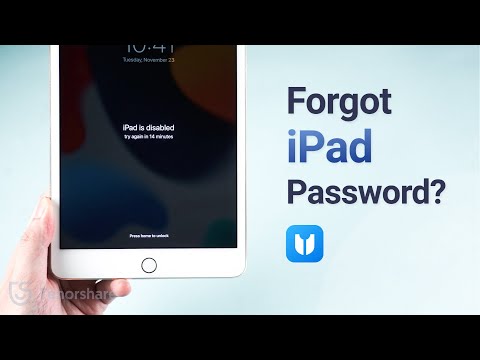
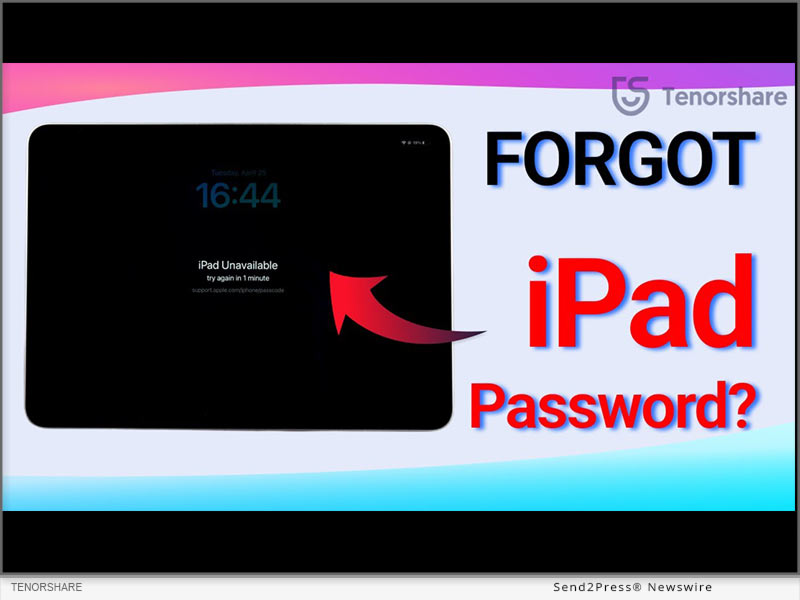
How to Unlock iPad Passcode If Forgotten in 2023

NEW YORK, N.Y. /ScoopCloud/ -- I forgot my iPad password and now I am locked out of iPad. How to unlock it? Countless iOS users ask this question often because they simply forgot their iPad password or bought a used iPad and don't know its passcode. If you are one of them, you might want to know how to unlock iPad without password. "Guess what? You'll be thrilled to learn that an iPhone Unlocker like Tenorshare 4ukey can bypass the iPad passcode to make it accessible again," says a Tenorshare spokesperson. So, how to unlock disabled iPad with this tool? Let's find out!

VIDEO (YouTube): https://www.youtube.com/watch?v=yvrWLicv0No

Unlocking Your Disabled iPad: Why Opt for a Third-Party Unlock Tool?

Opting for third-party unlock tools if you forgot iPad passcode as they have several advantages over traditional methods like iTunes, iCloud, and Apple ID, such as:

* Versatile - They can handle various iOS locks like Apple ID, screen lock, MDM, and Screen Time passcode, making them versatile for different lock issues.

* Requires No Tech Skills - They are user-friendly and perfect for those who aren't tech-savvy.

* Compatible - They are compatible with all iPad models and iPadOS versions, ensuring a reliable solution for any device.

* Professional Support - These tools often come with dedicated support teams.

How to Unlock an iPad if You Forgot the Passcode - With iPhone Unlocker

Need to unlock iPad without a passcode? Use an iPhone Unlocker. It automatically gets rid of the password, making your iPad accessible in no time.

Here are some standout features of this tool:

* Unlock Any iDevice without Touch ID or Face ID.

* Bypass Apple ID and MDM lock without the need for a password.

* Remove the Screen Time passcode without data loss.

* Compatible with the latest iPadOS 17.

Here's how to use Tenorshare 4uKey to unlock your disabled iPad without a passcode:

1. Download and install the tool on your PC, connect your disabled iPad to your computer, launch the software, and hit "Start."

2. Press "Next" and then "Download" to download the latest firmware. Afterward, click "Start Remove," and your iPad will be unlocked.

https://www.tenorshare.com/products/4ukey-unlocker.html

Can You Unlock an iPad Without the Passcode and Computer?

How to unlock iPad passcode without a computer? If you forgot iPad password and don't have a PC at hand, simply use Apple's "Erase iPad" feature to unlock your device. It appears at the bottom of the screen when you enter the wrong passcode many times. But you must have an iPad running on iPadOS 15.2 or later and know your Apple ID to use this method.

About Tenorshare:

Want to know how to unlock disabled iPad? In 2023, Tenorshare 4uKey is the go-to solution to unlock iDevices without passcodes, Apple ID, iTunes, or iCloud. Tenorshare, a leading smartphone solution provider, continues to enhance the iOS and Android user experience, ensuring hassle-free device access. https://www.tenorshare.com/

Facebook: https://www.facebook.com/TenorshareOfficial/

X/Twitter: https://twitter.com/Tenorshare_Inc

YouTube: https://www.youtube.com/user/TenorshareOfficial/videos

TikTok: https://www.tiktok.com/@tenorshare_tech_tips

News from Tenorshare Co. Ltd.

I forgot my iPad password and now I am locked out of iPad. How to unlock it? Countless iOS users ask this question often because they simply forgot their iPad password or bought a used iPad and don't know its passcode. If you are one of them, you might want to know how to unlock iPad without password. Tenorshare 4ukey can bypass the iPad passcode to make it accessible again.

Related link: https://www.tenorshare.com/

This version of news story was published on ScoopCloud™ (ScoopCloud.com) - part of and © the Neotrope® News Network - all rights reserved.
How to Fix a New iPhone 15 Stuck on Apple Logo During Setup

NEW YORK, N.Y. /ScoopCloud/ -- The recent release of the iPhone 15 has been met with much excitement. However, some users encountered a frustrating issue: Many iOS users have reported that their iPhone 15 stuck on the Apple logo during setup and searching for how to fix it. Tenorshare spokesperson explains, "iPhone stuck on Apple logo during setup. Compared to traditional approaches for resolving the iPhone Stuck on the Apple logo, Tenorshare ReiBoot performs its magic, offering a hassle-free logo repair solution."

Why is My iPhone 15 stuck on Apple Logo?

Software Glitches: iOS software bugs can lead to the Apple logo issue during boot.

Incomplete Updates: Interrupted or incorrect iOS updates can result in instability and logo freezing.

Corrupted Files: Restoring or transferring corrupted files from backups can trigger this problem.

Jailbroken Device: Jailbreaking your iPhone might cause software issues, including boot loops.

How to Fix iPhone 15 stuck on the Apple logo Without Data Loss? [All iPhone Support]

To fix the iPhone 15 Stuck On Apple Logo during setup. Tenorshare ReiBoot is a professional iOS system recovery tool that offers a range of features to help fix these issues.

Dedicated features of ReiBoot:

* Fix 150+ iOS/iPadOS/tvOS System Problems, like Boot Loop, Apple Logo, Stuck, Update and more.

* Enter and exit recovery mode with a single click.

* Downgrade iOS to the previous version without iTunes/Finder.

* Repair iTunes backup and restore errors.

* Supports all iOS versions and iPhone models.

Steps to Use ReiBoot and Fix iPhone 15 Stuck on Apple Logo:

1 - Start by downloading and running Tenorshare ReiBoot on your PC and click "START".

2 - Now, click on the "Standard Repair" button. ReiBoot will then download the necessary firmware package for your device.

3 - Now click "Start Standard Repair" again and Enjoy your iPhone.

Get started here: https://www.tenorshare.com/products/reiboot.html

iPhone 15 Giveaway&iOS 17 Sales

Great news! Tenorshare is hosting iPhone 15 & iOS 17 Sales, offering discounts on Tenorshare ReiBoot and vital iOS 17 tools. Here's what you can enjoy:

$8 Off iOS 17 Tools: Get an exclusive $8 discount on essential iOS 17 tools like Tenorshare ReiBoot, UltData, iCareFone, 4uKey and more.

Buy One, Get One Free: Buy ReiBoot and receive the iCareFone absolutely free.

$5 Coupon Gift: Select any iOS 17 must-have tool, and receive a $5 Coupon Gift that you can use on any product in our lineup.

Discover more by visiting our Sales Promotion

https://www.tenorshare.com/sales-promotion.html

About Tenorshare:

Beyond fixing the iPhone is frozen on Apple logo, ReiBoot expertly handles various iOS issues-like update glitches, white and black screens, boot loops, and more. Trust ReiBoot to effortlessly resolve the Apple logo freeze. Tenorshare's consistent quality has fostered long-standing trust among its customers in addressing diverse software issues.

More information: https://www.tenorshare.com/

Facebook: https://www.facebook.com/TenorshareOfficial/

X/Twitter: https://twitter.com/Tenorshare_Inc

YouTube: https://www.youtube.com/user/TenorshareOfficial/videos

TikTok: https://www.tiktok.com/@tenorshare_tech_tips

News from Tenorshare Co. Ltd.

The recent release of the iPhone 15 has been met with much excitement. However, some users encountered a frustrating issue: Many iOS users have reported that their iPhone 15 stuck on the Apple logo during setup and searching for how to fix it. Tenorshare spokesperson explains, "iPhone stuck on Apple logo during setup. Compared to traditional approaches for resolving the iPhone Stuck on the Apple logo, Tenorshare ReiBoot performs its magic, offering a hassle-free logo repair solution."

Related link: https://www.tenorshare.com/

This version of news story was published on ScoopCloud™ (ScoopCloud.com) - part of and © the Neotrope® News Network - all rights reserved.
Passvers Special Sales for WWDC – 30% OFF for Lifetime License!

HONG KONG /ScoopCloud/ -- In order to celebrate the newly-hold 2023 Apple WWDC, the industry-leading iOS solutions provider has announced a special sales event, with up to 30% OFF discount for its lifetime licenses of the two high-ranking products, Passvers iPhone Unlocker and Passvers iOS System Recovery. The latest versions of the two software will pace with the new iPhone 15 models and iOS 17 and quickly add support to them. Now, this competitive pricing is the right moment for you to prepare in advance!

Special Passvers 2023 Discount for WWDC

Check the special pricing for Passvers events launched for 2023 Apple WWDC:

* Passvers iPhone Unlocker

Lifetime Pricing: US $55.96 (Original at US$79.95) | Available Devices: 6 Devices / 1PC/Mac

* Passvers iOS System Recovery

Lifetime Pricing: US $55.96 (Original at US$79.95) | Available Devices: 6 Devices/ 1PC/Mac

Why Select Passvers?

Every year when there launch new updates for iOS systems and iPhone models, some users would run into problems while upgrading systems or transferring iPhone data. That's what Passvers software can help when such situations occur. It can powerfully remove iOS locks to deliver successful account switching and set up, or resolve errors caused by system update failures.

Compared with many competitors on the market, Passvers ranks on top of the lists evaluated from the following 3 aspects:

* High Success Rate

No matter for iOS lock removal or system error repair, Passvers ensures merely no errors in processing. It provides the highest success rate compared with all other brands on the market to ensure you an efficient outcome.

* Instant Update

To cater to the regular updates of Apple systems and launches of new models, Passvers keeps pace with it and will update the software versions to provide the latest support, ensuring great compatibility for all users to fix iOS errors without hassle.

* Speedy Performance

Efficiency is also what Passvers values the most. With advanced acceleration teches employed, its software performance can be enhanced a lot but consumes low CPU, guaranteeing smooth and speedy experience to resolve iOS problems for you.

Great Features of Passvers Software

Passvers software will fully perform to be compatible with the latest Apple models and iOS systems with all the following great features working powerfully:

* Passvers iPhone Unlocker Features

* Compatible with all types of iOS screen locks to remove them without passcodes (4-digit/6-digit passcode, Face ID, Touch ID);

* Set up a new iPhone by removing iCloud activation lock with no passwords required;

* Powerfully get rid of MDM profiles at a high success rate with almost all MDM agents supported;

* Available to remove Apple ID from iOS devices without requiring to enter passwords;

* One tap to remove iTunes backup encryption lock;

* Wipe all screen time passcodes to use all apps completely limitation-free.

Passvers iOS System Recovery Features

* 3 repairing modes to fix 50+ iOS systems errors efficiently;

* Capable with all life scenarios, including the common system upgrade or downgrade failures;

* No iTunes installation required;

* Acceleration teches to ensure high-speed iOS system repairing efficiency;

* Easy-to-grasp functionality to complete the intuitive iOS system recovery performance by only a few clicks.

Learn more: https://passvers.com/ios-system-recovery/

About Passvers

Passvers is a leading brand with the most powerful iOS solutions delivered to help you fix unexpected problems while using Apple devices. Equipped with a powerful technical team, Passvers will keep striving to deliver advanced techniques to deal with issues related with iOS locks and systems. In the future, it will still keep enhancing functionality and ensure stable performance, high success rate, and efficient speed to deliver the best services to you.

Contact Information

Official websites: https://passvers.com/iphone-unlocker/

News from Passvers

In order to celebrate the newly-hold 2023 Apple WWDC, the industry-leading iOS solutions provider has announced a special sales event, with up to 30% OFF discount for its lifetime licenses of the two high-ranking products, Passvers iPhone Unlocker and Passvers iOS System Recovery. The latest versions of the two software will pace with the new iPhone 15 models and iOS 17 and quickly add support to them.

Related link: https://passvers.com/

This version of news story was published on ScoopCloud™ (ScoopCloud.com) - part of and © the Neotrope® News Network - all rights reserved.
How to Fix an Apple iPhone Stuck on Restore Screen (iOS 17/16 Supported)?

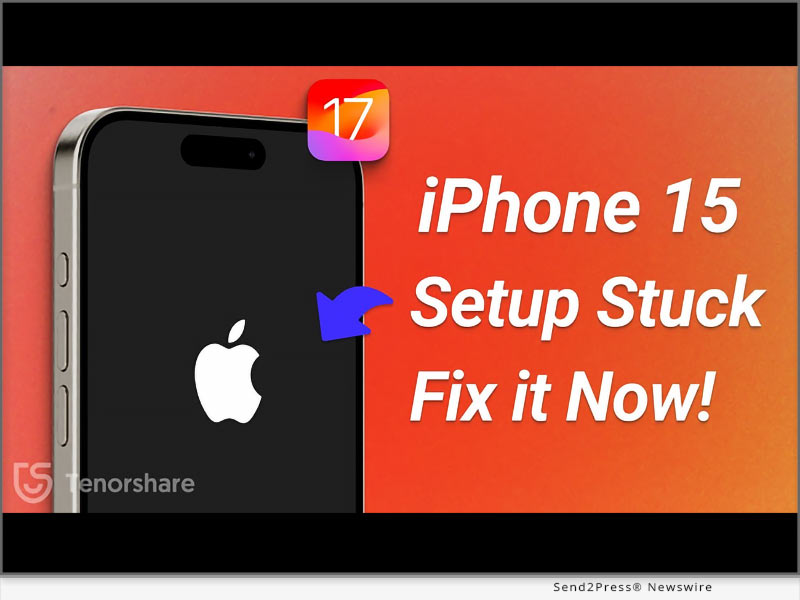
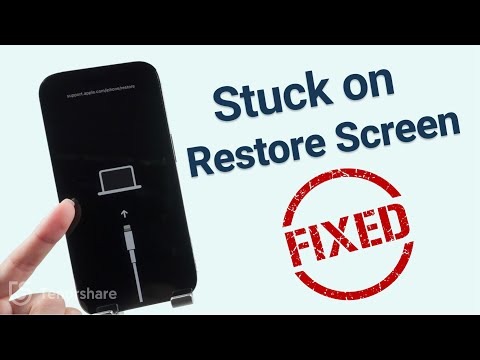
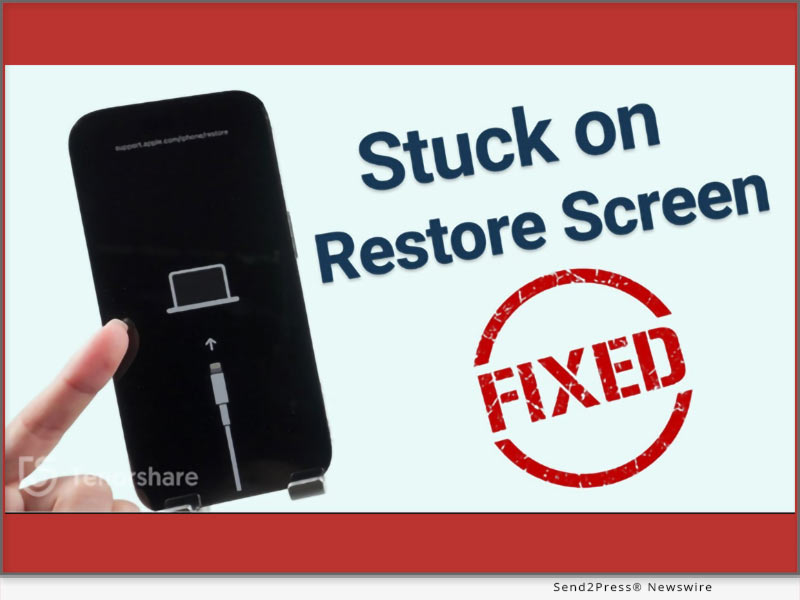
NEW YORK, N.Y. /ScoopCloud/ -- Is your iPhone stuck on the restore screen? Yeah, we get it. It's a real headache, as anything you'll do to escape this situation can result in data loss. So, what can you do? "Users have their iPhones stuck on the iPhone support.apple.com/iPhone/restore screen due to software conflicts, incomplete updates, or corrupted firmware. "However, there's a solution to this problem. Tenorshare Reiboot offers a reliable way to fix iPhones stuck on the Restore screen by repairing the iOS system without data loss," says a Tenorshare spokesperson. Want to know how Tenorshare Reiboot works? Keep reading to learn more!

VIDEO: https://youtu.be/qgHj0riNboM

Why Is My iPhone Stuck on the Restore Screen?

Your iPhone may get stuck on the "support.apple.com/iphone/restore" screen due to issues with the device's firmware, iOS downgrade, incomplete updates, or hardware problems. But what does the support.apple.com/iPhone/restore mean?

The support.apple.com/iPhone/restore is a webpage where users can find guidance on restoring their iPhone 17/16 to its factory settings using iTunes or Finder. It's important to note that resetting your phone means erasing all data and device settings.

How to Fix iPhone Stuck on the Restore Screen Without Losing Data?

The optimal solution to getting rid of the stuck restore screen on iPhone is Tenorshare ReiBoot. It can help with any iOS issues you're facing, and that too with no data loss. Here's what you'll get with this iOS repair tool:

1 - Get rid of iPhone 17, 16, and iPhone 15 stuck on the restore screen with just one click at no cost.

2 - If restoring from iCloud takes forever, reinstall, upgrade, or downgrade iOS without losing data.

3 - Offers a 100% success rate.

Here are the steps to use ReiBoot to get rid of the restore screen on your iPhone:

* Link your iPhone to your PC.

* Open ReiBoot on the PC, select "iOS Upgrade/Downgrade," and opt for "Upgrade."

* Download the required firmware online, then initiate the iOS reinstallation.

More Than iPhone Stuck on Restore Screen - ReiBoot Review

* Tenorshare Reiboot offers more than just fixing iPhone restore screen issues. Here's what else it can do:

* Repair 150+ iOS problems like Apple logo freeze, unresponsive screen, recovery loop, etc.

* Update to the latest iOS 17 beta, including developer and public betas.

* Downgrade iOS 17 beta to earlier versions without the need for jailbreaking.

* Reset iOS devices without iTunes/Finder and repair the macOS system swiftly.

* Fix iPhone/iTunes errors like 4013/4005 conveniently.

* Compatible with all iOS versions and devices, including iOS 17/16 and iPhone 15/14 models.

LEARN MORE: https://www.tenorshare.com/tech-spec/reiboot-ios-system-repair.html

About Tenorshare

If your iPhone 16/17 is stuck on the restore screen, Tenorshare ReiBoot offers a simple and effective way to fix the "iPhone stuck on the restore screen" problem without data loss. Tenorshare, the brains behind this iOS repair tool, is dedicated to providing reliable solutions for iOS and iPhone users.

INFORMATION: https://www.tenorshare.com/

Facebook: https://www.facebook.com/TenorshareOfficial/

X/Twitter: https://twitter.com/Tenorshare_Inc

YouTube: https://www.youtube.com/user/TenorshareOfficial/videos

TikTok: https://www.tiktok.com/@tenorshare_tech_tips

News from Tenorshare Co. Ltd.

Is your iPhone stuck on the restore screen? Yeah, we get it. It's a real headache, as anything you'll do to escape this situation can result in data loss. So, what can you do? "Users have their iPhones stuck on the iPhone support.apple.com/iPhone/restore screen due to software conflicts, incomplete updates, or corrupted firmware. "However, there's a solution to this problem. Tenorshare Reiboot offers a reliable way to fix iPhones stuck on the Restore screen.

Related link: https://www.tenorshare.com/

This version of news story was published on ScoopCloud™ (ScoopCloud.com) - part of and © the Neotrope® News Network - all rights reserved.
How to Bypass iPhone Passcode If Forgotten in 2023? Fix it with Tenorshare 4uKey

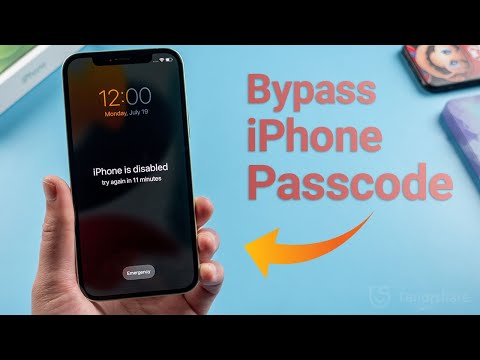
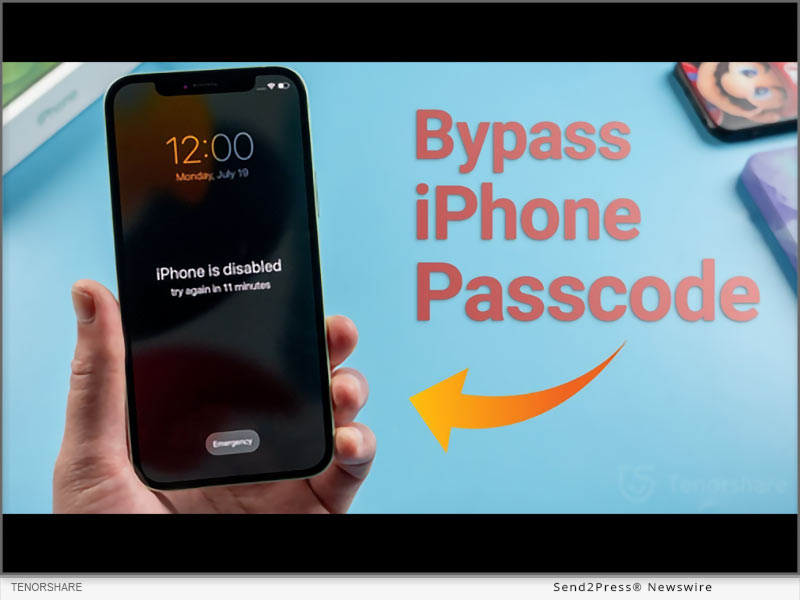
NEW YORK, N.Y. /ScoopCloud/ -- "I forgot my iPhone passcode, and now it's disabled because I kept trying the wrong one. How to bypass my iPhone passcode?" This is a question that is quite common among iPhone users. So, you're not alone, says Tenorshare.

"Your iPhone might become disabled for various reasons. It might be due to forgetting the passcode, repeated incorrect password attempts, or issues with the touch screen's functionality. Luckily, iPhone users can now use Tenorshare 4uKey to bypass the iPhone passcode and regain access to their disabled iDevices within a few minutes," says a Tenorshare spokesperson, "Let's find out below to get into an iPhone without a password with 4uKey!"

Video: https://youtu.be/HIXmNjSffgM

Can You Bypass The Passcode On iPhone if You Forgot iPhone Passcode?

Yes, you can easily bypass a passcode on iPhone. There are quite a few ways to bypass passcode on iPhone, but they have limitations or conditions to unlock your iPhone passcode. Here they are:

* Bypass iPhone Passcode Via iCloud - Use the Find My iPhone feature on iCloud to erase the device and remove the passcode remotely. But this will delete all your phone data.

* Unlock iPhone Passcode through Siri - Bypass the passcode with Siri if your iPhone runs on an older iOS version.

* Bypass iPhone Passcode with iTunes - Restore your iPhone using iTunes. But this will delete all your phone data.

* Bypass iPhone Passcode via Recovery Mode - Put your iPhone into Recovery Mode and restore it using iTunes to remove the passcode. But this will delete all your phone data.

Recommend iPhone Passcode Bypasser Review!

Unlike other methods, Tenorshare iPhone Password Bypasser doesn't just perform an iPhone passcode bypass; it can also unlock a disabled iPhone and remove various other ID locks. Here's what 4uKey can do:

* Bypass 4-digit/6-digit passcodes, biometrics, and face IDs from iDevices.

* Remove Screen Time passcodes.

* Unlock disabled iDevices without needing iTunes or iCloud.

* Bypass MDMscreen and remove MDM profiles.

How to Bypass iPhone Passcode Without Losing Data?

Here's how to bypass the passcode on an iPhone with 4uKey without losing data:

* Connect your iPhone to your PC.

* Open 4uKey, press "Start" to unlock the screen.

* Download the firmware package and select "Start Remove" to bypass the iPhone passcode.

https://www.tenorshare.com/unlock-iphone/how-to-bypass-iphone-passcode.html

https://www.dealntech.com/how-to-bypass-iphone-passcode/

https://youtu.be/HIXmNjSffgM

https://www.tenorshare.com/products/4ukey-unlocker.html

About Tenorshare:

Tenorshare, the company behind 4uKey, is dedicated to offering reliable and quick smartphone solutions for both iOS and Android users. When faced with the predicament of "how to bypass an iPhone passcode," Tenorshare 4uKey stands out as a highly recommended solution. Its powerful features, and user-friendly interface, make it a top choice for bypassing iPhone passcodes while ensuring data safety and security.

More information: https://www.tenorshare.com/

Facebook: https://www.facebook.com/TenorshareOfficial/

Twitter/X: https://twitter.com/Tenorshare_Inc

YouTube: https://www.youtube.com/user/TenorshareOfficial/videos

TikTok: https://www.tiktok.com/@tenorshare_tech_tips

News from Tenorshare Co. Ltd.

"I forgot my iPhone passcode, and now it's disabled because I kept trying the wrong one. How to bypass my iPhone passcode?" This is a question that is quite common among iPhone users. So, you're not alone, says Tenorshare. Unlike other methods, Tenorshare iPhone Password Bypasser doesn't just perform an iPhone passcode bypass; it can also unlock a disabled iPhone.

Related link: https://www.tenorshare.com/

This version of news story was published on ScoopCloud™ (ScoopCloud.com) - part of and © the Neotrope® News Network - all rights reserved.
How to Fix Apple iPhone ‘Unavailable’ with iToolab UnlockGo iOS

NEW YORK, N.Y. /ScoopCloud/ -- Have you forgotten your iPhone passcode and been stuck on the "iPhone Unavailable" screen? Are you anxious about how to fix "iPhone Unavailable" error? If that is your situation, there is no need to worry. iToolab brings you an easy solution to unlock iPhone unavailable screen with the help of UnlockGo iOS.

Why Does iPhone Unavailable Message Appear?

iPhone Unavailable screen appears when you attempt to unlock your iPhone with the incorrect password too many times. After 5 incorrect attempts, your iPhone will say "iPhone Unavailable, try again in one minute." After 10 incorrect attempts, your iPhone will say "iPhone Unavailable" with no timer. It means that your iPhone is permanently locked. The only thing you can do is reset your iPhone.

Some Apple users may choose to bypass iPhone unavailable screen through "Erase iPhone" option, iTunes or any other solutions. However, those solutions may only work for some specialized iPhone models or iOS versions. Luckily, with iToolab UnlockGo iOS, you can fix "iPhone Unavailable" screen on all iPhone models, no matter the iOS version.

How to Fix "iPhone Unavailable" with iToolab UnlockGo iOS?

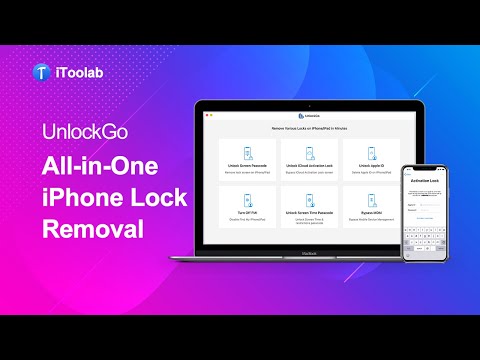
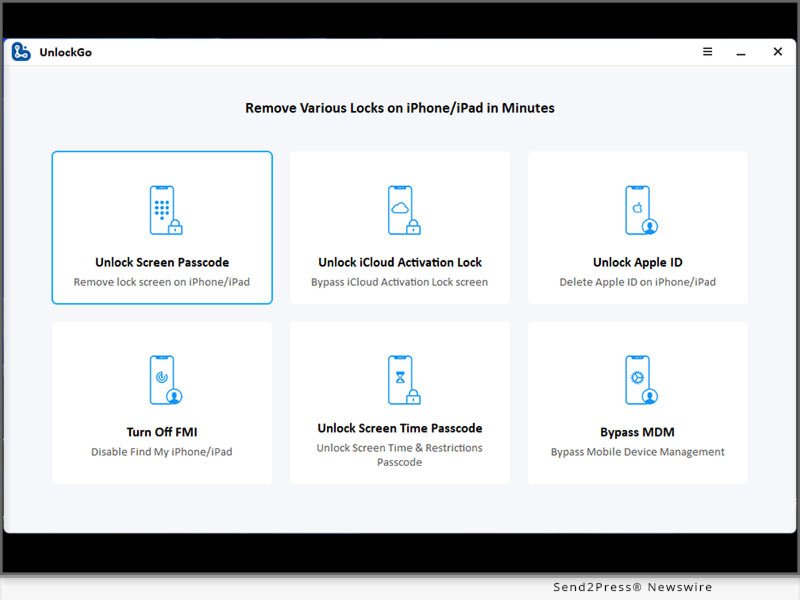
iToolab UnlockGo iOS is a leading iPhone unlocker that allows you to remove all types of screen locks effortlessly from your iPhone, iPad and iPod touch. No matter why you're locked out of your iPhone/iPad/iPod touch, UnlockGo iOS can help a lot. Apart from removing lock screen from iPhone/iPad/iPod touch, iToolab UnlockGo iOS can also bypass iCloud Activation Lock and remove Apple ID without password.

Step-by-step guide to bypass "iPhone Unavailable":

* Free download and install iToolab UnlockGo iOS on your computer. Launch the program and choose the option "Unlock Screen Passcode".

* Connect your locked iPhone to the computer with a lightning to USB cable.

* The program will begin to download the latest firmware package matching your iPhone model and iOS version.

* Once done, UnlockGo iOS starts to unlock your iPhone. Your iPhone will be unlocked within minutes.

Complete guide: https://itoolab.com/guide/how-to-use-unlockgo/

Video: https://www.youtube.com/watch?v=y__dxUIpaM8

Availability and Price

* iToolab UnlockGo iOS works on Windows 11/10/8.1/8/7, and MacOS 10.11 and later.

* The program is sold with different license plans, including 1 Month Plan, 1 Year Plan, Lifetime Plan and Business Plan. You can visit the official website to check the price.

More Information:

https://itoolab.com/tech-specs/unlockgo/

https://itoolab.com/buy/unlockgo-for-windows/

About iToolab

iToolab is a Hong Kong-based leading iOS and Android solution provider with a vision to help smartphone users solve various technical issues. Over the years, the company has helped millions of users fix iOS issues and regain access to their iPhones and iPads. Currently, iToolab provides its services in more than 130 countries and has an extensive user base. The creative approach of the developers is the main reason for the high success rate of all iToolab products.

For more details, please visit:

Official Website: https://itoolab.com/

Facebook: https://www.facebook.com/itoolab

Twitter/X: https://twitter.com/IToolab

YouTube: https://www.youtube.com/@iToolab

News from IToolab Co Ltd

Have you forgotten your iPhone passcode and been stuck on the "iPhone Unavailable" screen? Are you anxious about how to fix "iPhone Unavailable" error? If that is your situation, there is no need to worry. iToolab brings you an easy solution to unlock iPhone unavailable screen with the help of UnlockGo iOS.

Related link: https://itoolab.com/

This version of news story was published on ScoopCloud™ (ScoopCloud.com) - part of and © the Neotrope® News Network - all rights reserved.
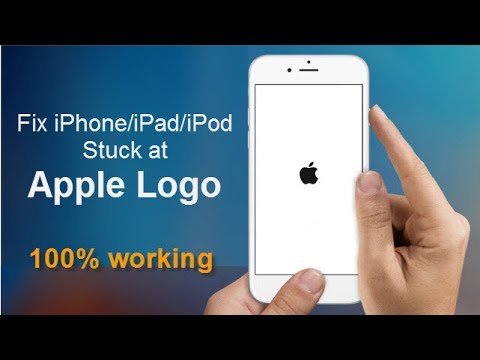
iPhone Stuck On The Apple Logo? Here is why and how to unfreeze it!

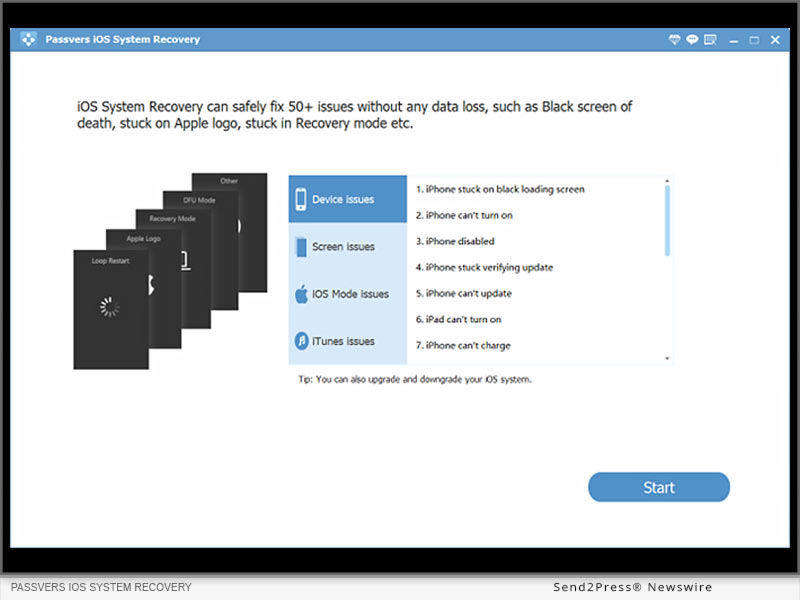
NEW YORK, N.Y. /ScoopCloud/ -- It is universal but terrible for most iPhone devices that iPhone stuck on Apple logo screen. If your iPhone is frozen on Apple screen and you are worried about what to do next to handle Apple logo, don't need to panic as Tenorshare is here to provide its expert repairing services with Tenorshare ReiBoot to unfreeze your frozen screen. What a coincidence that up to 70% off is offered for its iPhone repair software before December 9, 2022. Avail this discount if you are confused to repair your Apple logo screen.

Video Tutorial: https://www.youtube.com/watch?v=aYnIugz5cvI

What would cause my iPhone stuck on Apple Logo?

Many iPhone users complained that iPhone stays on Apple logo screen, but they didn't catch the root of Apple logo.

Restoring data from backup, transferring data, installing and updating the software, jailbreaking iPhone, and degrading version are possible reasons for a frozen iPhone screen.

"iPhone stuck on the Apple logo can be caused causally. Fortunately, it can be fixed by Tenorshare ReiBoot when your iPhone is stuck on the Apple logo," said Tenorshare's spokesperson. "When compared to the conventional methods for fixing iPhone Stuck on the Apple logo, Tenorshare ReiBoot has its magic to repair Apple logo in a hassle-free way."

How to Fix iPhone Stuck On Apple Logo Without Data Loss?

After figuring out the cause of the Apple logo, let's move forward toward its solution with the best repair software:

* Install the latest version of Tenorshare ReiBoot on your PC and click "START" on the main interface.

* Click on the "Standard repair" button. Then download the firmware package by clicking on "Download".

* For fixing Apple Logo Loop, click on "Start Standard Repair" after completing the download.

* Finally, the Apple logo stuck would be resolved to a normal state.

Additionally, Tenorshare ReiBoot can fix various iOS problems, such as device bugs, screen stuck, iPhone errors, and update problems, etc.

What are you waiting for Tenorshare Black Friday?

Hence, why not get your iPhone free again with Tenorsahre ReiBoot if your iPhone is stuck on Apple logo screen? Catch these mind-blowing Tenorshare Black Friday Amazing Deals for a better software experience to unfreeze iPhone. Once you join in Tenorshare Black-Friday Sales, you can enjoy up to 70% off, Amazon gift cards, discount vouchers, and more discounts. For more details, visit the link mentioned below:

https://www.tenorshare.com/sales-promotion.html

https://www.tenorshare.com/products/reiboot.html

https://www.tenorshare.com/iphone-fix/fix-iphone-stuck-on-apple-logo.html

About Tenorshare

Other than iPhone stuck on Apple screen, ReiBoot can resolve any iOS issues with expert repairing software like iOS Update Stuck, White Screen, Boot Loop Screen, Black Screen, Recovery Mode Stuck, and Won't Restore e.t.c. Just rest assured to unfreeze Apple logo without hassle with ReiBoot. And Tenorshare has established trustworthy relationships with its customers for years thanks to the best quality to solve all types of software problems.

More information: https://www.tenorshare.com/

Facebook: https://www.facebook.com/TenorshareOfficial/

Twitter: https://twitter.com/Tenorshare_Inc

YouTube: https://www.youtube.com/user/TenorshareOfficial/videos

TikTok: https://www.tiktok.com/@tenorshare_tech_tips

News from Tenorshare Co. Ltd.

It is universal but terrible for most iPhone devices that iPhone stuck on Apple logo screen. If your iPhone is frozen on Apple screen and you are worried about what to do next to handle Apple logo, don't need to panic as Tenorshare is here to provide its expert repairing services with Tenorshare ReiBoot to unfreeze your frozen screen.

Related link: https://www.tenorshare.com/

This version of news story was published on ScoopCloud™ (ScoopCloud.com) - part of and © the Neotrope® News Network - all rights reserved.
Up to 75% Off: UltFone Launches the Biggest Christmas and New Year Sales for 2021

NEW YORK, N.Y. /ScoopCloud/ -- More than 10 million families celebrate Christmas around the USA. The tradition of sending gifts and spreading happiness on the eve of the 25th has been practiced for centuries. The festival engages a broader community due to the new year celebrations that follow. This year, UltFone - an emerging software application company - has decided to take part in the festivity. The iOS / Android / PC solutions brand has announced a magnanimous store-wide sale, coupons and other exciting deals starting from 12th Dec to 6th Jan, 2022.

Mike Lee, CEO of UltFone announced the sale on December 13, 2021; he said, "The past two years have been tough for us. The pandemic took happiness from our lives, but Christmas is a festival for everyone. Our goal is to ensure we do everything in our capacity to spread happiness and help you smile."

UltFone has been in the business for ten years and has served more than 360 million customers. The brand offers lifetime support for all its products and a 30-day money-back guarantee.

Win Store-Wide coupon:

The new year Christmas sale includes a $10 and $5 store-wide coupon for everyone interested in UltFone's iOS products. Unlike other brands, the coupon is not limited to previous or new buyers, and anyone can win it by completing the tasks. The $5 coupon can be received by simply signing up for UltFone's newsletter, while the 10$ coupon can be won by liking UltFone's official Facebook page and sharing the activity with the caption as '#UltFoneNewYearSale'.

Buy One Get 0ne Free:

The celebration also includes a "Buy One Get One Free" offer. Users who buy UltFone iOS Data Recovery can get UltFone iOS Data Manager for free. UltFone iOS Data Recovery is a professional application that helps to recover data on iPhone/iPad/iPad Touch.

Additionally, the exciting offer is also valid for UltFone iOS Data Manager, & UltFone Android Data Recovery. You can get either UltFone WhatsApp Transfer, or UltFone Android System Repair as a gift upon purchasing the earlier mentioned UltFone Products. All deals are available on the official website of UltFone.

Huge Discounts on Bestselling Products:

In addition to the above offers, users can also enjoy huge discounts on various UltFone products, including UltFone Activation Unlocker, UltFone iOS System Repair, and UltFone WhatsApp Transfer.

How to Participate

To participate in Christmas Celebration, visit here: https://www.ultfone.com/holiday-sales.html

About UltFone:

UltFone is a professional software provider offering fully integrated solutions for iOS system repair, iOS data recovery, Android data recovery, data transfer, etc. The company is trusted by famous websites, including PCWorld, Macworld, TechRadar, Tech Advisor, and many more.

For more information, you may visit the official website of UltFone: https://www.UltFone.com/

Facebook: https://www.facebook.com/UltFone/

Twitter: https://twitter.com/UltFone

YouTube: https://www.youtube.com/c/UltFoneOfficial

News from UltFone

More than 10 million families celebrate Christmas around the USA. The tradition of sending gifts and spreading happiness on the eve of the 25th has been practiced for centuries. The festival engages a broader community due to the new year celebrations that follow. This year, UltFone - an emerging software application company - has decided to take part in the festivity.

Related link: https://www.ultfone.com/

This version of news story was published on ScoopCloud™ (ScoopCloud.com) - part of and © the Neotrope® News Network - all rights reserved.
All Tenorshare Software is now Compatible with Apple’s iOS 15 Beta

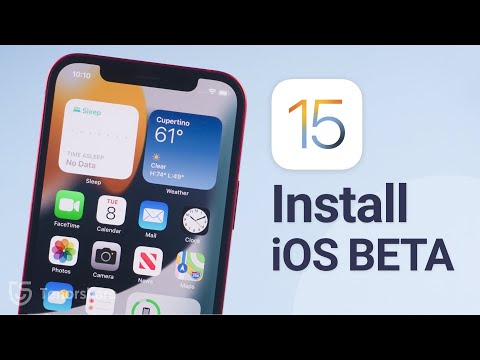
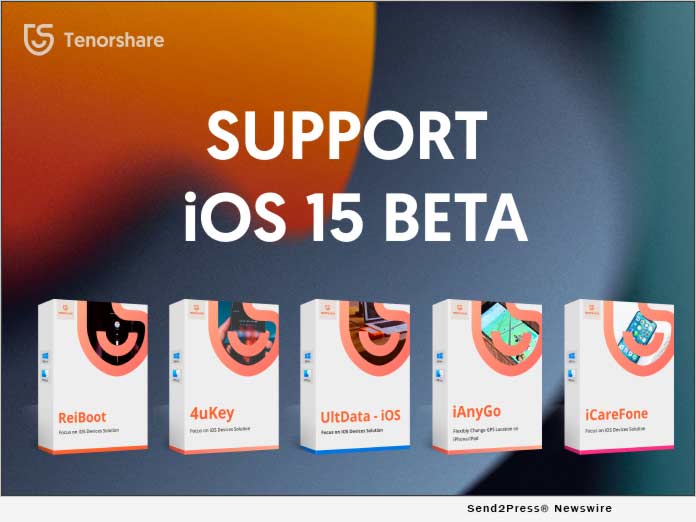
NEW YORK, N.Y. /ScoopCloud/ -- Apple recently launched the latest iOS 15 Beta. As a pioneer and excellent software for repairing and managing iOS systems and data, Tenorshare has updated all its software to be fully compatible with iOS 15 Beta, including UltData, ReiBoot, 4uKey, WhatsApp Transfer, iAnyGo, 4uKey iTunes Backup, and iCareFone.

Mike Lee, CEO of Tenorshare, said: "We will always adapt to changes in technology and the market and update our software in time to meet more users' needs. Every time the iOS system is upgraded and a new iPhone is released, Tenorshare will conduct a long and comprehensive test on all software."

ReiBoot - Fix Various iOS 15 Beta Stuck Scenarios

ReiBoot enables you to fix various iOS 15 Beta system issues without losing a single byte, like iPhone recovery mode, white Apple logo, black screen, looping on start. etc.

4uKey - Unlock iPhone Unable to Activate

4uKey is dedicated to repairing disabled iPhones, including deleting Apple ID, screen passcode, Touch ID and Face ID, etc. Forgot iPhone passcode or iPhone is disabled not to connect iTunes. However, 4uKey iPhone Unlocker can regain your iPhone.

UltData - Recover Deleted Data Directly from iOS Devices

UltData is able to directly restore all data lost from iPhone/iPad without backing up. In addition, it also allows you to preview and selectively restore data from iTunes and iCloud backup files.

iAnyGo - Freely Change GPS Location without Jailbreak

iAnyGo is a useful tool that can change uses' GPS location easily, it's easy to simulate GPS movement at customized speed. It works with all location-based apps, such as Pokemon Go, WhatsApp, Fitness app, Facebook, etc

WhatsApp Transfer - Transfer WhatsApp Data between Different Devices

Tenorshare WhatsApp Transfer can easily transfer WhatsApp chats between Android and iPhone including videos, images, and files. Only one click, WhatsApp and WhatsApp Business chat will be transferred to your new phone. Latest iOS/iPadOS 15 Beta and Android 10 compatible.

ABOUT TENORSHARE

Tenorshare is an international software company founded in 2007 and is known for its award-winning and highly rated software products. More information: https://www.tenorshare.com/

Facebook: https://www.facebook.com/TenorshareOfficial/

Twitter: https://twitter.com/Tenorshare

YouTube: https://www.youtube.com/user/TenorshareOfficial/videos

MULTIMEDIA:

VIDEO (YouTube): https://www.youtube.com/watch?v=PdTtdX9APdE

News from Tenorshare Co. Ltd.

Apple recently launched the latest iOS 15 Beta. As a pioneer and excellent software for repairing and managing iOS systems and data, Tenorshare has updated all its software to be fully compatible with iOS 15 Beta, including UltData, ReiBoot, 4uKey, WhatsApp Transfer, iAnyGo, 4uKey iTunes Backup, and iCareFone.

Related link: https://www.tenorshare.com/

This version of news story was published on ScoopCloud™ (ScoopCloud.com) - part of and © the Neotrope® News Network - all rights reserved.
Tenorshare Announces Revamped ReiBoot V8.0.0 for Better User Experience

NEW YORK, N.Y. /ScoopCloud/ -- Tenorshare has proudly announced that it has launched ReiBoot V8.0.0 with a new interface. ReiBoot is an industry-leading software solution that can help users solve 150+ iOS system problems.

"ReiBoot V8.0.0 is Tenorshare's first major revision and upgrade in 2021. We have optimized and refactored the interface and added a Reset Device entrance. At the same time, we are dedicated to bring users better software and better user experience," said Tenorshare's CEO, while introducing ReiBoot V8.0.0.

What are the new updates?

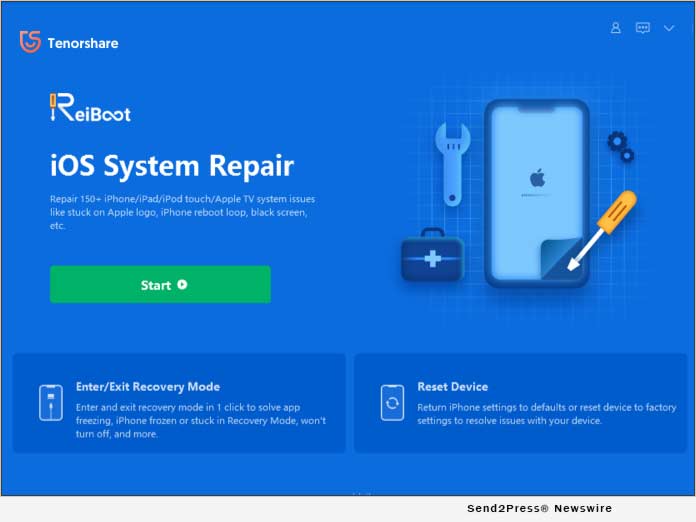
1. iOS system Repair: the main feature. ReiBoot V8.0.0 provides four devices' entrances - iPhone, iPad, Apple TV and iPod. Users can directly select the device mode that they want to repair. Standard mode mainly solves some common iOS system problems and will not lose device data. Deep mode repairs more serious issues, but it will cause data loss.

2. Combine the two modules of entering and exiting Recovery Mode: Users can click the button "Enter Recovery Mode" to enter the recovery mode, and then click the button "Exit Recovery Mode" to exit the recovery mode.

3. Reset Device: It has two modes to reset device - General Reset and Factory Reset. General Reset can be selectively restored directly through the reset function of the system. Factory Reset can completely erases the phone data and restores it to the factory settings.

4. More iOS system issues guideline: This entrance is mainly used to expand some problems and guideline during the repair process to provide more solutions to users.

Other features have been updated:

* Downgrade iOS Beta without data Loss. Using iTunes restore option to downgrade iOS beta is always a troublesome task. ReiBoot comes with the feature that can downgrade iOS beta to the latest iOS version automatically.

* Repair iTunes Backup & Restore Errors. ReiBoot can easily fix iTunes restore or backup errors with high success rate and no data loss.

Price and Availability:

For 1-5 devices, it is available at $29.95 per month. You also can buy the economic version: $35.95 for one year or $59.95 for lifetime.

Information: https://www.tenorshare.com/purchase/buy-reiboot-pro.html

About Tenorshare

Tenorshare is an international software company founded in 2007 and is known for its award-winning and highly rated software products. More information: https://www.tenorshare.com/

Facebook: https://www.facebook.com/TenorshareOfficial/

Twitter: https://twitter.com/Tenorshare

YouTube: https://www.youtube.com/user/TenorshareOfficial/videos

MULTIMEDIA:

VIDEO (YouTube): https://youtu.be/BCKR1fC216U

IMAGE link for media: https://www.Send2Press.com/300dpi/21-0126s2p-tenorshare-reiboot-300dpi.jpg

News from Tenorshare Co. Ltd.

Tenorshare has proudly announced that it has launched ReiBoot V8.0.0 with a new interface. ReiBoot is an industry-leading software solution that can help users solve 150+ iOS system problems.

Related link: https://www.tenorshare.com/

This version of news story was published on ScoopCloud™ (ScoopCloud.com) - part of and © the Neotrope® News Network - all rights reserved.
All Tenorshare Software Now Compatible with iOS 14

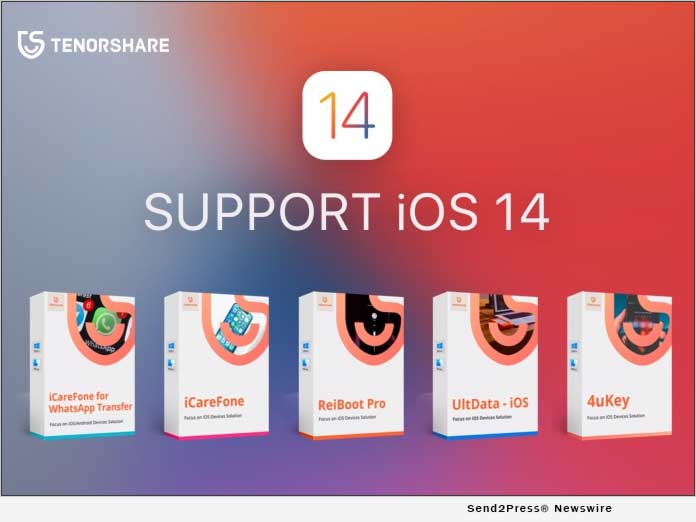
NEW YORK, N.Y. /ScoopCloud/ -- Tenorshare has announced that all of its products will be compatible with iOS 14. As one of the prime leaders in data security and system repair for iOS, Tenorshare is committed to providing its users quick and seamless solutions for iOS 14.

Mike Lee, the CEO of Tenorshare stated that, "We will continue to adapt to the development of technology and update the software in time to meet the needs of more users. All Tenorshare software which includes UltData, ReiBoot, 4uKey, iCareFone for WhatsApp Transfer, iAnyGo,4uKey iTunes Backup and iCareFone would all be compatible with iOS 14."

ReiBoot - Fix 150+ iOS 14 System Issues as Easy as 1-2-3

ReiBoot gives users a 1-click feature to enter and exit recovery mode on iOS 14. It can repair countless iOS 14 problems, including iPhone update error and iPhone stuck.

4uKey - Your Reliable iPhone Screen & Apple ID Unlocker

4uKey allows users to bypass screen passwords on iPhone in mere seconds, while also gives you the option to remove Apple ID, Touch ID, and Face ID.

iCareFone for WhatsApp Transfer - Transfer WhatsApp/WhatsApp Business from Android to iOS 14

iCareFone for WhatsApp Transfer can easily transfer WhatsApp chats between Android & iOS 14. It features backup and restore option. Users can backup and restore Kik, LINE, Viber, and WeChat history to Mac.

UltData - Recover all Data Lost after iOS 14 Update

UltData supports recover deleted Data from iPhone directly. It allows users to recover data directly from iOS 14 and supports over 35 different file types and various applications.

iCareFone - Make Your iOS 14 Backup Easier Than Ever

iCareFone can easily take control of the important iOS 14 data. And backup, import, export, delete, add or even de-duplicate multiple files in one click.

Price and Availability:

Tenorshare Software is both available for Windows and Mac. To celebrate iOS 14, Tenorshare offers 70% discount on all products.

Enjoy it here: https://www.tenorshare.com/event/iphone-12-ios-14-big-sales.html

About Tenorshare

Tenorshare is an international software company founded in 2007 and is known for its highly rated software products.

More information: https://www.tenorshare.com/

Follow on Social:
* Facebook: https://www.facebook.com/TenorshareOfficial/
* Twitter: https://twitter.com/Tenorshare
* YouTube: https://www.youtube.com/user/TenorshareOfficial/videos

*Video: https://www.youtube.com/watch?v=iBEyybxXrow

*IMAGE LINK for media: https://www.Send2Press.com/300dpi/20-0917s2p-tenorshare-ios14-300dpi.jpg

News from Tenorshare Co. Ltd.

Tenorshare has announced that all of its products will be compatible with iOS 14. As one of the prime leaders in data security and system repair for iOS, Tenorshare is committed to providing its users quick and seamless solutions for iOS 14.

Related link: https://www.tenorshare.com/

This version of news story was published on ScoopCloud™ (ScoopCloud.com) - part of and © the Neotrope® News Network - all rights reserved.
Tenorshare 4MeKey is Now Available: iCloud Activation Lock Bypassed Easily

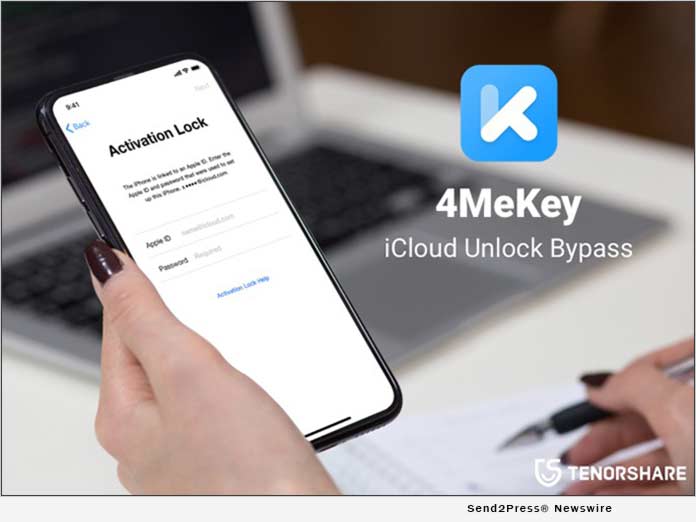
NEW YORK, N.Y. /ScoopCloud/ -- Tenorshare has just released a new product named 4MeKey. It can help you easily bypass the iCloud activation lock on your iPhone, iPad or iPod Touch, thus you can access a locked device without an Apple ID and password!

ICloud activation lock can protect your Apple device from being illegal used by anyone else. Once locked, you can't use the device at all. This is not friendly for secondhand devices. That is why 4MeKey come out. It can unlock iCloud activation lock easily. After unlock, you can log in with a new Apple ID through App Store or iTunes in Settings to download apps over Wi-Fi.

What are the main features of Tenorshare 4MeKey?
1. Unlock iCloud without Apple ID/Password
4MeKey can remove activation lock in various scenarios even if the Apple ID and password are unknown.
* Reset the phone but forgot the activation passcode
* Got a second-hand iPhone from a friend without an Apple ID
* Apple ID was hacked and the device was erased remotely

2. Remove previous iCloud activation lock
After the iCloud activation lock is deleted, the previous Apple ID will no longer be tracked. You are free to use the device.

3. Use a new Apple ID
After bypassing the activation lock, you can enter a new Apple ID and log into the Apple Store to download apps via Wi-Fi.

4. Compatible with iOS devices widely
It not only supports iPhone 5S to iPhone X, but also supports various models of iPad and iPod from iOS 12.3 to the latest 13.5.1, excluding iOS 12.4.5 / 12.4.6 / 12.4.7.

Price and Availability:
Download the trial version to check if your phone is compatible. For 1-5 devices, it is available at 49.95 USD per month. You can get a lifetime license for $69.95. 4MeKey supports Mac only, but a Windows version will be supported in the near future.

Learn more at: https://www.tenorshare.com/products/4mekey-activation-unlocker.html

About Tenorshare Software
Founded in 2007, Tenorshare has been the leader in iOS data and system recovery. It provides the perfect solution for iOS data recovery, data transfer, system repair, and more. More information: https://www.tenorshare.com/.

Facebook: https://www.facebook.com/TenorshareOfficial/
Twitter: https://twitter.com/Tenorshare
YouTube: https://www.youtube.com/user/TenorshareOfficial/videos

VIDEO (YouTube): https://youtu.be/EuO_emyig5s

IMAGE link for media: https://www.Send2Press.com/300dpi/20-0629s2p-tenorshare-4mekey-300dpi.jpg

Disclaimer: This product is for personal use only. Misuse for commercial or illegal purposes is strictly forbidden.

News from Tenorshare Co. Ltd.

Tenorshare has just released a new product named 4MeKey. It can help you easily bypass the iCloud activation lock on your iPhone, iPad or iPod Touch, thus you can access a locked device without an Apple ID and password!

Related link: https://www.tenorshare.com/

This version of news story was published on ScoopCloud™ (ScoopCloud.com) - part of and © the Neotrope® News Network - all rights reserved.
dr.fone 2018 X’mas and Year-End Sale

SHENZHEN, China /ScoopCloud/ -- This Christmas let's do something little extra for everyone! This is the season when every sorrow and apathy goes away and makes space for joy and smiles all the way. Where it is all sale time on the web, dr.fone is no different. With up to 50-percent off, dr.fone (from Wondershare) introduces the 2018 year-end sales. The world's first data recovery software is offering their valued customers' festive season discount like never before.

Whether a user has an android phone or an iOS device, dr.fone promises to bring relief by providing effective data recovery services with a promise of staying in the budget. The crazy offers on their suite of software make it worth the hype. The experience of over ten years and the reputation of dr.fone makes them top-ranked software provider across the globe. And, when its festive season, one can't resist offering their customers a reason to rejoice.

Dr.fone wishes to celebrate this Christmas and New Year with their millions of customers. The complete mobile solution is just a click away! With exciting offers, the wait gets over. No time could be better than this! Take the advantage of the offer while it lasts. Hurry!

The following are the toolkits that promise to be the knight in the shining armor by making the mobile run at 100-percent.

Dr.fone - Full Toolkit: Only for $69.97 (50-percent OFF)

Yes, that is true! The price slash is unbelievable. Now the customers can buy the full dr.fone toolkit for their Android and iOS devices at a not so whopping price. Whether it is data recovery, transfer, backup, or wiping out data; dr.fone is no less than a boon. The best part comes with easy fixtures of the system failures and device lock issues.

It would be tricky to count the times' people have to visit a service center for phone repair services. And, the high costs and risk of data loss make it no less than a nightmare. Well, dr.fone helps with all the problems while one can simply sit back and relax.

Dr.fone iOS Toolkit: Only $49.97 (50-percent OFF)

Unbelievable! This is an offer one can't afford to miss. For all those who have iOS devices like iPhone, iPad, or iPod; this chance is the best time to avail the offer. Whether it is the iPhone stuck on Apple logo, a white screen issue, or the black screen; dr.fone is a comprehensive one-stop solution for all.

Having garnered exemplary media and customer reviews, dr.fone has set an unbeatable standard in the market. From data recovery, system recovery, iOS screen recorder, to data eraser; dr.fone makes sure to give its customers an outstanding experience.

dr.fone Android Toolkit: Only For $39.97 (50-percent OFF)

There could be no better end to this year! dr.fone make sure that all Android phone problems vanish away just in a jiffy. The risk of losing even a simple text message takes a back seat. With the highest recovery rate in the industry, dr.fone is a Santa that could bring nothing but happiness in life.

Supported by HTC, Samsung, Motorola, LG, Sony, and even Google; dr.fone is like a fairy spreading the magical powder and saving the data from all malfunctions. For a surprise, dr.fone is compatible with over 6000 Android models and leaves no stone unturned in satisfying the customers.

With Christmas approaching and 2018 ending, fix impeding Android/iOS problems with the world's favorite mobile solution called dr.fone. This sale is another way to thank the ever-growing customer base of dr.fone. So why wait? Grab the opportunity while there is still time!

Learn more at: https://drfone.wondershare.com/christmas-sales.html

News from Wondershare Inc.

This Christmas let's do something little extra for everyone! This is the season when every sorrow and apathy goes away and makes space for joy and smiles all the way. Where it is all sale time on the web, dr.fone is no different. With up to 50-percent off, dr.fone (from Wondershare) introduces the 2018 year-end sales. The world's first data recovery software is offering their valued customers' festive season discount like never before.

Related link:

This version of news story was published on ScoopCloud™ (ScoopCloud.com) - part of and © the Neotrope® News Network - all rights reserved.
iMobie PhoneRescue Recovers Deleted Messages on Android Phones and iPhone Even Without a Backup

LOS ANGELES, Calif. /ScoopCloud/ -- Recently, message recovery has been a hot topic among iPhone and Android users. Aiming to address people's concerns about data loss, iMobie Inc., a leading software company, introduces PhoneRescue that can retrieve lost messages and many other important data directly to iPhone and Android phone, even without a backup. With the world's top data recovery success rate, it has successfully saved over 5,700,000 iOS and Android users from data disasters. Under the help of PhoneRescue, the retrieval of lost data is a piece of cake.

"Messages are precious memories and losing them unexpectedly can be frustrating," said Frank Kong, the founder and CEO of iMobie Inc. "That is why we developed PhoneRescue and continually optimize its functions. Now, instead of suffering the pain of deleting precious messages, users can retrieve them back with just a few clicks."

Download PhoneRescue to retrieve lost iOS and Android messages: https://www.imobie.com/phonerescue/download.htm

What you are guaranteed with PhoneRescue:

- Recover your messages with or without a backup:

We all know that backing up data regularly is important, but some accidents happen too fast before we can save our data. Fortunately, PhoneRescue is able to find the deleted messages and get them back even without a backup. Armed with the best technologies, PhoneRescue enjoys an extremely high success rate. It is like a "regret medicine" that can fix your mistakes.

- Preview and select messages to recover:

PhoneRescue allows users to preview the deleted data and select those that really matter to recover. You don't have to wait a long time to recover all the deleted messages and then re-delete those useless ones after restore. This is not only timesaving, but can also save a lot of phone storage.

- Retrieve messages to iPhone and Android phone directly:

Apart from saving the retrieved messages to computer, PhoneRescue also enables you to restore messages to your iPhone or Android phone directly, without overwriting any original data on the phone. In this way, you will be able to view and reuse all the recovered messages instantly.

- Retrieve not just messages, but all the important data:

PhoneRescue is able to recover not just messages, but also many other important iOS and Android data, such as contacts, photos, videos, call logs, calendars and so on. After years of development, it can now retrieve up to 31 types of data; a number that surpasses its competitors. Generally speaking, PhoneRescue can recover almost all the data that you cherish.

To find more information, please click: https://www.imobie.com/phonerescue/

Pricing and Availability:

PhoneRescue is available for both Windows and Mac computers with Personal License for $49.99 and Family License for $69.99 from iMobie online store: https://www.imobie.com/phonerescue/store.htm

About iMobie Inc.:

iMobie Inc. is an advanced software developer dedicated to making the digital life simpler for all iOS and Android users worldwide. For more information, visit https://www.imobie.com/.

News from iMobie Inc.

Recently, message recovery has been a hot topic among iPhone and Android users. Aiming to address people's concerns about data loss, iMobie Inc., a leading software company, introduces PhoneRescue that can retrieve lost messages and many other important data directly to iPhone and Android phone, even without a backup. With the world's top data recovery success rate, it has successfully saved over 5.7 million iOS and Android users from data disasters. Under the help of PhoneRescue, the retrieval of lost data is a piece of cake.

Related link:

This version of news story was published on ScoopCloud™ (ScoopCloud.com) - part of and © the Neotrope® News Network - all rights reserved.
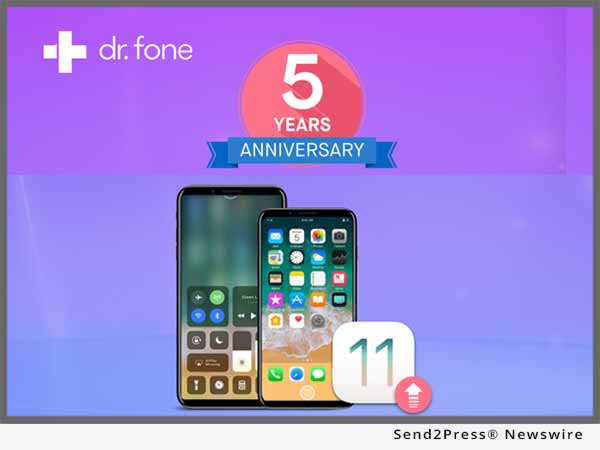
Dr.Fone 5-Year Anniversary: An Update Journey to iOS 11 with Dr.Fone

LONDON, U.K. /ScoopCloud/ -- As data support and recovery software provider 'Dr.Fone' reaches its fifth anniversary, the company announces its provision of complete support for the latest iOS update - iOS 11. Perfect for those who are less tech-savvy than others or indeed those with precious data that they can't afford to lose, Dr.Fone provides the perfect solution for a quick and pain-free iOS update.

The Dr.Fone software package offers advice on how to successfully download the update, ensuring that users gain 100-percent of the update's possible benefits. It also offers peace of mind through its data storage, which customers can use prior to updating, as well as data and system recovery which is there should anything go missing. With so many of people's vital contacts, photographs and media being stored only on their iOS devices, Dr.Fone is fast becoming an essential product for thousands of customers.

Dr.Fone has thought of everything when it comes to updating to iOS 11. Customers can take full advantage of its troubleshooting services as well as a clear step by step guide to successfully downloading the update, without disruption to their phone's services and performance. The list of compatible devices include: iPhones 5S to 7 Plus; iPad 4th generation to the 12.9inch iPad Pro 2nd generation and the iPod touch 6th generation. There is also support available for people wanting to downgrade their device.

In addition to offering its customers support in updating to iOS 11, Dr.Fone is also giving them the opportunity to win a brand new iPhone 8. Only need share this iOS 11 update guide to your Facebook and @dr.fone, invite your friends to like your post on Facebook. The more likes you get, the higher rate to win. Entrants can also up their chances of winning by liking and sharing the competition page on Facebook.

About Dr.Fone:

Dr.Fone is the world's first company to provide iOS data recovery software and Android data recovery, providing many with peace of mind over their previous data. With over 5 years of experience in providing people top-ranked software and services, Dr.Fone has been dedicated to serving 50 million+ users. The company is proud to be offering new and existing customers security when it comes to updating their iOS devices.

Web: https://drfone.wondershare.com/

Competition page: https://drfone.wondershare.com/ios-11-update.html

SOCIAL ACCOUNTS:
https://www.facebook.com/drfonetoolkit/
https://www.instagram.com/drfone_toolkit/
https://twitter.com/drfone_toolkit

News from Wondershare Inc.

As data support and recovery software provider 'Dr.Fone' reaches its fifth anniversary, the company announces its provision of complete support for the latest iOS update - iOS 11. Perfect for those who are less tech-savvy than others or indeed those with precious data that they can't afford to lose, Dr.Fone provides the perfect solution for a quick and pain-free iOS update.

Related link:

This version of news story was published on ScoopCloud™ (ScoopCloud.com) - part of and © the Neotrope® News Network - all rights reserved.

Tenorshare ReiBoot Supports Fix for Any iOS 11 Stuck Issues

NEW YORK, N.Y. /ScoopCloud/ -- Apple brought a surprise last week: rolling out iOS 11 betas including iOS 11 Beta 2, iOS 11 Beta 1, and iOS 11 Public Beta. Many iPhone/iPad users have jumped the gun to taste this newly updated beta version and found it is a nasty surprise. Quite a few frustrating iOS 11 stuck issues happen when upgrading/downgrading iOS 11 beta. That's why Tenorshare ReiBoot comes as an outstanding repair tool to repair iOS 11 beta stuck in recovery mode, Apple logo, reboot loop, white screen, black screen, etc.

Apple has made great effort to redesign this iOS beta with a ton of improvements aimed to make iOS easier and more wonderful for users. But each coin has two sides. A little bug or two is always inevitably followed with this most advanced operating system. Recovery mode, DFU mode, Apple logo, reboot loop, etc. stuck issues have annoyed many upgrade/downgrade users. To fix those various stuck problems, Tenorshare team has improved ReiBoot to troubleshoot iPhone/iPad/iPod stuck now!

ReiBoot, which refers to "reboot iOS device," is a super-handy iOS repair tool to fix all kinds of iOS 11 stuck issues both for newbies and veterans. iPhone 7/7 plus/6s/6s plus/6 plus can be repaired back to normal instantly with only one-click if it gets stuck during iOS 11 setup.

Highlighted Features of Tenorshare ReiBoot:
* Freely fix iPhone/iPad stuck in white apple logo, recovery mode, DFU mode, restart loop, etc.
* 1-click to enter recovery mode and exit recovery mode
* Supports iOS 11 Beta 2/iOS 11 Beta 1/iOS 11 Public Beta/10.3.2/10.3.0
* Supports iPhone 7, iPhone 7 Plus, new 9.7-inch iPad and iPod.
* Multi-language Support.

Price and Availability:
Tenorshare ReiBoot is compatible with iOS 11 and iTunes 12.6 and lower versions and now available at the Tenorshare official website. The general version is FREE. Suppose your iOS device is stuck in a serious issue and needs a deep repair, you can switch into ReiBoot Pro which costs $29.95.

About Tenorshare:
Founded in 2007, Tenorshare is a global leader in repairing iOS. Its ReiBoot is the most popular iOS repair software. It provides other tools including data recovery, system repair, and system optimization. Information: http://www.tenorshare.com/.

VIDEO (YouTube): https://youtu.be/m8gdfYt59KE

Facebook: https://www.facebook.com/reiboot/
Twitter: https://twitter.com/reiboot

News from Tenorshare Co. Ltd.

Apple brought a surprise last week: rolling out iOS 11 betas. Quite a few frustrating iOS 11 stuck issues happen when upgrading/downgrading iOS 11 beta. That's why Tenorshare ReiBoot comes as an outstanding repair tool to repair iOS 11 beta stuck in recovery mode, Apple logo, reboot loop, white screen, black screen, etc.

Related link:

This version of news story was published on ScoopCloud™ (ScoopCloud.com) - part of and © the Neotrope® News Network - all rights reserved.

ScoopCloud Newswire

Wondershare Announce the Launch of Nokia 3310 Consumer Survey

LONDON, U.K. /ScoopCloud/ -- With the constant battle of global tech giants raging, brands such as Apple, Google, Sony and Samsung are forever pushing the limits of consumer tech further than ever before, says tech firm Wondershare. Yet whilst stretching the technological horizon is the ultimate aim of every self-respecting brand, a small Finnish start-up has rocked the mobile industry by announcing the relaunch of the iconic Nokia 3310.

Choosing to take a nostalgic look backwards rather than progressively forward, HMD Global has announced plans to relaunch Nokia's successful 3310 model - a handset first seen 17 years ago. Expected to relaunch this summer at a price of $52 (a mere drop in the ocean compares to the prices of Apple's iPhone or Samsung's Galaxy ranges), the Nokia 3310 had a reputation for being near indestructible.

In light of the recent market announcement to revive the only phone to sport a 30 day battery life, software company Wondershare has launched an online running survey of mobile phone users to ask the simple question, "Will you buy a Nokia 3310?"

While there, participants can learn about Wondershare's dr.fone software, and download tools to transfer old Android/iPhone data to new Nokia 6, and/or recover deleted photos, videos, contacts, messaging, etc. on Nokia 6.

The survey, hosted on the company's website, has to date received over 2100 votes, with the results currently showing a landslide victory for the "yes" vote at 74%. In addition to the vote, the survey provides an opportunity for participants to comment on their yes or no vote.

Wondershare are keen to involve as many participants in the survey as possible. Individuals interested in taking part can visit the Nokia 3310 survey at: https://drfone.wondershare.com/yes-or-no/will-you-buy-nokia-6.html.

About Wondershare dr.fone:

dr.fone is the world's first solution providing iOS data recovery software and Android data recovery, which has helped lots of people. With over 10 years of experience in providing people top-ranked software and services, Wondershare dr.fone has been dedicated to serve over 50 million users. Wondersharers have and will never forget the promises and keep helping customers enjoy wonderful digital lives. Learn more: https://drfone.wondershare.com/.

With the constant battle of global tech giants raging, brands such as Apple, Google, Sony and Samsung are forever pushing the limits of consumer tech further than ever before, says tech firm Wondershare. Yet whilst stretching the technological horizon is the ultimate aim of every self-respecting brand, a small Finnish start-up has rocked the mobile industry by announcing the relaunch of the iconic Nokia 3310.

This version of news story was published on ScoopCloud™ (ScoopCloud.com) - part of the Neotrope® News Network - all rights reserved.