Tag Archives: Mac data recovery

4DDiG Mac Data Recovery 5.7.0 is Your All-in-One Data Recovery and Backup Tool

Installing, reinstalling, upgrading, or downgrading macOS is a common need for Mac users

NEW YORK, N.Y. and HONG KONG, Sept. 11, 2025 (SEND2PRESS NEWSWIRE) — Tenorshare 4DDiG, a leading software developer, today unveiled 4DDiG Mac Data Recovery 5.7.0. Featuring three major updates, the software goes beyond reactive recovery, offering Mac users a complete solution for safeguarding and restoring their data.
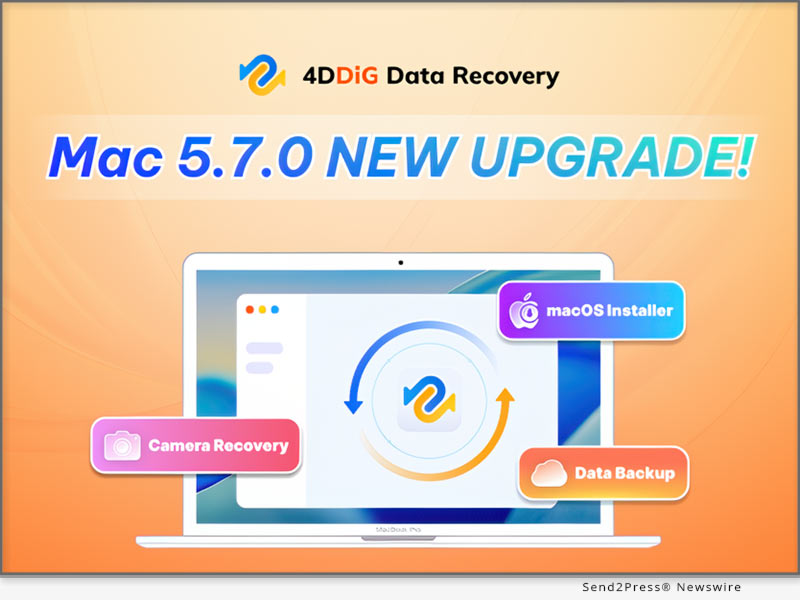
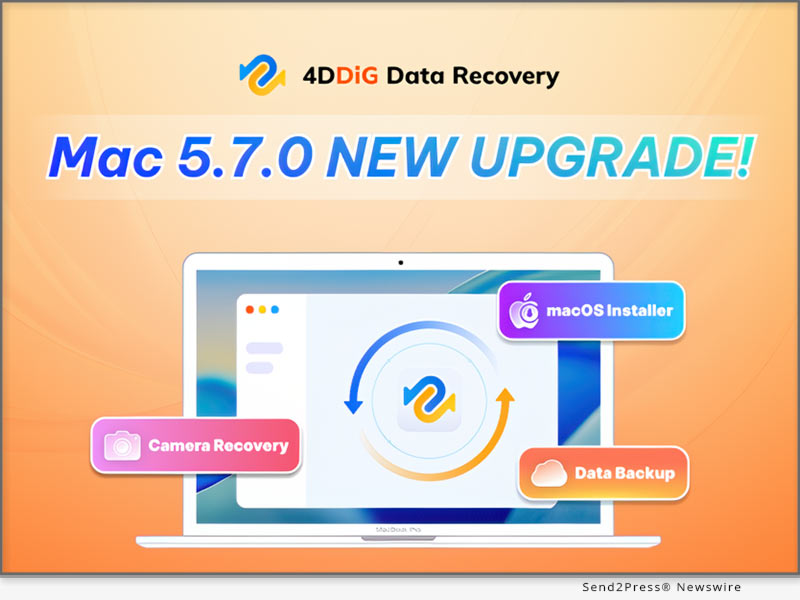
4DDiG Mac Data Recovery 5.7.0: Your All-in-One Data Recovery and Backup Tool
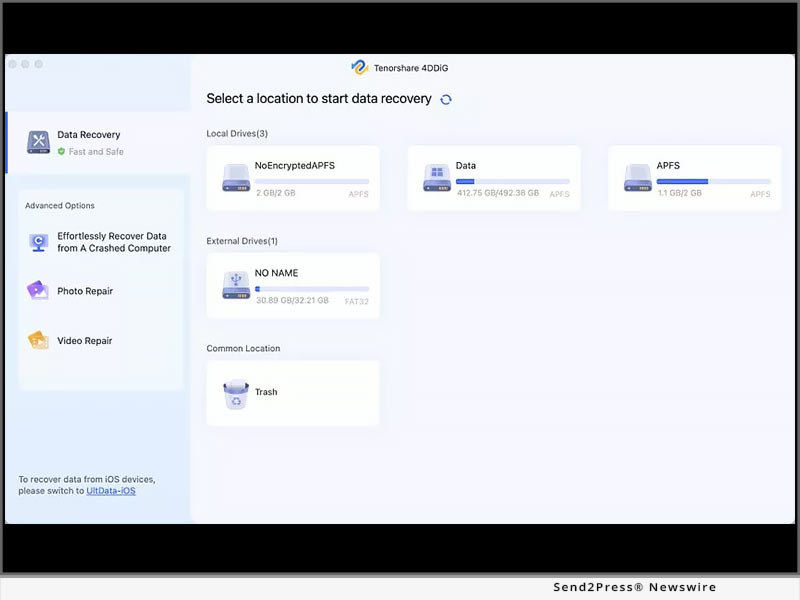
Image caption: 4DDiG Mac Data Recovery 5.7.0: Your All-in-One Data Recovery and Backup Tool.

“With every new version, the 4DDiG team prioritizes real user needs,” said Terrance, Marketing Director of 4DDiG. “We noticed that many Mac users who experienced data loss were not only looking for recovery solutions but also regretting that they hadn’t backed up their data in time. Version 5.7.0 addresses these concerns by offering both proactive backup tools and reliable recovery options.”

NEW DATA BACKUP FEATURE

The biggest highlight of 4DDiG Mac Data Recovery 5.7.0 is its backup feature, which allows users to quickly create a complete, byte-for-byte copy of any Mac or Mac-based storage device. This feature is especially useful in several critical scenarios:

  • If a hard drive shows signs of physical damage, users can clone the original data to a secure location. Even if recovery fails or the disk is completely damaged, having a backup ensures peace of mind.
  • Users can attempt various recovery methods on the backup disk image without risking additional damage to the original device.
  • Regularly backing up data with this feature greatly reduces the risk of permanent data loss.

VIDEO (YouTube): https://www.youtube.com/watch?v=9DwY-pWe6tk

MACOS BOOTABLE DISK CREATION

Installing, reinstalling, upgrading, or downgrading macOS is a common need for Mac users. Normally, creating a macOS installer requires knowledge of Terminal commands, which can be challenging for those without technical experience. However, with 4DDiG Mac Data Recovery, users can create a bootable macOS disk in just a few clicks.

OPTIMIZED CAMERA DATA RECOVERY

Recovering data from camera memory cards is harder than from hard drives because their file systems often lose fragment info after deletion or formatting. In 4DDiG Mac Data Recovery 5.7.0, scanning speed and recovery success for memory cards have been improved, making it easier for photographers to retrieve lost photos and videos.

COMPATIBILITY & PRICING

4DDiG Mac Data Recovery 5.7.0 is fully compatible with a wide range of macOS versions, including the upcoming macOS Tahoe. In addition, it offers a flexible pricing model with monthly, yearly, and lifetime plans to meet different user needs, and during the back-to-school season, users can enjoy a special 40% discount.

ABOUT 4DDIG

4DDiG is dedicated to delivering reliable, user-friendly software solutions for both Mac and Windows users. Its data recovery software has been praised by well-known media outlets such as Macworld, MakeUseOf, and Cult of Mac. Beyond data recovery, 4DDiG also offers a range of practical tools, including duplicate file cleanup, file repair, AI-powered photo and video enhancement, and disk cloning.

Learn more about 4DDiG Mac Data Recovery V5.7.0: https://4ddig.tenorshare.com/mac-data-recovery.html

Socials:

Facebook: https://www.facebook.com/4DDiG/

X(Twitter): https://x.com/Tenorshare4DDiG

YouTube: https://www.youtube.com/@Tenorshare4DDiGDataRecovery/featured

NEWS SOURCE: Tenorshare Co. Ltd.


This press release was issued on behalf of the news source (Tenorshare Co. Ltd.), who is solely responsible for its accuracy, by Send2Press Newswire. Image, if any, was provided by the news source and not this website or the wire service. Information is believed accurate, as provided by the news source, but is not guaranteed.

To view the original story, visit: https://www.send2press.com/wire/4ddig-mac-data-recovery-5-7-0-is-your-all-in-one-data-recovery-and-backup-tool/

Copr. © 2025 Send2Press® Newswire, Calif., USA. -- REF: S2P STORY ID: S2P129249 NOREL-3B
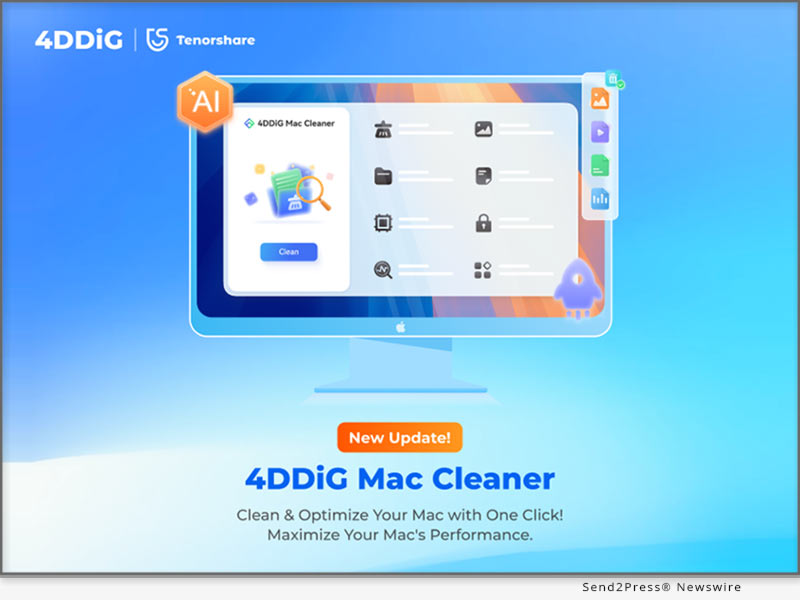
 

4DDiG Mac Cleaner V3.0.0 Launched: Clean and Speed Up Your Mac in One Click

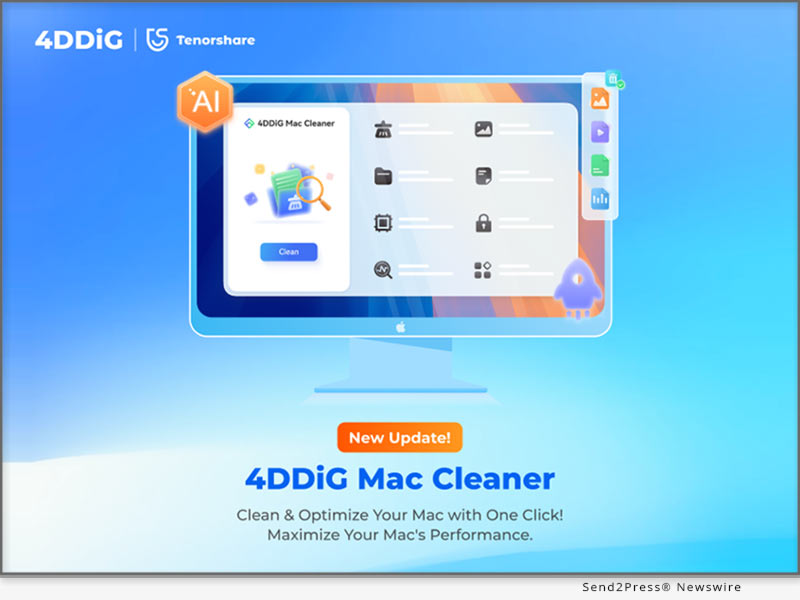
NEW YORK, N.Y., June 27, 2025 (SEND2PRESS NEWSWIRE) — Tenorshare’s flagship brand 4DDiG, a global software leader with over a decade of experience, today announced the official release of 4DDiG Mac Cleaner V3.0.0. Formerly known as 4DDiG Duplicate File Deleter for Mac, this powerful tool comes with a new name, a completely redesigned interface, and way more features. It’s no longer just for deleting duplicate files — it’s now an AI-powered, all-in-one, and user-friendly Mac optimization solution.

4DDiG Mac Cleaner V3.0.0 Launches
Image caption: 4DDiG Mac Cleaner V3.0.0 Launches.

WHAT’S NEW IN 4DDIG MAC CLEANER V3.0.0?

  • New Name, New Look: The fresh interface is cleaner, more modern, and much easier to navigate.
  • More Than Duplicates: The latest version adds a powerful feature, enabling Mac users to remove system caches, app leftovers, installation packages and other junk files in just a few clicks.
  • Improved Features: Existing features like duplicate file removal have all been enhanced for performance and accuracy.
  • Security and Compatibility: 4DDiG Mac Cleaner V3.0.0 is notarized by Apple and is also available on the Mac App Store.

KEY FEATURES OF 4DDIG MAC CLEANER V3.0.0

As an all-in-one Mac optimization toolkit, 4DDiG Mac Cleaner offers a range of valuable features:

  • Duplicate File Removal: Scans and deletes over 50 types of duplicate files across various storage devices.
  • Similar Photo Sorting: Utilizes AI to find and remove burst shots or near-identical images.
  • Large File Detection: Pinpoints and deletes hidden large files to reclaim disk space efficiently.
  • AI Smart Cleanup: Automatically recommends files safe to delete while preserving important content.

“4DDiG Mac Cleaner is built especially for people who often work with large files, including graphic designers, content creators, and students,” said Terrance, Marketing Director at 4DDiG. “It effectively solves common problems like Finder freezing, heavy SSD usage, and slow app launches, so you can get your Mac running smoothly again in no time. Plus, no technical skills are required.”

HOW TO USE 4DDIG MAC CLEANER?

Step 1: Download and install the tool on your Mac. Once launched, select the desired feature in the left panel.

Step 2: Pick the folder or disk you wish to clean.

Step 3: Preview the results and apply AI-recommended actions to safely clean or retain files.

PRICING AND COMPATIBILITY

The software is compatible with a wide range of macOS versions, including the latest macOS Sequoia. Pricing starts at $24.95 USD for a monthly subscription.

To mark the launch, 4DDiG is running a limited-time Summer Sale, during which users can enjoy a 20% discount on any plan by applying the promo code 4D-SUM-20 at checkout.

ABOUT 4DDIG

Since its founding, 4DDiG has been dedicated to developing efficient and user-centric software solutions. Beyond its well-known duplicate file cleaning tool, 4DDiG offers a comprehensive suite of utilities including disk management, data recovery, and file repair. Today, the company is actively exploring how to integrate artificial intelligence into its products.

Learn more about 4DDiG Mac Cleaner V3.0.0: https://4ddig.tenorshare.com/mac-cleaner.html

Socials:

Facebook: https://www.facebook.com/4DDiG/

X(Twitter): https://x.com/Tenorshare4DDiG

YouTube: https://www.youtube.com/@Tenorshare4DDiGDataRecovery/featured

NEWS SOURCE: Tenorshare Co. Ltd.


This press release was issued on behalf of the news source (Tenorshare Co. Ltd.), who is solely responsible for its accuracy, by Send2Press Newswire. Image, if any, was provided by the news source and not this website or the wire service. Information is believed accurate, as provided by the news source, but is not guaranteed.

To view the original story, visit: https://www.send2press.com/wire/4ddig-mac-cleaner-v3-0-0-launched-clean-and-speed-up-your-mac-in-one-click/

Copr. © 2025 Send2Press® Newswire, Calif., USA. -- REF: S2P STORY ID: S2P127259 NOREL-3B
 

How to Download and Install the iOS 18 Beta for Free in 2024

NEW YORK, N.Y. /ScoopCloud/ -- Don't know how to get iOS 18 Beta profile download for free? Apple released iOS 18 Beta on June 10, 2024, featuring updates to Photos app, more customization options, and generative AI features. "But you might feel left out if you're unable to download and install iOS 18 Beta on your iPhone. However, don't worry, as you can upgrade to iOS 18 Beta easily, using Tenorshare ReiBoot.

"This tool also lets you downgrade without data loss if you encounter issues with Beta program in future," says a Tenorshare spokesperson.

So, how to download iOS 18 Beta update with Tenorshare ReiBoot? Read below to find out!

VIDEO: https://www.youtube.com/watch?v=8JCz0znxNyA

Why Can't You Upgrade to iOS 18?

There are many reasons you might not be able to download iOS 18 Beta on your iPhone. Here they are:

* You don't have a Developer account.

* You can't see iOS 18 Beta in your iPhone Settings as it may take some time to be available for all compatible devices.

* Older iPhones might not support iOS 18.

* You're using an older iOS version.

How to Download & Install iOS 18 Beta Profile [Quick and Safe]

Tenorshare ReiBoot can help you get iOS 18 Beta profile download and install it without jailbreaking your iPhone. Moreover, it can also downgrade iOS including Betas without needing iTunes. But that's not all and this tool offers to:

* Fix 150+ iOS problems such as stuck on Apple logo, black screen of death, etc.

* Erase data on iOS devices before selling or giving them away.

* Fix iTunes errors, and reset iOS devices without Finder/iTunes and passcode.

* Enables you to enter/exit Recovery mode in a single click.

Here's how to install iOS 18 Beta with assistance of Tenorshare ReiBoot:

Step 1: Run ReiBoot on your computer and connect your iPhone with it. Tap "iOS Upgrade/Downgrade" on ReiBoot.

Step 2: Click "Upgrade." Then press "Download" to get iOS 18 Beta download for your iPhone.

Step 3: Click "Initiating upgrade," once Beta firmware is downloaded. Tap "Continue" to proceed with installing iOS 18 Beta process.

Tips Before You Download and Install iOS 18 Beta

Before you get iOS 18 Beta IPSW download for your iPhone, here are some tips you must follow to install it successfully:

1. Make sure you're using latest iOS version (currently 17.5.1) or iOS 16.4.

2. Make sure you're using an iPhone XS or a later model.

3. Before updating, back up your phone in case you need to revert to iOS 17.

About Tenorshare

If you're unable to get iOS 18 Beta profile download for your iPhone, try ReiBoot repair tool. It lets you upgrade to Beta program and downgrade if needed without data loss. Tenorshare, the top smartphone solutions provider employs best developers to create cutting-edge software solutions for Android and Apple users. The company is constantly striving to develop tools that empower individuals and businesses.

Learn more:

https://www.tenorshare.com/products/reiboot.html

https://www.tenorshare.com/ios-18/ios-18-download-and-install-free.html

News from Tenorshare Co. Ltd.

Don't know how to get iOS 18 Beta profile download for free? Apple released iOS 18 Beta on June 10, 2024, featuring updates to Photos app, more customization options, and generative AI features. But you might feel left out if you're unable to download and install iOS 18 Beta on your iPhone. However, don't worry, as you can upgrade to iOS 18 Beta easily, using Tenorshare ReiBoot.

Related link: https://www.tenorshare.com/

This version of news story was published on ScoopCloud™ (ScoopCloud.com) - part of and © the Neotrope® News Network - all rights reserved.

iPhone Won’t Turn On or Charge? Here is The Fix

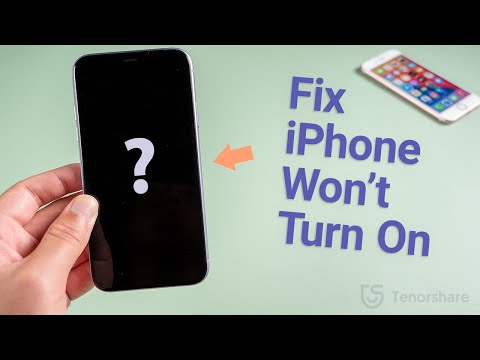
NEW YORK, N.Y. /ScoopCloud/ -- If your iPhone won't turn on or charge, you're not alone. Many users find themselves asking, "Why will my iPhone not turn on?" or "Why is my iPhone not switching on?" Fortunately, Tenorshare CEO Mike Lee assures users that their worries can be resolved. "With Tenorshare ReiBoot, you can easily fix an iPhone won't turn on problem," says Lee. "Our software allows you to easily repair your device without data loss."

WHY WON'T MY IPHONE TURN ON OR CHARGE?

There are several reasons why your iPhone 15 / 14 won't turn on or charge.

Battery Drain: Your iPhone's battery might be completely drained.

Software Issues: Sometimes, an update can cause your iPhone to freeze or not turn on.

Hardware Problems: Damage to your iPhone's hardware, such as a broken screen or internal components, can prevent it from turning on.

Charging Accessories: Faulty charging cables or adapters can also be the culprit.

HOW TO FIX IPHONE WON'T TURN ON WITHOUT DATA LOSS

Tenorshare ReiBoot offers several dedicated features to fix an iPhone won't turn on or charge:

* Enter Recovery Mode with one click and exit just as easily whenever needed.

* Repair over 150 iOS, iPadOS, tvOS, and macOS system issues, such as being stuck on the Apple logo or a black screen of death, without losing data.

* Reset iOS, iPadOS, and macOS devices without passcodes, iTunes, or Finder.

* Support the latest iOS, iPadOS, and macOS downgrades & upgrades, including Betas.

HOW TO USE REIBOOT TO FIX IPHONE WON'T TURN ON

Step 1: Simply download and launch it on your computer. Connect iPhone to computer.

Step 2: First, try clicking 'Enter Recovery Mode', which will successfully boot your iPhone into Recovery Mode in a few seconds.

Step 3: Then, in the interface, click 'Exit Recovery Mode'. After the process is completed, your iPhone will exit recovery mode and return to normal.

Step 4: If entering/exiting recovery mode does not resolve the issue of your iPhone not turning on, attempt Standard Repair to repair your iOS system without losing data.

Step 5: Now click 'Download' to access the most recent firmware package. Then, click Start Standard Repair to begin repairing your device.

Learn more: https://www.tenorshare.com/products/reiboot.html

TIPS TO AVOID IPHONE WON'T TURN ON PROBLEMS

* To avoid software issues, update your iOS regularly.

* Use authorized charging accessories to avoid hardware damage.

* Do not expose your iPhone to high temperatures.

VIDEO: https://www.youtube.com/watch?v=6UxBUP8jcqU

About Tenorshare:

Tenorshare is a well-known professional software solutions supplier that specializes in data recovery, system repair, and other services. ReiBoot iOS system repair tool is widely recommended for its ability to fix iPhone won't turn on. Tenorshare provides trustworthy and user-friendly tools to keep your devices functioning properly.

More information: https://www.tenorshare.com/

Facebook: https://www.facebook.com/TenorshareOfficial/

X/Twitter: https://twitter.com/Tenorshare_Inc

YouTube: https://www.youtube.com/user/TenorshareOfficial/videos

TikTok: https://www.tiktok.com/@tenorshare_tech_tips

News from Tenorshare Co. Ltd.

If your iPhone won't turn on or charge, you're not alone. Many users find themselves asking, "Why will my iPhone not turn on?" or "Why is my iPhone not switching on?" Fortunately, Tenorshare CEO Mike Lee assures users that their worries can be resolved. "With Tenorshare ReiBoot, you can easily fix an iPhone won't turn on problem," says Lee. "Our software allows you to easily repair your device without data loss."

Related link: https://www.tenorshare.com/

This version of news story was published on ScoopCloud™ (ScoopCloud.com) - part of and © the Neotrope® News Network - all rights reserved.

How to Unlock an iPad without Apple ID-iOS17 Support

NEW YORK, N.Y. /ScoopCloud/ -- Many iPad users find themselves stuck in a situation where they want to know how to unlock iPad without Apple ID. However, unlocking any iOS device can be a real challenge because Apple has set up some strict security measures to keep your info safe from unauthorized users, says Tenorshare.

"People find themselves locked out of their iPads due to forgotten iPad passwords. Or because they've purchased a second-hand device and don't know the passcode of its previous owner. To solve this, Tenorshare offers 4uKey, an effective tool to unlock iPad without Apple ID," says a Tenorshare spokesperson.

So, are you curious to know how Tenorshare 4uKey works? Let's find out!

Can an iPad Be Unlocked Without an Apple ID?

Yes, you can unlock iPad without Apple ID, but it's not an easy process and will need the help of a third-party tool like Tenorshare 4uKey. The tool will reset your device, erasing all data because that's the only way to reaccess your iPad. Therefore, back it up before proceeding to factory reset iPad without Apple ID with Tenorshare 4uKey.

Best iOS Unlocker-Unlock iPad without Apple ID or Password

So, how to bypass iPad passcode without Apple ID? Well, you don't have to look further. 4uKey-iOS Unlocker offers the best solution to unlock your iOS 17 iPad without you being signed in with an Apple ID or password. Moreover, it provides an abundance of helpful functions and can remove a variety of iOS passcodes. This tool features:

* Bypass Any screen lock on iOS devices.

* Remove MDM lock and profile without password.

* Bypass Apple ID without a password.

* Remove Screen Time Lock from iPad/iPhone/iPod.

* Unlock disabled iOS devices.

Here's how to reset iPad without Apple ID password with Tenorshare 4uKey iOS Unlocker:

1 - Open Tenorshare 4uKey on your PC and connect your iPad to your computer.

2 - Click "Start," select a save location, and download the latest firmware package.

3 - Press "Start to Remove" to initiate the Apple ID or passcode removal process, and your iPad will be unlocked swiftly.

VIDEO (YouTube): https://www.youtube.com/watch?v=LFpb7jQKLEI

Can You Remove Activation Lock Without Previous Owner?

If you are looking to remove the iCloud activation lock without needing the previous owner, Tenorshare 4MeKey offers a reliable solution.

You can use this tool to bypass Apple ID or passcode from anywhere and anytime if you've bought a second-hand iPad. The tool also lets you sign in to the App Store with a new Apple ID and is compatible with the latest 16.6 iOS devices.

About Tenorshare:

When you're stuck with a forgotten Apple ID or a second-hand iPad, "how to unlock iPad without Apple ID" becomes a pressing question. But, with iOS 17 support, Tenorshare 4uKey offers the ultimate solution to regain access to your iPad, even without an Apple ID or password. The genius behind 4uKey, Tenorshare, is all about simplifying life for iOS and Android users.

Learn more: https://www.tenorshare.com/

RELATED LINKS:

https://www.tenorshare.com/ipad/is-it-possible-to-unlock-ipad-without-apple-id.html

https://www.tenorshare.com/products/4ukey-unlocker.html

https://www.tenorshare.com/products/4mekey-activation-unlocker.html

News from Tenorshare Co. Ltd.

Many iPad users find themselves stuck in a situation where they want to know how to unlock iPad without Apple ID. However, unlocking any iOS device can be a real challenge because Apple has set up some strict security measures to keep your info safe from unauthorized users, says Tenorshare.

Related link: https://www.tenorshare.com/

This version of news story was published on ScoopCloud™ (ScoopCloud.com) - part of and © the Neotrope® News Network - all rights reserved.

4DDiG File Repair for Mac 3.0.0 is an All-in-one Solution for Digital File Recovery and AI Enhancement

NEW YORK, N.Y. /ScoopCloud/ -- Leading software provider 4DdiG (a Tenorshare brand) is proud to announce the release of the latest version of its Mac file repair tool, 4DDiG File Repair for Mac 3.0.0. This version introduces exciting new features, including audio repair and document repair, providing Mac users with a more comprehensive solution.

What can 4DDiG File Repair for Mac do for you now?

4DDiG File Repair for Mac has been a trusted companion for Mac users, and now, with the launch of version 3.0.0, it's better than ever. Here are some of its key feature:

Document and Audio Repair (Latest Feature): The most notable aspect of this update is the introduction of new document and audio repair features. Whether you've encountered corrupted Office documents or problematic Adobe files, 4DDiG File Repair for Mac has got you covered.

Video and Photo Repair: Never worry about corrupted video and photo files again. 4DDiG File Repair for Mac 3.0.0 effortlessly restores these digital files to their original state with just a few clicks.

AI-Powered Enhancement and Colorization: 4DDiG File Repair for Mac not only repairs damaged files but also serves as a powerful AI enhancer. It can upscale low-quality videos to stunning 4K or 8K resolution and transform black and white photos into vibrant color.

Why 4DDiG File Repair for Mac Is Your Go-To Digital File Solution?

While there are many excellent options available on the market, 4DDiG File Repair for Mac stands out with its simplicity and versatility.

Cost-Effective Pricing: Compared to competitors, 4DDiG File Repair for Mac offers more features at a budget-friendly price point. Additionally, 4DDiG is running a promotion for the macOS Sonoma release. Participate in the draw for a chance to win a brand-new MacBook Air and Amazon e-gift cards.

Perfect Fusion of Repair and Enhancement: Whether you need to repair corrupted files or take your multimedia to the next level, 4DDiG File Repair for Mac is your all-in-one solution.

User-Friendly Interface: The software is designed to be user-friendly and intuitive, suitable for Mac users of all skill levels. Whether you're a novice or a pro, you'll find it easy to navigate.

Compatibility: It supports the T2 chip, M1, M1 Pro, M1 Max, and the newly released macOS Sonoma, ensuring seamless operation and stability.

About 4DdiG:

Over the past decade, 4DDiG has been on a mission to innovate and meet user demands, consistently delivering efficient solutions. This relentless focus on enhancing the overall user experience has established 4DDiG as a trusted and go-to brand for both individuals and businesses alike. Besides file repair, 4DDiG also provides a range of other solutions for Mac users, such as data recovery, addressing common Mac boot issues, and removing duplicate files.

For more information, visit: https://4ddig.tenorshare.com/file-repair.html

Official Website: https://4ddig.tenorshare.com/

Follow on Social:

Facebook: https://www.facebook.com/4DDiG/

X/Twitter: https://twitter.com/Tenorshare4DDiG

YouTube: https://www.youtube.com/@Tenorshare4DDiGDataRecovery/featured

News from Tenorshare Co. Ltd.

Leading software provider 4DdiG (a Tenorshare brand) is proud to announce the release of the latest version of its Mac file repair tool, 4DDiG File Repair for Mac 3.0.0. This version introduces exciting new features, including audio repair and document repair, providing Mac users with a more comprehensive solution.

Related link: https://www.tenorshare.com/

This version of news story was published on ScoopCloud™ (ScoopCloud.com) - part of and © the Neotrope® News Network - all rights reserved.

Is Tenorshare Software Fully Compatible and Updated for iPhone 15 Now? A Full List of Tenorshare Compatibility

NEW YORK, N.Y. /ScoopCloud/ -- When is iPhone 15 launching? The exciting news is that the iPhone 15 was launched at an Apple event on September 15, and many people are excited to grab one. Wondering if Tenorshare Software works with iPhone 15 series? Good news again: Tenorshare has updated its software to be fully compatible with iPhone 15.

"Whenever a new iPhone is launched, we test our software thoroughly to ensure compatibility. Right now, we've got everything set up to run perfectly with the new iPhone 15 models," says Tenorshare CEO. "Meanwhile, Tenorshare iOS 17& iPhone 15 Sale has been released to show that Tenorshare is committed to staying on top of tech and market shifts, and will keep updating our software to meet user demands."

What Products Are Compatible With iPhone 15? Products You Should Know!

* Tenorshare iCareFone

iCareFone transfer data from android to iPhonw 15. You can restore data, export photos, handle contacts, audio, and videos, and craft AI wallpapers. It can download region-restricted apps, smart backups, and seamless media transfers with iTunes. You can also access developer mode and diagnostics.

* Tenorshare iCareFone Transfer

iCareFone can help selectively transfer WhatsApp data between Android and iPhone 15 without reset. Moreover, it can restore backups from Google Drive to iPhone 15 and easily export backup data to HTML.

* Tenorshare iCareFone for LINE

iCareFone for LINE effortlessly transfers and restores LINE data between Android and iPhone. It is fully compatible with the iPhone 15 series.

* Tenorshare iCareFone iTransGo

iCareFone iTransGo can selectively transfer data from Android to iPhone 15 after setup after setup without resetting and overwriting.

* Tenorshare ReiBoot - iOS System Repair

Tenorshare ReiBoot simplifies various iOS 17 issues on iPhone with a one-click enter/exit recovery mode. It resolves problems like Apple logo screen hang-ups and iPhone 15 update issues. Plus, it can update or downgrade iPhone 15 to Beta iOS 17 without jailbreak.

* Tenorshare 4uKey

Tenorshare 4uKey unlocks disabled iOS devices without iTunes. It can also remove passcodes, Face ID, Touch ID, MDM Profile, screen time passcode, and Apple ID from iPhone 15.

* Tenorshare UltData

UltData is a handy iPhone data recovery tool that retrieves lost or deleted data from iOS devices, iTunes, and iCloud backups. It covers over 35 data types.

* Tenorshare iAnyGo

iAnyGo lets you change GPS location without root on iPhone in a single click with no jailbreak. It's perfect for gaming, GPS joystick adjustments, and social media location changes. You can also create custom routes by importing/exporting GPX files.

https://www.tenorshare.com/iphone-15/

https://www.tenorshare.com/sales-promotion.html

About Tenorshare: More Products You Would Like!

Don't worry if you face data transfer and recovery issues or a disabled or locked iPhone 15 screen. Tenorshare Software is now fully compatible and updated for iPhone 15. Rest easy with Tenorshare's comprehensive compatibility and support!

More information: https://www.tenorshare.com/

Facebook: https://www.facebook.com/TenorshareOfficial/

X (Twitter): https://twitter.com/Tenorshare_Inc

YouTube: https://www.youtube.com/user/TenorshareOfficial/videos

TikTok: https://www.tiktok.com/@tenorshare_tech_tips

News from Tenorshare Co. Ltd.

When is iPhone 15 launching? The exciting news is that the iPhone 15 was launched at an Apple event on September 15, and many people are excited to grab one. Wondering if Tenorshare Software works with iPhone 15 series? Good news again: Tenorshare has updated its software to be fully compatible with iPhone 15.

Related link: https://www.tenorshare.com/

This version of news story was published on ScoopCloud™ (ScoopCloud.com) - part of and © the Neotrope® News Network - all rights reserved.

Worried About iOS 17 Compatibility? Tenorshare Software Is Now Compatible with iOS 17

NEW YORK, N.Y. /ScoopCloud/ -- Apple recently launched the latest iOS 17 with several new features. But users are concerned about iOS 17 compatibility, management, and repair. Tenorshare, as an updated smartphone solutions provider, offers a range of iOS 17 compatible solutions.

Tenorshare Has Updated All Its Software to Be Fully Compatible With iOS 17

"Does Tenorshare work with iOS 17? To answer this question, Tenorshare software has been updated to ensure full compatibility with iOS 17. Moreover, Tenorshare iOS 17 & iPhone 15 Sale has been launched," says Mike Lee, CEO of Tenorshare. These include ReiBoot, UltData, 4uKey, iCareFone, WhatsApp Transfer, and iAnyGo, aimed at assisting users in managing and resolving various iOS-related issues. Let's check out what more iOS 17 compatible products Tenorshare offers!

What Products Have Updated to Be Compatible With iOS 17?

* Tenorshare ReiBoot - Reliable iOS 17 System Repair Tool

ReiBoot fixes various iOS issues, updates iOS 17 Beta and downgrades it without jailbreaking. It also repairs macOS, resets iOS devices, and resolves iTunes errors.

* Tenorshare UltData - iPhone 15 Data Recovery Software

UltData can retrieve deleted data from iOS devices, iTunes backups, and iCloud. It works with 35+ file types and supports backup and restore of WhatsApp, LINE, Viber, WeChat, and Kik.

* Tenorshare 4uKey - Unlock Screen Lock/MDM/Screen Time

4uKey can remove the screen lock, passcodes, Touch ID, Face ID, and Screen Time passcodes from iOS devices. It can help bypass MDM screen and remove MDM profile.

* Tenorshare iAnyGo - Change GPS Location without Root

iAnyGo helps spoof your iOS or Android device location with one click and controls movement using a GPS joystick. It can create custom routes by importing/exporting GPX files, works with all location-based apps.

* Tenorshare iCareFone - Manage Your iOS Devices Easier Than Ever

iCareFone can manage content on your iOS device, download region-locked apps, and perform smart data backups for free. It can transfer media between your device and iTunes, and can restore backups anytime.

* Tenorshare iCareFone Transfer - Best WhatsApp Transfer/Backup/Restore

iCareFone Transfer can selectively move WhatsApp data between Android and iOS 17, including iOS 17 devices, without data loss. It can also restore WhatsApp backup from Google Drive and iCloud.

* Tenorshare 4MeKey - Remove iCloud Activation Lock Easily

4MeKey can bypass iCloud activation lock on iOS 17 without a password or Apple ID. After bypassing the activation lock, it can remove your iCloud account, Apple ID, Find My device, and sign in with a new Apple ID.

SPECIAL SALE OFFERS:

https://www.tenorshare.com/sales-promotion.html?linksource=header-iphone150912

About Tenorshare:

With the launch of iOS 17, concerns about compatible software for device management and issue resolution arise. Fortunately, Tenorshare offers a range of iOS 17-compatible software to address these concerns. As a dedicated smartphone solution provider, Tenorshare keeps its solutions up-to-date, ensuring iOS and Android users can seamlessly navigate the latest operating systems worry-free.

More information: https://www.tenorshare.com/

Facebook: https://www.facebook.com/TenorshareOfficial/

YouTube: https://www.youtube.com/user/TenorshareOfficial/videos

TikTok: https://www.tiktok.com/@tenorshare_tech_tips

X/Twitter: https://twitter.com/Tenorshare_Inc

News from Tenorshare Co. Ltd.

Apple recently launched the latest iOS 17 with several new features. But users are concerned about iOS 17 compatibility, management, and repair. Tenorshare, as an updated smartphone solutions provider, offers a range of iOS 17 compatible solutions.

Related link: https://www.tenorshare.com/

This version of news story was published on ScoopCloud™ (ScoopCloud.com) - part of and © the Neotrope® News Network - all rights reserved.

Corrupted or Damaged Videos and Photos Repair is Now Available in 4DDiG Mac 5.0

NEW YORK, N.Y. /ScoopCloud/ -- The Tenorshare 4DDiG Mac Data Recovery tool has launched a new Mac 5.0 version to repair videos and photos and restore them to their original condition. It can recover corrupted, damaged, or deleted files from Mac-based devices such as internal and external drives, SD cards, USBs, and digital cameras. Regardless of the file format, the latest Mac 5.0 version can also repair documents and audio files.

What's New in 4DDiG Mac 5.0?

People have certain feelings of attachment to photos and videos. But anything from a virus attack to a crashed system, failed file transfer, hardware failure, or power interruption can damage or corrupt them.

But it's easy to repair your photos or videos regardless of their condition with the new Mac 5.0 version of the 4DDiG tool in just three simple clicks.

1 - Repair Corrupted Photo Files

The 4DDiG Mac 5.0 can repair all types of corrupted, damaged, pixelated, blurry, or overexposed photos. You can repair up to 3000 pictures of various formats at once. This tool guarantees 100% secure and fast repair.

2 - Repair Corrupted MP4 & MOV Videos

The new 4DDiG Mac 5.0 version supports rapid repair of popular video formats, including MP4 and MOV. It can repair fuzzy, distorted, and grainy videos. In addition, it supports batch repair of various formats in one go from all Mac-based storage media.

3 - How to Repair Corrupted/Damaged Videos & Photos in 3 steps

It's very simple to use the 4DDiG Mac 5.0 version to repair corrupted or damaged videos and photos. Just download and install the tool and open its interface.

Choose Video or Photo Repair from the tool. Next, Add photos or videos for repair, and lastly, Export repaired videos or pictures to a safe place.

About 4DDiG Mac Data Recovery

4DDiG Mac Data Recovery software offers boisterous repair and recovery of your corrupted, broken, pixelated, blurry photos. In addition, it also comes equipped with video repairing features to restore unplayable, damaged, stuck or slow videos. This tool can repair and restore videos and photos of all types in just three clicks. You can try this new Mac 5.0 version from official 4DDiG website at a 40% off "Halloween on Sale." Grab this opportunity before it runs out!

Follow on Social:

More information: https://4ddig.tenorshare.com/mac-data-recovery.html

Facebook: https://www.facebook.com/4DDiG/

Twitter: https://twitter.com/Tenorshare4DDiG

YouTube: https://www.youtube.com/channel/UCQZ9C1IzQB1bgMXmGw7s5bw

Pinterest: https://www.pinterest.com/4DDiG/

Quora Space: https://tenorshare4ddigdatarecovery.quora.com/

News from Tenorshare Co. Ltd.

The Tenorshare 4DDiG Mac Data Recovery tool has launched a new Mac 5.0 version to repair videos and photos and restore them to their original condition. It can recover corrupted, damaged, or deleted files from Mac-based devices such as internal and external drives, SD cards, USBs, and digital cameras. Regardless of the file format, the latest Mac 5.0 version can also repair documents and audio files.

Related link: https://www.tenorshare.com/

This version of news story was published on ScoopCloud™ (ScoopCloud.com) - part of and © the Neotrope® News Network - all rights reserved.

4DDiG Mac Data Recovery New V4.0 Is Here: What You Should Know

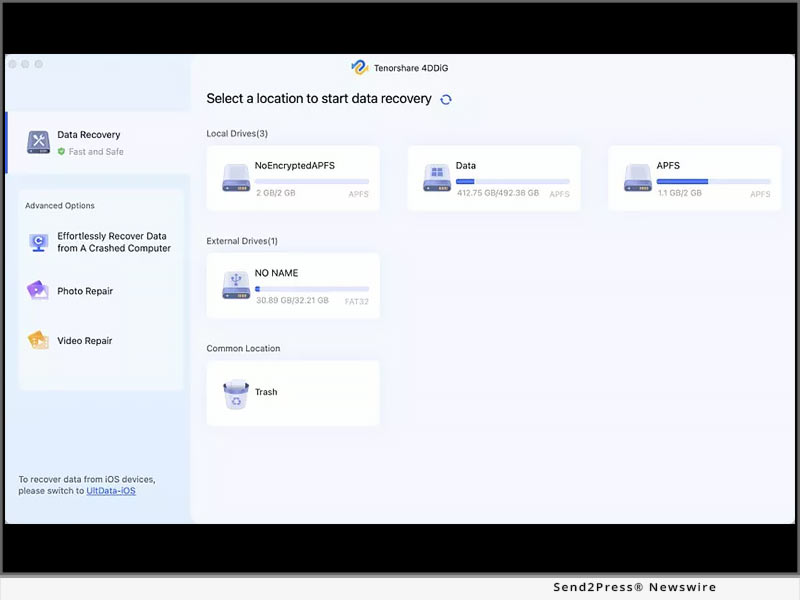
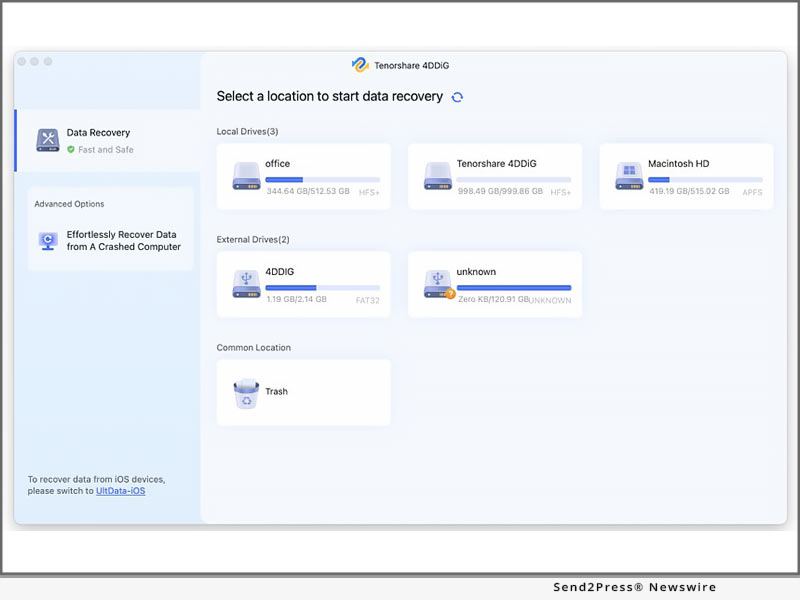
NEW YORK, N.Y. /ScoopCloud/ -- Tenorshare 4DDiG has recently released 4DDiG Mac Data Recovery V4.0, which features a brand-new user interface and significant improvements. Learn what has been added to 4DDiG Mac Data Recovery V4.0. 4DDiG is a powerful data recovery software that can recover lost data on both Mac and Windows devices. 4DDiG can also recover data that has been accidentally deleted, formatted, or attacked by a virus, among other things.

It supports nearly a thousand files and file systems, including FAT, NTFS, HFS X, HFS+, and many others. Furthermore, it enables users to recover data from any Mac-based device, including USB, digital camera, SD card, and so on.

* What's New in 4DDiG Mac Data Recovery Software V4.0?

"We launched the v4.0 of 4DDiG Mac Recovery software to make data recovery easier for macOS and Mac-based devices," said Mike Lee, CEO of 4DDiG, while discussing the V4.0 new features. "It is now possible to recover accidentally deleted data in three simple steps. Users can now recover data for thousands of file types and systems on the Mac. Users can recover their videos, photos, audio files, documents, and other archived files using this software."

* Brand-new User Interface

4DDiG has redesigned all pages and added help content in the software to provide users with a more beautiful and efficient user experience. Users can now simply download the free 4DDiG Mac data recovery software and begin data recovery by following the on-screen help content, even if they are new to data recovery.

* Optimize the Filtering Function

4DDiG has also improved the filtering function, making it easier for users to find data by using the filter. Users can easily search for and preview the files they want to recover using the optimized filtering function.

* Added In-product Feedback Function

To learn more about 4DDiG users, 4DDiG includes an in-product feedback function that allows users to contact us directly. So, if you have any issues or suggestions, please contact 4DDDiG directly through the program.

* Optimize the Scanning Algorithm

To find more files, 4DDiG has improved the scanning algorithm which allows 4DDiG to find more files users want and recover those files more efficiently.

Isn't the new 4.0 version quite appealing? Download it now for free and give it a shot.

About Tenorshare 4DDiG:

Founded in 2007, an international software company that creates high-level products and data recovery tools for Windows and Mac devices. It is trusted by more than 10 million users worldwide.

For more details, visit: https://4ddig.tenorshare.com/mac-data-recovery.html

Follow on Social Media:

Facebook: https://www.facebook.com/4DDiG/

Twitter: https://twitter.com/Tenorshare4DDiG

YouTube: https://www.youtube.com/channel/UCQZ9C1IzQB1bgMXmGw7s5bw

Pinterest: https://www.pinterest.com/4DDiG/

News from Tenorshare Co. Ltd.

Tenorshare 4DDiG has recently released 4DDiG Mac Data Recovery V4.0, which features a brand-new user interface and significant improvements. Learn what has been added to 4DDiG Mac Data Recovery V4.0. 4DDiG is a powerful data recovery software that can recover lost data on both Mac and Windows devices.

Related link: https://www.tenorshare.com/

This version of news story was published on ScoopCloud™ (ScoopCloud.com) - part of and © the Neotrope® News Network - all rights reserved.

Solved! NTFS Hard Drive Won’t Mount on macOS 10.15.7 After Security Update

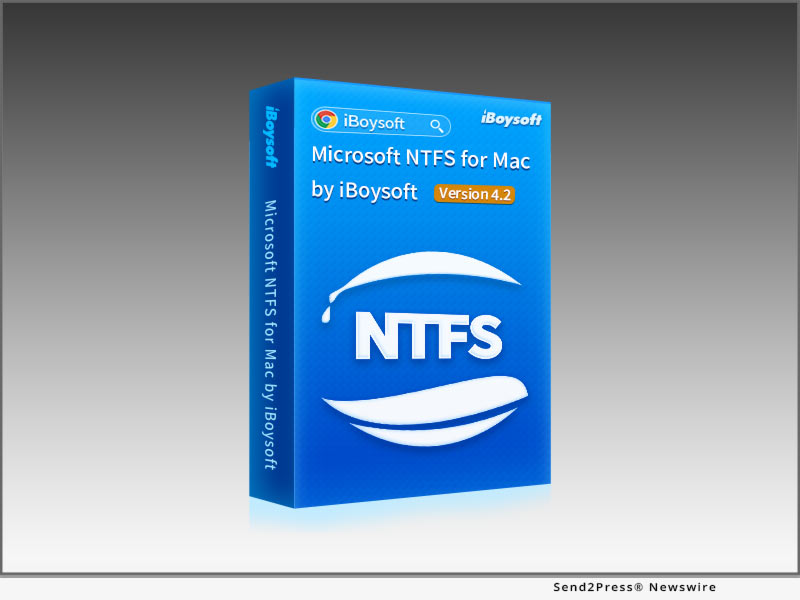
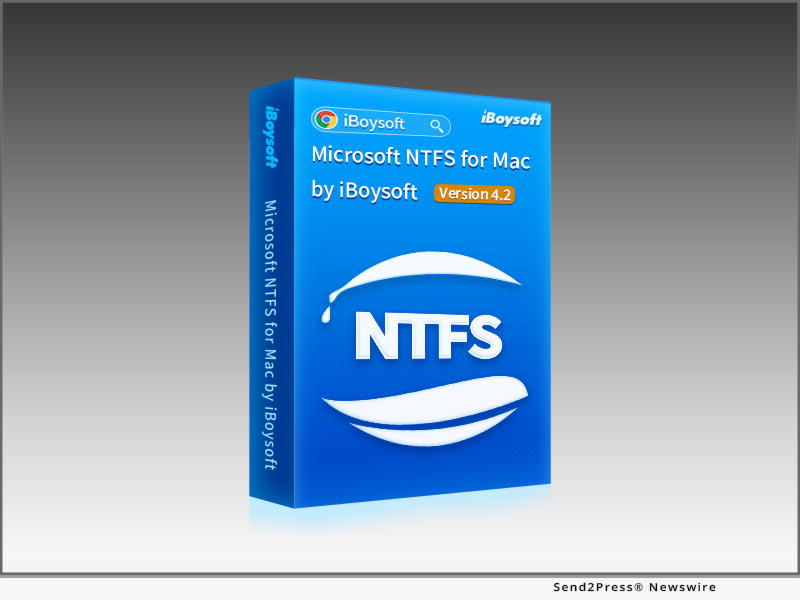
CHENGDU, China /ScoopCloud/ -- iBoysoft (https://iboysoft.com), a professional and innovative software developer, upgrades one of its flagship products - iBoysoft NTFS for Mac - to Version 4.2 as the first solution worldwide to the issue that NTFS-formatted external storage devices will not mount after the latest Security Update 2022-003 on macOS Catalina 10.15.7 on March 16, 2022.

There are many scattered reports that Microsoft NTFS external hard drive will not mount on macOS Catalina after macOS Security Updates. This issue seems to be recursive as it happened in 2021 after the Security Update 2021-003, and NTFS drives fail to mount again on macOS 10.15.7 after the new Security Update 2022-003, even with a third-party NTFS for Mac driver installed.

Users try to uninstall and reinstall the NTFS driver, but the NTFS external hard drive still does not work. An error feedback "com.apple.diskManagement.disenter error 49221" occurs when users mount the NTFS drive manually in Disk Utility. Obviously, the security update has created a glitch in drive management. iBoysoft immediately updates its NTFS for Mac software to specifically address the NTFS external hard drive not mounting on macOS 10.15.7 after security update.

iBoysoft NTFS for Mac helps mount Windows NTFS drives in read and write mode automatically after the storage devices are recognized by Mac. Then users can open the NTFS drives as they did before the security update. All NTFS are fully adapted for macOS and become editable.

This powerful NTFS for Mac by iBoysoft continues delivering fast and secure NTFS support with its stable self-developed file system driver. In addition to NTFS mounting capability, this utility comes with basic disk management functionalities such as open, eject, repair, format NTFS formatted HDDs, SSDs, USB flash drives, Memory Cards, etc.

More information:

https://iboysoft.com/ntfs-for-mac/

https://iboysoft.com/mac-data-recovery/com-apple-disk-management-disenter-error.html

Pricing and Availability

iBoysoft NTFS for Mac v4.2 is ready for macOS 12/11/, 10.15/10.14/10.13 and supports both Intel Macs and Apple Silicon Macs. The installer for macOS 10.12 or earlier is available through support email. It costs $19.95 per license for a yearly subscription. Learn more: https://iboysoft.com/

News from IBoysoft

iBoysoft, a professional and innovative software developer, upgrades one of its flagship products - iBoysoft NTFS for Mac - to Version 4.2 as the first solution worldwide to the issue that NTFS-formatted external storage devices will not mount after the latest Security Update 2022-003 on macOS Catalina 10.15.7 on March 16, 2022.

Related link: https://iboysoft.com/

This version of news story was published on ScoopCloud™ (ScoopCloud.com) - part of and © the Neotrope® News Network - all rights reserved.

iBoysoft Kicks off Thanksgiving and Black Friday Promotion with Up to 50-percent Discount

CHENGDU, China /ScoopCloud/ -- iBoysoft (iboysoft.com), a world-class developer of data recovery and disk management applications, announces its Thanksgiving and Black Friday special offer today. From November 25 to December 3, 2019, every visitor can enjoy a 50% discount on iBoysoft NTFS for Mac. What's more, with a purchase of iBoysoft Data Recovery for Mac, users can get this NTFS driver absolutely for free.

iBoysoft holiday sales: https://iboysoft.com/offer/holiday-sales.html

The grand shopping season is around the corner, so many customers can't wait to cash deals. In order to celebrate the holiday and thank millions of customers all over the world, iBoysoft launches this big Thanksgiving and Black Friday special offer with its best sellers.

50% Off on iBoysoft NTFS for Mac

iBoysoft NTFS for Mac is a handy NTFS driver which allows users to read and write to NTFS drives on macOS Catalina and earlier. Using this utility, people can modify existing files, delete files, and transfer files between NTFS drives and Macs without any hassle. In addition, the software has also been built with disk management features to help users view disk details, unmount a disk, check disk errors, and erase disk data through one-click. iBoysoft NTFS for Mac was originally at $29.95, but now users can get 50% off, for incredible $14.97 per copy.

Buy One Get One for Free

iBoysoft Data Recovery for Mac is professional and safe data recovery software for macOS and OS X, which can scan and recover data from any storage device, including internal and external hard drives, USB flash drives, SD cards. Designed with powerful scanning algorithm, this Mac data recovery software can help users recover files even when the disk is failing, unmountable, formatted, or the Mac computer is unbootable. It recovers documents, pictures, music files, videos, emails as well as many other file types. During this holiday promotion, users who purchase a copy of iBoysoft Data Recovery for Mac Pro edition can get iBoysoft NTFS for Mac for free, which is a saving of $29.95 in total.

When talking about this Thanksgiving and Black Friday deal, its Marketing Manager, Mr. Cheng commented, "We offer this big deal to express sincere appreciation to those who support iBoysoft all the way. Hope customers enjoy more benefits when using our products."

iBoysoft Thanksgiving and Black Friday deal will end on December 3, 2019. Hurry up and don't miss this money-saving chance.

About iBoysoft:

Founded in early 2017, iBoysoft is an innovative and fast-growing software company that provides users with solutions to data recovery for Windows, data recovery for Mac, APFS data recovery, NTFS read/write support on Mac, Mac drive management, and file protection. It has been well-recognized by millions of happy users all over the world.

For more information, please visit the official site: https://iboysoft.com/

News from iBoysoft

iBoysoft (iboysoft.com), a world-class developer of data recovery and disk management applications, announces its Thanksgiving and Black Friday special offer today. From November 25 to December 3, 2019, every visitor can enjoy a 50% discount on iBoysoft NTFS for Mac. What's more, with a purchase of iBoysoft Data Recovery for Mac, users can get this NTFS driver absolutely for free.

Related link:

This version of news story was published on ScoopCloud™ (ScoopCloud.com) - part of and © the Neotrope® News Network - all rights reserved.

Wondershare Simplifies Lost Folder Recovery on Mac with Recoverit Software

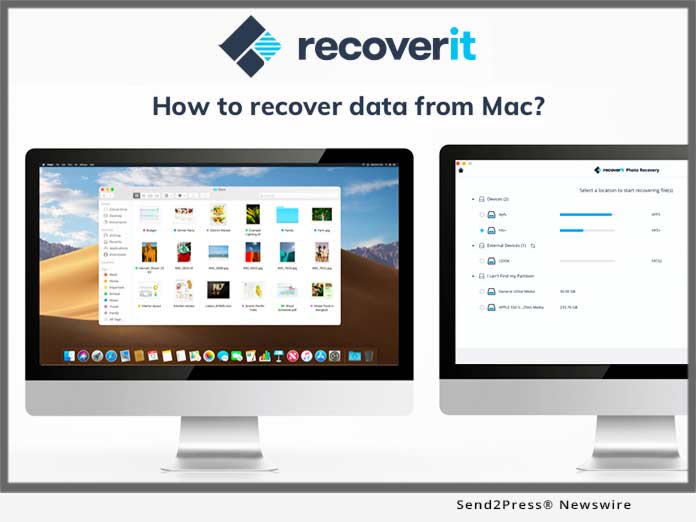
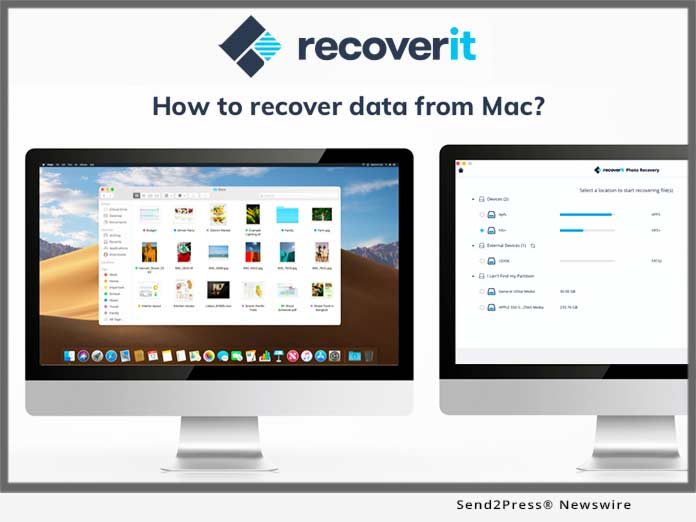
SHENZHEN, China /ScoopCloud/ -- Recoverit for Mac simply deals with how to retrieve deleted files on Mac without any complications. It is believed to be exceptionally good for prioritizing safety, speed and ease of use. As losing folders on Mac can be a chaos for many users, this tool surely leaves impact by setting such standard.

Examining the situations for folder loss on Mac, Wondershare team has brought an expert data recovery tool. The tool certainly makes sure that the users are never left with the doubts on how to recover deleted files on Mac. It can comfortably recover deleted folders on Mac no matter from which storage media it's been deleted.

Learn more at: https://recoverit.wondershare.com/deleted-file-recovery/recover-deleted-folder-on-mac.html

When users lose their important and valuable files from Mac, the moment can be of great concern. At this instance, trying to find every potential way to get it back is understandable. And when a software is offering excessively wonderful features, one can't ask for more. As Recoverit for Mac is totally compatible with numerous file types and storage media, retrieving deleted files on Mac becomes fun. We can consider it as the best data rescue for Mac since it is of great assistance in doing away with all your worries of files/folder loss.

On the bright side, if unfortunately, a user has forgotten to save a word document; there is no need to worry at all. Recoverit for Mac simply works on how to recover unsaved word document on Mac and ease off your burden. One can undoubtedly trust on this tool for its great efficiency. It only includes a three-step tutorial following which you will get quality results irrespective of the reason behind the folder loss. What's more, in the event that you accidentally formatted SD card on Mac while transferring data, Recoverit has the solution for it as well.

Learn more at: https://recoverit.wondershare.com/memorycard-recovery/recover-formatted-sd-card-mac.html

There is a list provided below that will make the users understand what makes this a highly sought-after software:

* With Recoverit, retrieving deleted files on Mac is just a matter of seconds as it ensures quick recovery and really works as promises.

* It supports a wide range of data loss circumstances. For instance, one can recover data if lost due to formatted Mac Drive, virus attack, system crash, empty trash and the like with just simple clicks.

* Another highlighted feature about this software is it can easily rescue the files that are lost on Mac devices having latest encrypted APFS file system.

* A great deal of file types is supported with this tool i.e. documents, graphics, video, email, audio etc.

* Furthermore, a plenty of devices are supported like memory card, pen drive, HDD, floppy disk, music player and more.

There is no doubt left about this software that it covers everything in order to make users understand how to recover deleted files on Mac. Along with this, it offers 24x7 tech support. When it comes to pricing, the plans may vary as per the users' requirement. It may range from 1 year subscription to lifetime license. Also, the quantity of PC will also be responsible for varying price. Overall, if one wonders about how to recover deleted folder Mac or recover word file on Mac, using Recoverit will be a wise option.

About Wondershare:

Wondershare Company is all about creating masterpiece thereby making technology simpler. Through some smart and creative solutions, it has been successful in building its place among people's heart making highly impressive user base across 150 countries. They believe in treating customers as a family and keep things transparent. The thing which makes it stand out is its simplicity. The research and development centers are located in Tokyo and Shenzen where the team works in a united way and that makes it unique from the rest. Learn more: https://recoverit.wondershare.com

News from Wondershare Inc.

Recoverit for Mac simply deals with how to retrieve deleted files on Mac without any complications. It is believed to be exceptionally good for prioritizing safety, speed and ease of use. As losing folders on Mac OS can be a chaos for many users, this tool surely leaves impact by setting such standard.

Related link:

This version of news story was published on ScoopCloud™ (ScoopCloud.com) - part of and © the Neotrope® News Network - all rights reserved.

Any Data Recovery Unveils its Revamped Website and Releases New Data Recovery for Mac

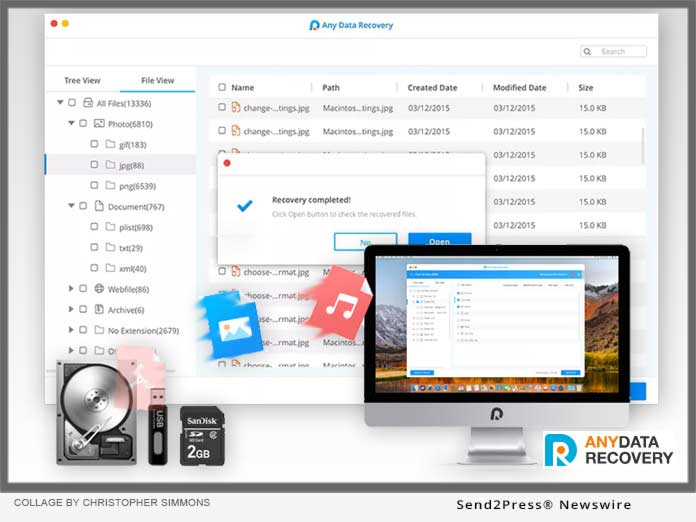
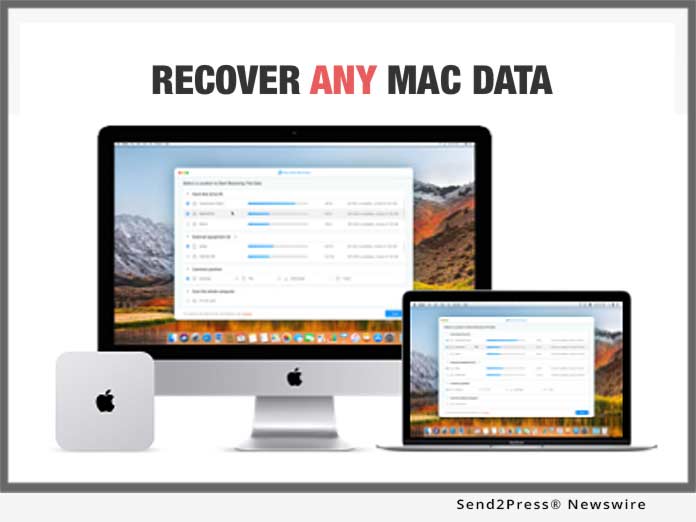
NEW YORK, N.Y. /ScoopCloud/ -- Any Data Recovery has launched a redesign of their website, www.any-data-recovery.com. The entirely new site now features a cleaner and more contemporary design. The revamp includes aesthetic enhancements to provide a more engaging user experience and enhanced navigation to help visitors easily find the information they need. In the meanwhile, the company has upgraded Data Recovery for Mac to V2.5.0.0.

Now this professional Mac Data Recovery is featured to support APFS file system on MacOS High Sierra or above. And it comes with a new designed interface which is more neat and user-friendly.

According to the company CEO: "The world's No.1 software to recover data from encrypted APFS volumes, this data recovery utility combines the most advanced technology to ensure 100% retrieve deleted, lost or formatted data on Mac."

Outstanding Features of Any Data Recovery for Mac:
1. Support to recover files from encrypted APFS volumes.
2. Highlight deleted files separately, so you can quickly find your deleted/lost files in the search results.
3. Efficient Mac data recovery after accidental deletion, disk format, human error, files corruption, hardware failure, virus infection, etc.
4. Recover 550+ types of files in all formats: photos, videos, mails, PDF, documents, game files, etc.
5. Recover data from various Mac based devices: digital camera, media player, SD/CF card, USB drives, HDD/SDD, etc.
6. Support HFS+ and APFS file system.
7. Support Mac OS High Sierra and macOS Mojave.

Price and Availability:
You can get a free trial of Any Data Recovery for Mac version 2.5.0.0 from the official website. The free version allows scanning and displaying lost files without limitation. To recover files that have been found by the software, you can purchase a license from the price $55.95. This software also has a Windows version for Windows data recovery, which is only $45.95.

About Any Data Recovery:
Founded in 2007, Any Data Recovery is an industry-leading software developer that focuses on data recovery for iOS/Android/PC/Mac, iOS system repair, Windows system repair, iOS data manager, iOS data transfer, etc. You can browse and try all software free from official site: https://www.any-data-recovery.com

Facebook: https://www.facebook.com/AnyDataRecoveryAny/?modal=admin_todo_tour
Twitter: https://twitter.com/data_any
YouTube: https://www.youtube.com/user/DataRecoveryTech

News from Any Data Recovery

Any Data Recovery has launched a redesign of their website. The entirely new site now features a cleaner and more contemporary design. The revamp includes aesthetic enhancements to provide a more engaging user experience and enhanced navigation to help visitors easily find the information they need. In the meanwhile, the company has upgraded Data Recovery for Mac to V2.5.0.0.

Related link:

This version of news story was published on ScoopCloud™ (ScoopCloud.com) - part of and © the Neotrope® News Network - all rights reserved.

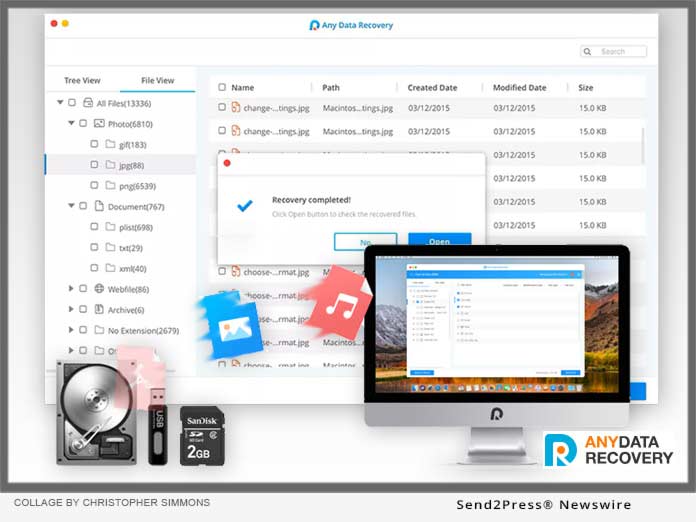
Tenorshare releases Any Data Recovery for Mac V1.0.0, Fully Supporting macOS 10.14

NEW YORK, N.Y. /ScoopCloud/ -- Tenorshare has released Any Data Recovery for Mac V1.0.0. It is perfectly compatible with macOS 10.14. With new support for Apple File System (APFS) and HFS+, the scanning quality of this program is further improved; it can find every byte on your Mac. Tenorshare also redesigned the interface of Any Data Recovery for Mac V1.0.0, adding multilingual support. The update of Any Data Recovery makes Mac data recovery safer and simpler.

The Tenorshare team has been keeping up with macOS updates, making Any Data Recovery compatible with macOS High Sierra 10.14 already. As the slogan "Recover Everything without Risk" says, we are dedicated to developing the best and safest Mac data software in the market.

Now, Any Data Recovery can recover lost data from Trash bin, Mac local disk and external disk like USB driver, SD card, SSD, digital camera, etc. whenever data loss due to accidental deletion, virus infection, partition loss, empty trash bin, sudden power cut, hard drive failure and even system crash.

New and Key Features in Any Data Recovery for Mac V1.0.0 --

* Recover data on Mac macOS 10.14, macOS 10.13 and other macOS systems.
* Highest recovery rate and 100-percent secure
* Get back deleted, formatted or lost data from Mac
* Support APFS & HFS+ file system, can recover files like pictures, audio, videos, documents, mail, PDF, RAR, ZIP, game gaves, system files, etc.
* Recover missing files from hard drive, trash bin and removable devices like USB drive, SD card, SSD, digital camera, etc.

Learn more at: https://www.tenorshare.com/products/any-data-recovery.html

Price and Availability:

The trial version allows you to scan the whole Mac to find lost data.

You can go to Tenorshare official website to get the newest Any Data Recovery, thus to enjoy further recovery of your lost data on Mac. The price for Mac version is $55.95. It also has a Windows version. The price is as low as $45.95.

About Tenorshare:

Founded in 2007, Tenorshare has been the leader in Mac data recovery. Tenorshare Any Data Recovery has helped a lot of users to recover their important data successfully. Besides Any Data Recovery, Tenorshare also provides other iOS device tools including data transfer, system repair and password unlocker.

More Information: https://www.tenorshare.com

Facebook: https://www.facebook.com/TenorshareOfficial/

Twitter: https://twitter.com/Tenorshare

VIDEO (YouTube):
https://youtu.be/IkzAni3d4wI

News from Tenorshare Co. Ltd.

Tenorshare has released Any Data Recovery for Mac V1.0.0. It is perfectly compatible with macOS 10.14. With new support for Apple File System (APFS) and HFS+, the scanning quality of this program is further improved; it can find every byte on your Mac.

Related link:

This version of news story was published on ScoopCloud™ (ScoopCloud.com) - part of and © the Neotrope® News Network - all rights reserved.

Newly Released Wondershare Recoverit for Mac 7.3.2 Supports Encrypted-APFS File Scanning and Recovery

SHENZHEN, China /ScoopCloud/ -- Wondershare has recently launched the new edition of Recoverit for Mac. To be specific, it is Recoverit for Mac 7.3.2 which now supports ability to scan and recover data from the encrypted APFS file system. Being fully compatible with latest Mac OS, a wide range of data types and covering any data loss scenario, it can help the users getting data recovered hassle-free.

Adding more feathers to its cap, Wondershare has recently released an advanced version of its Mac data recovery software, Wondershare Recoverit for Mac 7.3.2, which supports encrypted-APFS file scanning and recovery. When the users lose vital information from their computer, taking every possible effort to recover the data is obvious. As least software applications venture towards retrieving lost data from your Mac, Wondershare Recoverit for Mac will ease that burden off your shoulder.

The most unique feature about Recoverit for Mac 7.3.2 is it supports to scan and recover data from the encrypted APFS file system. This function is yet not implemented by any of their counterparts. Recoverit supported HFS+ files, but since APFS (Apple File System) has become the major file format for Mac recently, Recoverit for Mac 7.3.2 has adapted to support APFS.

Although encrypted-APFS can have data secured much better because of its data encryption based on APFS, with the Recoverit for Mac 7.3.2 version, the users will get the opportunity to even recover lost file from encrypted-APFS, which was not possible in the previous versions. Though, Recoverit has a steady track record of recovering data, Recoverit for Mac 7.3.2 is going to set its own benchmark in Mac data recovery.

Recoverit for Mac is a professional data recovery for Mac users, which is able to retrieve a variety of data types used on Mac computers including photos, documents, videos and the like, no matter what Mac version the user owns. Whether the data is lost due to virus infection, system crash or due to any other reason, Recoverit for Mac 7.3.2 does the data recovery job perfectly. On top of all, a non tech-savvy person can also use it effortlessly and get desired results.

Following are the features that make Wondershare Recoverit for Mac 7.3.2 version stand apart from the rest -
1. It can recover data on macOS and even from High Sierra 10.13.
2. Encrypted APFS file recovery is supported by this software that no competitors have started doing yet.
3. The kind of file formats it supports is amazing - AAC, AIF/AIFF, MID/MIDI, WMA, OGG, AAC music files; different email files such as PST, DBX, EMLX etc.; ZIP and RAR files, various graphics and video formats as well as documents sum up the list.
4. Whatever be the data loss scenario for your Mac, i.e. virus attack, from trash, deleted, formatted drive, external drive, lost partition, system crash or all round data, it can recover everything at ease.
5. The process is very simple and intuitive to recover data, and there is no threat to data security.

The Mac users can buy the software online by visiting the official website of Wondershare, select it from products and then make the purchase. Recoverit for Mac is available in three versions: Free, Pro and Ultimate. The Recoverit free can recover data up to 100MB for free. And Recoverit Pro and Recoverit Ultimate can recover unlimited amount data. Moreover, Recoverit Ultimate supports to recover data even though the PC crashes or unable to boot.

For more details, check it here: https://recoverit.wondershare.com/

About Wondershare:

Wondershare Technology is one of the prominent members of the National Planning Software Enterprises of China, well-known for its products including dr.fone, Recoverit, Filmora, and pdfelement. Being one of the leading application development companies in the world, they have a customer base across 150 countries. Their software applications are focused at simplifying people's lives with their amazing solutions. They have their research and development centers in Tokyo and Shenzhen. Their marketing offices are located in Vancouver and Tokyo. IDG and Sino-Wisdom are among theirs investors.

Video (YouTube):
https://www.youtube.com/watch?v=tA7GKWD2npY

News from Wondershare Inc.

Wondershare has recently launched the new edition of Recoverit for Mac. To be specific, it is Recoverit for Mac 7.3.2 which now supports ability to scan and recover data from the encrypted APFS file system. Being fully compatible with latest Mac OS, a wide range of data types and covering any data loss scenario, it can help the users getting data recovered hassle-free.

Related link:

This version of news story was published on ScoopCloud™ (ScoopCloud.com) - part of and © the Neotrope® News Network - all rights reserved.

Wondershare’s Recoverit Free for Mac Gets Data Back on Track

VANCOUVER, B.C. /ScoopCloud/ -- A robust and reliable free data recovery software with high data recovery rate announced with the release of its Wondershare Recoverit Free for Mac. This software enables you to recover data lost due to system crash, virus attacks, external device malfunction, lost partitions, formatted drives, emptying the recycles bins and even deleted files.

1. Recoverit for Mac - A Reliable free data recovery solution for Mac

This impressive software for Mac comes from the well-established Wondershare Technologies which has a vast category of software such as Filmora, dr.fone, PDFelement, Video Converter Ultimate. Now Recoverit for Mac assists professionals all over the world. This software varies in terms of use, for example, it can do: video editing, data transfer between different devices with different operating systems, faster PDF editing and now easier and faster data recovery for all Mac users as well. It has made sure that it lives up to the high expectations of Mac users all over the world.

"Our drive to create a simpler world through better technology starts at the top," said Tobee Wu Founder and CEO of Wondershare Technology.

Recoverit software will give you cutting-edge services in terms of execution and technological advancement. It offers reliable Mac Data Recovery with 96 percent Recovery Rate. Download here: https://recoverit.wondershare.com/data-recovery-free.html

Using the software doesn't require too much acumen or a geek to figure out the working of the software. It's easy to use and very fast too. It's up-to-date and the latest version may be downloaded from their official website.

With the latest release comes a remarkable feature that now lets you recover data lost from external devices or in other words from USB device that are probably corrupted using the "External Devices Recovery" feature and is compatible with MacOS system including High Sierra 10.13

2. Use Recoverit to recover trash Mac

Using Recoverit to recover trash Mac is a simple three step process: https://recoverit.wondershare.com/recycle-bin/recover-trash-mac.html

First of all, you will have to download, install and launch the software.

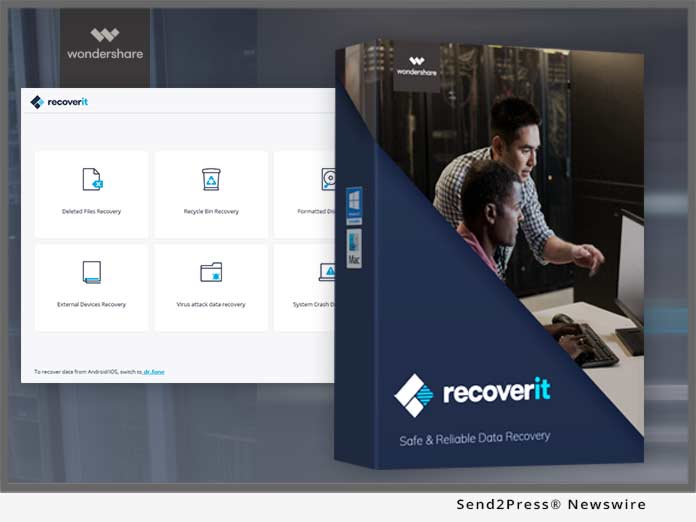
Then from the options given, choose the data loss recovery option, that is, deleted files recovery, recycle bin recovery, formatted drive recovery, external device data recovery, virus attack data recovery, system crash recovery or the all-round recovery option.

Automatically a deep scan will be executed by Recoverit for Mac to locate the path of the data lost.

Note: The all-round recovery option is a good choice to deeply search for lost data on your Mac.

There are many occasions wherein you accidentally end up deleting the data or you face data loss due to some unknown reasons. In these circumstances, Recoverit is deemed to be a lifesaver if not a miracle worker for your Mac.

3. With the release of MacOS High Sierra 10.13, Recoverit has also made a vital upgrade to ensure the recovery rate.

Recoverit made vital upgrades for its Mac version to support the latest release of Mac OS High Sierra 10.13 and ensured its effective integration with the latest version. Although as per industry reports the release of MacOS High Sierra 10.13 affected the recovery rate of many software, Recoverit upgraded its Mac version so that its users remain unaffected. It is one of the best Mac data recovery software solutions.

Recoverit for Mac has revolutionized the ease with which it can recover data lost. We have mentioned a few of them below:

Response Time:

With a team of recovery experts since 2003, you are sure to have your data recovered in the shortest time possible. It usually takes longer to retrieve lost data and with the options of so many ways to try this that may end up in catastrophic failure. Recoverit for Mac is the surest way to do so, even for the MacOS High Sierra 10.13 with many users having attested to data recovery in less than 5 minutes.

Speed:

With an advanced data recovery algorithm, be sure that the speed with which the software undertakes this procedure to scan the computer and retrieve lost data is undeniably remarkable. The sturdy scan operations assist you to locate all possible bytes of data on the storage devices.

Powerful:

Recoverit for Mac is 100 percent secure with a virus-free guarantee. You, therefore, need not worry about any malicious activity on your latest upgrade to MacOS High Sierra 10.13 as well. With a powerful algorithm, it runs scans very smoothly and successfully.

Pricing:

Wondershare gives a 7-day back money guarantee and this proves to be a wonderful bargain to users across the globe. To the users who want to try out the software beforehand, there is a 15-day free trial period up for download as well.

This is a sensational software that is not just for the tech savvy but is appealing to all those who have storage devices, ranging from a Mac to a USB. The software is available for all Mac users and is a perfectly optimized, fast and worthwhile tool.

To get further updates and information about the Recoverit Free for Mac software, you can visit their website at: https://recoverit.wondershare.com/data-recovery-mac.html

VIDEO (YouTube):
https://youtu.be/tA7GKWD2npY


News from Wondershare Inc.

A robust and reliable free data recovery software with high data recovery rate announced with the release of its Wondershare Recoverit Free for Mac. This software enables you to recover data lost due to system crash, virus attacks, external device malfunction, lost partitions, formatted drives, emptying the recycles bins and even deleted files.

Related link:

This version of news story was published on ScoopCloud™ (ScoopCloud.com) - part of and © the Neotrope® News Network - all rights reserved.