Tag Archives: Photography and Videography

HitPaw Announces Release of HitPaw PicCutout App V1.0.0 for iOS to Auto Remove and Change Background Precisely

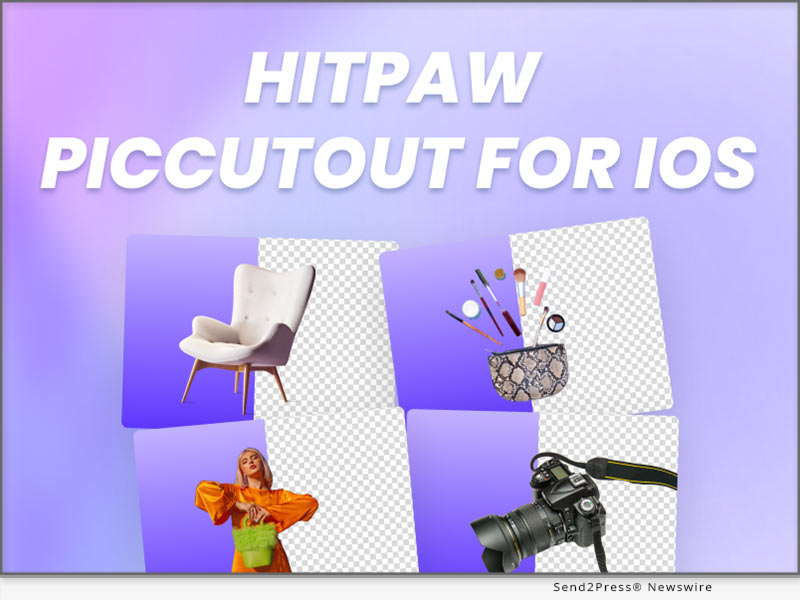
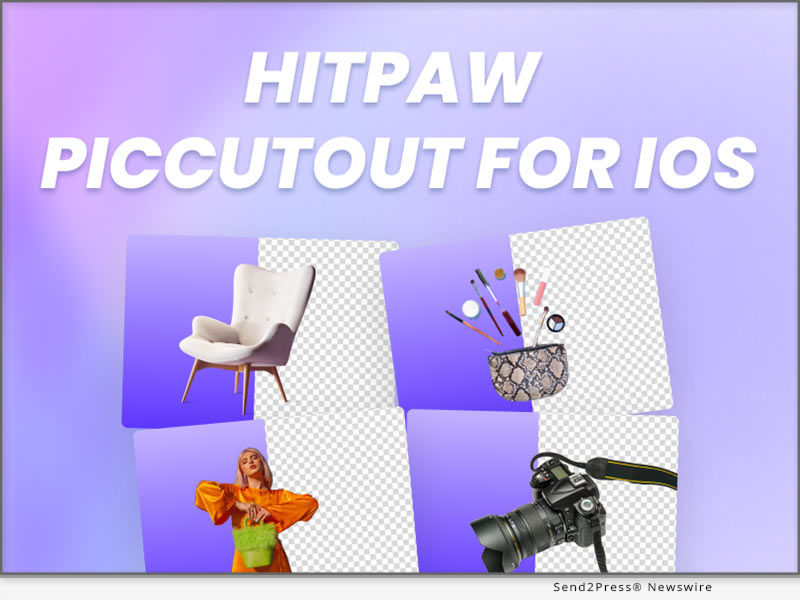
NEW YORK, N.Y. /ScoopCloud/ -- HitPaw has newly released HitPaw PicCutout App for iOS V1.0.0 which can precisely and easily remove background from image, change background and resize image for E-commerce, social media, or other use with massive background templates. Please don't hesitate to personalize your images with HitPaw PicCutout APP.

LET'S DIVE INTO THE FEATURES OF THE APPLICATION:

* Automatically Cutout Anything from Image

HitPaw PicCutout can easily cutout products, people, animals, cars, real estate and more from image automatically, without any photo editing skills. Thus, it's a useful App for your profile avatars, social media, podcast covers, perfect for product photography and e-commerce.

* Provide Massive Free-to-Use Background Templates

It also provides tons of built-in background templates for minimal shops, profile pictures, social networks, magazines, etc. Guess what? All templates are free to use! Besides, more templates keep updating, so stay with HitPaw PicCutout, and you'll discover more.

* Powerful Background Eraser and Restorer

We provide Erase Background and Restore Background features for you to perfect your image after background removal. These are manual tools, so you can edit your image in your way.

* Easily Change Background Color with the Color Picker

With the powerful color picker, in case you want to make ID photos, passport photos or others, you can quickly change the background color into any color you want.

* One-click to Resize Image for Various Platforms

Numerous customized size templates according to specific platforms are also available. Just one click to get different sizes of images for easy sharing.

Compatibility and Price:

Compatibility: HitPaw PicCutout App is compatible with iOS now.

Price: Free

For more information checking, you can visit: https://apps.apple.com/cn/app/piccutout/id1661086790

About HitPaw:

HitPaw is an emerging software company specialized in video editing, screen recording, watermark removing, image editing, photo enhancing meme-making, etc. We help users turn their inspiration into reality so that we can generate more ideas to make the world be full of more creativity.

To know more, you may visit https://www.hitpaw.com/about.html and https://www.hitpaw.com/.

Our Social Media:

YouTube: https://www.youtube.com/channel/UCQwRggaotgiMcPbiCOsJeBA

Facebook: https://www.facebook.com/hitpawofficial

Twitter: https://twitter.com/hitpawofficial

Instagram: https://www.instagram.com/hitpawofficial/

Pinterest: https://www.pinterest.com/hitpawcom/
News from HitPaw

HitPaw has newly released HitPaw PicCutout App for iOS V1.0.0 which can precisely and easily remove background from image, change background and resize image for E-commerce, social media, or other use with massive background templates. Please don't hesitate to personalize your images with HitPaw PicCutout APP.

Related link: https://www.hitpaw.com/

This version of news story was published on ScoopCloud™ (ScoopCloud.com) - part of and © the Neotrope® News Network - all rights reserved.
HitPaw Video Enhancer V1.3.0 Release: Enhance Video Smoothly with Virtual Memory

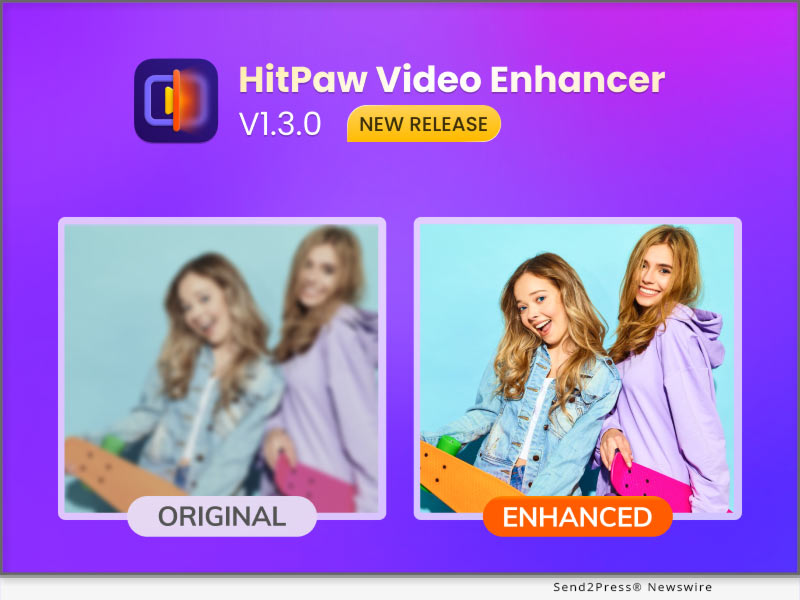
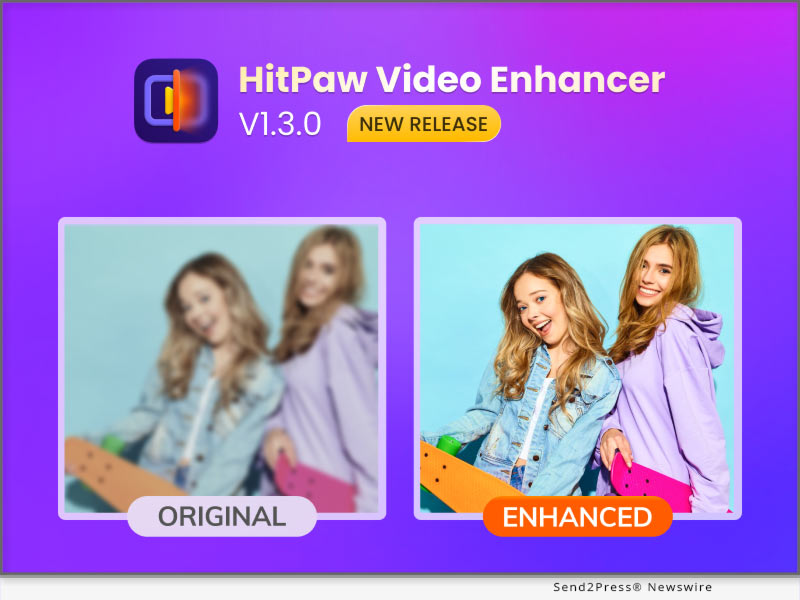
NEW YORK, N.Y. /ScoopCloud/ -- HitPaw recently released HitPaw Video Enhancer V1.3.0. The latest version of HitPaw Video Enhancer will support automatically enabling virtual memory, in order to make the process of enhancing videos smoother. And once the program accidentally crashes, you can continue the process directly after restarting the program. It is also worth mentioning that after this update, you can save the operation record when you close the program.

In addition to the above, the latest version also fixes some known issues. So this latest version will definitely amaze you.

Let's find out the wonderful features of the Update for HitPaw Video Enhancer:

-- Automatically Enable Virtual Memory

For many people, perhaps not enough computer configuration prevents them from using an AI video upscaler. You will be very distressed by the slow progress due to insufficient configuration. So HitPaw Video Enhancer will automatically enable the computer's virtual memory when you need it, which means your computer will have more RAM to improve the low-quality video and make the process easier.

-- Continue Process after the Program Crashing

No matter what software we use, we always encounter such problems, whether it is because of network problems or hardware problems that cause the program to crash. We can't avoid such problems, but we can provide the best experience when you try our video enhancer AI tool. HitPaw Video Enhancer supports restoring your original video enhancement process after the program crashes so that you can continue enhancing directly from where you left off.

-- Save Operation Records when Closed

The starting point of this feature is the same as the previous one. Sometimes when we close and reopen the program, we want to see the last operation record instead of re-enhancement from scratch. So HitPaw Video Enhancer supports saving the operation record when the program is closed so that you can continue to enhance the video next time.

Compatibility and Price

HitPaw Video Enhancer is now compatible with Windows for 11/10 64-bit and macOS Monterey. The Windows Version pricing starts from $42.99 per month, $99.99 per year, and $349.99 for the lifetime.

For more information checking, you can visit: https://www.hitpaw.com/purchase/buy-hitpaw-video-enhancer.html

About HitPaw

HitPaw is an emerging software company specialized in files compressing, video editing, screen recording, watermark removing, image editing, photo enhancing, etc. We help users turn their inspiration into reality so that we can generate more ideas to make the world be full of more creativity.

To know more, you may visit : https://www.hitpaw.com/about.html and https://www.hitpaw.com/

Our Social Media

YouTube: https://www.youtube.com/channel/UCQwRggaotgiMcPbiCOsJeBA

Facebook: https://www.facebook.com/hitpawofficial

Twitter: https://twitter.com/HitPawofficial

Instagram: https://www.instagram.com/hitpawofficial/

Pinterest: https://www.pinterest.com/hitpawcom/

News from HitPaw

HitPaw recently released HitPaw Video Enhancer V1.3.0. The latest version of HitPaw Video Enhancer will support automatically enabling virtual memory, in order to make the process of enhancing videos smoother. And once the program accidentally crashes, you can continue the process directly after restarting the program. It is also worth mentioning that after this update, you can save the operation record when you close the program.

Related link: https://www.hitpaw.com/

This version of news story was published on ScoopCloud™ (ScoopCloud.com) - part of and © the Neotrope® News Network - all rights reserved.
HitPaw Video Enhancer Mac V1.1.0 Released with Amazing AI Denoise Model on macOS to Upscale Video

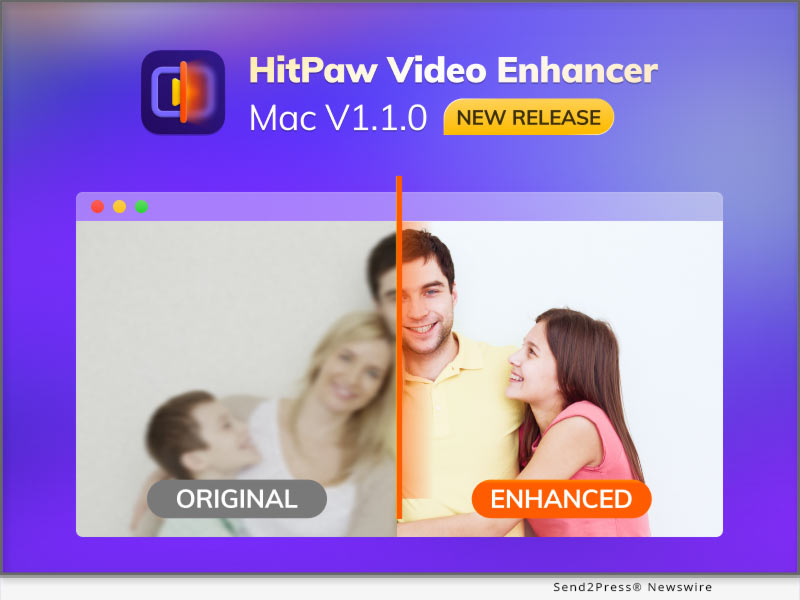
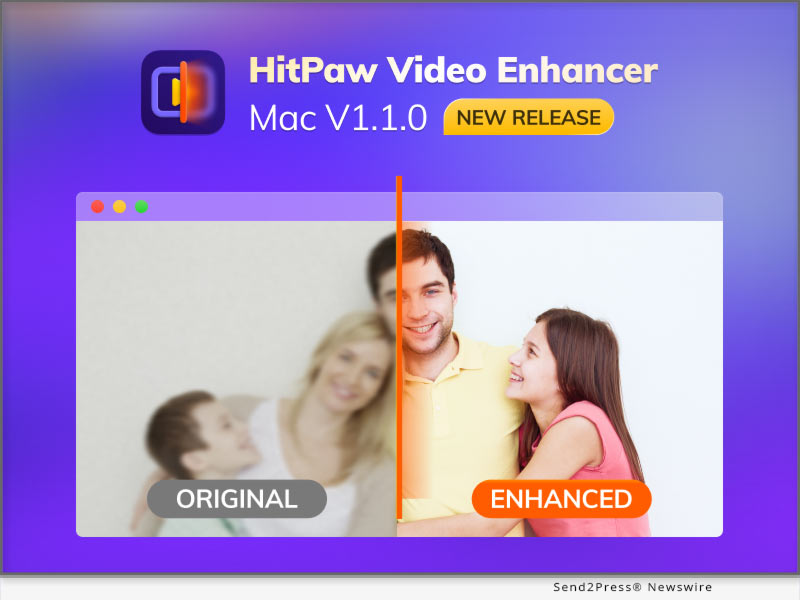
NEW YORK, N.Y. /ScoopCloud/ -- HitPaw recently released HitPaw Video Enhancer Mac V1.1.0. The latest version of HitPaw Video Enhancer for Mac will support General Denoise Model, which means there will be 4 amazing AI models in Mac Version including General Denoise Model, Face Model, Animation Model, and Colorize Model.

The General Denoise Model helps you easily enhance video in any situation. Because the face model will be more suitable for face videos, and the animation model is more suitable for animation videos. So when you want a model that can enhance ordinary videos, then General Denoise Model can help you.

Let's find out the wonderful features of the Update for HitPaw Video Enhancer Mac:

* Amazing General Denoise Model

HitPaw Video Enhancer, as a wonderful video enhance AI tool, the General Denoise Model contributed a lot of effort. More people may have shot low-quality landscape videos, but these videos do not have a proper model to handle them. The noise reduction model can repair all the details in the video, thus helping people improve low-quality videos to high-quality videos with ease.

* Powerful AI Technology

For AI technology, we may be wondering how AI technology in an AI video enhancer work. AI technology can help you automatically identify the details that need to be repaired, and then complete the task without any professional skills needed. In this updated version of HitPaw Video Enhancer Mac, the trained AI model has also been optimized to better improve the quality of the video.

* Easy Steps to Enhance Video

As the top video upscaler in the industry, simple steps are essential. Unlike many professional video processing software, the video-enhancing actions of HitPaw Video Enhancer are straightforward, just import, select the model, and then export.

* Clean Interface for Processing

A clean tool interface will make the process more efficient. HitPaw Video Enhancer is committed to creating the most straightforward and most convenient video enhancement software. So the interface is also very clean so that people will not be confused about any buttons or functions.

Compatibility and Price:

HitPaw Video Enhancer is now compatible with Windows for 11/10 64-bit and macOS Monterey. The Mac Version pricing starts from $69.99 per month, $109.99 per year, and $349.99 for the lifetime.

For more information checking, you can visit: https://www.hitpaw.com/purchase/buy-hitpaw-video-enhancer-mac.html

About HitPaw:

HitPaw is an emerging software company specialized in files compressing, video editing, screen recording, watermark removing, image editing, photo enhancing, etc. We help users turn their inspiration into reality so that we can generate more ideas to make the world be full of more creativity.

To know more, you may visit: https://www.hitpaw.com/about.html and https://www.hitpaw.com/

Our Social Media:

YouTube: https://www.youtube.com/channel/UCQwRggaotgiMcPbiCOsJeBA

Facebook: https://www.facebook.com/hitpawofficial

Twitter: https://twitter.com/HitPawofficial

Instagram: https://www.instagram.com/hitpawofficial/

Pinterest: https://www.pinterest.com/hitpawcom/

News from HitPaw

HitPaw recently released HitPaw Video Enhancer Mac V1.1.0. The latest version of HitPaw Video Enhancer for Mac will support General Denoise Model, which means there will be 4 amazing AI models in Mac Version including General Denoise Model, Face Model, Animation Model, and Colorize Model.

Related link: https://www.hitpaw.com/

This version of news story was published on ScoopCloud™ (ScoopCloud.com) - part of and © the Neotrope® News Network - all rights reserved.
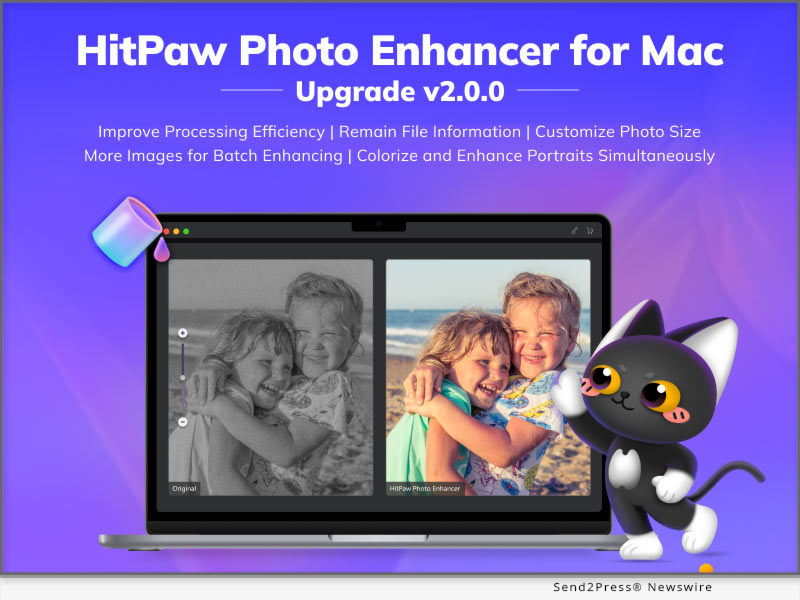
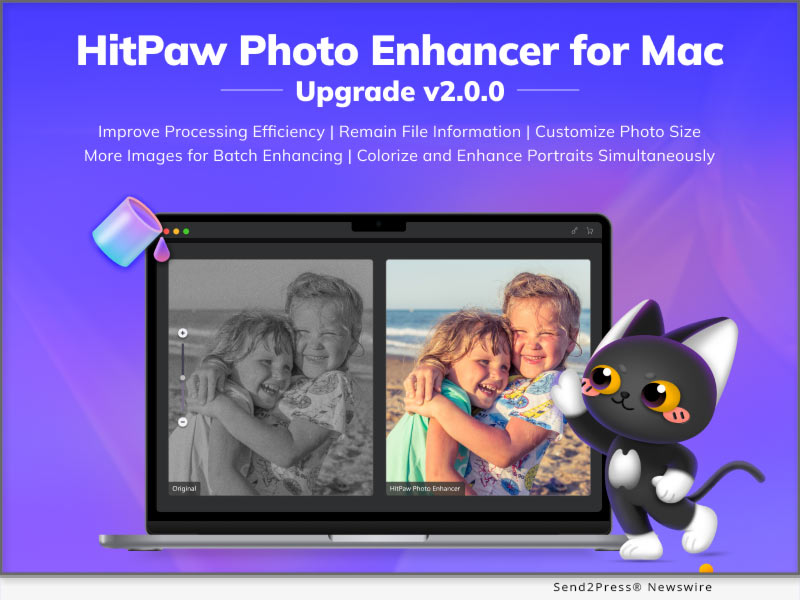
HitPaw Photo Enhancer for Mac V2.0.0 Unveils its Multi-model Processing and Customizing Photo Size Function

NEW YORK, N.Y. /ScoopCloud/ -- HitPaw has newly released HitPaw Photo Enhancer for Mac V2.0.0 which has been further improved with processing efficiency and develop several new function based on the user habits. There're 8 Image formats supportive in total such as PNG, JPG, WebP and so on. Batch enhancing limit, outputting setting has also been optimized. A bunch of new functions are waiting for you to try!

LET'S DIVE IN THE NEW FEATURES OF THE UPDATE:

* Colorize and Enhance Portraits Simultaneously

Colorize Model and Face Model are two AI models that Mac users used most frequently. Now, HitPaw has specially presented the new function: multi-model processing. You can use it to one-click upscale and colorize black & white portraits like old family photos.

* Customize Your Photo Size Without Limit

Sometimes you need resize your photo due to the image requirement of different social media platforms. But don't worry, as you are about to enhance your image, HitPaw could also help you easily solve this problem with its powerful ability to adjust the photo size simply.

* Remain File Information As Original

When enhancing your photos, HitPaw Photo Enhancer will remain the original information of photos, such as transparent background and EXIF data. The EXIF Information includes figures such as exposure, ISO, shutter, GPS locations, and so on. We aim to beautify your image in details without changing anything else.

* More Images Processing Available for Batch Enhancing

When it comes to the repetitive work, AI always helps us a lot. HitPaw Photo Enhancer now increase the image processing limit up to 20. You can freely select from 2 to 20 images to process at the same time depend on your computer ability.

Compatibility and Price:

HitPaw Photo Enhancer is now compatible with macOS 10.15 and above. The pricing starts from $19.99 USD for a month plan.

For more price checking and information, you can visit https://www.hitpaw.com/purchase/buy-hitpaw-photo-enhancer-mac.html.

About HitPaw:

HitPaw is an emerging software company specialized in video editing, screen recording, watermark removing, image editing, photo enhancing meme-making, etc. We help users turn their inspiration into reality so that we can generate more ideas to make the world be full of more creativity.

To know more, you may visit https://www.hitpaw.com/about.html and https://www.hitpaw.com/

Our Social Media:

YouTube: https://www.youtube.com/@hitpaw

Facebook: https://www.facebook.com/hitpawofficial

Twitter: https://twitter.com/HitPawofficial

Instagram: https://www.instagram.com/hitpawofficial/

Pinterest: https://www.pinterest.com/hitpawcom/

News from HitPaw

HitPaw has newly released HitPaw Photo Enhancer for Mac V2.0.0 which has been further improved with processing efficiency and develop several new function based on the user habits. There're 8 Image formats supportive in total such as PNG, JPG, WebP and so on. Batch enhancing limit, outputting setting has also been optimized. A bunch of new functions are waiting for you to try!

Related link: https://www.hitpaw.com/

This version of news story was published on ScoopCloud™ (ScoopCloud.com) - part of and © the Neotrope® News Network - all rights reserved.
HitPaw Photo Enhancer App V1.0.0 Released: An Incredible New AI Face Enhancer and Photo Animator

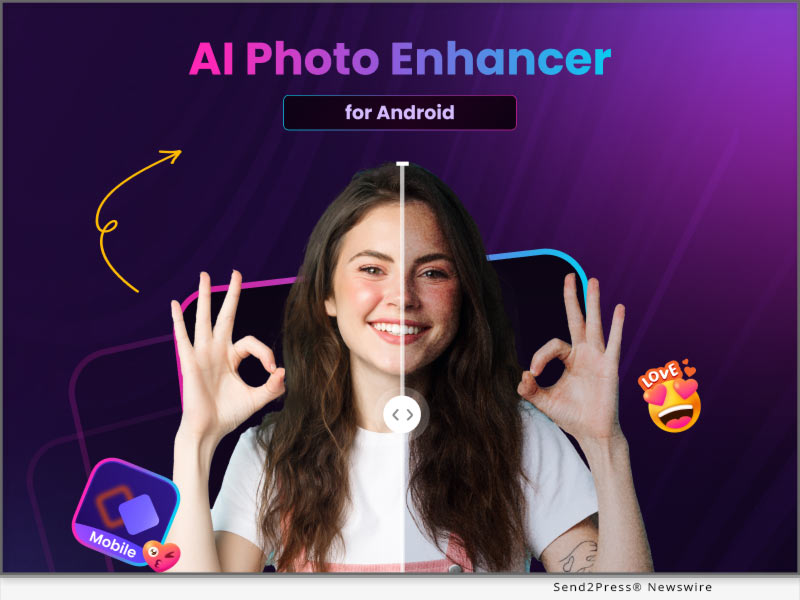
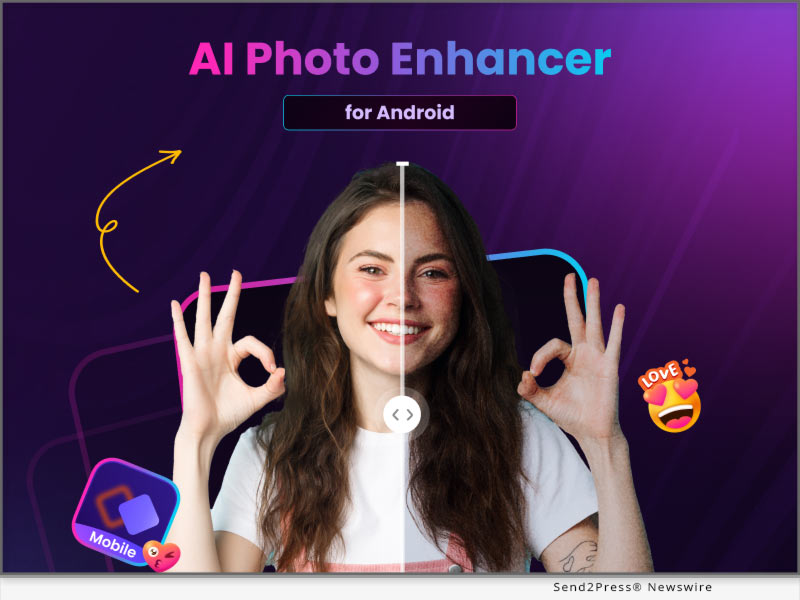
NEW YORK, N.Y. /ScoopCloud/ -- HitPaw has newly released HitPaw Photo Enhancer App V1.0.0 which has been improved with an advanced AI algorithm to help you directly enhance the photos shot on your Android device. It has several AI tools to beautify your photos: a face-repairing tool to upscale and unblur your portraits, and use a colorizing tool to fix your old photos and make them brand new again. The most interesting tool is the stylization tool, you can use it to transform your portrait into a 3D or Japanese-style drawing. Use HitPaw and immediately make your photos look better.

LET'S DIVE INTO THE FEATURES OF THE APPLICATION:

* AI Photo Enhancer to One-click Enhance

With the latest AI technology, HitPaw can one-click auto-enhance and upscale your photo with no quality loss. Just upload the photo, and then click repair, HitPaw can help you do all the rest of the things.

* Repair every detail for your face perfection

When taking a selfie, you may want to retouch your portrait and make yourself look in perfect condition. Work as a wonderful blemish remover and wrinkle remover, it can fix your facial imperfection naturally.

* Animate Your Photo to Cartoon/3D/hand-painting

Try to animate your portrait and get a cute profile photo! Whatever the Japanese animation style, 3D style, pencil drawing style, or hand-painted style, HitPaw can always give you the best result.

* Colorize and Fix Black & White Photo

HitPaw's ability to restore old photos will let you feel traveling in a time machine. It's very capable and fast to process your black & white photos and paint them into colorful and vivid ones. You can definitely trust HitPaw when using it to bring old photos alive.

Compatibility and Price:

HitPaw Photo Enhancer App is now compatible with Android 5.0 and above. The pricing starts from $6.99 USD for 240 coins.

For more price checking and information, you can visit https://play.google.com/store/apps/details?id=com.hitpaw.photo.enhancer

About HitPaw:

HitPaw is an emerging software company specialized in video editing, screen recording, watermark removing, image editing, photo enhancing meme-making, etc. We help users turn their inspiration into reality so that we can generate more ideas to make the world be full of more creativity.

To know more, you may visit https://www.hitpaw.com/about.html and https://www.hitpaw.com/

Our Social Media:

YouTube: https://www.youtube.com/channel/UCQwRggaotgiMcPbiCOsJeBA

Facebook: https://www.facebook.com/hitpawofficial

Twitter: https://twitter.com/HitPawofficial

Instagram: https://www.instagram.com/hitpawofficial/

Pinterest: https://www.pinterest.com/HitPawofficialwebsite/

News from HitPaw

HitPaw has newly released HitPaw Photo Enhancer App V1.0.0 which has been improved with an advanced AI algorithm to help you directly enhance the photos shot on your Android device. It has several AI tools to beautify your photos: a face-repairing tool to upscale and unblur your portraits, and use a colorizing tool to fix your old photos and make them brand new again.

Related link: https://www.hitpaw.com/

This version of news story was published on ScoopCloud™ (ScoopCloud.com) - part of and © the Neotrope® News Network - all rights reserved.
Alliance Group Expands Video Marketing Department with Hire of Assistant D/E

ATLANTA, Ga. /ScoopCloud/ -- Alliance Group, an Atlanta-based insurance marketing organization, announced the hire of Josh Thompson as Assistant Director / Assistant Editor. The move comes as part of a recent series of personnel moves to reflect the company's growing needs as they continue to expand.

"Our agents and partners' needs for quality video marketing content has been steadily increasing over the years, and bringing in additional help to get content shot, edited, and into the hands of our producers was a move we needed to make," said Alliance Group CMO Samuel Howe. "Josh was hand-selected by Travis Grenier, who has built the Video Marketing department here, and he's going to help us keep pace with our partners' growing appetites for quality video content to market themselves and the solutions they provide to their clients."

Thompson has a background in theater production and has owned and operated his own video production company for the past ten years. He has freelanced with Alliance Group on individual projects in the past, and his talent and rapport with the team led to Grenier offering him a full-time position.

"Josh's talents are obvious, and he has plugged right into the team," said Grenier, Alliance Group's Video Marketing Director. "Having him on board has allowed us to massively ramp up our output for video content. Since he's come on, we've seen a huge influx of our agents visiting Stratton Studios to shoot individualized content. This is a huge value add for our partners and it wouldn't be possible without the addition of Josh to the team. We're super happy to have him on board."

More information on Alliance Group and Living Benefits life insurance is available on their website, https://www.alliancegrouplife.com/.

News from Alliance Group

Alliance Group, an Atlanta-based insurance marketing organization, announced the hire of Josh Thompson as Assistant Director / Assistant Editor. The move comes as part of a recent series of personnel moves to reflect the company's growing needs as they continue to expand.

Related link: https://www.AllianceGroupLife.com/

This version of news story was published on ScoopCloud™ (ScoopCloud.com) - part of and © the Neotrope® News Network - all rights reserved.