Author Archives: HitPaw

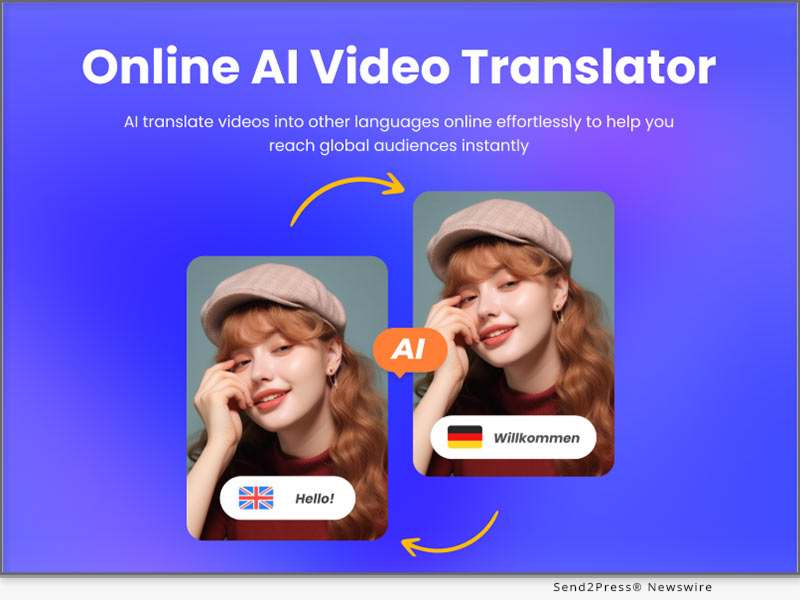
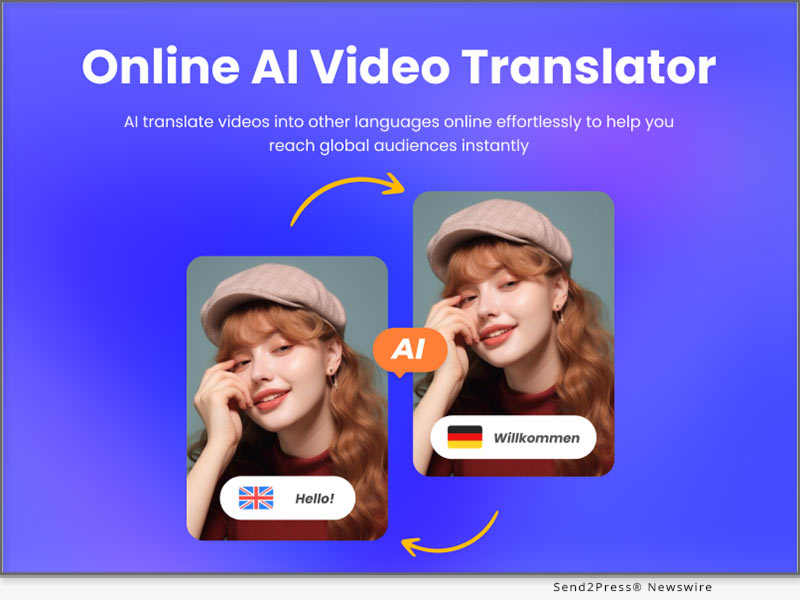
HitPaw Introduces its Online AI Video Translator: Breaking Language Barriers in Video Content Creation

NEW YORK, N.Y. /ScoopCloud/ -- HitPaw, a leading technology company specializing in video editing solutions, is thrilled to announce the launch of its groundbreaking Online AI Video Translator. This cutting-edge tool empowers content creators, businesses, educators, and global audiences by effortlessly translating video content into multiple languages, breaking language barriers, and fostering seamless communication worldwide.

Language Barriers, No More!

In an increasingly interconnected world, language barriers have become a significant challenge for content creators and businesses seeking to reach wider audiences. HitPaw's Online AI Video Translator is set to revolutionize the video translation landscape, offering a user-friendly platform to effortlessly translate video content from one language to another.

Intelligent AI-Powered Technology

At the heart of the Online AI Video Translator is an advanced AI-powered technology that guarantees accurate and natural translations. This state-of-the-art translation engine has been meticulously trained on vast multilingual datasets, enabling it to comprehend context, dialects, and subtleties within the source language, and provide linguistically coherent translations in the target language.

Unparalleled Ease of Use

HitPaw understands the value of simplicity, and the Online AI Video Translator exemplifies this philosophy. With its intuitive user interface, users can easily upload their videos, select the source and target languages, and initiate the translation process within minutes. The tool is designed to be accessible for all, regardless of their technical expertise or experience in video editing.

Key Features:

* Real-Time Video Translation: Experience instantaneous translation results, making video content accessible to audiences around the world without any delay.

* Multi-Language Support: Translate video content from and into a wide array of languages, catering to diverse audiences with varying linguistic preferences.

* Natural and Fluent Translations: The AI-driven translator ensures that translated videos retain a natural flow, maintaining the original intent and context.

* Customizable Subtitles and Captions: Personalize subtitles and captions to align with your video's style and aesthetics for a seamless viewing experience.

* Privacy and Security: HitPaw prioritizes user privacy, ensuring that uploaded videos are treated with utmost confidentiality and not stored on the platform.

Join to Translate Videos Today!

For more information or to participate in the event, visit: https://online.hitpaw.com/video-translator.html

About HitPaw:

HitPaw is an emerging software company specialized in video editing, screen recording, watermark removing, image editing, photo enhancing, etc. We help users turn their inspiration into reality so that we can generate more ideas to make the world be full of more creativity.

To know more, you may visit: https://www.hitpaw.com/about.html and https://online.hitpaw.com/

Our Social Media:

YouTube: https://www.youtube.com/channel/UCQwRggaotgiMcPbiCOsJeBA

Facebook: https://www.facebook.com/hitpawofficia l

Twitter/X: https://twitter.com/HitPawofficial

Instagram: https://www.instagram.com/hitpawofficial/

Pinterest: https://www.pinterest.com/hitpawcom/

Threads: https://www.threads.net/@hitpawofficial
News from HitPaw

HitPaw, a leading technology company specializing in video editing solutions, is thrilled to announce the launch of its groundbreaking Online AI Video Translator. This cutting-edge tool empowers content creators, businesses, educators, and global audiences by effortlessly translating video content into multiple languages, breaking language barriers, and fostering seamless communication worldwide.

Related link: https://www.hitpaw.com/

This version of news story was published on ScoopCloud™ (ScoopCloud.com) - part of and © the Neotrope® News Network - all rights reserved.
HitPaw Launches Its Online QR Code Art Generator: A Creative QR Code Generator

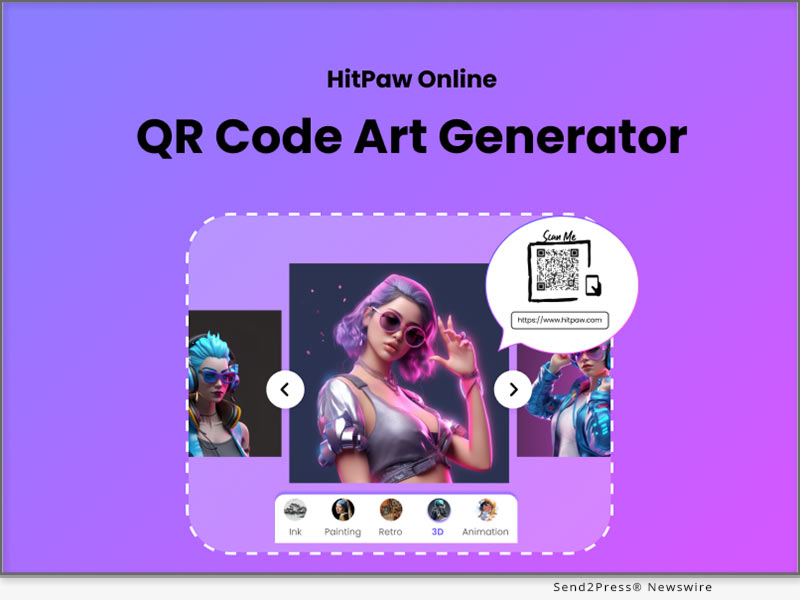
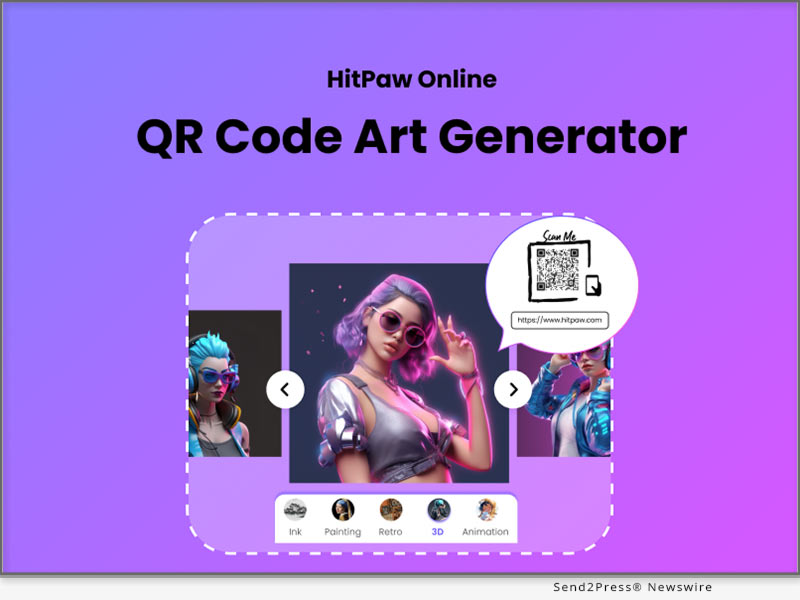
NEW YORK, N.Y. /ScoopCloud/ -- HitPaw, a famous software developer focuses on photo and video solutions, is about to announce the Online QR Code Art Generator. With its help, you can experience the beauty of QR code and create the unique one of your own.

HitPaw Online QR Code Art Generator is an amazing online tool that helps you to create QR code without the need for coding or programming. It provides some art styles with you and apply it to the QR code to make it visually appealing.

Here are some of its surprising features:

1 - stylish design

HitPaw Online QR Code Art Generator is a online tool that offers a variety of visually appealing designs and patterns, which makes your QR code differs from other's and transforms ordinary QR codes into captivating artworks.

2 - customization options

HitPaw Online QR Code Art Generator supports you to personalize your QR codes by pasting your URL or uploading QR code allowing for brand promotion and seamless integration with marketing materials.

3 - enhanced user's engagement

HitPaw Online QR Code Art Generator designs the beautifully designed QR codes to attract and engage users, increasing the likelihood of successful scans and interactions with the encoded content.

Other features:

* Easy to use

* Cost-effective plans

Compatibility and Price:

Compatibility: HitPaw Online QR Code Art Generator works well both on Chrome and on PC now.

Price: Starts from $4.99 for per week, $14.99 for per month and $119.99 for per year.

Want to know more information about HitPaw Online QR Code Art Generator? Visit: https://online.hitpaw.com/qr-code-art-generator.html

About HitPaw:

HitPaw is an emerging software company specialized in video editing, screen recording, watermark removing, image editing, photo enhancing meme-making, etc. We help users turn their inspiration into reality so that we can generate more ideas to make the world be full of more creativity.

To know more, you may visit https://www.hitpaw.com/about.html and https://online.hitpaw.com/.

Our Social Media:

YouTube: https://www.youtube.com/channel/UCQwRggaotgiMcPbiCOsJeBA

Facebook: https://www.facebook.com/hitpawofficial

Twitter: https://twitter.com/hitpawofficial

Instagram: https://www.instagram.com/hitpawofficial/

Pinterest: https://www.pinterest.com/hitpawcom/

News from HitPaw

HitPaw, a famous software developer focuses on photo and video solutions, is about to announce the Online QR Code Art Generator. With its help, you can experience the beauty of QR code and create the unique one of your own.

Related link: https://www.hitpaw.com/

This version of news story was published on ScoopCloud™ (ScoopCloud.com) - part of and © the Neotrope® News Network - all rights reserved.
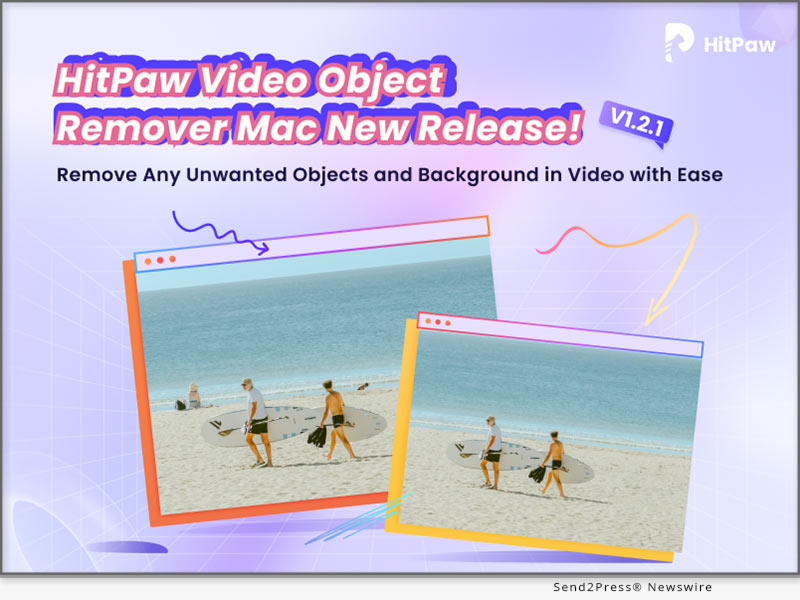
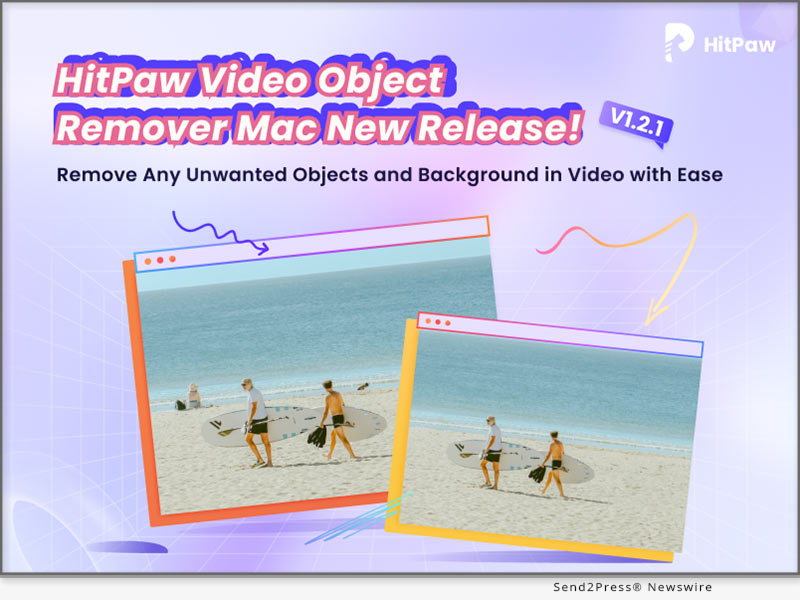
HitPaw Video Object Remover Mac V1.2.1 is The Ultimate Solution for Mac Users to Create Seamless Videos

NEW YORK, N.Y. /ScoopCloud/ -- HitPaw, a leading software technology company, has announced the release of Mac version of the Video Object Remover - the HitPaw Video Object Remover Mac V1.2.1. This powerful video editing tool is designed specifically for Mac users running macOS 10.15 and above, with enhanced compatibility for macOS 12 and above systems.

In this new version, ported the selection module of the AI object removal model in the Windows version and can recognize the selection intelligently. In the Mac version, we have added the business package for users to choose in addition to the personal package.

LET'S CHECK OUT THIS NEW VERSIONS:

1 - The selection module of the AI object removal model

The limit on the number of selections created is no longer limited to one, now multiple selections can be created. This new feature offers more control and precision in removing objects and recognition in the background, allowing users to create stunning results. Gone are the days of tedious manual selection - effortlessly handling multiple objects you want to remove at the same time and saving valuable time and effort.

2 - The AI background removal models

HitPaw has also improved the AI background removal models of Video Object Remover Mac V1.2.1. The export function of the background removal model has been optimized for transparent video export, now you can see the effect of background removal by exporting transparent video directly, no need to change the player to verify.

3 - The preview playback function

HitPaw Video Object Remover Mac V1.2.1 now allows users to preview the entire video with the applied object removal effects in real-time. Witness the magic unfold as unwanted elements disappear seamlessly from your footage, ensuring you achieve the desired outcome before finalizing the edit.

4 - Wide Language Support

HitPaw Video Object Remover Mac V1.2.0 breaks barriers by supporting 17 languages, including English, Spanish, French, German, Chinese, Japanese, and many more. Users from different linguistic backgrounds can now enjoy a seamless video editing experience.

Compatibility and Price:

HitPaw Video Object Remover V1.2.0 is optimized for macOS 10.15 and above, with added support for macOS 12 and above systems, ensuring Mac users can harness its full potential across a range of devices.

Its pricing starts from $49.99 per month, $69.99 per year, and $109.99 for the lifetime. And in business license, users can choose 5 Macs for 139.95 USD and 10 Macs for 269.95 USD.

For more information checking, you can visit:

https://www.hitpaw.com/hitpaw-object-remover.html

About HitPaw:

HitPaw is an emerging software company specializing in video editing, screen recording, watermark removing, image editing, photo-enhancing meme-making, etc. We help users turn their inspiration into reality so that we can generate more ideas to make the world full of more creativity.

To know more, you may visit https://www.hitpaw.com/

Our Social Media:

YouTube: https://www.youtube.com/channel/UCQwRggaotgiMcPbiCOsJeBA

Facebook: https://www.facebook.com/hitpawofficial

Twitter: https://twitter.com/HitPawofficial

Instagram: https://www.instagram.com/hitpawofficial/

Pinterest: https://www.pinterest.com/HitPawofficialwebsite/

News from HitPaw

HitPaw, a leading software technology company, has announced the release of Mac version of the Video Object Remover - the HitPaw Video Object Remover Mac V1.2.1. This powerful video editing tool is designed specifically for Mac users running macOS 10.15 and above, with enhanced compatibility for macOS 12 and above systems.

Related link: https://www.hitpaw.com/

This version of news story was published on ScoopCloud™ (ScoopCloud.com) - part of and © the Neotrope® News Network - all rights reserved.
HitPaw Launches Real-time AI Voice Changer – Transform Your Voice with Magic Voice Effects

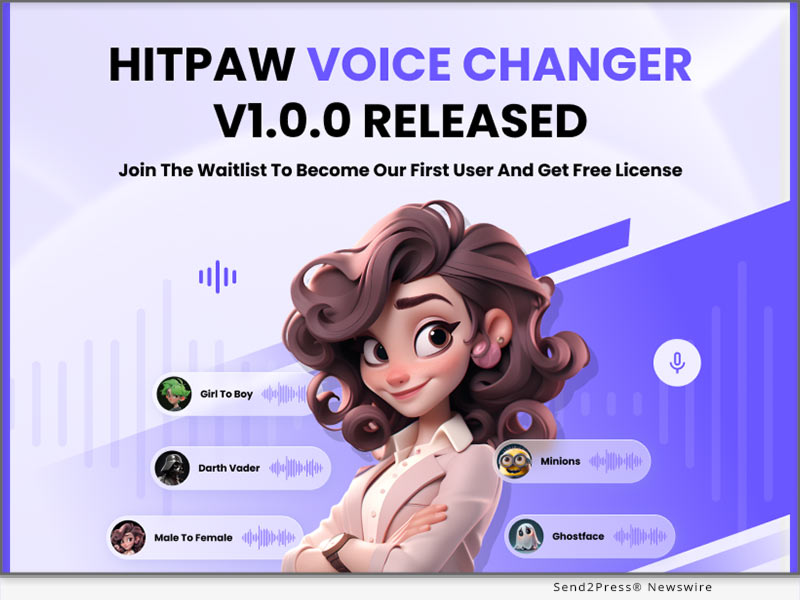
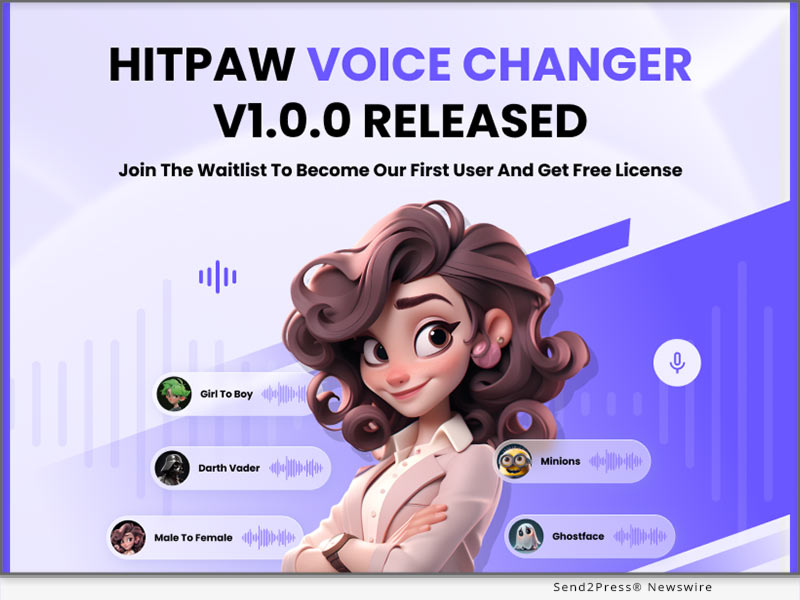
NEW YORK, N.Y. /ScoopCloud/ -- HitPaw, a leading software development company, is excited to announce the launch of its groundbreaking Real-time Voice Changer. This innovative tool empowers users to effortlessly transform their voices in real time, providing a whole new level of creativity and entertainment in a matter of seconds.

HitPaw Voice Changer offers a wide range of features that allow you to modify their voices in creative ways. With a user-friendly interface and intuitive controls, you can easily experiment with different voice effects, pitch adjustments, and sound filters to transform your voices in real time. Whether it's for fun, content creation, or professional purposes, HitPaw Voice Changer caters to a diverse audience with its versatile capabilities.

It's not only about changing voice, but also about unlocking creativity, unleashing self-expression, and having fun in the process.

Key features of HitPaw's AI Voice Changer include:

* Real-time Voice Transformation

HitPaw Voice Changer allows you to modify their voices in real-time, instantly applying various effects and filters to achieve desired vocal transformations.

* Extensive Voice Effects

The tool provides a wide selection of voice effects, enabling users to sound like Yoda; Ghost; Man/Female and so on...Adding an element of fun and versatility to your voice transformations.

* User-Friendly Interface

HitPaw Voice Changer features an intuitive and user-friendly interface, making it easy for users of all skill levels to change their voice effortlessly. The controls are straightforward, allowing for quick adjustments and seamless transformations. Additionally, it provides a user guide in advance. If you don't know how to change your voice, you can refer to the tutorial and follow the instructions.

Other features:

* Integrate perfectly with all popular games and programs

* Remove noise and echo while changing voices

Compatibility and Price:

Compatibility: HitPaw Voice Changer works only for Windows 8/8.1/10/11 now, the Mac Version will coming soon, please stay tuned.

Price: Start from $15.95 for per month; $35.95 for per year; $65.95 for Perpetual

For more information, please check: https://www.hitpaw.com/voice-changer.html

About HitPaw:

HitPaw is an emerging software company specialized in multi-media solutions such as voice changing, video editing, screen recording, watermark removing, image editing and meme-making, video enhancing, etc. We help users turn their inspiration into reality so that we can generate more ideas to make the world full of more creativity.

To know more, you may visit https://www.hitpaw.com/about.html and https://www.hitpaw.com/

Our Social Media:

YouTube: https://www.youtube.com/channel/UCQwRggaotgiMcPbiCOsJeBA

Facebook: https://www.facebook.com/hitpawofficial/

Twitter: https://twitter.com/HitPawofficial

Instagram: https://www.instagram.com/HitPawofficial/

Pinterest: https://www.pinterest.co.uk/joshuahill9052/

News from HitPaw

HitPaw, a leading software development company, is excited to announce the launch of its groundbreaking Real-time Voice Changer. This innovative tool empowers users to effortlessly transform their voices in real time, providing a whole new level of creativity and entertainment in a matter of seconds.

Related link: https://www.hitpaw.com/

This version of news story was published on ScoopCloud™ (ScoopCloud.com) - part of and © the Neotrope® News Network - all rights reserved.
HitPaw Video Editor V2.0.0 Released: The Ultimate Solution for Editing Professional and High-quality Videos

NEW YORK, N.Y. /ScoopCloud/ -- HitPaw, a cutting-edge software company, is excited to announce the launch of HitPaw Video Editor V2.0.0 with unprecedented advantages. This outstanding software, designed for users of all skill levels, enables everyone to create professional-quality videos easily. It is a powerful and user-friendly video editing tool that provides users with lots of features for making newfangled videos. HitPaw Video Editor is bound to redefine the video editing industry with its exceptional capabilities.

In this update, some new features and functions in HitPaw Video Editor V2.0.0 will be introduced, including screen recording, photo enhancement, voice changes, stickers, and exporting videos for multiple social media platforms.

LET'S CHECK OUT THE NEW FEATURES:

* Interesting stickers and effects

The new version of HitPaw Video Editor provides users with more than 50 stickers and effects. Everyone is allowed to add a playful and humorous element to the video with them. Without any doubt, the interesting stickers and effects are bound to help you edit your video creatively.

* Exporting videos for multiple social media platforms

Different social media platforms require various specifications for your video. You may worry that your video will be compressed on different platforms. Here is the good news! Before you export the video, there will be different suggestions for you according to the chosen platform. You can rest assured to upload your video without compression to different platforms.

* Brand new function of screen recording

With the new function of screen recording, you can record any kind of video, such as online meetings, online live-streaming, and computer games. No longer will you miss the important messages and exciting moments. You can capture every activity happening on your computer screen without any hassle.

* AI-powered photo enhancer and voice changer

Do you still feel annoyed at the blurry photos? With photo enhancement, you can easily transform blurry pictures into high-definition ones by adjusting various parameters of them. Do you want to make your voice sound more appealing? Using the voice changer of HitPaw Video Editor, you can change your voice as a male, female, or child with a single click, adding much more fun to your videos.

Compatibility and Price:

HitPaw Video Editor is compatible with Windows and MacOS. It costs $29.95 to subscribe for one-month plan, $39.95 for one-year plan, and $59.95 for lifetime plan.

More information: https://www.hitpaw.com/purchase/buy-hitpaw-video-editor.html

About HitPaw:

HitPaw is a burgeoning technology company that aims to provide its customers with an all-in-one solution for editing videos and photos. The company's mission is to simplify the video editing process and make video editing accessible to every user, in spite of their technical expertise or budget. With a proven record of success, HitPaw continues to make progress in providing better user experiences in the video editing industry.

INFORMATION:

https://www.hitpaw.com/

https://www.hitpaw.com/about.html

Social media:

YouTube: https://www.youtube.com/@hitpaw

Facebook: https://www.facebook.com/hitpawofficial

Twitter: https://twitter.com/HitPawofficial

Instagram: https://www.instagram.com/hitpawofficial/

Pinterest: https://www.pinterest.com/HitPawofficialwebsite/

News from HitPaw

HitPaw, a cutting-edge software company, is excited to announce the launch of HitPaw Video Editor V2.0.0 with unprecedented advantages. This outstanding software, designed for users of all skill levels, enables everyone to create professional-quality videos easily. It is a powerful and user-friendly video editing tool that provides users with lots of features for making newfangled videos.

Related link: https://www.hitpaw.com/

This version of news story was published on ScoopCloud™ (ScoopCloud.com) - part of and © the Neotrope® News Network - all rights reserved.
HitPaw Video Enhancer V1.7.0 Released: Major Update with New Enhance Model Added

NEW YORK, N.Y. /ScoopCloud/ -- HitPaw Video Enhancer has released the new version of Windows V1.7.0, and has provided major updates! Have a glance of the update piont below and try to make your videos more vibrant and appealing!

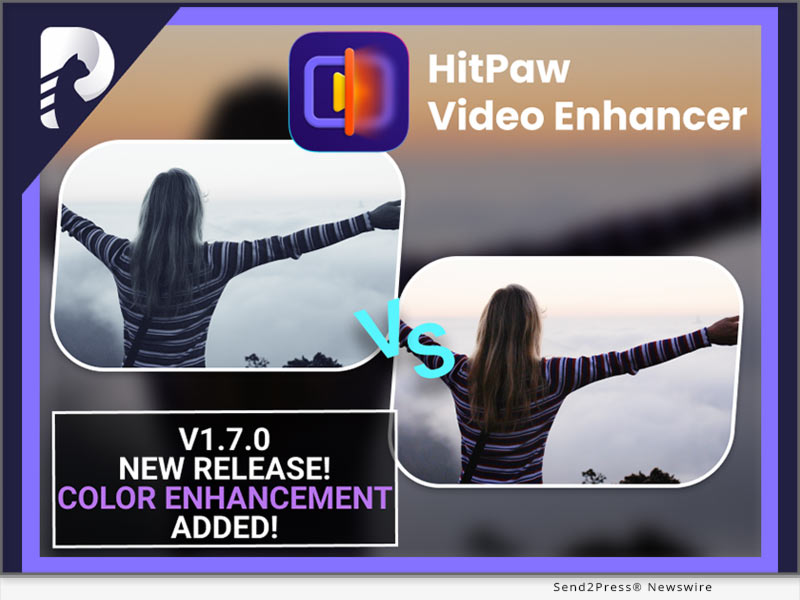
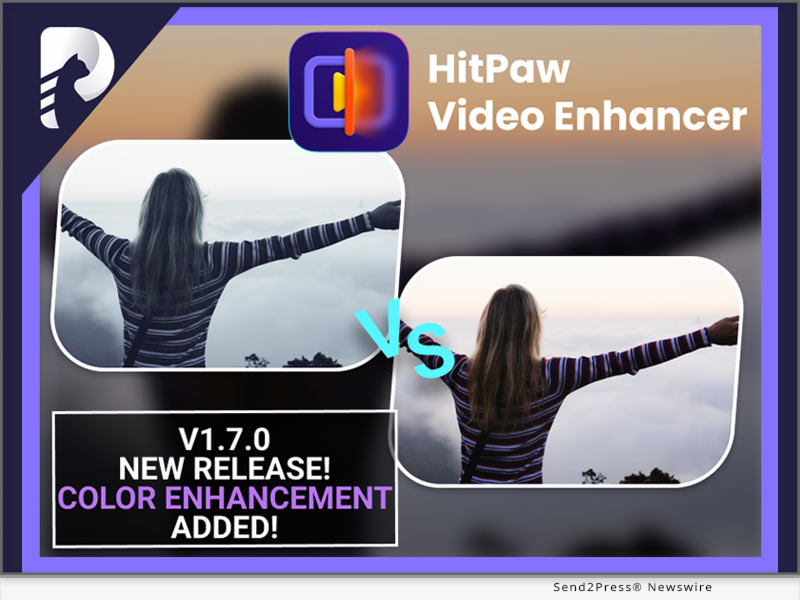
Color Enhancement Model Added

A new Color Enhancement Model is added under the General Denoise Model, Animation Model and Face Model. It is designed to enhance the colors of videos by adjusting the brightness, contrast, and saturation levels. You can choose to enhance the videos via the specific model along with the color enhancement choice.

Deinterlace Automatically

The Automatic Deinterlace feature is another exciting addition to the HitPaw Video Enhancer. It automatically detects interlaced video footage and removes the interlacing artifacts to produce smooth and clear video output.

More Choices with Export Format And Bit rate

With the latest update, you have been provided with more choices when it comes to export format and bit rate. You can now choose from a wide range of exporting formats like MKV, M4V and AVI and bit rates from 512 kbps to 30,000 kbps to suit your specific needs.

More Choices with Preview

Apart from the previous preview form, now you can compare the Before & After by choosing from multiple effects! You can either choose to compare the processing effect with Dual Screen Comparison, or with Sliding Comparison or Overlap Comparison.

Simplified the Initial Interface

Finally, the initial interface of HitPaw Video Enhancer has been simplified to make it easier for you to navigate and use the software. The new interface is intuitive and user-friendly, allowing you to start enhancing your videos right away, and making your user experience more enjoyable.

Compatibility and Price

HitPaw Video Enhancer is now compatible with Windows 11/10 64-bit and MacOS 10.15 or later. The Windows Version pricing starts from $42.99 per month.

For more information, you can visit:

https://www.hitpaw.com/hitpaw-video-enhancer.html

https://www.hitpaw.com/purchase/buy-hitpaw-video-enhancer.html

https://www.hitpaw.com/purchase/buy-hitpaw-video-enhancer-mac.html

About HitPaw:

HitPaw is an emerging software company specialized in multi-media solutions such as video/photo editing, video/photo enhancing, screen recording, watermark removing, etc. We help users turn their inspiration into reality so that we can generate more ideas to make the world be full of more creativity.

To know more, you may visit:

https://www.hitpaw.com/

https://www.hitpaw.com/about.html

Our Social Media:

YouTube: https://www.youtube.com/channel/UCQwRggaotgiMcPbiCOsJeBA

TikTok: https://www.tiktok.com/@hitpaw

Facebook: https://www.facebook.com/HitPawofficial

Twitter: https://twitter.com/HitPawofficial

Instagram: https://www.instagram.com/HitPawofficial/

Pinterest: https://www.pinterest.com/HitPawofficialwebsite/

News from HitPaw

HitPaw Video Enhancer has released the new version of Windows V1.7.0, and has provided major updates! Have a glance of the update piont below and try to make your videos more vibrant and appealing! A new Color Enhancement Model is added under the General Denoise Model, Animation Model and Face Model.

Related link: https://www.hitpaw.com/

This version of news story was published on ScoopCloud™ (ScoopCloud.com) - part of and © the Neotrope® News Network - all rights reserved.
HitPaw Introduces its Groundbreaking Photo Enhancer v2.4.0 with Exciting New Scratch Repair Model

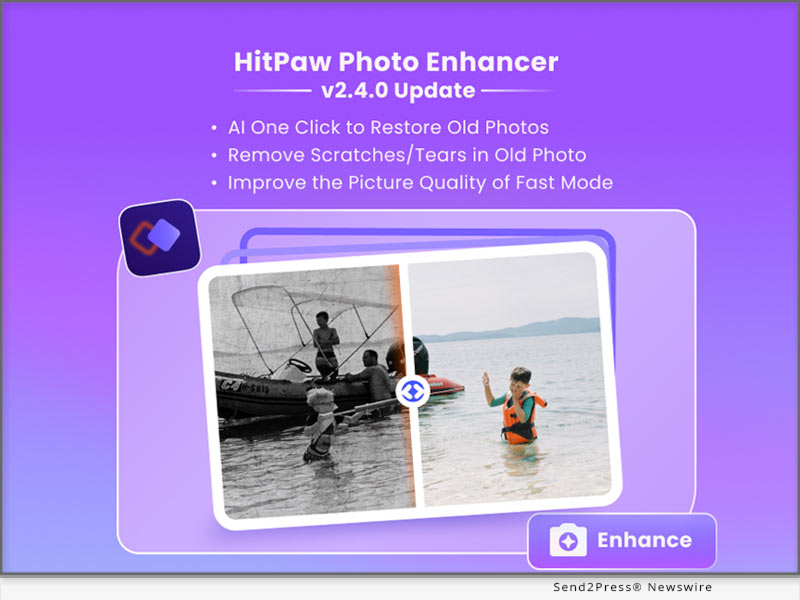
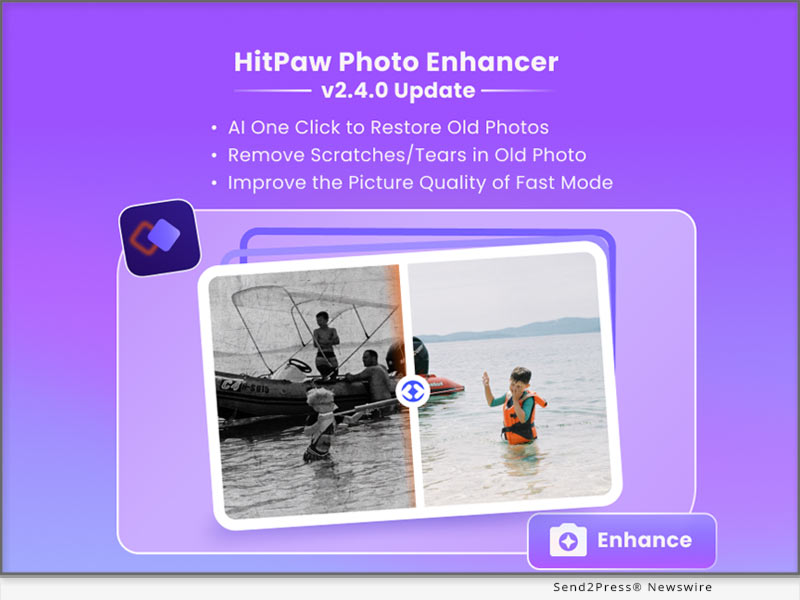
NEW YORK, N.Y. /ScoopCloud/ -- HitPaw, a leading provider of innovative digital solutions, is thrilled to announce the launch of HitPaw Photo Enhancer V2.4.0, revolutionizing the way users restore and enhance their cherished memories.

In this update, HitPaw is addressing a new AI model to restore your old photo and fix scratches in photos, improve the quality of fast mode and support separately download AI models, empowering users to restore and enhance their old photos effortlessly while maintaining the highest quality results.

LET'S CHECK OUT THE NEW FEATURES:

* Newly Added Scratch Repair Model to Restore Your Old Photos

The newly added Scratch Repair Model is a game-changer, allowing users to effortlessly restore old photos with scratches and imperfections. With advanced artificial intelligence, this powerful feature analyzes and repairs damaged areas, preserving the authenticity and beauty of precious moments.

* Enable Users to Download the AI Model Separately

In response to user feedback, HitPaw now enables users to download the AI model separately, providing greater flexibility and customization options. This allows users to choose the specific models they need, optimizing storage and enhancing overall performance.

* Improve the Fast mode of General Model's Photo Enhancing Quality

Moreover, the Fast mode of the General Model has undergone significant improvements in photo enhancing quality. Users can now enjoy faster processing times without compromising the integrity of their images. Experience enhanced details, improved colors, and stunning clarity in your photos, all in record time.

The advanced photo enhancer, featuring the Scratch Repair Model, customizable AI model downloads, and improved Fast mode, is now available for download on HitPaw website. Users can explore these features and benefit from a limited-time promotional offer. For more information and to transform your photo editing experience, visit HitPaw website today.

Compatibility and Price:

HitPaw Photo Enhancer is now compatible with Windows 11/10/8/7 64-bit and macOS 10.15 and above. The pricing starts from $17.99 USD for a month plan.

For more price checking and information, you can visit https://www.hitpaw.com/purchase/buy-hitpaw-photo-enhancer.html.

About HitPaw:

HitPaw is an emerging software company specializing in video editing, screen recording, watermark removing, image editing, photo enhancing meme-making, etc. We help users turn their inspiration into reality so that we can generate more ideas to make the world full of more creativity.

To know more, you may visit https://www.hitpaw.com/about.html and https://www.hitpaw.com/

Our Social Media:

YouTube: https://www.youtube.com/channel/UCQwRggaotgiMcPbiCOsJeBA

Facebook: https://www.facebook.com/hitpawofficial

Twitter: https://twitter.com/HitPawofficial

Instagram: https://www.instagram.com/hitpawofficial/

Pinterest: https://www.pinterest.com/HitPawofficialwebsite/

News from HitPaw

HitPaw, a leading provider of innovative digital solutions, is thrilled to announce the launch of HitPaw Photo Enhancer V2.4.0, revolutionizing the way users restore and enhance their cherished memories.

Related link: https://www.hitpaw.com/

This version of news story was published on ScoopCloud™ (ScoopCloud.com) - part of and © the Neotrope® News Network - all rights reserved.
HitPaw Releases HitPaw Video Converter V3.0, a Cutting-Edge Multimedia Tool

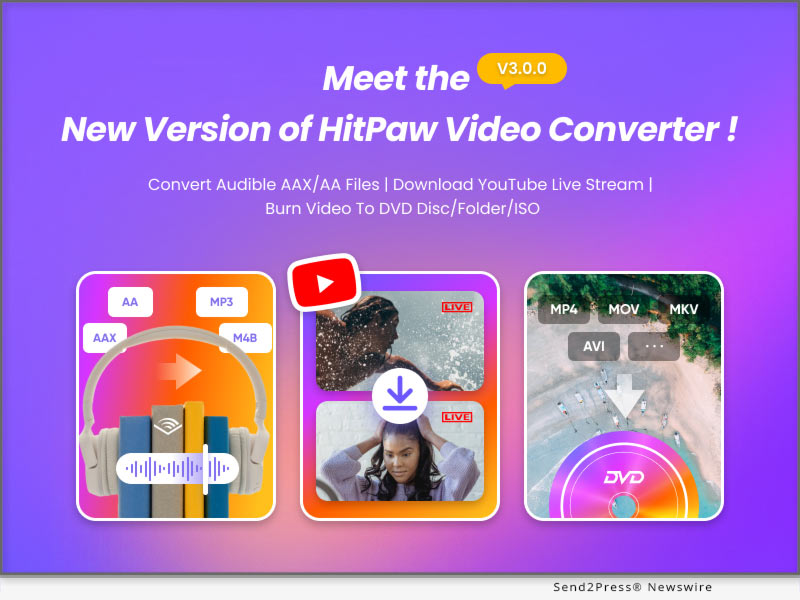
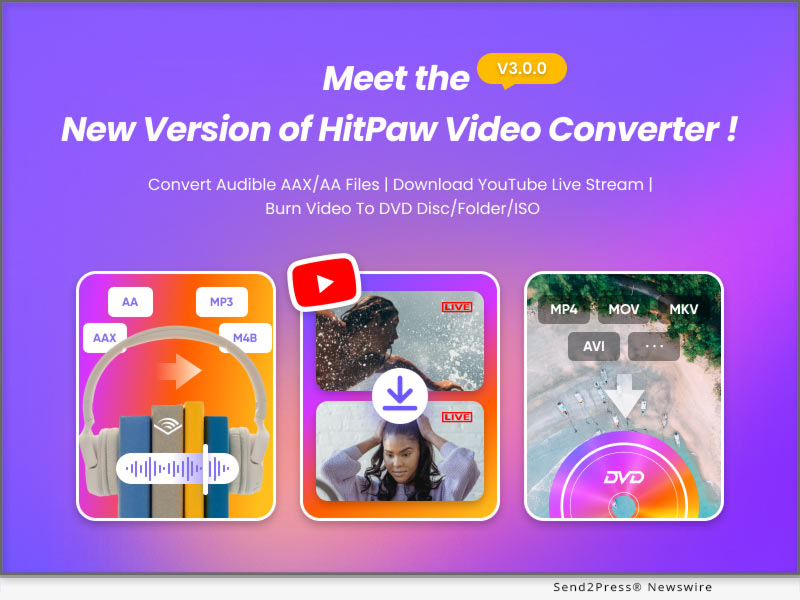
NEW YORK, N.Y. /ScoopCloud/ -- HitPaw, a leading provider in the multimedia tool industry, is delighted to announce the highly anticipated release of HitPaw Video Converter V3.0. This latest version showcases an array of impressive features meticulously designed to enhance user efficiency and create more possibility.

Key Features of HitPaw Video Converter V3.0:

* High-Quality DVD Burner:

HitPaw Video Converter V3.0 introduces a state-of-the-art DVD burning feature. Users can now effortlessly convert and burn their multimedia files onto DVDs, enabling them to create customized disc collections of their favorite videos with unparalleled ease and efficiency.

* Fast Audible Converter:

With the new Audible Converter feature, which empowers users to seamlessly convert aax/aa files into mp3 and m4b formats. This functionality enables users to enjoy their favorite audiobooks on a wide range of devices, enhancing their listening experience.

* YouTube Live Downloader:

HitPaw Video Converter V3.0 introduces a powerful YouTube Live Downloader, allowing users to save YouTube live streaming videos to MP4, providing users with the flexibility to enjoy their favorite live content offline at their convenience.

Compatibility and Price:

HitPaw Video Converter is now compatible with Windows including Win11/10/8/7 and Mac OS Ventura. Its pricing starts from $19.95 per month, $39.95 per year, and $79.95 for the lifetime.

For more information checking, you can visit: https://www.hitpaw.com/purchase/buy-hitpaw-video-converter.html

About HitPaw:

HitPaw is an emerging software company specialized in files compressing, video editing, screen recording, watermark removing, image editing, photo enhancing, etc. We help users turn their inspiration into reality so that we can generate more ideas to make the world be full of more creativity.

To know more, you may visit: https://www.hitpaw.com/about.html and https://www.hitpaw.com/

Our Social Media:

YouTube: https://www.youtube.com/channel/UCQwRggaotgiMcPbiCOsJeBA

Facebook: https://www.facebook.com/hitpawofficial

Twitter: https://twitter.com/HitPawofficial

Instagram: https://www.instagram.com/hitpawofficial/

Pinterest: https://www.pinterest.com/HitPawofficialwebsite/

News from HitPaw

HitPaw, a leading provider in the multimedia tool industry, is delighted to announce the highly anticipated release of HitPaw Video Converter V3.0. This latest version showcases an array of impressive features meticulously designed to enhance user efficiency and create more possibility.

Related link: https://www.hitpaw.com/

This version of news story was published on ScoopCloud™ (ScoopCloud.com) - part of and © the Neotrope® News Network - all rights reserved.
HitPaw Announces Online Video Compressor: Efficient Video Storage Helper

NEW YORK, N.Y. /ScoopCloud/ -- HitPaw, a famous software developer focused on photo and video solutions, is about to announce the new version of online video compressor. With its help, you can better improve your storage and won't worry about the video quality lost.

HitPaw Online Video Compressor is an effective online tool that gives you a hand to compress your large video without loss. It supports a wide range of video formats and ensures efficient processing while maintaining the integrity of your videos.

HERE ARE SOME OF ITS AMAZING FEATURES:

1 - Lossless Compression

HitPaw Online Video Compressor is a online tool that can help you compress your large video without damage your experience. Is that not attractive? You just need to wait for minutes, then the compression will be done ad you wish.

2 - Batch Process

HitPaw Online Video Compressor supports to handle more video files to compress, which can save you much precious time, I guess. And you have the right to choose the resolution that you prefer instead of being limited to the functions and effects.

3 - Compress to Any Platform

HitPaw Online Video Compressor can easily compress video size to the recommended video size for sharing to Discord, Whatsapp, Snapchat and other platforms. It gives you a more simple download way to finish it. After click "download," you can see the progress on your computer. What's more, it won't take you too long.

Other features:
* Simple and Straightforward
* Supports various Input Formats
* Allows you to change video resolution
* HitPaw Online also provides an audio compressor and an image compressor

Compatibility and Price:

Compatibility: HitPaw Online Video Compressor works well both on PC and Mobile now.

Price: Starts from $3.99 for per week, $7.99 for per month and $47.99 for per year.

Want to know more information about HitPaw Online Video Compressor, visit: https://online.hitpaw.com/purchase/buy-hitpaw-online-video-compressor.html

About HitPaw:

HitPaw is an emerging software company specialized in video editing, screen recording, watermark removing, image editing, photo enhancing meme-making, etc. We help users turn their inspiration into reality so that we can generate more ideas to make the world be full of more creativity.

To know more, you may visit https://www.hitpaw.com/about.html and https://online.hitpaw.com/.

Our Social Media:

YouTube: https://www.youtube.com/channel/UCQwRggaotgiMcPbiCOsJeBA

Facebook: https://www.facebook.com/hitpawofficial

Twitter: https://twitter.com/hitpawofficial

Instagram: https://www.instagram.com/hitpawofficial/

Pinterest: https://www.pinterest.com/hitpawcom/

News from HitPaw

HitPaw, a famous software developer focused on photo and video solutions, is about to announce the new version of online video compressor. With its help, you can better improve your storage and won't worry about the video quality lost.

Related link: https://www.hitpaw.com/

This version of news story was published on ScoopCloud™ (ScoopCloud.com) - part of and © the Neotrope® News Network - all rights reserved.
HitPaw Video Object Remover V1.2.0 Released with Enhanced Features for Seamless Object Removal and Enhanced User Experience

NEW YORK, N.Y. /ScoopCloud/ -- HitPaw, a leading software technology company, has announced the release of its latest version of the Video Object Remover - the HitPaw Video Object Remover V1.2.0. This upgraded version comes with enhanced features that make the application more efficient and reliable.

In this update, HitPaw optimizes selection module for the AI object removal model. The selection process has been fine tuned to offer users more accurate and reliable results, ensuring that even intricate objects can be seamlessly eliminated from videos with minimal effort.

LET'S CHECK OUT THE NEW FEATURES:

1 - Optimize the selection module of the AI object removal model

Opening the limit on the number of selections created is no longer limited to one, now multiple selections can be created and multiple objects removed. This new feature offers more control and precision in removing objects and recognition in the background, allowing users to create stunning results. Gone are the days of tedious manual selection - effortlessly handling multiple objects you want to remove at the same time and saving valuable time and effort.

2 - Optimize the preview playback function

To meet the needs of users, HitPaw Video Object Remover optimizes the preview to support full video preview and also single frame removal effect preview. Users can have clear perceived benefits and better-personalized choices for them.

3 - Optimize the export function

The export function has also undergone optimization in HitPaw Video Object Remover V1.2.0. Users can now export their edited videos seamlessly, maintaining the original video quality while ensuring efficient file compression for easy sharing and storage. supporting MP4\MKV\AVI\MOV format, and you can easily change the video format when removing objects from the video. This streamlined export process enhances user convenience and saves valuable time.

4 - Optimize the export video of AI background removal models

HitPaw has also improved the AI background removal models of Video Object Remover V1.2.0. The export function of the background removal model has been optimized for transparent video export, now you can see the effort of background removal by exporting transparent video directly, no need to change the player to verify.

Compatibility and Price:

HitPaw Video Object Remover is now compatible with Windows including Win11/10/7 64-bit and guaranteed to run Win8, Vista 64-bit system. Its pricing starts from $39.99 per month, $59.99 per year, and $99.99 for the lifetime.

For more information checking, you can visit: https://www.hitpaw.com/purchase/buy-hitpaw-object-remover.html

About HitPaw:

HitPaw is an emerging software company specializing in video editing, screen recording, watermark removing, image editing, photo enhancing meme-making, etc. We help users turn their inspiration into reality so that we can generate more ideas to make the world full of more creativity.

To know more, you may visit https://www.hitpaw.com/about.html and https://www.hitpaw.com/

Our Social Media:

YouTube: https://www.youtube.com/watch?v=7LhUvA0Q0SM

Facebook: https://www.facebook.com/hitpawofficial

Twitter: https://twitter.com/HitPawofficial

Instagram: https://www.instagram.com/hitpawofficial/

Pinterest: https://www.pinterest.com/HitPawofficialwebsite/

News from HitPaw

HitPaw, a leading software technology company, has announced the release of its latest version of the Video Object Remover - the HitPaw Video Object Remover V1.2.0. This upgraded version comes with enhanced features that make the application more efficient and reliable.

Related link: https://www.hitpaw.com/

This version of news story was published on ScoopCloud™ (ScoopCloud.com) - part of and © the Neotrope® News Network - all rights reserved.
HitPaw Launches its AI Series Products Promotion 2023 and Prepares Great Gifts for You

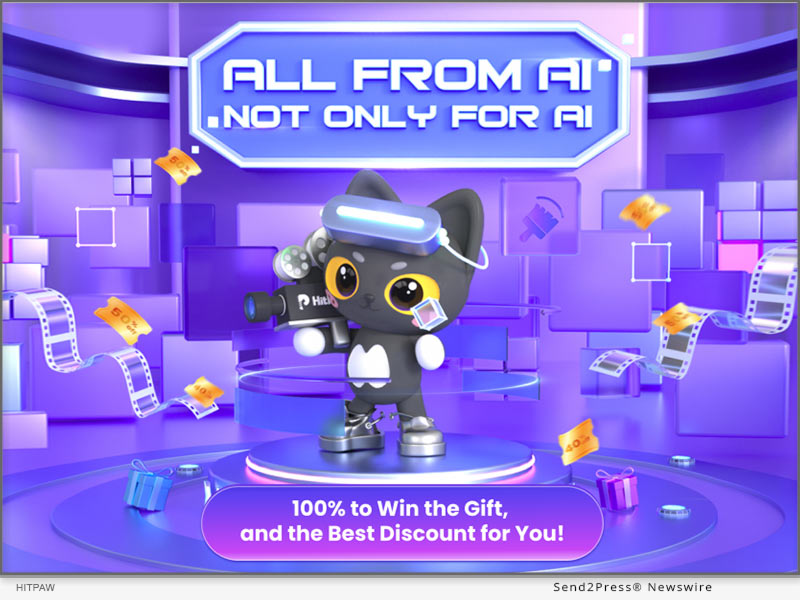
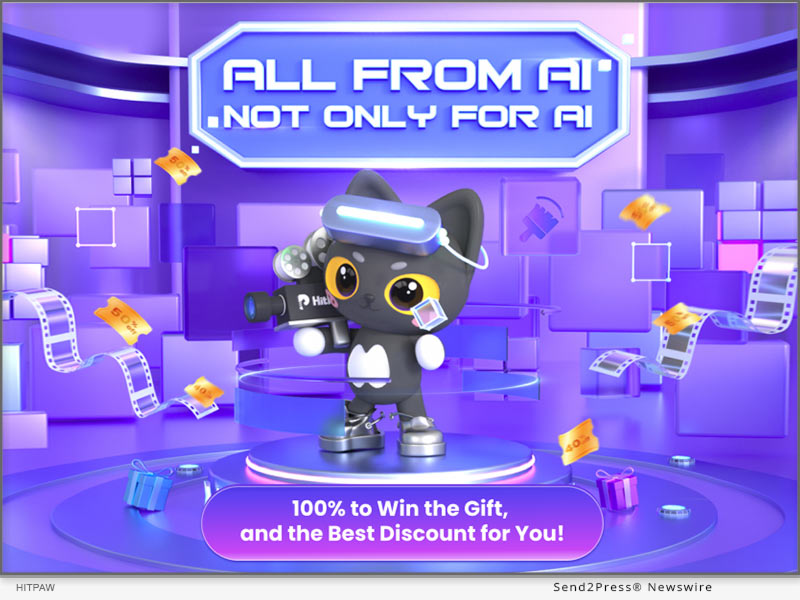
NEW YORK, N.Y. /ScoopCloud/ -- Along with the beginning of June, HitPaw launches the AI Products Promotion named "All From AI|Not Only For AI." It indicates that HitPaw has made the AI to be not just AI, but AI technology that can be applied to specific scenarios, such as enhance video/image quality, remove objects, etc using AI technology.

Moreover, HitPaw has prepared amazing gifts for participants, including Amazon E-Gift Cards, Free License Codes, Best Discount and Coupon Codes!

100% To Win The Gift

By choosing, clicking and removing the removable objects from the photo with AI technology, enter your valid email address, you can now unpack your gift!

All participants will have 1 chance for the lottery event, and can get 1 Extra chance to participate by sharing the event page to Twitter/Facebook. The event will be valid until June 20, 2023.

Participants will have chances winning Amazon E-Gift Cards, Free License Codes, Best Discount and Coupon Codes!

Best Discount For AI Products

All the AI products are now having up to 30% discount! You could now buy:

* HitPaw Photo Enhancer at $55.99/Year for Win & Mac Version

* HitPaw Video Enhancer at $69.99/Year for Win & $76.99/Year for Mac

* HitPaw Photo Object Remover at $18.19/Year for Win & $20.99/Year for Mac

* HitPaw Video Object Remover at $41.99/Year for Win

* HitPaw Watermark Remover at $7.99/Year for Win & $15.99/Year for Mac

Save Up To 40% With HitPaw

Along with the lottery and single-item discount, HitPaw also offers the best deal for product bundles this time.

You can enjoy up to 40% discounts of pairwise combinations of different AI products. Check the event page yourself and discover them!

Biggest Surprise

With the Unprecedented offer, you can get a 5-in-1 Family Set of the HitPaw AI Products! (4-in-1 with Mac version)

With only $149.99 for Mac and $169.99 for Windows, you can enjoy the AI services and free upgrade within one year.

How to participate:

For more information or to participate in this event, please visit: https://www.hitpaw.com/sales-promotion.html

About HitPaw:

HitPaw is an emerging software company specialized in multi-media solutions such as video/photo editing, video/photo enhancing, screen recording, watermark removing, etc. We help users turn their inspiration into reality so that we can generate more ideas to make the world be full of more creativity.

To know more, you may visit:

https://www.hitpaw.com/

https://www.hitpaw.com/about.html

Our Social Media:

YouTube: https://www.youtube.com/channel/UCQwRggaotgiMcPbiCOsJeBA

TikTok: https://www.tiktok.com/@hitpaw

Facebook: https://www.facebook.com/HitPawofficial

Twitter: https://twitter.com/HitPawofficial

Instagram: https://www.instagram.com/HitPawofficial/

Pinterest: https://www.pinterest.com/HitPawofficialwebsite/

News from HitPaw

Along with the beginning of June, HitPaw launches the AI Products Promotion named "All From AI|Not Only For AI." It indicates that HitPaw has made the AI to be not just AI, but AI technology that can be applied to specific scenarios, such as enhance video/image quality, remove objects, etc using AI technology.

Related link: https://www.hitpaw.com/

This version of news story was published on ScoopCloud™ (ScoopCloud.com) - part of and © the Neotrope® News Network - all rights reserved.
HitPaw Launches Revolutionary Photo Enhancer v2.3.0 with Advanced Features for Faster, High-Quality Results

NEW YORK, N.Y. /ScoopCloud/ -- HitPaw, a leading provider of cutting-edge digital solutions, is thrilled to announce the release of the latest HitPaw Photo Enhancer, packed with innovative features to elevate the image editing experience.

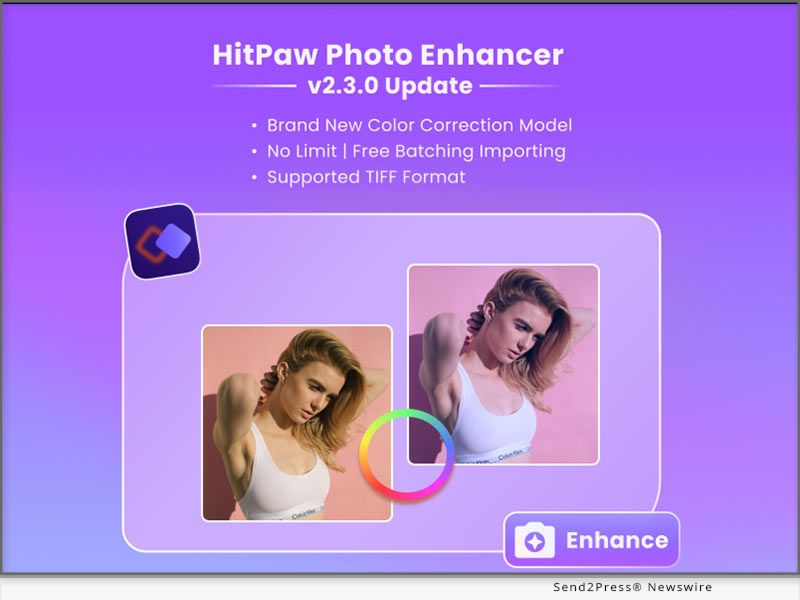
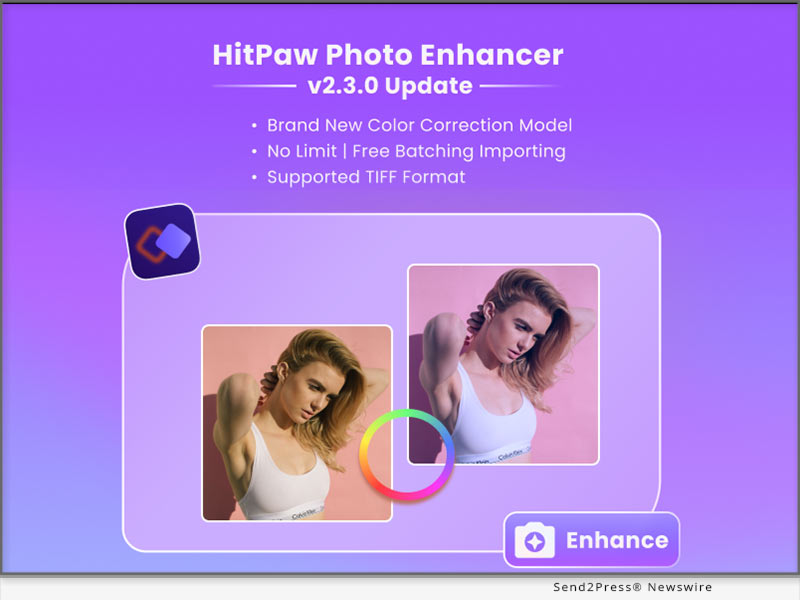
In this update, HitPaw is addressing color correction, workflow efficiency, format compatibility, and optimatization for interaction, empowering the users to elevate their creativity and achieve exceptional results.

LET'S CHECK OUT THE NEW FEATURES:

* Newly Added Model to Correct Color in Image

The newly added model is a game-changer, designed to correct color imperfections in images with unparalleled precision. Whether it's adjusting white balance or fine-tuning hues, this advanced feature ensures vibrant and accurate color representation, resulting in stunning visuals.

* Free Batching Importing Photos Without Any Limits

To empower users with seamless workflow management, the enhancer now offers free batching, enabling unlimited importing of photos in one go. Gone are the days of tedious manual selection - effortlessly enhance and transform multiple images simultaneously, saving valuable time and effort.

* Supported More Formats Including TIFF

In response to user demand, HitPaw Photo Enhancer has expanded the supported formats to JPG, PNG, WebP and TIFF. Now photographers, designers, and artists can effortlessly work with a wider range of file types, ensuring compatibility and convenience.

* Optimize the Interaction for Batch Processing and Guide

The latest release also optimizes the interaction for batch processing, providing a user-friendly interface and intuitive guidance. Users can easily navigate through the batch processing workflow, effortlessly applying enhancements to multiple images while benefiting from helpful prompts and suggestions.

Compatibility and Price:

HitPaw Photo Enhancer is now compatible with macOS 10.15 and above. The pricing starts from $17.99 USD for a month plan.

For more price checking and information, you can visit https://www.hitpaw.com/purchase/buy-hitpaw-photo-enhancer.html.

About HitPaw:

HitPaw is an emerging software company specializing in video editing, screen recording, watermark removing, image editing, photo enhancing meme-making, etc. We help users turn their inspiration into reality so that we can generate more ideas to make the world full of more creativity.

To know more, you may visit https://www.hitpaw.com/about.html and https://www.hitpaw.com/

Our Social Media:

YouTube: https://www.youtube.com/channel/UCQwRggaotgiMcPbiCOsJeBA

Facebook: https://www.facebook.com/hitpawofficial

Twitter: https://twitter.com/HitPawofficial

Instagram: https://www.instagram.com/hitpawofficial/

Pinterest: https://www.pinterest.com/HitPawofficialwebsite/

News from HitPaw

HitPaw, a leading provider of cutting-edge digital solutions, is thrilled to announce the release of the latest HitPaw Photo Enhancer, packed with innovative features to elevate the image editing experience.

Related link: https://www.hitpaw.com/

This version of news story was published on ScoopCloud™ (ScoopCloud.com) - part of and © the Neotrope® News Network - all rights reserved.
HitPaw Online Launches ‘All for Mom’ Sale to Celebrate Mother’s Day 2023

NEW YORK, N.Y. /ScoopCloud/ -- As Mother's Day approaches, HitPaw Online is excited to announce our "All for Mom" sale. This year, we want to help you make your mother's day extra special by offering 20% OFF discounts on some of our most popular products, which we believe will be perfect for mothers who want to preserve and enhance their memories.

SOME OF THE HIGHLIGHTS OF OUR SALE INCLUDE:

1 - Limited Time Offer - Save 20% OFF

This year, present your mom with unique gifts with the best deal on HitPaw Online. Creating meaningful images as a Mother's Day gift can be a wonderful idea! We also provide several ideas to create personalized images that your mom will cherish. Therefore, we offer a 20% OFF discount of some of our hot products for you. Don't miss this limited-time offer!

Learn more: https://online.hitpaw.com/online-background-remover.html

2 - Create Unique Mother's Day Images

HitPaw Online Background Remover provides many well-crafted Mother's Day background templates for you. It is a user-friendly tool that allows users to remove the background of any photo easily. This tool is perfect for moms who want to create beautiful photos without worrying about any distracting backgrounds.

3 - Make Mom's Memories Last

HitPaw Online AI Photo Enhancer is another great product that can help improve the quality of your mom's favorite photos instantly. Powered by AI technology, it can enhance pixelated, blurry, and low-quality photos into high-quality and clear images and upscale images up to 8X.

Learn more: https://online.hitpaw.com/online-photo-enhancer.html

4 - Bring the Past to Life

HitPaw Online Old Photo Restoration is perfect for moms who have cherished old family photos that have been damaged over time. With this tool, users can easily restore old photos to their former glory, removing scratches, creases, and other imperfections. This is a thoughtful and unique gift that will surely be appreciated by any mom who values family memories.

Our Mother's Day sale will run from May 8th to May 19th 2023. Don't miss out on this opportunity to make your mom's day even more special. Visit HitPaw Online today and take advantage of our "All for Mom" sale. Happy Mother's Day!

Learn more: https://online.hitpaw.com/restore-old-photos.html

How to Participate:

For more information or to participate in the event, visit: https://online.hitpaw.com/sales-promotion.html

About HitPaw:

HitPaw is an emerging software company specialized in video editing, screen recording, watermark removing, image editing, photo enhancing, etc. We help users turn their inspiration into reality so that we can generate more ideas to make the world be full of more creativity.

To know more, you may visit: https://www.hitpaw.com/about.html and https://online.hitpaw.com/

Our Social Media:

YouTube: https://www.youtube.com/channel/UCQwRggaotgiMcPbiCOsJeBA

Facebook: https://www.facebook.com/hitpawofficial

Twitter: https://twitter.com/HitPawofficial

Instagram: https://www.instagram.com/hitpawofficial/

Pinterest: https://www.pinterest.com/hitpawcom/

News from HitPaw

As Mother's Day approaches, HitPaw Online is excited to announce our "All for Mom" sale. This year, we want to help you make your mother's day extra special by offering 20% OFF discounts on some of our most popular products, which we believe will be perfect for mothers who want to preserve and enhance their memories.

Related link: https://www.hitpaw.com/

This version of news story was published on ScoopCloud™ (ScoopCloud.com) - part of and © the Neotrope® News Network - all rights reserved.
New HitPaw Online AI Video Enhancer Released: Upscale Videos Up to 1080P/4K/8K

NEW YORK, N.Y. /ScoopCloud/ -- HitPaw, a prominent multimedia tools developer, has just launched its latest product, HitPaw Online AI Video Enhancer. With its intuitive interface, impressive AI models, and powerful effect, this tool provides users with everything they need to upscale their videos.

HitPaw Online AI Video Enhancer is an online-based tool designed to enhance video quality with trained AI. No need to download or install any program, this amazing tool enables you to upscale videos as easy as 1-2-3. We also provide stunning results up to 1080P/4K/8K without requiring any prior experience or technical skills.

NOW LET'S CHECK SOME OF ITS OUTSTANDING FEATURES!

* Impressive AI Models for Any Occasion

HitPaw Online AI Video Enhancer offers 4 advanced AI models, including the general denoise model, animation model, face model, and colorize model. It caters to almost all kinds of videos. You may enjoy high-quality video enhancement solutions for different scenarios with this amazing tool.

* Intuitive Interface with Powerful Effect

With the user-friendly interface of HitPaw Online AI Video Enhancer, you can be an expert in enhancing videos with just a few clicks. This cutting-edge video enhancer offers an online solution so that you may enhance your video without downloading any program. Its impressive and stunning effects by upscaling videos up to 1080P/4K/8K will not let you down.

* 100% Safe Processing & Privacy Protection

100% safe connection to ensure your uploaded file can only be viewed and edited by yourself. You may check and download your original file and enhanced file in the history tab of your personal account center. Don't worry, your file will be deleted automatically after 24 hours. If you want to track your file back after 24 hours, you may also check the email we sent you after the process.

If you're looking for a reliable online video enhancer, HitPaw Online AI Video Enhancer is definitely your best choice!

Compatibility and Price:

Compatibility: HitPaw Online AI Video Enhancer works well on PC now (use Chrome for better experience).

Price: Starts from only $8.99 for per week. For more price and information checking, you may visit: https://online.hitpaw.com/purchase/buy-hitpaw-online-video-enhancer.html

About HitPaw:

HitPaw is an emerging software company specialized in video editing, screen recording, watermark removing, image editing, photo enhancing meme-making, etc. We help users turn their inspiration into reality so that we can generate more ideas to make the world be full of more creativity.

To know more, you may visit https://www.hitpaw.com/about.html and https://online.hitpaw.com/.

Our Social Media:

YouTube: https://www.youtube.com/channel/UCQwRggaotgiMcPbiCOsJeBA

Facebook: https://www.facebook.com/hitpawofficial

Twitter: https://twitter.com/hitpawofficial

Instagram: https://www.instagram.com/hitpawofficial/

Pinterest: https://www.pinterest.com/hitpawcom/

News from HitPaw

HitPaw, a prominent multimedia tools developer, has just launched its latest product, HitPaw Online AI Video Enhancer. With its intuitive interface, impressive AI models, and powerful effect, this tool provides users with everything they need to upscale their videos.

Related link: https://www.hitpaw.com/

This version of news story was published on ScoopCloud™ (ScoopCloud.com) - part of and © the Neotrope® News Network - all rights reserved.
HitPaw Photo Enhancer v2.2.0 Released with New Features Providing More Control and Advanced Enhancements for Your Photos

NEW YORK, N.Y. /ScoopCloud/ -- HitPaw, a leading software company, has announced the release of HitPaw Photo Enhancer v2.2.0, which includes a range of new features designed to take your photo editing experience to the next level.

In this update, it provides more control and advanced enhancements for our users. The new features are greatly improved the quality of enhanced portraits. And you can freely select your output format.

LET'S CHECK OUT THE NEW FEATURES:

* Face Detection for Multiple Faces

With HitPaw Photo Enhancer v2.2.0, users can now detect multiple faces in a single photo and choose to enhance one or all of them in detail. This new feature provides more control and precision when it comes to enhancing facial features in group photos, allowing users to create stunning portraits.

* Newly Added Codeformer Algorithm

In addition to the face detection feature, HitPaw Photo Enhancer v2.2.0 also includes the Codeformer algorithm, which brings advanced face enhancement capabilities to the software. This algorithm improves the clarity and detail of facial features, resulting in more lifelike and natural-looking photos.

* Customized Output Format

Another notable feature of HitPaw Photo Enhancer v2.2.0 is the ability to customize the output format of enhanced photos. Users can now select from a range of output formats, including JPEG, PNG, ensuring that their enhanced photos are compatible with a variety of devices and applications.

* Improved Processing Efficiency

HitPaw has also improved the processing efficiency of Photo Enhancer v2.2.0, making it faster and more reliable than ever before. With this new version, users can enjoy lightning-fast performance without sacrificing quality.

Compatibility and Price:

HitPaw Photo Enhancer is now compatible with macOS 10.15 and above. The pricing starts from $17.99 USD for a month plan.

For more price checking and information, you can visit https://www.hitpaw.com/purchase/buy-hitpaw-photo-enhancer.html.

About HitPaw:

HitPaw is an emerging software company specializing in video editing, screen recording, watermark removing, image editing, photo enhancing meme-making, etc. We help users turn their inspiration into reality so that we can generate more ideas to make the world full of more creativity.

To know more, you may visit https://www.hitpaw.com/about.html and https://www.hitpaw.com/

Our Social Media:

YouTube: https://www.youtube.com/channel/UCQwRggaotgiMcPbiCOsJeBA

Facebook: https://www.facebook.com/hitpawofficial

Twitter: https://twitter.com/HitPawofficial

Instagram: https://www.instagram.com/hitpawofficial/

Pinterest: https://www.pinterest.com/HitPawofficialwebsite/

News from HitPaw

HitPaw, a leading software company, has announced the release of HitPaw Photo Enhancer v2.2.0, which includes a range of new features designed to take your photo editing experience to the next level. In this update, it provides more control and advanced enhancements for our users.

Related link: https://www.hitpaw.com/

This version of news story was published on ScoopCloud™ (ScoopCloud.com) - part of and © the Neotrope® News Network - all rights reserved.
HitPaw Photo Object Remover V1.0.0 Released: Erase Your Photos Like Magic

NEW YORK, N.Y. /ScoopCloud/ -- HitPaw, a company aiming to develop the best digital creation solution, today releases the brand new photo object remove software - HitPaw Photo Object Remover. HitPaw Photo Object Remover is an AI-powered tool to locate the objects/people that need to be removed, and offers a new method to remove unwanted objects from batch images.

HitPaw Photo Object Remover offerserfect functions, including objects removing and photo retouching via neural networks. You can simply drag & drop the photo that needs to be retouched to HitPaw Photo Object Remover, and choose whether to use the brush to paint out, or create selection boxes to the area that need to be removed, the AI remove tool will do the rest. And another point worth to mentioned is that, for the purchased version, there is No Limit of the photos you uploaded and manipulated.

HitPaw Photo Object Remover uses machine learning to retouch photos such as:

* Portrait Photo

You can use HitPaw Photo Object Remover to remove objects from portrait photo. If you are not satisfied with the little pimples that you got recently, or there are fine lines around your eyes, even if you have the cute but sometimes annoying freckles on the cheeks, try this magical tool to brush them away flawlessly.

* General Photo

Using HitPaw Photo Object Remover to remove objects from general photos is also possible. We have all faced the situation that our traveling photos contains strange tourists or passengers, from now on there will be no worries with this issue anymore. You can also try to remove texts, watermarks using this magical tool. With the help of HitPaw Photo Object Remover, you will be definitely save a lot of time editing images!

* Old Photo

Suddenly want to take out old photos for nostalgia? Try HitPaw Photo Object Remover for removing stains, grains and creases, make your memories brand-new again!

Compatibility and Price:

HitPaw Photo Object Remover is now compatible with Windows 11/10 (64-bit OS). Its pricing starts from $17.99 for a monthly plan. Mac version will also come out soon. For more price checking and information, you can visit: https://www.hitpaw.com/purchase/buy-hitpaw-photo-object-remover.html

About HitPaw:

HitPaw is an emerging software company specialized in multi-media solutions such as video editing, screen recording, watermark removing, image editing and meme-making, video enhancing, etc. We help users turn their inspiration into reality so that we can generate more ideas to make the world full of more creativity.

To know more, you may visit https://www.hitpaw.com/about.html and https://www.hitpaw.com/

Our Social Media:

YouTube: https://www.youtube.com/channel/UCQwRggaotgiMcPbiCOsJeBA

Facebook: https://www.facebook.com/hitpawofficial/

Twitter: https://twitter.com/HitPawofficial

Instagram: https://www.instagram.com/HitPawofficial/

Pinterest: https://www.pinterest.com/hitpawvideoeditor/

News from HitPaw

HitPaw, a company aiming to develop the best digital creation solution, today releases the brand new photo object remove software - HitPaw Photo Object Remover. HitPaw Photo Object Remover is an AI-powered tool to locate the objects/people that need to be removed, and offers a new method to remove unwanted objects from batch images.

Related link: https://www.hitpaw.com/

This version of news story was published on ScoopCloud™ (ScoopCloud.com) - part of and © the Neotrope® News Network - all rights reserved.
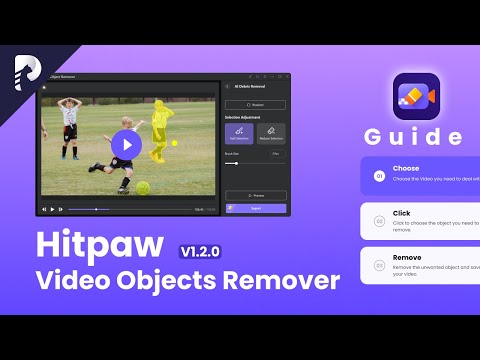
HitPaw Launches Online AI Photo Enhancer: Unblur Images in Seconds with AI

NEW YORK, N.Y. /ScoopCloud/ -- HitPaw, the leading software developer for video and photo editing solutions, is thrilled to announce the release of its latest product - HitPaw Online AI Photo Enhancer. With it, unblurring photos or upscaling images up to 8X online will no longer be a problem.

HitPaw Online AI Photo Enhancer is a powerful online tool that lets you enhance your photos with just a few clicks. It uses advanced algorithms to improve the quality of your photos, making them sharper, clearer, and more vibrant.

Here are some of its amazing features:

* Enhance Images Instantly

HitPaw Online AI Photo Enhancer is an online tool that uses advanced artificial intelligence algorithms to enhance digital images instantly. You just need to upload the image you want to enhance, and it will automatically process it and present you the result within minutes!

* Upscale Up to 8X Losslessly

HitPaw Online AI Photo Enhancer allows you to increase the resolution and size of the original image while maintaining its quality and reducing the loss of details. Besides, it provides 4 choices: 1X, 2X, 4X, 8X, and you can choose any of them as desired.

* 100% Safe Enhancement

HitPaw Online will never collect the users data and your uploaded images will be automatically deleted after 48h, so you don't have to worry about the security issue. Besides, it also provides a free version, featuring frontend processing. It puts data processing and validation in the client-side browser rather than on the server-side. That means you can enhance images 100% safely!

Other features:

1) Simple and Straightforward

2) Output image format: JPG, PNG, TIFF

3) Magnification: 1X, 2X, 4X, 8X

Featured by frequently update, please keep following HitPaw Online AI Photo Enhancer to enjoy more advanced features.

Compatibility and Price:

Compatibility: HitPaw Online AI Photo Enhancer works well on Chrome on PC now.

Price: Starts from $5.99 for per week, $15.99 for per month and $99.99 for per year.

For more information checking, you can visit: https://online.hitpaw.com/purchase/buy-hitpaw-online-photo-enhancer.html

About HitPaw:

HitPaw is an emerging software company specialized in video editing, screen recording, watermark removing, image editing, photo enhancing meme-making, etc. We help users turn their inspiration into reality so that we can generate more ideas to make the world be full of more creativity.

To know more, you may visit https://www.hitpaw.com/about.html and https://online.hitpaw.com/.

Our Social Media:

YouTube: https://www.youtube.com/channel/UCQwRggaotgiMcPbiCOsJeBA

Facebook: https://www.facebook.com/hitpawofficial

Twitter: https://twitter.com/hitpawofficial

Instagram: https://www.instagram.com/hitpawofficial/

Pinterest: https://www.pinterest.com/hitpawcom/

News from HitPaw

HitPaw, the leading software developer for video and photo editing solutions, is thrilled to announce the release of its latest product - HitPaw Online AI Photo Enhancer. With it, unblurring photos or upscaling images up to 8X online will no longer be a problem.

Related link: https://www.hitpaw.com/

This version of news story was published on ScoopCloud™ (ScoopCloud.com) - part of and © the Neotrope® News Network - all rights reserved.
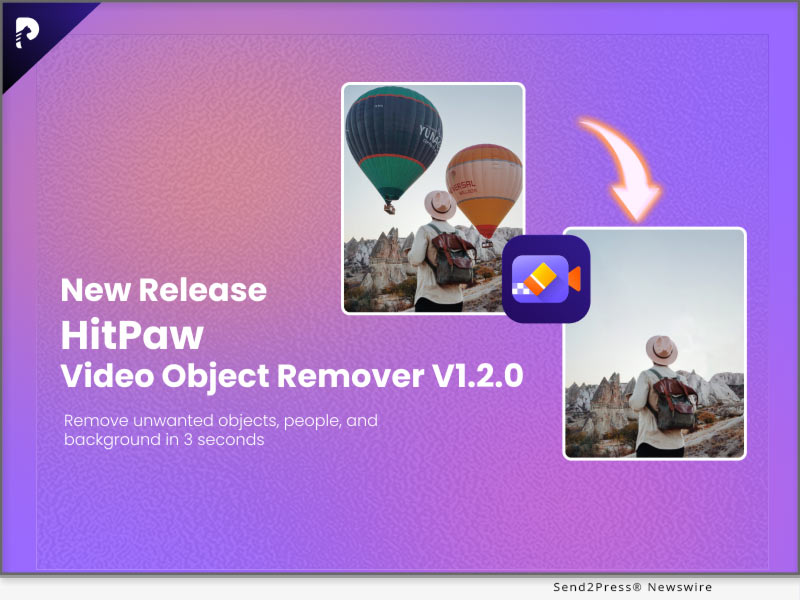
HitPaw Video Converter V2.8 Introduces Revolutionary Features for an Enhanced User Experience

NEW YORK, N.Y. /ScoopCloud/ -- HitPaw, a leading provider of multimedia tool industry, is proud to announce the release of HitPaw Video Converter V2.8.0. This new version comes packed with amazing features that are designed to help users improve the efficiency, and provide the best 3D and music experience.

Highlight features of HitPaw Video Converter V2.8.0:

* Pro-Level 2D to 3D Converter

With this feature, users can convert their regular 2D videos into stunning 3D masterpieces with 3 models, including Red/Blue model, Top and Bottom model, and Side by Side model. The latest version of HitPaw Video Converter brings more possibility to those who want to add depth and dimension to their videos and bring their content to life.

* Brilliant Deezer Music Converter

HitPaw Video Converter now allows users to convert their favorite Deezer music songs, playlists, and even the podcast into MP3, WAV, M4A, and FLAC that are compatible with various devices. With this feature, users can enjoy the fun of music anytime, anywhere without limitation.

* Fantastic AI Background Remover

HitPaw Video Converter brings a fantastic tool that advanced Artificial Intelligence algorithms to remove backgrounds from images quickly and effortlessly. AI Background Remover can transform images into works of art, banners, visual presentations, product catalogs, and graphics by quickly creating a translucent background.

Compatibility and Price:

HitPaw Video Converter is now compatible with Windows including Win11/10/8/7 and Mac OS Ventura. Its pricing starts from $19.95 per month, $39.95 per year, and $79.95 for the lifetime.

For more information checking, you can visit: https://www.hitpaw.com/purchase/buy-hitpaw-video-converter.html

About HitPaw:

HitPaw is an emerging software company specialized in files compressing, video editing, screen recording, watermark removing, image editing, photo enhancing, etc. We help users turn their inspiration into reality so that we can generate more ideas to make the world be full of more creativity. To know more, you may visit https://www.hitpaw.com/about.html

Our Social Media:

YouTube: https://www.youtube.com/channel/UCQwRggaotgiMcPbiCOsJeBA

Facebook: https://www.facebook.com/hitpawofficial

Twitter: https://twitter.com/HitPawofficial

Instagram: https://www.instagram.com/hitpawofficial/

Pinterest: https://www.pinterest.com/HitPawofficialwebsite/

Related Links: https://www.hitpaw.com/

News from HitPaw

HitPaw, a leading provider of multimedia tool industry, is proud to announce the release of HitPaw Video Converter V2.8.0. This new version comes packed with amazing features that are designed to help users improve the efficiency, and provide the best 3D and music experience.

Related link: https://www.hitpaw.com/

This version of news story was published on ScoopCloud™ (ScoopCloud.com) - part of and © the Neotrope® News Network - all rights reserved.
HitPaw Photo Enhancer New Version Released, Adds Enhancing Features for Portraits and Boost Processing Efficiency

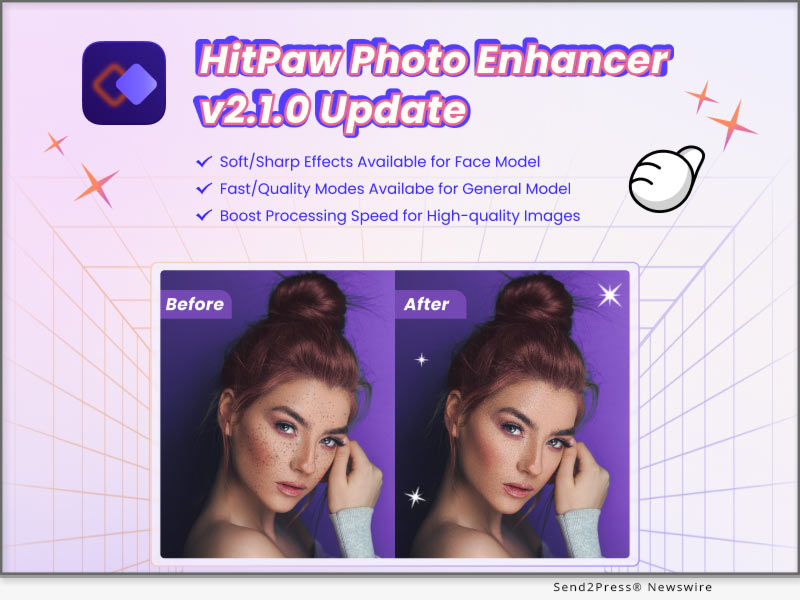
NEW YORK, N.Y. /ScoopCloud/ -- HitPaw, the leading provider of innovative digital solutions, announced the launch of its latest update v2.1.0 of HitPaw Photo Enhancer with new features that streamline the image processing experience for photographers and enthusiasts.

In this update, new photo processing modes are added to the general and face models. And the user can easily preview the different enhancing effects brought by these modes.

LET'S CHECK OUT THE NEW FEATURES:

* Newly Added Soft Enhancing Features for Face Model

Here comes the soft mode when you're enhancing the portraits. This feature allows you to beautify your face in an oriental way and make your skin smoother. Also, it can easily remove blemishes and other flaws.

* Fast Processing Mode Developed for General Model

This update boasts a fast mode that significantly speeds up the general model, delivering quick and efficient results.With this new feature, users can faster enhance large batches of images, allowing them to work more effectively.

* Multiple Previewing Results to Compare and Export

The multiple previewing results option is another innovative feature that enables users to compare different image processing modes and export their preferred result. With this feature, photographers can save time and choose the best enhancement option that suits their preferences.

* Notification & Processing Setting Improved

The notification and processing settings have also been improved in this latest release. When you're enhancing large pictures, it'll remind you to use the faster way to process. Additionally, our software can ensure your batch work not be interrupted by hibernation.

Compatibility and Price:

HitPaw Photo Enhancer is now compatible with Win 10 and MacOS 10.15 and above. The pricing starts from $17.99 USD for a month plan.

For more price checking and information, you can visit https://www.hitpaw.com/purchase/buy-hitpaw-photo-enhancer.html.

About HitPaw:

HitPaw is an emerging software company specializing in video editing, screen recording, watermark removing, image editing, photo enhancing meme-making, etc. We help users turn their inspiration into reality so that we can generate more ideas to make the world full of more creativity.

To know more, you may visit:

https://www.hitpaw.com/about.html

https://www.hitpaw.com/

Our Social Media:

YouTube: https://www.youtube.com/channel/UCQwRggaotgiMcPbiCOsJeBA

Facebook: https://www.facebook.com/hitpawofficial

Twitter: https://twitter.com/HitPawofficial

Instagram: https://www.instagram.com/hitpawofficial/

Pinterest: https://www.pinterest.com/HitPawofficialwebsite/

News from HitPaw

HitPaw, the leading provider of innovative digital solutions, announced the launch of its latest update v2.1.0 of HitPaw Photo Enhancer with new features that streamline the image processing experience for photographers and enthusiasts.

Related link: https://www.hitpaw.com/

This version of news story was published on ScoopCloud™ (ScoopCloud.com) - part of and © the Neotrope® News Network - all rights reserved.
HitPaw Video Enhancer V1.5.0 Update Released: Enhance Video More Efficiently

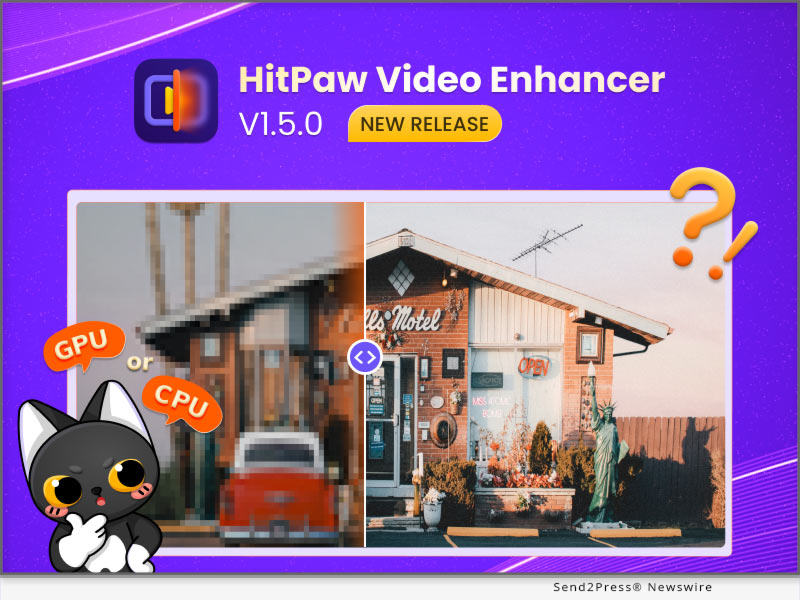
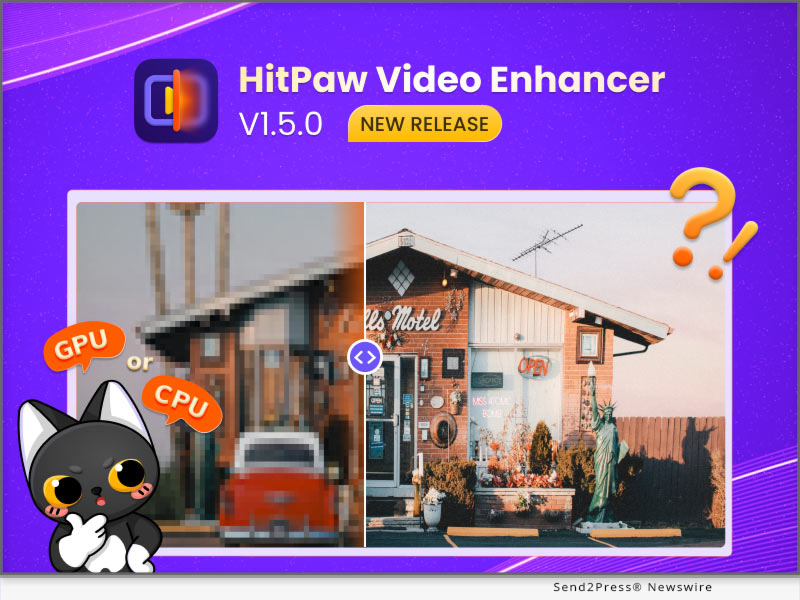
NEW YORK, N.Y. /ScoopCloud/ -- HitPaw recently released HitPaw Video Enhancer V1.5.0. The latest version of HitPaw Video Enhancer will make the process of enhancing videos smoother. One of the new features is that once the program accidentally crashes, you can continue the process directly after restarting the program. It is also worth mentioning that after this update, you can save the preview record when you using the program.

In addition to the above, the latest version also fixes some known issues. So this latest version will definitely amaze you.

Let's find out the exciting features of the Update for HitPaw Video Enhancer:

* Automatically Recover Progress

No matter what software we use, we always encounter such problems, the program may crash whether it is because of network fluctuation or hardware problems. We can't avoid such problems, but we can provide the best experience when you try our AI video enhancer tool. HitPaw Video Enhancer supports restoring your original video enhancement process after the program crashes so that you can continue enhancing directly from where you left off.

* Choose Actions After The Video Enhancement

Sometimes you will need the enhancement task finished automatically by HitPaw Video Enhancer and you have other things to be busy at. Don't want to waste any more electricity? Here's the solution, the latest version of HitPaw Video Enhancer enables you to choose actions. After your video-enhancing task is automatically completed, we provide the below options for you to choose from: shut down the computer, hibernate the computer, exit the program, or do nothing.

* Freely Choose CPU & GPU

If your computer has equipped with multiple graphics cards, the previous versions of HitPaw Video Enhancer will select the most suitable one to run the video enhancing task automatically. With the release of this new version, you can now choose whether to run the task with CPU or GPU to get the most effective results your wish.

Compatibility and Price

HitPaw Video Enhancer is now compatible with Windows for 11/10 64-bit and MacOS Monterey. The Windows Version pricing starts from $42.99 per month, $99.99 per year, and $349.99 for the lifetime.

For more information checking, you can visit:

https://www.hitpaw.com/hitpaw-video-enhancer.html

https://www.hitpaw.com/purchase/buy-hitpaw-video-enhancer.html

About HitPaw

HitPaw is an emerging software company specialized in files compressing, video editing, screen recording, watermark removing, image editing, photo enhancing, etc. We help users turn their inspiration into reality so that we can generate more ideas to make the world be full of more creativity.

To know more, you may visit:

https://www.hitpaw.com/about.html

https://www.hitpaw.com/

Our Social Media

YouTube: https://www.youtube.com/channel/UCQwRggaotgiMcPbiCOsJeBA

Facebook: https://www.facebook.com/hitpawofficial

Twitter: https://twitter.com/HitPawofficial

Instagram: https://www.instagram.com/hitpawofficial/

Pinterest: https://www.pinterest.com/HitPawofficialwebsite/

News from HitPaw

HitPaw recently released HitPaw Video Enhancer V1.5.0. The latest version of HitPaw Video Enhancer will make the process of enhancing videos smoother. One of the new features is that once the program accidentally crashes, you can continue the process directly after restarting the program. It is also worth mentioning that after this update, you can save the preview record when you using the program.

Related link: https://www.hitpaw.com/

This version of news story was published on ScoopCloud™ (ScoopCloud.com) - part of and © the Neotrope® News Network - all rights reserved.
HitPaw Releases Big Updates for HitPaw Online Background Remover to Edit Images with Well-crafted Templates

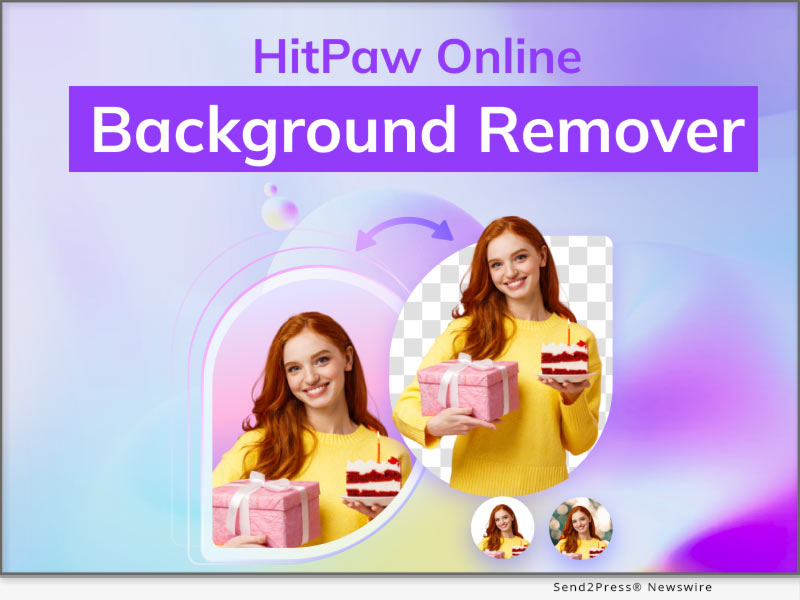
NEW YORK, N.Y. /ScoopCloud/ -- For some reasons such as e-commerce, social media, or graphic design, you will need to create some stunning images. Therefore, HitPaw Online Background Remover provides plenty of templates to create eye-catching images within seconds. Removing backgrounds from images and changing backgrounds with customized templates have never been easier.

Let's find out what are the amazing features HitPaw Online Background Remover has updated:

* Clear and Easy-to-Navigate Interface

HitPaw Online Background Remover has changed its UI into a pleasing color which makes it clearer. And its interface is easy to navigate, so you can easily remove background with it even if you are a beginner.

* Massive Well-crafted Templates

Various types of background templates for profile pictures, online shops, social posts or covers, ID photos, OOTD, memes, etc have been introduced in HitPaw Online Background Remover. This web tool can perfectly meet your different needs.

* Powerful Multi-layers Editing

Served as a photo editor as well, HitPaw Online Background Remover provides a multi-layers editing feature that allows you to change the layer stacking order, edit text or select a certain layer. Use HitPaw Online Background Remover to personalize your images in your way.

* Professional Shadow Effect

To make your images more natural and professional, we offer the shadow effect. You can add a shadow effect to your image, adjust the opacity, radius, and color of the shadow, or move the position of the shadow.

Featured by frequent update, please keep following HitPaw Online Background Remover to enjoy more advanced features.

Compatibility and Price:

Compatibility: HitPaw Online Background Remover works well on Chrome on PC now.

Price: Starts from $9.99 for per month and $59.88 for per year.

For more information checking, you can visit: https://online.hitpaw.com/online-background-remover.html

About HitPaw:

HitPaw is an emerging software company specialized in video editing, screen recording, watermark removing, image editing, photo enhancing meme-making, etc. We help users turn their inspiration into reality so that we can generate more ideas to make the world be full of more creativity.

To know more, you may visit:

https://www.hitpaw.com/about.html

https://www.hitpaw.com/

Our Social Media:

YouTube: https://www.youtube.com/channel/UCQwRggaotgiMcPbiCOsJeBA

Facebook: https://www.facebook.com/hitpawofficial

Twitter: https://twitter.com/hitpawofficial

Instagram: https://www.instagram.com/hitpawofficial/

Pinterest: https://www.pinterest.com/hitpawcom/

News from HitPaw

For some reasons such as e-commerce, social media, or graphic design, you will need to create some stunning images. Therefore, HitPaw Online Background Remover provides plenty of templates to create eye-catching images within seconds. Removing backgrounds from images and changing backgrounds with customized templates have never been easier.

Related link: https://www.hitpaw.com/

This version of news story was published on ScoopCloud™ (ScoopCloud.com) - part of and © the Neotrope® News Network - all rights reserved.
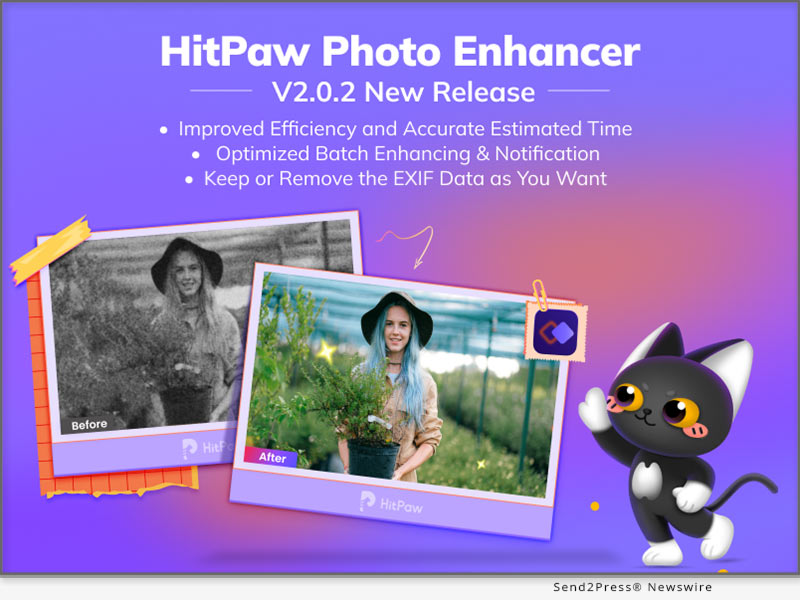
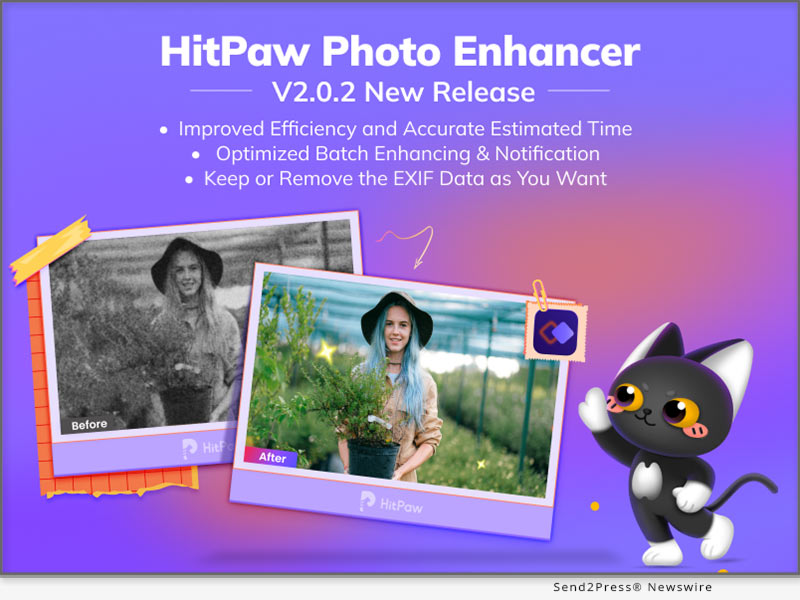
HitPaw Photo Enhancer V2.0.2 released, offering great update for improved efficiency and optimized functions

NEW YORK, N.Y. /ScoopCloud/ -- HitPaw has newly released HitPaw Photo Enhancer V2.0.2 with the improved with processing efficiency more accurate processing time. HitPaw provides lossless enhancement while you're able to keep your photo's information such as photo shooting location, exposure and so on. And there's more features of batch enhancing and notification has been optimized.

LET'S CHECK OUT THE NEW FEATURES:

* Improved Enhancing Efficiency and Estimated Time

Efficiency comes first for the batching enhancing work, and HitPaw keeps training our AI to be more accurate and fast. In this update, HitPaw Photo Enhancer now increase the image processing efficiency when scanning and provides more specific processing time for you.

* Optimized Batch Enhancing Option

Batch enhancing function now becomes more powerful and intellectual. The AI model and photo size you set would be automatically applied to all photos uploaded. What's more, you can freely preview the batch enhanced image in full size perfectly inside the software.

* Keep The EXIF Data If You Need

HitPaw Photo Enhancer will provide a option for you whether to remain EXIF data, the the original information of photos. The EXIF Information includes figures such as exposure, ISO, shutter, GPS locations, and so on.

* Better Notification for User Interaction

Sometimes you might forget to select the AI model when you're about to making your photo clear or your destination disk is out of memory. HitPaw now has better notifications to avoid such needless waiting to save your time.

Compatibility and Price:

HitPaw Photo Enhancer is now compatible with Win 11/10/8/7 and macOS 10.15 and above. The pricing starts from $17.99 USD for a month plan.

For more price checking and information, you can visit: https://www.hitpaw.com/purchase/buy-hitpaw-photo-enhancer.html

About HitPaw:

HitPaw is an emerging software company specialized in video editing, screen recording, watermark removing, image editing, photo enhancing meme-making, etc. We help users turn their inspiration into reality so that we can generate more ideas to make the world be full of more creativity.

To know more, you may visit https://www.hitpaw.com/about.html and https://www.hitpaw.com/

Our Social Media:

YouTube: https://www.youtube.com/channel/UCQwRggaotgiMcPbiCOsJeBA

Facebook: https://www.facebook.com/hitpawofficial

Twitter: https://twitter.com/HitPawofficial

Instagram: https://www.instagram.com/hitpawofficial/

Pinterest: https://www.pinterest.com/HitPawofficialwebsite/

News from HitPaw

HitPaw has newly released HitPaw Photo Enhancer V2.0.2 with the improved with processing efficiency more accurate processing time. HitPaw provides lossless enhancement while you're able to keep your photo's information such as photo shooting location, exposure and so on. And there's more features of batch enhancing and notification has been optimized.

Related link: https://www.hitpaw.com/

This version of news story was published on ScoopCloud™ (ScoopCloud.com) - part of and © the Neotrope® News Network - all rights reserved.

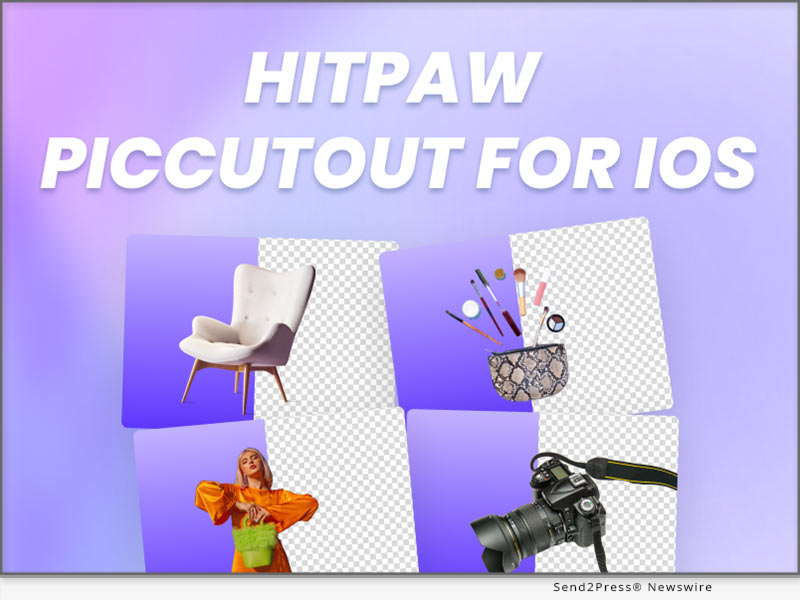
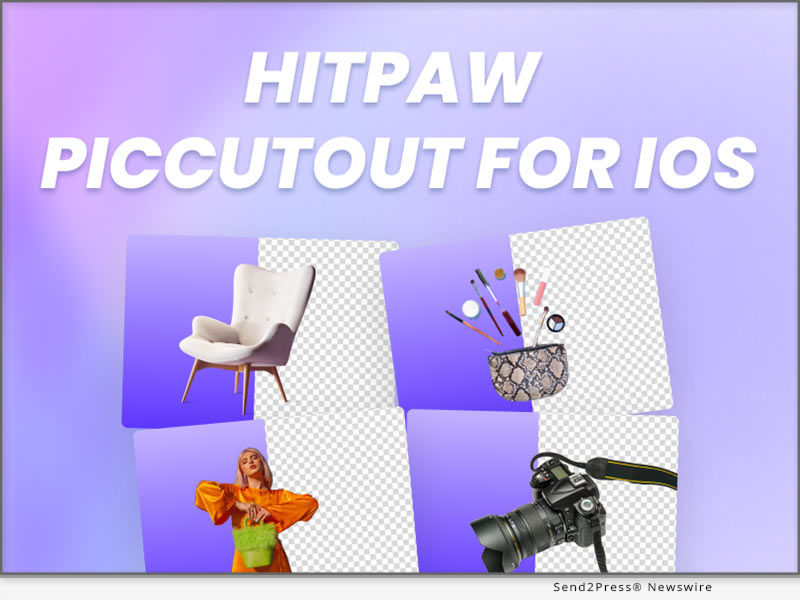
HitPaw Announces Release of HitPaw PicCutout App V1.0.0 for iOS to Auto Remove and Change Background Precisely

NEW YORK, N.Y. /ScoopCloud/ -- HitPaw has newly released HitPaw PicCutout App for iOS V1.0.0 which can precisely and easily remove background from image, change background and resize image for E-commerce, social media, or other use with massive background templates. Please don't hesitate to personalize your images with HitPaw PicCutout APP.

LET'S DIVE INTO THE FEATURES OF THE APPLICATION:

* Automatically Cutout Anything from Image

HitPaw PicCutout can easily cutout products, people, animals, cars, real estate and more from image automatically, without any photo editing skills. Thus, it's a useful App for your profile avatars, social media, podcast covers, perfect for product photography and e-commerce.

* Provide Massive Free-to-Use Background Templates

It also provides tons of built-in background templates for minimal shops, profile pictures, social networks, magazines, etc. Guess what? All templates are free to use! Besides, more templates keep updating, so stay with HitPaw PicCutout, and you'll discover more.

* Powerful Background Eraser and Restorer

We provide Erase Background and Restore Background features for you to perfect your image after background removal. These are manual tools, so you can edit your image in your way.

* Easily Change Background Color with the Color Picker

With the powerful color picker, in case you want to make ID photos, passport photos or others, you can quickly change the background color into any color you want.

* One-click to Resize Image for Various Platforms

Numerous customized size templates according to specific platforms are also available. Just one click to get different sizes of images for easy sharing.

Compatibility and Price:

Compatibility: HitPaw PicCutout App is compatible with iOS now.

Price: Free

For more information checking, you can visit: https://apps.apple.com/cn/app/piccutout/id1661086790

About HitPaw:

HitPaw is an emerging software company specialized in video editing, screen recording, watermark removing, image editing, photo enhancing meme-making, etc. We help users turn their inspiration into reality so that we can generate more ideas to make the world be full of more creativity.

To know more, you may visit https://www.hitpaw.com/about.html and https://www.hitpaw.com/.

Our Social Media:

YouTube: https://www.youtube.com/channel/UCQwRggaotgiMcPbiCOsJeBA

Facebook: https://www.facebook.com/hitpawofficial

Twitter: https://twitter.com/hitpawofficial

Instagram: https://www.instagram.com/hitpawofficial/

Pinterest: https://www.pinterest.com/hitpawcom/

News from HitPaw

HitPaw has newly released HitPaw PicCutout App for iOS V1.0.0 which can precisely and easily remove background from image, change background and resize image for E-commerce, social media, or other use with massive background templates. Please don't hesitate to personalize your images with HitPaw PicCutout APP.

Related link: https://www.hitpaw.com/

This version of news story was published on ScoopCloud™ (ScoopCloud.com) - part of and © the Neotrope® News Network - all rights reserved.

HitPaw Video Converter V2.7.0 Major Update includes AI Noise Remover and Blu-ray DVD Converter

NEW YORK, N.Y. /ScoopCloud/ -- In the last version of HitPaw Video Converter, AI has helped a lot of users to remove the vocals from songs. For HitPaw Video Converter V2.7.0, AI Noise Remover aims to enhance the experience of recording video and audio by automatically removing background noise. HitPaw Video Converter supports converting Blu-ray DVDs now.

Highlight features of HitPaw Video Converter V2.7.0:

* AI Noise Remover

Noise Remover can easily remove the background sound of videos, such as static, echo, and wind noise. Import recording files and AI will automatically remove background noise from video and audio so that they may be used in higher-quality ways.

* Blue-Ray DVD Converter

HitPaw Video Converter supports Blu-Ray DVDs now. Usually, the Blue-Ray DVD needs Blue-Ray Player to watch and also has restrictions between different areas. You can convert DVDs to MP4, MOV, RMVB, and WMV without losing any quality so that Blue-Ray Player is no longer needed and you can play the video in different areas.

OTHER OPTIMIZED FEATURES:

* Video Player Supports Screenshot: By using HitPaw Video Player, you can capture screenshots of videos.

* Improve the User Interface and Interaction: With the redesigned User Interface, it becomes easier for users to use HitPaw Video Converter.

* Optimize Intel GPU Acceleration: HitPaw Video Converter supports Intel graphics cards with full-process acceleration, which boosts the conversion speed by 2 times faster.

* Support time input in video cropping: For precise video editing, users can locate the target timeline by inputting the time.

Compatibility and Price:

HitPaw Video Converter is now compatible with Windows including Win11/10/8/7 and Mac OS Monterey. Its pricing starts from $19.95 per month, $39.95 per year, and $79.95 for the lifetime.

For more information checking, you can visit: https://www.hitpaw.com/purchase/buy-hitpaw-video-converter.html

About HitPaw:

HitPaw is an emerging software company specialized in files compressing, video editing, screen recording, watermark removing, image editing, photo enhancing, etc. We help users turn their inspiration into reality so that we can generate more ideas to make the world be full of more creativity.

To know more, you may visit https://www.hitpaw.com/about.html

Our Social Media

YouTube: https://www.youtube.com/channel/UCQwRggaotgiMcPbiCOsJeBA

Facebook: https://www.facebook.com/hitpawofficial

Twitter: https://twitter.com/HitPawofficial

Instagram: https://www.instagram.com/hitpawofficial/

Pinterest: https://www.pinterest.com/HitPawofficialwebsite/

Related Links: https://www.hitpaw.com/

News from HitPaw

In the last version of HitPaw Video Converter, AI has helped a lot of users to remove the vocals from songs. For HitPaw Video Converter V2.7.0, AI Noise Remover aims to enhance the experience of recording video and audio by automatically removing background noise. HitPaw Video Converter supports converting Blu-ray DVDs now.

Related link: https://www.hitpaw.com/

This version of news story was published on ScoopCloud™ (ScoopCloud.com) - part of and © the Neotrope® News Network - all rights reserved.

HitPaw Video Enhancer V1.3.0 Release: Enhance Video Smoothly with Virtual Memory

NEW YORK, N.Y. /ScoopCloud/ -- HitPaw recently released HitPaw Video Enhancer V1.3.0. The latest version of HitPaw Video Enhancer will support automatically enabling virtual memory, in order to make the process of enhancing videos smoother. And once the program accidentally crashes, you can continue the process directly after restarting the program. It is also worth mentioning that after this update, you can save the operation record when you close the program.

In addition to the above, the latest version also fixes some known issues. So this latest version will definitely amaze you.

Let's find out the wonderful features of the Update for HitPaw Video Enhancer:

-- Automatically Enable Virtual Memory

For many people, perhaps not enough computer configuration prevents them from using an AI video upscaler. You will be very distressed by the slow progress due to insufficient configuration. So HitPaw Video Enhancer will automatically enable the computer's virtual memory when you need it, which means your computer will have more RAM to improve the low-quality video and make the process easier.

-- Continue Process after the Program Crashing

No matter what software we use, we always encounter such problems, whether it is because of network problems or hardware problems that cause the program to crash. We can't avoid such problems, but we can provide the best experience when you try our video enhancer AI tool. HitPaw Video Enhancer supports restoring your original video enhancement process after the program crashes so that you can continue enhancing directly from where you left off.

-- Save Operation Records when Closed

The starting point of this feature is the same as the previous one. Sometimes when we close and reopen the program, we want to see the last operation record instead of re-enhancement from scratch. So HitPaw Video Enhancer supports saving the operation record when the program is closed so that you can continue to enhance the video next time.

Compatibility and Price

HitPaw Video Enhancer is now compatible with Windows for 11/10 64-bit and macOS Monterey. The Windows Version pricing starts from $42.99 per month, $99.99 per year, and $349.99 for the lifetime.

For more information checking, you can visit: https://www.hitpaw.com/purchase/buy-hitpaw-video-enhancer.html

About HitPaw

HitPaw is an emerging software company specialized in files compressing, video editing, screen recording, watermark removing, image editing, photo enhancing, etc. We help users turn their inspiration into reality so that we can generate more ideas to make the world be full of more creativity.

To know more, you may visit : https://www.hitpaw.com/about.html and https://www.hitpaw.com/

Our Social Media

YouTube: https://www.youtube.com/channel/UCQwRggaotgiMcPbiCOsJeBA

Facebook: https://www.facebook.com/hitpawofficial

Twitter: https://twitter.com/HitPawofficial

Instagram: https://www.instagram.com/hitpawofficial/

Pinterest: https://www.pinterest.com/hitpawcom/

News from HitPaw

HitPaw recently released HitPaw Video Enhancer V1.3.0. The latest version of HitPaw Video Enhancer will support automatically enabling virtual memory, in order to make the process of enhancing videos smoother. And once the program accidentally crashes, you can continue the process directly after restarting the program. It is also worth mentioning that after this update, you can save the operation record when you close the program.

Related link: https://www.hitpaw.com/

This version of news story was published on ScoopCloud™ (ScoopCloud.com) - part of and © the Neotrope® News Network - all rights reserved.

HitPaw Video Converter Mac V2.6 Released: Spotify Music Converter, Compressor and DVD Converter

NEW YORK, N.Y. /ScoopCloud/ -- HitPaw, a leader in the industry, incorporates AI-enabled capabilities into its main product to help consumers meet a variety of demands quickly and effectively. HitPaw Video Converter Mac V2.6.0 is sync to the Windows version with noteworthy features, including Spotify to MP3 Converter, AI Vocal Remover, Video/Image Compressor, DVD to MP4 Converter, and etc.

Let's dive into the new features of HitPaw Video Converter Mac V2.6.0:

* Spotify to MP3 Converter

HitPaw Video Converter Mac now supports Spotify Music Converter, which allows users to convert Spotify to MP3 without Spotify Premium account. In addition, all the ID3 information will be kept for better organization. There will be no quality loss during the 120x faster conversion with 320kbps.

* Powerful AI Vocal Remover

The powerful AI also comes to HitPaw Video Converter Mac, removing vocals from songs has never been so easy. It becomes much easier to make Karaoke music and spend wonderful party time with friends.

* DVD to MP4 Converter

DVDs may be played on any device or player with HitPaw Video Converter Mac without losing quality. Currently, more than 1000 distinct formats, including MP4, MOV, FLV, MP3, and WMA, may be converted from DVD discs, DVD Folders, ISO, and IFO files.

* Video/Image Compressor

You attempted to send a big video to a friend on WhatsApp, but it didn't work. How much video quality is lost during compression? Now, HitPaw Video Converter Mac is combined with Video/Image Compressor, allowing users resizing video and image files without sacrificing quality.

Compatibility and Price

HitPaw Video Converter MAC is now compatible MacOS 10.13 and above. Its pricing starts from $19.95 per month, $39.95 per year, and $79.95 for the lifetime. For more information checking,

you can visit: https://www.hitpaw.com/purchase/buy-hitpaw-video-converter-mac.html

About HitPaw

HitPaw is an emerging software company specialized in files compressing, video editing, screen recording, watermark removing, image editing, photo enhancing, etc. We help users turn their inspiration into reality so that we can generate more ideas to make the world be full of more creativity.

To know more, you may visit https://www.hitpaw.com/about.html and https://www.hitpaw.com/

Our Social Media:

YouTube: https://www.youtube.com/@hitpaw

Facebook: https://www.facebook.com/hitpawofficial

Twitter: https://twitter.com/HitPawofficial

Instagram: https://www.instagram.com/hitpawofficial/

Pinterest: https://www.pinterest.com/hitpawcom/

News from HitPaw

HitPaw, a leader in the industry, incorporates AI-enabled capabilities into its main product to help consumers meet a variety of demands quickly and effectively. HitPaw Video Converter Mac V2.6.0 is sync to the Windows version with noteworthy features, including Spotify to MP3 Converter, AI Vocal Remover, Video/Image Compressor, DVD to MP4 Converter, and etc.

Related link: https://www.hitpaw.com/

This version of news story was published on ScoopCloud™ (ScoopCloud.com) - part of and © the Neotrope® News Network - all rights reserved.
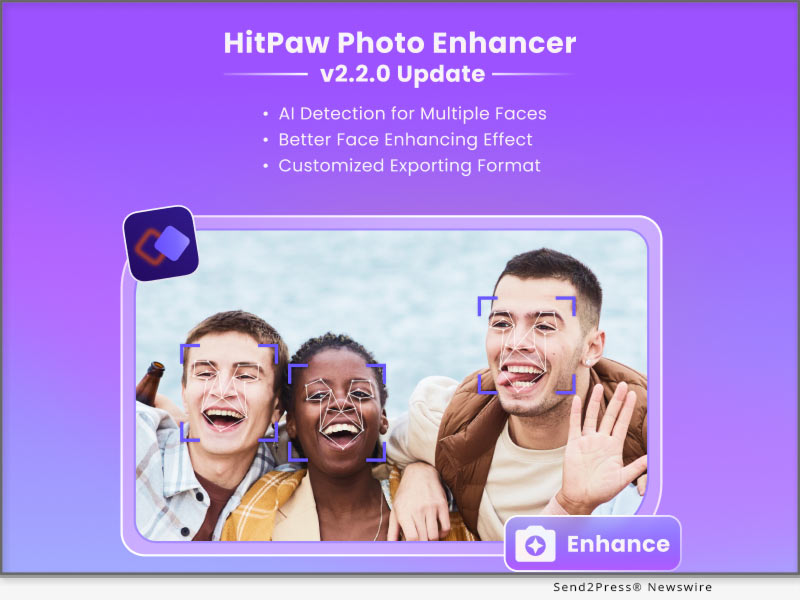
HitPaw Online Image Watermark Remover Released: Remove Any Elements Unwanted Online Without Blurring Images

NEW YORK, N.Y. /ScoopCloud/ -- HitPaw released a widely-admired online image solution named HitPaw Online Image Watermark Remover. No need to download anything, you can fast remove anything unwanted to perfect your images, no blurring of images as well. Don't miss this amazing online tool!

Do you need to remove the annoying watermarks in images? Removing watermarks from photos used to be a challenge. However, it has never been easier in HitPaw. So, what can you do in this web tool? Let's find out the key features of HitPaw Online Image Watermark Remover:

FEATURES OF HITPAW ONLINE IMAGE WATERMARK REMOVER:

* Remove Anything Effortlessly

More than a watermark remover, it can also remove unwanted objects, texts, logos, stickers, dates, etc from images. Besides, You can easily use this web tool, without any photo editing skills!

* Manually Select Watermark Area

Sometimes, AI can't detect all watermarks in an image. And HitPaw Online Image Watermark Remover does have this concern. It provides a brush to select watermark areas and you can adjust the brush size easily according to the watermark size.

* Remove Multiple Watermarks Simultaneously

You can select all watermarks in your image at the same time, and click Remove button to erase all watermarks, which can greatly save time on watermark removal.

* No Installation

This web tool is no installation required, all done on your brower, so you don't have to worry at all if this tool will damage your computer. What's more, it has no ads on its website, which can bring you a pleasant experience to remove frustrating watermarks from image.

* Popular Image Formats Supported

The image formats like JPG, JPEG, WEBP, PNG, widely-used by all, are supported by HitPaw Online Image Watermark Remover. Just upload your image, remove watermarks and save your watermark-free image with no quality loss.

Compatibility and Price:

HitPaw Online Image Watermark Remover is now compatible with all devices. Its pricing starts from $6.99 per month and $41.88 per year.

For more information checking, you can visit: https://online.hitpaw.com/toolbox/image/remove-watermark/detail/

About HitPaw:

HitPaw is an emerging software company specialized in files compressing, video editing, screen recording, watermark removing, image editing, photo enhancing, etc. We help users turn their inspiration into reality so that we can generate more ideas to make the world be full of more creativity.

To know more, you may visit https://www.hitpaw.com/about.html and https://www.hitpaw.com/

Our Social Media:

YouTube: https://www.youtube.com/@hitpaw

Facebook: https://www.facebook.com/hitpawofficial

Twitter: https://twitter.com/HitPawofficial

Instagram: https://www.instagram.com/hitpawofficial/

Pinterest: https://www.pinterest.com/hitpawcom/

News from HitPaw

HitPaw released a widely-admired online image solution named HitPaw Online Image Watermark Remover. No need to download anything, you can fast remove anything unwanted to perfect your images, no blurring of images as well. Don't miss this amazing online tool!

Related link: https://www.hitpaw.com/

This version of news story was published on ScoopCloud™ (ScoopCloud.com) - part of and © the Neotrope® News Network - all rights reserved.
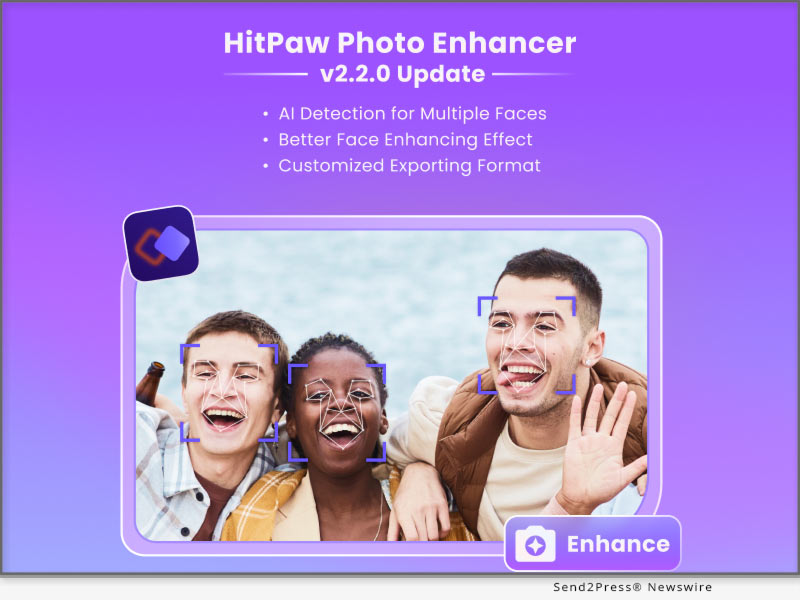
HitPaw Video Enhancer Mac V1.1.0 Released with Amazing AI Denoise Model on macOS to Upscale Video

NEW YORK, N.Y. /ScoopCloud/ -- HitPaw recently released HitPaw Video Enhancer Mac V1.1.0. The latest version of HitPaw Video Enhancer for Mac will support General Denoise Model, which means there will be 4 amazing AI models in Mac Version including General Denoise Model, Face Model, Animation Model, and Colorize Model.

The General Denoise Model helps you easily enhance video in any situation. Because the face model will be more suitable for face videos, and the animation model is more suitable for animation videos. So when you want a model that can enhance ordinary videos, then General Denoise Model can help you.

Let's find out the wonderful features of the Update for HitPaw Video Enhancer Mac:

* Amazing General Denoise Model

HitPaw Video Enhancer, as a wonderful video enhance AI tool, the General Denoise Model contributed a lot of effort. More people may have shot low-quality landscape videos, but these videos do not have a proper model to handle them. The noise reduction model can repair all the details in the video, thus helping people improve low-quality videos to high-quality videos with ease.

* Powerful AI Technology

For AI technology, we may be wondering how AI technology in an AI video enhancer work. AI technology can help you automatically identify the details that need to be repaired, and then complete the task without any professional skills needed. In this updated version of HitPaw Video Enhancer Mac, the trained AI model has also been optimized to better improve the quality of the video.

* Easy Steps to Enhance Video

As the top video upscaler in the industry, simple steps are essential. Unlike many professional video processing software, the video-enhancing actions of HitPaw Video Enhancer are straightforward, just import, select the model, and then export.

* Clean Interface for Processing

A clean tool interface will make the process more efficient. HitPaw Video Enhancer is committed to creating the most straightforward and most convenient video enhancement software. So the interface is also very clean so that people will not be confused about any buttons or functions.

Compatibility and Price:

HitPaw Video Enhancer is now compatible with Windows for 11/10 64-bit and macOS Monterey. The Mac Version pricing starts from $69.99 per month, $109.99 per year, and $349.99 for the lifetime.

For more information checking, you can visit: https://www.hitpaw.com/purchase/buy-hitpaw-video-enhancer-mac.html

About HitPaw:

HitPaw is an emerging software company specialized in files compressing, video editing, screen recording, watermark removing, image editing, photo enhancing, etc. We help users turn their inspiration into reality so that we can generate more ideas to make the world be full of more creativity.

To know more, you may visit: https://www.hitpaw.com/about.html and https://www.hitpaw.com/

Our Social Media:

YouTube: https://www.youtube.com/channel/UCQwRggaotgiMcPbiCOsJeBA

Facebook: https://www.facebook.com/hitpawofficial

Twitter: https://twitter.com/HitPawofficial

Instagram: https://www.instagram.com/hitpawofficial/

Pinterest: https://www.pinterest.com/hitpawcom/

News from HitPaw

HitPaw recently released HitPaw Video Enhancer Mac V1.1.0. The latest version of HitPaw Video Enhancer for Mac will support General Denoise Model, which means there will be 4 amazing AI models in Mac Version including General Denoise Model, Face Model, Animation Model, and Colorize Model.

Related link: https://www.hitpaw.com/

This version of news story was published on ScoopCloud™ (ScoopCloud.com) - part of and © the Neotrope® News Network - all rights reserved.
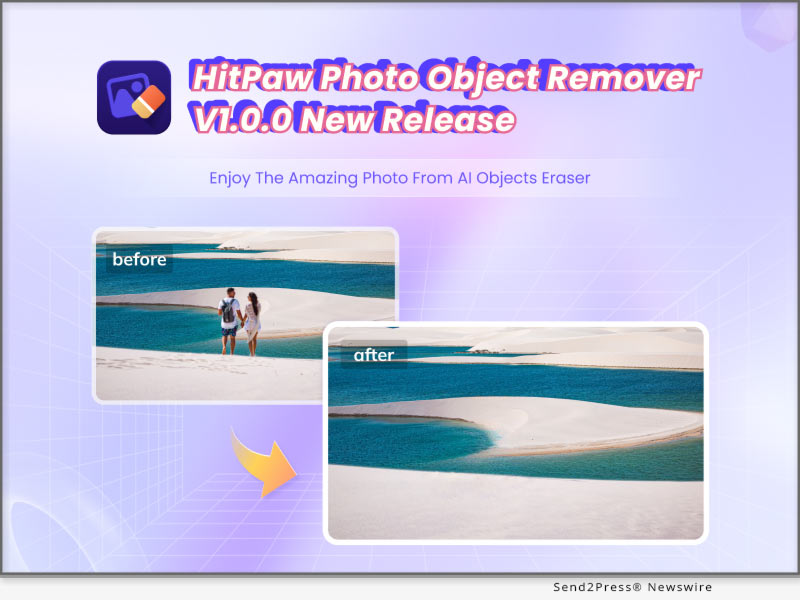
HitPaw Photo Enhancer for Mac V2.0.0 Unveils its Multi-model Processing and Customizing Photo Size Function

NEW YORK, N.Y. /ScoopCloud/ -- HitPaw has newly released HitPaw Photo Enhancer for Mac V2.0.0 which has been further improved with processing efficiency and develop several new function based on the user habits. There're 8 Image formats supportive in total such as PNG, JPG, WebP and so on. Batch enhancing limit, outputting setting has also been optimized. A bunch of new functions are waiting for you to try!

LET'S DIVE IN THE NEW FEATURES OF THE UPDATE:

* Colorize and Enhance Portraits Simultaneously

Colorize Model and Face Model are two AI models that Mac users used most frequently. Now, HitPaw has specially presented the new function: multi-model processing. You can use it to one-click upscale and colorize black & white portraits like old family photos.

* Customize Your Photo Size Without Limit

Sometimes you need resize your photo due to the image requirement of different social media platforms. But don't worry, as you are about to enhance your image, HitPaw could also help you easily solve this problem with its powerful ability to adjust the photo size simply.

* Remain File Information As Original

When enhancing your photos, HitPaw Photo Enhancer will remain the original information of photos, such as transparent background and EXIF data. The EXIF Information includes figures such as exposure, ISO, shutter, GPS locations, and so on. We aim to beautify your image in details without changing anything else.

* More Images Processing Available for Batch Enhancing

When it comes to the repetitive work, AI always helps us a lot. HitPaw Photo Enhancer now increase the image processing limit up to 20. You can freely select from 2 to 20 images to process at the same time depend on your computer ability.

Compatibility and Price:

HitPaw Photo Enhancer is now compatible with macOS 10.15 and above. The pricing starts from $19.99 USD for a month plan.

For more price checking and information, you can visit https://www.hitpaw.com/purchase/buy-hitpaw-photo-enhancer-mac.html.

About HitPaw:

HitPaw is an emerging software company specialized in video editing, screen recording, watermark removing, image editing, photo enhancing meme-making, etc. We help users turn their inspiration into reality so that we can generate more ideas to make the world be full of more creativity.

To know more, you may visit https://www.hitpaw.com/about.html and https://www.hitpaw.com/

Our Social Media:

YouTube: https://www.youtube.com/@hitpaw

Facebook: https://www.facebook.com/hitpawofficial

Twitter: https://twitter.com/HitPawofficial

Instagram: https://www.instagram.com/hitpawofficial/

Pinterest: https://www.pinterest.com/hitpawcom/

News from HitPaw

HitPaw has newly released HitPaw Photo Enhancer for Mac V2.0.0 which has been further improved with processing efficiency and develop several new function based on the user habits. There're 8 Image formats supportive in total such as PNG, JPG, WebP and so on. Batch enhancing limit, outputting setting has also been optimized. A bunch of new functions are waiting for you to try!

Related link: https://www.hitpaw.com/

This version of news story was published on ScoopCloud™ (ScoopCloud.com) - part of and © the Neotrope® News Network - all rights reserved.
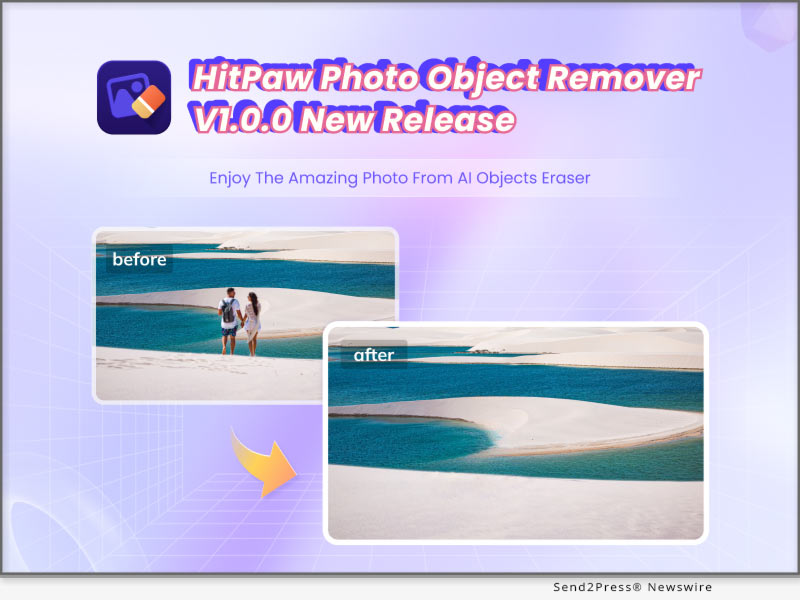
HitPaw Santa Stops Here: Join to Win $100 Amazon Cards, Coupon Code, Free License and Up to 67% Discount!

NEW YORK, N.Y. /ScoopCloud/ -- 'Tis The Season! HitPaw is an emerging software company specialized in video editing, screen recording, watermark removing, image editing, photo enhancing, etc. As the pioneer in the digital creation tools industry, HitPaw launches #HitPawChristmas event 2022. Provides Amazon Cards in different accounts, coupon code, free license and up to 67% discount as well!

HitPaw brings the perfect Christmas spirit to you. This event starts from Dec. 13, 2022 to Jan. 4, 2023. Come and make a wish, and may your Christmas wishes come true in HitPaw.

1. HitPaw Lucky Draw - Win Free Prizes

Everyone has the same chance to win Amazon Cards($100, $50, $20, $10), $5 coupon code, or 1-month free license of HitPaw Video Converter, HitPaw Photo Enhancer, and HitPaw Video Enhancer. Join us and discover the secret of HitPaw Christmas tree. To participate in this draw, you just need a click, and you can be the lucky guy! We are also eager for you to share your luck or Christmas activities on social media with hashtag #HitPawChristmas!

2. Buy One Get One Free - Special Bundle For You

Want to create eye-catching Christmas videos and share your interesting Christmas activities with your friends? Want to save amazing Christmas videos or music without any watermark and with no quality loss? HitPaw has prepared the BEST creator bundle that includes HitPaw Video Converter and HitPaw Video Editor.

In HitPaw Christmas, you just need to purchase HitPaw Video Converter and get HitPaw Video Editor for free at $39.95 for 1 year.

3. Save Up to 67% - Limited-Time Discount

Don't have your desired product in the above activities? Don't worry. We are also offering a 67% limited time discount where you can find almost all of our desktop products. You can save up to 67% to be an impressive video creator.

* Get HitPaw Watermark Remover Yearly at $9.99 for Win / $19.99 for Mac

* Get HitPaw Video Editor Yearly at $20.99 for Win and Mac

* Get HitPaw Screen Recorder Yearly at $19.99 for Win and Mac

* Get HitPaw Photo Enhancer Yearly at $79.99 for Win and Mac

* Get HitPaw Video Enhancer Yearly at $99.99 for Win / $109.99 for Mac

How to Participate:

For more information or to participate in the event, visit: https://www.hitpaw.com/sales-promotion.html

About HitPaw:

HitPaw is an emerging software company specialized in video editing, screen recording, watermark removing, image editing, photo enhancing, etc. We help users turn their inspiration into reality so that we can generate more ideas to make the world be full of more creativity.

To know more, you may visit: https://www.hitpaw.com/about.html and https://www.hitpaw.com/

Our Social Media:

YouTube: https://www.youtube.com/channel/UCQwRggaotgiMcPbiCOsJeBA

Facebook: https://www.facebook.com/hitpawofficial

Twitter: https://twitter.com/HitPawofficial

Instagram: https://www.instagram.com/hitpawofficial/

Pinterest: https://www.pinterest.com/hitpawcom/

News from HitPaw

'Tis The Season! HitPaw is an emerging software company specialized in video editing, screen recording, watermark removing, image editing, photo enhancing, etc. As the pioneer in the digital creation tools industry, HitPaw launches #HitPawChristmas event 2022. Provides Amazon Cards in different accounts, coupon code, free license and up to 67% discount as well!

Related link: https://www.hitpaw.com/

This version of news story was published on ScoopCloud™ (ScoopCloud.com) - part of and © the Neotrope® News Network - all rights reserved.
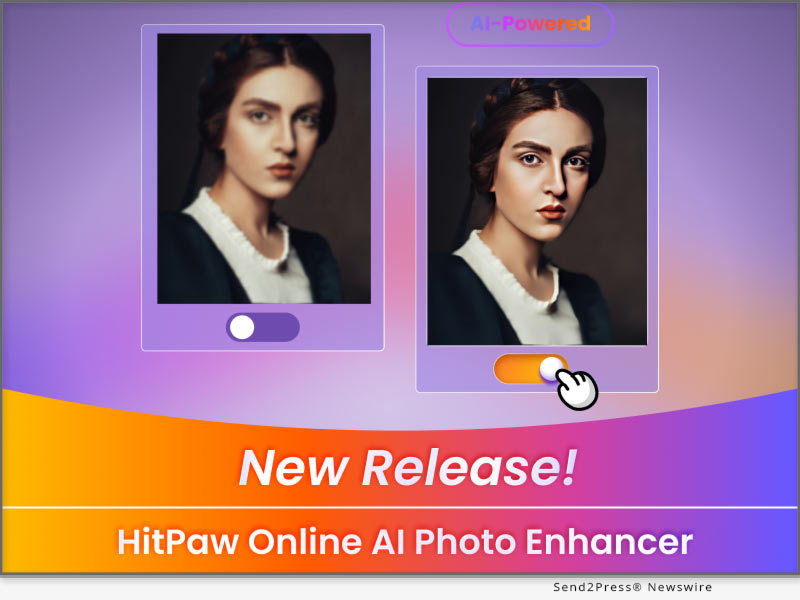
HitPaw Photo Enhancer App V1.0.0 Released: An Incredible New AI Face Enhancer and Photo Animator

NEW YORK, N.Y. /ScoopCloud/ -- HitPaw has newly released HitPaw Photo Enhancer App V1.0.0 which has been improved with an advanced AI algorithm to help you directly enhance the photos shot on your Android device. It has several AI tools to beautify your photos: a face-repairing tool to upscale and unblur your portraits, and use a colorizing tool to fix your old photos and make them brand new again. The most interesting tool is the stylization tool, you can use it to transform your portrait into a 3D or Japanese-style drawing. Use HitPaw and immediately make your photos look better.

LET'S DIVE INTO THE FEATURES OF THE APPLICATION:

* AI Photo Enhancer to One-click Enhance

With the latest AI technology, HitPaw can one-click auto-enhance and upscale your photo with no quality loss. Just upload the photo, and then click repair, HitPaw can help you do all the rest of the things.

* Repair every detail for your face perfection

When taking a selfie, you may want to retouch your portrait and make yourself look in perfect condition. Work as a wonderful blemish remover and wrinkle remover, it can fix your facial imperfection naturally.

* Animate Your Photo to Cartoon/3D/hand-painting

Try to animate your portrait and get a cute profile photo! Whatever the Japanese animation style, 3D style, pencil drawing style, or hand-painted style, HitPaw can always give you the best result.

* Colorize and Fix Black & White Photo

HitPaw's ability to restore old photos will let you feel traveling in a time machine. It's very capable and fast to process your black & white photos and paint them into colorful and vivid ones. You can definitely trust HitPaw when using it to bring old photos alive.

Compatibility and Price:

HitPaw Photo Enhancer App is now compatible with Android 5.0 and above. The pricing starts from $6.99 USD for 240 coins.

For more price checking and information, you can visit https://play.google.com/store/apps/details?id=com.hitpaw.photo.enhancer

About HitPaw:

HitPaw is an emerging software company specialized in video editing, screen recording, watermark removing, image editing, photo enhancing meme-making, etc. We help users turn their inspiration into reality so that we can generate more ideas to make the world be full of more creativity.

To know more, you may visit https://www.hitpaw.com/about.html and https://www.hitpaw.com/

Our Social Media:

YouTube: https://www.youtube.com/channel/UCQwRggaotgiMcPbiCOsJeBA

Facebook: https://www.facebook.com/hitpawofficial

Twitter: https://twitter.com/HitPawofficial

Instagram: https://www.instagram.com/hitpawofficial/

Pinterest: https://www.pinterest.com/HitPawofficialwebsite/

News from HitPaw

HitPaw has newly released HitPaw Photo Enhancer App V1.0.0 which has been improved with an advanced AI algorithm to help you directly enhance the photos shot on your Android device. It has several AI tools to beautify your photos: a face-repairing tool to upscale and unblur your portraits, and use a colorizing tool to fix your old photos and make them brand new again.

Related link: https://www.hitpaw.com/

This version of news story was published on ScoopCloud™ (ScoopCloud.com) - part of and © the Neotrope® News Network - all rights reserved.
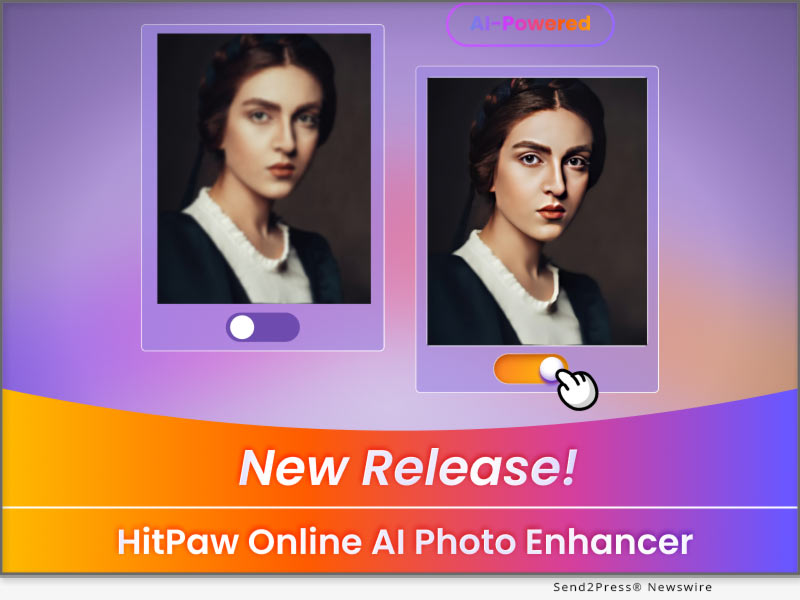
HitPaw Watermark Remover V2.1.0 Includes New AI Image Watermark Removal

NEW YORK, N.Y. /ScoopCloud/ -- HitPaw recently has released HitPaw Watermark Remover V2.1.0. The latest version of HitPaw Watermark Remover brings brand-new AI photo watermark remover for the best watermark removing results. Now HitPaw Watermark Remover not only support AI video watermark remover but also support AI image watermark remover.

This new automatic watermark remover function makes it much easier and quicker for users to ease watermark from photos. Let's find out the wonderful features of the Update for HitPaw Watermark Remover:

Brand-New AI Image Watermark Remover

HitPaw, as the industrial pioneer, brings the brand-new AI photo watermark remover to help you get rid of the watermarks from images using our powerful AI technology. Whether you're skilled professional or a novice, you can now remove watermark from any image with ease.

Remove Watermarks from Your Images Completely

Our AI technology not only help you automatically remove watermarks from photos but also make watermark removing more completely. You can easily erase any watermarks from photos perfectly without leaving any marks or destroying the image background.

Magically Remove Text, Sticker and Anything from Photos

Troubled by the annoying text on your images? HitPaw AI photo watermark remover can erase any watermarks including texts, stickers, date stamps, graphic logos, undesired tourists, and more from photos seamlessly.

Erase Multiple Watermarks from Photos Intelligently

No matter how many watermarks are placed on your photos, what type of watermarks they are, HitPaw Watermark Remover is capable of erasing them clearly with AI technology. No technical skills are required to complete the removing task.

3 Actions to Remove Watermark from a Photo

Removing watermarks from an image file is quick and easy with HitPaw Watermark Remover. Just upload your image to HitPaw, and utilize its handy selection tool to highlight watermark area, then the AI tech will clean it completely in a flash.

All Popular Image Formats Supported

HitPaw Watermark Remover support various image formats like jpg, jpeg, png, bmp, webp. Different forms of images can be uploaded simultaneously and it will keep the original quality of your photo.

Compatibility and Price

HitPaw Watermark Remover is now compatible with Windows including Win11 and Mac OS Monterey. Its pricing starts from $6.99 per month, $9.99 per year, and $25.99 for the lifetime. For more information checking, you can visit :

https://www.hitpaw.com/purchase/buy-hitpaw-remove-watermark.html

About HitPaw

HitPaw is an emerging software company specialized in files compressing, video editing, screen recording, watermark removing, image editing, photo enhancing, etc. We help users turn their inspiration into reality so that we can generate more ideas to make the world be full of more creativity. To know more, you may visit https://www.hitpaw.com/about.html and https://www.hitpaw.com/

Our Social Media

YouTube: https://www.youtube.com/channel/UCQwRggaotgiMcPbiCOsJeBA

Facebook: https://www.facebook.com/hitpawofficial

Twitter: https://twitter.com/HitPawofficial

Instagram: https://www.instagram.com/hitpawofficial/

Pinterest: https://www.pinterest.com/hitpawcom/

News from HitPaw

HitPaw recently has released HitPaw Watermark Remover V2.1.0. The latest version of HitPaw Watermark Remover brings brand-new AI photo watermark remover for the best watermark removing results. Now HitPaw Watermark Remover not only support AI video watermark remover but also support AI image watermark remover.

Related link: https://www.hitpaw.com/

This version of news story was published on ScoopCloud™ (ScoopCloud.com) - part of and © the Neotrope® News Network - all rights reserved.
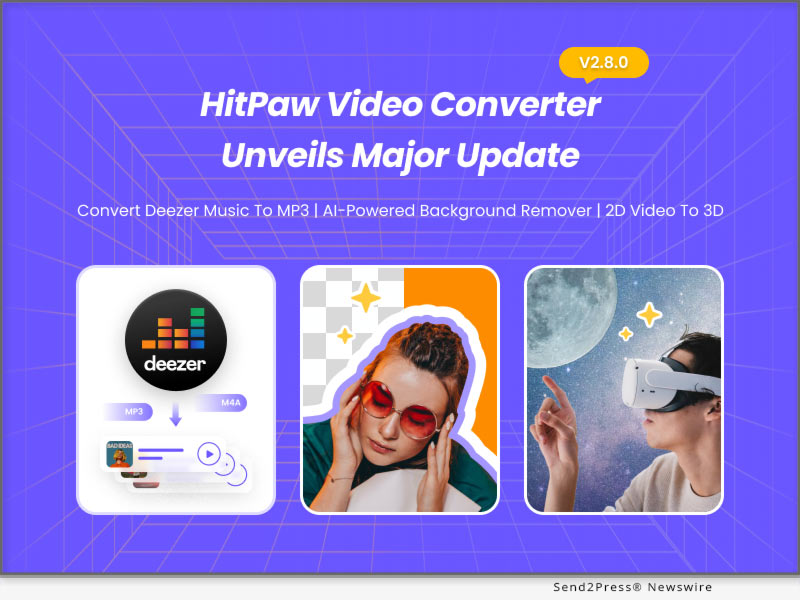
HitPaw Photo Enhancer V2.0.0 Update Features Multi-Task Processing and Combined Model for Portraits

NEW YORK, N.Y. /ScoopCloud/ -- HitPaw has released HitPaw Photo Enhancer V2.0.0 that has been improved with advanced AI algorithm to make the photo enhancing as simple as possible. This is to suit people's higher-level demands of enhancing blurred&pixelated photographs, or even repair the old portrait photos. All the attributes of a image, such as sharpness, contrast, exposures, and resolutions, can be automatically adjusted by the powerful Artificial Intelligence.

Moreover, all the Exif information, storing the important data about photos, will be saved after the enhancement in the latest version.

LET'S DIVE IN THE NEW FEATURES OF THE UPDATE:

* Keep Original File Information

After improvement, HitPaw Photo Enhancer will maintain Transparent Background and all Exif Data. When using a transparent background, you can overlay different colors, images, or forms to give your layout depth and/or eye-catching visual effects. Exif Information enables users to verify the exposure, ISO, shutter, GPS locations, and other settings.

* Processing More Images At the Same Time

Image processing typically requires a lot of effort. HitPaw Photo Enhancer enables processing several photographs using the same AI models concurrently, with a maximum of 20 images processed, in order to increase efficiency.

* Combined Models for Portraits

Users who want to fix an old picture usually give it two enhancements: Colorize Model and Face Model. HitPaw Photo Enhancer now includes combined models for portraits after assessing all user experience. The convenience of old photo fixing is provided by the Combined Models, which combine the Face Model and Colorize Model.

* Supporting Customized Resolutions

Every image's resolution can be customized by HitPaw Photo Enhancer to suit the requirements. For example, YouTube thumbnails require images with a minimum resolution of 1280x720, while Dailymotion thumbnails call for an image with a minimum resolution of 640x360.

Compatibility and Price:

HitPaw Photo Enhancer is now compatible with Windows 11/10/8/7(64-bit OS) and macOS 10.15 and above. The pricing starts from $17.99 USD for a month plan.

For more price checking and information, you can visit https://www.hitpaw.com/purchase/buy-hitpaw-photo-enhancer.html.

About HitPaw:

HitPaw is an emerging software company specialized in video editing, screen recording, watermark removing, image editing, photo enhancing meme-making, etc. We help users turn their inspiration into reality so that we can generate more ideas to make the world be full of more creativity.

To know more, you may visit https://www.hitpaw.com/about.html and https://www.hitpaw.com/

Our Social Media:

YouTube: https://www.youtube.com/channel/UCQwRggaotgiMcPbiCOsJeBA

Facebook: https://www.facebook.com/hitpawofficial

Twitter: https://twitter.com/HitPawofficial

Instagram: https://www.instagram.com/hitpawofficial/

Pinterest: https://www.pinterest.com/HitPawofficialwebsite/

News from HitPaw

HitPaw has released HitPaw Photo Enhancer V2.0.0 that has been improved with advanced AI algorithm to make the photo enhancing as simple as possible. This is to suit people's higher-level demands of enhancing blurred&pixelated photographs, or even repair the old portrait photos. All the attributes of a image, such as sharpness, contrast, exposures, and resolutions, can be automatically adjusted by the powerful Artificial Intelligence.

Related link: https://www.hitpaw.com/

This version of news story was published on ScoopCloud™ (ScoopCloud.com) - part of and © the Neotrope® News Network - all rights reserved.
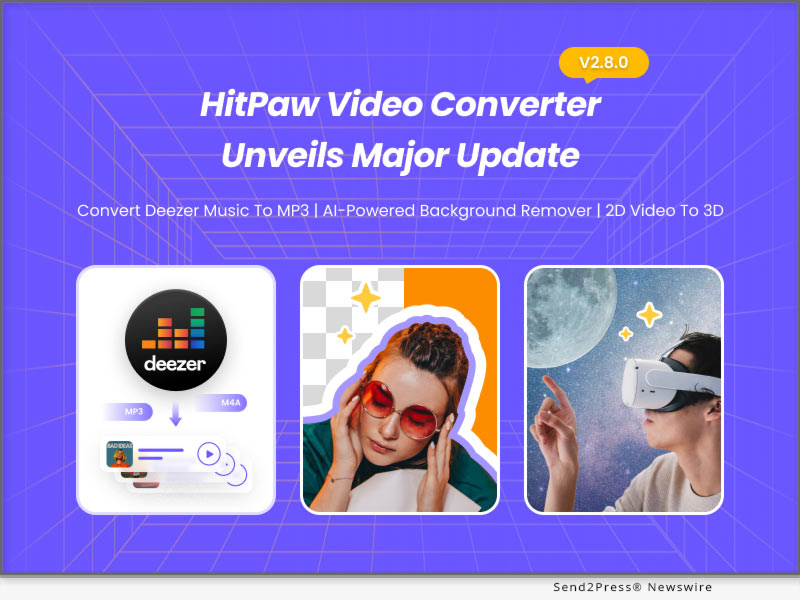
HitPaw launches its largest sales events, offering up to 67% off and 1,000+ licenses absolutely free

NEW YORK, N.Y. /ScoopCloud/ -- In order to reduce the cost of entry for creators, HitPaw launched the largest discount event ever at the end of 2022, including Black Friday, Cyber Monday, Buy HitPaw Video Converter Get HitPaw Video Editor Free, and 50% Discount on HitPaw Photo Enhancer & HitPaw Video Enhancer. HitPaw is an emerging software company specialized in video editing, screen recording, watermark removing, image editing, photo enhancing, and more.

Black Friday is a day when deals appear on every software site. Users can participate to get a free product licence. Sale events to bring a big discount for all happy users. Moreover, HitPaw has prepared great discounts of best-selling products for participants, including video converter, video enhancer, video editor, etc.

Find HitPaw Black Friday and Cyber Monday deals, up to 67% discounts now! You can join the event until December 2, 2022.

1 - Get the Free Product License

In order to increase the fun, a small easter egg is buried on the event page waiting for users to find it. Found users will have a free license for one month as a reward.

2 - Buy One Get One Free

Try to download MP4 or MP3 files from over 10,000 websites? Do you want to create the popular GIF memes? Want to use Speed Ramping and create a spectacular film with a transaction suitable for a movie? Here is your wonderful opportunity! The creator bundles from HitPaw are ready and feature both HitPaw Video Converter and HitPaw Video Editor.

3 - 50% Discount for Enhancers

Users may now take advantage of picture and video improvement solutions at the lowest price thanks to a 50% reduction offered by HitPaw to its enhancer products. The price of HitPaw Video Enhancer now starts $42.99 monthly with the original price of $85.99, and the price of HitPaw Photo Enhancer starts $17.99 monthly with the original price of $35.99.

How to participate:

For more information or to participate in the event, visit:

https://www.hitpaw.com/sales-promotion.html

https://www.hitpaw.com/purchase/buy-hitpaw-video-enhancer.html

https://www.hitpaw.com/purchase/buy-hitpaw-photo-enhancer.html

https://www.hitpaw.com/purchase/buy-hitpaw-video-converter.html

About HitPaw:

HitPaw is an emerging software company specialized in video editing, screen recording, watermark removing, image editing, photo enhancing, etc. We help users turn their inspiration into reality so that we can generate more ideas to make the world be full of more creativity.

To know more, you may visit https://www.hitpaw.com/about.html and https://www.hitpaw.com/

Our Social Media:

YouTube: https://www.youtube.com/channel/UCQwRggaotgiMcPbiCOsJeBA

Facebook: https://www.facebook.com/hitpawofficial

Twitter: https://twitter.com/HitPawofficial

Instagram: https://www.instagram.com/hitpawofficial/

Pinterest: https://www.pinterest.com/HitPawofficialwebsite/

News from HitPaw

In order to reduce the cost of entry for creators, HitPaw launched the largest discount event ever at the end of 2022, including Black Friday, Cyber Monday, Buy HitPaw Video Converter Get HitPaw Video Editor Free, and 50% Discount on HitPaw Photo Enhancer and HitPaw Video Enhancer. HitPaw is an emerging software company specialized in video editing, screen recording, watermark removing, image editing, photo enhancing, and more.

Related link: https://www.hitpaw.com/

This version of news story was published on ScoopCloud™ (ScoopCloud.com) - part of and © the Neotrope® News Network - all rights reserved.
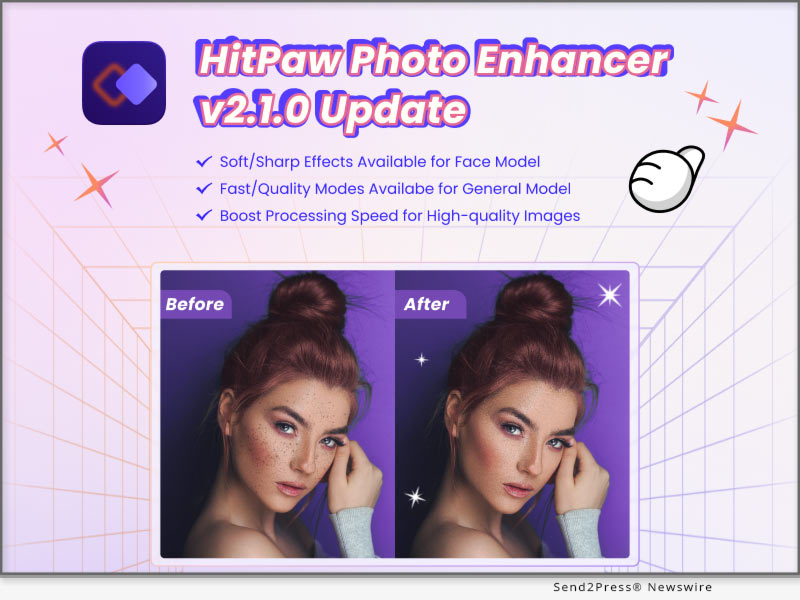
With AI-powered HitPaw Video Converter V2.6, enjoy Sparkling Creation of Video and Audio

NEW YORK, N.Y. /ScoopCloud/ -- In order to enable users to satisfy various needs easily and efficiently, HitPaw, as the industrial pioneer, brings the AI-enabled features to its flagship product. HitPaw Video Converter V2.6.0 has been released with 5 remarkable functions, including Spotify Music Converter, Vocal Remover, Video/Image Compressor, DVD Converter, and Image Editor.
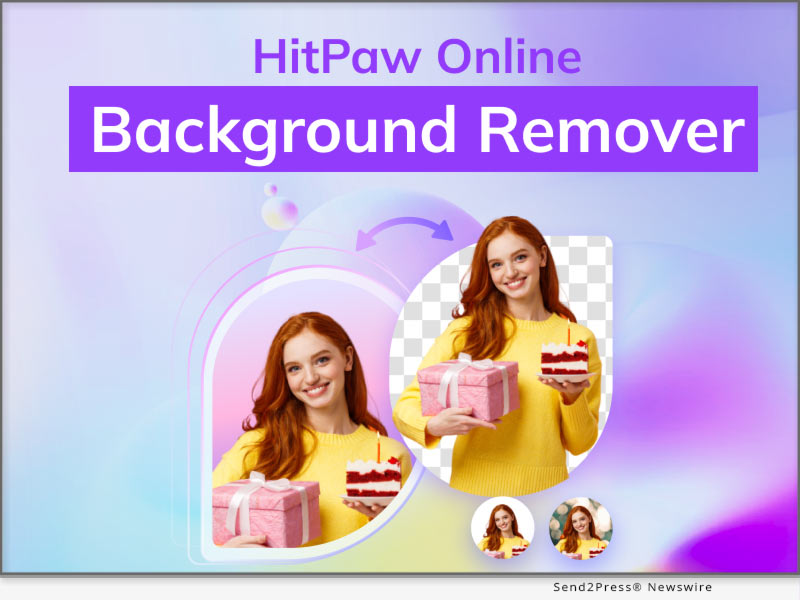
Let's dive into the amazing features of HitPaw Video Converter V2.6.0:

* Spotify Music Converter

Unlike Spotify Free, Spotify Premium allows you to download music so that it is always with you. Spotify Music Converter enable users to convert Spotify music to MP3/WAV/M4A with a 120x quicker conversion speed and complete ID3 tag information.

* Vocal Remover

Music producers may easily and quickly extract voice and instrumental tracks from their music with this AI-powered Vocal Remover.

* Video/Image Compressor

Unable to send huge movies by email? Attempting to upload videos but the file size is too big? When the storage is full, are you unsure about which videos to delete? Users of Video/Image Compressor can downsize video and image files without compromising quality. The audience may access high-quality material from creators.

* DVD Converter

With HitPaw Video Converter, DVDs may be played on any player or gadget without sacrificing quality. There are currently over 1000 different video and music formats that may be extracted from DVD discs, DVD Folders, ISO, and IFO files, including MP4, MOV, MKV, AVI, FLV, MP3, and WMA.

* Image Editor

You may crop and rotate pictures with HitPaw Video Converter's 7 presets, change the brightness, contrast, saturation, and hue of pictures, and add a watermark to pictures. Users can always share the ideal photo with friends or on their personal social media accounts.

Compatibility and Price:

HitPaw Video Converter is now compatible with Windows including Windows 11 and macOS Monterey. Its pricing starts from $19.95 per month, $39.95 per year, and $79.95 for the lifetime license.

For more information checking, you can visit: https://www.hitpaw.com/purchase/buy-hitpaw-video-converter.html

About HitPaw:

HitPaw is an emerging software company specialized in files compressing, video editing, screen recording, watermark removing, image editing, photo enhancing, etc. We help users turn their inspiration into reality so that we can generate more ideas to make the world be full of more creativity.

To know more, you may visit https://www.hitpaw.com/about.html and https://www.hitpaw.com/

Our Social Media:

YouTube: https://www.youtube.com/channel/UCQwRggaotgiMcPbiCOsJeBA

Facebook: https://www.facebook.com/hitpawofficial

Twitter: https://twitter.com/HitPawofficial

Instagram: https://www.instagram.com/hitpawofficial/

Pinterest: https://www.pinterest.com/HitPawofficialwebsite/

News from HitPaw

In order to enable users to satisfy various needs easily and efficiently, HitPaw, as the industrial pioneer, brings the AI-enabled features to its flagship product. HitPaw Video Converter V2.6.0 has been released with 5 remarkable functions, including Spotify Music Converter, Vocal Remover, Video/Image Compressor, DVD Converter, and Image Editor.

Related link: https://www.hitpaw.com/

This version of news story was published on ScoopCloud™ (ScoopCloud.com) - part of and © the Neotrope® News Network - all rights reserved.