Tag Archives: Photography and Videography

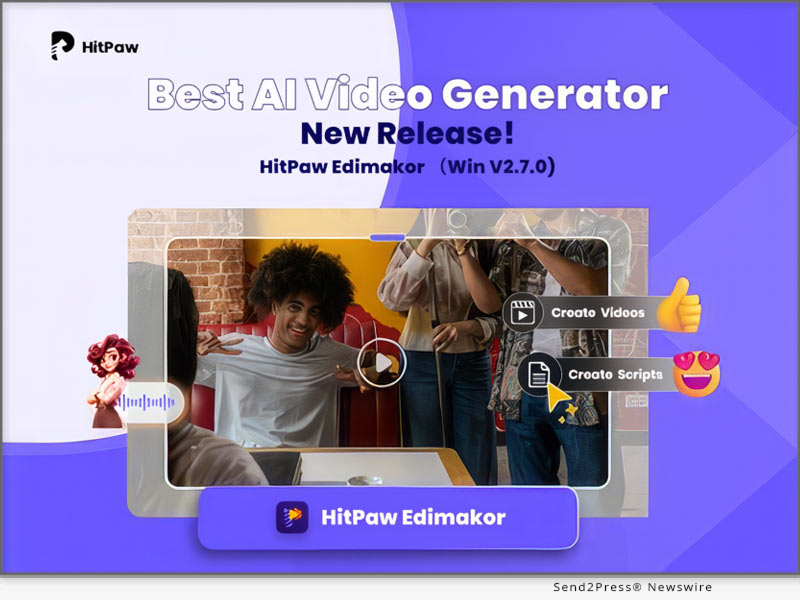
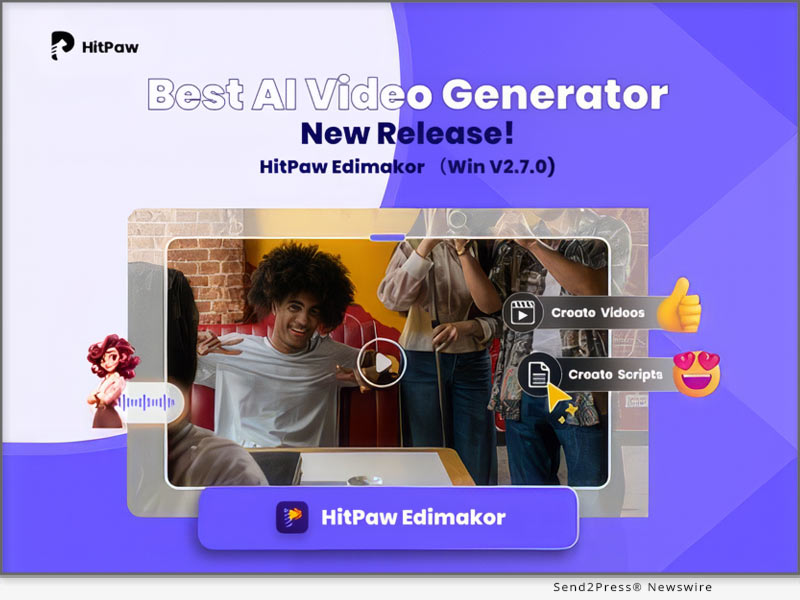
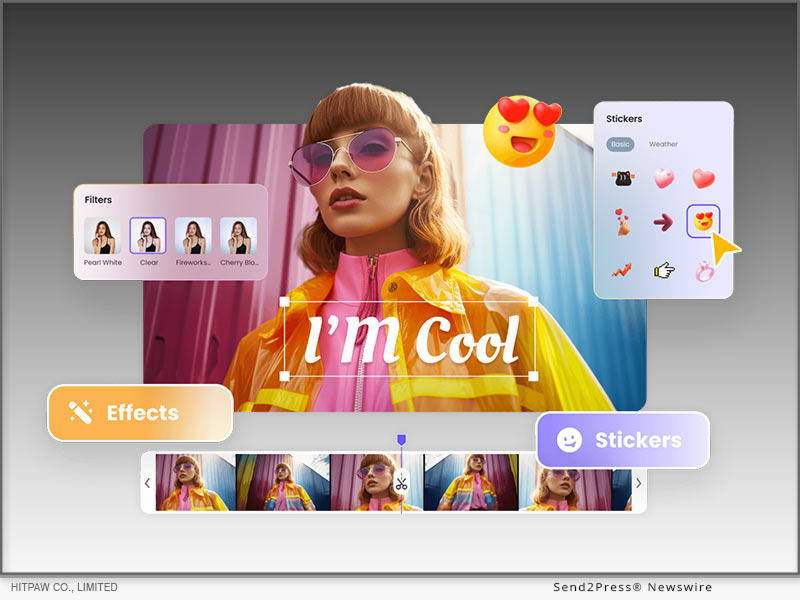
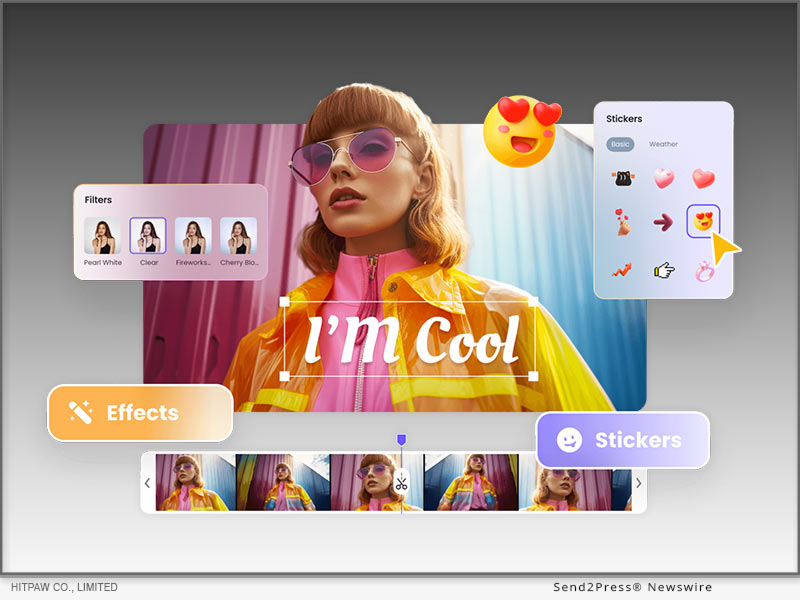
HitPaw Online Launches its AI Video Generator for Effortless Creation

Powered by advanced AI models, the tool intelligently interprets user input to generate high-quality, dynamic videos that suit a variety of needs

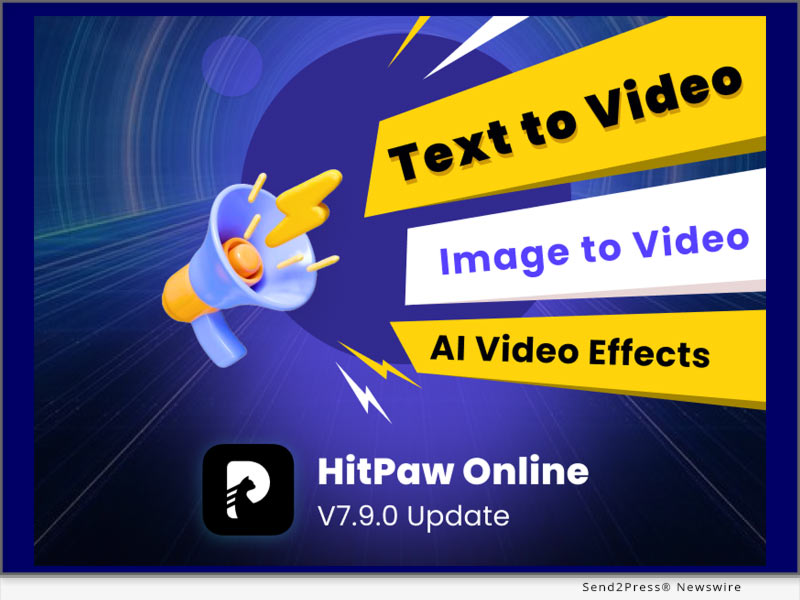
NEW YORK, N.Y., April 18, 2025 (SEND2PRESSS NEWSWIRE) — HitPaw, a leading software brand known for its creative and intuitive multimedia tools, proudly announced the launch of its brand-new AI Video Generator on HitPaw Online. The HitPaw Online AI Video Generator provides two intuitive pathways: Text to Video and Image to Video, making it easier than ever to bring ideas to life.
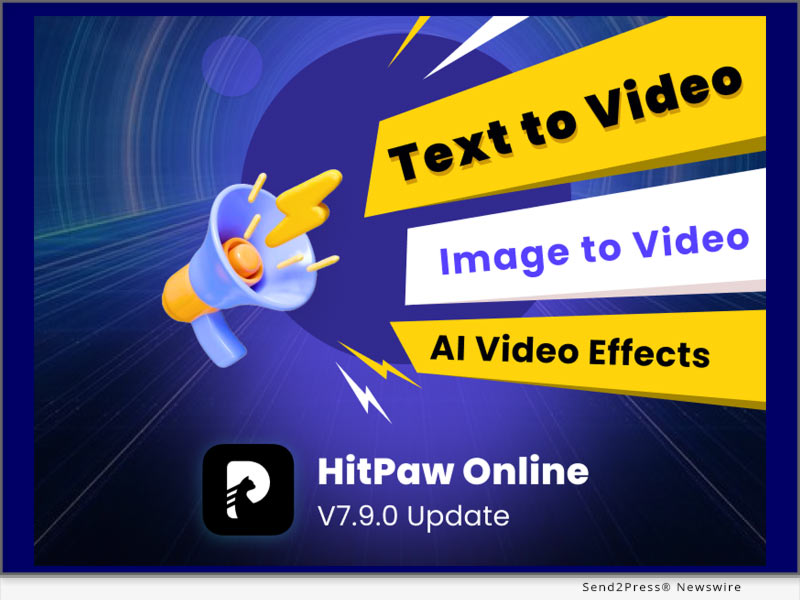
HitPaw Online AI Video Generator features
Image caption: HitPaw Online AI Video Generator features.

WHAT’S NEW IN HITPAW ONLINE – AI VIDEO GENERATOR

Powered by advanced AI models, the tool intelligently interprets user input to generate high-quality, dynamic videos that suit a variety of needs, from storytelling and tutorials to product showcases and social media content.

TEXT TO VIDEO: JUST TYPE, AND WATCH IT COME TO LIFE

The Text to Video feature allows you to create fully videos by simply entering a detailed text prompt. From landscapes to abstract concepts, AI interprets your input to bring your vision to life.

You can tailor the result through several intuitive options:

  • Prompt Input: Describe the scene, characters, or actions. The more detailed your prompt, the better the visual output.
  • Model Selection: Choose between Standard for faster generation or Professional for higher-quality visuals.
  • Duration Setting: Define how long your video should be—ideal for everything from short social media clips to longer storytelling segments.
  • Aspect Ratio Options: Select the format (1:1, 16:9, 9:16, etc.).
  • Negative Prompts: Specify elements you don’t want to appear, helping the AI avoid unwanted styles.

IMAGE TO VIDEO: BRING STILL IMAGES TO LIFE WITH AI

The Image to Video feature gives static images new meaning through motion. Whether you’re working with a single image or a pair of keyframes, AI handles the animation with artistic finesse.

It includes two creative modes:

Frame Mode
Perfect for simulating motion between images:

  • Upload 1 or 2 Keyframes: Start with a single image or define both the start and end frames for more controlled motion.
  • Prompt (Optional): Add descriptive text to guide the video’s style, ambiance, or action.
  • Model Choice: Choose either Standard or Professional.
  • Duration Control: Set how long the animation should last.
  • Negative Prompts (Optional): Eliminate unwanted elements by telling the AI what not to include.

Effect Mode
Add eye-catching, stylized effects to any photo:

  • Photo to Animation: Upload a single image and apply fun AI effects like AI HUG, Kungfu Club, Ghibli Live, and more.
  • 5-Second Video Output: Perfect for social media posts, profile animations, or digital art expressions.

For more information checking, you may visit: https://online.hitpaw.com/online-ai-video-generator.html

About HitPaw Online

HitPaw Online is an all-in-one platform offering powerful online tools for video editing, image enhancement, audio processing, and now, AI-powered creativity. With a mission to make digital content creation accessible to everyone, HitPaw Online provides intuitive, browser-based tools that require no downloads or professional experience.

To know more, you may visit: https://online.hitpaw.com/.

To explore more creative tools, you may visit: https://www.hitpaw.com/.

Our Social Media:

YouTube: https://www.youtube.com/@hitpaw

X (Twitter): https://x.com/HitPawofficial

Instagram: https://www.instagram.com/hitpawofficial/

Pinterest: https://www.pinterest.com/HitPawofficialwebsite

NEWS SOURCE: HitPaw


This press release was issued on behalf of the news source (HitPaw), who is solely responsible for its accuracy, by Send2Press Newswire. Image, if any, was provided by the news source and not this website or the wire service. Information is believed accurate, as provided by the news source, but is not guaranteed.

To view the original story, visit: https://www.send2press.com/wire/hitpaw-online-launches-its-ai-video-generator-for-effortless-creation/

Copr. © 2025 Send2Press® Newswire, Calif., USA. -- REF: S2P STORY ID: S2P125589 NOREL-3B

 

The Light Committee Reaches 10 Year Milestone Being in Business

Formed in 2015, The Light Committee Has Been Offering Headshots Throughout Los Angeles and Other One-on-One Photography Sessions While Being Based Mostly in Glendale, Calif.

GLENDALE, Calif., April 17, 2025 (SEND2PRESS NEWSWIRE) — The Light Committee™, a photography studio known for providing some of the best headshots in Los Angeles, has reached a milestone of 10 years in business in greater Los Angeles. At the start of the year, the studio relocated to downtown Glendale, Calif., on N. Brand Blvd.

The Light Committee
Image caption: The Light Committee.

Beginning business in 2015, The Light Committee ultimately opened its first studio in La Crescenta, Calif., near the Glendale, Calif. border. After this move, the studio owner tried a stint in downtown Los Angeles, specifically the Arts District. Business continued to grow here and ultimately The Light Committee moved again to Glendale, Calif., on E. Colorado St. It was at this location that the studio worked to get past the pandemic and ultimately another studio move was in place to Montrose, Calif., a suburb of Glendale. The studio was located on Honolulu Ave., in the heart of the Montrose business and retail district.

In January 2025, The Light Committee moved to its current location at 335 N Brand Blvd, Ste 250, Glendale, Calif. 91203. At this location, there is a large central room serving as the main studio space, a dedicated hair and makeup dressing room, a photographer’s office, and a storage room. Being located in the north downtown Glendale business district, and on the main downtown street of Brand Blvd, the location is also prime for natural light headshot sessions.

Today, the studio remains as committed to providing the best headshots in the area at competitive rates as ever. During this time in business, the studio has earned many awards. They include “People Love Us on Yelp” and the Expertise.com Award for Best Portrait Photographers in Los Angeles and Glendale. These awards have been won over numerous years. In addition, currently the studio has earned more five-star reviews on Google than any other listed headshot studio in Los Angeles County.

The studio is a member of the Los Angeles Area Chamber of Commerce and the Glendale Chamber of Commerce.

Acting Headshots Los Angeles

The Light Committee prides itself in offering some of the best and most affordable acting headshots in Los Angeles, whether studio-lit or with natural light. Rates currently start at just $150. There are also add-on options like adding more looks, adding a hair and make-up stylist, or adding a slate video.

Corporate Headshots Los Angeles

The photography studio offers studio-lit and natural light corporate headshots in Los Angeles. With some of the most premium image quality in Los Angeles and some of the lowest rates, The Light Committee is delivering true value. All types of professionals get headshots at the studio. This includes accountants, attorneys, authors, chefs, doctors (including for medical residency applications), engineers, entrepreneurs, film directors, finance executives, psychiatrists, psychologists, real estate agents, software developers, and many more.

Modeling Digitals in Los Angeles

The photographer also works with aspiring models to provide modeling digitals in Los Angeles. Most modeling agencies ask models to submit digitals for consideration to be represented by them. This typically includes a headshot, full body shot, profile shots of the face and body, and also some other shots like half body shots. Because most agencies have different requirements, getting a lot of shots created is usually a good idea so there are options to submit to as many agencies as possible.

In addition, most agencies want a plain background, such as white, and no hard shadows. They do not usually require that a model works with a photographer to create these, but many aspiring models do for a variety of reasons. An experienced modeling digitals photographer can help provide guidance with posing. They will also likely have a plain white background that is best to use. In addition, they will likely have studio-grade lighting to minimize hard shadows.

About The Light Committee

The Light Committee is an award-winning headshot photography studio located at 335 N Brand Blvd, Ste 250, Glendale, CA, 91203, within the greater Los Angeles area and just around 10 miles north of downtown LA. Rafael, the headshot photographer, aims to deliver value by providing affordable headshots with some of the highest quality results in LA or beyond. This includes actor headshots, corporate headshots, and modeling digitals. He also works with teams by providing mobile headshots at their offices. From nearly 1,300 photographers researched yearly from 2019 through 2024, Expertise.com has independently rated The Light Committee as being in the top 20 Best Portrait Photographers in Los Angeles each of those years.

Learn more at https://thelightcommittee.com/.

Note: The Light Committee is a service mark of a California S Corporation. Whether noted or not, references to other certain words or names may be trademarks or registered trademarks of their respective owners. All images produced are protected by U.S. Copyright Law.

NEWS SOURCE: The Light Committee


This press release was issued on behalf of the news source (The Light Committee), who is solely responsible for its accuracy, by Send2Press Newswire. Image, if any, was provided by the news source and not this website or the wire service. Information is believed accurate, as provided by the news source, but is not guaranteed.

To view the original story, visit: https://www.send2press.com/wire/the-light-committee-reaches-10-year-milestone-being-in-business/

Copr. © 2025 Send2Press® Newswire, Calif., USA. -- REF: S2P STORY ID: S2P125575 NOREL-3B


HitPaw VikPea V4.2.0 Released with Updates including Detail Recovery Model Supporting Cloud Acceleration Service

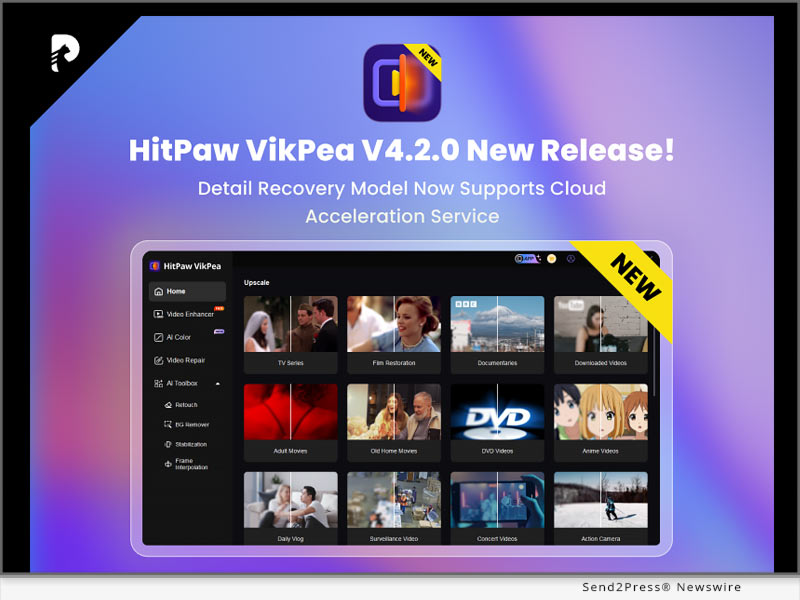
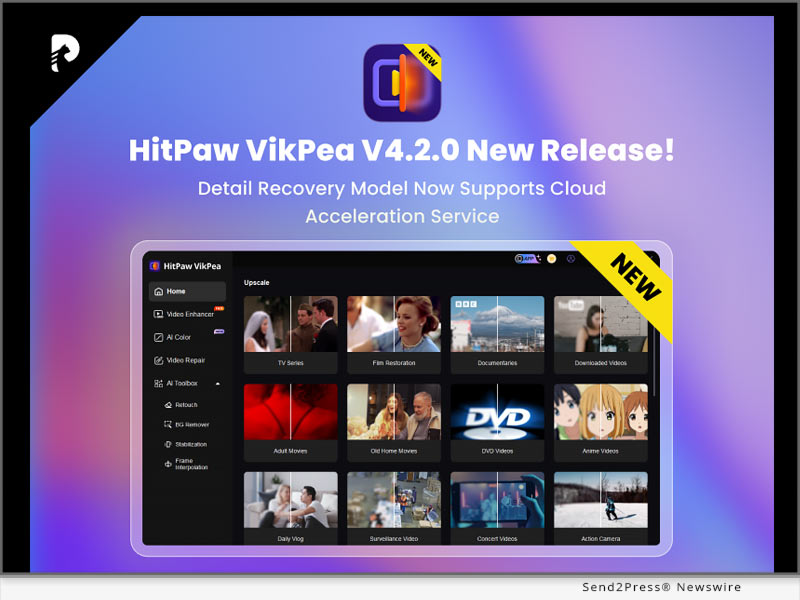
NEW YORK, N.Y., April 7, 2025 (SEND2PRESS NEWSWIRE) — HitPaw, a leading innovator in multimedia software solutions, today announced the release of a new version of HitPaw VikPea (originally named HitPaw Video Enhancer)! VikPea V4.2.0 is a significant update to its all-in-one video enhancement platform. In this version, the Detail Recovery Model now supports cloud acceleration service, a detailed breakdown of cloud acceleration credits has been added, video cropping settings options have been introduced, and a refined user experience to streamline creative workflows for professionals and enthusiasts alike.

HitPaw VikPea V4.2.0 New Release
Image caption: HitPaw VikPea V4.2.0 New Release.

What’s New in VikPea V4.2.0

Detail Recovery Model Supports Cloud Acceleration Service

Leverage HitPaw’s AI-driven cloud servers to dramatically speed up detail restoration tasks (e.g., upscaling, and noise reduction). Reduce local hardware pressure and improve rendering speed.

New Face Realistic Model

The Face Model (Realistic) focuses on accurately restoring facial details, reproducing textures and pores, reducing inter-frame jitter, and ensuring a more refined processing experience.

New Video Cropping Settings

Added custom video cropping settings and manual input for pixel-perfect cropping. Preview adjustments instantly with a draggable grid overlay for framing accuracy.

What’s Important!

AI VIDEO ENHANCER

HitPaw VikPea not only offers the latest video detail enhancement features but also includes several specialized enhancement models, such as Video Quality Repair Model, Face Model, General Denoise Model and Animation Model. Each model provides targeted optimization effects to meet various video enhancement needs, delivering a comprehensive solution for achieving perfect video quality.

AI BACKGROUND REMOVAL

The AI Background Removal feature simplifies the process of removing cluttered backgrounds from videos with a single click, preserving clear videos of subjects. This tool is especially useful for e-commerce, as it removes distracting backgrounds to maintain a clean and professional appearance of products. With just a simple click, you can quickly replace or remove video backgrounds, making your product listings stand out and look more appealing to potential customers.

Compatibility and Price

HitPaw VikPea is compatible with both Windows and MacOS, making it accessible to a wide range of users. Now you can try out the new features by downloading the free trial version, or purchase the full package starts from $43.19/month.

For more Information: HitPaw Video Enhancer – AI Video Enhancer

About HitPaw

HitPaw is a cutting-edge company that enters the AI editing field with innovation, creativity, efficiency, and simplicity as its core characteristics. It empowers millions of users worldwide with AI-powered tools for video, image, audio editing, enhancing, and conversion. Its flagship products are trusted by content creators, marketers, and educators for their simplicity and cutting-edge technology.

To know more, you may visit: About HitPaw – All Things About HitPaw and [OFFICIAL] HitPaw: Powerful Video, Audio, and Image Solutions Provider

Our Social Media

YouTube: https://www.youtube.com/channel/UCQwRggaotgiMcPbiCOsJeBA

X/Twitter: https://twitter.com/HitPawofficial

Instagram: https://www.instagram.com/hitpawofficial/

Pinterest: https://www.pinterest.com/hitpawcom/

NEWS SOURCE: HitPaw


This press release was issued on behalf of the news source (HitPaw), who is solely responsible for its accuracy, by Send2Press Newswire. Image, if any, was provided by the news source and not this website or the wire service. Information is believed accurate, as provided by the news source, but is not guaranteed.

To view the original story, visit: https://www.send2press.com/wire/hitpaw-vikpea-v4-2-0-released-with-updates-including-detail-recovery-model-supporting-cloud-acceleration-service/

Copr. © 2025 Send2Press® Newswire, Calif., USA. -- REF: S2P STORY ID: S2P125350 NOREL-3B


New in 2025: How to Make Free AI Kissing Videos Online with the Best AI Kissing Generator

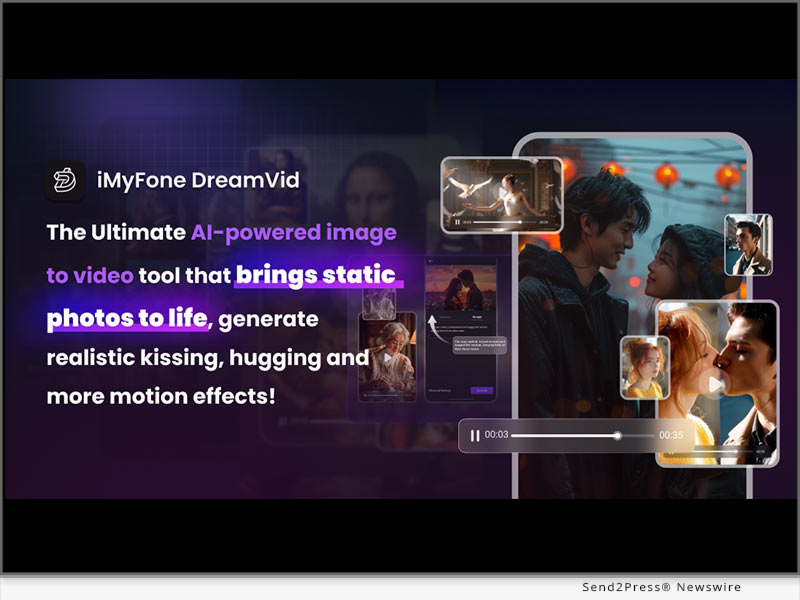
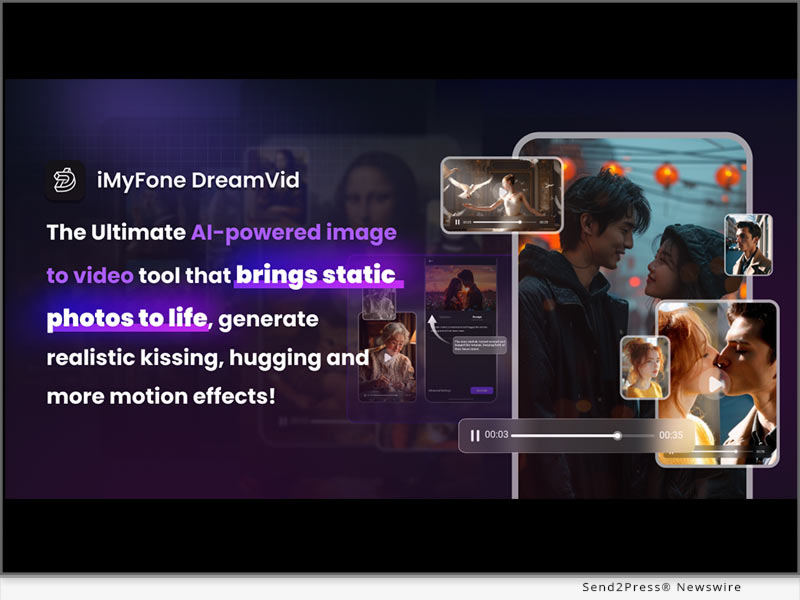
NEW YORK, N.Y., April 7, 2025 (SEND2PRESS NEWSWIRE) — Have you ever dreamed of sharing a “sweet kiss” with your favorite celebrity or anime character? It may sound like a fantasy, but now relay on cutting-edge AI technology, this dream can now become a reality. With iMyFone DreamVid – AI Kissing Video Generator, you can create incredibly realistic kissing scenes, even if the two individuals have never actually met. This AI tool uses advanced recognition algorithms to analyze facial features and apply kissing actions, creating a smooth and realistic video effect.

iMyFone DreamVid – Free AI Kissing Video Generator Online
Image caption: iMyFone DreamVid – Free AI Kissing Video Generator Online.

WHAT IS IMYFONE DREAMVID

iMyFone DreamVid is an AI tool designed to transform static images into dynamic videos. Users simply upload a photo, select a template, and let the AI animate it in the chosen style. The platform includes a variety of fun templates such as AI Kiss, AI Hug, AI Kungfu, AI Dance, and Animate Old Photos. It’s available both online and as a mobile app, enabling users to create stunning content anytime, anywhere.

STEP-BY-STEP GUIDE TO CREATE AN AI KISS

  1. Visit iMyFone DreamVid – Free AI Kissing Video Generator Online.
  2. Click the “AI Video” option in sidebar to open AI Kiss creation page.
  3. Upload photos of the people you want to make kiss each other.
  4. Click “Create” and let the AI process the images.
  5. Go to the “Created” page to download/share your kissing video.

FEATURES OF IMYFONE DREAMVID AND WHY STAND OUT

  1. Ultra-fast Processing: Generates a Kissing video in under 10 seconds.
  2. Easy to Use: Beginner-friendly interface, no editing or AI skills needed.
  3. Diverse Templates: A vast library of templates, including romantic, action, and animated styles, updated daily to keep content fresh.
  4. Hyper-realistic AI Rendering: Uses advanced algorithms to create natural facial expressions and smooth motion.
  5. Multi-Device Support: Compatible with web, iOS, and Android devices.
  6. Free Trial with No Watermark: Try all AI features for free and export high-quality videos without any watermark.

CREATIVE USES FOR AI KISSING VIDEOS

  • Social Media Content: Create romantic or humorous kissing videos for Instagram, TikTok, or YouTube Shorts to engage followers and gain massive likes.
  • Long-Distance Love Moments: Surprise your partner with a virtual kiss to feel closer no matter the miles between you.
  • Fun with Friends: Generate hilarious kissing scene featuring your friends and enjoy their reactions.
  • Romantic Marketing Campaigns: Use AI kissing generator for Valentine’s Day promotions, wedding advertisements, or branding campaigns for jewelry and dating apps.
  • Romance Novel Covers: Design eye-catching book covers or illustrations for love stories, enhancing their appeal to readers.

About iMyFone

Since 2015, iMyFone has always been a creative hub offering user-friendly tools to bring your imagination to life. With AI-powered image-to-video technology, your creations become more vivid and engaging. We believe creativity should be accessible to everyone, not just professionals. Try iMyFone DreamVid today: turn your dreams into reality!

LEARN MORE:

Explore Online

Download the DreamVid App

Visit iMyFone

NEWS SOURCE: iMyFone


This press release was issued on behalf of the news source (iMyFone), who is solely responsible for its accuracy, by Send2Press Newswire. Image, if any, was provided by the news source and not this website or the wire service. Information is believed accurate, as provided by the news source, but is not guaranteed.

To view the original story, visit: https://www.send2press.com/wire/new-in-2025-how-to-make-free-ai-kissing-videos-online-with-the-best-ai-kissing-generator/

Copr. © 2025 Send2Press® Newswire, Calif., USA. -- REF: S2P STORY ID: S2P125344 NOREL-3B


HitPaw Univd 5.0.0 Released with New AI Video Enhancer feature! Limited-Time 20% Discount and Bonus credits

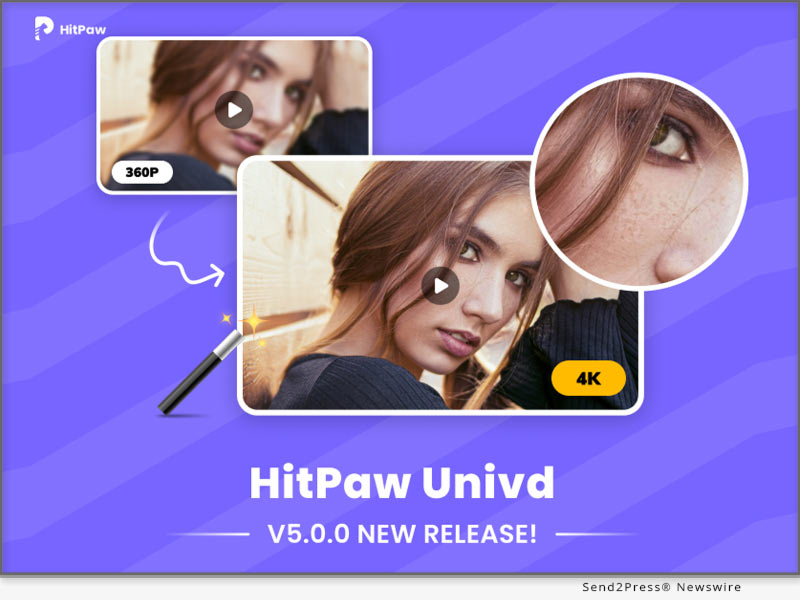
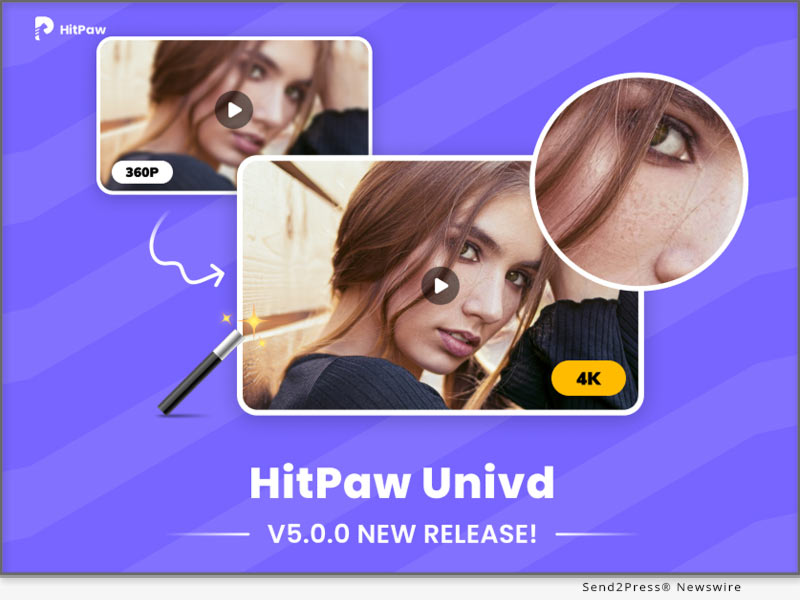
NEW YORK, N.Y., March 21, 2025 (SEND2PRESS NEWSWIRE) — HitPaw Univd has officially launched version 5.0.0, introducing the brand-new AI Video Enhancement feature. Now, you can upgrade blurry and low-resolution videos to 4K, reduce noise, and improve overall video quality with just one click!

HitPaw Univd 5.0.0 Release
Image caption: HitPaw Univd 5.0.0 Release.

LIMITED-TIME PROMOTION: ENJOY 20% OFF & EARN BONUS CREDITS!

For a limited time, enjoy a 20% discount on HitPaw Univd memberships and receive bonus credits that can be used for the AI Video Enhancement feature, giving you more value for your money!

WHAT YOU’LL GET

AI-Powered Upscaling – Automatically enhances details and colors for a crystal-clear image.

Up to 4K Resolution – Upgrade low-quality videos to high definition or 4K.

Noise Reduction – Remove unwanted noise for a cleaner and sharper look.

Fast Processing Speed – AI-powered optimization ensures quick and efficient video enhancement.

DISCOUNT DETAILS: MORE INFORMATION:    

https://videoconverter.hitpaw.com/sales-promotion.html

1-Month License – Now $15.96 (was $19.95) + 300 bonus credits (worth $20, can process 5 minutes of video)

1-Year License – Now $31.96 (was $39.95) + 800 bonus credits (worth $53, can process 13 minutes of video)

Perpetual License – Now $63.96 (was $79.95) + 1600 bonus credits (worth $106, can process 26 minutes of video)

PURCHASE MEMBERSHIP TO ENJOY ALL FEATURES

The Ultimate Video & Audio Editing Software

HitPaw Univd is an all-in-one tool for video, audio & image processing, offering a wide range of powerful features:

Video Editing – cut, merge, add effects, and enhance your video content effortlessly.

Video Compressing – Reduce video file sizes while maintaining high quality.

Batch Processing – Convert and optimize multiple files at once, saving time and effort.

Audio Processing – Extract audio, remove noise, and convert formats for high-quality sound.

Format Conversion – Easily convert videos to different formats for various devices and platforms.

AI-Powered Optimization – Automatically enhance video quality, remove background noises, and restore old footage.

About HitPaw

HitPaw is an emerging software company specializing in video editing, screen recording, watermark removing, image editing, photo enhancing meme-making, etc. We help users turn their inspiration into reality so that we can generate more ideas to make the world full of more creativity.

To know more, you may visit https://www.hitpaw.com/about.html and https://www.hitpaw.com/

Our Social Media

YouTube: https://www.youtube.com/channel/UCQwRggaotgiMcPbiCOsJeBA

Instagram: https://www.instagram.com/hitpawofficial/

Pinterest: https://www.pinterest.com/HitPawofficialwebsite/

NEWS SOURCE: HitPaw


This press release was issued on behalf of the news source (HitPaw), who is solely responsible for its accuracy, by Send2Press Newswire. Image, if any, was provided by the news source and not this website or the wire service. Information is believed accurate, as provided by the news source, but is not guaranteed.

To view the original story, visit: https://www.send2press.com/wire/hitpaw-univd-5-0-0-released-with-new-ai-video-enhancer-feature-limited-time-20-discount-and-bonus-credits/

Copr. © 2025 Send2Press® Newswire, Calif., USA. -- REF: S2P STORY ID: S2P124897 NOREL-3B


Introducing HitPaw Edimakor 3.6.0’s Smart Features: AI-Powered Image-to-Video, Talking Animals, and AI Clip Maker

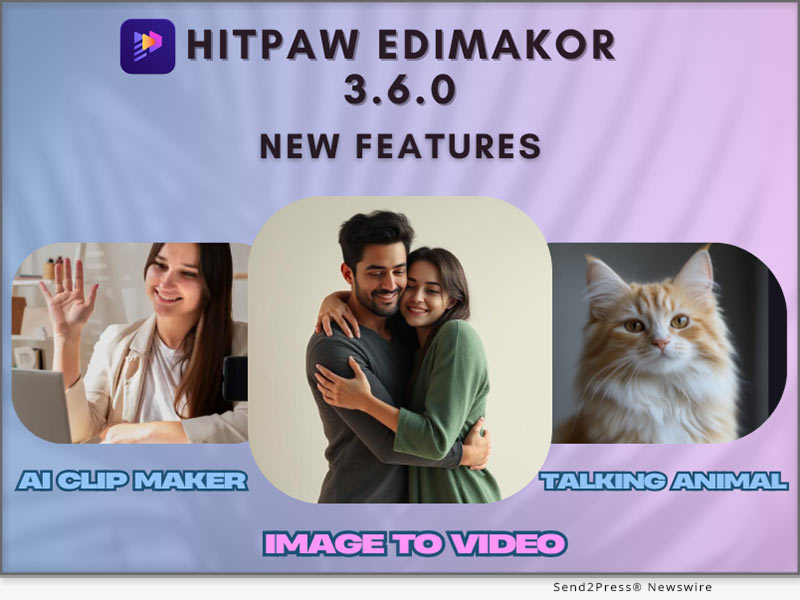
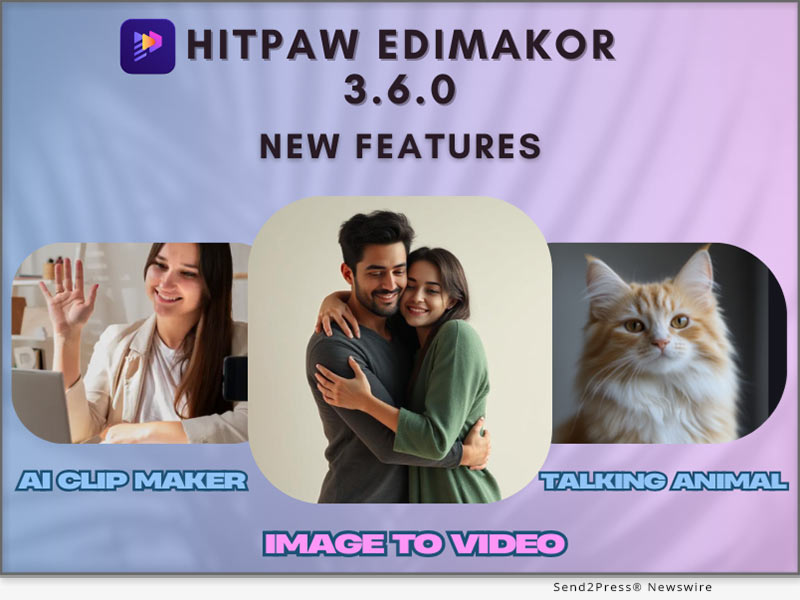
NEW YORK, N.Y., March 14, 2025 (SEND2PRESS NEWSWIRE) — HitPaw Edimakor is happy to announce the availability of the latest version 3.6.0 of its AI video editing software. The latest version has three new innovative features that are designed to transform static images into interactive video content with ease.Users can bring photos to life through AI-Powered Image-to-Video to create life-like clips. The Talking Animals option puts pet photos to life through speech animations, while the AI Clip Maker does the video editing automatically to create quick professional-standard results.Whether you are an educator, marketer, or content developer, Edimakor 3.6.0 makes video creation interactive and easier to use than ever.

HitPaw Edimakor 3.6.0
Image caption: HitPaw Edimakor 3.6.0.

NEW FEATURES IN EDIMAKOR 3.6.0

AI-POWERED IMAGE-TO-VIDEO

Users can easily bring static images to life through the new AI-Powered Image-to-Video tool. The AI tool offers seamless and natural-looking animation that makes the characters or objects seem to move naturally. The tool makes it possible to create hand-heart gestures, hugs, kisses, and fights through simply selecting an image and applying AI-generated effects.

Future versions will expand this capability further with other innovative animation options such as:Cooking pets ,Pet fitness exercises.

They will provide further flexibility to the content developers to produce one-of-a-kind engaging visuals.

TALKING ANIMALS FEATURE

The Talking Animals feature gives users the ability to bring photos of pets to life using speech syncing with mouth movements. It makes it possible to create engaging, interactive, and personalized talking pet videos.

Whether you want to create a pet to tell a joke, read a story, or entertain social media followers, the feature gives an innovative and fun aspect to your content.

AI CLIP MAKER

AI Clip Maker simplifies the creation of videos using automated editing. No need to manually splice clips together anymore. This tool:

  1. Processes content and intelligently chooses the best clips to enable seamless transitions.
  2. Adds background music and sound effects to the final product.
  3. Saves time during editing to enable users to spend more time on creativity rather than labour-intensive work.

This tool is ideal for marketers, content marketers, and businesses that want professional-looking videos without the nuisance of using the standard editing method.

USE CASES & BENEFITS

Edimakor 3.6.0 offers tremendous benefits to various groups of users.

  1. Content Creators: Easily produce engaging, animated videos for social media, YouTube, or other initiatives.
  2. Marketers: Develop engaging promotional videos, advertisements, and product displays that capture the viewer’s attention.
  3. Educators: Develop interactive learning materials that are more engaging to students.

By using AI-powered automation, Edimakor saves time and labor for users, making professional video creation accessible to anyone.

PRICING & AVAILABILITY

Both Windows and Mac users can use Edimakor 3.6.0. The free trial option can be accessed free of charge by new users while existing users can upgrade from $19.95 per month.

SUMMARY

Edimakor 3.6.0 has AI-powered Image-to-Video, Talking Animals, and AI Clip Maker to allow users to create stunning video content with ease. Whether users need to bring pictures to life, voice pets, or automate video editing, the new version provides the tools to simplify creativity and productivity.

ABOUT EDIMAKOR

Edimakor is a fresh AI-powered video editing tool that simplifies the creation of video. Along with the new features, it has strong AI capabilities, such as AI Video Translation, AI Subtitle Generator, and AI Avatars that allow it to be an end-to-end solution for next-gen content developers.

For more information about HitPaw Edimakor 3.6.0 and its features, visit: https://edimakor.hitpaw.com/

Follow on social:

https://x.com/HitpawEdimakor

https://www.youtube.com/@HitPawEdimakorOfficial

https://www.instagram.com/edimakor_official/

NEWS SOURCE: HitPaw


This press release was issued on behalf of the news source (HitPaw), who is solely responsible for its accuracy, by Send2Press Newswire. Image, if any, was provided by the news source and not this website or the wire service. Information is believed accurate, as provided by the news source, but is not guaranteed.

To view the original story, visit: https://www.send2press.com/wire/introducing-hitpaw-edimakor-3-6-0s-smart-features-ai-powered-image-to-video-talking-animals-and-ai-clip-maker/

Copr. © 2025 Send2Press® Newswire, Calif., USA. -- REF: S2P STORY ID: S2P124752 NOREL-3B


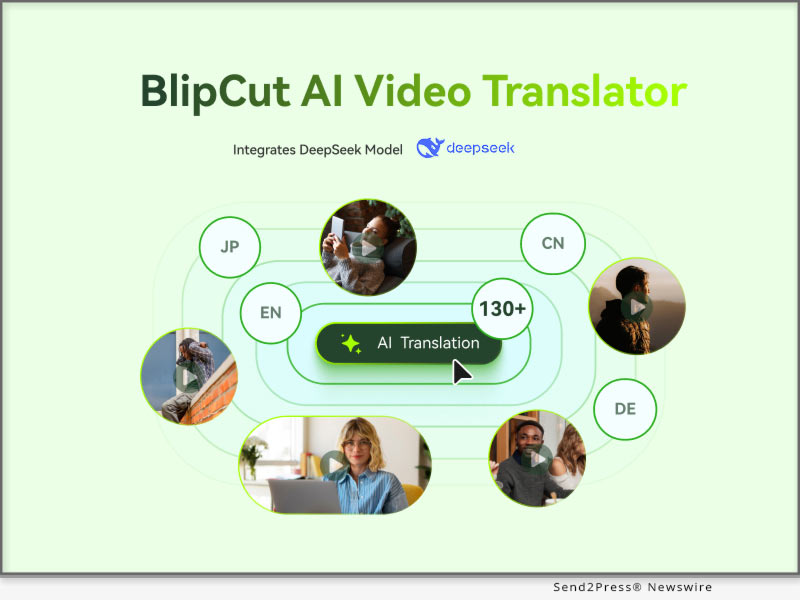
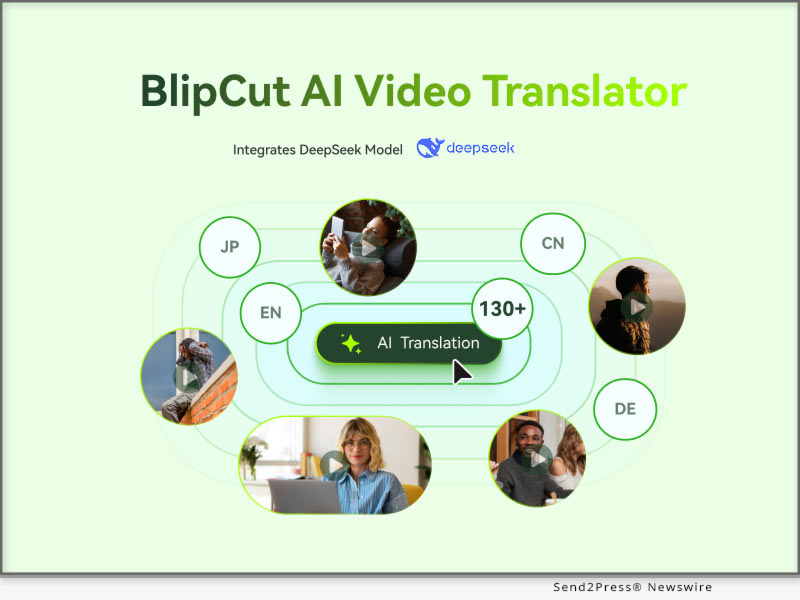
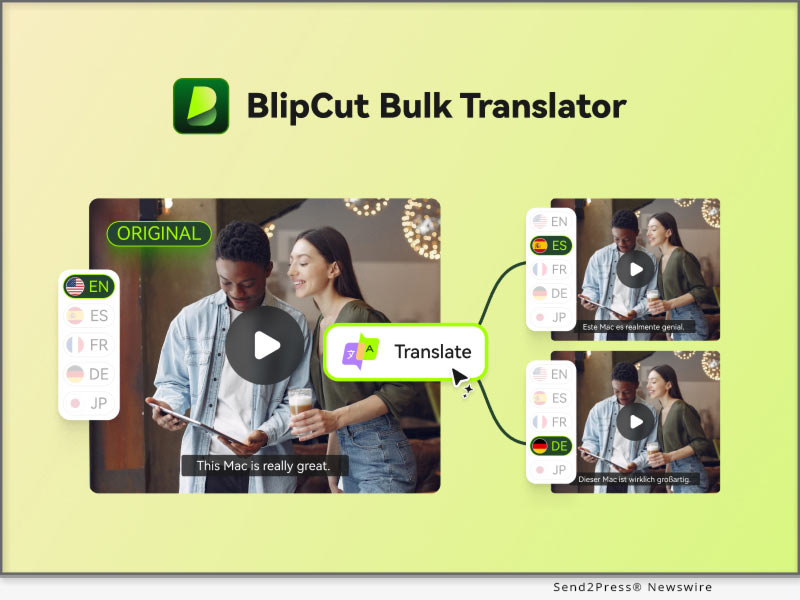
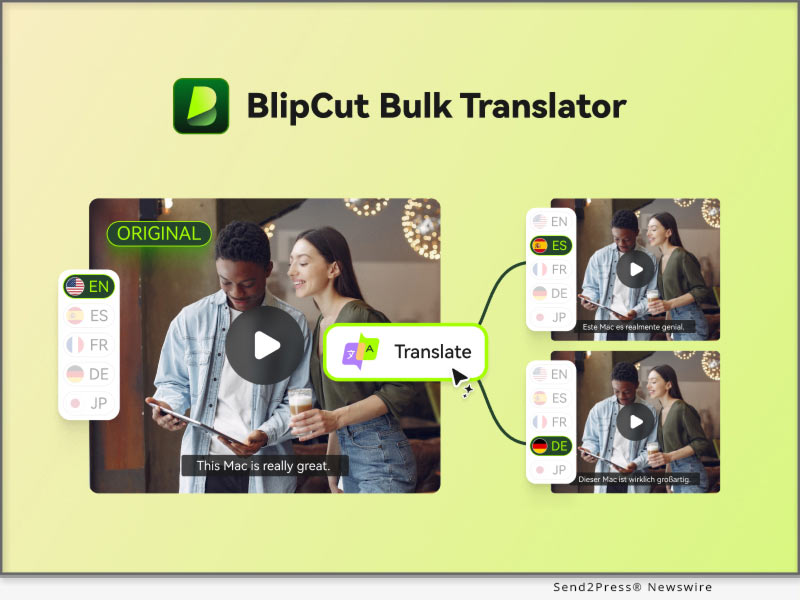
BlipCut Integrates DeepSeek Model to Enhance AI Video Translation Quality

NEW YORK, N.Y., Feb. 13, 2025 (SEND2PRESS NEWSWIRE) — BlipCut, a leading innovator in video translation and localization, is excited to announce its integration of the DeepSeek model to enhance translation rewriting capabilities. The integration of DeepSeek enables BlipCut AI Video Translator to refine translated text with an advanced AI-powered approach, ensuring that subtitles and voiceovers better align with natural language nuances.

This enhancement empowers content creators, businesses, and media platforms to reach global audiences with higher-quality localized content.

BlipCut DeepSeek translation
Image caption: BlipCut DeepSeek translation.

KEY IMPROVEMENTS BROUGHT BY DEEPSEEK INTEGRATION INCLUDE:

  • Better Audio-Video Synchronization: Speech speed is adjusted to align seamlessly with on-screen visuals, ensuring a more immersive viewing experience.
  • Higher Translation Accuracy: Improved contextual understanding results in more precise translations, preserving the original meaning and tone. DeepSeek is particularly effective for technical and specialized content, ensuring terminology is accurate and industry-specific wording is used. It focuses on technical features that make translations more reliable in areas such as engineering, medicine and software development.
  • Faster Translation Processing: With DeepSeek’s advanced AI capabilities, video translations are now completed significantly faster, reducing wait times and streamlining the content creation process.
  • Enhanced Translation Quality: DeepSeek improves the clarity, readability, and fluency of translations by refining sentence structure and word choices. This ensures subtitles and voiceovers are more natural, contextually appropriate, and engaging for audiences.

BlipCut’s upgraded translation system not only improves linguistic accuracy, but also maintains the intent and tone of the source files. This is particularly beneficial for industries such as entertainment, e-learning and corporate communications, where accurate translations are critical to audience engagement and understanding.

BlipCut users now have access to enhanced translation capabilities powered by DeepSeek. As AI technology continues to evolve, BlipCut remains committed to advancing video localization and ensuring that global storytelling is more inclusive and accessible than ever before.

About BlipCut:

BlipCut is an industry-leading AI video translation platform that allows users to break language barriers with ease. With features like batch translator, subtitle generation, AI voiceover, ai clip generator, and support for 130+ languages, BlipCut is the go-to solution for content creators, educators, and businesses worldwide.

To know more, you may visit: https://videotranslator.blipcut.com/

Our Social Media:

YouTube: https://www.youtube.com/@BlipCut_Online

X/Twitter: https://x.com/BlipCutofficial

Facebook: https://www.facebook.com/blipcut

Discord: https://discord.gg/vk4Z2YWGsG

NEWS SOURCE: BlipCut


This press release was issued on behalf of the news source (BlipCut), who is solely responsible for its accuracy, by Send2Press Newswire. Image, if any, was provided by the news source and not this website or the wire service. Information is believed accurate, as provided by the news source, but is not guaranteed.

To view the original story, visit: https://www.send2press.com/wire/blipcut-integrates-deepseek-model-to-enhance-ai-video-translation-quality/

Copr. © 2025 Send2Press® Newswire, Calif., USA. -- REF: S2P STORY ID: S2P124053 NOREL-3B


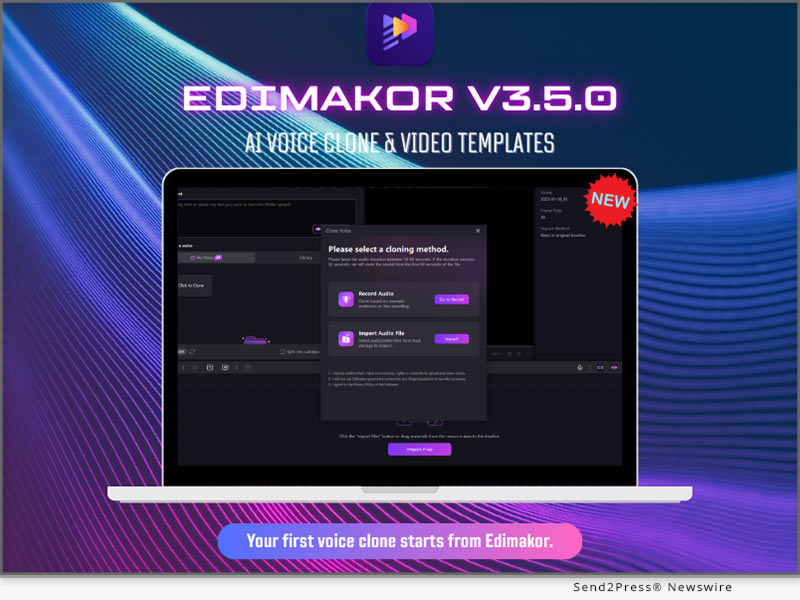
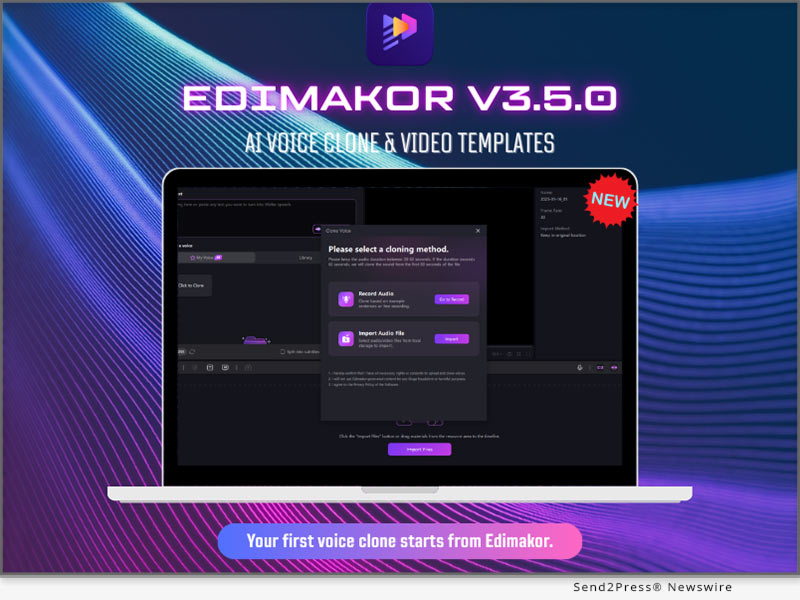
HitPaw Edimakor V3.5.0 Revolutionizes Creativity with AI Voice Clone and Video Templates

NEW YORK, N.Y., Jan. 16, 2025 (SEND2PRESS NEWSWIRE) — HitPaw Edimakor, a cutting-edge AI-powered video editing software, has officially launched its latest version, V3.5.0, introducing an exciting array of creative and innovative tools. Among the standout features are the AI Voice Clone and Video Templates, designed to simplify and elevate the process of video creation, enabling users to achieve professional-quality results with greater ease and efficiency.

HitPaw Edimakor V3.5.0 Revolutionizes Creativity with AI Voice Clone and Video Templates
Image caption: HitPaw Edimakor V3.5.0.

“We’re thrilled to introduce the latest innovative features in Edimakor V3.5.0,” says the spokesperson of HitPaw. “These cutting-edge tools empower creators to effortlessly transform their ideas into reality while achieving a remarkable level of professionalism and creativity.”

WHAT’S NEW OF V3.5.0

AI Voice Clone

The most exciting feature in this update is the AI Voice Clone tool, which enables users to clone voices in incredible detail. It allows unlimited cloning of voices with only 10 seconds of audio input and is absolutely free.This opens a world of creative possibilities for content creators by making it easier for them to create personalized voiceovers, unique narrations, and multilingual projects that enhance versatility and innovation in their work.

Key Benefits:

  1. Voiceovers: Professional voiceovers with no complicated equipment.
  2. Personalized Narration: Providing voiceovers in voices unique to the person or brand at hand.
  3. Multilingual Support: Expand your global reach with the ability to clone voices in various languages.

Applications:

  1. Tutorials: Adding voiceovers to tutorials in engaging, customized voices.
  2. Branded Videos: Create various projects with the use of one continued brand voice.
  3. Storytelling: Crafting immersive narratives with distinctive character voices.

Library of Video Templates

This update also includes a library of more than 60 free video templates, thoughtfully designed to make creating professional-grade videos simpler and easier.These templates come with a variety of customizable designs, making it easier than ever to produce polished and visually appealing content for different themes and purposes.

Key Features:

  1. Fully prepared templates for different themes and events.
  2. Customizable designs to create personalized, high-quality video content.

Target Users:

  1. Beginners: Simplifies video editing for beginners or those with little to no experience.
  2. Marketers: Facilitates the rapid production of promotional content.
  3. Professional Editors: It avails time-saving solutions without compromising quality.

Additional Enhancements

While Speech To Text functionality has been hugely upgraded to now support translations for more than 100 minority languages, this enhancement will ensure refined and highly accurate text outputs, thus making the feature more accessible and reliable for users from around the world.

This update further cements its global usability by bridging gaps in linguistics, enabling creators with much ease and precision to reach diverse audiences.

Compatibility and Price:

HitPaw Edimakor is now compatible with Windows and macOS. The pricing starts from $19.95 USD for a month plan.

For more price checking and information, you can visit: https://edimakor.hitpaw.com/buy-video-editor.html

Conclusion

HitPaw Edimakor V3.5.0 introduces AI Voice Clone and a large library of video templates, which is going to completely change how creators approach video editing. This update will ensure that users can produce high-quality, personalized content with greater ease and efficiency.

About Edimakor

HitPaw Edimakor represents one of the most advanced Artificial Intelligence video editors, offering creators at all levels a suite of innovative tools to elevate their work. From AI-driven features like Video translator and Subtitle generator to customizable AI Avatar, it simplifies the creative process while maintaining exceptional quality.

For more information about HitPaw Edimakor V3.5.0 , visit https://edimakor.hitpaw.com/

Follow on social:

X/Twitter: https://x.com/HitpawEdimakor

YouTube: https://www.youtube.com/@HitPawEdimakorOfficial

Instagram: https://www.instagram.com/edimakor_official/

NEWS SOURCE: HitPaw


This press release was issued on behalf of the news source (HitPaw), who is solely responsible for its accuracy, by Send2Press Newswire. Image, if any, was provided by the news source and not this website or the wire service. Information is believed accurate, as provided by the news source, but is not guaranteed.

To view the original story, visit: https://www.send2press.com/wire/hitpaw-edimakor-v3-5-0-revolutionizes-creativity-with-ai-voice-clone-and-video-templates/

Copr. © 2025 Send2Press® Newswire, Calif., USA. -- REF: S2P STORY ID: S2P123429 NOREL-3B
 

UniFab V3.0 is Launched with a Simpler, Faster, and Better Experience

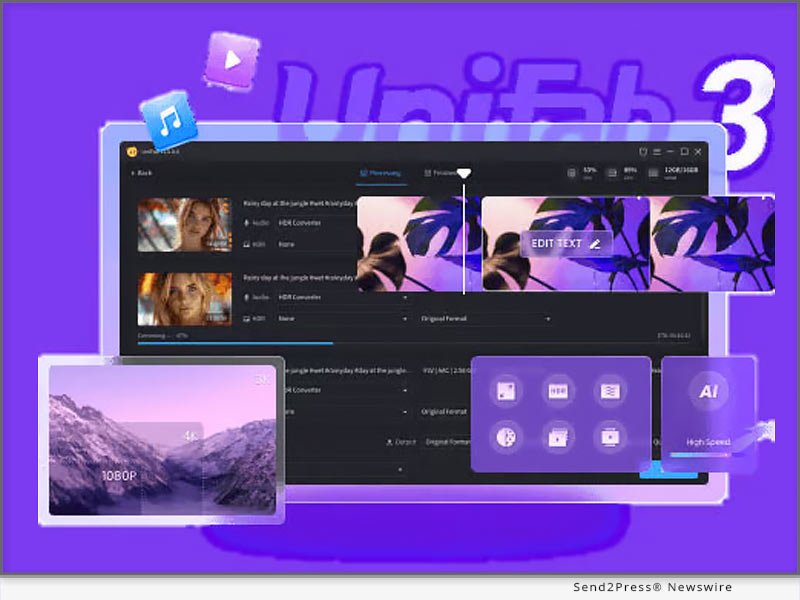
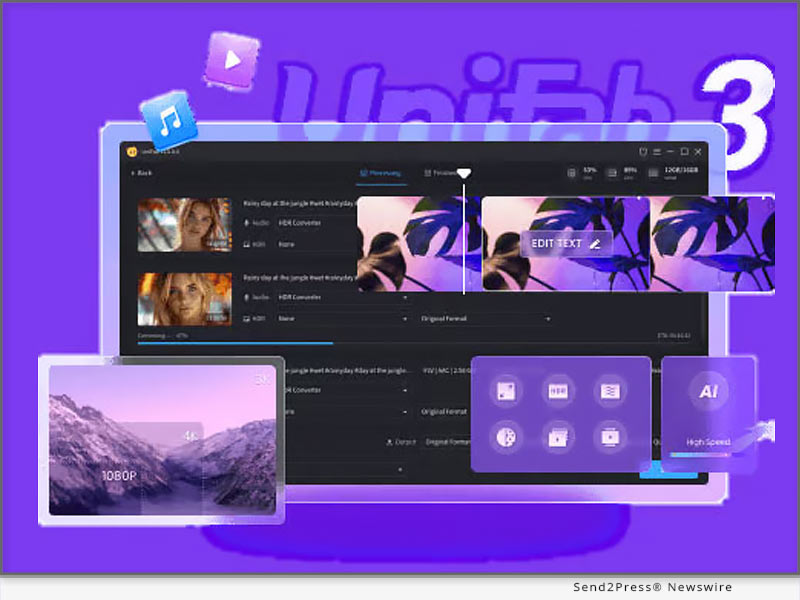
NEW YORK, N.Y., Jan. 13, 2025 (SEND2PRESS NEWSWIRE) — UniFab, an AI video and audio quality improvement software, launched UniFab All-In-One V3.0 on January 6, 2025. The latest version of UniFab has a new design by relocating the initial function menu to a more central spot for simpler workflow. Additionally, the features have been consolidated to streamline the workflow and boost efficiency.

UniFab 3 Released
Image caption: UniFab 3 Released.

NEW FEATURES

  • New Design: The new version of UniFab features a new UI&UX design and a more user-friendly interface. Navigation has been greatly improved, allowing users to operate the software with ease and efficiency.
  • Efficient Workflow: The various features of UniFab now work together seamlessly to achieve multi-enhancements for a new workflow. This enables users to accomplish tasks more quickly and with fewer steps.
  • AI Autopilot: UniFab’s AI Autopilot intelligently recommends AI functions that are specifically tailored to the uploaded video. It automatically analyzes video content and suggests the most suitable enhancements, saving you time and effort in manual selection.
  • Skin Selection: Users have the option to choose between dark and light modes for the interface. This allows you to customize the appearance of UniFab according to your personal preference.

About UniFab:

UniFab provides many video and audio editing tools, ensuring high-quality enhancements across the board.

Video Enhancer AI: Upscale video to 4K/8K resolution with AI-powered software

HDR Upconverter AI: Convert videos from SDR to HDR10/Dolby Vision. Support both DCI-P3 and Rec.2020 color spaces.

Smoother AI: Boost frame rates to 120fps for smooth and natural movement.

Deinterlace AI: Eliminate flicker and distortion to enhance video clarity and quality.

Denoise AI: Remove noise and grain from videos while keeping details, offering a clean video.

Visit UniFab’s official website to learn more about this software, which is designed for video creation and editing.

Contact Information:

Company: UniFab

Official Website: https://unifab.ai

JP: https://ja.unifab.ai/

FR: https://fr.unifab.ai/

DE: https://de.unifab.ai/

ZH: https://zh.unifab.ai/

NEWS SOURCE: UniFab


This press release was issued on behalf of the news source (UniFab), who is solely responsible for its accuracy, by Send2Press Newswire. Image, if any, was provided by the news source and not this website or the wire service. Information is believed accurate, as provided by the news source, but is not guaranteed.

To view the original story, visit: https://www.send2press.com/wire/unifab-v3-0-is-launched-with-a-simpler-faster-and-better-experience/

Copr. © 2025 Send2Press® Newswire, Calif., USA. -- REF: S2P STORY ID: S2P123312 NOREL-3B
 

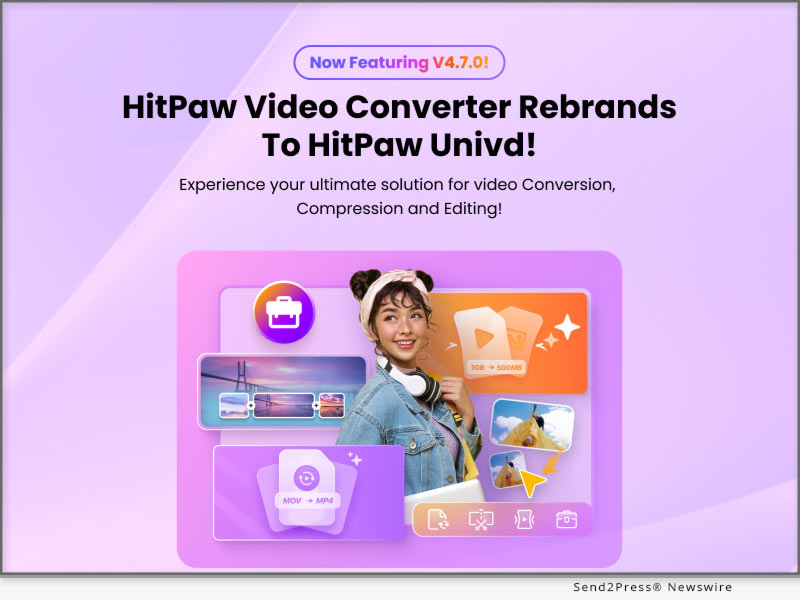
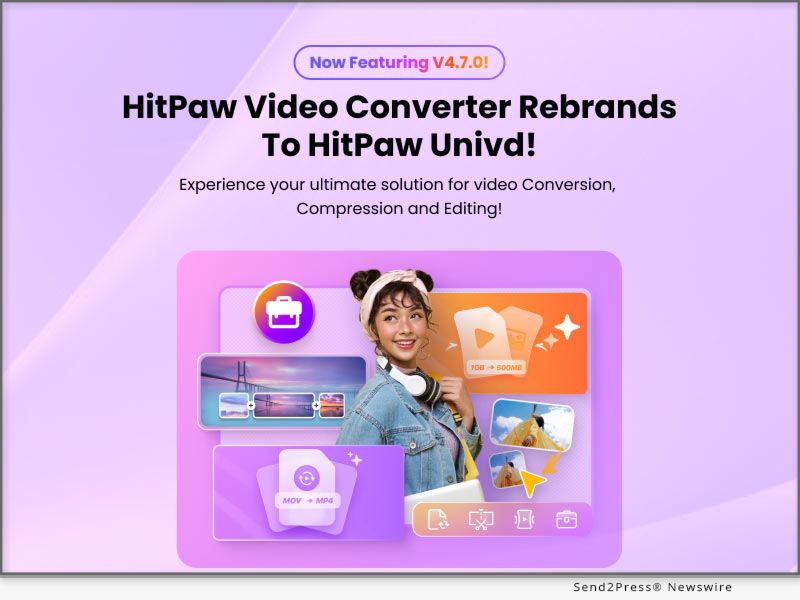
HitPaw Video Converter Rebrands as HitPaw Univd: Full Update for Ultimate Video Converter and Creation Solution

NEW YORK, N.Y., Jan. 8, 2025 (SEND2PRESS NEWSWIRE) — HitPaw, a leading innovator in multimedia software, proudly announces the rebranding of its flagship product, HitPaw Video Converter, to HitPaw Univd. This significant update delivers a comprehensive suite of advanced features, empowering creators of all levels to produce high-quality, professional videos with unparalleled ease.

HitPaw Univd Video Converter
Image caption: HitPaw Univd Video Converter.

Whether you’re converting, compressing, editing, or creating multimedia content, HitPaw Univd is your all-in-one solution for high-speed performance and next-level creativity.

ALL-IN-ONE VIDEO AND AUDIO SOLUTION

HitPaw Univd combines powerful video conversion, advanced compression, and smart AI tools into one intuitive platform, streamlining your multimedia workflow like never before.

ULTIMATE VIDEO CONVERTER

Effortlessly convert videos to meet any requirement with cutting-edge features:

  • High Quality Video Conversion: Convert ultra-high-definition videos without losing quality.
  • Batch Conversion: Save time by processing multiple files simultaneously.
  • 1000+ Formats Supported: Enjoy seamless compatibility with all major video and audio formats.
  • Process Acceleration: Experience lightning-fast conversion speeds with advanced hardware acceleration.

BULK VIDEO COMPRESSION

Optimize your video size without compromising quality:

  • Ultimate Compression Mode: Reduce file sizes while retaining resolution and clarity.
  • 4K/8K Video Compression: Effortlessly compress large videos for storage and sharing.
  • Batch Video Compression: Compress multiple files at once, simplifying your workflow.

REDEFINED VIDEO EDITING

Unleash your creativity with a user-friendly, feature-rich editing suite:

  • Clip, Merge, and Trim: Edit videos with precision to craft personalized, polished content.
  • Easy-to-Use Tools: Advanced AI tech to transform your videos with intuitive controls.
  • Create Stunning Visuals: Perfect for both beginners and seasoned creators looking to streamline their editing process.

SMART AI TOOLS

Elevate your multimedia projects with intelligent AI-powered features:

  • Speech-to-Text: Automatically generate captions and subtitles with impressive accuracy.
  • AI Auto Reframe: Adjust video frames seamlessly for any social media platform.
  • Vocal Remover: Isolate or remove vocals for karaoke tracks or remixing purposes.
  • Noise Remover: Eliminate background noise to achieve crystal-clear audio quality.
  • AI Face Blur: Effortlessly blur faces for privacy protection in videos.

Compatibility and Price

HitPaw Univd is compatible with both Windows 11/10 64-bit and MacOS 10.15 and available on Android. Users can try out the new features by downloading the free trial version, or purchase the full package starts from $19.95/month.

For more price checking and information, you can visit: https://videoconverter.hitpaw.com/

About HitPaw

HitPaw is an emerging software company specializing in video editing, screen recording, watermark removing, image editing, photo enhancing meme-making, etc. We help users turn their inspiration into reality so that we can generate more ideas to make the world full of more creativity.

To know more, you may visit About HitPaw – All Things About HitPaw and [OFFICIAL] HitPaw: Powerful AI Video, Audio, and Image Solutions Provider

Our Social Media

YouTube: https://www.youtube.com/channel/UCQwRggaotgiMcPbiCOsJeBA

Facebook: https://www.facebook.com/hitpawofficial

X/Twitter: https://twitter.com/HitPawofficial

Instagram: https://www.instagram.com/hitpawofficial/

Pinterest: https://www.pinterest.com/HitPawofficialwebsite/

NEWS SOURCE: HitPaw


This press release was issued on behalf of the news source (HitPaw), who is solely responsible for its accuracy, by Send2Press Newswire. Image, if any, was provided by the news source and not this website or the wire service. Information is believed accurate, as provided by the news source, but is not guaranteed.

To view the original story, visit: https://www.send2press.com/wire/hitpaw-video-converter-rebrands-as-hitpaw-univd-full-update-for-ultimate-video-converter-and-creation-solution/

Copr. © 2025 Send2Press® Newswire, Calif., USA. -- REF: S2P STORY ID: S2P123191 NOREL-3B
 

Sacramento-Based Photographer to Lead Workshop at Imaging USA 2025 in Dallas

Sacramento Photographer Glynns Thomas to Present Workshop at Premier Industry Event About Marketing Company Headshots

SACRAMENTO, Calif., Jan. 3, 2025 (SEND2PRESS NEWSWIRE) — Glynns Thomas, founder of Sacramento’s renowned headshot photography business Glynns Thomas Headshots, has been selected to present at Imaging USA 2025. This prestigious conference, dedicated to photography and imaging professionals, will take place in Dallas, Texas, from February 2-4, 2025.

Sacramento Headshot Photographer, Glynns Thomas
Photo caption: Sacramento Headshot Photographer, Glynns Thomas.

Ahead of the main event, Thomas will lead a pre-convention class on February 1, titled “How to Book Headshots for Teams of 5-100 People.” Her workshop will focus on the business strategies and marketing approaches that have driven her success, providing attendees with actionable insights to build and grow their headshot services.

Learn more: https://imagingusa.com/schedule/how-to-book-headshots-for-teams-of-5-100-people

“Speaking at Imaging USA is a wonderful opportunity to give back to a community that has been instrumental in my career,” said Thomas. “I’m excited to share the tools and strategies that have helped my business thrive and to help others elevate their work in this competitive industry.”

Glynns Thomas Headshots is recognized as Sacramento’s go-to provider for professional, polished team headshots. Known for her ability to bring out her clients’ professionalism and personality, Thomas has worked with businesses of all sizes, from small teams to large organizations.

Imaging USA, one of the largest photography conferences in the world, will feature over 90 expert instructors and attract thousands of professionals from across the globe. Thomas’ workshop is part of an extensive program covering diverse topics, from portrait photography and business practices to the latest innovations in digital imaging and technology.

The three-day event will also include a trade show, where attendees can explore cutting-edge equipment and products, as well as North America’s largest annual photographic exhibit, open to the public.

About Imaging USA

Established in 1868, Imaging USA is the longest-running photography convention in the United States. Hosted annually by Professional Photographers of America (PPA), the event unites professionals for education, networking, and inspiration. Learn more at https://imagingusa.com/.

MEDIA CONTACT:
Glynns Thomas
Glynns Thomas Headshot Photography
Phone: (916) 294-7926
Email: hello@glynnsthomas.com

Website: https://www.glynnsthomas.com/

MULTIMEDIA:

Photo link for media: https://www.Send2Press.com/300dpi/25-0103-s2p-gthomas-300dpi.jpg

Photo caption: Sacramento Headshot Photographer, Glynns Thomas

NEWS SOURCE: Glynns Thomas Portraits LLC


This press release was issued on behalf of the news source (Glynns Thomas Portraits LLC), who is solely responsible for its accuracy, by Send2Press Newswire. Image, if any, was provided by the news source and not this website or the wire service. Information is believed accurate, as provided by the news source, but is not guaranteed.

To view the original story, visit: https://www.send2press.com/wire/sacramento-based-photographer-to-lead-workshop-at-imaging-usa-2025-in-dallas/

Copr. © 2025 Send2Press® Newswire, Calif., USA. -- REF: S2P STORY ID: S2P123132 NOREL-3B
 

UniFab Introduces Advanced AI Video Stabilization and Upscaler Technology Enhancements

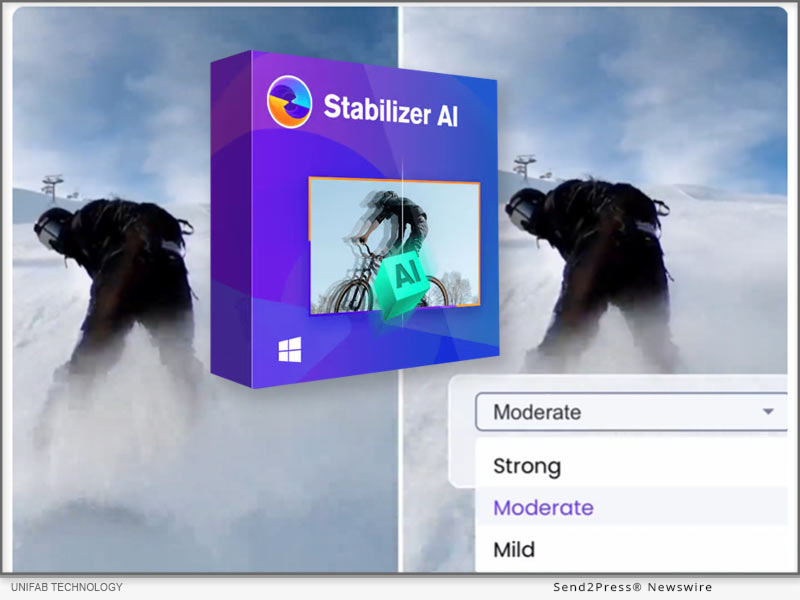
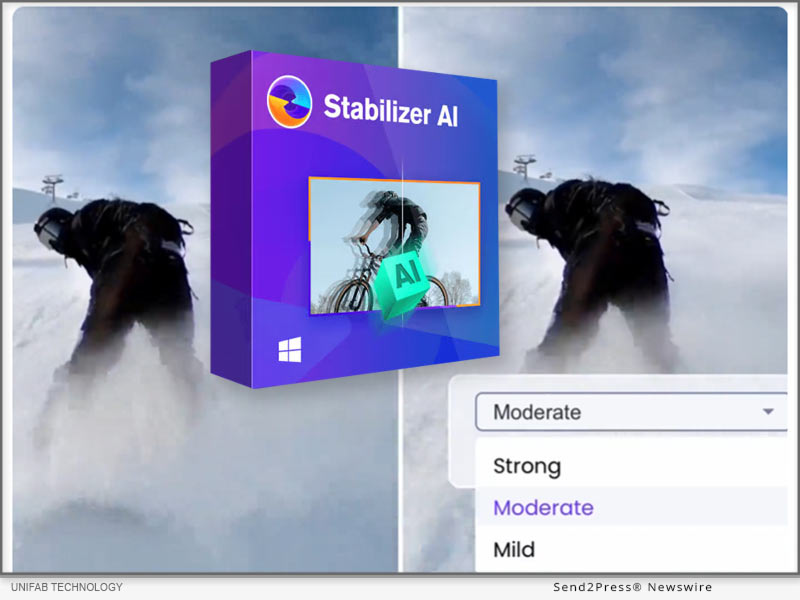
HONG KONG, Dec. 19, 2024 (SEND2PRESS NEWSWIRE) — UniFab, a leading provider of AI-powered video and audio enhancement solutions, unveils its latest innovation, Video Stabilizer AI, a software designed to eliminate video shakes through advanced artificial intelligence. Moreover, UniFab has optimized its AI Video Enhancer, delivering enhanced video detail restoration and superior magnification.

UniFab Video Stabilizer AI
Image caption: UniFab Video Stabilizer AI.

KEY FEATURES:

  • Advanced AI: Leverages sophisticated AI algorithms for video stabilization.
  • Camera Shake Elimination: Reduces tremors for a more professional-looking video.
  • High-Quality Retention: Maintains video clarity and detail while smoothing out shakes.
  • Format Flexibility: Compatible with various video formats including MP4, MKV, AVI, and WMV.

Optional Stabilization Modes:

  • Mild: Ideal for minor shakes in handheld videos.
  • Moderate: Suited for videos with noticeable movement.
  • Strong: Equipped to handle significant shaking, such as during action scenes.

Learn more: https://unifab.ai/ai-video-stabilizer.htm

ABOUT UNIFAB:

UniFab provides a lot of tools for video and audio editing, ensuring high-quality enhancements across the board.

Video Enhancer AI: Upscale video to 4K/8K resolution with AI-powered software

HDR Upconverter AI: Convert videos from SDR to HDR10/Dolby Vision. Support both DCI-P3 and Rec.2020 color spaces.

Smoother AI: Boost frame rates to 120fps for smooth, natural movement.

Deinterlace AI: Eliminate flicker and distortion to enhance video clarity and quality.

Denoise AI: Remove noise and grain from videos while keeping details, offering a clean video.

Visit UniFab’s official website to learn more about these softwares designed for video creation and editing.

CONTACT INFORMATION:

Company: UniFab

Official Website: https://unifab.ai

JP: https://ja.unifab.ai/

FR: https://fr.unifab.ai/

DE: https://de.unifab.ai/

ZH: https://zh.unifab.ai/

NEWS SOURCE: UniFab


This press release was issued on behalf of the news source (UniFab), who is solely responsible for its accuracy, by Send2Press Newswire. Image, if any, was provided by the news source and not this website or the wire service. Information is believed accurate, as provided by the news source, but is not guaranteed.

To view the original story, visit: https://www.send2press.com/wire/unifab-introduces-advanced-ai-video-stabilization-and-upscaler-technology-enhancements/

Copr. © 2024 Send2Press® Newswire, Calif., USA. -- REF: S2P STORY ID: S2P122978 NOREL-3B
 

HitPaw VikPea V4.0.0 Released with Major Updates including AI Color Module

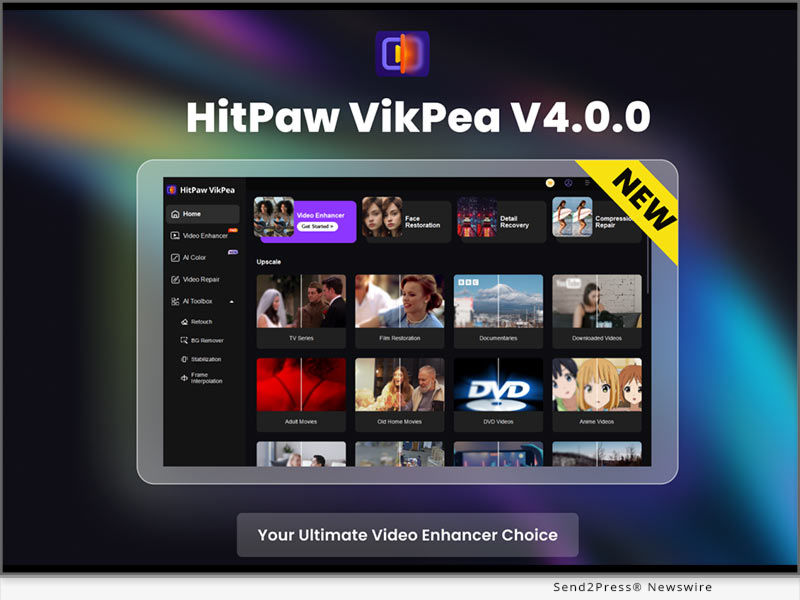
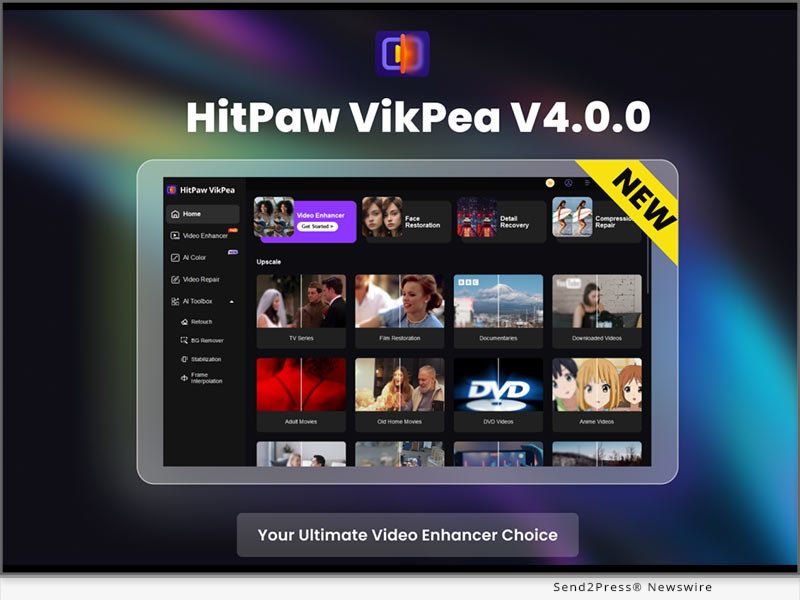
NEW YORK, N.Y., Dec. 10, 2024 (SEND2PRESS NEWSWIRE) — HitPaw, a leading software company, is excited to announce the new version of HitPaw VikPea (originally named HitPaw Video Enhancer)! HitPaw VikPea V4.0.0 comes with the launch of the AI Color module, which includes the popular SDR to HDR feature. This AI-driven tool improves the color range, brightness, contrast, and details, making videos more vibrant and realistic.

HitPaw VikPea V4.0.0 New Release
Image caption: HitPaw VikPea V4.0.0 New Release.

HitPaw VikPea V4.0.0 also introduces a refreshed interface, designed by HitPaw’s award-winning team, recently honored with the 2024 French Design Award for Excellence in Brand Design. The update reflects HitPaw’s ongoing commitment to innovation and enhancing user experience.

What’s New!

NEW AI COLOR MODULE

A major addition, this module includes four key features to enhance video quality: SDR to HDR, Colorize Model, Color Enhancement, and Low-light Enhancement. Together, these tools dramatically improve color range, brightness, and detail, resulting in more vibrant and realistic videos.

SDR TO HDR

It is designed to bring standard dynamic range (SDR) content to life by transforming it into a high dynamic range (HDR). The SDR to HDR enhancement extends the color range, boosts brightness, and enhances the contrast and details of the video. This results in a more vivid, realistic, and visually dynamic experience, especially in scenes with both dark and bright areas.

AI TOOLBOX

Packed with professional-grade tools, the AI Toolbox offers features like Background Removal, Video Stabilization, and Frame Interpolation, all powered by advanced AI. These tools streamline video editing, giving users greater creative flexibility and superior video quality.

What’s Important!

VIDEO ENHANCER

HitPaw VikPea not only offers the latest video detail enhancement features but also includes several specialized enhancement models, such as Video Quality Repair Model, Face Model, General Denoise Model and Animation Model. Each model provides targeted optimization effects to meet various video enhancement needs, delivering a comprehensive solution for achieving perfect video quality.

AI BACKGROUND REMOVAL

The AI Background Removal feature simplifies the process of removing cluttered backgrounds from videos with a single click, preserving clear videos of subjects. This tool is especially useful for e-commerce, as it removes distracting backgrounds to maintain a clean and professional appearance of products. It also supports background blurring and canvas color changes, ensuring that the focus remains on the item being showcased. With just a simple click, you can quickly replace or remove video backgrounds, making your product listings stand out and look more appealing to potential customers.

VIDEO REPAIR

HitPaw VikPea also includes a Video Repair function. This function allows users to repair videos that have been damaged or corrupted due to various reasons, such as file transfer errors or faulty USB cable.

More Formats Supported

With this new version, HitPaw VikPea now supports exporting in more formats, including MP4, AVI, MOV, MKV, M4V, and GIF, catering to a wider range of user needs.

Compatibility and Price

HitPaw VikPea is compatible with both Windows 11/10 64-bit and MacOS 10.15 or later, making it accessible to a wide range of users. The new version of HitPaw VikPea for MacOS and Windows is now available for download on the HitPaw VikPea. Users can try out the new features by downloading the free trial version, or purchase the full package starts from $42.99/month.

Information:

AI Video Software – HitPaw VikPea [Official]

https://www.hitpaw.com/vikpea.html

About HitPaw:

HitPaw is a cutting-edge company that enters the AI editing field with innovation, creativity, efficiency, and simplicity as its core characteristics. It offers professional video, image and audio editing and enhancement services for diverse users, catering to both everyday and specialized needs. HitPaw provides emerging and powerful features for creative video production.

To know more about HitPaw, you could visit:

[OFFICIAL] HitPaw: Powerful Video, Audio, and Image Solutions Provider

https://www.hitpaw.com/

Our Social Media:

YouTube: https://www.youtube.com/@hitpaw

TikTok: https://www.tiktok.com/@hitpaw

X(Twitter): https://x.com/HitPawofficial

Instagram: https://www.instagram.com/HitPawofficial/

Pinterest: https://www.pinterest.com/HitPawofficialwebsite/

NEWS SOURCE: HitPaw


This press release was issued on behalf of the news source (HitPaw), who is solely responsible for its accuracy, by Send2Press Newswire. Image, if any, was provided by the news source and not this website or the wire service. Information is believed accurate, as provided by the news source, but is not guaranteed.

To view the original story, visit: https://www.send2press.com/wire/hitpaw-vikpea-v4-0-0-released-with-major-updates-including-ai-color-module/

Copr. © 2024 Send2Press® Newswire, Calif., USA. -- REF: S2P STORY ID: S2P122740 NOREL-3B
 

HitPaw Online Video Enhancer: Upgrade Unveils New Low-light Enhancement Model

This innovative technology is designed to help users easily improve the image quality of nighttime videos

NEW YORK, N.Y., Dec. 3, 2024 (SEND2PRESS NEWSWIRE) — HitPaw, a world-renowned brand specializing in providing high-quality digital creation tools, is pleased to announce a major upgrade to HitPaw Online Video Enhancer: the launch of the new low-light enhancement model. This innovative technology is designed to help users easily improve the image quality of nighttime videos, perfectly solving the problem of video blurring and noise in low-light environments, and making every frame of night scenes clearer and more vivid.

HitPaw Online Video Enhancer: Unveiling the New Low-light Enhancement Model
Image caption: HitPaw Online Video Enhancer: Unveiling the New Low-light Enhancement Model.

LET’S CHECK OUT NEW LOW-LIGHT ENHANCEMENT MODEL

Low-light Enhancement Model – Revolutionizing Low Light Video
HitPaw Online Video Enhancer introduces a new low-light enhancement model designed to optimize video quality in low light environments. It uses advanced AI technology to intelligently enhance picture brightness and contrast, retain more details, present clearer images, and accurately restore the true colors of night scenes, making every frame more vivid and vibrant. Whether you’re shooting city nightscapes, street scenes or bright starry skies, the low-light enhancement model can inject a whole new visual impact into your videos.

Four Highlighted Features of New Low-light Enhancement Model:

  • Superior low-light handling
    The new model focuses on video optimization in low-light conditions, intelligently   enhancing picture brightness and contrast while preserving details.
  • Upgraded noise reduction technology
    Effectively removes noise from night videos for a cleaner, purer picture. In order to meet the needs of different users, text to speech provides a variety of voice style options. Users can choose the most favorite voice and create a personalized voice effect. It’s easy to customize your creations to make them more expressive.
  • Accurate color reproduction
    Through advanced AI technology, it restores the true color of the night scene, presenting a more attractive visual effect.
  • No downloads required, accessible anytime, anywhere
    HitPaw Online Video Enhancer is entirely browser-based, allowing users to quickly enhance videos by simply uploading them—no software installation or complicated steps needed.

For more information checking, you may visit:

https://online.hitpaw.com/online-video-enhancer.html

About HitPaw Online
HitPaw Online’s mission is to make digital creativity accessible to everyone. HitPaw Online provides the most innovative multimedia solutions such as video editing, screen recording, watermark removal, image editing, video/photo enhancement, etc. to unleash the infinite creativity around the world.

To know more, you may visit: https://online.hitpaw.com/

To explore more creative tools, you may visit: https://www.hitpaw.com/

Our Social Media:

YouTube: https://www.youtube.com/channel/UCQwRggaotgiMcPbiCOsJeBA

X/Twitter: https://twitter.com/HitPawofficial

Instagram: https://www.instagram.com/hitpawofficial/

Pinterest: https://www.pinterest.com/HitPawofficialwebsite/

Discord: https://discord.gg/wuc4cstcjJ

NEWS SOURCE: HitPaw


This press release was issued on behalf of the news source (HitPaw), who is solely responsible for its accuracy, by Send2Press Newswire. Image, if any, was provided by the news source and not this website or the wire service. Information is believed accurate, as provided by the news source, but is not guaranteed.

To view the original story, visit: https://www.send2press.com/wire/hitpaw-online-video-enhancer-upgrade-unveils-new-low-light-enhancement-model/

Copr. © 2024 Send2Press® Newswire, Calif., USA. -- REF: S2P STORY ID: S2P122612 NOREL-3B
 

HitPaw Video Enhancer Rebrands as HitPaw VikPea: Major Update for Your Ultimate Video Enhancer Solution

NEW YORK, N.Y., Oct. 31, 2024 (SEND2PRESS NEWSWIRE) — HitPaw, a leading software company, is excited to announce the rebranding of HitPaw Video Enhancer to HitPaw VikPea! This major update introduces advanced features that will empower you to create professional-looking videos with ease. Whether you’re new to video upscaling or an experienced creator, HitPaw VikPea is your ultimate solution for transforming blurry videos!

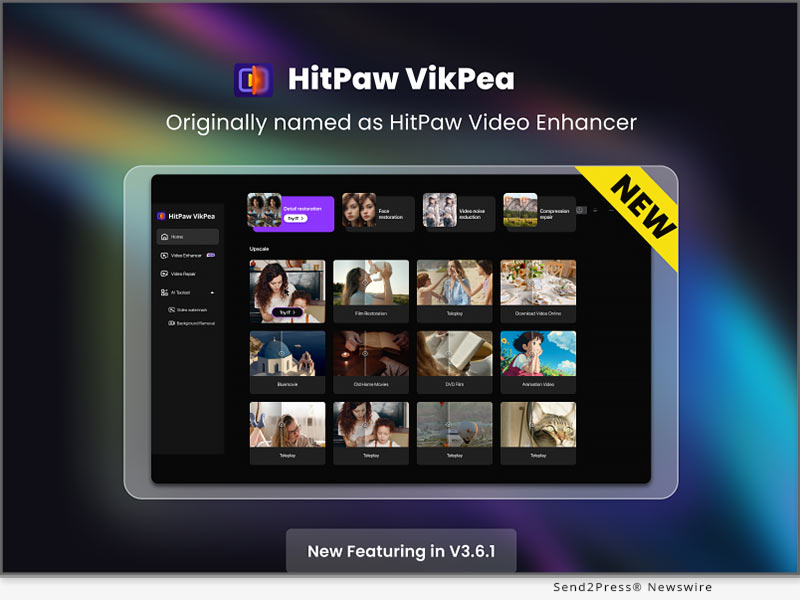
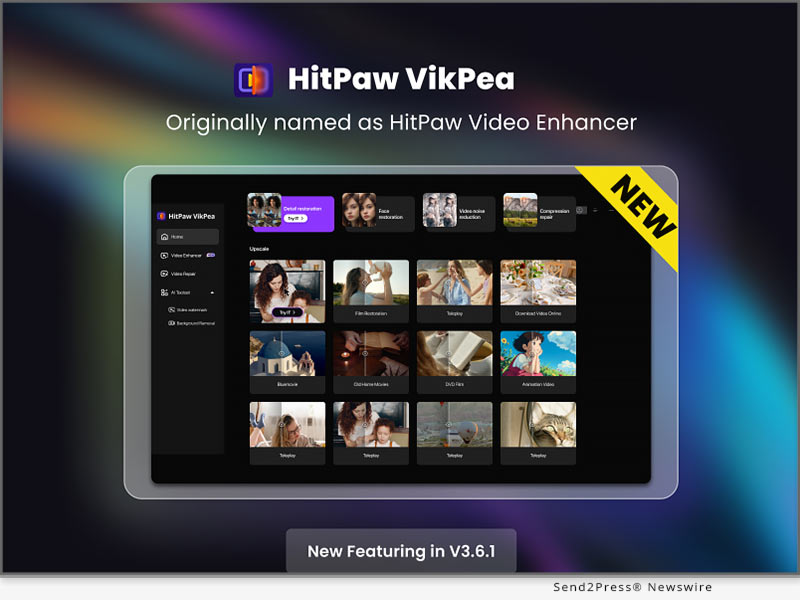
HitPaw VikPea V3.6.1 New Release
Image caption: HitPaw VikPea V3.6.1 New Release.

WHAT’S NEW!

Video Quality Repair Model

The new video enhancement model efficiently removes noise, balances clarity, reproduces details, and restores high-definition images, perfectly enhancing low-quality videos to achieve rapid and superior image quality improvement.

Cloud Preview for Lower-End Computers

This version introduces a cloud preview feature, allowing users with less powerful computers to preview their videos more quickly and efficiently.

Optimized Cloud Acceleration

Cloud processing has been significantly accelerated in this version, supporting more models and ensuring faster performance.

WHAT’S IMPORTANT!

Video Enhancer

HitPaw VikPea not only offers the latest video detail enhancement features but also includes several specialized enhancement models, such as Video Quality Repair Model, Face Model, General Denoise Model, Animation Model, Colorize Model, Color Enhancement Model, Frame Rate Enhancement Model, Stabilize Model, and Low-light Enhancement Model. Each model provides targeted optimization effects to meet various video enhancement needs, delivering a comprehensive solution for achieving perfect video quality.

AI Background Removal

The AI Background Removal feature simplifies the process of removing cluttered backgrounds from videos with a single click, preserving clear images of subjects. This tool is especially useful for e-commerce, as it removes distracting backgrounds to maintain a clean and professional appearance of products. It also supports background blurring and canvas color changes, ensuring that the focus remains on the item being showcased. With just a simple click, you can quickly replace or remove video backgrounds, making your product listings stand out and look more appealing to potential customers.

Watermark Removal

The Watermark Removal feature is designed specifically for removing static watermarks from videos. Users simply need to draw a box around the watermark area, and the system will automatically process and remove the watermark with just one click, offering a simple and efficient solution.

Video Repair

HitPaw VikPea also includes a Video Repair function. This function allows users to repair videos that have been damaged or corrupted due to various reasons, such as file transfer errors or faulty USB cable.

More Formats Supported

With this new version, HitPaw VikPea now supports exporting in more formats, including MP4, AVI, MOV, MKV, M4V, and GIF, catering to a wider range of user needs.

Compatibility and Price

HitPaw VikPea is compatible with both Windows 11/10 64-bit and MacOS 10.15 and available on iOS and Android. Users can try out the new features by downloading the free trial version, or purchase the full package starts from $42.99/month.

For more information, you can visit:

[Official] HitPaw Video Enhancer – Superb AI Video Quality Enhancer

The Most Delicate Mac Video Enhancer

Purchase HitPaw Video Enhancer for Windows

Purchase HitPaw Video Enhancer for Mac

https://www.hitpaw.com/purchase/buy-hitpaw-vikpea-ms.html

About HitPaw:

HitPaw is a cutting-edge company that enters the AI editing field with innovation, creativity, efficiency, and simplicity as its core characteristics. It offers professional video, image, and audio editing and enhancement services for diverse users, catering to both everyday and specialized needs. HitPaw provides emerging and powerful features for creative video production.

Information:

[OFFICIAL] HitPaw: Powerful Video, Audio, and Image Solutions Provider

About HitPaw – All Things About HitPaw

Our Social Media:

YouTube: https://www.youtube.com/@hitpaw

TikTok: https://www.tiktok.com/@hitpaw

X(Twitter): https://x.com/HitPawofficial

Instagram: https://www.instagram.com/HitPawofficial/

Pinterest: https://www.pinterest.com/HitPawofficialwebsite/

NEWS SOURCE: HitPaw


This press release was issued on behalf of the news source (HitPaw), who is solely responsible for its accuracy, by Send2Press Newswire. Image, if any, was provided by the news source and not this website or the wire service. Information is believed accurate, as provided by the news source, but is not guaranteed.

To view the original story, visit: https://www.send2press.com/wire/hitpaw-video-enhancer-rebrands-as-hitpaw-vikpea-major-update-for-your-ultimate-video-enhancer-solution/

Copr. © 2024 Send2Press® Newswire, Calif., USA. -- REF: S2P STORY ID: S2P121900 NOREL-3B
 

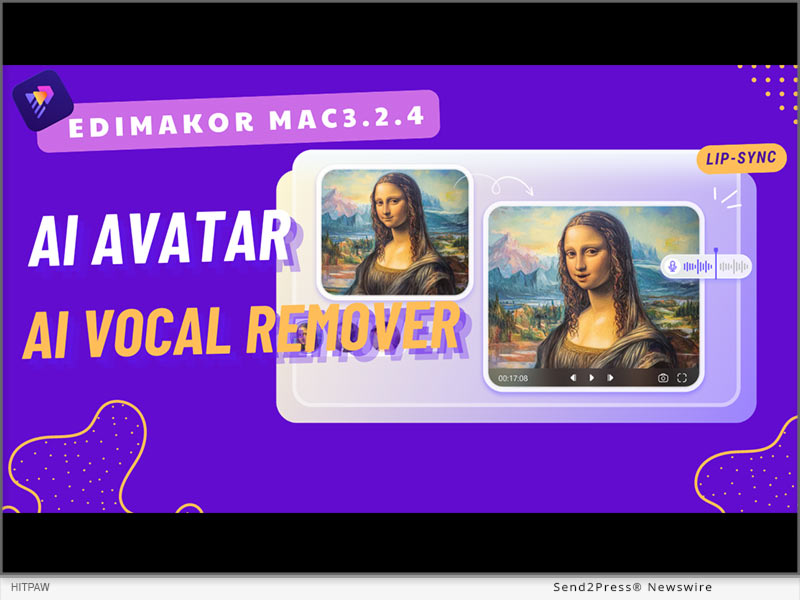
HitPaw Edimakor Mac 3.2.4 Released with Updates for Advanced AI Avatar and AI Vocal Remover

NEW YORK, N.Y., Sept. 26, 2024 (SEND2PRESS NEWSWIRE) — HitPaw Edimakor Mac 3.2.4 is a powerful update, including exciting features such as AI Avatar with talking photo lip-sync and AI Vocal Remover. The new version further extends its video editing possibilities to enable users to create professional-looking videos with less effort. Whether one is a content creator, marketer, or educator, the array of new features opens creative freedom and will make creating stunning videos easy as never before.

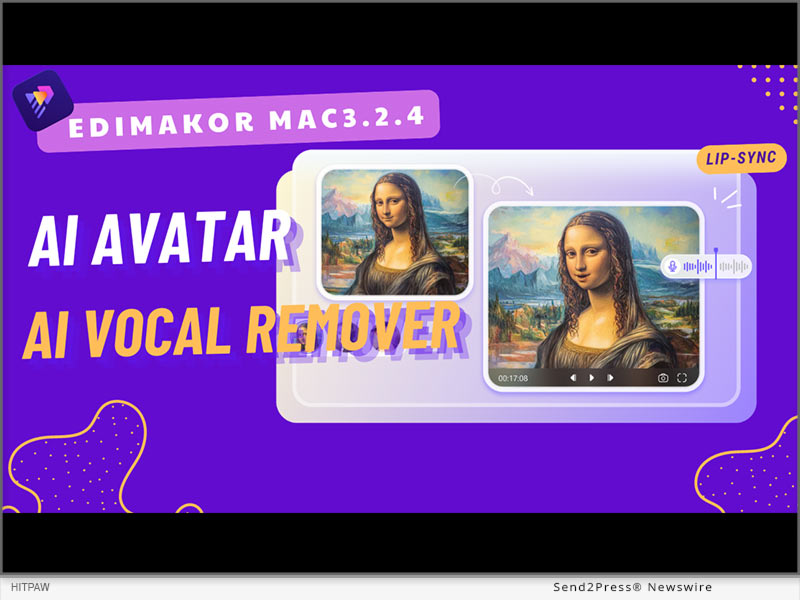
HitPaw Edimakor Mac 3.2.4 Released
Image caption: HitPaw Edimakor Mac 3.2.4 Released.

AI AVATAR

AI Avatar helps users create and shape up talking non-static images. It animates people’s photos by synchronizing the lip motions with the spoken text. This tool applies especially to social media content, tutorial videos, and marketing videos, which usually require more and more engagement.

AI VOCAL REMOVER

AI Vocal Remover provides the ability to extract vocals from anything in audio or video format and, therefore, makes the isolation of voiceovers or the removal of unwanted background music quite easier.

The precision with which AI Vocal Remover does this offers quality retention of the remaining audio, something that is really useful both for professionals and hobbyists.

WHAT’S MORE IN THE NEW VERSION?

The HitPaw Edimakor Mac 3.2.4 update isn’t just about AI Avatars and Vocal Remover; it comes packed with several additional features:

  • AI Video Cutout Function: Automatically detects and removes backgrounds from videos. It is highly useful for scene changes or chroma keying.
  • AI Beat Detection: Analyzes the music track and syncs it to video clips in order to simplify creating rhythm-based videos.
  • Optimized AI Audio Noise Reduction: Reduces background noise effectively and gives a clearer, more professional rendition of audio.
  • Enhanced Cropping: Crop directly in the player, making editing tasks easier.
  • Expanded Special Effects: Includes stroke effects, background glow, and portrait segmentation, allowing for more creative editing.
  • Stretchable Shapes: Basic shapes such as circles, rectangles, triangles, and hearts, with color stroke, and stretch capability.
  • Custom Text and Subtitle Presets: Customize your own text styles and save them for future reuse so that editing subtitles can be speedier and more efficient.

These additional features make the software an extensive solution in video editing to meet a wide range of creative needs.

PRICING & AVAILABILITY

HitPaw Edimakor Mac 3.2.4 is available on the official website; meanwhile, there are different pricing plans corresponding to user needs.

  • 1 Month ($19.95)
  • 1 Year ($49.95)
  • Perpetual ($69.95)

SUMMARY

The HitPaw Edimakor Mac 3.2.4 update brings a sea change in video editing with its advanced features such as AI Avatar and Vocal Remover, along with a host of other enhancements to make the learning curve as flat as possible. This update makes video creation accessible and efficient, whether you’re a beginner or a professional.

About Edimakor

HitPaw Edimakor is a state-of-the-art video treatment facility that uses AI to lighten the creative process. Among its many features, you can find an AI Subtitle Translator that automatically translates the subtitles of a video into multiple languages, a Text-to-Speech function that creates realistic voiceovers for one’s videos, and an AI Video Background Remover to change video backgrounds as quickly and easily as desired.

If you want professional-quality videos without having to invest much in terms of editing skills or resources, this platform actuates perfection.

For more information about HitPaw Edimakor Mac3.2.4 and its features, visit https://edimakor.hitpaw.com/

Follow on social:

Facebook: https://www.facebook.com/EdimakorOfficial

X/Twitter: https://x.com/HitpawEdimakor

YouTube: https://www.youtube.com/@HitPawEdimakorOfficial

VIDEO (YouTube): https://youtu.be/kvsWzGFlV9o?si=5t7fivrAa433l37s

NEWS SOURCE: HitPaw


This press release was issued on behalf of the news source (HitPaw), who is solely responsible for its accuracy, by Send2Press Newswire. Image, if any, was provided by the news source and not this website or the wire service. Information is believed accurate, as provided by the news source, but is not guaranteed.

To view the original story, visit: https://www.send2press.com/wire/hitpaw-edimakor-mac-3-2-4-released-with-updates-for-advanced-ai-avatar-and-ai-vocal-remover/

Copr. © 2024 Send2Press® Newswire, Calif., USA. -- REF: S2P STORY ID: S2P121193 NOREL-3B
 

BlipCut V2.14.0 Introduces Batch Video Translation to Boost Efficiency

NEW YORK, N.Y. /ScoopCloud/ -- BlipCut, the leading AI-powered video translation platform, is excited to announce the release of its V2.14.0 update, bringing new features, language support, and a special campaign designed to empower educators and content creators worldwide.

WHAT'S NEW IN BLIPCUT:

1. New Feature: Batch Video Translation

With the growing demand for faster and more efficient content translation, BlipCut is proud to launch its highly anticipated Batch Video Translation feature. Users can now translate multiple videos simultaneously, streamlining the process for creators, educators, and businesses with large volumes of content. This new functionality supports 95+ languages and ensures top-tier accuracy, voice cloning, and speed-making global content distribution more accessible than ever before.

2. Added 13 New Languages

BlipCut is further enhancing its global reach by adding support for 13 new languages, enabling users to communicate with a broader audience. The new languages are: Nepali, Persian, Serbian, Sinhala, Slovenian, Somali, Swahili, Telugu, Urdu, Welsh, Odia, Punjabi, Assamese.

With these additions, BlipCut now supports over 100 languages, making it one of the most comprehensive video translation tools on the market.

3. BlipCut Back-to-School Campaign

To celebrate the new update and support educators, BlipCut is launching a Back-to-School campaign from September 3 to September 20, 2024.

The campaign includes a variety of exciting activities, such as:

* A 100% winning lottery where participants choose their role (such as student, teacher, or parent) and stand a chance to win exclusive rewards.

* A Buy-One-Get-Three Deal with an additional 60% discount on all purchases.

* A social media contest, where users can share their translated videos and the top three participants with the most engagement will win a free annual BlipCut plan.

BlipCut has always been committed to helping content creators and educators expand their reach and effortlessly engage global audiences.

About BlipCut:

BlipCut is an industry-leading AI video translation platform that allows users to break language barriers with ease. With features like batch translator, subtitle translation, AI voiceover, and support for 100+ languages, BlipCut is the go-to solution for content creators, educators, and businesses worldwide.

To know more, you may visit: https://videotranslator.blipcut.com/

Our Social Media:

YouTube: https://www.youtube.com/@BlipCut_Online

X/Twitter: https://x.com/BlipCutofficial

Facebook: https://www.facebook.com/blipcut

Instagram: https://www.instagram.com/blipcutofficial

Discord: https://discord.gg/vk4Z2YWGsG

News from BlipCut

BlipCut, the leading AI-powered video translation platform, is excited to announce the release of its V2.14.0 update, bringing new features, language support, and a special campaign designed to empower educators and content creators worldwide.

Related link: https://videotranslator.blipcut.com/

This version of news story was published on ScoopCloud™ (ScoopCloud.com) - part of and © the Neotrope® News Network - all rights reserved.

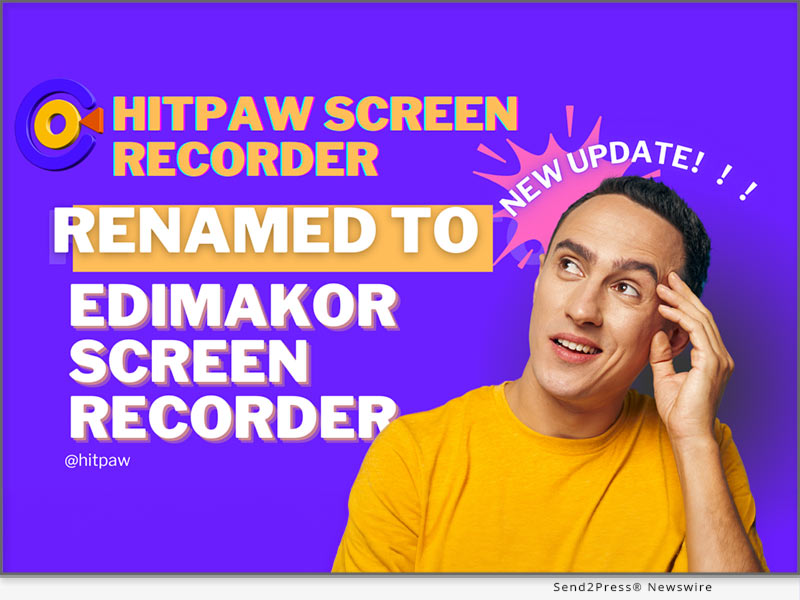
New Update! HitPaw Screen Recorder is Renamed to Edimakor Screen Recorder!

NEW YORK, N.Y. /ScoopCloud/ -- HitPaw today announced an exciting update to their popular screen recording software. HitPaw Screen Recorder has been renamed to Edimakor Screen Recorder. It offers unmatched functionality, ease of use, and the ability to record smooth, high-quality video - really setting a new standard when it comes to capturing anything and everything happening on your computer screen.

According to the HitPaw spokesperson,they are absolutely thrilled to unveil the new Edimakor Screen Recorder name and upgraded features: "Our dedicated team of software developers and designers has worked tirelessly over the past year to create what we believe to be the ultimate screen recording solution.Edimakor aims to connect the upstream and downstream of the video editing path to make video production simpler and faster."

MAIN FEATURES

Edimakor Screen Recorder provides exceptional recording capabilities including:

* Webcam Recording: Easily capture video from your webcam with just one click. Perfect for vlogs, tutorials, demos, and more. Adjustable settings allow you to tweak resolution, frame rates, and video orientation.

* Desktop Recording: Select an entire desktop or a specific region to record. Customize keyboard shortcuts for quick and easy desktop recording. Perfect for software demos, gaming highlights, and productivity tutorials.

* Lecture Capture: Students can easily record video lectures, online classes, and seminars. Pause and resume options allow for recording long classes. Draw on videos, add captions, and more.

* Video Call Recording: Capture important video calls for future reference. Works seamlessly with Zoom, Skype, Hangouts, and other platforms. Local recording ensures privacy.

* Game Recording: Designed to optimize game recording with quick toggles and no lag. Capture epic gameplay in HD at up to 144 FPS. Add webcam overlay, mic audio, and custom graphics.

* Audio Recording: Advanced audio recording isolates computer sounds and microphone input. AI noise reduction delivers crisp, clear audio. Custom audio channels available.

* Webcam Overlay: Add a picture-in-picture webcam overlay to your gameplay and desktop recordings. Adjust size, position, and opacity.

* Live Streaming: Stream your recordings live to YouTube, Twitch and 300+ other platforms. Real-time chat and custom overlays available.

Pricing & Availability

Edimakor Screen Recorder is affordably priced at $9.99/month or $49.99 for a lifetime license. Free trials are also available. The software runs on Windows and Mac and can be downloaded from the Edimakor website. Bulk licensing options are available for schools and businesses.

About Edimakor Screen Recorder

For creators, gamers, students and professionals seeking an effective yet simple-to-use screen recorder program, Edimakor Screen Recorder is the best option due to its strong features such as recording capabilities, editing tools and even live streaming.

Edimakor Screen Recorder sets the bar really high for screen recording and capture, thanks to its unmatched recording capabilities, intuitive interface, and high-quality output.

For more information about Edimakor Screen Recorder and its features, visit: https://edimakor.hitpaw.com/features/screen-recorder-live-stream.html

Follow on social media:

Facebook: https://www.facebook.com/EdimakorOfficial

X/Twitter: https://x.com/HitpawEdimakor

YouTube: https://www.youtube.com/@HitPawEdimakorOfficial

Instagram: https://www.instagram.com/edimakor2024/

News from HitPaw

HitPaw today announced an exciting update to their popular screen recording software. HitPaw Screen Recorder has been renamed to Edimakor Screen Recorder. It offers unmatched functionality, ease of use, and the ability to record smooth, high-quality video - really setting a new standard when it comes to capturing anything and everything happening on your computer screen.

Related link: https://www.hitpaw.com/

This version of news story was published on ScoopCloud™ (ScoopCloud.com) - part of and © the Neotrope® News Network - all rights reserved.

HitPaw Edimakor Win 3.2.2 Released with New AI Vocal and Background Remover!

NEW YORK, N.Y. /ScoopCloud/ -- HitPaw has launched Edimakor Win 3.2.2 with powerful AI features that simplify video editing more than ever before. With the update, users can now take advantage of AI Vocal Remover, AI Background Remover, and AI Beat Marker to easily make their videos look better.

The HitPaw spokesperson stated,"We are very excited to launch Edimakor 3.2.2 that we are able to provide Edimakor users with high-tech tools supported by artificial intelligence that simplify complicated processes in editing. With these intuitive functions, both beginners and professionals can smartly refine their videos without special expertise or training necessary."

AI BACKGROUND REMOVER

New AI Background Remover provides simple way to replace, remove, or blur video backgrounds:

1. Download and install the latest version of Edimakor.

2. Click "Remove Background" on the home page or go to "Toolbox."

3. Import the video from which you want to remove the background.

4. Right click on the video in the timeline and select "Remove Background."

5. It will remove the background from your video. Now you can export your video.

The AI precisely identifies foreground subjects like people and objects while removing everything else. This allows users to easily replace backgrounds or creatively blur them without meticulous masking or keying.

AI VOCAL REMOVER

The new AI Vocal Remover makes removing vocals from songs and recordings incredibly easy:

1. Click "Vocal Remover" on the home page or go to "Toolbox" .

2. Import the video from which you want to remove the vocal.

3. Right click on the video in the timeline and select "Vocal Remover".

4. You will have 2 options: keep the human voice or keep the background sound. Once done, download your video.

This groundbreaking tool isolates and extracts vocals with precision that far surpasses traditional filters. Users can effortlessly remove or keep vocals to create karaoke tracks, acapella mixes, and more.

AI BEAT MARKER

The AI Beat Marker takes the hassle out of syncing visuals to music:

1. Click "Beat Marker" or go to "Toolbox".

2. Import the audio and right click on the audio from the timeline.

3. Now, select the "Marker" option and the location on the audio.

4. Once done, export your audio file.

By automatically detecting beats in music, this tool makes it effortless to sync cuts, effects, and motion to the rhythm. Users can save hours of tedious manual beat matching.

Pricing

Subscription plans start at $19.95/month. Perpetual license $69.95, including free lifetime upgrades.

About Edimakor

Edimakor offers AI features and tools for editing videos: Al background remover,Al subtitle generator Al script generator,Al screen recorder,Al video Translator and more. With its unbeatable AI capabilities, novices can now edit like professionals with ease while enabling experts to hasten their workflow.

Learn more about HitPaw Edimakor Win 3.2.2: https://edimakor.hitpaw.com/

Follow on social:

* https://www.facebook.com/EdimakorOfficial

* https://twitter.com/HitpawEdimakor

* https://www.youtube.com/@HitPawEdimakorOfficial

* https://www.instagram.com/edimakor2024/

News from HitPaw

HitPaw has launched Edimakor Win 3.2.2 with powerful AI features that simplify video editing more than ever before. With the update, users can now take advantage of AI Vocal Remover, AI Background Remover, and AI Beat Marker to easily make their videos look better.

Related link: https://www.hitpaw.com/

This version of news story was published on ScoopCloud™ (ScoopCloud.com) - part of and © the Neotrope® News Network - all rights reserved.

HitPaw Edimakor for Mac 3.0.0 Released with AI Video Translator and AI Copywriting!

NEW YORK, N.Y. /ScoopCloud/ -- HitPaw, a leading innovator in video editing and multimedia software, announces the launch of HitPaw Edimakor for Mac V3.0.0. This major release incorporates groundbreaking AI technology, including automatic video translation and AI-powered copywriting tools, that will revolutionize video creation workflows. With HitPaw Edimakor 3.0.0, video editors and social media producers can create localized, optimized, engaging video content faster than ever before.

:: AI Video Translator

The AI video translator in HitPaw Edimakor 3.0.0 enables users to automatically translate and add subtitles to their videos with just a few clicks. This creates opportunities for localized marketing videos, global distribution of video content and the ability to watch videos in any native language around the world.

It has very accurate AI translations that preserve the original context and feelings in dialogues or narrations. All that is required from a user is importing a video, choosing the source and target languages then leaving everything else to HitPaw.

How to Use:

1. Add your video files to a new project timeline

2. Use the "subtitle" tool to automatically convert speech into subtitles

3. Translate the subtitles to the target language

4. Customize the AI-generated text as needed

5. Export your final video with subtitles and copy

:: AI Copywriting Assistant

The new AI copywriting capabilities in HitPaw Edimakor 3.0.0 are a gamechanger for crafting compelling video scripts, titles, descriptions, and more. Simply describe your video concept and target audience, and the AI will generate on-brand copy tailored to your needs.

The AI copywriter creates original text that is engaging, persuasive, and optimized for search engines. Whether you need a catchy video title, powerful opening hook, or full video script, the AI can handle it with just a few prompts.

How to Use:

1. Open Edimakor and Click "AI copywriting"

2. Select the video scene you want

3. Describe the video theme and related information

4. Generate the script

:: Pricing and Availability

HitPaw Edimakor 3.0.0 is available now for Mac and can be downloaded from the official HitPaw website. Subscription plans start at just $19.95 per month, while a perpetual license is $69.95 with free lifetime upgrades.

Considering the immense value added by the new AI tools, HitPaw Edimakor remains an extremely cost-effective option for video creators and social media marketers. The software pays for itself in time savings and higher quality results.

:: Summary

In video post-production, HitPaw Edimakor 3.0.0 has been enhanced with AI-powered features that have brought in advanced automation. This launch facilitates quicker production of stunning videos by creators through AI-created captions and copywriting and improved editing functions.

About Edimakor

HitPaw Edimakor 3.0.0 is video editing software packed with cutting-edge AI tools. It can automatically generate scripts, subtitles, and optimized copy using advanced AI. Key features include AI video generator, subtitle generator, text-to-speech, speech-to-text, copywriting and more, revolutionizing the video creation workflow.

LEARN MORE:: https://edimakor.hitpaw.com/

Social Media:

* Facebook: https://www.facebook.com/EdimakorOfficial

* X/Twitter: https://x.com/HitpawEdimakor

* YouTube: https://www.youtube.com/@HitPawEdimakorOfficial

News from HitPaw

HitPaw, a leading innovator in video editing and multimedia software, announces the launch of HitPaw Edimakor for Mac V3.0.0. This major release incorporates groundbreaking AI technology, including automatic video translation and AI-powered copywriting tools, that will revolutionize video creation workflows. With HitPaw Edimakor 3.0.0, video editors and social media producers can create localized, optimized, engaging video content faster than ever before.

Related link: https://www.hitpaw.com/

This version of news story was published on ScoopCloud™ (ScoopCloud.com) - part of and © the Neotrope® News Network - all rights reserved.

iMyFone VoxBox TTS Voice AI Launches Video Dubbing Feature

NEW YORK, N.Y. /ScoopCloud/ -- iMyFone VoxBox, a leading text to speech voice generator in voice AI technology, is thrilled to announce the launch of its highly anticipated video dubbing feature. This new addition empowers users to effortlessly add high-quality voiceovers to their videos, revolutionizing the way content is created and consumed.

With the new video dubbing feature, VoxBox AI Voice Generator aims to simplify the process of adding text to speech voiceovers to video content. Whether you're a content creator, marketer, educator, or business professional, VoxBox provides the tools you need to enhance your videos with professional-grade audio.

Co-founder of iMyFone, James says: "VOXBOX introduces its new video dubbing feature to enhance content creation with seamless, high-quality human and anime text to speech. Driven by our vision to simplify video production, this feature empowers users to effortlessly integrate professional-grade audio, making it easier to connect with global audiences and elevate content to new heights."

:: VoxBox AI Voice Generator Full Features:

Realistic text to speech: Offering more than 3500 AI voices, from narrations and tutorials to advertisements and entertainment, VoxBox delivers crystal-clear audio that elevates your production quality.

Advanced voice cloning: Customize your voice within seconds by using its advanced AI voice cloning technology. It allows you to replicate specific voices to create unique voice experiences.

Multi-Language Support: Reach a global audience with multi-language support. It enables you to add TTS in various languages to access a wider audience.

Customization Options: Various customization options, including pitch, speed, tone and emotion adjustments to ensures that your audio perfectly aligns with your video's content.

Video Dub: This feature simplifies adding professional-grade, multilingual voiceovers and personalized voice cloning to your videos.

:: Use Case for Text to Speech with iMyFone VoxBox:

1. Add realistic, dramatic or humorous AI text to audio to social media content, making content stand out.

2. Reach a global audience by dubbing videos in multiple languages with native-like accuracy.

3. Enhancing gaming experience with immersive voiceovers to game trailers and walkthroughs.

4. Bring stories to life with expressive AI voice for audiobooks and storytelling videos.

5. Provide clear dubbing for e-learning courses, PPT and PDF.

6. Text to song with AI rapper voices, let your lyrics sing!

:: 3 Steps to Create Video Dub with VoxBox Voice Maker:

1. Download and install iMyFone VoxBox and launch it.

2. Choose text to speech voice and type your text.

3. Upload your video and add TTS voiceover, then export it.

You can now try iMyFone VoxBox for free or enjoy more features less than $0.54/day!

Want to know more details? Please visit: https://filme.imyfone.com/voice-recorder/

About iMyFone:

iMyFone is a leading software company that focus on mobile data recovery, iOS system repair, location changer, voice generation, video editor and more than 50+ software. More than 3 million users from 200+ countries trusted iMyFone in past 9 years. So, iMyFone VoxBox AI voice generator will offer you the best experience!

Social Media:

X/Twitter: https://twitter.com/voicetechfilme/

YouTube: https://www.youtube.com/@iMyFoneFilmeVideoEditor/videos

Discord: https://discord.com/invite/G9hZWrGNnY

Instagram: https://www.instagram.com/iMyFoneFilme/

VIDEO (YouTube): https://youtu.be/F6u5EfGdPaA?si=gSwCsIFOXpexntt2

RELATED LINKS:

https://filme.imyfone.com/voice-recorder/ai-voice/

https://filme.imyfone.com/voice-changer/

https://filme.imyfone.com/rapper-deep-voice/

https://filme.imyfone.com/voice-cloning/

News from IMyFone

iMyFone VoxBox, a leading text to speech voice generator in voice AI technology, is thrilled to announce the launch of its highly anticipated video dubbing feature. This new addition empowers users to effortlessly add high-quality voiceovers to their videos, revolutionizing the way content is created and consumed.

Related link: https://www.imyfone.com/

This version of news story was published on ScoopCloud™ (ScoopCloud.com) - part of and © the Neotrope® News Network - all rights reserved.

4DDiG Video Enhancer Release: AI Enhance, Upscale, Sharpen Video All in One Place

NEW YORK, N.Y. /ScoopCloud/ -- Tenorshare 4DDiG is excited to announce its latest AI-powered video enhancer tool that will enhance, upscale as well as sharpen videos, all in one place. Harnessing the features of the user-friendly software, convert your videos into professional-looking exceptional pieces in no time.

4DDiG Video Enhancer is different from all others in the market. It is a top-notch multi-tasker - AI video Enhancer, AI Video Upscaler, AI Video Sharpener, AI video Restorer, and AI Video Colorizer.

What Can 4DDiG Video Enhancer Do For You

4DDiG Video Enhancer can assist in enhancing your video quality under 3AI models: General Model, Anime Mode, and Face Model.

General Model: Under this model, the overall quality of videos like animal, landscape, events, travel, and others can be improved. The model works to reduce the noise and improve the overall clarity.

Face Model: This model is apt for videos having faces like interviews, vlogs, and similar others. The facial details, skin texture, and others are taken care of to make videos clearer and more detailed.

Anime Model: This model especially works for videos featuring anime and cartoon characters. Under this model, the anime looks bright, smooth, and vibrant by enhancing colors and sharpening lines.

Using the 4DDiG Video Enhancer the videos are automatically enhanced based on the model selected. The software allows you to choose the resolution of the output file and also select if you want to improve based on Quality First or Speed First. Multiple videos can be selected and enhanced at the same time. There is also an option for auto-saving the enhanced files. Before you save the processed files, you can also preview the changes and compare them with the original ones.

Why Choose 4DDiG Video Enhancer?

There are several reasons to choose 4DDiG Video Enhancer over other available similar tools in the market.

* The software works seamlessly on all your popular and latest Windows and Mac systems.

* The interface is user-friendly and self-explanatory.

* Batch processing supported

* Pocket friendly pricing available in monthly, yearly, and lifetime license plans.

About 4DdiG:

Tenorshare 4DDiG is among the top and the best-rated companies when it comes to file repair and enhancement tools. Working relentlessly in the field for years, the company believes in studying and coming out with the most innovative and latest technologies that offer the best to its customers. Meeting your demands with better experiences is the agenda of 4DDiG. The company is trusted by its loyal users and has received accolades from trusted and popular media across the globe including big names like MakeUseOf, AppleInsider, Pocketlint, and more.

For more information, visit: https://4ddig.tenorshare.com/video-enhancer.html

Follow on Social:

Official Website: https://4ddig.tenorshare.com/

Facebook: https://www.facebook.com/4DDiG/

X/Twitter: https://x.com/Tenorshare4DDiG

YouTube: https://www.youtube.com/@Tenorshare4DDiGDataRecovery/featured

News from Tenorshare Co. Ltd.

Tenorshare 4DDiG is excited to announce its latest AI-powered video enhancer tool that will enhance, upscale as well as sharpen videos, all in one place. Harnessing the features of the user-friendly software, convert your videos into professional-looking exceptional pieces in no time.

Related link: https://www.tenorshare.com/

This version of news story was published on ScoopCloud™ (ScoopCloud.com) - part of and © the Neotrope® News Network - all rights reserved.

Free AI Photo Enhancer, FliFlik KlearMax for Photo, offers Limited Time Free Download for New Release

NEW YORK, N.Y. /ScoopCloud/ -- Today, FliFlik proudly announces the launch of its revolutionary AI Photo Enhancer - FliFlik KlearMax for Photo, a powerful new tool that leverages cutting-edge artificial intelligence to remove the blurry, increase resolution, and sharpen the details, turning your lackluster photos into stunning, high-quality images.

FliFlik KlearMax for Photo offers a range of features to suit your specific needs. For portraits, choose from Soft Mode for a subtle, natural enhancement, Natural Mode for a balanced improvement, or Sharpen Mode to bring out crisp details. In addition to portrait enhancement, our versatile tool includes a General Model for overall image improvement and a Denoise Model to eliminate unwanted grain and noise from any photo.

Let's explore the major features of FliFlik KlearMax for Photo:

:: Diverse AI Models to Meet All Needs

By utilizing advanced AI algorithms, KlearMax for Photo offers 3 AI models, including Face Model, General Model, and Denoise Model. The Face Model is the best image enhancer for portrait perfection, removing blur, increasing resolution, and retouching details for a flawless finish. The General Model is a versatile solution, tackling all image types-landscapes, architecture, animals, and plants-with targeted enhancements. For photos plagued by unwanted noise, the Denoise Model works to reduce the majority of noise from your photos, restoring clarity from images like animations and games.

:: Batch Image Enhancement at Once

Speed and flexibility are hallmarks of FliFlik KlearMax for Photo. Our powerful AI models are optimized for fast processing, saving you valuable time. Enhance multiple photos at once and apply different AI models to each image for tailored results. With a single click, you can transform your entire collection in seconds.

:: 100% Safe Process

We will not compromise our users' privacy. Unlike online photo enhancers, our AI photo enhancer works entirely on your device. Your photos and data never leave your computer, ensuring complete privacy and security.

:: Excellent Image Format Converter

Say goodbye to format headaches! KlearMax for Photo offers a built-in image format converter that seamlessly converts your photos between popular formats like JPG, PNG, and BMP. This effortless workflow ensures your images are always compatible with your needs.

Availability and Pricing

Right now, we are running a free Giveaway event for 6-month license.

FliFlik KlearMax for Photo: https://fliflik.com/ai-klearmax-for-photo/

The normal price will be:

1- Month plan: $19.95

1- Year plan: $59.95

Lifetime plan: $99.95

Compatibility:

Windows: Win 11/10/8.1/8/7 64-bit

macOS version will be coming soon

About FliFlik:

FliFlik is a young and dynamic brand founded by Shenzhen HappyDog Technology Co., Ltd in 2019 with a clear mission to revolutionize the digital experience for users worldwide. Our team of experienced professionals is dedicated to developing innovative multimedia software that enhances the digital lives of our users. We believe that technology should be intuitive, user-friendly, and accessible to everyone, regardless of their technical expertise.

LEARN MORE:

Website: https://fliflik.com/

Instagram: https://www.instagram.com/fliflikofficial/

YouTube: https://www.youtube.com/@FliFlik

Facebook: https://www.facebook.com/FliFlik/

News from FliFlik

Today, FliFlik proudly announces the launch of its revolutionary AI Photo Enhancer - FliFlik KlearMax for Photo, a powerful new tool that leverages cutting-edge artificial intelligence to remove the blurry, increase resolution, and sharpen the details, turning your lackluster photos into stunning, high-quality images.

Related link: https://fliflik.com/

This version of news story was published on ScoopCloud™ (ScoopCloud.com) - part of and © the Neotrope® News Network - all rights reserved.

Gemoo Launches CapUp to Make Viral Videos for Tiktok, Instagram, and YouTube easily and Instantly

LOS ANGELES, Calif. /ScoopCloud/ -- Gemoo Inc., the developer of FocuSee, proudly announces the launch of CapUp, an innovative AI caption generator designed to save editing time and effort for content creators, and help them easily create viral shorts like top content creators to boost their TikTok, Instagram, and YouTube growth and monetization 10x faster.

Bridging the gap between professional editing and the viral potential of social media, CapUp offers dynamic captions, sophisticated zoom effects, an array of emojis, and tailored sound and visual effects. The application's intelligent automation processes ensure creators' outputs are not only captivating but also aligned with the latest trends, effortlessly.

"We understand how disappointing it could be when pouring hearts and time into creating a video, but it doesn't go viral as expected," said Chloé Yang, co-founder of Gemoo. "CapUp was built to help content creators turn short videos into viral ones within minutes. With dynamic captions and effects, CapUp aims to empower content creators to make a strong impact."

Feature Highlights of CapUp:

1. AI-Powered Captions: CapUp generates accurate dynamic captions with emojis in a flash using advanced AI. Now it supports 12 languages.

2. Trendy Influencer-Style Templates: Users can select from trendy templates and apply it to their own videos in a click. It's also easy to customize caption fonts, highlight colors, emojis, and effects to better fit different styles.

3. Auto Zoom for Highlights: CapUp's AI analyzes the captions and adds magic zoom effects to highlight key points. Amplify the visual impact and increase view duration.

4. Eye-Catching Intro Effect: CapUp automatically adds the same attention-grabbing zoom and sound effect used by the top creator. Help users hook more audience in the first 3 seconds.

5. Popular Sound & Visual Effects: CapUp takes videos to the next level with popular sound and visual effects.

6. Various Interesting Emojis: Spice up the video a bit more with interesting emojis. The perfect emojis will match the captions automatically, and users can add a specific emoji as they prefer.

7. Custom Video Covers: CapUp allows users to choose the most striking moments from the video or upload stunning photos as the thumbnail. Make videos stand out with eye-catching video covers.

Learn more about CapUp or give it a try now: https://gemoo.com/capup/

Compatibility and Price:

CapUp is a web app that works on both Windows and macOS, and is free to generate 10 videos per month. Premium plans start from $12.99/month. Check more pricing plans at: https://gemoo.com/capup/pricing.htm

About Gemoo:

Gemoo is an innovative team on a mission to let everyone enjoy a fun, creative, and limitless experience of video creating, editing, and sharing. For more information: https://gemoo.com/

News from Gemoo

Gemoo Inc., the developer of FocuSee, proudly announces the launch of CapUp, an innovative AI caption generator designed to save editing time and effort for content creators, and help them easily create viral shorts like top content creators to boost their TikTok, Instagram, and YouTube growth and monetization 10x faster.

Related link: https://gemoo.com/

This version of news story was published on ScoopCloud™ (ScoopCloud.com) - part of and © the Neotrope® News Network - all rights reserved.

Experience the Enhanced Edimakor V3.0.0 with a Fresh New UI Design

NEW YORK, N.Y. /ScoopCloud/ -- HitPaw, a leading software company specializing in multimedia tools, is excited to announce the release of HitPaw Edimakor version 3.0.0. The new version features a revamped user interface (UI) design aimed at providing a clearer and more intuitive video editing experience.

"Most video editing software can be overwhelming and confusing for beginners, but Edimakor is designed with its user in mind," said a spokesperson of HitPaw. "As a powerful AI video editor, Edimakor V3.0.0 is suitable for users of all skill levels. Anyone can use it to achieve professional-quality edits in minutes."

OVERVIEW OF THE IMPROVEMENTS FOR HITPAW EDIMAKOR V3.0.0

Here are some key highlights of edimakor 3.0.0:

* Simplicity: Thanks to its new UI design, Edimakor has become a go-to choice for video editing. You will find HitPaw Edimakor much easier to get started with than other video editors. The carefully designed interface minimizes the learning curve, allowing you to spend more time creating stunning videos. Whether you're a beginner or an experienced user, HitPaw Edimakor V3.0.0 promises a smoother and simpler video editing experience.

* Flexibility: Enhanced player interaction is also a key highlight of this upgrade. Specifically, the player interface now offers improved controls for easier video rotation and stretching, empowering users with more flexibility in editing video content.

* Efficiency: To boost productivity, HitPaw has not only made significant upgrades to the underlying systems in Edimakor V3.0.0 but has also optimized interactions with the extensive effects library. Users can now edit and export videos more quickly, saving valuable time while preserving video quality.

WHY SHOULD USE HITPAW EDIMAKOR V3.0.0?

HitPaw Edimakor is the perfect blend of advanced features and a user-friendly interface. It offers powerful hardware encoding and various AI-powered tools to meet your video editing needs:

* AI Smart Cutout: Effortlessly remove backgrounds from your videos and images with precision and speed.

* AI Script Generator: Choose from a variety of pre-written scripts tailored to different video themes and styles.

* AI Text-to-Subtitle Conversion: HitPaw Edimakor can help you automatically split text into subtitle strips, simplifying the subtitle creation process.

* Enhanced Screen Recording: Edimakor allows you to draw directly on the screen while recording, which is invaluable for creating interactive tutorials, demonstrations, or educational content.

In a word, it is an excellent video editing suite for various types of people, including freelancers, content creators, casual video editors, marketers, and others.

About Edimakor:

Over the years, Edimakor has been committed to fulfilling its mission of helping users turn inspiration into reality. Apart from video editing, Edimakor offers a wide range of innovative software solutions, including screen recording, watermark removal, image editing, AI photo enhancement, and more.

For more information, you may visit: https://www.hitpaw.com/video-editor.html

Our Social Media

Facebook: https://www.facebook.com/profile.php?id=100091217221227

X/Twitter: https://twitter.com/HitpawEdimakor

YouTube: https://www.youtube.com/@HitPawEdimakorOfficial

News from HitPaw

HitPaw, a leading software company specializing in multimedia tools, is excited to announce the release of HitPaw Edimakor version 3.0.0. The new version features a revamped user interface (UI) design aimed at providing a clearer and more intuitive video editing experience.

Related link: https://www.hitpaw.com/

This version of news story was published on ScoopCloud™ (ScoopCloud.com) - part of and © the Neotrope® News Network - all rights reserved.

HitPaw Photo AI V3.3.0 Introduces New ID Photo Feature for Professional Use

NEW YORK, N.Y. /ScoopCloud/ -- HitPaw, an unparalleled multi-media solution, announces the highly anticipated release of HitPaw Photo AI ( https://www.hitpaw.com/photo-ai.html ) V3.3.0. This upgrade goes beyond traditional editing tools with its ID Photo Maker functionality. Say goodbye to the hassle of manually resizing and formatting photos for official documents.

Whether you want to enhance facial features, remove blemishes, or change backgrounds, the new version delivers stunning results with just a few clicks, saving you time and effort while ensuring professional-quality outcomes.

LET'S CHECK THE KEY FEATURES:

* ID Photo Maker: Change Background Color and Photo Size Sample

With ID Photo Maker, you can generate ID photos that meet the exact specifications required for passports, visas, driver's licenses, and more. Simply upload your photo, select the desired template, and let HitPaw do the rest, ensuring compliance with international standards and regulations.

* AI Portraits Generation: Create Stunning Portrait Effects at Home

One of the latest additions to HitPaw Photo AI's arsenal is its groundbreaking AI Portraits feature. Leveraging the latest advancements in artificial intelligence, this innovative tool takes portrait editing to new heights. it empowers users to transform their ordinary photos into extraordinary masterpieces effortlessly.

* Added 10+ Art Styles: Inspire a Unique Touch to Your Photos

With HitPaw Photo AI's 50+ Art Styles, you can explore a wide range of artistic expressions, from watercolor and oil painting to surrealism and pop art. Unleash your imagination, experiment with different styles, and bring your creative visions to life like never before. Whether you're a seasoned artist or a novice enthusiast, HitPaw Photo AI is your ultimate tool for unleashing the full potential of your photos.

Learn more: https://www.hitpaw.com/photo-ai.html

Compatibility and Price:

HitPaw Photo AI is now compatible with Windows 11/10/8/7 64-bit and and macOS 10.15 and above. The pricing starts from $21.99 USD for a month plan.

For more price checking and information, you can visit: https://www.hitpaw.com/purchase/buy-hitpaw-photo-ai.html

About HitPaw:

HitPaw is an emerging software company specializing in video editing, screen recording, watermark removing, image editing, photo enhancing, meme-making, etc. We help users turn their inspiration into reality so that we can generate more ideas to make the world full of more creativity.

To know more, you may visit https://www.hitpaw.com/about.html and https://www.hitpaw.com/

Our Social Media

YouTube: https://www.youtube.com/channel/UCQwRggaotgiMcPbiCOsJeBA

Facebook: https://www.facebook.com/hitpawofficial

X (Twitter): https://twitter.com/HitPawofficial

Instagram: https://www.instagram.com/hitpawofficial/

Pinterest: https://www.pinterest.com/HitPawofficialwebsite/

News from HitPaw

HitPaw, an unparalleled multi-media solution, announces the highly anticipated release of HitPaw Photo AI V3.3.0. This upgrade goes beyond traditional editing tools with its ID Photo Maker functionality. Say goodbye to the hassle of manually resizing and formatting photos for official documents.

Related link: https://www.hitpaw.com/

This version of news story was published on ScoopCloud™ (ScoopCloud.com) - part of and © the Neotrope® News Network - all rights reserved.

Picsello Smart Profit Calculator – a Game Changer for Photography Businesses

NEW YORK, N.Y. /ScoopCloud/ -- In today's fast-paced digital world, photographers find themselves in an increasingly competitive marketplace. This is where Picsello, a comprehensive software platform designed to streamline business operations for photographers, can make a profound difference.

Among its proprietary suite of specialized and innovative photography business tools and services is the Smart Profit Calculator(tm), a powerful tool developed through four years of intensive research. This unique calculator takes the guesswork out of pricing for photographers who want to start or grow their business. Picsello also provides insight into pricing strategies and business growth opportunities.

"There's a good deal of misinformation out there about what, for example, brides pay for wedding photography. Much of that is coming from very large companies - not the average photographer trying to make a living wage," Jane Goodrich, founder of Picsello, says. "This misinformation contributes to clients not understanding the real value of services."

During the course of their four years of research, Picsello gathered information through surveys and interviews from photographers across the globe who had been in business for four years or more. Data revealed average industry costs along with how long it takes to create a profitable business.

Earlier data had shown that for every hour of a photoshoot, there were nine hours of backend work. Goodrich says it was difficult to believe so they set out to disprove it.

"However, what we learned shocked us," she says. "You would think with the advent of technology that the backend times would have lessened, but they've actually increased. That's mostly attributed to marketing time to stay in pace with the competition."

So, what's the average total time spent on a photography business per a one-hour photoshoot? The answer: a stunning 12 hours.

The Smart Profit Calculator helps photographers to correctly price themselves so they can afford to replace their equipment, have backup cameras and file storage solutions as well as afford healthcare and even save for retirement.

Users simply enter specific information about their business, such as financial and time goals, business costs for cameras, computers, memory cards, batteries, etc. The calculator factors in the industry standard business costs, and the industry standard for how long certain types of shoots take - including all of that back-end work that often gets left out. Once the data is figured out, the calculator reveals the price that should be charged in addition to how many photoshoots are needed to hit those business goals. A follow-up email includes tips and resources about how to raise those prices and also offers a scheduled call to help with the overall process.

"Using Picsello's calculator was a game-changer," says Jess Allen, owner of Jess Allen Photography. "It gave me confidence to raise my prices, knowing that I was accurately valuing my time and expertise. Thanks to Picsello, I now charge what I'm worth and my business has flourished."

Choosing Picsello means gaining access to expertise and resources that empower photographers to not just survive, but thrive.

"We want photographers to see us as an indispensable business partner," Goodrich says. "Our goal is to be the voice of all photographers and to empower, support and listen to them."

About Picsello:

Picsello's mission is simple - to help photographers successfully market, maintain and manage their photography businesses.

Jane Goodrich, founder of Picsello, uniquely combines her passion for photography with extensive business and technology expertise. She has more than a decade of experience running a photography business and mentoring photographers who want to run their own. This experience, coupled with her MBA and her time working with major brands at Ogilvy, a leading marketing and advertising agency, has equipped her with a deep understanding of brand development and client engagement.

Picsello's approach to business is strategic and user-centric and the company is at the forefront of technological advancement, continually integrating new features based on evolving market trends and user feedback.

MORE INFORMATION:

Try the Smart Profit Calculator for free: https://app.picsello.com/users/register

Picsello: https://www.picsello.com/

MULTIMEDIA:

VIDEO (YouTube): https://youtu.be/aGJsJLGHn-U

News from Picsello

In today's fast-paced digital world, photographers find themselves in an increasingly competitive marketplace. This is where Picsello, a comprehensive software platform designed to streamline business operations for photographers, can make a profound difference.

Related link: https://www.picsello.com/

This version of news story was published on ScoopCloud™ (ScoopCloud.com) - part of and © the Neotrope® News Network - all rights reserved.

How to Remove Background from Image on Mac with Edimakor AI

NEW YORK, N.Y. /ScoopCloud/ -- HitPaw, a leading software developer specializing in multimedia editing solutions, proudly announces the launch of Edimakor Mac version 2.7.0. This latest update introduces a suite of AI-driven tools, such as the highly anticipated AI cutout feature, revolutionizing the editing landscape for Mac users.

According to a spokesperson for HitPaw Edimakor, the release of Mac version 2.7.0 underscores the company's commitment to innovation and user-centric design. "AI cutout represents just one of the many enhancements we've made to HitPaw Edimakor," said a spokesperson of HitPaw. "The Edimakor team is continually dedicated to refining its products, aiming to unleash users' creativity and streamline their editing workflows."

What is AI Cutout?

Gone are the days of tedious manual selection and masking. With the new AI Cutout tool, Mac users can effortlessly remove backgrounds from images with unparalleled precision and efficiency. Whether editing portraits, product photos, or any other image, this feature empowers users to achieve professional-quality results in a fraction of the time.

Other AI Tools in HitPaw Edimakor

In addition to AI Cutout, HitPaw Edimakor Mac V2.7.0 brings forth a set of other AI-driven functionalities designed to elevate the editing experience. These include:

* STT and TTS Features: HitPaw Edimakor, like other video editing software, offers powerful Speech-to-Text (STT) and Text-to-Speech (TTS) tools. STT converts dialogue in videos to editable text for easy subtitle creation, while TTS allows you to add audio to your videos when needed.

* AI-Generated Script Templates: HitPaw Edimakor Mac V2.7.0 introduces AI-generated script templates, empowering users with intelligent video copywriting recommendations.

* Text-to-Subtitle Conversion: Simply paste your text into HitPaw Edimakor, and it will automatically split it into subtitle strips, saving you time and effort in the subtitle creation process.

These AI and enhanced features, coupled with optimizations to the Timeline interface and fixes to the downloader, reinforce HitPaw Edimakor's position as a leading provider of cutting-edge editing solutions.

How to Use AI Cutout on Mac by HitPaw Edimakor?

Whether you're a seasoned professional or a novice enthusiast, HitPaw Edimakor makes AI background removal accessible to everyone. Here is a step-by-step guide to use AI coutout on Mac:

Step 1: Begin with upload your image to Edimakor by clicking 'Import Files.' Then, add the image to the timeline by clicking the '+' icon or dragging it there manually.

Step 2: Navigate to 'AI Tools' under 'Image' in the right column, and toggle the 'AI Cutout' feature to remove the background from your image with a single click.

Step 3: Once the background is removed, you can further edit and enhance the image, such as changing the background, adding special effects, etc. Finally, click 'export' to save your edited image.

For more information about HitPaw Edimakor Mac 2.7.0 and its features, visit https://www.hitpaw.com/video-editor.html

Follow on social:

Facebook: https://www.facebook.com/profile.php?id=100091217221227

X/Twitter: https://twitter.com/HitpawEdimakor

YouTube: https://www.youtube.com/@HitPawEdimakorOfficial

News from HitPaw

HitPaw, a leading software developer specializing in multimedia editing solutions, proudly announces the launch of Edimakor Mac version 2.7.0. This latest update introduces a suite of AI-driven tools, such as the highly anticipated AI cutout feature, revolutionizing the editing landscape for Mac users.

Related link: https://www.hitpaw.com/

This version of news story was published on ScoopCloud™ (ScoopCloud.com) - part of and © the Neotrope® News Network - all rights reserved.

HitPaw Edimakor Win V2.7.0 Released with AI-Powered Features and an Enhanced Video Editing Experience

NEW YORK, N.Y. /ScoopCloud/ -- HitPaw Edimakor, a robust video editing software, has recently undergone a significant update with the release of Win V2.7.0. The upgraded version not only enhances existing features but introduces groundbreaking AI-powered tools, offering users an unparalleled creative experience.

"Whether you're a seasoned professional or just starting your creative journey, HitPaw Edimakor Win V2.7.0 is the go-to choice," says a spokesperson from HitPaw. "Artificial intelligence will fundamentally change the way video editing is done, making the creative process more efficient and enjoyable."

NEW AI-DRIVEN TOOLS

Let's take a look at what powerful artificial intelligence tools have been added to this video editing suite:

* AI-Generated Script Templates: Powered by artificial intelligence, this innovative feature can automatically generate video scripts, streamlining users' content creation process. Beyond efficiency, it delivers compelling video copywriting that quickly captivates the audience's interest within a short timeframe.

* AI Smart Cutout: With the Image AI Cutout feature, HitPaw edimakor Win V2.7.0 allows users to separate people or objects from the background. Now, you can easily change the background or inject other elements into your edits.

ENHANCED EXISTING FEATURES

This update is aim to provide users with a more fluid, efficient, and enjoyable editing experience. To achieve this, the following features have been further optimized:

* Expanded Material Library: The update also expands the pool of trending image and video materials from the internet, helping users incorporate more fashionable and appealing elements into their videos.

* Text-to-Subtitle Conversion: Say goodbye to time-consuming subtitle creation. With the new Text to Subtitle conversion feature, users can improve workflow efficiency and focus more on storytelling. Just paste your text and it automatically splits text into dynamic subtitle strips.

* Enhanced Screen Recording: Experience an upgraded screen recording function with the addition of a recording camera, allowing for more dynamic and personalized recordings.

* Timeline Refinement: Your editing experience is now smoother than ever with optimized details related to the timeline. Enjoy enhanced precision and control over your creative process.

PRICING & AVAILABILITY

HitPaw Edimakor offers a range of subscription plans tailored to meet your unique needs. Users can take advantage of the ongoing Spring sale, available until early April, where the discounted price is now an exclusive. This limited-time offer makes HitPaw Edimakor Win V2.7.0 even more accessible to creators, ensuring cutting-edge video editing tools are within reach for all.

ABOUT EDIMAKOR

At Edimakor, they are dedicated to transforming inspiration into reality, fostering a world filled with boundless creativity. As a leading video editor software provider, Edimakor also offers a range of multimedia solutions for creators, including screen recording, photo enhancement, voice changing, AI video generation, among others.

For more information, you may visit: https://www.hitpaw.com/video-editor.html

Follow on social:

Facebook: https://www.facebook.com/profile.php?id=100091217221227

X/Twitter: https://twitter.com/HitpawEdimakor

YouTube: https://www.youtube.com/@HitPawEdimakorOfficial

News from HitPaw

HitPaw Edimakor, a robust video editing software, has recently undergone a significant update with the release of Win V2.7.0. The upgraded version not only enhances existing features but introduces groundbreaking AI-powered tools, offering users an unparalleled creative experience.

Related link: https://www.hitpaw.com/

This version of news story was published on ScoopCloud™ (ScoopCloud.com) - part of and © the Neotrope® News Network - all rights reserved.

Celebrate Valentine’s Day with Edimakor Video Maker from HitPaw

NEW YORK, N.Y. /ScoopCloud/ -- HitPaw, a leading creative solutions provider, is thrilled to announce its Valentine's Day promotion. The special event aims to express gratitude to the loyal content creators who have consistently supported HitPaw.

"If you're looking for a Valentine's Day video editor this romantic season, give our HitPaw Edimakor a shot," says the spokesperson of HitPaw. "It's a reasonable investment for users seeking a high-quality video editing experience while being mindful of costs."

What can you get from this event?

Running from January 31 to February 14, 2024, the HitPaw Edimakor team offers Valentine's Day video makers the opportunity to transform their ideas into touching stories, and there's 20% off on Edimakor for Windows and Mac. Just hop onto the HitPaw website, locate the banner with the discount code, copy it, and paste it at checkout (Redeem Coupon Code box). It's super easy! You're all set to make a Valentine's Day video without breaking the bank.

Why choose HitPaw Edimakor?

Here's why you should choose HitPaw Edimakor as your dedicated Valentine's Day video editor:

* Intuitive Editing for Everyone -- HitPaw Edimakor features a clean and intuitive interface, ensuring that even those new to video editing can effortlessly create Valentine's Day videos. Compared to traditional video editing software, you'll never getting bogged down by complex tools.

* Rich Creative Resources -- Your imagination is the only limit as their resource library offers a variety of fonts, music, effects, and filters-everything you need for your projects. This versatile tool allows you to conveniently paste website links to download your preferred audio and video. But that's not all; you can also directly extract audio from your favorite videos as well.

* Time-Saving Efficiency -- Thanks to their development team, HitPaw Edimakor is now more efficient than ever. For instance, the scissor function allows you to cut all materials at the current frame with just one click, making the editing process much simpler. Plus, with the screenshot feature, creators are able to save videos as images effortlessly. Hitpaw Edimakor is not just a Valentine's Day video editor; it's a time-saving wizard designed to streamline your creative process.

* Cost-effective Choice -- HitPaw Edimakor is not only packed with powerful features but also stands out as a cost-effective choice. Now, take advantage of the special Valentine's Day promotion to access this software at the affordable price.

About Edimakor:

Edimakor is committed to providing users with simple yet powerful tools, unlocking limitless creative possibilities. Whether you need to create Valentine's Day videos, record screens, or enhance photos, Edimakor is always your reliable assistant.

For more information and to seize this limited-time offer, you may visit: https://www.hitpaw.com/video-editor.html

Our Social Media:

YouTube: https://www.youtube.com/@HitPawEdimakorOfficial

Facebook: https://www.facebook.com/profile.php?id=100091217221227

X/Twitter: https://twitter.com/HitpawEdimakor

News from HitPaw

HitPaw, a leading creative solutions provider, is thrilled to announce its Valentine's Day promotion. The special event aims to express gratitude to the loyal content creators who have consistently supported HitPaw. HitPaw Edimakor is not only packed with powerful features but also stands out as a cost-effective choice.

Related link: https://www.hitpaw.com/

This version of news story was published on ScoopCloud™ (ScoopCloud.com) - part of and © the Neotrope® News Network - all rights reserved.

HitPaw Edimakor for Mac V2.6.0: AI Video Generator, STT, TTS Included

NEW YORK, N.Y. /ScoopCloud/ -- HitPaw, a leading provider of multimedia solutions, proudly announces the release of HitPaw Edimakor for Mac V2.6.0, a powerful and user-friendly video editing software. The latest version brings an array of exciting features and fresh resources, solidifying its position as the preferred toolkit among content creators.

What's New about HitPaw Edimakor?

Here's a closer look at the key highlights:

* AI Script Generator: One exciting feature in this update is the integration of the ChatGPT interface. Simply put, users can now use the latest AI to easily create video scripts. Or, you can also create engaging video content by selecting suitable resource templates.

* Video Download and Audio Extraction: HitPaw Edimakor now supports pasting any website link to download corresponding audio and video resources, further enriching your creative experience. Additionally, if you are unsatisfied, you are able to directly extract the desired audio from video clips.

* Screenshot Function: The brand-new screenshot feature allows users to capture moments from videos and save them as static images, making it easy to share and showcase creative highlights.

* Rich resources: In this update, the HitPaw team has introduced a wide range of creative elements. Now, users have access to over 300 new fonts, over 80 diverse text styles, a collection of 50 commercially licensed music tracks, and an selection of over 30 new special effects.

* Simplified creative workflow: With HitPaw Edimakor, Mac users can not only enjoy great freedom but also further simplify the video editing process. For example, when the timeline is empty, you can directly add materials. On the other hand, the newly added switch on the timeline enables users to unbind the material from the main axis.

* STT and TTS: Like other video editing software, HitPaw Edimakor is equipped with powerful Speech-to-Text (STT) and Text-to-Speech (TTS) functionalities. Speech-to-Text can be used to convert dialogues in videos into editable text, facilitating the creation of subtitles. Meanwhile, Text-to-Speech allows you to add audio to your videos when needed.

Compatibility and Price

HitPaw Edimakor is not only fully compatible with MacOS 10.15 or higher, but also offers a Windows version. Users can now purchase the software and enjoy a fantastic 20% discount. Compared to competitors, it is more suitable for budget-conscious Mac users.

For more price checking, please visit:
https://www.hitpaw.com/purchase/buy-hitpaw-video-editor-mac.html

About Edimakor

Edimakor has always been committed to unleashing individual creative potential. Over the years, the Edimakor team has assisted numerous users worldwide in turning their imagination into reality. Apart from video editing, Edimakor also provides various innovative solutions, including screen recording, photo enhancement, voice changing, AI video generation, and more.

For more information, visit: https://www.hitpaw.com/video-editor.html

Follow on social:

YouTube: https://www.youtube.com/@HitPawEdimakorOfficial

Facebook: https://www.facebook.com/profile.php?id=100091217221227

X/Twitter: https://twitter.com/HitpawEdimakor

News from HitPaw

NEW YORK, N.Y., Feb. 2, 2024 (SEND2PRESS NEWSWIRE) -- HitPaw, a leading provider of multimedia solutions, proudly announces the release of HitPaw Edimakor for Mac V2.6.0, a powerful and user-friendly video editing software. The latest version brings an array of exciting features and fresh resources, solidifying its position as the preferred toolkit among content creators.

Related link: https://www.hitpaw.com/

This version of news story was published on ScoopCloud™ (ScoopCloud.com) - part of and © the Neotrope® News Network - all rights reserved.

4DDiG Data Recovery V10 Released with Enhanced User Interface and Advanced Video Recovery Features

NEW YORK, N.Y. /ScoopCloud/ -- 4DDiG, a leading software provider with a decade of experience (a unit of Tenorshare), proudly unveils version 10.0 of its flagship product, 4DDiG Data Recovery. This latest release not only improves the user interface but also introduces the Enhanced Video Recovery feature, solidifying its position as the preferred solution for data loss.

WHAT'S NEW ABOUT 4DDIG DATA RECOVERY V10?

Here are some highlights of this update:

* Enhanced Video Recovery: Unlike conventional recovery tools, 4DDiG now can simultaneously attempt to repair both videos and photos during the recovery process. In other words, users don't have to worry about issues such as the inability to open or poor quality of digital media files after recovery. This is undoubtedly great news for photographers, videographers, content creators, and avid travel enthusiasts.

* Revamped Interface: Although it can actually recover lost data of various formats from over 2000 types of storage media, its interface now categorizes recovery options into two main sections: SD card and hard drive. The new design is aimed at helping users quickly locate the data they want to recover, thereby saving valuable time.

* Optimized UI: Among the numerous data recovery tools, 4DDiG has always been favored by users for its ease of use and high success rate. Therefore, the 4DDiG team further optimized the interaction design to provide users with a better experience. For instance, in situations where users are unsure about the location of data loss, a simple click on the "Select Scan Disk" option at the bottom streamlines the scanning process.

Why 4DDiG Data Recovery V10 is better?

4DDiG Data Recovery V10 covers almost all data loss scenarios, such as accidental deletion, automatic overwrite, device crashes, formatting, device power failures, and more. In addition, the introduction of new features has made this tool a more comprehensive data recovery solution at a lower cost.

"Whether you need to use videos from home surveillance and dashcams as evidence for unexpected events or just want to appreciate the beautiful scenery captured by DJI or GoPro, it is your most reliable assistant," says a spokesperson from 4DDiG.

Learn more: https://4ddig.tenorshare.com/windows-data-recovery.html

About 4DDiG:

Over the past decade, 4DDiG has been providing individuals and businesses with high-quality, diverse innovative solutions. Initially focusing on data recovery, the company later expanded its scope to include disk management, AI enhancement, Windows boot issue repair, file repair, and more. As a software industry leader, the innovative solutions provided by 4DDiG have been recognized by many renowned technology platforms such as MakeUseOf, TechRadar, XDA-Developers, and others.

For more information, please visit: https://4ddig.tenorshare.com/.

Follow on Social:

Facebook: https://www.facebook.com/4DDiG/

X/Twitter: https://twitter.com/Tenorshare4DDiG

YouTube: https://www.youtube.com/@Tenorshare4DDiGDataRecovery/featured

News from Tenorshare Co. Ltd.

4DDiG, a leading software provider with a decade of experience (a unit of Tenorshare), proudly unveils version 10.0 of its flagship product, 4DDiG Data Recovery. This latest release not only improves the user interface but also introduces the Enhanced Video Recovery feature, solidifying its position as the preferred solution for data loss.

Related link: https://www.tenorshare.com/

This version of news story was published on ScoopCloud™ (ScoopCloud.com) - part of and © the Neotrope® News Network - all rights reserved.

BlipCut Introduces AI Video Translator: Its Brand-New AI Tool

NEW YORK, N.Y. /ScoopCloud/ -- BlipCut, a fresh face in the tech scene, is thrilled to unveil its latest creation: BlipCut AI Video Translator. This online tool is set to transform the way content is created and shared, opening up new possibilities for users of all levels.

AI Features:

BlipCut AI Video Translator comes equipped with a range of user-friendly features that breathe life into multimedia projects:

* Voice Cloning: Powered by ElevenLabs, it uses AI to clone your voice with precision when video translating.

* Voice Changer: It provides several human-like AI voices for expressive storytelling.

* Video Dubbing: Break language barriers with effortless video dubbing in various languages.

* Auto Caption Generator: You're allowed to generate the translated subtitles automatically and change the style of subtitles.

* AI Audio Translator: Translate audios or videos instantly in BlipCut, no queuing!

Designed for Everyone:

BlipCut prioritizes simplicity, ensuring that both newcomers and seasoned creators can easily integrate these features into their projects. The aim is to empower users to explore the full potential of AI in multimedia creation.

User Stories:

Early users are already sharing their excitement about the AI Video Translator:

"BlipCut AI Video Translator has become an integral part of my life. I made some learning videos which speaks in English, but I wanted to make them known to all. So I chose to translate to English. BlipCut can translate Korean to English accurately." - Anne Gerta

Availability and Ongoing Development:

The AI Video Translator is available now, and BlipCut is actively seeking user feedback for future enhancements. The company is open to collaborations and partnerships that align with its commitment to innovation.

About BlipCut:

BlipCut is a rising tech brand focused on shaping the future of multimedia creation through innovative AI solutions. The AI Video Translator is the latest addition to its suite of tools aimed at empowering creators worldwide.

To know more, you may visit: https://videotranslator.blipcut.com/

Our Social Media:

YouTube: https://www.youtube.com/channel/UCw1bFhL3EBEfKwZEhVgCm3g

X/Twitter: https://twitter.com/BlipCutofficial

Instagram: https://www.instagram.com/blipcutofficial

Discord: https://discord.com/invite/J6suWhfr

News from BlipCut

BlipCut, a fresh face in the tech scene, is thrilled to unveil its latest creation: BlipCut AI Video Translator. This online tool is set to transform the way content is created and shared, opening up new possibilities for users of all levels.

Related link: https://videotranslator.blipcut.com/

This version of news story was published on ScoopCloud™ (ScoopCloud.com) - part of and © the Neotrope® News Network - all rights reserved.

Kodak Moments Becomes First Business Inducted Into the Kiosk Hall of Fame

ROCHESTER, N.Y. /ScoopCloud/ -- Kodak Moments is the newest member of the Kiosk Industry Hall of Fame - an award presented by the Kiosk Industry Group to recognize outstanding achievement and long-standing service to the kiosk industry. Kodak Moments is the first business to be inducted into the Kiosk Hall of Fame since its inception in 2003. Previously, the Hall of Fame was an honor exclusively for individual contributors to the industry.

"No business has made a greater impact on the kiosk industry than Kodak Moments," said Craig Allen Keefner, Kiosk Industry Group Manager and curator of the Kiosk Hall of Fame. "Kodak Moments was the original global provider of kiosks."

Hundreds of thousands of consumers use Kodak Moments touchpoints each day in a wide range of retail locations including pharmacies, big box stores, and small businesses. Indoor and outdoor kiosks are also deployed at amusement parks, resorts, and on cruise ships. "The proliferation of kiosks across retail and travel and leisure has been driven largely by photo kiosks," said Keefner.

Kodak Moments is also a leader in kiosk fleet management with a complete understanding of kiosk performance, how to manage and service a fleet, and the skilled resources to drive kiosk success.

"We are honored to be inducted into the Kiosk Industry Hall of Fame," said Kodak Moments President Nicki Zongrone. "Consumers rely on us to help preserve their cherished memories as well as the everyday moments that are worth sharing. We look forward to our continued collaboration with our retail partners to provide consumers a simple, smart and modern photo experience."

Kiosks drive traffic to stores and help retailers accelerate growth

Kodak Moments offers retailers a variety of traditional photo prints and premium photo products that are easy for consumers to create and order on demand. Data analysis has shown that a retailer with a photo department will experience a higher market basket due to customer visits to order and pick up photo products.

Kodak Moments technology offers the flexibility to deliver products in a way that's most convenient to consumers, so they can buy and print in store or buy online with delivery options to ship to home, ship to store, or print in store the same day. "Kodak Moments supports a complete omnichannel experience," explained Keefner. "ATMs and airline ticketing kiosks are single function and designed for more linear transactions. Photo kiosks provide a wider array of products and services."

Kodak Moments kiosks process information from a variety of sources. Since every order is unique, based on an individual consumer's images, photo kiosks have a dynamic user interface to deliver an experience that adapts to what each consumer wants.

"Since our inception, we have continued to lead the retail experience with innovations that enable consumers to celebrate, relive and share their Kodak Moments," said Zongrone.

ABOUT KODAK MOMENTS

Kodak Moments is a leading global provider of photo products and services to retailers, consumers, and entertainment properties. We inspire consumers to bring their memories to life-delivering innovative, high-quality photo products and experiences they find truly meaningful. Powered by over 100,000 consumer touchpoints across 30 countries globally, it's our mission to be the brand consumers choose to celebrate and preserve life's memories, from the big events to the everyday moments that matter. https://imaging.kodakalaris.com/kodak-moments

THE KIOSK INDUSTRY GROUP:

Learn more about the Kiosk Industry Group at: https://kioskindustry.org/

About the Kiosk Industry Hall of Fame: https://kioskindustry.org/kiosk-about-2023/kiosk-hall-fame/

News from Kiosk Industry Group

Kodak Moments is the newest member of the Kiosk Industry Hall of Fame - an award presented by the Kiosk Industry Group to recognize outstanding achievement and long-standing service to the kiosk industry. Kodak Moments is the first business to be inducted into the Kiosk Hall of Fame since its inception in 2003. Previously, the Hall of Fame was an honor exclusively for individual contributors to the industry.

Related link: https://kioskindustry.org/

This version of news story was published on ScoopCloud™ (ScoopCloud.com) - part of and © the Neotrope® News Network - all rights reserved.

Kodak Moments Becomes the First Business Inducted Into Kiosk Hall of Fame

ROCHESTER, N.Y. /ScoopCloud/ -- Kodak Moments is the newest member of the Kiosk Industry Hall of Fame - an award presented by the Kiosk Industry Group to recognize outstanding achievement and long-standing service to the kiosk industry. Kodak Moments is the first business to be inducted into the Kiosk Hall of Fame since its inception in 2003. Previously, the Hall of Fame was an honor exclusively for individual contributors to the industry.

"No business has made a greater impact on the kiosk industry than Kodak Moments," said Craig Allen Keefner, Kiosk Industry Group Manager and curator of the Kiosk Hall of Fame. "Kodak Moments was the original global provider of kiosks."

Hundreds of thousands of consumers use Kodak Moments touchpoints each day in a wide range of retail locations including pharmacies, big box stores, and small businesses. Indoor and outdoor kiosks are also deployed at amusement parks, resorts, and on cruise ships. "The proliferation of kiosks across retail and travel and leisure has been driven largely by photo kiosks," said Keefner.

Kodak Moments is also a leader in kiosk fleet management with a complete understanding of kiosk performance, how to manage and service a fleet, and the skilled resources to drive kiosk success.

"We are honored to be inducted into the Kiosk Industry Hall of Fame," said Kodak Moments President Nicki Zongrone. "Consumers rely on us to help preserve their cherished memories as well as the everyday moments that are worth sharing. We look forward to our continued collaboration with our retail partners to provide consumers a simple, smart and modern photo experience."

Kiosks drive traffic to stores and help retailers accelerate growth

Kodak Moments offers retailers a variety of traditional photo prints and premium photo products that are easy for consumers to create and order on demand. Data analysis has shown that a retailer with a photo department will experience a higher market basket due to customer visits to order and pick up photo products.

Kodak Moments technology offers the flexibility to deliver products in a way that's most convenient to consumers, so they can buy and print in store or buy online with delivery options to ship to home, ship to store, or print in store the same day. "Kodak Moments supports a complete omnichannel experience," explained Keefner. "ATMs and airline ticketing kiosks are single function and designed for more linear transactions. Photo kiosks provide a wider array of products and services."

Kodak Moments kiosks process information from a variety of sources. Since every order is unique, based on an individual consumer's images, photo kiosks have a dynamic user interface to deliver an experience that adapts to what each consumer wants.

"Since our inception, we have continued to lead the retail experience with innovations that enable consumers to celebrate, relive and share their Kodak Moments," said Zongrone.

ABOUT KODAK MOMENTS

Kodak Moments is a leading global provider of photo products and services to retailers, consumers, and entertainment properties. We inspire consumers to bring their memories to life-delivering innovative, high-quality photo products and experiences they find truly meaningful. Powered by over 100,000 consumer touchpoints across 30 countries globally, it's our mission to be the brand consumers choose to celebrate and preserve life's memories, from the big events to the everyday moments that matter. https://imaging.kodakalaris.com/kodak-moments

THE KIOSK INDUSTRY GROUP:

Learn more about the Kiosk Industry Group at: https://kioskindustry.org/

About the Kiosk Industry Hall of Fame: https://kioskindustry.org/kiosk-about-2023/kiosk-hall-fame/

News from Kiosk Industry Group

Kodak Moments is the newest member of the Kiosk Industry Hall of Fame - an award presented by the Kiosk Industry Group to recognize outstanding achievement and long-standing service to the kiosk industry. Kodak Moments is the first business to be inducted into the Kiosk Hall of Fame since its inception in 2003. Previously, the Hall of Fame was an honor exclusively for individual contributors to the industry.

Related link: https://kioskindustry.org/

This version of news story was published on ScoopCloud™ (ScoopCloud.com) - part of and © the Neotrope® News Network - all rights reserved.