Author Archives: Tenorshare Co. Ltd.

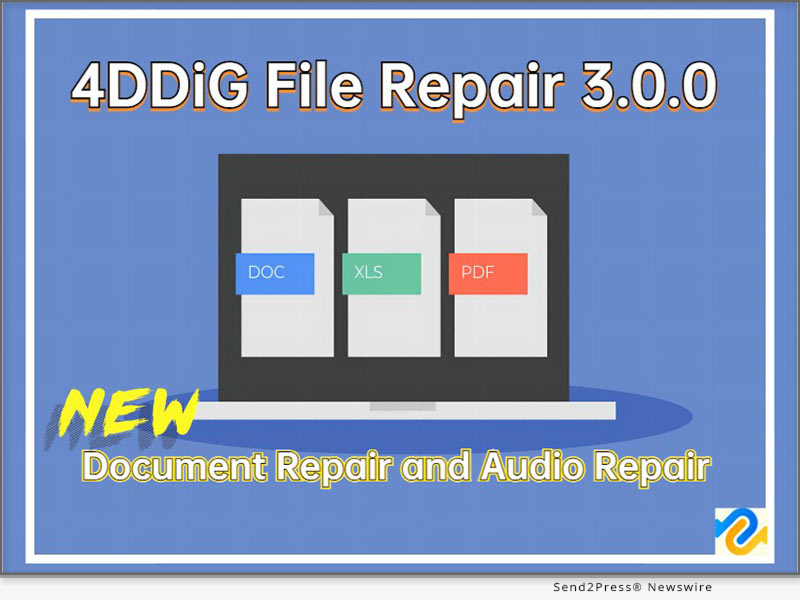
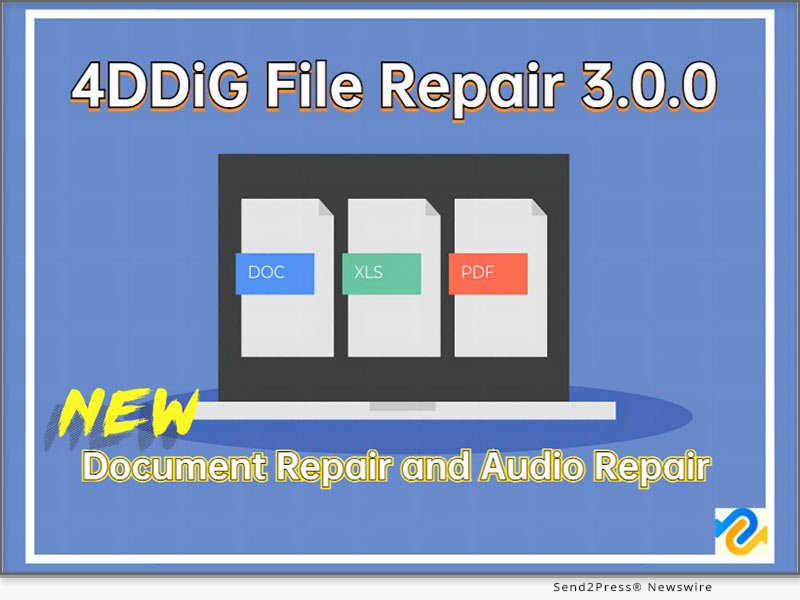
4DDiG File Repair 3.0.0 Launched: Introducing Document Repair and Audio Repair

NEW YORK, N.Y. /ScoopCloud/ -- 4DDiG, a leading software company renowned for its innovative solutions, is excited to announce the release of 4DDiG File Repair 3.0.0. This new version introduces two groundbreaking features: Document Repair and Audio Repair, cementing its position as the go-to solution for file repair needs. 4DDiG is a unit of Tenorshare.

WHY UNVEIL THE NEW VERSION?

Repairing corrupted files can greatly enhance productivity and efficiency, especially for designers or photographers who frequently encounter issues like files not opening, changes in file layouts, unreadable files, and distorted content during their projects. It can be a frustrating experience when you need to waste valuable time and effort recreating files or starting from scratch on your designs or edits. Whether you want to repair corrupted PDF files or Photoshop files, 4DDiG File Repair can salvage your precious designs in the blink of an eye.

According to the spokesperson of 4DDiG, "4DDiG File Repair not only enhances the speed and effectiveness of file recovery but also enhances your reputation and professional image. You can demonstrate your ability to swiftly address issues to clients or partners, earning their trust and establishing yourself as an industry leader."

WHAT'S NEW WITH 4DDIG FILE REPAIR?

* Document Repair

With 4DDiG File Repair, it's no longer a challenging task to repair corrupted Excel files or PDF files.

It supports a wide range of document repair, including PDF repair, Excel Repair, Word Repair, PowerPoint Repair, PhotoShop Repair, Illustrator Repair and more.

* Audio Repair

In addition to its exceptional document recovery capabilities, 4DDiG File Repair now introduces audio repair functionality. You can effortlessly fix issues such as missing segments, unplayable formats, audio distortion, and audio damage in three simple steps.

WHY CHOOSE 4DDIG FILE REPAIR?

When it comes to file repair software, 4DDiG File Repair stands out from the competition for several compelling reasons:

* Unbeatable Value: Compared to many competing products, 4DDiG File Repair offers a significantly lower price point, ensuring exceptional value for money. You can access top-notch file repair capabilities without breaking the bank.

* Comprehensive Solution: 4DDiG File Repair goes beyond mere repair functionalities. In addition to the newly introduced document and audio repair features, it also offers colorization and enhancement capabilities for videos and photos, providing a comprehensive solution for all your repair needs.

* Effortless Recovery: With 4DDiG File Repair, fixing files is a breeze. Just three simple steps, a user-friendly interface, and no technical expertise needed.

You can enjoy all common repair needs, such as damaged video repair or photo repair, in this software at once. Moreover, all users can purchase this excellent software with a 30% discount.

For more information, visit: https://4ddig.tenorshare.com/file-repair.html

Follow on Social:

Official Website: https://4ddig.tenorshare.com/

Facebook: https://www.facebook.com/4DDiG/

Twitter: https://twitter.com/Tenorshare4DDiG

YouTube: https://www.youtube.com/@Tenorshare4DDiGDataRecovery/featured
News from Tenorshare Co. Ltd.

4DDiG, a leading software company renowned for its innovative solutions, is excited to announce the release of 4DDiG File Repair 3.0.0. This new version introduces two groundbreaking features: Document Repair and Audio Repair, cementing its position as the go-to solution for file repair needs. 4DDiG is a unit of Tenorshare.

Related link: https://www.tenorshare.com/

This version of news story was published on ScoopCloud™ (ScoopCloud.com) - part of and © the Neotrope® News Network - all rights reserved.

4DDiG Unveils a New Look with Website Redesign for Enhanced User Experience

NEW YORK, N.Y. /ScoopCloud/ -- 4DDiG, a leading software solutions provider (a unit of Tenorshare), is excited to announce the launch of its redesigned website and reaffirm their brand concept: "Dig Your Computer = Dig Your Diamond." These initiatives reflect 4DDiG's commitment to delivering exceptional user experience and a constant pursuit of innovation.

What does "Dig Your Computer = Dig Your Diamond" mean?

The value of data is akin to precious diamonds, as they reflect our cherished memories and lost dreams. Do you still recall the breathtaking landscapes along the way from your last trip? Or the touching moments at weddings or graduation ceremonies? Those fleeting memories are forever cherished in our hearts and computers. However, due to an unforeseen accident, you may no longer be able to see these precious videos or photos again.

"With 4DDiG Data Recovery," said the spokesperson of 4DDiG, "you can effortlessly access all data on your computer or other storage devices, even if the data has been lost. When users utilize 4DDiG Data Recovery to recover lost data, it's like unearthing diamonds."

What does this website redesign bring?

The revamped website create an aesthetically pleasing environment, making users' browsing experience more enjoyable. Additionally, the website's layout and information architecture have been optimized to streamline user interactions and facilitate intuitive browsing. By incorporating effective UI and UX elements, users can now easily access any information they seek regarding 4DDiG software solutions.

4DDiG Data Recovery: As the flagship product of 4DDiG, it has assisted countless users worldwide in recovering valuable data in the past decade. It can recover over 2000 data types from Windows, Mac, and various removable devices, regardless of how the data was lost.

Learn more: https://4ddig.tenorshare.com/windows-data-recovery.html

4DDiG File Repair: Not only can it repair damaged or corrupted digital media files, but it can also enhance or colorize them for an improved viewing experience.

Learn more: https://4ddig.tenorshare.com/file-repair.html

4DDiG Duplicate File Deleter: With its smart algorithms and real-time duplicate file reminder, users can quickly delete duplicated files and enhance their device's performance.

4DDiG Partition Manager: It offers three robust and accurate features: Clone disk or partition, Migrate OS without data loss and Partition management.

4DDiG Windows Boot Genius: A comprehensive tool designed to resolve various Windows boot-related issues.

This improved browsing experience allows users to make informed decisions about the software they are interested in, empowering them to choose the most suitable solution for their needs. Additionally, to celebrate the arrival of summer, all software products from 4DDiG can be purchased at a 30% discount.

About 4DdiG:

Innovation and user satisfaction have always been the driving forces behind 4DDiG's advancements. Throughout their ten-year journey, they have continuously improved their data recovery software and introduced other software solutions to cater to diverse user needs. The redesign of their website marks a memorable milestone for both 4DDiG and its users.

For more information, visit: https://4ddig.tenorshare.com/

VIDEO (YouTube): https://www.youtube.com/watch?v=CNHSVYo6kuM

Follow on Social:

Facebook: https://www.facebook.com/4DDiG/

Twitter: https://twitter.com/Tenorshare4DDiG

YouTube: https://www.youtube.com/@Tenorshare4DDiGDataRecovery

News from Tenorshare Co. Ltd.

4DDiG, a leading software solutions provider (a unit of Tenorshare), is excited to announce the launch of its redesigned website and reaffirm their brand concept: "Dig Your Computer = Dig Your Diamond." These initiatives reflect 4DDiG's commitment to delivering exceptional user experience and a constant pursuit of innovation.

Related link: https://www.tenorshare.com/

This version of news story was published on ScoopCloud™ (ScoopCloud.com) - part of and © the Neotrope® News Network - all rights reserved.
How to Factory Reset Samsung Phone Without Password?

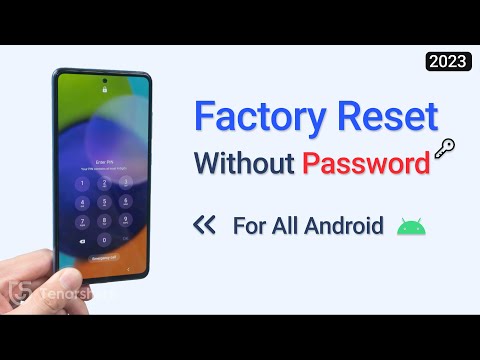
NEW YORK, N.Y. /ScoopCloud/ -- Have you ever been in a situation where you're locked out of your Samsung phone for wrong attempting and want to reset Samsung phone without password? But you don't know how to factory reset Samsung phone without password? "Well, no more worrying your head trying risky methods or contacting customer support," says Tenorshare spokesman, "It is a good news that Tenorshare 4uKey for Android can reset Samsung phone without password." Keep reading below to know how this tool works.

VIDEO: https://www.youtube.com/watch?v=0a_JOzPlI6k

What You Should Know Before Resetting Samsung Phone Without Password?

Before resetting Samsung phone without password, please remind first that there's no secret code to unlock your phone if it's locked. Secondly, many issues can arise if you don't know how to reset a Samsung phone that is locked with the proper method.

For example, you may encounter:

* Data Loss: Many standard reset methods require you to erase all data on the phone, which can be frustrating if you haven't backed up your important files.

* Limited Options: Without the password, you may have limited options to unlock or reset your Samsung phone through conventional methods.

* Technical Limitations: It can be challenging to factory reset Samsung phone without password due to technical limitations. For instance, if your phone runs on Android 5.1 or above, it's protected by Google's FRP Lock, which requires the synced Google account for a factory reset. Also, if you haven't synced your phone to the "Find My Device" feature before, it becomes impossible to reset it remotely.

The above limitations make it crucial to find alternative methods, such as using specialized software like 4uKey for Android, to factory reset without password your Samsung phone.

How to Reset Android Phone When Locked by Using 4uKey for Android [Without Data Loss]

When it comes to resetting S21, S23, or factory reset S22 without password, the 4uKey for Android is hands down the best tool among others. Follow below steps to factory reset Android phone when locked with 4uKey for Android.

* Connect your Samsung phone to your PC.

* Choose "Remove Screen Lock" and press "Start."

* Your phone will unlock and reset successfully after a few minutes without a password.

Compatibility and Price:

Tenorshare 4uKey for Android is compatible with Windows and MacOS. Also, it works with 6000+ Android devices and is compatible with Android 6-12 phones. It costs $29.95 to subscribe for one-month plan, $39.95 for one-year plan, and $49.95 for lifetime plan.

https://www.youtube.com/watch?v=0a_JOzPlI6k

https://www.tenorshare.com/unlock-android/how-to-reset-android-phone-when-locked.html

https://www.tenorshare.com/products/android-password-reset-tool.html

https://www.tenorshare.com/purchase/buy-android-password-reset.html

https://www.tenorshare.com/

About Tenorshare

If you're wondering how to factory reset Samsung phone without password when it's locked, look no further than Tenorshare 4uKey for Android. It's the ultimate solution for resetting Samsung phones without needing a password. With a massive satisfied customers worldwide, Tenorshare, the brand behind 4uKey for Android, is the trusted name for reliable smartphone solutions.

More information: https://www.tenorshare.com/

Facebook: https://www.facebook.com/TenorshareOfficial/

Twitter: https://twitter.com/Tenorshare_Inc

YouTube: https://www.youtube.com/user/TenorshareOfficial/videos

TikTok: https://www.tiktok.com/@tenorshare_tech_tips

News from Tenorshare Co. Ltd.

Have you ever been in a situation where you're locked out of your Samsung phone for wrong attempting and want to reset Samsung phone without password? But you don't know how to factory reset Samsung phone without password? "Well, no more worrying your head trying risky methods or contacting customer support," says Tenorshare spokesman, "It is a good news that Tenorshare 4uKey for Android can reset Samsung phone without password."

Related link: https://www.tenorshare.com/

This version of news story was published on ScoopCloud™ (ScoopCloud.com) - part of and © the Neotrope® News Network - all rights reserved.
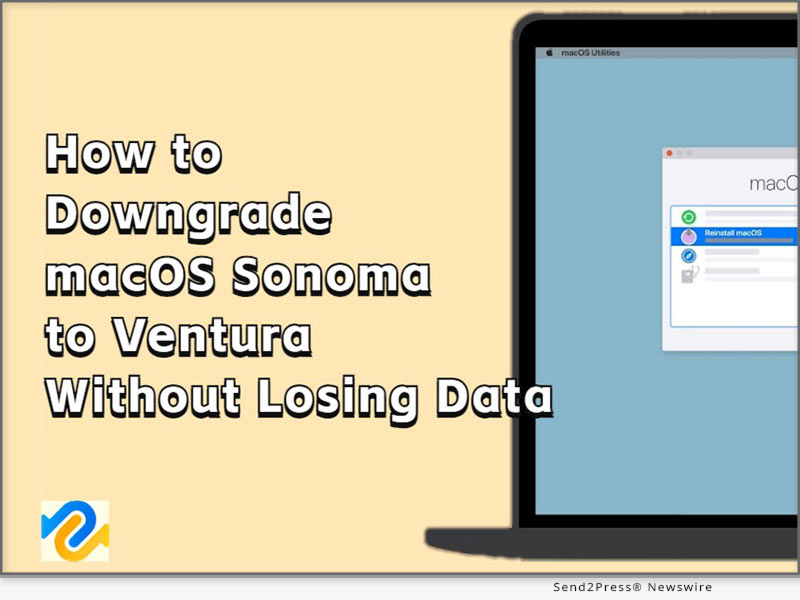
How to Downgrade macOS Sonoma to macOS Ventura Without Losing Data

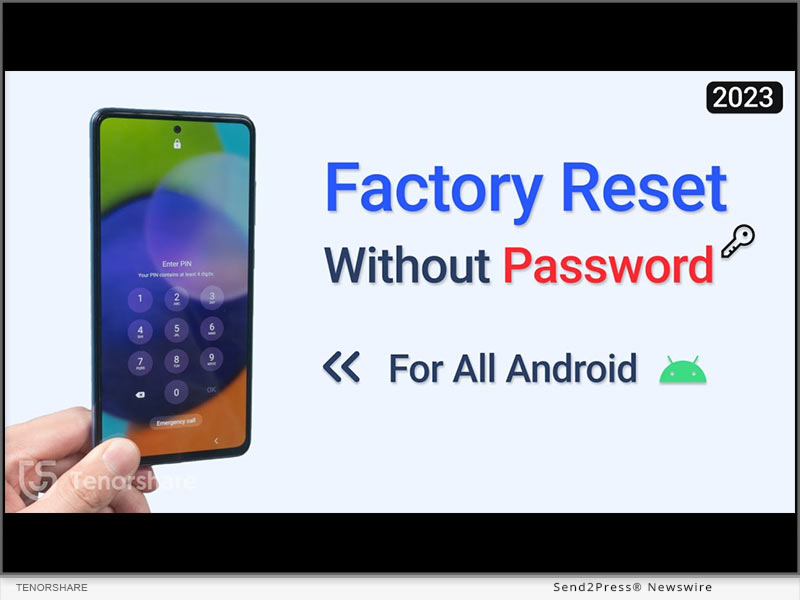
NEW YORK, N.Y. /ScoopCloud/ -- In response to the growing number of Apple users experiencing system issues after upgrading to macOS Sonoma, 4DDdiG (a unit of Tenorshare) is proud to offer a reliable solution: 4DDiG Mac Data Recovery. This powerful tool allows Apple users to downgrade macOS Sonoma to Ventura without losing data.

"With our proven track record of success and a user-friendly operation process, 4DDiG Mac Data Recovery remains the go-to choice for those seeking to safeguard their valuable information xduring macOS downgrades," said the spokesperson of 4DDiG.

Secure Solution to Downgrade macOS Sonoma

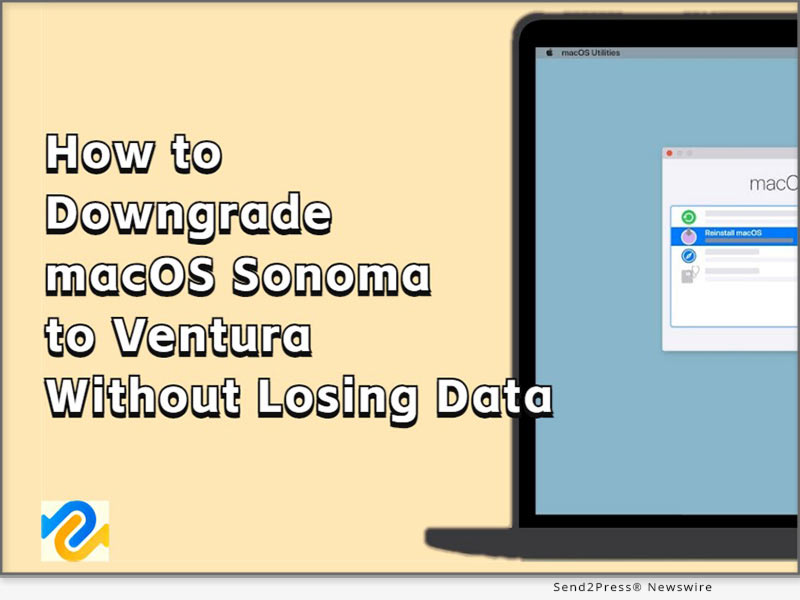
There are several available methods to downgrade macOS Sonoma, but using a Time Machine hard drive offers the most stability and security.

Below are the steps to downgrade macOS Sonoma:

* Connect the Time Machine hard drive to your Mac.

* Restart your Mac and proceed to the boot selection screen.

* Select "Restore from Time Machine Backup."

* Follow the instructions to downgrade to macOS Ventura

If you don't have a backup, it is recommended to use a bootable installer or macOS recovery to revert to macOS Ventura.

Recover Lost Data after Downgrading macOS Sonoma to Ventura

When it comes to downgrading the macOS system, the risk of data loss is inevitable. However, for users of 4DDiG Mac data recovery, it's never been a challenge to downgrade macOS Sonoma to Ventura without losing data. Previous experience has demonstrated that 4DDiG Mac data recovery is capable of assisting users in recovering lost crucial data during system downgrades with just three simple steps:

* Launch 4DDiG and scan the device where the data was lost.

* Preview the scanned files and select the ones you wish to restore.

* Restore and save the recovered files to a secure location.

Impressive features of 4DDiG Mac Data Recovery

Some notable features include:

* Trusty: It has assisted countless Apple users in recovering lost data during system downgrade.

* Easy: 3 clicks away to restore data. No need to disable SIP.

* Complete: Recover everything you lost from Mac and all Mac-based devices.

* Broad: T2 chip, M1, M1 Pro, M1 Max and macOS Sonoma are supported.

"Reliability and simplicity are important reasons why most Apple users choose 4DDiG Mac Data Recovery to help them downgrade to macOS Ventura," stated Jackson, the product manager of 4DDiG.

About 4DdiG:

In the past ten years, 4DDiG strives to provide comprehensive tools that meet the evolving needs of Apple users. In addition to helping users downgrade macOS Sonoma to Ventura without losing data, 4DDiG offers a wide range of exceptional software solutions, including file repair, duplicate file removal, and more. Moreover, to celebrate the summer season, 4DDiG is currently running a special promotion, offering a 30% discount on all its products.

For more information, visit: https://4ddig.tenorshare.com/mac-data-recovery.html

Follow Us:

Facebook: https://www.facebook.com/4DDiG/

Twitter: https://twitter.com/Tenorshare4DDiG

YouTube: https://www.youtube.com/@Tenorshare4DDiGDataRecovery/featured

News from Tenorshare Co. Ltd.

In response to the growing number of Apple users experiencing system issues after upgrading to macOS Sonoma, 4DDiG (a unit of Tenorshare) is proud to offer a reliable solution: 4DDiG Mac Data Recovery. This powerful tool allows Apple users to downgrade macOS Sonoma to Ventura without losing data.

Related link: https://www.tenorshare.com/

This version of news story was published on ScoopCloud™ (ScoopCloud.com) - part of and © the Neotrope® News Network - all rights reserved.
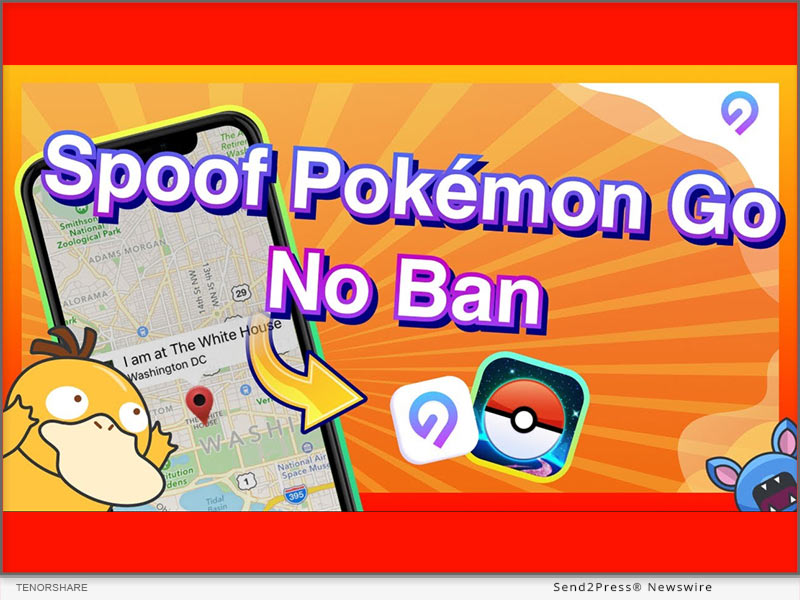
How to Spoof Pokémon GO on Android in 2023? Use Tenorshare Pokémon GO Spoofer Android Solution

NEW YORK, N.Y. /ScoopCloud/ -- Are you looking for a Pokémon GO spoofer Android that actually works? Pokémon GO is a trendy location-based game where players explore the real world to catch and hatch virtual Pokémon. However, they can tire of dragging their feet all day in pursuing virtual Pokémon, says Tenorshare.

VIDEO: https://www.youtube.com/watch?v=Ygh9a8-iEM8

Is It Possible to Perform Pokémon Go Spoofing Android 2023?

A player's GPS location plays a crucial role in the functioning of Pokémon GO. However, here's the catch using fake GPS without a mock location: messing around with GPS can land the players in hot water, resulting in a ban on their account.

"To address this issue, Tenorshare iAnyGo offers a Pokémon GO Android spoofing solution to make it possible, which allows players to capture legendary Pokémon without the fear of being banned," says a Tenorshare spokesperson. "So, let's find out how to spoof Pokémon GO Android with Tenorshare iAnyGo."

How to Spoof Pokémon Go On Android 2023 With Tenorshare Pokemon Go Spoofer for Android?

When it comes to a Pokémon GO spoof Android, the crème de la crème is none other than Tenorshare iAnyGo. This powerful fake GPS app for Android offers a plethora of features:

* It provides spoofing Pokémon GO Android with just a single click.

* It also provides a fake GPS joystick apk, allowing you to have complete control over the direction of your movement in the virtual world.

* You can import or export GPX files and customize your own routes.

* It's fully compatible with the latest iOS 16.5 and Android 13.

* It allows you to change up to 15 Android devices' locations.

* It offers a handy cooldown timer to avoid the Pokémon GO ban.

Now, let's move on to how Tenorshare Android GPS Pokémon GO spoofer works:

* Connect your Android phone to your PC.

* Select the "Change Location" mode in Tenorshare iAnyGO.

* Choose your desired location, and confirm when you'll be able to access the map feature.

* Finally, you can enjoy Pokémon GO freely.

https://www.tenorshare.com/products/ianygo-change-gps-location-iphone.html

https://www.tenorshare.com/change-location/

https://www.youtube.com/watch?v=Ygh9a8-iEM8

https://www.tenorshare.com/change-location/how-to-spoof-pokemon-go.html

About Tenorshare:

Tenorshare, a company dedicated to making lives easier for smartphone users, is here to provide top-notch solutions for Android and iOS devices. If you're having trouble finding a reliable Pokémon GO spoofer Android in 2023, Tenorshare iAnyGo has got your back. This incredible tool helps you modify your GPS location and gives you complete control over your virtual adventures.

More information: https://www.tenorshare.com/

Facebook: https://www.facebook.com/TenorshareOfficial/

Twitter: https://twitter.com/Tenorshare_Inc

YouTube: https://www.youtube.com/user/TenorshareOfficial/videos

TikTok: https://www.tiktok.com/@tenorshare_tech_tips

News from Tenorshare Co. Ltd.

Are you looking for a Pokémon GO spoofer Android that actually works? Pokémon GO is a trendy location-based game where players explore the real world to catch and hatch virtual Pokémon. However, they can tire of dragging their feet all day in pursuing virtual Pokémon, says Tenorshare.

Related link: https://www.tenorshare.com/

This version of news story was published on ScoopCloud™ (ScoopCloud.com) - part of and © the Neotrope® News Network - all rights reserved.
How to Unlock Android Phone Password without Needing a Factory Reset?

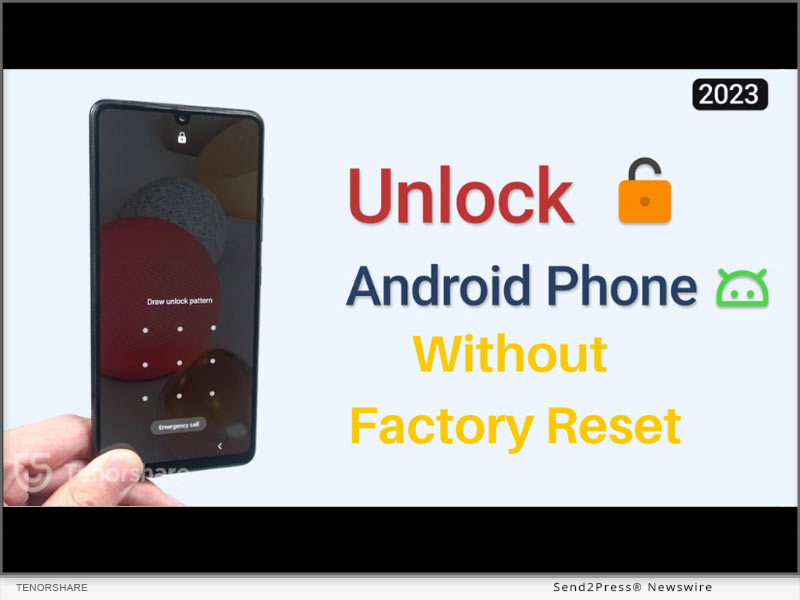
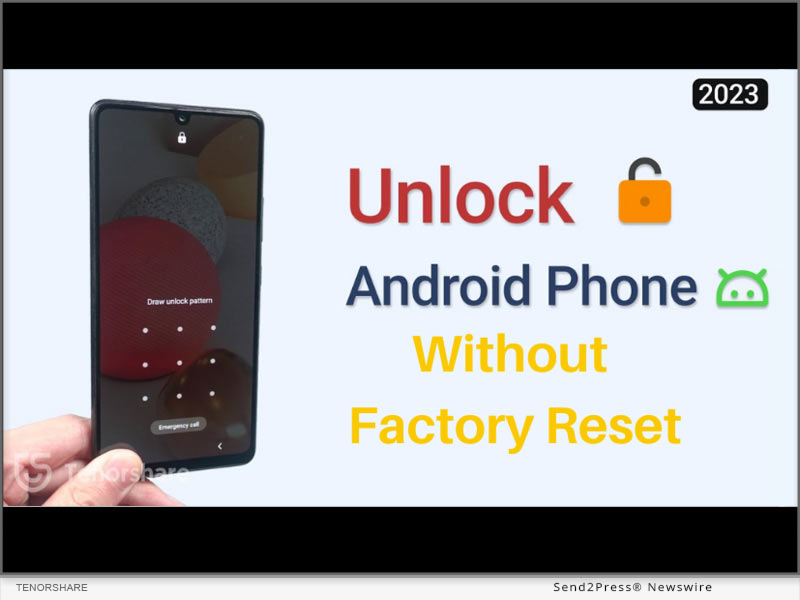
NEW YORK, N.Y. /ScoopCloud/ -- Many Android users claimed that "I locked myself out of my Android phone accidentally, and now I don't remember its password." "If you want to know how to unlock your phone when you forgot the password, remember not to restore a factory reset to keep the data safe. Fortunately, there are a few resetting-free solutions to unlock Android phone password without factory reset," says a Tenorshare spokesperson.

Is It Possible to Unlock Android Phone Password without Factory Reset?

Yes, bypassing a factory reset to unlock your Android phone is possible. Avoiding resetting is advantageous to prevent deleting all your device data, including apps, contacts, photos, and files. Below are a few options you can try to unlock your Android phone without resetting:

1 - Using Third-Party Unlocking Software

2 - Using Google Find My Device function

3 - With Forgot Pattern

Complete Guide: How to Unlock Android Phone Password without Factory Reset?

To unlock your Android phone password without factory reset, get the full scoop below!

1. Unlock Android Phone Password Without Factory Reset With 4uKey for Android:

To unlock your phone without resorting to a reset, try Tenorshare 4uKey for Android. It is a reliable solution that unlocks Android phones and removes phone passwords, PINs, patterns, screen locks, fingerprints, face recognition, and FRP locks. Moreover, it doesn't need a Google account or password to use it.

Here's how to unlock an Android phone without passwords and factory reset:

* Connect your phone to your PC, and open 4uKey for Android.
* Choose the "Remove Screen Lock" function and click "Start."
* In a few seconds, you will unlock Android phones without resetting.

2. Unlock Android Phone Password without Factory Reset with Google Find My Device:

If your locked phone is connected to a Google account, use "Google Find My Device" to locate, lock, or wipe your phone remotely. Just visit google.com/android/find, sign in with your synced Google Account, and select your locked Android device. Click on "ERASE DEVICE" to unlock your device. However, you can only use this feature if you have a backup of your Android phone.

3. Unlock Android Phones without Factory Reset with Forgot Pattern:

If you have a smartphone running Android 4.4 or below, you can use the in-built "Forgot Pattern" feature. Here's how to unlock phone password with it:

* After multiple unsuccessful login attempts, the "Forgot pattern" option will appear on your Android screen. Tap on it to enter your Google account login details and bypass the "Forgot Pattern."

About Tenorshare:

If you are locked out of your phone and you don't know how to unlock Android phone password without factory reset, there's no need to panic. Instead, consider using Tenorshare 4uKey for Android to unlock your Android phone password without resetting it. You can trust Tenorshare to always provide a reliable solution for your smartphone problems.

More information: https://www.tenorshare.com/

Facebook: https://www.facebook.com/TenorshareOfficial/

Twitter: https://twitter.com/Tenorshare_Inc

YouTube: https://www.youtube.com/user/TenorshareOfficial/videos

TikTok: https://www.tiktok.com/@tenorshare_tech_tips

News from Tenorshare Co. Ltd.

Many Android users claimed that "I locked myself out of my Android phone accidentally, and now I don't remember its password." "If you want to know how to unlock your phone when you forgot the password, remember not to restore a factory reset to keep the data safe. Fortunately, there are a few resetting-free solutions to unlock Android phone password without factory reset," says a Tenorshare spokesperson.

Related link: https://www.tenorshare.com/

This version of news story was published on ScoopCloud™ (ScoopCloud.com) - part of and © the Neotrope® News Network - all rights reserved.

How to install macOS Sonoma on a Mac without losing data

NEW YORK, N.Y. /ScoopCloud/ -- Starting on June 5, Mac users can update to macOS Sonoma, which is the latest beta version of macOS. However, some users have reported being unsure of how to install macOS Sonoma and have expressed concerns about potential data loss resulting from the latest update. "As an excellent data recovery solution provider, 4DDiG has always been attentive to the needs of Mac users, and we truly understand how challenging it can be to update to macOS Sonoma without losing data," says a Tenorshare 4DDiG spokesperson. "That's why we offer 4DDiG Mac Data Recovery to users who want to recover lost files after macOS Sonoma update."

How to install masOS Sonoma on Mac

Before learning how to install macOS Sonoma on your Mac, there are a few things you need to prepare in advance. Firstly, make sure to back up all your important data to a secure location. Furthermore, it is essential to keep your Mac connected to a power source throughout the process.

* Open "System Settings" on your Mac. Then, Navigate to "General" > "Software Update."

* Click the (i) button next to Beta updates.

* Choose "macOS Sonoma Developer Beta" or "macOS Sonoma Public Beta" from the drop-down menu and Click "Done".

* The latest macOS Sonoma beta build will pop up and then, Click "Upgrade Now."

If you have forgotten to back up important files and experienced data loss, you still have a chance to install macOS Sonoma without losing data.

How to recover lost files after macOS Sonoma update:

For 4DDiG Mac Data Recovery, helping users update to macOS Sonoma without losing data is always an achievable challenge. With it, you can bid farewell to the worries and concerns of how to install macOS Sonoma on Mac without losing data.

This wonderful software has successfully helped countless Mac users recover lost files after macOS Sonoma update with the highest success rate. Regardless of the reasons for data loss, you can easily complete the data recovery process in just three simple steps:

* Lauch 4DDiG on your mac and Scan the partition where the data was lost

* Preview the lost files in two views

* Simply Recover it and Remember to save it in a safe location

Why choose Tenorshare 4DdiG:

Apart from helping users update to macOS Sonoma without losing data, 4DDiG Mac Data Recovery can effortlessly retrieve data from all data loss scenarios, including accidental deletion, unintentional formatting, sudden power outages, and virus infections. The high success rate of this recovery software has always been a top priority for 4DDiG, as it holds great importance for Mac users. Furthermore, 4DDiG is currently running a summer promotion. Individual users can purchase this user-friendly software at a 30% discount, while business users can enjoy up to a 40% discount.

For more information: https://4ddig.tenorshare.com/mac-data-recovery.html

Follow Us:

Facebook: https://www.facebook.com/4DDiG/

Twitter: https://twitter.com/Tenorshare4DDiG

YouTube: https://www.youtube.com/@Tenorshare4DDiGDataRecovery/featured

News from Tenorshare Co. Ltd.

Starting on June 5, Mac users can update to macOS Sonoma, which is the latest beta version of macOS. However, some users have reported being unsure of how to install macOS Sonoma and have expressed concerns about potential data loss resulting from the latest update. "As an excellent data recovery solution provider, 4DDiG has always been attentive to the needs of Mac users, and we truly understand how challenging it can be to update to macOS Sonoma without losing data," says a Tenorshare 4DDiG spokesperson.

Related link: https://www.tenorshare.com/

This version of news story was published on ScoopCloud™ (ScoopCloud.com) - part of and © the Neotrope® News Network - all rights reserved.
How to Remove Activation Lock Without Previous Owner If Apple iPhone Locked to Previous Owner in 2023

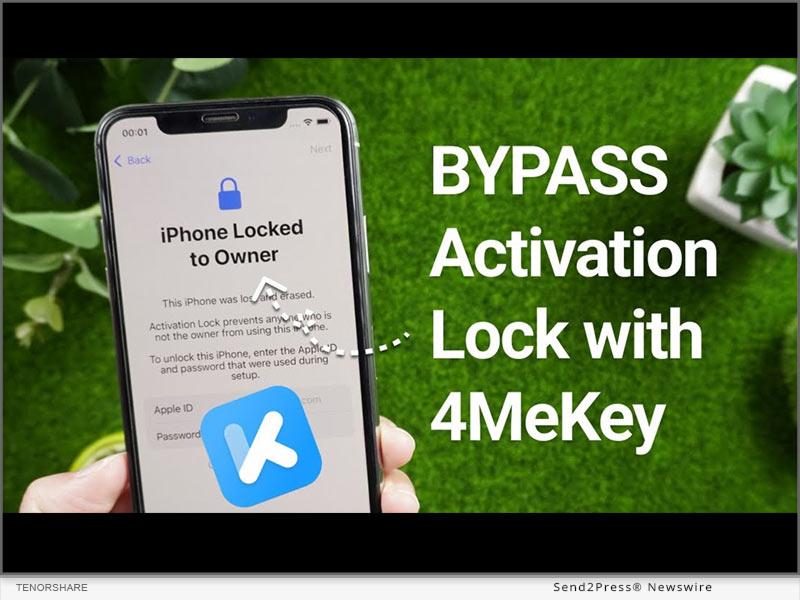
NEW YORK, N.Y. /ScoopCloud/ -- Have you encountered iPhone locked to previous owner but been unable to activate it because you don't know its iCloud login credentials? You may have no clue about how to remove activation lock without previous owner. Don't freak out since there's a perfect Activation Lock Removal solution from Tenorshare to remove activation lock without previous owner's login credentials.

VIDEO: https://www.youtube.com/watch?v=_auObr_Nk98

What an Activation Lock Is and Why It's Important?

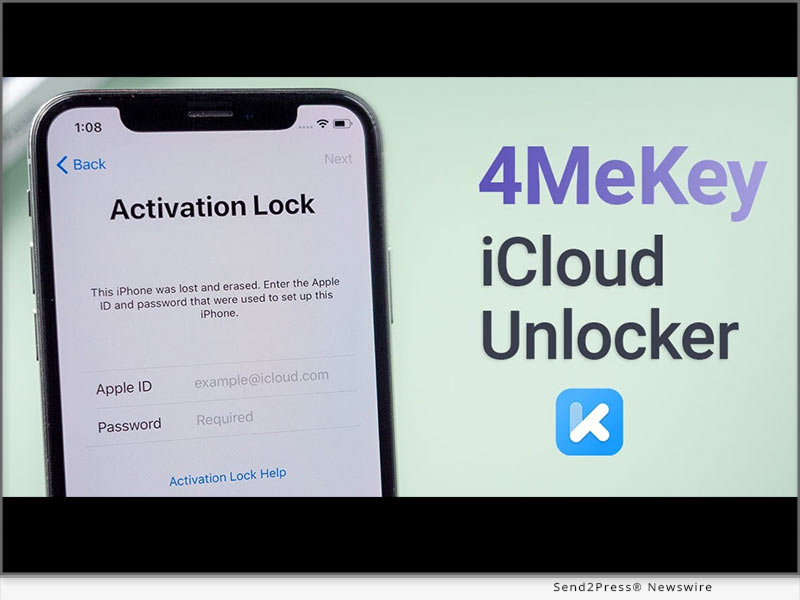
"An iCloud activation lock is a built-in security feature in iOS devices activated after users turn on the Find My Device feature. While activation lock prevents unauthorized access, protects the owner's data, and requires an Apple ID and password to reset the device, some users claim it for iPhone locked to precious owner," says a Tenorshare Spokesman. "Luckily, with Tenorshare 4MeKey, you can remove iPhone locked to previous owner and bypass activation lock".

How to Remove Activation Lock Without Previous Owner on iPhone/iPad via iCloud Activation Unlocker?

If you've purchased a used iPhone, a common way to bypass activation lock for free is by contacting its previous owner. Here's what you can do:

* Contact the previous owner.

* Request to remove the device from their iCloud account.

While this method sounds simple, it has its limitations. Firstly, you may not have the previous owner's contact info if you've bought the iPhone from a third-party seller, or the owner might be unresponsive. Thankfully, Tenorshare iCloud Activation Unlocker is a safe and efficient tool to unlock your iPhone without the previous owner's help.

It covers a variety of scenarios, such as:

* Remove the activation lock without iCloud login credentials.

* Remove the iCloud account on your iPhone if you forgot the password or bought a locked device.

* Allows you to sign in with a new Apple ID and password after bypassing the activation lock.

* Disable the Find My iOS device feature without a password.

To bypass activation lock with 4MeKey, just connect your iOS device to your computer, and select "Start Jailbreak." Finally, your iCloud activation lock will be removed successfully.

How to Avoid Stuck on the Activation Lock Screen?

When buying a used iOS device, you can avoid the "not knowing the previous owner's iCloud login info" scenario by:

* Verifying the device is not locked to a previous owner's iCloud account.

* Researching the seller and requesting proof of ownership.

LEARN MORE:

https://www.tenorshare.com/products/4mekey-activation-unlocker.html

https://www.tenorshare.com/guide/remove-icloud-activation-lock.html

About Tenorshare

How to remove iCould activation lock without previous owner's login info is a question many users who've bought a used iPhone ask. However, with Tenorshare 4MeKey, removing the iCloud activation lock without the previous owner's login info is a breeze. Given its efficiency and reliability, 4MeKey is a testament to Tenorshare's commitment to providing exceptional solutions for smartphone users.

More information: https://www.tenorshare.com/

Facebook: https://www.facebook.com/TenorshareOfficial/

Twitter: https://twitter.com/Tenorshare_Inc

YouTube: https://www.youtube.com/user/TenorshareOfficial/videos

TikTok: https://www.tiktok.com/@tenorshare_tech_tips

News from Tenorshare Co. Ltd.

Have you encountered iPhone locked to previous owner but been unable to activate it because you don't know its iCloud login credentials? You may have no clue about how to remove activation lock without previous owner. Don't freak out since there's a perfect Activation Lock Removal solution from Tenorshare to remove activation lock without previous owner's login credentials.

Related link: https://www.tenorshare.com/

This version of news story was published on ScoopCloud™ (ScoopCloud.com) - part of and © the Neotrope® News Network - all rights reserved.
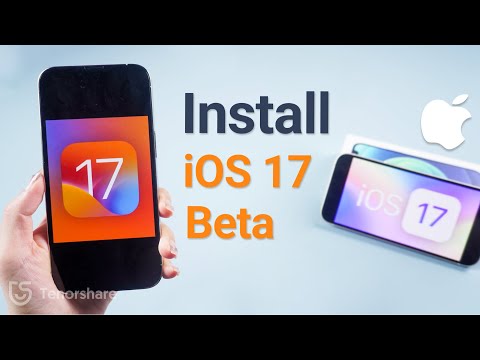
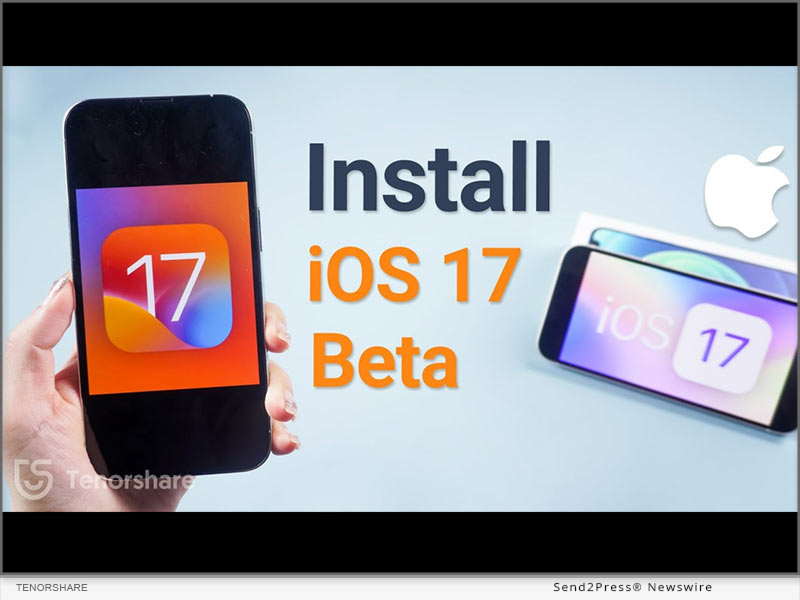
How to Download Apple’s iOS 17 Beta Without Apple Developer?

NEW YORK, N.Y. /ScoopCloud/ -- When iOS 16.6 beta was released, it created quite a buzz, and people eagerly anticipate when is iOS 17 beta coming out and what are the new features. It is great news for iOS users because iOS 17 Beta is out today, says Tenorshare. To start, it's essential to learn how to download iOS 17 Beta and also how to fix iOS 17 Beta issues if they may arise. So, let's dive into the process without any delay!

Video Guide: https://youtu.be/gqSex8VDSqI

How to Download and Install iOS 17 Beta on iPhone?

If your software update failed and you're eager to know how to download iOS 17 Beta officially, below is how to update to iOS 17 Beta by enrolling Apple Developer Program. Keep in mind that you will need to pay an annual fee of $99 to acquire the iOS 17 beta profile for download.

* Access the Apple public beta website and register using your Apple ID.

* Afterward, log in with your Apple ID and select "Install Profile" on your iOS device.

* Restart your iPhone and navigate to "Settings"> "General"> "Software Update."

* In the Beta Update section, choose "iOS 17 Beta Software Profile." Tap Install, and voila! The update installation will commence. Please be patient during the installation process.

* Once installed, your iPhone will automatically restart, and you'll update to iOS 17 Beta.

How to Download iOS 17 Beta Without Apple Developer?

Seeking a budget-friendly alternative to Apple Developer for iOS 17 beta download? Look no further! With Tenorshare iOS Downgrade Software, you can download the iOS 17 beta without Apple developer account.

* Launch Tenorshare ReiBoot by connecting your iPhone. Then click on "iOS Upgrade/Downgrade."

* When prompted, select the Upgrade option.

* Click on "Download" to acquire the latest firmware package and patiently wait for the download to complete.

* The upgrade process will automatically initiate and typically takes a few minutes to finish.

iOS 17 Beta Tips & Tricks with Tenorshare ReiBoot

Swift: ReiBoot provides the fastest method for the iOS 17 beta download, but offers instructions on how to remove iOS 17 beta from iPhone or how to downgrade to iOS 16.

Comprehensive: Tenorshare ReiBoot can fix iOS 17 beta issues without losing data while coming across challenges like stability issues, poor performance, and other system-related problems.

User-friendly: Clear and concise iOS 17 beta download instructions, no technical expertise needed.

Budget-friendly: No need to invest in an expensive Apple Developer Profile.

Learn more:

* https://www.tenorshare.com/products/reiboot.html

* https://youtu.be/x2r8m3rxGAw

* https://www.tenorshare.com/ios-17/

* https://www.tenorshare.com/ios-17/ios-17-beta-download-and-install.html

* https://www.tenorshare.com/ios-17/ios-beta-not-showing-up-fixed.html

About Tenorshare:

While iOS 17 Beta offers thrilling features, it's frustrating if iOS 17 Beta Not Showing up or the software update failed. Luckily, Tenorshare ReiBoot is highly recommended for iOS 17 beta download and common Beta issues fixed. As a trusted smartphone software brand, Tenorshare always offers reliable tools to address iOS problems for iPhone users.

More information: https://www.tenorshare.com/

Facebook: https://www.facebook.com/TenorshareOfficial/

Twitter: https://twitter.com/Tenorshare_Inc

YouTube: https://www.youtube.com/user/TenorshareOfficial/videos

TikTok: https://www.tiktok.com/@tenorshare_tech_tips

News from Tenorshare Co. Ltd.

When iOS 16.6 beta was released, it created quite a buzz, and people eagerly anticipate when is iOS 17 beta coming out and what are the new features. It is great news for iOS users because iOS 17 Beta is out today, says Tenorshare. To start, it's essential to learn how to download iOS 17 Beta and also how to fix iOS 17 Beta issues if they may arise. So, let's dive into the process without any delay!

Related link: https://www.tenorshare.com/

This version of news story was published on ScoopCloud™ (ScoopCloud.com) - part of and © the Neotrope® News Network - all rights reserved.
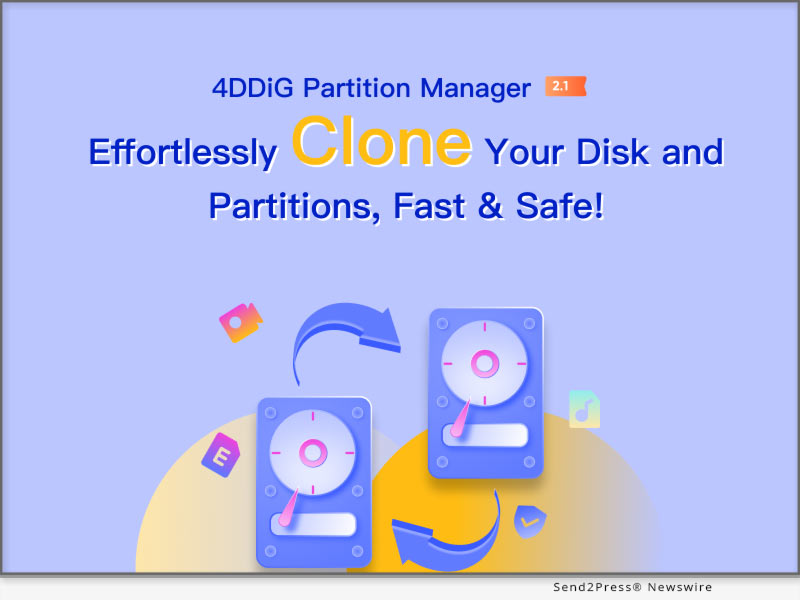
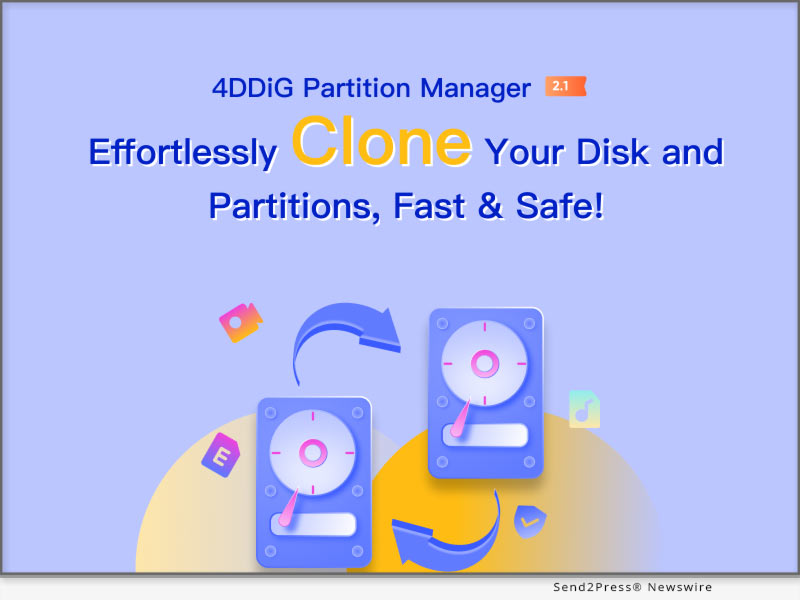
4DDiG Partition Manager 2.1.0 Update Introduces New Partition and Disk Cloning Capabilities

NEW YORK, N.Y. /ScoopCloud/ -- 4DDiG, a subsidiary of Tenorshare, a distinguished software company specializing in data management solutions, is thrilled to announce the much-awaited launch of 4DDiG Partition Manager version 2.1.0. This update brings advanced partitioning and disk cloning features, enhancing the efficiency for users when replacing or upgrading storage devices like SSD or HDD.

The spokesperson of 4DDiG states, "With the global prices of SSDs becoming increasingly affordable, the demand from users to replace or upgrade their own disks has grown significantly. Consequently, our latest update prioritizes this aspect. When users try to clone a disk or partition using 4DDiG Partition Manager, they will appreciate its remarkable success rate and user-friendly nature."

New Disk Cloning Feature

The powerful disk cloning functionality designed to meet a wide range of user needs, making the process of upgrading and cloning hard drives effortlessly. This feature provides seamless solutions for various scenarios:

1. Smoothly upgrade from an underperforming old hard drive to a high-performance new one.

2. Effortlessly migrate data from a smaller-capacity hard drive to a larger-capacity one.

3. Seamlessly transfer data from a faulty hard drive to a new, error-free one.

4. Safely recover data from a damaged hard drive by transferring it to a new one.

5. Create a complete backup of a disk, ensuring data security and peace of mind.

New Partition Cloning Feature

To cater to diverse data management needs, 4DDiG Partition Manager now also offers enhanced partition cloning features. Users can benefit from the following scenarios:

1. Effortlessly move files from one partition to another, freeing up space on the respective partition.

2. Create comprehensive backups of partitions, ensuring data preservation and easy accessibility.

Why Choose 4DDiG Partition Manager?

No matter whether users want to clone a hard drive to an SSD or clone an SSD to a larger SSD, 4DDiG Partition Manager is always their go-to software.

1. Experience innovative technology solutions that greatly accelerate the cloning process, delivering faster results with a higher success rate.

2. Enjoy a streamlined user experience with a simple two-step cloning process that minimizes complexity. Even computer novices can easily and quickly clone a disk or partition.

3. Benefit from automatic 4K alignment, which enhances disk performance after cloning.

4. Competitive pricing, users can purchase 4ddig partition manager for only $9.9.

5. Streamline your disk space management with effortless resizing, splitting, creation, deletion, and formatting of partitions for optimal utilization of storage.

In conclusion, the new features address various user scenarios while emphasizing the software's simplicity and success rate in cloning operations.

For more information, please visit:
https://4ddig.tenorshare.com/4ddig-partition-manager.html

Follow on Social:

Facebook: https://www.facebook.com/4DDiG/

Twitter: https://twitter.com/Tenorshare4DDiG

YouTube: https://www.youtube.com/@Tenorshare4DDiGDataRecovery/featured

News from Tenorshare Co. Ltd.

4DDiG, a subsidiary of Tenorshare, a distinguished software company specializing in data management solutions, is thrilled to announce the much-awaited launch of 4DDiG Partition Manager version 2.1.0. This update brings advanced partitioning and disk cloning features, enhancing the efficiency for users when replacing or upgrading storage devices like SSD or HDD.

Related link: https://www.tenorshare.com/

This version of news story was published on ScoopCloud™ (ScoopCloud.com) - part of and © the Neotrope® News Network - all rights reserved.
Bypassing Google FRP Lock on Xiaomi, Redmi and Poco Easily with Tenorshare 4uKey for Android

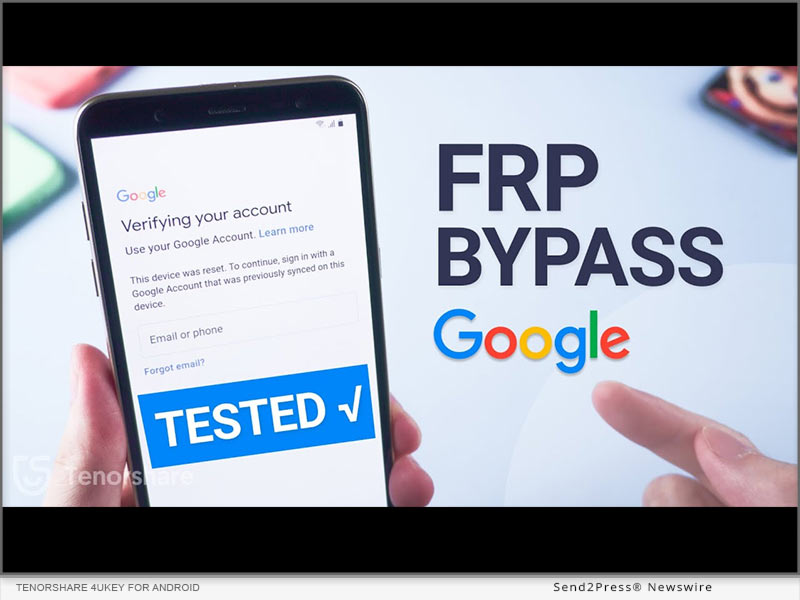
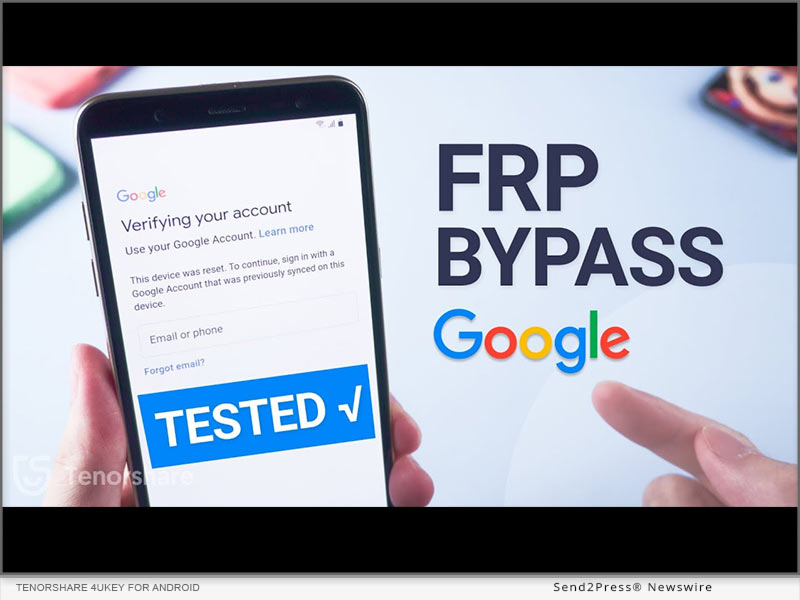
NEW YORK, N.Y. /ScoopCloud/ -- Dealing with Xiaomi/Redmi/Poco FRP lock on your phone is a real headache for it is time-using to repair it by repair shops and online groups. But now, Tenorshare has announced a groundbreaking update to 4uKey for Android which is good at bypassing Google FRP Lock on Xiaomi, Redmi, Poco and Samsung.

What's New?

The latest version of Tenorshare 4uKey for Android allows Redmi/Xiaomi FRP bypass without requiring a password or Google account, which empowers Xiaomi/Redmi/Poco/Samsung users to regain access to their Android devices quickly and easily without the frustration of forgotten passwords or account credentials.

It can even remove PINs, patterns, and screen locks with just one click, and you're good to go, with no data loss whatsoever. What's more, it works with over 6000 Android devices, including Xiaomi and Redmi devices running on MIUI 10-14 and even the latest Android 13 phones.

Key features of Tenorshare 4uKey for Android:

* Samsung/Redmi/Poco/Xiaomi FRP Bypass

This feature allows you to perform a Google account bypass without verification. Whether your phone is running on Android 6 or 13, you'll gain unrestricted access to all the functionalities and features of your phone after FRP lock removal.

* Remove Screen Locks With Simplified Unlocking Process

Forgot your phone lock screen password? No problem. This Google bypass software but offers a convenient solution for removing Android passwords, PINs, pattern locks, fingerprints, and even face recognition. Besides, it is designed to intelligently handle popular Android smartphones such as Samsung, Xiaomi, and Redmi, ensuring compatibility and ease of use across various devices.

* Factory Reset Xiaomi/Redmi/Samsung

If you are a phone reseller or own a phone repair shop, this remarkable tool automates resetting Samsung devices. Regardless of their Android OS version, you can efficiently carry out device unlocks without the need for manual interventions or complex procedures.

* How to Bypass Xiaomi/Redmi/Poco FRP?

To perform FRP bypass on Xiaomi/Redmi/Poco/Samsung devices using Tenorshare FRP Bypasser, follow these steps:

Connect your phone to the computer, and open 4uKey for Android.

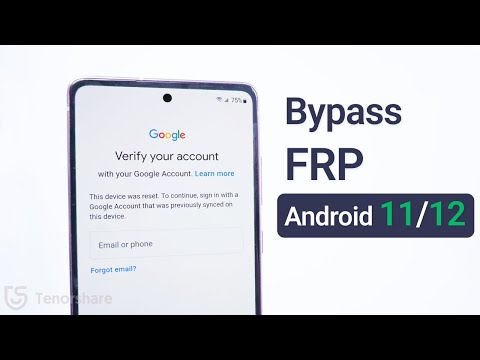
Select "Remove Google Lock (FRP)" by choosing "Android version (11/12/13)" and pressing "Start."

Follow the on-screen instructions and click "Start Remove."

After the removal, you can set up your Xiaomi/Redmi/Poco/Samsung device as new.

LEARN MORE:

* https://www.tenorshare.com/unlock-android/bypass-xiaomi-frp.html

* https://www.tenorshare.com/products/android-password-reset-tool.html

* https://www.tenorshare.com/unlock-android/bypass-factory-reset-protection-android.html

* https://www.tenorshare.com/sales-promotion.html

About Tenorshare:

Tenorshare has remained committed to providing exceptional software solutions for 16 years that enhance the user experience and overcome common challenges faced by Android device owners. The introduction of Redmi/Xiaomi/Poco FRP Bypass in 4uKey for Android reinforces the company's dedication to innovation and customer satisfaction.

More information: https://www.tenorshare.com/

Facebook: https://www.facebook.com/TenorshareOfficial/

Twitter: https://twitter.com/Tenorshare_Inc

YouTube: https://www.youtube.com/user/TenorshareOfficial/videos

TikTok: https://www.tiktok.com/@tenorshare_tech_tips

News from Tenorshare Co. Ltd.

Dealing with Xiaomi/Redmi/Poco FRP lock on your phone is a real headache for it is time-using to repair it by repair shops and online groups. But now, Tenorshare has announced a groundbreaking update to 4uKey for Android which is good at bypassing Google FRP Lock on Xiaomi, Redmi, Poco and Samsung.

Related link: https://www.tenorshare.com/

This version of news story was published on ScoopCloud™ (ScoopCloud.com) - part of and © the Neotrope® News Network - all rights reserved.
4DDiG File Repair 2.0.0 Launched with New Features and Enhanced Performance

NEW YORK, N.Y. /ScoopCloud/ -- 4DDiG, a leading software provider and subsidiary of Tenorshare, is excited to announce the release of version 2.0.0 of its popular software product, 4DDiG File Repair. The latest version brings two innovative features to users: Image and Video Colorization and Enhancement.

"This release marks a significant milestone for 4DDiG as it aligns with the growing AI technology trend," says a spokesperson for 4DDiG. "With these AI-powered features, Image and Video Colorization and Enhancement, users now have the convenience of using a single software to both repair and enhance the quality of their digital media files."

4DDiG File Repair 2.0.0 New Features:

* Supports enhancing blurry pictures and videos to clearly visible -- By applying advanced AI technology, 4DDiG File Repair can analyzes the image or video and enhances the details and sharpness, resulting in a clearer and more visible final product. This feature is particularly useful for old or low-resolution images or videos that need to be improved for viewing or sharing purposes.

* Support coloring black and white pictures/videos --Additionally, 4DDiG File Repair also supports the ability to colorize black and white pictures and videos. This functionality allows users to bring new life to their vintage or historical media by adding vibrant and realistic colors. Whether it's an old family photo or a classic documentary, users can now experience a whole new level of immersion and visual appeal by transforming black and white visuals into colorful masterpieces.

* Support lossless enlargement of small-sized pictures or videos -- This functionality is particularly beneficial for users who need to enhance the size of their media for various purposes, such as printing high-quality posters, displaying images on larger screens, or improving the viewing experience of low-resolution videos. With the lossless enlargement feature, users can confidently upscale their small-sized pictures or videos while maintaining the integrity and sharpness of the original content.

"Here at 4DDiG, we've always been dedicated to meeting the real-world needs of our users, which is why our team has worked tirelessly day and night to improve our software," says the spokesperson for 4DDiG.

LEARN MORE: https://4ddig.tenorshare.com/video-repair.html

How to Use The Software After Update

After updating, the operation process is slightly different from before. Here are detailed steps to use 4DDiG File Repair 2.0.0:

Step 1: Select the problem scenario where you want to fix or improve digital media files.

Step 2: You can choose different models to improve the result of final enhancement or repair.

Step 3: You can preview the result before exporting the file. If you are satisfied with the result, just click on the "export" button.

Don't miss out on the promotion by 4DDiG! Get a 30% discount on your purchase of 4DDiG File Repair 2.0.0 now.

For more information, follow 4DDiG's social media handles:

Official Website: https://4ddig.tenorshare.com/

Facebook: https://www.facebook.com/4DDiG/

Twitter: https://twitter.com/Tenorshare4DDiG

YouTube: https://www.youtube.com/@Tenorshare4DDiGDataRecovery/featured

News from Tenorshare Co. Ltd.

4DDiG, a leading software provider and subsidiary of Tenorshare, is excited to announce the release of version 2.0.0 of its popular software product, 4DDiG File Repair. The latest version brings two innovative features to users: Image and Video Colorization and Enhancement.

Related link: https://www.tenorshare.com/

This version of news story was published on ScoopCloud™ (ScoopCloud.com) - part of and © the Neotrope® News Network - all rights reserved.
New Release: 4DDiG File Repair for Mac, Simplifies Video and Photo Repair for Mac Users

NEW YORK, N.Y. /ScoopCloud/ -- 4DDiG, an esteemed subsidiary of Tenorshare and a leading software provider, is thrilled to announce the highly anticipated release of the Mac version of their groundbreaking software, 4DDiG File Repair. This awesome software is specifically developed to fulfill the needs of Mac users seeking high-quality solutions for repairing digital media files. It allows them to effortlessly restore damaged photos and videos with a high success rate and simple operation.

"The release of 4DDiG File Repair for Mac represents a major milestone for us," said John Smith, Product Manager at 4DDiG. "We deeply understand the frustration that Mac users experience when they lose or damage their visual files. That's why we prioritize the success rate of file repair, offering a powerful software solution that users can trust to restore their valuable digital assets."

Key features of 4DDiG File Repair(Mac):

* Photo Repair Features: Photo Repair features can help users effortlessly restore their precious old photos and resolve issues such as the inability to open photos after data recovery. The software also supports a wide range of image formats, including jpg, jpeg, arw, cr2, and more. Another remarkable feature of Photo Repair is its ability to repair up to 3000 pictures at once.

* Video Repair Features: Many Mac users frequently encounter error codes indicating that videos cannot be played properly. Video Repair features provides an easy solution to this problem. Additionally, it also can repair corrupted, choppy, distorted, or fuzzy videos. It supports popular video formats like MP4, MOV, MKV, M4V, 3G2, and 3GP. The software works with various storage media and supports batch repair for multiple formats at once.

Compared to other products, 4DDiG File Repair not only offers a real-time preview of the repair results for free but also ensures high-quality restoration of images and videos.

Learn more: https://4ddig.tenorshare.com/video-repair.html

Repair damaged photos or videos effortlessly

With its user-friendly interface and advanced algorithms, Mac users can easily repair their digital media files. That's how to fix damaged videos or photos using 4DDiG File Repair on a Mac:

Step 1: Install and launch the 4DDiG File Repair on your Mac.

Step 2: To begin the repair process, select either the Photo Repair or Video Repair option from the software interface. Import the damaged videos or photos by tapping the "Add" button, and then click on "Repair".

Step 3: Once the repair is complete, you can preview the repaired videos or photos. Finally, click on "Export Selected" to save them to Finder.

Take advantage of the promotion by 4DDiG! Now, you can purchase 4DDiG File Repair for Mac at a discounted price of 30% off.

For more information, visit: https://4ddig.tenorshare.com/

Follow on Social:

Official Website: https://4ddig.tenorshare.com/

Facebook: https://www.facebook.com/4DDiG/

Twitter: https://twitter.com/Tenorshare4DDiG

YouTube: https://www.youtube.com/@Tenorshare4DDiGDataRecovery/featured

VIDEO: https://youtu.be/C_bABjvZP9w

News from Tenorshare Co. Ltd.

4DDiG, an esteemed subsidiary of Tenorshare and a leading software provider, is thrilled to announce the highly anticipated release of the Mac version of their groundbreaking software, 4DDiG File Repair. This awesome software is specifically developed to fulfill the needs of Mac users seeking high-quality solutions for repairing digital media files. It allows them to effortlessly restore damaged photos and videos with a high success rate and simple operation.

Related link: https://www.tenorshare.com/

This version of news story was published on ScoopCloud™ (ScoopCloud.com) - part of and © the Neotrope® News Network - all rights reserved.
Tenorshare 4DDiG Announces Launch of Free Version – Earn Free Data Recovery Allowance Effortlessly

NEW YORK, N.Y. /ScoopCloud/ -- Tenorshare 4DDiG has recently launched its free version, offering users the ability to recover data up to 100 MB at no cost. This renowned data recovery software specializes in retrieving lost and deleted data from various devices. Over the past few years, it has helped countless users from different regions recover their important data.

"4DDiG Data Recovery Free is built to deliver high-speed and reliable data recovery without any financial burden. With advanced algorithms and cutting-edge technology, it maximizes the chances of successful data recovery, ensuring that users can quickly get back their important files," says the spokesperson of 4DDiG.

"Additionally, it operates with the utmost respect for user confidentiality, ensuring that the data recovery process is conducted securely and without any infringement on privacy. We understand the importance of maintaining the trust of our users."

Why should you choose 4DDiG Data Recovery Free

4DDiG Data Recovery Free offers a combination of affordability, efficiency, effectiveness, and privacy protection. It's the ideal solution for individuals looking to recover their lost data without compromising their budget, time, or security.

Here are some key features of 4DDiG Data Recovery Free:

1. While most data recovery tools come with a hefty price tag, users can recover data of up to 100 MB size for free, without compromising on recovery success rate and speed.

2. It supports over 1000 different file formats including photos, documents, audio, videos, and more.

3. It supports various data recovery scenarios including accidental deletion, lost partition, accidental format, virus attack, system crush, sudden power cut, and more.

4. In addition to recovering data from a system's hard drive, the tool also supports data recovery from other devices such as memory cards, digital cameras, flash drives, external hard drives, and even NAS storage.

How to earn free data recovery allowance with ease:

When you launch 4DDiG Data Recovery Free, you will notice a share button in the top right corner of the software interface. Upon clicking it, you will find the sharing buttons for Twitter and Facebook.

By further clicking the button and posting the share on social media, you can receive 100MB of free data recovery with ease. If users wish to recover unlimited data, they can simply upgrade to the paid version.

About 4DdiG:

4DDiG, a subsidiary of Tenorshare, is dedicated to delivering excellent software solutions that help users make their daily lives more convenient. In addition to data recovery, 4DDiG also offers software for deleting duplicate files, repairing digital media files, and resolving OS issues.

For more information, visit: https://4ddig.tenorshare.com/free-data-recovery.html

Facebook: https://www.facebook.com/4DDiG/

Twitter: https://twitter.com/Tenorshare4DDiG

YouTube: https://www.youtube.com/@Tenorshare4DDiGDataRecovery/featured

News from Tenorshare Co. Ltd.

Tenorshare 4DDiG has recently launched its free version, offering users the ability to recover data up to 100 MB at no cost. This renowned data recovery software specializes in retrieving lost and deleted data from various devices. Over the past few years, it has helped countless users from different regions recover their important data.

Related link: https://www.tenorshare.com/

This version of news story was published on ScoopCloud™ (ScoopCloud.com) - part of and © the Neotrope® News Network - all rights reserved.
Tenorshare Celebrates its 16th Anniversary with Exciting Activities including Discounts and Gift Card

NEW YORK, N.Y. /ScoopCloud/ -- Tenorshare, a prominent software company, has unveiled exclusive discounts as a tribute to its devoted customers for celebrating its 16th anniversary this year. Everyone can take advantage of these fantastic discounts during the 30-day anniversary celebration, which runs from May 10 to June 8, 2023.

Video: https://www.youtube.com/watch?v=1L6zqwCg55U

There are three different activities that customers can participate in to win amazing prizes. Hurry out to join them!

Activity 1: Click the rope to light up

Ready for some good luck? Click the rope to start the lucky draw and blow out the birthday candle to make a wish. It's your lucky day because 100% of participants will win a prize! Prizes range from a $200 Amazon gift card to 30% off your next purchase. Don't miss your chance to win!

Activity 2: Save 30% off on Best Sellers

Click either Win or Mac products to receive a 30% discount on your purchase. In this part, you can choose from 4ukey, ReiBoot, UltData, and iCareFone series to avail of a 30% discount.

Activity 3: Win $200 by Birthday Memories Sharing

Want to win $200? Just follow Tenorshare on Twitter and Facebook, then share your previous birthday memories on social media with the hashtags #Tenorshare16thAnniversary and #Tenorshare for a chance to win $200.

Activity 4: Follow Tenorshare on YouTube to win $50

Follow Tenorshare Official on YouTube, watch the anniversary video, and share your blessings in the comments section for a chance to win $50.

When will you get the prize?

After the event, we will release a video on YouTube announcing the winner, chosen at random from the comments, who will receive a $50 Amazon gift card. We will also contact the winner via comment and the winner must reply with their email address within 7 days, otherwise the prize will be forfeited.

Important Notes:

* Every IP address is eligible for two lucky draws per day.

* Welcome to share the promotion page on Twitter or Facebook for an additional chance to win.

* Discounts apply to all products except Phone Mirror (1 Month) and iAnyGo (1 Month). And the coupon code is only valid during the event.

Learn more now: https://www.tenorshare.com/sales-promotion.html

About Tenorshare:

Are you looking for reliable, professional software solutions for your mobile device or computer? Look no further than Tenorshare! With millions of satisfied users across Android, iOS, Windows, and Mac platforms, Tenorshare has established itself as a leader in data transfer, system repair, data recovery, phone unlocking, and other utilities. And now, as Tenorshare celebrates 16 years of success, you can get in on the fun and win exciting prizes during Tenorshare's 16th anniversary! Don't miss out on this exciting opportunity!

More information: https://www.tenorshare.com/

Facebook: https://www.facebook.com/TenorshareOfficial/

Twitter: https://twitter.com/Tenorshare_Inc

YouTube: https://www.youtube.com/user/TenorshareOfficial/videos

TikTok: https://www.tiktok.com/@tenorshare_tech_tips

News from Tenorshare Co. Ltd.

Tenorshare, a prominent software company, has unveiled exclusive discounts as a tribute to its devoted customers for celebrating its 16th anniversary this year. Everyone can take advantage of these fantastic discounts during the 30-day anniversary celebration, which runs from May 10 to June 8, 2023.

Related link: https://www.tenorshare.com/

This version of news story was published on ScoopCloud™ (ScoopCloud.com) - part of and © the Neotrope® News Network - all rights reserved.
‘Security Lockout iPhone’ – How to Fix Security Lockout on Apple iPhone with Tenorshare 4uKey

NEW YORK, N.Y. /ScoopCloud/ -- "My iPhone says security lockout. How to get out of it?" Have you accidentally locked yourself out of your iPhone due to a security lockout? It's frustrating and stressful, especially if you have important things to do or need to make an important call. Don't panic since Tenorshare 4uKey is the answer you've been looking for to fix security lockout iPhone. It is specifically designed to remove passcodes from your iPhone, including security lockouts, and it works like a charm! So, let's get on with how to get out of a security lockout on iPhone with 4uKey!

VIDEO: https://www.youtube.com/watch?v=7eSMGkMswDs

What Does Security Lockout Mean on iPhone?

A security lockout on iPhone is a feature that prevents unauthorized access to your iPhone. If you enter the wrong passcode on your device too many times, an "iPhone available" message will appear. Later on, if you fail all the given attempts at entering a correct passcode, the security lockout screen will be displayed. If you are now thinking about how to unlock security lockout iPhone, unfortunately, you'll need to reset your device, meaning that you'll end up losing all your precious data.

What Makes Tenorshare 4uKey the Top Recommended Tool to Fix Security Lockout on iPhone?

If you're struggling with security lockout iPhone how to unlock without losing data, look no further. Tenorshare 4uKey is the top recommended tool due to its hassle-free solution for your iPhone security lockout problem. Its user-friendly interface and zero risk of data loss make it an attractive choice for those seeking a hassle-free solution. It uses advanced algorithms to bypass the passcode and give you access to your device within minutes. What's more, it is compatible with the latest iPhone 14.

Learn more: https://www.tenorshare.com/iphone-tips/how-to-reset-a-locked-iphone-in-security-lockout-mode.html

How Do I Unlock My iPhone From Security Lockout?

Now you know you won't be risking data loss, here's how to fix security lockout on iPhone with 4uKey.

* Download and install 4uKey on your computer.

* Connect your iPhone to your PC and open 4uKey to choose "Unlock iOS Screen."

* When prompted, download the matching firmware package and choose the path to save it. Next, to start unlocking the security lockout, select "Start Remove."

* Within a few minutes, 4uKey will remove the security lockout from your iPhone.

Learn more: https://www.tenorshare.net/products/4ukey-unlocker.html

About Tenorshare:

Tenorshare has offered award-winning and highly-rated solutions for 16 years that prioritize data security and system fixes for both iOS and Android users. And in honor of Tenorshare 16th anniversary, Tenorshare is offering a special promotion that includes a $200 Amazon gift card and up to 30% discount. If you're struggling with a security lockout on your iPhone, consider trying Tenorshare 4uKey for a hassle-free solution with big promotion!

More information: https://www.tenorshare.com/

Facebook: https://www.facebook.com/TenorshareOfficial/

Twitter: https://twitter.com/Tenorshare_Inc

YouTube: https://www.youtube.com/user/TenorshareOfficial/videos

TikTok: https://www.tiktok.com/@tenorshare_tech_tips

News from Tenorshare Co. Ltd.

"My iPhone says security lockout. How to get out of it?" Have you accidentally locked yourself out of your iPhone due to a security lockout? It's frustrating and stressful, especially if you have important things to do or need to make an important call. Don't panic since Tenorshare 4uKey is the answer you've been looking for to fix security lockout iPhone.

Related link: https://www.tenorshare.com/

This version of news story was published on ScoopCloud™ (ScoopCloud.com) - part of and © the Neotrope® News Network - all rights reserved.
Three Steps to Recover Deleted Photos on a Mac Effortlessly

NEW YORK, N.Y. /ScoopCloud/ -- Do you know of any methods to easily and quickly recover deleted photos on Mac? In fact, many macOS users often ask questions about where are photos stored on Mac or how to recover lost photos on online Q&A forums. In fact, losing important photos can be a frustrating experience, but there's no need to worry. Tenorshare 4DDiG, a leading software provider, offers excellent photo recovery software that can help users effortlessly retrieve their important data.

Where are photos stored on Mac?

If you are wondering where photos are stored on Mac, check this: By default, photos on a Mac are usually stored in a library file that is typically located in the Pictures folder. The library file has the extension ".photoslibrary" and it contains all of your photos, videos, and other media that you import into the Photos app.

Alternatively, you can access the photo file location by following this path:

~/Pictures/Photos Library.photoslibrary/resources/derivatives/masters

"If you don't want to worry about how to recover deleted photos on Mac, you'd better backup your files or download a reliable data recovery software like 4DdiG," said a spokesman of Tenorshare 4DDiG. After understanding where photos are stored on Mac, Let's find an efficient way to recover lost photos.

How to recover deleted photos on Mac?

Many users believe that it is challenging to recover deleted photos on Mac, but that is not true. With a simple operation and advanced algorithm, 4DDiG data recovery can help users easily recover their deleted photos on Mac.

So, what are the surprising features of 4ddig?

* Support various storage devices

* Support various file types

* Support various data loss scenarios

* Built-in functions that can repair damaged photos and videos.

Follow the simple steps below and you can recover deleted photos on Mac in a short period of time:

* Lauch 4DDiG and Select the disk you want to recover deleted photos from

* Scan the disk or the trash bin and Preview the scaned photos

* Recover deleted photos and save it to a new partition

Can you believe that? Just for a moment, you don't have to worry about how to recover permanently deleted photos on Mac!

About 4DdiG:

It's never been a challenge for 4DDiG to recover deleted photos on Mac, because they always ensure that their software is top-notch and delivers the highest level of performance to their clients. Apart from photo data recovery software, they also provide other excellent software to make your life more convenient. Furthermore, users can purchase various software products at a discounted rate of 30%.

For more information: https://4ddig.tenorshare.com/mac-data-recovery.html

Follow Us:

Facebook: https://www.facebook.com/4DDiG/

Twitter: https://twitter.com/Tenorshare4DDiG

YouTube: https://www.youtube.com/@Tenorshare4DDiGDataRecovery/featured

https://www.youtube.com/watch?v=C_bABjvZP9w

News from Tenorshare Co. Ltd.

Do you know of any methods to easily and quickly recover deleted photos on Mac? In fact, many macOS users often ask questions about where are photos stored on Mac or how to recover lost photos on online Q&A forums. In fact, losing important photos can be a frustrating experience, but there's no need to worry. Tenorshare 4DDiG, a leading software provider, offers excellent photo recovery software that can help users effortlessly retrieve their important data.

Related link: https://www.tenorshare.com/

This version of news story was published on ScoopCloud™ (ScoopCloud.com) - part of and © the Neotrope® News Network - all rights reserved.
Three Steps to Recover Lost Files After macOS Ventura Update

NEW YORK, N.Y. /ScoopCloud/ -- Following the release of the new macOS Ventura update, a number of Apple users have reported experiencing data loss. They are seeking a solution to the pressing issue of how to recover lost files after macOS Ventura update. Fortunately, Tenorshare 4DDiG, a leading software provider, announces that they offer a simple method to Apple users who have lost important files after macOS Ventura update.

"We understand how challenging it can be to recover lost files after macOS Ventura update and that's why we have developed 4DDiG data recovery software. With just three easy steps, you can understand how to easily recover lost files after macOS Ventura update," says a 4DDiG spokesperson.

Does macOS Ventura Update Delete Files?

In fact, users don't have to worry about how to recover lost files after macOS Ventura Update. In other words, users' files are usually safe when updating their Mac.

Nonetheless, it's crucial to remain vigilant as data loss can occur in certain situations:

* Downloading updates from untrusted sources

* Corruption of the hard drive during the update

* unexpected interruptions during the process

* a corrupted update file.

"It's always wise to back up important data before applying significant updates because unforeseen circumstances can arise," said Terrance, CEO of Tenorshare 4DDiG.

How to recover lost files after macOS Ventura update:

It is a formidable challenge to recover lost files after macOS Ventura update, with only a few reliable ways available. Moreover, when you are a computer novice, encountering this situation will be worse.

If you fall into this category, don't worry! 4DDiG is designed specifically for computer novices, with a user-friendly interface and straightforward operation procedure. Even if you have little experience with data recovery, you can easily navigate through the software and recover lost files in just a few clicks.

Additionally, with advanced and sophisticated algorithm, it also boasts a high success rate in data recovery.

Just follow three simple steps below and give it a try today:

* Install 4DDiG and Scan the partition where the data was lost

* Preview the files you want to restore in two views

* Recover it and Remember to save the data in the new partition

Congratulations! You have successfully recovered the lost files after macOS Ventura update in a short period of time.

About Tenorshare 4DdiG:

In addition to providing a straightforward approach to recover lost files after macOS Ventura, 4DDiG could also help user deal with many other thorny problems. As a top software provider in the industry, 4DDiG offers a range of excellent software solutions, including file repair and duplicate file removal, to name a few. Moreover, users can currently purchase 4DDiG with a 30% discount now.

For more information, visit: https://4ddig.tenorshare.com/mac-data-recovery.html

Follow Us on Social at:

Facebook: https://www.facebook.com/4DDiG/

Twitter: https://twitter.com/Tenorshare4DDiG

YouTube: https://www.youtube.com/@Tenorshare4DDiGDataRecovery/featured

News from Tenorshare Co. Ltd.

Following the release of the new macOS Ventura update, a number of Apple users have reported experiencing data loss. They are seeking a solution to the pressing issue of how to recover lost files after macOS Ventura update. Fortunately, Tenorshare 4DDiG, a leading software provider, announces that they offer a simple method to Apple users who have lost important files after macOS Ventura update.

Related link: https://www.tenorshare.com/

This version of news story was published on ScoopCloud™ (ScoopCloud.com) - part of and © the Neotrope® News Network - all rights reserved.
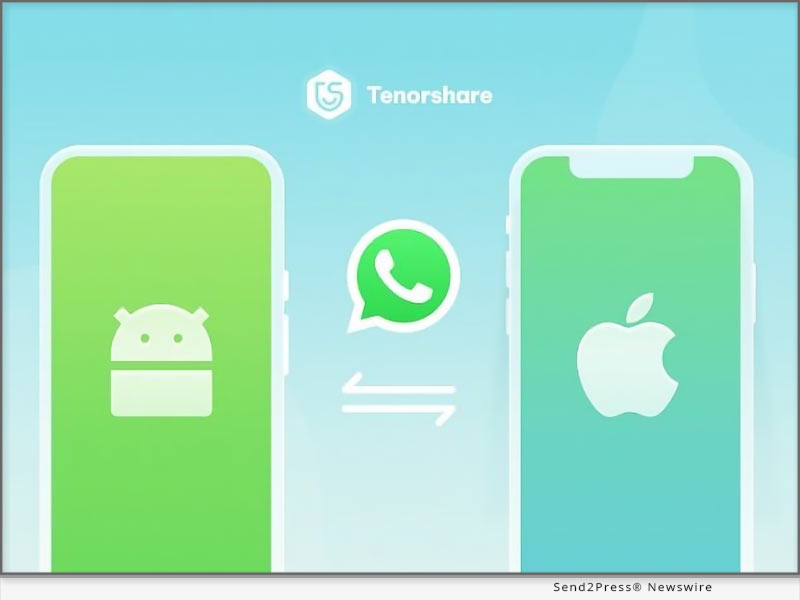
How to Transfer WhatsApp from Android to Apple iPhone Without Move to iOS 2023

NEW YORK, N.Y. /ScoopCloud/ -- It is true that many Android users are switching over to iPhones but are worried about the troublesome process of transferring applications, especially WhatsApp transfer process. You're not alone! To transfer WhatsApp from Android to iPhone, most users rely on the Move to iOS app, specifically designed for Android users. Nonetheless, in several instances, it often fails to transfer all the WhatsApp data properly. But don't worry, there's the Move to iOS alternative - Tenorshare iCareFone Transfer. It is the perfect solution to transfer WhatsApp from Android to iPhone without Move to iOS. So why wait? Keep reading to learn how it can make your WhatsApp transfer experience hassle-free!

Any Problems with "Move to iOS" to Transfer WhatsApp from Android to iPhone?

The Move to iOS app promises a smooth and secure WhatsApp transfer, but in reality, many people have encountered issues while attempting to migrate.

Compatibility issues: Move to iOS is not compatible with all Android devices and may not work properly on some specific devices, resulting in failed WhatsApp data transfer.

Limited WhatsApp data transfer: Move to iOS only transfers WhatsApp messages but not calls, photos, videos, and other media files.

Incomplete transfer: sometimes partial data transfer happens, for an unknown reason, and sometimes the process may get stuck, resulting in incomplete data transfer.

Risk of data loss: The transfer process may cause data loss or corruption, especially if your device is not connected to a stable Wi-Fi network.

Tenorshare Move to iOS Alternative to Transfer WhatsApp to iOS:

If you're searching for a reliable way how to transfer WhatsApp Business from Android to iPhone without move to iOS, Tenorshare iCareFone Transfer is a great choice. Due to its high success rate and advanced technology, it has gained popularity among iPhone users. Some standout features include:

* Transfer WhatsApp & WhatsApp Business between Android and iOS without erasing data

* Merge old and new WhatsApp messages between Android and iOS

* Selectively transfer or restore WhatsApp messages, images, videos, gifs, docs, etc.

* One-click to backup and transfer WhatsApp/ WhatsApp Business/ GBWhatsApp.

* Export WhatsApp/WhatsApp Business/GBWhatsApp backup data to HTML

Transfer WhatsApp data from Android to iPhone Without Move to iOS:

Let's find out how it works to transfer WhatsApp from Android to iPhone without move to iOS:

* Download iCareFone Transfer, and connect your Android and iPhone to your PC.

* Open the software and press "Transfer."

* Enter the country code and phone number to verify the target device.

* Press "Verify," and your WhatsApp data will successfully transfer to your iPhone.

About Tenorshare:

Are you struggling to transfer WhatsApp from Android to iPhone using Move to iOS? Tenorshare iCareFone Transfer, designed by Tenorshare, a software brand known for creating user-friendly solutions, can transfer WhatsApp from Android to iPhone without Move to iOS function.

More information: https://www.tenorshare.com/

Facebook: https://www.facebook.com/TenorshareOfficial/

Twitter: https://twitter.com/Tenorshare_Inc

YouTube: https://www.youtube.com/user/TenorshareOfficial/videos

TikTok: https://www.tiktok.com/@tenorshare_tech_tips

News from Tenorshare Co. Ltd.

It is true that many Android users are switching over to iPhones but are worried about the troublesome process of transferring applications, especially WhatsApp transfer process. You're not alone! To transfer WhatsApp from Android to iPhone, most users rely on the Move to iOS app, specifically designed for Android users. Nonetheless, in several instances, it often fails to transfer all the WhatsApp data properly. But don't worry, there's the Move to iOS alternative - Tenorshare iCareFone Transfer.

Related link: https://www.tenorshare.com/

This version of news story was published on ScoopCloud™ (ScoopCloud.com) - part of and © the Neotrope® News Network - all rights reserved.
UltData WhatsApp Recovery V2.0.0 Newly Updated to Recover Deleted WhatsApp Messages Without Backup on Android OS

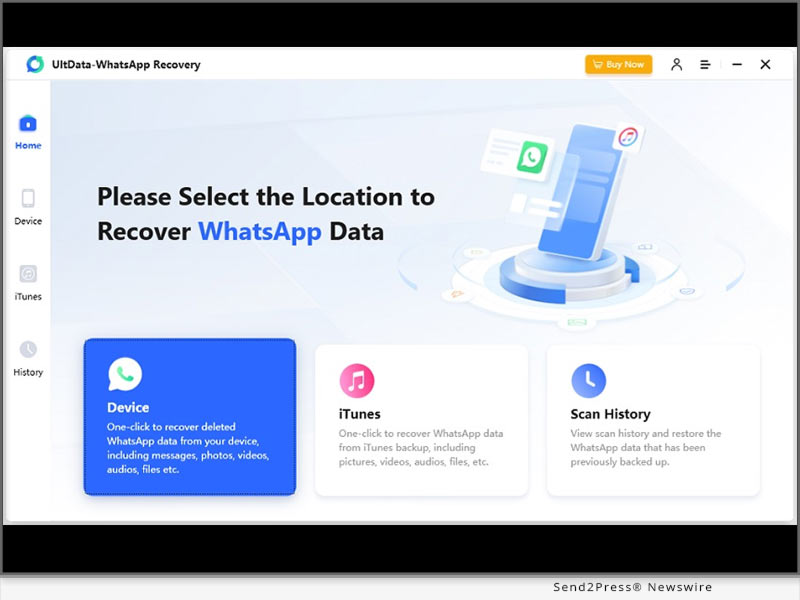
NEW YORK, N.Y. /ScoopCloud/ -- Tenorshare Co., Ltd (Hong Kong) is a leading provider of highly efficient and user-friendly software solutions, backed by a team of dedicated experts. In response to multiple complaints from WhatsApp users regarding the challenges of recovering deleted messages on Android and iOS devices, Tenorshare has recently launched its latest innovation - UltData WhatsApp Recovery V2.0.0. This advanced software solution has been designed to seamlessly recover deleted WhatsApp messages without backup on Android and iPhone.

WHAT ARE THE KEY FEATURES OF ULTDATA WHATSAPP RECOVERY V2.0.0?

Recover various WhatsApp file formats You Lost from Any Scenario

No matter what the reason is for the loss of WhatsApp data and regardless of the file format you want to restore, including messages, photos, videos, documents, tickers, PDF, Word, Excel, Zip and more, Tenorshare UltData WhatsApp Recovery would come your back!

Multiple Forms for WhatsApp Recovery Without Backup

Tenorshare UltData WhatsApp Recovery enable you to restore WhatsApp from Android and iOS, as well as restore WhatsApp from iTunes Back. Additionally, Tenorshare iOS & Android WhatsApp Recovery will help you recover deleted or old messages on WhatsApp in seconds without backup.

More than Highly Effectiveness

Unlike WhatsApp's time-consuming feature that only allows users to restore a backup from Google Drive during the initial setup, Tenorshare WhatsApp Recovery can retrieve WhatsApp data safely and easily. You can perform selective recovery and preview the data before you recover it, giving you complete control over the process.

How to Recover Deleted WhatsApp Messages on Android Without Backup?

To connect your Android phone to your PC and enable USB Debugging, follow these steps:

* On your PC, open the WhatsApp recovery software you have installed.

* Select "WhatsApp messages & attachments > Next" to begin the recovery process.

* To choose the data you wish to restore, press the "Recover" button.

* By following these simple steps, you can easily get back deleted messages on WhatsApp.

Price:

1-Month Plan: $35.95

1-Year Plan: $39.95

Lifetime Plan: $49.95

Business Plan: Welcome to Get An Annual Business Plan!

Device Compatibility:

Windows: All systems running on Windows 11, 10, 8, and 7 (32-bit/64-bit)

Mac: Available for macOS 10.11 and later

iOS: Supports all iOS devices, including iPhone 14(Plus)/Pro(Max), all models of iPad and iPad Air /mini/ pro, iPod touch, etc.

LEARN MORE: https://www.tenorshare.com/products/ultdata-whatsapp-recovery.html

About Tenorshare:

With its cutting-edge technology, Tenorshare is committed to making your everyday digital experiences more effortless and enjoyable. If you are looking for a solution to recover deleted WhatsApp messages without backup on Android, Tenorshare UltData WhatsApp Recovery is the perfect answer. Avail an exclusive discount on all software products, including UltData WhatsApp Recovery, and save 30% on managing your Android device.

More information: https://www.tenorshare.com/

Facebook: https://www.facebook.com/TenorshareOfficial/

Twitter: https://twitter.com/Tenorshare_Inc

YouTube: https://www.youtube.com/user/TenorshareOfficial/videos

TikTok: https://www.tiktok.com/@tenorshare_tech_tips

Pinterest: https://www.pinterest.com/Tenorshare/

News from Tenorshare Co. Ltd.

Tenorshare Co., Ltd (Hong Kong) is a leading provider of highly efficient and user-friendly software solutions, backed by a team of dedicated experts. In response to multiple complaints from WhatsApp users regarding the challenges of recovering deleted messages on Android and iOS devices, Tenorshare has recently launched its latest innovation - UltData WhatsApp Recovery V2.0.0.

Related link: https://www.tenorshare.com/

This version of news story was published on ScoopCloud™ (ScoopCloud.com) - part of and © the Neotrope® News Network - all rights reserved.
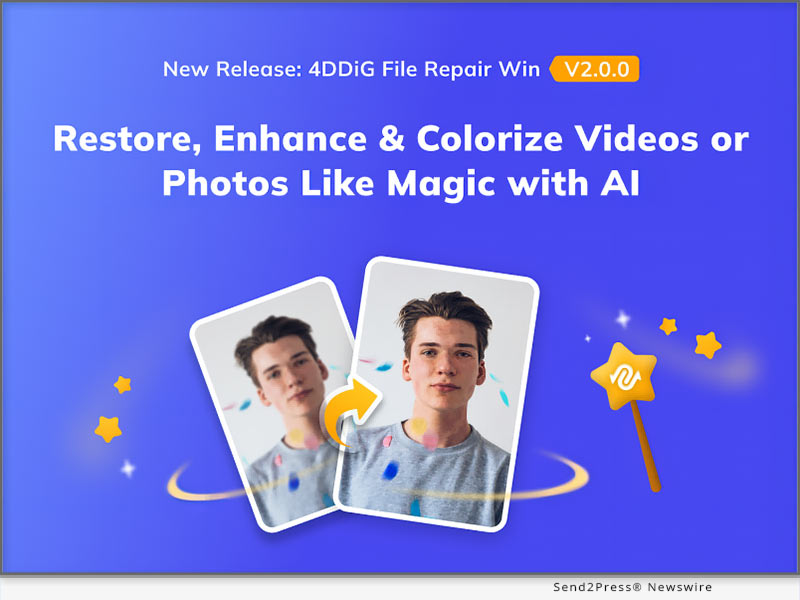
4DDiG 2023 World Backup Day Sale is now on: Up to 30% OFF!

NEW YORK, N.Y. /ScoopCloud/ -- Starting from March 21, 2023, Tenorshare 4DDiG, a well-known software provider, is launching the biggest World Backup Day Sales now. Both Mac users and Windows users are able to get a 30% off coupon to purchase 4DDiG data recovery software. The best way to prevent data loss is to back up your data frequently. However, even if the data is accidentally lost, 4DDiG enables you to recover important data.

Why does 4DDiG offer this discount to users?

The CEO of 4DDiG once mentioned that, firstly, with the arrival of World Backup Day, 4DDiG always pays attention to increasing computer users' awareness of data backup because the company believes that data loss can lead to serious consequences, such as significant business disruptions, financial losses, and legal issues.

Secondly, for the existing customers of 4DDiG, we are very grateful for their support over the years. Their existence shows that 4DDiG data recovery is always an efficient and effective way to recover important data. In addition to this, we believe that such a discount can also attract more new customers to try our data recovery software. They not only are able to recover essential data by using 4DDiG Data Recovery but also raise the awareness of backing up data.

Which 4DDiG products can I buy with this coupon?

As we mentioned before, this coupon is designed for the World Backup Day. So whether you are a Mac user or a Windows user, you are able to use this coupon to purchase the excellent data recovery tools---4DDiG data recovery. At the same time, other products of 4DDiG also have discount activities.

Why should I choose 4DDiG data recovery?

As a leading software provider, 4DDiG has helped countless computer users solve their troubles for many years, such as data loss, deleting duplicate files, repairing corrupted videos, and so on. It's worth noting that the product that 4DDiG is most proud of is 4DDiG data recovery. Firstly, even if you don't know much about the operation process of computer software, you can still use 4DDiG data recovery proficiently. Secondly, compared to other data recovery tools, 4DDiG data recovery not only enables you to recover data but also allows you to repair corrupted videos and photos.

What other products does 4DDiG have?

Besides the 4DDiG data recovery that we are most proud of, we will launch other great products. Surprisingly, these products can now also be purchased with a 30% discount:

4DDiG Duplicate File Deleter: Effortlessly detect and remove duplicate files in a chosen directory with various search criteria and delete them permanently or send to the Recycle Bin with a single click.

4DDiG Partition Manager: This Partition Manager resolves all disk issues by resizing, creating, deleting, formatting, and changing drive letters of partitions without data loss.

4DDiG Windows Boot Genius: Our Ultimate Windows Boot Up Solution Tools enable you to effortlessly auto-repair Windows issues, boot up unresponsive computers, reset local and domain passwords, recover data from unbootable hard disks, and efficiently manage partitions.

4DDiG File Repair: 4DDiG video repair has the ability to efficiently and effectively repair any corrupted video files, regardless of whether the damage occurred during shooting, recording, transferring, editing, converting, or processing. On the other hand, 4DDiG photo repair can effortlessly repair any damaged images and bring back their original clarity and vibrancy.

For more information, visit: https://4ddig.tenorshare.com/

Follow on Social:

Facebook: https://www.facebook.com/4DDiG/

Twitter: https://twitter.com/Tenorshare4DDiG

YouTube: https://www.youtube.com/@Tenorshare4DDiGDataRecovery/featured

News from Tenorshare Co. Ltd.

Starting from March 21, 2023, Tenorshare 4DDiG, a well-known software provider, is launching the biggest World Backup Day Sales now. Both Mac users and Windows users are able to get a 30% off coupon to purchase 4DDiG data recovery software. The best way to prevent data loss is to back up your data frequently. However, even if the data is accidentally lost, 4DDiG enables you to recover important data.

Related link: https://www.tenorshare.com/

This version of news story was published on ScoopCloud™ (ScoopCloud.com) - part of and © the Neotrope® News Network - all rights reserved.
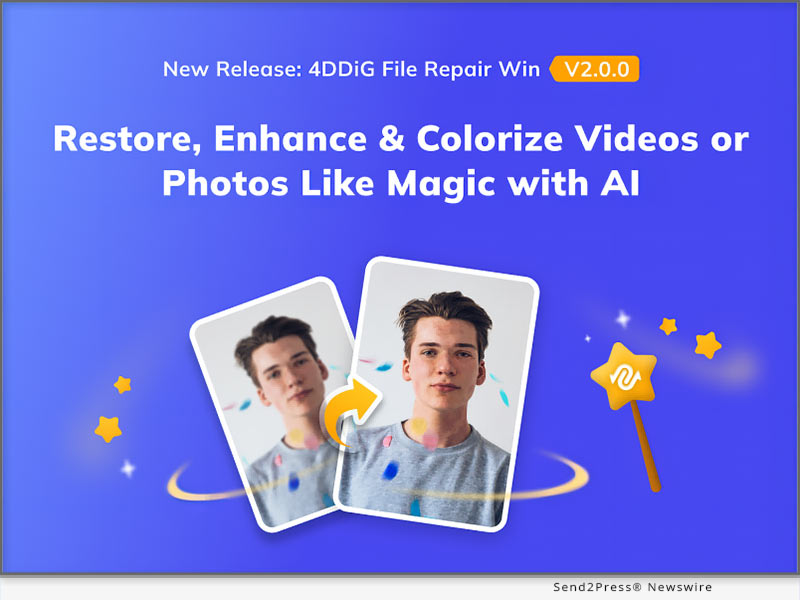
Protect Your Data on World Backup Day with Tenorshare Data Recovery Solutions and Enjoy 30% off to keep your data safe

NEW YORK, N.Y. /ScoopCloud/ -- Data is at the heart of modern businesses, making it more important than ever to ensure it is properly protected. Unfortunately, data loss can occur due to various reasons such as hardware failure, natural disasters, or human error. That's why Tenorshare is dedicated to offering tools to safeguard valuable information. On World Backup Day, Tenorshare is providing 30% discounts for individuals and businesses worldwide to remind them to take the necessary steps to protect data.

"Tenorshare offers a range of data backup fixes, including UltData series and iCareFone series, etcetera," Tenorshare's Spokesman said. "And, these solutions are designed to protect your data from a range of threats, such as accidental deletion, system crashes, and malware attacks."

Why you should implement a backup plan for your data?

Preserve Your Memories: It is devastating to lose photos, videos, and other digital media, which are precious memory for us.

Protect Your Business: Backing up your data ensures that your business can quickly recover from unexpected data loss and continue to operate with minimal disruption. What's more, data retention and backup can avoid penalties and legal action.

Secure Your Financial Information: By backing up your financial information, you can ensure that you always have access to it, Even if you encounter a security breach.

What are Tenorshare's Data Backup Solutions?

To take action today and celebrate World Backup Day, Tenorshare has promoted these types of data solutions, including data recovery solutions, data transfer solutions, and other solutions for different occasions.

Data Recovery Solutions:

UltData WhatsApp Recovery(New), UltData for iOS, UltData for Android

Data Transfer Solutions:

iCareFone iTransGo(New), iCareFone, iCareFone Tranfer, iCareFone for LINE

Other Solutions:

4MeKey, 4uKey, 4uKey for Android, ReiBoot, ReiBoot for Android, Tenorshare iAnyGo, and Phone Mirror.

What do Key benefits Tenorshare's backup solutions have?

Affordable Prices: Tenorshare's backup solutions are competitively priced with 30% discounts, making them accessible to a wide range of users.

Comprehensive Protection: Tenorshare's backup solutions provide comprehensive protection for all types of data, including audio, photos, videos, contacts, messages, and more, which is beyond your imagination.

Backup Flexibly and Transfer Selectively: With Tenorshare Data Backup and Transfer Solutions, you can enjoy flexible backup options, including local backup, cloud backup, and selective backup and transfer data selectively that you need or choose all of them in one click.

Handy Recovery Process: Tenorshare's backup solutions make it simple to recover your data fast in the event of an unexpected data loss. This ensures that your business or personal life is not disrupted.

In words, data backup and transfer are critical for current corporate operations and personal data management. And Tenorshare guarantees to get expert guidance and assistance when you need it. Don't forget to celebrate World Backup Day with Tenorshare to ensure your data is always safe!

More information: https://www.tenorshare.com/

Facebook: https://www.facebook.com/TenorshareOfficial/

Twitter: https://twitter.com/Tenorshare_Inc

YouTube: https://www.youtube.com/user/TenorshareOfficial/videos

News from Tenorshare Co. Ltd.

Data is at the heart of modern businesses, making it more important than ever to ensure it is properly protected. Unfortunately, data loss can occur due to various reasons such as hardware failure, natural disasters, or human error. That's why Tenorshare is dedicated to offering tools to safeguard valuable information. On World Backup Day, Tenorshare is providing 30% discounts for individuals and businesses worldwide to remind them to take the necessary steps to protect data.

Related link: https://www.tenorshare.com/

This version of news story was published on ScoopCloud™ (ScoopCloud.com) - part of and © the Neotrope® News Network - all rights reserved.
How to Transfer Data From Android to iPhone After Setup? Tenorshare iCareFone iTransGo is Launched

NEW YORK, N.Y. /ScoopCloud/ -- Have you switched Android to iPhone and wondered how to transfer data from Android to iPhone after setup? As a leading data transfer solutions provider, Tenorshare has a newly perfect innovation to transfer data from Android to iPhone after setup: Tenorshare iCareFone iTransGo.

"It is challenging to transfer data from Android to iOS as making the switch to iOS comes with countless limitations. However, Tenorshare has launched 'Move to iOS Alternative', bringing a seamless data transfer experience without any limitations," says a Tenorshare spokesperson.

Will Move to iOS fail to transfer Android data to iPhone?

To some extent, "Move to iOS" would fail to transfer data from Android to iOS. It may show errors like the "move to iOS transfer interrupted" if the Wi-Fi is unstable or the "move to iOS not connecting" if stuck at data transfer. And a factory reset is required if your iPhone is already set up. Furthermore, you cannot choose the data type to transfer so it takes 7-8 hours to transfer.

However, iCareFone iTransGo offers a 99% success rate in transferring data without errors. You can selectively transfer data type and volume and move data from Android to iOS in minutes without factory reset. In addition, it is 100% privacy protected.

How to Transfer Data From Android to iPhone After Setup?

Let's dive in to know how to transfer data from Android to iPhone using iCareFone iTransGo:

* Download and install iTransGo on your PC.

* Launch the tool and connect your devices to it.

* Choose to transfer data from Android to iPhone using PC.

* Finally, it will be transferred successfully.

KEY FEATURES OF TENORSHARE ICAREFONE ITRANSGO

* No Reset Required to Transfer Data From Android to iPhone After Setup

iCareFone iTransGo nearly supports all types of data to move from Android to iPhone without resetting, including contacts, photographs, videos, audio, etc.

* Selectively Transfer the Data You Need Instead of a Full Restore

It supports the unlimited transfer of different file formats and can move calendars and contacts to your new iPhone without data loss. You can choose the data you wish to transfer while leaving what you don't want to.

* High Compatibility to Switch Android to iPhone

It supports over 8000 kinds of Android to transfer data to the latest Android 13 and iOS 16 devices. You'll be surprised to learn that you can transfer data from Android to iOS at a 30% discount from Tenorshare Spring Sale.

About Tenorshare:

Although how to transfer data from Android to iPhone after setup often is pondered, transferring data from Android to iOS is a breeze without restrictions with Tenorshare iCareFone iTransGo. As a trusted smartphone solutions provider with 16 years of experience, Tenorshare will be releasing more awesome features for iTransGo. So stay tuned!

More information: https://www.tenorshare.com/

Facebook: https://www.facebook.com/TenorshareOfficial/

Twitter: https://twitter.com/Tenorshare_Inc

YouTube: https://www.youtube.com/user/TenorshareOfficial/videos

News from Tenorshare Co. Ltd.

Have you switched Android to iPhone and wondered how to transfer data from Android to iPhone after setup? As a leading data transfer solutions provider, Tenorshare has a newly perfect innovation to transfer data from Android to iPhone after setup: Tenorshare iCareFone iTransGo.

Related link: https://www.tenorshare.com/

This version of news story was published on ScoopCloud™ (ScoopCloud.com) - part of and © the Neotrope® News Network - all rights reserved.
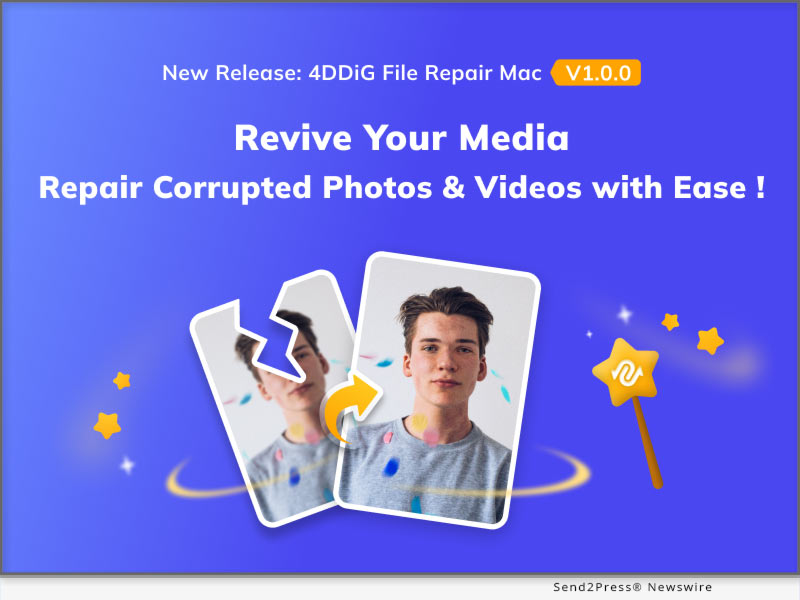
How to Spoof GPS Location on Apple iPhone? Fake GPS Location with Tenorshare iAnyGo

NEW YORK, N.Y. /ScoopCloud/ -- It is uncanny yet necessary to spoof GPS location on iPhone since neither iOS nor Android has a "fake GPS location" feature, and most apps don't let you spoof your location with a simple option. Therefore, how to spoof GPS location on iPhone without moving has become tricky stuff. When it comes to faking GPS location, several fake GPS location applications offer to fake GPS free but fail to spoof location iPhone, while Tenorshare, a renowned software provider, has the ultimate fake GPS location solution in the form of Tenorshare iAnyGo. It can fake GPS location with no limitations or restrictions.

Video: https://youtu.be/UhYVERWDSMc

"To access location-specific content, or to play location-based games without moving, Tenorshare fake location app can change the GPS location of your iPhone apps in one click without jailbreaking no matter the reason of phone location changer. It also enables you to create customized routes and change the direction of GPS Joystick," says a Tenorshare spokesperson.

How to Fake GPS Location on iPhone Without Moving - Best Way to Spoof GPS Location on iPhone!

If you want to spoof GPS location on iPhone for security or entertainment purposes without moving, Tenorshare iAnyGo can be your best choice.

Follow the steps below process fake GPS location iPhone:

* Open iAnyGo to "Change Location" mode on your computer.

* Connect your iPhone to your PC, and click "Next."

* Choose a location on the map, and press "Start to Modify."

* Finally, you will fake the GPS location on your iPhone or iPad.

Want to Spoof Location on iPhone With 30% Off Discounts?

If you are interested in faking GPS Location on iPhone without moving, don't miss out on the chance to spoof your iPhone location without jailbreak with iAnyGo, and it is available at a 30% discount with the current Tenorshare Spring Sale discount.

https://www.tenorshare.com/products/ianygo-change-gps-location-iphone.html

https://www.tenorshare.com/store.html

https://www.tenorshare.com/iphone-tips/poplular-fake-location-app.html

About Tenorshare:

No matter any privacy reasons to spoof their GPS location, Tenorshare iAnyGo offers a reliable and user-friendly solution for faking GPS without jailbreaking the iDevice. Tenorshare, As a software solution provider, has been a long time to help iPhone users take control of their location data and enjoy more flexibility with location-based services. Besides, With the current Tenorshare Spring Sale discount, you can get iAnyGo and other Tenorshare products at a 30% discount.

More information: https://www.tenorshare.com/

Facebook: https://www.facebook.com/TenorshareOfficial/

Twitter: https://twitter.com/Tenorshare_Inc

YouTube: https://www.youtube.com/user/TenorshareOfficial/videos

News from Tenorshare Co. Ltd.

It is uncanny yet necessary to spoof GPS location on iPhone since neither iOS nor Android has a "fake GPS location" feature, and most apps don't let you spoof your location with a simple option. Tenorshare, a renowned software provider, has the ultimate fake GPS location solution in the form of Tenorshare iAnyGo. It can fake GPS location with no limitations or restrictions. (VIDEO)

Related link: https://www.tenorshare.com/

This version of news story was published on ScoopCloud™ (ScoopCloud.com) - part of and © the Neotrope® News Network - all rights reserved.
How to Remove Activation Lock Without Password Quickly on Apple iOS 16.3

NEW YORK, N.Y. /ScoopCloud/ -- Recently, many iPhone users have been frustrated by the iCloud Activation lock on their iDevices because they found themselves locked out of their iPhones updating to iOS 16 . But the main problem was they couldn't bypass iCloud Activation lock because of their unfamiliarity with the lock. However, Tenorshare iCloud Activation Lock Removal can remove this lock without a password. Let's find out what's an Activation lock, and how to bypass iCloud Activation lock for free with the help of 4MeKey.

VIDEO: https://youtu.be/sooWUS7Pe9M

What Does iCloud Activation Lock Mean?

Not being able to access your iDevice because of the iCloud Activation lock is more common among iOS users than you think. The iCloud Activation lock is a function of Find my iPhone. If your iPhone is lost or stolen, you can locate it and erase its data remotely through this feature.

"Often, iPhone users are unfamiliar with how to remove iCloud Activation lock. This happens when they purchase a second-hand phone without knowing the previous owner's password or forget their Apple account password," says a Tenorshare spokesperson, "While the UDS method gives no guarantee of success to bypass iCould activation lock, Tenorshare 4MeKey comes to the rescue."

[iOS 16.3]How to Remove Activation Lock without Password Easier Than Ever?

While the UDS is incompatible and non-technical with iOS devices, especially those running on iOS 10 or above, Tenorshare 4Mekey, has gained trust among worldwide iPhone users to bypass iCloud activation lock for free.

Free download the tool now and begin a safe and quick activation lock removal process by following the steps below:

* Connect your iDevice to your computer.

* Select "Start jailbreak" to jailbreak your device with 4MeKey.

* Press "Next" to confirm iCloud remove Activation lock.

* Wait a minute, then the apple activation lock is removed.

https://www.tenorshare.com/store.html

https://www.tenorshare.com/products/4mekey-activation-unlocker.html

https://www.tenorshare.com/icloud/bypass-icloud-activation-lock-free.html

https://www.tenorshare.com/guide/remove-icloud-activation-lock.html

https://www.tenorshare.com/icloud-tips/remove-icloud-account-without-password.html

https://www.youtube.com/watch?v=sooWUS7Pe9M

About Tenorshare

It can be a hassle for iPhone users to bypass iCloud Activation lock if they've bought a used device or don't remember their Google password. However, Tenorshare, as a smartphone solutions provider, has launched Tenorshare 4MeKey to remove the Apple Activation lock without password. What's more, iDevice users can remove iCloud activation lock safely with 30% OFF during Tenorshare Spring Sale.

More information: https://www.tenorshare.com/

Facebook: https://www.facebook.com/TenorshareOfficial/

Twitter: https://twitter.com/Tenorshare_Inc

YouTube: https://www.youtube.com/user/TenorshareOfficial/videos

News from Tenorshare Co. Ltd.

Recently, many iPhone users have been frustrated by the iCloud Activation lock on their iDevices because they found themselves locked out of their iPhones updating to iOS 16 . But the main problem was they couldn't bypass iCloud Activation lock because of their unfamiliarity with the lock. However, Tenorshare iCloud Activation Lock Removal can remove this lock without a password.

Related link: https://www.tenorshare.com/

This version of news story was published on ScoopCloud™ (ScoopCloud.com) - part of and © the Neotrope® News Network - all rights reserved.
How to Remove MDM From Apple iPhone and iPad in 2023

NEW YORK, N.Y. /ScoopCloud/ -- Have you been stuck on the "Remote Management" login screen and been anxious about how to remove MDM Profile from iPhone/iPad without a password? To remove MDM from iPhone/iPad, users will have to enter their security credentials. The trouble arises when they forget the password. If you find yourself in a similar situation, there is no need to worry. Tenorshare brings you a quick way to remove MDM from iPad without password with the help of its MDM Unlocker - 4uKey.

Check out below to know how to remove MDM from iPhone/iPad using this tool.

VIDEO: https://youtu.be/0KjWJ53DJR0

How to Remove MDM from iPad or iPhone Via Settings?

A Mobile Device Management (MDM) profile helps organizations or institutes monitor iOS devices and their activities, which can erase or lock devices or install apps when required. Unfortunately, you cannot bypass MDM on iPad or iPhone without knowing password. However, if you have the administrator rights or know the passcode, here's how to Remove MDM from iPhone or iPad via Settings:

Choose Settings > General > VPN & Device Management> MDM Profile and Remove Management. You won't find these settings if your MDM profile is not installed.

"It is possible for iPhone/iPad users to remove MDM from their Device via Settings without requiring a computer. But many times, they are unable to do so since they bought a second-hand Device or forgot the passcode to the MDM profile," says a Tenorshare spokesperson. "Hopefully, Tenorshare MDM solution has your back without passcode."

Can We Get Rid Of MDM from iPhone/iPad without Password? [iOS 16 Supported]

Of course, you can. If you forgot the passcode to MDM or bought a second-hand device, you cannot remove MDM via Settings. But Tenorshare iPhone Unlocker can bypass MDM profile from iPad without passcodes.

Quickly follow the below guide for iPhone/ iPad MDM Lock Removal with Tenorshare 4uKey:

* Open 4uKey and choose "Bypass MDM."

* Connect your iPhone or iPad to your computer, press "Trust This Computer."

* Then click "Start." And wait for minutes until the MDM profile will be removed.

https://www.tenorshare.com/products/4ukey-unlocker.html

https://www.tenorshare.com/iphone-tips/how-to-remove-mdm-from-iphone-ipad.html

https://www.tenorshare.com/unlock-iphone/apple-mdm-solution.html

In addition to removing MDM profile from iPhone/iPad within seconds, 4uKey as Tenorshare iPhone Password Manager also has fabulous features.

* Remove 4-6 digit passwords from iOS devices.

* Bypass Face and Touch ID and Screen Time password.

* Unlock inaccessible iOS devices without iTunes or iCloud backup.

* Supports current iOS 14, 15, and 16 devices.

About Tenorshare

It's common for iPhone and iPad users to forget or unknown the passcode to their MDM profile. However, Tenorshare iPhone/iPad MDM Lock Removal offers a quick solution to bypass MDM from iPhone/iPad without a passcode. Tenorshare 4uKey is also compatible with iOS 16 on iPhone 14 models. It is the best evidence of Tenorshare's reliability, professionalism, and servitude in developing innovative smartphone solutions to help iOS users worldwide.

More information: https://www.tenorshare.com/

Facebook: https://www.facebook.com/TenorshareOfficial/

Twitter: https://twitter.com/Tenorshare_Inc

YouTube: https://www.youtube.com/user/TenorshareOfficial/videos

News from Tenorshare Co. Ltd.

Have you been stuck on the "Remote Management" login screen and been anxious about how to remove MDM Profile from iPhone/iPad without a password? To remove MDM from iPhone/iPad, users will have to enter their security credentials. The trouble arises when they forget the password. If you find yourself in a similar situation, there is no need to worry. Tenorshare brings you a quick way to remove MDM from iPad without password with the help of its MDM Unlocker - 4uKey.

Related link: https://www.tenorshare.com/

This version of news story was published on ScoopCloud™ (ScoopCloud.com) - part of and © the Neotrope® News Network - all rights reserved.

How to Bypass Factory Reset Protection on Samsung s23 utilizing Tenorshare 4uKey for Android

NEW YORK, N.Y. /ScoopCloud/ -- Samsung users are ecstatic about the new release of the Samsung S23 phone. But it is very frustrating for them to meet the challenge of accessing their phone after resetting it, says Tenorshare. Because there is a factory reset protection on Samsung phones, especially for Samsung s23, in place that doesn't let the users bypass Samsung factory reset protection. If you struggle to regain access to your Samsung s23, Let's find out how to unlock Samsung Galaxy without Google Account.

VIDEO: https://youtu.be/S8ztXj_MrHs

What is Factory Reset Protection on Samsung Galaxy S22/S23?

Factory reset protection, also name FRP, is a function to prevent unauthorized access to Samsung phones. When you create a Google account on your mobile for the first time, the FRP lock feature is enabled and will activate once you reset your S22/S23 phone. Once you log into the account, the lock will be removed, and your data will be restored. "However, that isn't what happens in many situations when Samsung S22/S23 phone users forget their linked Google username and password," said the Tenorshare Spokesman, "fear not, a reliable tool from Tenorshare like 4uKey for Android will bypass Google verification on Samsung phone."

Best Samsung FRP Tool - Tenorshare 4uKey for Android

Tenorshare 4uKey for Android has risen in the ranks among Samsung users due to its advanced technology and proven high success rate. It is a user-friendly and hassle-free tool to bypass Samsung Google account.

Here are the incredible key features of 4uKey for Android:

1 - Bypass FRP lock within minutes.

2 - Compatible with older and newer Samsung phone models such as J7, S10+, S20, S21, S22, and S23.

3 - Supports both Windows and Mac and Android versions 6 to 13.

4 - Can also bypass Android screen lock password, pattern lock, PIN, fingerprint, and face ID.

5 - Gives back access to Android phones without limitations.

Simple Guide for Samsung FRP Bypass

If you want to Samsung FRP bypass quickly, you can do so by using 4uKey for Android. Follow the steps below:

* Connect your phone to your computer first!

* Choose "Remove Lock Screen." and Press "Start."

* Bypass the FRP lock successfully.

https://www.tenorshare.com/products/android-password-reset-tool.html

https://www.tenorshare.com/samsung/samsung-frp-tool.html

https://www.tenorshare.com/unlock-android/bypass-factory-reset-protection-samsung.html

https://www.tenorshare.com/unlock-android/bypass-samsung-s22-frp.html

https://www.tenorshare.com/samsung/bypass-google-account-samsung.html

Other Questions about Samsung Galaxy S23/S22:

* How to remove Samsung S23 forgot pattern quickly?

* How to bypass Samsung S23 lock screen without losing data?

* How to transfer photos from Samsung S23 to PC?

* How to recover deleted WhatsApp messages on Samsung S23/S22?

About Tenorshare

Tenorshare believes in the motto "Better software, better life". When Samsung s23 users find it daunting to bypass Samsung factory reset protection, Tenorshare offers a cutting-edge Samsung FRP bypass solution to make Samsung s23 users phone accessible.

More information: https://www.tenorshare.com/

Facebook: https://www.facebook.com/TenorshareOfficial/

Twitter: https://twitter.com/Tenorshare_Inc

YouTube: https://www.youtube.com/user/TenorshareOfficial/videos

News from Tenorshare Co. Ltd.

Samsung users are ecstatic about the new release of the Samsung S23 phone. But it is very frustrating for them to meet the challenge of accessing their phone after resetting it, says Tenorshare. Because there is a factory reset protection on Samsung phones, especially for Samsung s23, in place that doesn't let the users bypass Samsung factory reset protection. If you struggle to regain access to your Samsung s23, Let's find out how to unlock Samsung Galaxy without Google Account.

Related link: https://www.tenorshare.com/

This version of news story was published on ScoopCloud™ (ScoopCloud.com) - part of and © the Neotrope® News Network - all rights reserved.

How to Restore WhatsApp Backup From Google Drive to Apple iPhone 14/13/12

NEW YORK, N.Y. /ScoopCloud/ -- When users buy a new iPhone or switch from an Android, it is necessary to know how to restore WhatsApp backup from Google Drive to iPhone. Although restoring WhatsApp from iCloud is possible, there is no option to transfer WhatsApp from Google Drive to iPhone. This leaves them no choice but to use third-party software. Tenorshsare iCareFone Transfer is one such free tool that offers a quick and reliable way to restore WhatsApp backup from Android to iPhone and vice versa. Want to know how this amazing tool makes it possible? Let's find out.

No Way to Restore My WhatsApp Backup From Google Drive to iPhone 14/13/12?

For iPhone users, it's impossible to restore WhatsApp from Google Drive to iPhone. However, you can restore WhatsApp from backup directly with a third-party tool.

"We understand the frustration faced by users when they spend so many hours backing up WhatsApp data but are unable to restore it to their iPhones. To remedy this situation, Tenorshare has introduced the iCareFone Transfer software to WhatsApp iPhone restore from Google Drive, iCloud, and Android," says a Tenorshare spokesperson.

How to Restore WhatsApp Backup From Google Drive to iPhone 14/13/12 Free?

Due to its technological advancement and quick but reliable solution, iCareFone Transfer is highly acknowledged among iPhone users. Here's how to WhatsApp restore from Google Drive iPhone:

* Launch iCareFone Transfer on your PC and choose WhatsApp > Backup

* Download WhatsApp backup from Google Drive to the computer.

* Sign in to your Google account and choose the backup to download.

* Verify your WhatsApp account on your Android device to generate a backup.

* Once finished, select "Restore to iOS."

What Would Tenorshare iCarefone Transfer Do For You?

There are many challenges for iPhone users to face while performing how to restore WhatsApp backup from Google Drive to iPhone. Thankfully, Tenorshare iCareFone Transfer offers endless benefits for iPhone users, such as:

* Transfer GB WhatsApp data, WhatsApp, and WhatsApp Business data quickly between iOS and Android devices and HTML.

* Restore WhatsApp Business, Kik, and Viber files in one click and without data loss.

* Restore WhatsApp backup from iCloud and Google Drive directly to your iPhone.

* Supports iOS WhatsApp Google Drive, iCloud, and iTunes backup to both iPhone and Android.

https://www.tenorshare.com/whatsapp-transfer-backup-restore.html

https://www.youtube.com/watch?v=4Dh8eriyk0Y

https://www.youtube.com/watch?v=QVbxBcD7-1w

https://www.youtube.com/watch?v=nLH4W-uNrCY

https://www.tenorshare.com/whatsapp-tips/how-to-restore-whatsapp-backup-from-google-drive-to-iphone.html

About Tenorshare:

Tenorshare is a world-renowned software company dedicated to eliminating smartphone issues for both personal and business use. Since Tenorshare strives hard to improve the digital life of smartphone users with decades of in-depth research and technological adoption, Tenorshare has been trusted by more than 10 million users worldwide.

More information: https://www.tenorshare.com/

Facebook: https://www.facebook.com/TenorshareOfficial/

Twitter: https://twitter.com/Tenorshare_Inc

YouTube: https://www.youtube.com/user/TenorshareOfficial/videos

TikTok:https://www.tiktok.com/@tenorshare_tech_tips

News from Tenorshare Co. Ltd.

When users buy a new iPhone or switch from an Android, it is necessary to know how to restore WhatsApp backup from Google Drive to iPhone. Although restoring WhatsApp from iCloud is possible, there is no option to transfer WhatsApp from Google Drive to iPhone. This leaves them no choice but to use third-party software. Tenorshsare iCareFone Transfer is one such free tool that offers a quick and reliable way to restore WhatsApp backup from Android to iPhone and vice versa.

Related link: https://www.tenorshare.com/

This version of news story was published on ScoopCloud™ (ScoopCloud.com) - part of and © the Neotrope® News Network - all rights reserved.
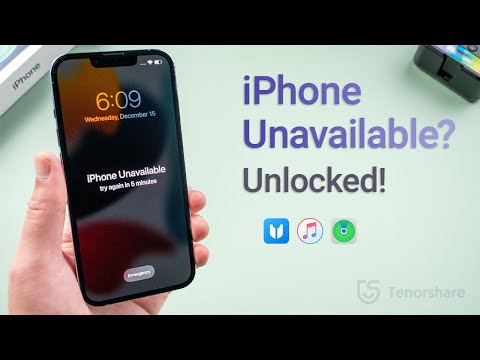
How to Recover Deleted Whatsapp Messages Without Backup on Apple iPhone?

NEW YORK, N.Y. /ScoopCloud/ -- When iPhone user accidentally delete their WhatsApp messages, a query echoes "How can I retrieve deleted messages on WhatsApp iPhone?" appears. It must be frustrating if there is no idea how to recover deleted WhatsApp messages on iPhone. Nevertheless, Tenorshare, an esteemed smartphone solutions provider, recently launched a reliable program,Tenorshare UltData WhatsApp Recovery to fix this issue. This WhatsApp Recovery software can effectively restore deleted Whatsapp messages without backup. Learn below what and how it can help in WhatsApp retrieval.

What Is Whatsapp Data Recovery Software?

"WhatsApp recovery has been troubling iPhone users for a long time when they accidentally deleted WhatsApp on your iPhone," says a Tenorshare spokesperson, "To restore WhatsApp data without needing a backup, we launched Tenorshare WhatsApp Recovery software for iOS users." Tenorshare UltData WhatsApp Recovery can get your accidentally deleted chat WhatsApp back.

It is a trustworthy tool that offers eye-popping new features such as:

* It can recover deleted WhatsApp messages on iPhone without backup.

* It can retrieve WhatsApp data like documents, images, video, audio, voice notes, and stickers.

* It can recover WhatsApp from iTunes backup.

* It also can recover old WhatsApp data without data loss.

* It offers a high WhatsApp recovery rate.

* It supports all current versions of iOS devices.

How to Recover Deleted Whatsapp Messages on Your iPhone?

With Backup

If you want to recover deleted WhatsApp messages iPhone with backup, please follow the guide. However, iCloud offers only 5GB of space for backup and doesn't restore all types of files.

Navigate to "Settings" first. Choose "General > Reset." Select "Erase All Content and Settings." Next, press "Restore your iPhone from Backup with Set up Assistant."

Without Backup

With advanced tech, UltData WhatsApp Recovery provides easy and quick WhatsApp deleted messages recovery on iPhone without backup. Here's how it works:

* Connect your iPhone to your computer.

* Select "Device > Scan."

* Choose the WhatsApp files you wish to recover and hit "Recover."

* Waiting for the WhatsApp data recovery process.

About Tenorshare:

Tenorshare, the company at the backbone of a solution, has been endeavoring to offer high-quality software products for smartphone users. If iPhone users accidentally delete their WhatsApp messages and have no idea on how to recover deleted WhatsApp messages on iPhone, Tenorshare UltData WhatsApp Recovery is at your rescue to recover all kinds of WhatsApp files without backup.

More information: https://www.tenorshare.com/

Facebook: https://www.facebook.com/TenorshareOfficial/

Twitter: https://twitter.com/Tenorshare_Inc

YouTube: https://www.youtube.com/user/TenorshareOfficial/videos

TikTok: https://www.tiktok.com/@tenorshare_tech_tips

Pinterest: https://www.pinterest.com/Tenorshare/

News from Tenorshare Co. Ltd.

When iPhone user accidentally delete their WhatsApp messages, a query echoes "How can I retrieve deleted messages on WhatsApp iPhone?" appears. It must be frustrating if there is no idea how to recover deleted WhatsApp messages on iPhone. Nevertheless, Tenorshare, an esteemed smartphone solutions provider, recently launched a reliable program,Tenorshare UltData WhatsApp Recovery to fix this issue.

Related link: https://www.tenorshare.com/

This version of news story was published on ScoopCloud™ (ScoopCloud.com) - part of and © the Neotrope® News Network - all rights reserved.
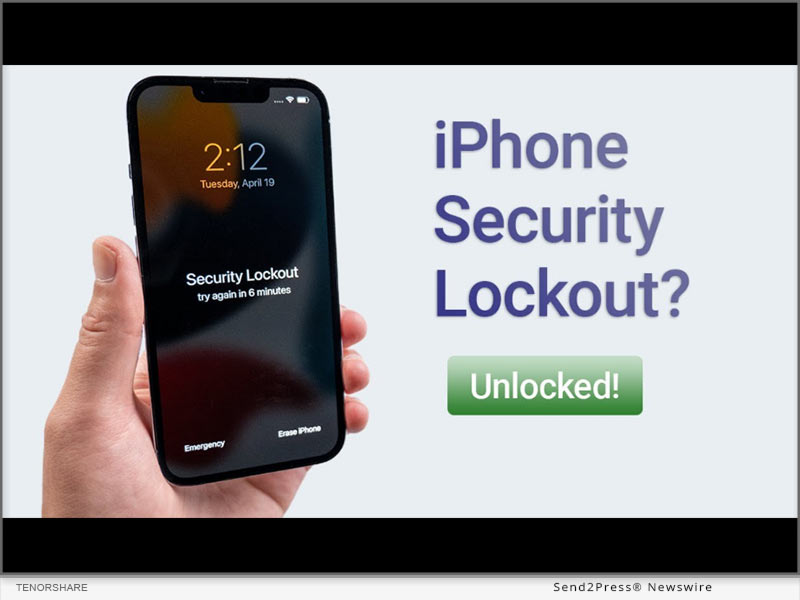
How to Transfer LINE from Android to iPhone/iOS With and Without Computer?

NEW YORK, N.Y. /ScoopCloud/ -- It is challenging for smartphone users who've bought a new iPhone to move LINE chat history from Android to iPhone. That is right on point, though, as LINE offers no solution to make it easier for users to transfer LINE from Android to iPhone. As hard as it sounds, it's not impossible, as shown by the Tenorshare iCareFone for LINE, an effective program to provide easy Android to iOS LINE transfer. So without hesitation, check out how it works to provide you with a comprehensive LINE transfer solution.

VIDEO: https://youtu.be/i1u674LDekU

Why Is It Difficult to Transfer LINE From Android to iPhone?

There are genuine reasons why it's difficult for smartphone users to transfer LINE chat history from Android to iPhone. Firstly, iOS has limitations when it comes to downloading anything from Android, as both are different operating systems. Secondly, LINE doesn't offer any solution to restore LINE chat history from Android to iPhone.

"Searching for a way to move LINE from Android to iPhone is troublesome and time-consuming," says a Tenorshare spokesperson, "But we are proud to offer iCareFone Transfer for LINE, a time-saving program to fix the issue of LINE transfer between different operating systems."

How Do I Transfer My LINE App From Android to iPhone on Computer?

With advanced tech and no risk of data loss, it is no longer difficult to transfer LINE from Android to iOS for iCareFone Transfer for LINE provides an easy process for Android-to-iPhone transfer. It can move LINE chat history, messages, and data in a short time and without limitations. Moreover, it can restore LINE backup and is compatible with the latest Android and iOS devices.

Read below to figure out how it works:

* Install iCareFone for LINE on PC.

* Connect Android and iPhone to the same PC.

* Open the tool and choose "Transfer."

* Launch LINE on Android and scan the QR code.

* Next, the device will transfer LINE chat from Android to iPhone.

How to Transfer LINE From Android to iPhone Without Computer?

If you want to transfer line from Android to iOS without computer, it is feasible with the help of iCareFone for LINE Transfer APP.

Here's how to do that:

* Download & install the line transfer application and launch it to choose "Android to iOS."

* Select "Use the app to complete the transfer."

* Follow on-screen instructions to complete the whole LINE chat movements.

https://www.tenorshare.com/iphone-tips/transfer-line-from-android-to-iphone.html

https://www.tenorshare.com/icarefone-line-transfer.html

https://www.tenorshare.com/icarefone-line-transfer-app.html

https://youtu.be/i1u674LDekU

About Tenorshare:

Since 2007, Tenorshare has been striving to bring smartphone users a comprehensive and hassle-free solution for many years. Because it is pretty challenging to find a solution to transfer LINE from Android to iPhone, Tenorshare provides a quick and easy fix, Tenorshare iCareFone Transfer for LINE to transfer LINE chat history and messages between Android and iPhone.

More information: https://www.tenorshare.com/

Facebook: https://www.facebook.com/TenorshareOfficial/

Twitter: https://twitter.com/Tenorshare_Inc

YouTube: https://www.youtube.com/user/TenorshareOfficial/videos

TikTok: https://www.tiktok.com/@tenorshare_tech_tips

Pinterest: https://www.pinterest.com/Tenorshare/

News from Tenorshare Co. Ltd.

It is challenging for smartphone users who've bought a new iPhone to move LINE chat history from Android to iPhone. That is right on point, though, as LINE offers no solution to make it easier for users to transfer LINE from Android to iPhone. As hard as it sounds, it's not impossible, as shown by the Tenorshare iCareFone for LINE, an effective program to provide easy Android to iOS LINE transfer.

Related link: https://www.tenorshare.com/

This version of news story was published on ScoopCloud™ (ScoopCloud.com) - part of and © the Neotrope® News Network - all rights reserved.
How to Factory Reset Apple iPhone Without Passcode in 2023

NEW YORK, N.Y. /ScoopCloud/ -- How do I factory reset my iPhone without passcode? Many iPhone users ask this common question when they have to factory reset their phone and don't remember its password. Luckily there is a way out of this predicament with an iPhone password unlocker solution, called Tenorshare 4uKey. Curious to know when and how Tenorshare 4uKey can iPhone factory reset without passcode? Let's find out.

Video Tutorial: https://youtu.be/6rRtHX7nrHU

When Would You Want to Factory Reset an iPhone?

iPhone users often find themselves in dithers, wondering how to factory reset on iPhone without passcode. There are several reasons behind wanting a factory reset, such as:

* You may want to erase data from your iPhone before selling it.

* You forgot its lock screen password.

* You entered the wrong passcode several times, and now your iPhone is locked.

* You got a used iPhone with a passcode.

"No matter what reasons behind needing a factory reset on iPhone without passcode, it is tiresome to factory reset iPhone without passcode or computer," says the Tenorshare spokesperson. "No worries, Tenorshare has launched 4uKey to reset iPhone to factory settings without passcode or iTunes backup."

How to Factory Reset iPhone Without a Passcode Using 4uKey?

Due to advanced technology and near 100% success rate in bypassing iPhone passwords without iTunes, Tenorshare 4uKey will match your demands for it can reset iPhone to factory settings without passcode.

Below has shown how you can use 4uKey to do a factory reset when you forgot your passcode and wish to do a factory reset:

* Connect your locked iPhone to your computer and launch 4uKey.

* Press "Start" and then "Next."

* Download the latest firmware when prompted and click "Start Remove."

* 4uKey will factory reset your phone successfully.

What Would You Gain Apart From Resetting an iPhone Without a Passcode?

In addition to doing an iPhone factory reset without passcode, Tenorshare 4uKey iPhone password unlocker tool can also help you with the following:

* Remove Face recognition ID, and Touch ID from iOS devices.

* Remove 4 and 6-digit passcodes and lock screen within a short time.

* Remove the MDM profile and MDM screen and unlock iPhone without requiring iTunes or iCloud backup.

* It supports the current iOS 16 devices and iPhone 14 models.

https://www.tenorshare.com/products/4ukey-unlocker.html

https://www.tenorshare.com/iphone-tips/how-to-factory-reset-iphone-without-passcode.html

https://startup.info/how-to-factory-reset-iphone14-without-apple-id-password-solved/

https://www.youtube.com/watch?v=6rRtHX7nrHU

https://youtu.be/sBvSmMC1UY4

About Tenorshare:

Tenorshare, a trustworthy smartphone solution provider, has won many awards for providing practical solutions with technical support to millions of users worldwide. Tenorshare 4uKey is a prime example. Although performing a factory reset on your iPhone is impossible if you remember its passcode, you can do an iPhone factory reset without passcode or iTunes with Tenorshare 4uKey.

More information: https://www.tenorshare.com/

Facebook: https://www.facebook.com/TenorshareOfficial/

Twitter: https://twitter.com/Tenorshare_Inc

YouTube: https://www.youtube.com/user/TenorshareOfficial/videos

TikTok: https://www.tiktok.com/@tenorshare_tech_tips

Pinterest: https://www.pinterest.com/Tenorshare/

News from Tenorshare Co. Ltd.

How do I factory reset my iPhone without passcode? Many iPhone users ask this common question when they have to factory reset their phone and don't remember its password. Luckily there is a way out of this predicament with an iPhone password unlocker solution, called Tenorshare 4uKey. Curious to know when and how Tenorshare 4uKey can iPhone factory reset without passcode? Let's find out.

Related link: https://www.tenorshare.com/

This version of news story was published on ScoopCloud™ (ScoopCloud.com) - part of and © the Neotrope® News Network - all rights reserved.
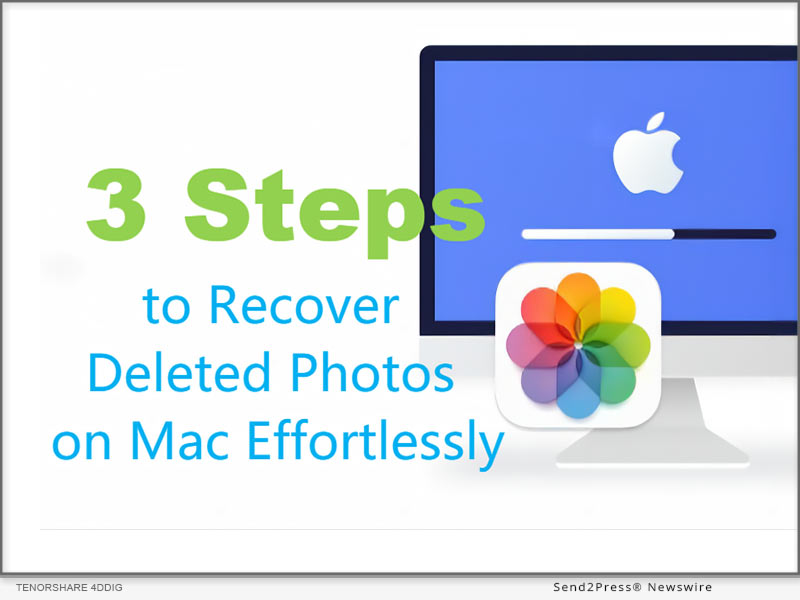
How to Backup WhatsApp on Apple iPhone and Android without Google Drive?

NEW YORK, N.Y. /ScoopCloud/ -- It is noted that WhatsApp will notify older makes of iPhones and Android phones with a warning message before WhatsApp stops working on them after 31st December 2022. After this news, there is a panic about how to backup WhatsApp data, and one question arises for old smartphone users, "how do I backup WhatsApp on iPhone and Android without Google Drive?" Luckily, a reliable solution from Tenorshare, called iCareFone Transfer, can backup WhatsApp on iPhone and Android with one click.

Can I Backup WhatsApp on iPhone and Android Without Google Drive?

With WhatsApp soon stopping working on older iPhone and Android models, finding a solution for WhatsApp chat backup without Google Drive is needed as there are several cons to backup WhatsApp data with Google Drive. For example, it requires a stable internet connection to create a backup.

"Google Drive is not the smartest backup solution for WhatsApp. It lags if the internet connection is slow and can lose encryption from originally end-to-end encrypted files while creating a backup," says a Tenorshare spokesperson, "In contrast, Tenorshare iCareFone Transfer can WhatsApp backup Android and iPhone without using Google Drive or losing data."

How to Backup WhatsApp Without Google Drive?

There are thousands of important chats, documents, videos, and images on your WhatsApp. Manually backing them all up to Google Drive can be troublesome, while Tenorshare iCareFone Transfer offers a trouble-free solution to restore WhatsApp backup for Android and iOS with a high success rate.

Follow below to backup WhatsApp on Android and iPhone using iCareFone Transfer:

* After downloading it, connect your Android/iPhone to PC and choose "WhatsApp."

* Select "Back up," backup device, and press "Back Up Now."

* Click "Continue," and iCareFone Transfer will create a WhatsApp backup in minutes.

Learn more: https://www.tenorshare.com/whatsapp-transfer-backup-restore.html

How to Restore WhatsApp Backup from Google Drive?

If you already have a WhatsApp backup saved by Google Drive, you can view and download your backup data using Tenorshare UltData for Android.

Here's how to WhatsApp backup Google Drive:

* Choose "Recover Google Drive Data" and log in to your Google Drive.

* Select "Recover WhatsApp Data" and choose a backup to download, and then "OK" to confirm.

* Once the backup is downloaded, press "Verify" for your WhatsApp account verification.

* Choose the data to download, hit "Recover," and select a location on the PC to save the backup.

Learn more: https://www.tenorshare.com/products/android-data-recovery.html

About Tenorshare:

Since WhatsApp is ready to stop supporting old iPhone/Android models, how to backup WhatsApp messages has been troubling smartphone users. But Tenorshare, a leading smartphone troubleshooting software provider, offers innovative solutions like iCareFone Transfer and UltData for smartphone users to backup WhatsApp data and restore WhatsApp backup from Google Drive to iPhone/Android.

In addition, Tenorshare has also launched a Hot Sale for users to win fabulous discounts and gifts before Jan 4, 2023.

More information: https://www.tenorshare.com/

Facebook: https://www.facebook.com/TenorshareOfficial/

Twitter: https://twitter.com/Tenorshare_Inc

YouTube: https://www.youtube.com/user/TenorshareOfficial/videos

News from Tenorshare Co. Ltd.

It is noted that WhatsApp will notify older makes of iPhones and Android phones with a warning message before WhatsApp stops working on them after 31st December 2022. Luckily, a reliable solution from Tenorshare, called iCareFone Transfer, can backup WhatsApp on iPhone and Android with one click.

Related link: https://www.tenorshare.com/

This version of news story was published on ScoopCloud™ (ScoopCloud.com) - part of and © the Neotrope® News Network - all rights reserved.
How to Screen Mirror Phone to Laptop with Tenorshare Phone Mirror (Android and Apple iPhone)

NEW YORK, N.Y. /ScoopCloud/ -- Are you wanting to mirror phone screen on laptop to watch the World Cup on a larger display, but hindered by the limitations of screen mirroring applications? Tenorshare provides an easy Phone Mirror solution to mirror phone to laptop with special discounts by playing Treasure Hunt game.

VIDEO: https://youtu.be/NYOp64eRcXw

Can I Mirror My Phone to My Laptop?

In many scenarios, you would want to screen mirroring from phone to laptop. For example, you like to watch movies on a bigger screen, and play Android app games on PC, and you just want to control Android from PC.

"Screen mirroring offers much more, like allowing you to teach an online class or share face time with family on a large and bright display," said Tenorshare's spokesperson. "Luckily, Tenorshare Phone Mirror offers a way to mirror your phone on different PCs and laptops in a short time."

[2023 Solved] How to screen mirroring from phone to laptop?

How to operate screen mirroring Android on Laptop?

If you want to do screen mirroring to watch a favorite movie or play ball games on a bigger screen, here's how to mirror Android to a laptop using Phone Mirror:

* Open Tenorshare Phone Mirror and connect your Android phone to your PC to screen mirror on.

* Allow "USB debugging" on your phone to mirror it successfully on your laptop.

How to mirror iPhone to laptop?

Do you want to hold a meeting on a bigger screen than your iPhone? Here's how to mirror your iPhone to your laptop using Phone Mirror:

* Open Phone Mirror, choose iOS, and connect your iPhone to your PC.

* Choose "Screen Mirroring" from the Control Center on your iPhone.

* Connect to Phone Mirror. Your iPhone screen will be mirrored on your laptop.

Main Features of Tenorshare Phone Mirror

* Screen mirroring phone to laptop with complete control in real-time

* Mirrors an Android phone on Windows and Mac & Mirrors an iPhone on iPad and PC

* Multi-device Mirroring & Displaying Simultaneously

* Transfer files from android to PC

* Play Android app games on your PC with Game Keyboard

* Record Phone Screen and Take Screenshots on PC

* Allows you to control five devices Simultaneously

* Supports Android 6-12 versions and macOS 13 and below

Learn more: https://www.tenorshare.com/products/phone-mirror.html

About Tenorshare

If you are wondering how to mirror phone to laptop, Tenorshare Phone Mirror allows screen mirror phones with complete control and zero limitations. So, you can play games, transfer files, and watch movies on a bigger screen without any hassle. As a top-notch company, Tenorshare has provided smartphone solutions for Android and iPhone users since 2007.

The firm is also hosting a Christmas Sale and New Year Event this year. Don't hesitate to play Tenorshare Treasure Hunt game and win fabulous discounts before Jan 4, 2023.

More information: https://www.tenorshare.com/

Facebook: https://www.facebook.com/TenorshareOfficial/

Twitter: https://twitter.com/Tenorshare_Inc

YouTube: https://www.youtube.com/user/TenorshareOfficial/videos

News from Tenorshare Co. Ltd.

Are you wanting to mirror phone screen on laptop to watch the World Cup on a larger display, but hindered by the limitations of screen mirroring applications? Tenorshare provides an easy Phone Mirror solution to mirror phone to laptop with special discounts by playing Treasure Hunt game.

Related link: https://www.tenorshare.com/

This version of news story was published on ScoopCloud™ (ScoopCloud.com) - part of and © the Neotrope® News Network - all rights reserved.
How to Recover Data from Apple iPhone That Won’t Turn On with Tenorshare UltData

NEW YORK, N.Y. /ScoopCloud/ -- "Is it possible to recover data from iPhone that won't turn on?" This is the most common issue that many iPhone users face when their iPhone gets disabled entirely, and they are unable to back up from iTunes. Luckily, there is an effective solution like Tenorshare UltData to recover data from iPhone that won't turn on.

Tenorshare, the mega software company behind the iPhone data recovery solution, is hosting a Hot Christmas Sale to warm up this snowy December. So, don't forget to get your hands on special discounts!

Video Tutorial: https://www.youtube.com/watch?v=KOMxREL7Fd0

Is It Feasible to Recover Data From iPhone That Won't Turn On?

If the iPhone gets damaged, what the users need to do first is try their best to retrieve data from iPhone that won't turn on. "No can guarantee to be able to retrieve photos from a disabled iPhone in the future," said Tenorshare spokesman, "Tenorshare UltData is a reliable alternative to iTunes and iCloud and can recover data from iPhone that won't turn on safely."

[100% Work] How Do I Recover Data From Disable iPhone?

Your iPhone is laden with apps such as WhatsApp, Contacts, LINE, WeChat, KIK, FaceTime, photos, etc. Losing all of the data from a disabled iPhone is so disheartening. Even if you keep an iCloud or iTunes backup, sometimes these programs cannot recognize your iPhone. When the common ways fail to recover data, Tenorshare UltData can retrieve it without needing iTunes or iCloud. Besides, due to its advanced tech and high recovery rate, it is a popular tool among consumers.

You just need to follow the steps below to retrieve data from a disabled iPhone:

* Open UltData and connect your disabled iPhone with the PC/Mac.

* Choose "Recover from iOS device" and press "Start Scan."

* "Preview" and "Recover" lost data from your disabled iPhone.

What will you get via Tenorshare UltData?

As the ideal alternative to iTunes and iCloud, UltData also has remarkable features:

* Support recovery of WhatsApp, LINE, Viber, WeChat, Kik, and Backup & Restore.

* Retrieve photos from iPhone that won't turn on, have a broken screen, or is stuck.

* Retrieve 35+ file types with four recovery modes.

* Allow you to preview files before data recovery and restore data selectively.

* Retrieve data directly from iOS devices, iTunes, and iCloud backup.

* Support the current iPhone 14 and iOS/iPad 16.

LEARN MORE:

https://www.tenorshare.com/products/iphone-data-recovery.html

https://www.tenorshare.com/sales-promotion.html

https://www.tenorshare.com/iphone-recovery/recover-data-from-iphone-that-wont-turn-on.html

https://www.youtube.com/watch?v=KOMxREL7Fd0

About Tenorshare:

As a global software brand founded in 2007, Tenorshare has created high-lever tools, apart from retrieving photos from iPhone that won't turn on with UltData's excellent iTunes alternative.

Since it is time for Christmas day, Tenorshare is offering a chance to win gifts by playing Tenorshare Treasure Hunt game before Jan 4, 2023. So, win special discounts before time runs out!

More information: https://www.tenorshare.com/

Facebook: https://www.facebook.com/TenorshareOfficial/

Twitter: https://twitter.com/Tenorshare_Inc

YouTube: https://www.youtube.com/user/TenorshareOfficial/videos

News from Tenorshare Co. Ltd.

"Is it possible to recover data from iPhone that won't turn on?" This is the most common issue that many iPhone users face when their iPhone gets disabled entirely, and they are unable to back up from iTunes. Luckily, there is an effective solution like Tenorshare UltData to recover data from iPhone that won't turn on.

Related link: https://www.tenorshare.com/

This version of news story was published on ScoopCloud™ (ScoopCloud.com) - part of and © the Neotrope® News Network - all rights reserved.
How to Transfer WhatsApp From Android to iPhone 14 Without Factory Reset

NEW YORK, N.Y. /ScoopCloud/ -- Transferring WhatsApp from Android to iPhone is quite challenging when people are trading in a new iPhone 14 from an old Android phone. Since the data includes large files, users fear losing WhatsApp messages while moving. "To provide better software for users, Tenorshare has offered a secure tool like Tenorshare iCareFone Transfer for transferring WhatsApp from Android to iPhone 14 without factory reset," said Tenorshare spokesperson.

"And During Tenorshare Special Christmas Offer, fans can obtain Tenorshare coupon codes to easily transfer WhatsApp between Android and iOS without factory reset. Stop hesitating to Be part of the Christmas Scavenger Hunt Game to win special discounts, including 500$ gift cards. But don't forget to learn how to use iCareFone for WhatsApp transfer below.

Video: https://www.youtube.com/watch?v=69Y_71H6Br4

How to Transfer WhatsApp Data From Android to iPhone 2023?

Although there is already an official app called "Move to iOS" to help users transfer WhatsApp from Android to iPhone 14. But it would cause data loss for it requires a factory reset for devices. In contrast, Tenorshare iCareFone Transfer is the best WhatsApp solution alternative with a high success rate and without factory reset.

Follow below steps and takes minutes to transfer WhatsApp between Android and iPhone.

* After connecting phones with PC, choose "WhatsApp" > Click "Transfer" > Tap "Continue".

* Open WhatsApp and choose "Settings" > "Chats" > Chat Backup to create a backup.

* Select the type of WhatsApp data you want to transfer and wait for the transferal procedure to be done.

Features of Tenorshare iCareFone Transfer

* Quickly transfer WhatsApp data without factory reset.

* Transfer all WhatsApp data between Android and iOS.

* One-Click backup, restore and transfer WhatsApp/WhatsApp Business.

* Provides nearly 100% success rate for WhatsApp transfers with good services.

* Export & view the backup of WhatsApp Business to HTML.

Can I Transfer WhatsApp From Android to Phone 14 Without a Computer?

If your computer isn't around and you are worried about data loss due to transferring WhatsApp from Android to iPhone 14, iCareFone Transfer to iPhone app lets you transfer WhatsApp data without a PC. Now that you can quickly and effectively iCareFone Transfer WhatsApp from Android to iPhone 14 from anywhere and anytime.

Warm Christmas Discounts to Transfer WhatsApp Messages

Tenorshare recently launched a Warm Christmas Sale so that applicants can play the Tenorshare Treasure Hunt Game and win massive discounts. Also, don't forget to use the discounts you won to move WhatsApp from Android to iPhone 14 in a short time with iCareFone Transfer.

About Tenorshare

Under the mission of "Better Software, Better Life," Tenorshare is trying best to polish the core technology on the iOS, Android, Windows and Mac platforms. It is iCareFone Transfer that makes the process for transferring WhatsApp easier and safer. Come and participate in the Tenorshare Treasure Hunt Game!

More information: https://www.tenorshare.com/

Facebook: https://www.facebook.com/TenorshareOfficial/

Twitter: https://twitter.com/Tenorshare_Inc

YouTube: https://www.youtube.com/user/TenorshareOfficial/videos

TikTok: https://www.tiktok.com/@tenorshare_tech_tips

News from Tenorshare Co. Ltd.
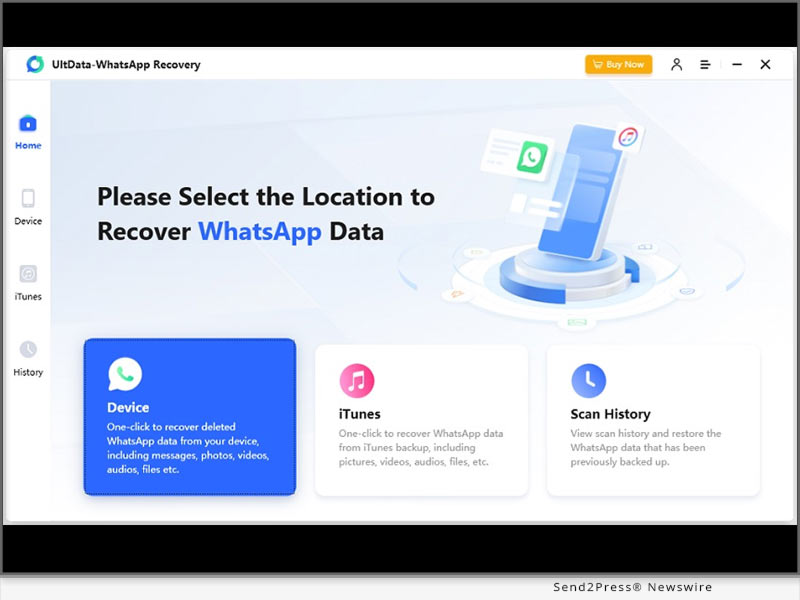
Transferring WhatsApp from Android to iPhone is quite challenging when people are trading in a new iPhone 14 from an old Android phone. Since the data includes large files, users fear losing WhatsApp messages while moving. "To provide better software for users, Tenorshare has offered a secure tool like Tenorshare iCareFone Transfer for transferring WhatsApp from Android to iPhone 14 without factory reset," said Tenorshare spokesperson.
Related link: https://www.tenorshare.com/

This version of news story was published on ScoopCloud™ (ScoopCloud.com) - part of and © the Neotrope® News Network - all rights reserved.